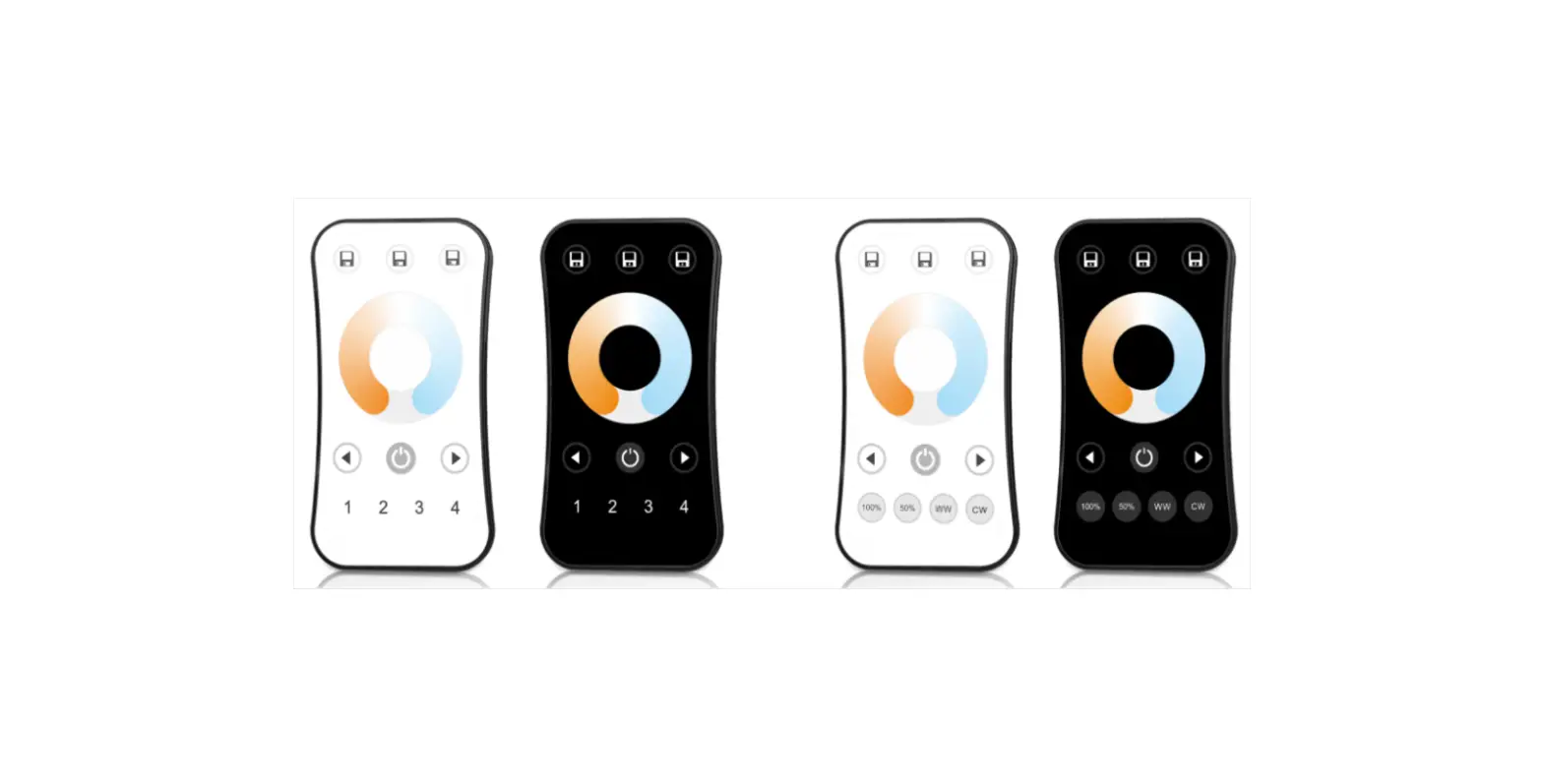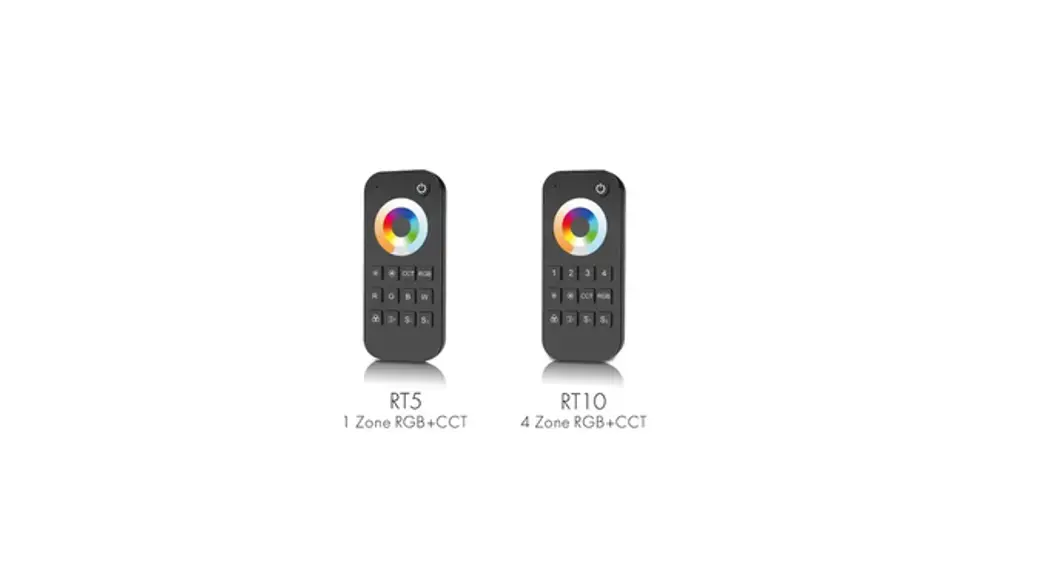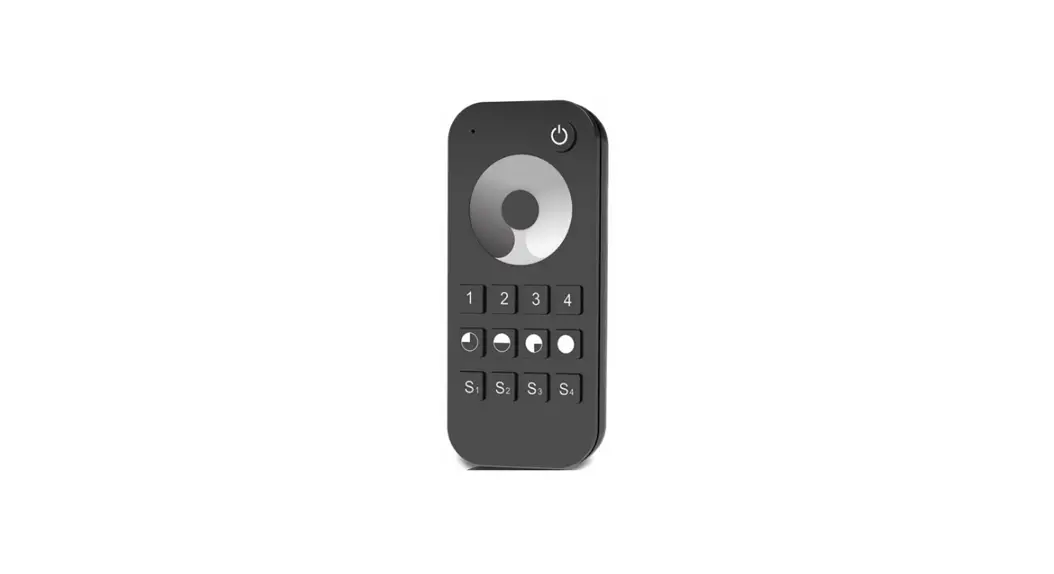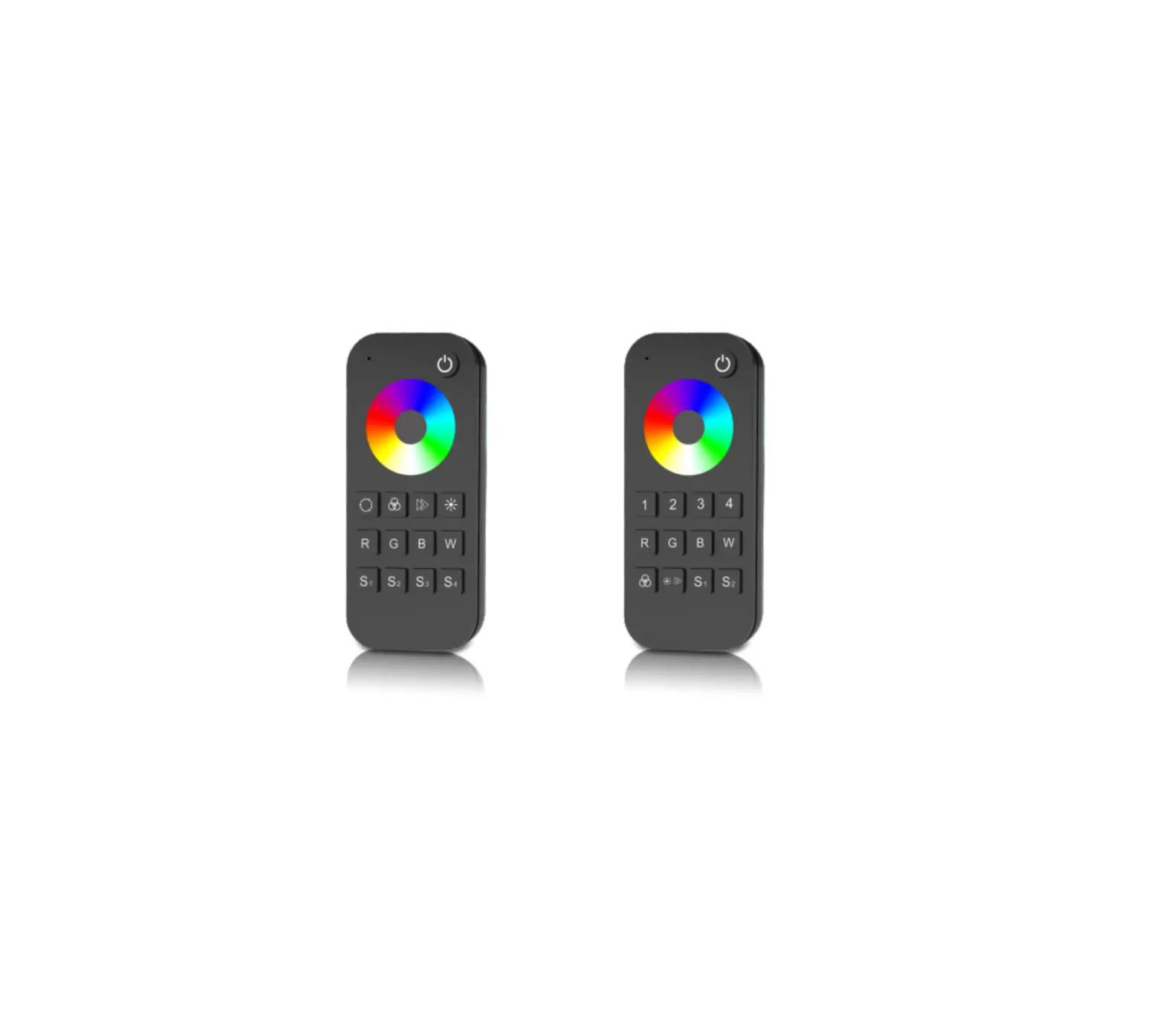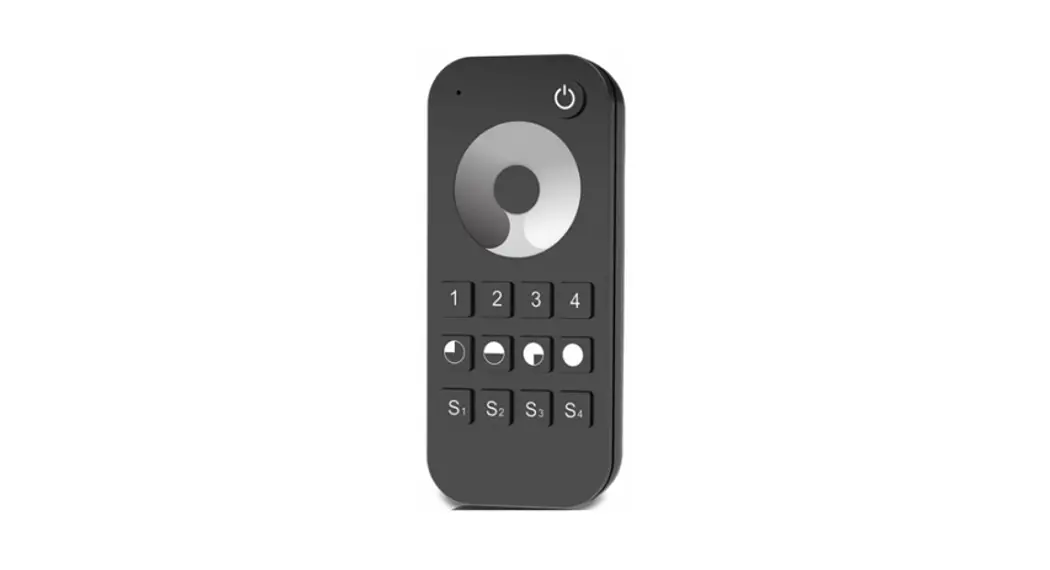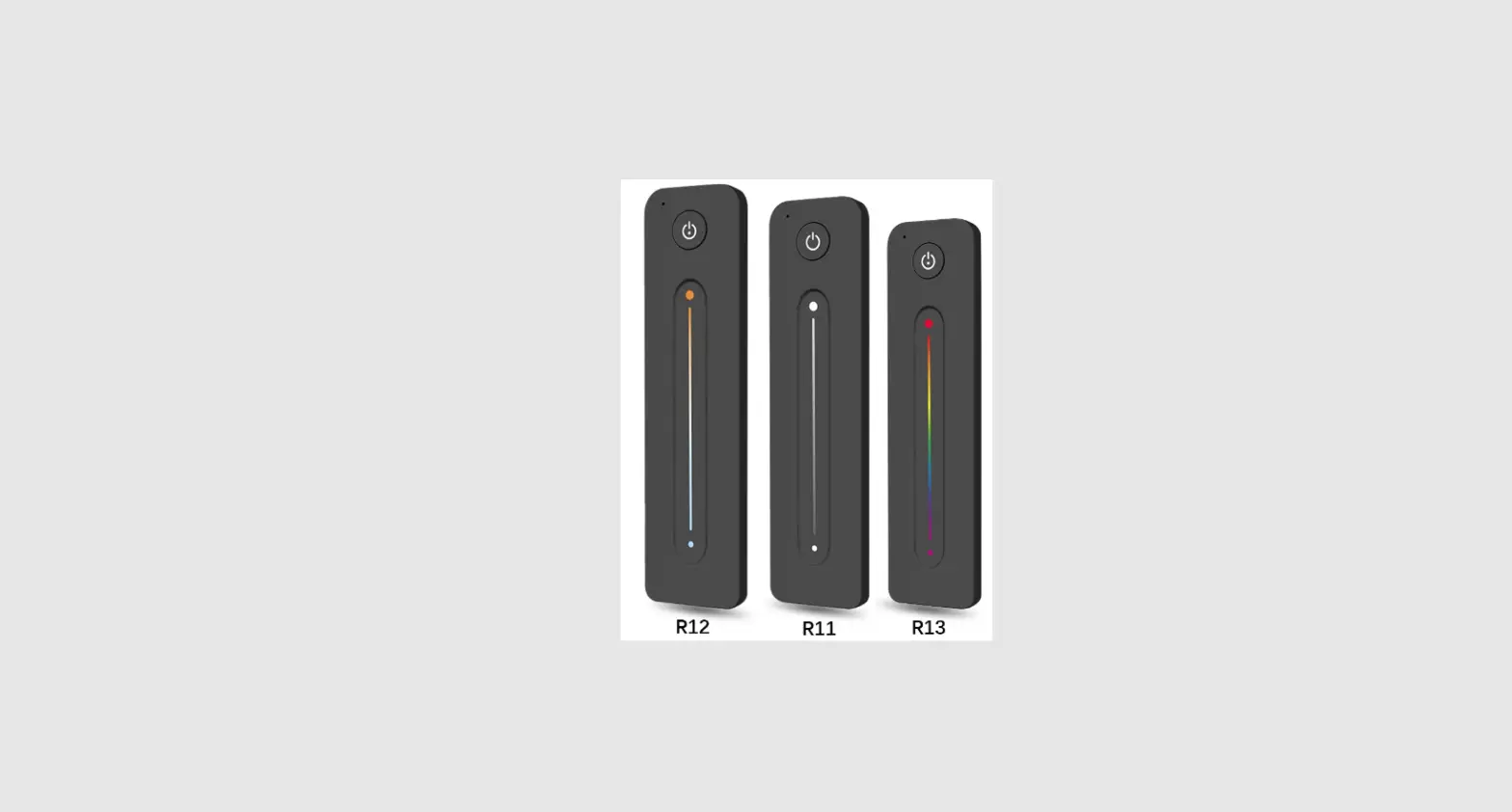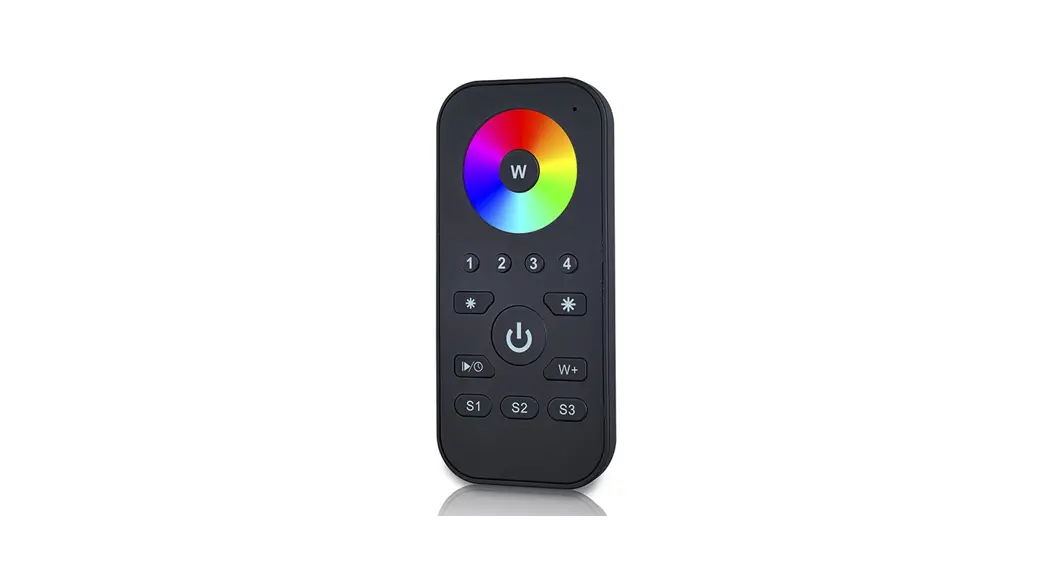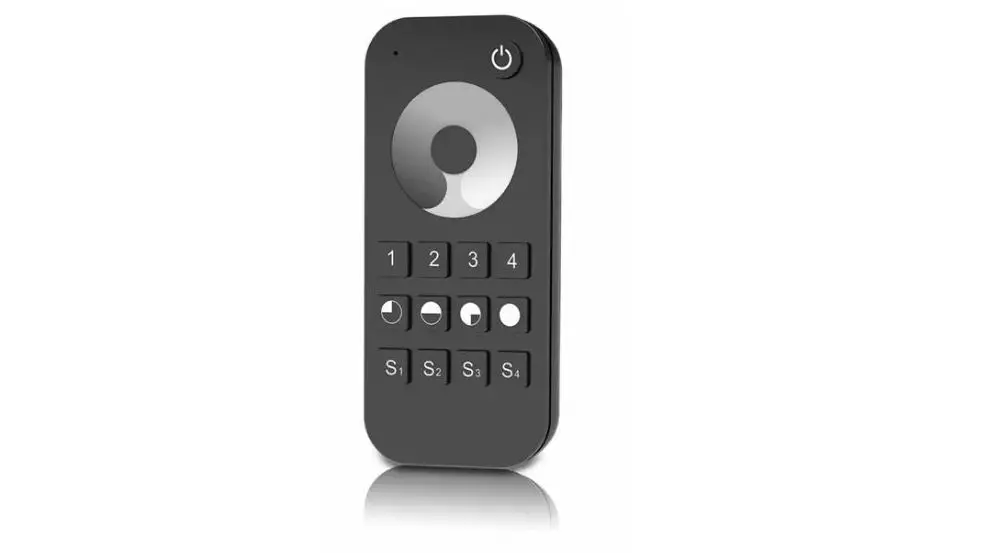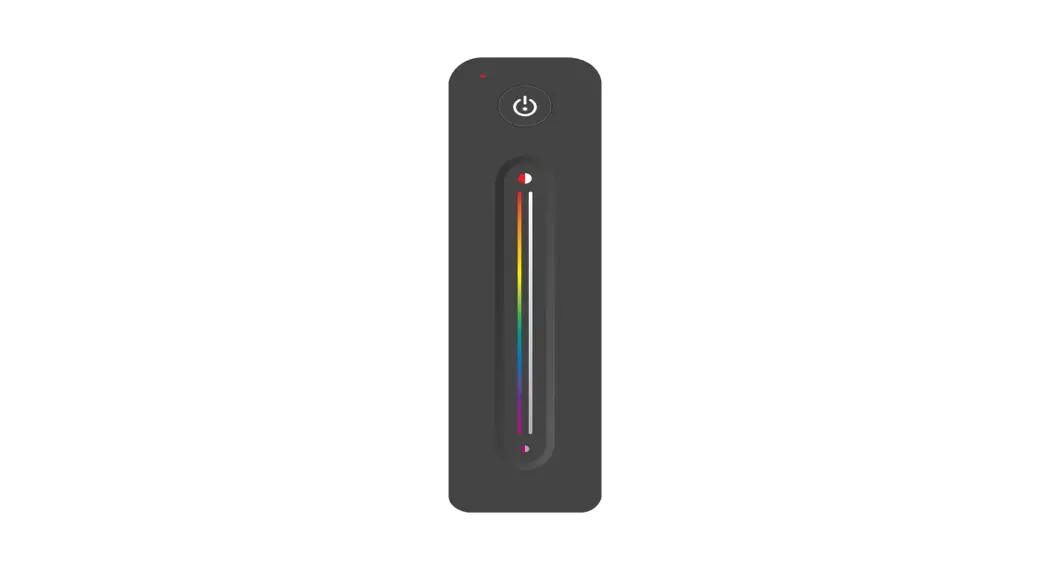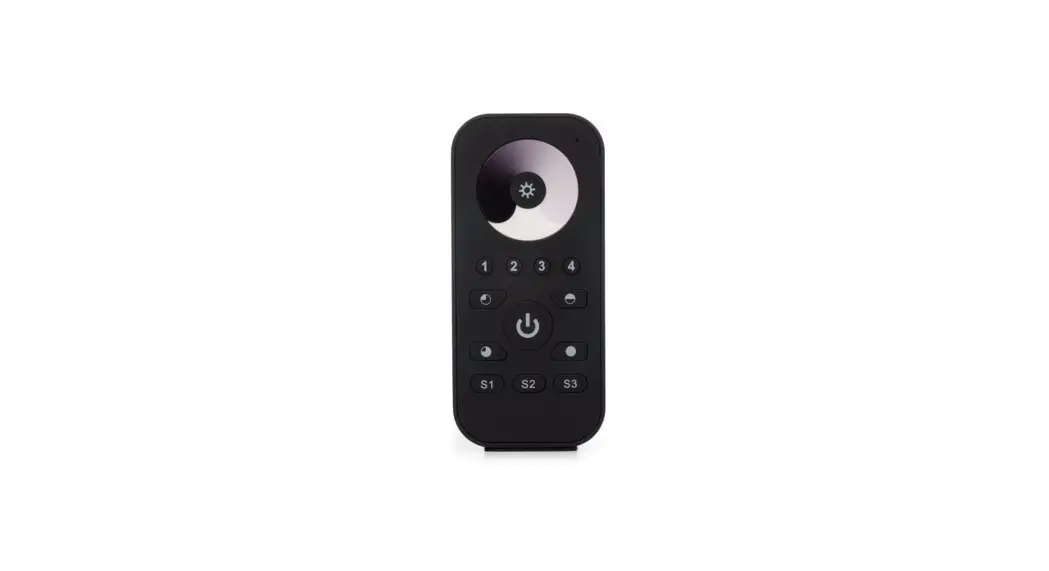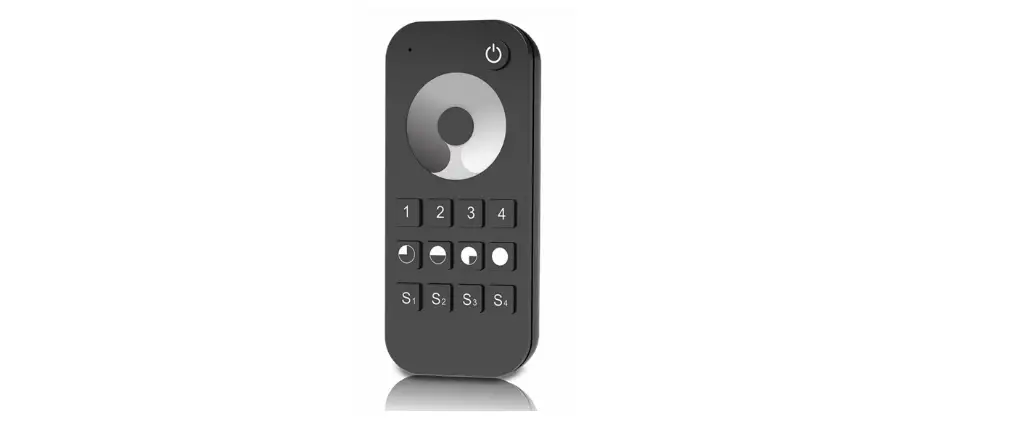
OPTONICA 6344 Ultrathin Touch Wheel RF Remote Controller
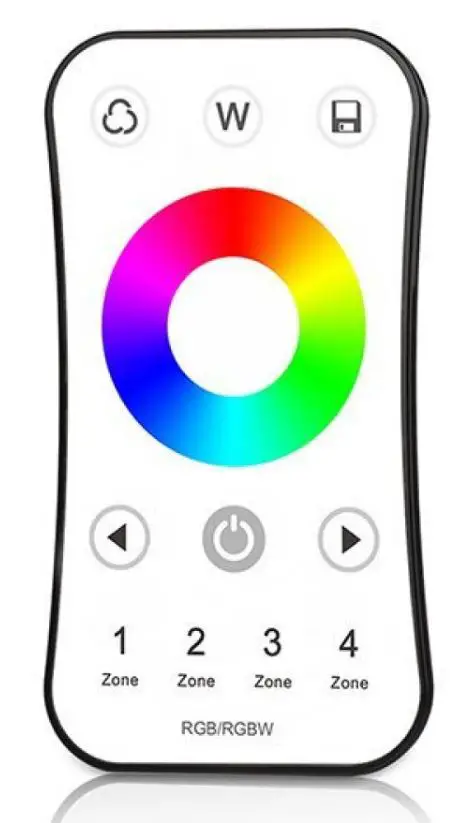
Model No.: 6344
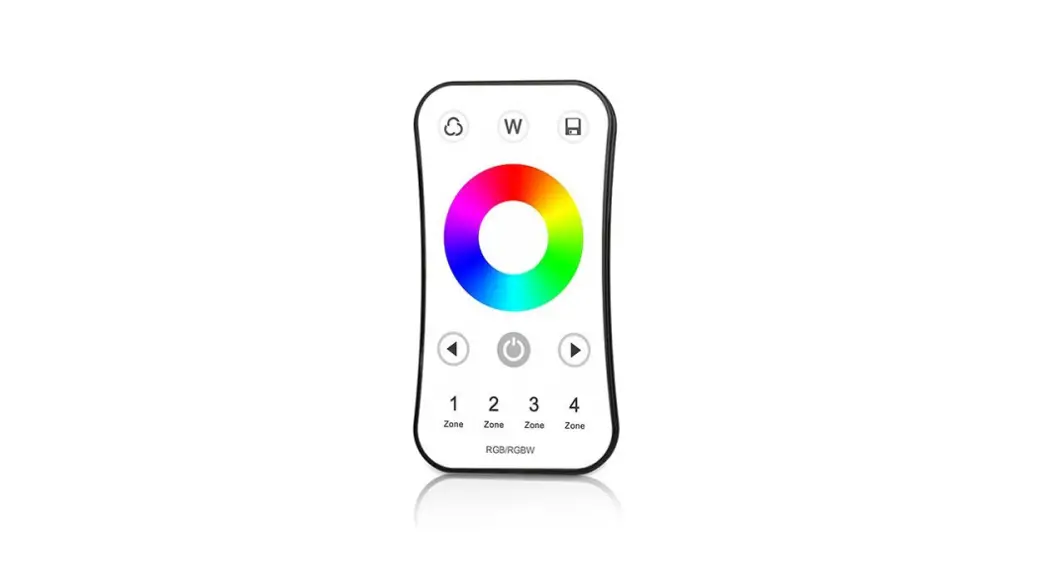
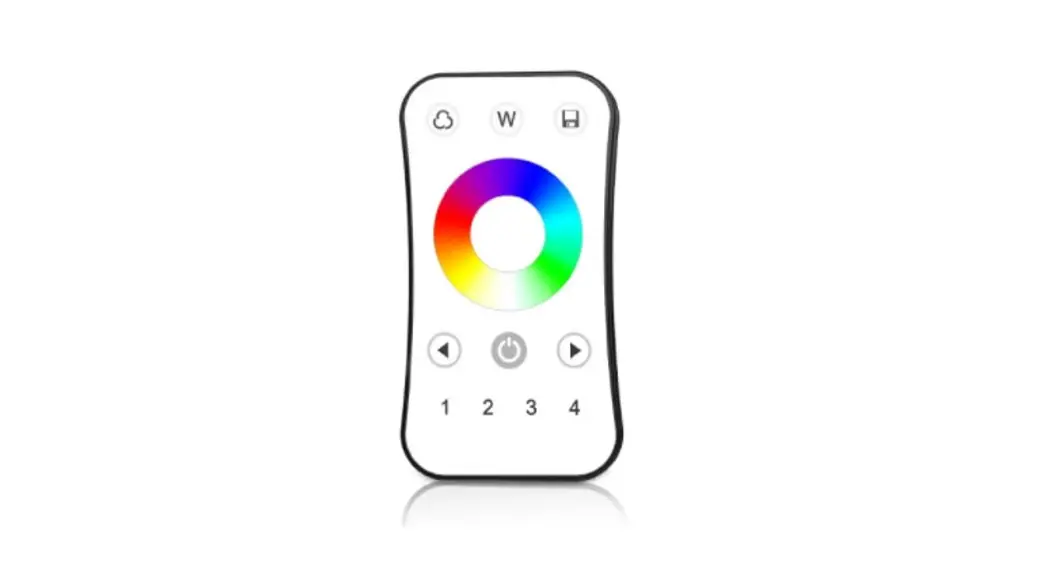
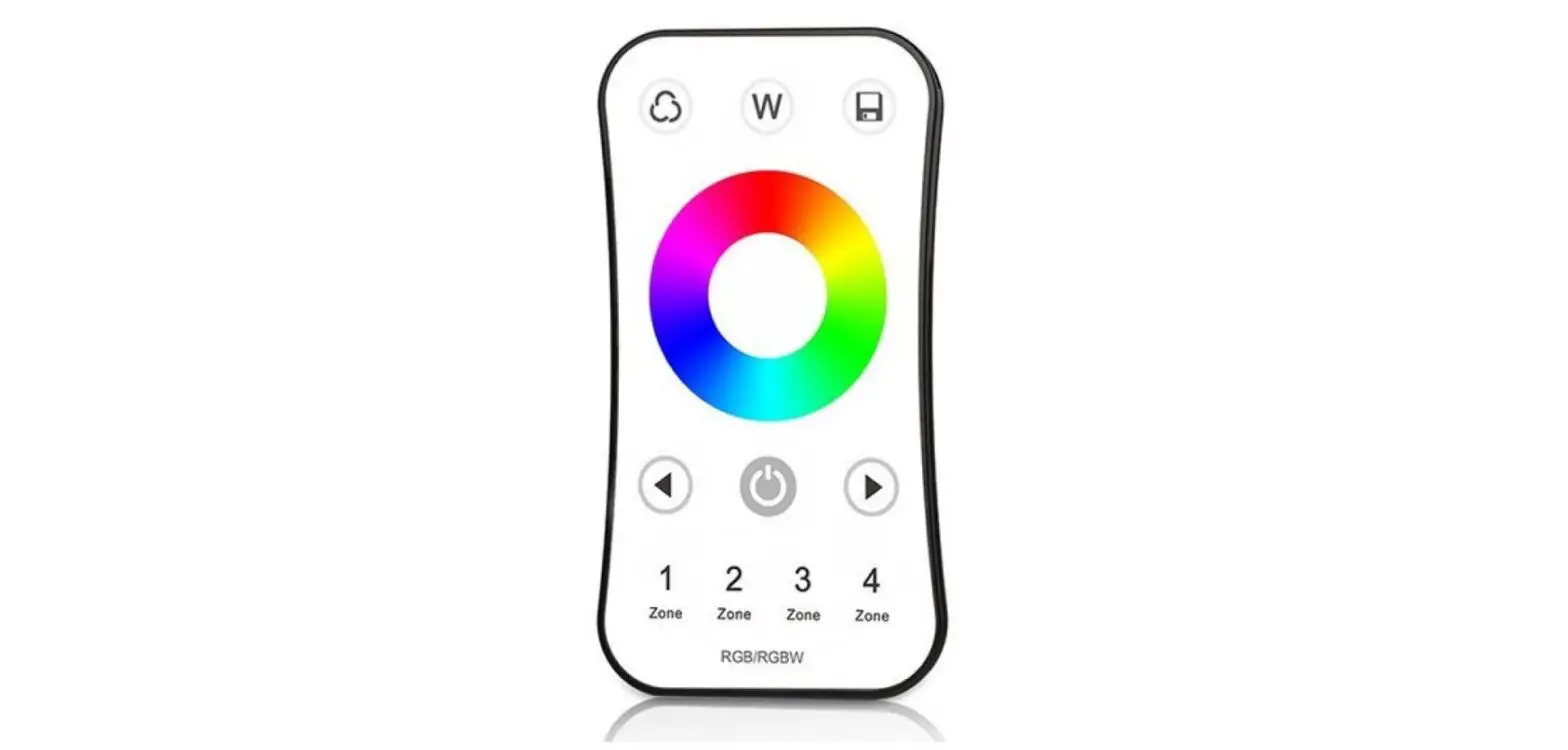
4 zone RGB or RGBW/Touch color wheel/Wireless remote 30m distance/CR2032 battery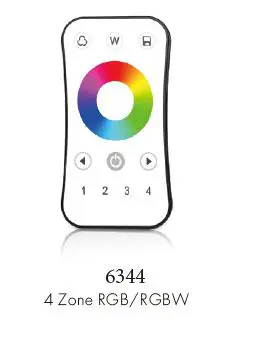
Features
- Apply to RGB or RGBW LED controller.
- Ultra sensitive color adjustment touch wheel.
- Each remote can match one or more receivers.
- CR2032 battery powered.
- Operate with LED indicator light
Technical Parameters
| Input and Output | |
| Output signal | RF(2.4GHz) |
| Working voltage | 3VDC(CR2032) |
| Working current | <5mA |
| Standby current | <10μA |
| Standby time | 1 year |
| Remote distance | 30m |
| Safety and EMC | |
| EMC standard (EMC) | EN301 489,EN 62479 |
| Safety standard(LVD) | EN60950 |
| Radio Equipment(RED) | EN300 328 |
| Certification | CE,EMC,LVD,RED |
| Environment | |
| Operation temperature | Ta: -30 OC ~ +55 OC |
| Case temperature (Max.) | T c: +85OC |
| IP rating | IP20 |
WARRANTY
- 5 YEARS
Mechanical Structures and Installations
To fix the remote, two options are offered for selection: Option 1: fix the remote’ back holder on the wall with two screws. Option 2: adhere the remote’ back holder to the wall with paster.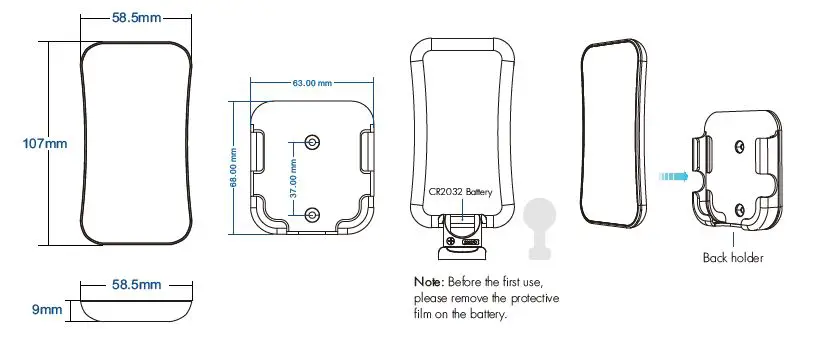
Operation
- When light is on, touch the color wheel, the indicator will display red.
- To extend battery life, no touch or press key operation after a few seconds, the touch wheel will enter sleep state, you need press any key to make touch wheel quit sleep state.
Match Remote Control (two match ways)
End user can choose the suitable match/delete ways. Two options are offered for selection:
Use the controller’s Match key
- Match
Short press the match key, immediately press on/off key (single-zone remote) or zone key (multiple zone remote) of the remote. - Delete
Press and hold match key for 5s to delete all match, The light blinks 5 times means all matched remotes were deleted.
Use Power Restart
- Match
Switch off the power, then switch on power again, immediately short press on/off key (single-zone remote) or zone key (multiple zone remote) 3 times on the remote. The light blinks 3 times means match is successful. - Delete
Switch off the power, then switch on power again, immediately short press on/off key (single zone remote) or zone key (multiple zone remote) 5 times on the remote. The light blinks 5 times means all matched remotes were deleted.
Key function
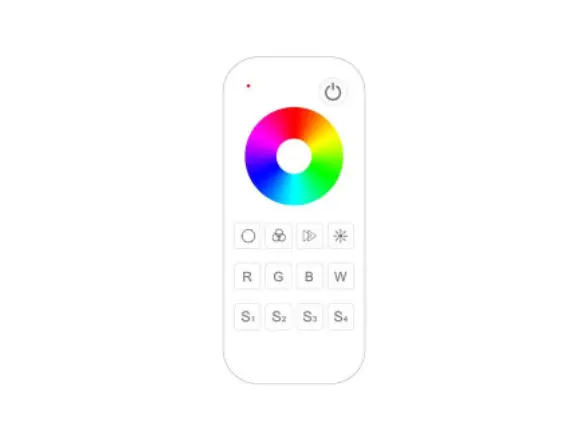
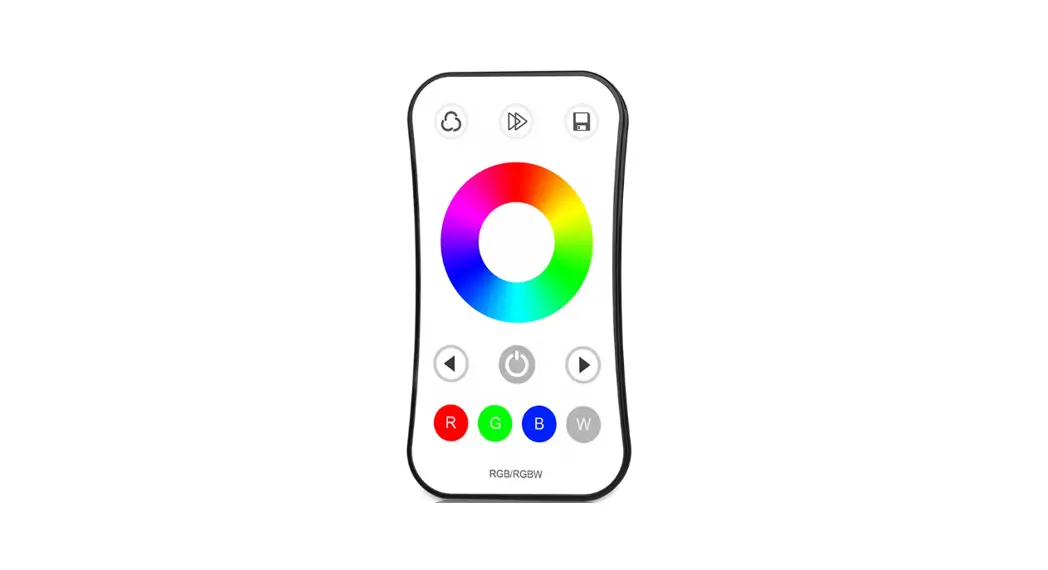
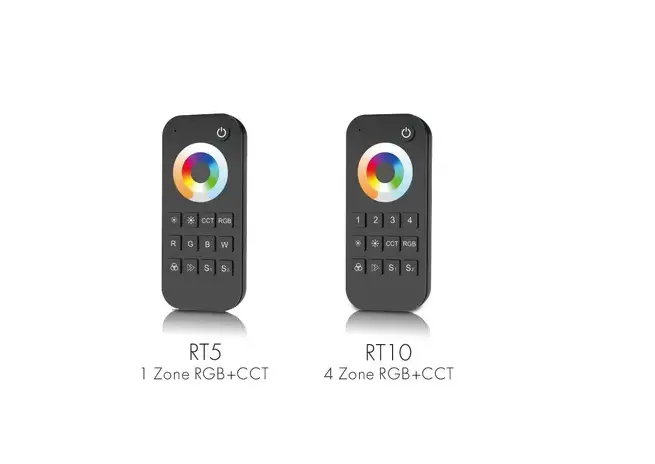
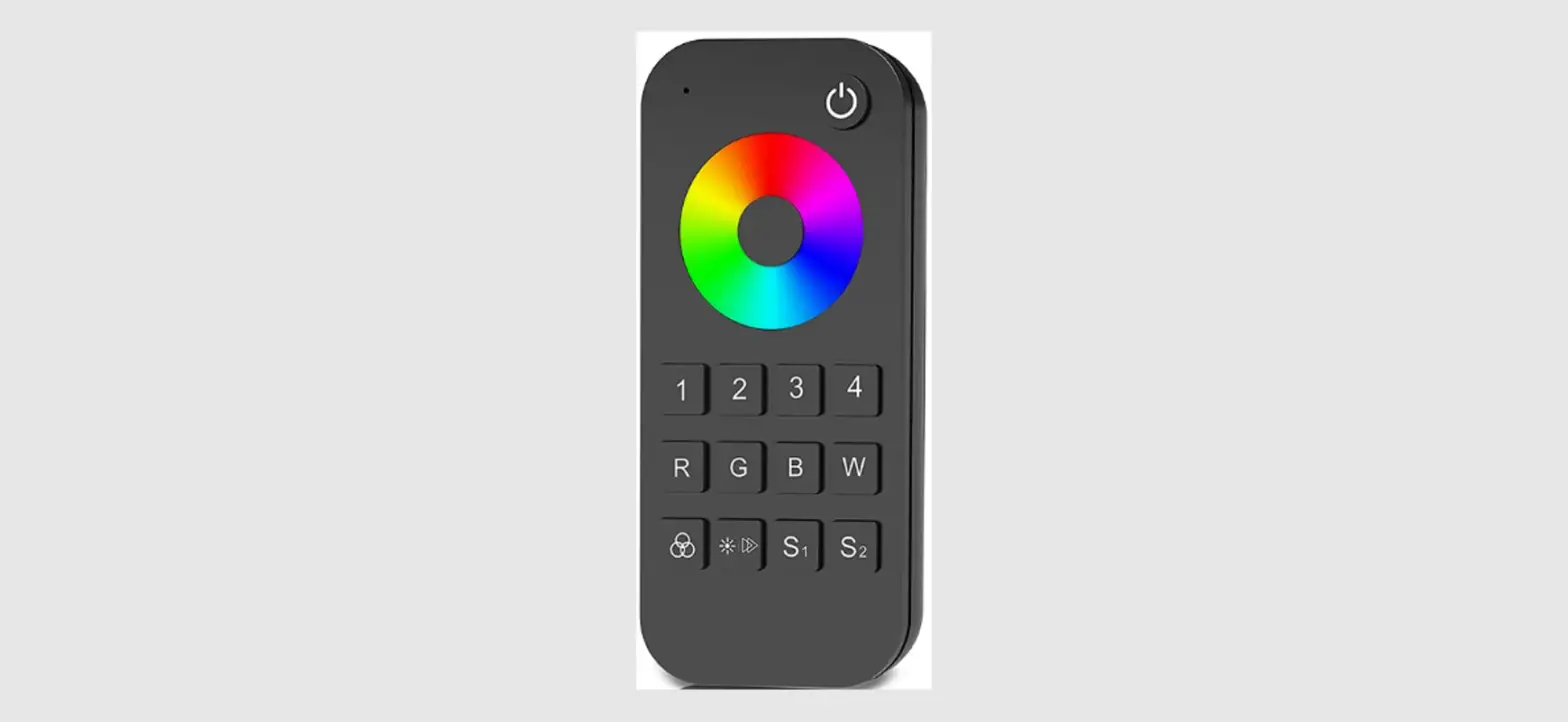
4 zone RGB/RGBW remote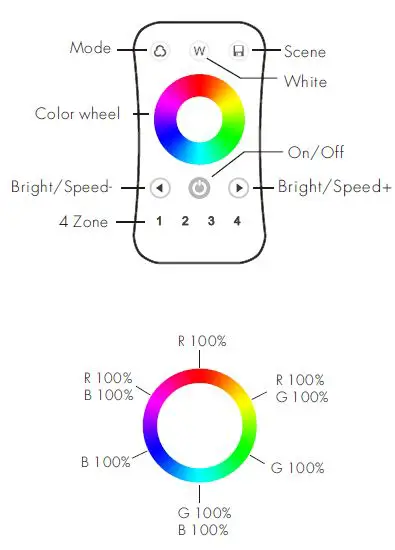
- On/Off: Short press turn on/off all zone light.
- 1,2,3,4 zone: Short press select and turn on zone light, long press 2s turn off zone light. Short press multiple zone key fastly, will synchronous select multiple zone synchronously.
- Color wheel: Touch to change current zone static RGB color.
- Mode: Short press run the next dynamic mode, long press 2s run mode cycle.
- Bright+/-: Static color, adjust brightness, short press 10 levels, long press 1-6s for continuous 256 levels adjustment.
- Speed+/- : Dynamic mode, adjust speed, short press 10 levels, long press 2s get the fastest or slowest speed.
- For RGB light, short press turn on/off white(RGB mix), long press 1-6s adjust saturation continuously, namely change current static RGB color to mixed white slowly.
- For RGBW light, short press turn on/off W channel, long press 1-6s adjust W brightness continuously. Scene: Short press recall the scene, long press 2s save. 4 zone recall or save synchronously.
Safety information
- Read all instructions carefully before you begin this installation.
- When installing battery, pay attention to the battery positive and negative polarity. A long time without the remote control, remove the battery. When remote distance becomes smaller and insensitive, replace the battery.
- If no response from the receiver, please re-match the remote.
- Gently handle remote, beware of falling.
- For indoor and dry location use only.