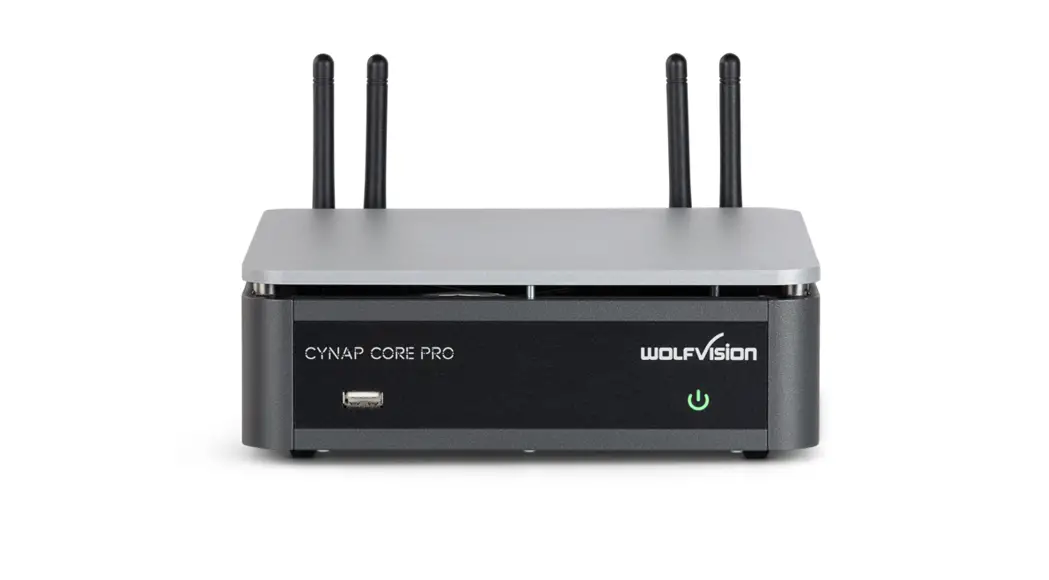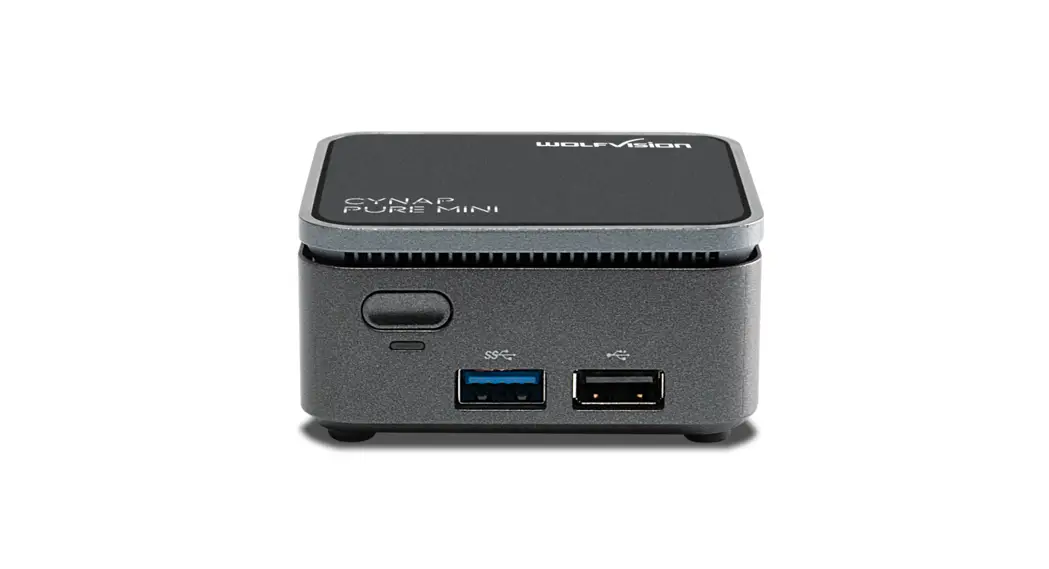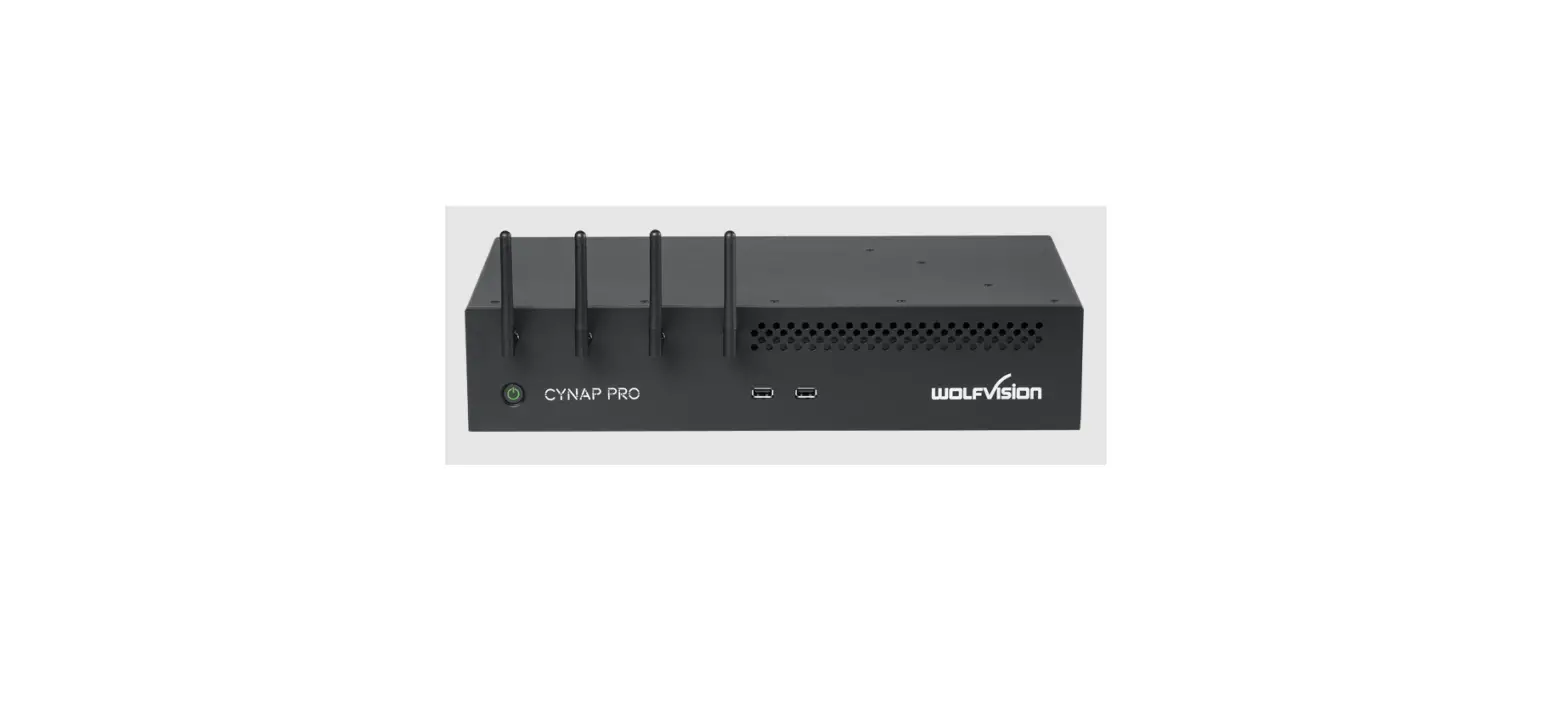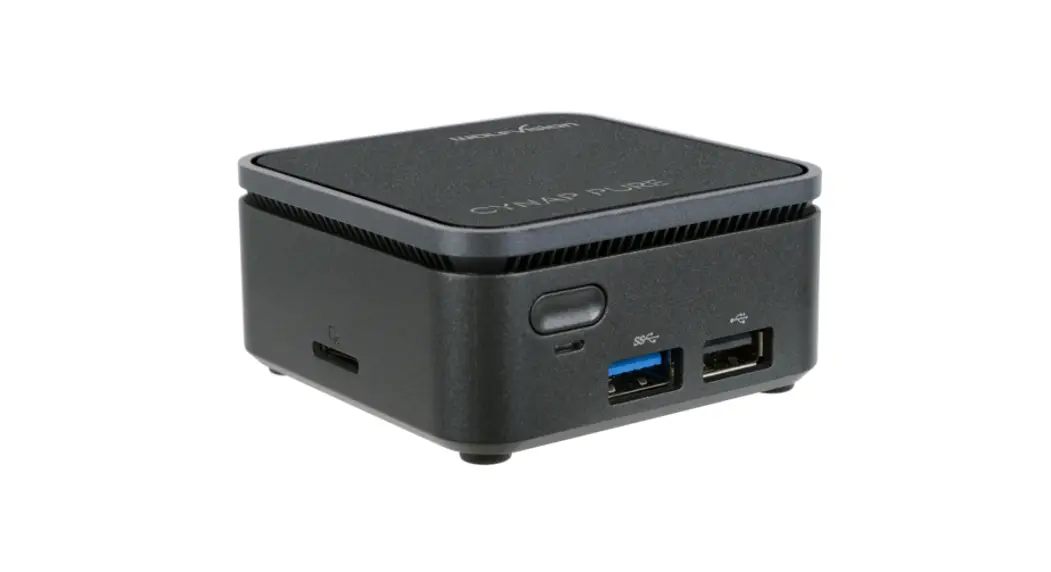

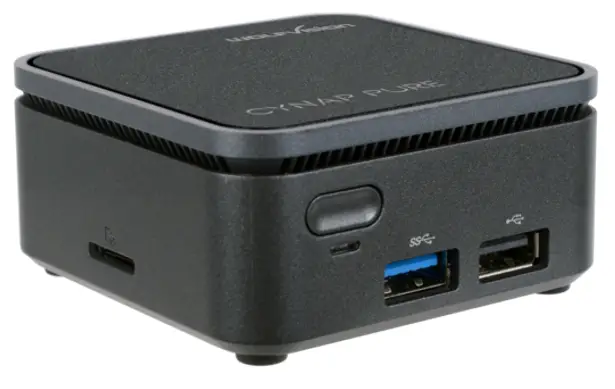
Cynap Pure Mini
Quick Start Guide
Basic setup
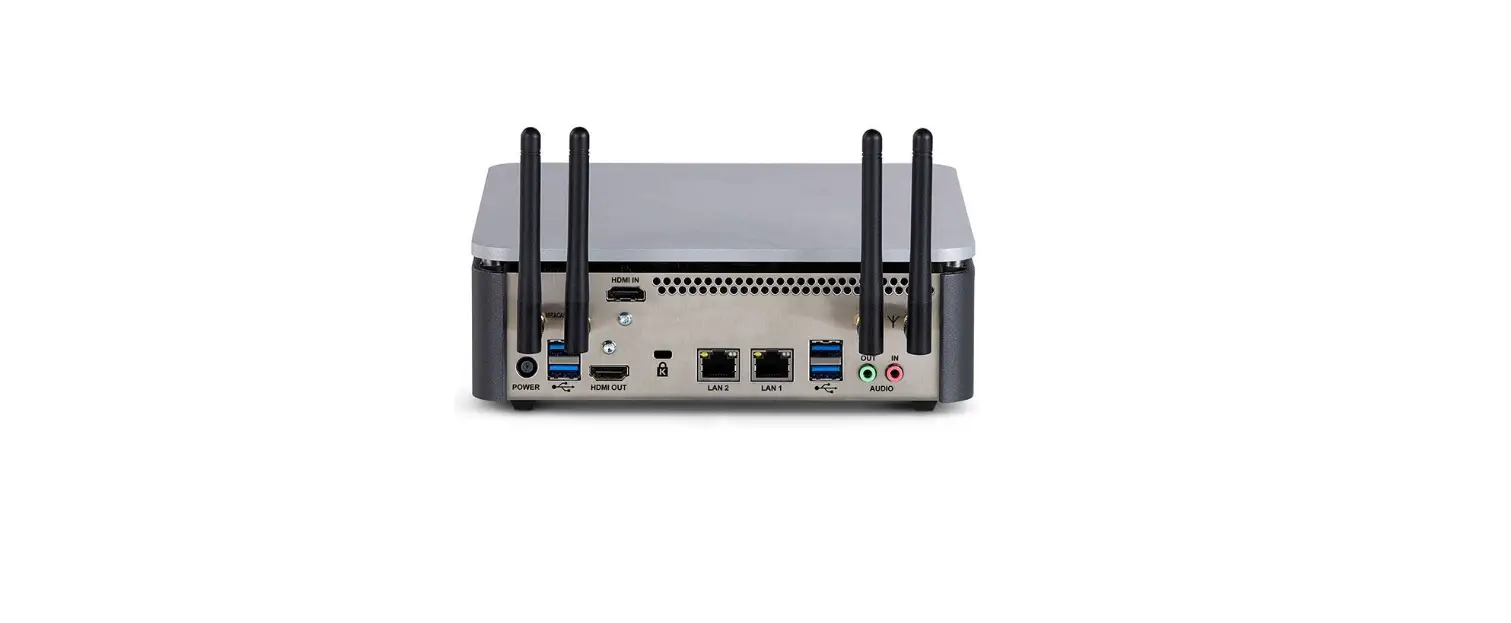
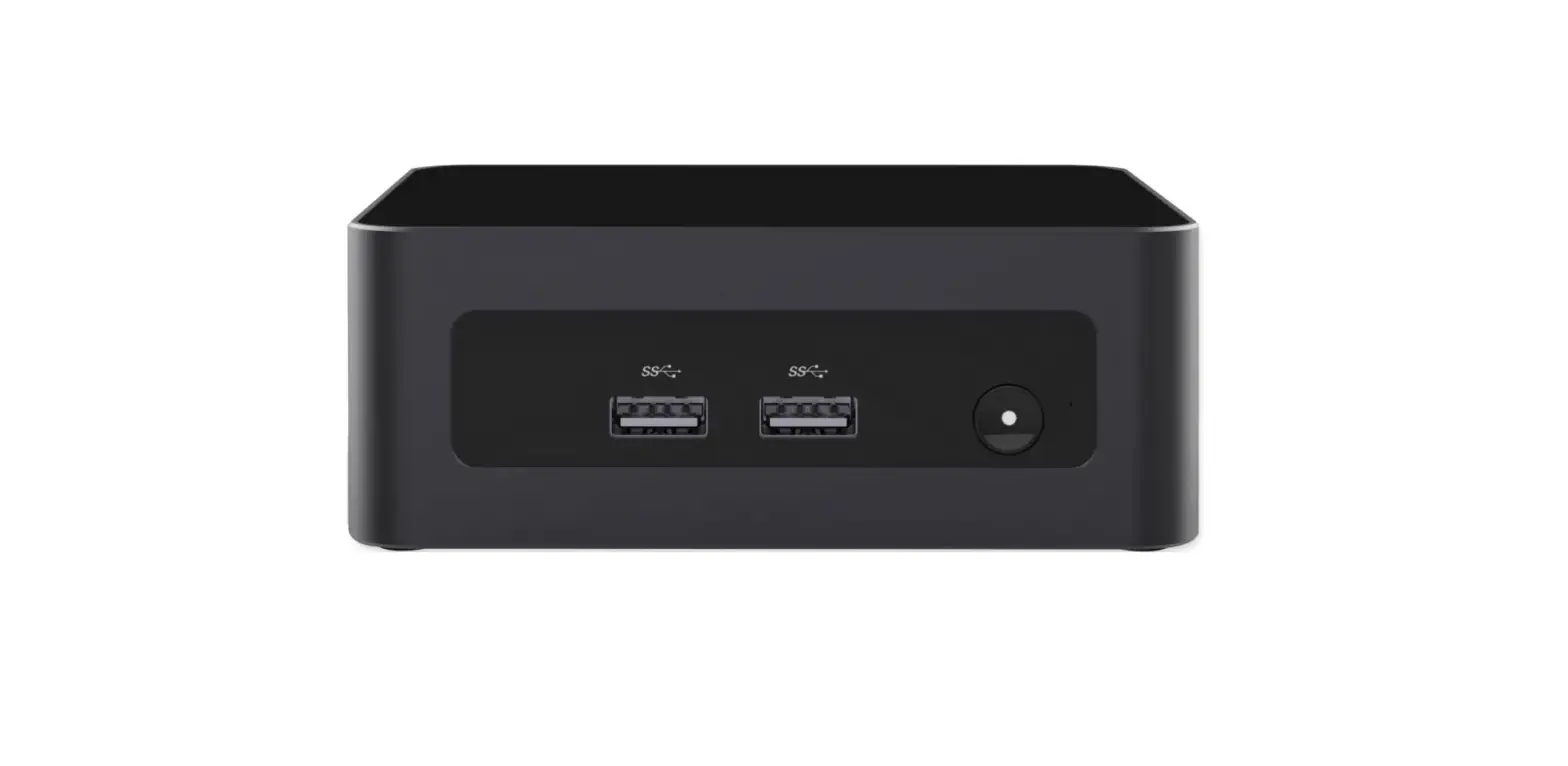
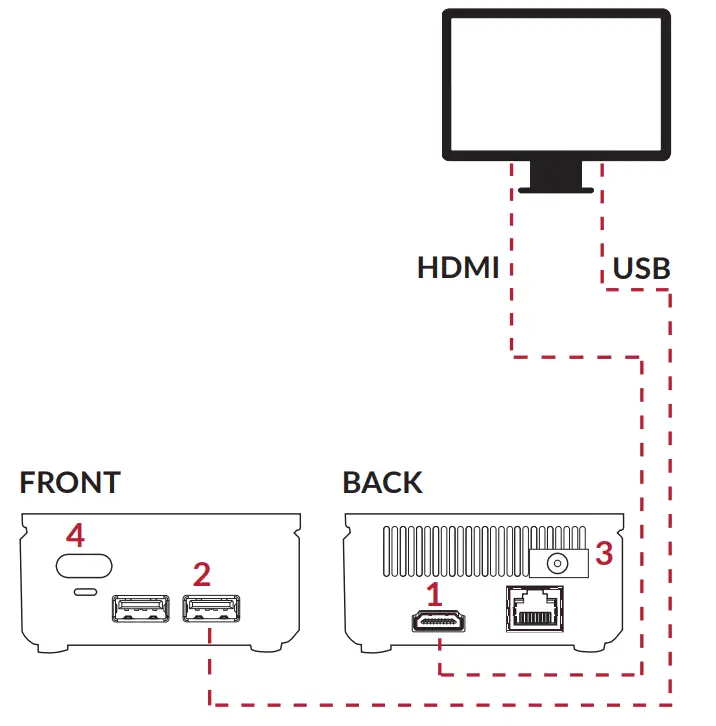
- Connect HDMI cable between Cynap Pure Mini and display monitor or projector
- Optional(only for touchscreen users): Connect the USB cable between Cynap Pure Mini and display monitor to use touch functionality
- Plug in the power supply
- Power on the device
- Start screen sharing
Start screen sharing
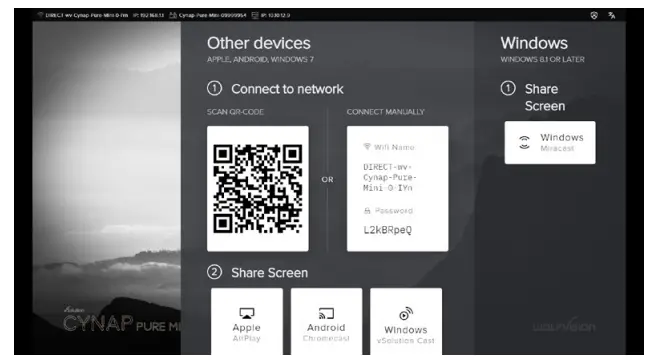
All Apple, Android, and Chrome OS devices
Connect to the Cynap Pure Mini access point, either by scanning the QR code or connecting manually. Share your screen using either AirPlay, Chromecast or Miracast, depending on your device.
Windows PC
Press the keys  and
and  on the keyboard.
More setup options in our Support Area

https://marketing.wolfvision.com/cynappuremini-support
Scan the QR code or visit our website for more information mini.cynap.net/support
 Support