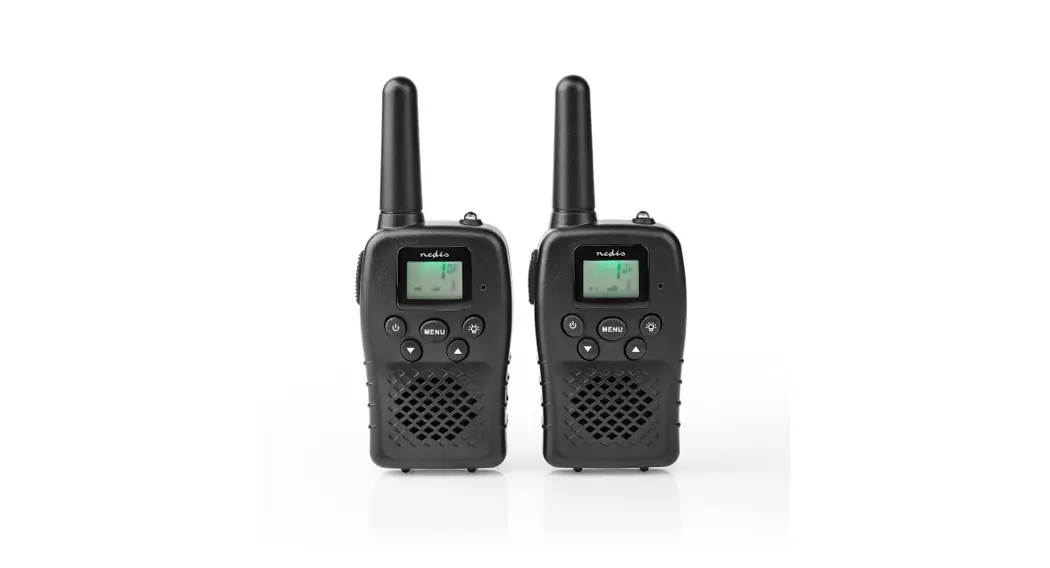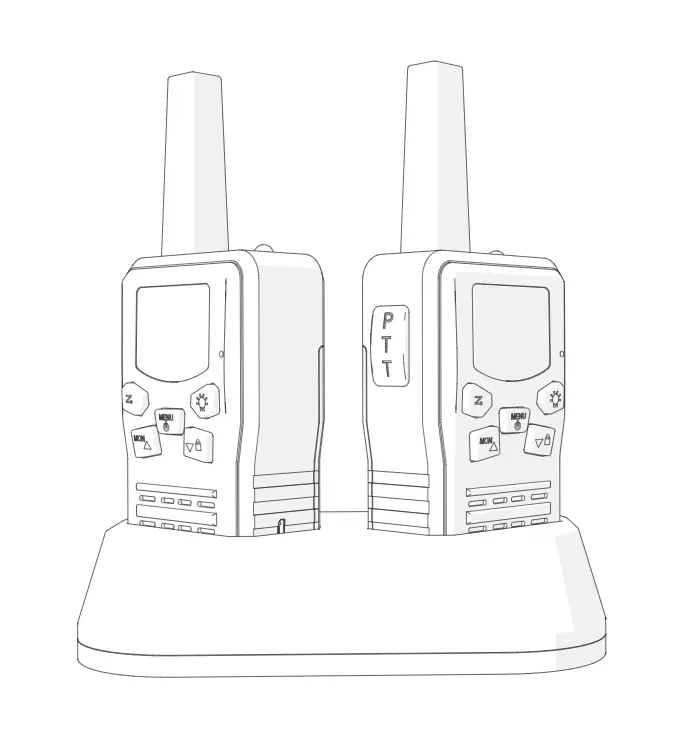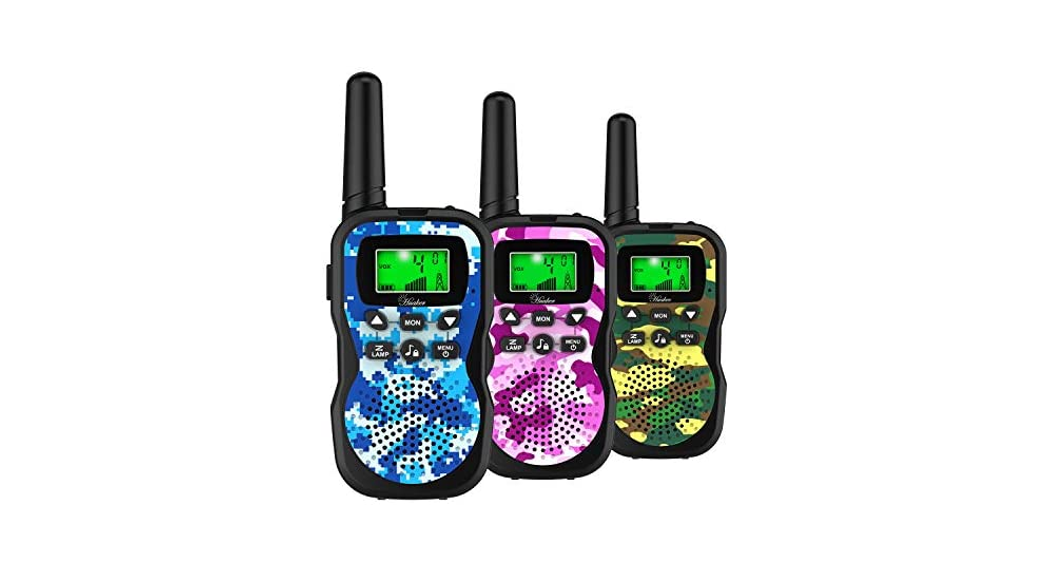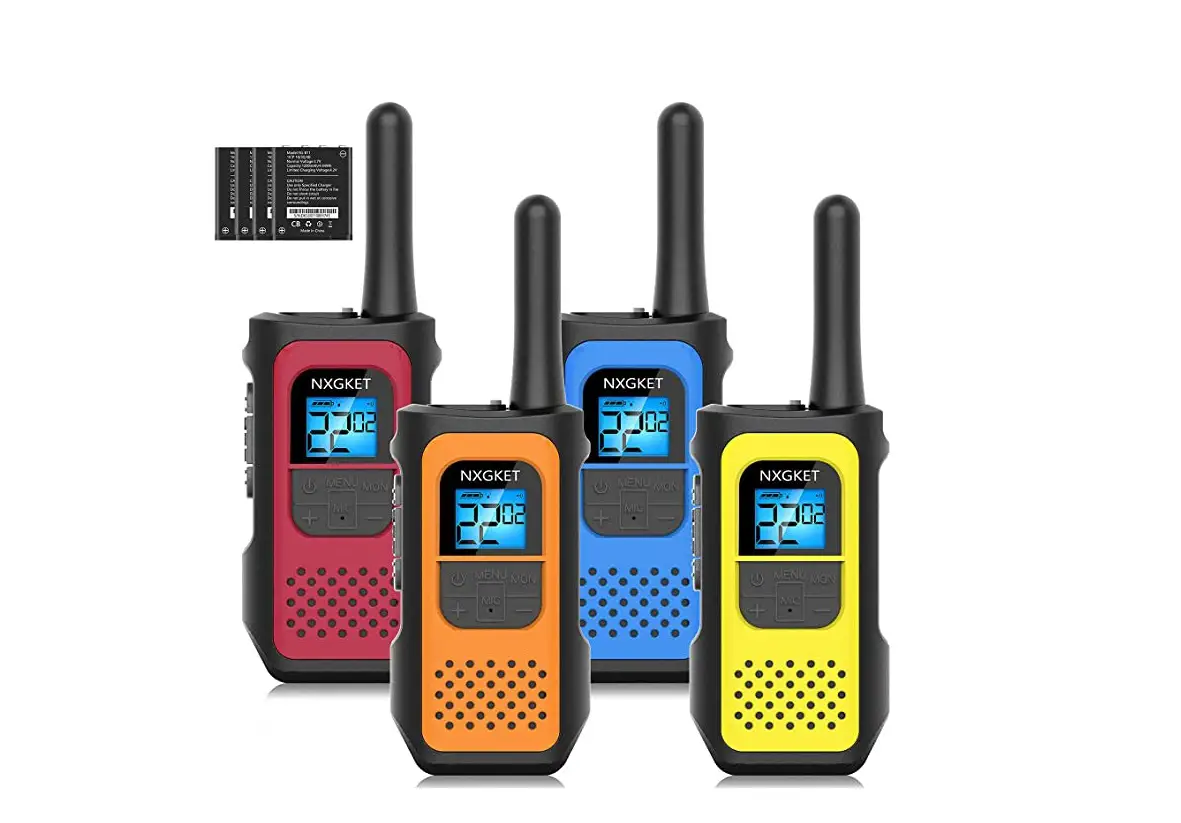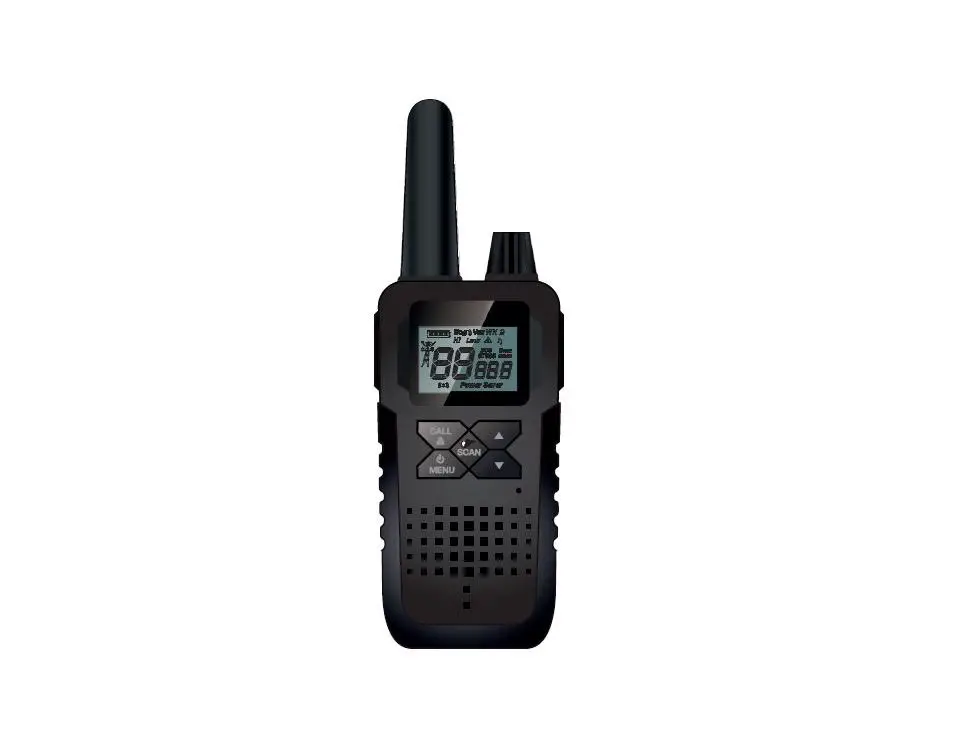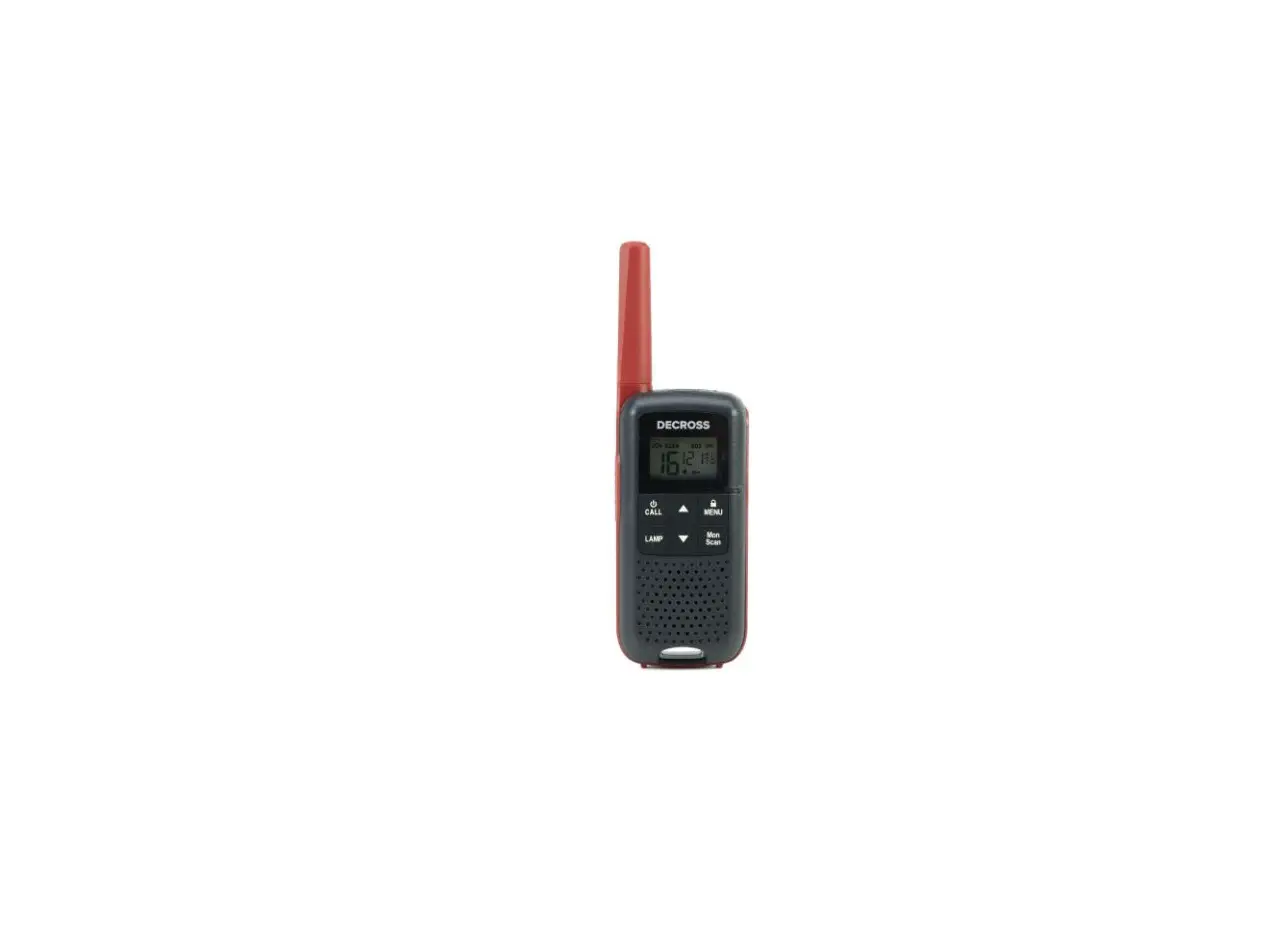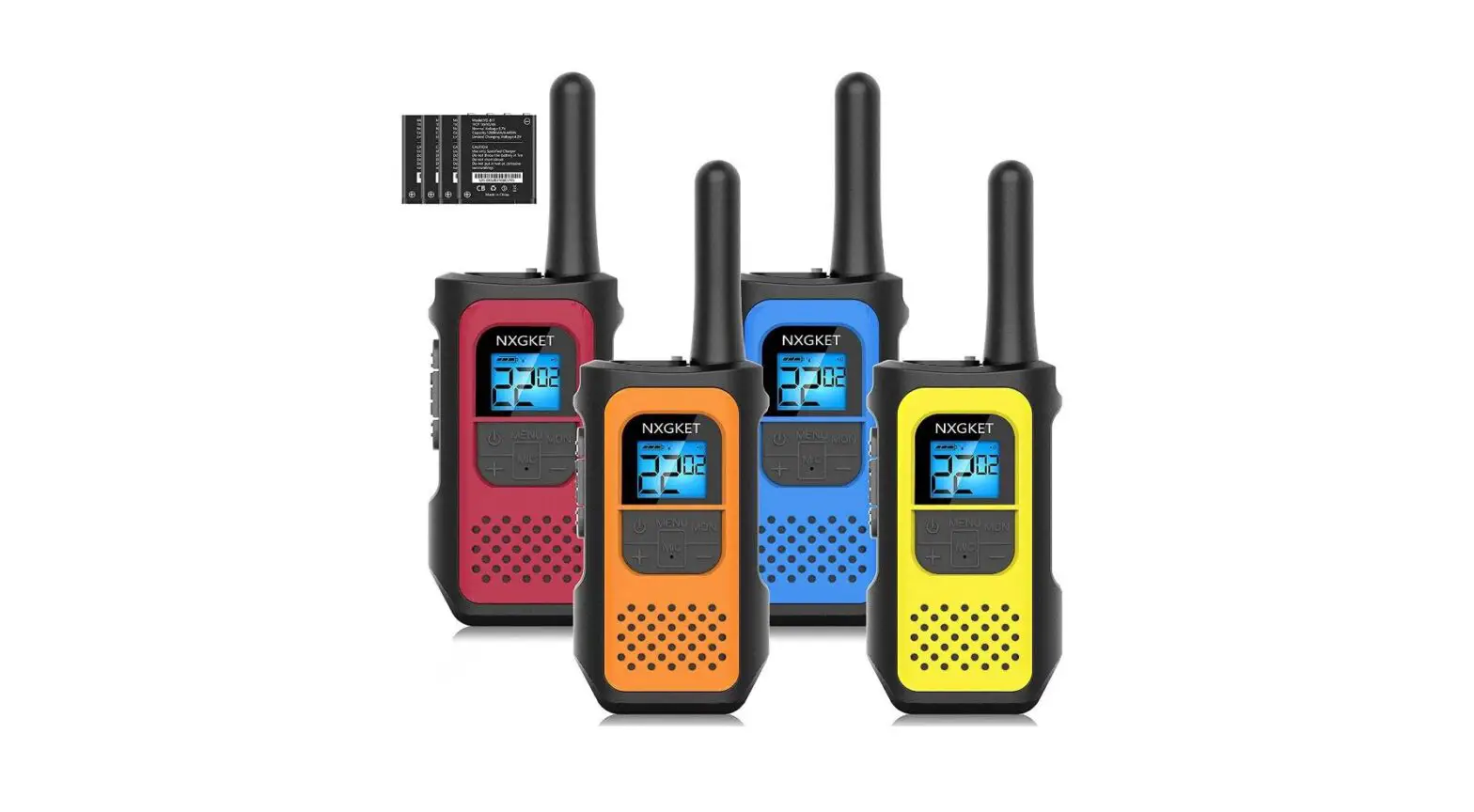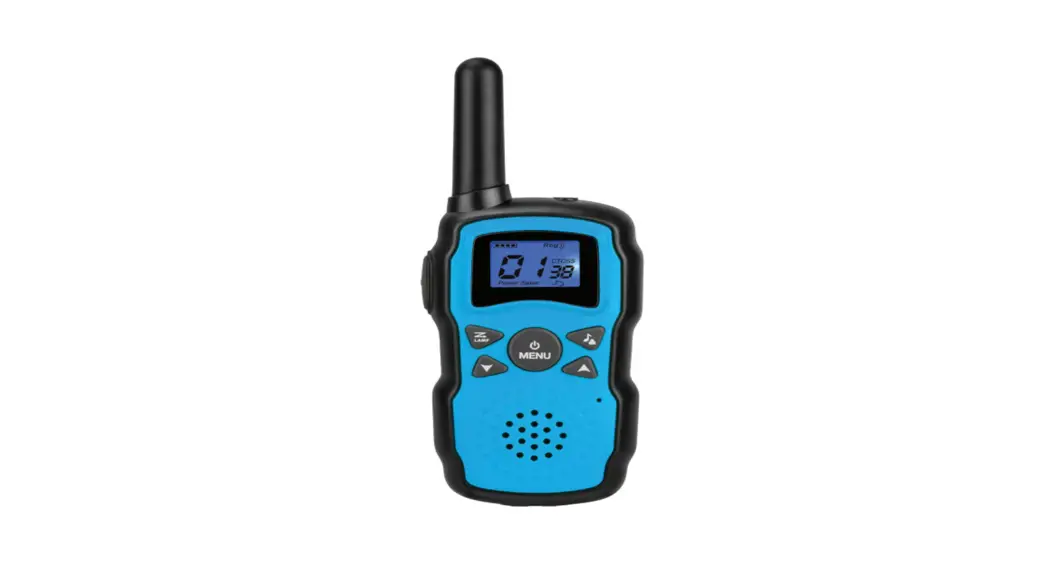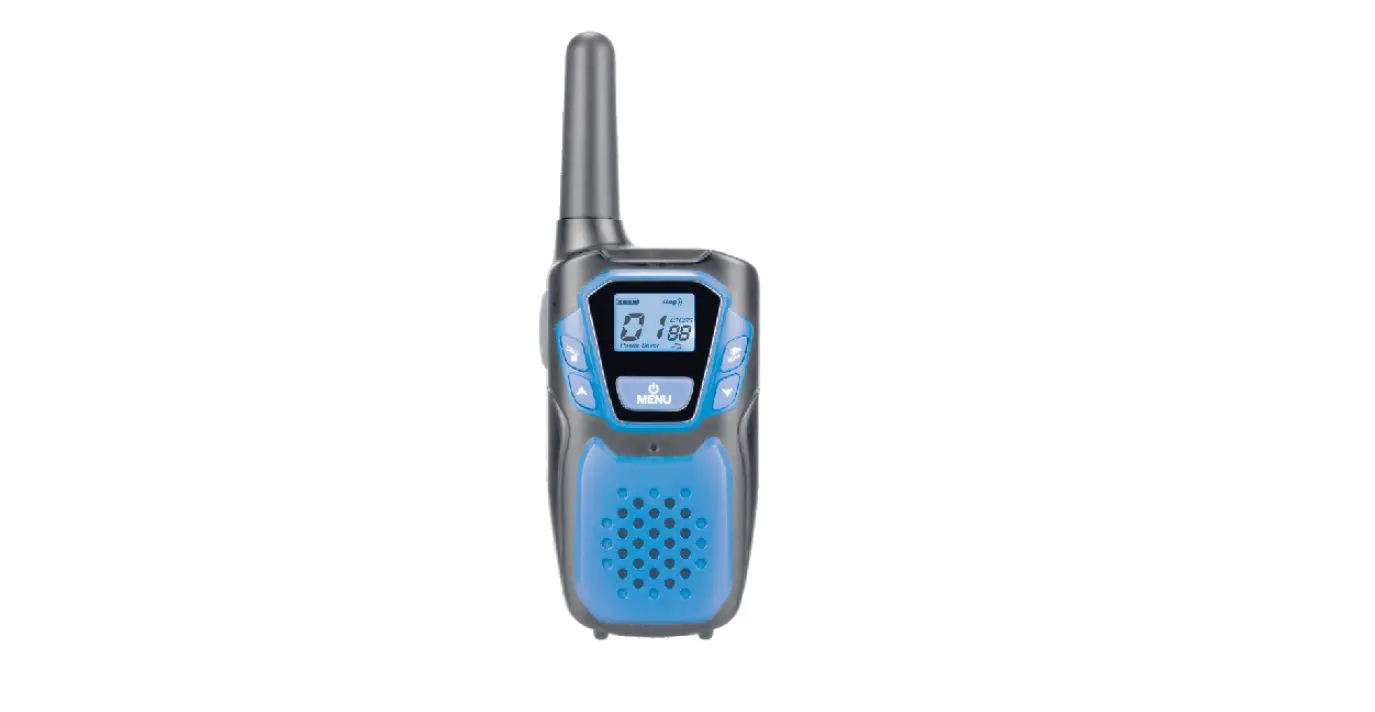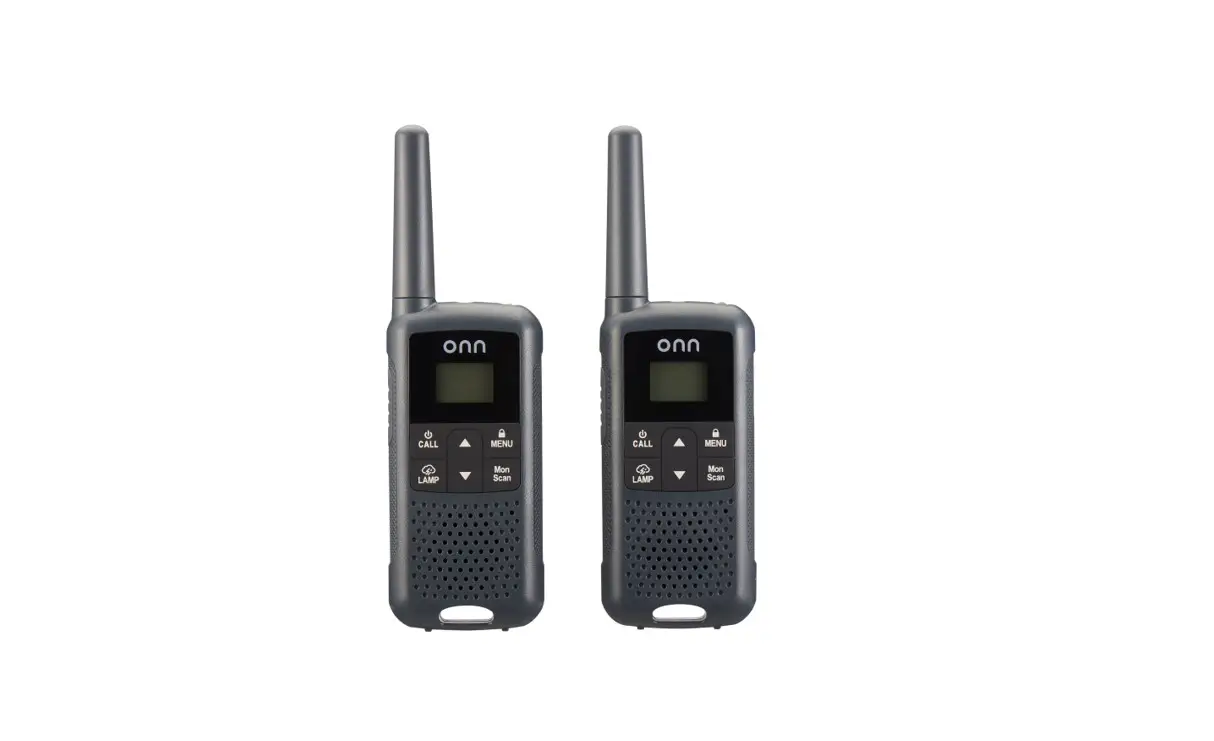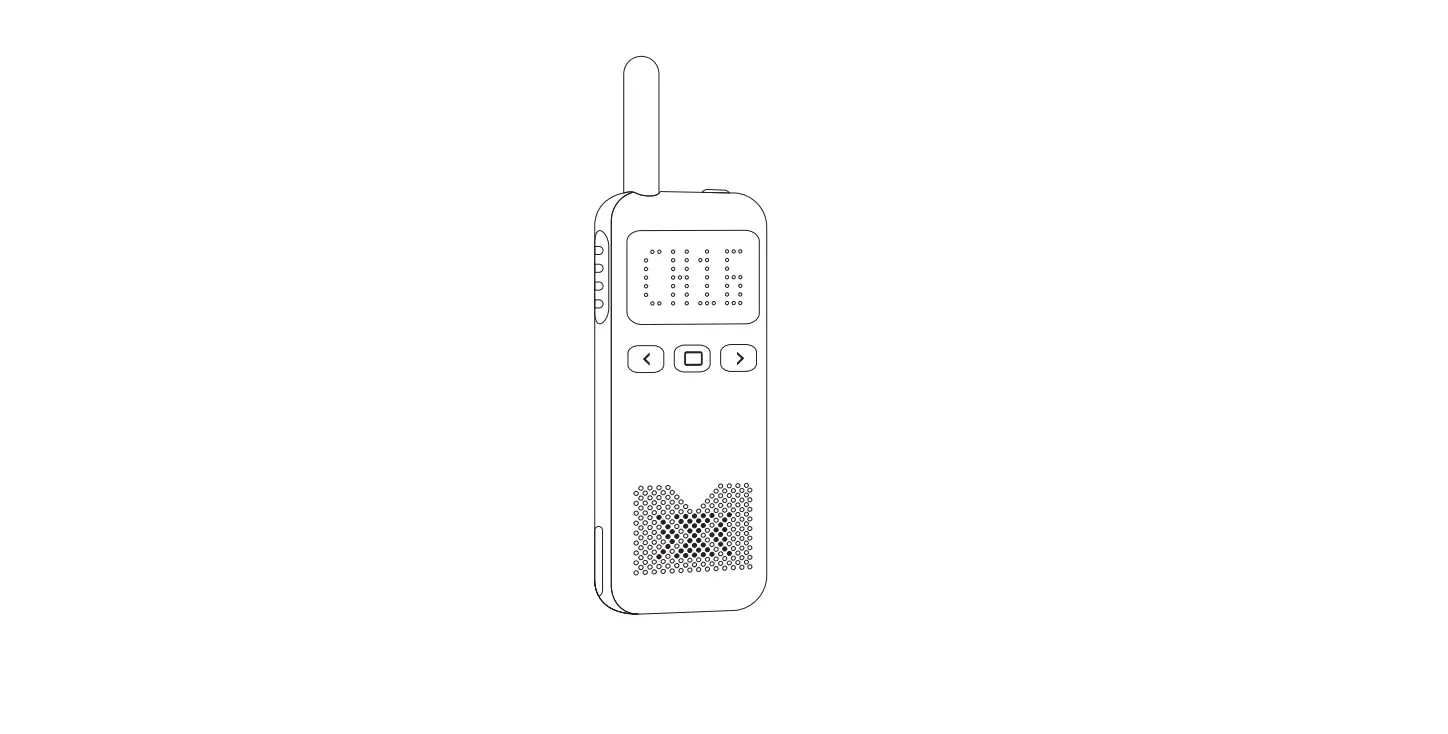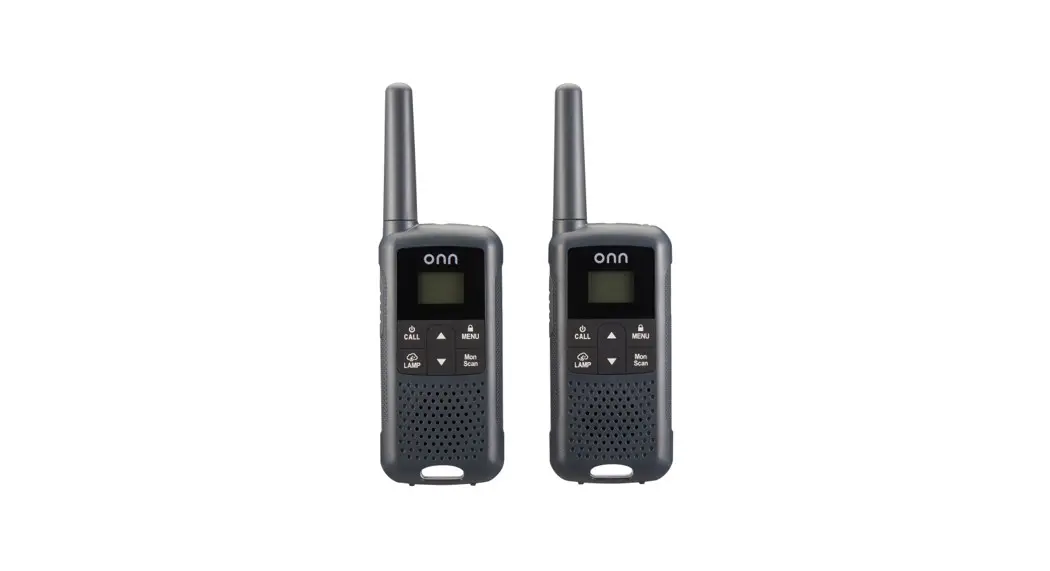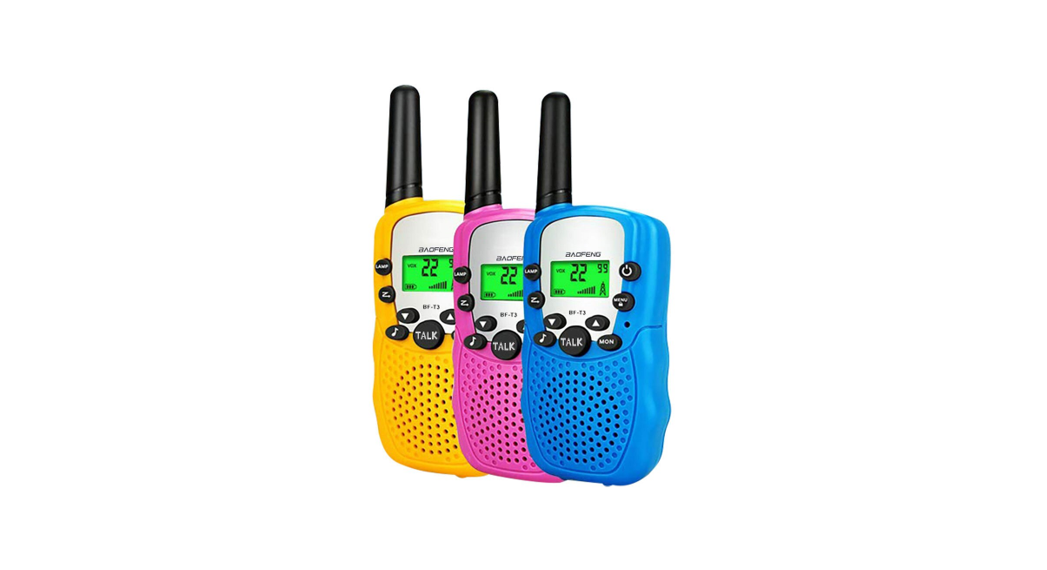
CONNECOM and other brand walkie talkie users realize
communication setting
Preparation before programming:
<1>The driver is already installed on this computer
<2>Install CONNECOM brand CPS software(Contact customer service for software)
<3>The walkie talkie is turned on and the GD900 USB programming cable is connected to the correct port
<4>Before starting to modify, first obtain the frequency table of different brands of walkie-talkies, whether to turn on or off CTCSS
<5>Acquisition method of CONNECOM CPS software: enter the official website → Download http://www.hqjmtech.com/
Start Program
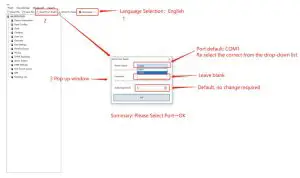
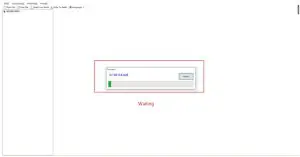
Wait for the program to
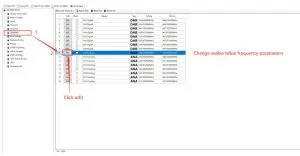
Edit channel
Next,
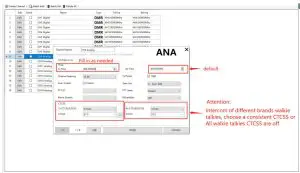
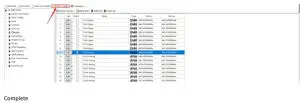
Save the modified parameters and then select the “write to radio” button, as shown in the figure below