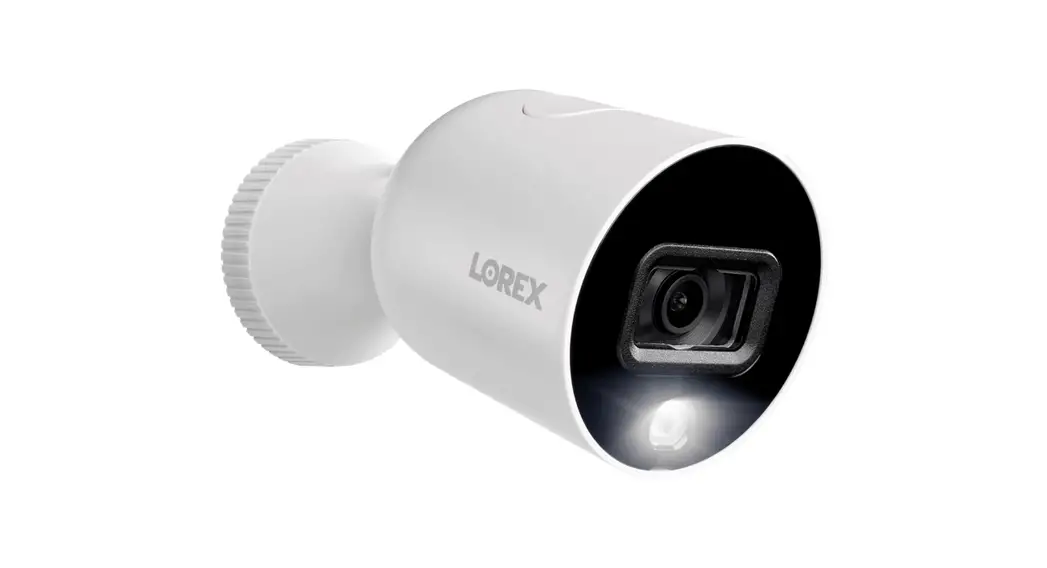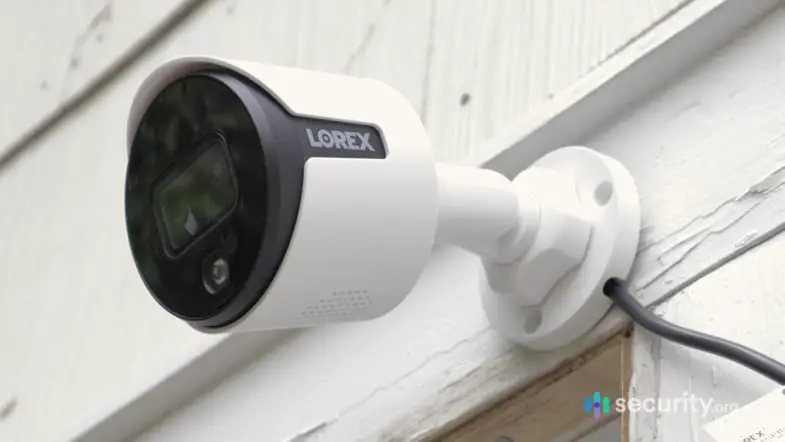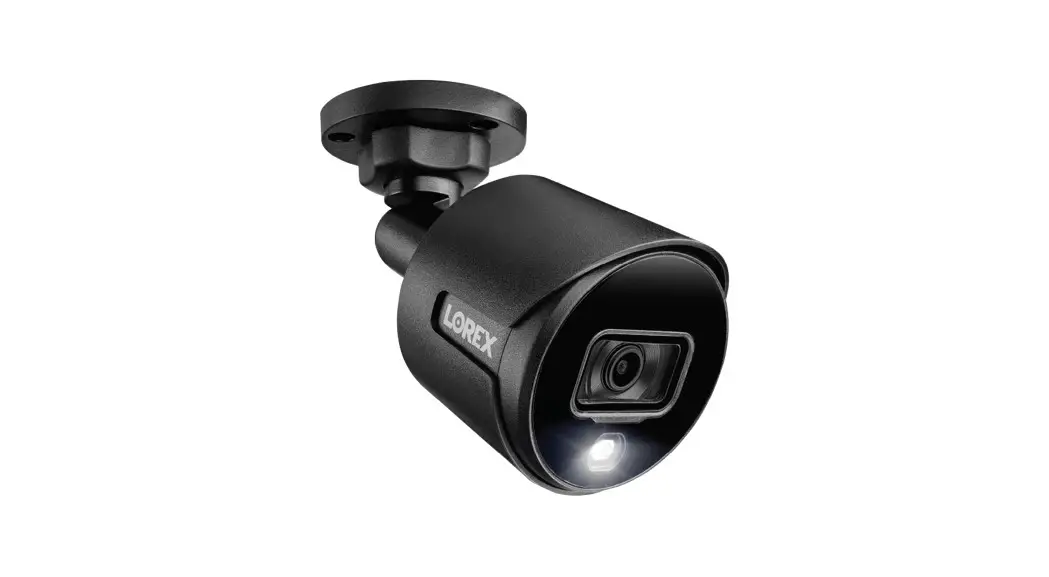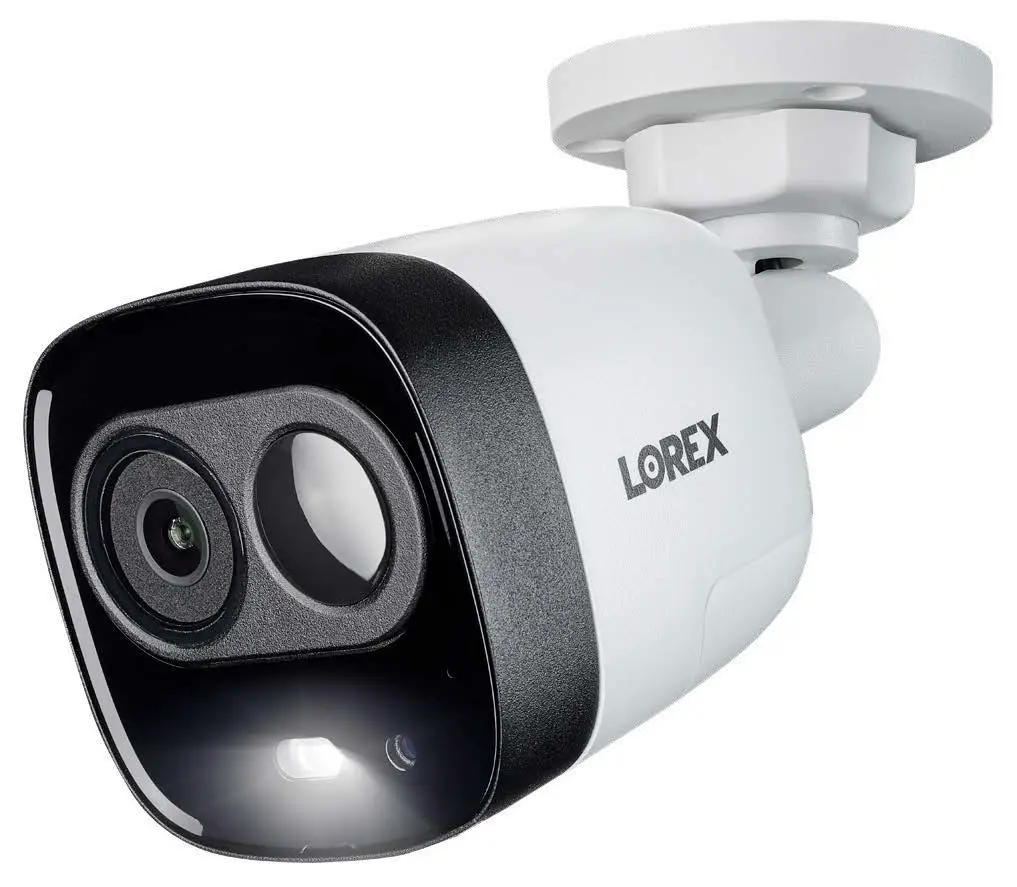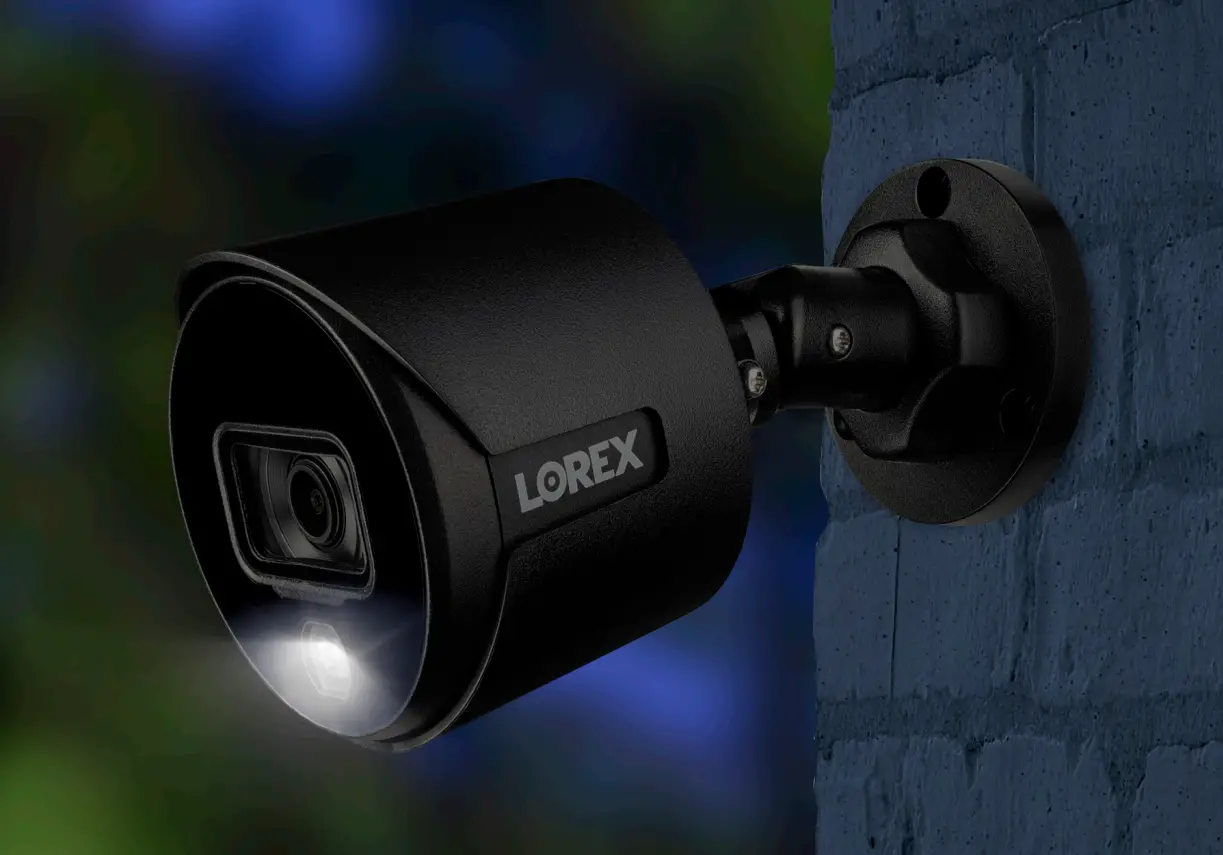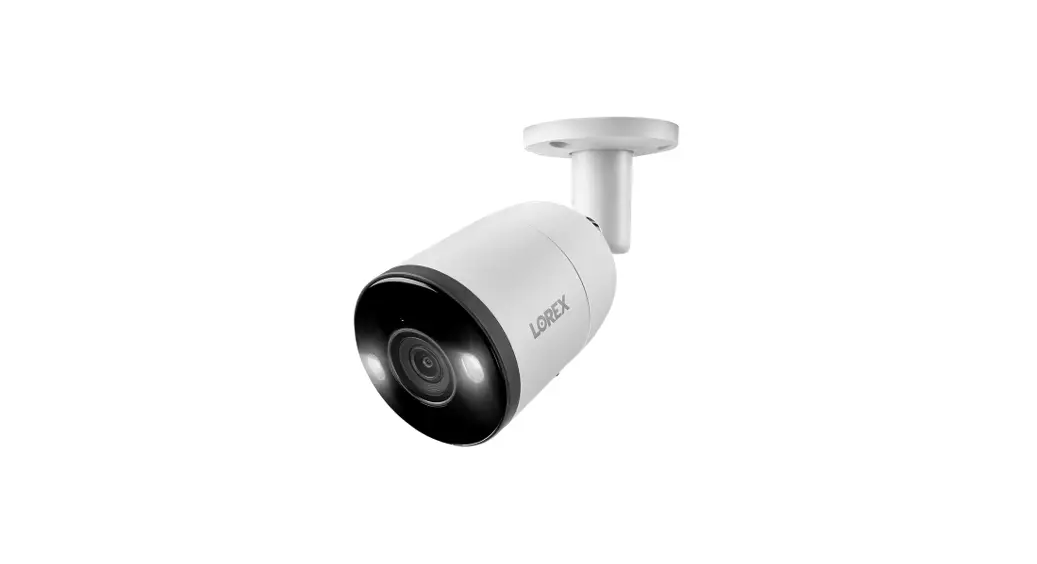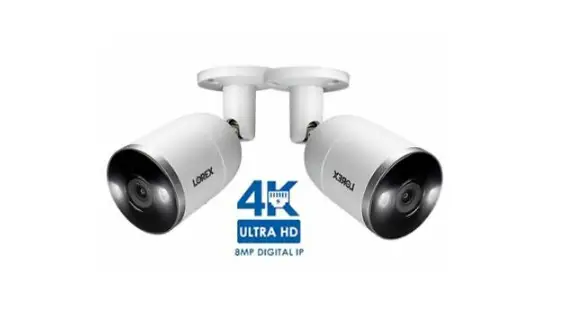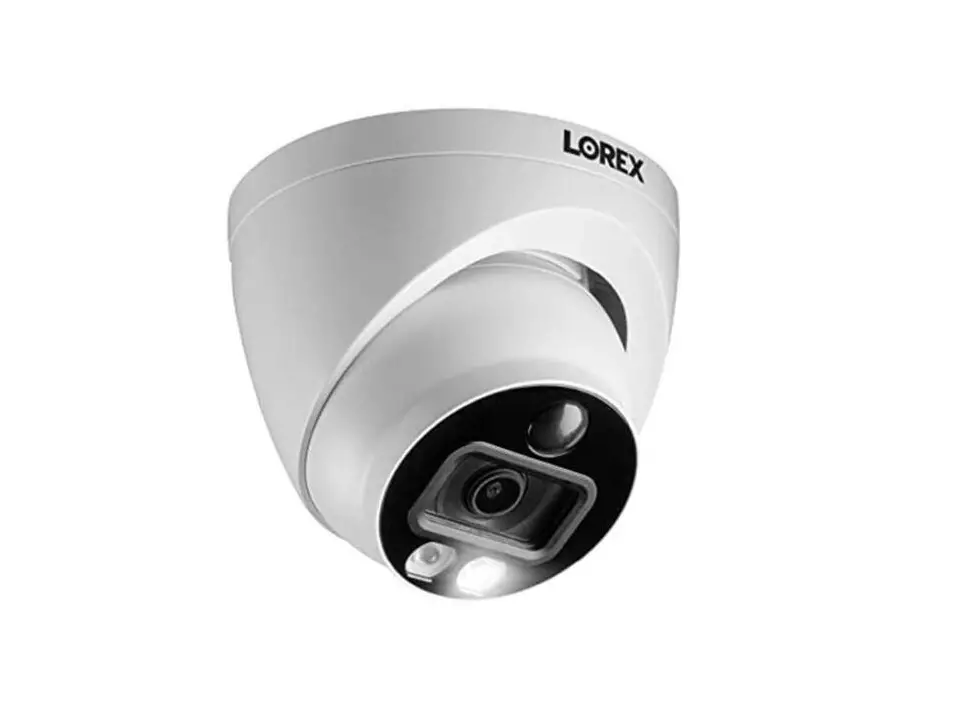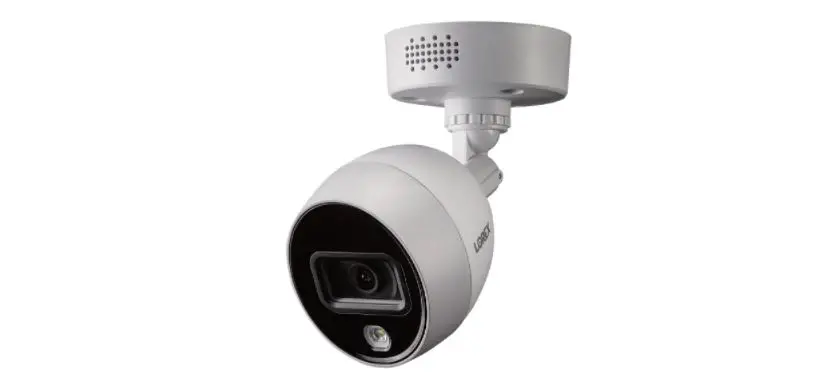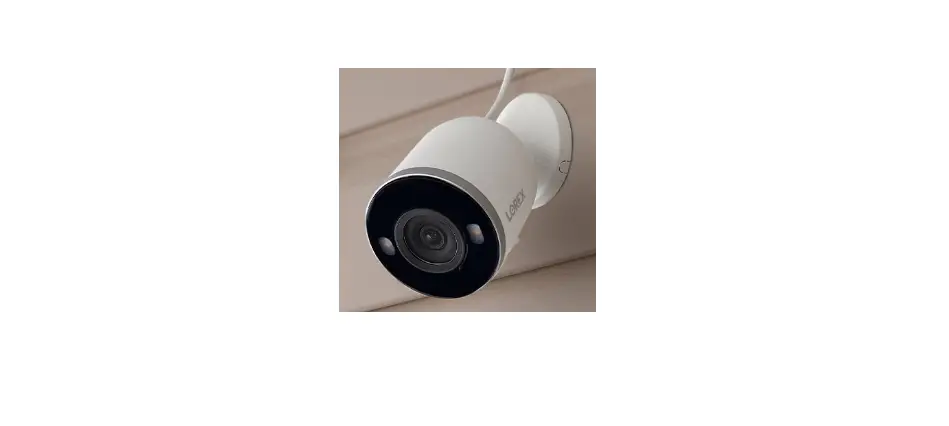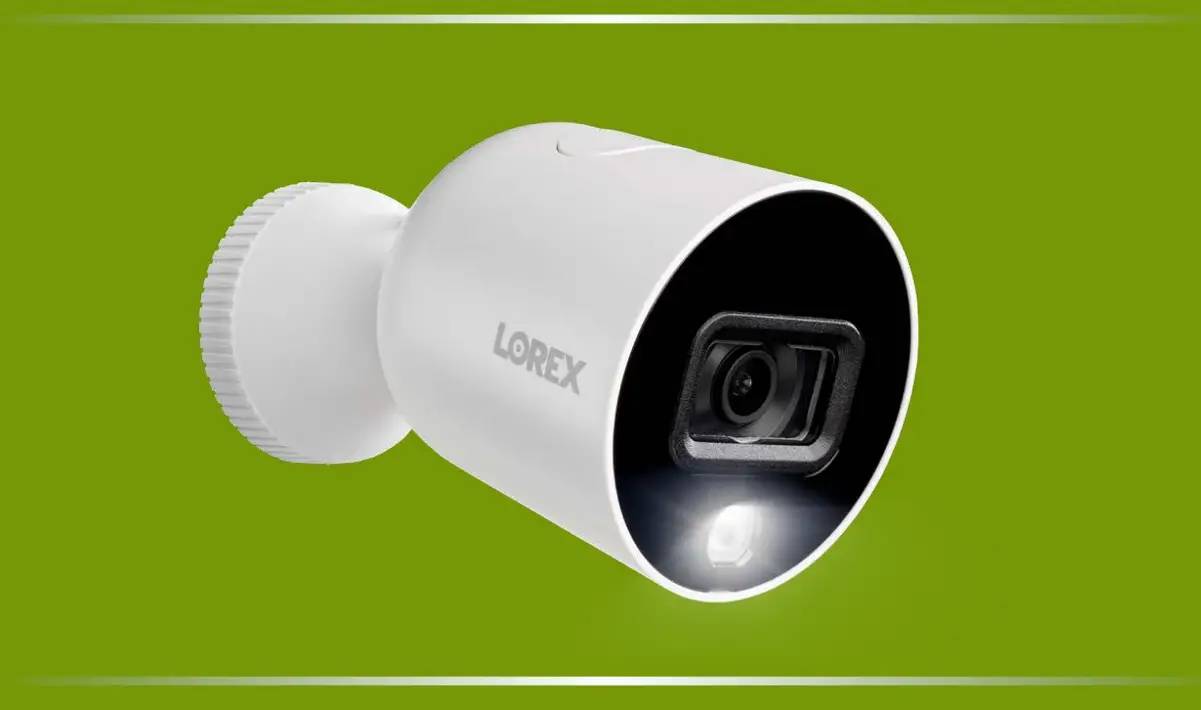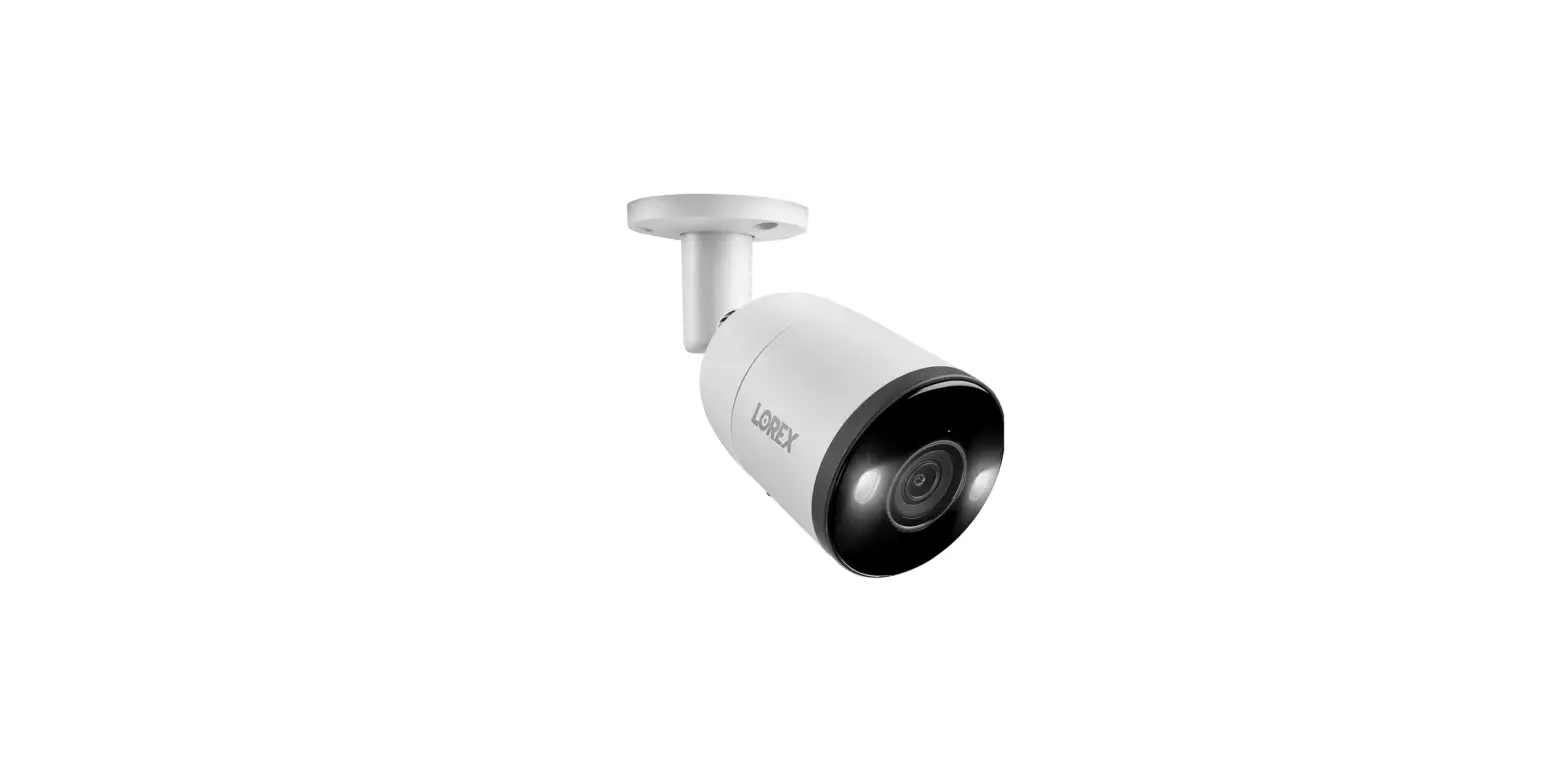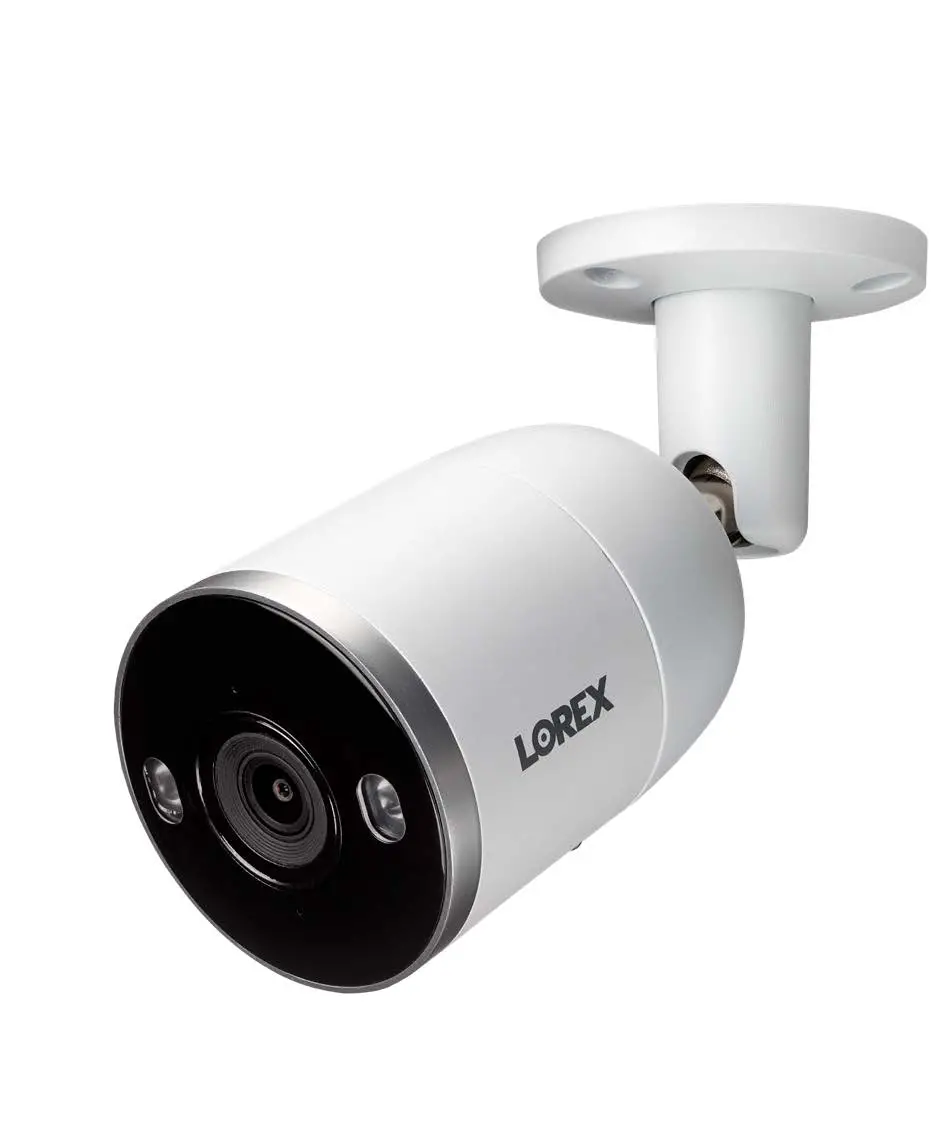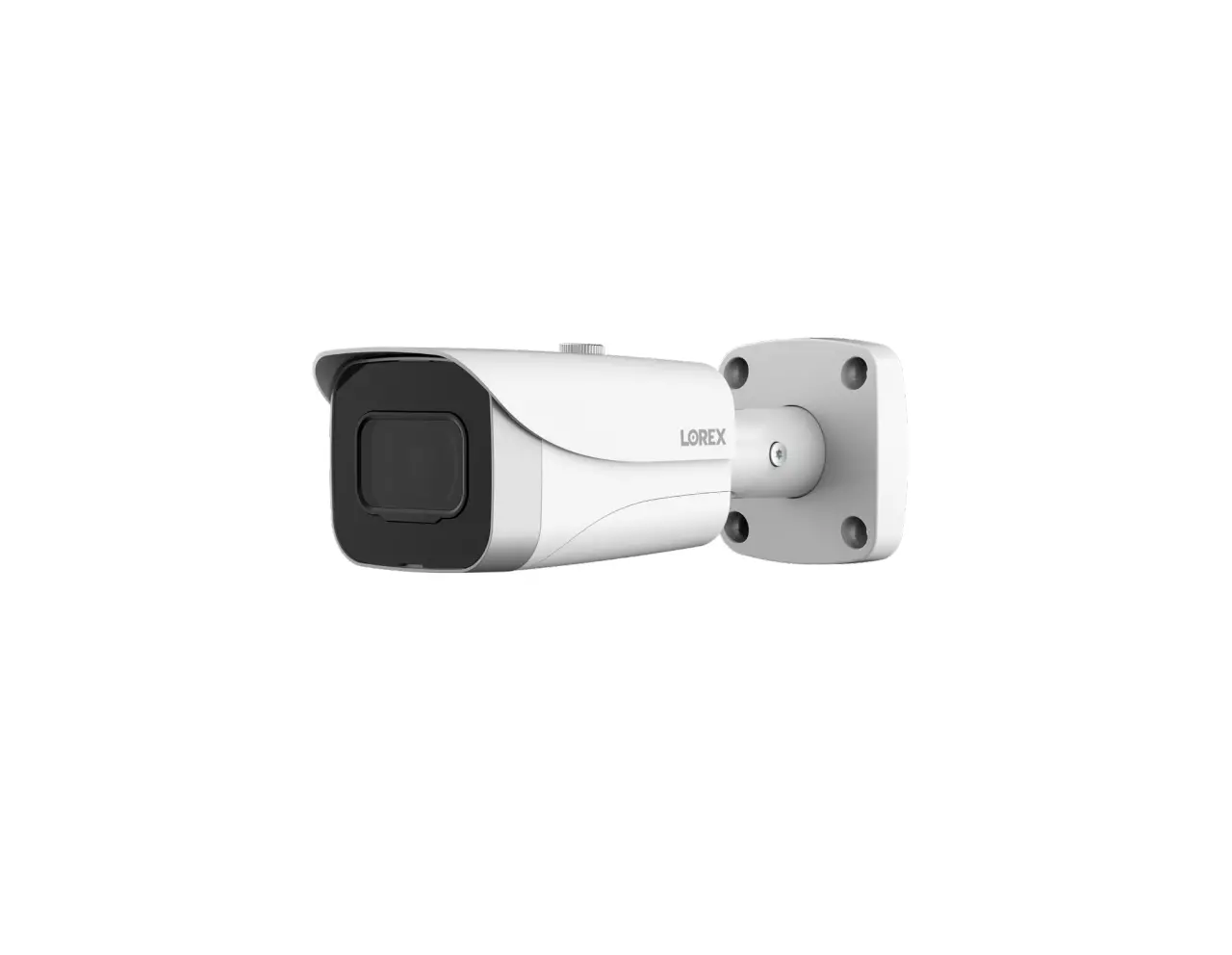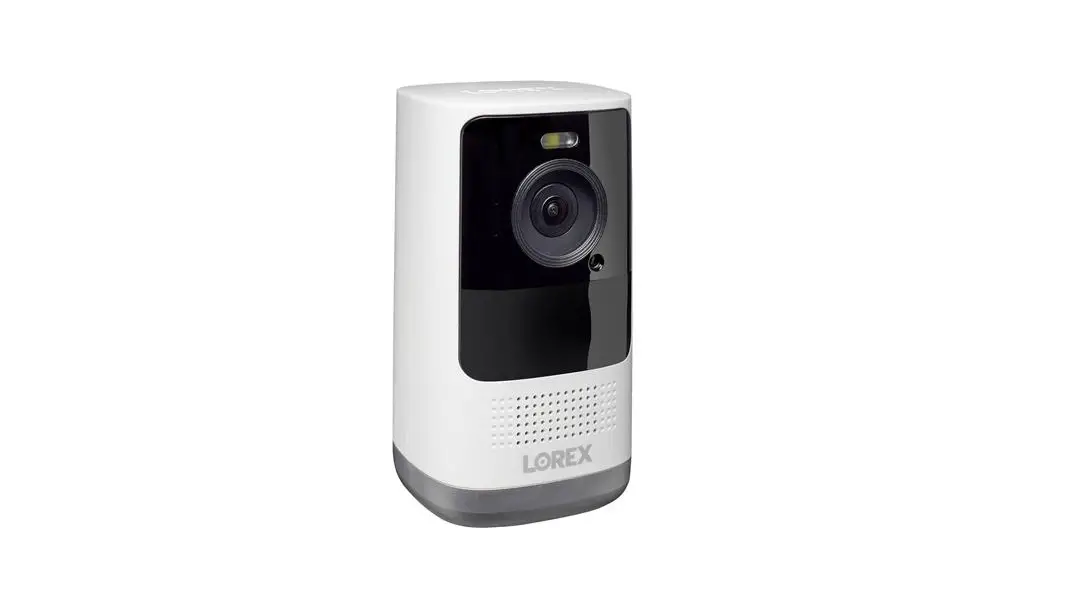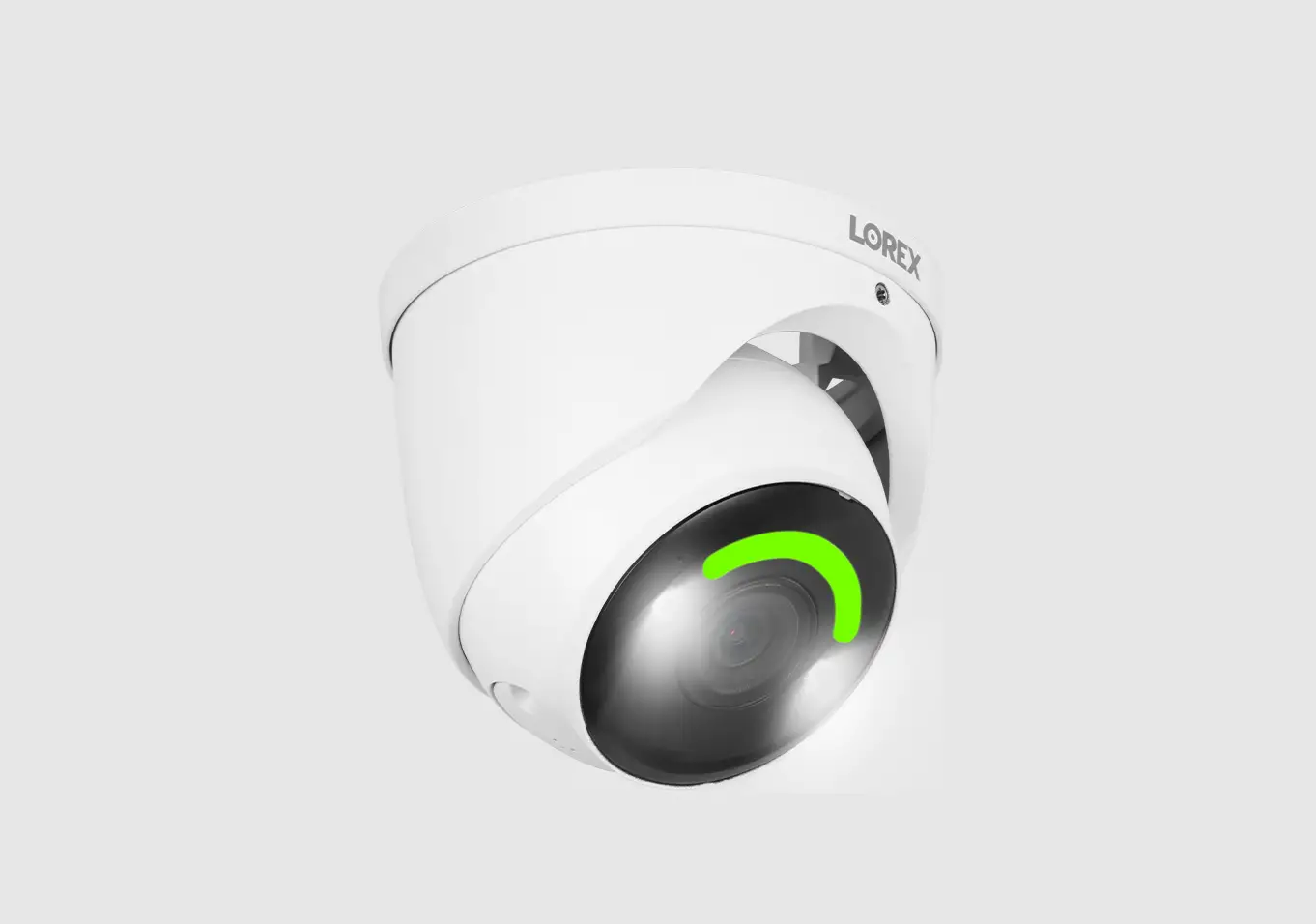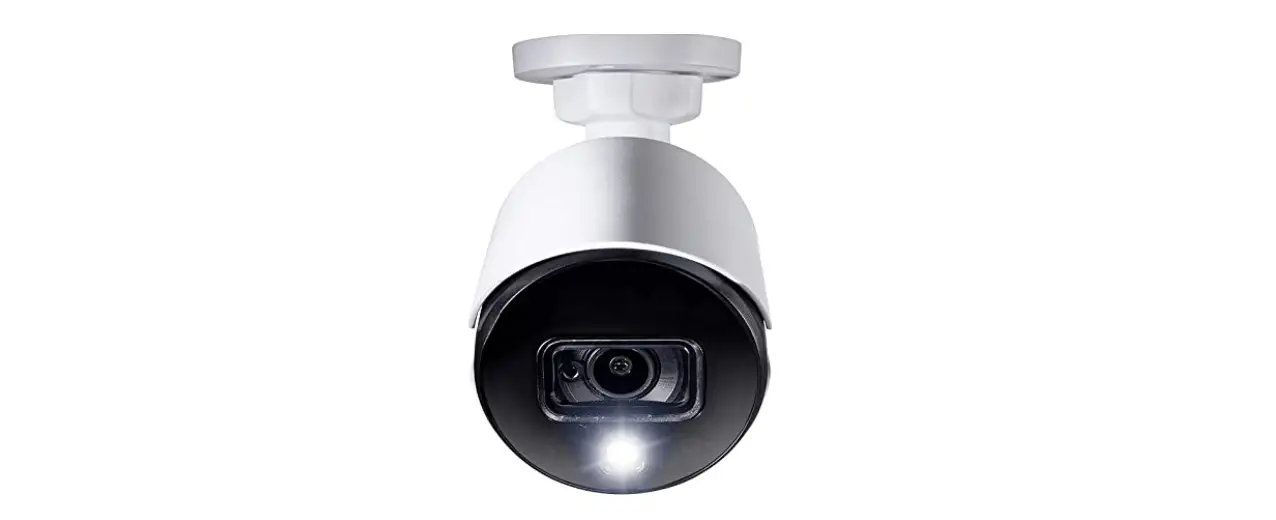

LOREX W881AA Series Smart Deterrence Camera
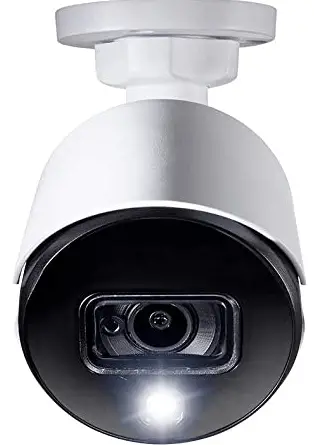
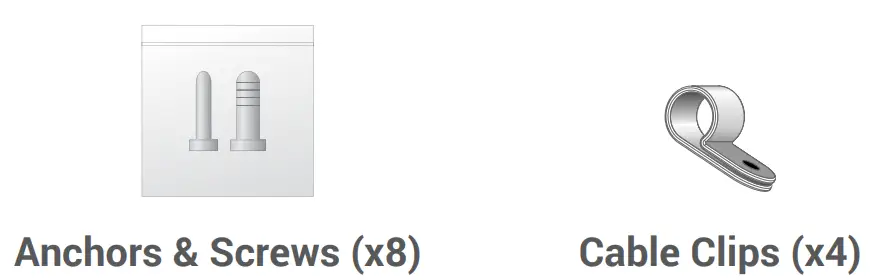
Package Contents


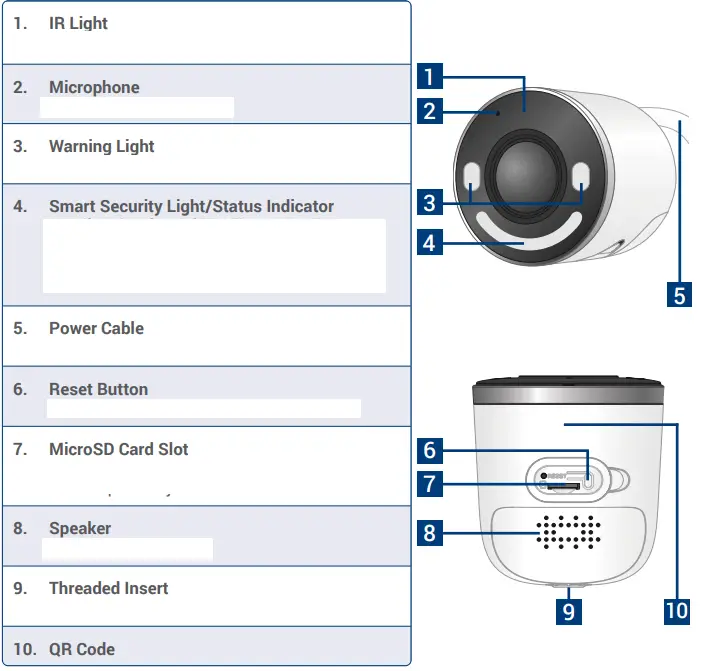
Overview
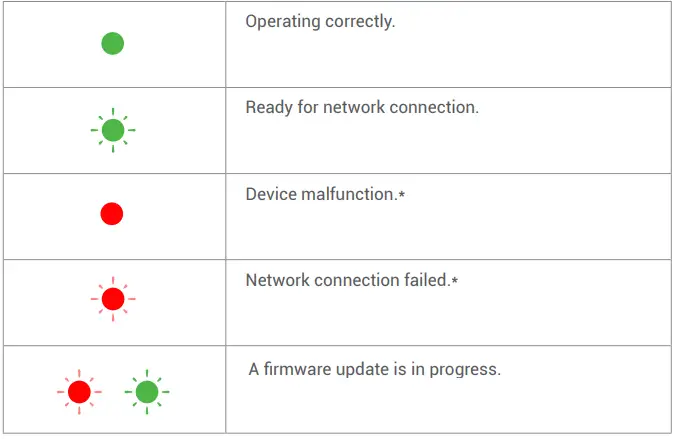
Status Indicator


Press and hold the reset button until you hear the audio prompt.
Setup
- Download
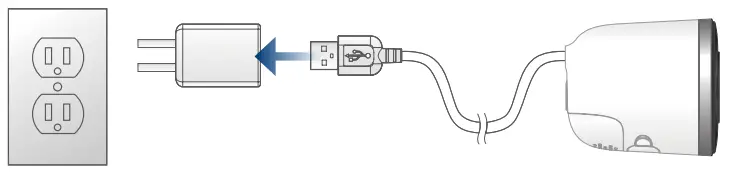
- Connect the power cable to the power adapter. Plug the power adapter to a wall
- Tap in the app to add the device, then follow the in-app instructions to complete the setup.
Remove the camera lens protective film when installation is complete.
Need help?
For up-to-date information and resources, scan the QR code or visit:
- Download product guides

- Watch how-to-videos

- Find related troubleshooting tips & FAQs
Register your product
Please see our full Terms of Service and Limited Hardware Warranty Policy at:
Copyright © 2022 Lorex Technology Inc
As our products are subject to continuous improvement, Lorex reserves the right to modify product design, specifications and prices, without notice and without incurring any obligation. E&OE. All rights reserved.
This device complies with part 15 of the FCC Rules. Operation is subject to the following two conditions: (1) This device may not cause harmful interference, and (2) This device must accept any interference received, including interference that may cause undesired operation.
 Lorex Technical Support | LOREX Support
 Lorex Limited Warranty - Exceptions, Obligations | Lorex