
User Manual
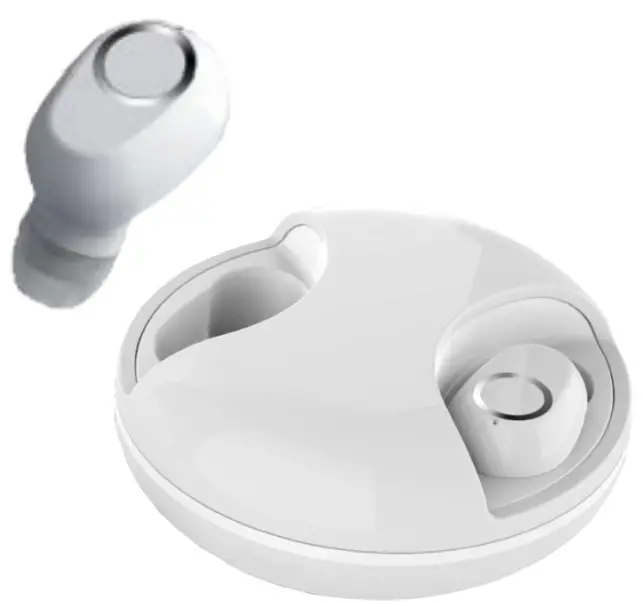
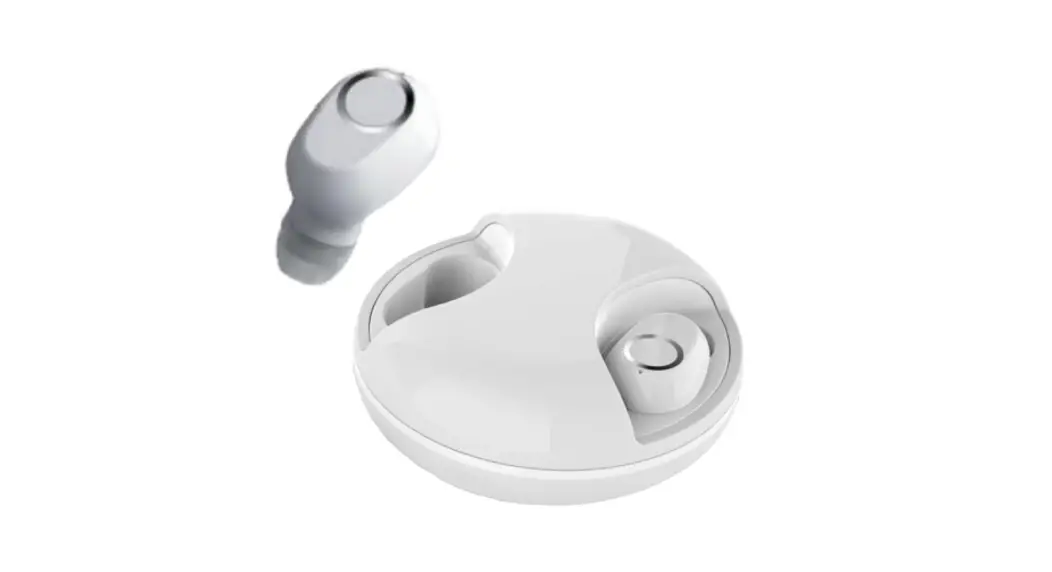
 TWS11
TWS11
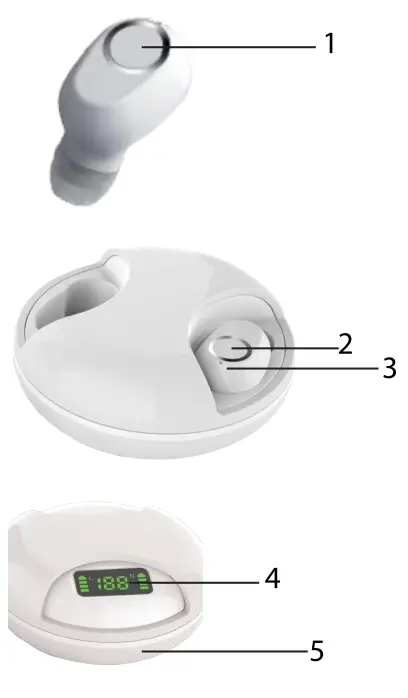
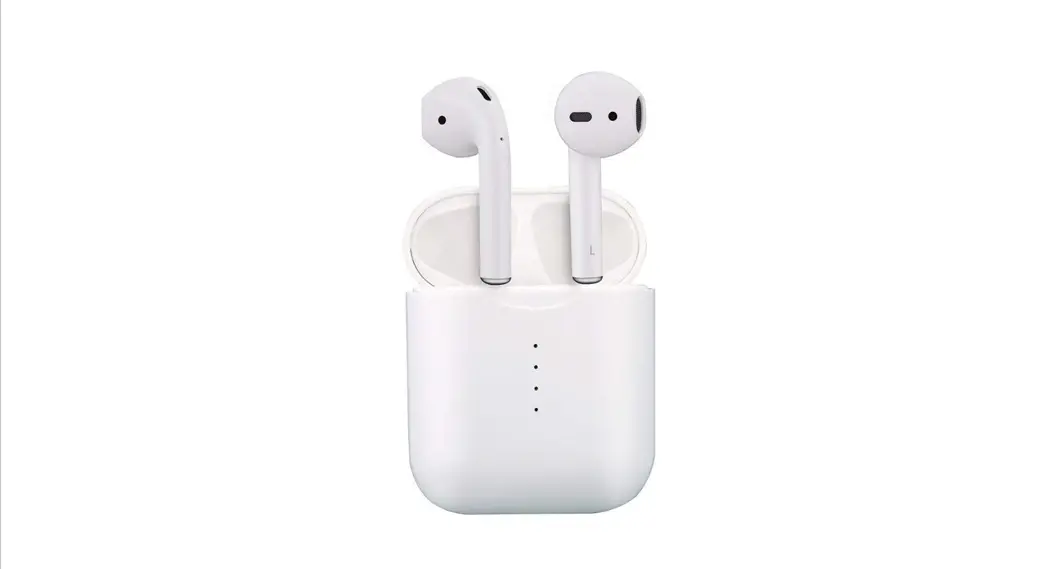
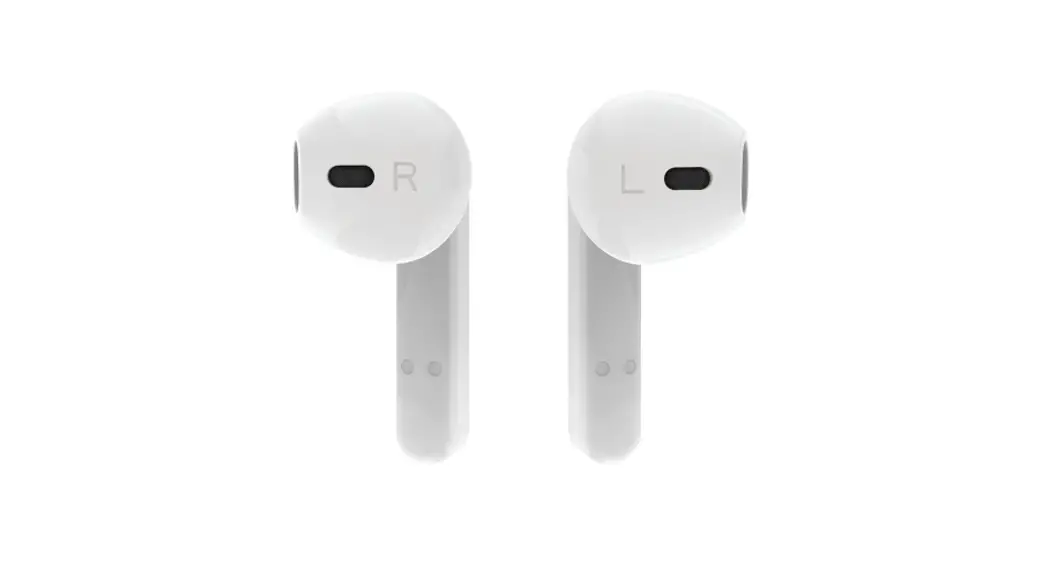
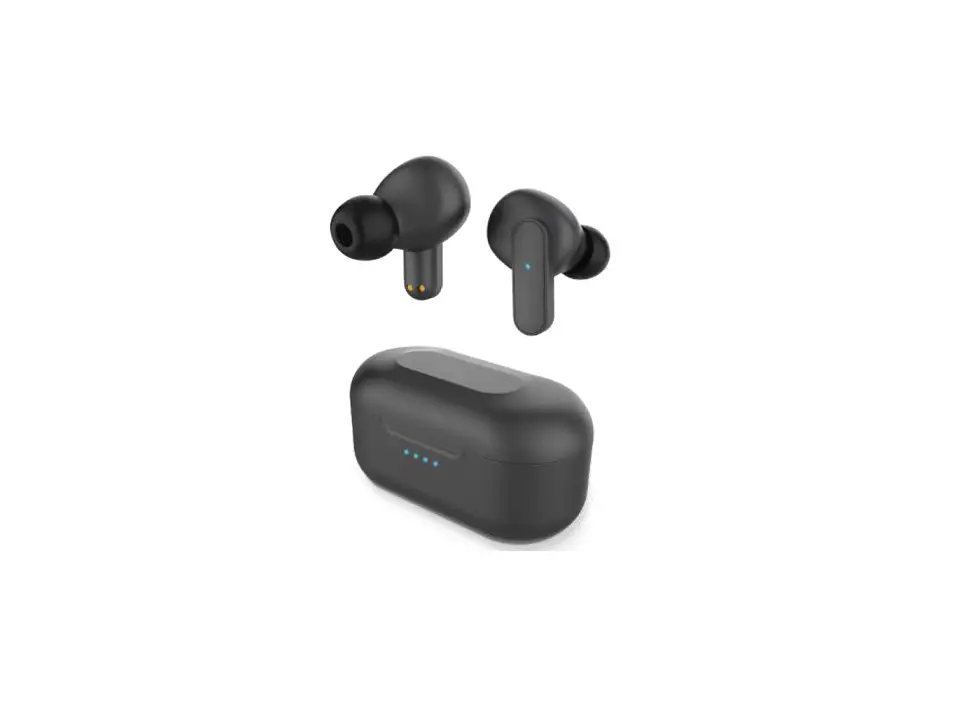
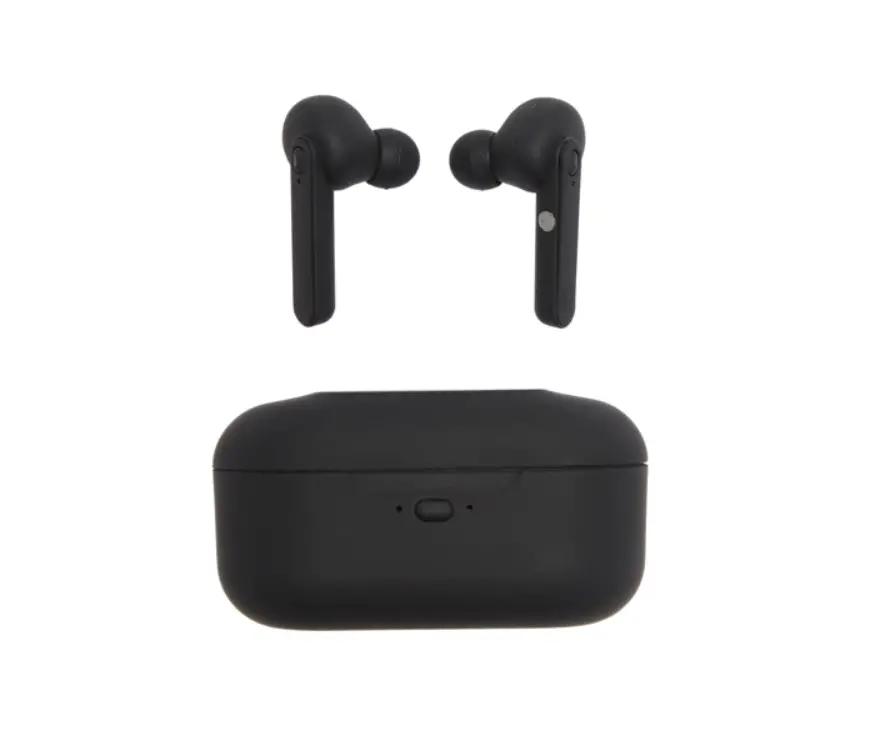
- Left Touch Sensor
- Right Touch Sensor
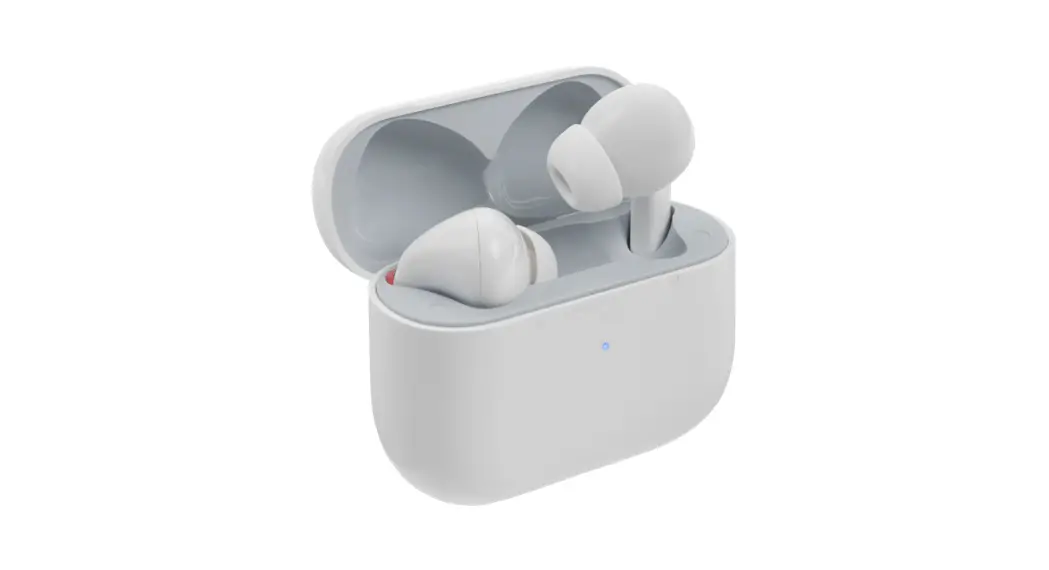
- Charging Case LED Indicator
- Earbud LED Indicator
- Charging Port
POWER ON/OFF
| Function | Operation buttons | Other way |
| Power on | Long press for 3 seconds to switch on | Take earbuds out of the case, the device will power on automatically |
| Power off | Long press for 3 seconds to switch off | Put earbuds back in the case, the device will power off and charge automatically |
LISTENING TO MUSIC WIRELESSLY
| Music Mode | Function | Operation Button |
| Playing music |  | Short tap |
| Pause |  | Short tap |
| Play Next | > | Double tap right earbud sensor |
| Play Last | < | Double tap left earbud sensor |
| Fast Forward | > > | Hold right earbud sensor |
| Rewind | < < | Hold left earbud sensor |
HAND FREE CALLING FUNCTION
| Hands free Mode | Function | Operation Button |
| Incoming Call | Answer incoming call | Short press to answer calls |
| Incoming Call | Reject Incoming call | Long press 3 seconds to reject calls |
| On the line | End the call | Short press to end calls |
| Calling | Call back | Press 2 times right/left unit |
CHARGING
- The earphone has a built-in rechargeable battery. When the battery is drained out, the earphone would turn off automatically, Please recharge the earphone.
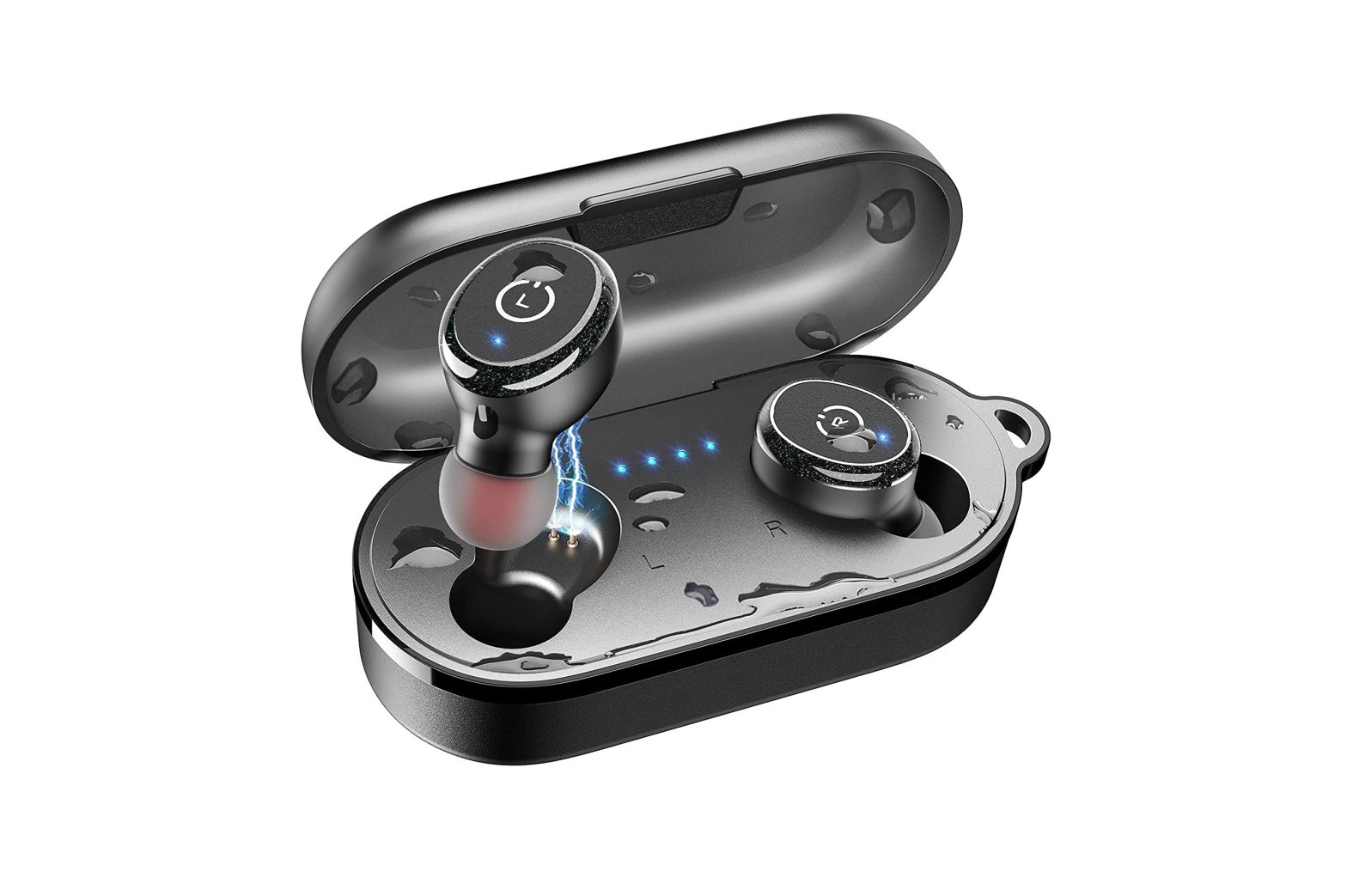
- Put the earphone into the charging case for charging. When it’s charging, a red and blue LED light will turn on for both the Earbuds and the charging case When it’s fully charged, the red LED light will turn off.
- Charging case also has a built-in rechargeable battery. Connect the charging case to the included USB charging cable. When it’s charging, the blue LED indicator light will turn on. The case is fully charged when all 4 LED lights are on.
CONNECTION
- After powering on the TWS earphones, the earbuds will be automatically pair and audio will play with the message “.
If not, please double click the left/right earbud touch button to pair them - Once you have activated Bluetooth on your device, select the pairing name from the list of available Bluetooth devices.
- Once paired successfully, you would hear the audio message “Connected” and the blue LED will flash. You can now start to use the device.
- In unpaired mode and a standby state, the device will switch off automatically after 5 minutes.
Important Safeguards:
- Do not use this unit for anything other than its intended use.
- Keep the unit away from the heat sources and direct sunlight.
- Do not expose the unit to extremely high or low temperatures.
- Use the product in a location with a temperature of 32°F (0°C) – 95°F (35°C).
- Do not let the unit come in contact with water or any liquid. If it becomes wet, immediately unplug from the power source.
- Do not handle the unit, USB cable, or wall charger with wet hands.
- Do not let dust or other things accumulate on the product and the wall charger.
- Do not use the unit if it has been dropped or damaged in any way.
- Repairs to electrical equipment should only be performed by a qualified electrician.
- Improper repairs may place the user at serious risk.
- If you have an electrical device, such as a pacemaker, consult a physician before using this product.
- Do not place a magnetic card (ie. Credit Card) or similar items near this product.
- Use the specified power source and voltage.
- Do not use a voltage converter/ travel adapter.
- Make sure the wall charger is inserted all the way into the electrical outlet.
- When not in use, unplug the wall charger.
- Place the unit on a sturdy and flat surface while charging.
- Keep the unit out of reach of children.
| BATTERY DISPOSAL: This product contains a lithium polymer battery. Lithium polymer batteries are environmentally safe when fully discharged. Please refer to your local and state laws for battery disposal procedures. |
©SM TEK GROUP INC, All rights reserved. BlueStone is o trademark of SM TEK GROUP INC. New York NY 10001
www.smtekgroup.com
1 Year Limited Warranty
Please Email [email protected]