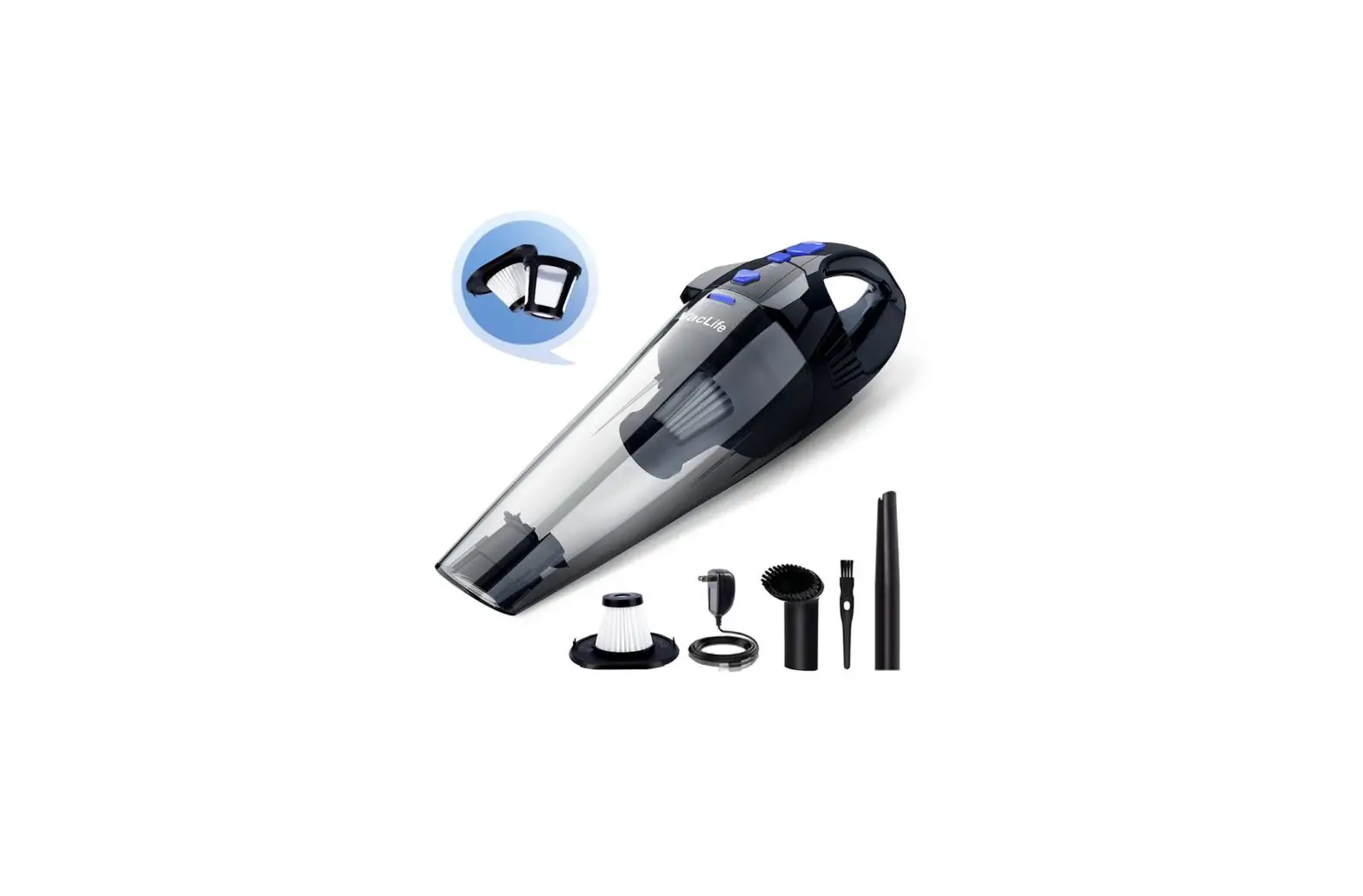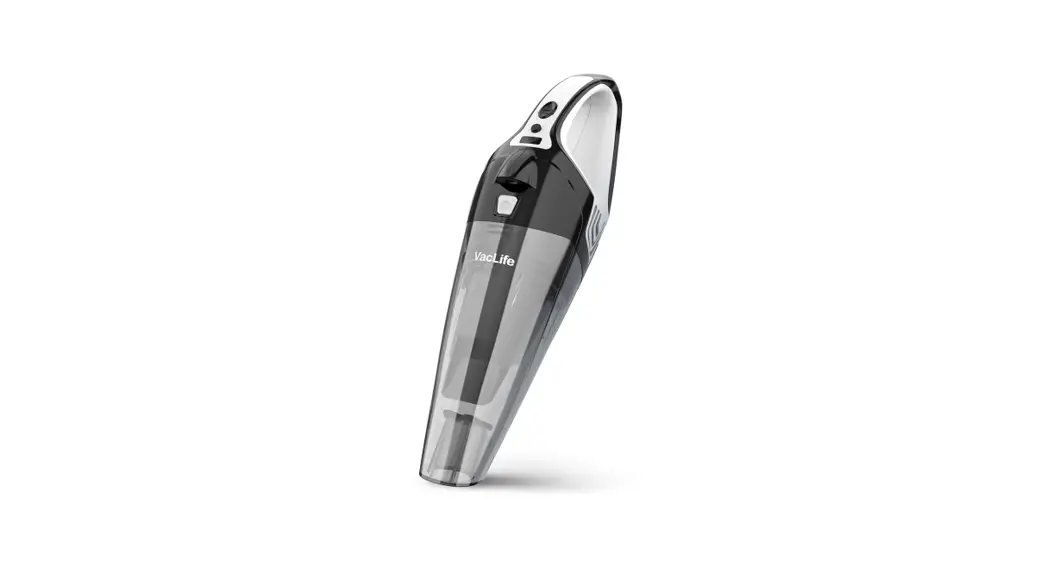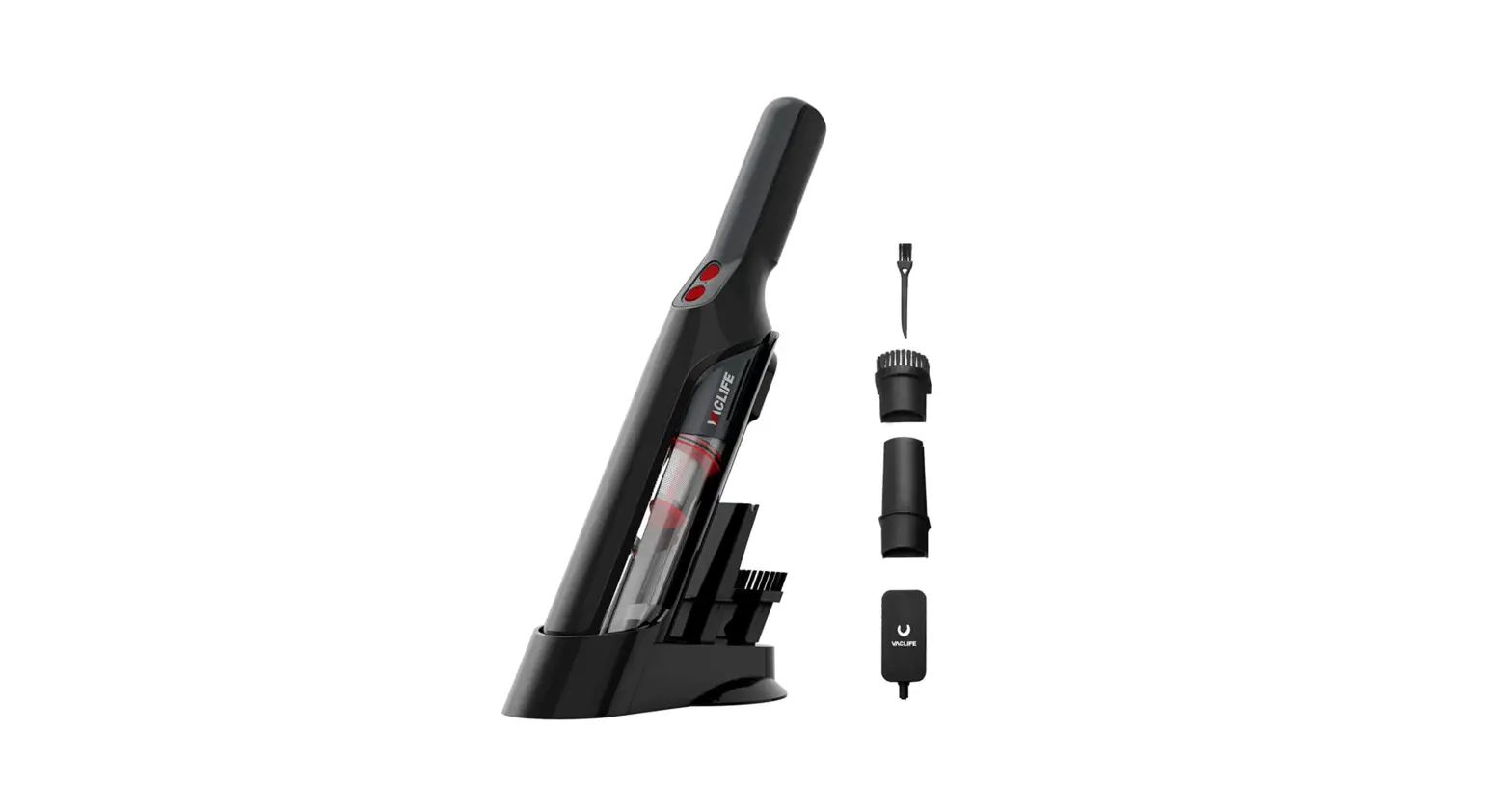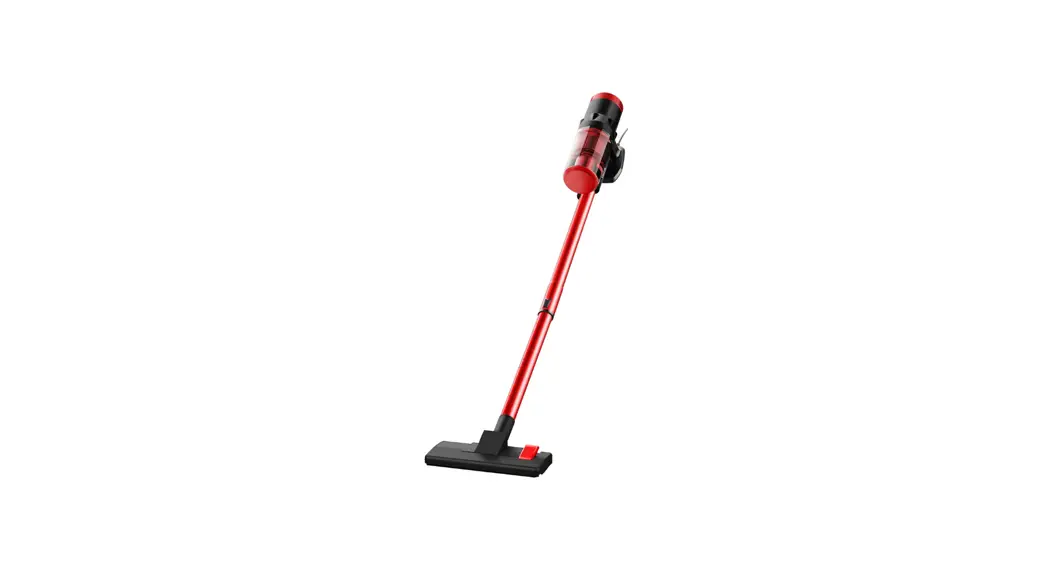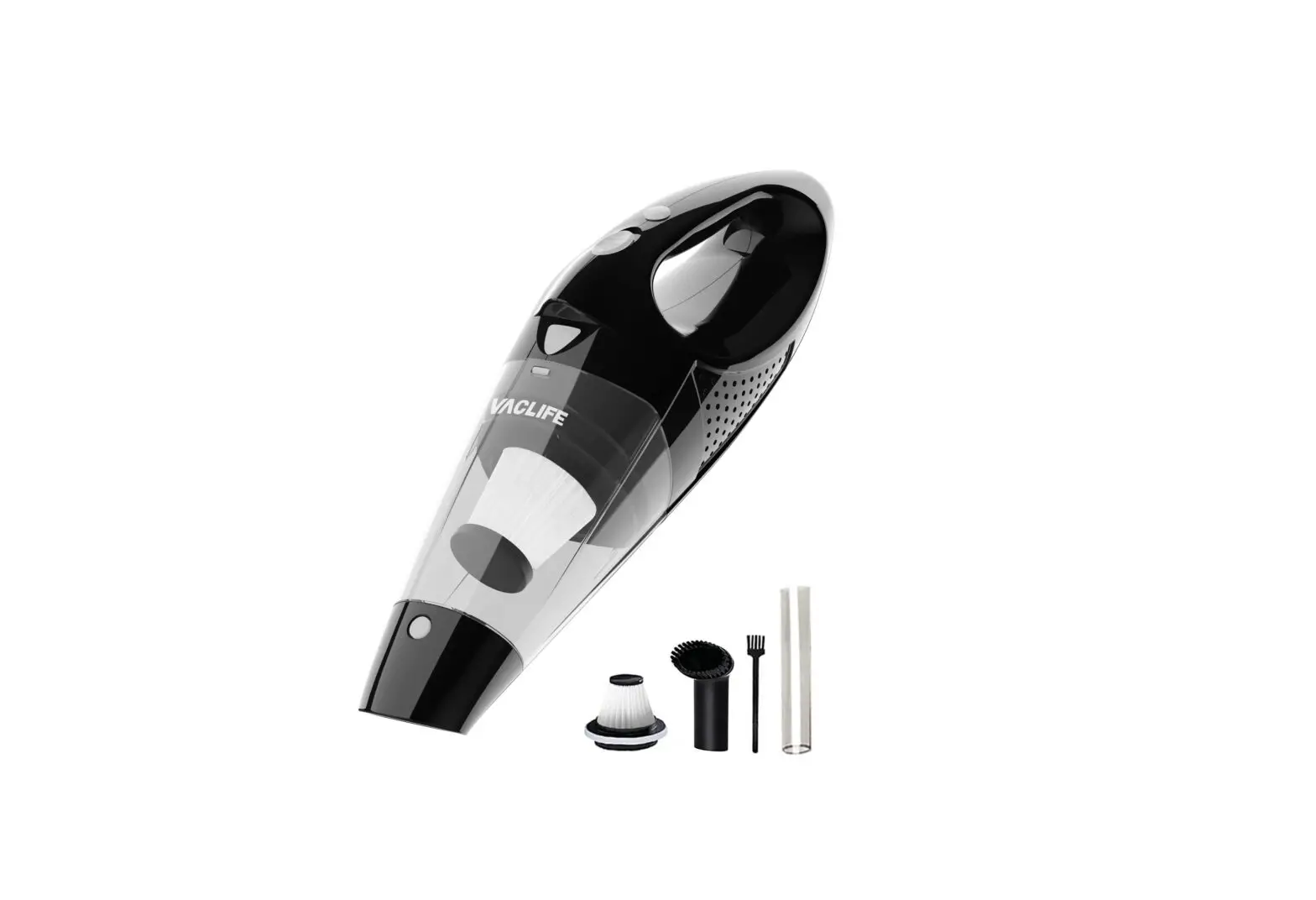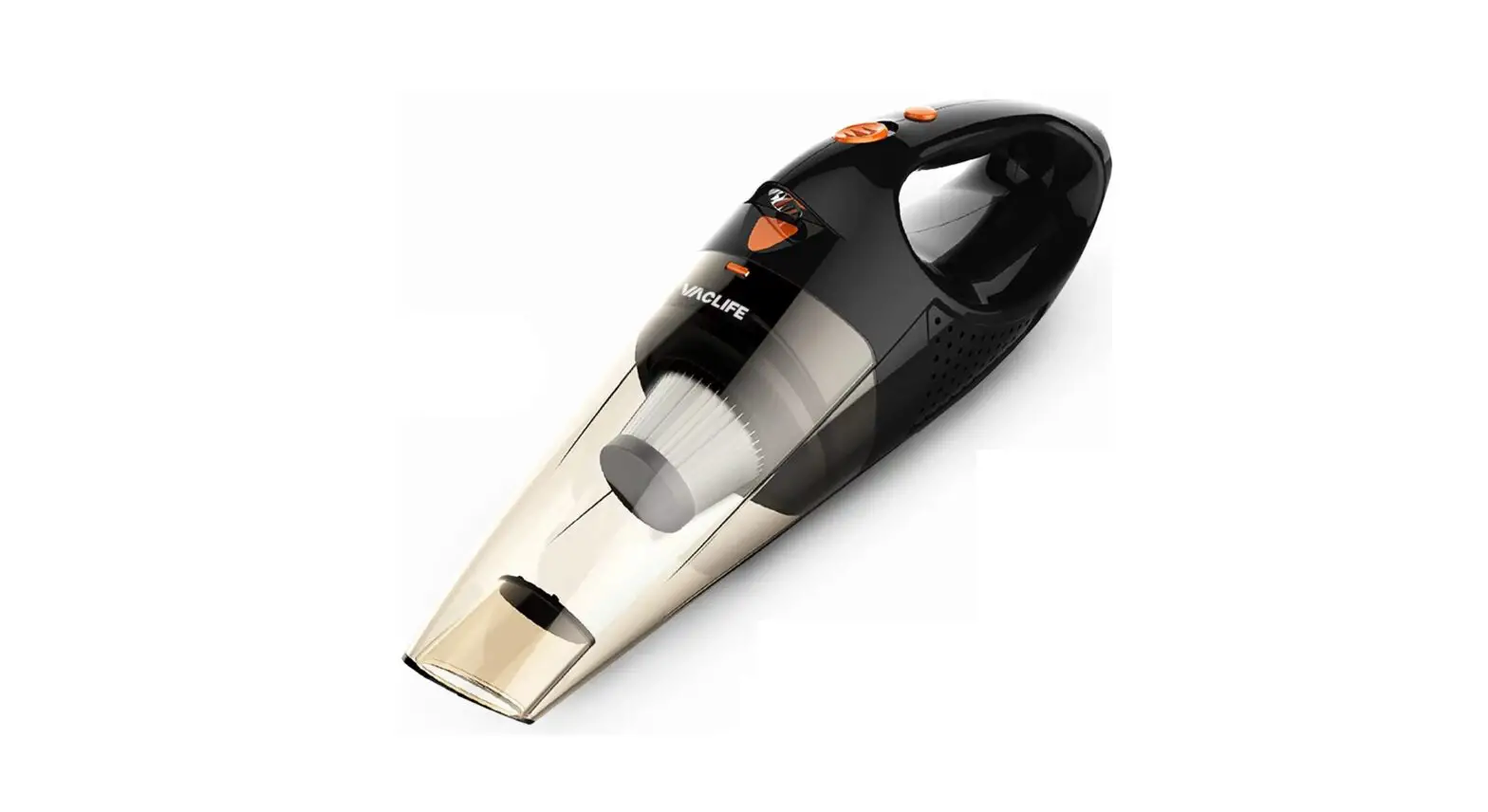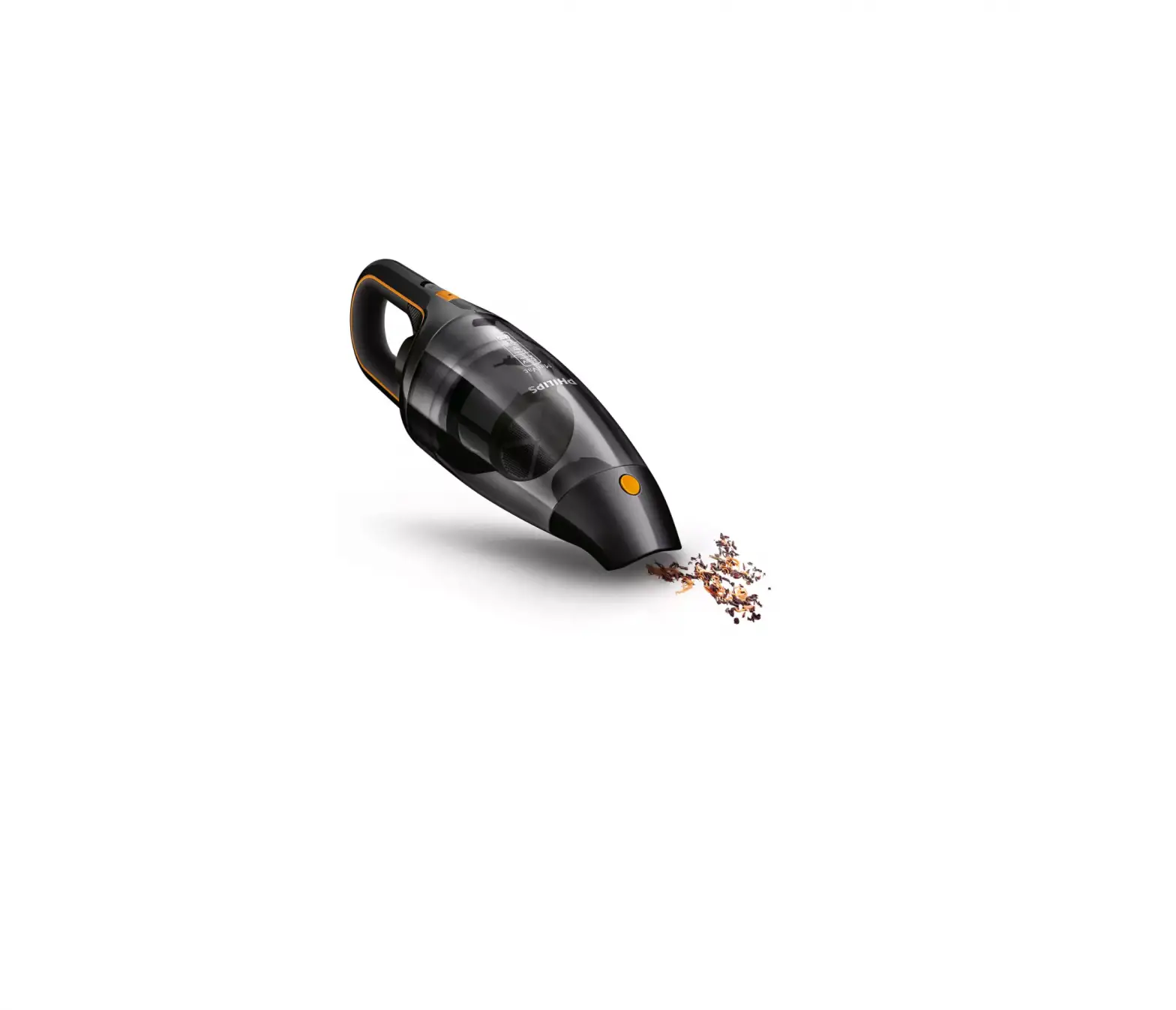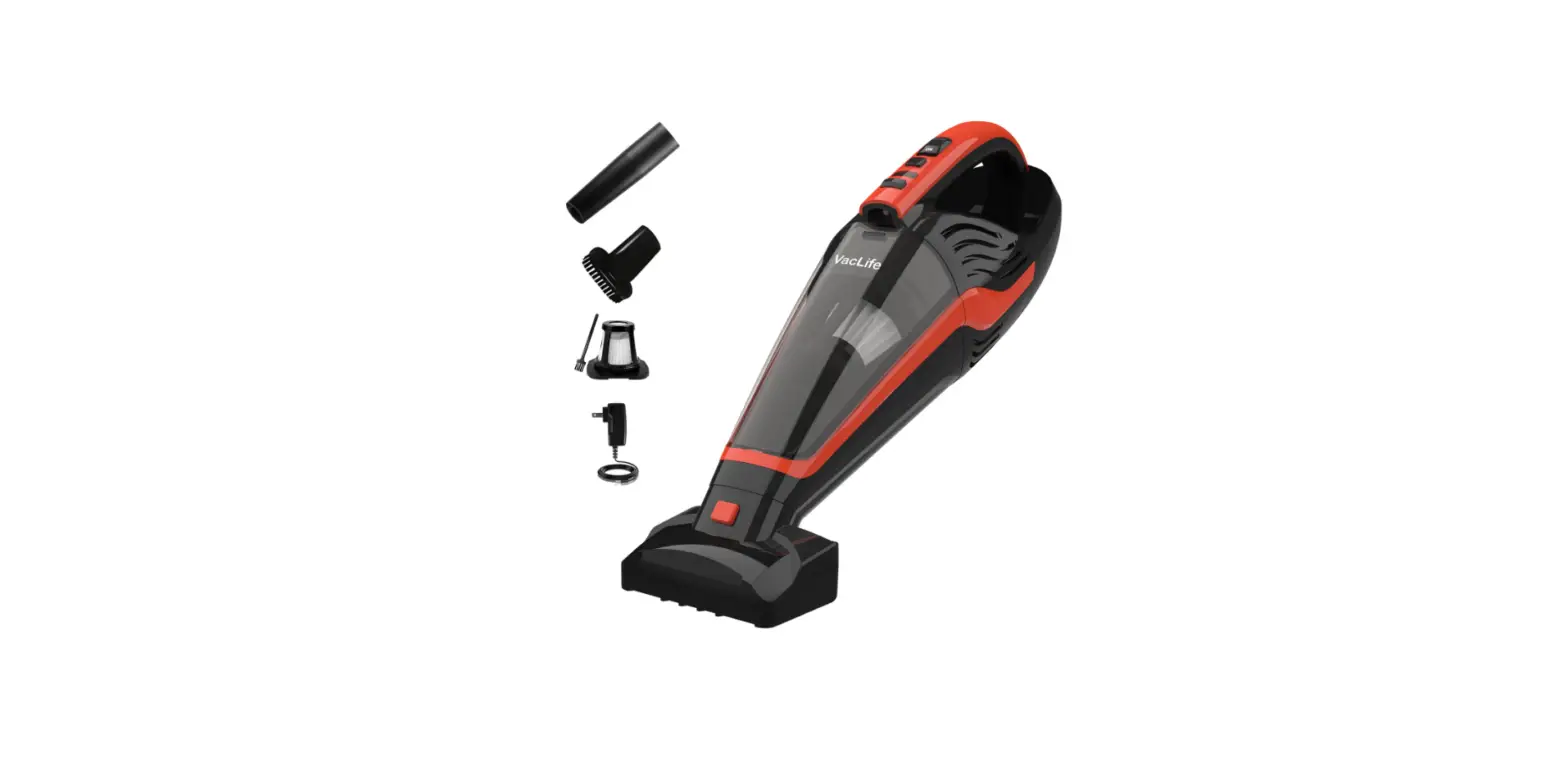

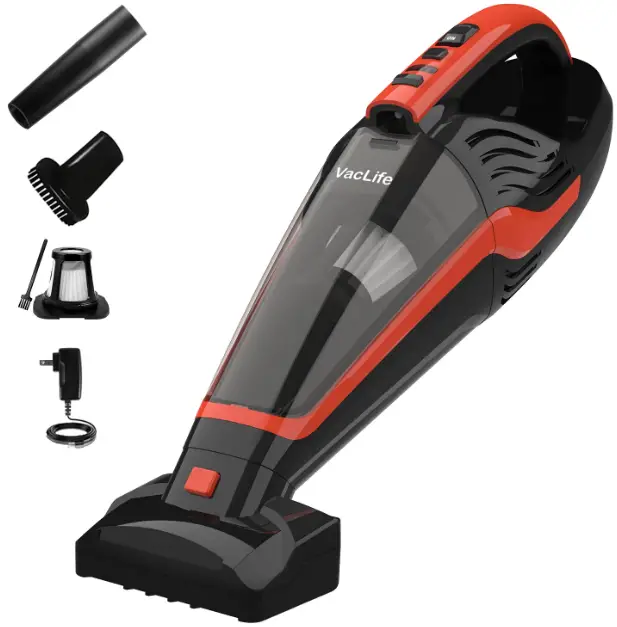
VACLIFE VL726 Portable Handheld Vacuum
IMPORTANT INSTRUCTIONS
To prevent anyphysi,;al injuries and property damages;; used by improper operation, please read this manual ,; carefully before using the appliance and keep it for future reference.
- Please stop using the appliance if there are parts found broken or lost.
- Please fully charge the appliance before the first use.
- Please use the original adapter only.
- Do not handle plug or appliances with wet hands.
- Do not charge this appliance in high-temperature are;is.
- Keep children under supervision when the appliance is in use.
- Do not tum on the appliance during charging.
- Please make sum the parts am all installed before use.
- Do not tum on the appliance when installing or disassembling.
- Do not use the appliance lo clean wet rubbish, corrosive liquid, Rammable items, hard or sharp objects such as glass, nails, screws, coins that may damage the appliance.
- Turn off the appliance for 2 minutes to cool it down after it works for 15 minutes.
- Do not soak or wash the motor.
- Do not disassemble the motor by yourself.
- Please dispose of the appliance in terms of the local regulations when it needs scrapping.
- Please do not touch ff there Is lMklng inside the battery.
- Please store the appliance in a clean, dry and ventilated environment. (<113’F]
If you have any problems with our product, plese feel free to contact us to get a full refund or a replacement.
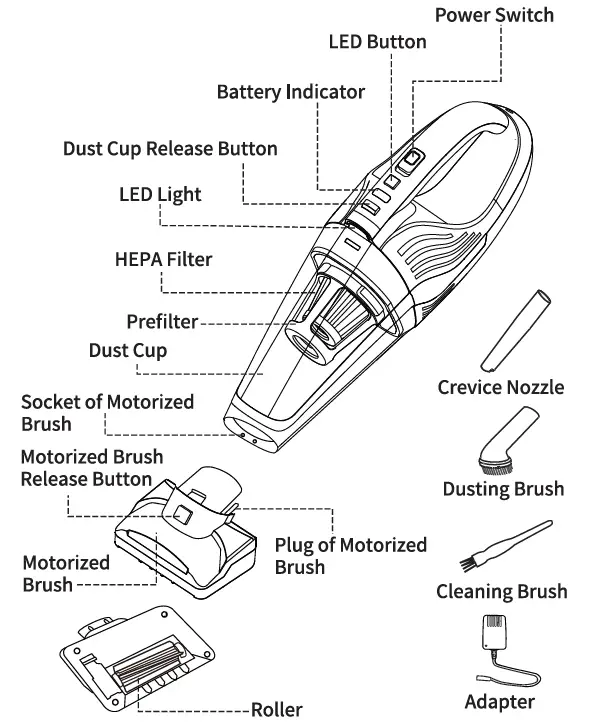
PRODUCT DESCRIPTION
PRODUCT OPERATION
How to Charge
NOTICE
- Please fully charge the appliance before the first use, and always remember to use the original adapter only.
- Please ensure the appliance is finally plugged in before charging.
- Please keep the appliance turned off throughout the charging proceS.!i.
- Please make sure the charging time is within 3to4 to hours.
- Please make sure the battery power is higher than 75%when not in use for a long time.
Step1: When the battery is low, the battery indicator will flash 5 times, then the appliance will auIDmaticly power off. Please charge it.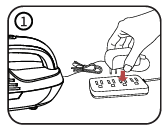
Slep2: Connect the adapter to the appliance, then plug it in the socket until the adapter indicator lights up red and the battery i n d icato r flashes.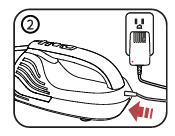
Step3: When the appliance is fully charged, the adapter indicator will turn green and the battery indicator stops flashing. Please unplug the appliance in 24 hours.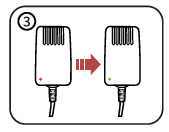
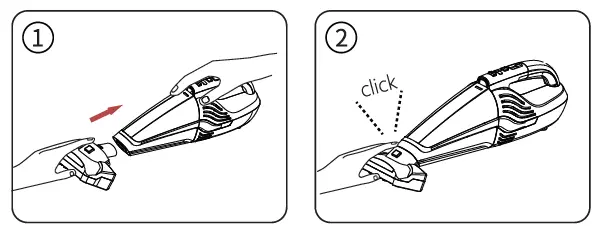
Install the Motorized Brush
- Insert the motorized brush into the appliance until it dicks.
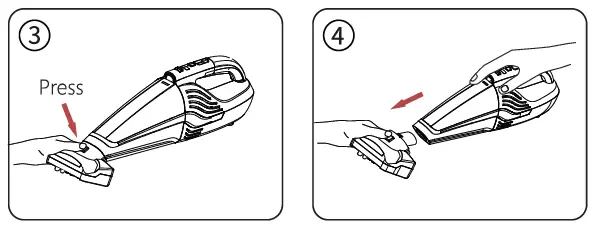
Remove the Motorized Brush
- Press the release button ID to take off the motorized brush.
How to Use
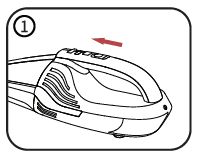
- Press the power switch forward to turn on the appliance.
- Keep the dust cup nozzle parallel with the surface.
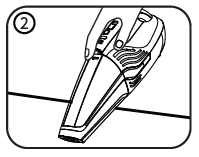
- Insert the flush end of the crevice nodule into the dust cup noz, le for cleaning comers and cracks.
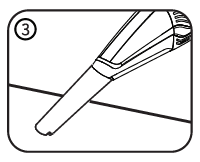
- Insert the dusting brush into the dust cup nozzle for cleaning the carpets and other suede surfaces.
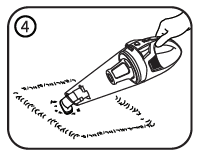
- Press the LED button to tum on the LED light for cleaning dark areas.
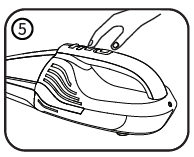
- Press the power switch back tc turn off the appliance,.
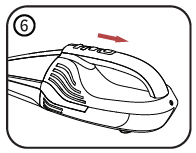
PRODUCT CLEANING
Cleaning of Filters
NOTICE
- lf the auction gets weaker, please rinse the filter and air dry itcompl~to reg.,in good perfume, ance.
- If the filters are damaged, please contact us to get help.
Stepl: Press the release button to take off the dust cup.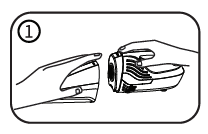
Step2: Take the prefilter out from the dust cup.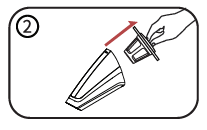
Step3: Contrarotate the HEPA filter to take it out.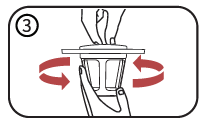
Step4: Clear the fine dust on the prefilter and HEPA filter with the cleaning brush.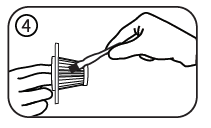
Step5: Wasth the prefilter and HEPA filter if necessary.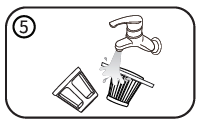
Step6: Air dry the prefilter and HEPA filter.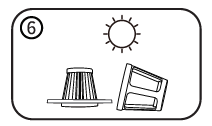
Step7: When the two filters are completely dry, assemble them by screwing the HEPA filter on the prefilter.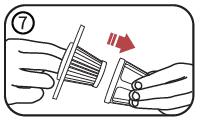
Step8: Fit the assembled filters into the dust cup, then put the dust cup back on the appliance, aligning the bottom first and buckling it until it clicks.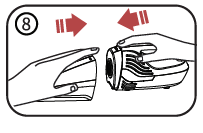
Cleaning of Motorized Brush
Step1: Press the release button to take off the motorized brush.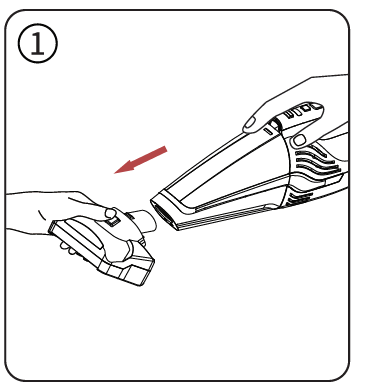
Step2: Pull out the buckle to take off the roller.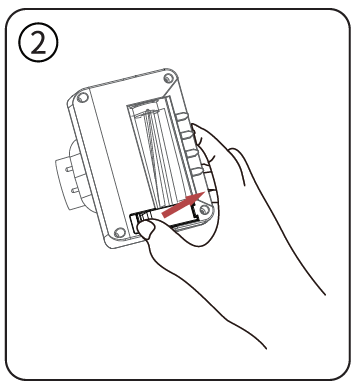
Step3: Clean the roller.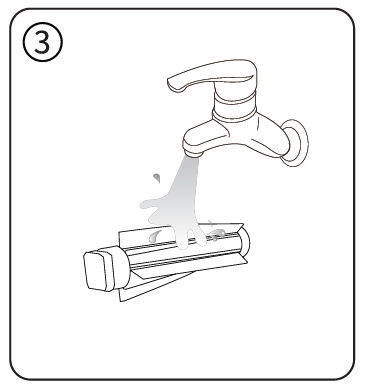
Step4: Air dry the roller completely, then put it back into the motorized brush.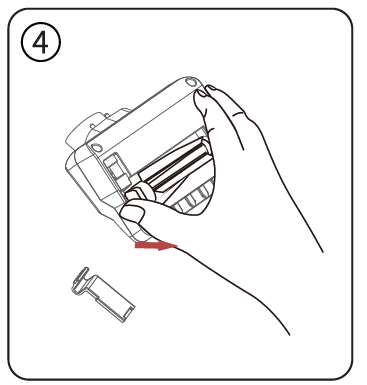
TROUBLESHOOTING
ABOUT WARRANTY
- Q: Do you have a warranty for this product?
- A: We strictly abide by Amazon regulations which cover a full refund or a free replacement within 30 days since your purchase.
Additionally, if there are any problems with this product, please always feel free to contact us at vaclife.[email protected]. We promise our team always stands behind our product and we will try our best to offer you a better user experience.
THANK YOU FOR YOUR PREFERENCE FOR VAN LIFE
If you have any problems with our product, please feel free to contact us. M vaclife.[email protected] [email protected]