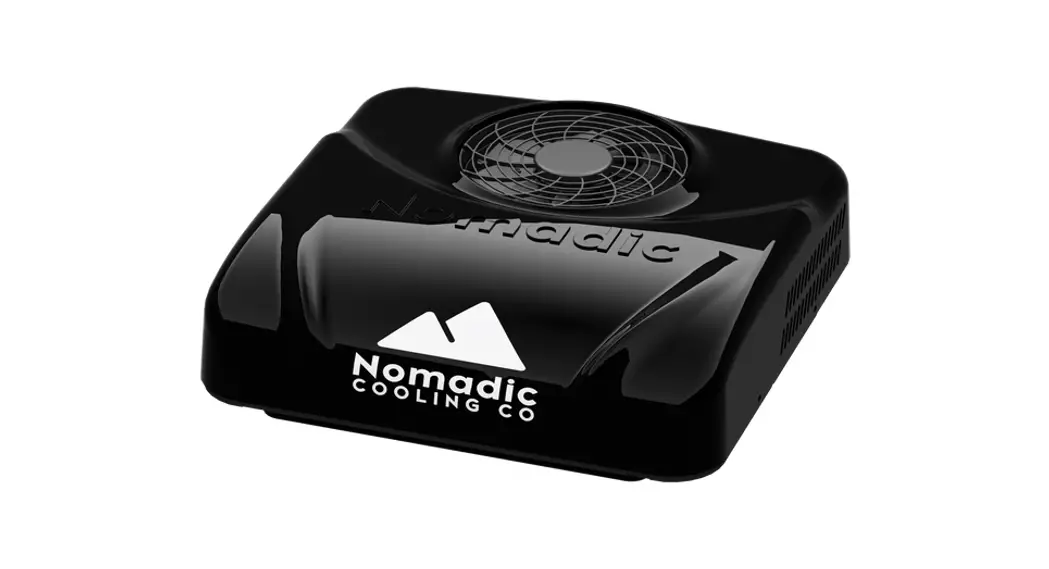
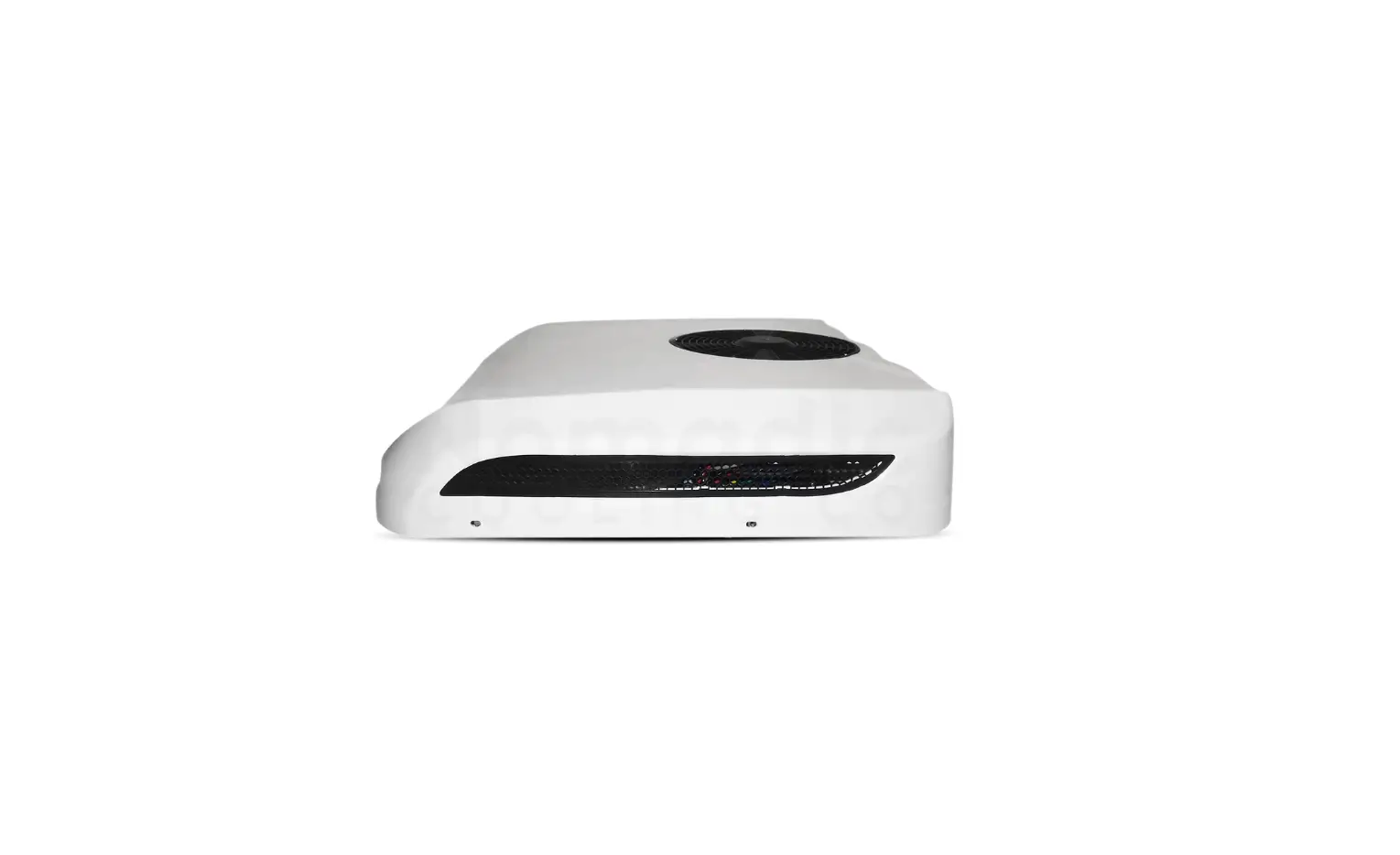
NC-X3 Air Conditioner
Product Information – NC-X3 Air Conditioner
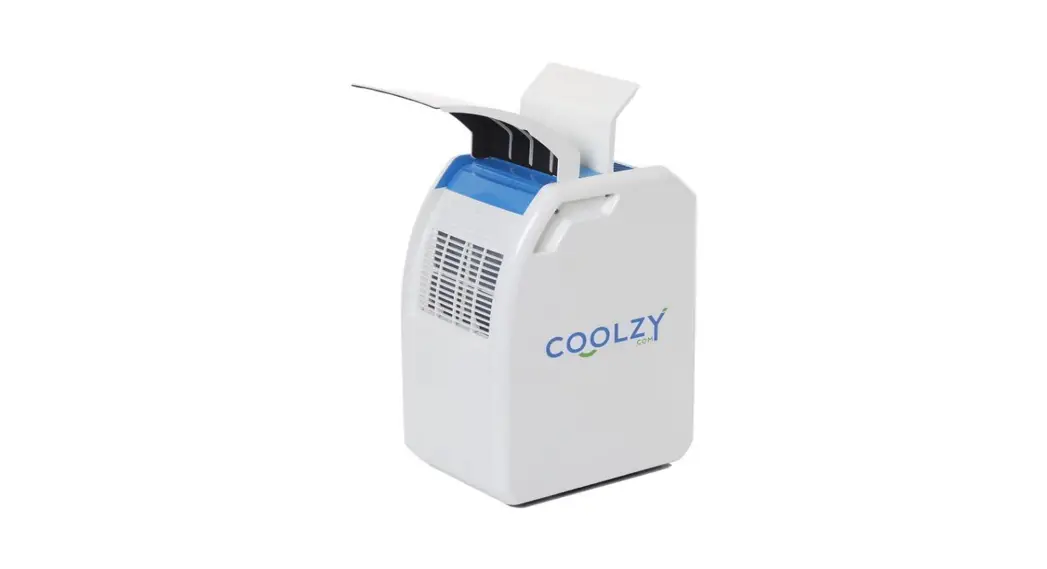
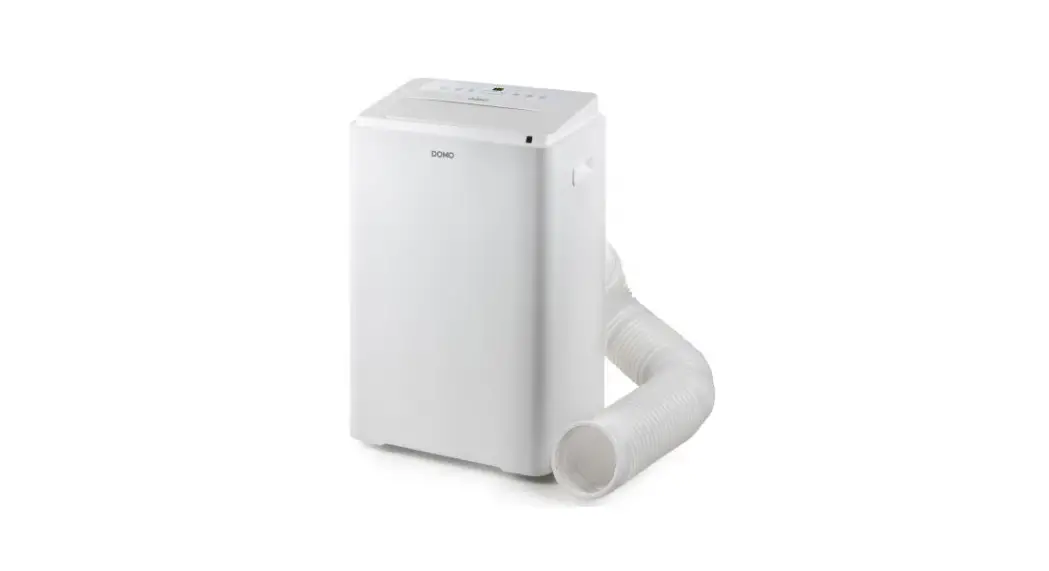
The NC-X3 Air Conditioner (AC unit) is designed and intended for
installation on the roof of a recreational vehicle during or after
the vehicle is manufactured. It can be installed by one person with
brief help from one additional person. Nomadic Cooling reserves the
right to modify appearance and specifications without notice.
Specifications:
- Model No: NC-X3
- Serial No: [serial number]
- Date Purchased: [purchase date]
- Installed By: [installer name]
Parts List:
| Part Name | Quantity |
|---|---|
| NC-X3 Air Conditioner | 1 |
| Vent Plate with 4 dir. vents and LCD control | 1 |
| Foam filter air separator (Option A or B) | 1 |
Product Usage Instructions
Installation Instructions:
Before starting the installation process, ensure that you have
read the installation manual in its entirety to ensure proper
installation and function of the NC-X3.
1. Always bench test the AC unit before installing.
2. Check to ensure all required parts are included in the
package.
3. Follow the step-by-step installation instructions provided in
the user manual.
4. For electrical wiring, refer to the Electrical Wiring Diagram
section on page 12.
Note: It is recommended to have one additional person to assist
during the installation process.
Safety Instructions:
1. Please read and follow all safety guidelines and instructions
provided in the user manual to reduce or eliminate the risk of
accidents and injuries.
2. Ensure that the installation complies with all applicable
local and national codes and standards.
3. Pay attention to safety messages indicated by the safety
alert symbol to avoid potential physical injury hazards.
4. Take note of signal words that identify safety and property
damage messages and indicate the degree of hazard seriousness.
NC-X3 Install Manual Version 1.1 / 05.04.23
16680 N 51st Ave Units 4 & 5 Glendale, AZ 85306 (480) 576-2489
www.NomadicCooling.com/Support
TABLE OF CONTENTS
ITEMIZED PARTS LIST . . . . . . . . . . . . . . . . . . . . . 3 IMPORTANT SAFETY INSTRUCTIONS . . . . . .5 NC-X3 SPECIFICATIONS . . . . . . . . . . . . . . . . . . .6 INSTALLATION INSTRUCTIONS . . . . . . . . . . . .7 ELECTRICAL WIRING DIAGRAM . . . . . . . . . . 12
INTRODUCTION
The NC-X3 Air Conditioner (“AC unit”) is designed and intended for installation on the roof of a recreational vehicle during or after the vehicle is manufactured .
The NC-X3 can be installed by one person with brief help from one additional person . Reading this installation manual in its entirety first will ensure the proper installation and function of the NC-X3 .
Nomadic Cooling reserves the right to modify appearance and specifications without notice .
Keep a record of the following information: Model No . Serial No . Date Purchased Installed By
Always bench test AC unit before installing .
Check to ensure all required parts are included (see page 3) .
16680 N 51st Ave Units 4 & 5 Glendale, AZ 85306 (480) 576-2489
www.NomadicCooling.com/Support
NC-X3 Install Manual
2
Get social with us!
@ nomadiccooling
Nomadic Cooling Co
NC-X3 Install Manual
3
Nomadic Cooling Co
A
B
D
E
G
H
J
K
M
N
P
Q
T
U
Option A
Option B
C
Option A Option B
F
I
L
O
BOX 1: NC-X3 Air Conditioning Unit
ID Qty Part Name
A 1 NC-X3 Air Conditioner
BOX 2: Vent P ate
B 1 Vent p ate with 4 dir. vents and LCD control C 1 Foam filter air separator (Option A or B) D 2 Crossbars E 9 B ack (preferred) vent p ate self-drilling screws F 9 Silver (alternative) vent p ate screws G 10 Washers H 4 Mounting bolts I 4 Mounting nuts J 10 Sticky p ates for zip ties K 20 Zip ties (10 arge + 10 small) L 1 Remote Control
R Option A S R Option B
BOX 3: Wiring Kit
M 1 Wiring harness (15 ft)
N 1 Bagged Anderson clip and metal connectors
O 1 Bagged Victron fuse holder and 125A fuse
P 1 Tube of BetaSeal U428+HV and p astic tip
Q 1
Sealed Bag with 2 awg 5/16″ lugs, 3 red and 1 b ack heat shrink 3/4″, and 1 thread locker
R 1 Foam gasket (A) or Premium Gasket (B)
S 1 Leveling strip
T 1 Foam filter air separator (Option A or B)
U 1 Cardboard temp ate
ITEMIZED PARTS LIST
AC Unit and Shroud AC Base Plate Foam Gasket
Vehicle Roof
Trim Ring
Cross Bars
16680 N 51st Ave Units 4 & 5 Glendale, AZ 85306 (480) 576-2489
www.NomadicCooling.com/Support
NC-X3 Install Manual
4
Nomadic Cooling Co
IMPORTANT SAFETY INSTRUCTIONS
This guidebook contains safety guidelines and instructions that can aid in reducing or eliminating the risk of accidents and injuries .
The installation must comply with all applicable local and national codes, including the latest edition of the following standards:
A. Recognizing Safety Information
USA
The safety alert symbol is utilized to notify potential physical injury hazards . To avoid possible injury or death, follow all safety messages that come after this symbol .
B. Understanding Signal Words
Signal words identify safety and property damage messages and indicate the degree of hazard seriousness .
· ANSI/NFPA70, National Electrical Code (NEC)
· ANSI/NFPA1192, Recreational Vehicle Code
CANADA
· CSA C22 1. Parts I & II, Canadian Electrical Code
WARNING is used for hazardous situations that could result injury (including death, severe, moderate or minor injury if not avoided .
· CSA Z240 RV Series, Recreational Vehicles
D. General Safety Messages
NOTICE is used for situations that could result in AC unit or vehicle damage or unnecessary complications in the installation process .
HELPFUL TIP is used for useful information or best practices .
C. Supplemental Directives
WARNING – Failure to follow the subsequent warnings could lead to death or serious injury .
· A qualified service technician MUST install or service this product.
· Do NOT modify this product in any way. Modifications can be extremely dangerous and void any warranties.
To avoid potential injury and even death, read and follow all of the safety information and instructions .
Read and comprehend these instructions before installing, using, servicing, or maintaining this AC unit . Poor installation, operation, servicing, or maintenance of this AC unit can result in severe injury . Follow all instructions .
· Do NOT add any devices or accessories to the AC unit unless specifically authorized in writing by Nomadic Cooling Co.
Nomadic Cooling Co
5
NC-X3 Install Manual
NC-X3 SPECIFICATIONS
NC-X3 Install Manual
6
Nomadic Cooling Co
INSTALLATION STEPS
1. Mark your 14″x 14″ rooftop opening . Cut from the exterior of your vehicle .
Never cover AC top fan .
When determining AC unit location, be sure to allow for the hood/cover when positioned on the roof .
Make sure there is no electrical or other encumbrances in the way .
Do not cut into structural beams .
2. Make sure the planned opening is centered from all four sides . This gives the best chance for easy installation . Vehicle Front
14″
14″
14″
14″
Exterior Roof
Use painter’s tape and a permanent marker to draw your 14″x 14″ cutline . Make multiple passes with the marker . If you make a mistake replace the tape and try again . Measure repeatedly to make sure your lines create a perfect 14″x 14″ square .
3. Drill each corner of your markings through the roof . This will make it easier to detect the location of your 14″x 14″ opening from the underside of your roof .
Exterior Roof
Use a 1/8″ drill bit for corner holes .
4. Cut on your lines using a jig saw, nibbler or cutting wheel .
14″
14″
14″
14″
Exterior Roof
Nomadic Cooling Co
Use a sander or file to smooth out the rough edges after cutting .
7
NC-X3 Install Manual
5 . Paint around the edges of the cut roof opening to prevent rust . You can use any color rust-preventative paint .
If placing gasket over a high or uneven roof surface, remove small amounts of the 14″x 14″ gasket to match roof contours .
Use blade to cut away gasket if needed .
Place the gasket sticky side down .
Exterior Roof
6. Remove tape and clean surface .
7. Remove Nomadic Cooling 14″x 14″ waterproof gasket from packaging .
8. Apply window weld around 14″x 14″ gasket, after sticking it down .
CUTAWAYS FOR ROOF RIDGES Exterior Roof
URETHANE ADHESIVE
Make sure area/paint is clean, dry and clear of all debris .
Use alcohol wipes or PrepSol to remove oil or wax from vehicle roof .
If your AC unit included a premium gasket, skip to step 9 .
High compression foam Low compression foam
9. Place AC unit on roof over 14″x 14″ gasket gently . Measure side-to-side until unit is centered on all four sides .
Be careful not to puncture, rip or tear the gasket with AC unit’s mounting bolts .
Do not put adhesive on top of gasket .
Do not damage electrical components when placing unit .
NC-X3 Install Manual
Dual Layer Premium Gasket
8
Nomadic Cooling Co
10. From inside the vehicle add support brackets to mounting bolts to attach AC unit to the roof .
Hand tighten all four bolts then 1/4 turn more (about 4 lbs . of torque) .
Do not use electric drills . Do not over-tighten mounting bolts . Bolts will rotate if over torqued, and may break from base plate . Over-tightening will void warranty . If you purchased the optional internal trim piece, it should be placed between the roof and the AC unit before brackets are added .
Interior Roof
Brackets
Put the two washers on the M8 bolt and thread the first nut until crossbar is secured . Tighten until the gasket is compressed slightly . No light should be visible .
AC unit will create pressure .
Flat side up
1. Tighten until flush with crossbar.
2. Hand tighten, then 1/4 turn more.
When securing AC unit to the vehicle, increased compression of the gasket will level the unit against the roof .
Gasket is used for vibration absorption . It is very high density and can’t be compressed more than 10% . Use gasket tension to control AC unit’s distance from roof surface .
A/C should be resting on gasket, not vehicle .
Optional trim piece
Nomadic Cooling Co
Interior Roof
9
Over compression of the unit to the roof may cause the internal fan to rub against the fan housing . Be sure the fan blades rotate freely prior to starting the unit .
NC-X3 Install Manual
11. Connect DC power wires to unit . “Quick Connection to DC Wiring Harness” included .
13. Attach thermostat wires to control panel wiring harness .
Condenser is always to the left of the black wire . Be careful not to break these wires .
See electrical wiring diagram on page 12 .
Make sure wiring is appropriately sized and is no smaller than 2AWG .
Make sure the fuse is installed and appropriately sized .
Install and connect LCD panel before connecting to power to avoid blowing internal fuse! A 125A fuse/breaker is mandatory between your power source and the air conditioning unit .
Top
Crimp “fin” on top
14. Use the foam separator (Option A or B) to properly separate hot air from cold air as it enters and exits the AC unit .
OPTION A
AC unit centered on foam gasket
curved lip down
12. Attach LCD control panel and AC wiring harnesses .
To AIR-OUT sensor
To Control Panel
For deeper roofs, you can double the foam separators by stacking them on each other .
OPTION B
AC unit centered on foam gasket
AIR IN
AIR OUT
NC-X3 Install Manual
10
Nomadic Cooling Co
15. Test all connections between the power source and the unit for excessive heat during normal operations .
16. Install faceplate. Use self-drilling screws to firmly secure your faceplate to your final roof panel/wall .
Obsidian Black or
Raw Metal
or
Arctic White
Exploded NC-X3 Components
Congratulations!
Your Nomadic Cooling X3 AC unit rooftop installation is complete. Now…
Nomadic Cooling Co
11
NC-X3 Install Manual
Nomadic Cooling Co
12
NC-X3 Install Manual
Electrical Wiring Diagram v1.0
12V+ Battery
12V-
B ack(2.0) Blue(1.5)
12V/60A Re ay
B ack(1.5)
M
Red(1.5)
Condensate fan
Compressor
12A/32V Red(2.0)
B ack(2.0)
B ack(2.5) Red(2.5)
NO.
Linear
Line diameter
1
0.5mm2
2
2.0mm2
3
1.0mm2
4
1.5mm2
5
2.5mm2
12V Brushless Blower
MC3
Air Outlet Temperature
Sensor
Inlet Air Temperature Sensor
B ack(2.0) Red(2.0)
White(1.0) Green(1.0) Red(1.0)
Red(1.0) X5 (Power supply 12V+)
B ack(1.0) X6 (Power supply 12V-)
X7
X8
Yellow(1.0) X4 (Speed regu ation of brushless fan)
Control Panel
Red(0.5) X3 (Voltage monitoring)
B ack(0.5) Green(0.5)
X2
(Fan signal+) (Variable frequency
signal
of
compressor)
Red(0.5) X1 (Compressor start signal)