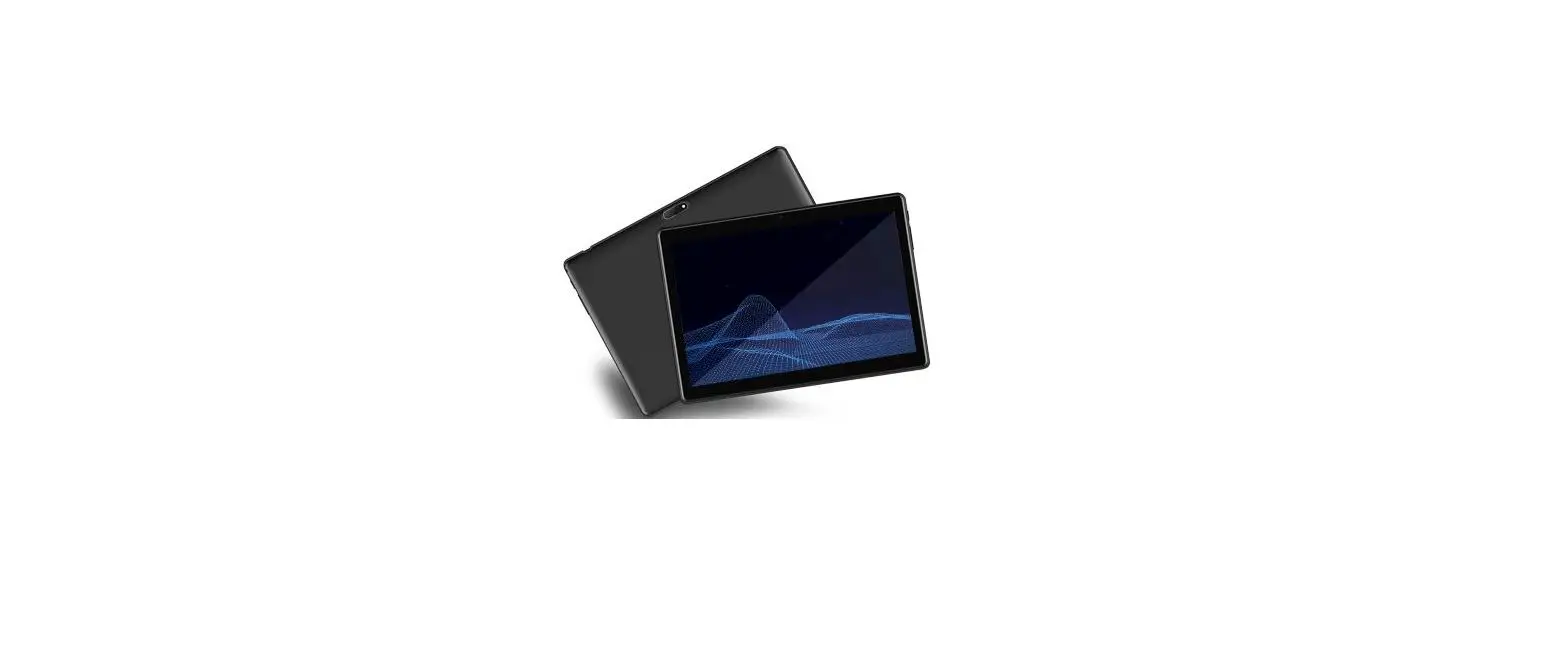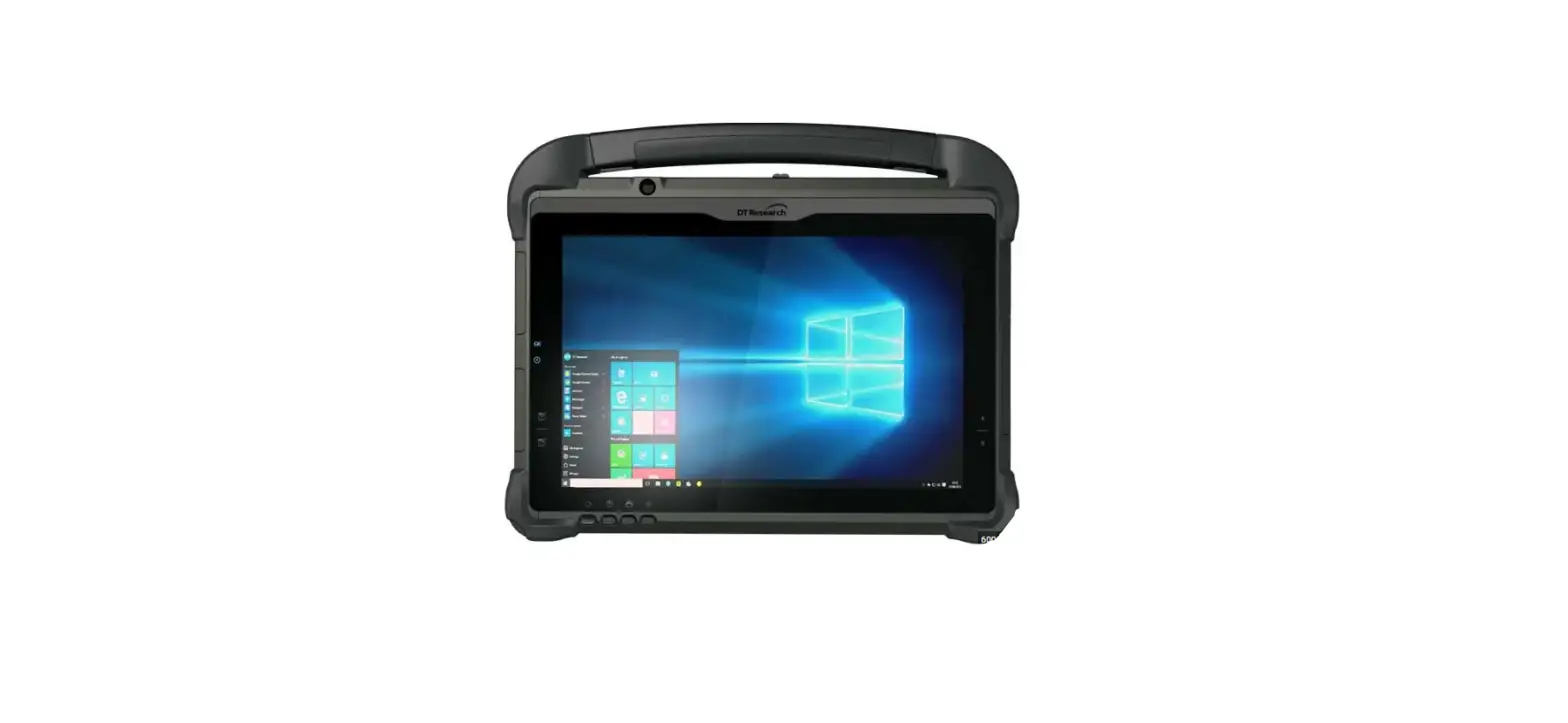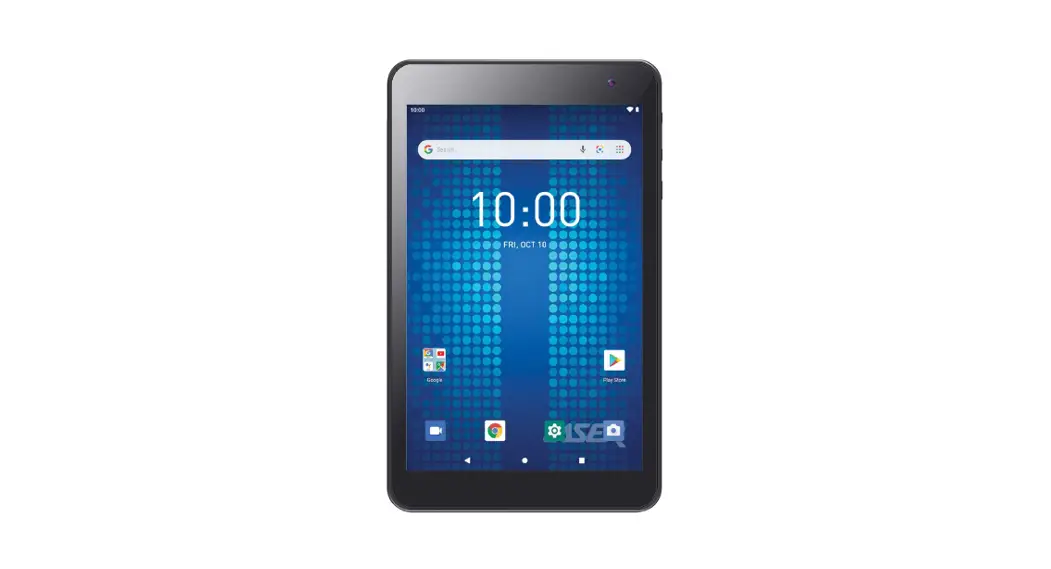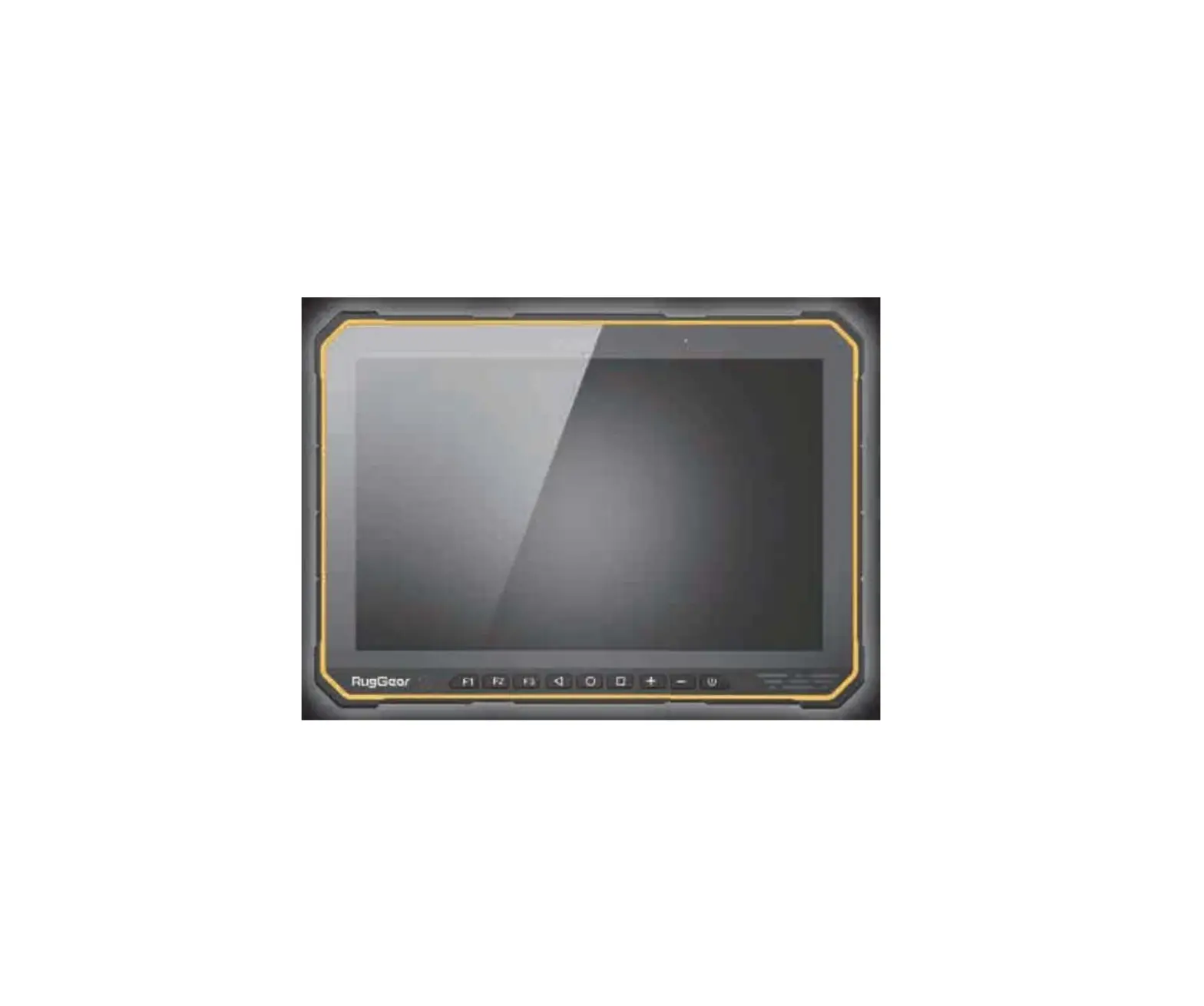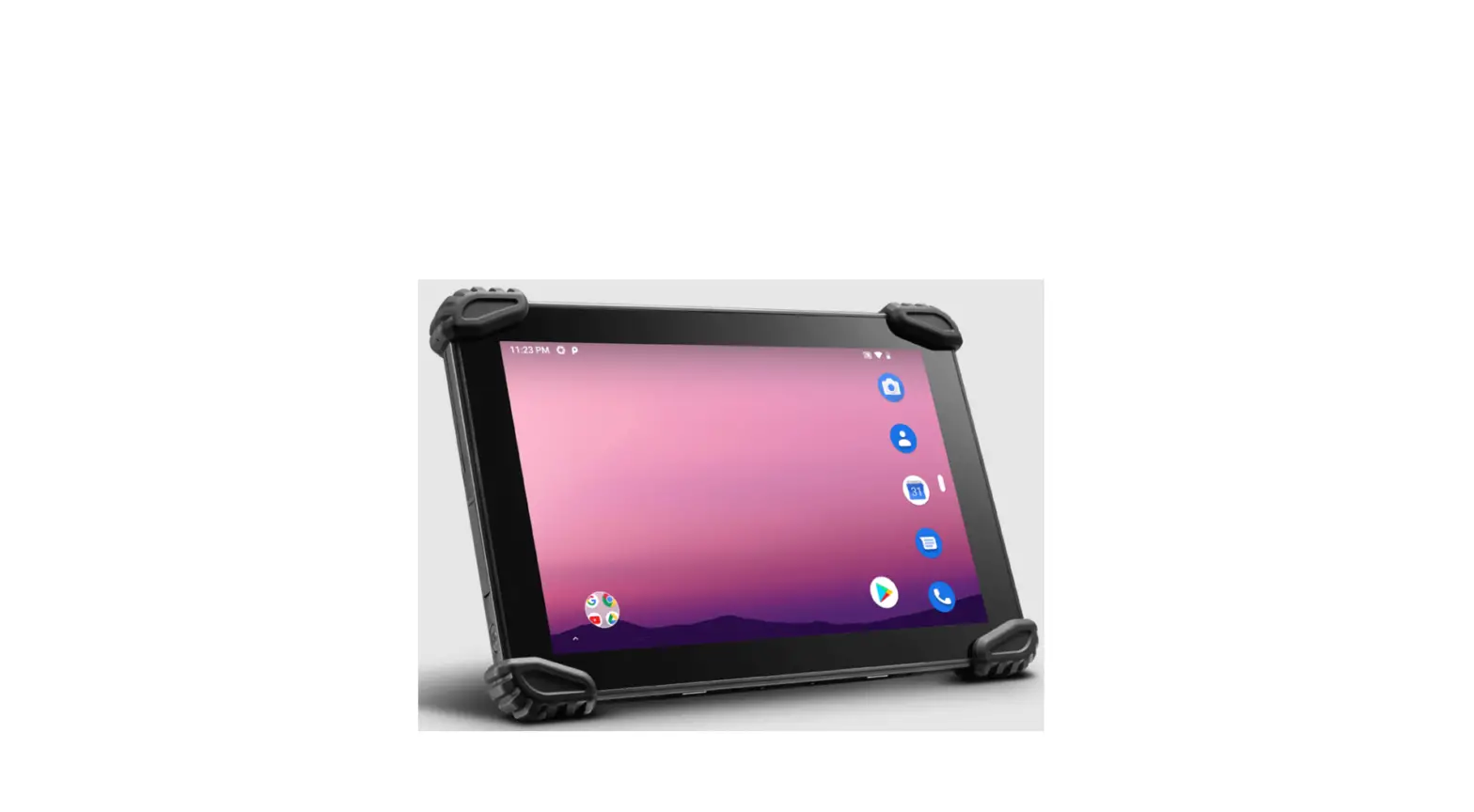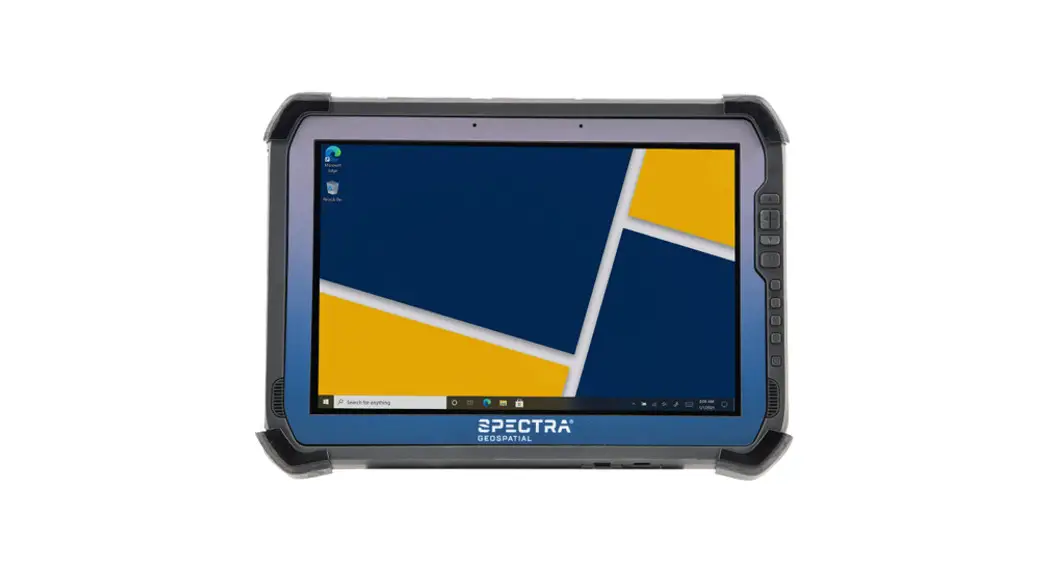
 ST100 Tablet
QUICK START GUIDE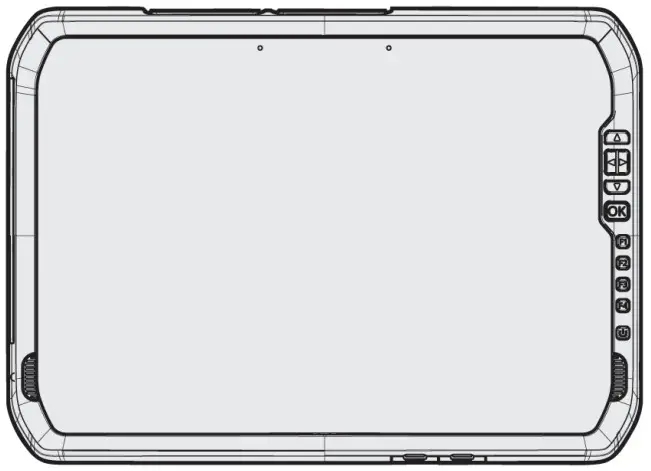
ST100 Tablet
 CAUTION – Please read the full user guide including all safety warnings, PDF before operating this product.
IN THE BOX
► Spectra Geospatial ST100 tablet with integrated batteries
► AC-DC USB-C power adapter
► USB-C to USB-A adapter
► Quick Start Guide
► EMR stylus with replacement tips and tether
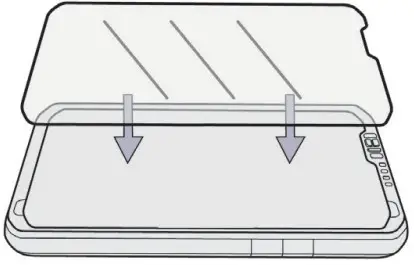
► Screen protector
PARTS OF THE SPECTRA GEOSPATIAL ST100 TABLET
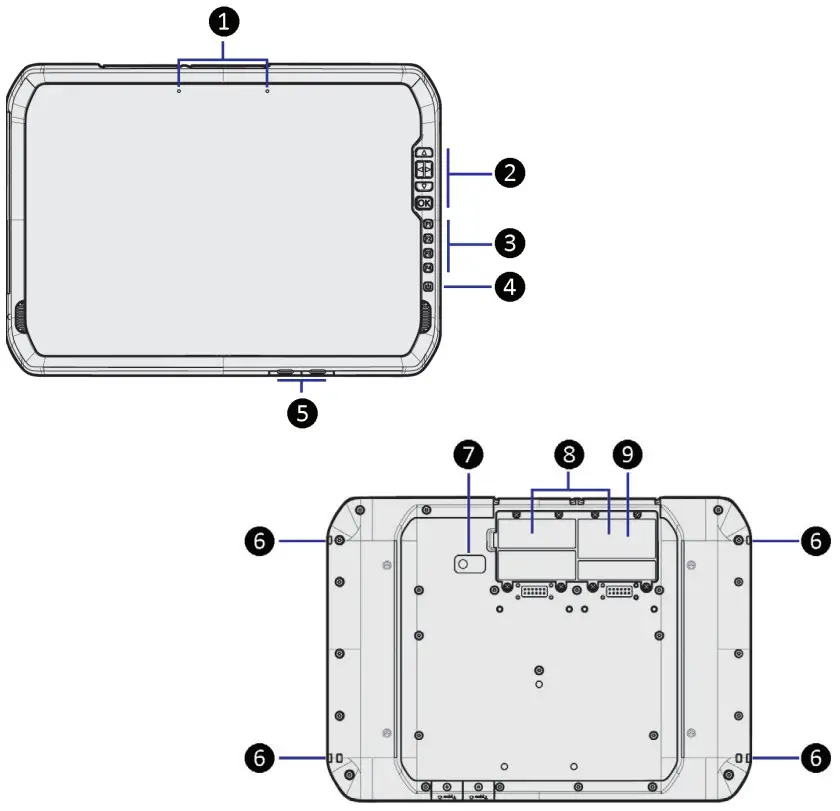
| 1. Dual microphones 2. Directional pad & OK button 3. Function keys (x4) 4. Power button 5. USB C-Type ports (x2) | 6. Stylus tether loops (x4) 7. Camera and LED flash 8. Trimble EMPOWER module bays (x2) 9. MicroSIM & MicroSD card slots (Remove door to access card slots) |
INSTALL MicroSIM CARD / MicroSD CARD (OPTIONAL)
Remove door to access
MicroSIM card and MicroSD card slots.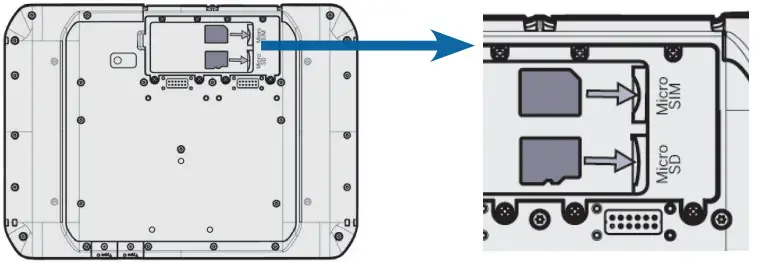
TETHER THE STYLUS, STORE IN THE STYLUS HOLDER
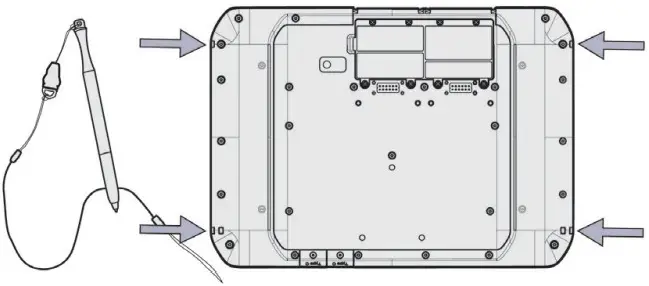 There is a stylus anchor on each corner of the tablet.
INSTALL THE SCREEN PROTECTOR
 FULLY CHARGE THE BATTERY FOR 4 HOURS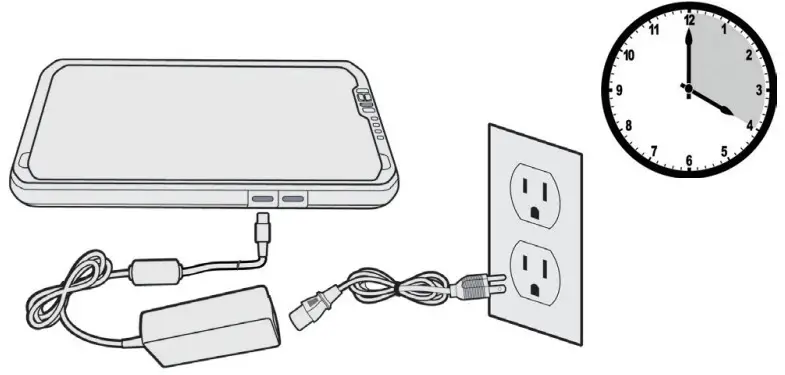
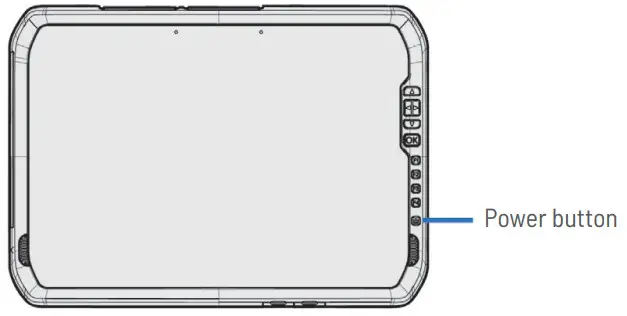
TURN ON AND SET UP THE ST100 TABLET
 © 2022, Trimble Inc. All rights reserved. Trimble and the Globe & Triangle logo are trademarks of Trimble, registered in the United States and in other countries. Spectra Geospatial is a Division of Trimble Inc. Spectra Geospatial and the Spectra Geospatial logo are trademarks of Trimble Inc. or its subsidiaries. All other trademarks are the property of their respective owners. Revision B. P/N 124159-ENG (04/22).

 Spectra Geospatial