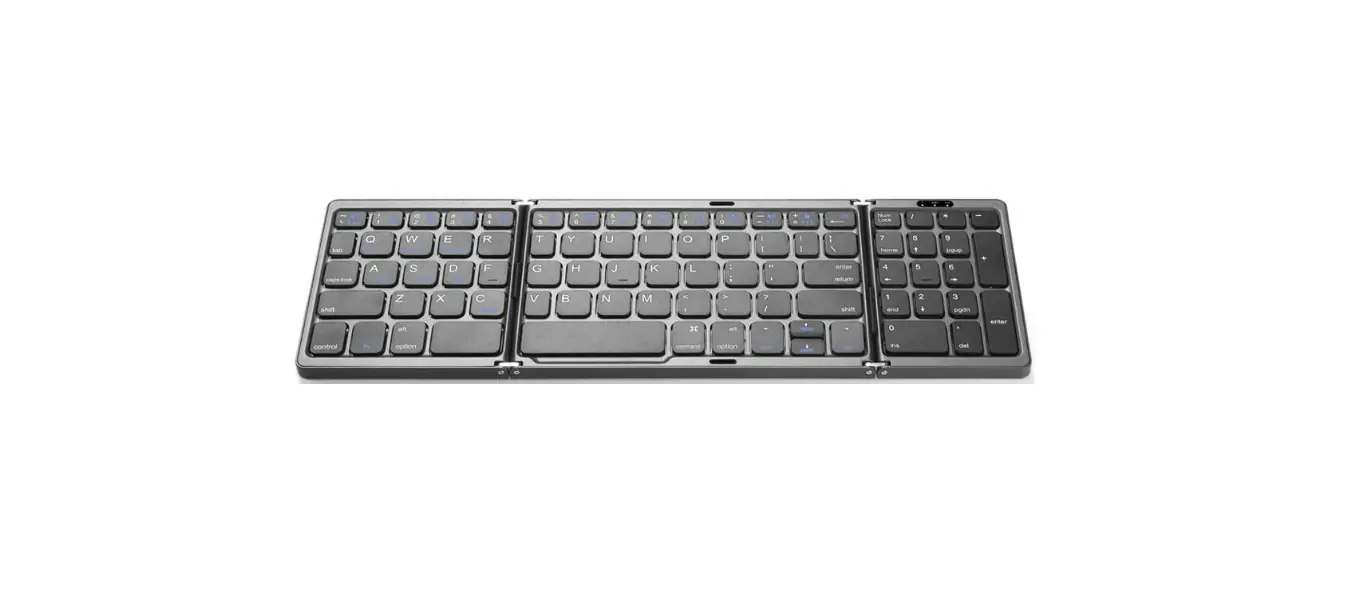
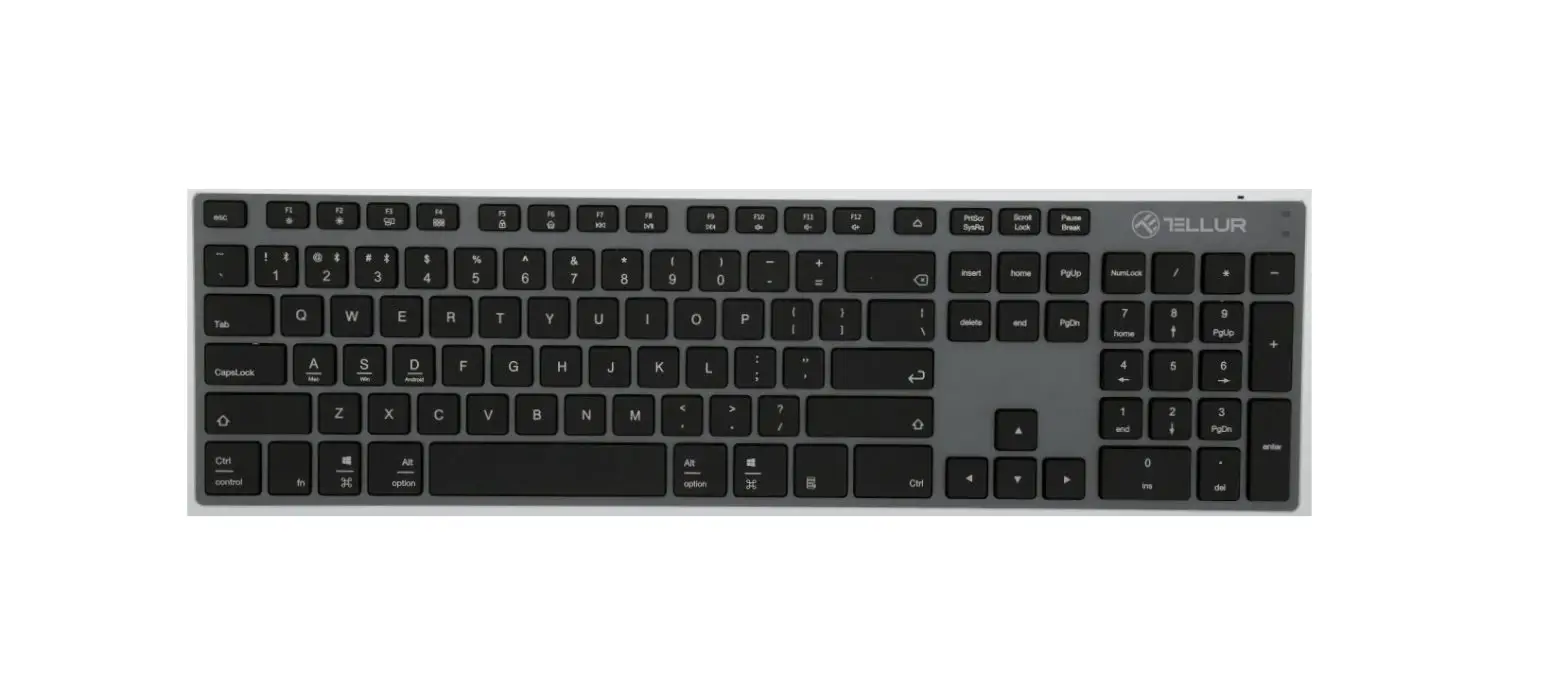
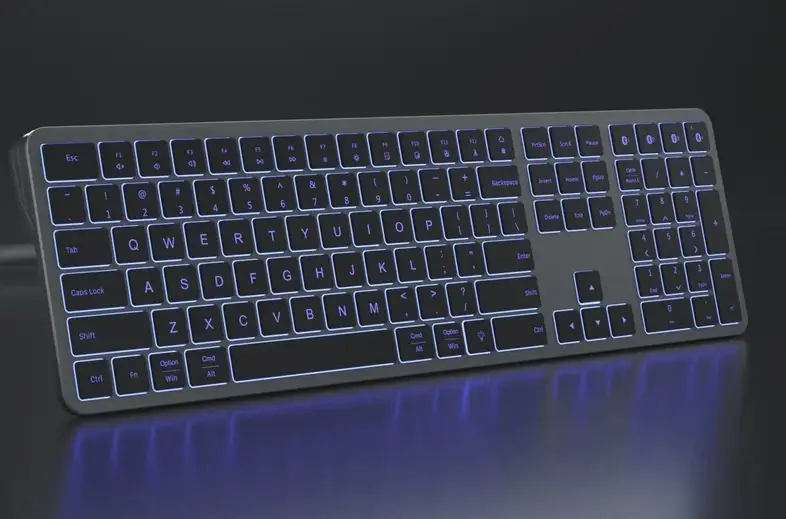
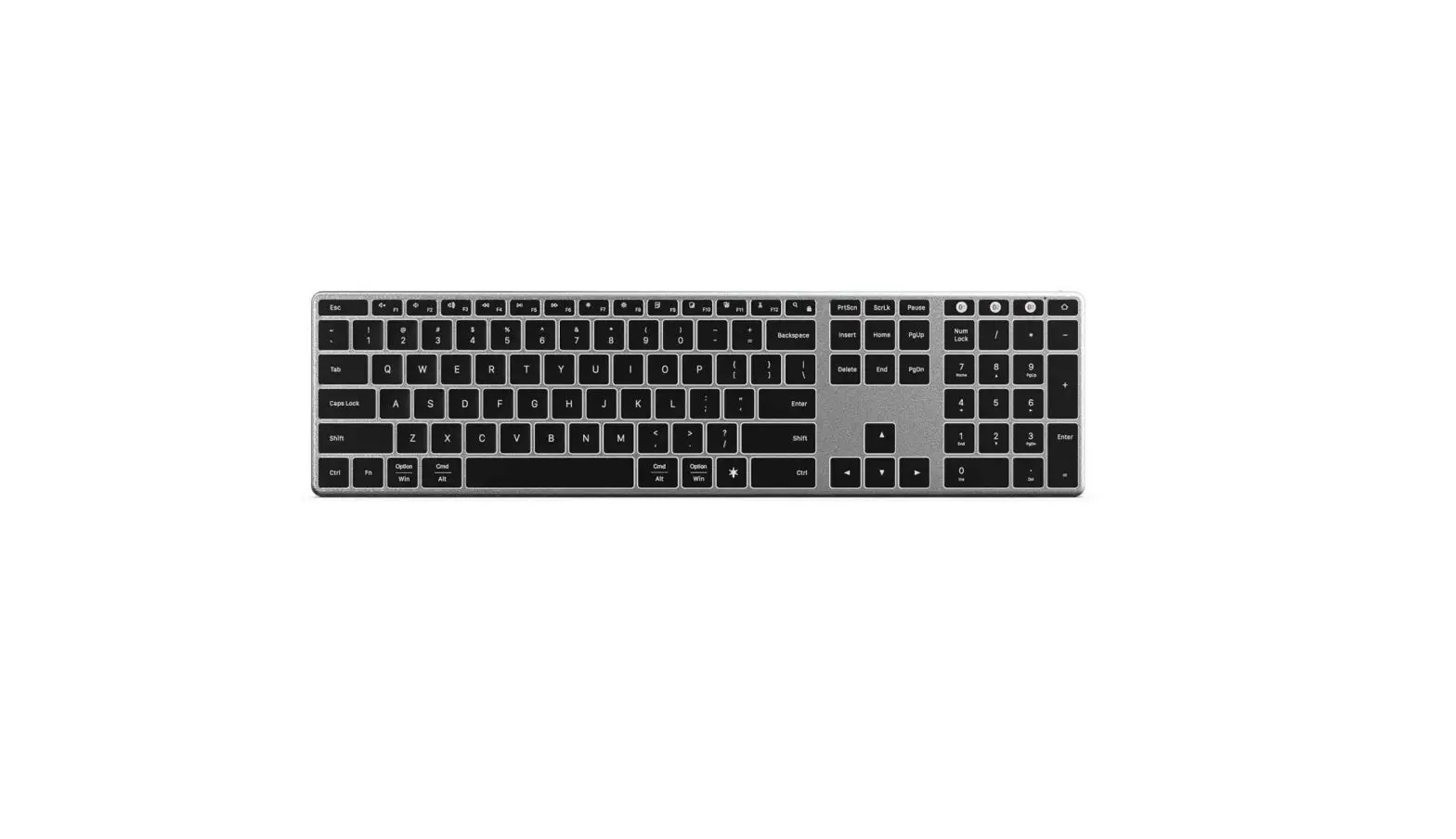
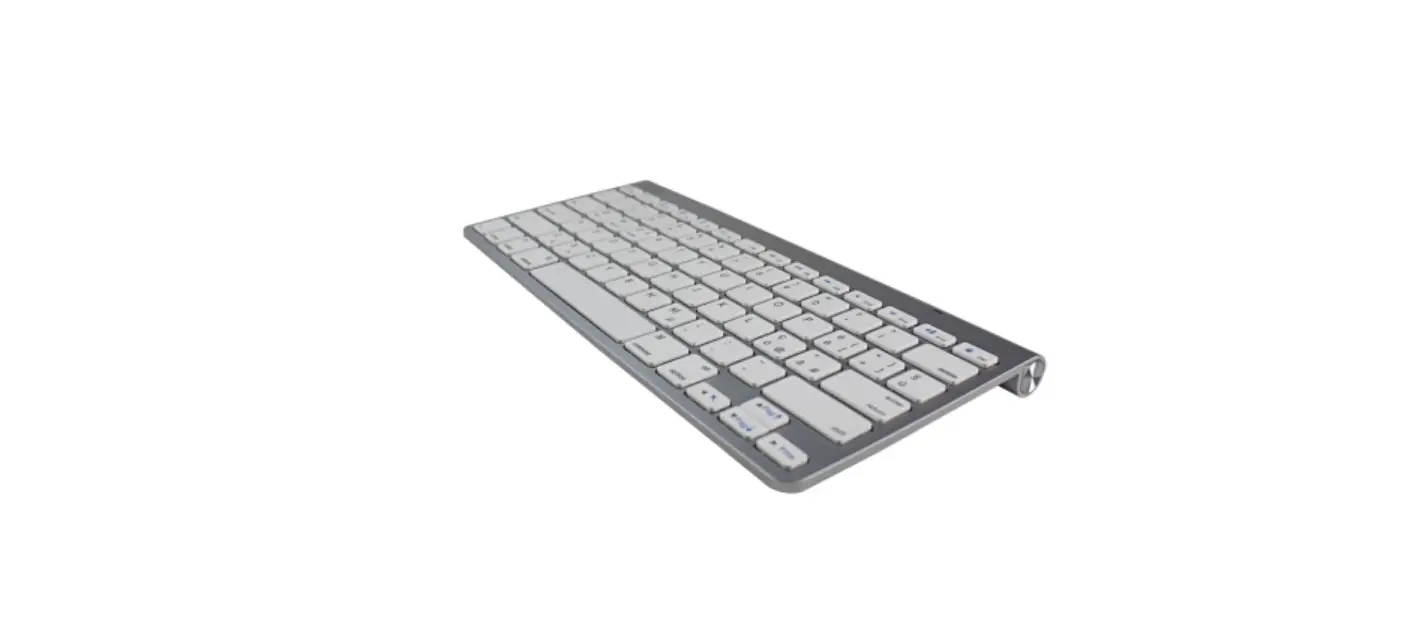
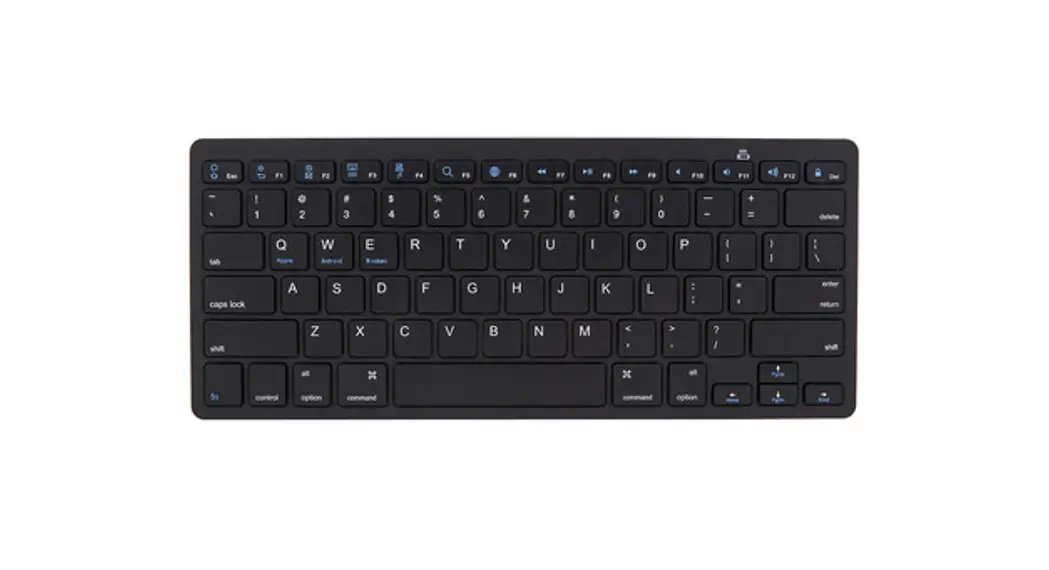
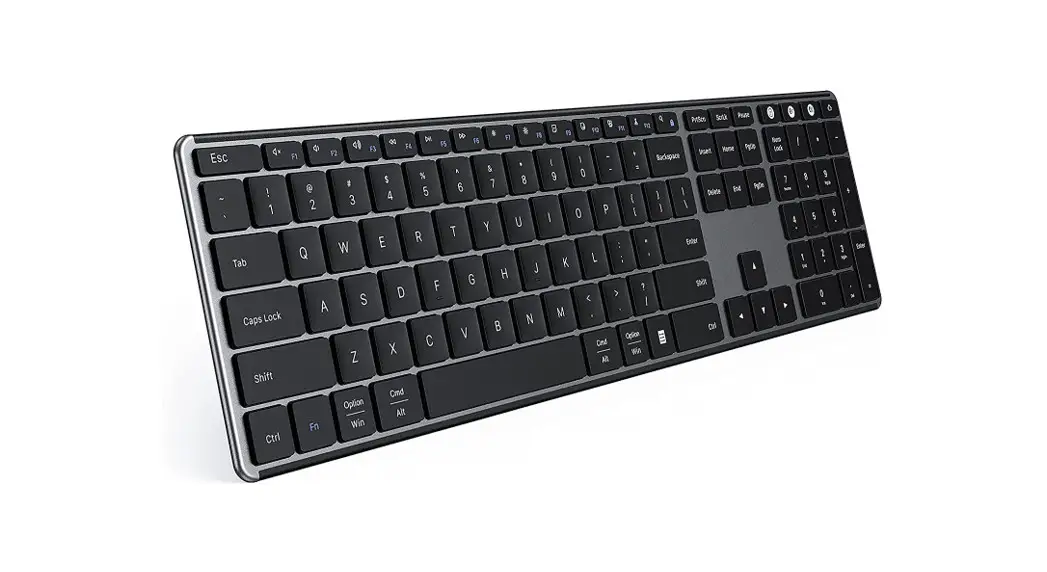
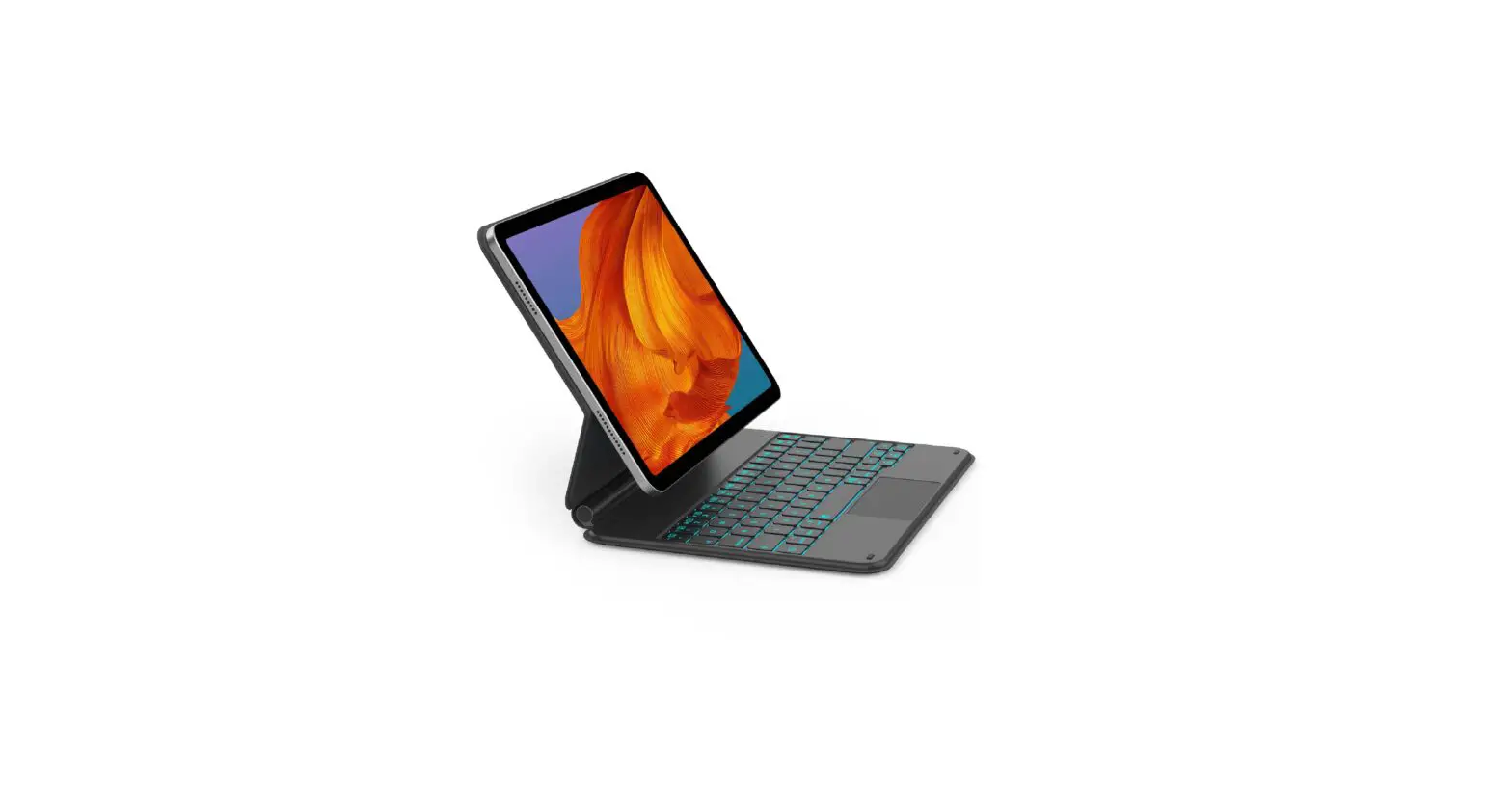
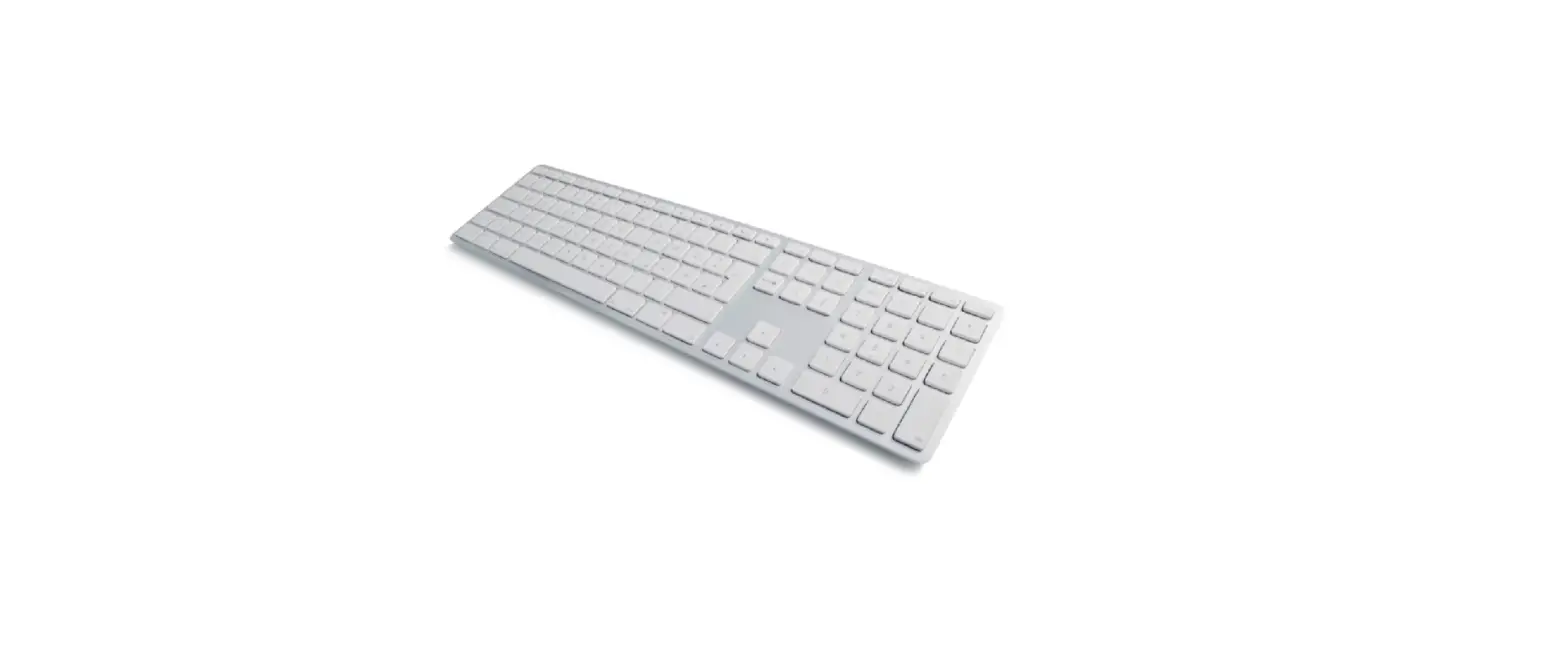
921903 Wireless Bluetooth Keyboard Pro
Product Information – Wireless Bluetooth Keyboard Pro
Product Specifications:
Frequency: 2.4GHz
Working current: 5mA
Battery capacity: 280mAh
Product Usage Instructions:
1. How to Connect Your Keyboard:
1. Turn on the keyboard using the switch located on the top.
2. Press and hold one of the three Bluetooth buttons on the top
right of the keyboard for 3 to 5 seconds to start the pairing
mode.
3. Once a white light starts flashing quickly, open the
Bluetooth settings on your device.
4. Select the keyboard from the available devices, and the
connection will be automatically established.
2. Keyboard Indicators:
The power indicator shows whether your keyboard is turned on.
After 30 minutes of inactivity, the keyboard enters sleep mode and
the light turns off. Press any key to wake up the keyboard.
The three Bluetooth channels indicate the channel you are
currently connected to. To switch channels, simply press the
desired channel button.
3. Charging Your Keyboard:
If the battery is low, the battery indicator light will start
flashing. To charge the keyboard, plug the included USB-C cable
into the port located on the top of the keyboard.
Note: When the battery is low, the transmission of the keyboard
may be delayed or unstable.
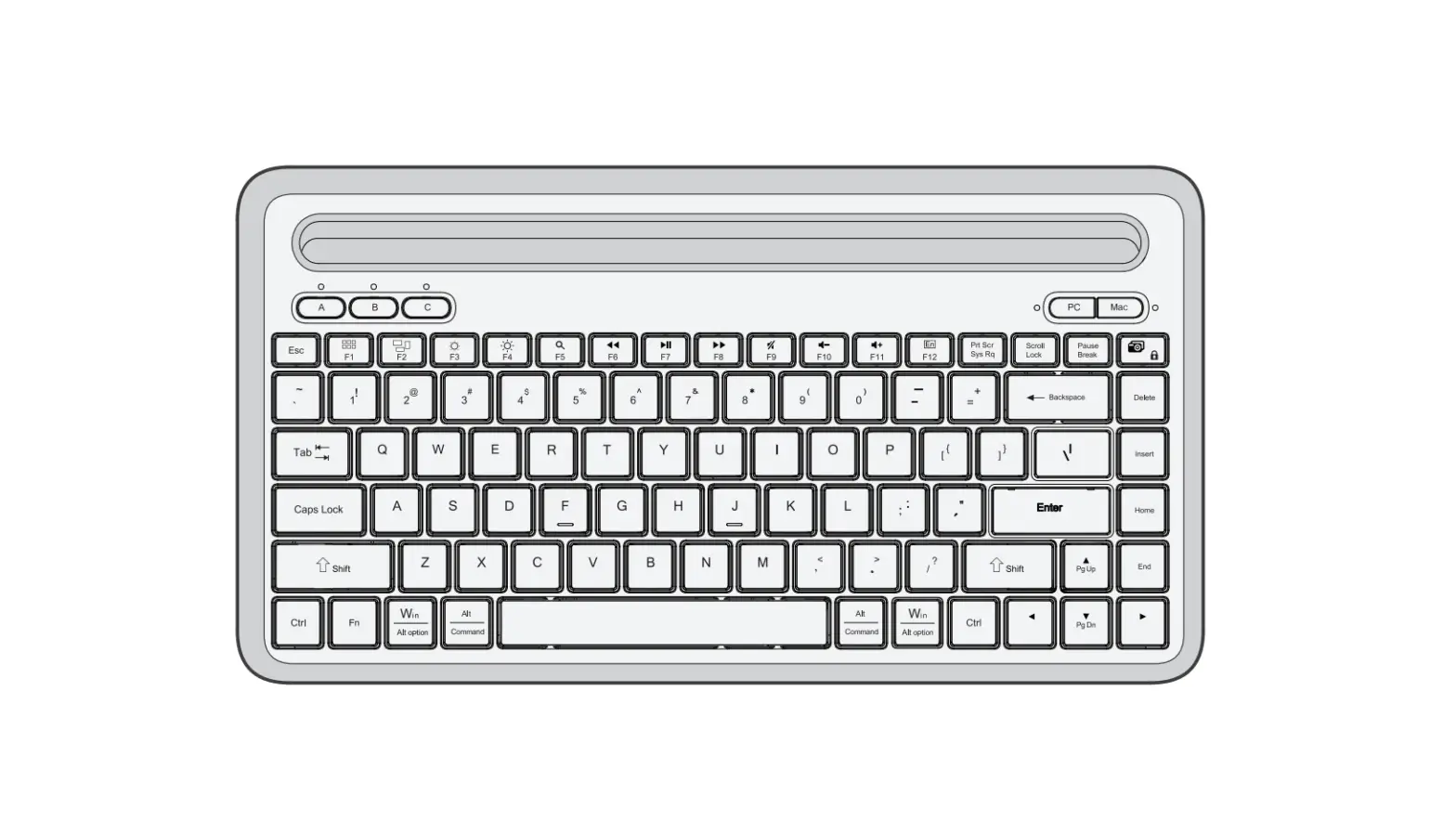
4. Keys and Functions:
Refer to the following table for the functions of each key:
| Key | Windows | Mac |
|---|---|---|
| Decrease brightness | Decrease brightness | Decrease brightness |
| Increase brightness | Increase brightness | Increase brightness |
| Mute | Mute | Mute |
| Decrease volume | Decrease volume | Decrease volume |
| Increase volume | Increase volume | Increase volume |
| Previous track | Previous track | Previous track |
| Play / pause | Play / pause | Play / pause |
| Next track | Next track | Next track |
| Select all | Select all | Select all |
| Copy | Copy | Copy |
| Cut | Cut | Cut |
| Paste | Paste | Paste |
| Search | N/A | N/A |
| Home page | N/A | N/A |
| Fn lock, open or close the Fn function | N/A | N/A |
5. Declaration of Conformity:
This product is compliant with RoHS Directive 2011/65/EU and
Radio Equipment Directive 2014/53/EU. The full text of the EU
Declaration of Conformity can be found at www.coolblue.nl/en/product/921903.
6. Warranty and Liability:
This device comes with a warranty period of five (5) years from
the date of purchase. For more information about the warranty terms
and conditions, visit https://www.coolblue.nl/en/customer-service.
Coolblue B.V. cannot be held liable for any material or immaterial
damage caused by non-compliance with the instructions in this
manual.
FLYING START.
Whoooo.
Wireless Bluetooth Keyboard Pro
Draadloos Bluetooth Toetsenbord Pro Clavier sans Fil Bluetooth Pro Kabellose Bluetooth-Tastatur Pro
921903 – BBWLBKPQ23
TABLE OF CONTENTS
HOW TO CONNECT YOUR KEYBOARD
3
KEYBOARD INDICATORS
4
CHARGING YOUR KEYBOARD
5
KEYS AND FUNCTIONS
6
DECLARATION OF CONFORMITY
7
INHOUDSOPGAVE
JE TOETSENBORD AANSLUITEN
9
TOETSENBORD INDICATOREN
10
JE TOETSENBORD OPLADEN
11
TOETSEN EN FUNCTIES
12
VERKLARING VAN OVEREENSTEMMING
13
TABLE DES MATIÈRES
CONNECTER VOTRE CLAVIER
15
INDICATEURS DU CLAVIER
16
CHARGEMENT DU CLAVIER
17
TOUCHES ET FONCTIONS
18
DÉCLARATION DE CONFORMITÉ
19
INHALTSVERZEICHNIS
IHRE TASTATUR ANSCHLIEßEN
21
TASTATUR-ANZEIGEN
22
AUFLADEN DER TASTATUR
23
TASTEN UND FUNKTION
24
KONFORMITÄTSERKLÄRUNG
25
2
1 HOW TO CONNECT YOUR KEYBOARD
Turn on the keyboard, the switch is found on top.
Press and hold one of the three Bluetooth buttons on the top right of the keyboard for 3 to 5 seconds to start the pairing mode. As soon as a white light starts flashing quickly, open the Bluetooth settings on your device. When you select the keyboard, the connection is automatically established.
3
2 KEYBOARD INDICATORS
The power indicator shows if your keyboard is turned on, after 30 minutes of inactivity the keyboard will enter sleep mode and the light will turn off. Press any key to wake up the keyboard.
The three Bluetooth channels indicate what channel you’re connected to. To switch, simply press the channel you want to connect to.
Power indicator
BT channel 2
BT channel 1
BT channel 3
4
3 CHARGING YOUR KEYBOARD
When the battery is low the battery indicator light will start to flash, plug the included usb-C cable on the top of the keyboard to charge.
Please note: when the battery is low, the transmission of the keyboard can be delayed or unstable.
5
4 KEYS AND FUNCTION
Key
Windows
Decrease brightness
Mac
Decrease brightness
Increase brightness
Increase brightness
Mute
Mute
Decrease volume
Decrease volume
Increase volume
Increase volume
Previous track
Previous track
Play / pause
Play / pause
Next track
Next track
Select all
Select all
Copy
Copy
Cut
Cut
Paste
Paste
Search
N/A
Home page
N/A
Fn lock, open or close the Fn function
6
Declaration of conformity
Product specifications Frequency: 2.4GHz Working current: 5mA Battery capacity: 280mAh
Safety instructions 1. Always follow these instructions and note the warnings, save this document for future use as long as you own or use the device, and give it to the next users of the device. 2. Make sure you read and understand the entire manual before you use the device. 3. Use the device only in the application for which it is intended, namely as a pointing device that is connected to a laptop or computer to control the cursor on the screen with a hand movement. 4. Before you connect a device, check if the output power of the charger provides enough power for the connected device. 5. Don’t expose the device to extreme heat, like sunlight or fire. Avoid sudden temperature shifts. 6. Don’t use or use the device in moist or wet conditions. 7. Don’t use the device close to explosive gasses or flammable materials. 8. Don’t burn the device. 9. Avoid contact with the chemicals of the battery. When the chemicals of the battery come into contact with skin or the eyes, stop using the device right away, use plenty of water to rinse off the chemicals, and contact a doctor. 10. Don’t throw, shake, vibrate, drop, or mechanically misuse the device and don’t expose it to impacts. 11. Don’t cover the device with objects that affect the heat dispersal. 12. Only use the device with the included cables or with cables that came with the device. Don’t use the device when the included cables are damaged or have gotten damaged over time. 13. Disconnect the device when it’s not in use. Don’t charge or discharge the device unsupervised. 14. Keep the device away from children. 15. Don’t disassemble, open, or repair the device. 16. Only clean the device with a damp cloth with water. Don’t use (aggressive) cleaning agents.
7
17. This device can be used by people with reduced physical, sensory, or mental capacity, or by people without experience and knowledge, given that they’re supervised or have gotten instructions about safe use of the product and understand any dangers.
Warranty and liability This device comes with a warranty period of five (5) years after the date of purchase. For more information about the warranty terms and conditions, go to https://www. coolblue.nl/en/customer-service. Coolblue B.V. can in no way be held liable for material and immaterial damage suffered by you, others, the device, other property, or the property of others due to non-compliance with the instructions in this manual.
Hereby, Coolblue B.V. declares that this product is in compliance with RoHS Directive 2011/65/EU and Radio Equipment Directive 2014/53/ EU. The full text of the EU Declaration of Conformity is available at www.coolblue.nl/en/product/921903.
This symbol on the product indicates that it can’t be treated as regular waste, but that it’s supposed to be collected separately. Hand the product in at a collection point for the recycling of electronic devices if you live in the EU or in a different European country that has a separate collection system for electronic devices. If you correctly dispose of the product, you help to avoid risks for the environment and public health which might arise by the mishandling of disposed devices. Recycling materials contributes to the maintenance of our natural resources.
8
1 JE TOETSENBORD AANSLUITEN
Je zet het toetsenbord aan door de schakelaar aan de bovenkant om te zetten.
Houd één van de drie Bluetooth knoppen rechtsboven op het toetsenbord 3 tot 5 seconden ingedrukt om de koppelingsmodus te starten. Zodra er een wit lampje snel begint te knipperen, open je de Bluetooth instellingen op je apparaat. Als je het toetsenbord selecteert komt de verbinding automatisch tot stand.
9
2 TOETSENBORD INDICATOREN
De stroomindicator geeft aan of uw toetsenbord is ingeschakeld, als je het toetsenbord 30 minuten niet gebruikt gaat hij in slaapstand. Druk op een willekeurige toets om het toetsenbord weer te activeren.
De drie Bluetooth kanalen geven aan met welke bron je verbonden bent. Om over te schakelen, druk je simpelweg op de andere bron.
Stroomindicator
BT kanaal 2
BT kanaal 1
BT kanaal 3
10
3 JE TOETSENBORD OPLADEN
Als de batterij bijna leeg is, begint het batterij-indicatorlampje te knipperen. Sluit de meegeleverde usb-C kabel aan in de bovenkant van het toetsenbord om het op te laden.
Let op: wanneer de batterij bijna leeg is, kan de transmissie van het toetsenbord vertraagd of onstabiel zijn.
11
4 TOETSEN EN FUNCTIES
Toets Windows
Helderheid verlagen
Mac
Helderheid verlagen
Helderheid verhogen
Helderheid verhogen
Mute
Mute
Volume verlagen
Volume verlagen
Volume verhogen
Volume verhogen
Previous track
Previous track
Afspelen / pauzeren
Afspelen / pauzeren
Volgende nummer
Volgende nummer
Alles selecteren
Alles selecteren
Kopiëren
Kopiëren
Knippen
Knippen
Plakken
Plakken
Zoeken
N.v.t.
Homepagina
N.v.t.
Fn lock openen of sluiten
12
Verklaring van overeenstemming
Productspecificaties Frequentie: 2.4GHz Werkende stroom: 5mA Batterijcapaciteit: 280mAh
Veiligheidsinstructies 1. Volg altijd deze instructies en waarschuwingen op en bewaar deze documentatie voor toekomstig gebruik zolang u het apparaat gebruikt en/of in bezit heeft en geef ze door aan de volgende gebruikers van het apparaat. 2. Zorg ervoor dat u de instructies in deze handleiding volledig gelezen en begrepen heeft voordat u het apparaat gebruikt. 3. Gebruik het apparaat alleen in de toepassing waarvoor deze bedoeld is, namelijk als aanwijsapparaat dat aan een laptop of computer gekoppeld wordt om de cursor op het beeldscherm met een handbeweging te besturen. 4. Controleer voordat u een apparaat aansluit of het uitgangsvermogen van de oplader voldoende stroom kan leveren voor het aangesloten apparaat. 5. Het apparaat niet blootstellen aan extreme warmte, zoals zonlicht of vuur. Vermijd plotselinge temperatuursveranderingen. 6. Het apparaat niet gebruiken of bewaren onder vochtige of natte omstandigheden. 7. Het apparaat niet gebruiken in de buurt van explosieve gassen of ontvlambare materialen. 8. Het apparaat niet verbranden. 9. Vermijd contact met de chemicaliën van de accu. Wanneer er chemicaliën van de accu op de huid of in de ogen komen, staak dan het gebruik van apparaat onmiddellijk, gebruik voldoende water om de chemicaliën weg te spoelen en raadpleeg een (huis)arts. 10. Niet met het apparaat gooien, schudden, laten trillen, laten vallen, blootstellen aan schokken en niet mechanisch misbruiken. 11. Het apparaat niet afdekken met voorwerpen die de warmteafvoer beïnvloeden. 12. Gebruik het apparaat alleen de meegeleverde kabels of de kabels die bij het apparaat zijn geleverd. Gebruik het apparaat niet wanneer de meegeleverde kabels beschadigd zijn of in de loop der tijd beschadigd raken. 13. Het apparaat loskoppelen indien deze niet in gebruik is. Het apparaat niet zonder toezicht opladen of ontladen. 14. Het apparaat uit de buurt van kinderen houden. 15. Demonteer, open of repareer het apparaat niet.
13
16. Maak het apparaat enkel schoon met een vochtige doek met water. Gebruik geen (aggressive) reinigingsmiddelen. 17. Dit apparaat kan worden gebruikt door personen met verminderde lichamelijke, zintuiglijke of geestelijke vermogens of personen zonder ervaring en kennis op voorwaarde dat zij onder toezicht staan of instructies hebben gekregen over het veilige gebruik van het product en de bijbehorende gevaren begrijpen.
Garantie en aansprakelijkheid Dit apparaat wordt geleverd met een garantieperiode van vijf (5) jaar na aankoop. Ga voor meer informatie over de garantievoorwaarden naar www.coolblue.nl/ klantenservice. Coolblue B.V. kan op geen enkele wijze aansprakelijk worden gesteld voor materiële schade en immateriële schade aan u of aan anderen, het apparaat, uw andere eigendommen of eigendommen van anderen ontstaan door het niet opvolgen van de instructies in deze handleiding.
Hierbij verklaart Coolblue B.V. dat het product conform is met RoHS-richtlijn 2011/65/EU en Richtlijn Radioapparatuur 2014/53/EU. De volledige tekst van de EU-conformiteitsverklaring kan worden geraadpleegd op www.coolblue.nl/product/921903.
Dit symbool op het product geeft aan dat dit product niet mag worden behandeld als normaal huishoudelijk afval, maar gescheiden moet worden ingezameld. Lever het product in bij een inzamelpunt voor het recyclen van afgedankte elektrische en elektronische apparaten als u binnen de EU woont of in andere Europese landen die aparte inzamelsystemen hebben voor afgedankte elektrische en elektronische apparaten. Door het product op de juiste manier als afval te verwijderen, helpt u mogelijk risico voor het milieu en de volksgezondheid te voorkomen, dat anders zou kunnen ontstaan door een verkeerde behandeling van afgedankte apparatuur. Het recyclen van materialen draagt bij aan het behoud van onze natuurlijke hulpbronnen.
14
1 CONNECTER VOTRE CLAVIER
Vous allumez le clavier en appuyant sur le bouton situé en haut.
Maintenez l’une des trois touches Bluetooth en haut à droite du clavier enfoncée pendant 3 à 5 secondes pour démarrer le mode d’appairage. Dès qu’un voyant blanc commence à clignoter rapidement, ouvrez les paramètres Bluetooth de votre appareil. Si vous sélectionnez le clavier, la connexion se fait automatiquement.
15
2 INDICATEURS DU CLAVIER
Le voyant d’alimentation indique si votre clavier est allumé, si vous n’utilisez pas le clavier pendant 30 minutes, il passe en mode veille. Appuyez sur n’importe quelle touche pour réactiver le clavier.
Les trois canaux Bluetooth indiquent à quelle source vous êtes connecté. Pour basculer d’une source à l’autre, appuyez simplement sur une autre source.
Voyant d’alimentation
Canal BT 2
Canal BT 1
Canal BT 3
16
3 CHARGEMENT DU CLAVIER
Lorsque la batterie est presque vide, le voyant indicateur de batterie commence à clignoter. Branchez le câble USB-C fourni dans le port situé en haut du clavier pour le recharger.
Attention : lorsque la batterie est presque vide, la transmission du clavier peut être ralentie ou instable.
17
4 TOUCHES ET FONCTIONS
Touche Windows
Diminuer la luminosité
Mac
Diminuer la luminosité
Augmenter la luminosité Augmenter la luminosité
Mute
Mute
Diminuer le volume
Diminuer le volume
Augmenter le volume Augmenter le volume
Morceau précédent
Morceau précédent
Lecture/pause
Play / pause
Numéro suivant
Numéro suivant
Tout sélectionner
Tout sélectionner
Copier
Copier
Couper
Couper
Coller
Coller
Rechercher
S/O
Accueil
S/O
Ouvrir ou fermer le verrouillage Fn
18
Déclaration de conformité
Caractéristiques du produit Fréquence : 2.4GHz Courant de fonctionnement: 5mA Capacité de la batterie : 280mAh
Consignes de sécurité 1. Suivez toujours ces instructions et avertissements. Conservez cette documentation pour référence ultérieure tant que vous utilisez et/ou possédez l’appareil et transmettez-la aux utilisateurs ultérieurs de l’appareil. 2. Assurez-vous d’avoir entièrement lu et compris les instructions de ce mode d’emploi avant d’utiliser l’appareil. 3. Utilisez l’appareil uniquement dans l’application pour laquelle il est destiné, à savoir en tant que périphérique de pointage connecté à un ordinateur portable ou à un ordinateur pour contrôler le curseur sur l’écran d’un mouvement de la main. 4. Avant de connecter un appareil, vérifiez si la puissance de sortie du chargeur peut fournir suffisamment de courant à l’appareil connecté. 5. N’exposez pas l’appareil à une chaleur excessive, à savoir au soleil ou aux flammes, par exemple. Évitez les changements brusques de température. 6. N’utilisez ou entreposez pas l’appareil dans un environnement humide ou mouillé. 7. N’utilisez pas l’appareil à proximité de gaz explosifs ou de matériaux inflammables. 8. Ne brulez pas l’appareil. 9. Évitez tout contact avec les substances chimiques de la batterie. Si des substances chimiques de la batterie entrent en contact avec votre peau ou vos yeux, arrêtez immédiatement d’utiliser l’appareil, rincez abondamment la partie du corps concernée avec de l’eau et consultez un médecin (généraliste). 10. Ne pas jeter, secouer, faire vibrer, faire tomber, soumettre à des chocs ou contraindre mécaniquement l’appareil. 11. Ne couvrez pas l’appareil avec des objets pouvant compromettre la dissipation de la chaleur. 12. Utilisez l’appareil uniquement avec les câbles inclus dans l’emballage ou les câbles que vous avez reçus avec l’appareil. N’utilisez pas l’appareil si les câbles fournis sont endommagés ou s’abiment avec le temps. 13. Débranchez l’appareil lorsqu’il n’est pas utilisé. Ne laissez pas l’appareil sans surveillance pendant que vous le chargez ou le déchargez. 14. Gardez l’appareil hors de portée des enfants. 15. Ne pas démonter, ouvrir ni réparer l’appareil.
19
16. Nettoyez l’appareil uniquement avec un chiffon humide et de l’eau. N’utilisez pas de nettoyants (agressifs). 17. Cet appareil peut être utilisé par des personnes ayant des capacités physiques, sensorielles ou mentales réduites ou un manque d’expérience et de connaissances, à condition qu’elles soient supervisées ou aient reçu des instructions concernant l’utilisation sécurisée du produit et qu’elles comprennent les risques encourus.
Garantie et responsabilité Cet appareil est couvert par une période de garantie de cinq (5) ans après l’achat. Pour plus d’informations sur les conditions de garantie, rendez-vous sur coolblue.be/fr/ service-client. Coolblue B.V. ne peut en aucun cas être tenu pour responsable des dommages matériels et immatériels causés à vous ou à autrui, à l’appareil, à vos autres biens ou aux biens d’autrui en raison du non-respect des instructions de ce mode d’emploi.
Le soussigné, Coolblue B.V., déclare que ce produit est conforme à la Directive RoHS 2011/65/EU et Équipements Radioélectriques 2014/53/EU. Le texte complet de la déclaration EU de conformité est disponible à www.coolblue.be/fr/produit/921903.
Ce symbole sur le produit indique que ce produit ne doit pas être traité comme un déchet ménager normal, mais doit être collecté séparément. Remettez le produit à un point de collecte pour le recyclage des déchets d’équipements électriques et électroniques si vous vivez dans l’UE ou dans d’autres pays européens qui ont des systèmes de collecte séparés pour les déchets d’équipements électriques et électroniques. Vous débarrasser correctement du produit protège l’environnement et la santé publique de risques qui pourraient résulter d’une mauvaise manipulation des déchets d’équipement. Le recyclage de matériaux contribue à préserver nos ressources naturelles.
20
1 IHRE TASTATUR ANSCHLIEßEN
Sie schalten die Tastatur ein, indem Sie den Schalter an der Oberseite umschalten.
Halten Sie eine der drei Bluetooth-Tasten rechts oben auf der Tastatur für 3 bis 5 Sekunden gedrückt, um den Kupplungsmodus zu starten. Sobald eine weiße Leuchte schnell zu blinken beginnt, öffnen Sie die Bluetooth-Einstellungen auf Ihrem Gerät. Wenn Sie die Tastatur auswählen, wird die Verbindung automatisch hergestellt.
21
2 TASTATUR-ANZEIGEN
Die Betriebsanzeige zeigt an, ob das Keyboard eingeschaltet ist, wenn Sie die Tastatur 30 Minuten nicht verwenden, wechselt sie in Schlummermodus. Drücken Sie eine beliebige Taste, um die Tastatur wieder zu aktivieren.
Die drei Bluetooth-Kanäle zeigen an, mit welcher Quelle Sie verbunden sind. Zum Umschalten, drücken Sie einfach auf die andere Quelle.
Betriebsanzeige
BT-Kanal 2
BT-Kanal 1
BT-Kanal 3
22
3 AUFLADEN DER TASTATUR
Wenn der Akku fast leer ist, fängt die Akku-Kontrollleuchte an zu blinken. Schließen Sie das mitgelieferte USB-C-Kabel an der Oberseite der Tastatur an, um sie aufzuladen.
Achtung: Wenn der Akku fast leer ist, kann die Übertragung der Tastatur verzögert oder instabil sein.
23
4 TASTEN UND FUNKTION
Taste Windows
Helligkeit verringern
Mac
Helligkeit verringern
Helligkeit erhöhen
Helligkeit erhöhen
Stummschaltung
Stummschaltung
Lautstärke verringern Lautstärke verringern
Lautstärke erhöhen
Lautstärke erhöhen
Vorheriges Stück
Vorheriges Stück
Abspielen / Pause
Abspielen / Pause
Nächstes Stück
Nächstes Stück
Alle auswählen
Alle auswählen
Kopieren
Kopieren
Ausschneiden
Ausschneiden
Einfügen
Einfügen
Suchen
K/A
Homepage
K/A
Fn Lock ein- oder ausschalten
24
Konformitätserklärung
Produktspezifikationen Frequenz: 2.4GHz Arbeitsstrom: 5mA Batteriekapazität: 280mAh
Sicherheitshinweise 1. Befolgen Sie stets diese Anweisungen und Warnungen und bewahren Sie diese Dokumentation zur späteren Verwendung auf, solange Sie das Gerät verwenden und/oder besitzen, und geben Sie sie an nachfolgende Benutzer des Geräts weiter. 2. Vergewissern Sie sich, dass Sie die Anweisungen in dieser Gebrauchsanleitung vollständig gelesen und verstanden haben, bevor Sie das Gerät verwenden. 3. Verwenden Sie das Gerät nur in der Anwendung, für die es bestimmt ist, nämlich als Zeigegerät, das mit einem Laptop oder Computer verbunden ist, um den Cursor auf dem Bildschirm mit einer Handbewegung zu steuern. 4. Prüfen Sie vor dem Anschließen eines Geräts, ob die Ausgangsleistung des Ladegeräts ausreichend Strom für das angeschlossene Gerät liefern kann. 5. Setzen Sie das Gerät keiner extremen Hitze wie Sonnenlicht oder Feuer aus. Vermeiden Sie plötzliche Temperaturänderungen. 6. Verwenden oder lagern Sie das Gerät nicht unter feuchten oder nassen Bedingungen. 7. Verwenden Sie das Gerät nicht in der Nähe von explosiven Gasen oder brennbaren Materialien. 8. Verbrennen Sie das Gerät nicht. 9. Vermeiden Sie Kontakt mit den Chemikalien des Akkus. Wenn Chemikalien des Akkus auf die Haut oder in die Augen gelangen, beenden Sie die Verwendung des Geräts unverzüglich, spülen Sie die Chemikalien mit ausreichend Wasser weg und ziehen Sie einen (Haus-)Arzt zurate. 10. Das Gerät nicht werfen, schütteln, Vibrationen aussetzen, herunterfallen lassen, Stößen aussetzen und nicht mechanisch zweckentfremden. 11. Decken Sie das Gerät nicht mit Gegenständen ab, die die Wärmeableitung beeinträchtigen. 12. Verwenden Sie das Gerät nur mit den mitgelieferten Kabeln oder mit dem mit dem Gerät gelieferten Kabel. Verwenden Sie das Gerät nicht, wenn die mitgelieferten Kabel beschädigt sind oder im Laufe der Zeit beschädigt werden. 13. Trennen Sie das Gerät von der Steckdose, wenn es nicht verwendet wird. Laden oder entladen Sie das Gerät nicht unbeaufsichtigt. 14. Das Gerät außerhalb der Reichweite von Kindern aufbewahren.
25
15. Das Gerät nicht auseinandernehmen, öffnen oder reparieren. 16. Reinigen Sie das Gerät nur mit einem feuchten Tuch mit Wasser. Verwenden Sie keine (aggressiven) Reinigungsmittel. 17. Dieses Gerät kann von Personen mit eingeschränkten körperlichen, sensorischen oder geistigen Fähigkeiten oder Mangel an Erfahrung und Wissen verwendet werden, wenn sie beaufsichtigt oder bezüglich der sicheren Verwendung des Produkts unterwiesen wurden und die damit verbundenen Gefahren verstehen.
Garantie und Haftung Für dieses Gerät gilt eine Garantiezeit von fünf (5) Jahren ab Kaufdatum. Weitere Informationen zu den Garantiebedingungen finden Sie unter ww.coolblue.de/ kundendienst. Coolblue B.V. kann in keiner Weise haftbar gemacht werden für materielle und immaterielle Schäden an Ihnen oder anderen, dem Gerät, Ihrem sonstigen Eigentum oder dem Eigentum anderer, die durch Nichtbeachtung der Anweisungen in dieser Gebrauchsanleitung verursacht werden.
Hiermit erklärt Coolblue B.V., dass dieses Produkt konform ist mit RoHS-Richtlinie 2011/65/EU und Funkanlagenrichtlinie 2014/53/EU. Der vollständige Text der EU-Konformitätserklärung kann auf www.coolblue.de/produkt/921903 eingesehen werden.
Dieses Symbol auf dem Produkt weist darauf hin, dass dieses Produkt nicht als normaler Haushaltsabfall behandelt werden darf, sondern separat entsorgt werden muss. Geben Sie das Produkt an einer Sammelstelle für das Recycling von Elektround Elektronik-Altgeräten ab, wenn Sie innerhalb der EU oder in einem anderen europäischen Land leben, in dem es getrennte Sammelsysteme für Elektro- und Elektronik-Altgeräte gibt. Durch die ordnungsgemäße Entsorgung des Produkts tragen Sie dazu bei, mögliche Risiken für die Umwelt und die Volksgesundheit zu vermeiden, die andernfalls durch die falsche Handhabung von Altgeräten entstehen könnten. Das Recycling von Materialien trägt zur Schonung unserer natürlichen Ressourcen bei.
26
BACKSIDE.
Turn over for use.
Keyboard parameters
Battery capacity
Battery life
Key life Standby time Continuous working time Wake-up method Effective distance Working current Product dimensions
280mAh 1000 times charge and discharge cycles 3 million key strokes 200 hours 50 hours Press any key Within 8 meters 5mA 426.8×113.4×12.9mm
BlueBuilt is a registered trademark of Coolbue B.V., Weena 664, 3012 CN Rotterdam, The Netherlands.
References
 Coolblue - tout pour un sourire
-
Customer Service - Coolblue - anything for a smile
-
Coolblue - alles voor een glimlach
-
BlueBuilt wireless bluetooth keyboard QWERTY - Coolblue - Before 23:59, delivered tomorrow
-
BlueBuilt Draadloos Bluetooth Toetsenbord Pro QWERTY - Coolblue - Voor 23.59u, morgen in huis
 Coolblue - tout pour un sourire
 Customer Service - Coolblue - anything for a smile
 Coolblue - alles voor een glimlach