 Honeywell Central Hub
Wireless Gas Monitor Connector
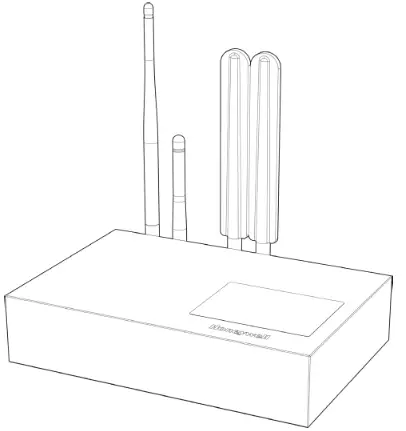
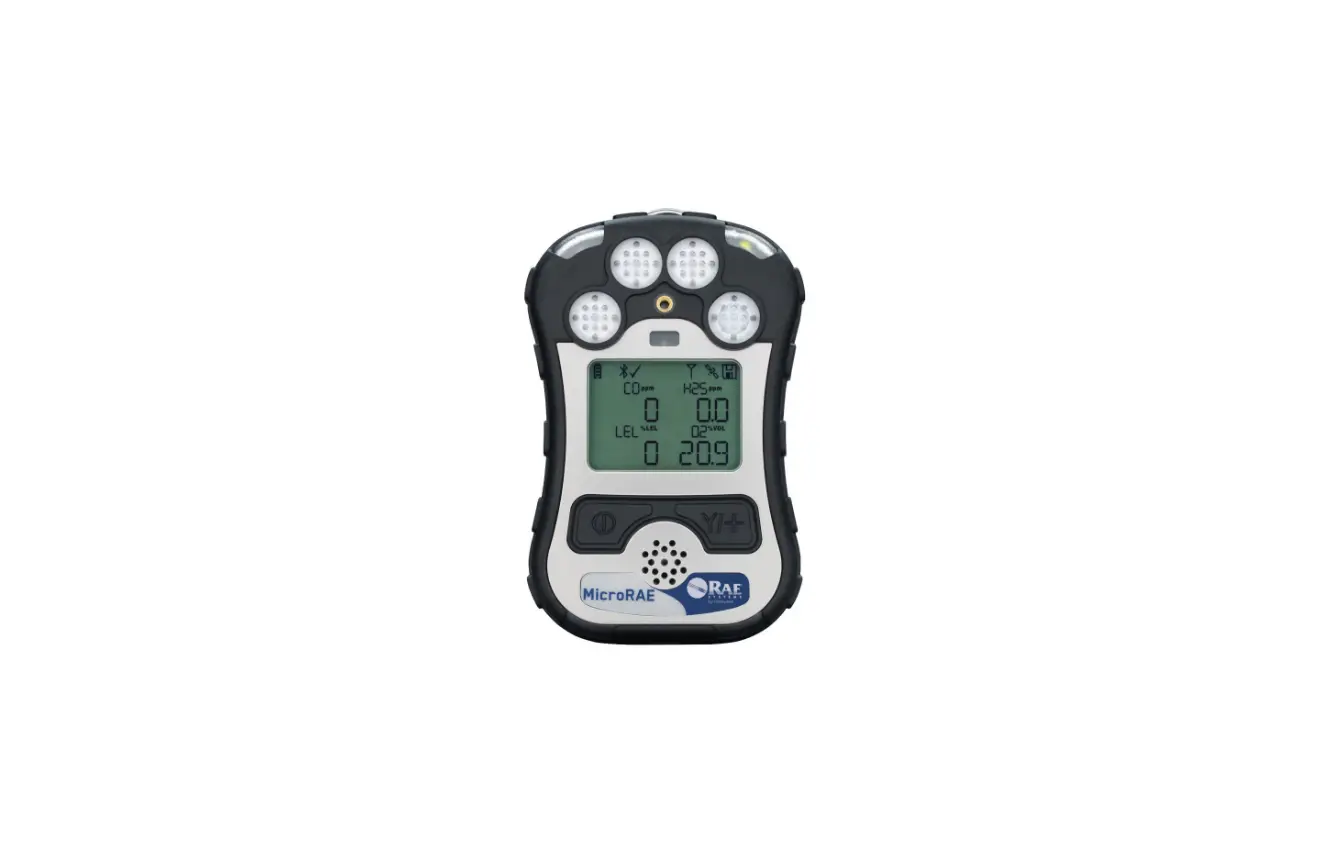
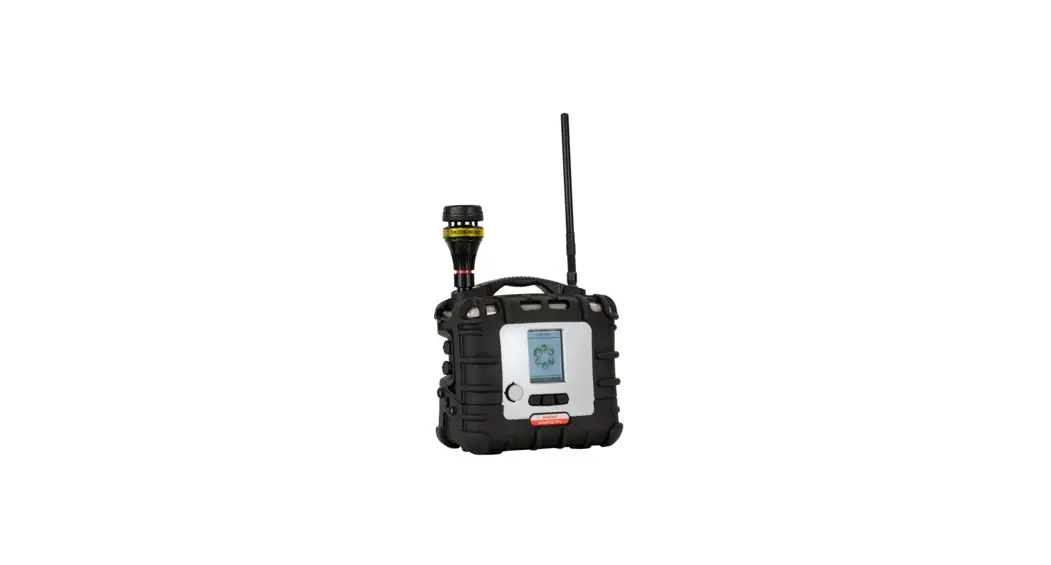
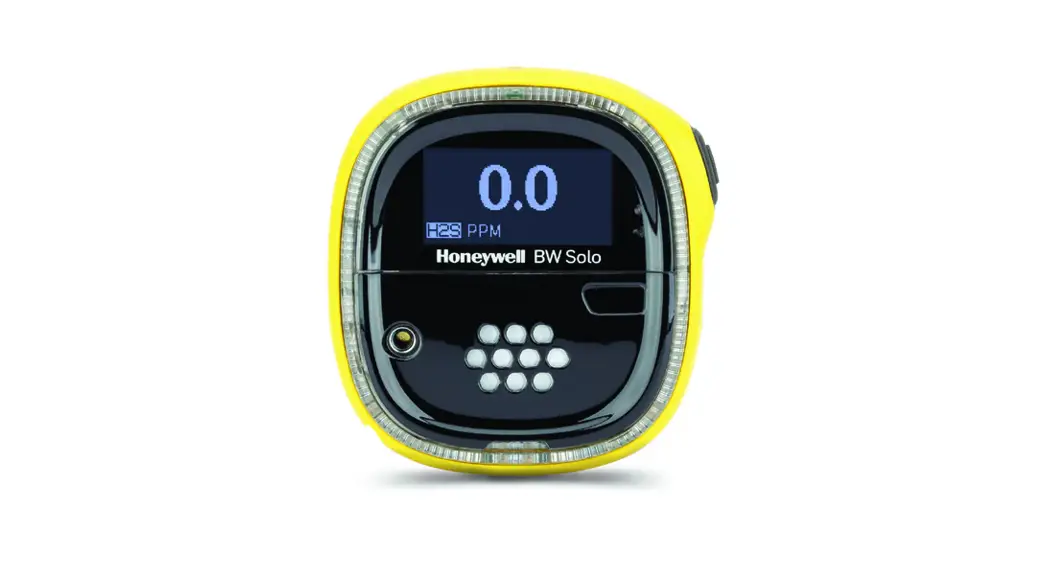
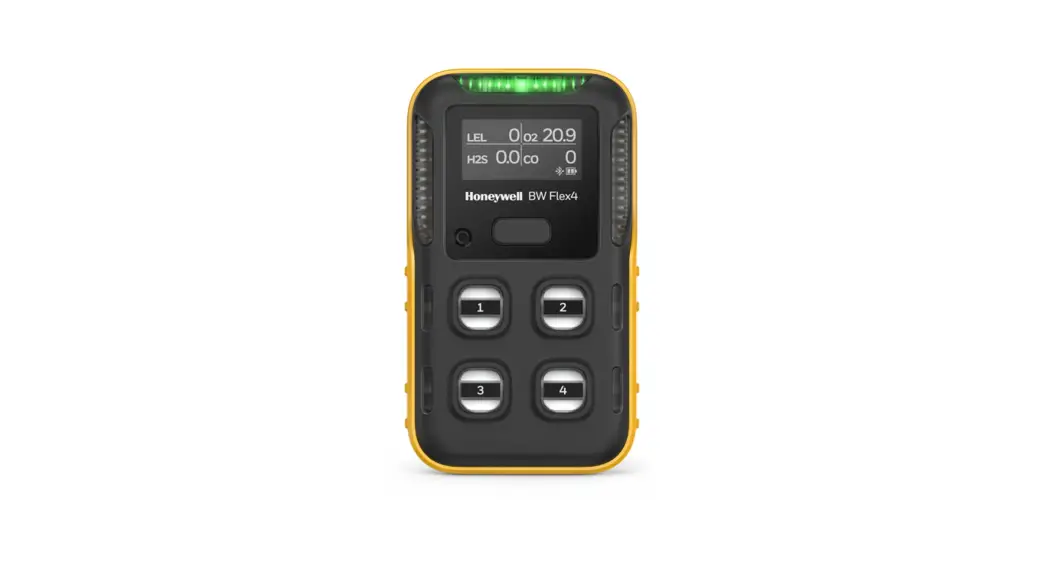
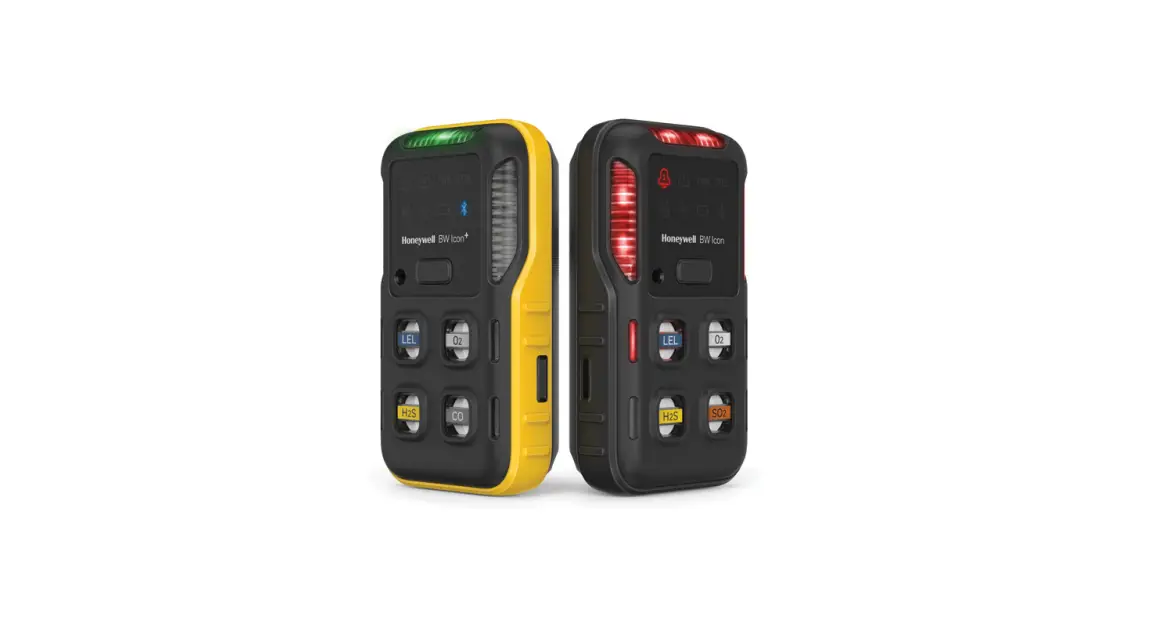
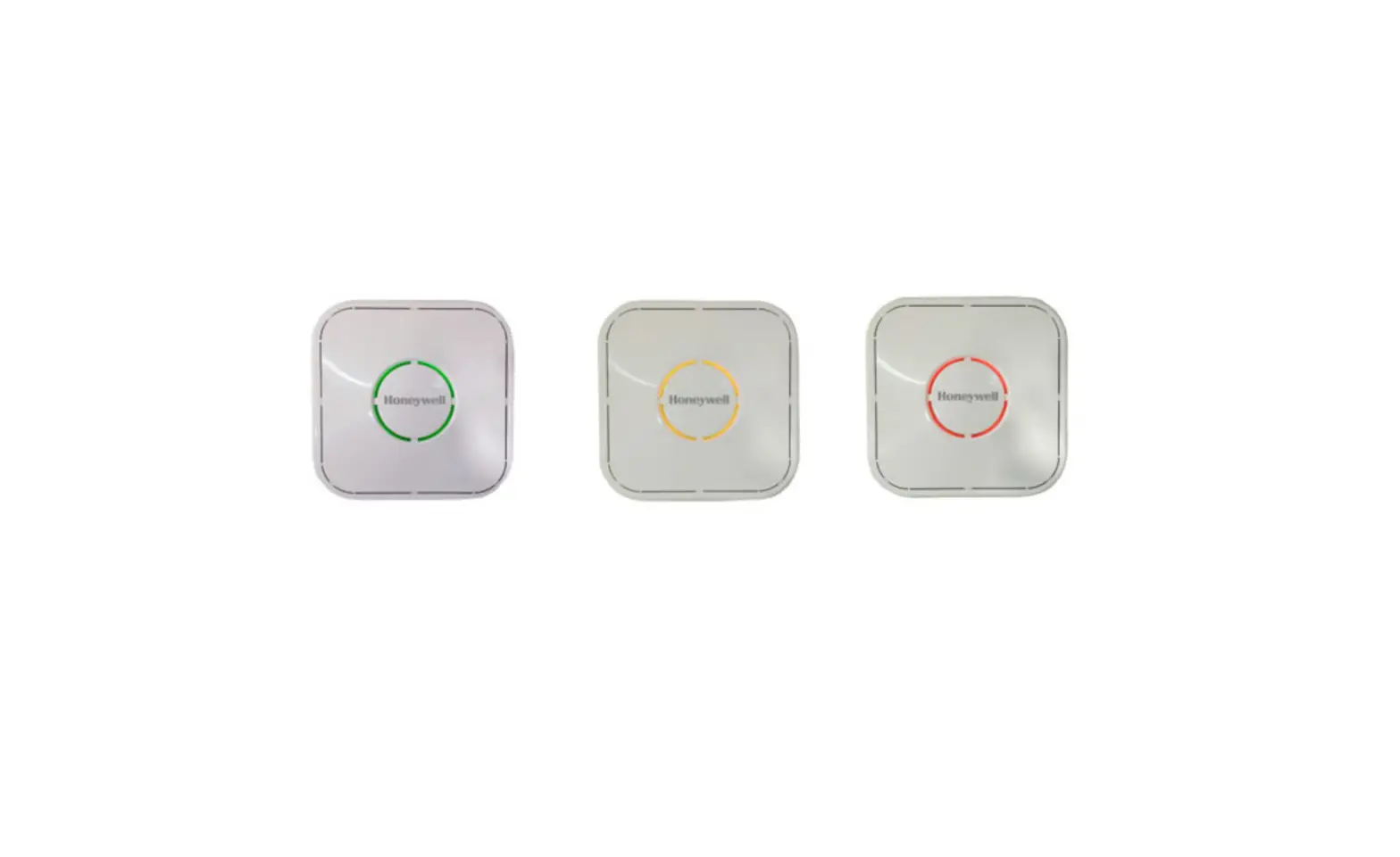
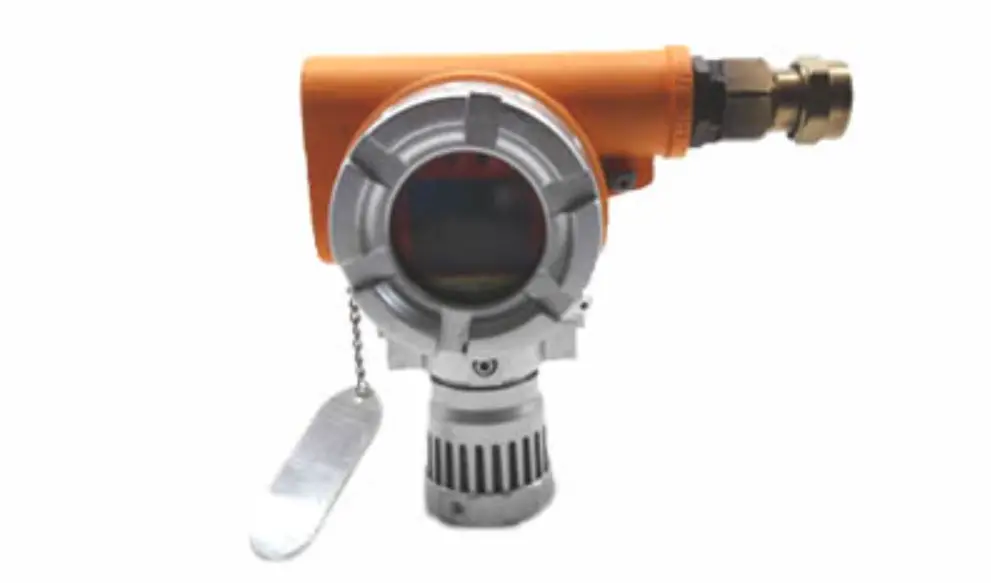
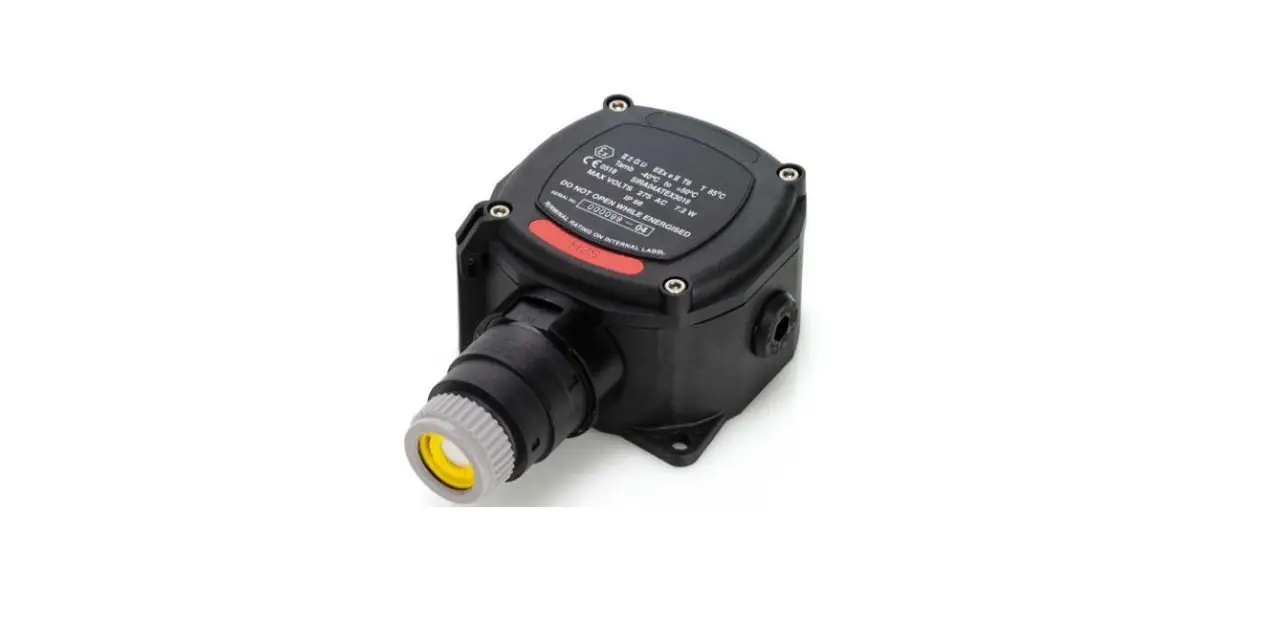
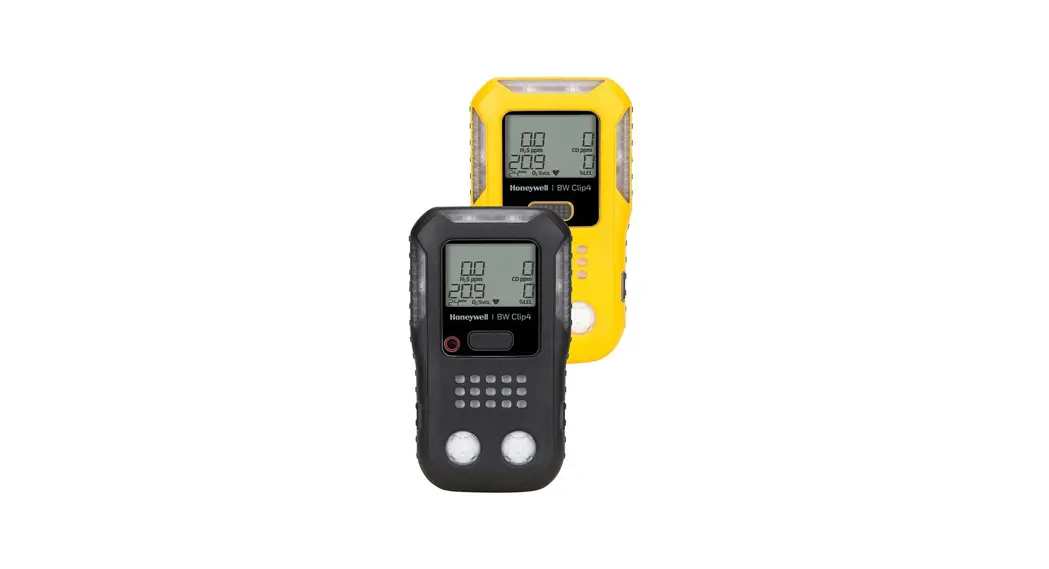
The Honeywell Central Hub connects wireless gas monitors to Honeywell’s Safety Suite for real-time data insight and management. Each Honeywell Central Hub can wirelessly communicate with up to 64 remote monitors directly. The Honeywell Central Hub can connect to Honeywell Safety Suite via Ethernet, Wi-Fi, or 4G LTE. Honeywell Safety Suite supports the higher capacity of 500 monitors when integrated within a plant-wide deployment. Safety Suite provides an integrated ‘One Data Platform Strategy to Honeywell customers. The whole application covers web-end systems to mobile apps. They jointly build up a rapid channel for managers to respond to an accident on site rapidly, based on real-time data collected.
The Central Hub can be powered by 12 to 28 volts DC or powered by USB(5V2A) input.
Safety
 WARNING
- HCH300 is designed for indoor application. Do not use it outdoors without appropriate protection.
CAUTION
- Use a specified AC/DC adaptor to supply power to the HCH300 device.
- Identify LoRa/Wi-Fi/LTE/GPS antenna by their marks and connect the cable to the corresponding port.
Standards and Certifications SIMPLIFIED EU DECLARATION OF CONFORMITY
Hereby, Honeywell Safety and Productivity Solutions declare that the radio equipment type Honeywell Central Hub is in compliance with Directive 2014/53/EU. The full text of the EU declaration of conformity is available at the following internet address:
https://sps.honeywell.com/ This device complies with part 15 of the FCC Rules. Operation is subject to the following two conditions:
- This device may not cause harmful interfere- once, and
- this device must accept any interference received, includ- ing interference that may cause undesired operation.
 SIMPLIFIED UK DECLARATION OF CONFORMITY
Hereby, Honeywell Safety and Productivity Solutions declare that the radio equipment type Honeywell Central Hub is in compliance with UK radio equipment regulations. The full text of the UK declaration of conformity is available at the following internet address:
https://sps.honeywell.com/
Environmental Compliance
ROHS
Overview
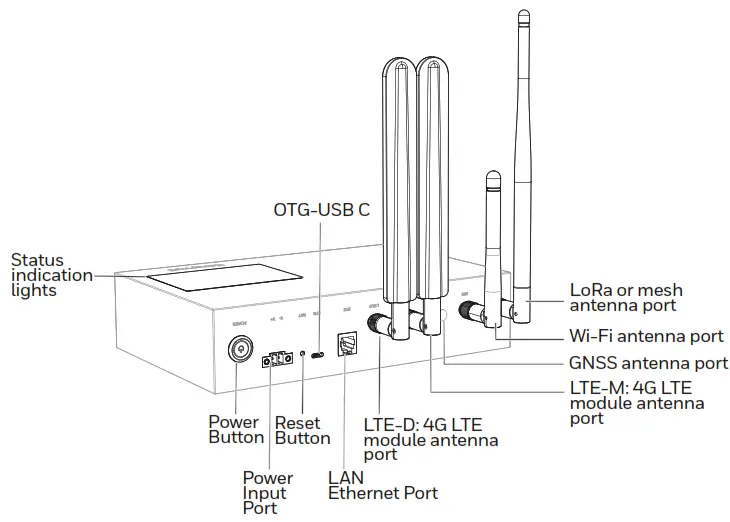
LED Color Codes
| PWR | Power indication LED, ON/OFF |
| RF | Lora or Mesh LED. Normal ON, Blink when communication |
| LAN | Ethernet LED. Normal ON if used, Blink when communication |
| Wi-Fi | Wi-Fi LED. Normal ON if used, Blink when communication |
| LTE | LTE LED. Normal ON if used, Blink when communication |
| Fault | Normal OFF, ON when LTE/Wi-Fi/WAN is abnormal |
*Note: See the user manual for more details
Power ON
Plug into a V+/V- port using the AC/DC adaptor and turn on the device by pressing the power button.
Mount the Device
There are two types of mounting options:
• Wall mount. (DIN rail and screw holes options available)
• Desk application.
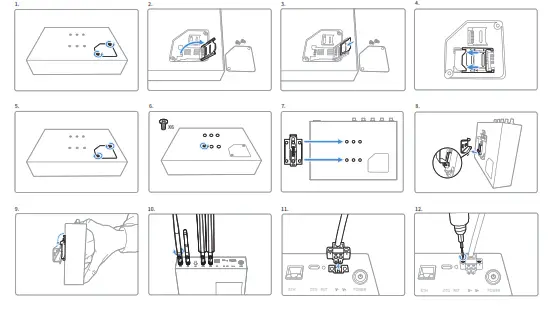
Steps:
- Install a SIM card for LTE cellular network if required.
- Install DIN rail if required.
- Install the antennas:
There are LoRa/LTE/Wi-Fi antennas in the package box. Find the LoRa antenna marked ‘LORA’, and connect it to the RF connector on the instrument; Connect the ‘LTE’ marked antenna to the LTE-M connector and the ‘WIFI’ marked antenna to the WiFi connector. - Connect the power adaptor connector to V+/V- and screw tightly
Connecting the Gas Detector to HCH
- Turn on the Honeywell Central Hub (HCH).
- Connect the HCH and laptop or PC by a network cable.
- Open the Microsoft Edge browser and input the login URL, user name, and password on the product label.
• Login: https://169.254.100.1
• User Name: hch300admin
• Password: Hon123%& - Set PAN ID and Channel on HCH on the tab “RF Configuration”.
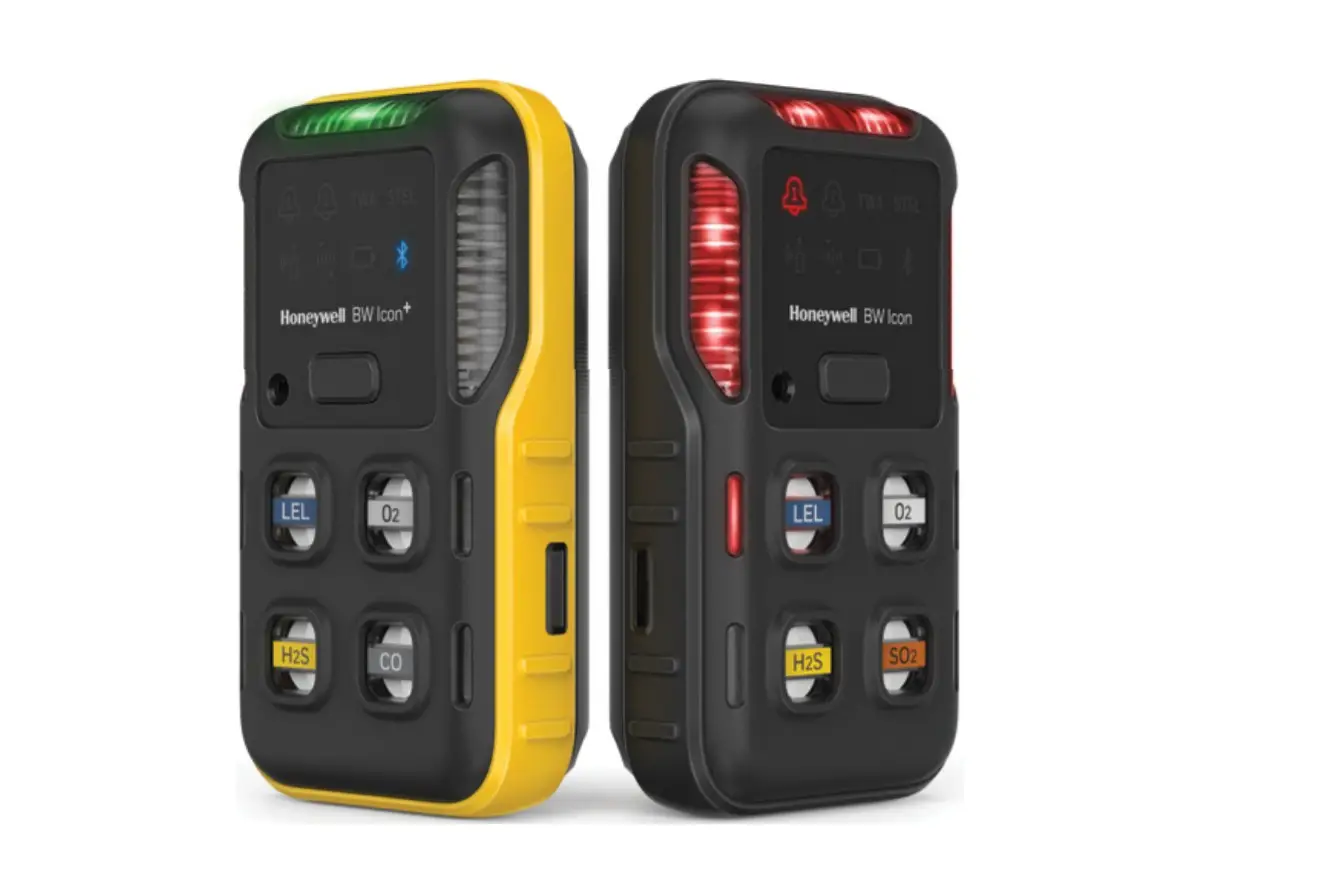
- The Gas Detector should be set to the same PAN ID and Channel. You can find the gas detectors on the tab “Device Information”
- Use one of the three available uplink approaches (Ethernet, Wi-Fi, or LTE) if you want to connect to Honeywell Safety Suite
For more operation details see the HCH User Manual.
Specifications
| Dimensions | 129x 45 x 193mm |
| Weight | 950g (instrument) 1700g (with accessories and package) |
| Voltage | DC12~24V/0.5A |
| USB-C | USB port, slave mode, Power Input port, DC5V2A |
| Antennas | GPS, LTE-D, LTE-M, Wi-Fi 2.4GHz |
What’s in the Box
| • 1 HCH300 instrument. | • 1 LoRa antenna. |
| • 1 LTE antenna. | • 1 Wi-Fi antenna. |
| • 1 network cable for configuration. | • 1 power adapter. |
| • 1 copy of QRG manual. | • Mounting bracket DIN. |
Proper Product Disposal At End Of Life
The Waste Electrical and Electronic Equipment (WEEE) directive (2012/19/EU) is intended to promote the recycling of electrical and electronic equipment and its components at end of life. This symbol (crossed/out wheeled bin) indicates a separate collection of waste electrical and electronic equipment in the EU countries. This product may contain one or more Nickel-metal hydride (NiMH), Lithium/ion, or Alkaline batteries. Batteries must be recycled or disposed of properly.
At the end of its life, this product must undergo separate collection and recycling from general or household waste. Please use the return and collection system available in your country for the disposal of this product.
Contact Us
Honeywell
700 Mint St.
Charlotte, NC 28202, USA
For RAE contact:
Phone: +1 888 749 8878
[email protected]
Software Support
US&C
Email: [email protected]
Phone: +1 833 556 3515
EMAIL
Email: [email protected]
Phone: 0080081819691
For BW contact:
Phone : +1 800 538 0363
[email protected] Manuals and other information about this product is available at:
https://sps.honeywell.com
 Safety and Productivity Solutions | Honeywell