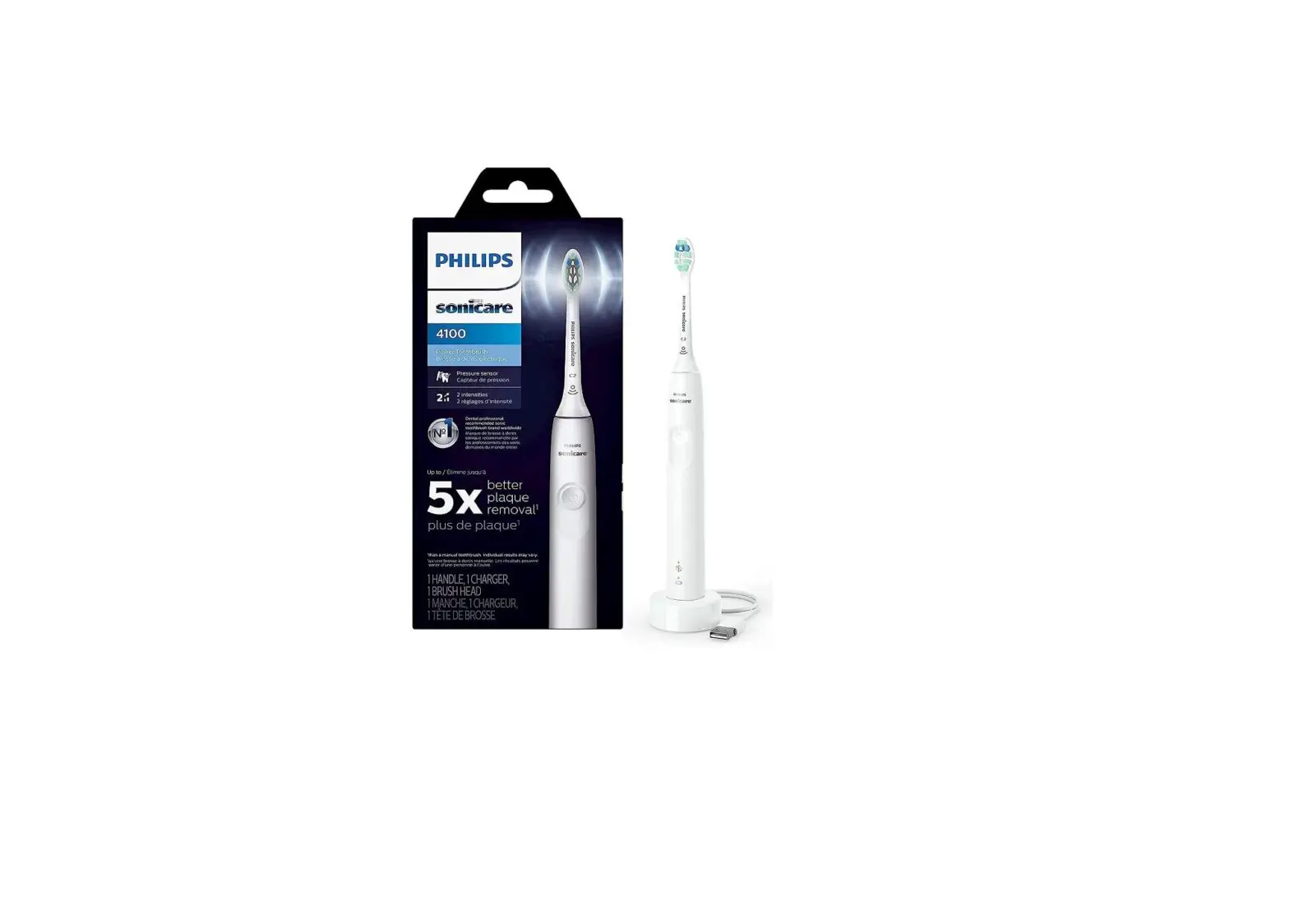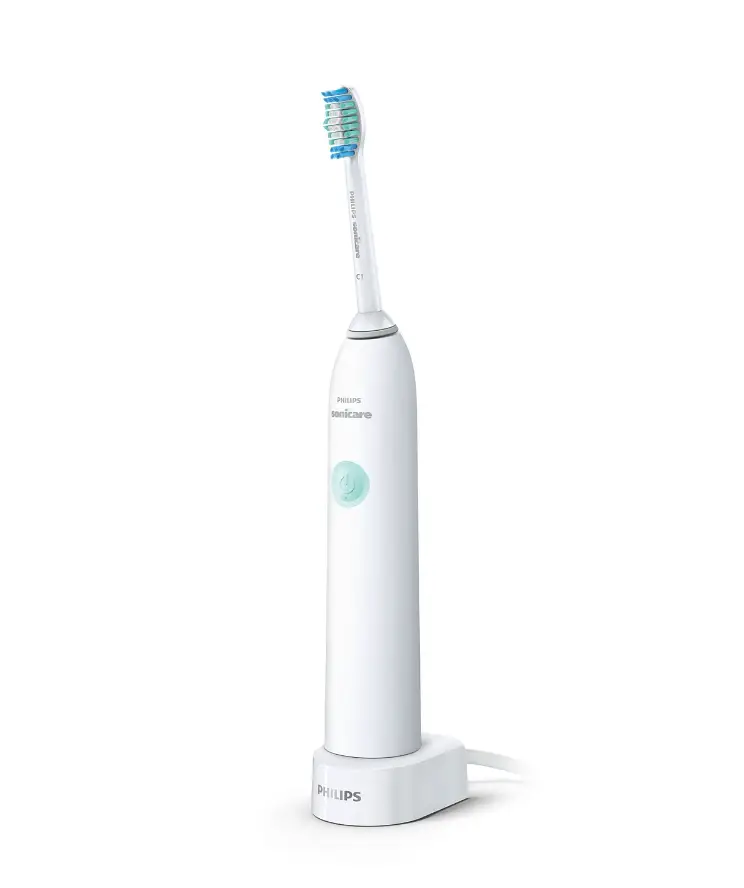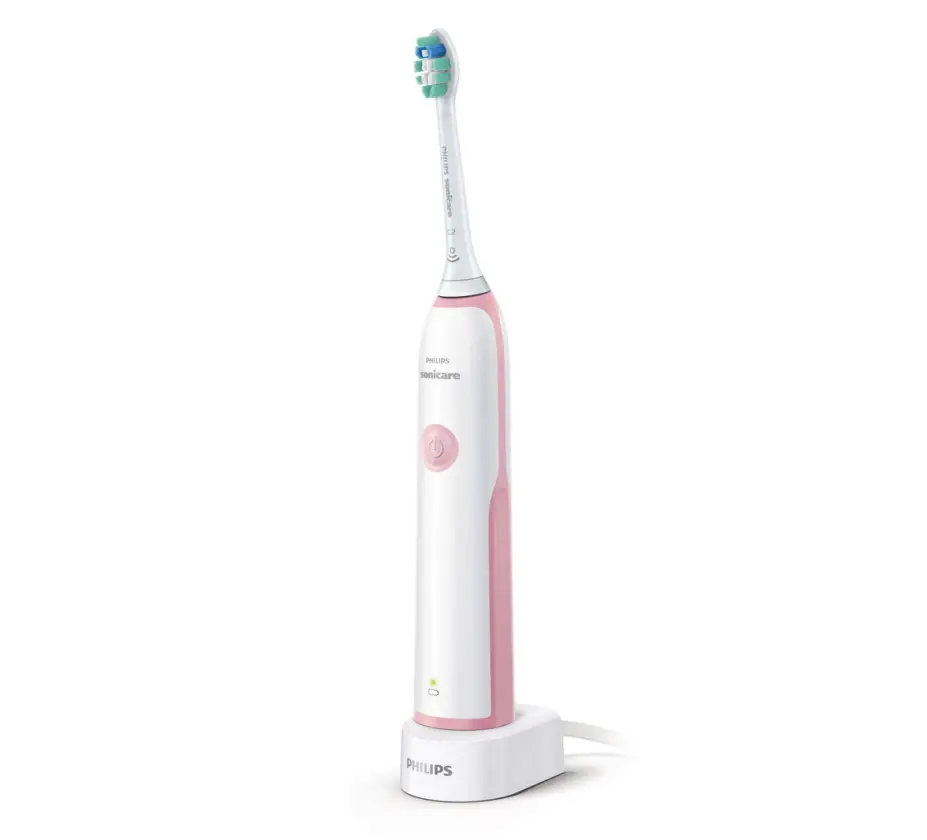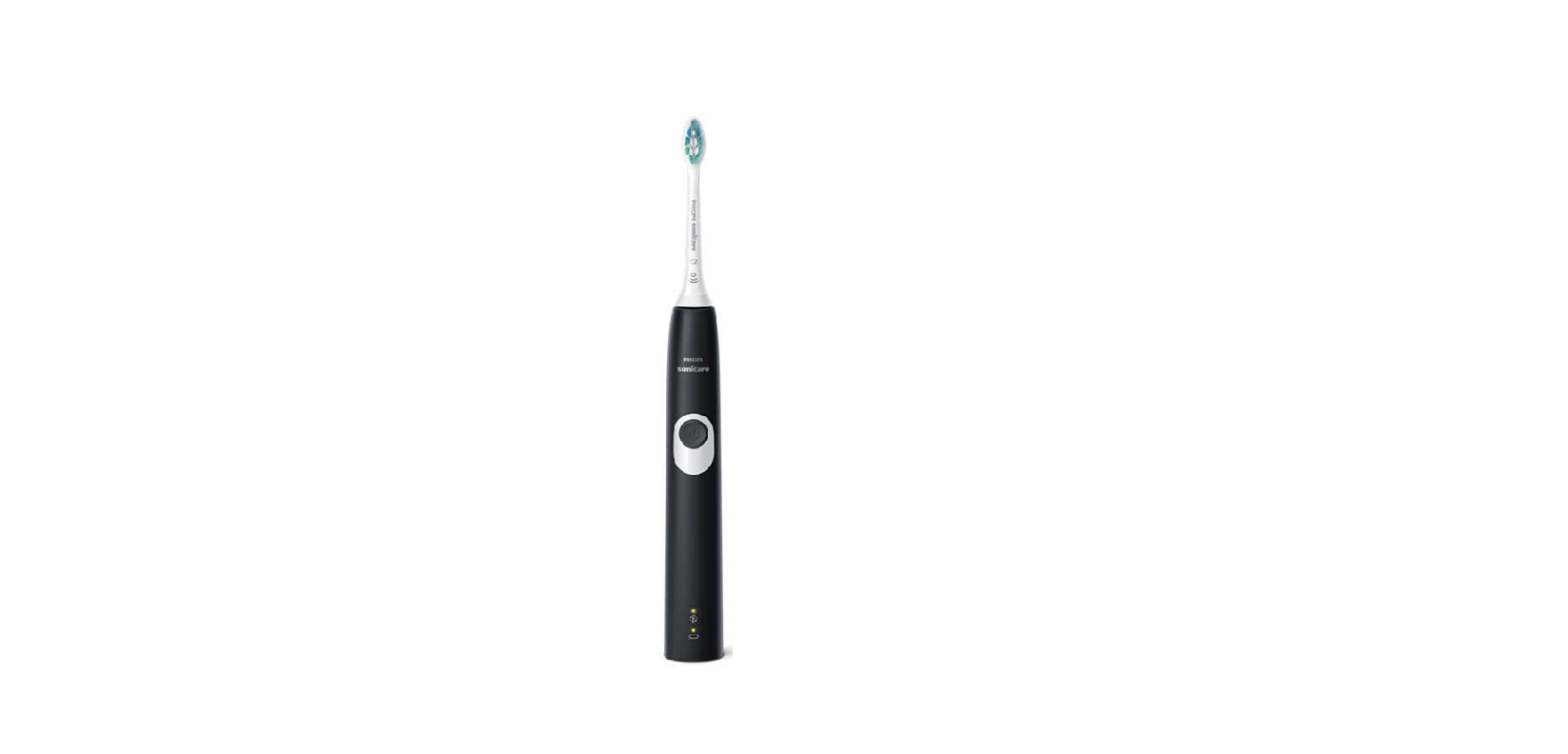

Philips Sonicare Toothbrush

My Philips Sonicare Toothbrush is not turning on
Is your Philips Sonicare Toothbrush not turning on anymore? If there are no vibrations when pressing the power button, you might want to use these possible causes and solutions to try and solve this issue yourself.
The handle is empty or not fully charged
Do you see the battery indicator blinking or do you hear a beep when you put the handle on the charger? If yes, this means that the handle is working properly but needs to be fully charged first. Fully charge your Philips Sonicare Toothbrush. This can take up to 24 hours.
The power button is stuck
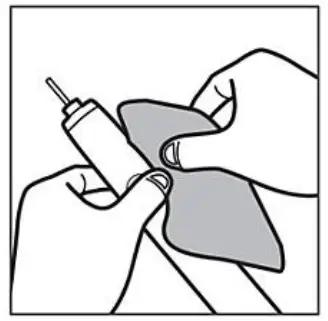
Toothpaste or debris could get inside the small gap around the power button. This might cause the power button to get stuck and not properly function anymore. Clean the power button and the area around it with a damp cloth to make sure it is free of debris.
Outlet is not working
Try another appliance in the same outlet. If that appliance is also not working, the issue might be at the outlet. Try a different outlet to fully charge your Philips Sonicare Toothbrush. You might need to reset a GFCI outlet.
Not using the original charger
Make sure that you use the original charger that came with your Philips Sonicare Toothbrush. Charging components are not interchangeable.
My Philips Sonicare DiamondClean toothbrush does not charge
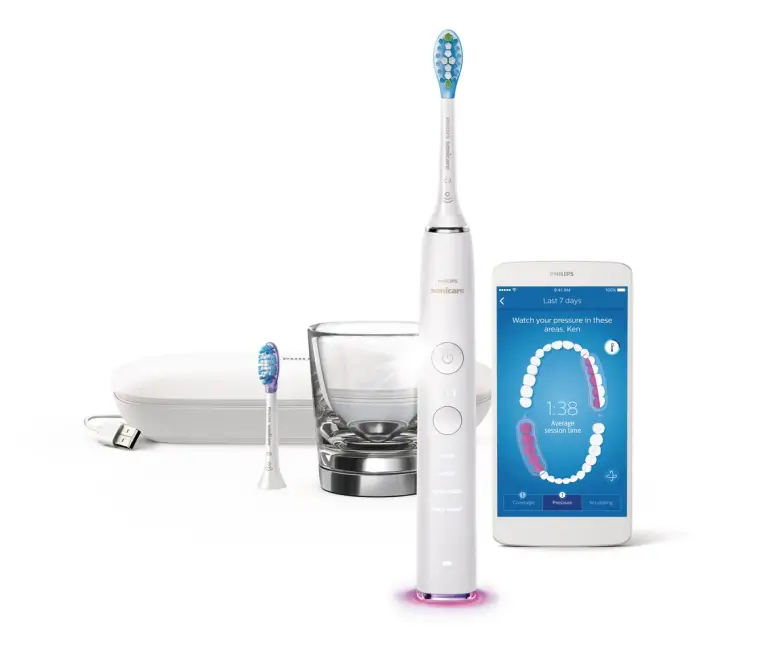
Is your Philips Sonicare DiamondClean or DiamondClean Smart toothbrush not charging? Use these possible causes and solutions to try and solve the charging issue yourself.
The handle is not fully charged
Place your handle on the charger. If you see the battery indicator light (below the modes) blinking, or if you hear a beep, it means that your toothbrush is charging. Fully charge your Philips Sonicare DiamondClean toothbrush for 24 hours.
Not using the original charger
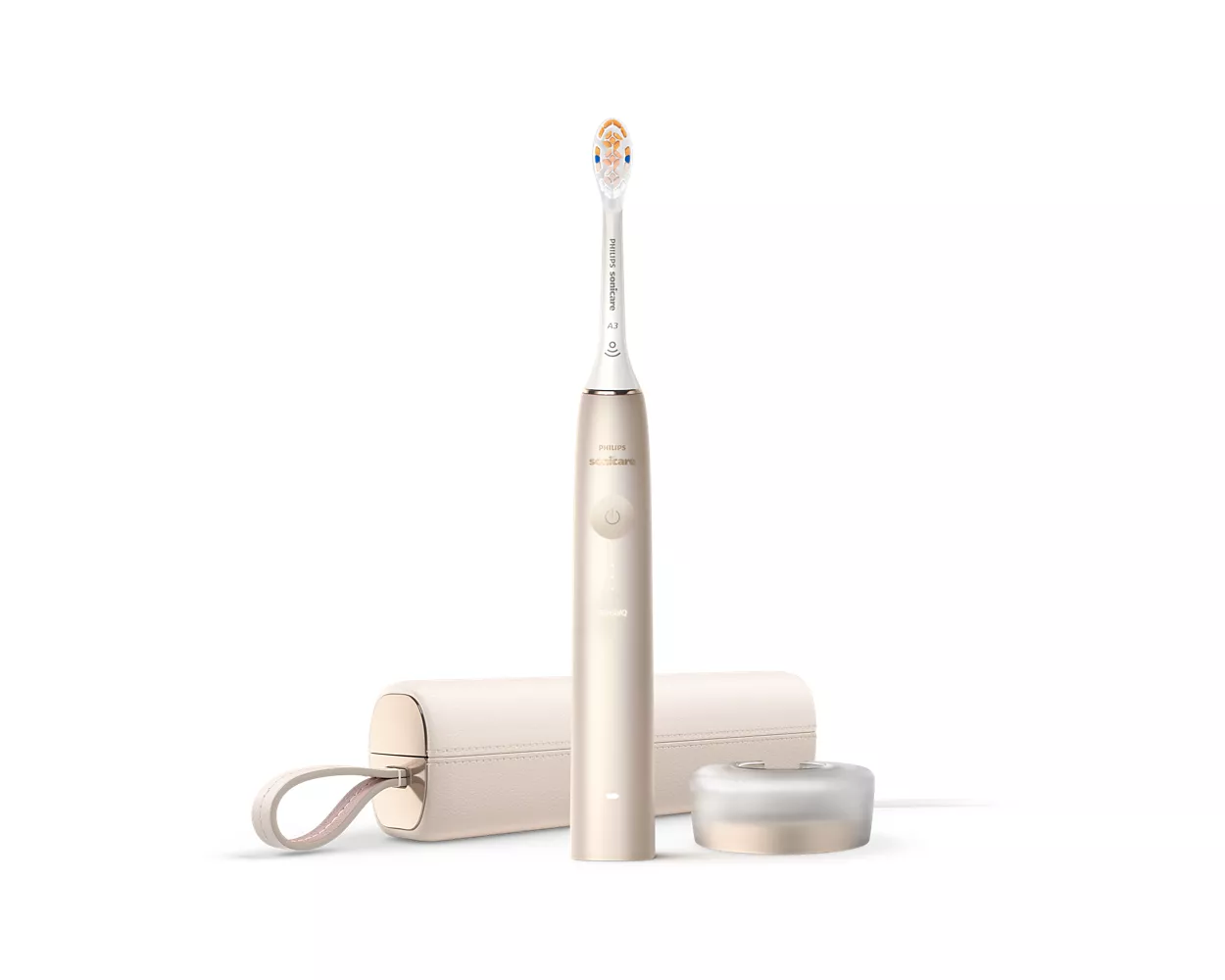
Make sure that you use the original charger that came with your Philips Sonicare DiamondClean or DiamondClean Smart toothbrush. The charging components (charging base, charging glass, travel case) are not interchangeable.
The outlet is not working
Try another appliance on the same outlet. If that appliance is also not working, the issue might be at the outlet. Try a different outlet to fully charge your Philips Sonicare toothbrush. You might need to reset a GFCI outlet.
The surface or other chargers are interfering
Metal surfaces or other chargers may interfere with your DiamondClean or DiamondClean Smart charger. Make sure that the charger is not placed on a metal surface or near other chargers. Place the charger in a different position and try again.
The toothbrush is placed incorrectly in the charging glass
Make sure that the bottom of your toothbrush is touching the center of the charging glass or on the charging pad.
The firmware is not updated
Note: This solution is only applicable for DiamondClean Smart toothbrushes. If you have a DiamondClean Smart toothbrush, follow these steps to check if you have the latest firmware installed on your toothbrush handle:
- Update (or download) the latest version of the Philips Sonicare app from the App Store or Google Play.
- Open the Philips Sonicare app
- Tap on the menu icon in the top left corner
- Go to ‘My Products
- Select your toothbrush
- Select ‘Handle update’ to see if any updates are available
- If you have updates available, please update the firmware of your handle by following the instructions from the Philips Sonicare app.
The battery of my Sonicare DiamondClean toothbrush is draining quickly
Is the battery of your Philips Sonicare DiamondClean Toothbrush not lasting the indicated operating time? The operating time depends on the toothbrush model that you have. Find out more about the operating time and how to solve this.
Operating time
The operating time of your Philips Sonicare Toothbrush depends on the model that you have
- Philips Sonicare DiamondClean Toothbrush can last up to three weeks of regular brushing on a full charge
- Philips Sonicare DiamondClean Smart Toothbrush can last up to two weeks of regular brushing on a full charge
Brushing more often than usual
The indicated operating time is based on two brushings per day. The actual number of brushings you get will depend on how often you brush and how many people are using the same toothbrush.
The handle is not fully charged
It may happen that you did not fully charge your toothbrush. In order to benefit from the indicated operation time, make sure that you fully charge your Philips Sonicare Toothbrush for 24 hours. If you are not sure of the charge level of your toothbrush, simply place the handle on the charger and notice the charge indicator light on the handle.
DiamondClean charge indicator light
- Amber flashing light means that the charge level is low
- Green flashing light indicates that the handle is partially charged
- A solid green light indicates that the handle is fully charged.
DiamondClean Smart charge indicator light
- Amber flashing light means that the charge level is low
- white flashing light indicates that the handle is partially charged
- A solid white light indicates that the handle is fully charged.
Not using the original charger
Make sure that you use the original charger that came with your Philips Sonicare DiamondClean or DiamondClean Smart Toothbrush. The charging components (charging base, charging glass, travel case) are not interchangeable.
The surface or other chargers are interfering
Metal surfaces or other chargers may interfere with your DiamondClean or DiamondClean Smart charger. Make sure that the charger is not placed on a metal surface or near other chargers. Place the charger in a different position and try again. If this did not solve the issue, please contact us for further assistance.