
POOL LAB Diagnostic Messages
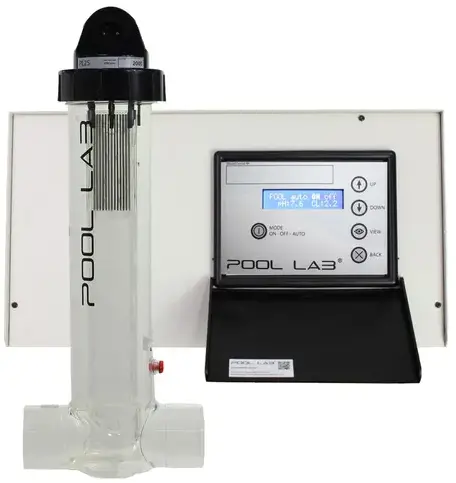
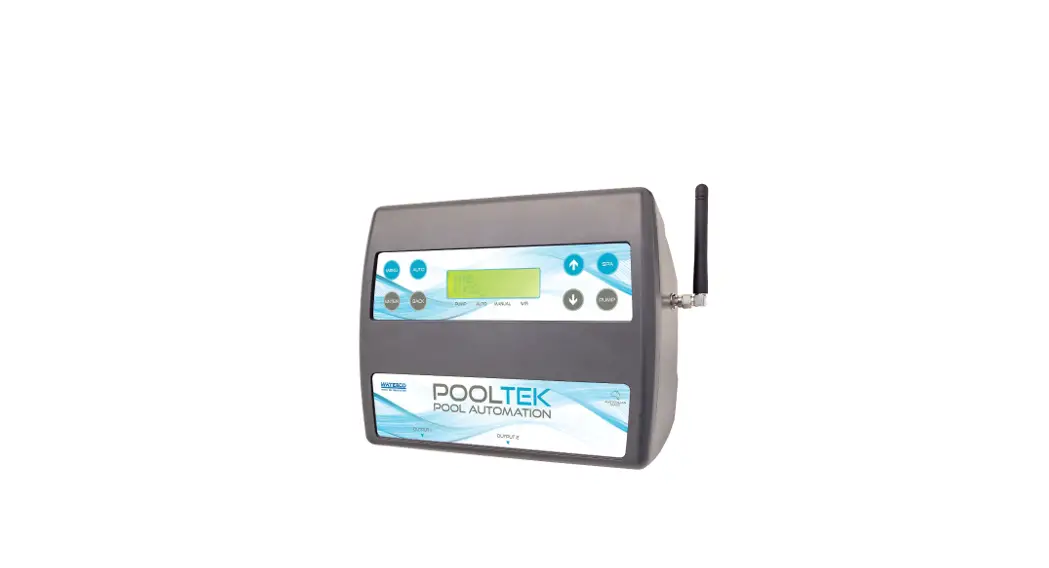
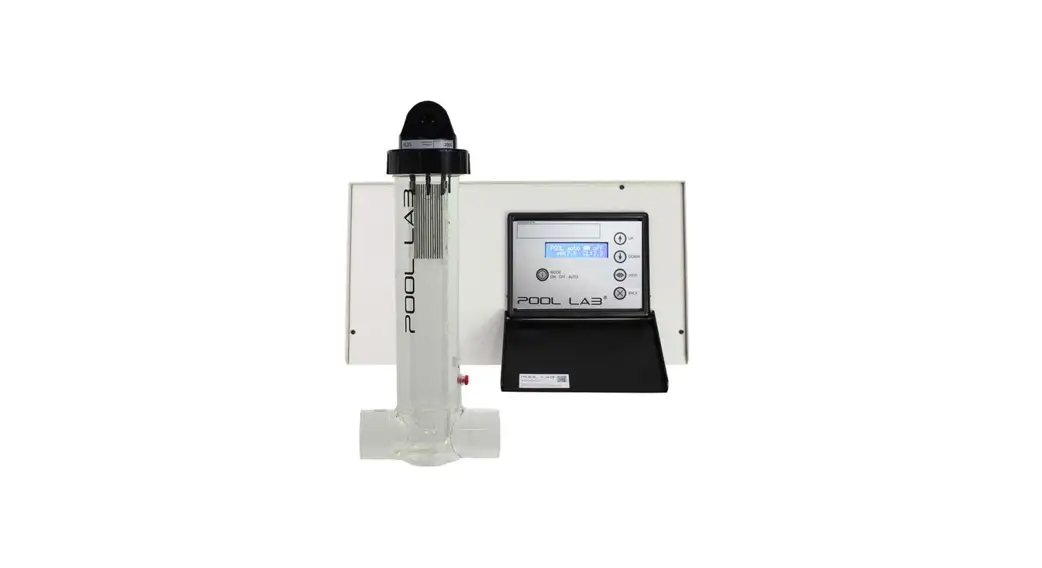
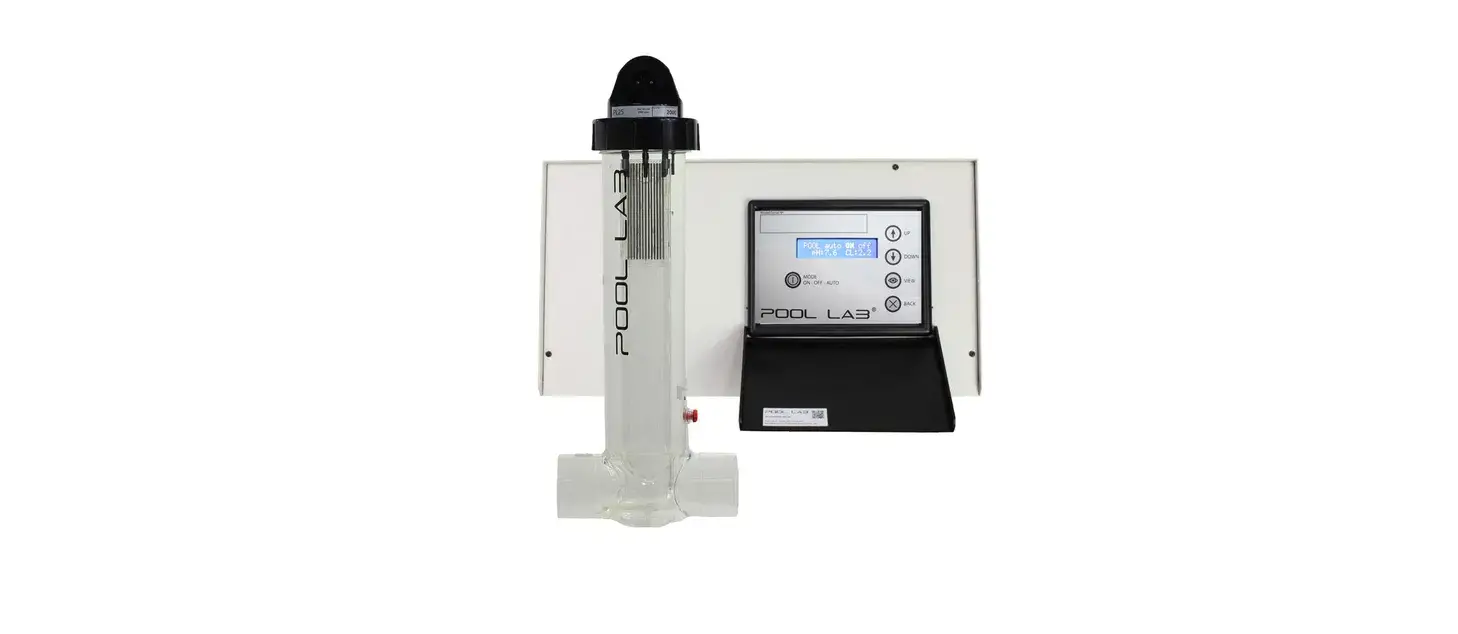
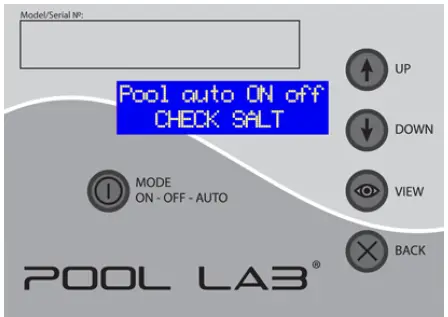
Diagnostic messages will be displayed on the bottom line of the LCD when in HOME VIEW (see below). The messages and their meanings are explained below, with some basic tips to rectify the issue if necessary. If the problem persists, consult the troubleshooting guide for more information.
Example:
| MESSAGE | DESCRIPTION | ACTION |
| CHECK SALT | The system has detected unusually low conductivity in the cell, possibly due to a low salt level, and is running inefficiently. The system will continue to run as normal, but may not be able to produce chlorine to its full potential. This can also be caused by very cold water; in which case the message can generally be ignored. | • Check the salt level, and add salt if required
• Inspect the cell for debris or calcium scale |
| CHECK SALT OFF | The system has detected critically low conductivity in the cell, possible due to a very low salt level. Power to the cell has been turned off to prevent damage. The filtration system will run as normal, but no chlorine will be produced. Once every five minutes, the system will re-check and resume normally if the condition is rectified. | • Check the salt level, and add salt if required
• Inspect the cell for debris or calcium scale |
| HIGH SALT | The system has detected unusually high conductivity in the cell, possibly due to a high salt level. Usually no user action is required, this is just a warning not to add any more salt. Chlorine can still be produced efficiently, but it is nearing the threshold where it could trigger HIGH SALT CELL OFF. This message is more likely to appear at higher water temperatures. | • Check the salt level, and top up the pool with fresh water if possible
• DO NOT ADD SALT |
| HIGH SALT CELL OFF | The system has detected critically high conductivity in the cell, possibly due to a very high salt level, or a combination of high salt and water temperatures. Power to the cell has been turned off to prevent damage. The filtration system will continue to run as normal, but no chlorine will be produced. Once every five minutes, the system will re-check and resume normally if the condition is rectified. | • Check the salt level, and top up the pool with fresh water if possible
• DO NOT ADD SALT
• If the salt level is significantly too high, it may be necessary to drain some water and top up with fresh water. |
| LOW FLOW | The system has detected a low flow condition, and will not be producing any chlorine. | • Check visually for water flowing through the cell. An air or gas pocket at the top of the cell housing indicates that there is not enough flow.
• Inspect the cell for debris or calcium scale
• Check skimmer baskets and pump baskets, empty them if required. • Backwash the filter if necessary (sand filters only)
• Clean the filter cartridge(s) if necessary (cartridge filters only)
•Check all valve positions are correct. |
| PUMP PROTECTION ACTIVE | The system has detected a low flow condition for longer than the time specified in the PUMP PROTECTION TIME setting. The pump has been turned off, and will not restart until the filtration mode is changed manually. | • Press the MODE button to toggle the filtration mode back to AUTO or ON.
• Refer to LOW FLOW recommendations. |
| SPA FLOW DETECTED | The system has detected spa flow. Chlorine production will be halted to prevent over chlorination of the spa. | • No action required |
| SCALE WARNING | This is a warning that the system has detected a pattern that is consistent with an unusually large amount of scale forming on the cell electrode plates. | • Clean cell. (see Cell Maintenance)
• Have your pool water tested and balanced by your local swimming pool professionals. Check for unusually high calcium and/or Langelier Index > +0.2, and correct as required.
• In some cases, this warning can be falsely triggered by rapid changes in water temperature. e.g. retro-fitted solar systems that discharge through the chlorinator cell may trigger this warning through normal operation. The warning is safe to ignore in this case. |
| DEFAULTS USED | It is normal for this to occur on a new unit at initial power up, or after a memory reset. | • No action required. |
| MEMORY FAULT | The system could not successfully write to and read back from the internal memory. This generally indicates a major fault with the PCB, and it is likely that user settings, timers, running modes, etc. may not be able to be saved. | • Cycle power to the unit off, and back on again.
• If the problem persists, contact your installer regarding service of the unit. |