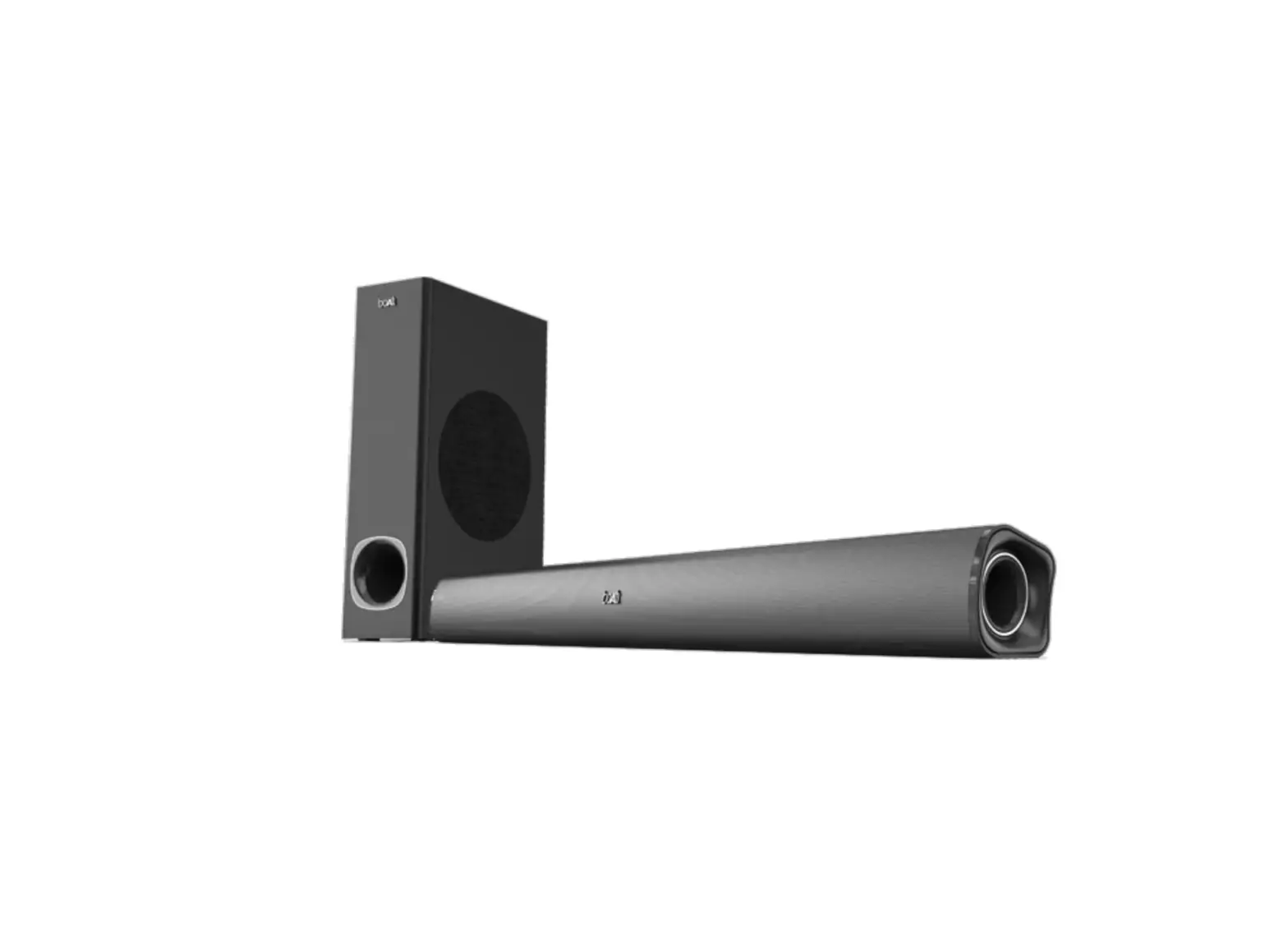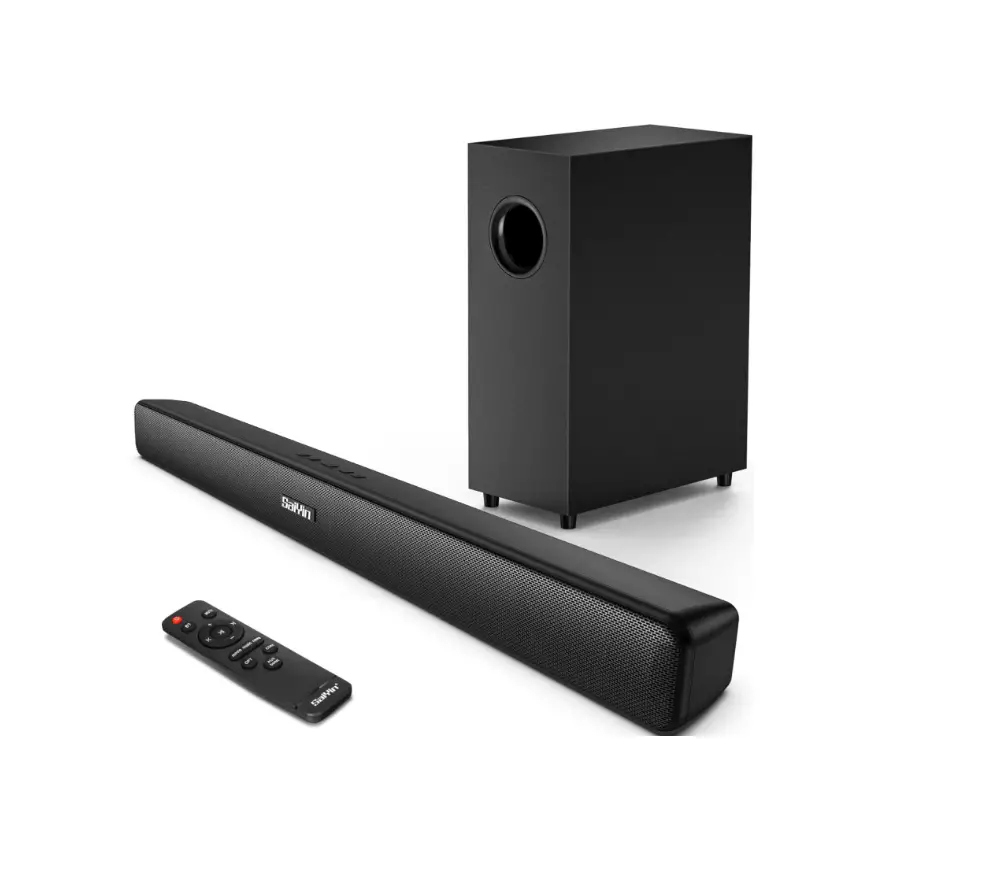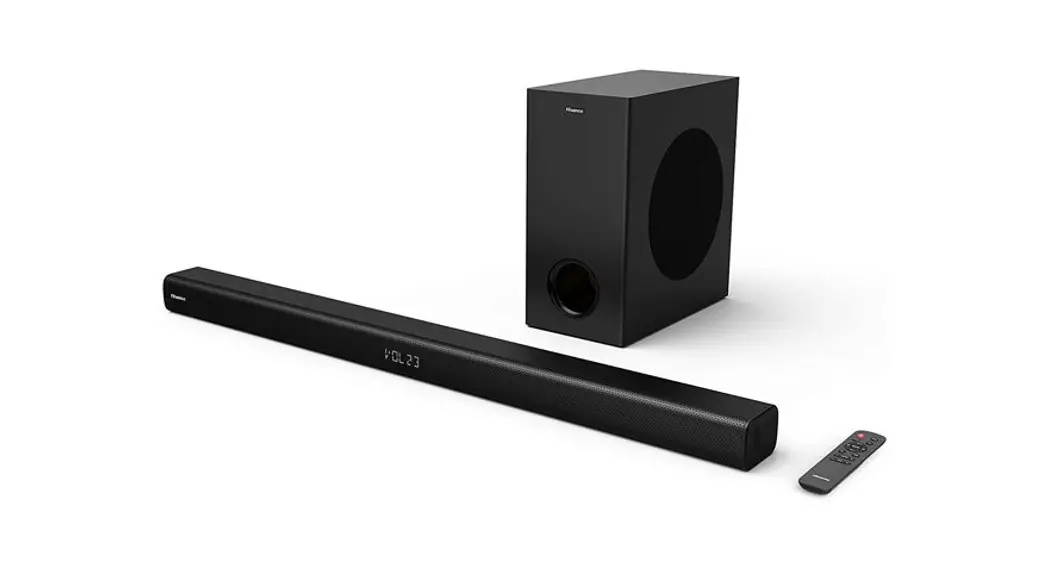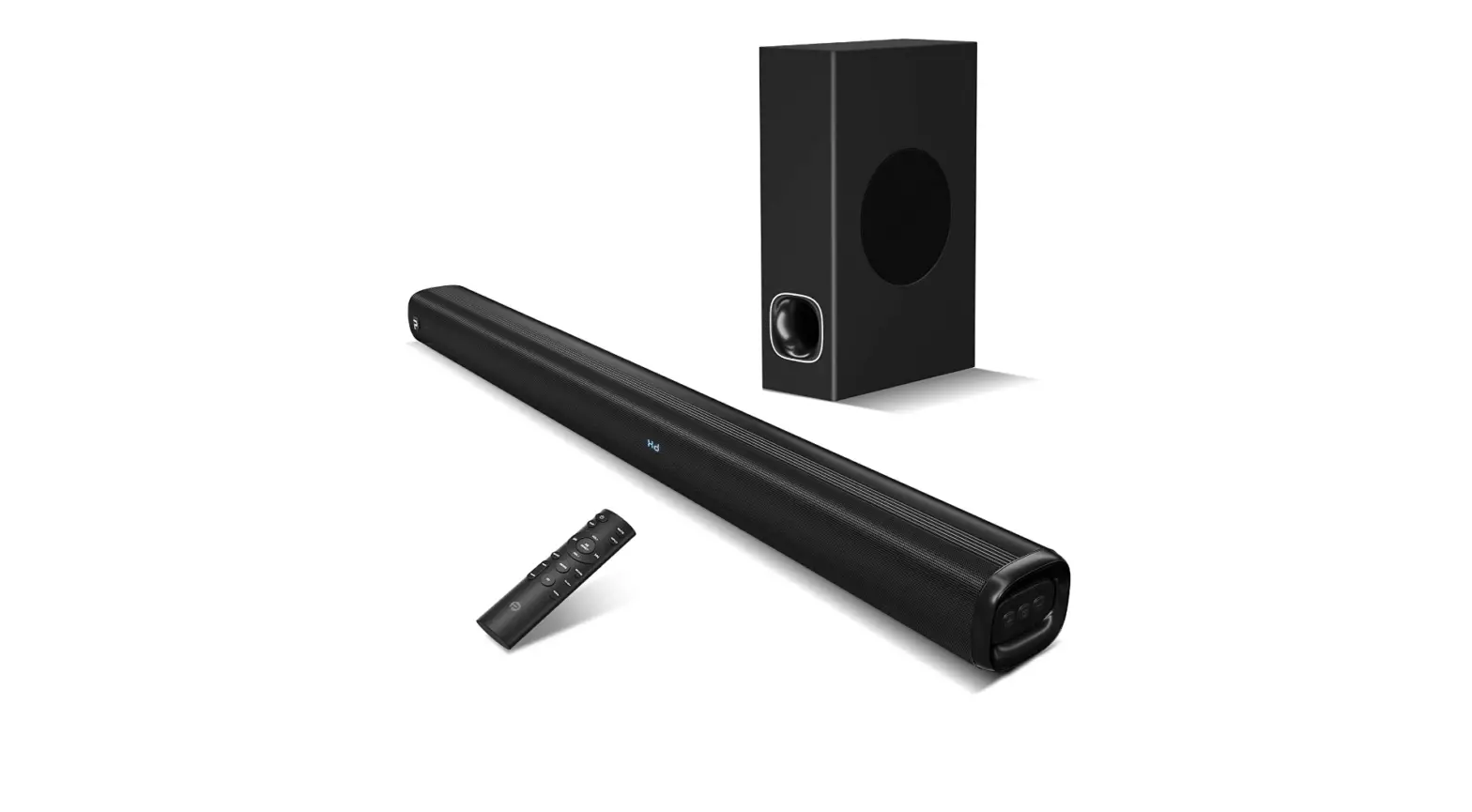
MODEL: SL01
FIVE LANGUAGES MANUAL

Scan this QR code to activate the 24-month warranty and get a free gift within 7 days after receiving this item.

http://topvisiontec.com/Deals/index.html
Security Information
Please read this manual carefully before using the product and keep it in a safe place.
Safety warning
To prevent electric shock, do not open the backplane.
There are no user-serviceable parts inside the machine. If repairs are required, please have special service personnel carry out repairs.
Warning: Do not expose the machine to rain or damp places to avoid fire or electric shock.
- This machine should always be connected to an AC outlet with a protective earth connection.
- When the device is disconnected from the machine, the plug must be pulled out from the jack of the machine, otherwise, it may cause leakage.
- Do not drop or spray water on the machine, and do not place objects filled with liquids, such as vases, on the device.
Foreword
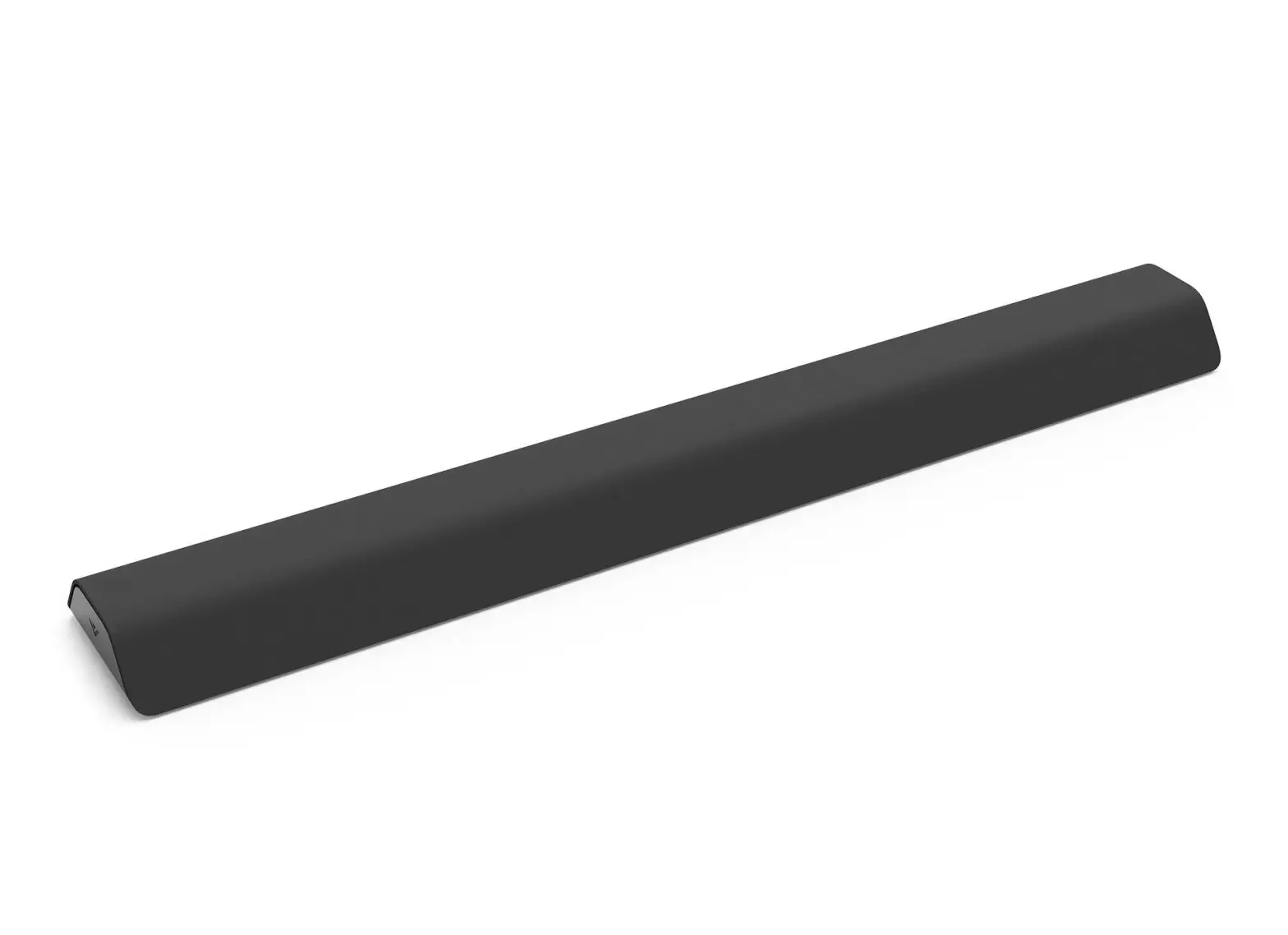
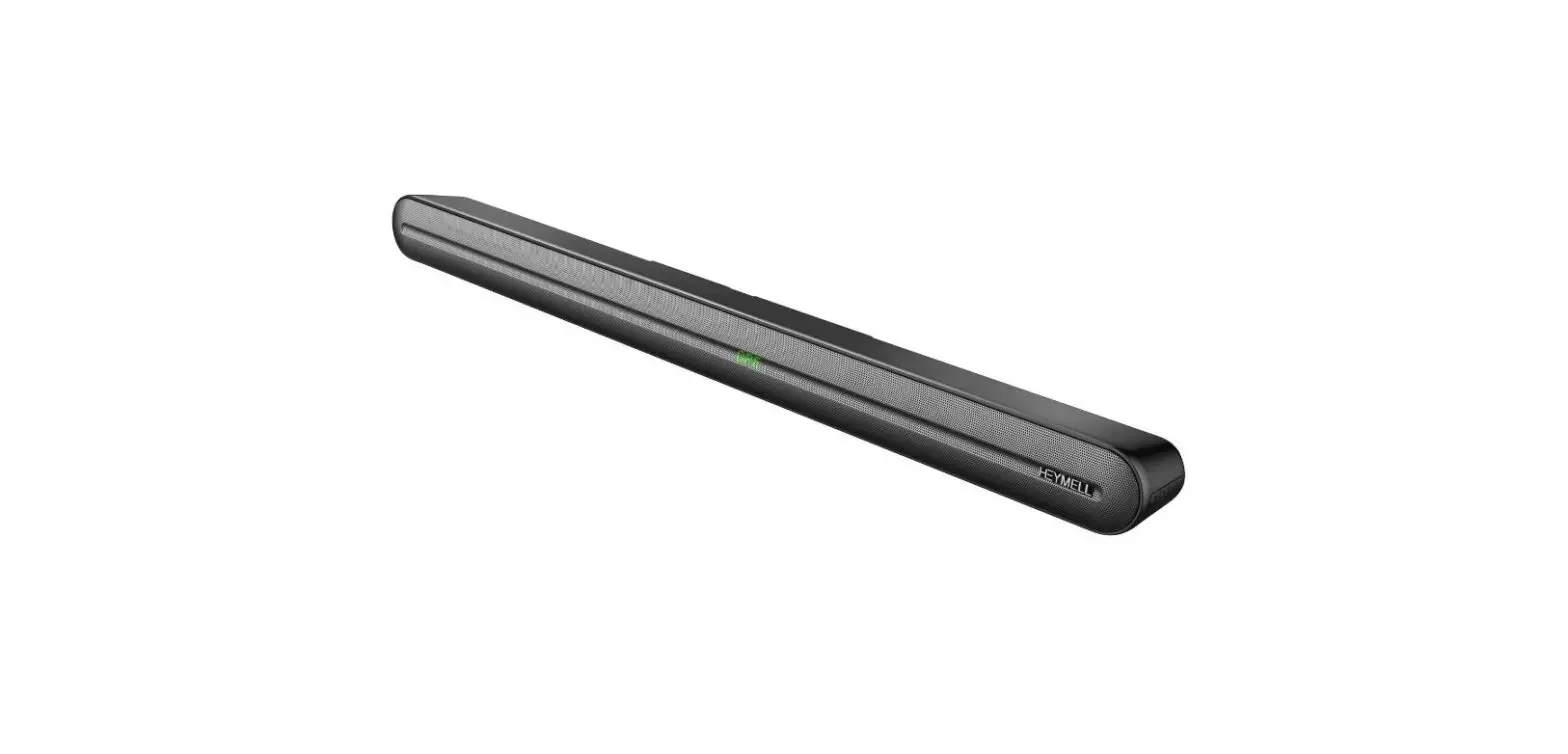
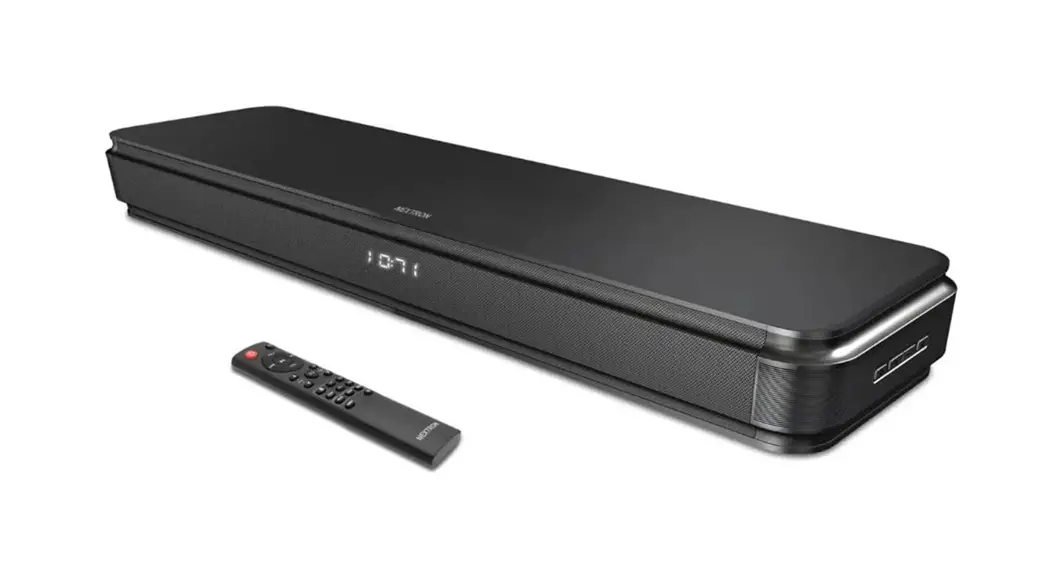
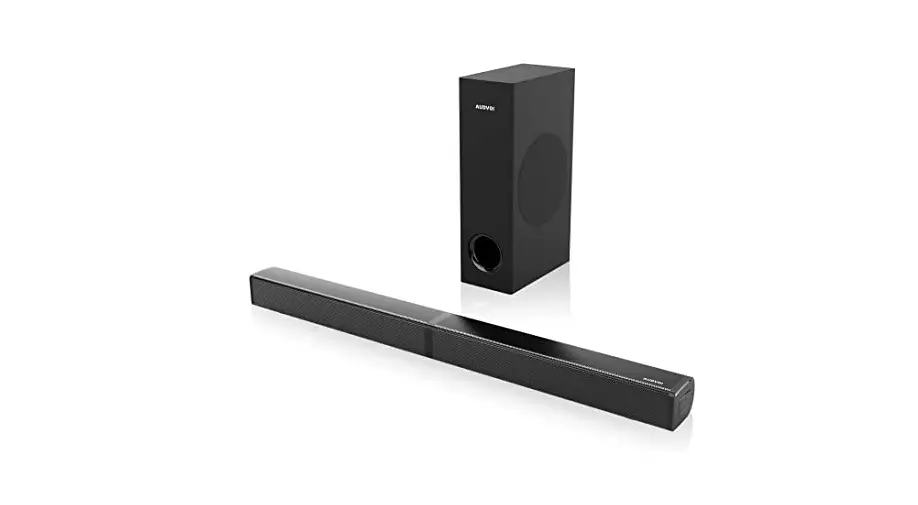
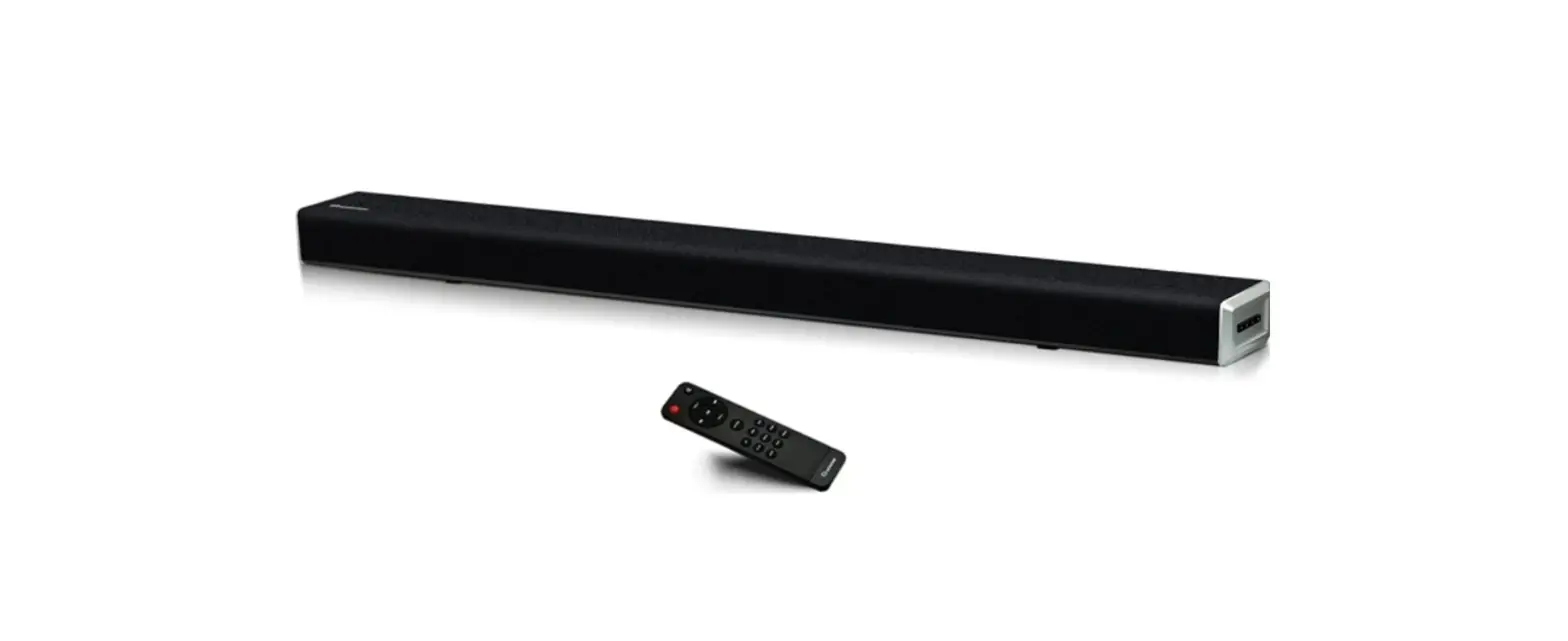
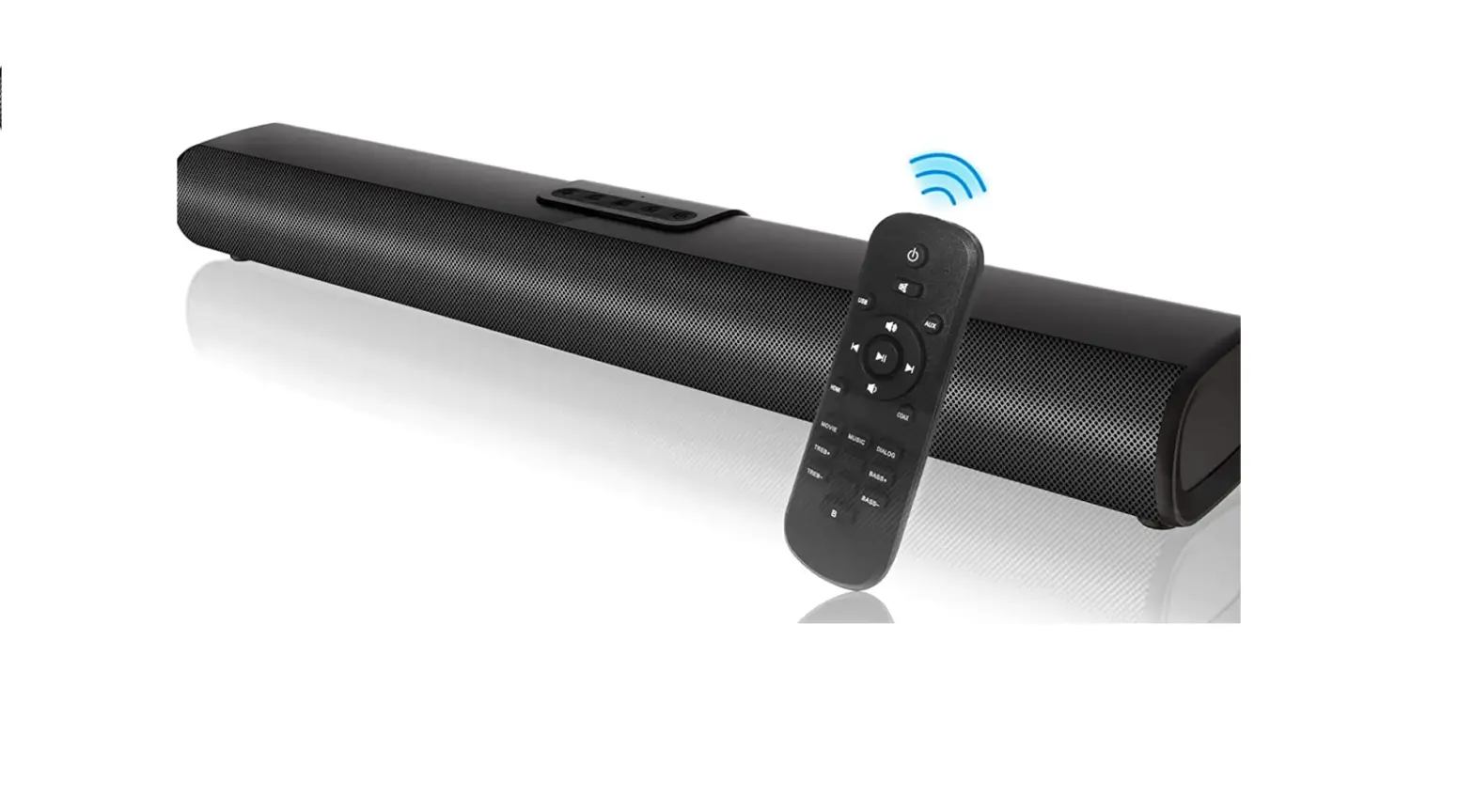
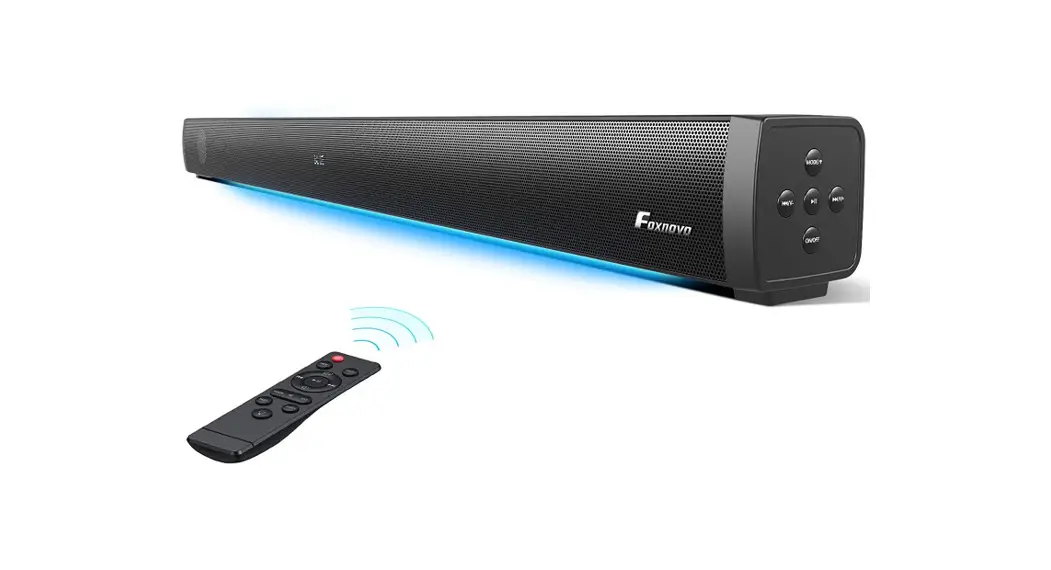
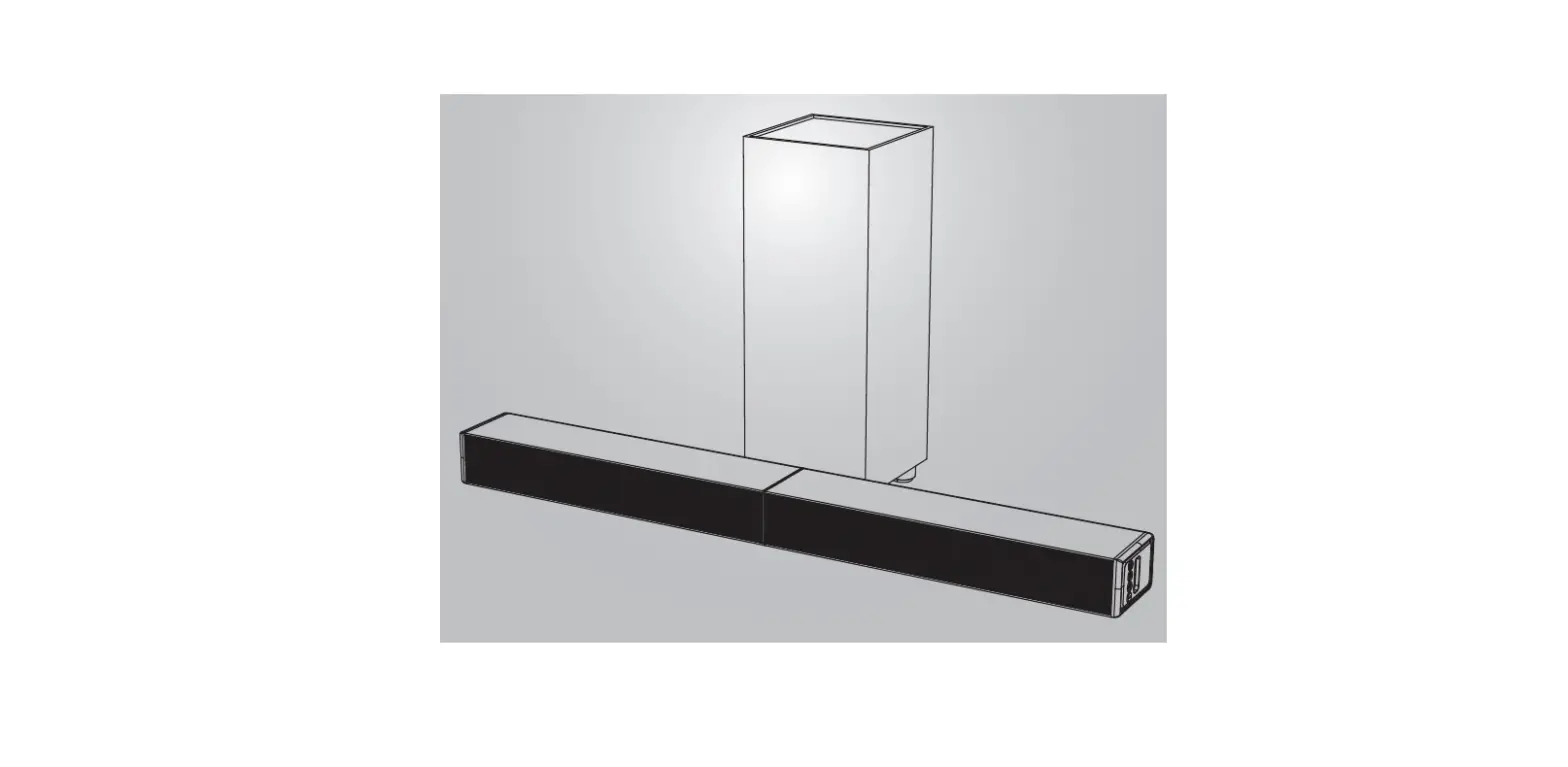
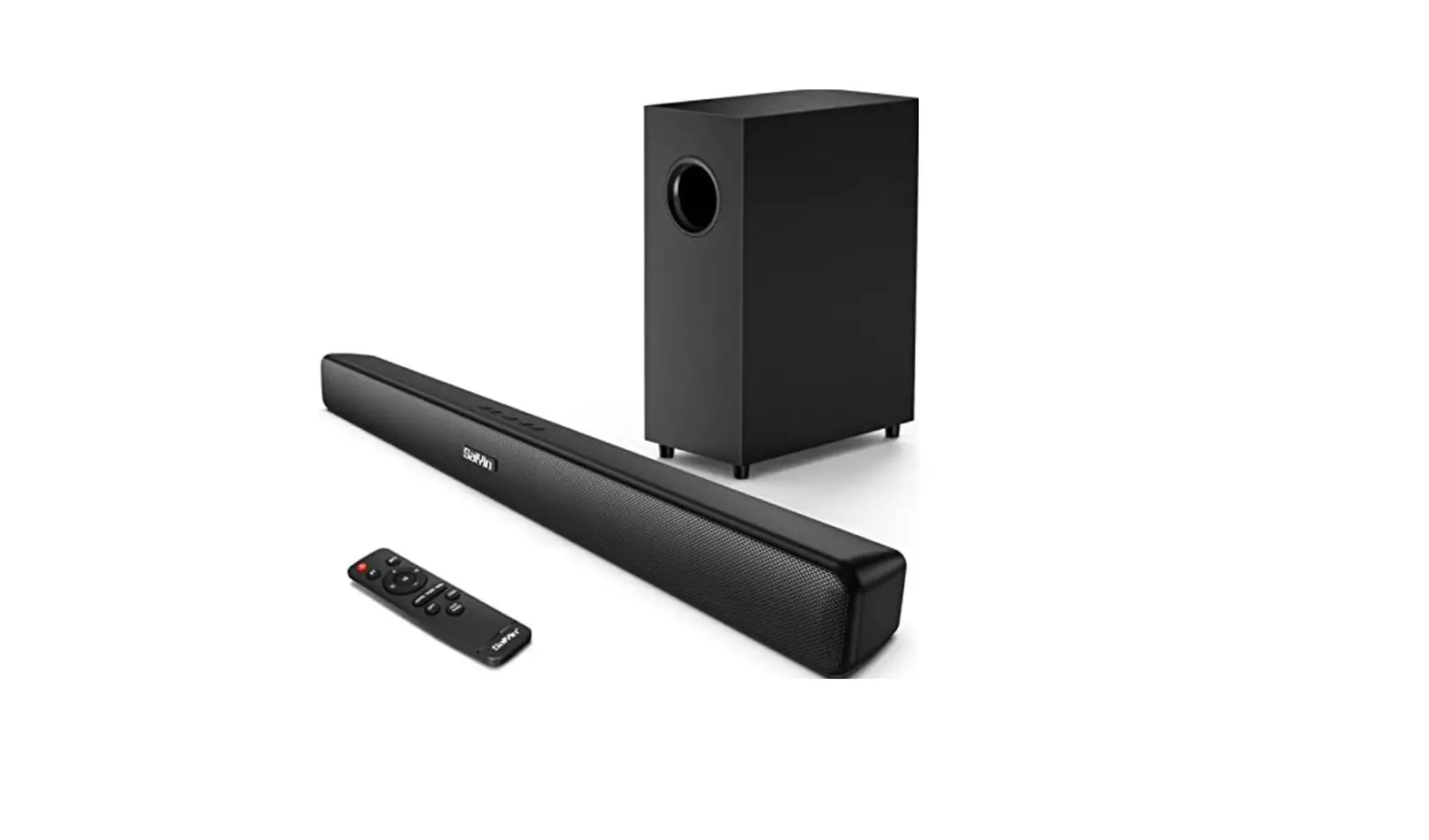
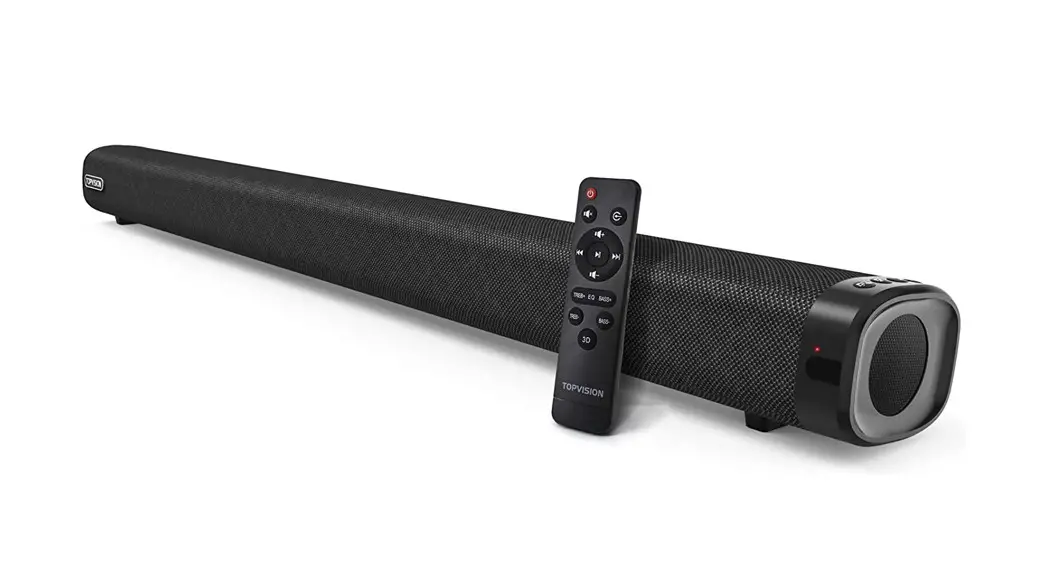
- Thank you very much for using this TOPVISION speaker. The appearance of this product is simple and elegant, and the overall visual lines are smooth, which can match most TVs on the market.
- You can choose between two installation methods (placement/wall mounting).
- The TOPVISION speaker is equipped with two high-quality mid-high frequency speakers and two high-quality mid-low frequency speakers. It gives you a full three-dimensional surround when watching movies, music, and sports games. The bass is powerful and powerful, and the sound effect is round and realistic.
- Support Bluetooth 5.0, can wirelessly connect mobile phones, PAD and other tablet devices.
- Support AUX, optical fiber, coaxial, HDMI ARC input.
- Equipped with USB interface, easy to read audio files of small devices such as U disk and MP3.
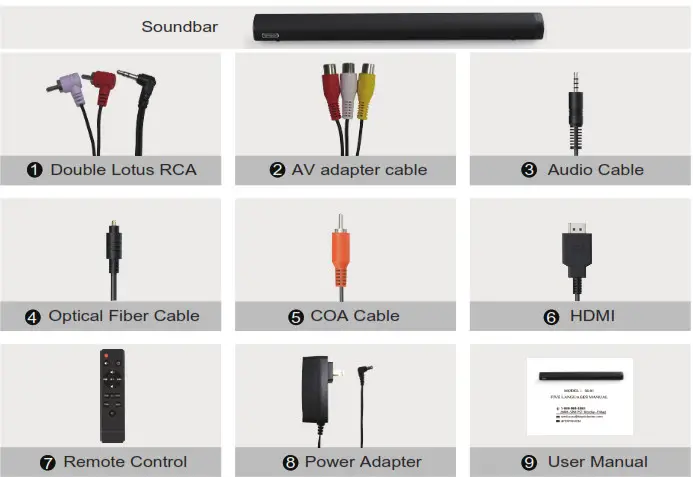
What’s in the Box
Specification
| Output Power | 120W |
| Channel | 2.1(Built-in Bass) |
| Bluetooth Version | 5 |
| Bluetooth profiles | A2DP, AVRCP, HSP, HFP |
| Power adapter | 18V/2A |
| Transmission range | 10M/32.80ft |
| Material | Plastic+Cloth |
| Size | 90*8.6*6.5 cm |
| N.W | 2.24KG |
| S/N | >80 dB |
| Frequency Response | 60Hz-15KHz |
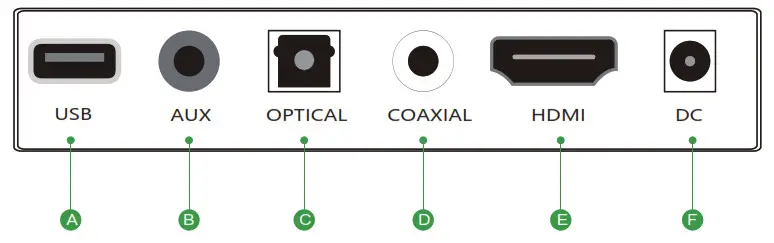
Right of Soundbar
A. [USB] USB Disk In
B. [AUX] Analog Audio In (Stereo 3.5mm)
C. [OPTICAL] Digital Optical In
D. [COAXIAL] Coaxial In
E. [HDMI] High Definition Multimedia Interface(Only suitable for TV)
F. [DC] Power Port
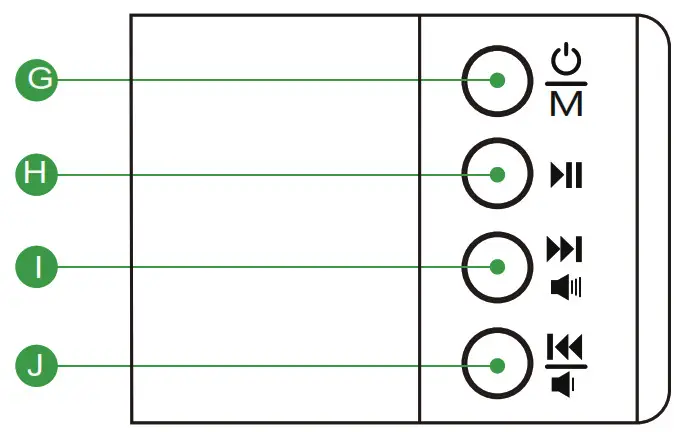
G. Press to power on/change the audio source; Press and hold it to power off
H. Play/Pause
I. Press to next music; Press and hold it to volume up
J. Press to previous music; Press and hold it to volume down
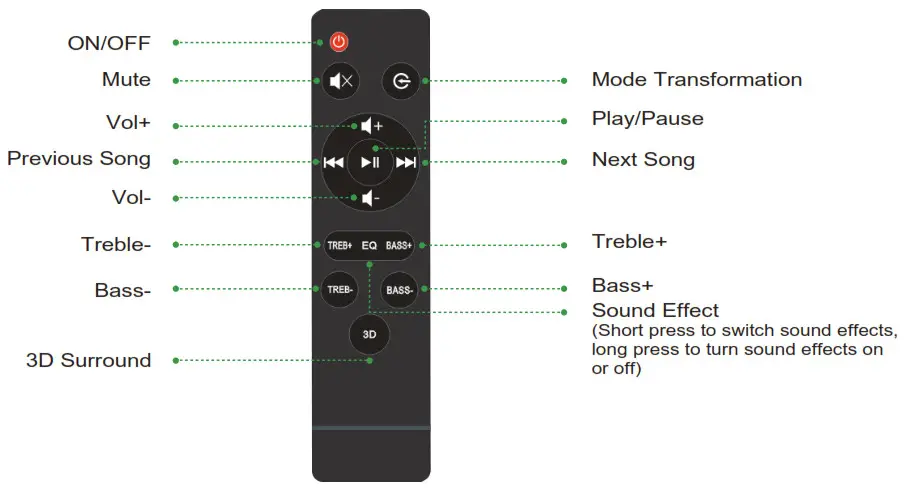
Know your Remote
Connecting Electrical Power
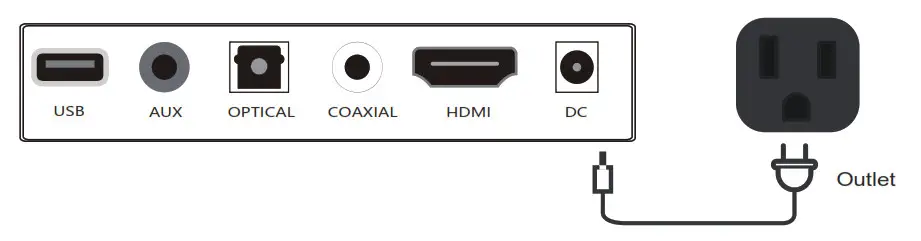
Make sure to rest the AC/DC adapter flat on a table or the floor. If you place the AC/DC adapter so that it is hanging with the AC cord input facing upwards, water or other foreign substances could enter the Adapter and cause the Adapter to malfunction.
Note:
When disconnecting the power cable of the DC/AC power adapter from a wall outlet, pull the plug. Do not pull the cable. Do not connect this unit or other components to an AC outlet until all connections between components are completed.
How to use the soundbar
- Power on and off
After connecting the power cord, the red LED indicator on the soundbar is always on, and it enters the standby state.
Short press the button on the soundbar, or press the button on the remote control to turn on the system.
You will hear the voice prompt “Power On” then the voice prompt “Bluetooth mode” and automatically enter the Bluetooth mode, the LED indicator will be BLUE.
Long press thebutton on the soundbar or press thebutton on the remote control, the soundbar enters the standby state, and you will hear the voice prompt “Power off”. - Select mode
Short press the button on the soundbar or the button on the remote control to switch to Bluetooth mode, optical mode, AUX mode, Coaxial mode, HDMI mode. ( When switching between different modes, there will be voice prompts, and the indicators on the soundbar will behave differently.)
 button on the soundbar, or press the
Connect Bluetooth device
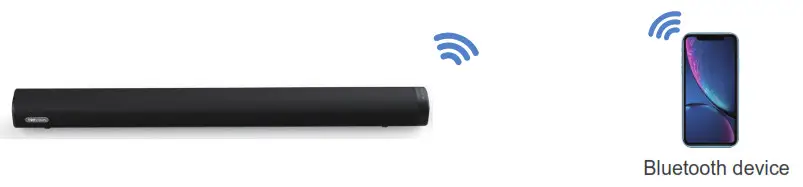
Bluetooth connection
- Switch to Bluetooth mode and the voice prompt “Bluetooth mode”.
- Turn on Bluetooth on the device and select “SL01” to connect in the list. When the connection is successful, you will hear the sound of “Ding Dong”, and the blue indicator light on the soundbar is always on.
- Long press the
 button on the soundbar for 3 seconds to disconnect the connected Bluetooth device, the soundbar enters the waiting state for connection and the blue indicator light flashes.
 button on the soundbar for 3 seconds to disconnect the connected Bluetooth device, the soundbar enters the waiting state for connection and the blue indicator light flashes.
NOTE:
The soundbar cannot connect to more than one Bluetooth device at a time When the soundbar’s sound volume is turned to the maximum or minimum, there will be a prompt sound.
Please make sure there are no other active Bluetooth devices within range and the soundbar is within 32ft/10m of your device.
Before starting to play via Bluetooth, please lower the volume to a moderate level.
Connect with TV
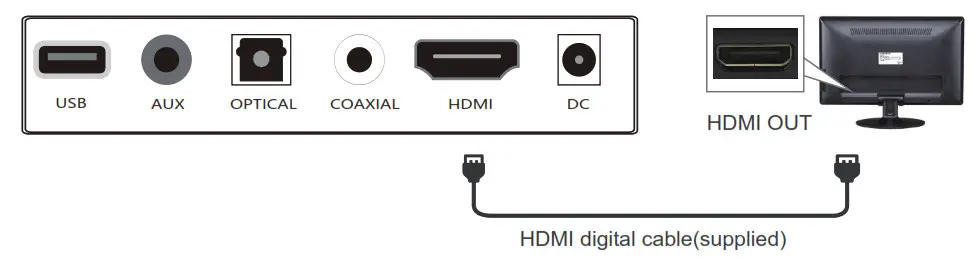
Method 1. Connecting using an HDMI cable
- Connect the DIGITAL AUDIO IN(HDMI)jack on the Soundbar to the HDMI OUT jack of the TV with an HDMI cable.
- Press the button to switch to HDMI mode, then the voice announcement prompts”HDMI Mode”.
- Set the TV’s audio output to “PCM”. (More information on PCM page)
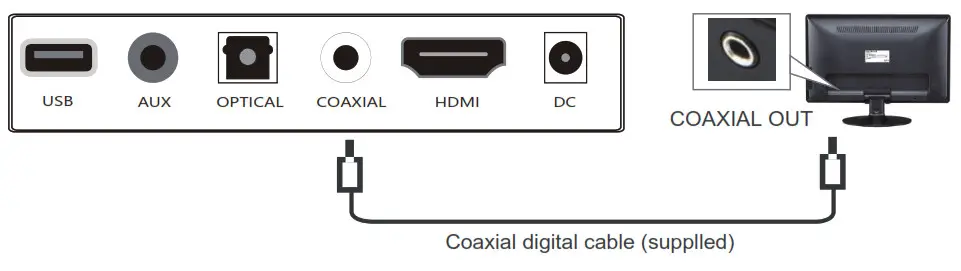
Method 2. Connecting using a Coaxial cable
- Connect the DIGITAL AUDIO IN(COAXIAL) jack on the Soundbar to the Coaxial OUT jack of the TV with a digital coaxial cable.
- Press the button to switch to Coaxial mode, then the voice announcement prompts”Coaxial Mode”.
- Set the TV’s audio output to”PCM”.(More information on PCM page)
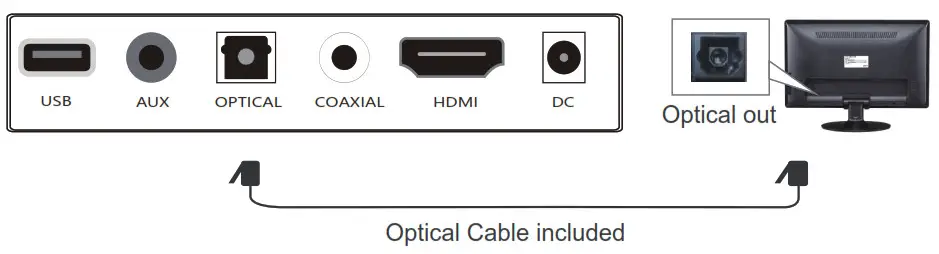
Method 3. Connecting using an Optical cable
- Connect the DIGITAL AUDIO IN(OPTICAL) jack on the Soundbar to the\ Optical OUT jack of the TV with a digital optical cable.
- Press thebutton to switch to Optical mode, then the voice announcement prompts”Optical Mode”.
- Set the TV’s audio output to”PCM”. (More information on PCM page)
NOTE:
When you use the OPTICAL connection, please take care to remove the protective sleeves at both ends of the cable before connecting.
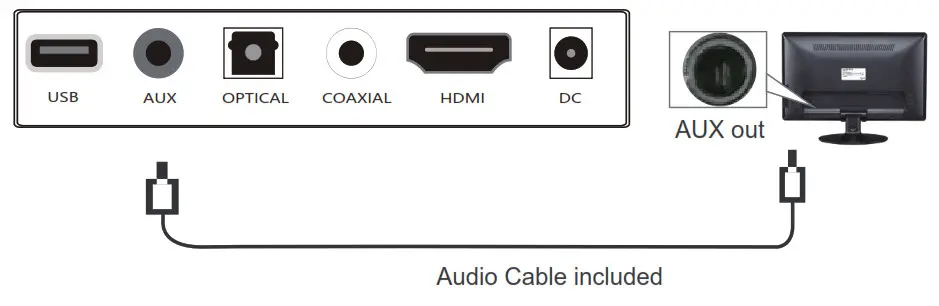
Method 4. Connecting using an AUX cable
- Connect the AUX Jack on the Soundbar to the headphone jack of the TV with a 3.5mm cable.
- The Soundbar will automatically switch to AUX mode, then the voice announcement prompts”AUX Mode”.
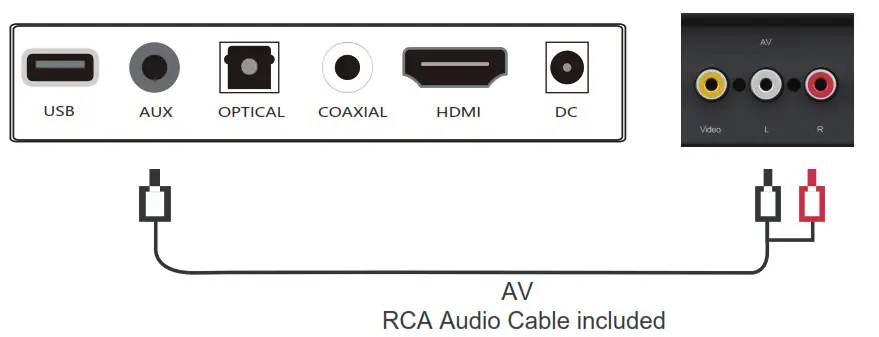
Method 5. Connecting using an RCA audio cable
- Using the RCA audio cable, connect the black end to the AUX port of the soundbar, and the red and white connectors on the other end are connected to the red and white ports of the TV respectively.
- The Soundbar will automatically switch to AUX mode, then the voice announcement prompts “AUX Mode”.
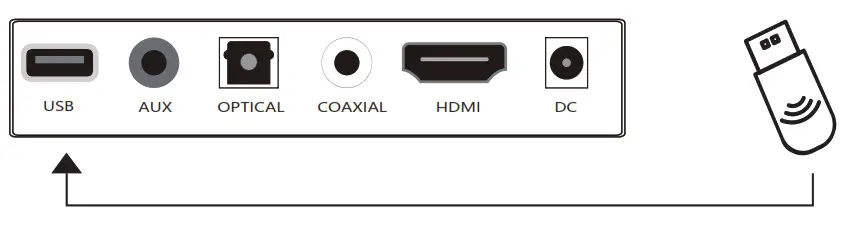
Method 6. Connecting a USB
- Connect your USB device to the USB jack on the Soundbar.
- The Soundbar will automatically switch to USB mode, then the voice announcement prompts “USB Mode”, and play the music in the USB flash drive.
Note:
USB port also for firmware upgrade
Setting “PCM” on your TV
When all cables are connected properly and LED indicator lights properly, if there is no sound from tv or Soundbar, please set your tv as below:
- Press “Menu” on the tv’s remote control
- Press the arrow keys on the remote to scroll to “Audio Settings”.
- Press”OK” on the remote control.
- Scroll to “Advanced Audio” and press “OK.” Some televisions may not have an “Advanced Audio” menu and may list various audio settings instead.
- Scroll to “Audio Output Mode” or “Digital Audio Output Mode” and press “OK”.
- Scroll until “PCM” is displayed as the current audio output.
- Press “OK” to save the settings.
Note:
Some brand TVs may be different in Digital Audio Output Settings, please check your TV’s manual.
Some TVs do not have output function, only input, then audio cannot be connected.
Troubleshooting
| Why is the unit not turning on? | |
| Please check and make sure the power cord is correctly connected to a power source. | Reconnect the power cord. |
| Why the remote control does not work? | |
| Replace with new batteries. | Aim the remote control at the LED light on the main unit. |
| Why there is no sound in the soundbar? | |
| Please make sure that the TV has an audio output interface. | Press the Mute button to switch on the sound. |
| Check to make sure the audio cable is correctly connected. | When using optical, coaxial, and HDMI connections, please set the TV to the digital audio output and select PCM output. |
| Make sure there is no other audio port input on your device. | |
| Why the sound is distorted? | |
| Adjust to the corresponding music, movie, news mode according to the specific scene. | |
| Why does the soundbar reach its maximum volume when it is turned on? | |
| Lower the volume of the audio source device before turning on the soundbar. | Make the soundbar not connected to any audio source device, decrease the volume via the remote control. |
 US:1-888-965-5888UK:44 20 3885 0918
( ~9AM 5PM PST Monday Friday~) US: [email protected] UK: [email protected] EU: [email protected]
 @TOPVISION
Thanks for choosing TOPVISION Soundbar
To activate your warranty,scan the QR code

http://topvisiontec.com/Deals/index.html
 TopVision – #1 Mini Projector Brand in the US