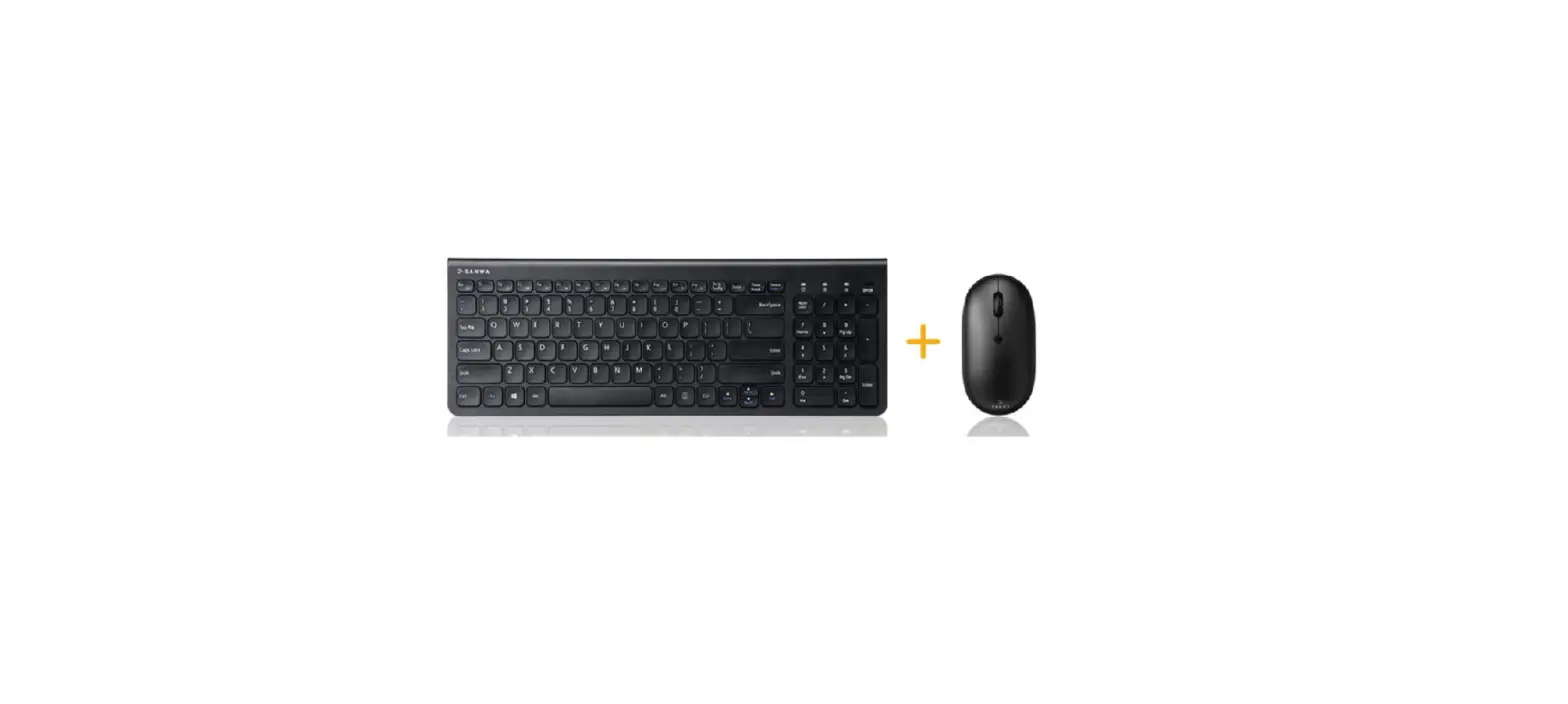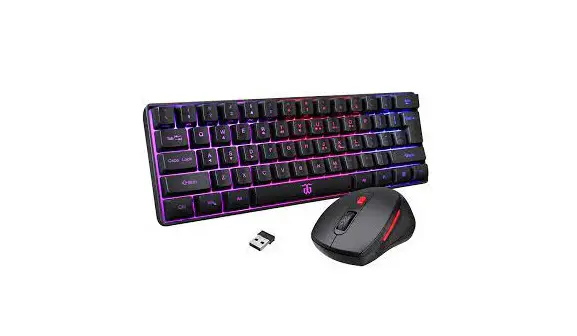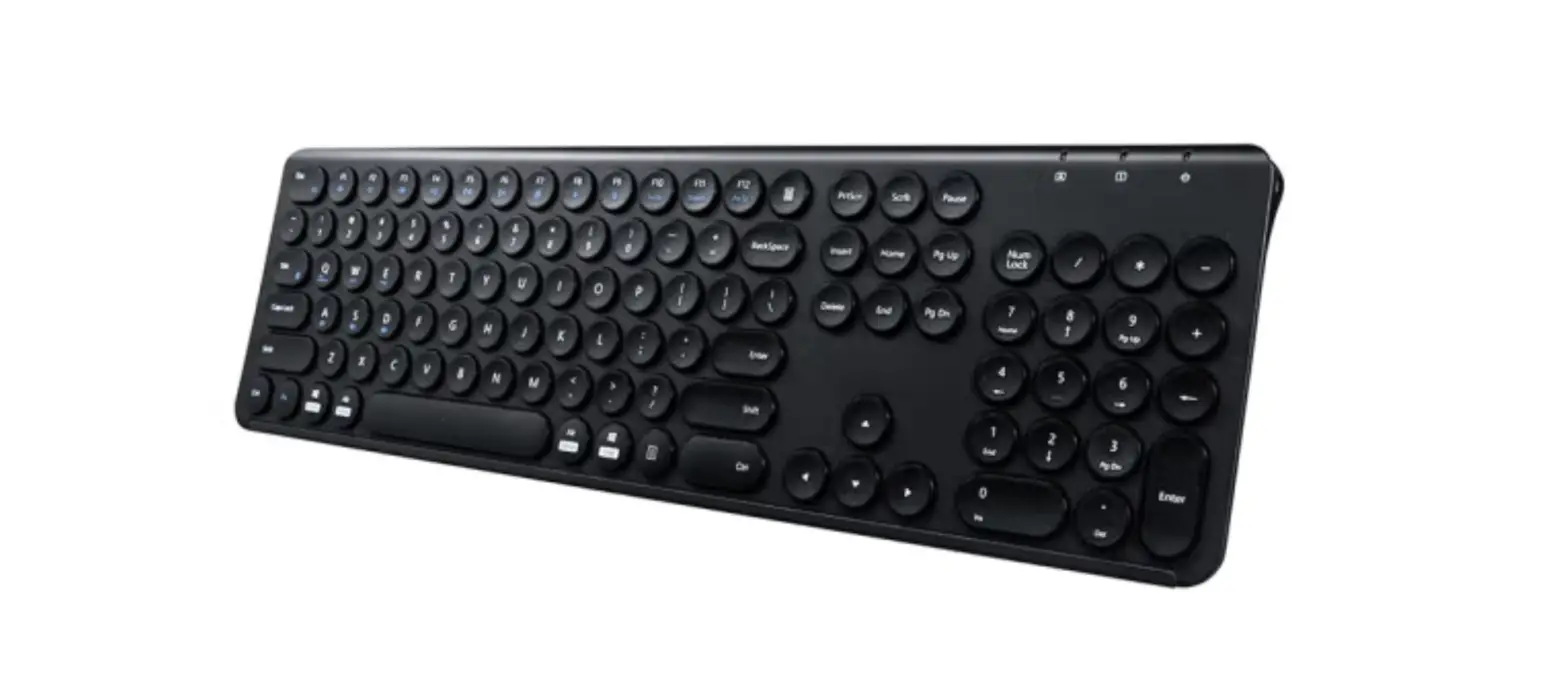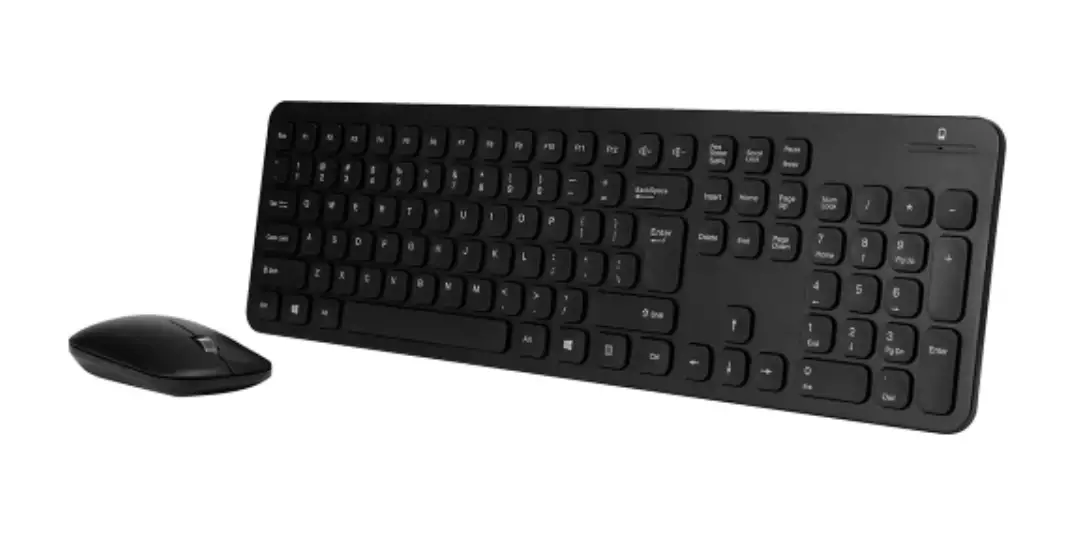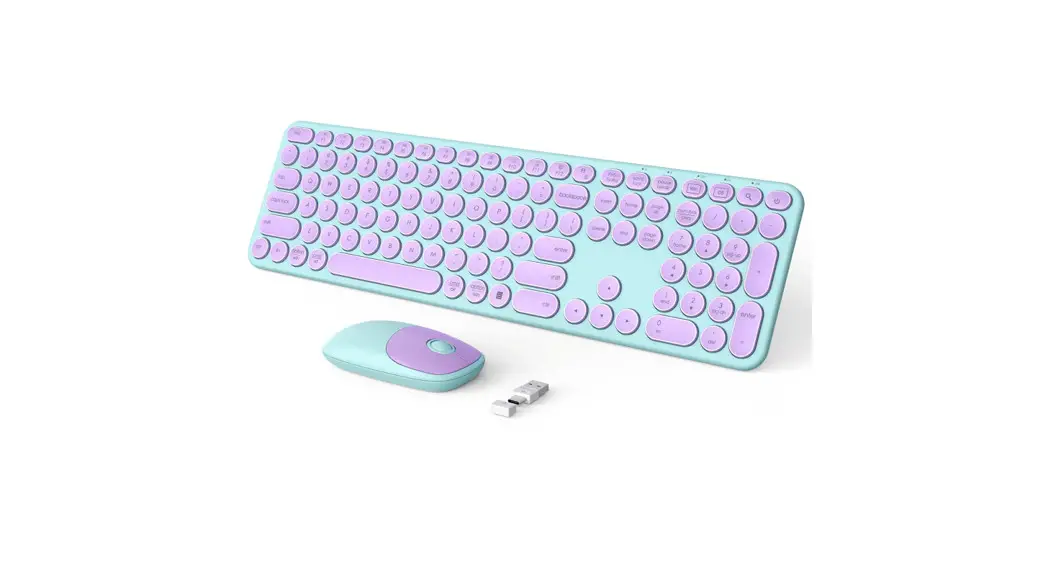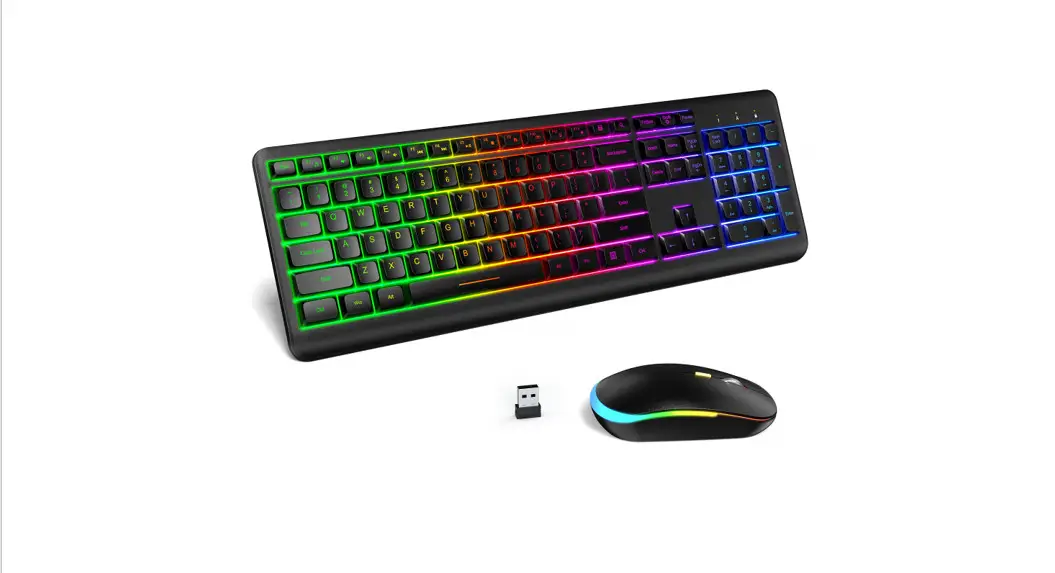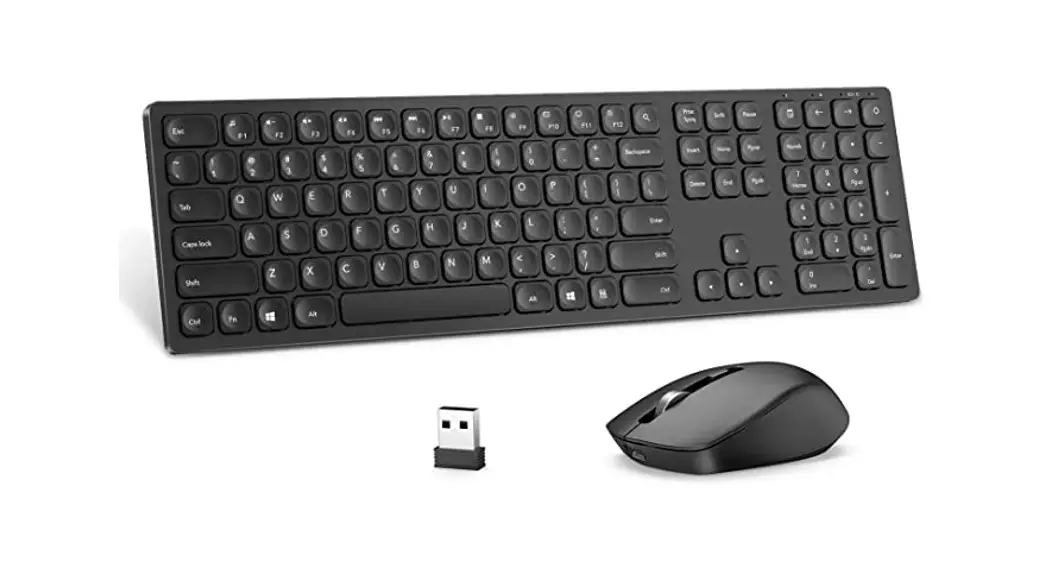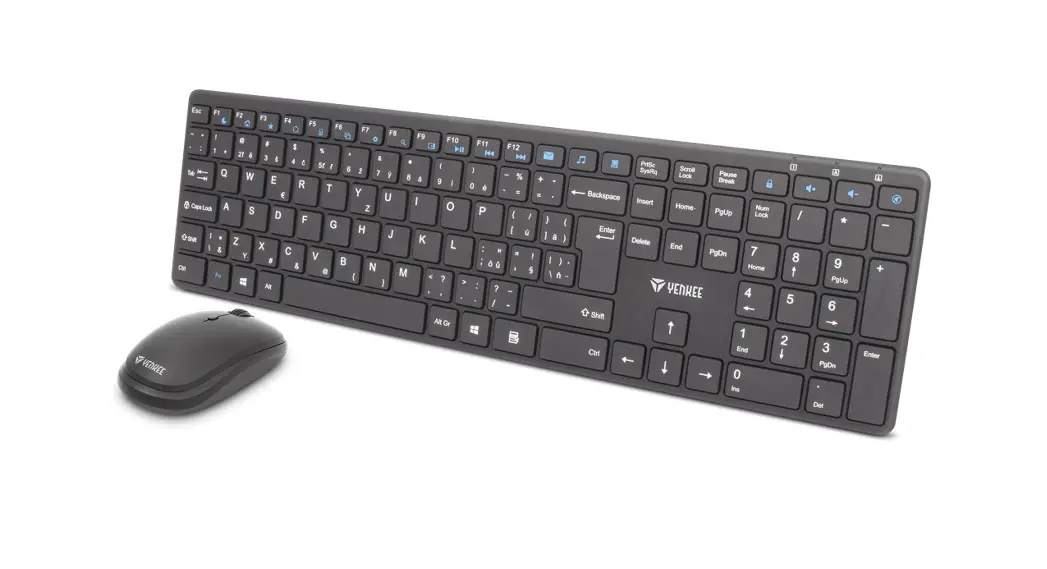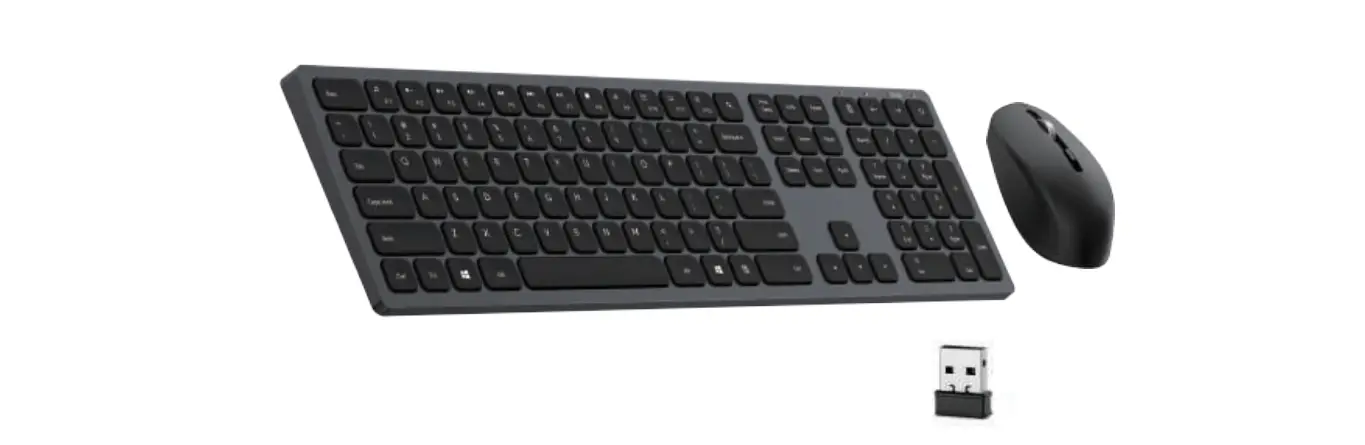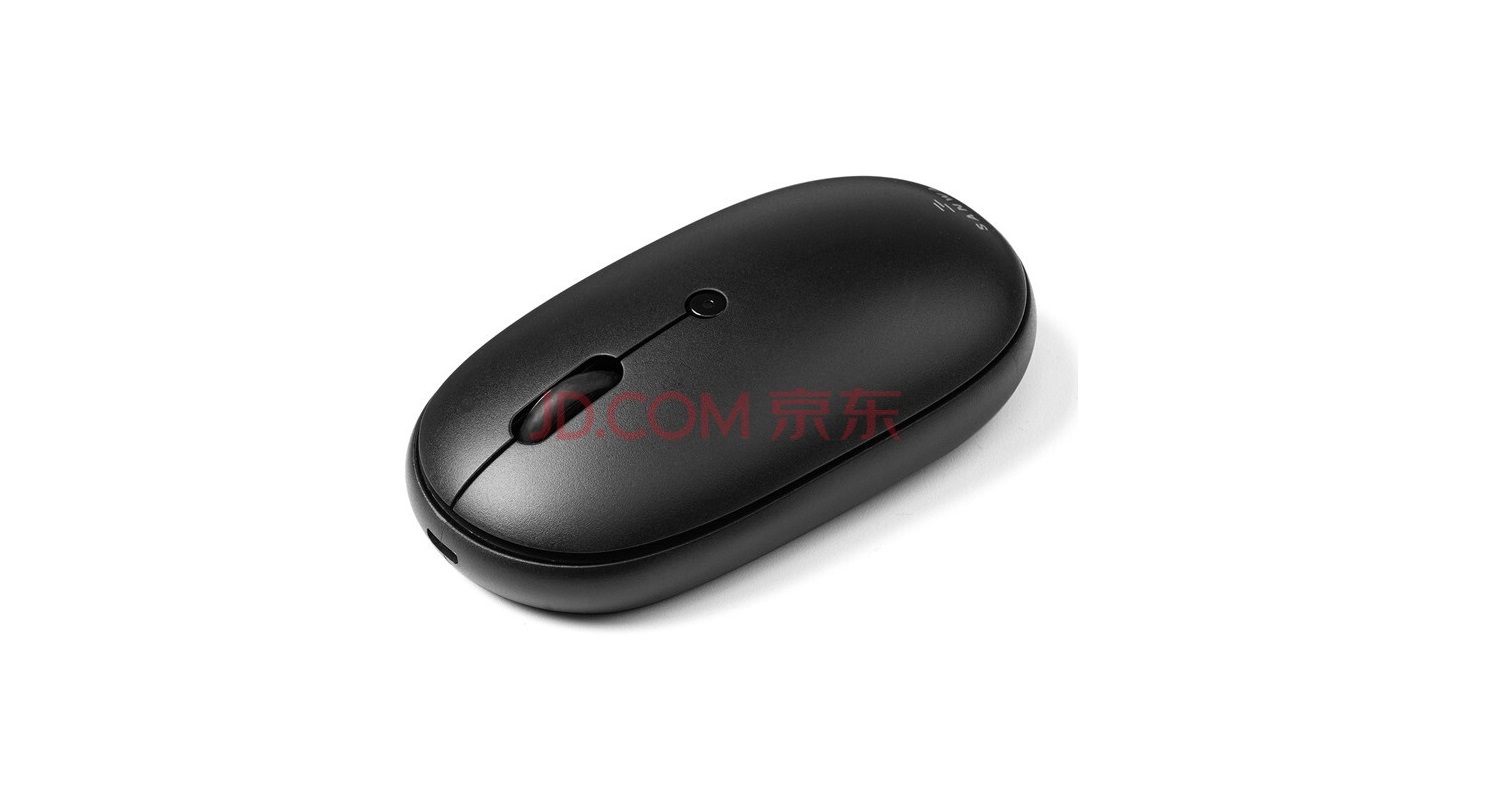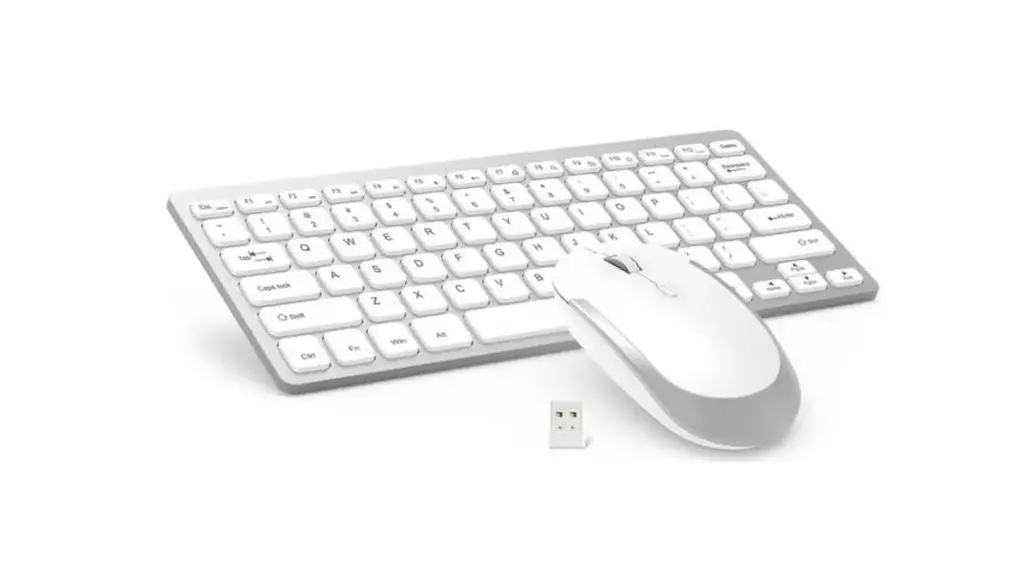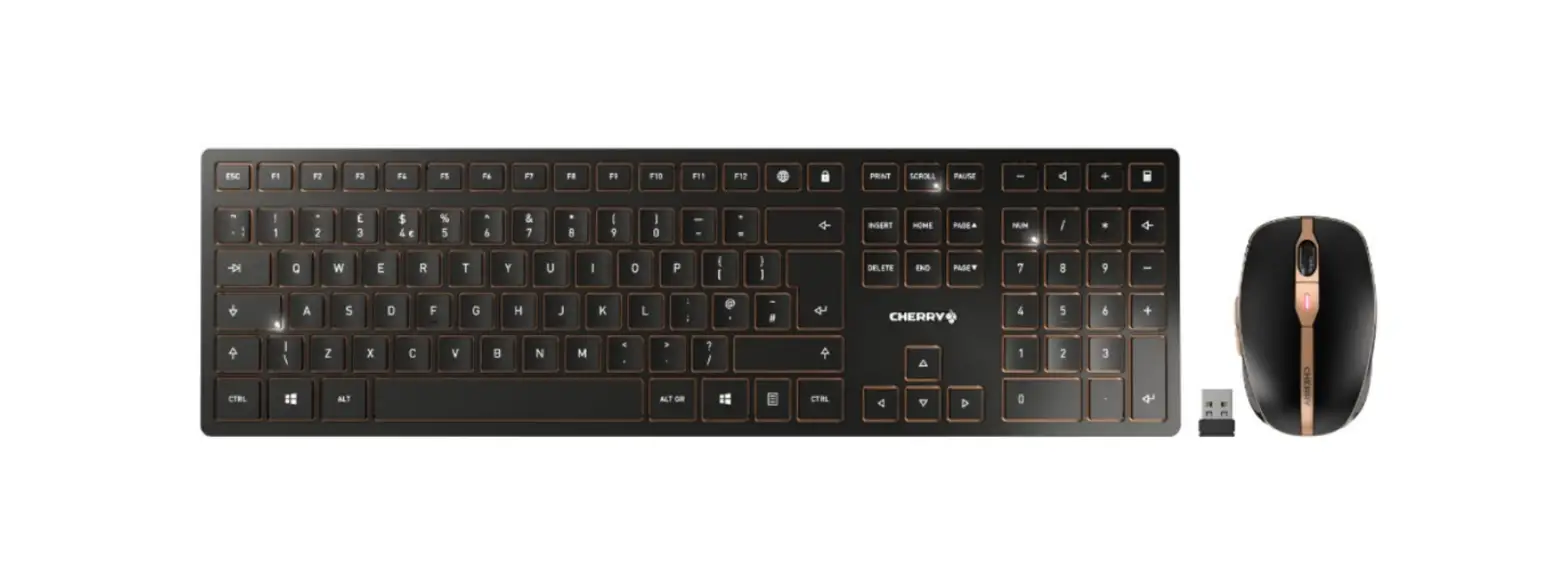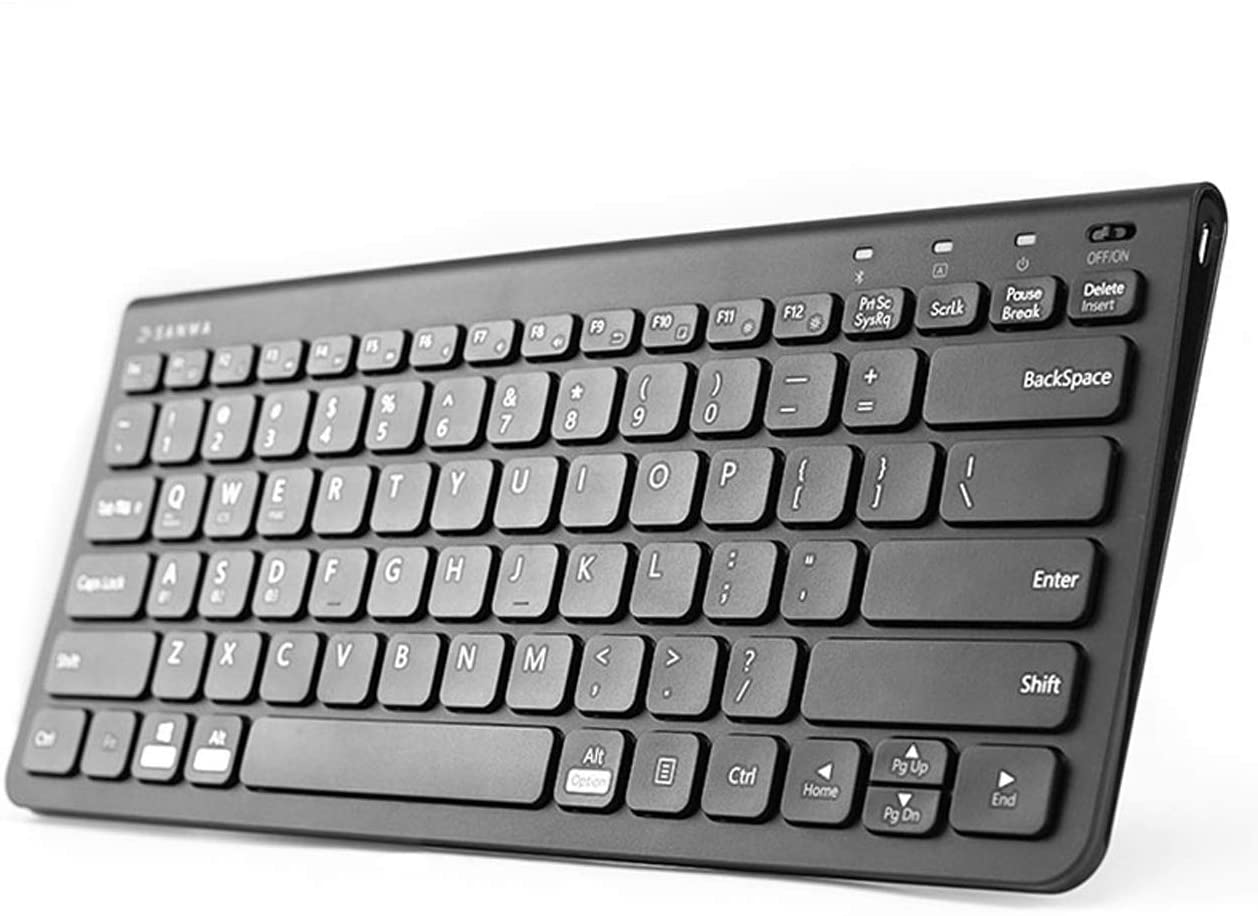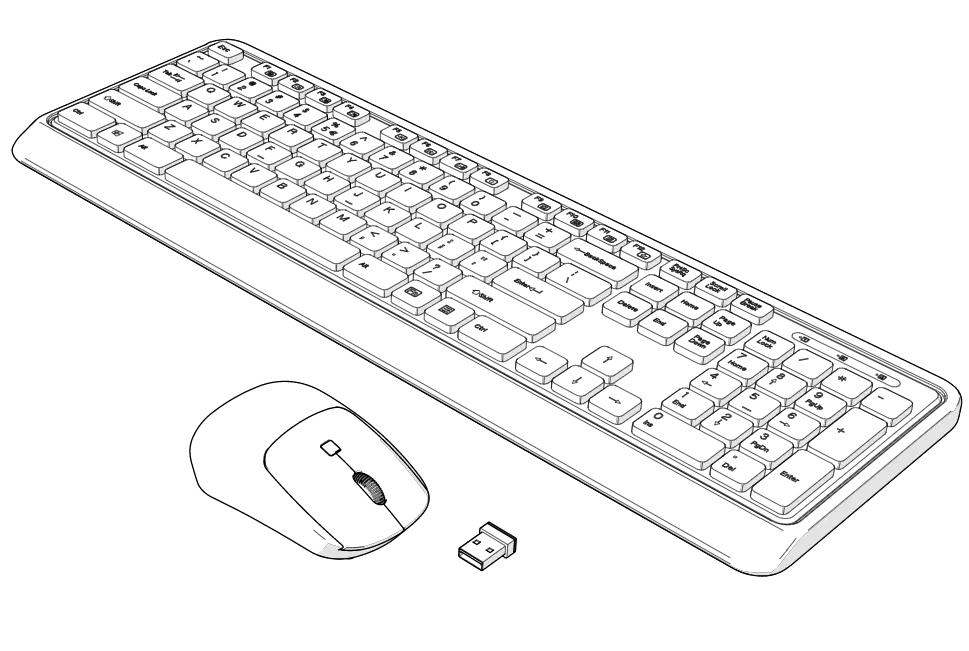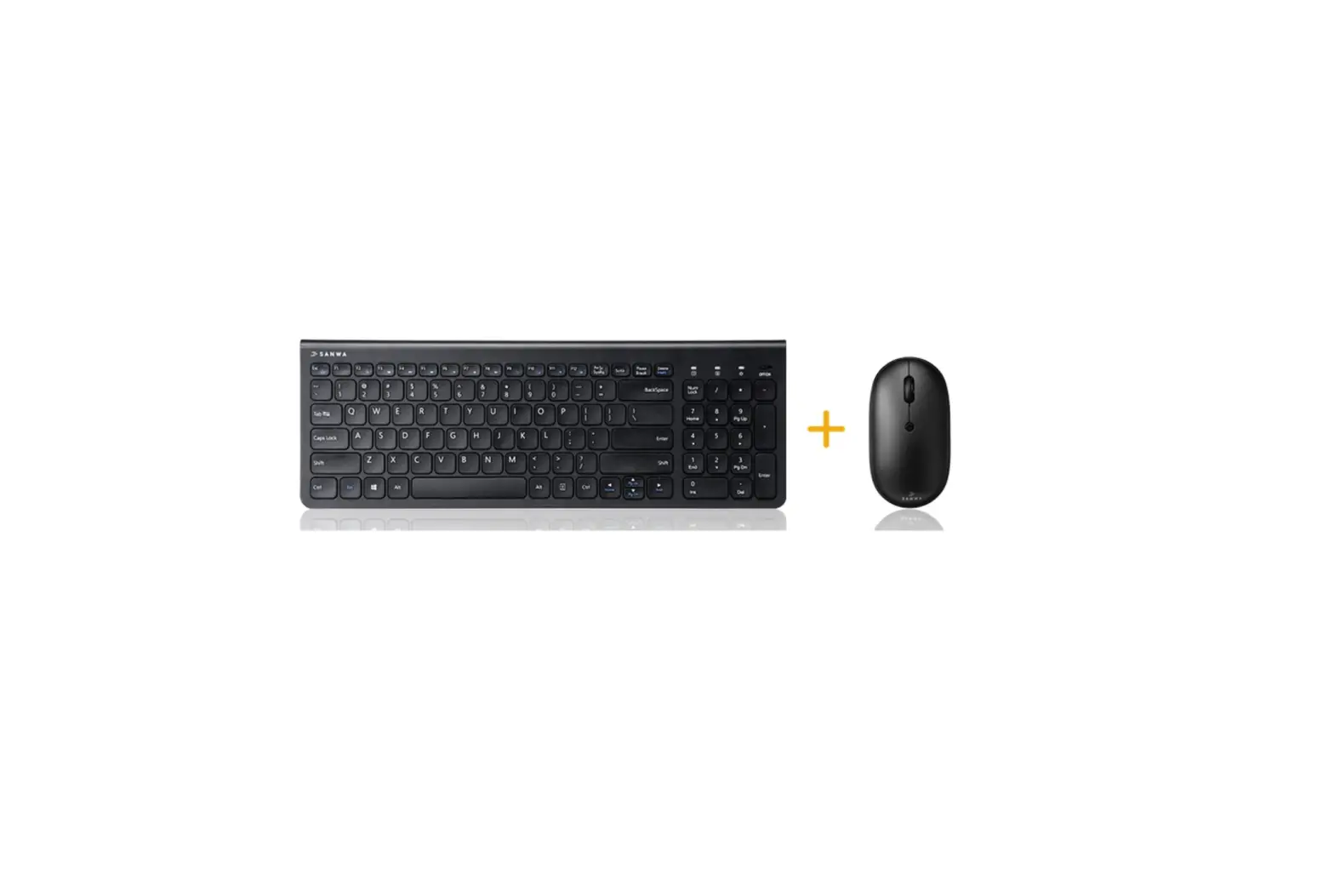
Sanwa GSKBW065E-SET 2.4G Wireless Keyboard and Mouse
Specifications
Keyboard
| Key number-Pitch | 86 Keys·18mm | Key stroke | 1.9+0.20mm |
| Key display | English | Charging time | 2 hours |
| Key switch | Pantograph | Battery life | Approx.48 hours |
| Size-Weight | W288.2 X D127.4 X H14.42mm·Ap p rox. 270g | ||
Mouse
| Reading method | Optical sensor system (Blue LED) | ||
| Buttons | 2 buttons, wheel button (scroll), count switch button | ||
| Resolution | 800-1200-1600 count per inch | ||
| Charging time | 3 hours | Continuous use time | Approx. 40 hours |
| Continuous standby time | Approx. 400 hours | ||
| Possible time for use | Approx. 35 days * When operating the mouse about 5% while using the computer for 8 hours a day. * This is our calculated value without considering natural discharge, etc., and is not guaranteed. * Performance will gradually decrease depending on the trial period. Please note. | ||
| Size-Weight | W60.5 X D109.4 X H30.9mm•Approx. 61g | ||
Receiver
| Communication range | 10m *It depends on the usage environment. | ||
| Interface | USB | Connector | USBA |
| Size-Weight | Wl 4.8 x D18.5 x H6.1mm·approx.2g | ||
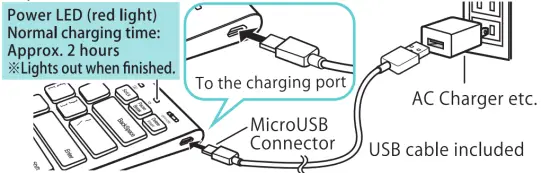
Method of Charging
Keyboard
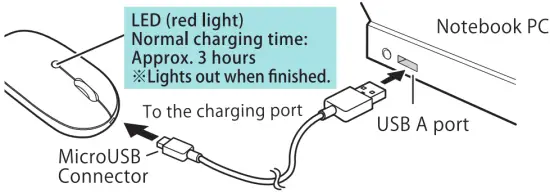
Mouse
Keyboard and Mouse Setup
- With the computer turned on (after Windows has started completely), connect the USB connector of the receiver to the USB port of the computer.
- The “Add New Hardware Wizard” will appear on the screen.
- The required drivers will be installed automatically in a few minutes.
* After the “Add New Hardware Wizard” disappears from the screen, the installation will continue for a while (about 1 minute). Please wait until the operation of the ha rd disk has stabilised. - The USB receiver has now been recognised.
Keyboard Pairing Method
This product is shipped pre-paired at the factory.
If the unpairing causes and the keyboard does not work, please reset it by the following method.
- Turn on the keyboard power with the receiver unplugged.
- Press and hold the “Esc” and “Q” keys at the same time, the power LED flashes green.
- Connect the receiver to the computer. When the LED stops flashing, the pairing is complete.
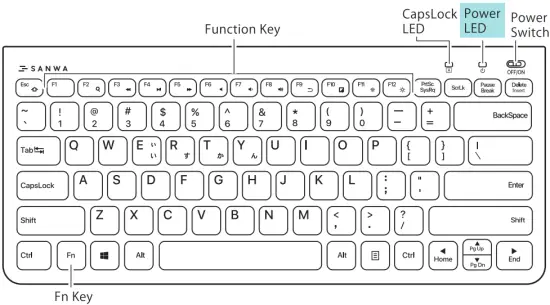
Power LED
- Charging: Red light
- In use (when the battery is low): Red light
- Switch ON: Green LED lights up for 2 seconds
- In use: Light off
- Full charge: Green light
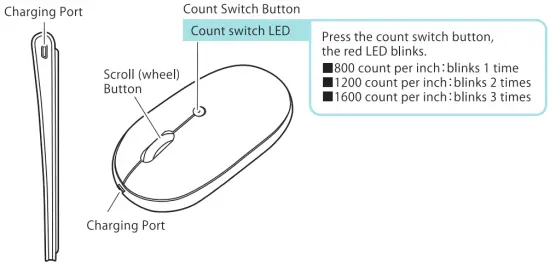
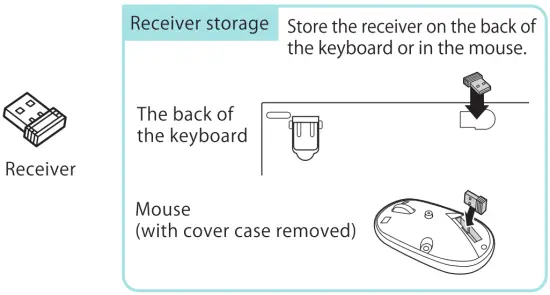
Names and functions of each part, etc.
Scan the code and visit the website for more information. |
Warranty Term
1 year
Inquiries
EN : [email protected]
 |  |