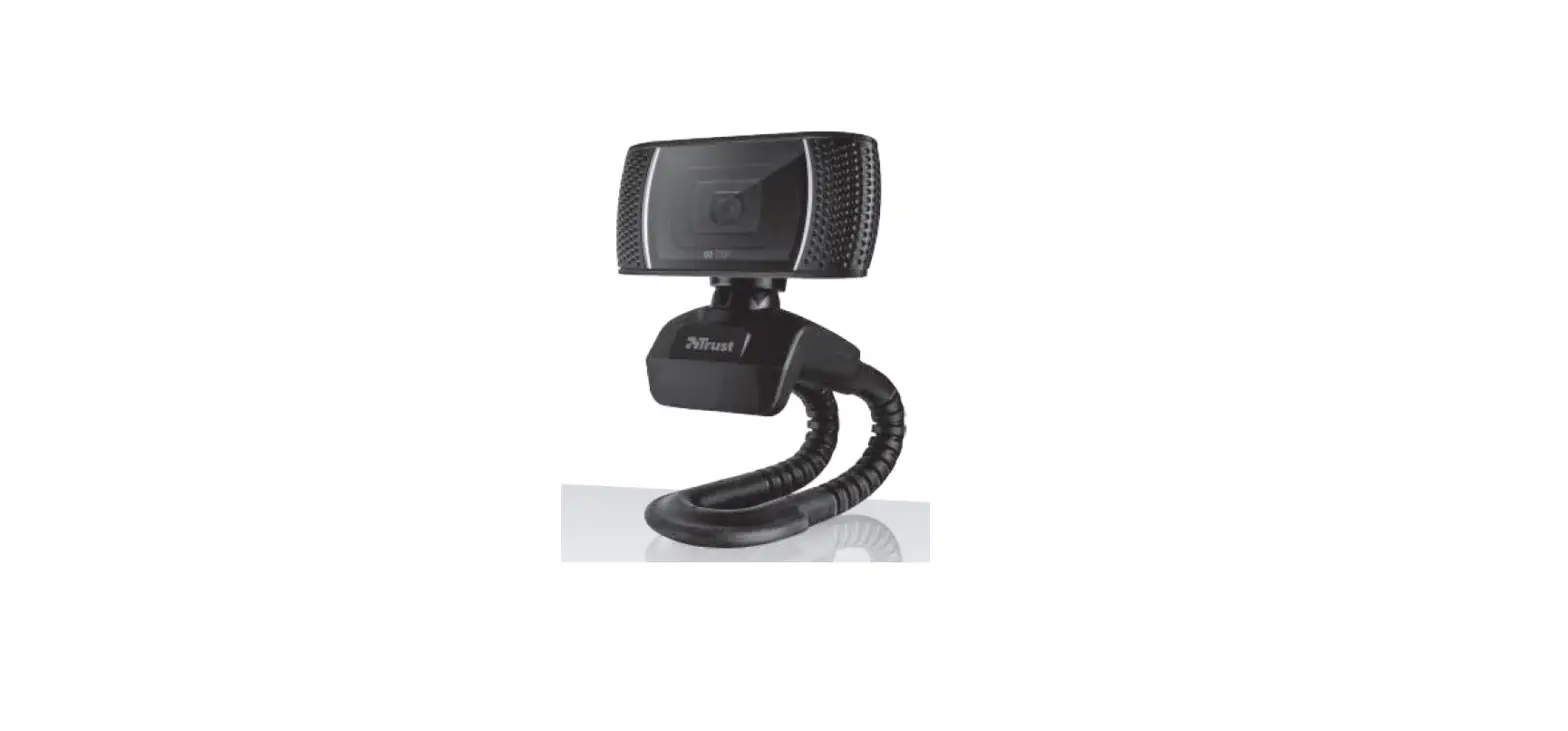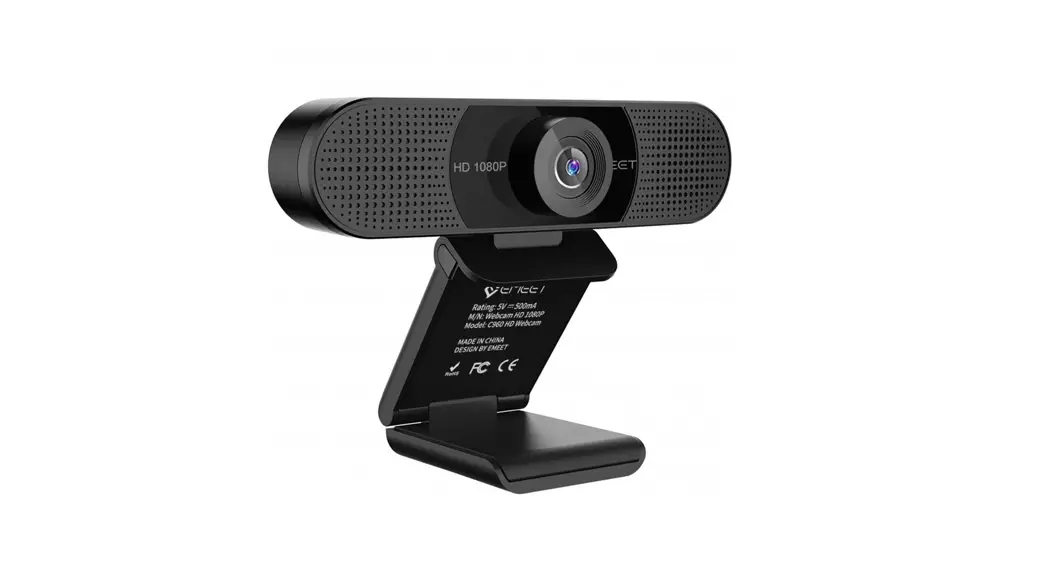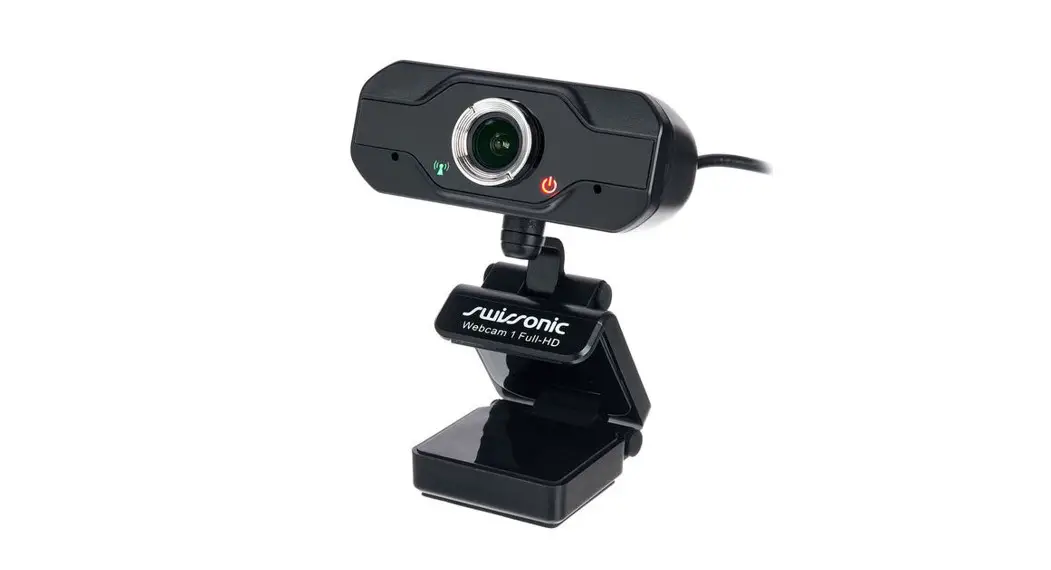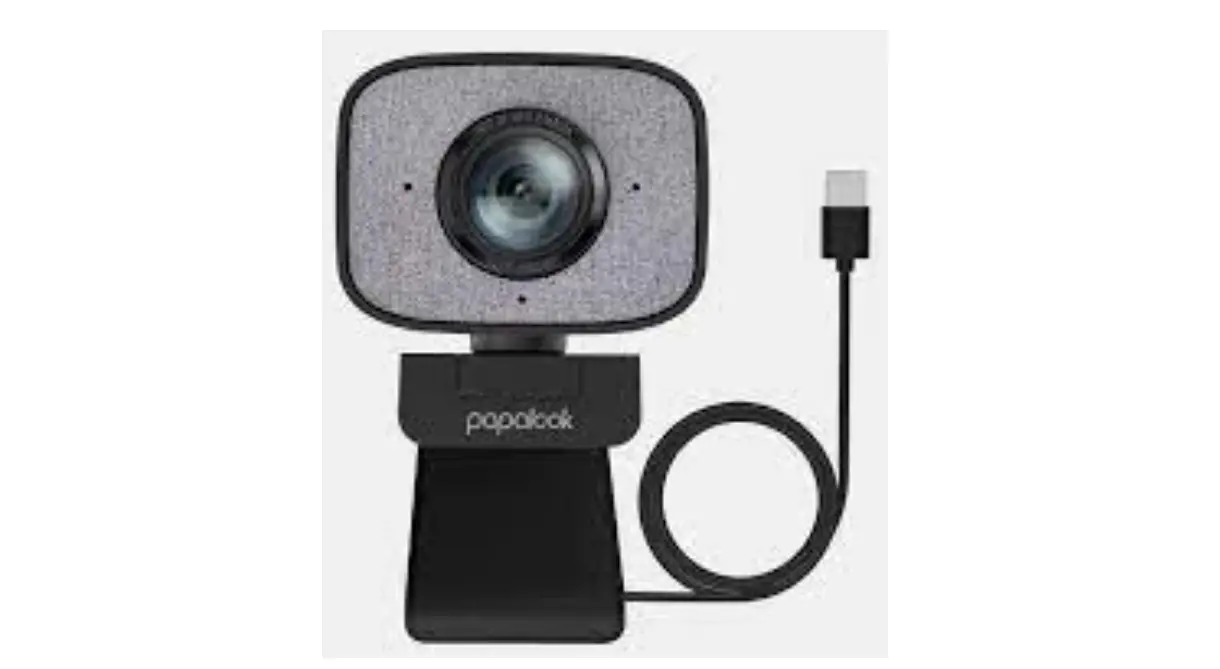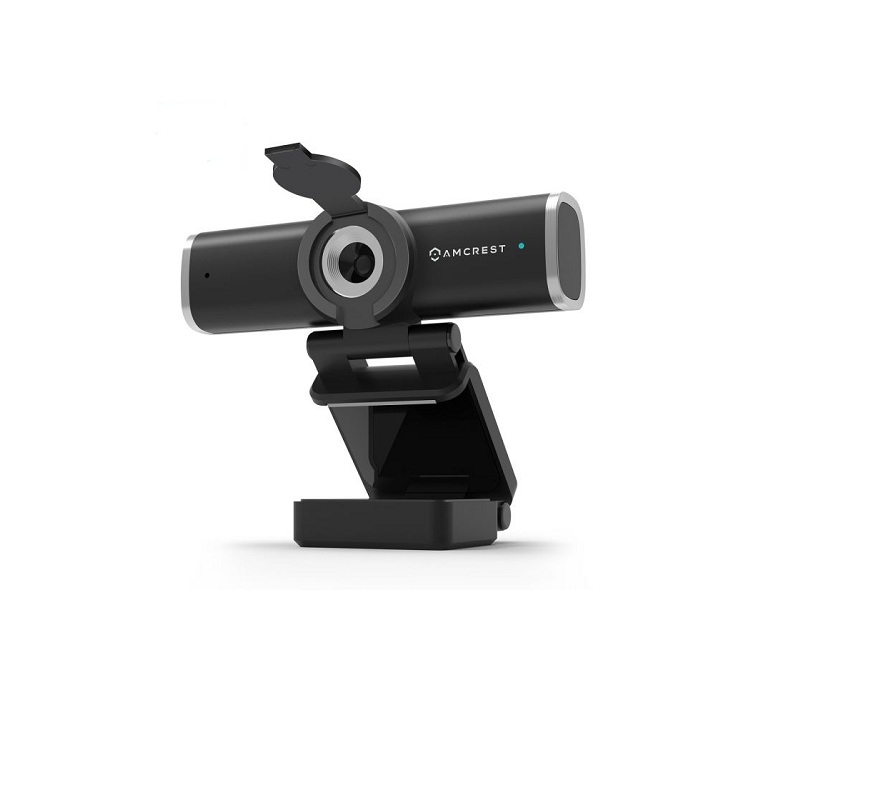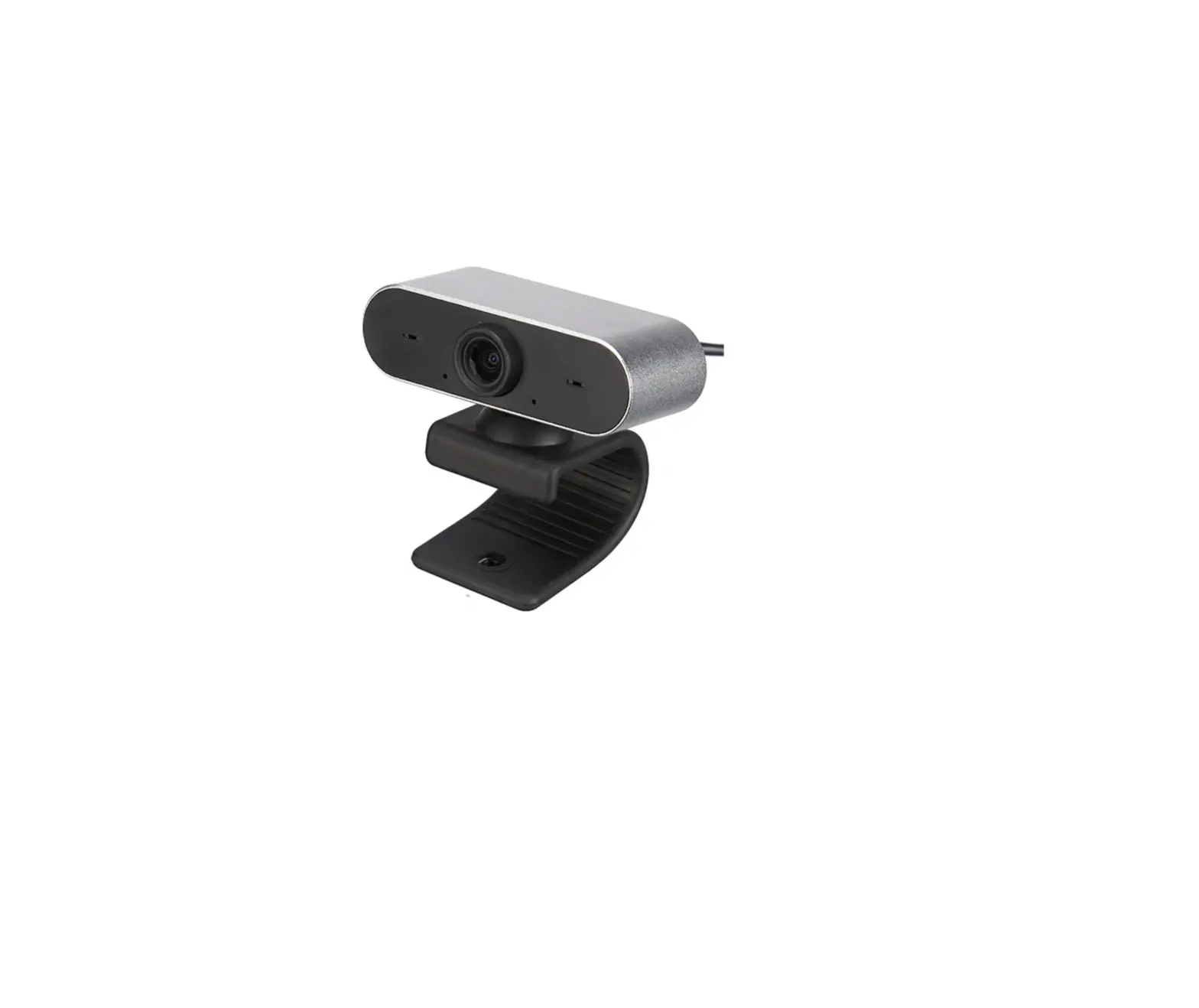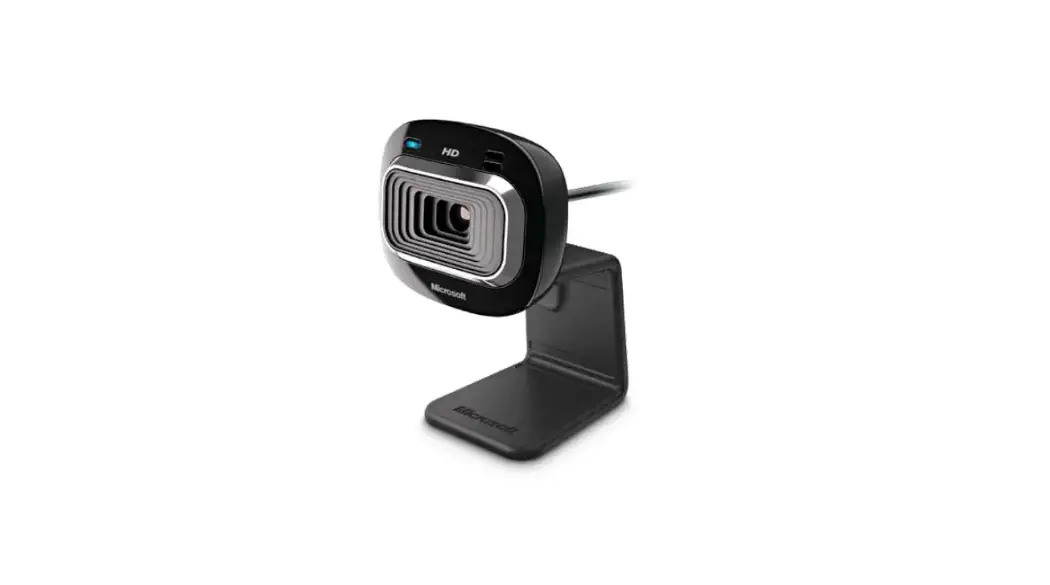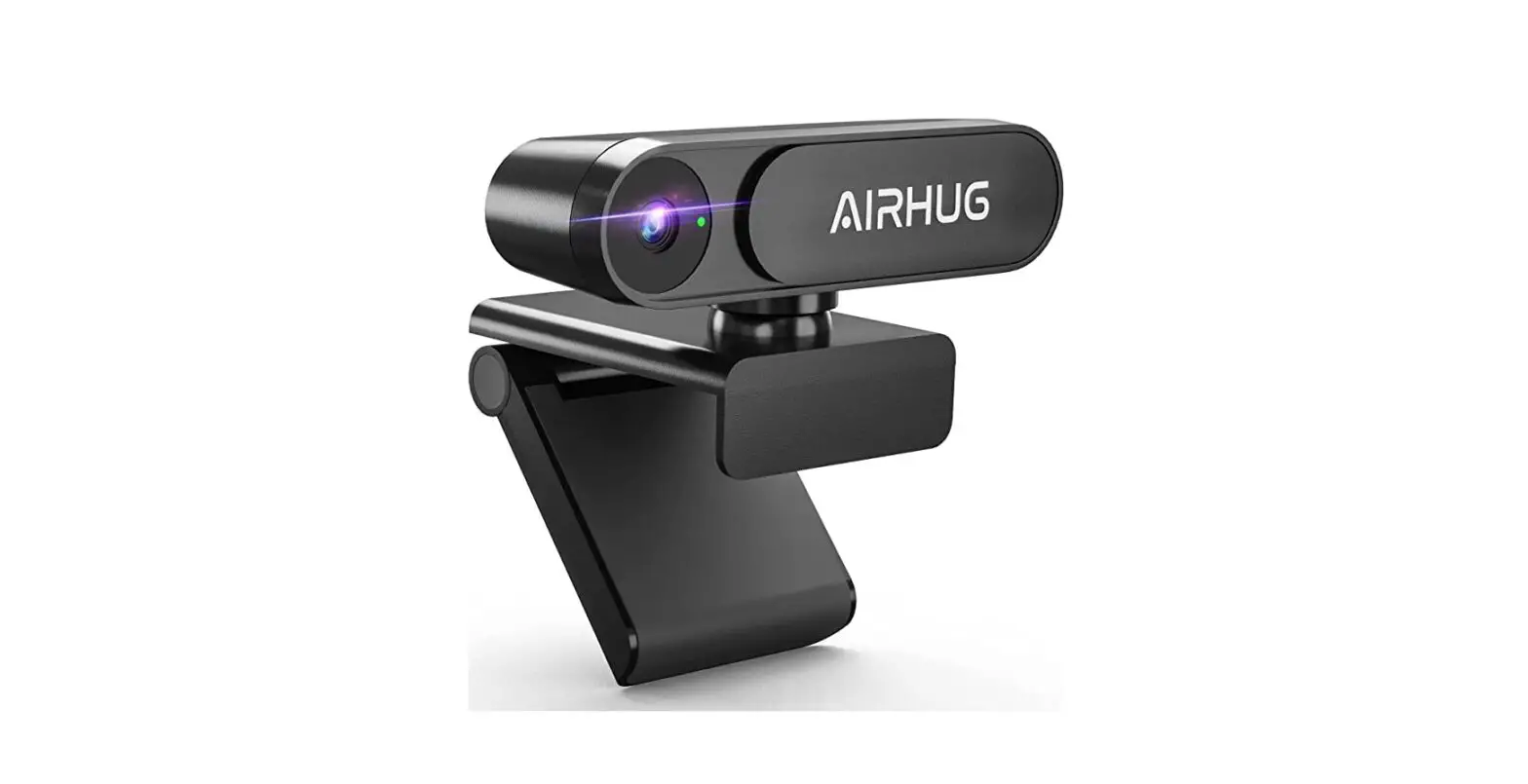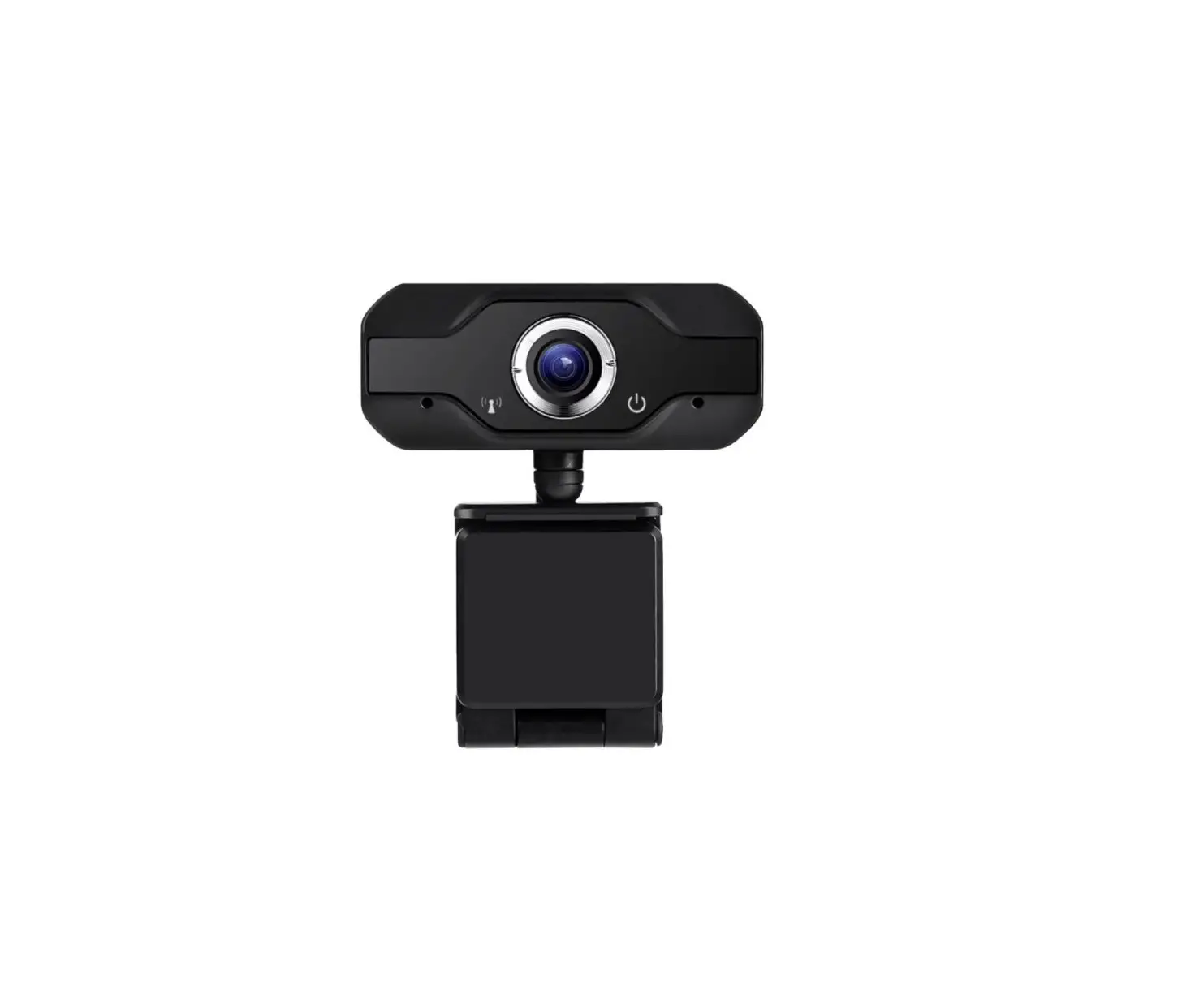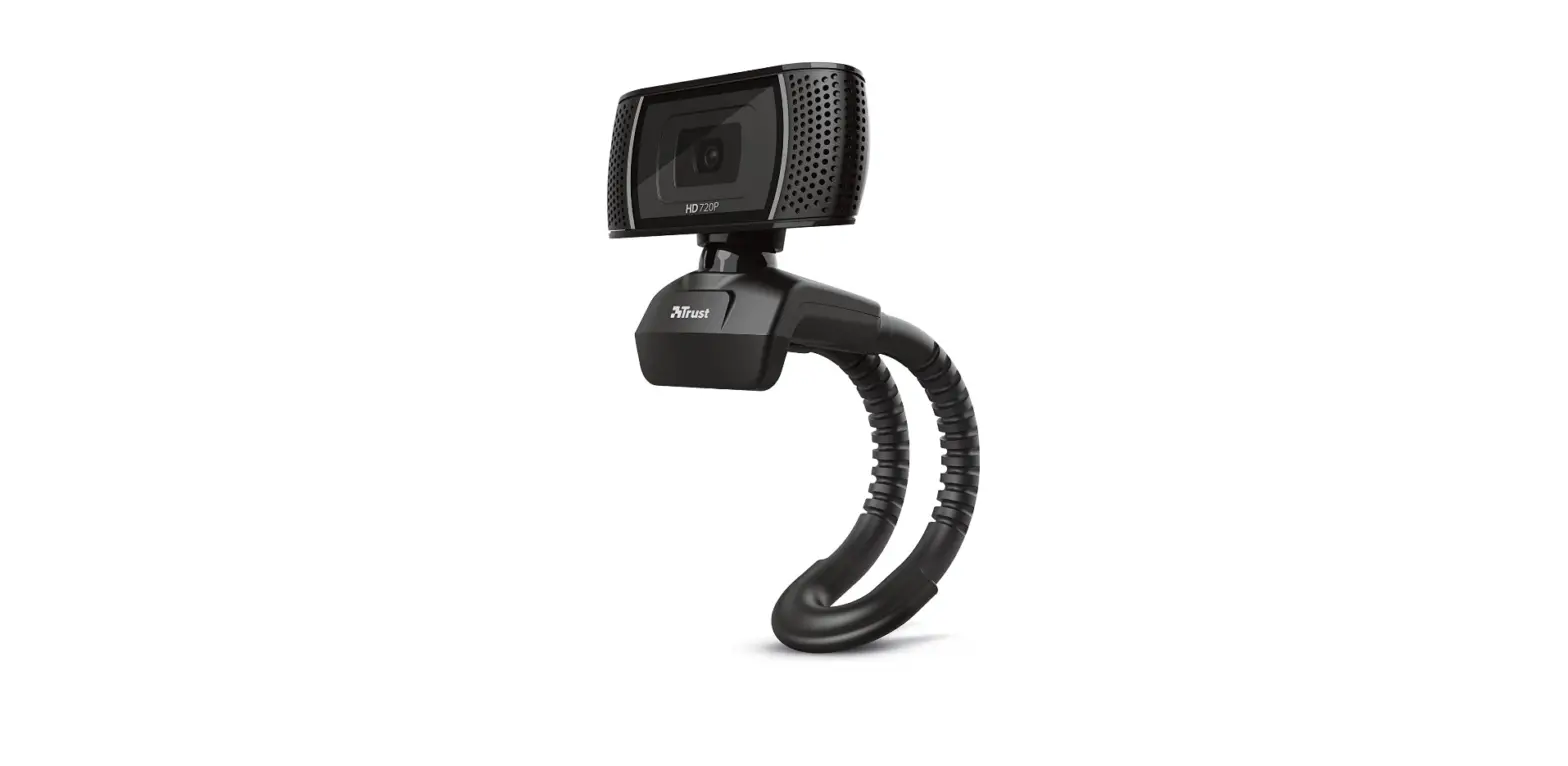

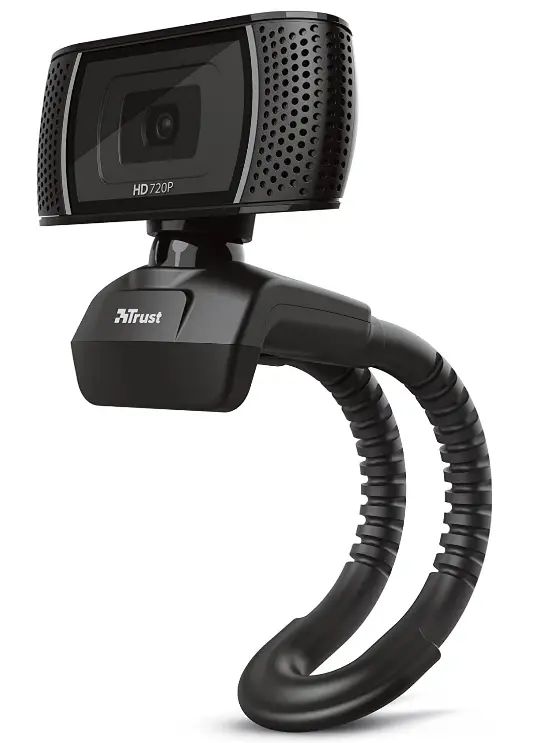
Trust 18679 Trino HD Webcam
Introduction
The Trino HD Webcam with Microphone is a device designed for high-quality video conferencing, streaming, and content creation. It features a high-definition camera that can capture video at resolutions of up to 1080p at 30 frames per second, providing clear and detailed images for your audience. The Trino HD Webcam also comes equipped with a built-in microphone, which captures your voice with clarity and accuracy. The microphone is designed to reduce background noise, ensuring that your voice is the main focus of your content. The device is compact and easy to use, making it perfect for use on the go or in a home office setting. It connects to your computer via USB and is compatible with a wide range of operating systems, including Windows, macOS, and Linux.
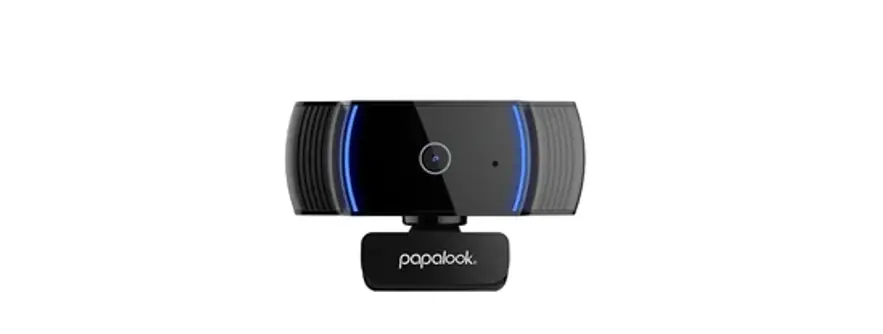
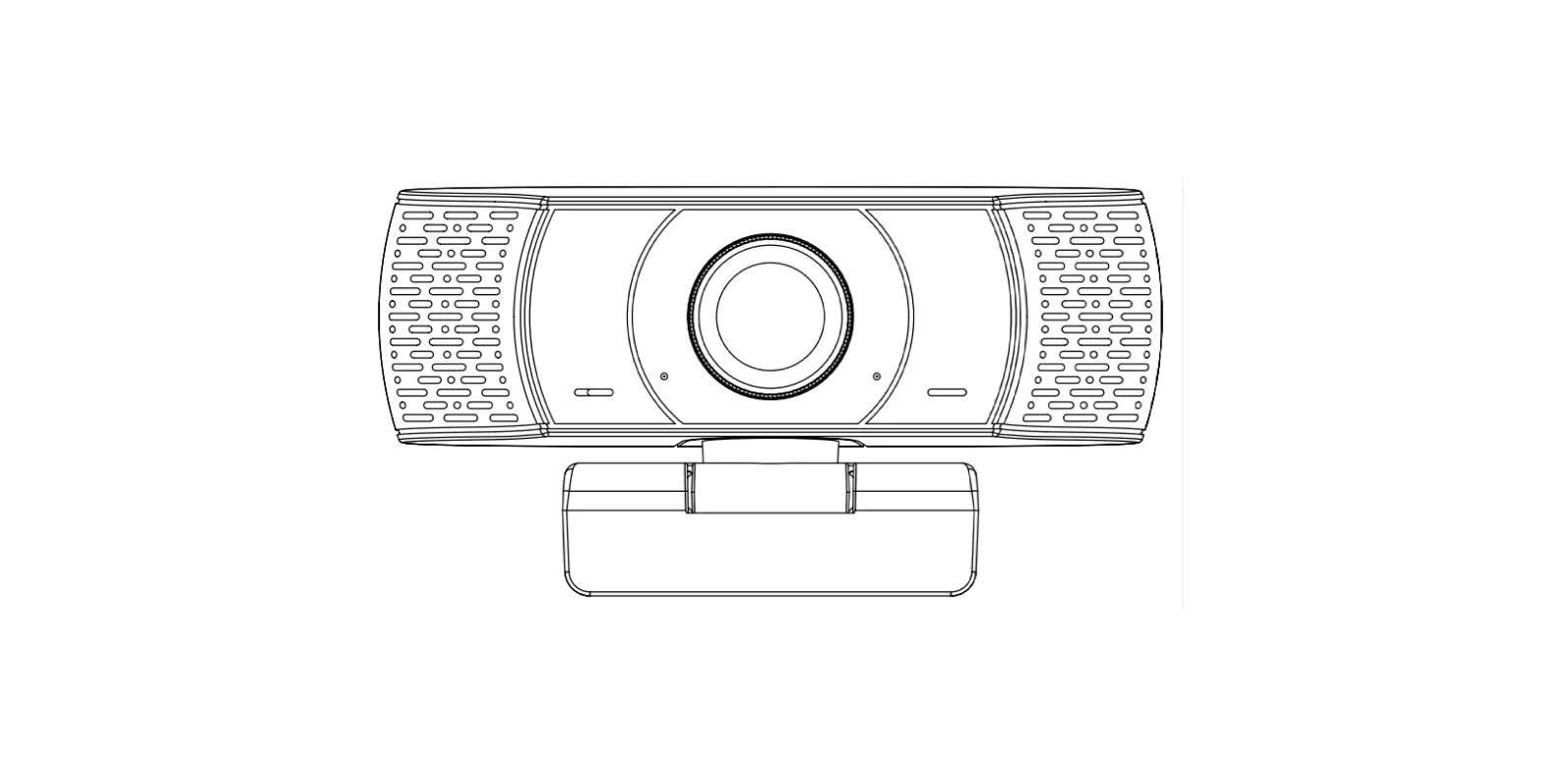
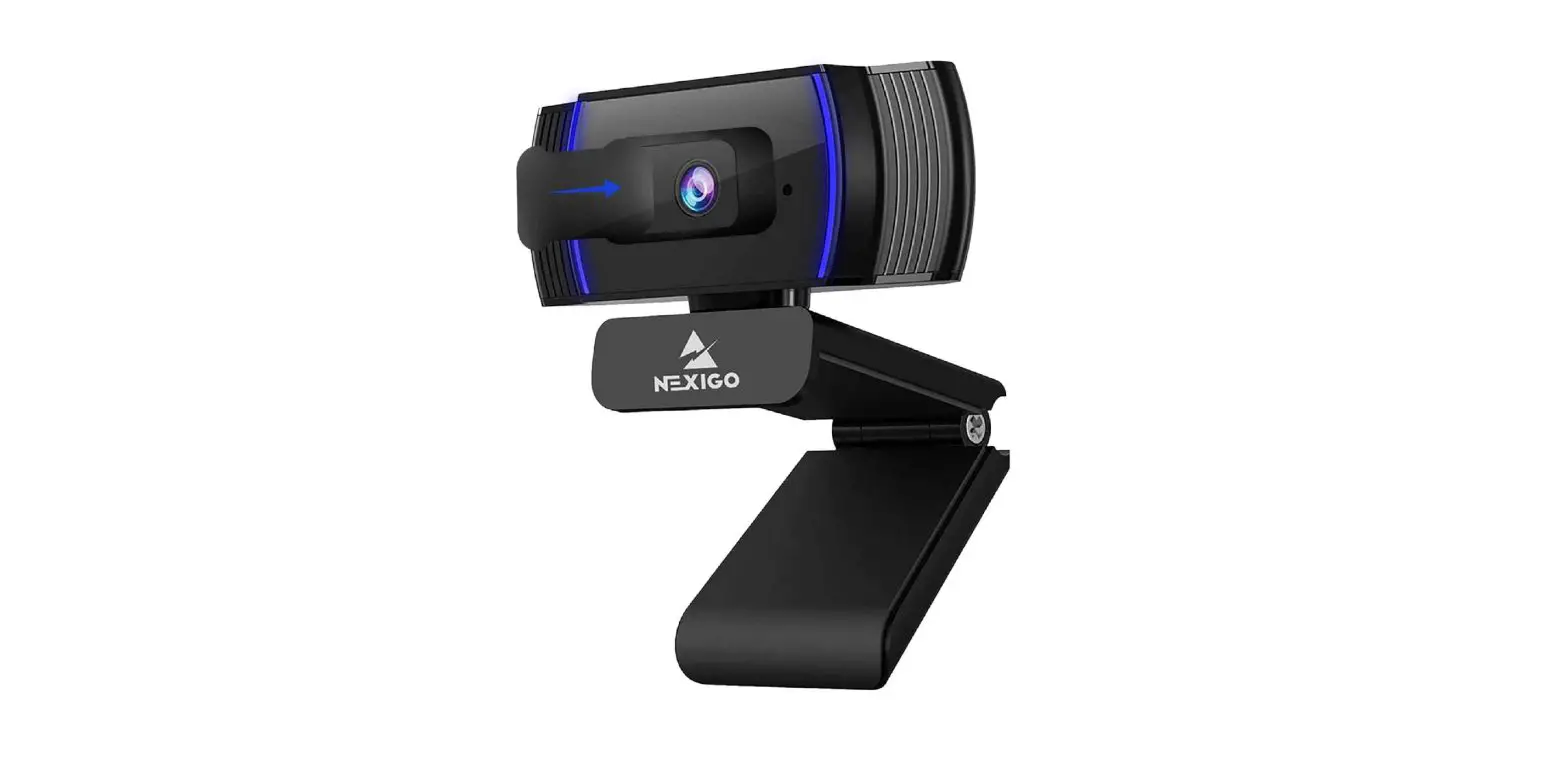
HD webcam
HD Webcam with convenient built-in microphone perfect for video chats
 Key features
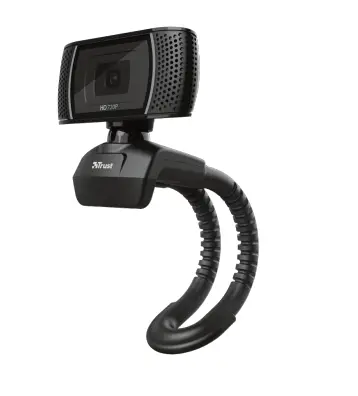 Key features
- Video with a 1280×720 HD resolution at 30 frames per second
- Automatic white balance and backlight compensation for the best possible image quality
- Integrated microphones pick up your voice clearly
- With a photo button to instantly take a still picture
- Universal stand; place it on your desk or a monitor
- Works with all video-conference software, such as Skype, Teams and Zoom.
What’s in the box
- HD webcam
- User’s guide
System requirements
- Windows 7 / 8 / 10
- Mac OS X (10.15 or higher)
- USB port

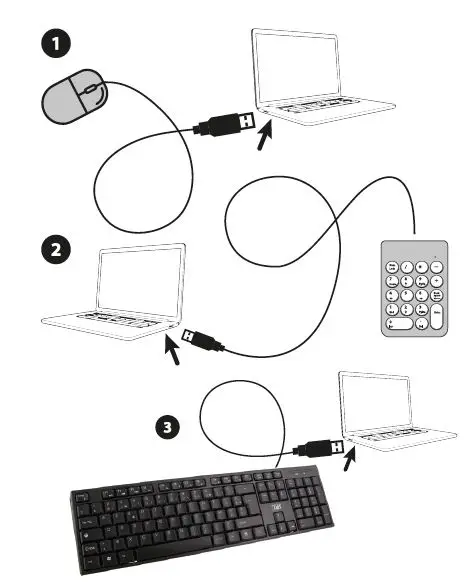
Plug and Play
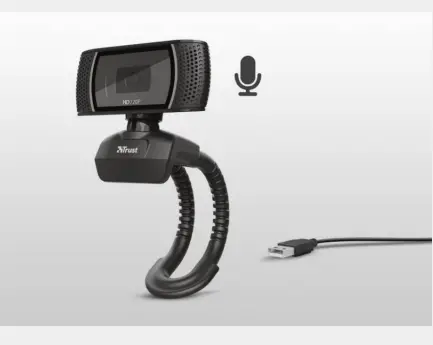
The Trust Trino is a simple way to communicate with friends, family and colleagues worldwide. This 720p HD webcam is easy to use; just plug in the USB cable and you’re good to go. No need to install drivers. The automatic white balance and the fixed focus lens make sure everything is recorded in clear quality.
Universal Stand

The integrated microphones pick up your voice clearly, no matter where you place the Trino. Because of the universal stand, you can easily attach this HD webcam to the top of your monitor or place it on your desk. Stable and secure. You can even take an 8-megapixel still picture with a press of a button.
GENERAL
- Plug & play: True
- Mounting: type Flexible stand
- Width of main product: (in mm) 70 mm
- Total weight: 88 g
- Driver needed: False
- Height of main product (in mm): 81 mm
- Depth of main product (in mm): 62 mm
LIGHTING
- Lights: False
CONNECTIVITY
- USB version: 2.0
- Cable length main cable: 143 cm
IMAGING
- Sensor resolution: 1280×720
- Still image resolution: 1280×720
- Snapshot button: True
- Automatic white balance: True
- Focus type: Fixed focus
- Motion detection: False
- Max Framerate: 30 fps
- Video resolution: 1280×720
- Viewing angle: 52 degrees
- Face tracking: True
- Zoom type: Digital
- Privacy mode: False
AUDIO
- Microphone: built-in True
COMPATIBILITY
- Compatible Device: Types Laptop, pc
- Compatible Software Platforms: Windows
FEATURES
- Software: True
Frequently Asked Questions
The Trust Trino is a simple way to communicate with friends, family, and colleagues worldwide. This 720p HD webcam is easy to use; just plug in the USB cable and you’re good to go. No need to install drivers.
It’s called confecting – remotely accessing a camera with the help of malware. Done so without your knowledge and permission, of course. This type of hacking is carried out via malware called a remote access trojan (RAT). To plant it, you have to give the hacker access to your computer.
Modern HD (high-definition webcams) make higher-resolution images than older cams (typically either 1280 × 720 or 1600 × 1200), but still, use many smaller-sized files than a really good digital camera. Since they’re sending much bigger images, they need decent broadband Internet connections.
Webcams are small digital video cameras that are either directly or indirectly connected to your PC or a PC’s network. These capable devices typically come with drivers or software necessary to use them for video or still pictures.
Plugging your camera directly into your computer without custom software won’t work. To use your camera as a webcam through your computer without that custom software requires a dongle that is capable of capturing a video signal from an external device via its HDMI connection.
A webcam is a digital video device commonly built into a computer. Its main function is to transmit pictures over the Internet. It is popularly used with instant messaging services and for recording images. *Note: The instructions for this webcam are specific to a brand and may vary for other brands and products.
A webcam can only get as sharp as its sensor can resolve pixels. Full HD (1080p) resolution is a good starting point for a decent webcam, but if you want to up your picture quality (or be able to crop your frame and keep it sharp), a 4K webcam is what we recommend
video chat and broadcasting both require a microphone. Thankfully, most webcams feature an integrated mic that will enable you to be heard from the moment you switch the camera on. Most, but not all, webcams come with a built-in microphone. It is important to check before you purchase to avoid disappointment.
Can someone hack your webcam without the light coming on? While the indicator light can alert you to a webcam hack, it’s not always reliable. Some advanced attacks can take over your laptop’s camera without the light even blinking.
A webcam is an input device that captures digital images. These are transferred to the computer, which moves them to a server. From there, they can be transmitted to the hosting page. Laptops and desktops are often equipped with a webcam.
Download PFG Link