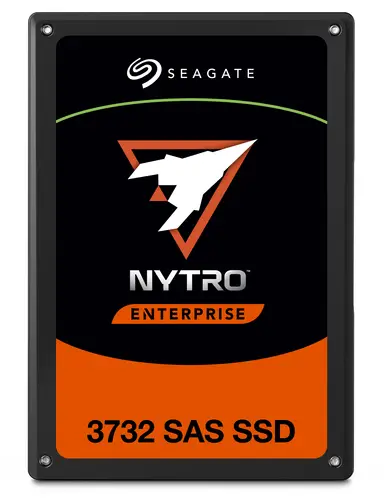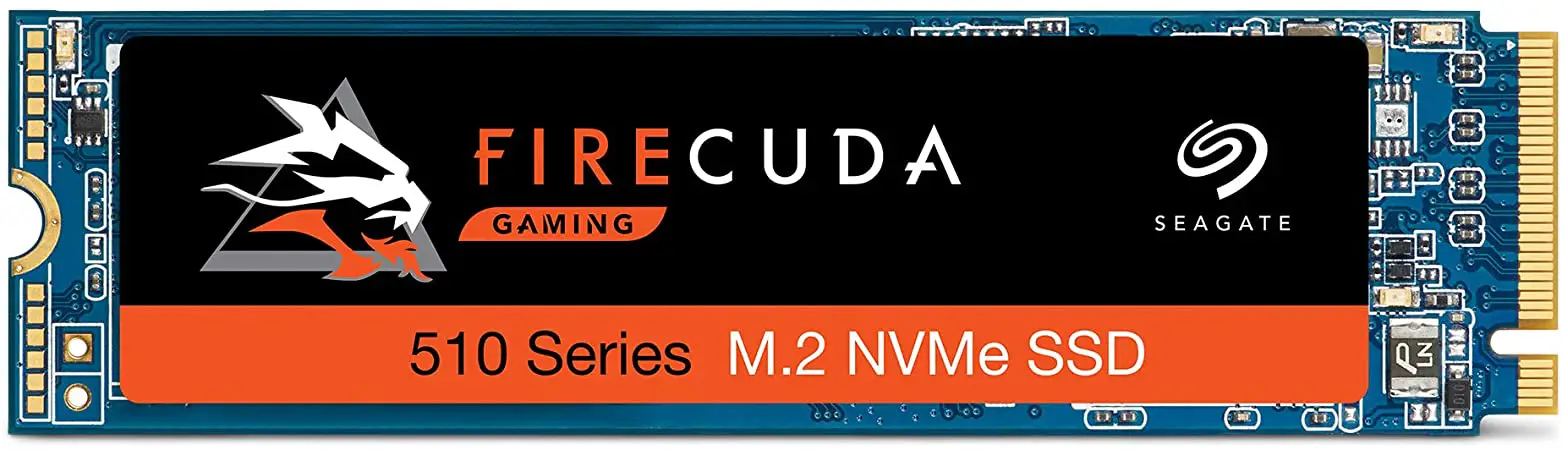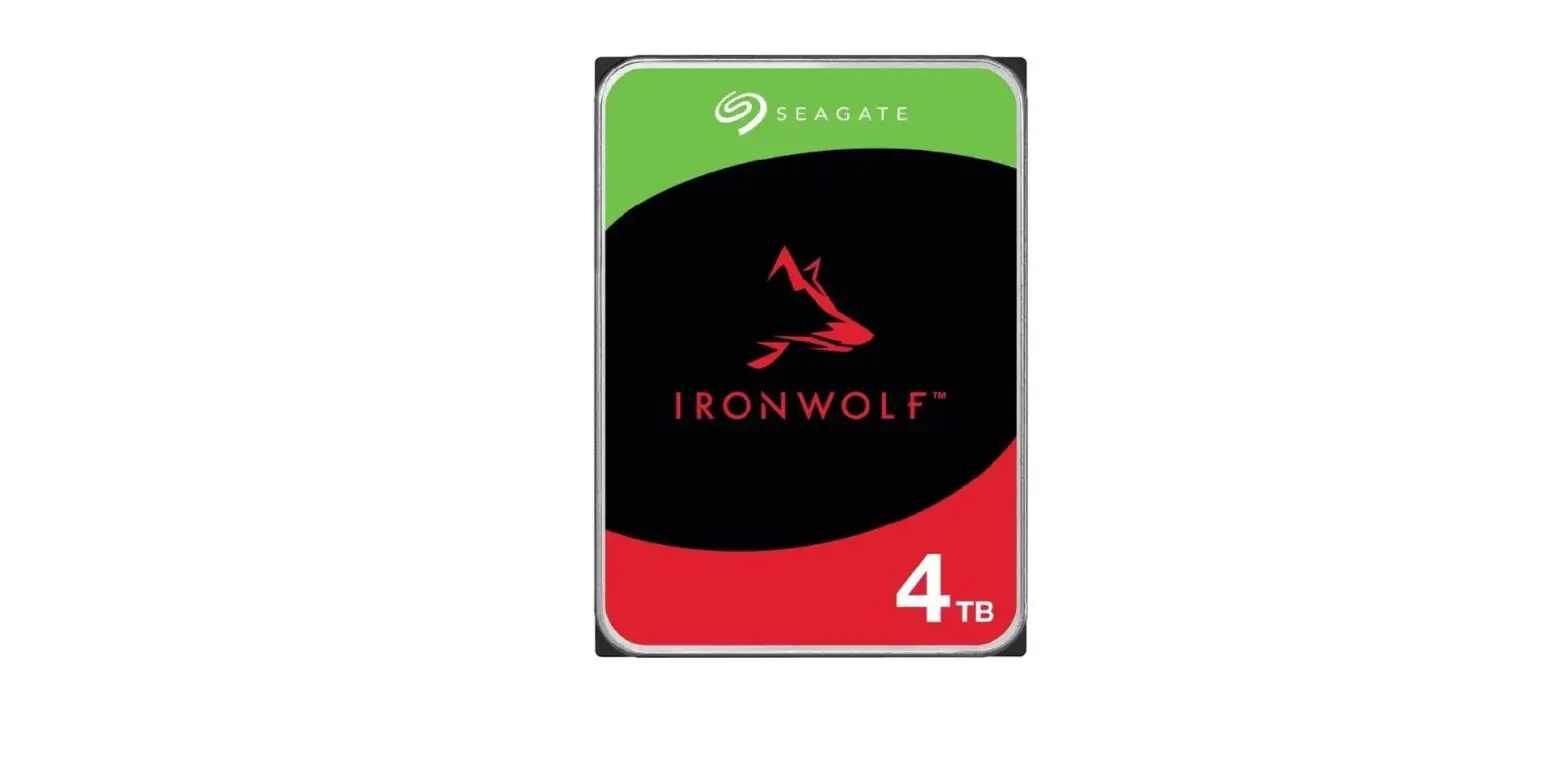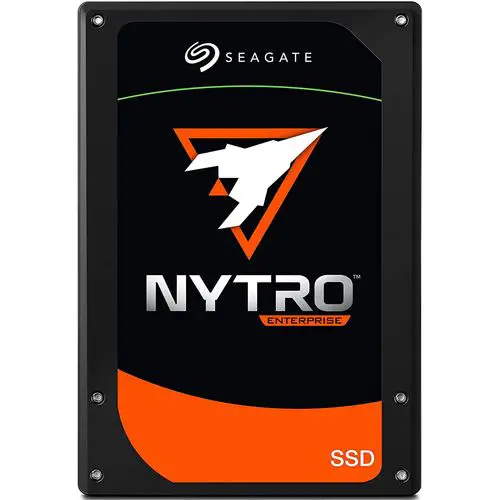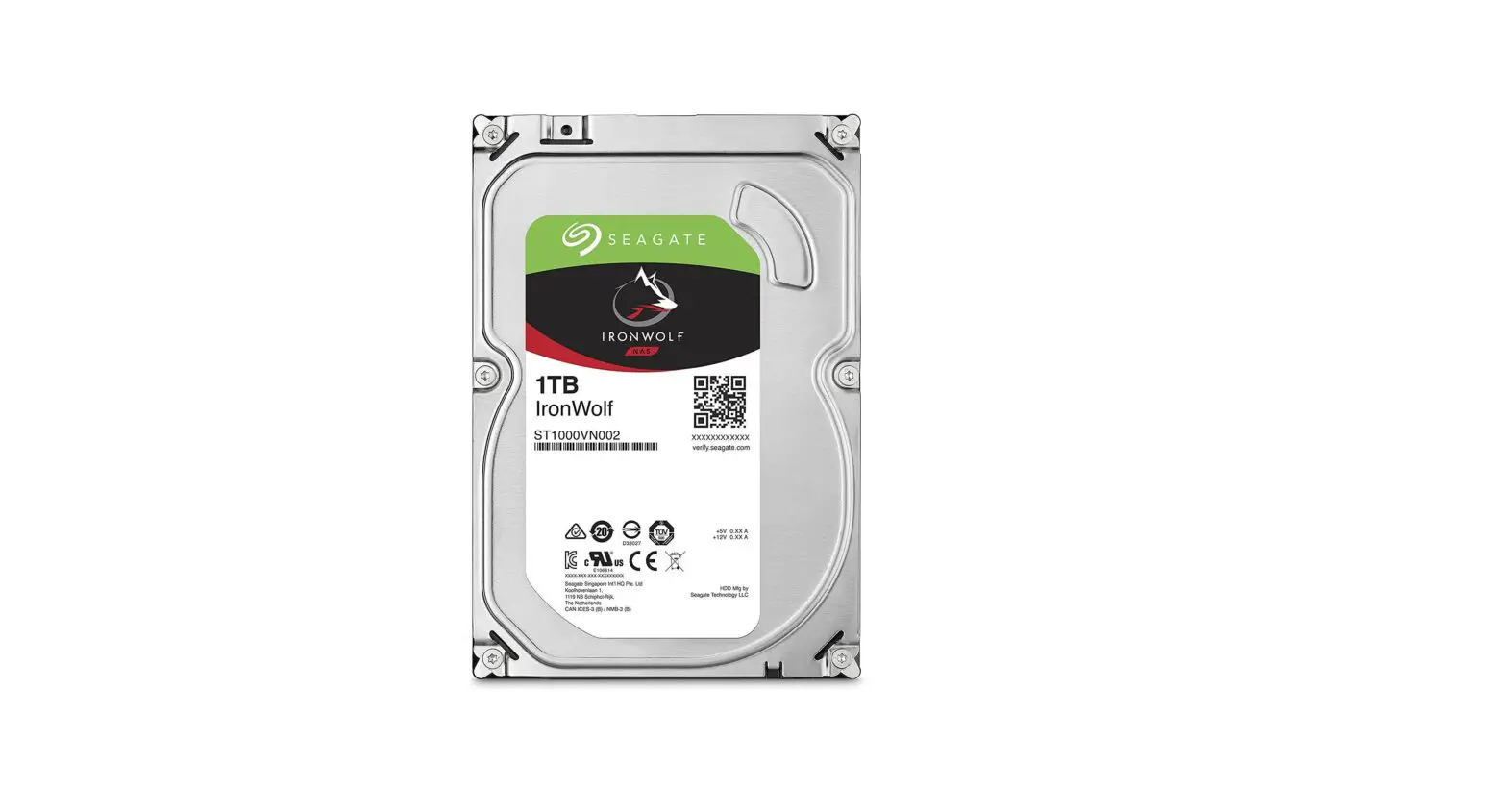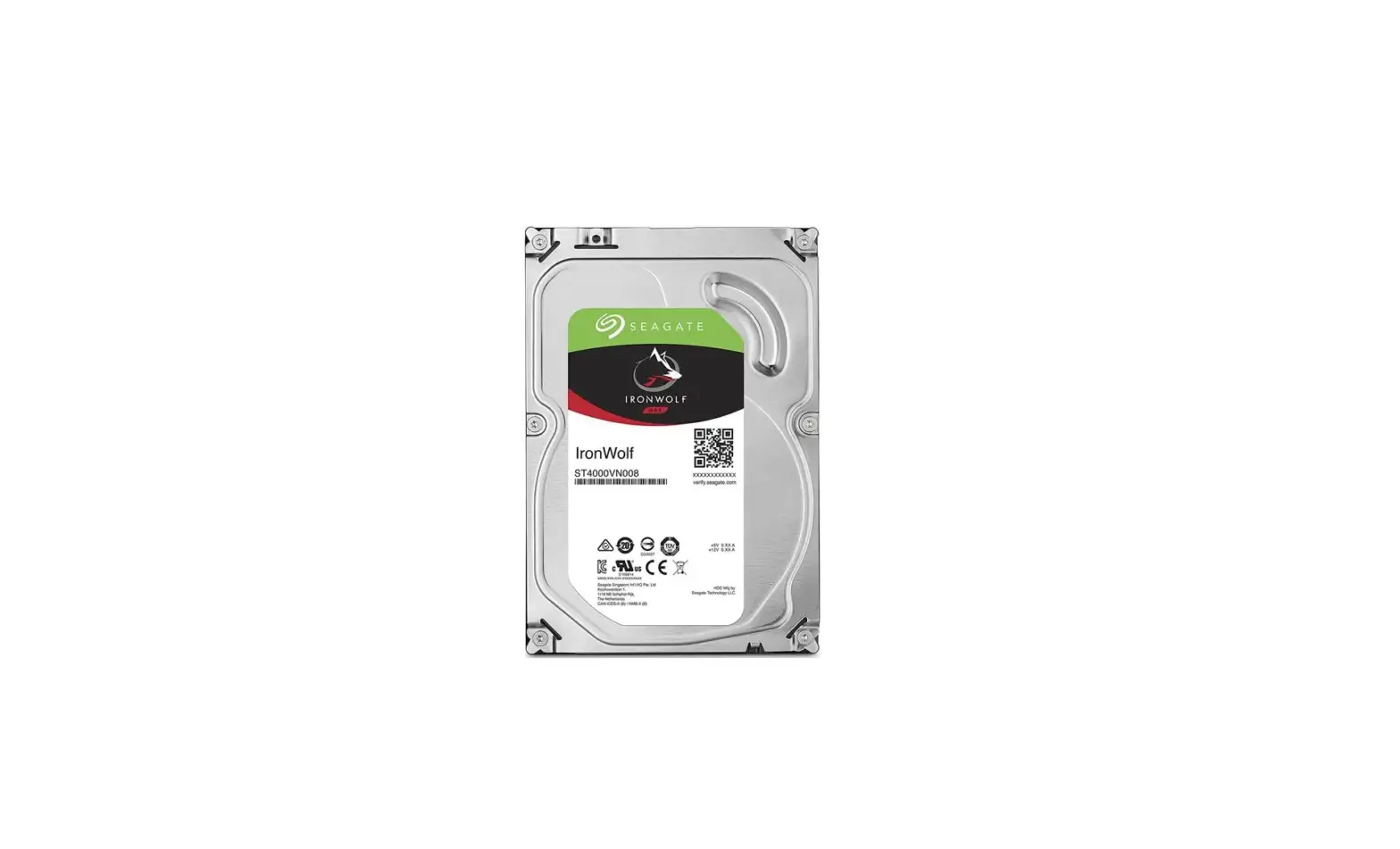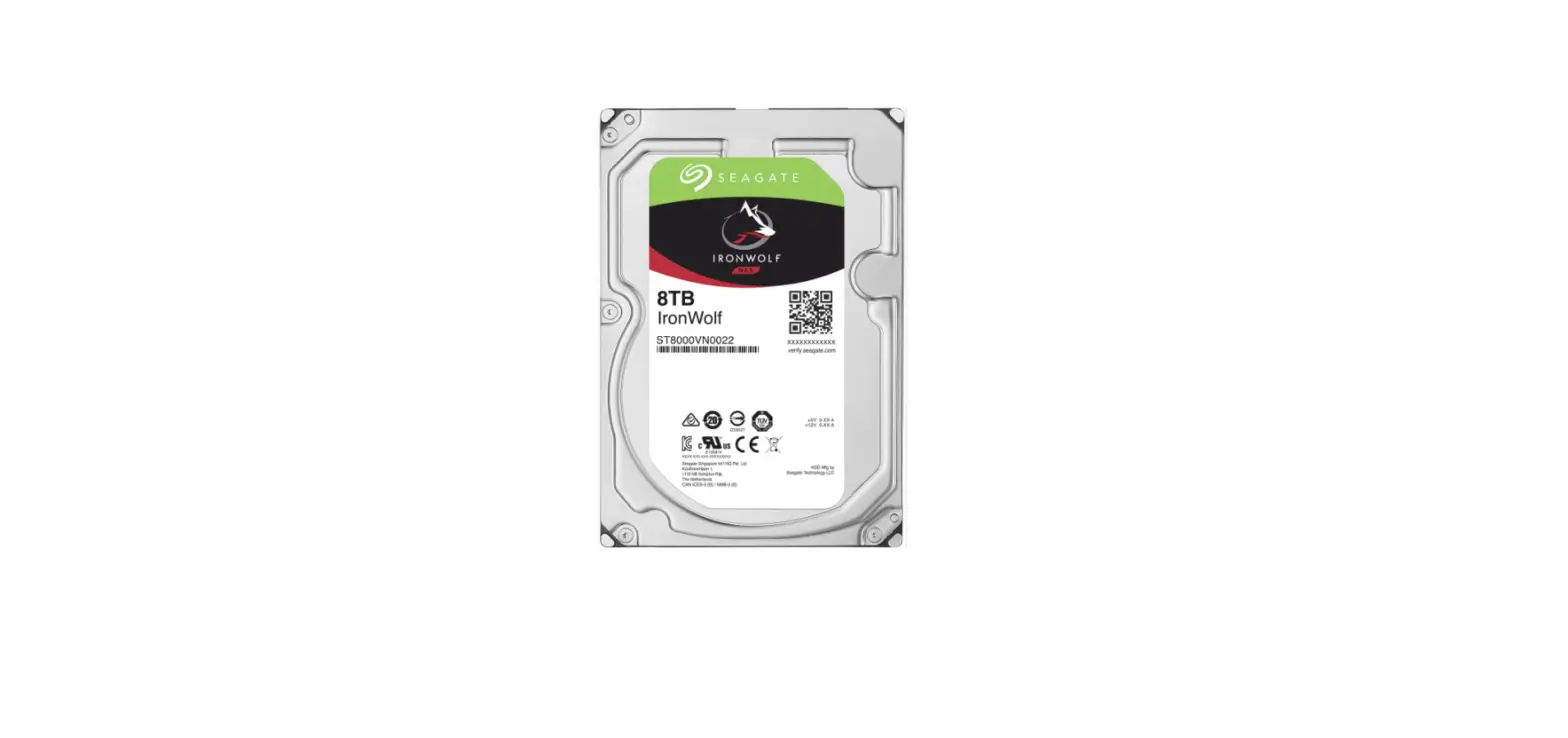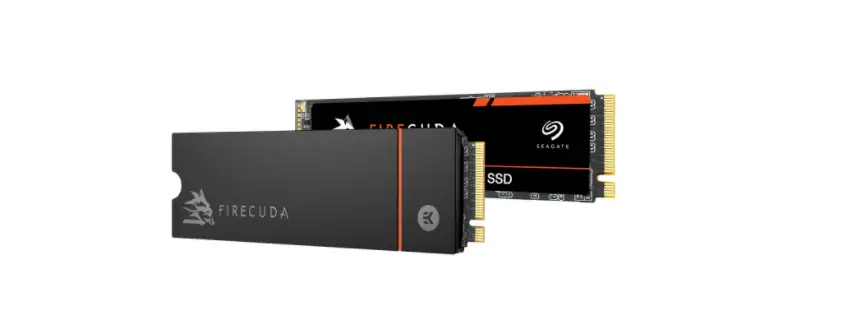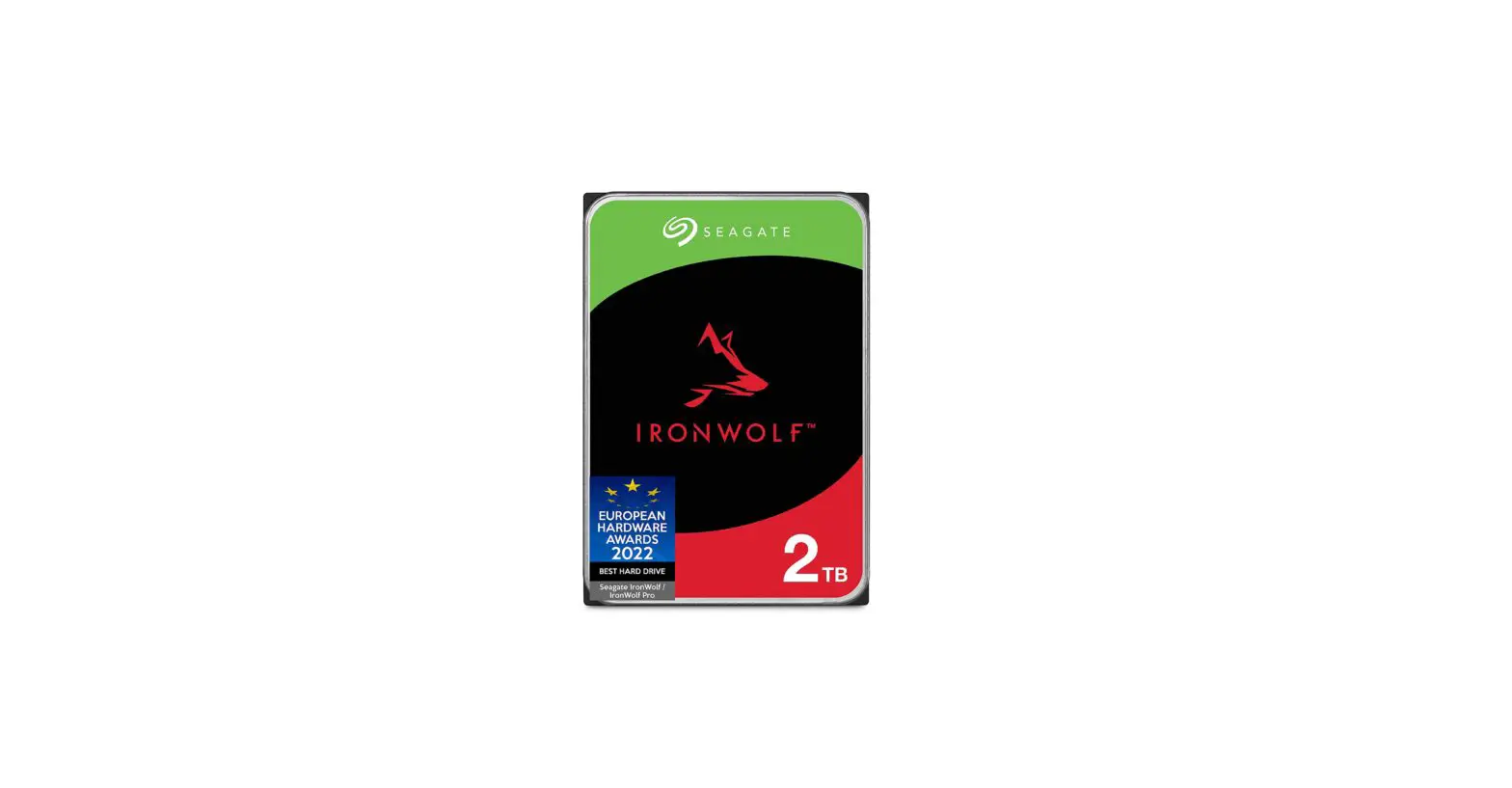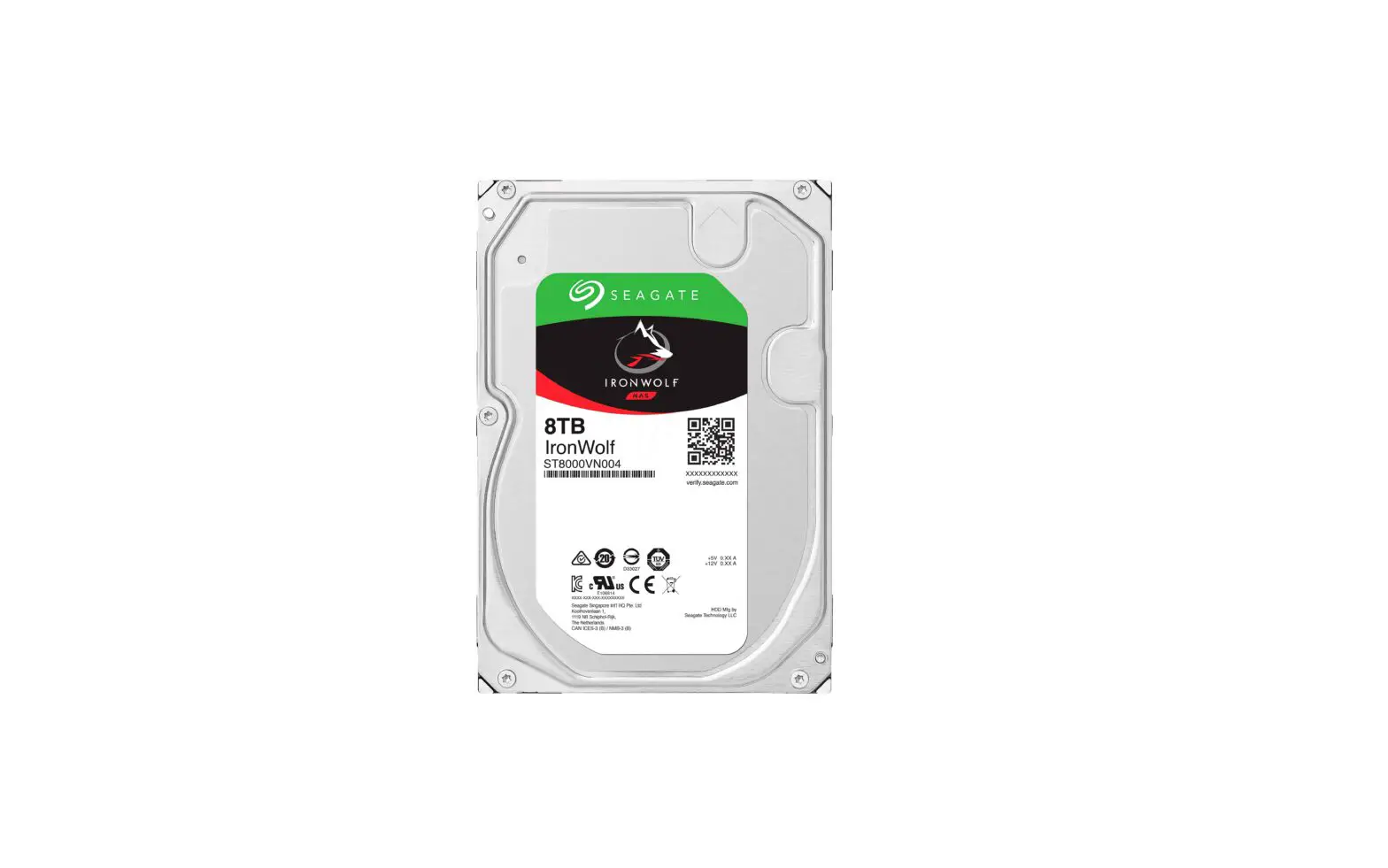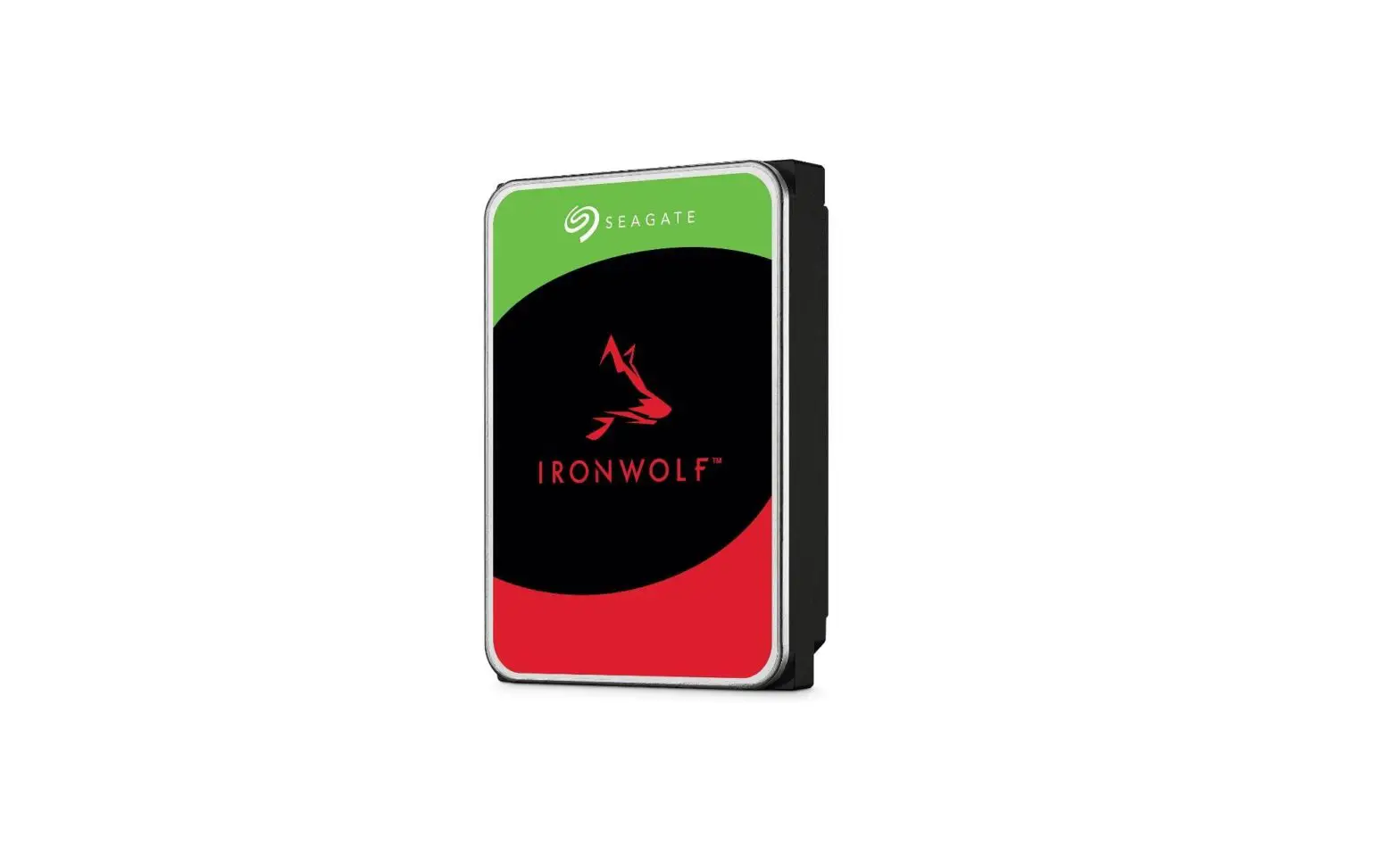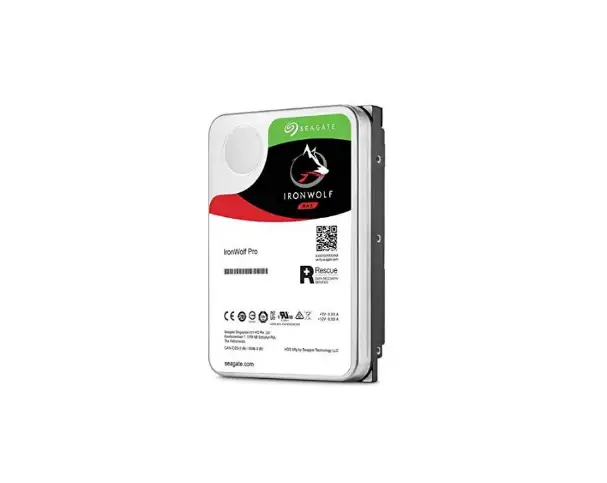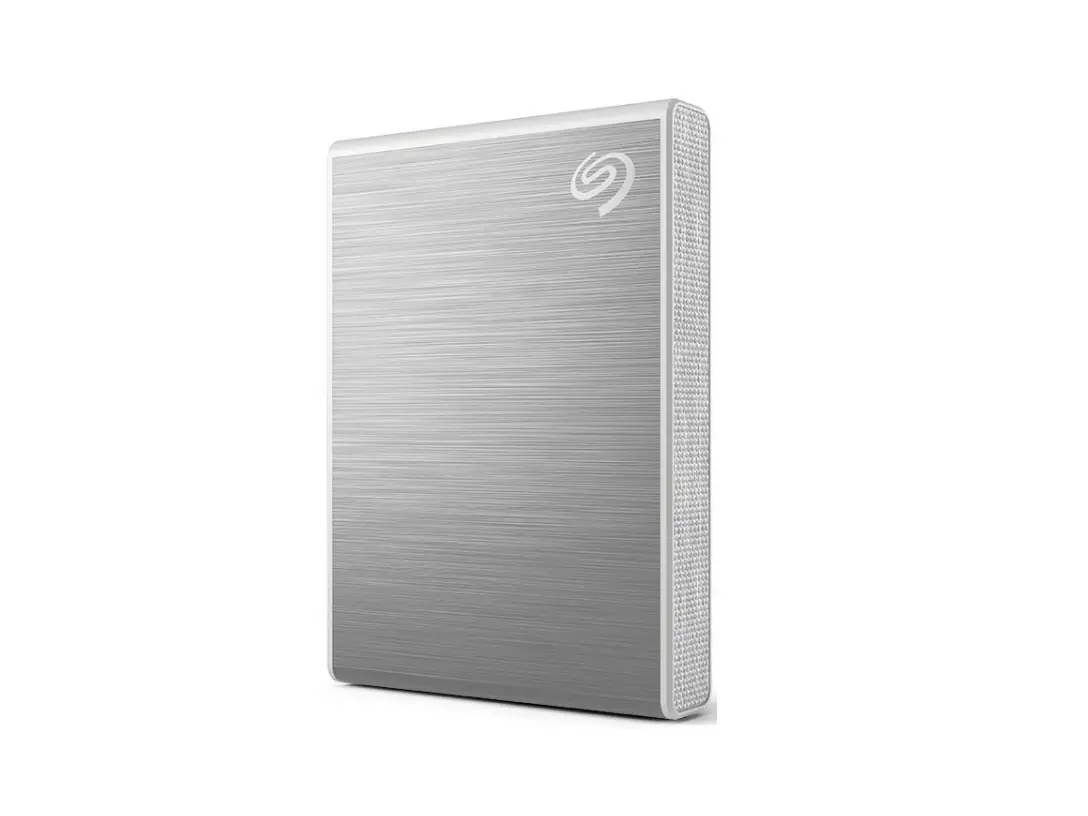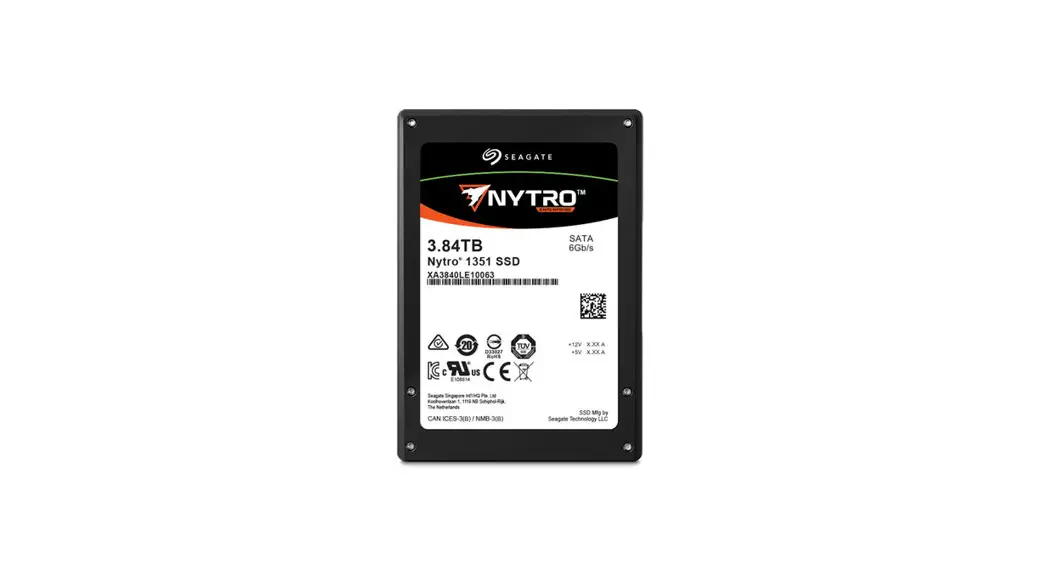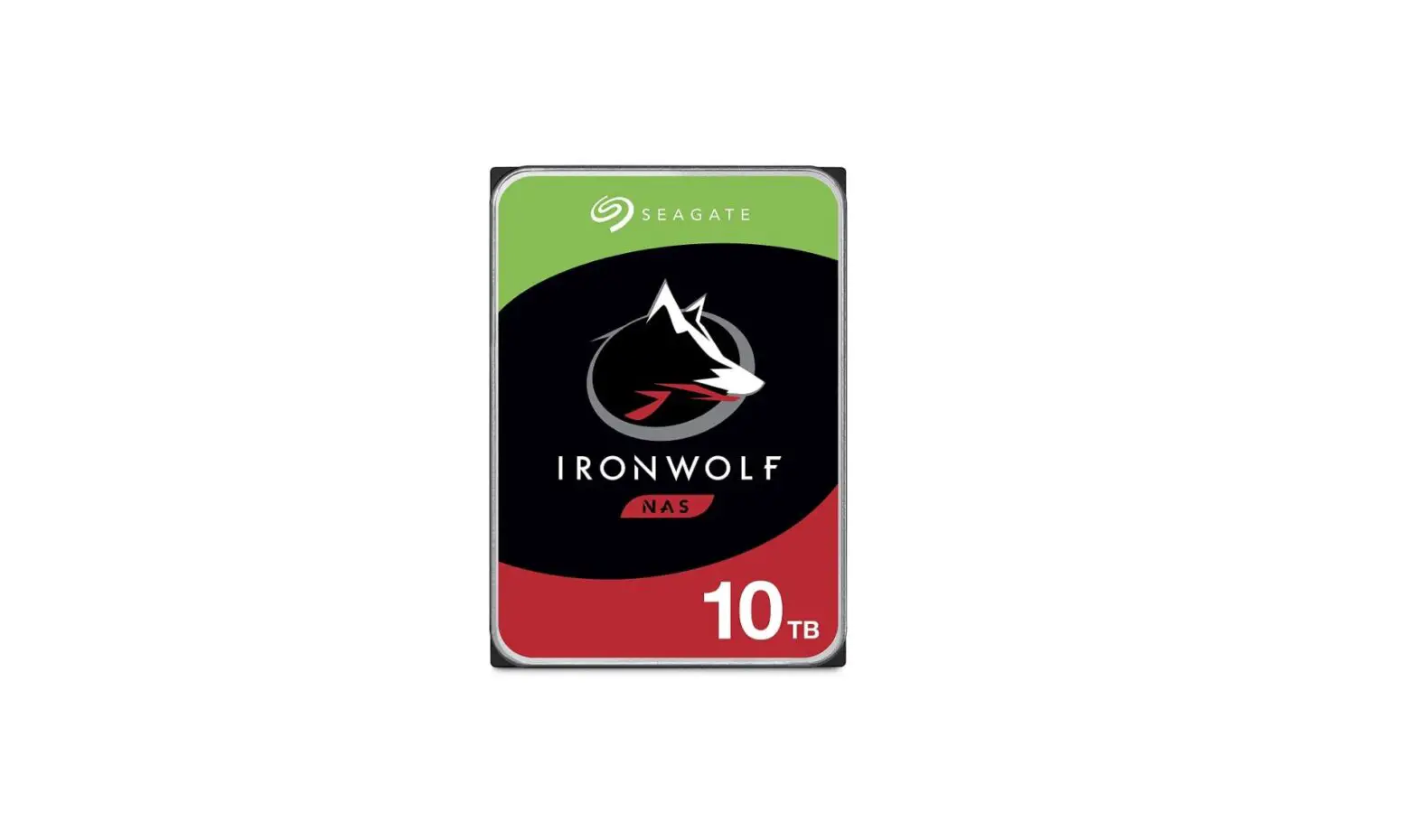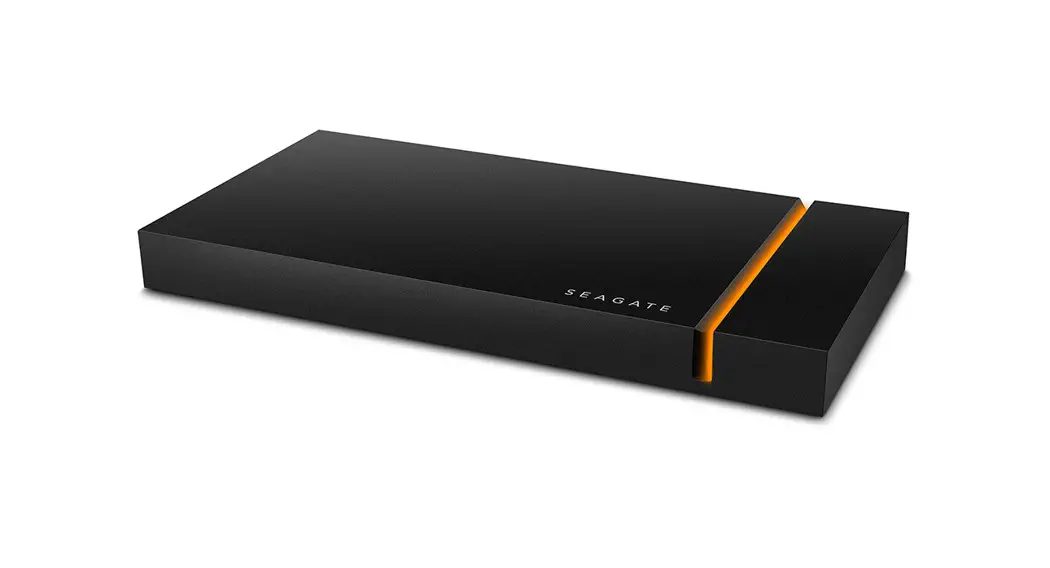

SEAGATE ZA240NM10001 IronWolf 110 SSD
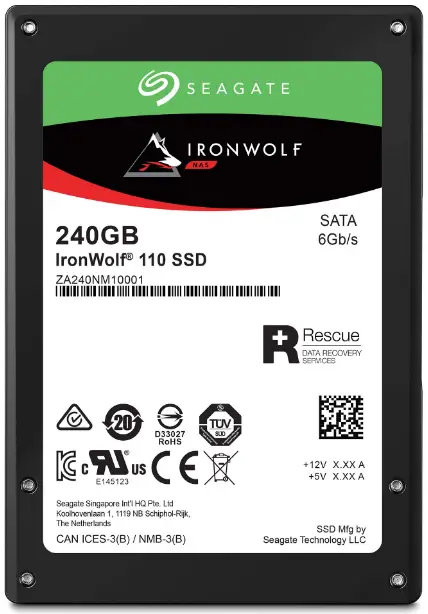
Product Information
The Seagate IronWolf 110 SSD is available in capacities of 240GB, 480GB, 960GB, 1920GB, and 3840GB. It is certified by CE, UL, cUL, RCM, BSMI, KCC, TUV, Microsoft WHCK, and Microsoft WHQL. The SSD is RoHS and WEEE compliant. The SSD has a logical block size of 512 bytes and is fully compliant with SATA revision 3.2 and 3.3. It is compatible with SATA 6.0Gb/s and 3.0Gb/s interface rates. PIO, DMA, and UDMA are supported (up to 6, dependent on host). The SSD supports SATA 6.0Gb/s Native Command Queuing (NCQ) of up to 32 commands. It also supports SMART command transport (SCT) technology and SEND FPDMA QUEUED (NCQ-Trim).
Product Usage Instructions
Before installing the Seagate IronWolf 110 SSD, ensure that it is compatible with your system’s specifications. Refer to the system requirements as outlined in the manual.
Installation
- Power off the computer and disconnect all cables.
- Open the computer case and locate an available SATA port.
- Insert the SSD into the available SATA port and secure it in place using screws.
- Connect the data cable to the SSD and to the motherboard.
- Connect the power cable to the SSD.
- Close the computer case and reconnect all cables.
- Power on the computer.
Data Transfer
To transfer data from an existing hard drive to the Seagate IronWolf 110 SSD:
- Connect the existing hard drive to the system.
- Use a disk cloning software to clone the data from the existing hard drive to the SSD.
- Once the data transfer is complete, disconnect the existing hard drive from the system.
- Verify that the SSD is functioning correctly by checking the system BIOS or using a diagnostic tool such as SeaTools.
Maintenance
Regular maintenance can improve the SSD’s performance and lifespan. Here are some tips:
- Update the SSD’s firmware when new updates are available.
- Avoid exposing the SSD to extreme temperatures and humidity.
- Avoid dropping or subjecting the SSD to physical shock or vibration.
- Regularly backup important data to prevent data loss in case of failure
Revision History
| Version and Date | Description of Changes |
| Rev B, August 2019 | Updated the following sections: |
| Rev A, September 2018 | First release of the document. |
© 2019, Seagate Technology LLC All rights reserved. Publication number: 100847099, Rev. B , August 2019 . Seagate Technology reserves the right to make changes to the product(s) or information disclosed herein at any time without notice. Seagate, Seagate Technology and the Spiral logo are registered trademarks of Seagate Technology LLC in the United States and/or other countries. Nytro, and SeaTools are either trademarks or registered trademarks of Seagate Technology LLC or one of its affiliated companies in the United States and/or other countries. All other trademarks or registered trademarks are the property of their respective owners. No part of this publication may be reproduced in any form without written permission of Seagate Technology LLC. Call 877-PUB-TEK1(877-782-8351) to request permission.
When referring to drive capacity, one gigabyte, or GB, equals one billion bytes and one terabyte, or TB, equals one trillion bytes. Your computer’s operating system may use a different standard of measurement and report a lower capacity. In addition, some of the listed capacity is used for formatting and other functions, and thus will not be available for data storage. Actual quantities will vary based on various factors, including file size, file format, features and application software. Actual data rates may vary depending on operating environment and other factors. The export or re-export of hardware or software containing encryption may be regulated by the U.S. Department of Commerce, Bureau of Industry and Security (for more information, visit www.bis.doc.gov), and controlled for import and use outside of the U.S. Seagate reserves the right to change, without notice, product offerings or specifications
Seagate Technology Support Services
- For Internal SSD Support, visit: https://www.seagate.com/support/products/
- For Firmware Download and Tools Download for Secure Erase, visit: https://www.seagate.com/support/downloads/
- For information regarding online support and services, visit: http://www.seagate.com/contacts/
- For information regarding Warranty Support, visit: http://www.seagate.com/support/warranty-and-replacements/
- For information regarding data recovery services, visit: http://www.seagate.com/services-software/seagate-recovery-services/recover/
- For Seagate OEM and Distribution partner and Seagate reseller portal, visit: http://www.seagate.com/partners
Introduction
The Seagate® IronWolf™ 110 is a next generation enterprise SATA SSDs deliver enterprise class features in a 2.5-inch × 7 mm form factor.
Features
| Feature | Description |
| Capacity | n 240, 480, 960, 1920, or 3840 GB |
| Certifications, Eco-Compliance | n CE, UL, cUL, RCM, BSMI, KCC, TUV, Microsoft WHCK, Microsoft WHQL, SATA-IO n RoHS, WEEE |
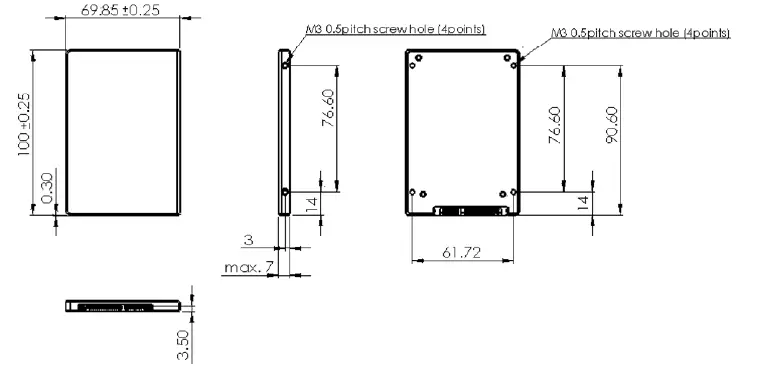
| Dimension | n Width: 69.85±0.25 millimeters n Length: 100±0.25 millimeters n Height: Maximum 7 millimeters |
| Endurance | n Lifetime Endurance: 1 DWPD Class |
| Logical Block Size | n 512 bytes |
| Form Factor | n 2.5 inch × 7 mm Standard SSD |
|
Interface Compliance | n Fully compliant with SATA revision 3.2 and 3.3, compatible with SATA 6.0Gb/s and 3.0Gb/s interface rates. n Fully compliant with ATA/ATAPI Command Set – 4 and supports all mandatory ATA commands defined in the ATA8-ACS specification. — ATA General Feature Command Set — Power Management Command Set — Security Mode Feature Set — SMART Command Set — Device Statistics — SMART Command Transport — Dataset Management Command Set — Host Protected Area Command Set — 48-bit Address Command Set — General Purpose Log Command Set — Native Command Queuing — Software Settings Prevention — ATA Sanitize Command Set — Identify Device Command Set — Log Addresses Requirement n PIO, DMA, UDMA (up to 6, dependent on host) supported. n SATA 6.0Gb/s Native Command Queuing (NCQ): up to 32 commands. n SMART command transport (SCT) technology. n SEND FPDMA QUEUED (NCQ-Trim) |
| NAND | n 3D TLC |
| Flash Controller | n Seagate proprietary Flash Controller n Seagate DuraWriteTM Technology for improved performance |
| Performance | n See Section 2.1, Models and Capacity, on page 8. |
| Power Consumption | n See Section 2.3, Power, on page 11. |
| Feature | Description |
| Power Loss Data Protection | n In-process writes to the NAND are completed in the event of an unexpected power loss |
| Power Management | n OS-aware hot-plug/hot-swap support |
| Power On Ready | n See Section 2.3, Power, on page 11. |
|
Reliability | n Power-loss data protection n SMART thermal monitoring n MTBF: 2 million hours @ 55°C n UBER: 1 read error per 1017bits read n End-to-End data-path protection n Seagate SHIELD – Advanced ECC for improved reliability with minimal impact on performance — Adaptive Code Rates — Intelligent Noise handling — Adaptive Read Voltage calibration — Multi-Level Error Correction – Best-in-class LDPC implementation n Seagate RAISE (Redundant Array of Independent Silicon Elements) — Protects user data from various flash silicon failures — RAID-like data protection and recovery from flash memory failures — Operates within a single drive without impacting performance — Corrects a single page, single block or single die failure within one RAISE stripe on capacities 480GB and higher. For 240GB, corrects a single page, single block or single plane failure within one RAISE stripe. |
|
Security | n Seagate Secure™ n Secure Supply Chain — O-TTPS (Open Trusted Technology Provider Standard) compliant n SD&D (Secure Download & Diagnostics) — Cryptographic FW signing, RSA 2048 key — Secure Boot — Locked Diagnostic Port — FW Authenticity and Integrity Verification, SHA 256 n Instant Secure Erase NOTE Windows Hardware Quality Labs (WHQL) is |
| Shock | n Operating: 1000G, duration 0.5ms n Non-Operating: 1000G, duration 0.5ms |
| Vibration | n Operating: Random, 3.8 Grms, 10-3000Hz, Uniform PSD:0.005 G^2/Hz n Non-Operating: Random, 7 Grms, 10-500Hz, Uniform PSD:0.01 G^2/Hz |
| Voltage | n 5 V (240GB, 480GB) n 5 V and 12 V (960GB, 1920GB, 3840GB) |
| Data Retention | n 3 months power-off retention at 40°C once the drive reaches the rated write endurance (EOL) |
| Temperature Range | n Operating: 0°C to 70°C n Non-operating: -40°C to 85°C |
| Thermal gradient | n Operating: 20°C/hour n Non-operating: 30°C/hour |
| Feature | Description |
| Tunable Capacity | n Set to Capacity Optimized or Performance Optimized |
| Warranty | n Five years limited Warranty with Media Usage, based on the shorter of term or endurance usage of the drive. See Section 2.7, Endurance, on page 14. |
| Weight | n up to 82g ±5% |
Specifications
Models and Capacity
| Capacity (GB) | LBA Count | Standard Models |
| 240 | 468,862,128 | ZA240NM10001 |
| 480 | 937,703,088 | ZA480NM10001 |
| 960 | 1,875,385,008 | ZA960NM10001 |
| 1920 | 3,750,748,848 | ZA1920NM10001 |
| 3840 | 7,501,476,528 | ZA3840NM10001 |
Performance
Performance – Capacity Optimized (7% OP – Default as Shipped)
| Capacity | Units | 240 GB | 480 GB | 960 GB | 1920 GB | 3840 GB | |||||
| Compressibility | % | 0% | 20% | 0% | 20% | 0% | 20% | 0% | 20% | 0% | 20% |
| 128K SR QD32 | MB/s | 564 | 564 | 564 | 564 | 564 | 564 | 564 | 564 | 564 | 564 |
| 128K SW QD32 | MB/s | 232 | 333 | 488 | 536 | 536 | 537 | 536 | 537 | 536 | 536 |
| 4K RR QD32 | KIOPs | 55 | 57 | 80 | 82 | 93 | 93 | 94 | 94 | 90 | 92 |
| 4K R70R QD32 | KIOPs | 18 | 32 | 29 | 45 | 40 | 57 | 47 | 66 | 46 | 61 |
| 4K RW QD32 | KIOPs | 8 | 30 | 16 | 48 | 22 | 59 | 23 | 48 | 22 | 41 |
| 8K RR QD32 | KIOPs | 43 | 49 | 56 | 57 | 57 | 57 | 57 | 57 | 57 | 57 |
| 8K R70R QD32 | KIOPs | 11 | 24 | 16 | 34 | 22 | 40 | 31 | 44 | 32 | 45 |
| 8K RW QD32 | KIOPs | 4 | 17 | 9 | 34 | 14 | 40 | 15 | 40 | 13 | 37 |
| 4K RR Latency QD1 | usec | 154 | 150 | 154 | 148 | 153 | 148 | 154 | 150 | 172 | 162 |
| 4K RW Latency QD1 | usec | 124 | 37 | 65 | 38 | 58 | 38 | 58 | 38 | 58 | 38 |
| 4K RR QD32 99% CI | usec | 1800 | 1800 | 800 | 800 | 600 | 600 | 600 | 600 | 700 | 700 |
| 4K R70R QD32 99% CI | usec | 7300 | 4700 | 5000 | 3700 | 3900 | 3000 | 3700 | 2800 | 3600 | 2700 |
| 4K RW QD32 99% CI | usec | 6700 | 3000 | 3400 | 1600 | 3000 | 800 | 2900 | 1900 | 3000 | 2000 |
| 4K RR QD32 99.99% CI | usec | 2000 | 2000 | 1600 | 1200 | 800 | 1000 | 800 | 900 | 1800 | 1800 |
| 4K R70R QD32 99.99% CI | usec | 14000 | 8400 | 9400 | 6400 | 7200 | 6000 | 6300 | 5500 | 6300 | 5600 |
| 4K RW QD32 99.99% CI | usec | 9200 | 5200 | 5600 | 3400 | 4400 | 2100 | 4200 | 2000 | 3900 | 2300 |
NOTE Information on performance:
- 0% refers to data that cannot be compressed and 20% refers to data for which the size can be losslessly compressed by 20%. Performance values shown is based on data compressibility values of 0% and 20% as set with VDBench.
- The scripts that were used to arrive at these measurements are available on request.
- MB is 10^6 bytes. MB/s = 10^6 bytes/sec.
- 4 KB = 4,096 bytes, 8 KB = 8,192 bytes.
- All workloads set to 4 KB alignment.
- All metrics represent sustained values, across full LBA range.
- Drive write cache is active and protected by Power Loss Data Protection (PLDP) feature.
- Performance test precondition: The drive is preconditioned with 2x drive capacity 128 KB sequential write IOs, prior to sequential testing, followed by 9 hours per 1 TB drive capacity of 4K random write IOs, at queue depth 32, prior to random testing.
- Results obtained with a direct SATA port connection to host and may vary with capacity, endurance and system configuration. The HBA used could also affect measured results.
Performance – Performance Optimized (28% OP – Available with Tunable Capacity)
| Capacity | Units | 200 GB | 400 GB | 800 GB | 1600 GB | 3200 GB | |||||
| Compressibility | % | 0% | 20% | 0% | 20% | 0% | 20% | 0% | 20% | 0% | 20% |
| 128K SR QD32 | MB/s | 564 | 564 | 564 | 564 | 564 | 564 | 564 | 564 | 564 | 564 |
| 128K SW QD32 | MB/s | 234 | 337 | 490 | 537 | 536 | 537 | 537 | 537 | 536 | 537 |
| 4K RR QD32 | KIOPs | 58 | 60 | 82 | 85 | 93 | 93 | 94 | 94 | 92 | 93 |
| 4K R70R QD32 | KIOPs | 27 | 36 | 40 | 50 | 50 | 60 | 60 | 70 | 60 | 71 |
| 4K RW QD32 | KIOPs | 18 | 39 | 36 | 67 | 48 | 69 | 48 | 68 | 48 | 68 |
| 8K RR QD32 | KIOPs | 47 | 52 | 57 | 57 | 57 | 57 | 57 | 57 | 57 | 57 |
| 8K R70R QD32 | KIOPs | 19 | 27 | 28 | 37 | 35 | 43 | 41 | 48 | 41 | 48 |
| 8K RW QD32 | KIOPs | 10 | 22 | 20 | 45 | 33 | 45 | 33 | 45 | 31 | 45 |
| 4K RR Latency QD1 | usec | 148 | 144 | 145 | 138 | 140 | 134 | 142 | 137 | 152 | 144 |
| 4K RW Latency QD1 | usec | 55 | 37 | 44 | 40 | 43 | 40 | 43 | 40 | 46 | 39 |
| 4K RR QD32 99% CI | usec | 1700 | 1500 | 700 | 700 | 600 | 600 | 500 | 500 | 700 | 600 |
| 4K R70R QD32 99% CI | usec | 5300 | 4200 | 4000 | 3400 | 3500 | 2900 | 3100 | 2500 | 2800 | 2000 |
| 4K RW QD32 99% CI | usec | 4000 | 2900 | 2600 | 800 | 1400 | 700 | 1100 | 700 | 1600 | 800 |
| 4K RR QD32 99.99% CI | usec | 2000 | 2000 | 1100 | 1000 | 800 | 900 | 800 | 800 | 1100 | 1000 |
| 4K R70R QD32 99.99% CI | usec | 9800 | 8000 | 8000 | 6000 | 6600 | 5600 | 6000 | 5000 | 5400 | 5000 |
| 4K RW QD32 99.99% CI | usec | 6300 | 5000 | 5600 | 3400 | 3200 | 1800 | 3000 | 1800 | 3000 | 2300 |
NOTE Information on performance:
- 0% refers to data that cannot be compressed and 20% refers to data for which the size can be losslessly compressed by 20%. Performance values shown is based on data compressibility values of 0% and 20% as set with VDBench.
- The scripts that were used to arrive at these measurements are available on request.
- MB is 10^6 bytes. MB/s = 10^6 bytes/sec.
- 4 KB = 4,096 bytes, 8 KB = 8,192 bytes.
- All workloads set to 4 KB alignment.
- All metrics represent sustained values, across full LBA range.
- Drive write cache is active and protected by Power Loss Data Protection (PLDP) feature.
- Performance test precondition: The drive is preconditioned with 2x drive capacity 128 KB sequential write IOs, prior to sequential testing, followed by 9 hours per 1 TB drive capacity of 4K random write IOs, at queue depth 32, prior to random testing.
- Results obtained with a direct SATA port connection to host and may vary with capacity, endurance and system configuration. The HBA used could also affect measured results.
Power
The drive uses either 5 V or it uses 5 and 12 V DC power.
| 240 GB | 480 GB | 960 GB | 1920 GB | 3840 GB | |
| Power | |||||
| Voltage (V) | 5 | 5 | 5 / 12 | 5 / 12 | 5 / 12 |
| Power Consumption | |||||
| Overall average active power (W) | 2.3 | 2.7 | 3.2 | 3.4 | 3.5 |
| Maximum average active power (W) | 2.6 | 3.2 | 4.5 | 5.1 | 5.0 |
| Peak (25uS sample) burst active power (W) 5V limited to 6W | 4.9 | 5.4 | 7.8 | 8.8 | 8.6 |
| Idle (W) | 1.1 | 1.1 | 1.2 | 1.2 | 1.2 |
NOTE 5V power limited to 6 W beyond which power will be drawn from 12 V.
Environmental Conditions
Temperature, Humidity, Shock
| Specification | Values |
| Temperature | n Operating: 0°C to 70°C n Non-operating: -40°C to 85°C |
| Humidity | n Operating and Non-Operating: 5% – 95% |
| Shock | n Operating: 1000G, duration 0.5ms n Non-Operating: 1000G, duration 0.5ms |
| Thermal gradient | n Operating: 20°C/hour n Non-operating: 30°C/hour |
NOTE Operating, as measured by temperature sensor, SMART Attribute ID 194.
- Measured without condensation.
- The non-operating environmental range beyond the operating environmental range is limited to 180 days in original packaging or 60 days otherwise.
- The Shock specification assumes that the SSD is mounted securely with the input vibration applied to the drive mounting. Stimulus may be applied in the X, Y or Z axis.
- Operating Shock: The drive, as installed for normal operation, operates error-free while subjected to intermittent shock not exceeding specification. Shock may be applied in the X, Y, or Z-axis. Shock must not be repeated more than once every 2 seconds.
- Non-Operating Shock: The limits of non-operating shock applies to all conditions of handling and transportation. This includes isolated and integrated drives. Shock may be applied in the X, Y, or Z-axis.
Vibration
| Specification | Values |
| Maximum Vibrations | n Operating: Random, 3.8 Grms, 10-3000Hz, Uniform PSD:0.005 G^2/Hz n Non-Operating: Random, 7 Grms, 10-500Hz, Uniform PSD:0.01 G^2/Hz |
NOTE
The Vibration specification assumes that the SSD is mounted securely with the input Vibration applied to the drive mounting screws. Stimulus may be applied in the X, Y or Z axis
- Operating Vibration: The drive, as installed for normal operation, shall operate error free while subjected to specified vibration not exceeding specification. Vibration may be applied in the X, Y, or Z-axis.
- Non-Operating Vibration: The limits of non-operating vibration shall apply to all conditions of handling and transportation. This includes both isolated drive and integrated drives. Vibration may be applied in the X, Y, or Z-axis.
Reliability
| Specification | Values |
| Mean time between failures (MTBF) | 2 million hours @ 55°C |
| Uncorrectable Bit Error Rate | <1 error in 1017 bits read |
NOTE
The SSD achieves the specified MTBF in an operational environment that complies with the operational temperature range specified in this manual. Operating temperatures are measured by the temperature sensor, SMART Attribute ID, Primary Temperature, provided in Table 17, “SMART Attributes,” on page 27
Tunable Capacity
You can set the SSD to Capacity Optimized or Performance Optimized states. When shipped, the SSD is in the Capacity Optimized state. Use the Seagate utility, SeaToolsTM SSD to set the states. Seagate recommends to set the required state at deployment, prior to installing a file system. Changing states does not change the rated TBW specification for endurance.
Endurance
Expected DWPD
DuraWrite can enhance endurance depending on the characteristics of the write workload. Realized Host DWPD can be gaged from the table below based on the actual Write Amplification (WA) measurements. To capture the WA value:
- Read the Lifetime Writes from Host.
- Read the Lifetime Writes to Flash.
- Run the application workload of interest for several hours.
- Read the two SMART attributes again to find both the host writes and flash writes accumulated over the time the workload was running.
- The WA value is accumulated flash writes divided by host writes.
- Use this WA value to find an approximate Host DWPD value in the following table.
- Related workload characteristics are given in the table as a reference.
IronWolf 110 Workload WA to DWPD Reference – 7% OP
| User Capacity | 240 | 480 | 960 | 1920 | 3840 | Reference Workload | |
| Measured WA | Host DWPD | Host TBW | |||||
| 0.8 | 2.2 | 960 | 1920 | 3840 | 7680 | 15400 | Highly sequential and compressible |
| 1 | 1.8 | 768 | 1540 | 3070 | 6140 | 12300 | Highly sequential and somewhat compressible |
| 1.1 | 1.6 | 698 | 1400 | 2790 | 5590 | 11200 | Fully sequential and not compressible |
| 1.75 | 1 | 439 | 878 | 1760 | 3510 | 7020 | Moderately compressible and predominantly random |
| 2 | 0.9 | 384 | 768 | 1540 | 3070 | 6140 | Moderately compressible and highly random |
| 3 | 0.6 | 256 | 512 | 1020 | 2050 | 4100 | Slightly compressible and completely random |
| 4 | 0.4 | 192 | 384 | 768 | 1540 | 3070 | Highly incompressible and random |
IronWolf 110 Workload WA to DWPD Reference – 28% OP
| User Capacity | 200 | 400 | 800 | 1600 | 3200 | Reference Workload | |
| Measured WA | Host DWPD | Host TBW | |||||
| 0.8 | 2.6 | 960 | 1920 | 3840 | 7680 | 15400 | Highly sequential and compressible |
| 1 | 2.1 | 768 | 1540 | 3070 | 6140 | 12300 | Highly sequential and somewhat compressible |
| 1.1 | 1.9 | 698 | 1400 | 2790 | 5590 | 11200 | Fully sequential and not compressible |
| 1.35 | 1.6 | 569 | 1140 | 2280 | 4550 | 9100 | Moderately compressible and highly random |
| 2 | 1.1 | 384 | 768 | 1540 | 3070 | 6140 | Slightly compressible and completely random |
| 3 | 0.7 | 256 | 512 | 1020 | 2050 | 4100 | Highly incompressible and random |
NOTE Information on endurance
- DWPD is drive write per day.
- DWPD values based on as shipped, 7%, or 28% capacity points.
- Lifetime Writes to Flash are available from the corresponding SMART attribute, See, Table 17, SMART Attributes, on page 27.
- Lifetime Writes from Host are available from the corresponding SMART attribute, see Table 17, SMART Attributes, on page 27.
- Write Amplification (WA) is calculated as the cumulative writes to flash divided by the cumulative writes from the host SMART attribute values over the same time interval
NOTE Information on endurance:
- DWPD is drive write per day.
- DWPD values based on as shipped, 7%, or 28% capacity points.
- Lifetime Writes to Flash are available from the corresponding SMART attribute, See, Table 17, SMART Attributes, on page 27.
- Lifetime Writes from Host are available from the corresponding SMART attribute, see Table 17, SMART Attributes, on page 27.
- Write Amplification (WA) is calculated as the cumulative writes to flash divided by the cumulative writes from the host SMART attribute values over the same time interval.
Endurance Warranty
The endurance warranty is based on total writes to the flash media.
| Model | ZA240NM10001 | ZA480NM10001 | ZA960NM10001 | ZA1920NM10001 | ZA3840NM10001 |
| IronWolf 110 | 768 TB | 1540 TB | 3070 TB | 6140 TB | 12300 TB |
NOTE Information on endurance
- TB=10^12 bytes
- Limited Warranty with Media Usage provides coverage for the warranty period or the endurance usage of the drive, which ever comes first.
- SSD endurance is based on lifetime writes to the flash media.
- Lifetime Writes to Flash are available from the corresponding SMART attribute, See, Table 17, “SMART Attributes,” on page 27.
Mechanical Information
Dimensions and Weight
Weight by capacity:
- 240 GB: 75 g
- 480 GB: 75 g
- 960 GB: 77 g
- 1920 GB: 77 g
- 3840 GB: 82 g
- Height: Maximum 7 mm
- Width: 69.85±0.25
- Length: 100±0.25
NOTE All dimensions are in millimeters.
Pin and Signal Descriptions
Serial ATA Interface Connector
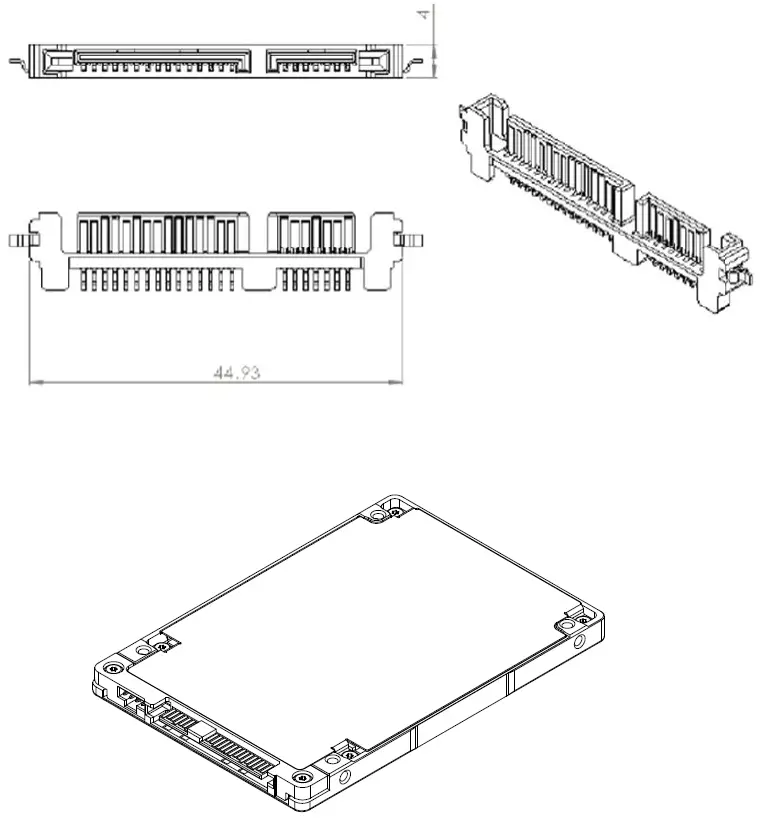
Pin Locations
Layout of 2.5-inch Signal and Power Segment Pins
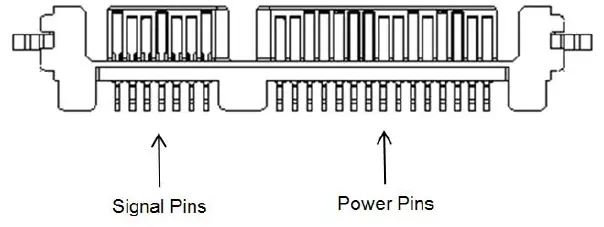
NOTE The 2.5-inch connector supports built in latching capability.
Connector Pin Signal Definitions
| Pin | Name | Definition |
| S1 | Ground | Ground |
| S2 | A+ | Differential signal pair +A and A- |
| S3 | A- | |
| S4 | Ground | Ground |
| S5 | B- | Differential signal pair +B and B- |
| S6 | B+ | |
| S7 | Ground | Ground |
NOTE Key and spacing separate the signal and power segments
Power Pin Signal Definitions
Serial ATA Power Pin Signal Definitions—2.5-inch Form Factors
| Pin | Function | Definition |
| P1 | V33 | 3.3 V Power; not used |
| P2 | V33 | 3.3 V Power; not used |
| P3 | V33 | DevSlp; do not connect 3.3 V |
| P4 | GND | Ground |
| P5 | GND | Ground |
| P6 | GND | Ground |
| P7 | V5 | 5 V Power |
| P8 | V5 | 5 V Power |
| P9 | V5 | 5 V Power |
| P10 | GND | Ground |
| P11 | DAS | Device Activity Signal |
| P12 | GND | Ground |
| P13 | V12 | 12 V Power |
| P14 | V12 | 12 V Power |
| P15 | V12 | 12 V Power |
NOTE Key and spacing separate the signal and power segments.
- Uses 12 V and 5 V power only. The 240 GB and 480 GB models use 5 V supply only.
- Ground pins are P4, P5, P6, P10, and P12.
- P7, P8, and P9 are 5V power pins and are connected internally on the drive.
- P13, P14, and P15 are 12V power pins and are connected internally on the drive.
SSD Activity LED Indicator (Optional)
The SSD can support DAS Control function from the SSD module to indicate LED activity of host side. The device includes a physical pin P11 for connecting device activity LEDs. The signal provided to indicate activity of the device is a low-voltage and low-current driver. The signal from the device is not suitable for directly driving an LED and is first buffered using a circuit external to the device before driving an LED. The DAS function firmware feature generates a Low and High toggle Activity signal on pin 11 when the SSD is in a busy state and generates a high Activity signal input when the SSD is in idle mode (Low level: GND, High level: 2.85 V). The DAS Firmware feature is disabled and the R das is opened when the DAS function is not in use. See Figure 4, Circuit of SSD Activity LED indication, on page 22.
Circuit of SSD Activity LED indication
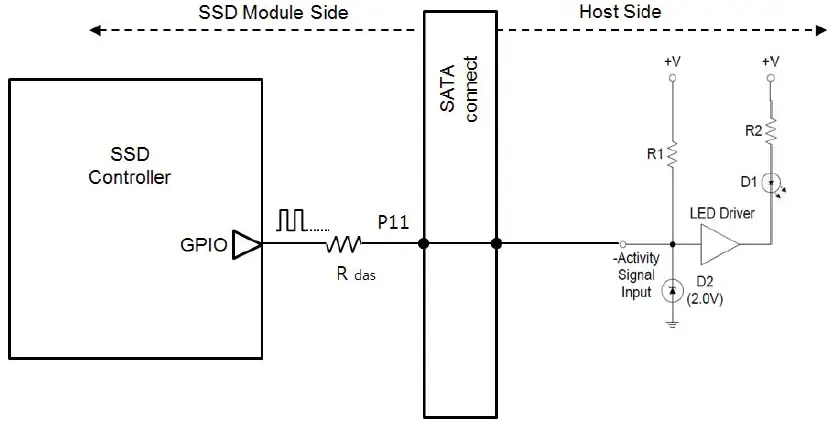
Supported ATA Command List
The SSD complies with ATA-8/ACS-4. All mandatory and many optional commands and features are supported
ATA Feature Set
The following table shows the ATA feature set and commands that the SSD supports.
| Feature |
| Power Management Command Set |
| Security Mode Feature Set |
| SMART Command Set |
| Device Statistics |
| SMART Command Transport |
| Dataset Management Command Set |
| Host Protected Area Command Set |
| 48-bit Address Command Set |
| General Purpose Log Command Set |
| Native Command Queuing |
| Software Settings Prevention |
| ATA Sanitize Command Set |
| Identify Device Command Set |
ATA Command Description
The following table shows the ATA commands supported.
| Command | Code (Hex) | Command | Code (Hex) |
| NOP | 00h | EXECUTE DEVICE DIAGNOSTICS | 90h |
| DATA SET MANAGEMENT | 06h | DOWNLOAD MICROCODE | 92h |
| REQUEST SENSE DATA EXT | 0Bh | DOWNLOAD MICROCODE DMA | 93h |
| READ SECTORS | 20h | SMART | B0h |
| READ SECTORS EXT | 24h | SANITIZE DEVICE | B4h |
| READ DMA EXT | 25h | READ MULTIPLE | C4h |
| READ MULTIPLE EXT | 29h | WRITE MULTIPLE | C5h |
| READ LOG EXT | 2Fh | SET MULTIPLE MODE | C6h |
| WRITE SECTORS | 30h | READ DMA | C8h |
| WRITE SECTORS EXT | 34h | WRITE DMA | CAh |
| WRITE DMA EXT | 35h | WRITE MULTIPLE FUA EXT | CEh |
| WRITE MULTIPLE EXT | 39h | STANDBY IMMEDIATE | E0h |
| WRITE DMA FUA EXT | 3Dh | IDLE IMMEDIATE | E1h |
| WRITE LOG EXT | 3Fh | STANDBY | E2h |
| READ VERIFY SECTORS | 40h | IDLE | E3h |
| READ VERIFY SECTORS EXT | 42h | READ BUFFER | E4h |
| ZERO EXT | 44h | CHECK POWER MODE | E5h |
| WRITE UNCORRECTABLE EXT | 45h | SLEEP | E6h |
| READ LOG DMA EXT | 47h | FLUSH CACHE | E7h |
| WRITE LOG DMA EXT | 57h | WRITE BUFFER | E8h |
| TRUSTED NON-DATA | 5Bh | READ BUFFER DMA | E9h |
| TRUSTED RECEIVE | 5Ch | FLUSH CACHE EXT | EAh |
| TRUSTED RECEIVE DMA | 5Dh | WRITE BUFFER DMA | EBh |
| TRUSTED SEND | 5Eh | IDENTIFY DEVICE | ECh |
| TRUSTED SEND DMA | 5Fh | SET FEATURES | EFh |
| READ FPDMA QUEUED | 60h | SECURITY SET PASSWORD | F1h |
| WRITE FPDMA QUEUED | 61h | SECURITY UNLOCK | F2h |
| NCQ QUEUE MANAGEMENT | 63h | SECURITY ERASE PREPARE | F3h |
| SEND FPDMA QUEUED | 64h | SECURITY ERASE UNIT | F4h |
| RECEIVE FPDMA QUEUED | 65h | SECURITY FREEZE LOCK | F5h |
| SET DATE & TIME EXT | 77h | SECURITY DISABLE PASSWORD | F6h |
| ACCESSIBLE MAX ADDRESS CONFIG | 78h |
Security
The user/master password is supported. When the device receives a normal SECURITY ERASE UNIT command, the device erases all data blocks including unallocated (hidden) blocks. You can download firmware regardless of the security state. Other security features:
- Crypto-erase sanitization
- Block-level sanitization
- Secure update of firmware
Password Loss
If you lose the user password, you can access the device using the master password. If both passwords are lost, there is no way to access the device.
SMART Support
SMART Command Set
The SSD supports the SMART Command Set shown in the following table.
| Feature Field Values | Command |
| D0h | SMART READ DATA |
| D1h | SMART READ ATTRIBUTE THRESHOLDS |
| D2h | SMART ENABLE/DISABLE ATTRIBUTE AUTOSAVE |
| D3h | SAVE ATTRIBUTE VALUES |
| D4h | SMART EXECUTE OFF-LINE IMMEDIATE |
| 00h* | Execute SMART Off-Line routine |
| 01h* | Execute SMART Short Self-test routine (Off-Line) |
| 02h* | Execute SMART Extended Self-test routine (Off-Line) |
| 03h* | Execute SMART Conveyance self-test routine in off-line mode |
| 04h* | Execute SMART Selective self-test routine in off-line mode |
| 7Fh* | Abort Off-Line routine |
| 81h* | Execute SMART Short Self-test routine (Captive) |
| 82h* | Execute SMART Extended Self-test routine (Captive) |
| 83h* | Execute SMART Conveyance self-test routine in captive mode |
| 84h* | Execute SMART Selective self-test routine in captive mode |
| D5h | SMART READ LOG |
| D6h | SMART WRITE LOG |
| D8h | SMART ENABLE OPERATIONS |
| D9h | SMART DISABLE OPERATIONS |
| DAh | SMART RETURN STATUS |
| *Low LBA values | |
SMART Attributes
The SSD supports the SMART attributes shown in the following table
| Name | Default Assignment | Description | Units |
| Raw Read Error Rate | 1 | A normalized rate of moderate to severe latency causing correctable errors. | Percentage |
| Reallocated Sector Count | 5 | Count of the number of blocks that have been reallocated, excluding pending sectors. | Counter |
| Power-On-Hours | 9 | Count of the lifetime power on hours in the Active or Idle ATA state. | Hours |
| Power Cycle Count | 12 | Count of the number of complete power up cycles. Excludes power mode state changes with power continuously applied. | Counter |
| Flash GB Erased | 100 | Count in GB of the lifetime erases of flash for all purposes. | Count in Giga bytes (2^30) |
| Lifetime PS4 Entry Count | 102 | Count of the number of times the PS4 power state is entered. | Counter |
| Lifetime PS3 Entry Count | 103 | Count of the number of times the PS3 power state is entered. | Counter |
| Grown Bad Block Count | 170 | Count of the number of retired flash blocks post manufacturing. | Counter |
| Program Fail Count | 171 | Count of the number of Flash Program failures. | Counter |
| Erase Fail Count | 172 | Count of the number of Flash Erase failures. | Counter |
| Average Program/Erase Count | 173 | Count of the average number of program/erase cycles on all good blocks. | Counter |
| Unexpected Power Loss Count | 174 | Count of the number of complete power loss events not preceded by a shutdown command. Excludes power mode state changes with power continuously applied. | Counter |
| Wear Range Delta | 177 | Difference between the most and least worn blocks with regards to the maximum rated P-E cycles (most-least)/max*100. | Percentage |
| SATA/PCIe Interface Downshift Count | 183 | Count of the number of times SATA interface rate reduction is negotiated. | Counter |
| Uncorrectable ECC Count | 187 | Count of the number of unsuccessful ECC recovery attempts where higher level recovery methods also failed. | Counter |
| Primary Temperature | 194 | Current, lifetime maximum and lifetime minimum temperature. | Celsius (Signed data) |
| RAISE ECC Correctable Count | 195 | Count of the number of times RAISE successfully recovered data. | Counter |
| Uncorrectable Read Error Count | 198 | Count of the number of times an uncorrectable error is returned to the host on a read command. | Counter |
| SATA R-Error (CRC) Error Count | 199 | Count of the number of detected SATA R-Errors experienced on the SATA receiver. | Counter |
| Drive Life Protection Status | 230 | Power fail protection available. | 100d, 64h unprotected SSD RO, 90d, 5Ah protected |
| Name | Default Assignment | Description | Units |
| SSD Life Left | 231 | Approximate percent SSD life left, in terms of program/erase cycles or Flash blocks currently available for use. | Percentage |
| Available Reserved Space | 232 | Ratio of currently available internal reserved space to as built reserved space. | Percentage |
| Lifetime Writes to Flash | 233 | Sum in GB of the lifetime writes to flash for all purposes. | Sum in Giga bytes (2^30) |
| Lifetime Writes from Host | 241 | Sum in GB of the lifetime writes for all host write commands. | Sum in Giga bytes (2^30) |
| Lifetime Reads from Host | 242 | Sum in GB of the lifetime reads for all host read commands. | Sum in Giga bytes (2^30) |
| Free Space | 243 | Available user capacity in MB and percent of currently set user capacity. | Percentage User MB Free and percentage user space remaining |
Safety and Compliance Standards
Each Hard Drive and Solid State Drive (“device”) has a product label that includes certifications that apply to that specific drive. The following information provides an overview of requirements that may apply to the drive. The Seagate HDD and SSD Regularity Compliance and Safety document contains the latest regulations and standards that Seagate complies with. To see this document, go online here:
https://www.seagate.com/files/www-content/forms/compliance/regulatory-compliance-and-safety-100838899-A.pdf
Regulatory Model Number
The following regulatory model number represents all features and configurations within the series: NOTE STA010
Seagate Technology LLC AMERICAS Seagate Technology LLC 10200 South De Anza Boulevard, Cupertino, California 95014, United States, 408-658-1000 ASIA/PACIFIC Seagate Singapore International Headquarters Pte. Ltd. 7000 Ang Mo Kio Avenue 5, Singapore 569877, 65-6485-3888 EUROPE, MIDDLE EAST, AND AFRICA Seagate Technology SAS 16-18 rue du Dôme, 92100 Boulogne-Billancourt, France, 33 1-4186 10 00 Publication Number: 100841919, Rev B August 2019
 The Leader in Mass Data Storage Solutions | Seagate US