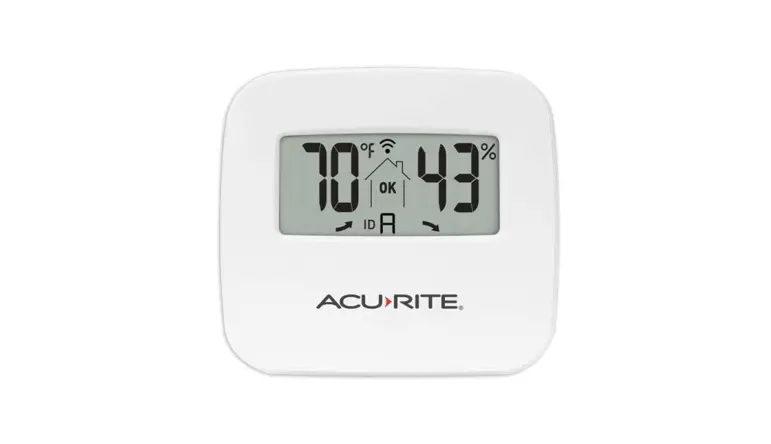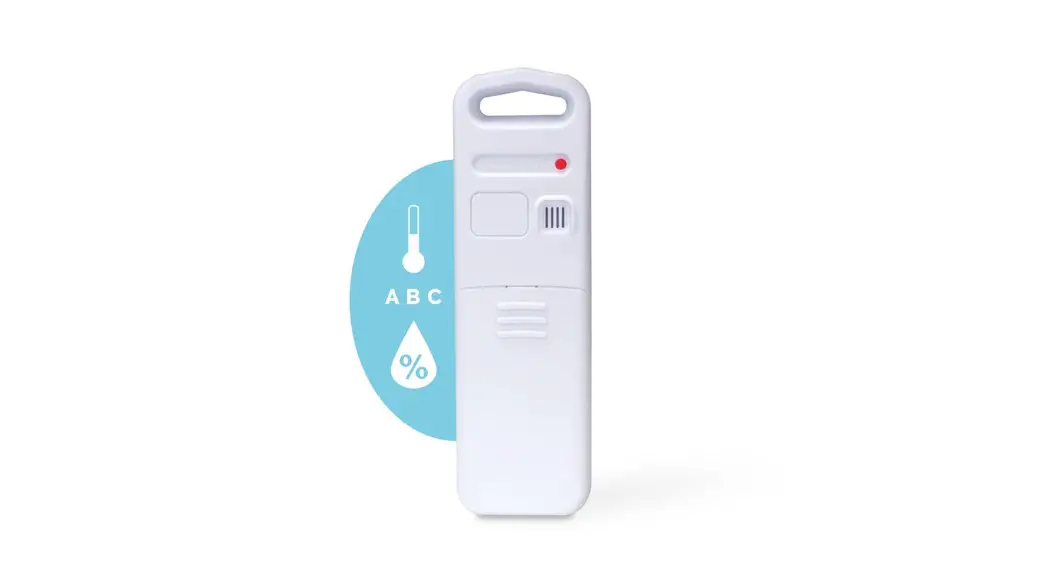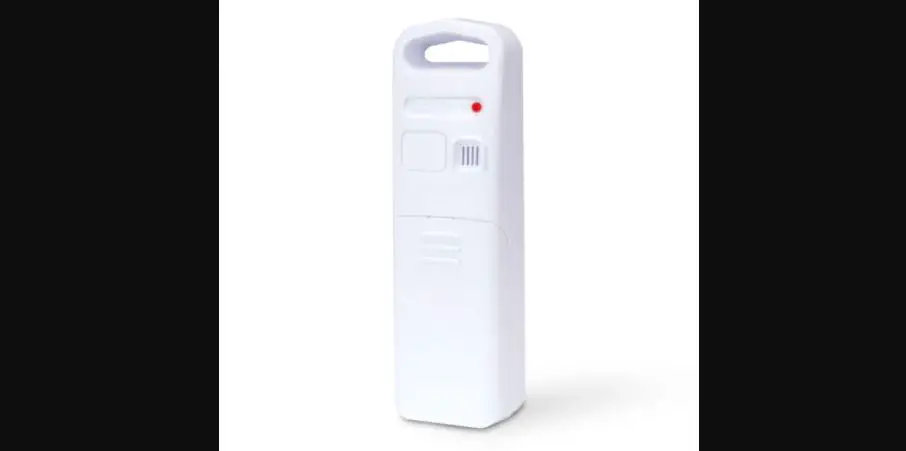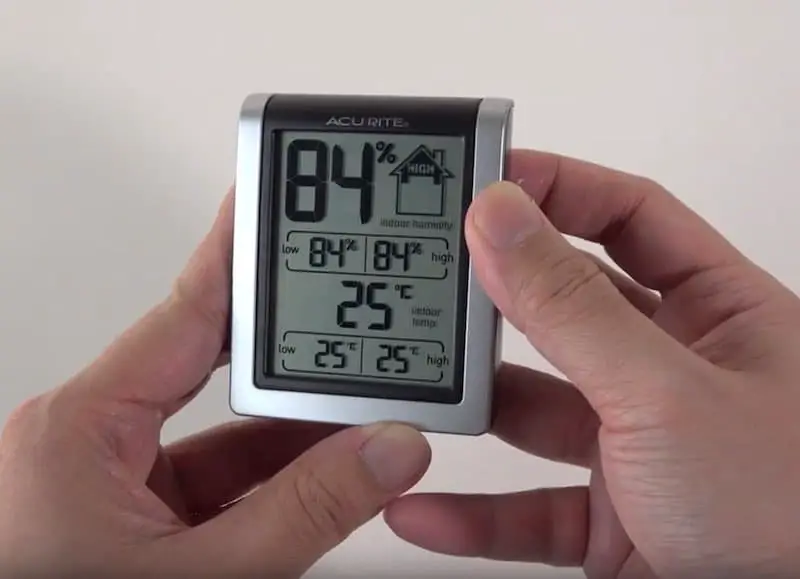

AcuRite 01094M IndoorOutdoor Sensors
Specifications
- BRAND: AcuRite
- ITEM DIMENSIONS LXWXH:5 x 1.3 x 5.4 inches
- POWER SOURCE: Battery Powered
- NUMBER OF BATTERIES: 9 AA batteries required.
- DISPLAY TYPE: LCD
- POWER SOURCE: Battery Powered
- COLOR: White
- STYLE: 3 Outdoor
- PRODUCT DIMENSIONS:5 x 1.3 x 5.4 inches
- ITEM WEIGHT:2 pounds
Introduction
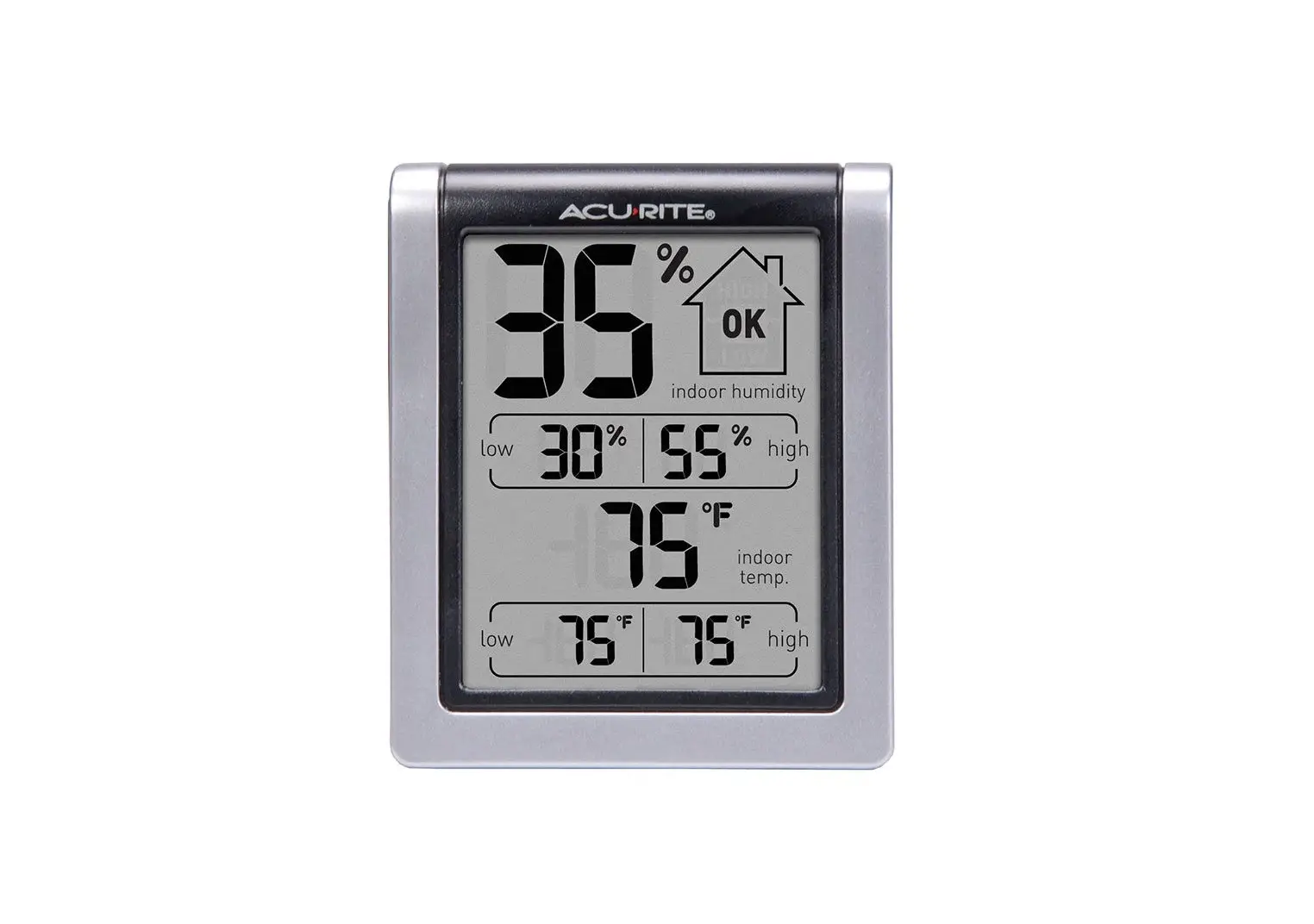
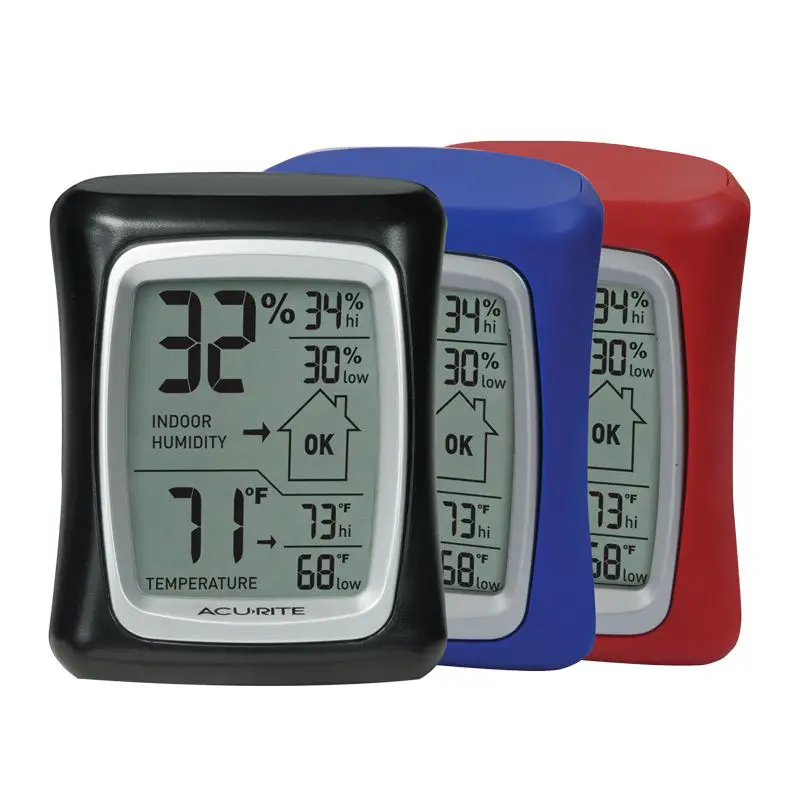
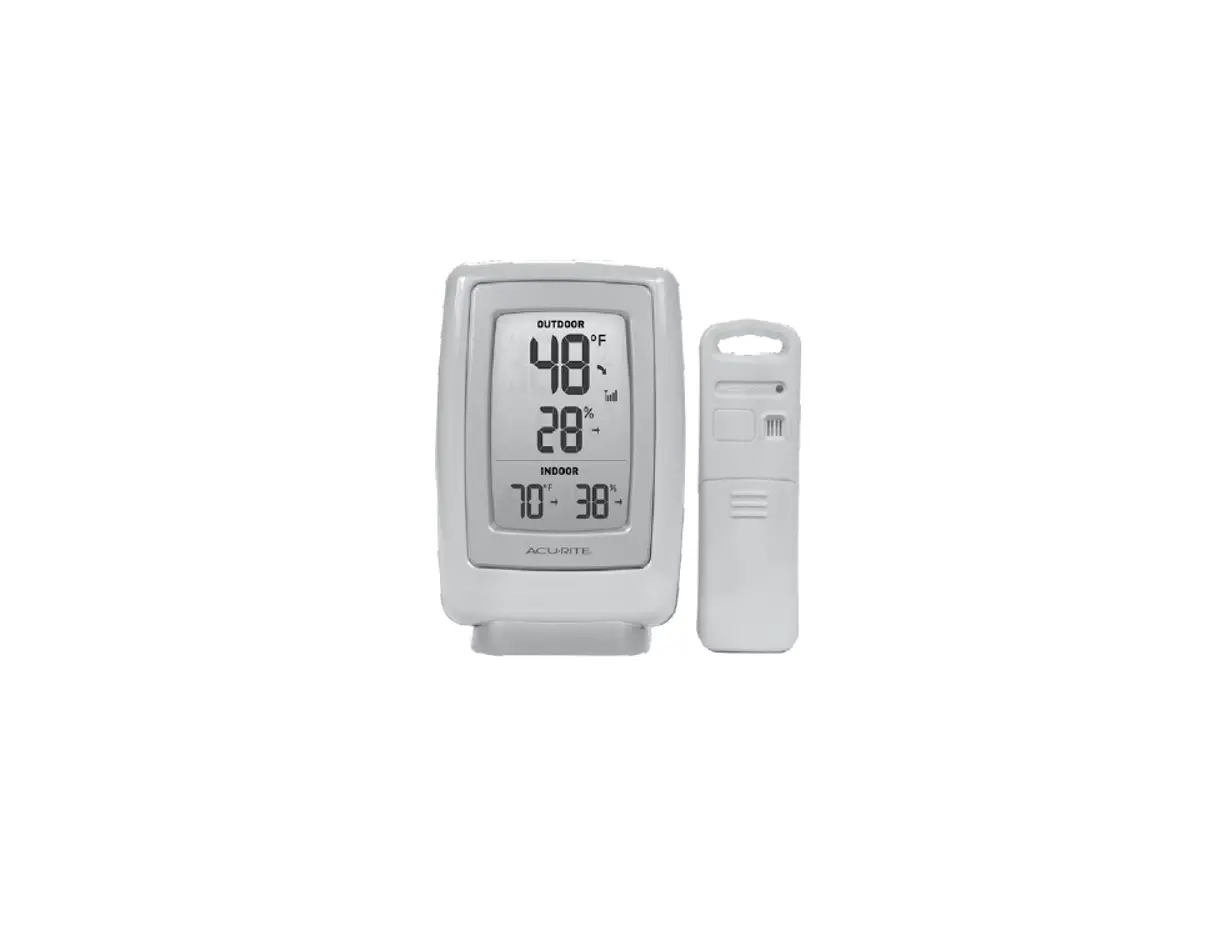
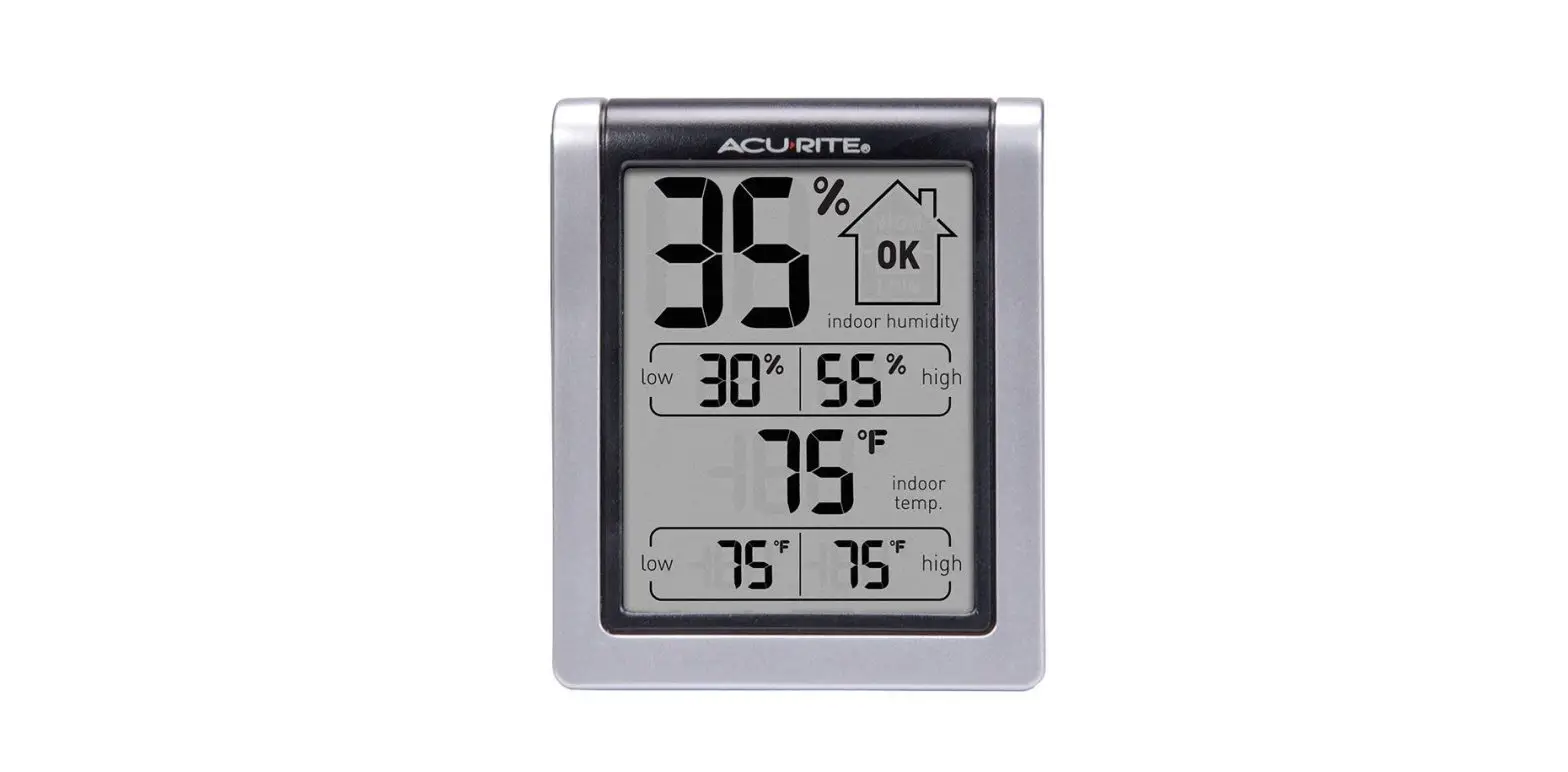
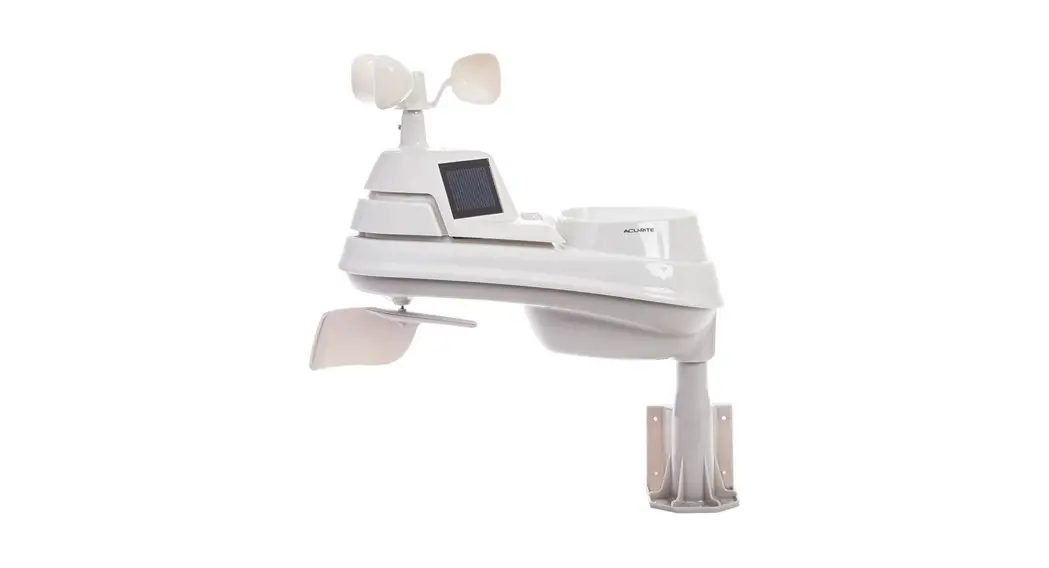
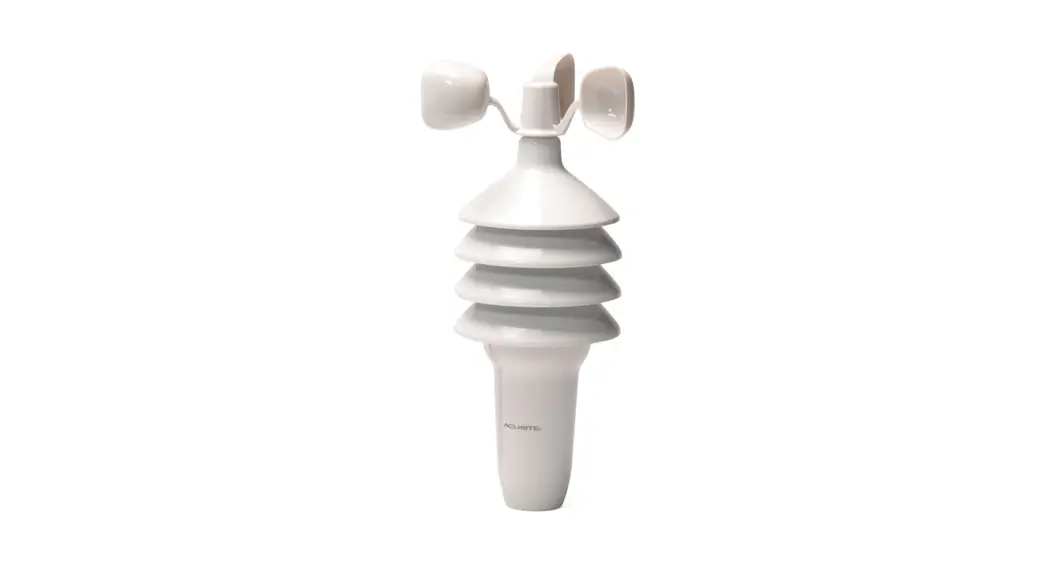
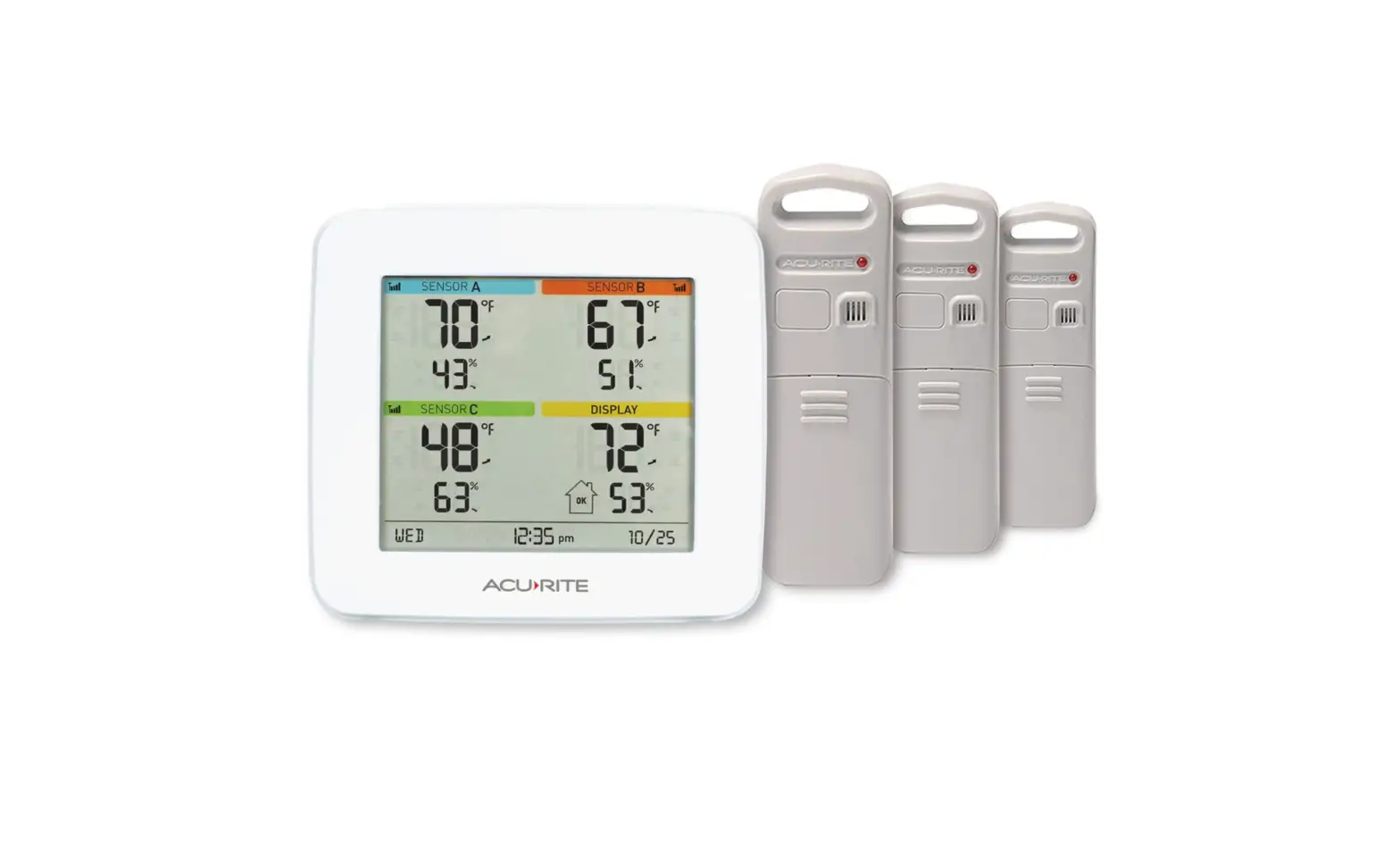
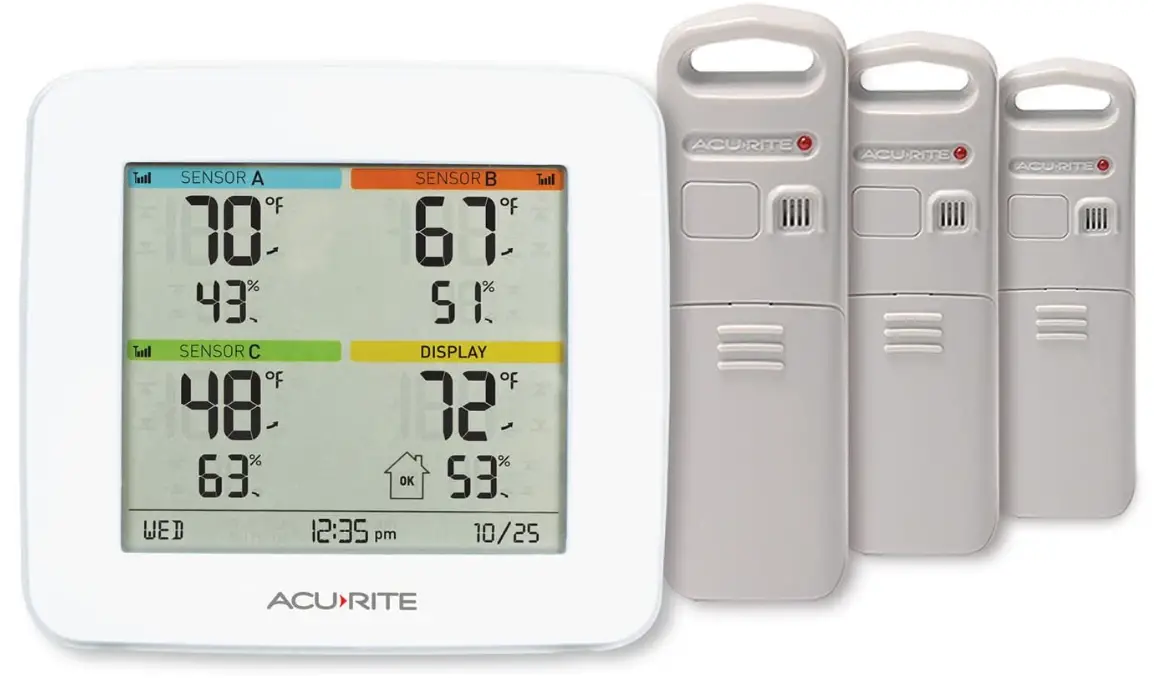
Keep up with how the environment is influencing the places and things that are important to you. You can precisely monitor the temperature and humidity in four locations inside and outside of your home with an AcuRite indoor & outdoor multi-sensor station with 3 sensors. You may benefit from trustworthy, actionable Information empowering you to maintain the safety and top condition of your house thanks to its vast array of features and functionalities. Just connect the three wireless sensors that are provided to the digital display. A digital thermometer and hygrometer are integrated into each weather-resistant temperature and humidity sensor to precisely and accurately detect environmental conditions indoors or outside. On a digital panel that is simple to read, all environmental conditions are simply displayed. includes temperature and humidity high and low records for each day.
Alarms that alert you when conditions go outside of your preset ranges are simple to set up. Powered by three AA alkaline batteries, the display (not included). 2 AA alkaline or lithium batteries power each sensor (not included). AcuRite guarantees accuracy beyond reproach.
HOW TO SETUP
To enter SET MODE, press the “” button on the display unit’s back. The preference you are presently setting will blink on the display once you are in set mode. Press and hold the “UPWARD” or “DOWNWARD” buttons to modify the currently chosen (flashing) item (press and HOLD to fast adjust).
HOW TO PAIR
- Choose from the tab or navigation bar (Settings menu).
- opt for Manage Devices.
- Choose the name of the Connection Device that will be used to connect the sensor.
- Choose the sensor name from the list of available sensors.
- Set the sensor’s parameters.
- Choose Save.
HOW TO CHANGE ACURITE THERMOMETER TO FAHRENHEIT
You can switch between Fahrenheit (oF) and Celsius (oC) units in the SET MODE if your device lacks an oC/oF button or switch. Press and hold the “gear” or “SET” button for 10 seconds to activate the SET MODE. Up until the flashing oC or oF appears next to the temperature reading, press and hold the “gear” or “SET” button.
HOW TO CHANGE BATTERY
- Slide back the cover over the battery compartment.
- As indicated, place 2 AA batteries in the battery compartment. The battery compartment’s polarity (+/-) schematic should be followed.
- Put a new battery cover on.
HOW TO RESET
- Remove the power cord and/or all batteries from the sensor and display unit before turning them both off.
- If necessary, move the A-B-C switches on both devices to a fresh, matching channel before pressing and holding the reset button for 20 seconds.
- The outdoor sensor’s batteries should be replaced.
Frequently Asked Questions
According to Acurite (the manufacturer), it is accurate to +/- 2F. The precision depends on the display, which is separate from this sensor. Most (if not all) Acurite displays only show whole numbers for temperature (e.g. 32F vs 32.6F). Further looking shows that the accuracy varies by temperature (this is normal for most measurements, even the most accurate ones).
This display and the sensors all run on batteries alone, they do not have an adapter option. If you have any other questions, please contact the AcuRite Loyalty Team at 262-729-4852, we are happy to assist you.
We recommend using high-quality, standard, alkaline batteries. When using these batteries you can expect to get 1.5-2 years of battery life in most units.
I believe the manufacturer states 100m or approximately 300ft. My indoor sensor works great and my distance between my two buildings is 75-100 ft. I would guess that the outdoor sensor would have similar results.
Yes you can. Each sensor has a couple buttons under the cover. Each button corresponds to a sensor. Each sensor is displayed as 1,2,3 and an IN temp which is the temp of the room the display is located. I use them in 3 separate grow tents.
No. It is wireless but it doesn’t use your home’s WIFI.
I own a house next door with two apartments and one shared laundry room. I pay utilities so to keep a handle on the utilities all year, I have one remote in each apt and one in the laundry room.
I haven’t set my alarm limits on my unit yet. I’ll try it today. I’m sure the Bluetooth version, would be loud enough for you. You can increase the volume on your phone.
The Acurite 01094M will monitor 3 remote sensors up to 133′ away from the console, and 1 in the console.
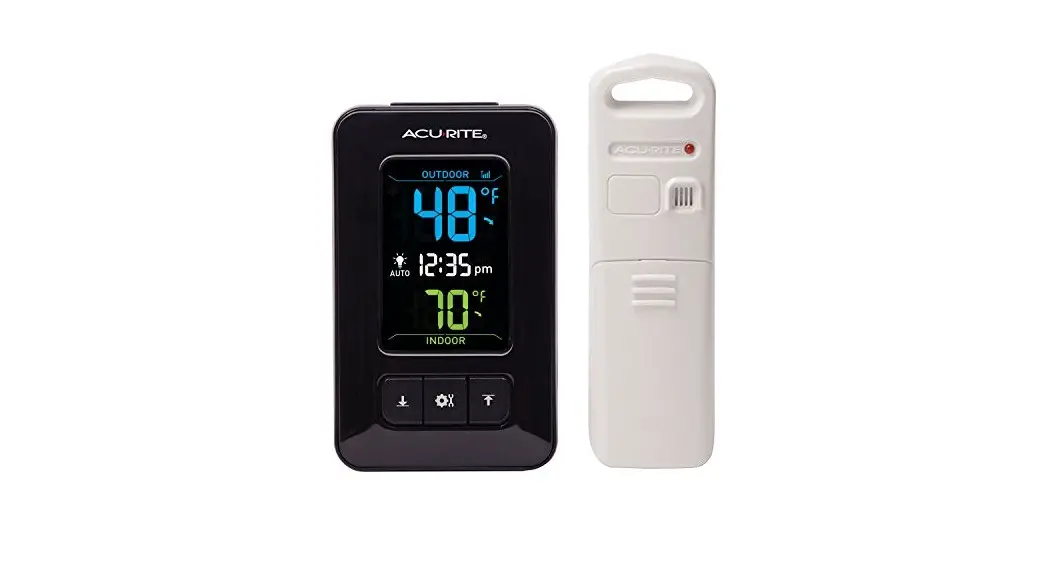
My unit has three remote sensors, and all of them display on the inside unit. The “inside” temperature is the lower right corner.
Minimum of zero, maximum of three. The base unit displays three sensor readings all the time – no need to push a button the cycle through the sensors. A button press displays MAX, MIN, and Current temperatures of base and sensors.
The sensor’s temperature range is -4 to 158 degrees Fahrenheit; -20 to 70 degrees Celsius.
My friend there must be a safer way to ensure your oven doesn’t break. I’m not sure this is the best application for this product.
Yes, you can use two displays with the same three sensors. If you have any other questions, please contact the AcuRite Support Team at 262-729-4852, we are happy to assist you.
My Master Unit is in the upstairs master bedroom. Sensor #1 is on upstairs landing, through a wall 30′ away, Sensor#2 is downstairs, (20′) directly under the Master with floor/ceiling between them. Sensor #3 is outdoors on patio, 30′ and one stucco wall away from Master. All receive signal.