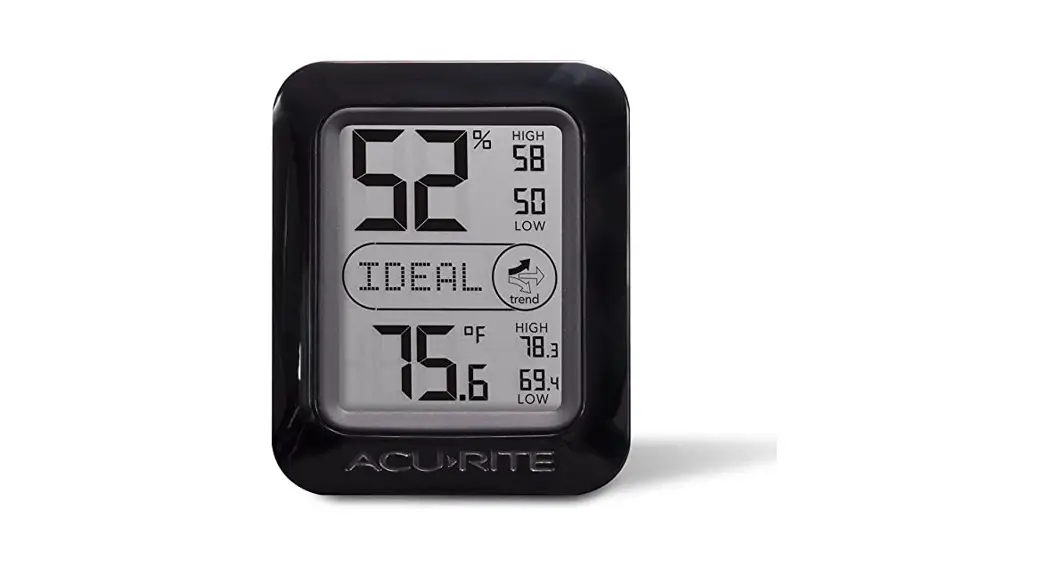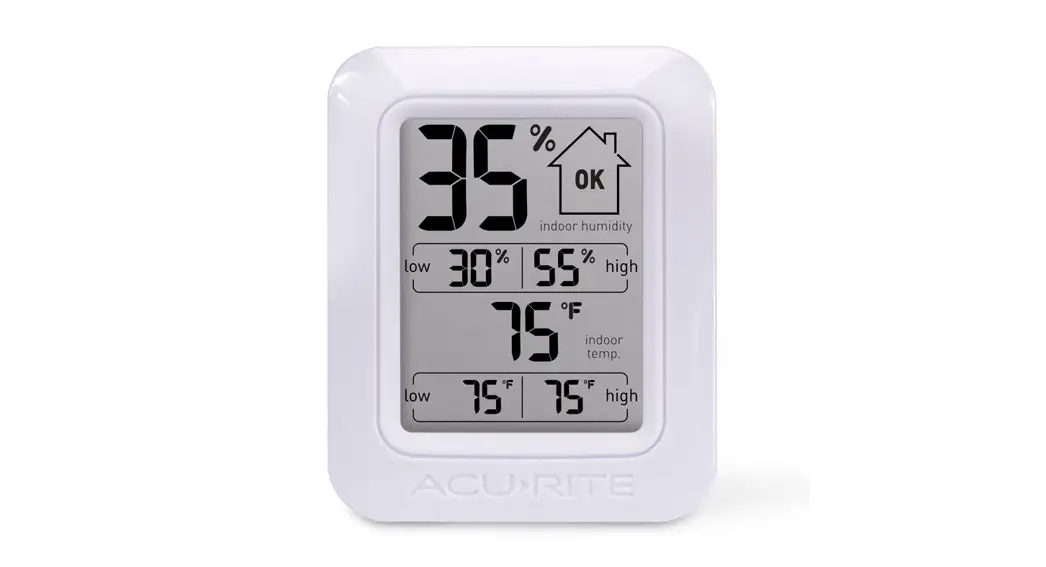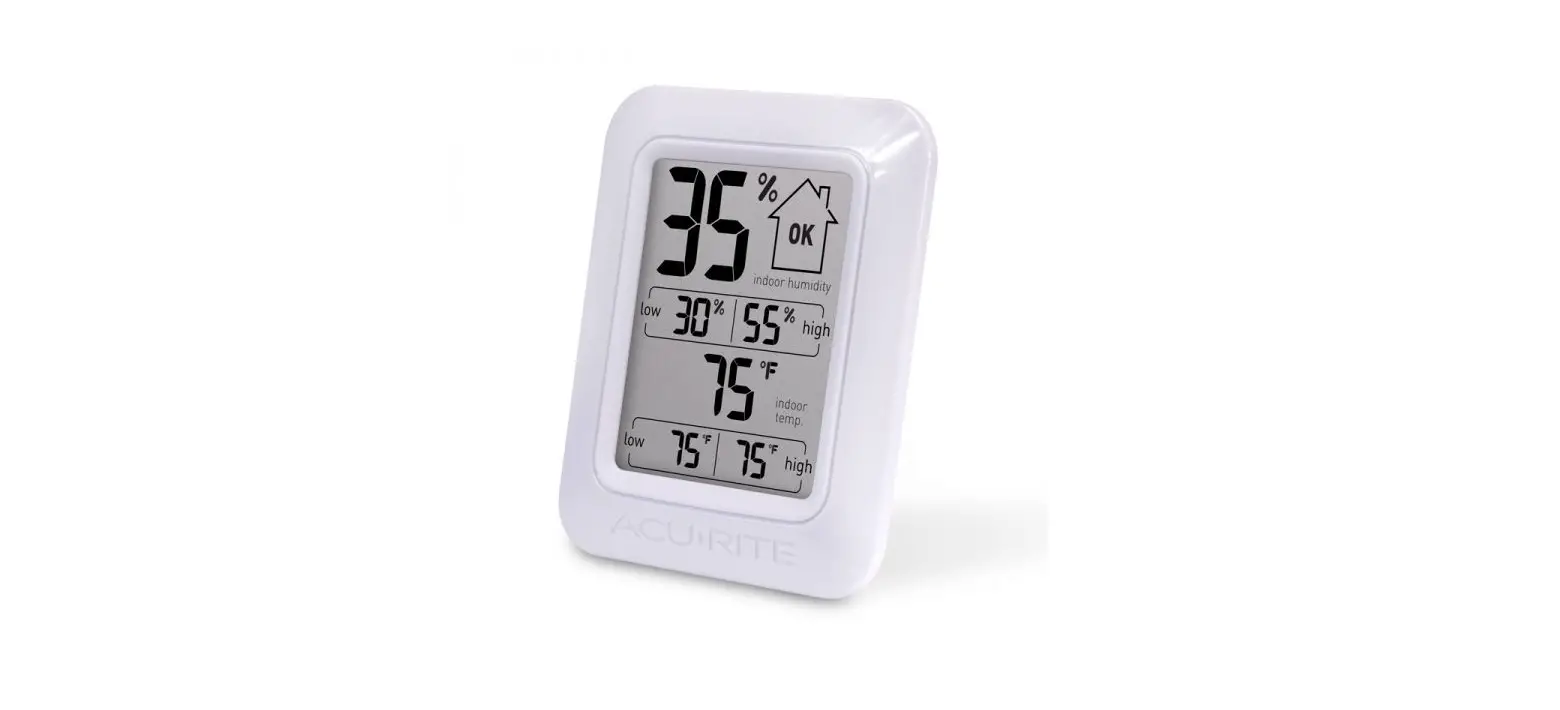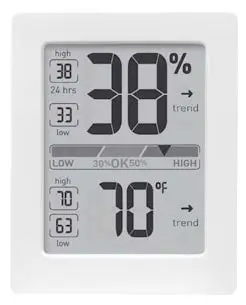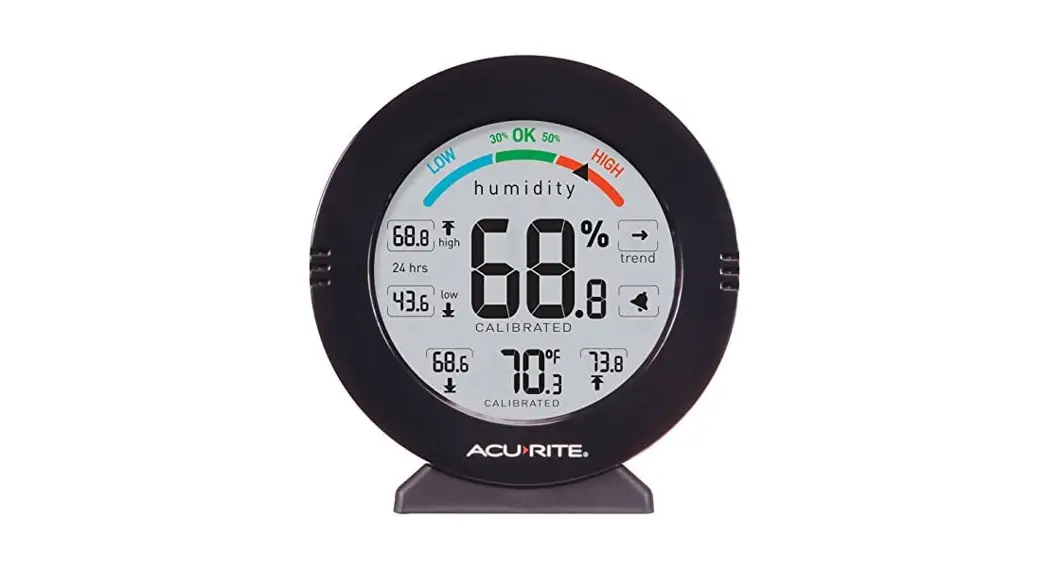

Instruction Manual
Humidity Monitor
model 01080
Features & Benefits
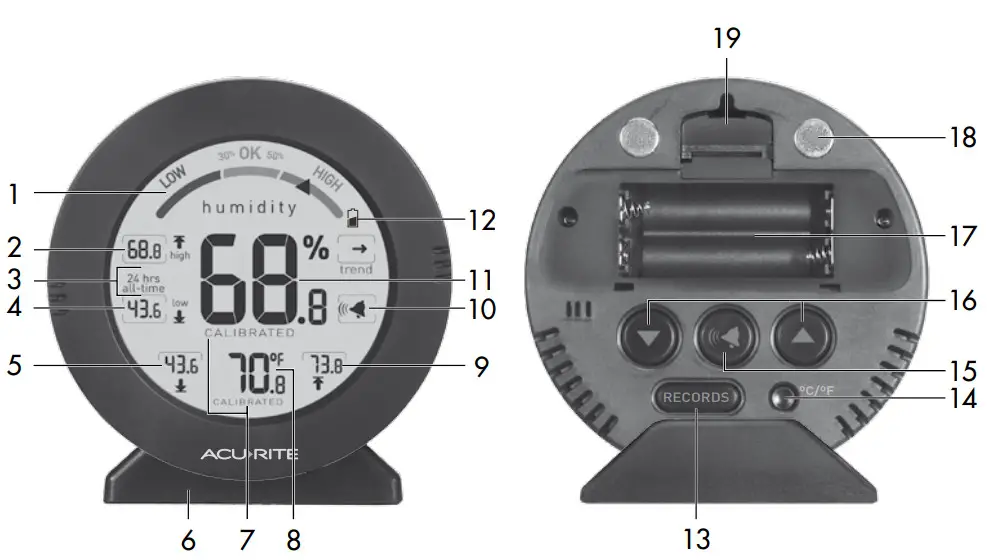
FRONT
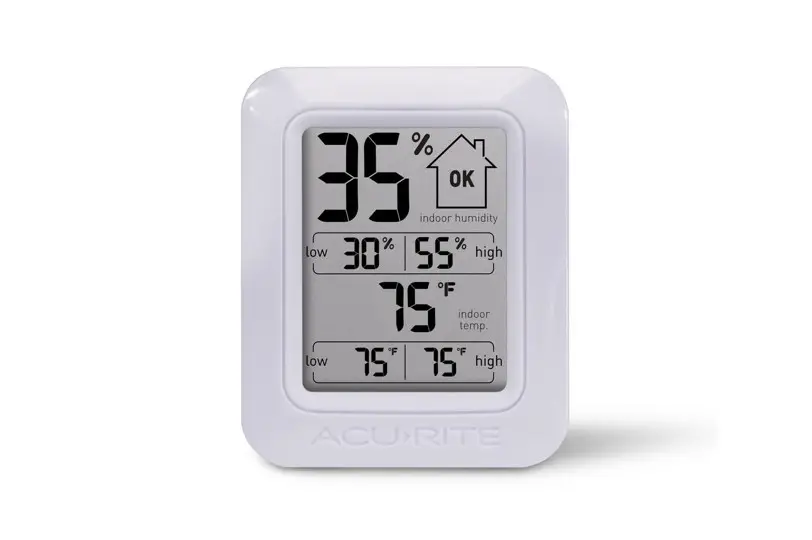
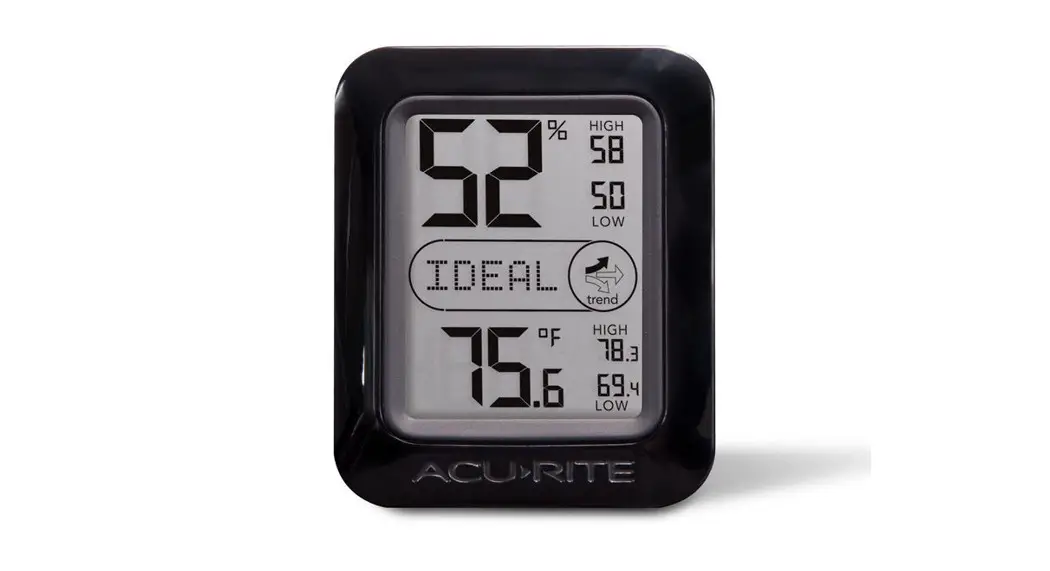
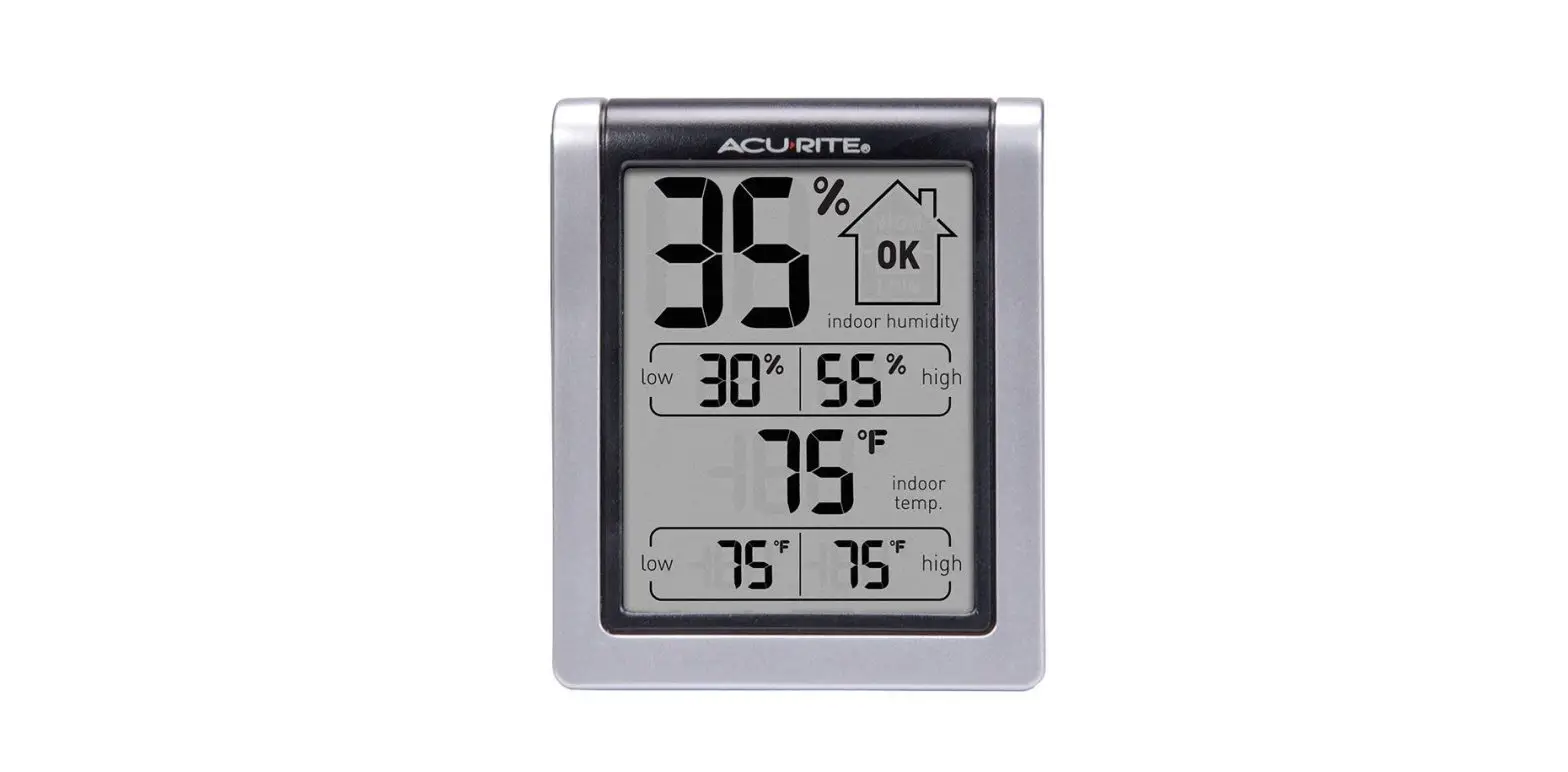
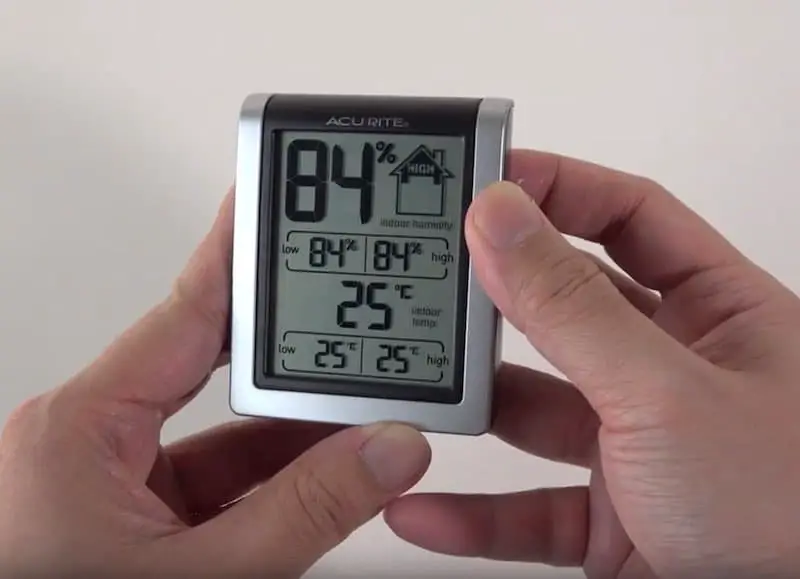
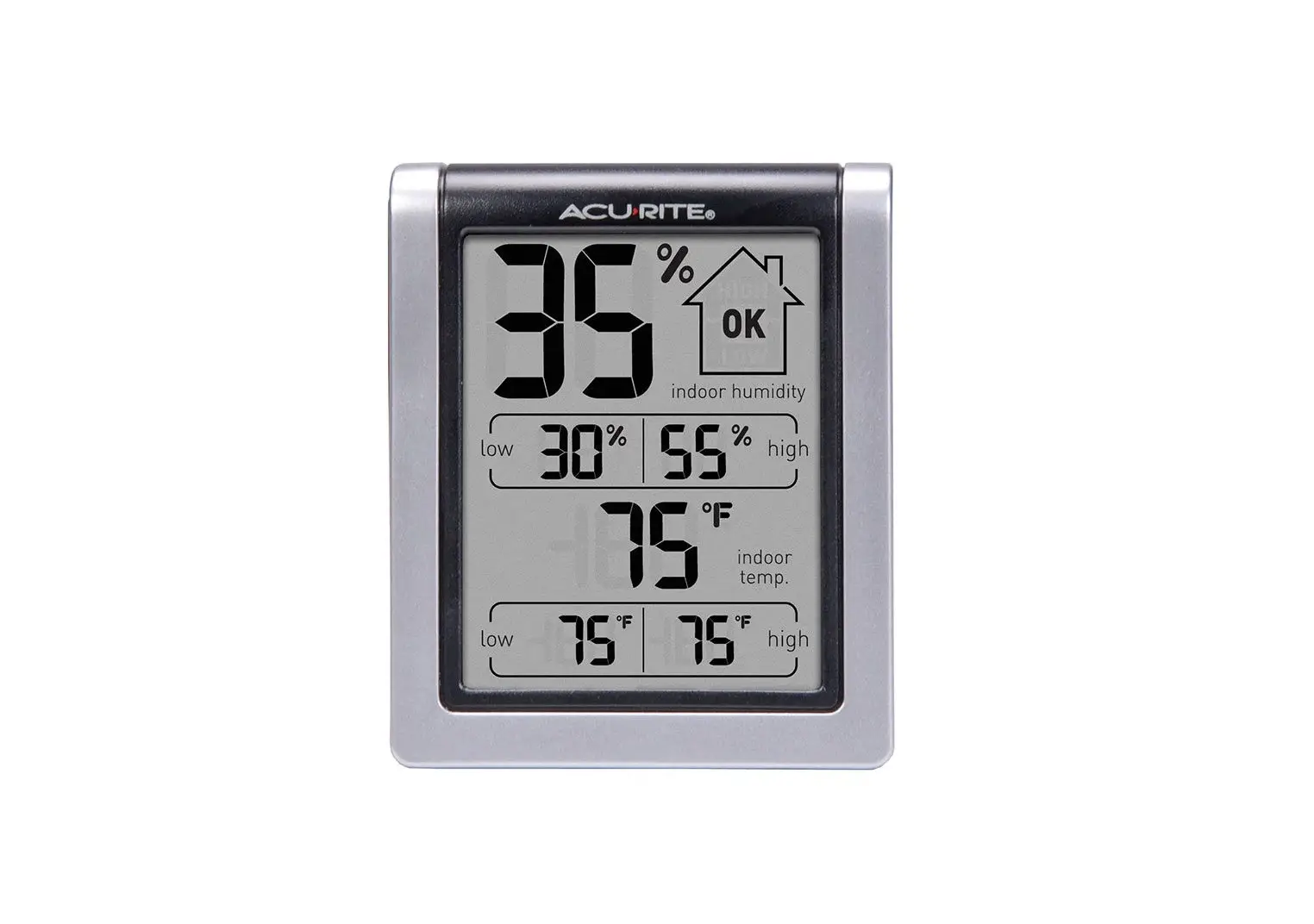
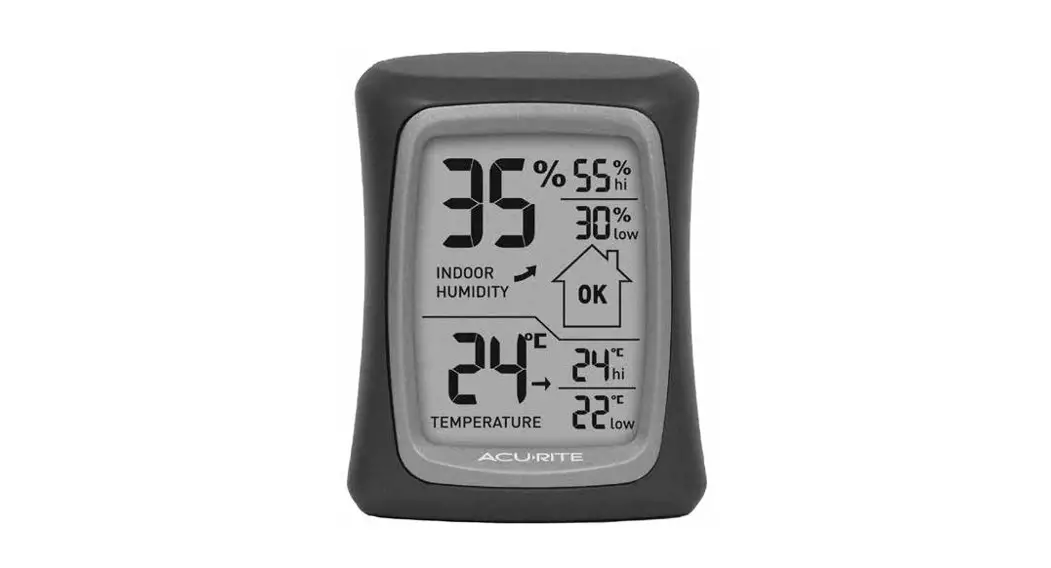
- Humidity Level Indicator
Indicates a high, low, or ideal humidity comfort level. - High Humidity Record
The highest humidity was recorded for #3. - Record Timespan
Indicates viewing records for last
24 hours or all-time. - Low Humidity Record
Lowest humidity was recorded for #3. - Low-Temperature Record
Lowest temperature was recorded for #3. - Removable Tabletop Stand
- CALIBRATED Indicator
Displays under calibrated values. - Current Temperature
- High-Temperature Record
The highest temperature was recorded for #3.  Alarm ON Indicator
Indicates alarm is activated to emit an audible alert when conditions exceed your presets (see page 4).- Current Humidity
The arrow icon indicates direction
humidity is trending. - Low Battery Indicator
BACK - RECORDS Button
For toggling records being shown (#3). - °C/°F Button
For selecting temperature units. - Button
For alarm setup.  &
& Buttons
For calibration and enabling humidity
range view.- Battery Compartment
- Magnetic Backing
- Integrated Hang Hole
For easy wall placement. - Battery Compartment Cover
(not shown)
SETUP
Remove the protective film that is applied to the LCD screen prior to using this product. Locate the tab and peel it off to remove it.
Install or Replace Batteries
Batteries must be installed for this product to operate. AcuRite recommends high-quality alkaline batteries for the best product performance. Heavy duty or rechargeable batteries are not recommended.
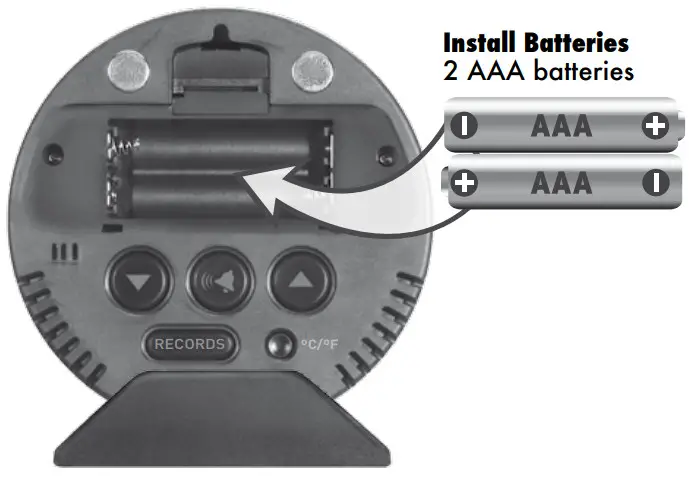
- Slide off the battery compartment cover.
- Insert 2 x AAA batteries into the battery compartment, as shown.
Follow the polarity (+/-) diagram in the battery compartment, as shown. - Replace the battery cover.
Select Degrees Fahrenheit or Celsius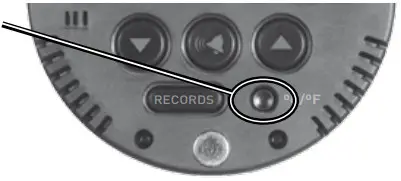
To select between degrees Fahrenheit (ºF) or Celsius (ºC) temperature units, press the “ºC/ºF” button located on the back of the display.
Placement for Maximum Accuracy
AcuRite product sensors are sensitive to surrounding environmental conditions.
Placement in a proper location is critical to the accuracy and performance of this product. Place the monitor in a dry area free of dirt and dust. To ensure accurate temperature measurement, place monitor, out of direct sunlight and away from any heat source or vents. To ensure accurate humidity measurement, place monitor, away from humidity sources.
The monitor features magnetic backing to mount the display on metal surfaces.
Note: Remove the tabletop stand before mounting the display.
 PLEASE DISPOSE OF OLD OR DEFECTIVE BATTERIES IN AN ENVIRONMENTALLY SAFE WAY AND IN ACCORDANCE WITH YOUR LOCAL LAWS AND REGULATIONS.
BATTERY SAFETY: Clean the battery contacts and also those of the device prior to battery installation. Remove batteries from equipment that is not to be used for an extended period of time. Follow the polarity (+/-) diagram in the battery compartment. Promptly remove dead batteries from the device. Dispose of used batteries properly. Only batteries of the same or equivalent type as recommended are to be used. DO NOT incinerate used batteries. DO NOT dispose of batteries in fire, as batteries may explode or leak. DO NOT mix old and new batteries or types of batteries (alkaline/standard). DO NOT use rechargeable batteries. DO NOT recharge non-rechargeable batteries. DO NOT short-circuit the supply terminals.
OPERATION
Using the Humidity Monitor
Humidity Level Indicator
The Humidity Level Indicator easily conveys a low, high or ideal indoor
humidity level for your home and health:
Learn more at http://www.acurite.com/humidity-health
High & Low Records
High and low records are displayed for temperature and humidity. 24-hour records automatically clear every 24 hours since the batteries were installed. All-time records are the maximum and minimum readings recorded since the batteries were installed. To toggle between the records being shown, press and release the “RECORDS” button.
The Humidity Level Indicator also displays the high and low humidity range over the past 24 hours. Press and release the “ ” or “
  ” buttons to enable the humidity range view.
To manually clear the records currently being viewed, press and HOLD the “RECORDS” button for 3-5 seconds. Dashes display to confirm you have cleared the records.
Calibration
The temperature and humidity readings can be calibrated on the display to improve accuracy. Calibration can improve accuracy when product placement or environmental factors impact your data accuracy.
- To access calibration mode, press AND HOLD the “ “and “ “ buttons simultaneously for at least 5 seconds.
- To adjust the currently selected item, press and release the “ “ or “ “ buttons to calibrate the data value higher or lower from the actual reading.
- To save your adjustments, press and release the “RECORDS“ button to adjust the next reading. The CALIBRATED indicator will remain under the calibrated values.
After 12-15 seconds of inactivity, the display will save the adjustments and exit calibration mode. Note: Calibrations will be erased if the batteries are removed.
Set up an Alarm
- To enter alarm SET MODE, press and release the “ ” button until “
 ” flashes. A moment later, the current HIGH alarm value will flash.
 - Press and release the “ “ or “ “ buttons to adjust the alarm’s HIGH value.
- Press and release the “ ” button. The current LOW alarm value will be shown.
- Press and release the “ “ or “ “ buttons to adjust the alarm’s LOW value.
- Press and release the “” button to end alarm adjustments.
 ” flashes. A moment later, the current HIGH alarm value will flash.
Disable an Alarm
Press and release the “  ” button until “
 ”is shown. You will automatically exit the alarm SET MODE if no buttons are pressed for 10 seconds. Enter alarm SET MODE at any time by pressing the “ ” button.
Specifications
| TEMPERATURE RANGE | -4°F to 158°F; -20°C to 70°C |
| HUMIDITY RANGE | 1% – 99% RH (relative humidity) |
| POWER | 2 x AAA batteries |
FCC Information
This device complies with part 15 of FCC rules. Operation is subject to the following two conditions:
- This device may NOT cause harmful interference, and
- This device must accept any interference received, including interference that may cause undesired operation.
WARNING: Changes or modifications to this unit not expressly approved by the party responsible for compliance could void the
user’s authority to operate the equipment.
NOTE: This equipment has been tested and found to comply with the limits for a Class B digital device, pursuant to Part 15 of the FCC rules. These limits are designed to provide reasonable protection against harmful interference in a residential installation. This equipment generates, uses, and can radiate radio frequency energy and, if not installed and used in accordance with the instructions, may cause harmful interference to radio communications.
However, there is no guarantee that interference will not occur in a particular installation.
NOTE: The manufacturer is not responsible for any radio or TV interference caused by unauthorized modifications to this equipment. Such modifications could void the user’s authority to operate the equipment.
This device complies with Industry Canada licence-exempt RSS standard(s).
Customer Support
AcuRite customer support is committed to providing you with best-in-class service. For assistance, please have the model number of this
product available and contact us in any of the following ways:
 (877) 221-1252
Visit us at www.AcuRite.com
► Installation Videos
► Register your Product
► Instruction Manuals
► Support User Forum
► Replacement Parts
► Submit Feedback & Ideas
Limited 1 Year Warranty
AcuRite is a wholly-owned subsidiary of Chaney Instrument Company. For purchases of AcuRite products, AcuRite provides the benefits and services set forth herein. For purchases of Chaney products, Chaney provides the benefits and services set forth herein.
We warrant that all products we manufacture under this warranty are of good material and workmanship and, when properly installed and operated, will be free of defects for a period of one year from the date of purchase.
Any product which, under normal use and service, is proven to breach the warranty contained herein within ONE YEAR from date of sale will, upon examination by us, and at our sole option, be repaired or replaced by us. Transportation costs and charges for returned goods shall be paid for by the purchaser.
We hereby disclaim all responsibility for such transportation costs and charges. This warranty will not be breached, and we will give no credit for products that have received normal wear and tear not affecting the functionality of the product, been damaged (including by acts of nature), tampered, abused, improperly installed, or repaired or altered by others than our authorized representatives.
Remedy for breach of this warranty is limited to repair or replacement of the defective item(s). If we determine that repair or replacement is not feasible, we may, at our option, refund the amount of the original purchase price
THE ABOVE-DESCRIBED WARRANTY IS THE SOLE WARRANTY FOR THE PRODUCTS AND IS EXPRESSLY IN LIEU OF ALL OTHER WARRANTIES, EXPRESS OR IMPLIED. ALL OTHER WARRANTIES OTHER THAN THE EXPRESS WARRANTY SET FORTH HEREIN ARE HEREBY EXPRESSLY DISCLAIMED, INCLUDING WITHOUT LIMITATION THE IMPLIED WARRANTY OF MERCHANTABILITY AND THE IMPLIED WARRANTY OF FITNESS FOR A PARTICULAR
PURPOSE.
Applicability of Policy
It’s More than Accurate, it’s
AcuRite offers an extensive assortment of precision instruments, designed to provide you with information you can depend on to Plan your day with confidence™.|
www.AcuRite.com
Printed in China
01080 INST 051816
©Chaney Instrument Co. All rights reserved. AcuRite is a registered trademark of the Chaney Instrument Co., Lake Geneva, WI 53147. All other trademarks and copyrights are the property of their respective owners. AcuRite uses patented technology. Visit www.AcuRite.com/patents for details.
 AcuRite Weather Monitoring | #1 Weather Station Brand in North America