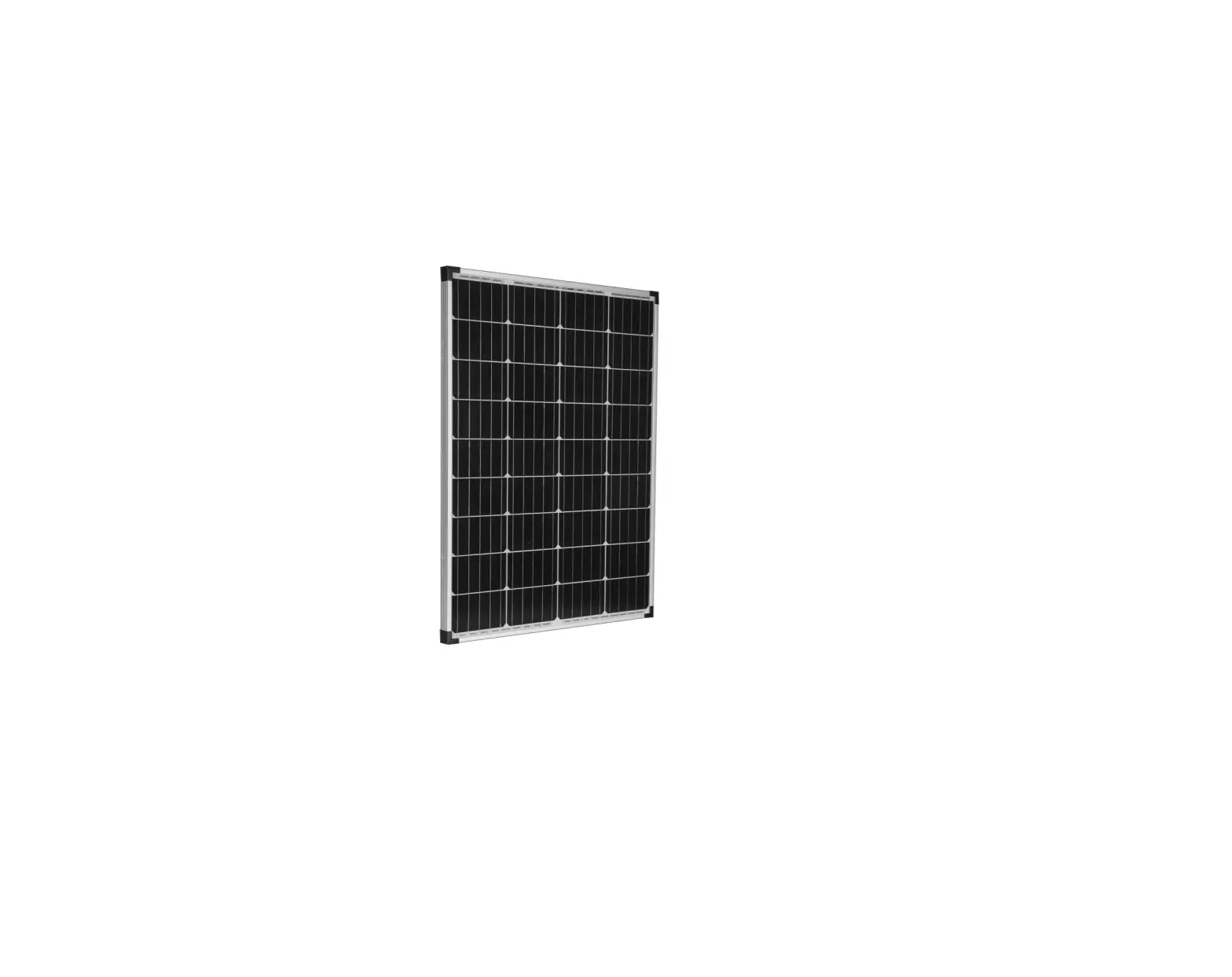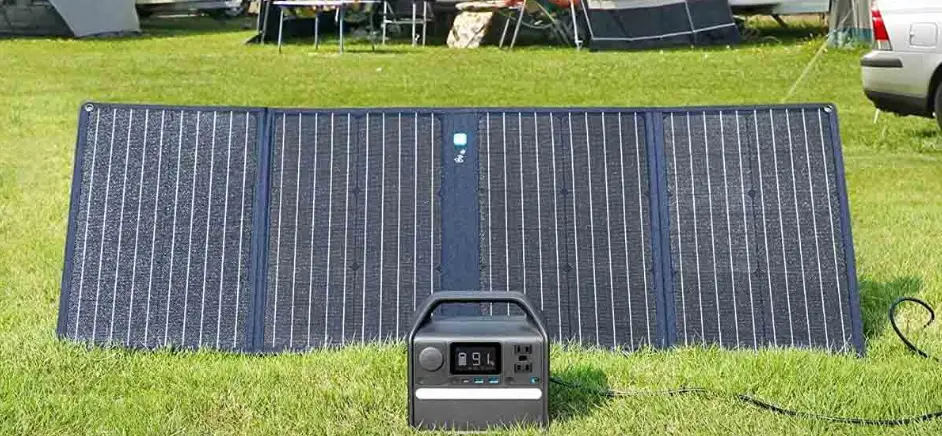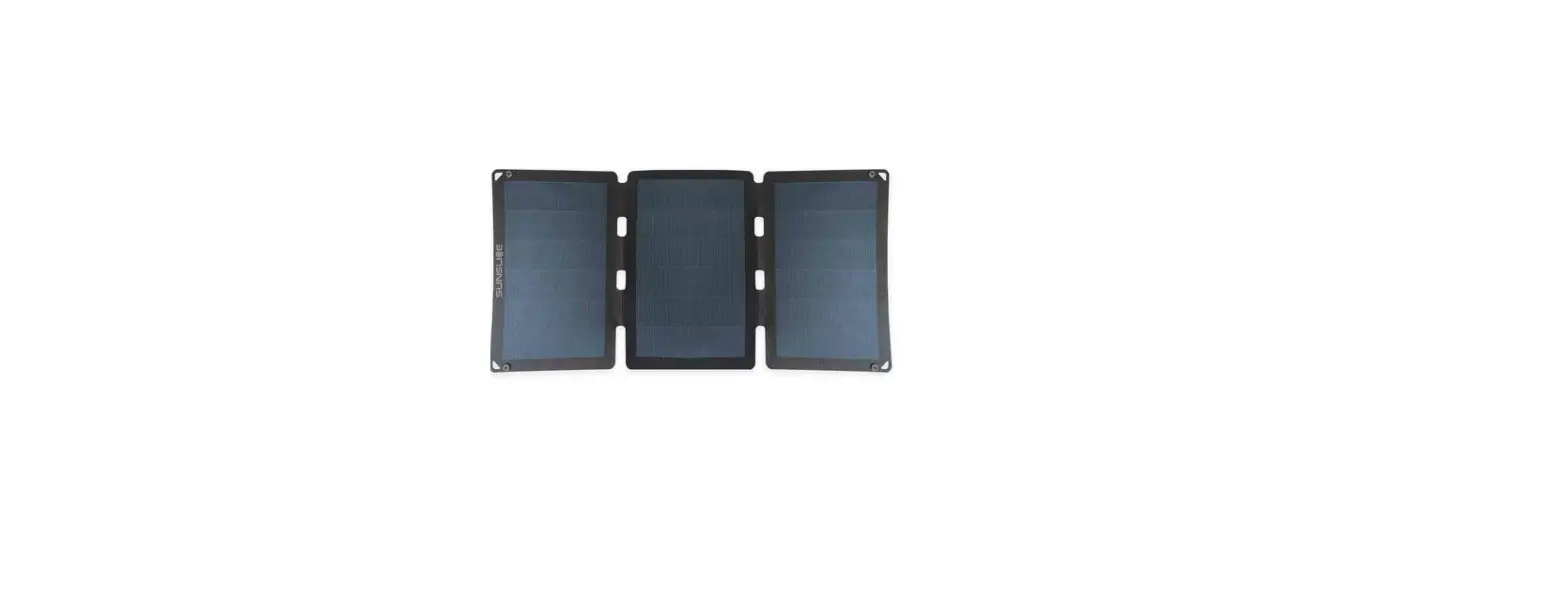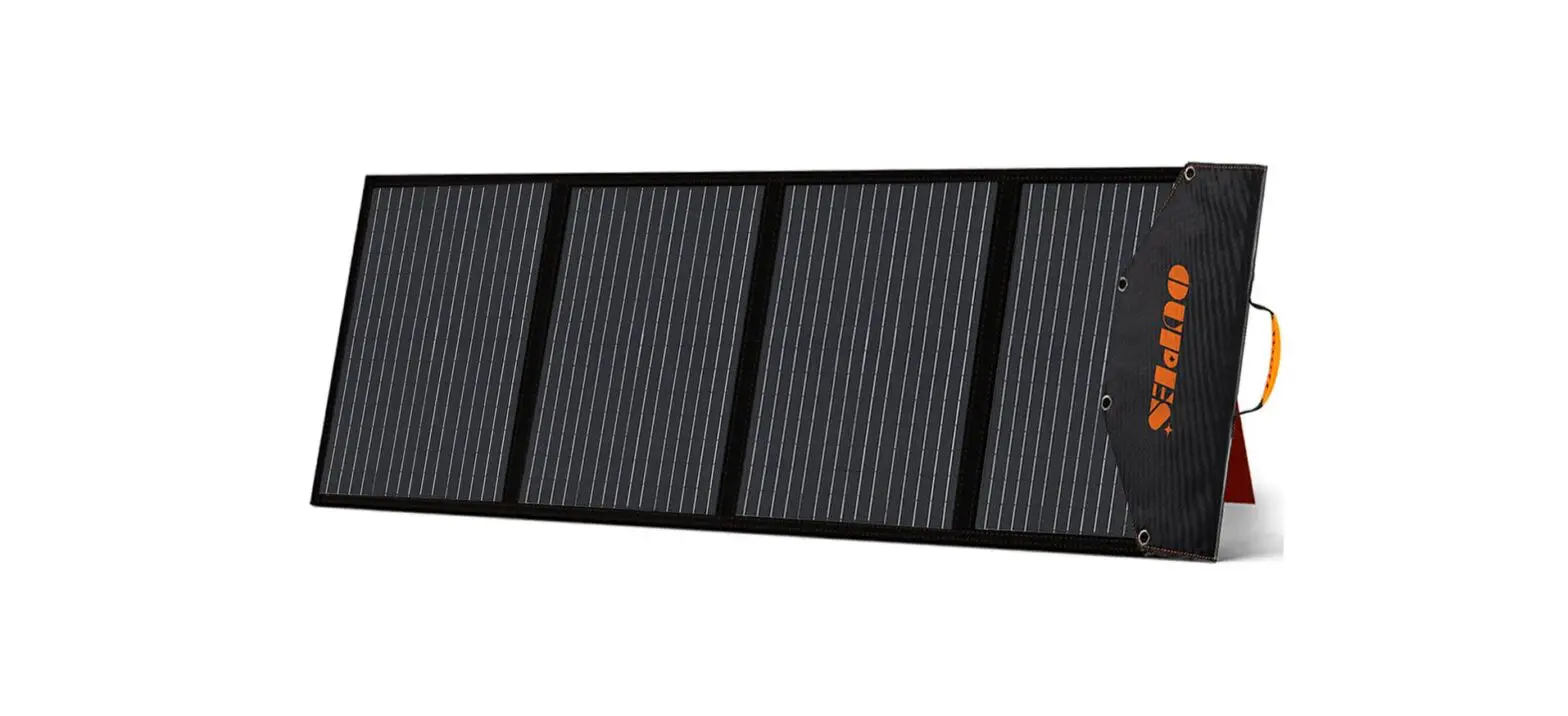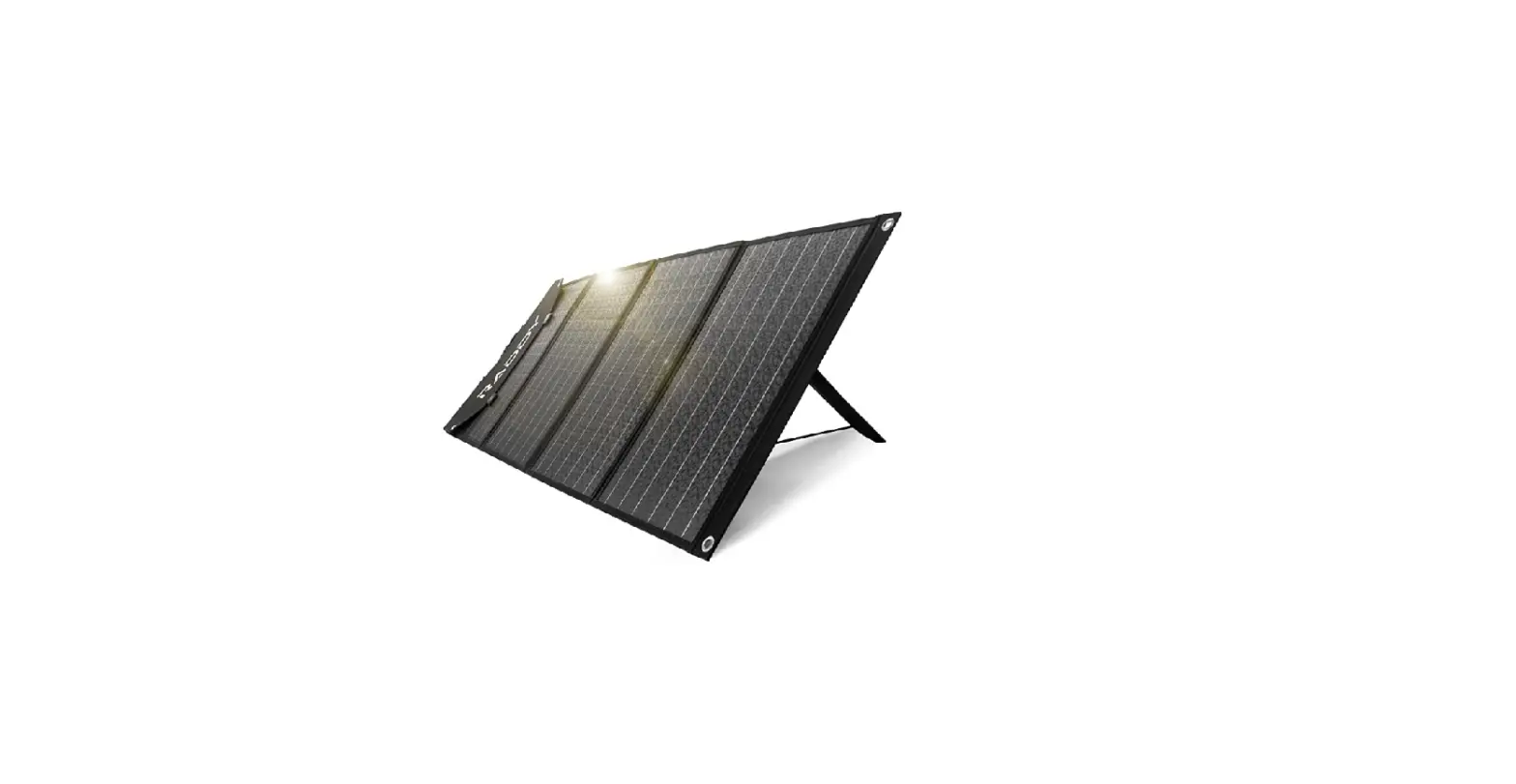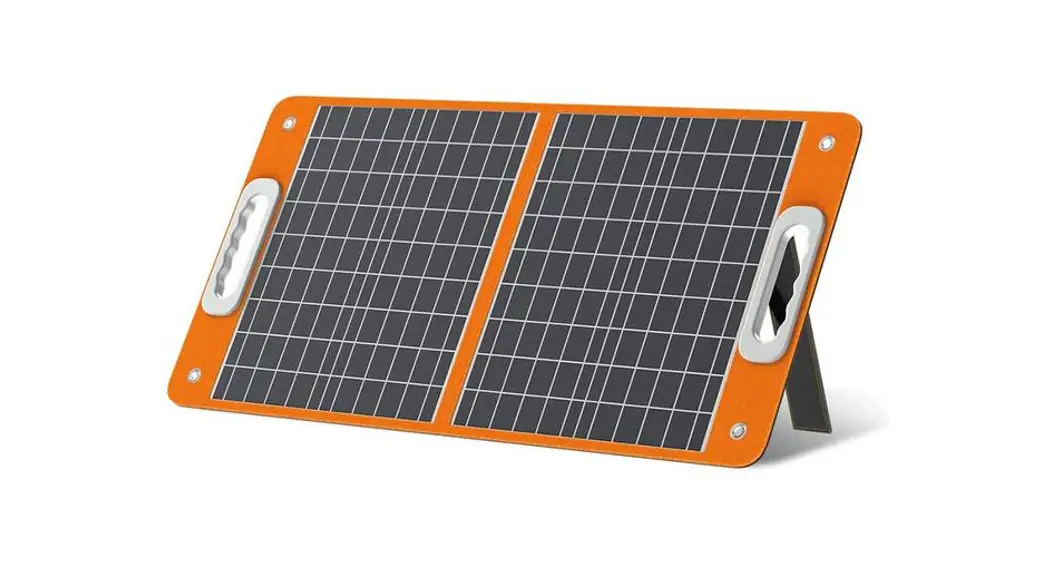

TSP18V60W
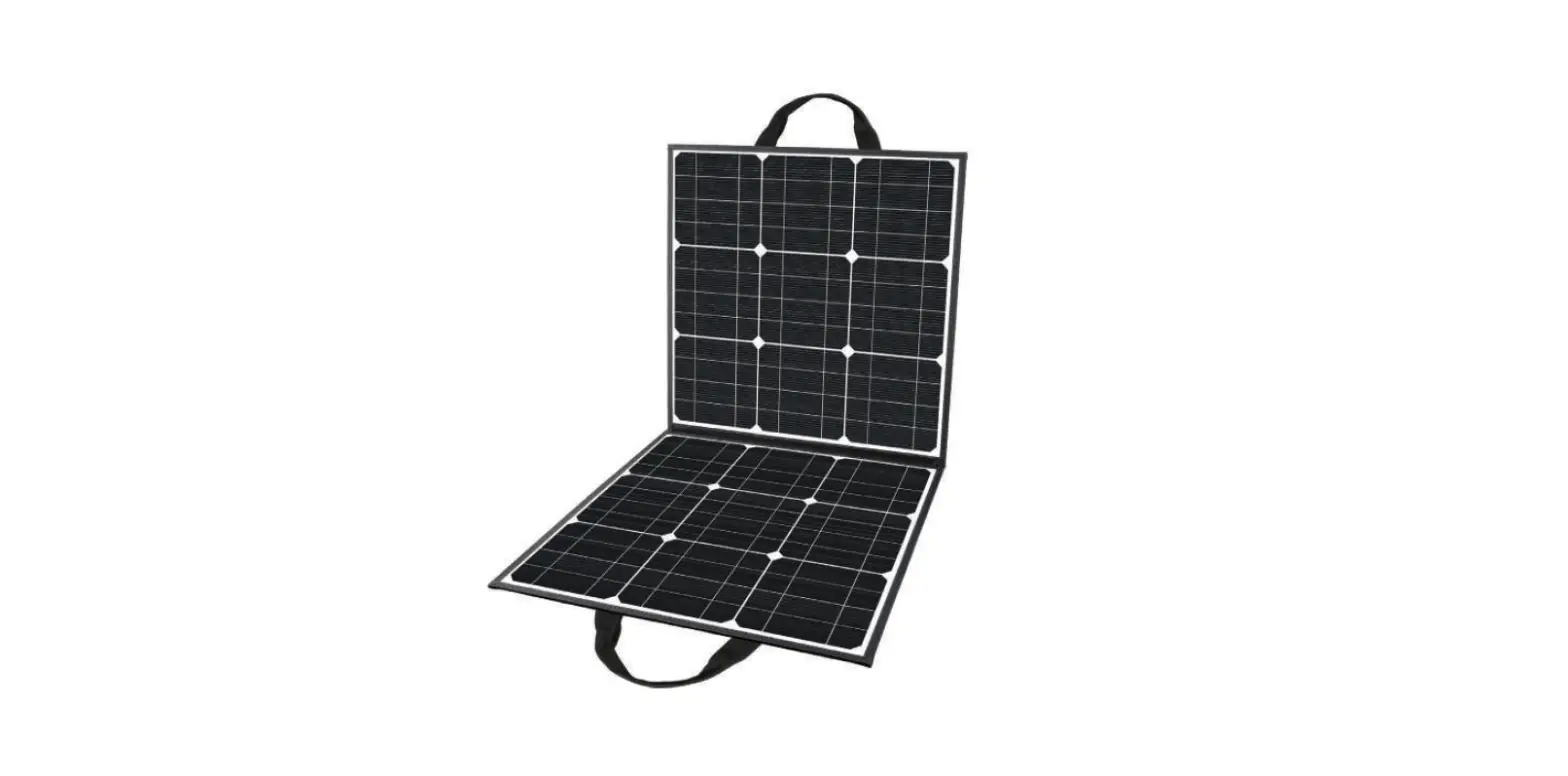
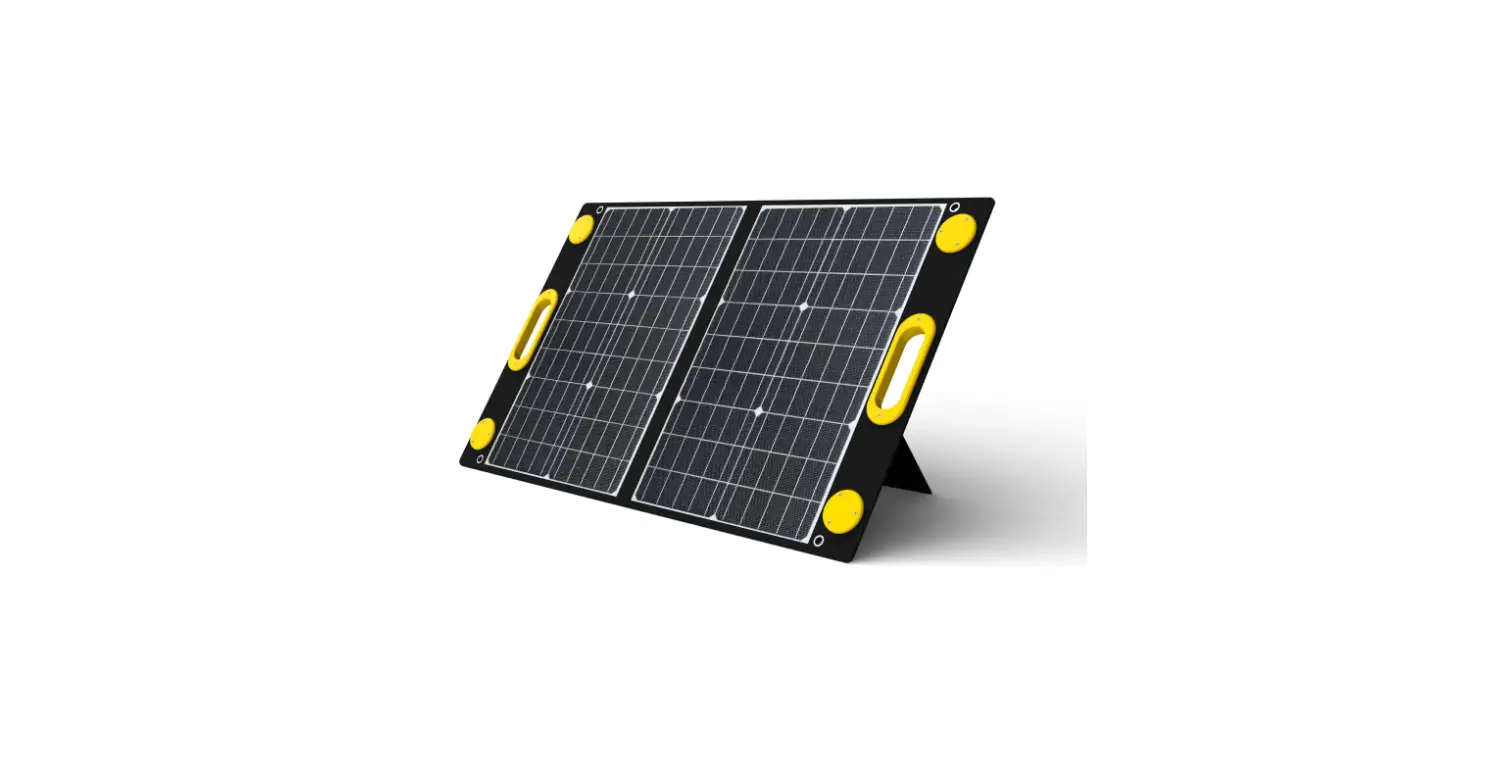
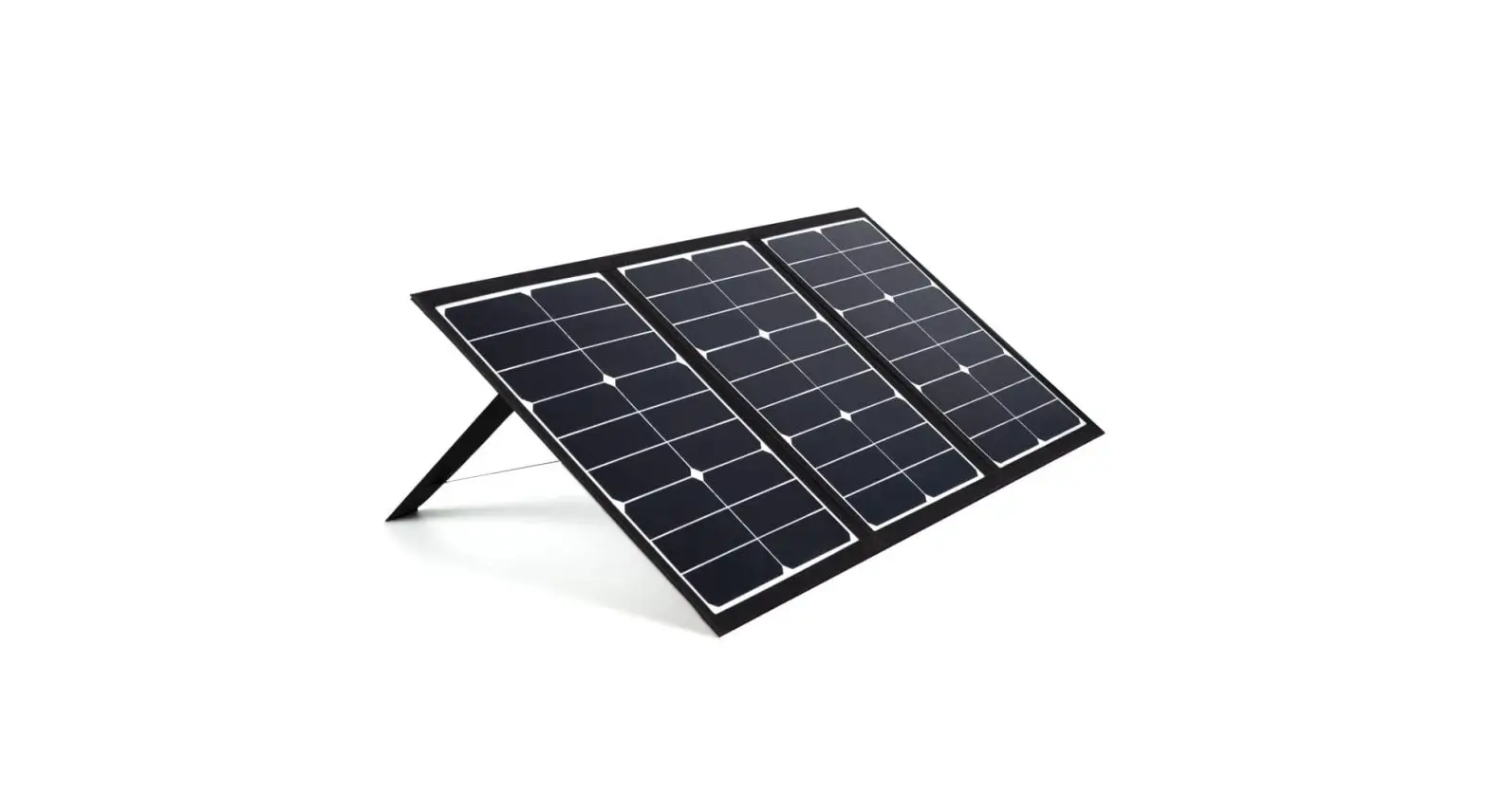
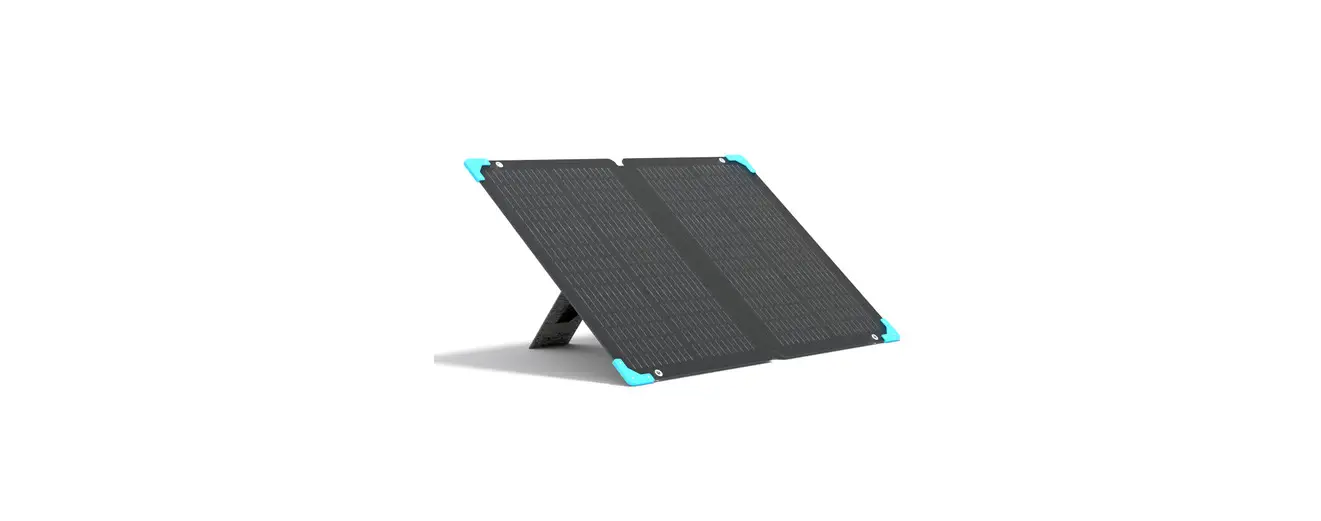
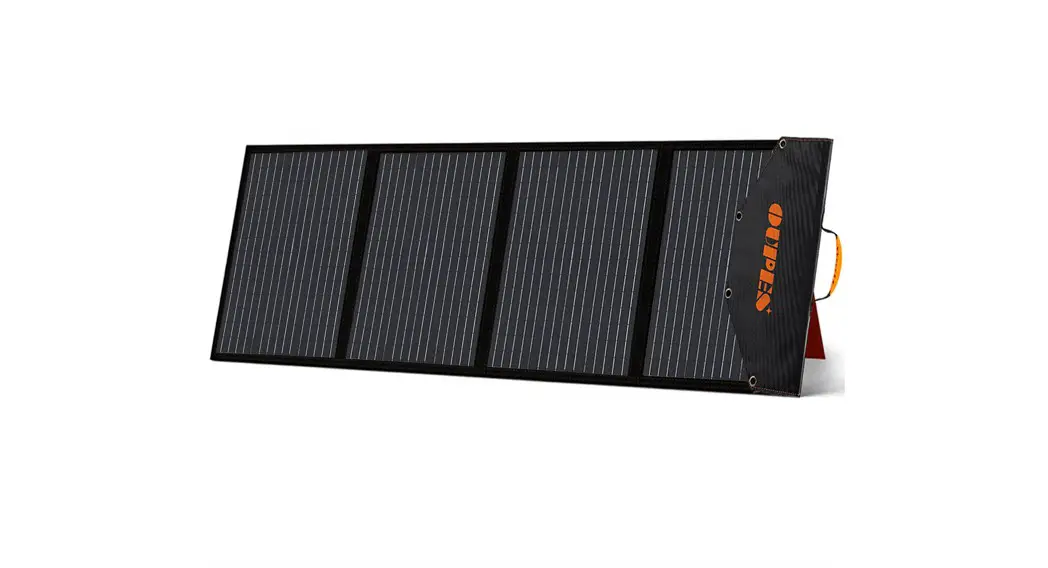
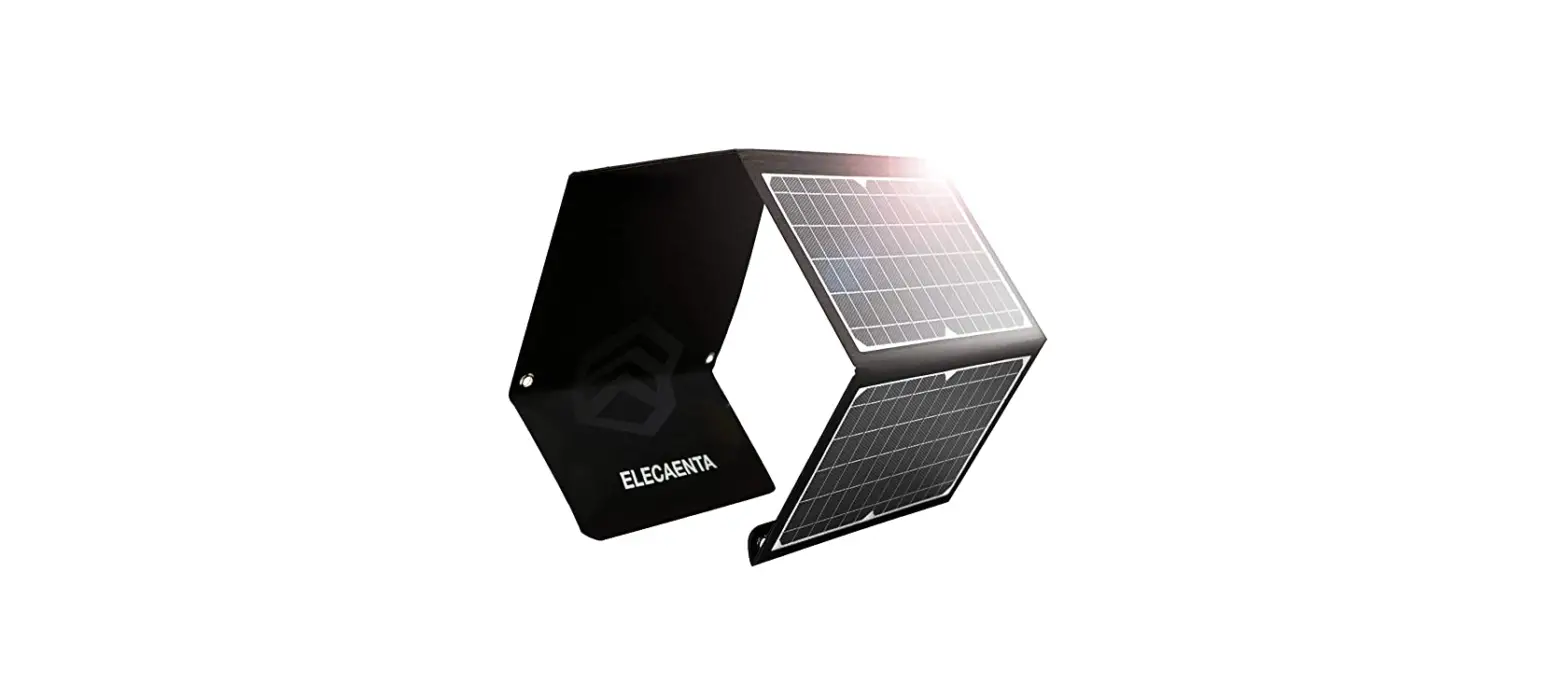
Foldable Solar Panel
Monocrystalline silicon
High Efficiency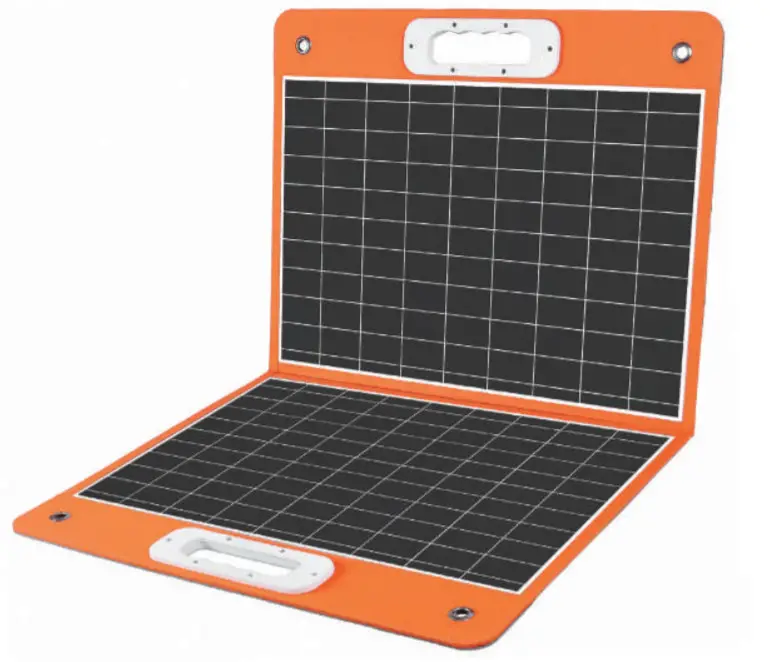
60W 18V Solar Panel User Manual
With Warranty Card
Thank you for purchasing the [60W 18V Solar Panel Charger].
Please read this user guide carefully and understand the contents before use, in order to use this product correctly.
We hope that it will be helpful especially for customers who use this product the first time. In addition, we recommend always keeping this manual.
Technical Specification
| Model | TSP18V6OW |
| Solar Cells | Monocrystalline silicon |
| Product Dimension | 17.95 x 16.41in (folded) 32.76x 17.95in (unfolded) |
| Weight | 4.191b |
| DC Output | 18V/3.34A(Max) |
| USB | PD-Type-c (45W) x 1, QC3.0 USB (18W) x 1 |
| Wattage | 60W |
| Cell Efficiency | 21.5%-23.5% |
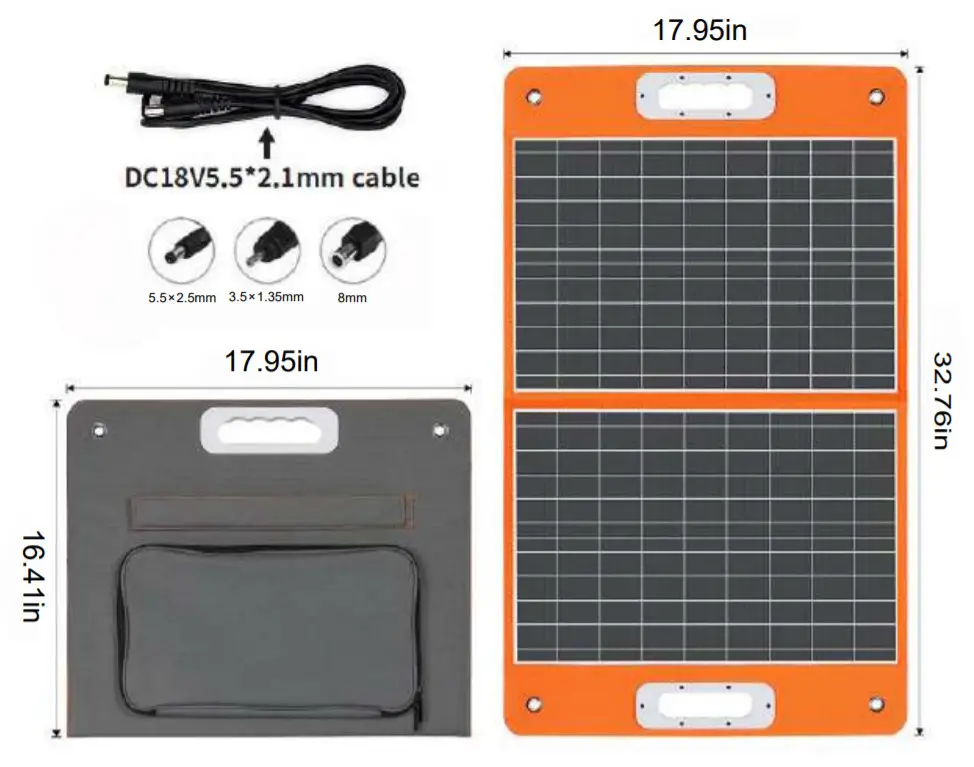
Contents:
18V/60W Solar Panel x1
18V DC Cable 5.5×2.1mm x1
8mm Connector x1
5.5×2.5mm Connector x1
3.5×1.35mm Connector x1
Connections:
To ensure maximum possible output we recommend that the solar panels are regularly re-aligned to follow the sun’s movement. Wipe the solar panel with a microfiber cloth for maximum efficiency.
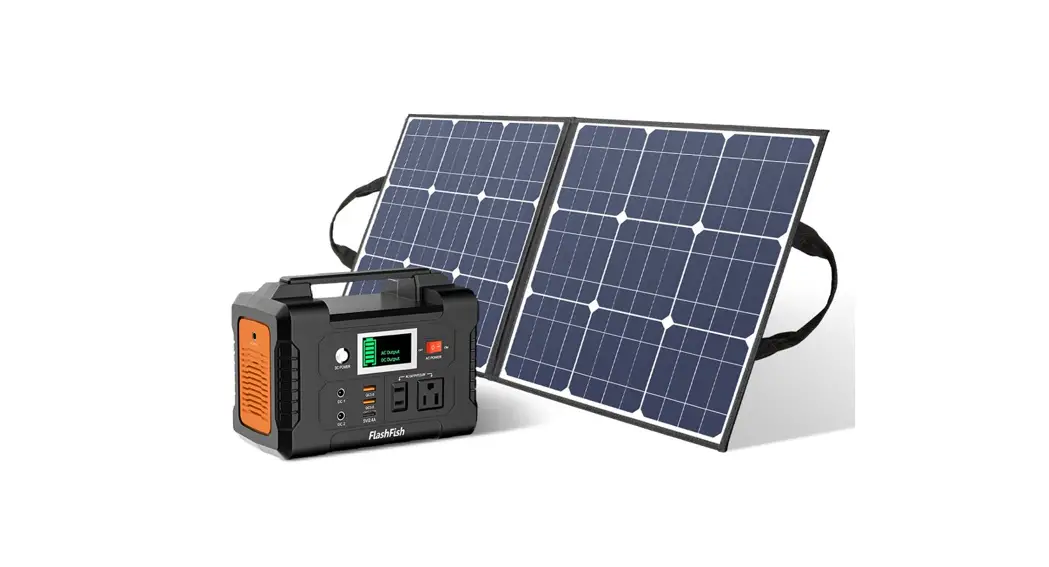
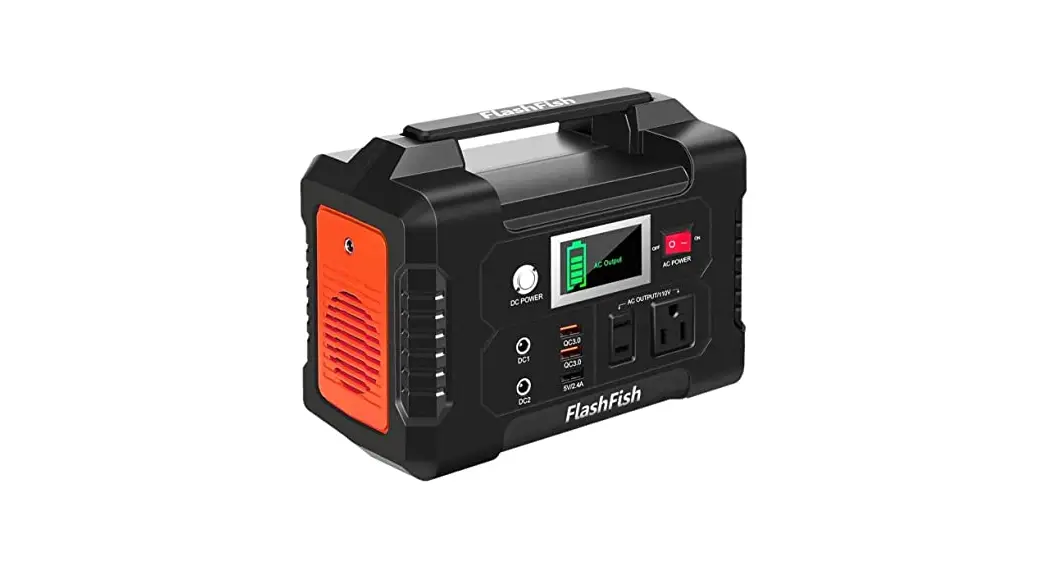
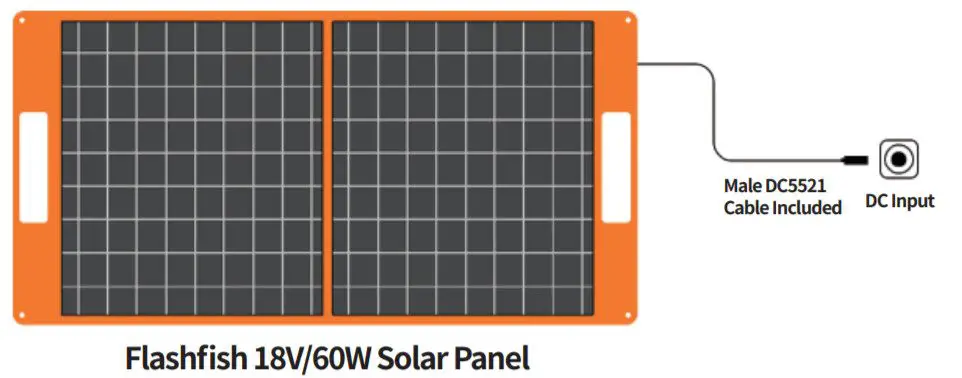
DC Output (18V/3.34AMax): Plug in the included 18V DC5521 cable to connect the solar panel and your portable power station
Compatible With:
DC 5.5*2.1mm
DC 5.5*2.5mm
DC 3.5*1.35mm
DC 8mm
USB Outputs: PD-Type-c (45W Max) + QC3.0 (18W Max) Plug in your usb cable to connect the solar panel with your electronics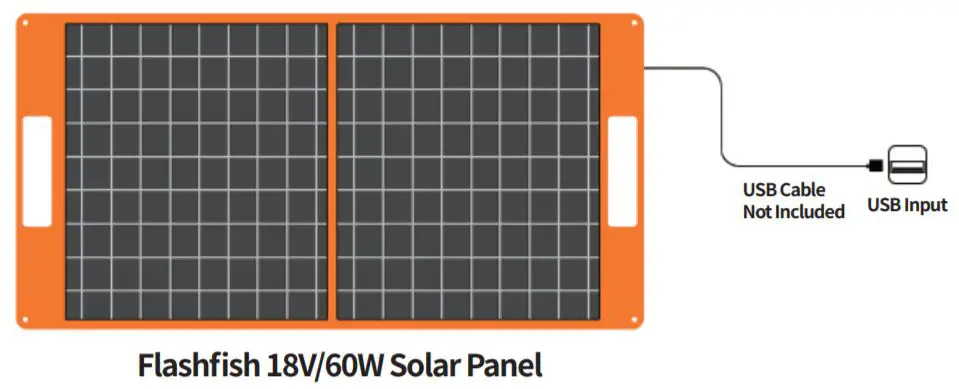
Charge For Your:
Telephone
Tablet
USB Light
USB Fan
More
Note:
- Solar panel charge conversion depends on the angle of direct sunlight, temperature, weather, charging time
- Always face the front side of the solar panel toward the sun to get maximum efficiency
- Please make sure the solar panel is completely unfolded when using
- Solar panel can not store power, can only convert the sun power to electricity energy
Safety Tips:
- Do not bend the solar panel or the panel will be broken.
- Do not immerse the solar panel in winter.
- Do not clean the solar panel with water, with the wet cloth gently scrub it.
- Do not use or store the solar panel near sources of heat such as fire or heater.
- Do not put the solar panel into a fire or apply direct heat to it.
- Do not pierce the solar panel casing with a nail or other sharp object, break it open with a hammer, or step on it.
- Do not attempt to disassemble the solar panel in any way.
- This product cannot contact strong corrosive objects.
- Do not charge the automotive batteries directly.
Warranty Card
| Warranty Period | 12 months from the date of purchase |
| Purchase Date | Year Month Day |
| Product Name | 60W 18V Foldable Solar Panel |
| Brand | Flashfish |
Thank you for buying from Flashfish
If you have any questions or need technical support, please contact us directly via the following contact details.
When you apply for a return or replacement, please remember to provide us with some pictures or a video regarding the exact issue of the product. So that we can handle the after-sales service for you in the first time
Email: info@flashfishtech.com
Website: www.flashfishtech.com

Flashfish warrants our products to the original purchaser that the solar panel is free from defects in materials and workmanship. You can choose between a refund or replacement. where goods are faulty or don’t do what is supposed to do for 12 months from the date of purchase. Damages from normal wear and tear, alteration, misuse, neglect, accident, service by Warranty anyone other than that authorized service center is not included.
 Made In China