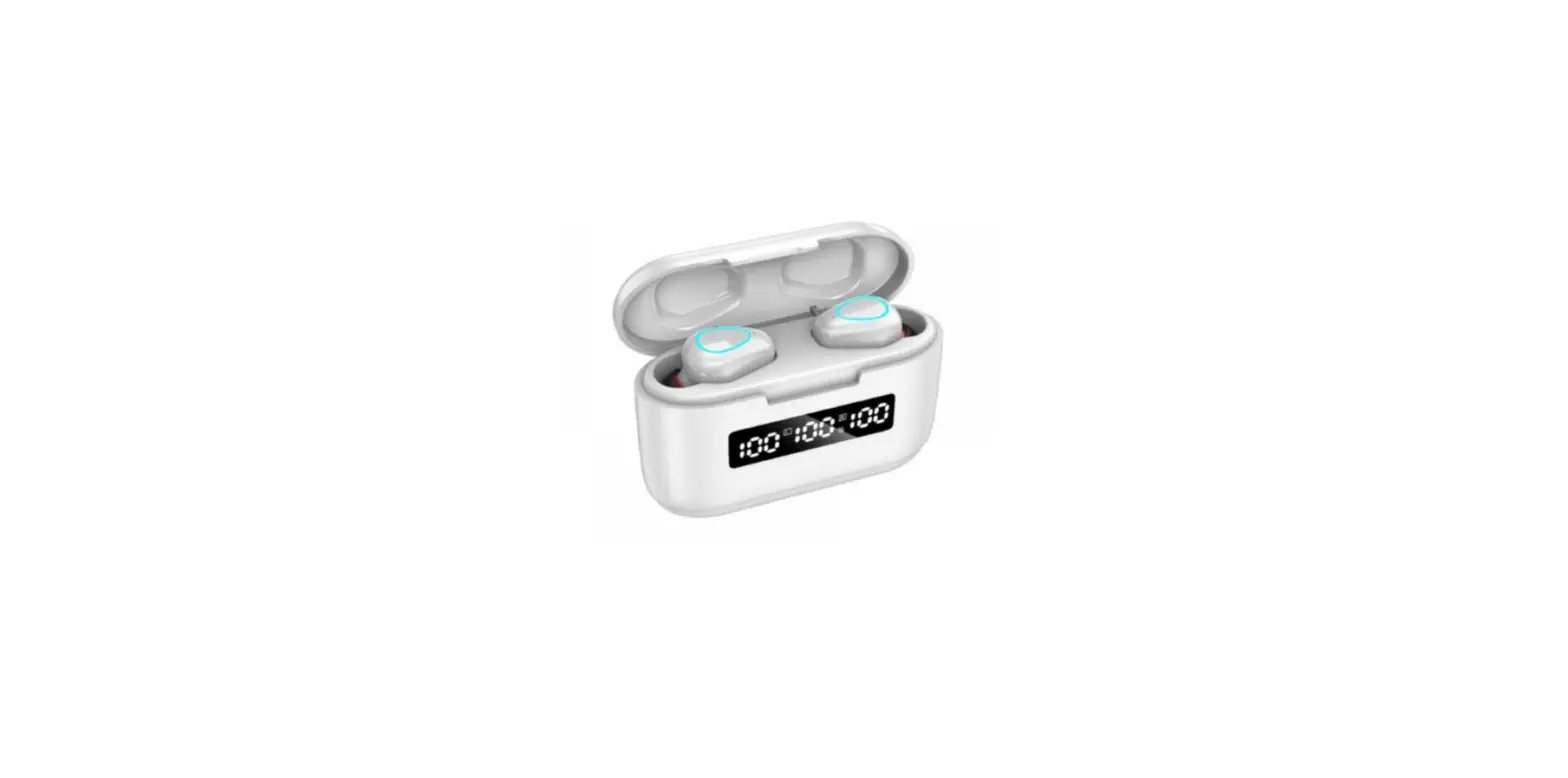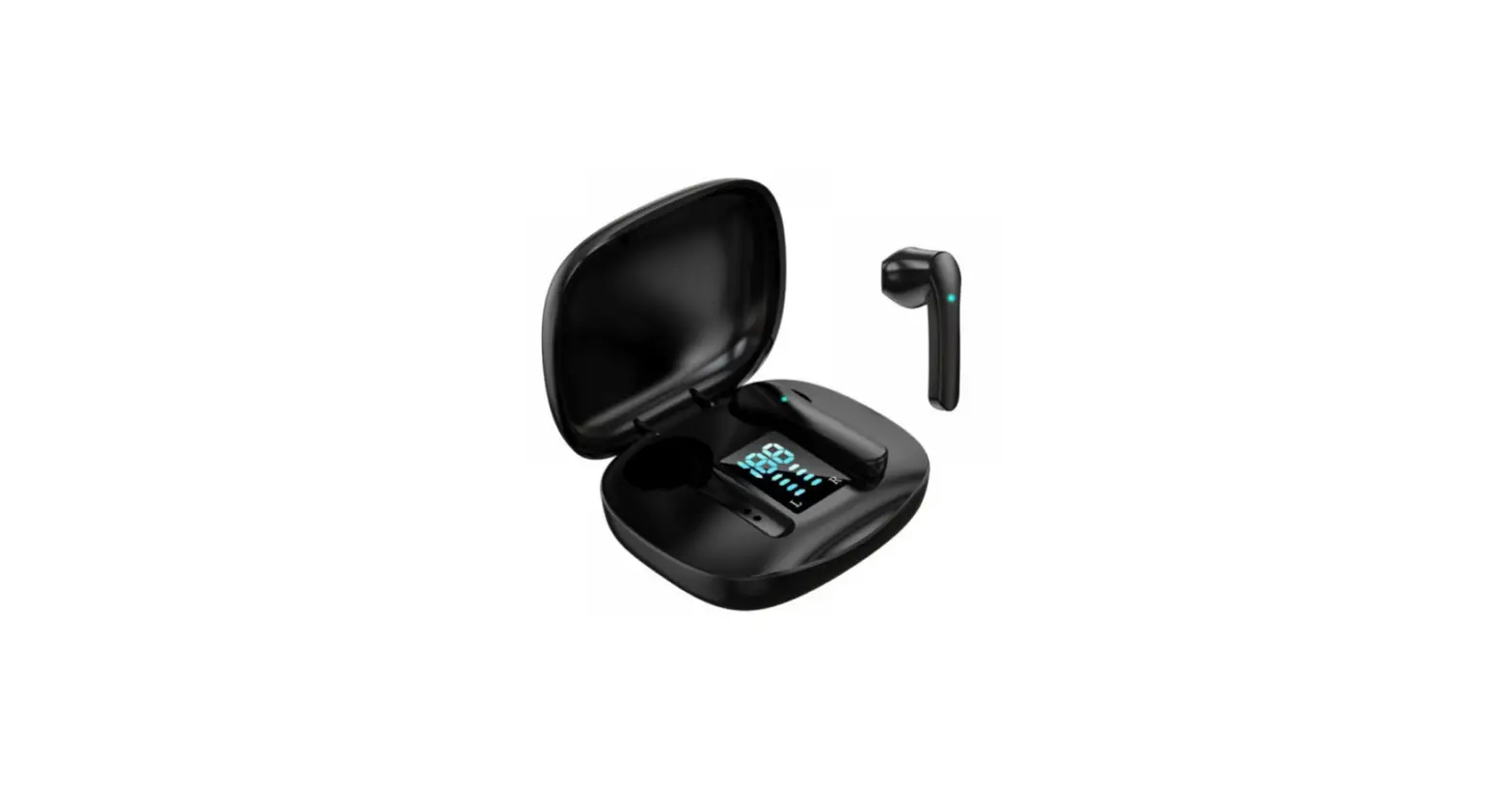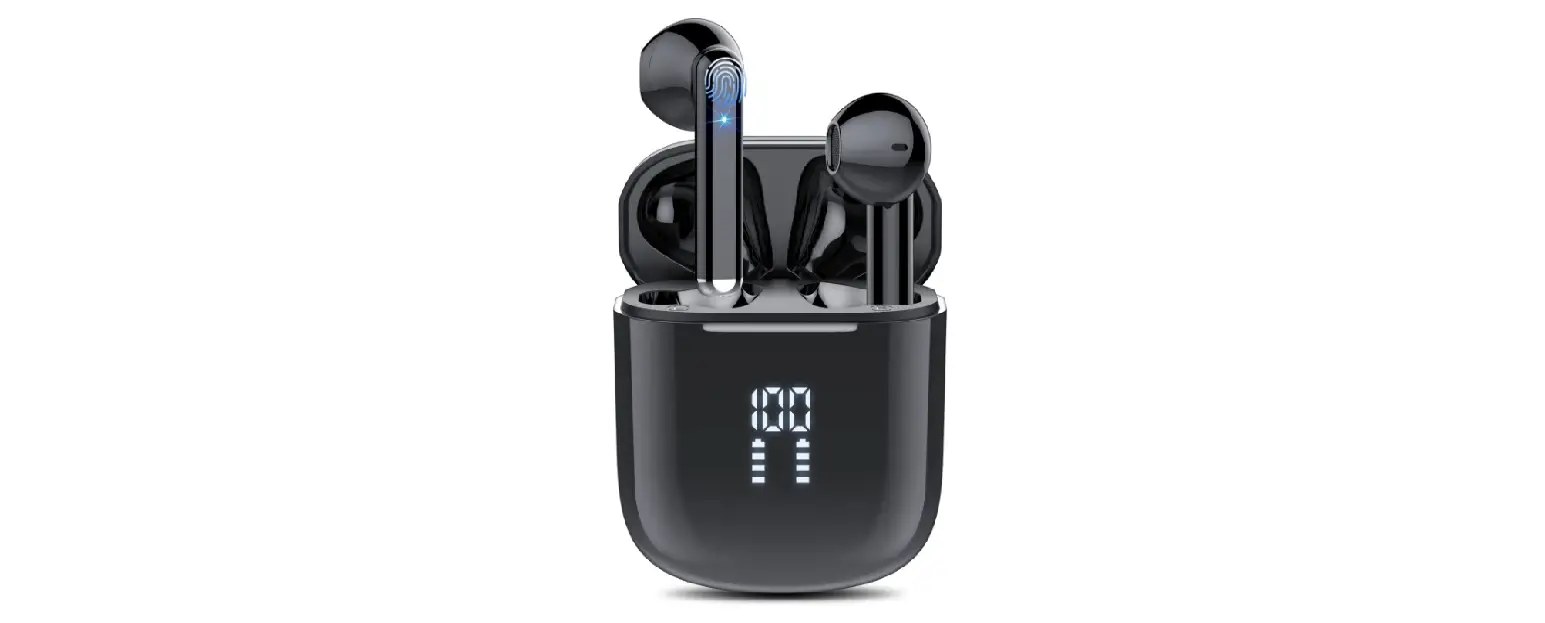


User’s Guide
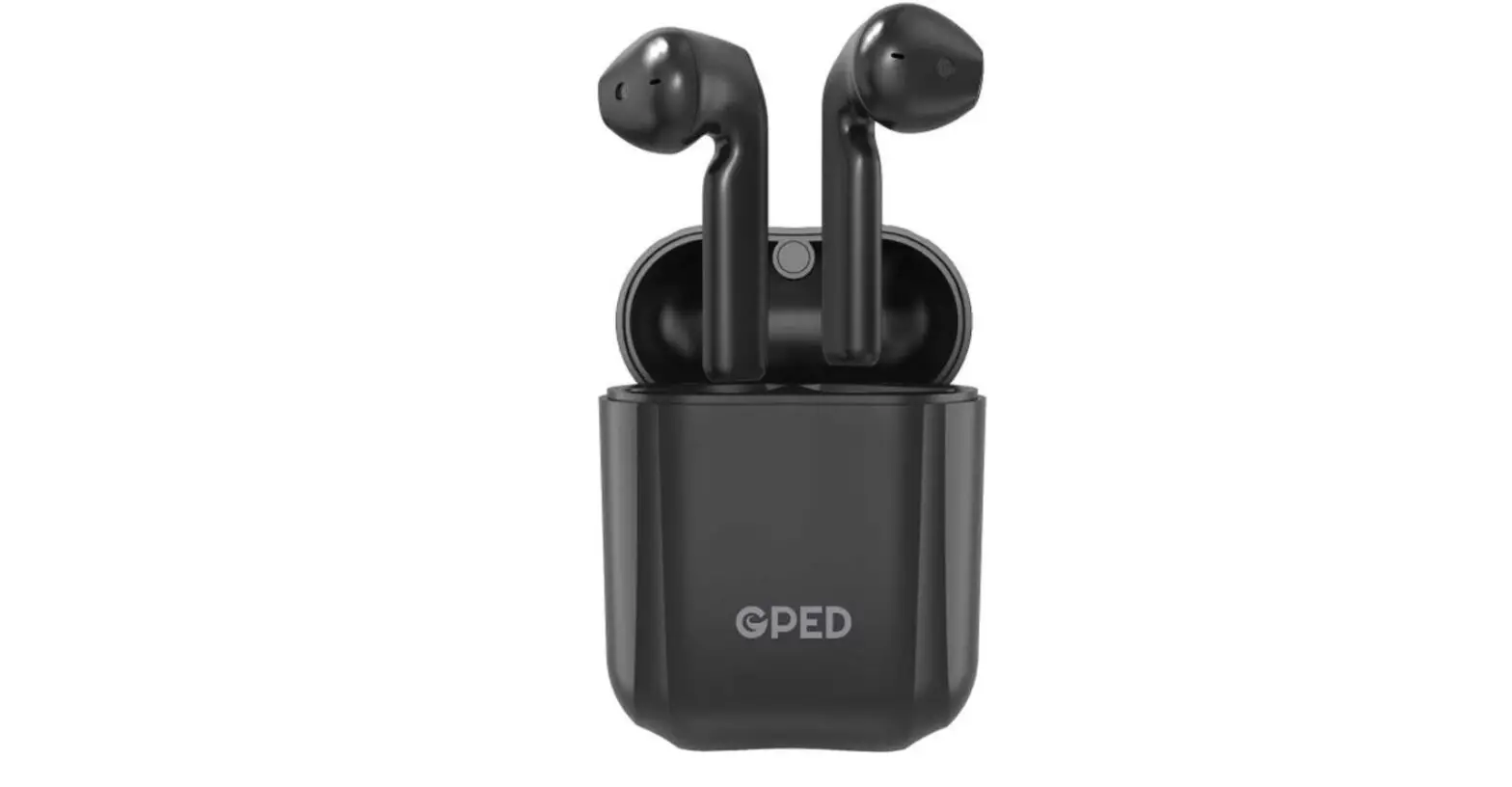
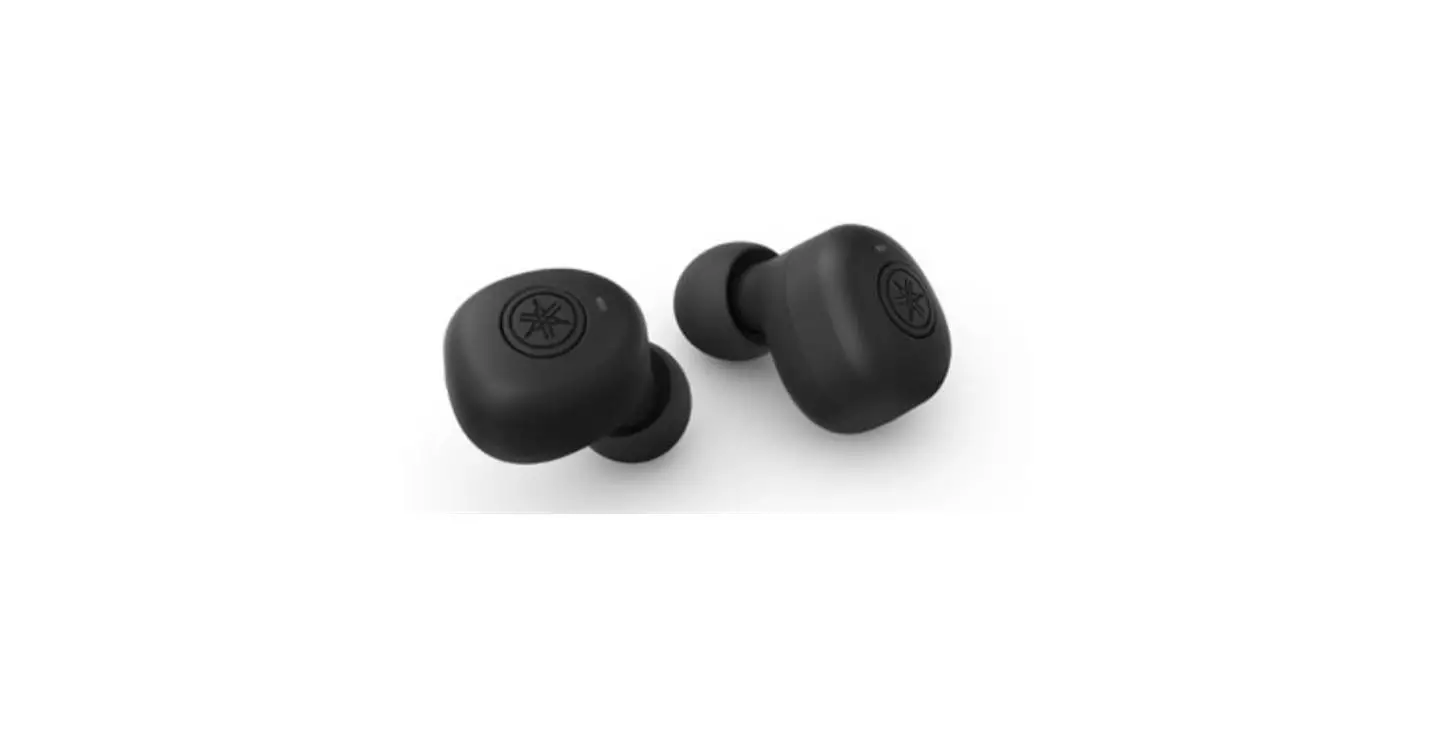
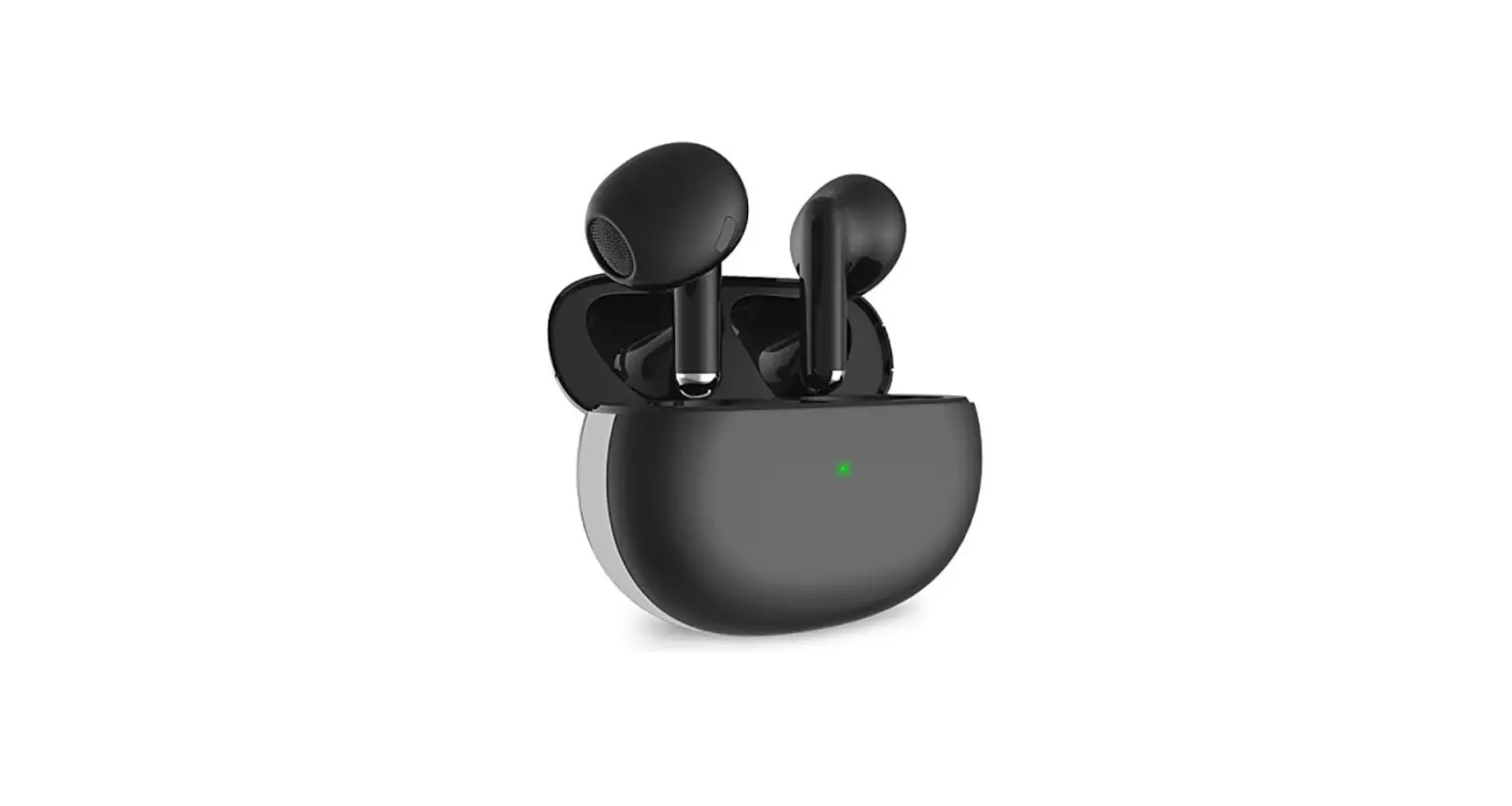
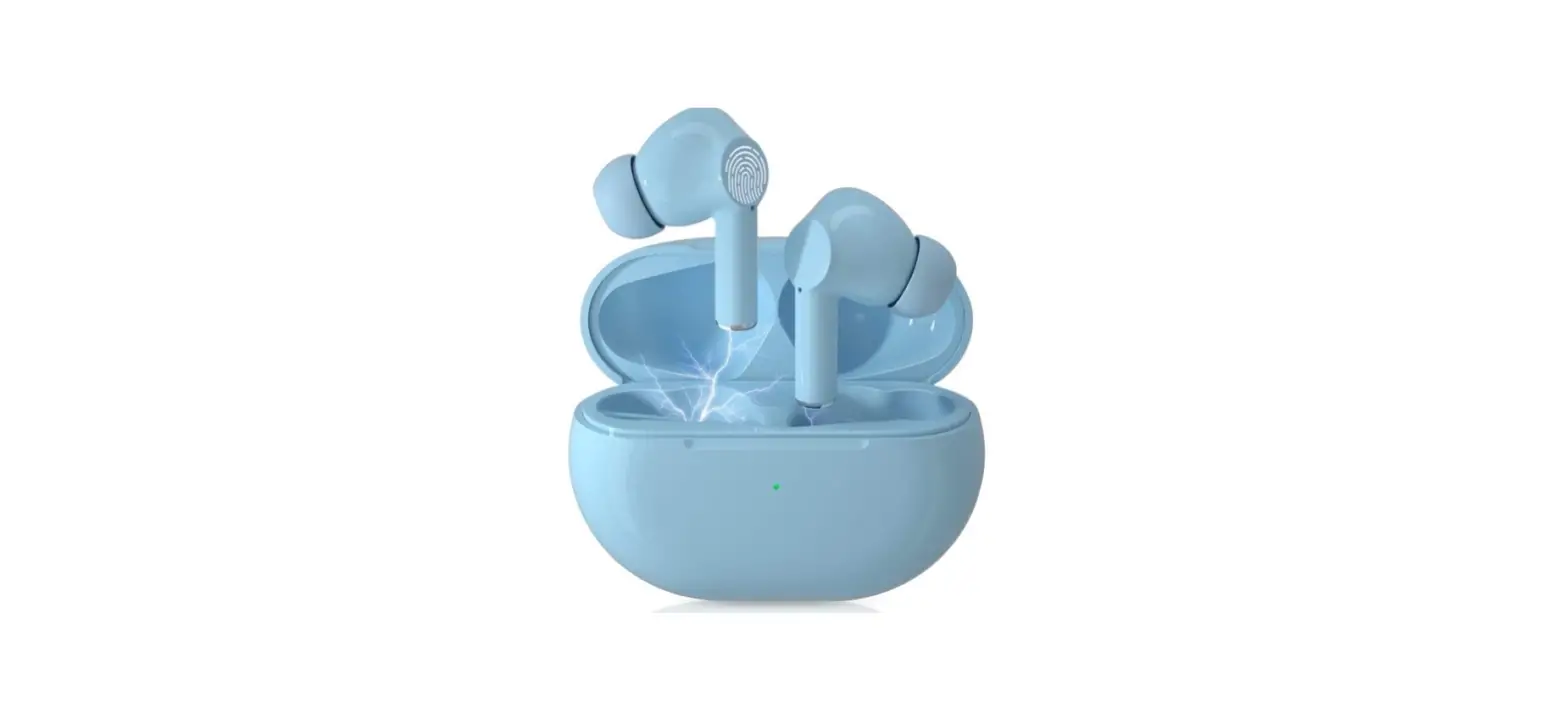
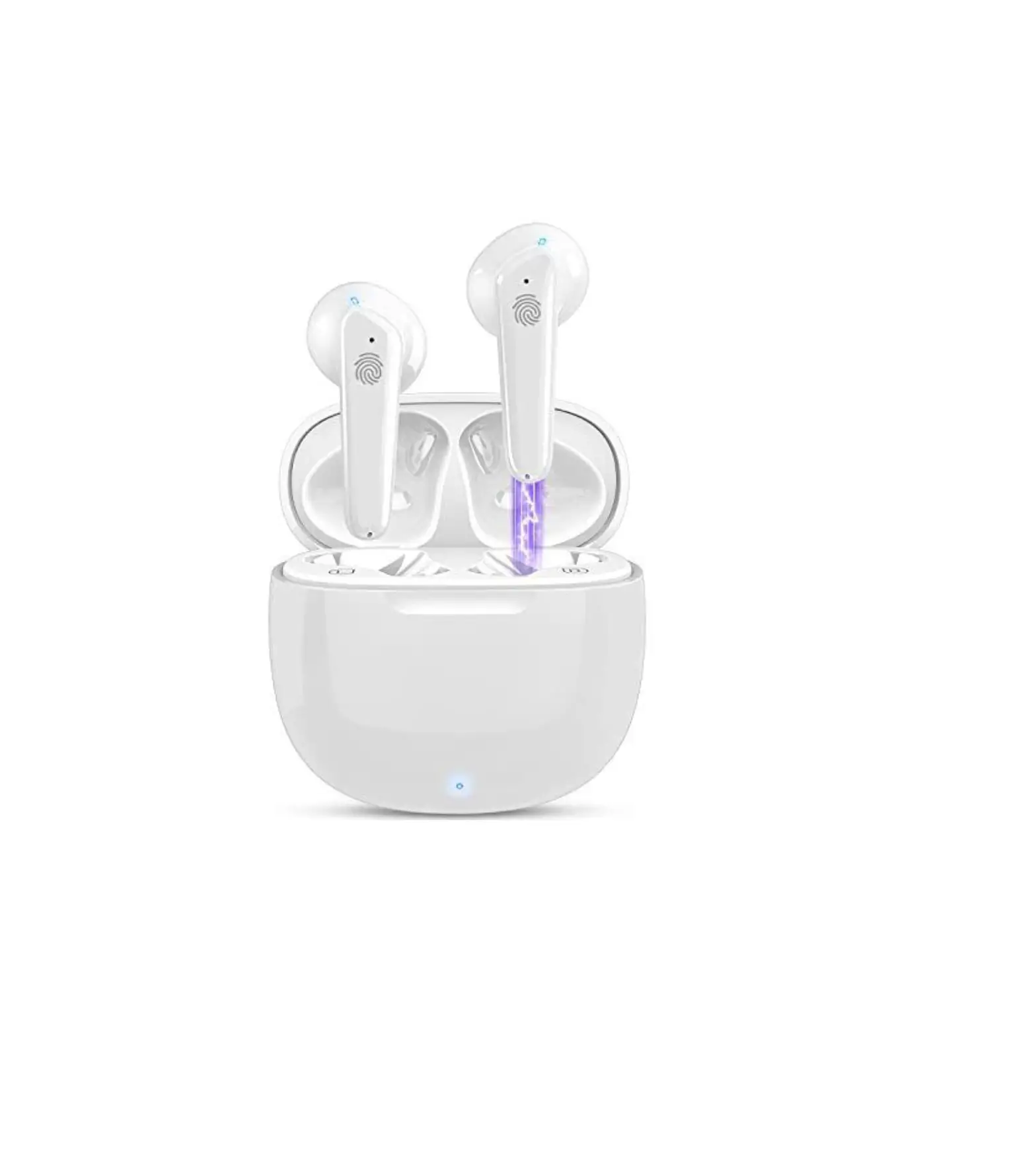
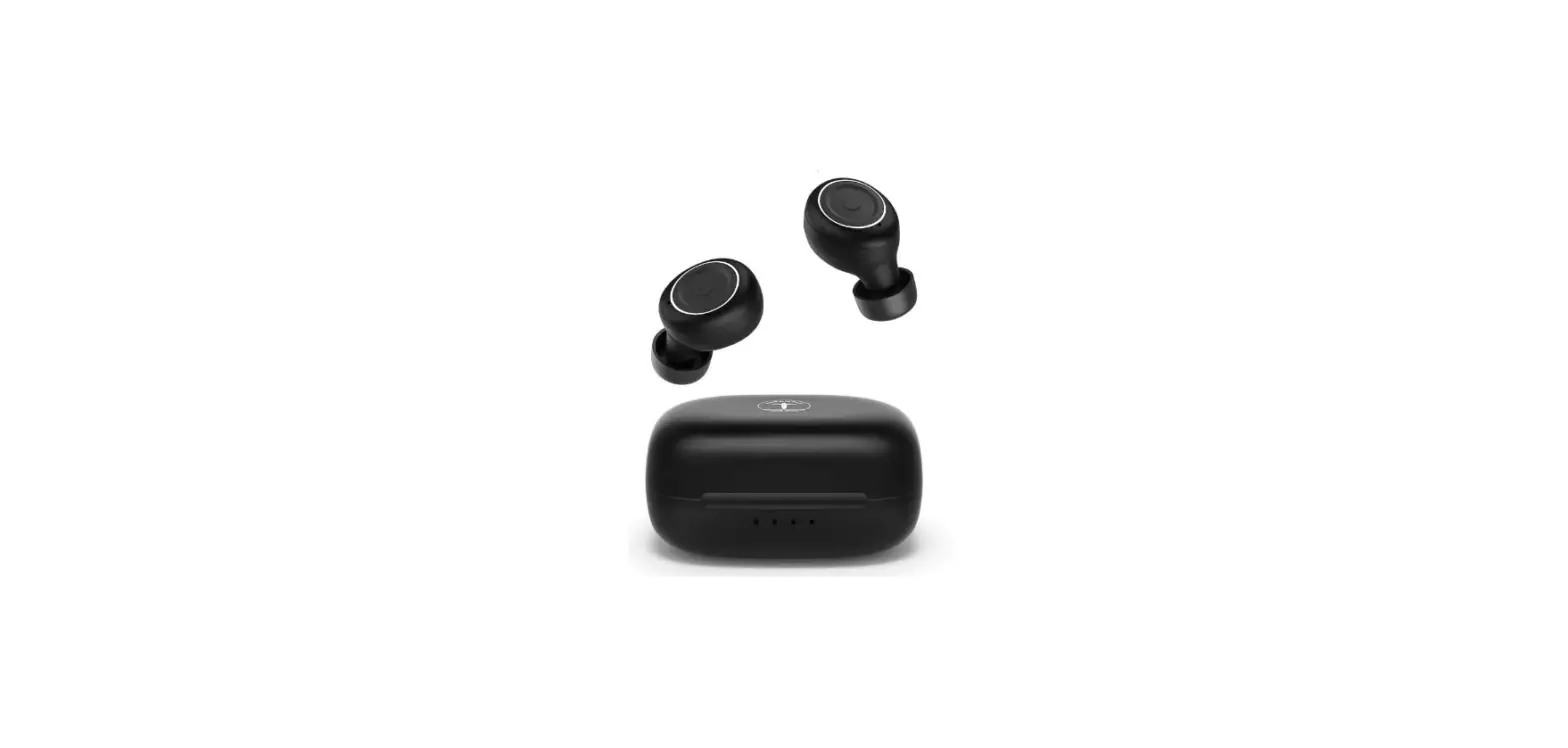
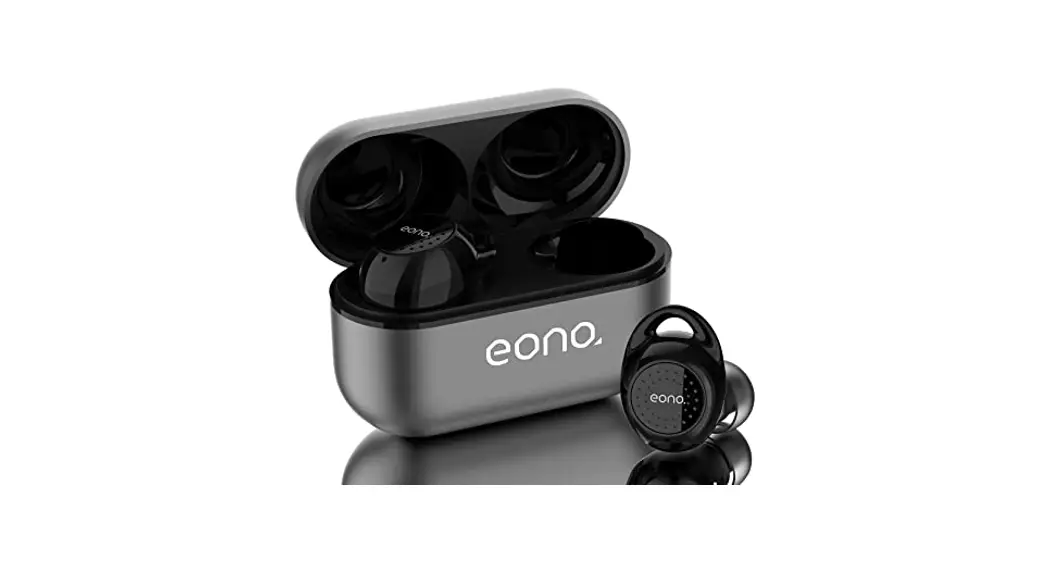
Eonobuds 3
If the operation mode of the product has been changed, please refer to the actual product
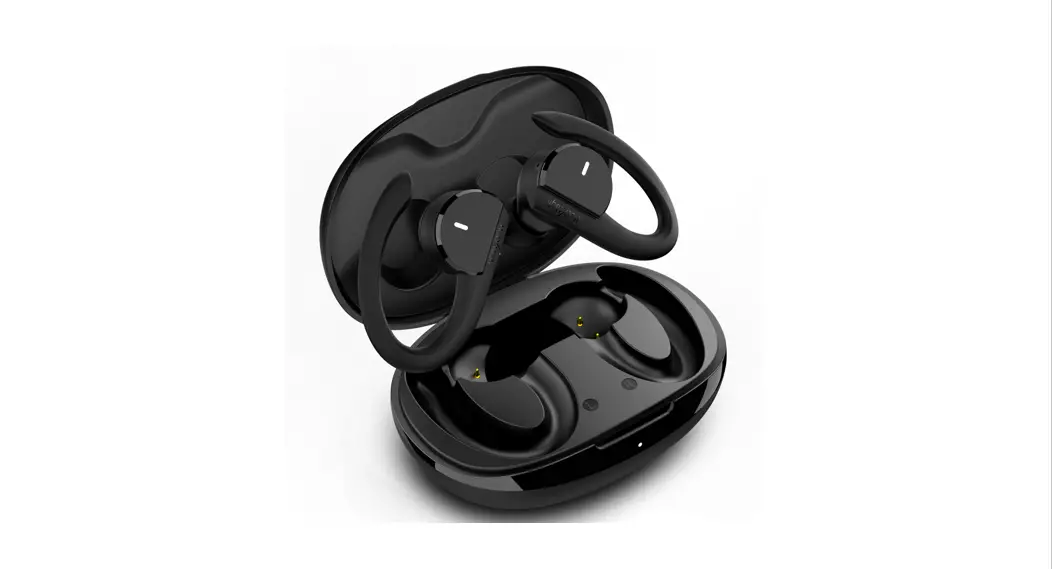
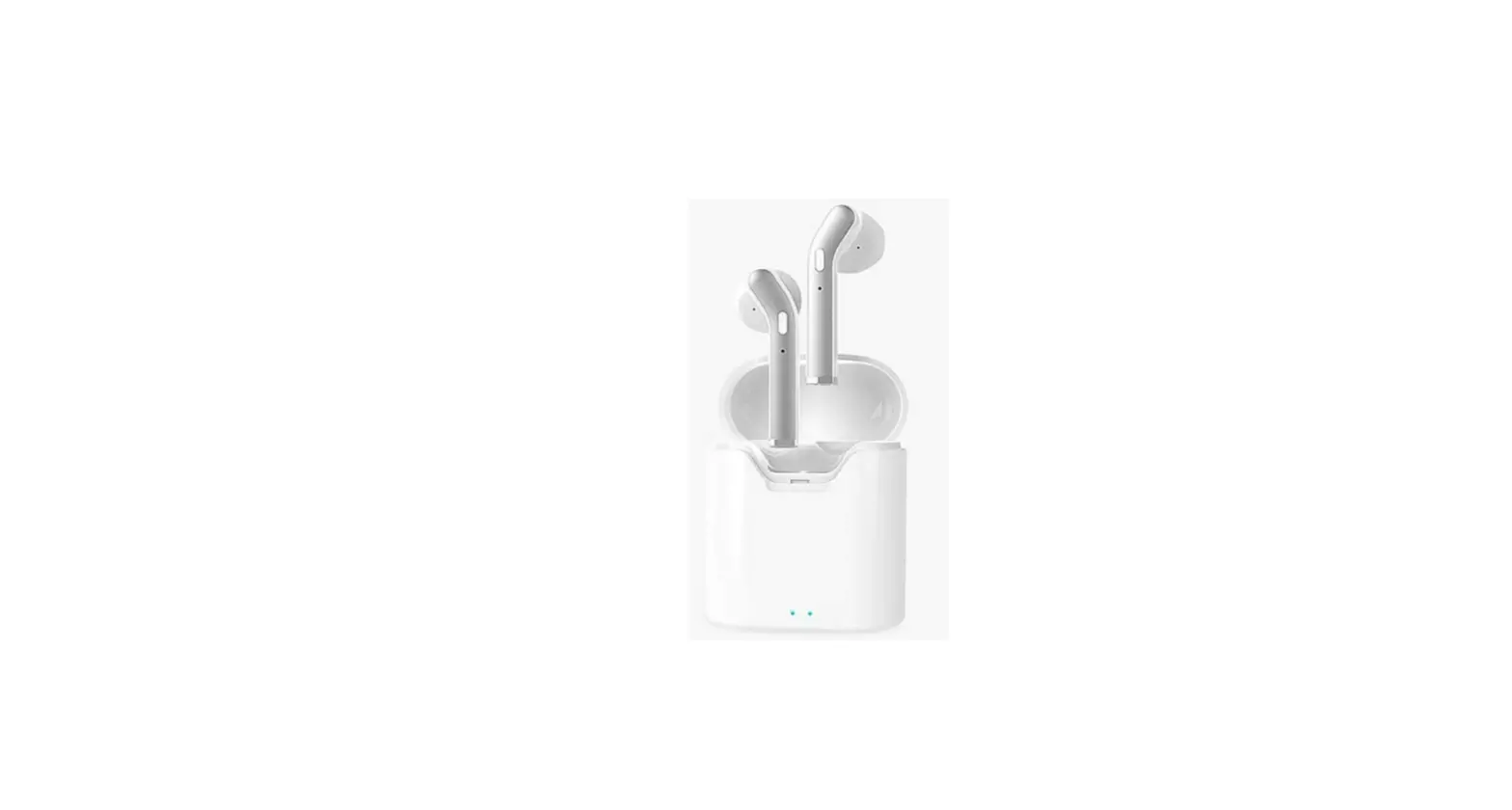
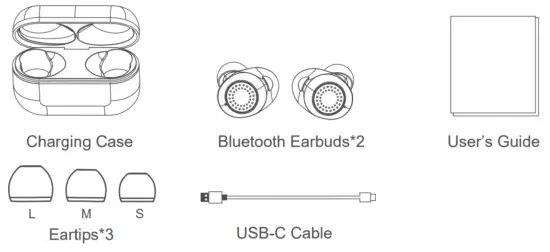
What’s in the box?
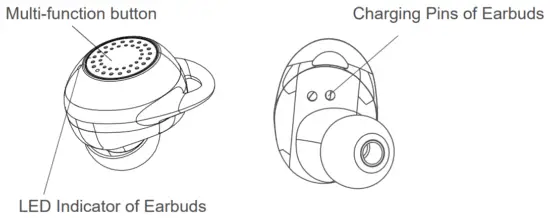
Product Overview
- BT Version: BT5.0
- Standby time of the charging case: About 240 days
- Standby time of the earbuds: About 200 hours
- Call Time: About 240 mins
- Play Time: About 240 mins
- Earbuds Charging Time: About 60 mins
Connect earphones
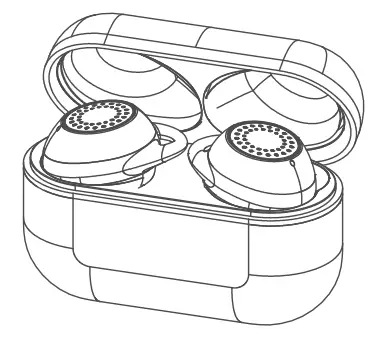
Open the case, both earbuds will automatically turn on and work together.
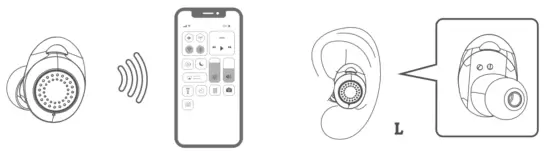
Turn on Bluetooth
Connect to Wi-Fi and turn on Bluetooth
Wear your Earbuds
Charge
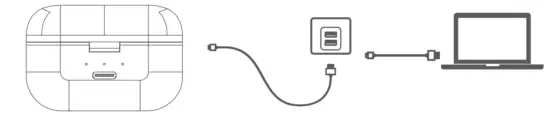
The charging case cover must be closed Use a 5V/2A charger to charge the charging case by USB-C cable.
Three lights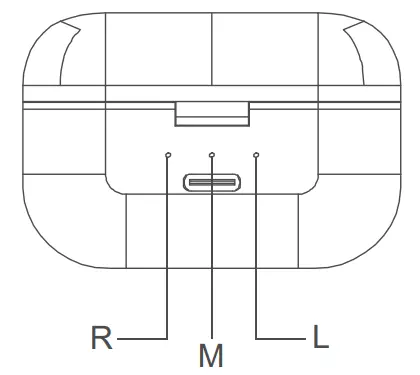 L: Put the left earbud in the case:
After the white light flashes 5 times, it will keep turning on the white light: charging; fully charged: indicator turns off.
R: Put the right earbud in the case:
After the white light flashes 5 times, it will keep turning on the white light: charging; fully charged: indicator turn off M: White light is on: 30%-100% power.
White light is flashing: less than 30% power
White light fast flash for 5 mins: only left 1% power M turn off: the charging case will stop working.
Wear
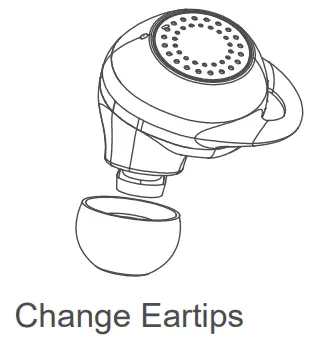
Insert the earbuds into your ears and adjust accordingly to fit your ears.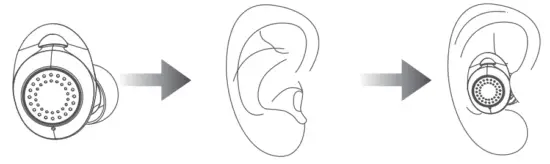 Medium size ear tips are attached by default, the package contains small and large sizes too.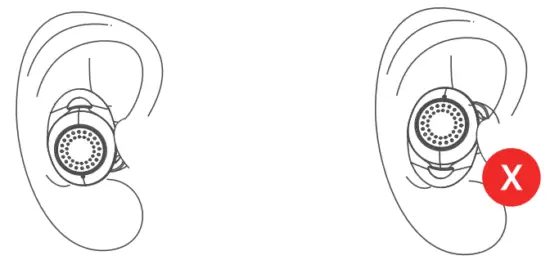
User Guides
- Please fully charge the earbuds before the first use.
- How to pair.
(1) Binaural Mode
1) Take out one of the earbuds (Left or Right).
2) Turn on Bluetooth>Select pair Button>Select “Eonobuds 3” and earbuds will be paired automatically. Once connected, the indicators will off. A voice will say “Connected” promptly.
(2) Mono Mode
1) Take out a single earbud or press and hold the multi-function touching key for 2 seconds to turn it on.
2) Double-touch the multi-function touching key,a voice prompt says “pairing”; the indicator will flash.
3) Select “Eonobuds 3” on your phone to connect from the Bluetooth list. Once connected, a voice will say “Connected” promptly. - Stereo Mode
1) Open the charging case one of the earbuds will flash the white indicator, another one won’t.
2) Turn on Bluetooth.
3) Select “Eonobuds 3” on your phone to connect from the Bluetooth list.
4) Both earbuds will Connect automatically. - Game Mode
1) To enter into game mode touch L/R earbuds 4 times, and a voice prompt says “Game mode on”.
2) To exit game mode touch L/R 4 times, and a voice prompt says “Game mode off” or put the earbuds into the charging case and it will exit the game mode automatically.
3) Game mode works best within a 1meter distance.
3. How to reset.
- Take one of the earbuds out from the charging case and then close the cover.
- Long-touch multi-function touching key for 2s then release, the earbud will turn on and the white indicator will keep flashing.
- Touch the multi-function touching key 8 times continuously, the white indicator will flash fast 2 times and then turn off, at this time the earbud turns off.
- Put back the earbud into the charging case, take another one and repeat the same steps.
- Put both earbuds back into the charging case after completing the clearing process and close the cover.
- Now take both earbuds out from the charging case again, both indicators will flash fast.
- Double touch the multi-function touching key the indicators will change from fast flash to slow flash.
- Put back both earbuds into the charging case and close the cover.
- Open the charging case once again, one of the earbud indicators will flash, and another one won’t. The reset process is complete.
How to Control
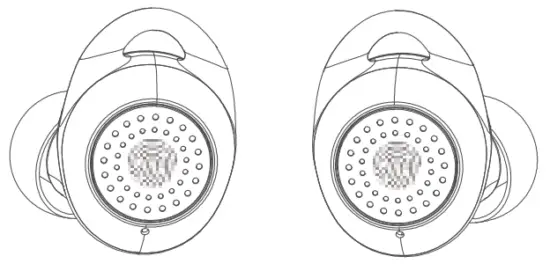
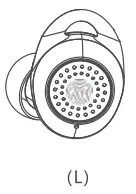 | 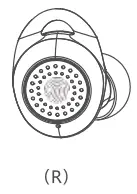 | ||
 | Play / Pause | Double-touch | Double-touch |
 | To skip forward | Triple-touch | |
 | To skip back | Triple-touch | |
 | Volume + | Touch | |
| Volume — | Touch | |
 | Siri/Google assistant | Long-touch 2s | Long-touch 2s |
 | Answer / End call | Double-touch | Double-touch |
 | Hang up the phone | Long-touch 2s | Long-touch 2s |
 | On/off Game mode | Touch 4 times | Touch 4 times |
Specifications
| Bluetooth Version | 5.0 |
| Support File | FIFA,HSP,A2DP.AVRCP |
| Work Range | 10 meters(Barrier-Free) |
| Call Time | Up to 240 Minutes |
| Play Time | Up to 5 Hours(varies by volume level and audio contents) |
| Standby Time of Charging Case | Up to 240 Days |
| Standby Time of Earbuds | Up to 200 Hours |
| Earbuds Charging Time | 60 Minutes |
| Single Earphone Battery | 50mAh |
| Charging Case Battery | 450mAh |
| Input Current | 5V/1A |
| Battery Indicator | Blue light:30%-100% power. White light: Less than 30% power. |
Our customer support team is standing by to assist you.
Please contact and give us a chance to help you if you have any problems with your order. We will answer your questions within 24 hours on our business days.
 From Amazon to contact us as the following steps: Login in Your Account-Your Orders-Contact seller-Wait the seller responded
 Contact us directly Our service email: [email protected]
If you are satisfied with the product, please just take a moment to share your wonderful shopping experience on Amazon, which is a huge motivation for us to be a better seller.
 + RED BLK
Li-ion polymer battery
– Model: 501015
Rating: 3.7V, 0.185Wh 50mAh
(ICP6/31/49)
Made in China WARNING:
DO NOT ATTEMPT TO OPEN OR DISASSEMBLE THE BATTERY. DO NOT SHORT CIRCUIT THE BATTERY. BATTERY MAY EXPLODE IF DISPOSED OF IN FIRE. DISPOSE OR RECYCLE USED BATTERIES ACCORDING TO THE USER’S GUIDE.
– element 1: the symbol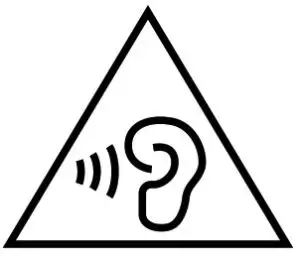 , IEC 60417-6044 (2011-01)
– element 2: “High sound pressure” or equivalent wording
– element 3: “Hearing damage risk” or equivalent wording
– element 4: “Do not listen at high volume levels for long periods.” or equivalent wording
The equipment shall provide a means to actively inform the user of the increased sound pressure when the equipment is operated with an acoustic output exceeding RS1. Any means used shall be acknowledged by the user before activating a mode of operation which allows for an acoustic output exceeding RS1. The acknowledgment does not need to be repeated more than once every 20h of cumulative listening time.
NOTE2 Examples of means include visual or audible signals . Action from the user is always needed.
NOTE3 The 20h listening time is the accumulative listening time, independent of how often and how long the personal music player has been switched off.