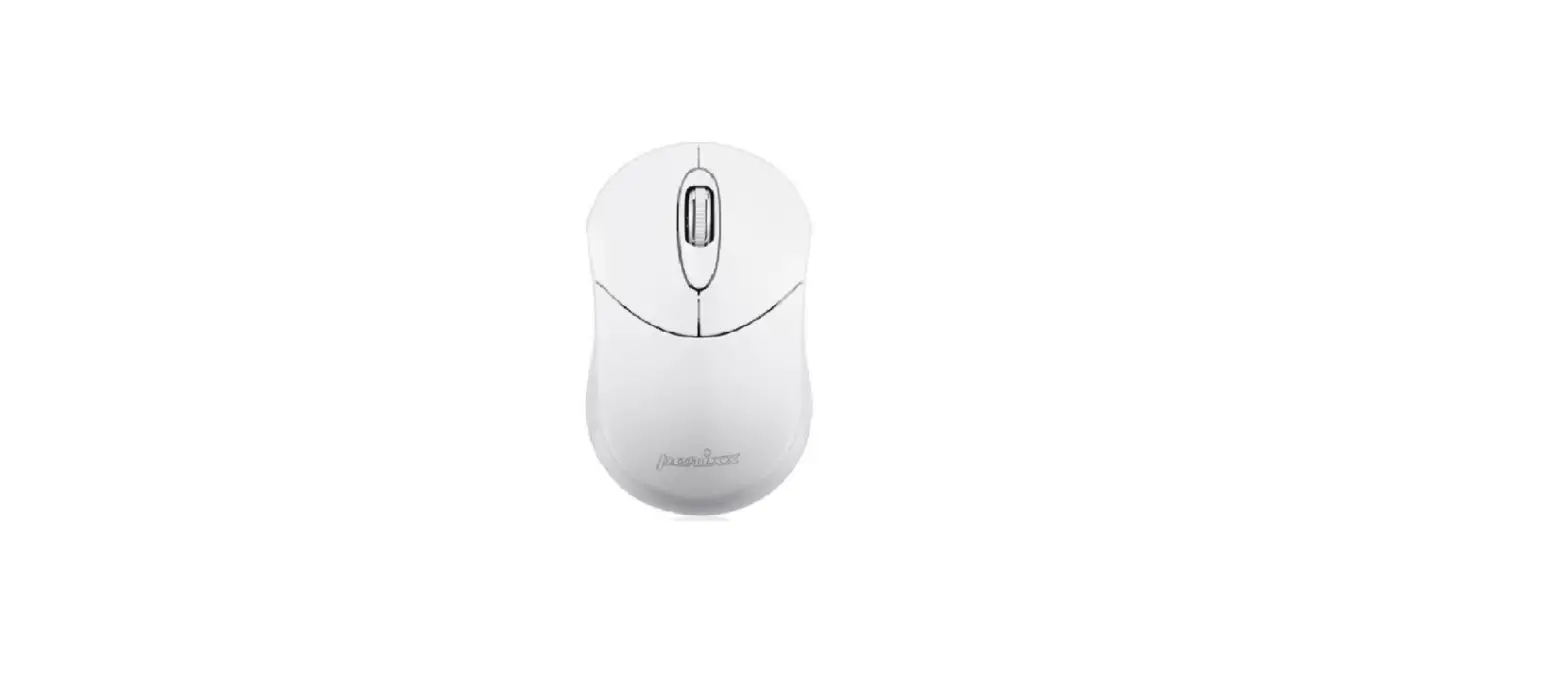
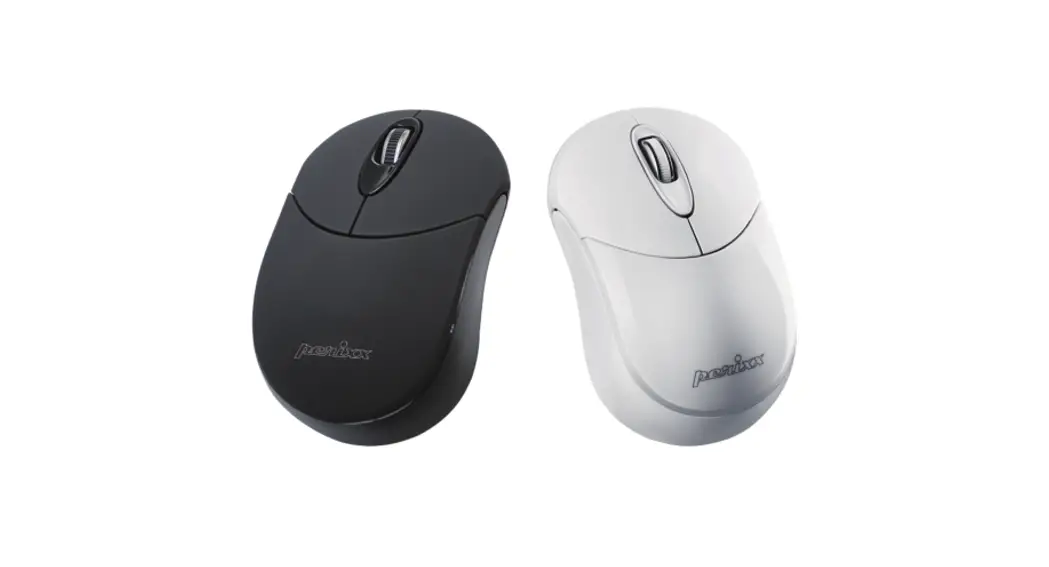
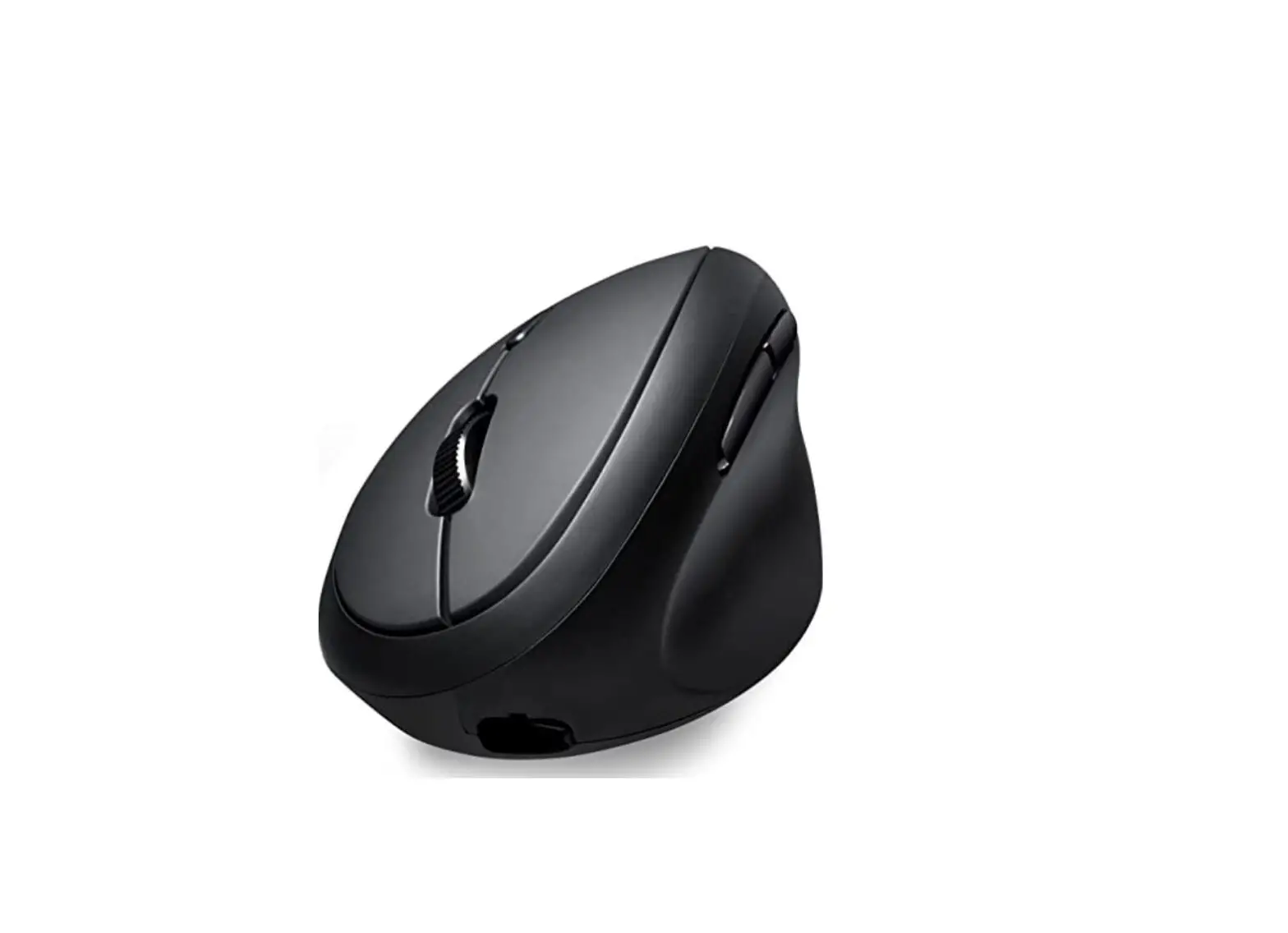
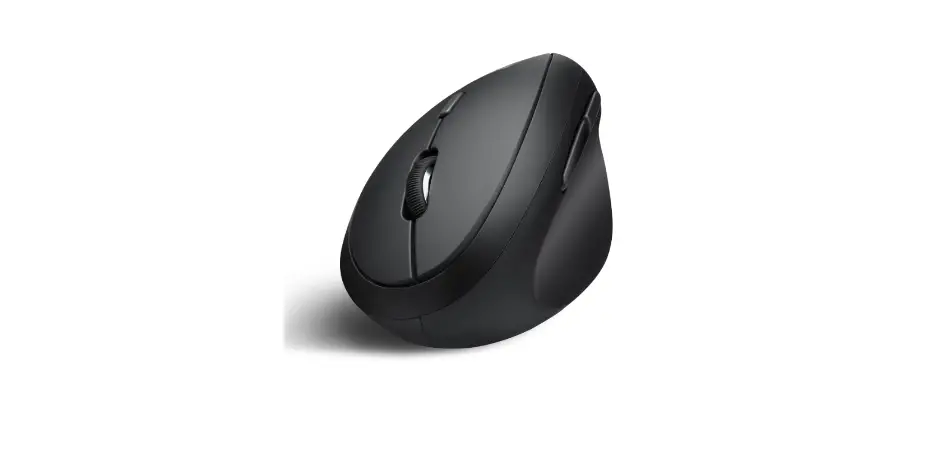
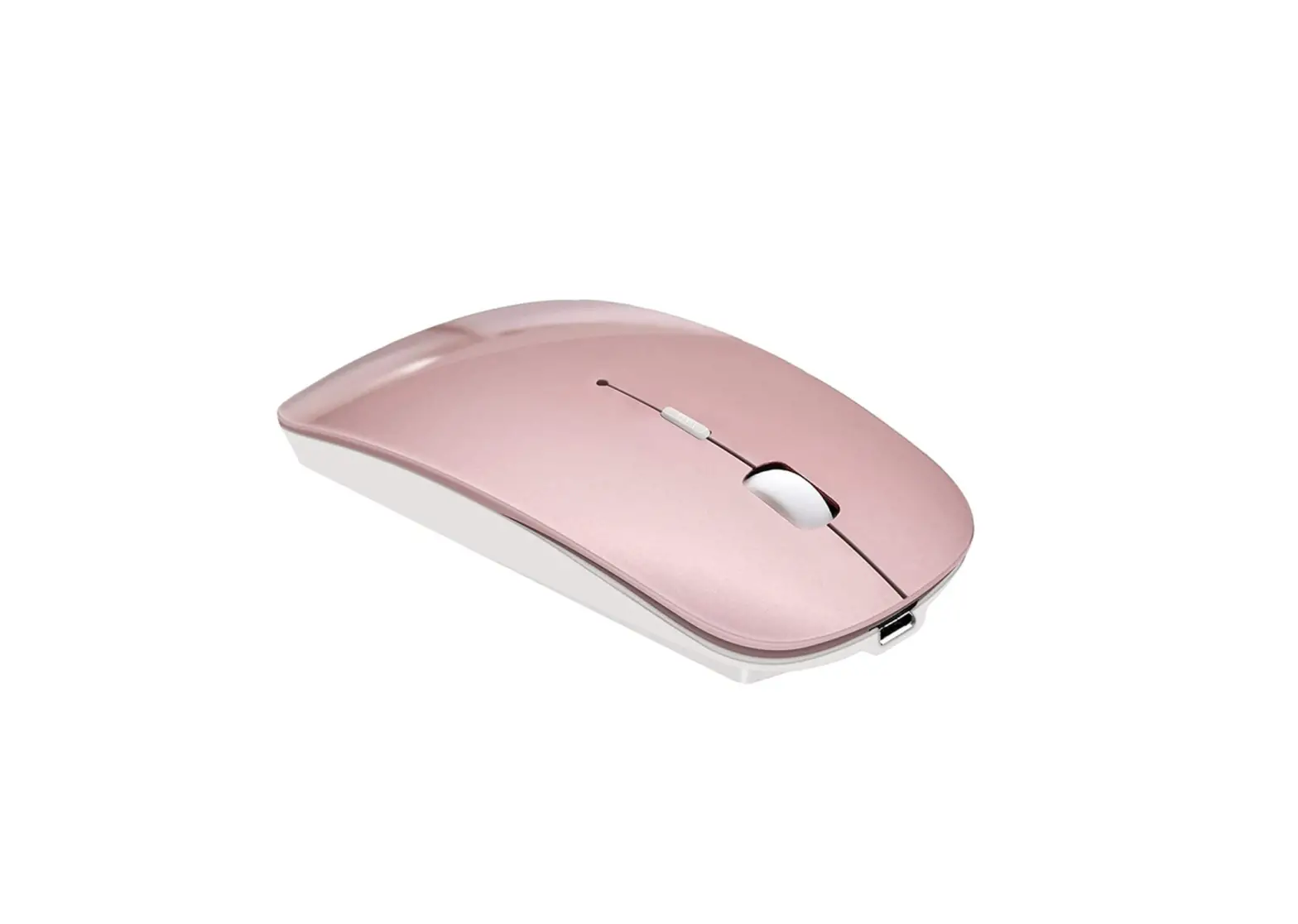
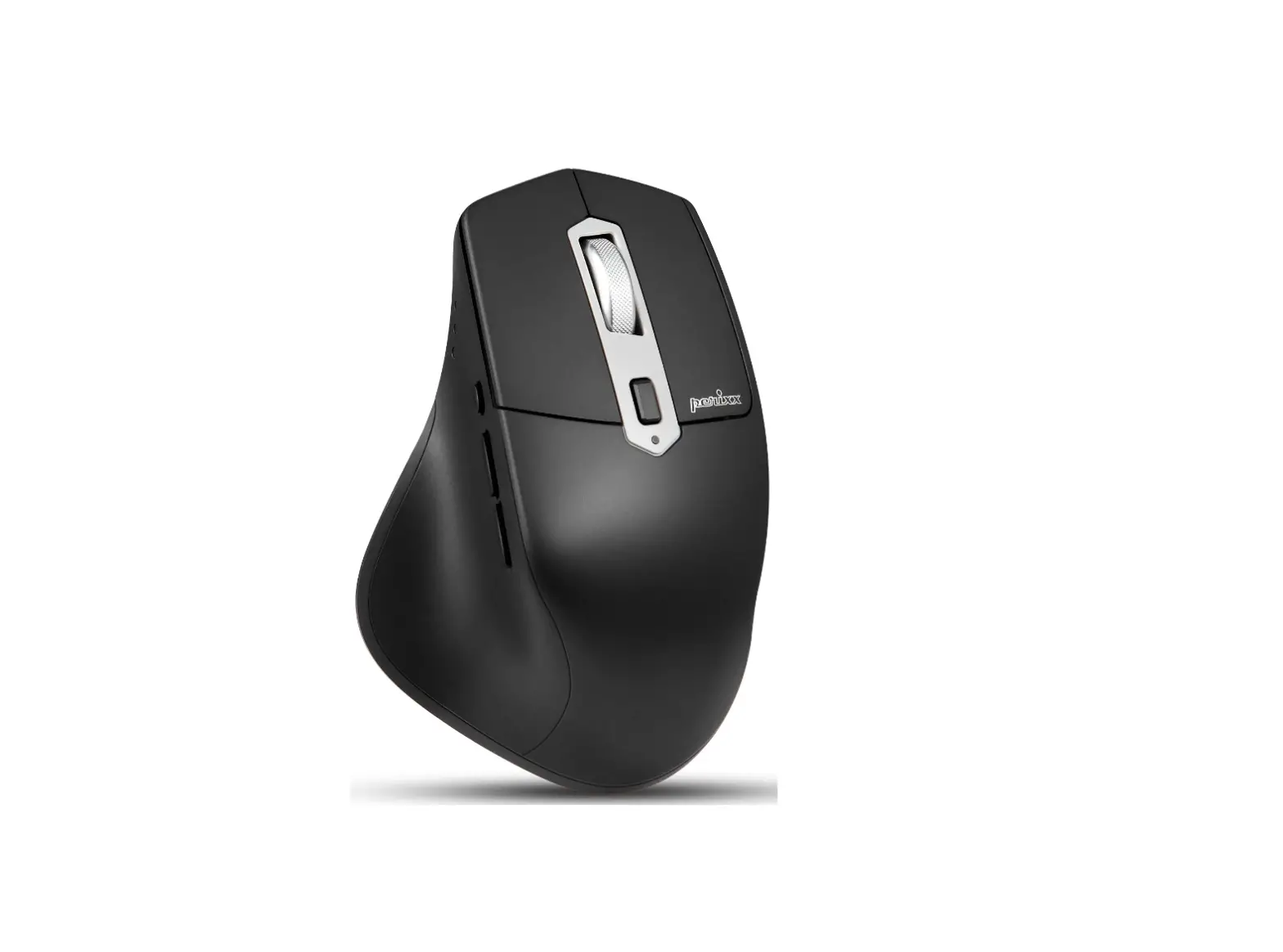
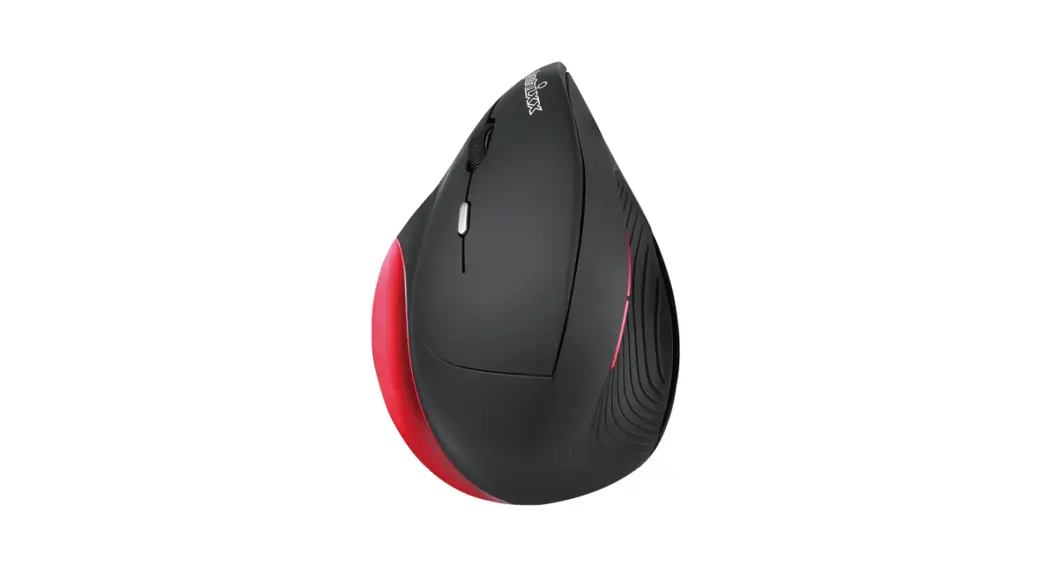
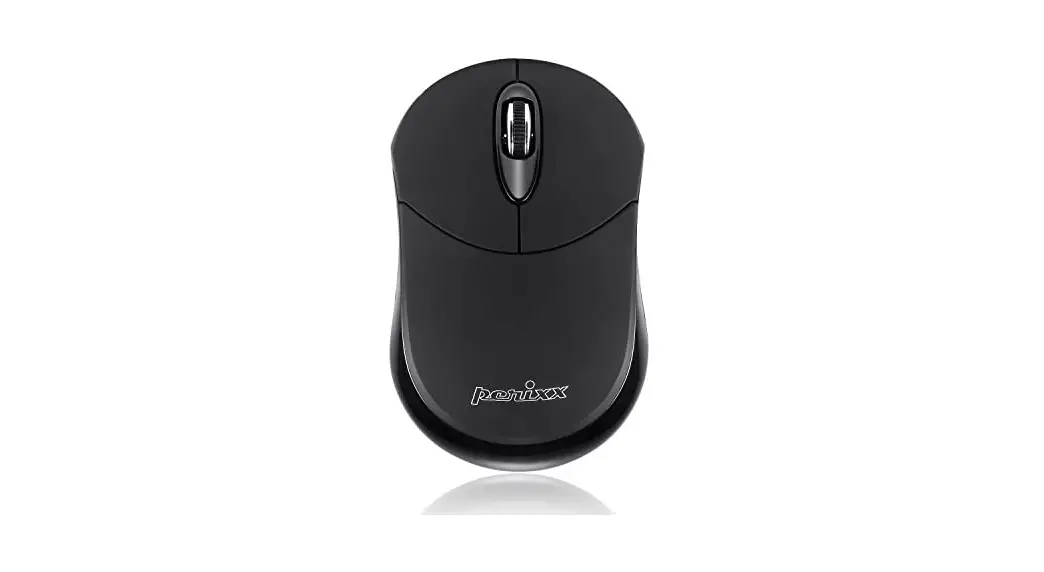
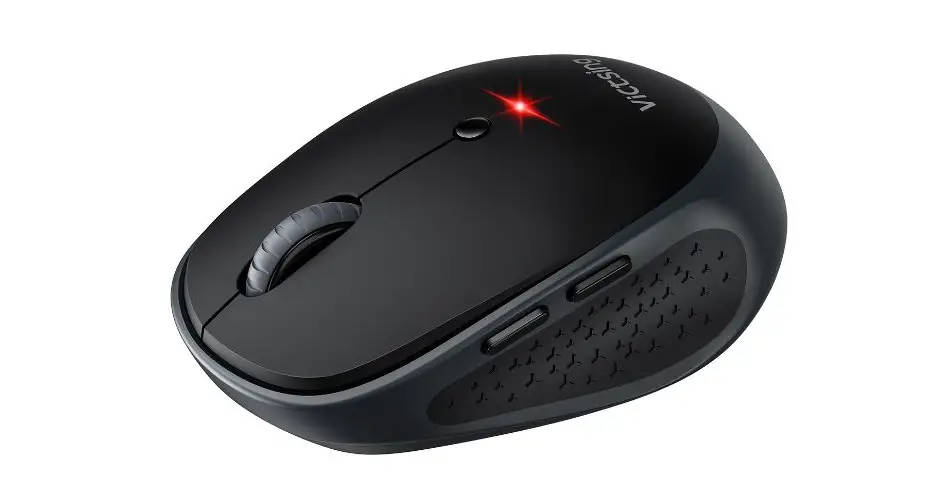
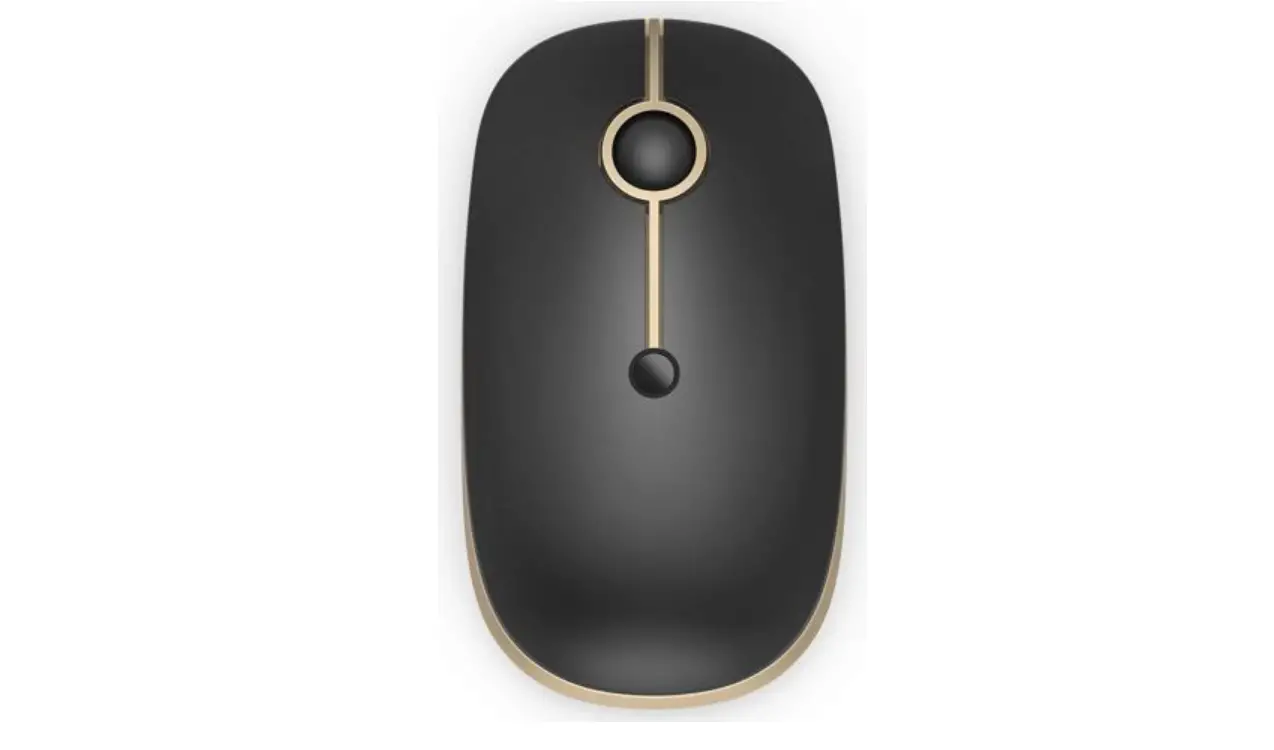
PM-611 Wireless 2.4 G and Bluetooth Mini Mouse
PERIMICE-611 Product Information
The PERIMICE-611 is a wireless mouse with six buttons and a DPI
switch button that allows you to switch between 1000dpi and
2400dpi. It has a low battery indicator that flashes red for 10
seconds when the battery is low. The mouse can be connected through
2.4G or Bluetooth (BT1/BT2) channels. It is made of ABS material
and is compatible with Windows 7 or later operating systems.
Product Specifications
- Interface: 2.4GHz / BT5.0
- Dimensions: 98*63*38mm
- Weight: N/A
- Input Current: 1.5V/10mA
- Battery Required: AA battery (1pcs)
- Number of Buttons: 6
- DPI: 1000/2400
- Acceleration: 10G
- Tracking Speed: 30IPS
- Report Rate: 125Hz
- Durability: 3 million keypresses
PERIMICE-611 Product Usage Instructions
To connect the PERIMICE-611, follow the instructions below:
- For 2.4G Connection:
- Turn on the mouse using the On/Off switch located on the bottom
of the device. - Insert the USB receiver into the USB port of your
computer. - Press and hold the Connect button for 10 seconds until the LED
light blinks. - The Channel/Connect indicator will show either 2.4G, BT1, or
BT2.
- Turn on the mouse using the On/Off switch located on the bottom
- For Bluetooth Connection:
- Turn on the mouse using the On/Off switch located on the bottom
of the device. - Press and hold the Connect button for 10 seconds until the LED
light blinks. - Go to Settings > Devices > Bluetooth & other devices
(for Windows) or System preferences > Bluetooth (for
MacOS). - If PERIMICE-611 is not on the list, press the Connect button
again for 10 seconds until the LED light blinks.
- Turn on the mouse using the On/Off switch located on the bottom
- If the Bluetooth pairing fails, remove PERIMICE-611 from the
list of paired devices and repeat the process from step 1.
PERIMICE-611
User Manual Bedienungsanleitung Manual de instrucciones Mode D’Emploi Manuale Utente
Product Illustration
63
38
Product Illustration
Channel switch/ connect button On/Off switch
Forward button Backward button
DPI switch button 1000dpi 2400dpi
Low battery indicator (flashing red light for 10 seconds)
Channel/connect indicator 2.4G BT1 BT2
BT1 Bluetooth Device 1 BT2 Bluetooth Device 2
How do you connect PERMICE-611?
1 2.4G
2
3
4
USB Port ON
5
2.4G BT1 BT2
Connect
–
+
AA
1 Windows Bluetooth
2
3 Please choose one Bluetooth channel BT1 Bluetooth Device 1
BT2 Bluetooth Device 2
4 Please press connect button for 10 seconds. LED should be blinking while connecting.
10 seconds
ON
2.4G BT1 BT2
OR
2.4G BT1 BT2
–
+
AA
5 Settings -> Devices -> Bluetooth & other devices
6
2.4G BT1 BT2
OR
2.4G BT1 BT2
2 1
If there’s no PERIMICE611 on the list, please press connect button
3
for 10 seconds.
2.4G BT1 BT2
OR
2.4G BT1 BT2
10 seconds
1 MacOS Bluetooth
2
ON
3 Please choose one Bluetooth channel BT1 Bluetooth Device 1 BT2 Bluetooth Device 2
4 Please press connect button for 10 seconds. LED should be blinking while connecting.
10 seconds
2.4G BT1 BT2
OR
2.4G BT1 BT2
–
+
AA
5 System preferences -> Bluetooth
2.4G BT1 BT2
OR
2.4G BT1 BT2
PERIMICE611
PERIMICE611
EN If the Bluetooth pairing fails, please remove PERIMICE-611 from the list of paired devices and redo it from
Step-1. DE Wenn die Bluetoothkopplung scheitert, entfernen Sie bitte PERIMICE-611 aus der Liste der gekoppelten
Geräte und wiederholen Sie den Kopplungsprozess ab Schritt 1. ES Si el emparejamiento de Bluetooth falla, elimine el PERIMICE-611 de la lista de dispositivos emparejados e
inicie nuevamente desde el Paso 1. FR Si le jumelage Bluetooth échoue, veuillez supprimer le PERIMICE-611 de la liste d’appareils jumelés de votre
appareil et recommencez à l’étape 1. IT Se la sincronizzazione Bluetooth non fosse andata a buon fine, rimuovere PERIMICE-611 dall’elenco dei
dispositivi associati e ripetere il processo dal Punto 1.
JA PERIMICE-
SC PERIMICE-6111 TC PERIMICE-611
English(US/UK)
· You are c vy
· All br
a
g
o opera
r
k
Please No rec
erm rep v rs av ex v
tant Safety Ins
c
expressly approv by P
gos ar
r
y keyboar y keyboar
r
ve o r
cc
ry
er GmbH c rP
P
er
y
warra
Specification Interface Size Weight Input Current Battery Required Material
Requirements
2.4GHz /BT5.0 98*63*38mm 57±10g 1.5V/10mA AA battery 1pc
ABS
Win 7 or later
year ex
Number of Buttons DPI Acceleration Tracking Speed
Report Rate Durability
6 1000/2400
10G 30IPS 125Hz 3 million keypresses
Deutsch (DE)
· Der Hersteller sowie die Wiederverkäufer sind nicht verantwortlich für technische Defekte, Schäden oder mögliche Verletzungen verursacht durch:
remdeinwirkung wie z.B. Sturz oder Schlag
euer, Gas, Erdbeben, Blitz, Wind, Wasser, Über
re orm von äußerer Gewalt
Andere mit der Tastatur verbundene Geräte
Zu hohe T raturen oder eine feuchte, staubige odergefährliche Umgebung
·Der Benutzer wird darauf hingewiesen, dass Änderungen oder Modifizierungen an den Geräten, welche von Perixx Computer GmbH nicht ausdrücklich genehmigt sind, die Erlaubnis des Benutzers zur Inbetriebnahme des Gerätes außer Kraft setzen könnte. ·Alle Markennamen, Warenzeichen und Logos sind Eigentum der Firma Perixx Computer GmbH.
Die übermäßige Langzeit-Verw
Tastatur und Mauskann zu Verletzungen führen. Perixx
em
zern den übermäßigen Gebrauch v
Tastatur und Maus zu vermeiden.
· Lassen Sie das Gerät nicht fallen
· Bauen Sie das Gerät nicht auseinander · Das Gerät ist für moderates Klima z vaten Benutzung k · Die maximale Umgebungst ratur während der Verwendung dieses Produktes darf 40 Grad nicht
überschreiten
· O · Verwenden Sie zur
wie Kerzen einigung dieses
dPürorfdeunkntsicnhutraeuifndtrioescekes nPreosdTuukcthgoedsteerllet iwneerwdeeinc.he
Bürste.
Perixx bietet 1 Jahr beschränkte Garantie, ein weiteres Jahr kann optional verlängert werden. Dies beeinträchtigt nicht die gesetzliche Gewährleistung.
Technische Daten
Schnittstelle
2.4GHz /BT5.0
Abmessungen Gewicht
98*63*38mm 57±10g
Eingangsstrom 1.5V/10mA
Benötigte Batterien 1 x AA Batterie
Material
ABS
Betriebssystem Win 7 oder höher
Tastenanzahl Auflösung (DPI)
6 1000/2400
Maximale Beschleunigung 10G
Maximale Geschwindigkeit 30IPS
USB-Signalrate
125Hz
Lebensdauer
3 Millionen Tastenanschläge
ESPAÑOL (ES)
El uso excesivo a largo plazo de cualquier teclado y el ratón puede causar lesiones. Perixx recomienda evitar el uso excesivo de cualquier teclado y ratón.
Indicaciones importantes de seguridad · Evite las caídas. · No desmonte el producto. · Este producto es apto solo en climas moderados. · La temperatura ambiente máxima durante el uso del producto no debe superar los 40 grados. · No exponer el producto a fuentes de llama, como velas.
Perixx ofrece una
limit
Características
Interfaz Tamaño Peso
Corriente de entrada
Requiere batería Material Sistema operativo requerido
2.4GHz /BT5.0 98*63*38mm 57±10g 1.5V/10mA 1 unidad de batería tipo AA
ABS
Win 7 o posterior
rolong
Numero de botones Resolución (DPI) Aceleración máx. Velocidad máx. Velocidad de respuesta
Duración
6 1000/2400
10G 30IPS 125Hz 3 millón de pulsaciones
FRANÇAIS (FR)
f r t r.
nt r.
r
t
n
r
êtr
r r
tn
Spécifications techniques
Interface
2.4GHz /BT5.0
Taille
98*63*38mm
Poids
57±10g
Courant d’entrée
1.5V/10mA
Pile requise
Piles AA 1pcs
Matériel
ABS
Exigence du système d’exploitation
Wultiénr7ieouureversion
Nombre de boutons Résolution (DPI) Accélération max. Vitesse max.
Taux de rapports Durabilité
6 1000/2400
10G 30IPS 125Hz 3 millions de frappes
ITALIANO (IT)
Attenzione
Evita cadute Non smontare
P
re una garanzia limitata di un anno con un’estensione opzionale di un anno.
Specifiche
Interfaccia Dimensioni
Peso
2.4GHz /BT5.0 98*63*38mm 57±10g
Corrente in entrata 1.5V/10mA
Batterie Necessarie 1 batteria AA
Materiale
ABS
Requisiti del
Win 7 o versioni
sistema operativo successive
Numero di pulsanti
6
Risoluzione (DPI)
1000/2400
Accelerazione massima
10G
Velocità massima
30IPS
Frequenza di aggiornamento 125Hz
Durata
3 milione di pressioni sui tasti
(JA)
(
)
Perixx
40
.GHz /BT.
**mm
±g
.V/mA
ABS
Win
DPI /
G
IPS
USB
Hz
217-210371
217-210410
(SC)
40
2.4GHz/5.0 98*63*38mm 57±10g 1.5V/10mA 15 ABS Win 7
(DPI)
6 1000/2400 10G 30IPS 125Hz 300
(TC)
40 (
2.4GHz/5.0 98*63*38mm 57±10g 1.5V/10mA AA ABS Win 7
(DPI)
6 1000/2400 10G 30IPS 125Hz 300
Equipment name
Unit
( )
(): PERIMICE-611
Type designation (Type)
Restricted substances and its chemical symbols
Lead Mercury Cadmium
(Pb) (Hg)
(Cd)
Hexavalent chromium
Cr+6
Polybrominated
biphenyls (PBB)
Polybrominated diphenyl ethers
(PBDE)
1. 0.1 wt %0.01 wt % Note 1″Exceeding 0.1 wt %” and “exceeding 0.01 wt %” indicate that the percentage content of the restricted substance exceeds the reference percentage value of presence condition.
2. Note 2″” indicates that the percentage content of the restricted substance does not exceed the percentage of reference value of presence.
3. Note 3 The “” indicates that the restricted substance corresponds to the exemption
: PERIMICE-611 : DC 1.5V 10mA : : 2021 :
R3B701 RoHS
: () : 43
A509-510 : : 9721 : 02-22008556