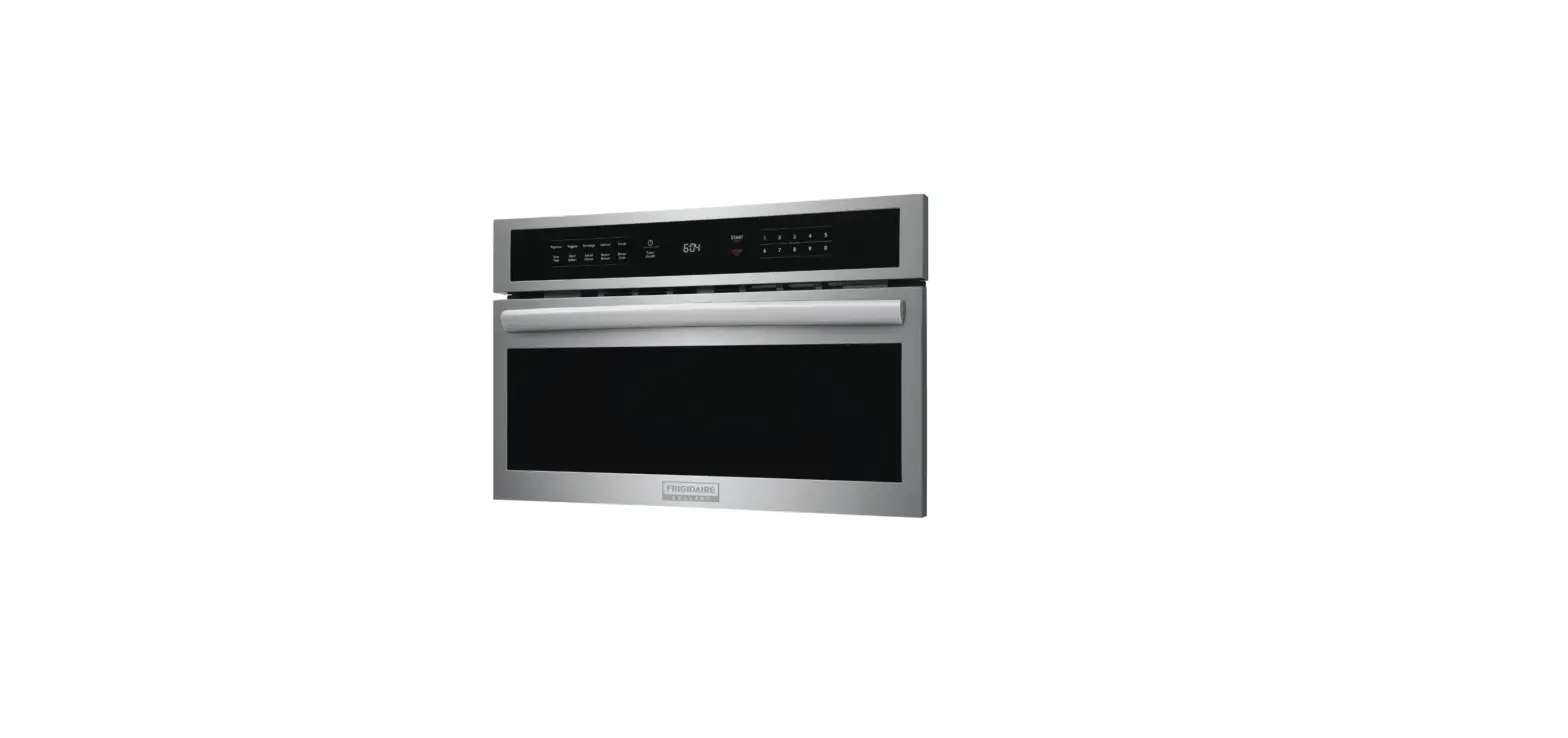
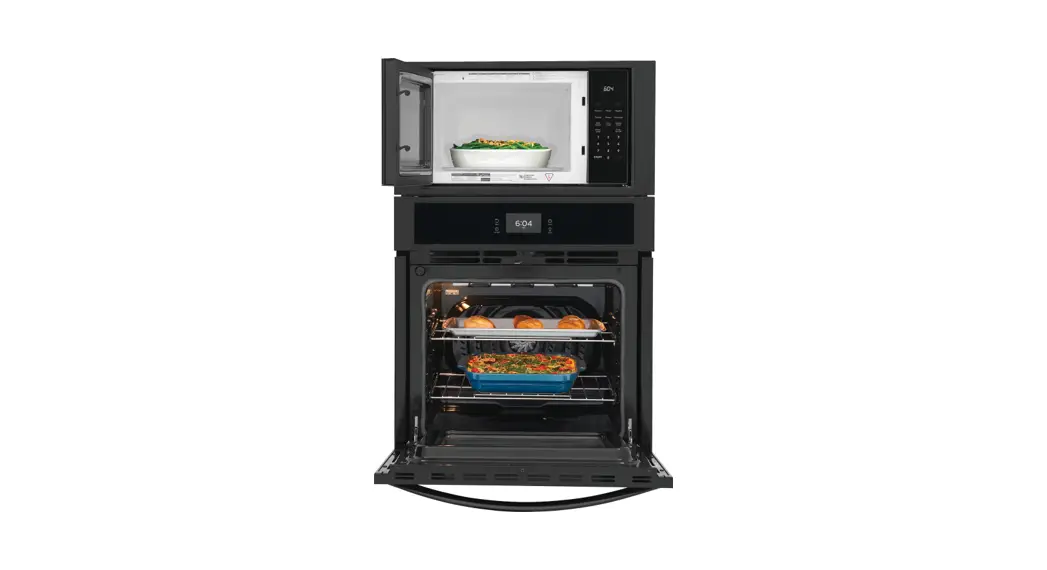
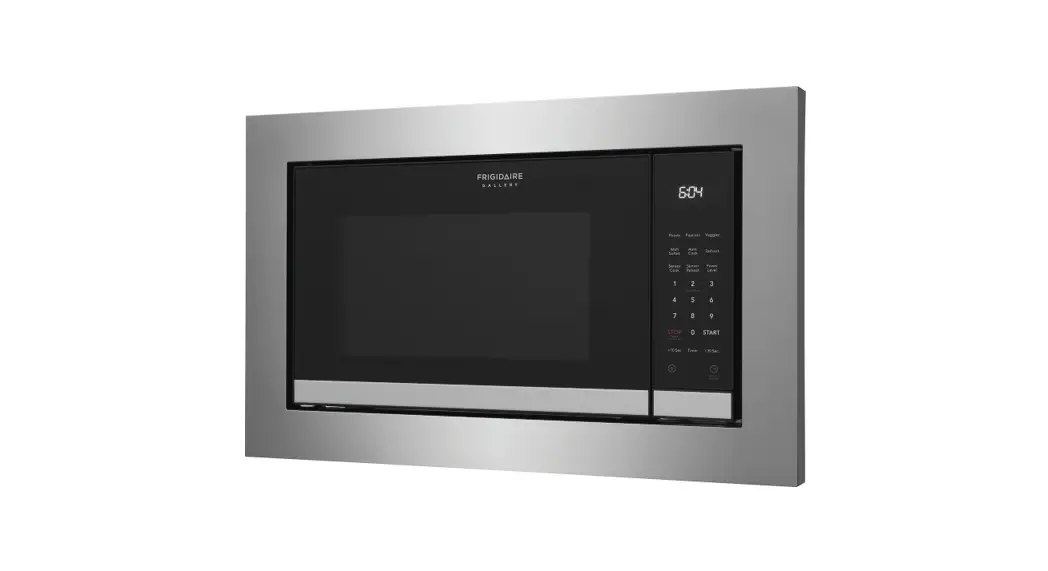
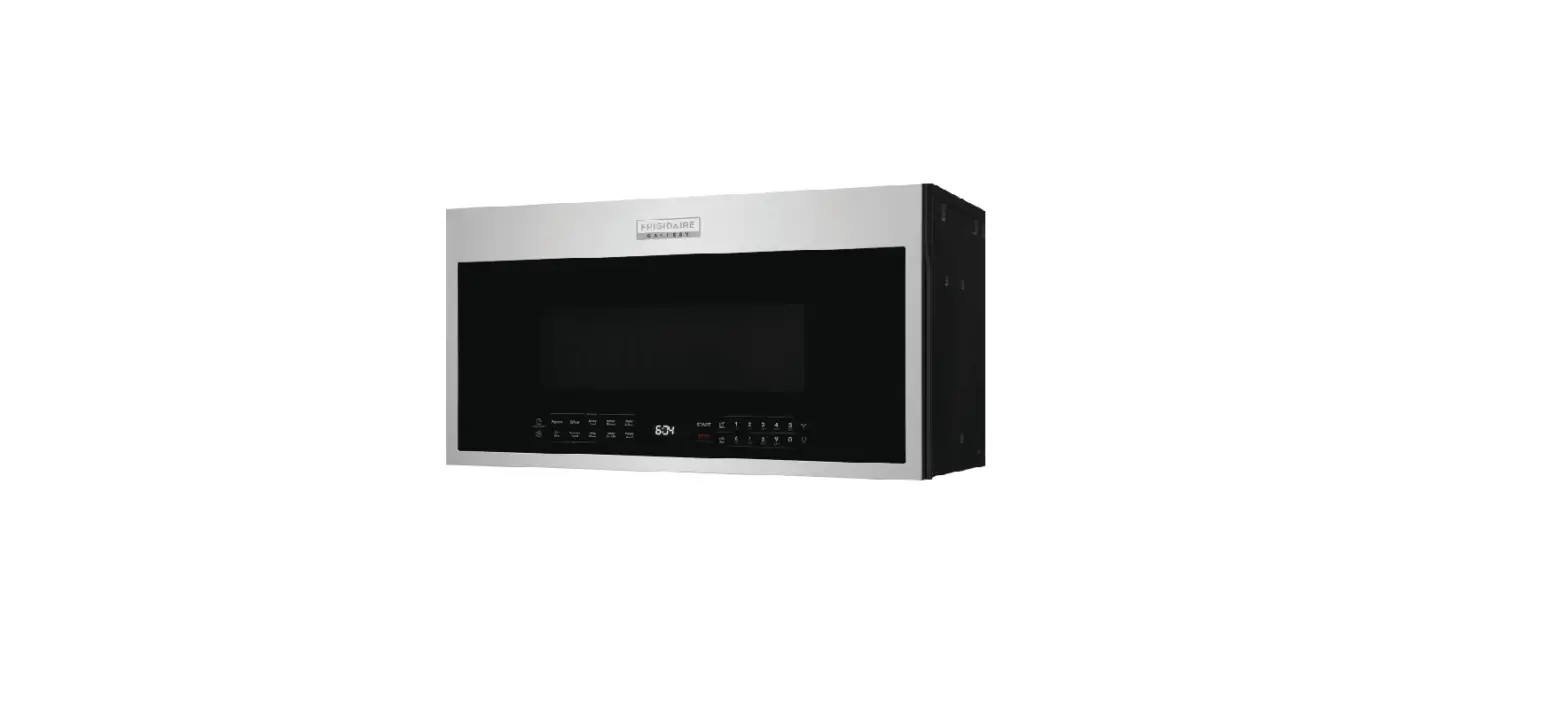
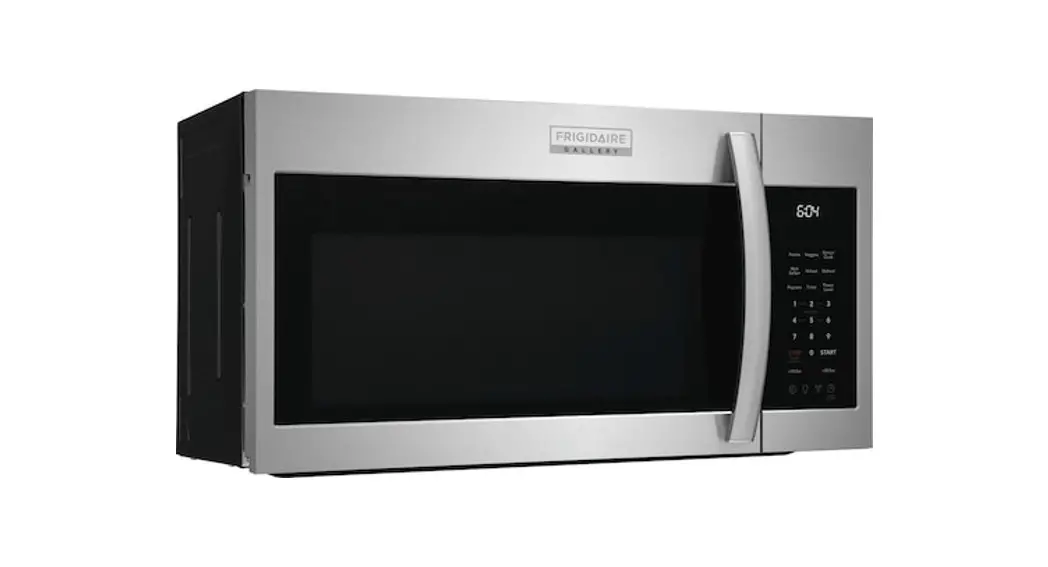
D6434755a57c4a Microwave
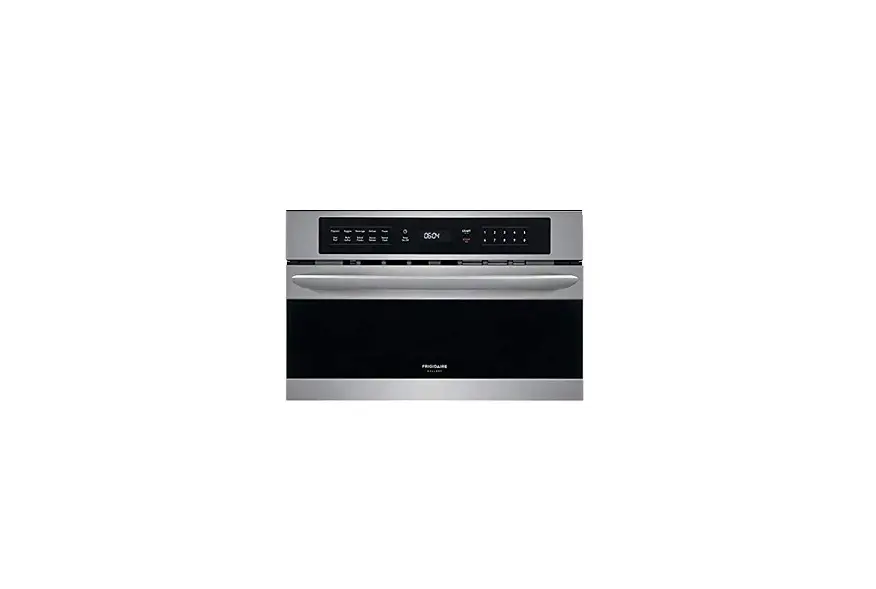
Product Information: Frigidaire Microwave
The Frigidaire Microwave is an electronic kitchen appliance that
is designed to cook or heat food by using electromagnetic waves in
the microwave frequency range. It has a turntable support and
turntable that should be in place before operating the microwave
for best performance. The electrical supply should be a minimum of
120 volts, 60Hz AC, and 15 amperage dedicated circuit. The
microwave features a clock, sound level settings, charcoal filter
replacement part number, and various cooking modes such as Quick
Start, Popcorn, Defrost, Sensor Cook, Sensor Reheat, Melt/Soften,
Potato, Veggies, Beverage, Power Level, and Timer.
Product Usage Instructions
Setting up the Microwave:
- Remove all packaging material and tape from the microwave.
- Ensure that the turntable support and turntable are in place
before operating the microwave. - Have a qualified technician confirm that the electrical supply
is a minimum of 120 volts, 60Hz AC, and 15 amperage dedicated
circuit.
Setting the Clock:
- Touch the clock icon on the microwave.
- The time will start flashing.
- Enter the time using the keypad.
- Touch the clock icon again to set the clock.
Turning on/off the Display:
- Press and hold the clock icon for 3 seconds to turn off the
display. - Press and hold the clock icon for 3 seconds again to turn on
the display.
Setting the Sound Level:
- Touch the settings icon on the microwave.
- When you see Sound displayed, press Start.
- Low, Med, High, and Off will scroll in the display.
- When you see the desired sound level, press Start to set
it.
Using Cooking Modes:
The Frigidaire Microwave has various cooking modes to cook or
heat food. Follow the below instructions for each mode:
Quick Start:
Press any number from 1 to 9 to cook for 1 to 9 minutes at 100%
power. A 2-second delay will occur, and then the microwave will
start cooking automatically.
+30Sec/10Sec:
Press the +30Sec/10Sec button to begin cooking for 30 or 10
seconds. You can also add time to any cooking cycle in progress by
pressing the button.
Popcorn:
Use this mode to pop corn in three convenient sizes.
Defrost:
Use this mode to defrost frozen foods such as meat, poultry, and
fish by weight.
Sensor Cook:
Use this mode to adjust cooking time and power level for various
foods and quantities based on moisture and humidity.
Sensor Reheat:
Use this mode to adjust cooking time and power level for various
foods and quantities such as beverages, soup, dinner plates, and
more based on moisture and humidity.
Melt/Soften:
Use this mode to melt and soften foods by using lower power. You
can melt butter or chocolate and soften ice cream or cream cheese,
etc.
Potato:
Use this mode to cook 1-4 potatoes of 8 oz size each.
Veggies:
Use this mode to cook fresh or frozen vegetables.
Beverage:
Use this mode to heat 1-2 cups of beverage.
Power Level:
Use this mode to manually microwave cook with multiple power
level and time stages.
Timer:
Use this mode to set a timer for 99 minutes and 99 seconds as a
convenient timer for your home.
Maintenance:
Clean the turntable and turntable support wheels to maintain
performance and rotation. Refer to the Use & Care Guide for
detailed instructions.
FAQs:
- Why does my microwave make noises when I’m
cooking?
Temperature changes during cooking and cool-down can make parts of
the microwave expand and contract. The controls click as they work
to control the magnetron for microwave cooking. The magnetron will
click as it works to create cooking temperatures. Different fans
run to heat and cool down different parts of the microwave, even
when it’s off. These sounds are normal. - Why does my turntable make noises when
turning?
Food build-up on turntable and turntable support wheels can make
noise as the turntable rotates. The turntable and turntable support
should be washed to maintain performance and rotation. - This microwave doesn’t work like my old one. What’s
wrong?
You may need to test and adjust cooking times for recipes as you
get used to the new microwave. Refer to the Use & Care Guide
for detailed instructions on how to use your microwave modes or
call Frigidaire Owner Support if you need help!
GETTING
Started
WITH YOUR MICROWAVE
BEFORE YOU START
Set up your microwave Remove all packaging material and tape and make sure your turntable support and turntable are in place prior to operating the microwave. For best performance have a qualified technician confirm the electrical supply is a minimum 120 volt, 60Hz AC, 15 amperage dedicated circuit. Check out your Use & Care Guide for tips to help care for your microwave.
Set your clock It’s easy! Touch clock icon. Time will flash. Enter time and touch the clock icon to set.
YOU’RE IN CONTROL
Turn off/on your display Press the clock icon and hold for 3s. The display will turn off and remain off when not in use. Press the clock icon and hold for 3s. The display will turn on and remain on.
Set the sound level Touch the settings icon. When you see Sound displayed press Start and low, med, high, off will scroll in the display. When you see the desired sound level press Start..
Push-to-Open PureAir® Filter Door When it is time to replace your charcoal filter, the display will show FILTER.
Charcoal Filter Replacement Part Number: FRPAMRAF
1-800-599-7569 frigidaire.com
MICROWAVE MODES
QUICK START MICROWAVE COOKING by simply pressing 1 through 9 for 1 to 9 minutes of microwave cooking at 100% power. A two second delay will occur and then the microwave will automatically start cooking.
+30Sec/10Sec is a convenient cooking time and at the touch of button you can begin microwave cooking for 30 or 10 seconds. You can also add time to any cooking cycle in progress simply by pressing the button.
POPCORN is used to pop corn in three convenient sizes.
DEFROST is used to defrost frozen foods such as meat, poultry and fish by weight.
SENSOR COOK uses moisture and humidity to adjust cooking time and power level for various foods and quantities.
SENSOR REHEAT uses moisture and humidity to adjust cooking time and power level for various foods and quantities, such as beverages, soup, dinner plates and more. MELT/SOFTEN is used to melt and soften foods by using lower power. It’s easy to melt butter or chocolate. You can soften ice cream or cream cheese too.
POTATO is used to cook 1 – 4 potatos 8 oz size each.
VEGGIES is used to cook Fresh or Frozen vegatables.
BEVERAGE is used to heat 1 – 2 cups.
POWER LEVEL is used to manually microwave cook with multiple power level and time stages.
TIMER can be set for 99 minutes and 99 seconds as a convenient timer for your home.
A06823458 Rev A EN (2023)
QUICK CARE
A little love goes a long way Quick ongoing care keeps your microwave oven working great for years to come! Be gentle Clean with warm water and mild soap, or use Frigidaire ReadyCleanTM Oven and Microwave Cleaner. Waveguide cover Keep the waveguide cover clean to ensure good microwave performance. Turntable and turntable support Keep the turntable and turntable support clean to ensure performance and reduce rotation noise. Door Glass Press and hold the STOP button to disable all other button functions. To enable all functions, press and hold the STOP button.
Consult your Use & Care Guide for detailed instructions.
FAQs
Why does my microwave make noises when I’m cooking? Temperature changes during cooking and cool-down can make parts of the microwave expand and contract. The controls click as they work to control the magnetron for microwave cooking. The magnetron will click as it works to create cooking temperatures. Different fans run to heat and cool down different parts of the microwave, even when it’s off. These sounds are normal.
Why does my turntable make noises when turning? Food build-up on turntable and turntable support wheels can make noise as the turntable rotates. The turntable and turntable support should be washed to maintain performance and rotation.
This microwave doesn’t work like my old one. What’s wrong? We know adjustment isn’t always easy. As you get used to the new microwave you may need to test and adjust cooking times for recipes. Consult your Use & Care Guide for detailed instructions on how to use your microwave modes or call Frigidaire Owner Support if you need help!
Why does FOOD show in my display? If the microwave door is opened and closed, for example, to reheat a cup of coffee, but the microwave is not started for five minutes, then the word FOOD will be displayed, and the microwave will not work. Open and close the door to clear FOOD from display and the microwave will work.
LET’S MAKE IT OFFICIAL!
Take the first step to becoming a part of the Frigidaire family by registering your new microwave.
Register on-line at: Frigidaire.com/register
Or complete the included registration card by mail.
Note: Your model and serial number can be found on the front of the microwave inside of the door.
here WE ARE FOR YOU
Have a question? Want help? Need service?
1 (800) 374-4432 frigidaire.com owner support
 Frigidaire