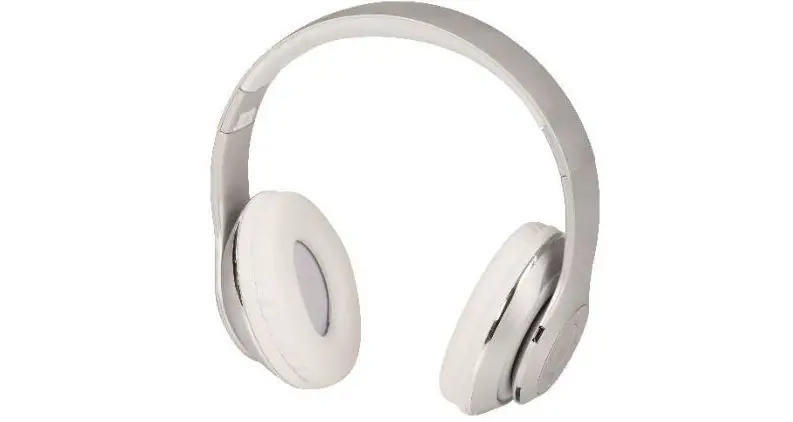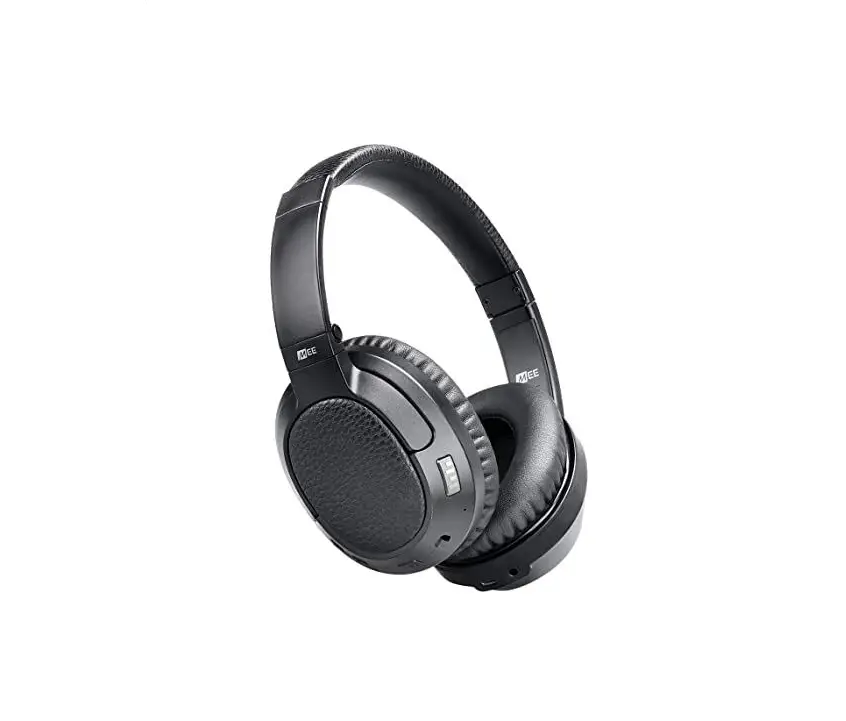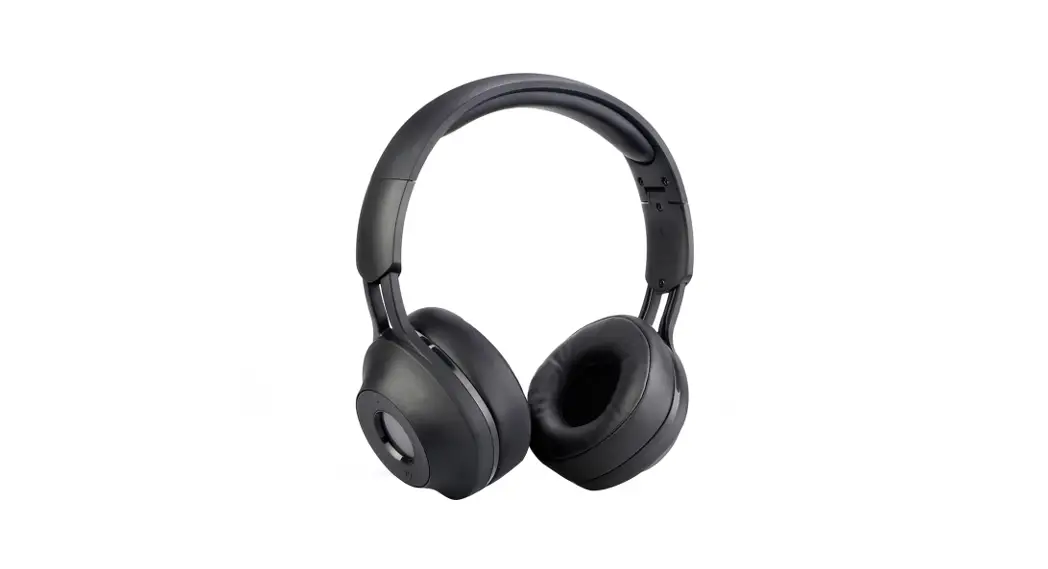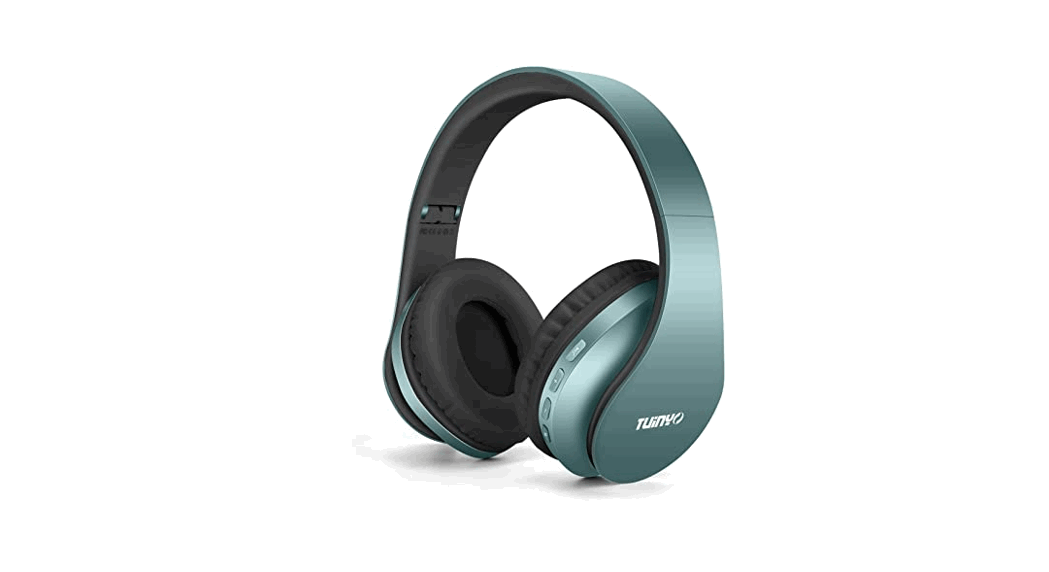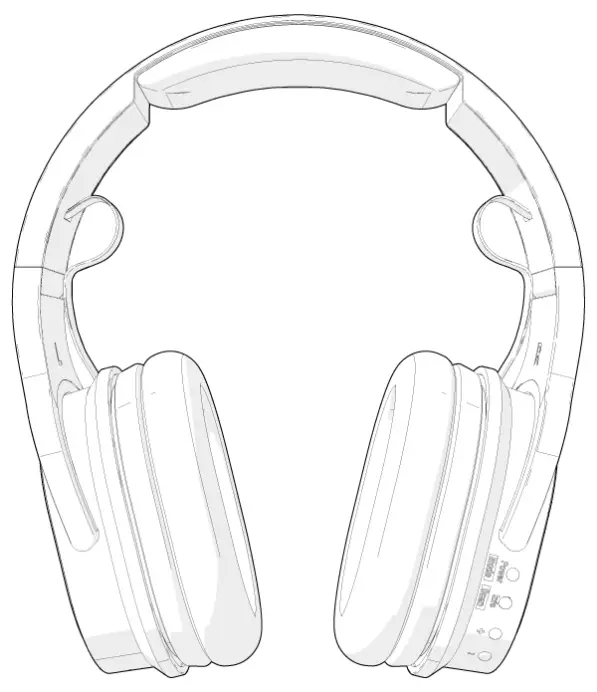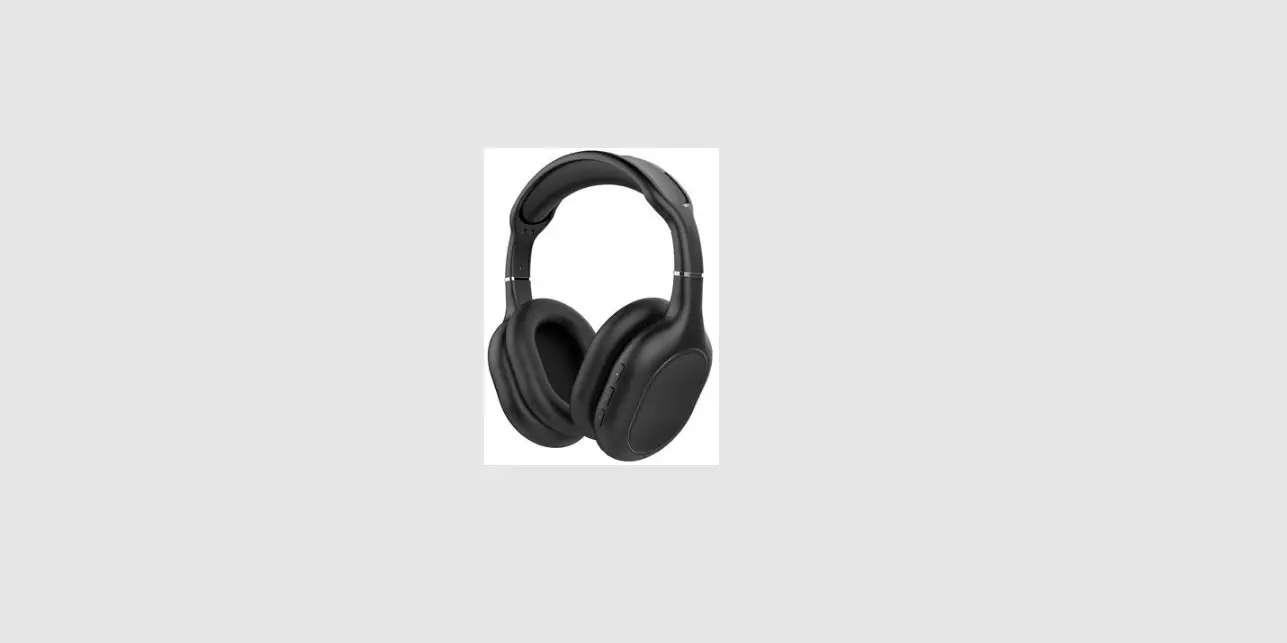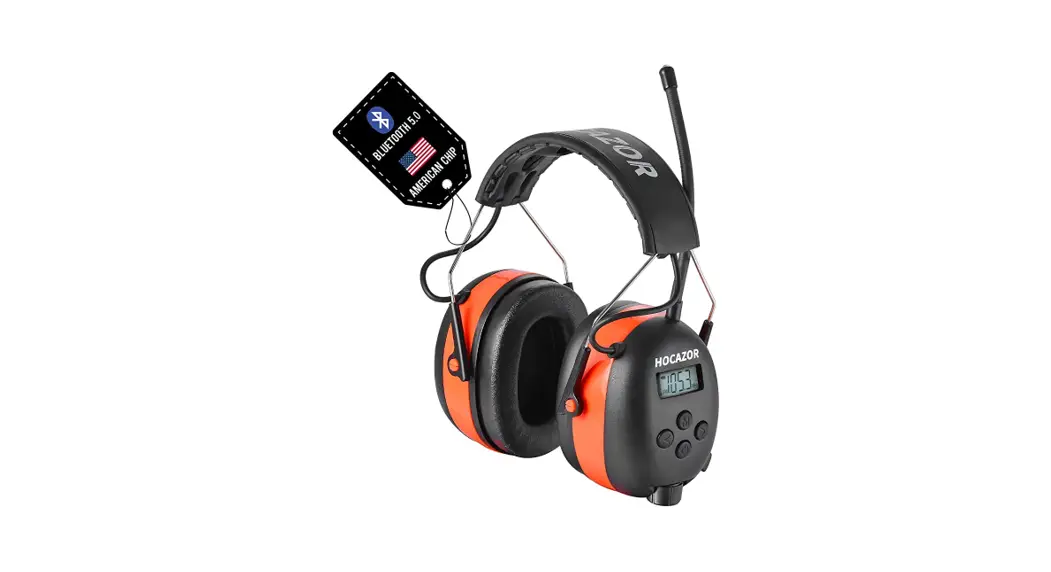

HP033 Bluetooth AM FM Radio Headphones
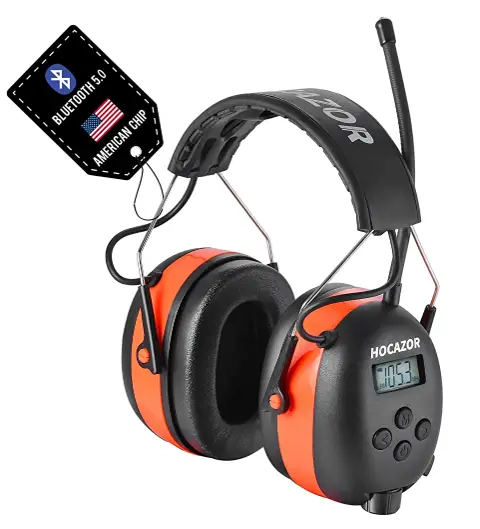
User Manual
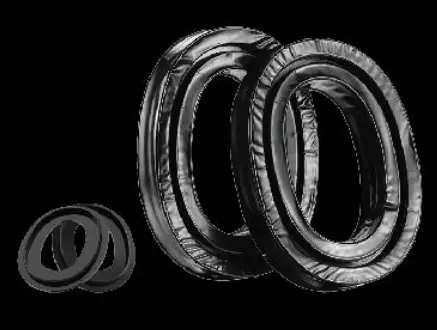
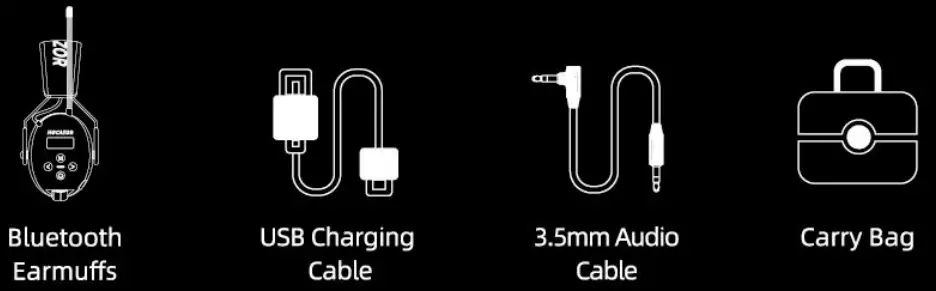
Package Included
BT FM/AM Radio Hearing Protector
Important: For proper fit, ear cushion should seal firmly against the head. Anything that interferes with the seal such as long hair (pull back to the extent possible), thick or poorly fitting eyeglass temples, pencils and caps will lessen the earmuffs effectiveness.
Key Features,
- Bluetooth Music and Bluetooth Function, AM/FM Radio Function
- AM and FM Have the Function of Storing 10 Radio Stations Separately
- Flexible Headband & Adjustable Headband
- Rechargeable Lithium-ion Battery
- Deep Bass & Truly Stereo & Big Sound
- NRR: 25dB SNR: 30dB
- Breathable and Comfortable Ear Cushions
Bluetooth 5.0 Technology,’
- Short press
 for searching BT after power on.
 - Bluetooth pairing:
Open Bluetooth wireless setting on your phone or mp3 player. Make sure Bluetooth is on and select ‘EM033’ to connect. Once succeed, there showing ‘ON’ in The LCD display. Auto re-connect to previous last connected device during pairing if the BT device has been paired previously. - Answer/Cancel the call:
Short press to pick up or end the call.
Reject call: Press and hold on for 3 seconds;
Recall: Press and hold on for 3 seconds;
Music situation: Short press for next music; Short press for last
music; Short press for pause music.
 for searching BT after power on.
 to pick up or end the call.
 for 3 seconds;
 for 3 seconds;
Charging Technology_
When you need to charge, you could use the USB charging cable (Included) connect to a 5V USB charger (NOT included)/Car Charger /computer USB, etc.
AUX Model
- Extra AUX Cable are provided to connect to audio devices.
- Power on the ear defenders.
- Connect it to MP3 or iPod through AUX cable.
- LCD-display show: AUX
Introduction
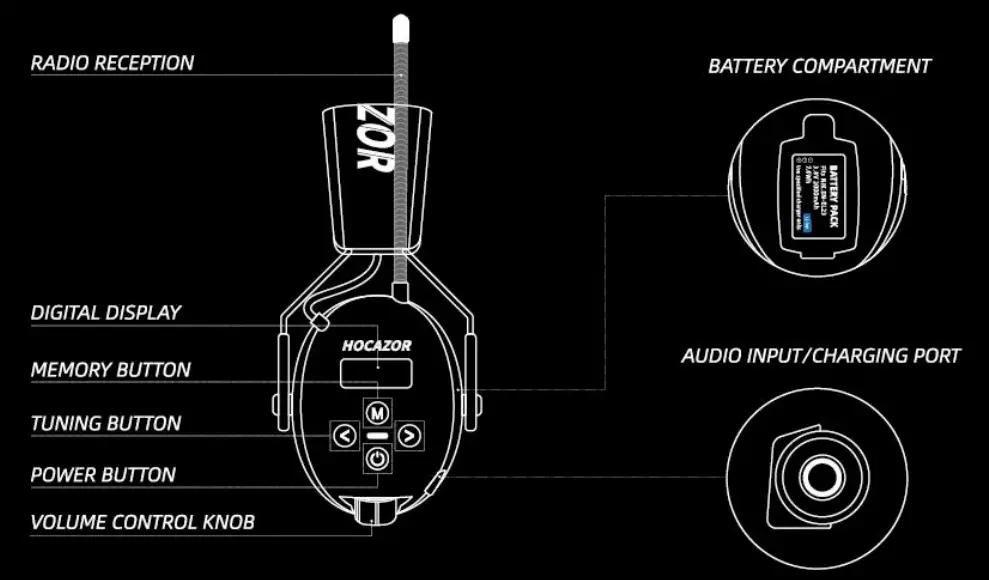
POWER BUTTON:
- Press and hold on for 3 seconds: TURN ON; Press and hold on for 5 seconds: TURN OFF.
- Quick Press: SWITCH BT/FM/AM.
TUNING BUTTON:
- Press and hold on orfor 3 seconds: Search station automatically
- Quick press: manual model.
MEMORY BUTTON:
- Choosing the favorable channel.
- Long Press & Hold onbutton until display flashes to add current channel to your presets, then quick pressor select the channel, and then pressagain to save it.
- Once you have multiple channels saved, just quick press to switch among them.
VOLUME CONTROL KNOB:
Adjust Volume.
RADIO RECEPTION:
Put it in right place as photo showed, DO NOT bend aerial.
DIGITAL DISPLAY:
Showing FM/AM channel, Battery Level, AUX Mode.
BATTERY COMPARTMENT:
- Detachable design, it would be easier to install battery.
- Include a rechargeable lithium polymer battery.
- Come with a USB charging cable, connect the AUX interface and USB interface to charge.
FCC Statement
FCC Number: 2AYWU-EM-033
NOTE: This equipment has been tested and found to comply with the limits for a Class B digital device, pursuant to part 15 of the FCC Rules. These limits are designed to provide reasonable protection against harmful interference in a residential installation. This equipment generates uses and can radiate radio frequency energy and, if not installed and used in accordance with the instructions, may cause harmful interference to radio communications. However, there is no guarantee that interference will not occur in a particular installation. If this equipment does cause harmful interference to radio or television reception, which can be determined by turning the equipment off and on, the user is encouraged to try to correct the interference by one or more of the following measures:
- Reorient or relocate the receiving antenna.
- Increase the separation between the equipment and receiver.
- Connect the equipment into an outlet on a circuit different from that to which the receiver is connected.
- Consult the dealer or an experienced radio/TV technician for help.
Changes or modifications not expressly approved by the party responsible for compliance could void the user’s authority to operate the equipment
This device complies with Part 15 of the FCC Rules. Operation is subject to the following two conditions: (1) this device may not cause harmful interference, and (2) this device must accept any interference received, including interference that may cause undesired operation.
Warranty
HOCAZOR provides a ONE-YEAR-WARRANTY
period.If you have any problems or confusion , please don’t hesitate to get in touch with HOCAZOR official Customer Service:
[email protected]
FOLLOW OUR STORE ON AMAZON TO BE THE FIRST TO KNOW ABOUT NEW RELEASE


DESIGNED FOR HOCAZOR HP033 https://www.amazon.com/dp/B09SBDX277