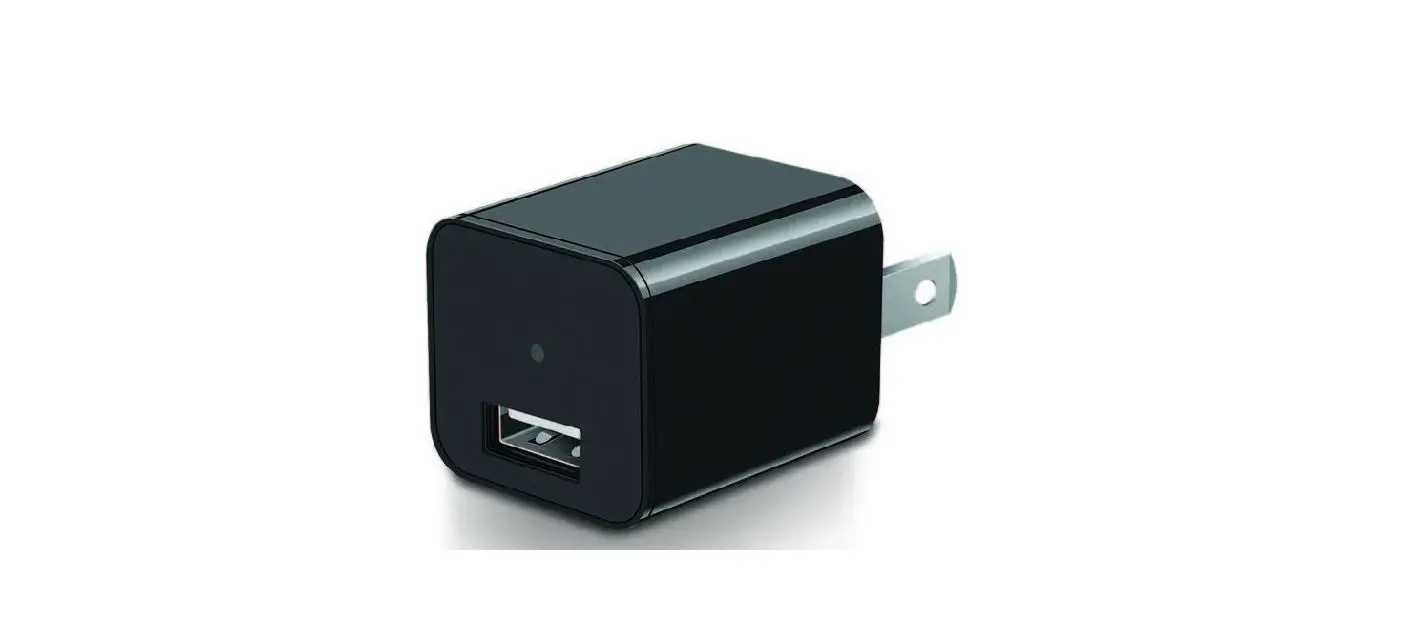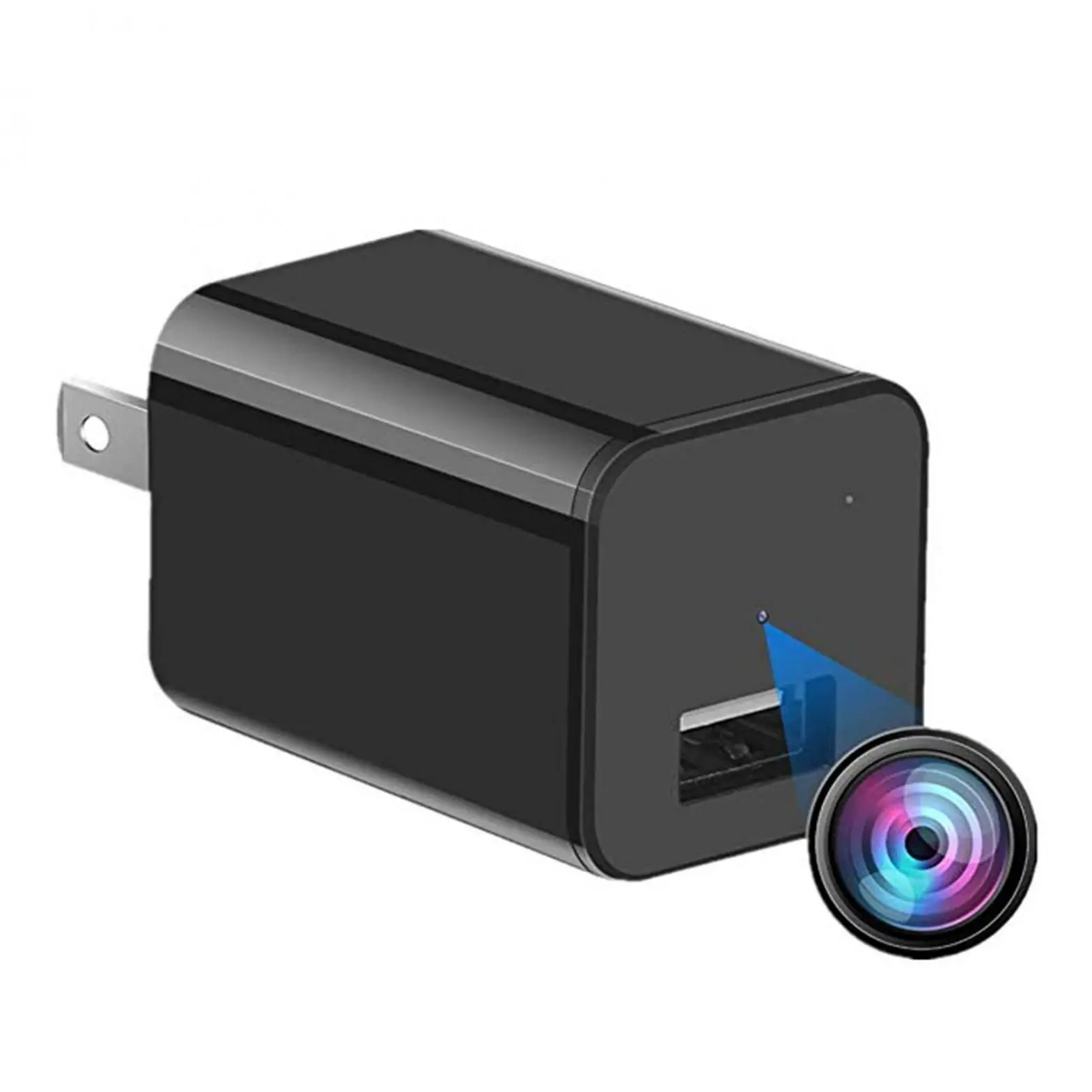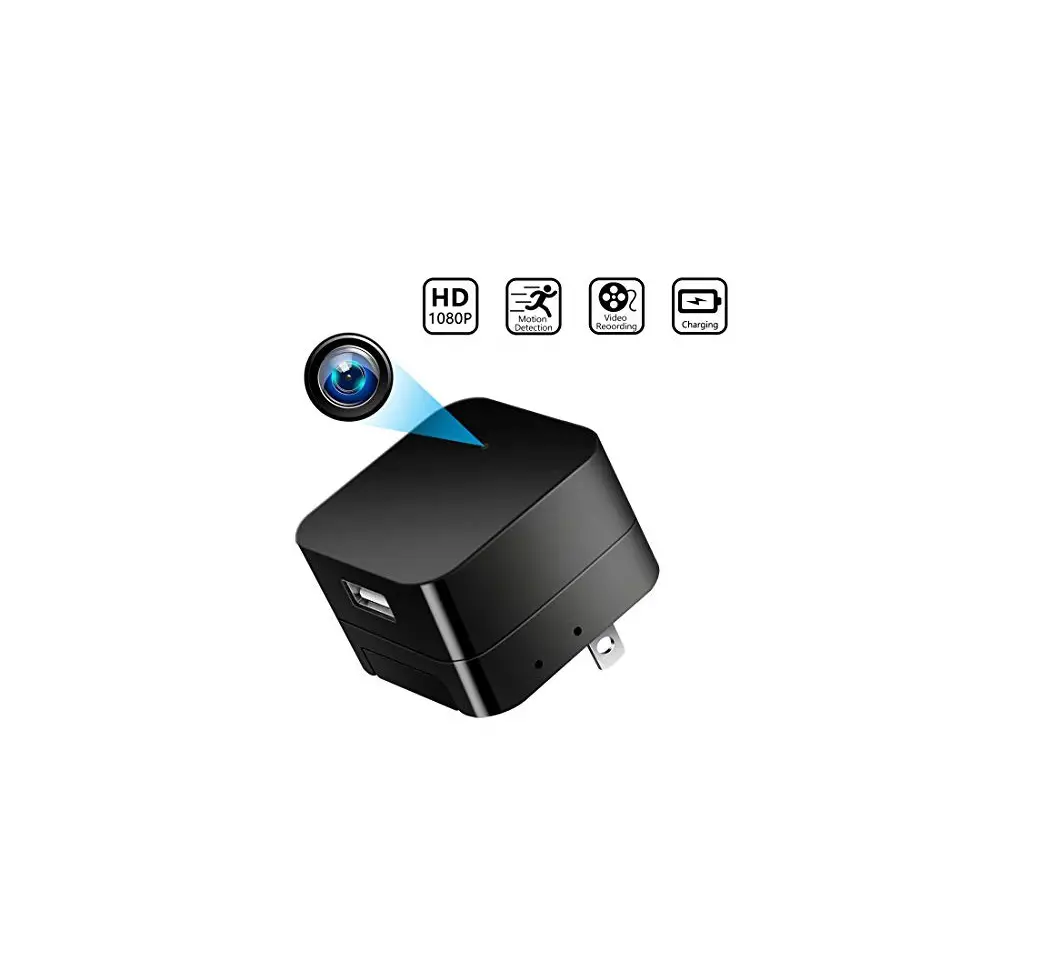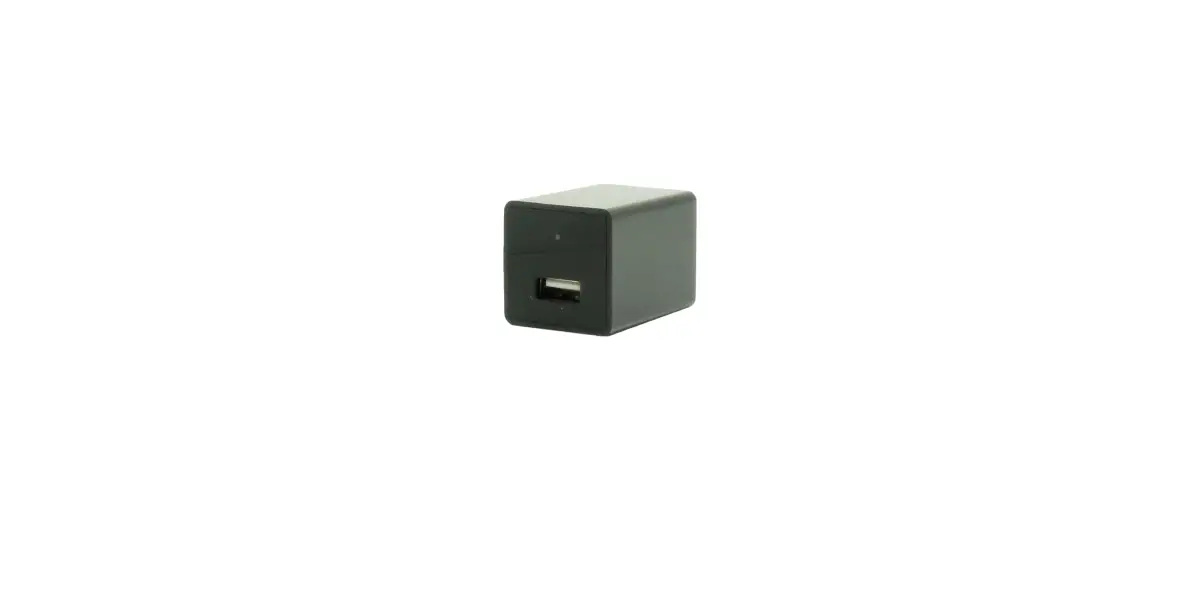
THANK YOU FOR PURCHASING THE HCMINICHARGE
Please read this manual before operating the HCMiniCharge and keep it handy.
Your purchase should include:
- 1 x HCMiniCharge
- 1 x MicroSD Card Reader
Contact 770-694-6921 if you are missing any of these components.
Version 1.3
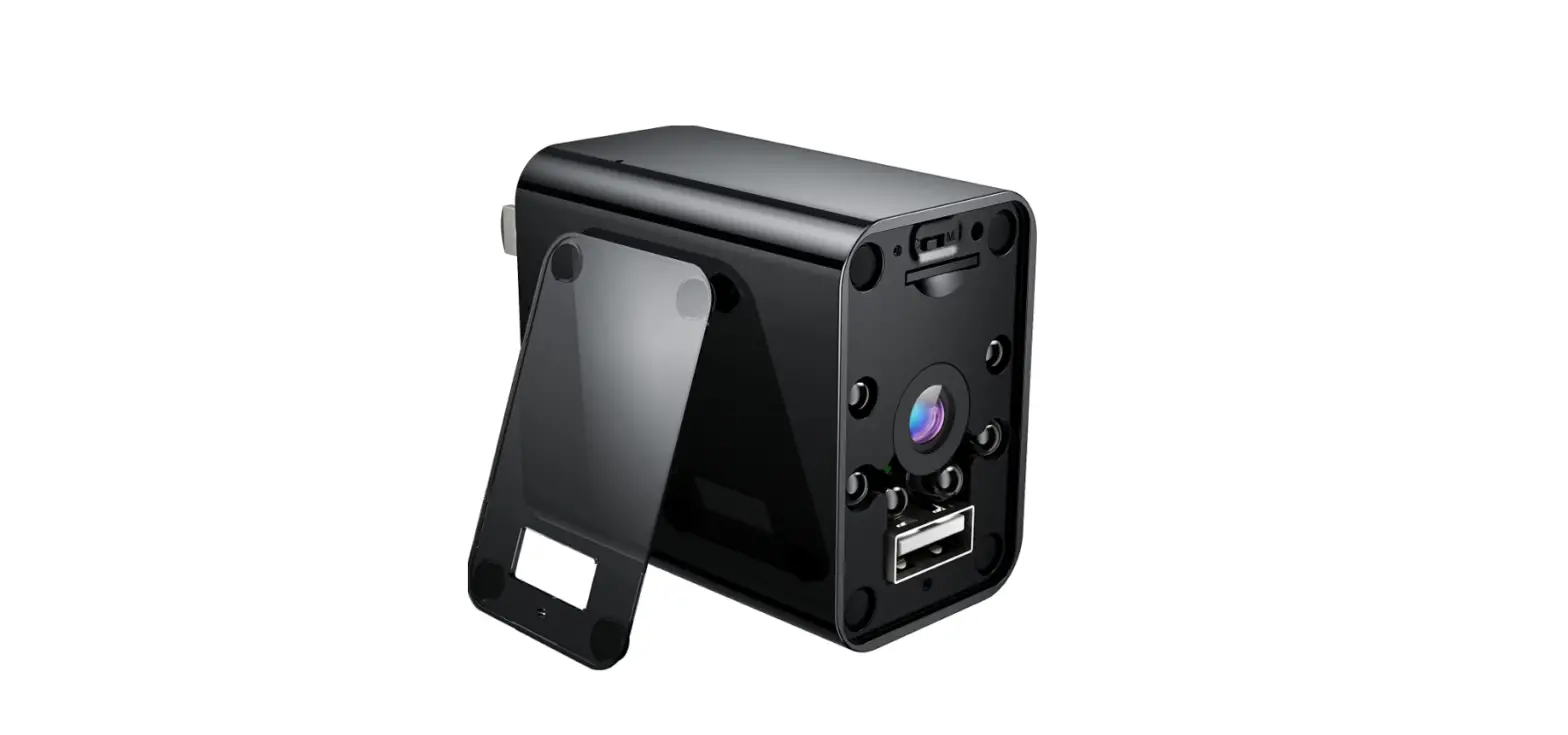
GET FAMILIAR WITH YOUR DEVICE
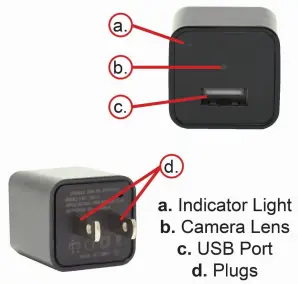
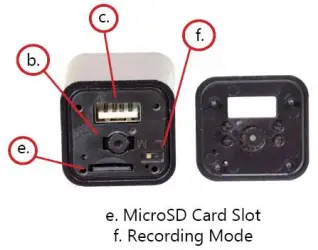
OPERATING THE HCMINICHARGE
- Take the front cover off.
- Switch the toggle to ‘M’ for motion detection recording or ‘L’ for continuous recording.
- Plug the device into the wall, and it will begin recording immediately.
- To stop recording, unplug the device from the wall, and it will save and stop recording.
SETTING THE DATE/TIME STAMP
- Visit http://mgidownloads.com/Date_Time_Set/
- Choose “HCMiniCharge” from the device SKU dropdown.
- Choose your time zone from the time zone dropdown.
- Click Submit.
- The appropriate time file will be downloaded to your computer’s downloads folder.
- Open your downloads folder on your computer.
- Find the time file that was downloaded (should be the most recent download and the name will match what you saw in your browser download notification.
- Right click on the file and choose “Copy”.
- Plug the device into your computer.
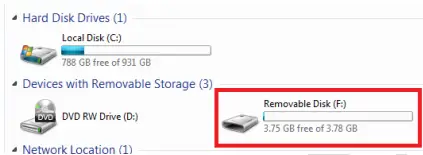
- Locate “Removable Disk” inside the (My) Computer folder.
- AutoPlay Removable Disk > Open folder to view files.

- Right Click and choose “Paste” in the root directory of the device’s memory.
- Unplug the device from your computer and plug it into the wall. Perform a test recording to confirm that the date/time was set.
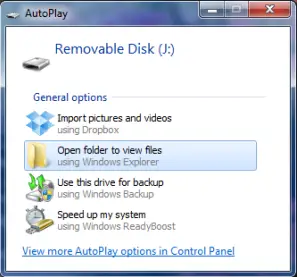
TRANSFER THE FILES TO YOUR PC
- Connect the device to your computer using the supplied microSD reader.
- Locate “Removable Disk” inside the (My) Computer folder.
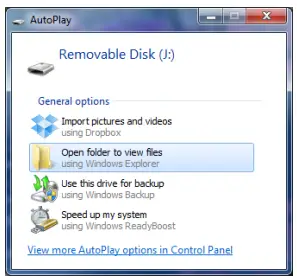
- AutoPlay Removable Disk > Open folder to view files

Or… - Go to Start > Computer > Removable Disk

- AutoPlay Removable Disk > Open folder to view files
- Open the Removable Disk drive.
- Open the VIDEO folder containing the files.
- Double click the file you want to view.
TROUBLESHOOTING
HOW TO RESET THE DEVICE
- Unplug the device and plug it back in.
WHEN I PLAY BACK VIDEO I ONLY HEAR AUDIO AND SEE NO VIDEO
- Download VLC media player and open the file with VLC.
OTHER PROBLEMS
- Call our technical support at 770–694–6921
SPECIFICATIONS
| Video Resolution | 1920 x 1080 @ 30 FPS |
| Video Format | AVI |
| Type of Memory | External Memory |
| Memory Capacity | Up to 128GB |
| Recording Capacity | 1GB ≈ 6 minutes |
| USB Interface | 2.0 USB |
| Player Software | VLC |
| Time Date Stamp | Yes |
| Loop Recording | Yes |
| Operating Systems | Windows XP & Up Mac OSX 10.5 & Up Linux |
 Get Date File Creator