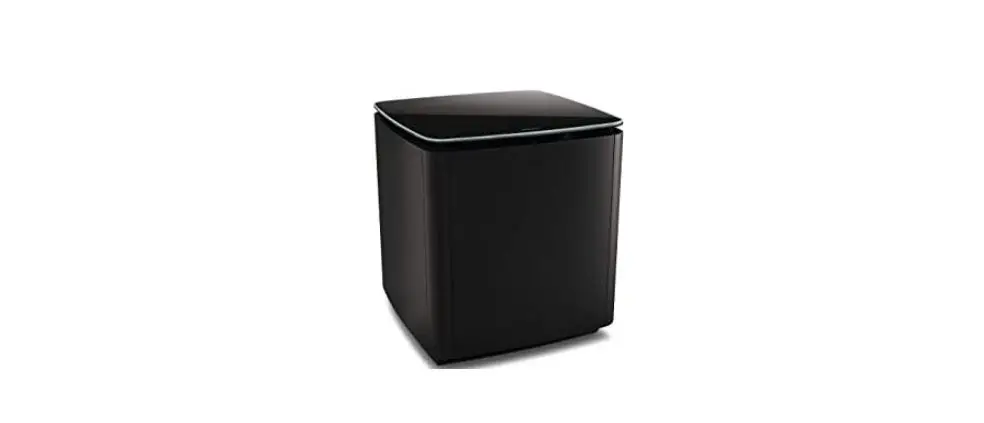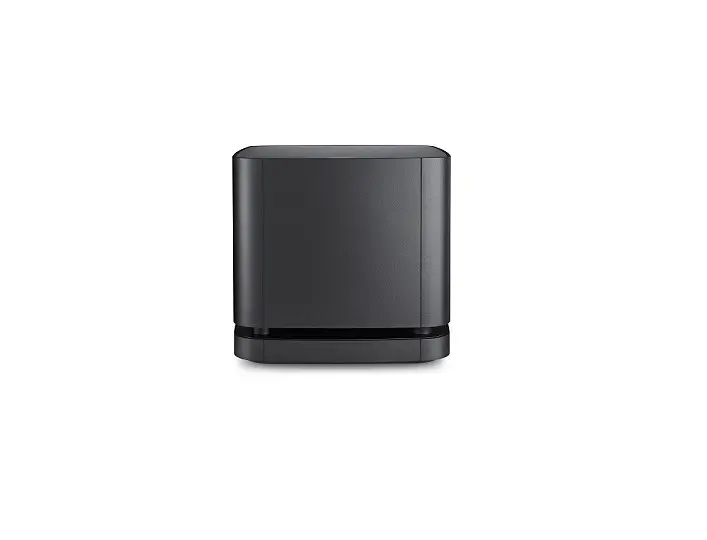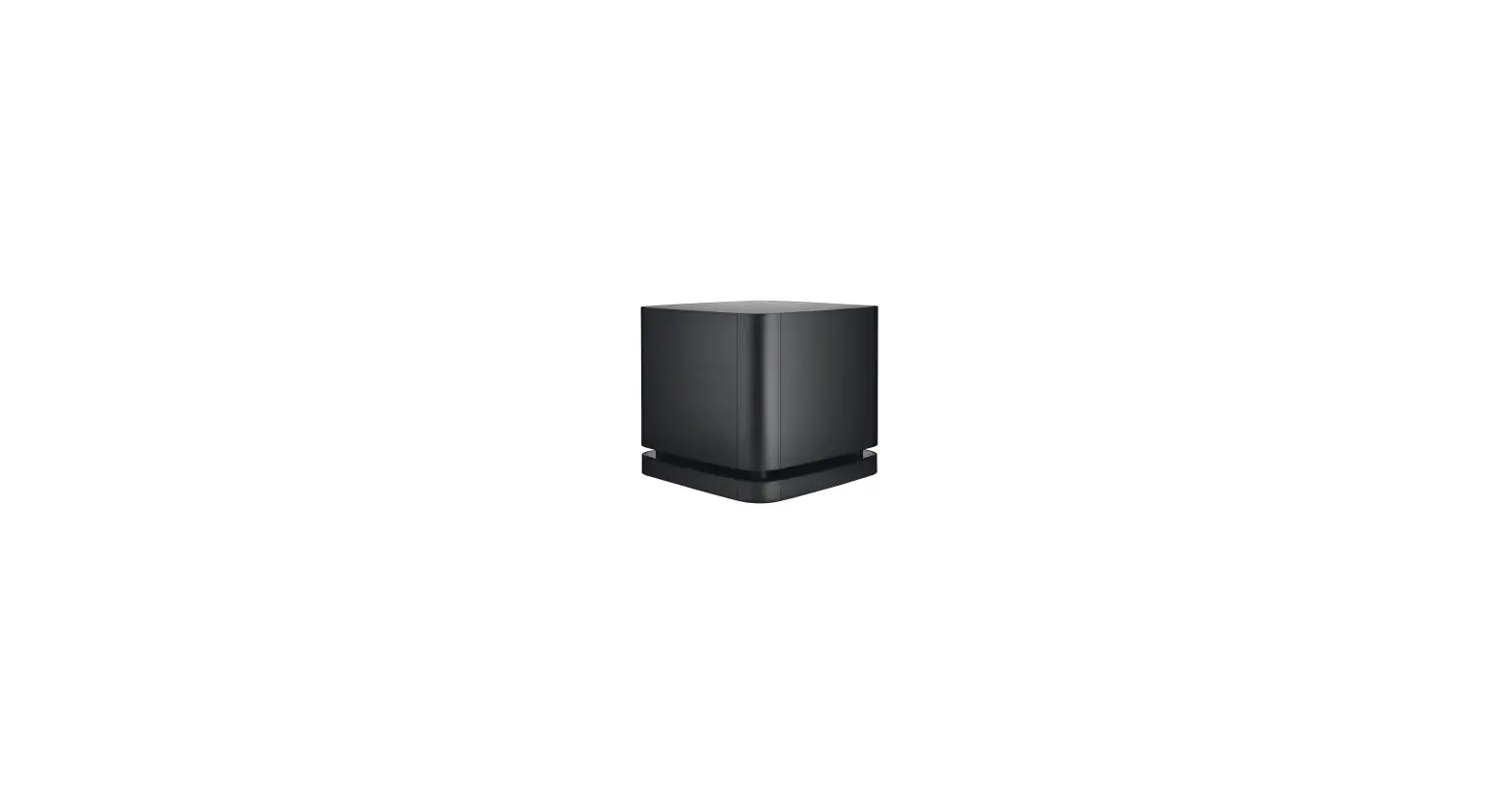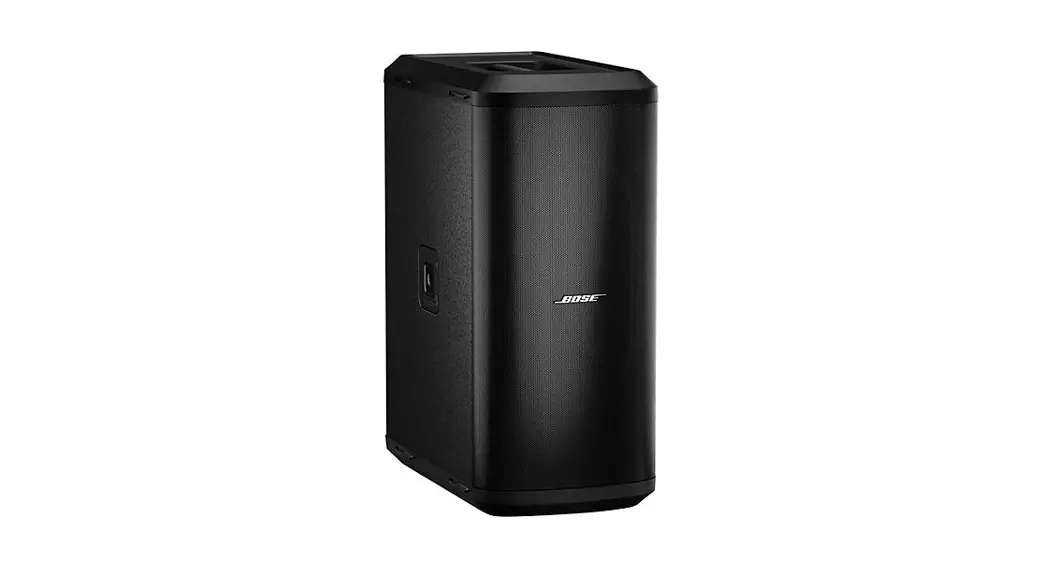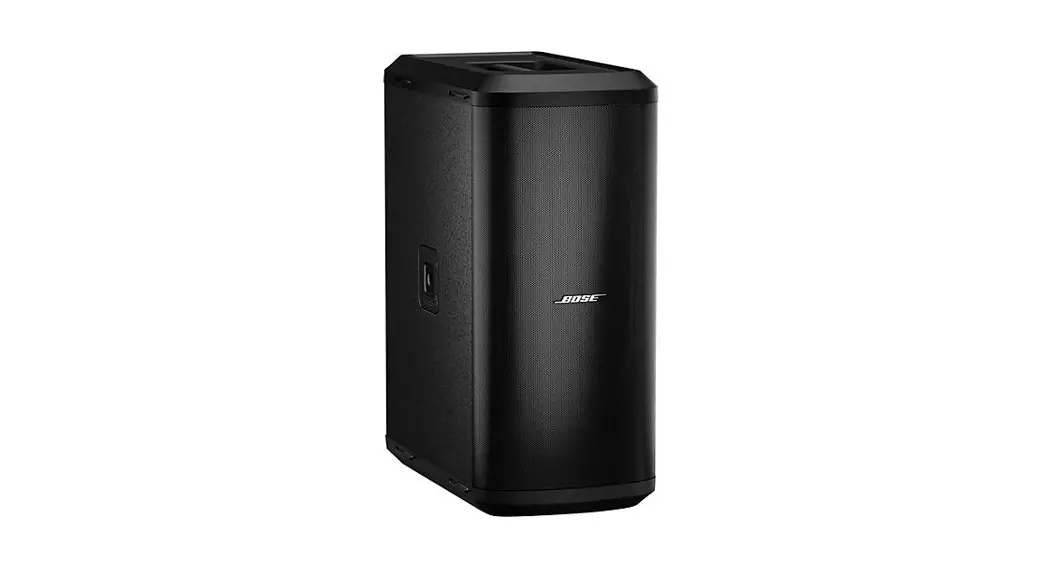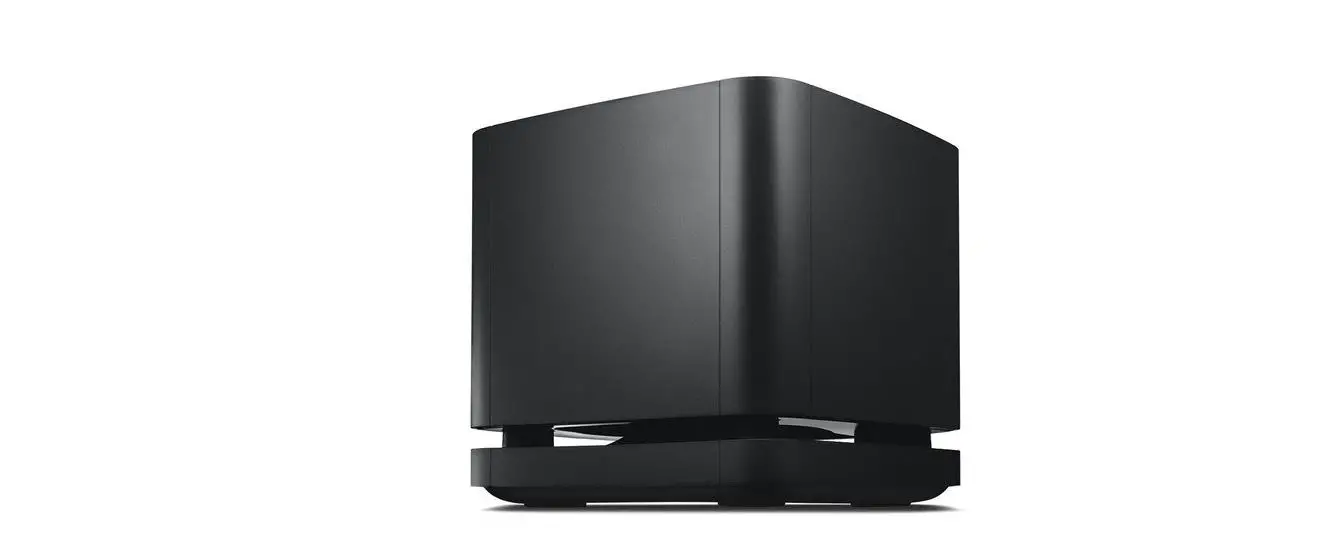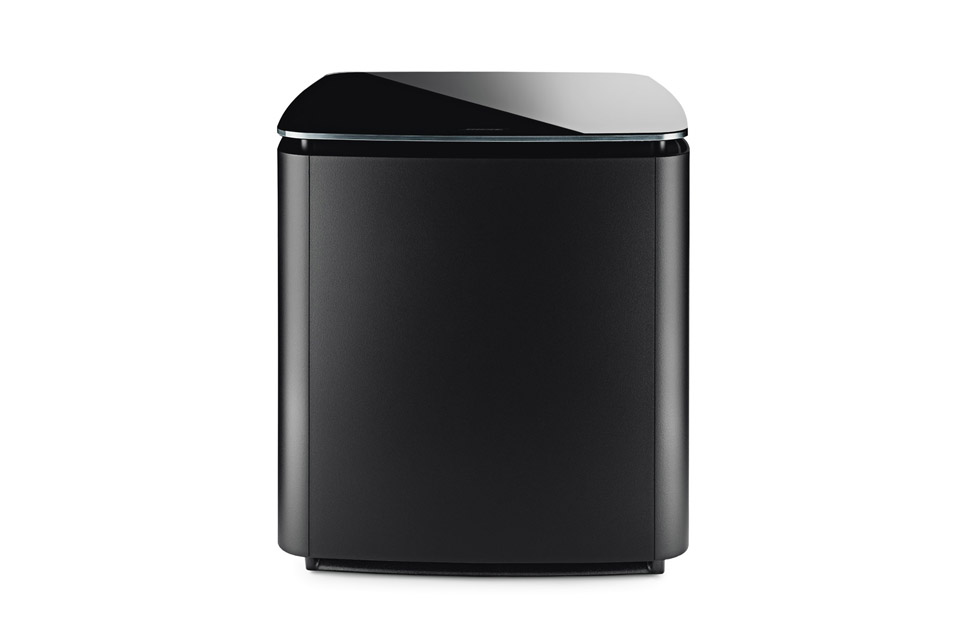
BOSE BASS MODULE 700 USER MANUAL

CHOOSE YOUR SETUP METHOD
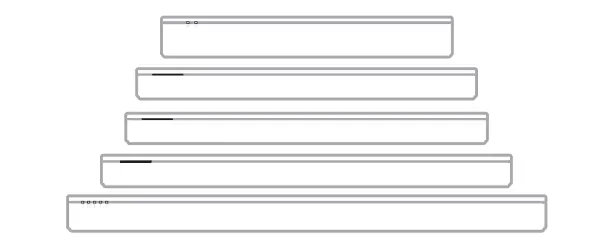
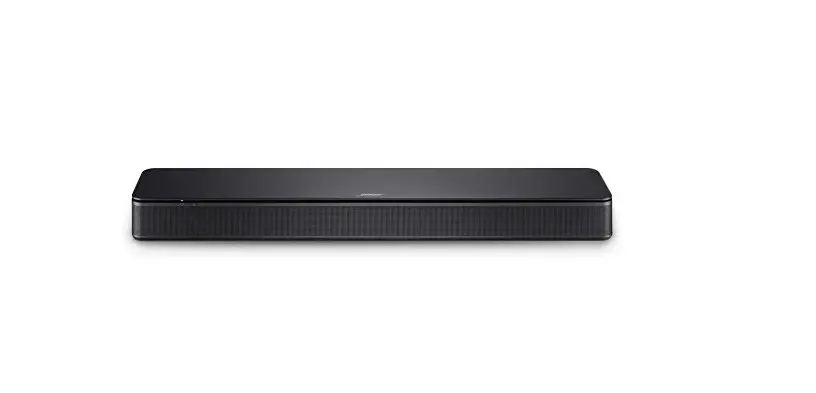
Your setup method depends on which soundbar or speaker you have.
- Bose Soundbar 500, Bose Soundbar 700, or Bose Smart Soundbar 300: See page 4.
- Bose TV Speaker (or alternate wired setup for soundbars): See page 5.
- SoundTouch 300 soundbar: See page 6.
BOSE SOUNDBAR 500, BOSE SOUNDBAR 700, BOSE SMART SOUNDBAR 300
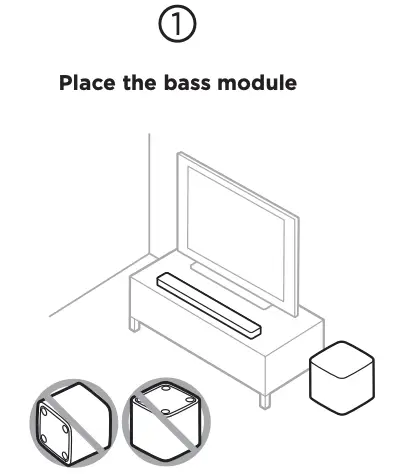
Keep at least 1 3 ft. (0.3 0.9 m) away from other wireless equipment.
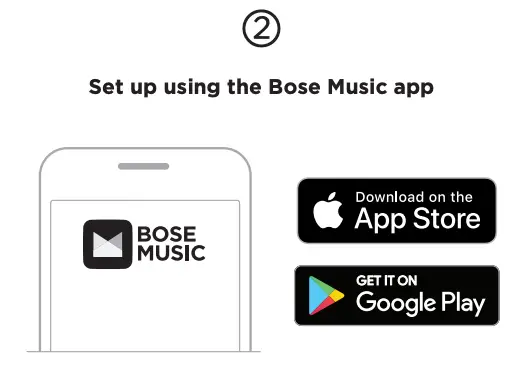
A. In the Bose Music app, from the My Bose screen, tap your soundbar.
B. Tap the soundbar image in the bottomright corner of the screen.
C. Tap Settings > Accessory Speakers > Add Bose Accessory Speakers.
New to the Bose Music app?
Download the app and follow the app instructions to set up your soundbar and bass module.
BOSE TV SPEAKER (OR ALTERNATE WIRED SETUP FOR SOUNDBARS)
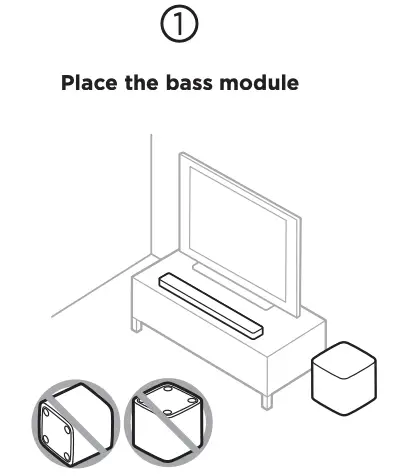
Keep at least 1 3 ft. (0.3 0.9 m) away from other wireless equipment.
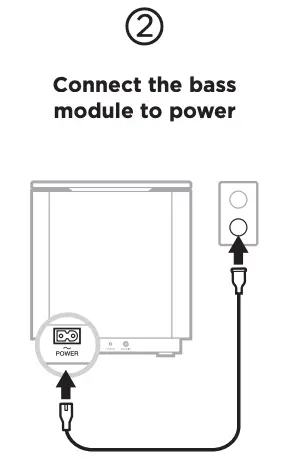
Once connected, the bass module powers on.
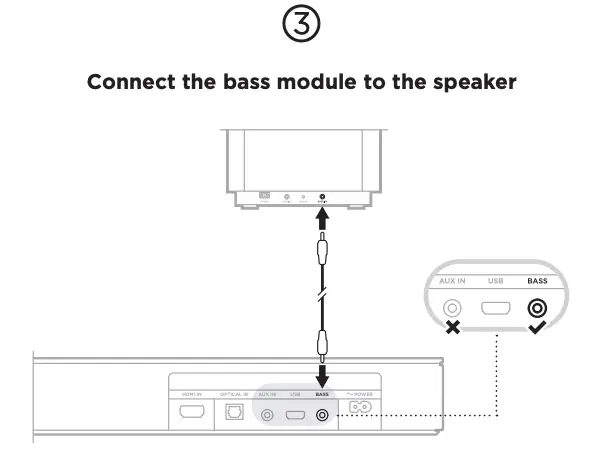
Connect a 3.5 mm audio cable (not provided) to the bass module’s BASS IN xconnector and the speaker’s h connector (not the AUX IN connector).
NOTE: If you don’t have a 3.5 mm audio cable, visit worldwide.Bose.com/Support/BASS700 to purchase a 15 ft. (4.5 m) cable or go to your local electronics store.
SOUNDTOUCH 300 SOUNDBAR
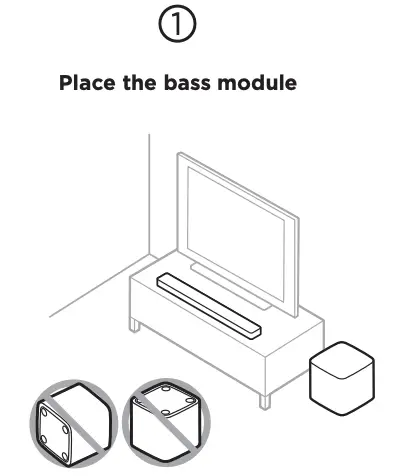
Keep at least 1 3 ft. (0.3 0.9 m) away from other wireless equipment.
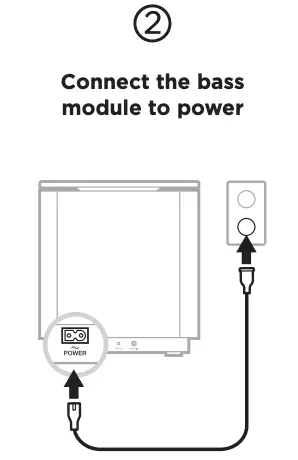
Once connected, the bass module powers on.
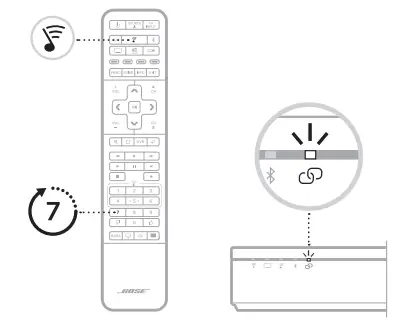
A. On your SoundTouch 300 remote control, press  .
.
B. Press and hold 7 until  on the soundbar blinks white. Once the bass module connects, you hear a tone and glows white.
NOTE: Connecting may take several minutes.
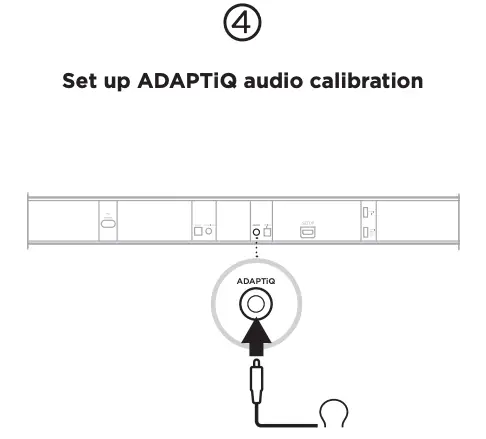
A. Connect the ADAPTiQ headset (included with the soundbar) to the soundbar’s ADAPTiQ connector.
B. Put the headset on your head.
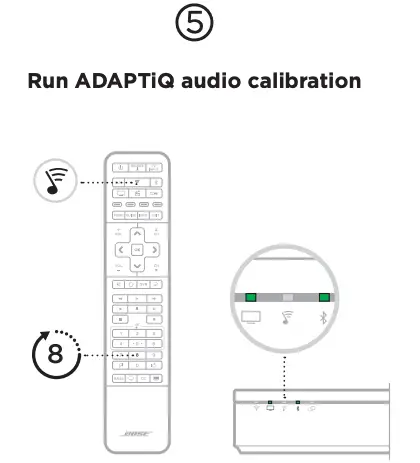
A. On your SoundTouch 300 remote control, press .
B. Press and hold 8 until  and
and  on the soundbar glow green.
NOTE: To cycle through languages, press  and
and  on the navigation pad.

 Support Sites | Bose
 Bose Bass Module 700 | Bose