Lenovo
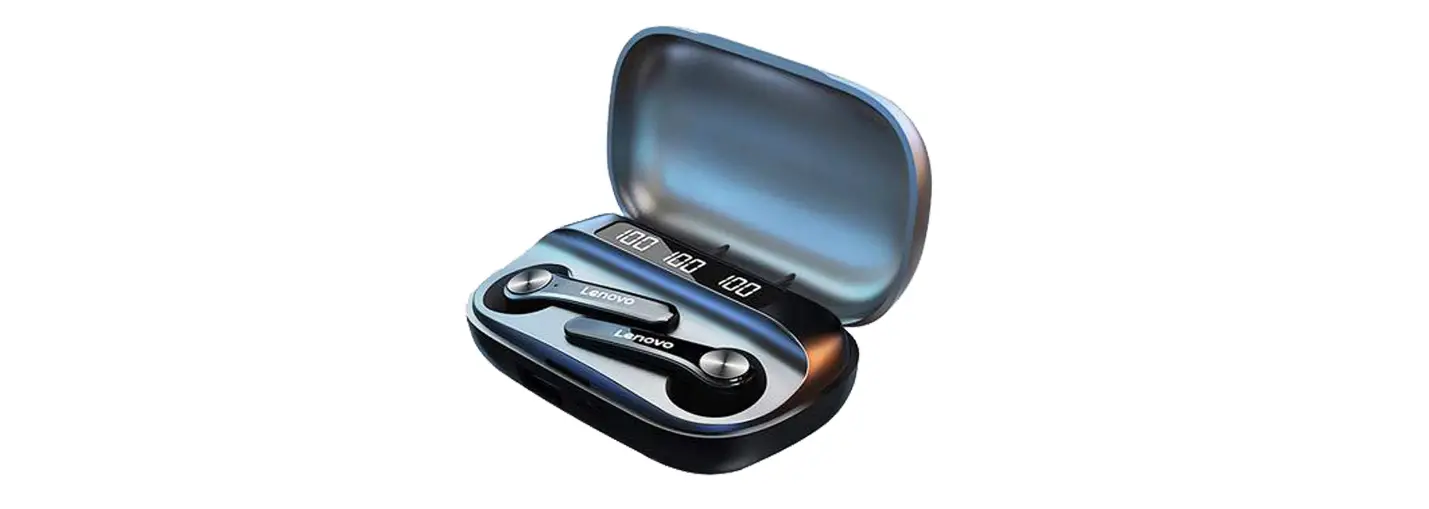
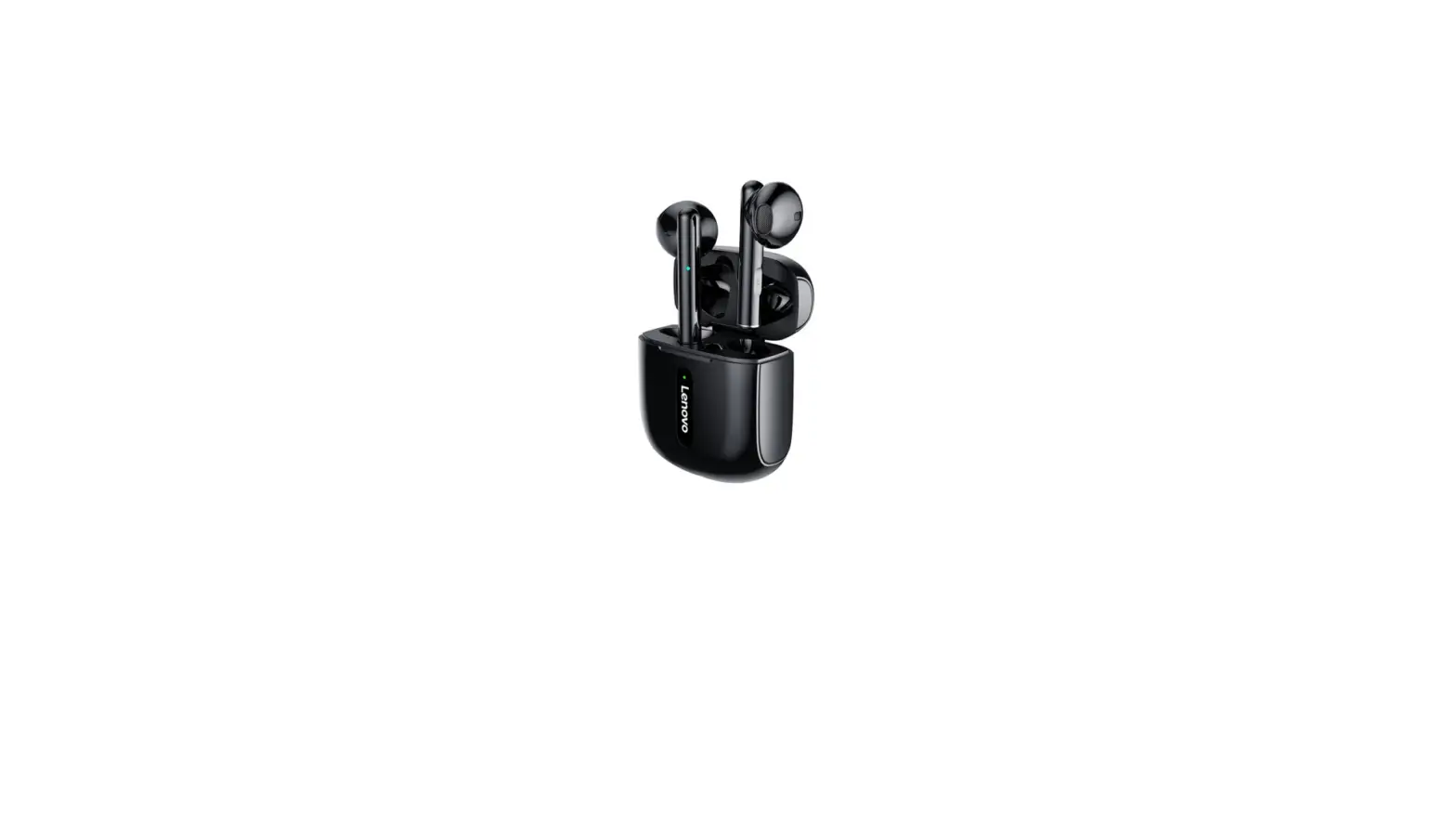
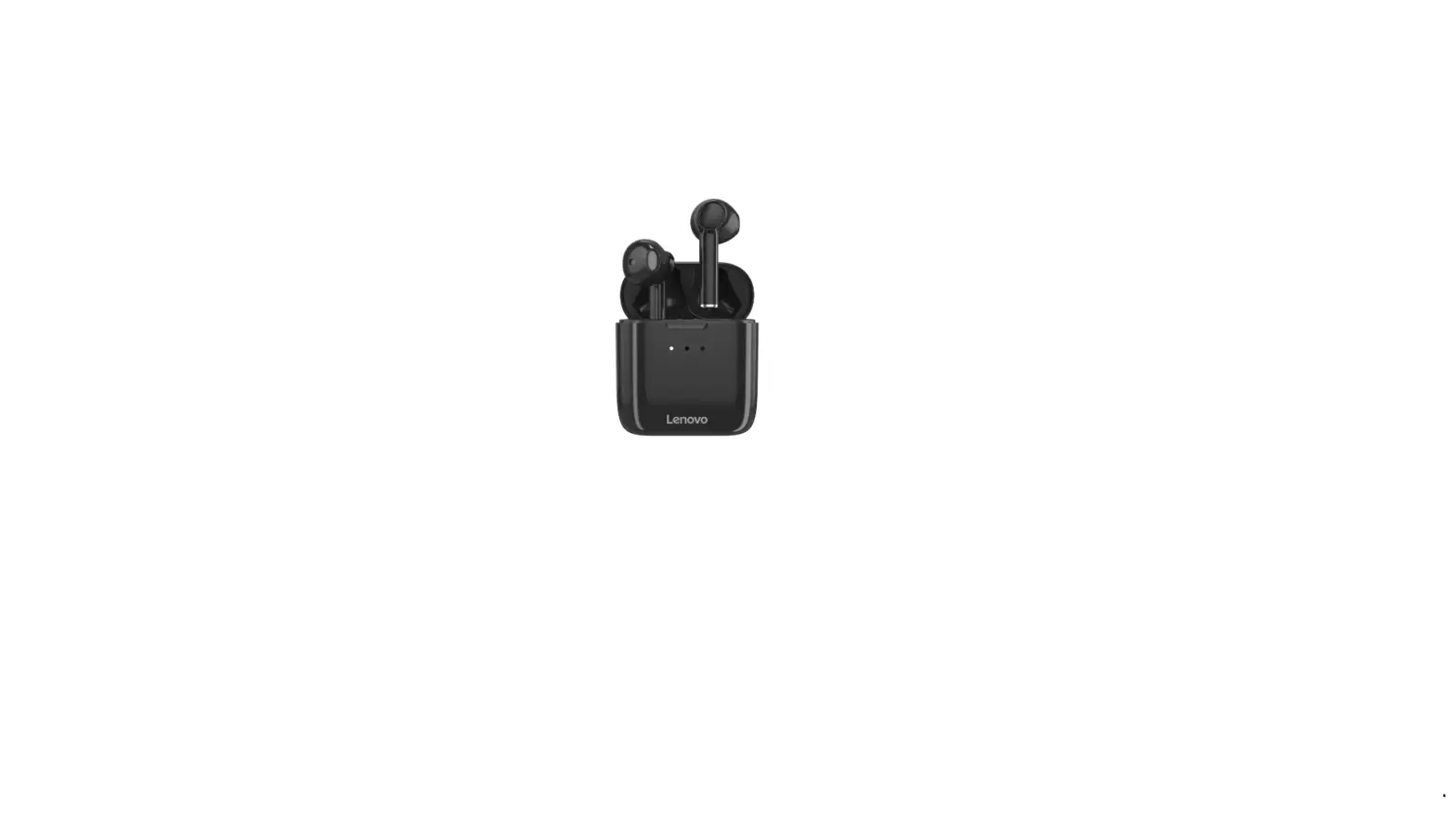
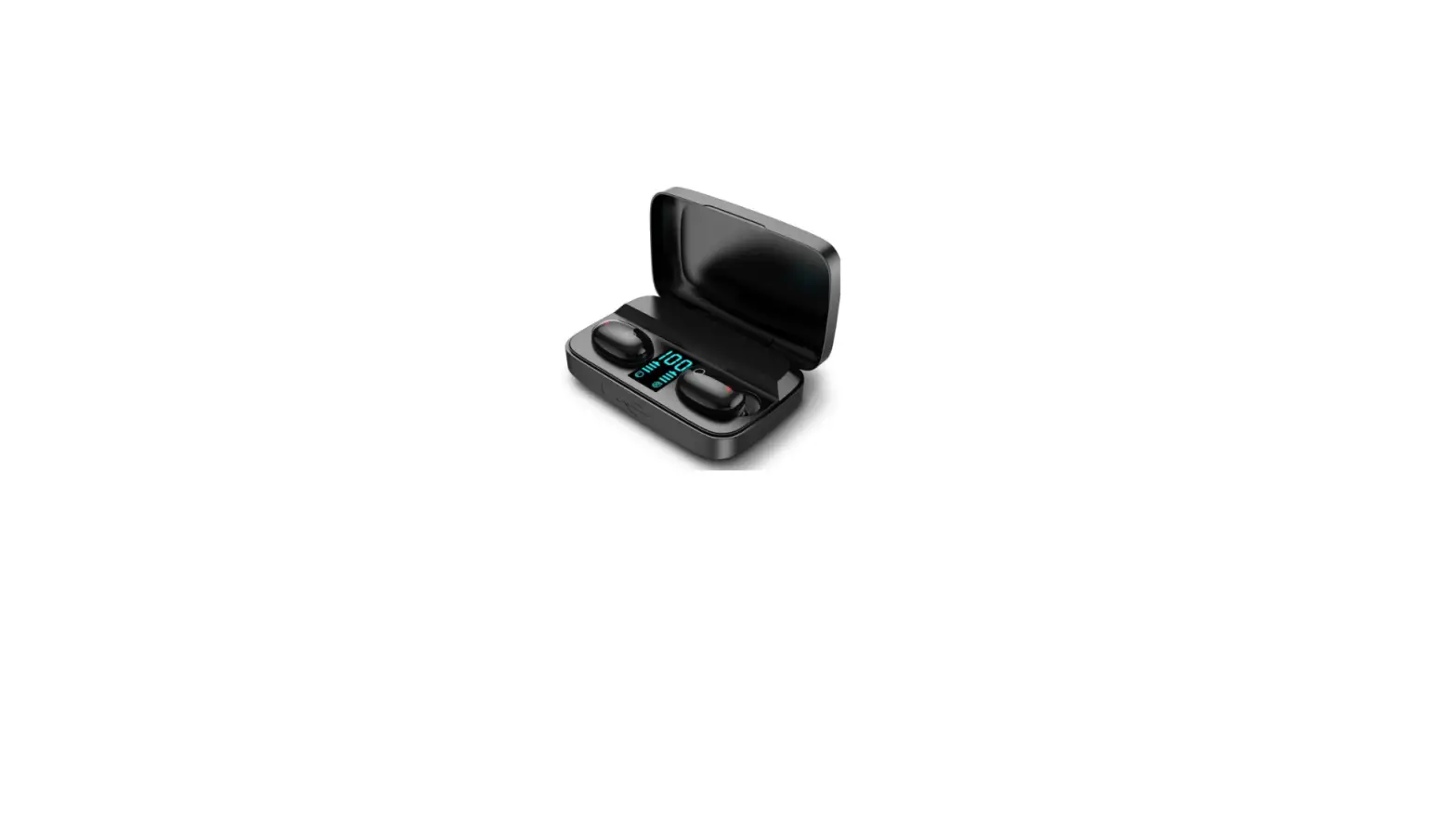
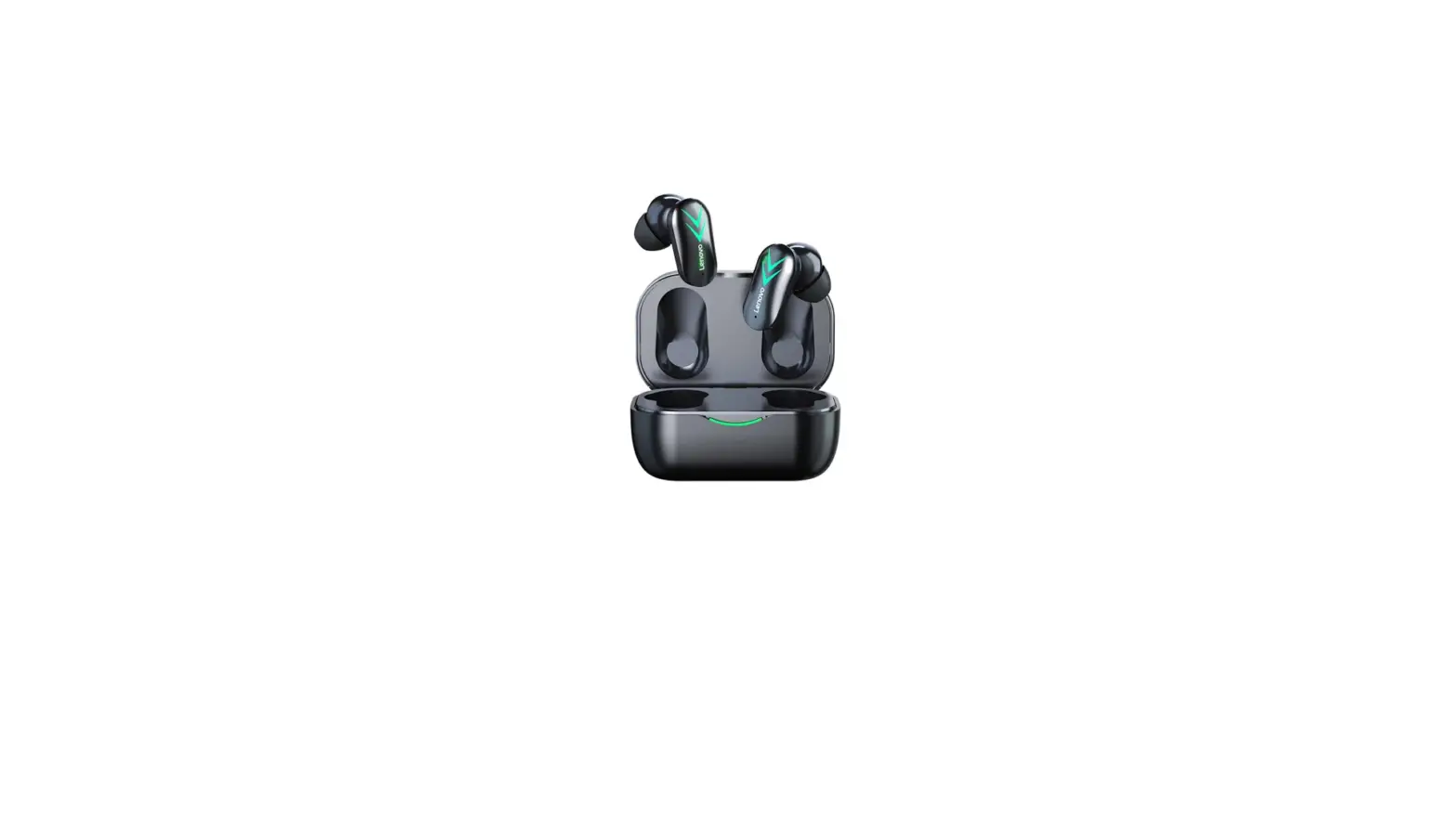
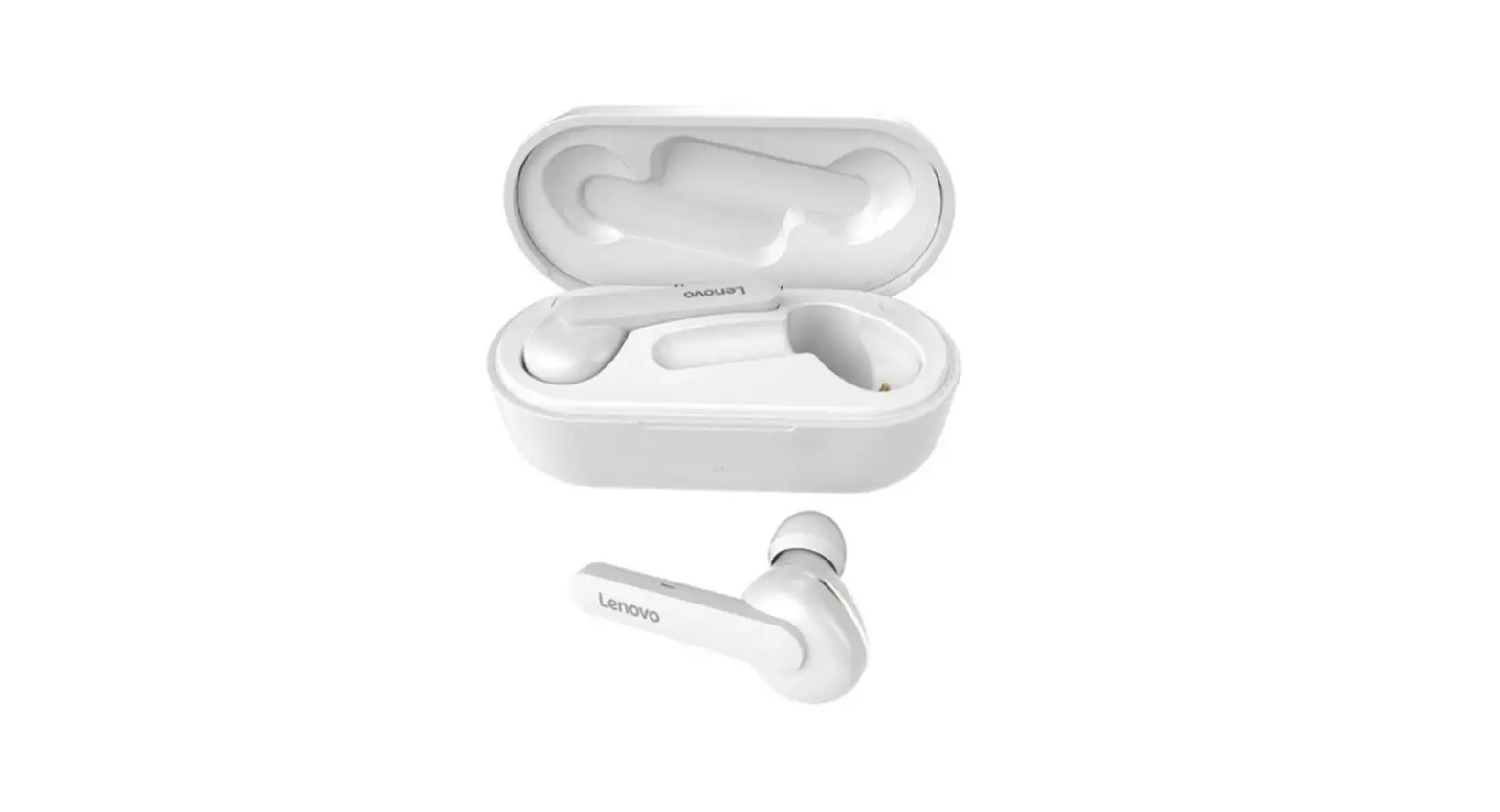
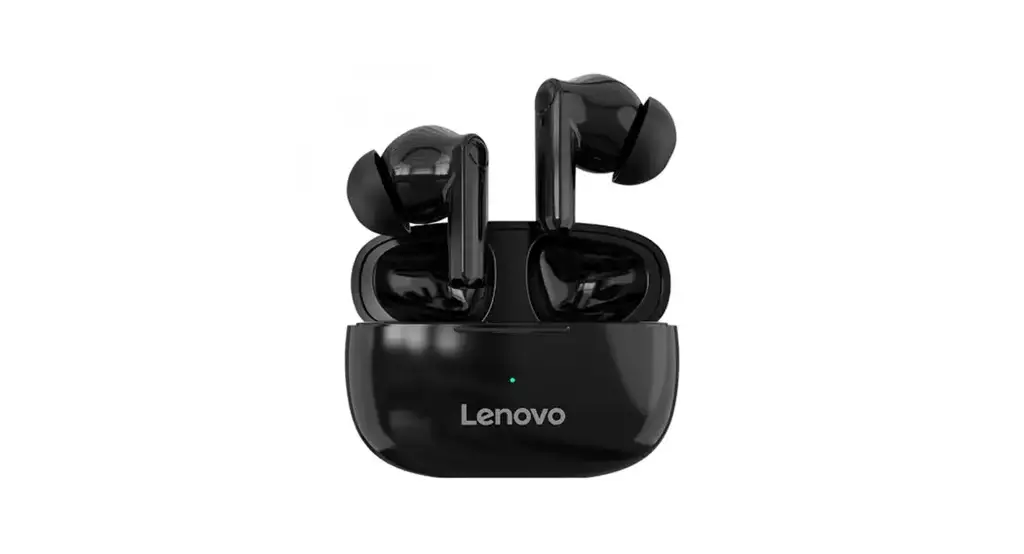
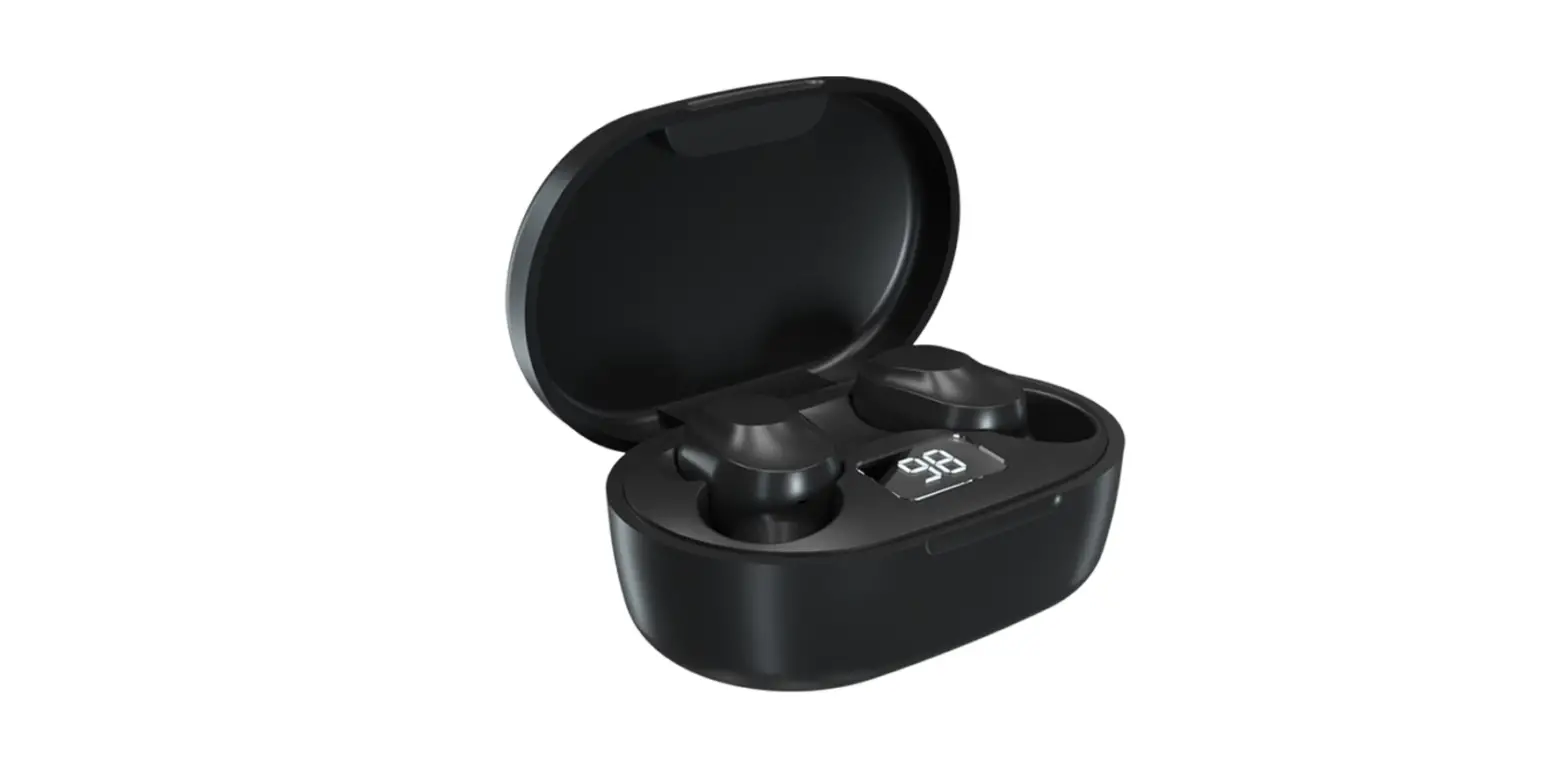
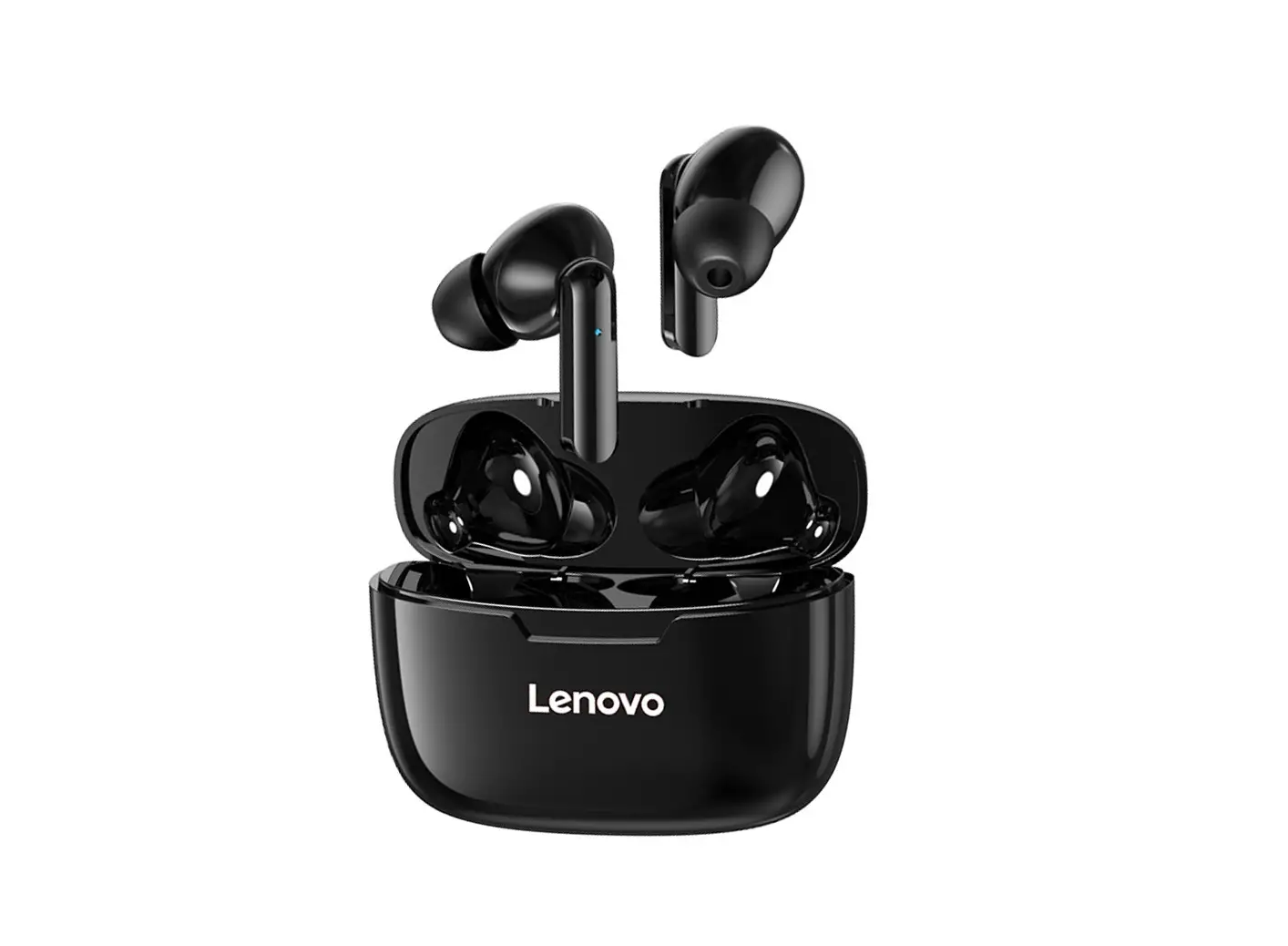
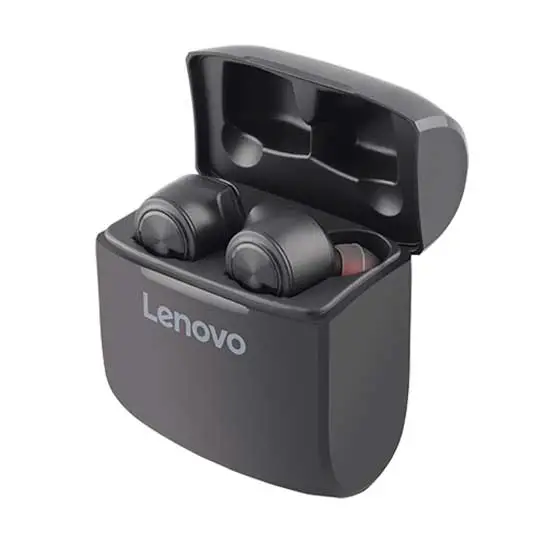
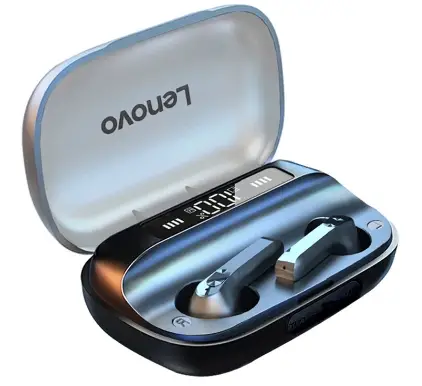
New Lenovo QT81 TWS Bluetooth 5.0 Earphone LED Power Display HiFi 9D Stereo
Specifications
- BRAND NAME: Lenovo
- MODEL NUMBER: New QT81
- BT VERSION: BT 5.0
- TRANSMITTING DISTANCE: 10m/33ft (no obstacle)
- NOISE REDUCTION VERSION: CVC8.0
- CAPACITY: SINGLE HEADSET: 40mAh
- CHARGING CAPACITY: 1200mAh
- MUSIC DURATION: about 60h
- STANDBY TIME: about 180h
- DRIVE UNIT: 13mm
- FREQUENCY RANGE: 20-20KHz
- IMPEDANCE: 32Ω
- WATERPROOF: IPX4
- TOUCH CONTROL: Support
- MICROPHONE: Support
- COLOR: Black, White
- EARBUD SIZE: approx. 4.1*1.7*1.6cm/1.61*0.67*0.63in
- EARBUD WEIGHT (EACH): 4.0g/0.14oz
- CHARGING CASE SIZE: approx. 8.3*4.8*3.0cm/3.26*1.89*1.18in
- CHARGING CASE WEIGHT: 70g/2.47oz
Introduction
You may use the earphones singly or in pairs thanks to their wireless dual ear design. Higher data transfer speeds, more reliable connections, and less battery usage are all features of Bluetooth 5.0. Each earbud’s 40mAh battery can play music for roughly 60 hours. The 1200mAh charging box allows for automatic charging of the earphones. The battery allowance of the earbuds and charging box may be seen clearly on the LED battery digital display.
In an emergency, a charging box can serve as a portable power source for charging mobile devices. No more strain on your ears thanks to the touch control interface. It has Simple voice assistant activation, volume control, and call management. To give you a complete sense of three dimensions, professional three-frequency tuning, low-frequency muddy shock transparent mid-frequency level, and high-frequency loud and delicate sound, these earbuds are designed.
WHAT’S IN THE BOX
- 1 * Pair of New Lenovo QT81 Earbuds
- 1 * Charging Cable
- 1 * Charging Box
- 1 * User Manual
HOW TO INCREASE THE VOLUME LIMITER
- your Android device’s Settings app should be opened.
- “Sounds and vibration” should be tapped.
- Click “Volume.”
- Tap the three vertical dots in the top right corner of the screen, then select “Media volume limitation.”
- To activate your volume limiter if it is currently off, touch the white slider next to “Off.”
HOW TO CHARGE
After placing the earbuds in the charging box, charging begins. As the earphones charge, the LED indicator will glow red. The red light will go out when charging is finished.
HOW TO CHECK BATTERY
Either set your headphones on the wireless charging pad or use a USB-C connection cable to charge them. There is no accompanying accessory for the wireless charging board. The charging case’s built-in LED lets you know how the battery is doing. There are four sizes of earbud tips: L, M, S, and SS.
Frequently Asked Questions
Yes, it is a wise purchase that satisfies sound quality fans with a wonderful blend of dynamic drivers that produce good sound quality and stylish design. Although they are inexpensive, these earbuds offer you every feature a pair of wireless headphones should have.
Yes. The earphones work with iOS, Android 8.0 and later versions, and Windows 10 and later versions.
Examine the Sound Control Panel. Check the settings in Sound Control Panel if the volume is lower than you would expect when utilizing various communications applications. Sound options can be found by clicking the Search icon. Change the sound settings.
The impact of temperature inversion, which is frequently mistakenly attributed to the psychological effect of nighttime silence, is what allows sounds to be heard considerably more clearly over longer distances at night than during the day.
As the earphones charge, the LED indicator will glow red. The red light will go out when charging is finished.
Long-press the Bluetooth icon on your Android device while lowering the top shade. You’ll be taken right to the Bluetooth menu where you can turn it on and start looking for devices. Tap the names of the headphones you want to link.
On iOS and Android, Lenovo’s Smart Wearable app is free to download. The user interface is simple and straightforward. Your four equalizer presets, the battery level, and a picture of the buds are all displayed through the app.
For the price, the Lenovo Smart Wireless Earbuds produce surprisingly good audio quality and offer more precise EQ settings than the majority of wire-free headphones.
USB Type-C, charging sensor port, 300 mAh case battery, 2H charging time, 12 hours of battery life. Bass increase, stereo surround HIFI sound quality, IPX4 waterproof, sweat-proof, etc.
Yes, you can use earphones to make phone calls on both Android and iOS devices. Simply use Bluetooth to connect or pair your earbuds with your device.