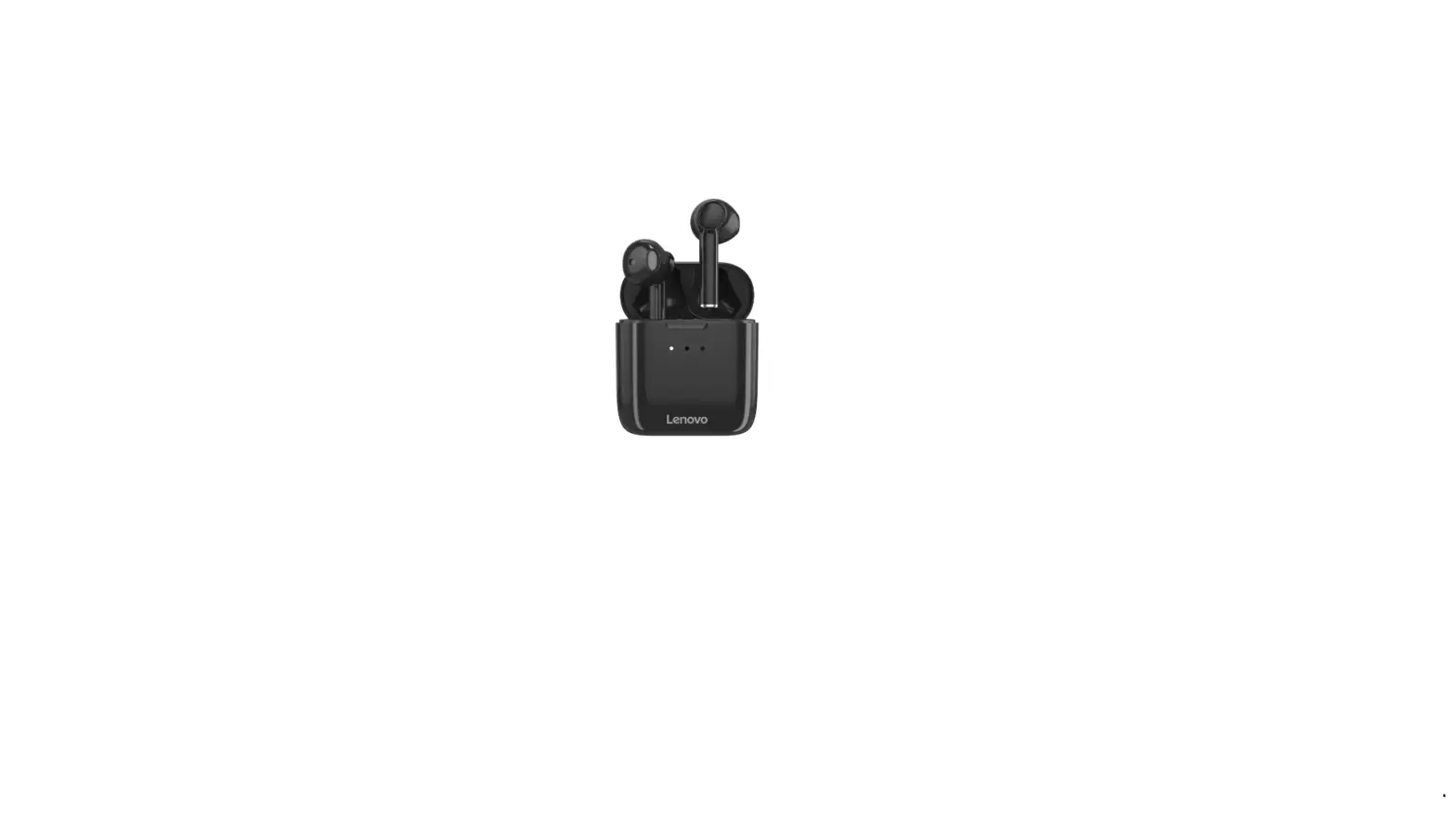
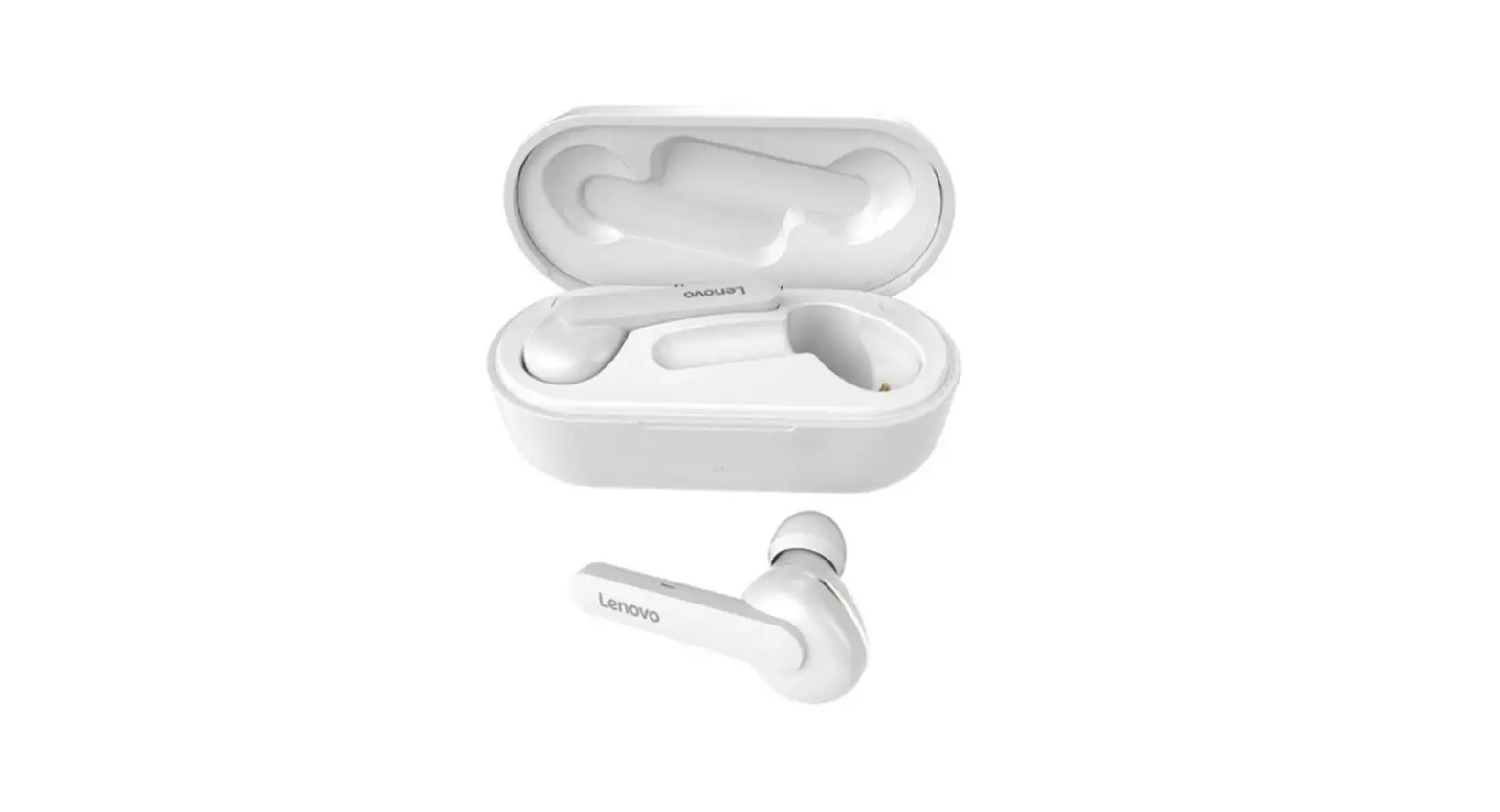
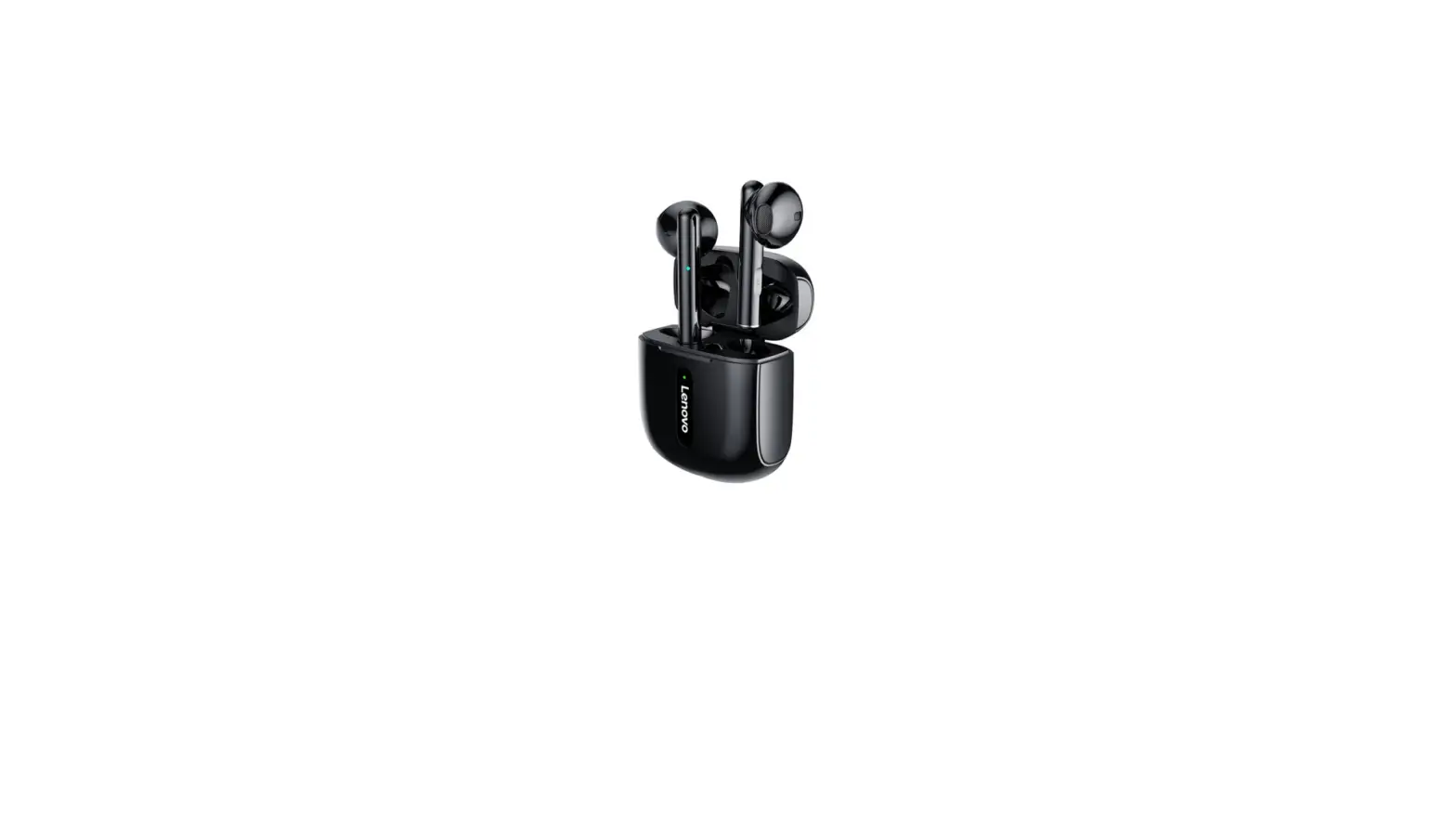
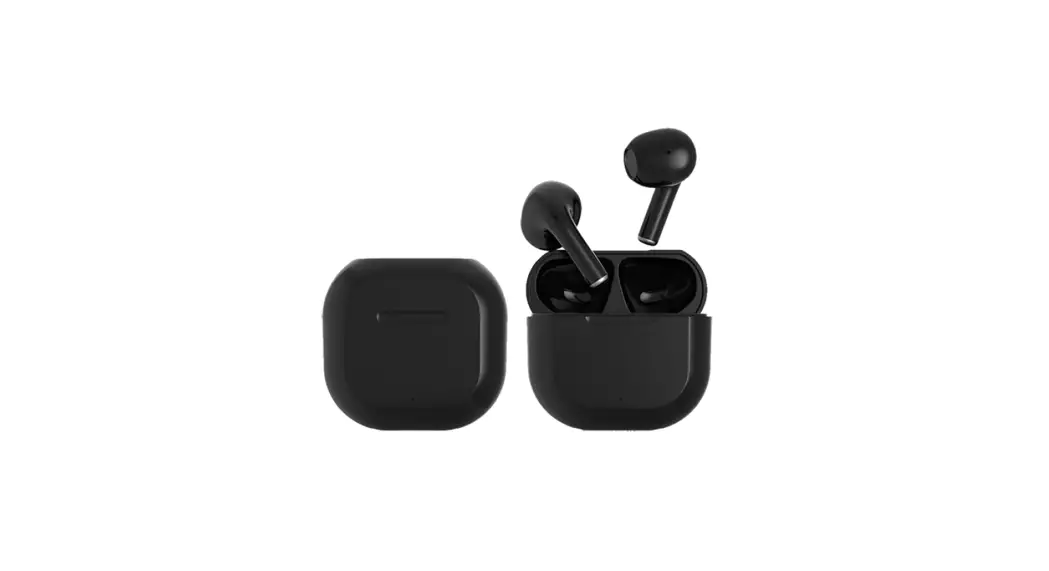
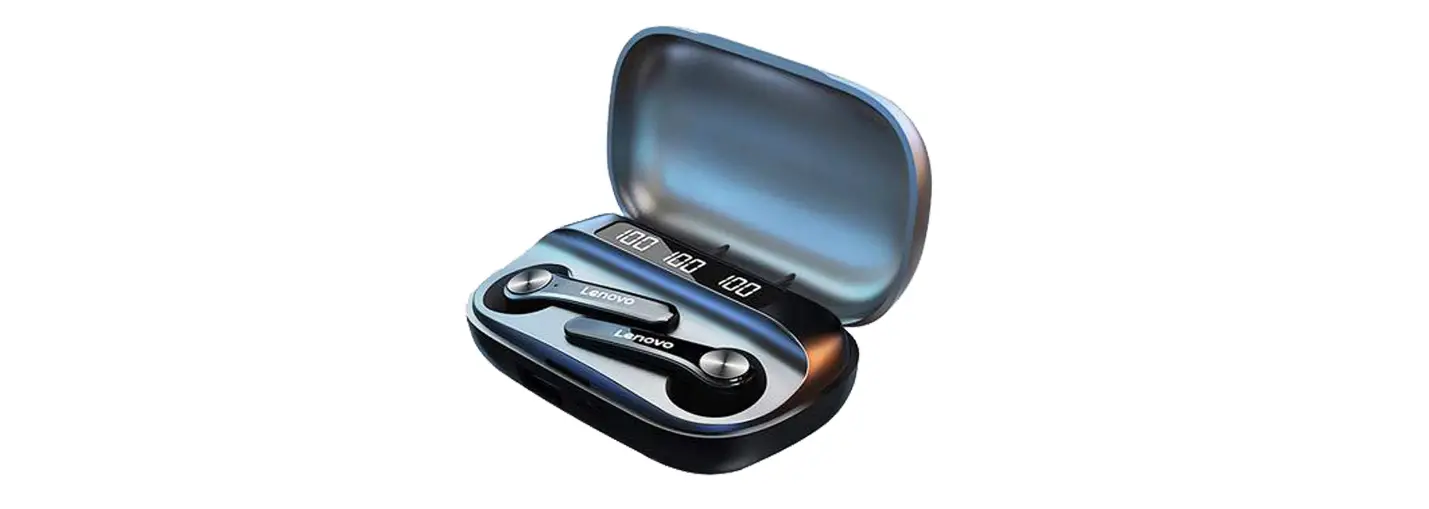
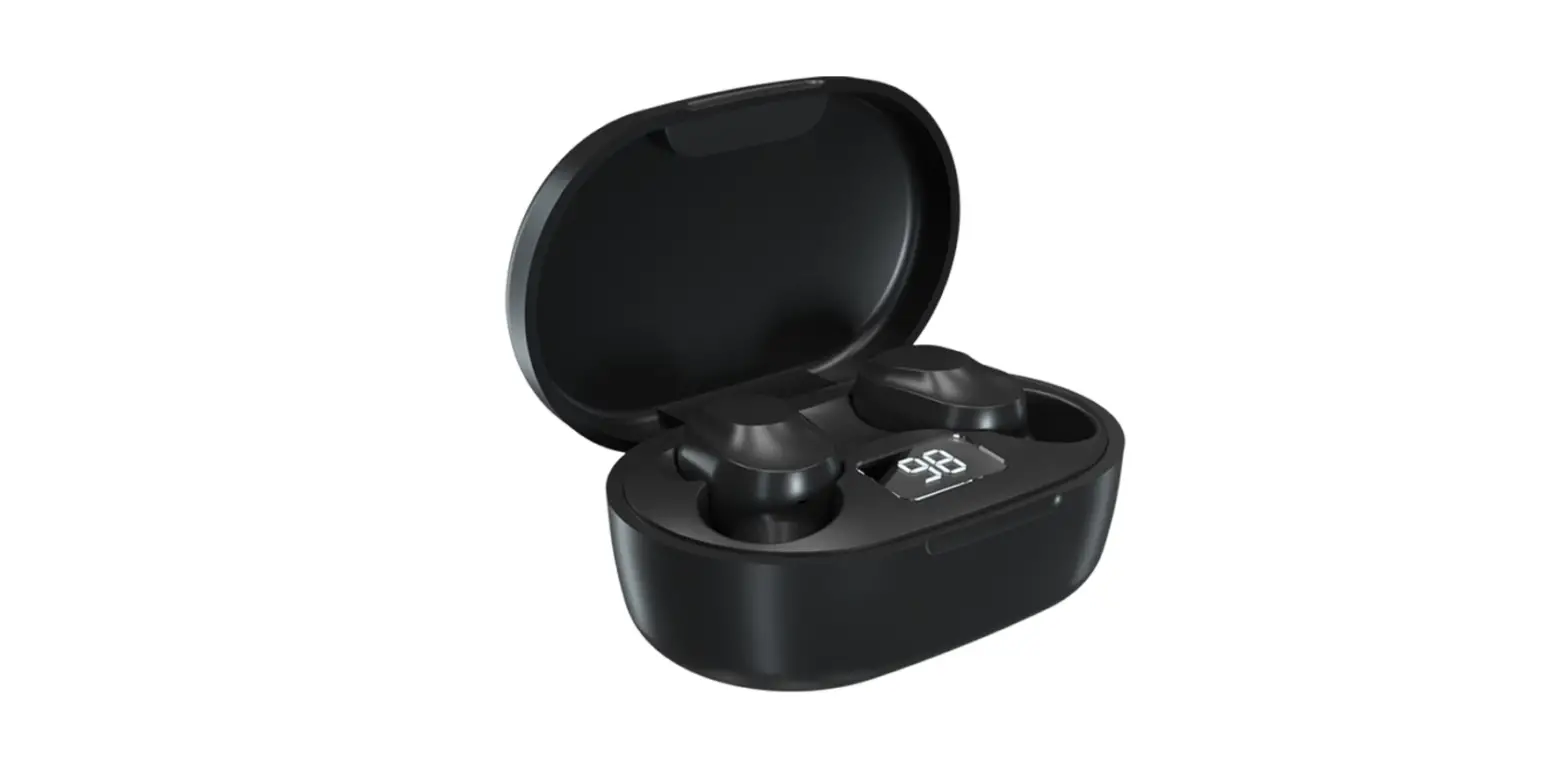
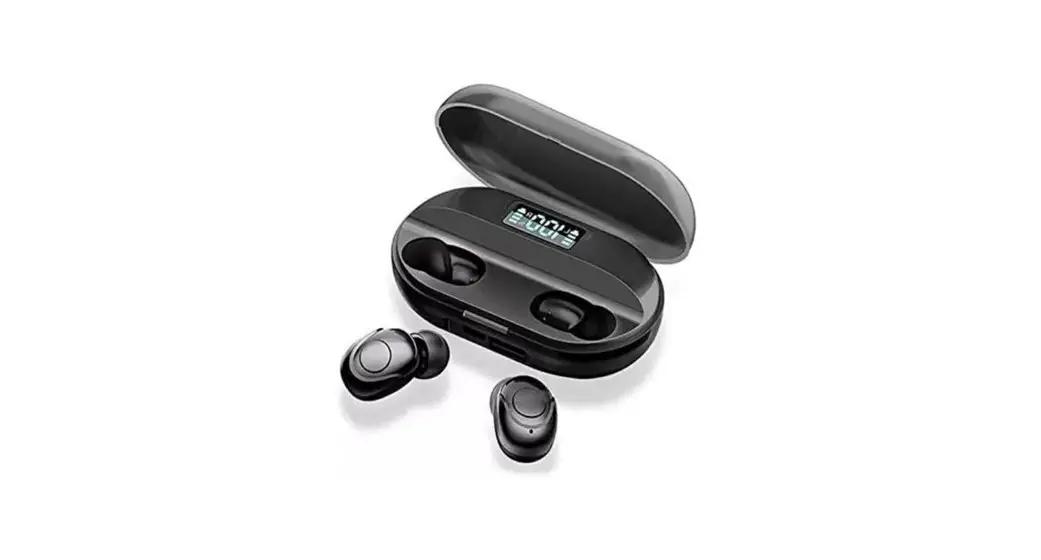
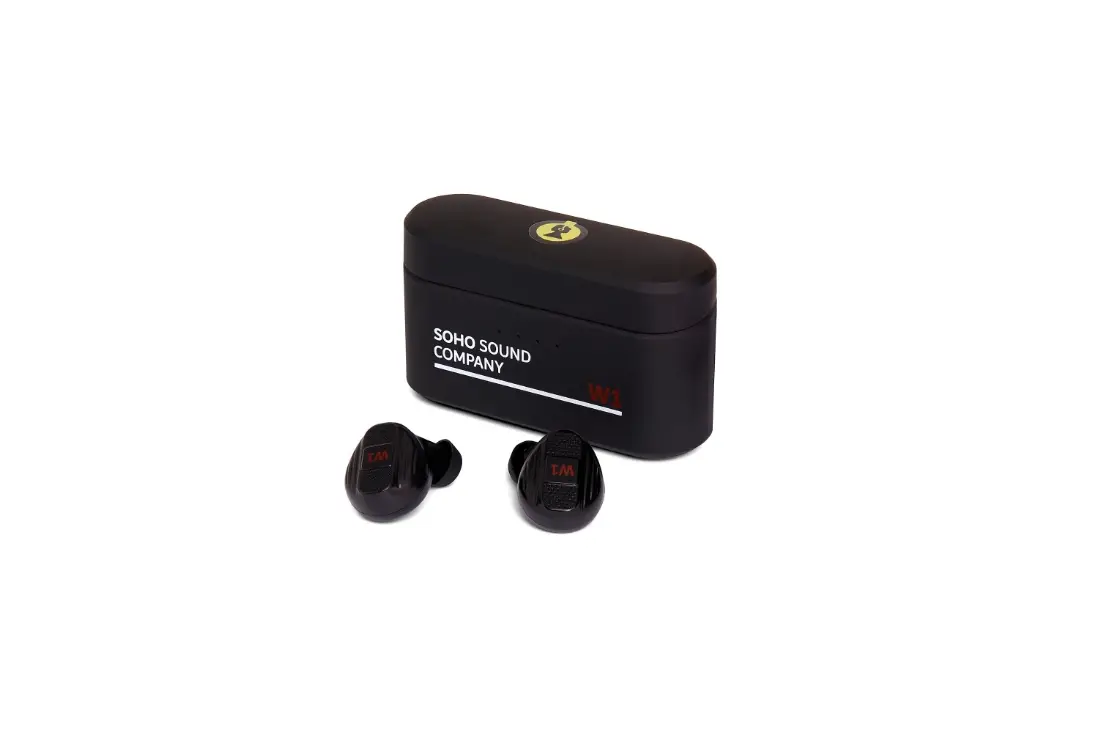
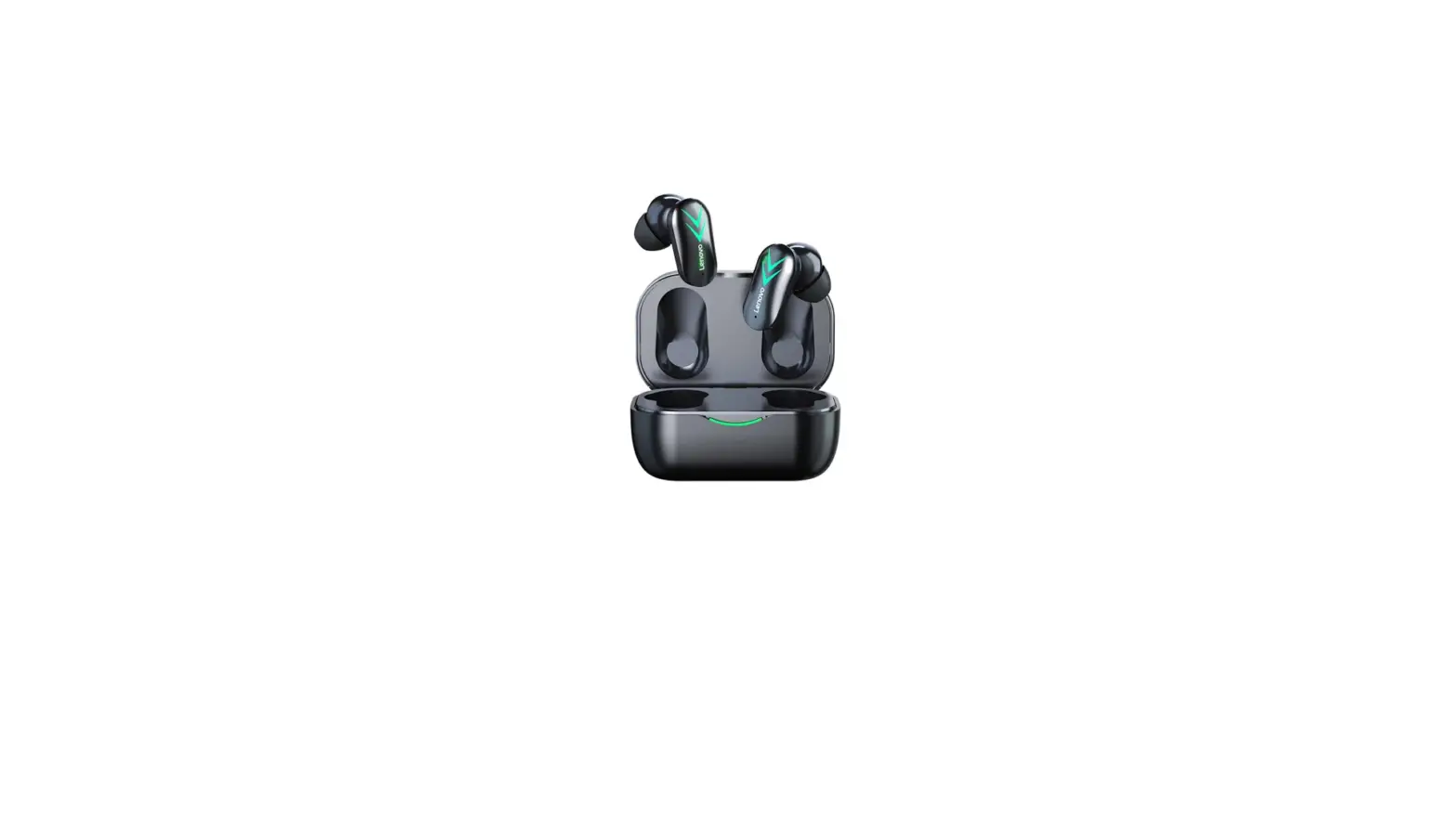
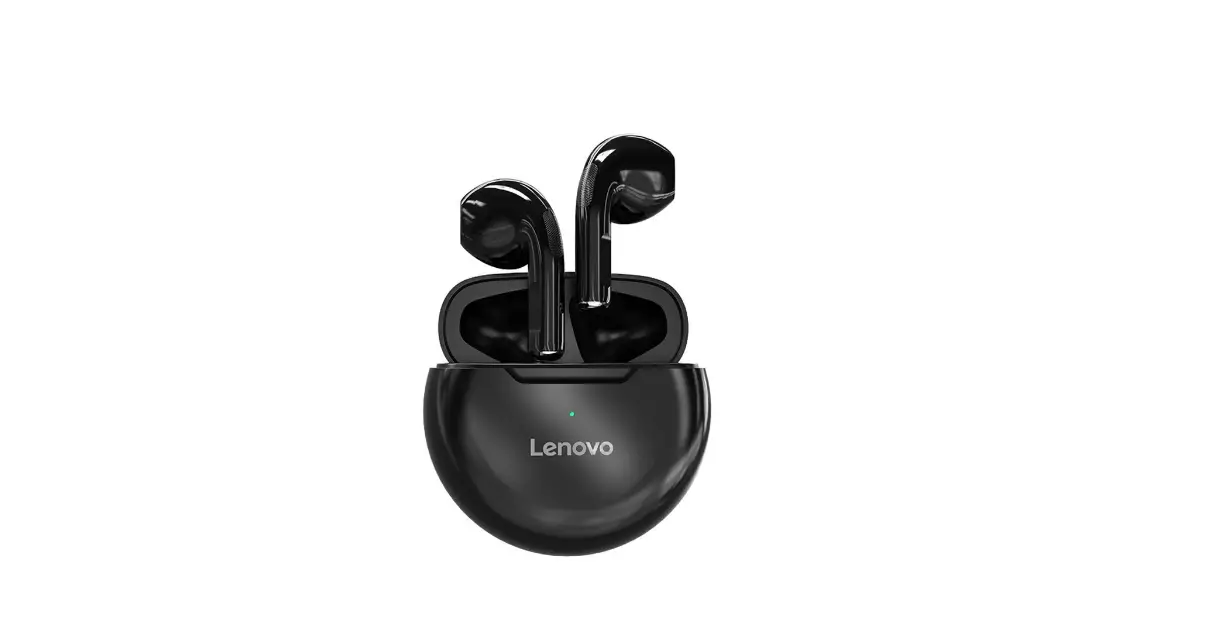
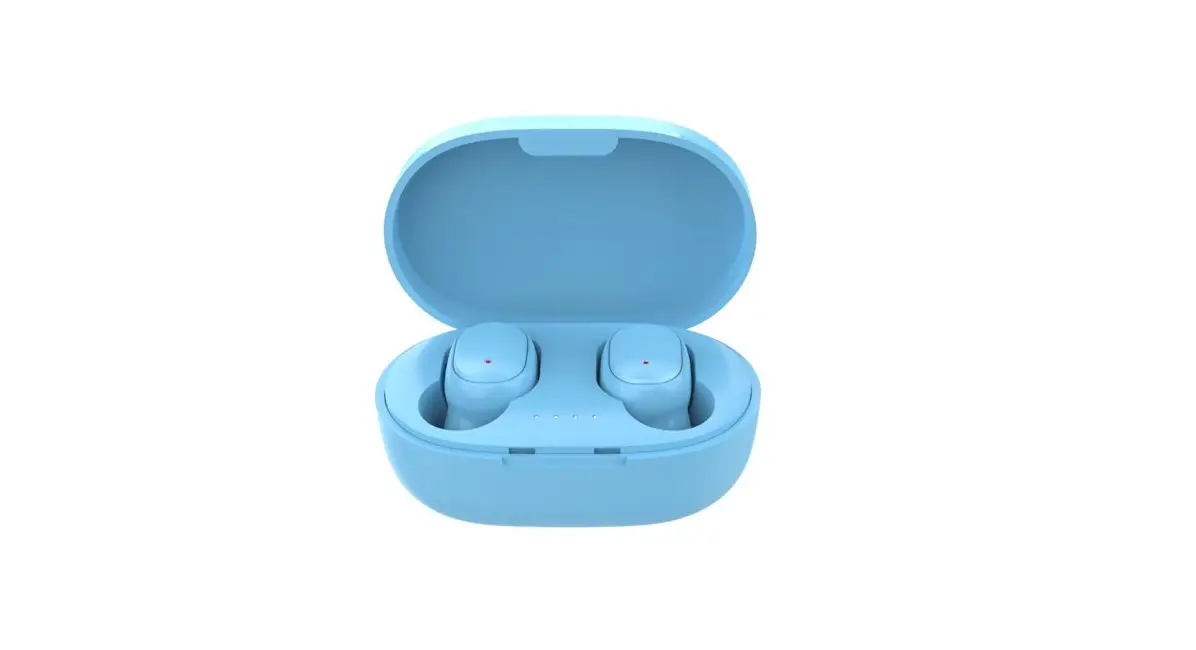
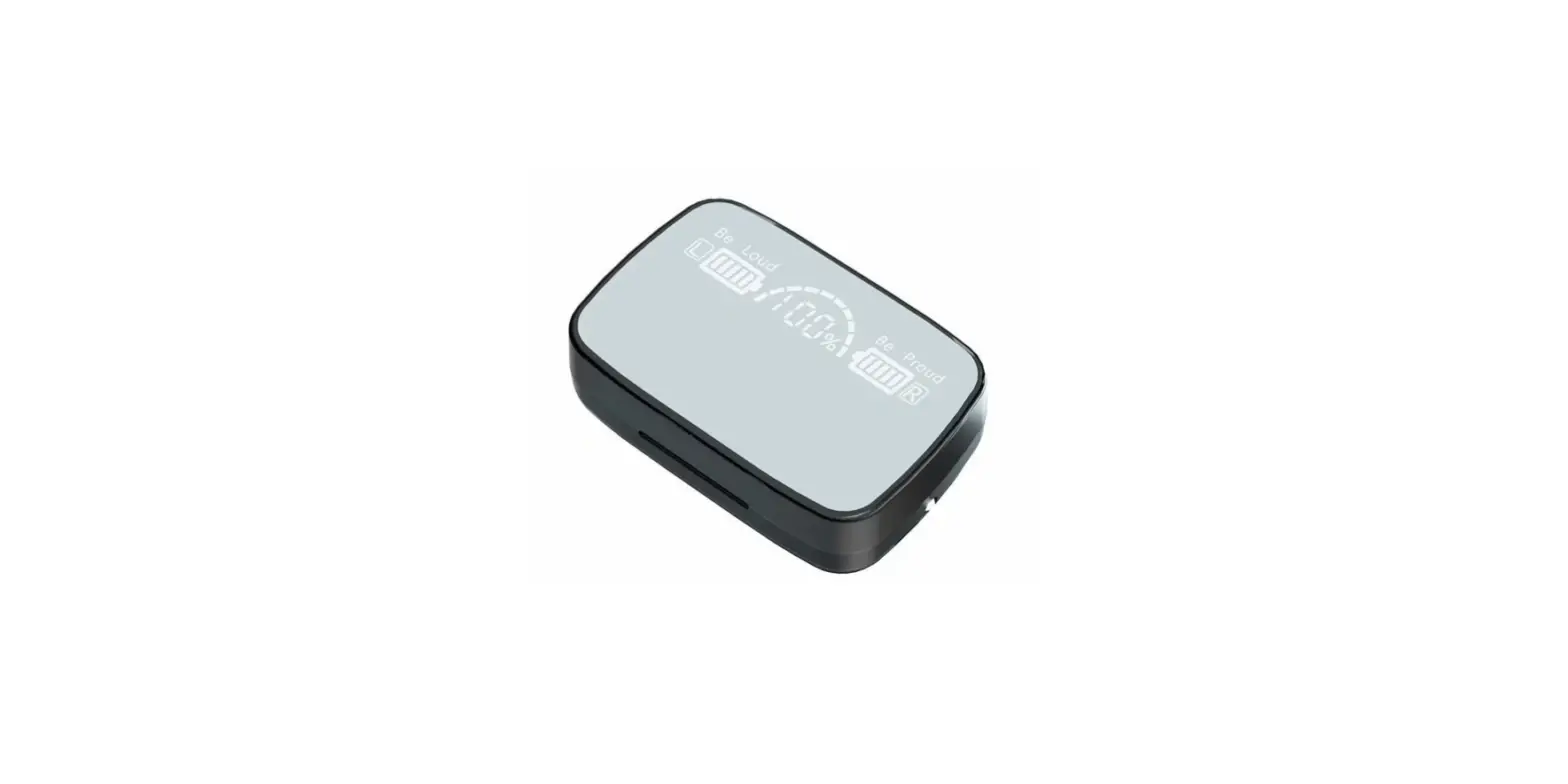
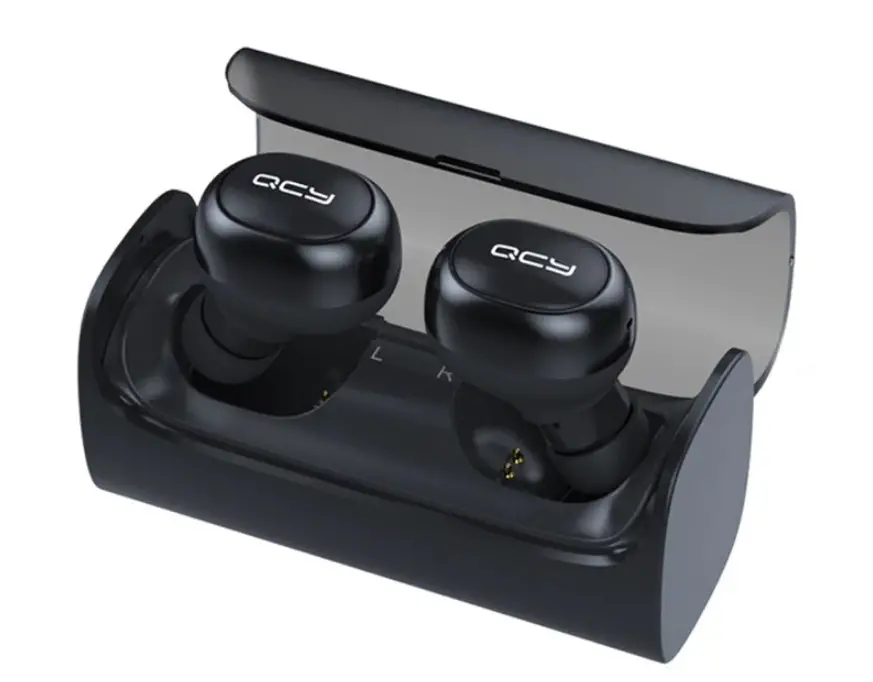
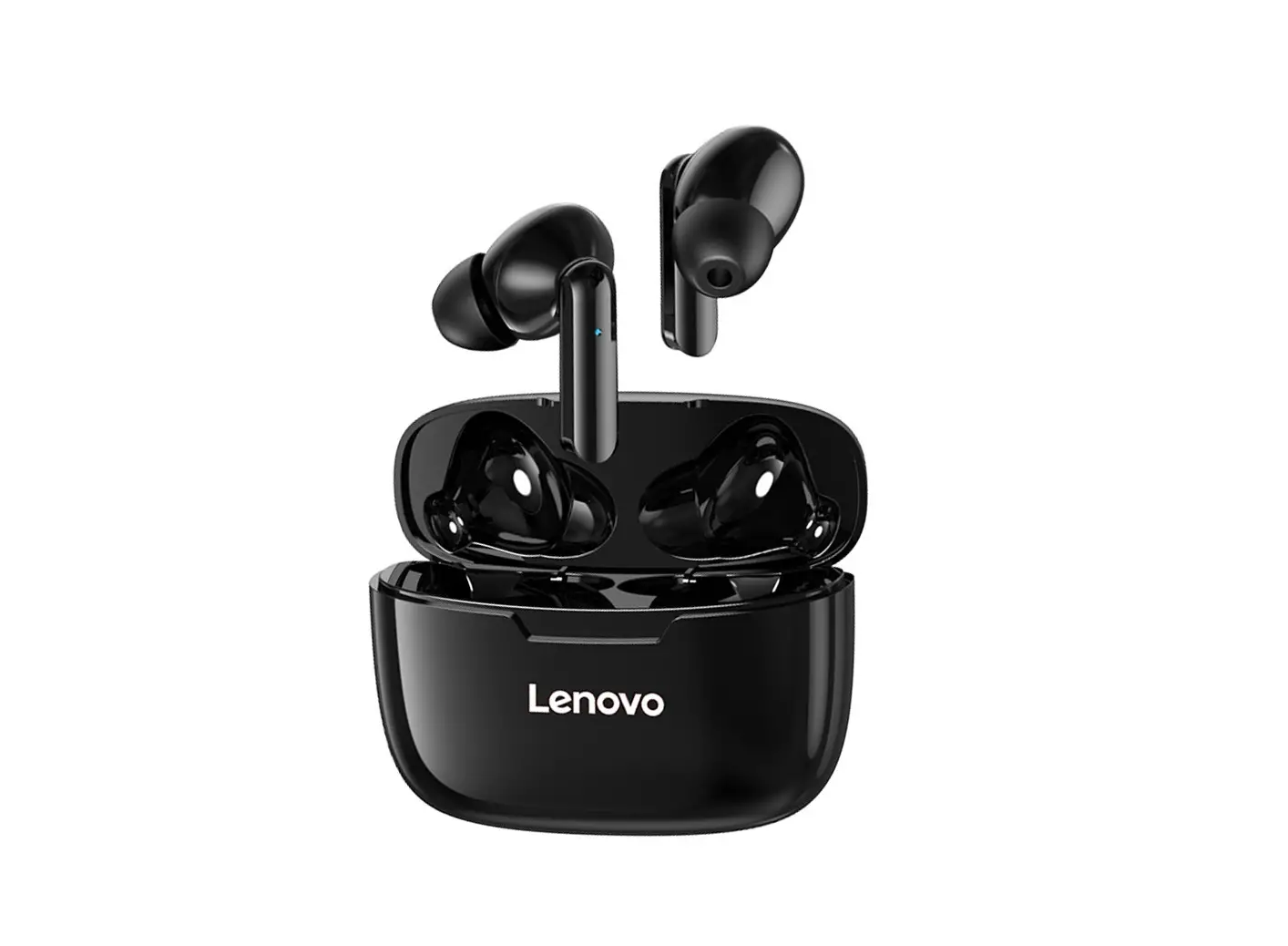
QT82 TWS Wireless Bluetooth Earphones
Product Information:
Product Name: TWS QT82
Frequency Range: 2.4GHz – 2.4835GHz
Bluetooth Profiles: Headset, Handsfree, AVRCP
Compatibility: PC, mobile phones, and other portable devices
Battery Capacity: Headphone – 3.7V 40mAH, Silo – 3.7V 400mAH
Charging Input: 5V 500mA
Operating Range: Up to 10m (Open Area)
Standby Time: Up to 80 hours
Charging Time: Around 2 hours
Music Play Time: Around 6-8 hours
Talk Time: Around 6-8 hours
Weight: 5.5g per earphone
Color Options: Black/White
Product Usage Instructions:
1. Before using the headset, ensure that it is charged fully by
connecting it to a power source using the provided USB cable. The
initial charging should take at least 2.5 hours. 2. To use the
headset with a PC, make sure that a Bluetooth driver is installed
on your operating system for proper functionality. 3. Pair the
Bluetooth headset with your mobile phone or other Bluetooth devices
before making or receiving calls. Refer to your device’s user
manual for instructions on how to pair Bluetooth devices. 4.
Maintain a distance of up to 10 meters between the headset and your
mobile phone or other Bluetooth devices for optimal communication.
If there are obstacles such as walls, the communication distance
may be reduced accordingly. 5. By default, the headset operates
with English prompts. If you prefer Chinese prompts, press and hold
the [volume +] and [volume -] buttons simultaneously for 5 seconds
when the headset is turned on or in disconnected mode. This will
switch between Chinese and English prompts. 6. To charge the
headset, connect it to a power source using the provided USB cable.
The LED indicator will turn red when the battery is being charged
and will turn off when the battery is fully charged. 7. For any
technical support or inquiries, contact the manufacturer’s national
unified service hotline at 400-8077-087. Please note that these
instructions provide a general overview of the product usage. For
detailed instructions on specific features or functions, refer to
the user manual provided with the product.
TWS
QT82
2.1
(ISM),,2.4GHz, 2.4835GHz79,1600,10 (Room).10(33) ()
3.1 3.1.1 ,
HeadsetHandsfree AVRCP.
3.1.2 :PC,
3.1.3 ,
3.1.4 10; ,
3.1.5 , ,[+]5, 3.2
3.2.1,2.5 3.2.2- – ,, ,LED,
04 CN
, ,,
(Pb) (Hg) (Cd) (Cr(Vl)) (PBB)
(PBDE)
X OO
O
O
O
X O O
O
O
O
SJ/T11364 O: GB/T
26572 X GB/T
26572 “x”,
*:, ,
,
08 CN
·
:TWS : QT82 : Q/HDLCS0103-2018 : () :622201-H2-6 : 400-8077-087
·
·
: 3.7V 40mAH
1TWSQT82
: 3.7V 400mAH 2USB
: 5V 500m A
3
: 10m(Open Area)
: Up to 80 hours
: Around 2 hours
: Around 6-8 hours
: Around 6-8 hours
: N o
: 50m m * 25m m * 40m m
: 5.5g*2
: Black/White(Others)
01 CN
3 3.2.3 , 3.2.4 ,
;,
3.2.5 : 3.2.5.1 3.2.5.2 USBUSB,LED ,3 3.2.5.3 (),, 3.2.5.4 ,: *8(/) *9 *120 3.3/ 3.3.1 :3,3 “”, 3.3.2:3, “”, 3.4 :, ,,
05 CN
1:1),,”Lenovo OT82″ ;
2) ,,; 3) ,3, 2:3,,, 3:,12, 4() /: :
: 2 : : 2 :
SIRI2 SIRI2
:
02 CN
TWS
:
,
1.1
:,
:,
,
:,
,,
,
1.2
:,;
a
: ,,
03 CN
() 3.4.1 : 3.4.1.1 ,5,
, 3.4.1.2 “”,
, , ,
3.4.1.3 ,
3.4.1.4 ,, 0000,()
3.4.1.5 , 3.5/
,, 3.5.1 3.5.2 :,; 3.5.3 3.5.3 3.6 , 3.6.1 ,,
06 CN
3.6.2 ,, :; 3.7 , 3.7.1 ,, , 3.7.2 ,,, 3.7.3 ,,,, : ,, 3.8 ,,: 3.8.1 ; 3.8.2 ; 3.8.3 , 3.9 ,,: 3.9.1 ; 3.9.2 ; 3.9.3 ,
07 CN
:
(): 12
:
:
, :,( ),,, ,,, , ,
; ; ; ; ; ; ,, .
09 CN
,,!
/ /
:(1);(2)””,
“”;(3),,
“””Lenovo””
“()
C 2019
10 CN
Made in China 11 CN
True wireless Bluetooth FCC ID:2BBW9-QT82
Instructions
Brief introduction 2.1 Brief Introduction
Bluetooth technology is a short-range wireless communication technology.Bluetooth products operate in industries worldwide,In the scientific,medical(ISM)band,frequency chhoapnpnineglsteacnhdntoralongsymisitsaddoaptateadt1to60a0vhooidppinintegrfferereqnuceen,c2ie.4s8p3e5rGsHeczoinsddiwviidthead tinratons7m9ission distance of10About10meters(33feet).This head-mounted Bluetooth headset introduced by Lenovo can be used at about10meters(33feet)Communicate with any Bluetooth device within the scope(without any obstacles).
Start Using Bluetooth headsets 3.1 before use
3.1.1Lenovo neck-mounted Bluetooth headset is a wireless stereo headset with Bluetooth function,which can and supports blue Teeth Headset or Handsfree Bluetooth protocol mobile phones are connected to other portable devices.And supports AVRCP.
3.1.2 Note: If connected to a PC for use, some operating systems may require the installation of a bluetooth driver in order to function properly.
3.1.3 before using this headset to make or receive a call, first complete the pairing of the Bluetooth headset with a Bluetooth phone or other Bluetooth device.
3.1.4 please ensure that your mobile phone or other Bluetooth device is within 10 meters of your headset; if there are obstacles such as walls between them, the communication distance should be shortened accordingly.
3.1.5 the initial operating tone of the headset is in English. If you need to adjust the tone to Chinese, please press [ volume + volume minus ] for 5 seconds in disconnected or connected mode after the headset is switched on, can switch between Chinese and English prompts. 3.2 charging
3.2.1 recharge the battery before using the headset for the first time, which should take at least 2.5 hours.
3.2.2 recharging — when the battery is too low, the BLUE FLASH ON THE HEADSET turns to a red flash when the battery is turned on. The red LED lights come on when the battery is charged, and red when the battery is full
04 CN
Product Description
· Product Information Product Name : True wireless Bluetooth Model number : QT82 Implementation Standard : Q/HDLC S0103-2018 Manufacturer: Lenovo (Beijing) Co. , Ltd.
Manufacturer address: 201-H2-6,2ND floor, building 2,6 Shangdi West Road, Haidian District, Beijing
National Unified Service Hotline: 400-8077-087
· Product parameters · Packing list
Headphone capacity: 3.7 v 40MAH 1a Lenovo TWS Bluetooth headset QT82
Silo capacity: 3.7 V 400mAH
specification
PROTECTION INPUT: 5V 500mA Operation Range: 10m (Open Area)
2a A USB charging cord 3a A manual
standby time: Up to 80hours
charging time: Around 2hours
playback time: Around 6-8 hours
calling time: Around 6-8 hours
Active Noise Reduction: No Charging Chamber Size: 50mm*25mm*40mm
Certificate of
Earbuds weight: 5.5 G * 2
conformity
Color: Black/white (Others)
INSPECTOR: QC03
01 CN
Always on the indicator lights off, the whole charging process takes about 3 hours.
3.2.3 after long-term use, battery performance will gradually decline 3.2.4 rechargeable batteries that provide power for this product must be disposed of properly for recycling. Please contact your local recycling center for proper disposal. Warning : do not put the battery into the fire to avoid explosion. 3.2.5 charging step is as follows:
3.2.5.1 plug the charging cord into the headset. 3.2.5.2 insert the other end of the charging cable into the power adapter and plug the power adapter into a socket or use the computer's USB port or other USB port with power supply function. When charging, the red LED indicator of the earphone is turned on and continues to light until the charging is complete. It takes about 3 hours to complete the charge.
3.2.5.3 when the battery is charged (The red light is always on and off ) , disconnect the power supply first and then pull the charger cable out of the headset. 3.2.5.4 fully charged, the headset will be able to: * Listen to Stereo Music for 8 hours continuously (depending on the
phone model/type) * Or Talk For 9 hours continuously * Standby for 120 hours 3.3 turn on and off 3.3.1 power on: Press and hold the multi-function key for about 3 seconds until the Blue Light Flashes 3 times and the multi-function key is released when you hear the "power on" sound from the headset.
3.3.2 power off: Please hold down the multi-function key for about 3 seconds until the red light starts flashing rapidly or when the "power off" sound is heard, release the multi-function key and then complete the power off.
3.4 Pairing Note: Before Using a Bluetooth headset with a pendant, the headset must be paired with a cell phone or other Bluetooth device before use. Pairing refers to establishing a connection between Bluetooth devices to make a Bluetooth device
05 CN
In order to meet the relevant laws, regulations and other requirements of hazardous substances restriction for electronic and electrical vproducts in China, Lenovo Company classifies the hazardous substances in the products according to their components, as follows.
Part Name Lead
(Pb)
Printed Circuit Assembly
X
Shell and other small structural parts
X
Hazardous substance
Mercury cadmium
Hexavalent chromium
Polybrominated Polybrominated
biphenyl
diphenyl ether
(Hg) (Cd)
(Cr(V))
(PBB)
(PBDE)
OO
O
O
O
OO
O
O
O
This form is prepared in accordance with SJ/t 11364.
O : Ndicates that the hazardous substance is in GB/T in all homogeneous materials of the component
X : Indicates that the content of the hazardous substance in at least one homogeneous material of the component exceeds the limit specified in Gb/T 26572.
The parts marked "x" in the table can not be replaced due to the global level of technological development.
PCB Assembly * : Including PCB and its parts, electronic components, etc. Depending on the model, you may not buy a product that contains all of these components.
Electrical and electronic products sold in the People’s Republic of China must be marked with this symbol. The numbers inside the symbol represent the environmental protection lifetime of the products under normal use conditions.
08 CN
Product Warranty Information
Applicable Product Name: Lenovo Bluetooth headset and optional products
Warranty: major components
Component Name: Lenovo neck-mounted Bluetooth headset
Warranty period (month) : 12
types of Warranty Service: consignment or delivery
Note: The Specific Warranty Service is subject to the official warranty specification
Notes and instructions
The above table is not a description of the product specifications and configuration, product specifications and configuration should be based on the actual conditions of your purchase. Odd Repair: refers to the application of services, we will arrange logistics or you use logistics to pay (specific to product service customer service instructions) will be the failure of the product back to the designated repair center, after the completion of repair mail backtoyou,ifthemaintenance process has special disposal, such as non-damaged, over-insured, etc. Does Not meet the service requirements, will contact you to confirm the post-processing. Please make sure the communication is smooth during the period of consigned repair. If necessary, you have the obligation to cooperate with us to check the relevant invoices. In order to avoid logistics disputes, you need to ensure that the shipping package with logistics personnel acceptance. The following conditions are not covered by warranty and return Failure or damage due to misuse, accident, alteration, improper physical or operational environment, natural disasters, surges, lightning strikes and improper maintenance or custody; Failure or damage caused by the third party’s product, service or behavior; Failure or damage caused by use of non-specified software; The wear and tear of decolorization occurred during the use of the product; The product can run without interruption or error; Loss or damage of data; The original identification label of the product or component has been changed or removed. The Completeness and Appearance Of the product are not guaranteed. You should inspect the product on the spot and object to any non-conformity.
09 CN
Set up and use
1aboot: 1) the first use of Open Bin, Mobile Phone Bluetooth Function Open, Search Bluetooth device quot;Lenovo OT82quot; , click on the connection West to success;
2) next use, open the Bin Body, automatic connection; 3) off state, touch Mo key long press 3 seconds, start. Automatic connection. 2aPower off: touch the key and press the power off button for 3aseconds, or the earphone is installed in the Bin and the cover is closed. The
earphone is automatically disconnected and the power is turned off. 3. Hardware reset: Unknown reason can not connect, touch key long press 12 seconds reset, need to re-bluetooth pairing. 4aFunction keys PLAY/PAUSE: TAP once Answer the phone: TAP and press once Last Song : Press left ear short twice Next Song: Right Ear Short Press two times Answer the phone: TAP it once Hang up: TAP once Call denied: Press disconnect for one second Activate SIRI: press two seconds TURN OFF SIRI: Press for two seconds
Function key: touch key
02 CN
Lenovo TWS Bluetooth headset user manual
A guide to safe and effective use
Note: please read this information before using your Bluetooth headset. Users who modify or modify the Bluetooth headset without permission will lose the right to continue the service.
1.1 electromagnetic interference Note: With good design, all modern electronic equipment has the ability to shield
electromagnetic interference or meet electromagnetic compatibility. Electronic Devices: In order to avoid electromagnetic interference or incompatible
configuration, please switch off your Bluetooth device according to the regulation in the place marked with clear instructions.
Civil Aviation: After Boarding, please turn off your Bluetooth headset as instructed by the flight attendant. The use of Bluetooth headsets is strictly prohibited in flight to avoid interference with the aircraft’s communications system.
Medical Devices: Do not use Bluetooth headsets near equipment used in hospitals or medical institutions without permission. If you use other personal medical devices, such as pacemakers, check with the manufacturer of your device to see if it blocks electromagnetic radiation. You may also consult your physician for such information. 1.2 security matters
Placement: It is recommended that when you are not using a Bluetooth headset, you place it in a place where it will not be squeezed; squeezing can result in damage to the product or personal injury
Children: Don't let Children Play with Bluetooth earphones, some of which can be detachable and dangerous to swallow.
03 CN
B: You can remember the address of the Bluetooth headset, for example. 3.4.1 earphones paired with cell phones keep earphones and cell phones in close
proximity: 3.4.1.1 putting headphones into pairing mode. When the headset is turned off, hold
down the multi-function button for about 5 seconds until the red and blue lights start
flashing alternately, at which point your headset enters a pairing state. 3.4.1.2 enable device finder on your phone. Following the instructions in the phone’s
user manual, it can take several seconds to perform a bluetooth device search on your phone. For more information about finding a mobile device, see the phone’s user guide. When the mobile search is complete, the device found will be displayed.
3.4.1.3 select the appropriate model of the Bluetooth headset from the list of devices
found and follow the instructions on the phone. 3.4.1.4 when the mobile phone displays a prompt, it will be asked to enter the
identification code. At this time, please enter the local identification code 0000 well to confirm that the headset address will be stored in the mobile phone. Some phones do not require an identification number
3.4.1.5 after the pairing is successful, the alternate blinking red and blue indicator
lights of the headset will turn to the flashing blue indicator lights. 3.5 volume adjustment/up/down adjustment
When you use this Stereo headset to talk or listen to music, you can control the
volume by pressing the volume button.
3.5.1 short press to increase sound volume. 3.5.2 short press the volume reduction button to reduce the sound. Note: There is a maximum and a minimum volume, please adjust your Bluetooth headset to the appropriate volume; you can also adjust the volume of the headset through the phone’s volume adjustment function. 3.5.3 long press the volume button to achieve the previous song. 3.5.3 press the volume up button long enough to move on to the next song. 3.6 make a call before making a call, make sure your headset is connected to your mobile phone. 3.6.1 use the phone keys to dial the number as usual on the phone, after the call is connected, the voice will automatically transfer to the headset.
06 CN
3.6.2 last call to redial In the standby state, press the multi-function key twice in succession, which will realize
the replay of the last call number. Note: whether there is a key sound in the headset is related to the phone model and its
settings; The volume of the receiver can be adjusted by adjusting the volume key of the Bluetooth headset during the call. 3.7 incoming calls
Before you answer the phone with this headset, make sure that your headset is connected to your phone or that the phone has a matching message with the Bluetooth headset you are using.
3.7.1 when a call comes in, the Call Bell rings inside the earphone and the blue light on the earphone begins to flash rapidly. The call can be answered by simply pressing the multifunction button on the earphone.
3.7.2 if the phone has an auto answer function, when the call rings, it will automatically answer the call instead of pressing the multi function button on the headset.
3.7.3 if the headset is not turned on when the phone is called, please turn on the headset first, and then the short function key can answer the call.
Note: When some brands of mobile phones are paired with Bluetooth headsets, only the Bluetooth headsets will have a ringtone when calling and the mobile phone will no longer ring. At this point, Short press the multi-function key to answer the call. 3.8 Over and out When using this Bluetooth headset, you can end the call in any of the following ways:
3.8.1 short press the multi function button on the headset;
3.8.2 Press the end of call button on the mobile phone;
3.8.3 Waiting for the other end of the call to automatically disconnect.
3.9 call rejection When using a Bluetooth headset, you can reject an incoming call in any of the
following ways: 3.9.1 multi function buttons on earphones; 3.9.2 press the end call button on your phone; 3.9.3 WHOA, call waiting time out, automatic disconnection.
07 CN
Warranty card
Dear users, this warranty card is your future application for warranty certificate, please cooperate with the seller to fill out and properly keep a reserve!
User Information
User name
Contact number
Postal Code
Correspondence address
Product Information
Product name
Model
Product Bar code/serial number/lot number
Dealer Information Name address
Contact number Date of sale
Postal Code Invoice number
Notes
Note: (1) this form shall be sealed by the seller for confirmation; (2) this warranty card
is equivalent to the “quot;three guarantees certificate’quot; for the products applicable
to the relevant `quot;three guarantees’quot;(3) the maintenance record shall be based
onthemaintenancecertificate of the authorized service organization after applying for
service,“Lenovo”and the graphic ;“
” are the trademarks of Lenovo(Beijing)Ltd.
or the names of other companies, products and services mentioned by the trademark
may be the trademarks of their respective holders.
Copyright C 2019 Lenovo Group Inc. All rights reserved.
10 CN
FCC Warning Statement Changes or modifications not expressly approved by the party responsible for compliance could void the user’s authority to operate the equipment. This equipment has been tested and found to comply with the limits for a Class B digital device, pursuant to Part 15 of the FCC Rules. These limits are designed to provide reasonable protection against harmful interference in a residential installation. This equipment generates uses and can radiate radio frequency energy and, if not installed and used in accordance with the instructions, may cause harmful interference to radio communications. However, there is no guarantee that interference will not occur in a particular installation. If this equipment does cause harmful interference to radio or television reception, which can be determined by turning the equipment off and on, the user is encouraged to try to correct the interference by one or more of the following measures: — Reorient or relocate the receiving antenna. — Increase the separation between the equipment and receiver. — Connect the equipment into an outlet on a circuit different from that to which the receiver is connected. — Consult the dealer or an experienced radio/TV technician for help. FCC Radiation Exposure Statement The device has been evaluated to meet general RF exposure requirement. The device can be used in portable exposure condition without restriction. This device complies with Part 15 of the FCC Rules. Operation is subject to the following two conditions: (1)This device may not cause harmful interference, and (2)This device must accept any interference received, including interference that may cause undesired operation.
Made in China
11 CN