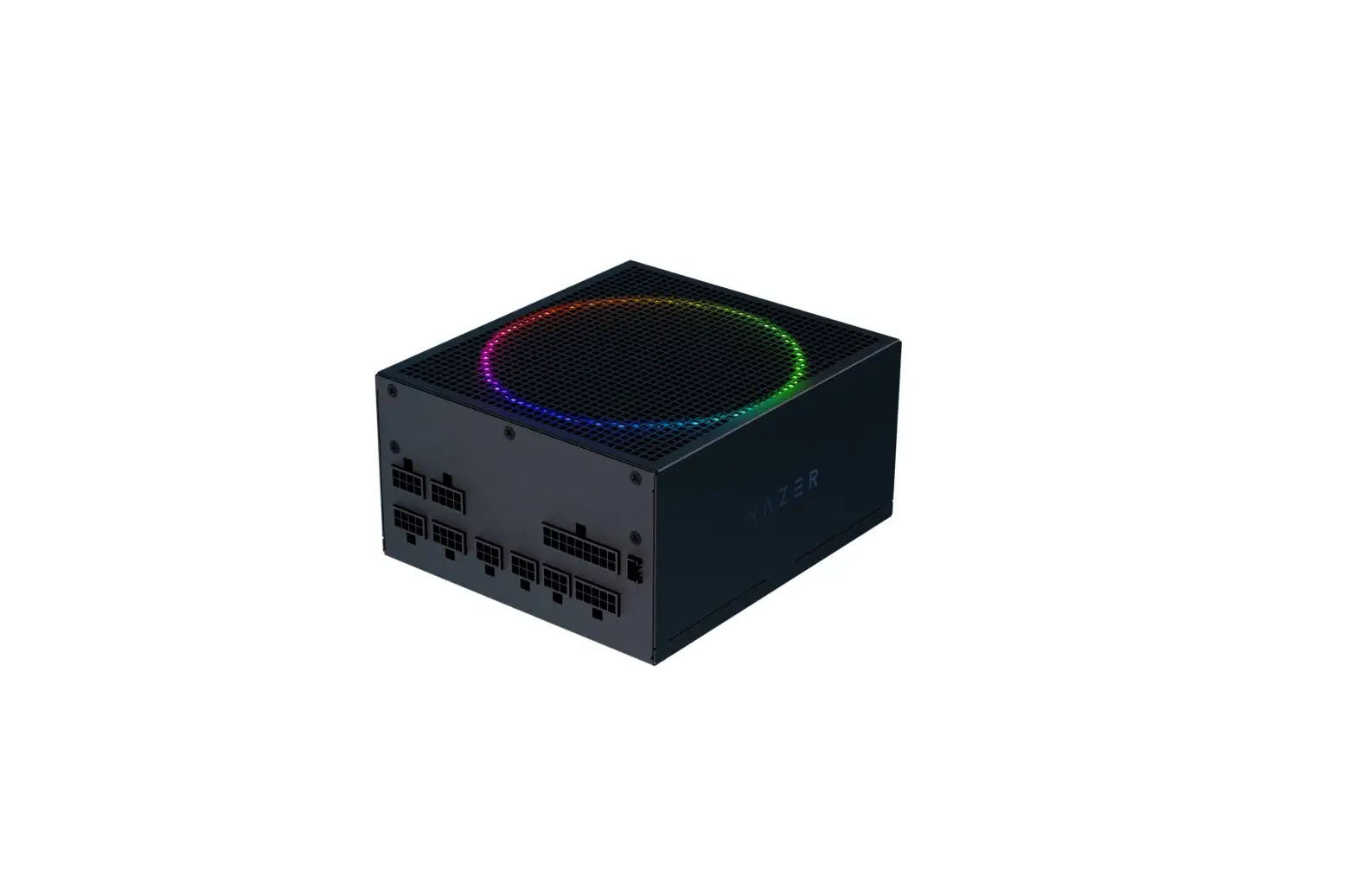
KARANA CHROMA Power Supply
Product Information
- Model: 24-pin
- 8-pin
- Mainboard CPU
- 850W
- 1
- 1
- 1200W
- 1
- 1
- 4+4-pin CPU
- 1
- 1
- 6+2-pin PCIe SATA (pigtail)
- 2
- 2
- 3
- 3
- 4-pin Molex + Floppy
- 3-pin & 4pin ARGB
- 2
- 1
- 2
- 1
Product Usage Instructions
To use the product, follow these steps:
- Connect the 24-pin cable to the appropriate connector on your
device. - Connect the 8-pin cable to the corresponding port on your
device. - For the mainboard CPU, connect the relevant cable to the
designated slot. - If you have a 850W power supply, connect it to the power
port. - If you have a 1200W power supply, connect it to the power
port. - For the 4+4-pin CPU, connect the cable to the appropriate CPU
slot. - For the 6+2-pin PCIe SATA (pigtail), connect the cables to the
respective SATA ports. - Make sure to connect the required number of cables for each
component: 2 for 850W power supply and 3 for 1200W power
supply. - Connect the 4-pin Molex + Floppy cables to their corresponding
ports. - If applicable, connect the 3-pin & 4pin ARGB cables to the
designated slots. - Ensure that all connections are secure and properly
inserted.
Model 24-pin
8-pin
mainboard CPU
850W
1
1
1200W
1
1
4+4-pin CPU
1 1
6+2-pin PCIe SATA (pigtail)
2
2
3
3
4-pin Molex + Floppy
3-pin & 4pin ARGB
2
1
2
1
Model
24-pin
8-pin
mainboard CPU
850W 1
1
1200W 1
1
4+4-pin 6+2-pin SATA
CPU
PCIe
1
4
8
1
12
4-pin Molex
8
8
ARGB Link
1
1
 Razer Synapse 3 - Cloud-Based Hardware Configuration Tool | Razer United States | Razer United States
 Official Razer Support
 Razer ID