Razer Laptop Stand Chroma V2 Support
FAQ
At a Glance: Razer Laptop Stand Chroma V2
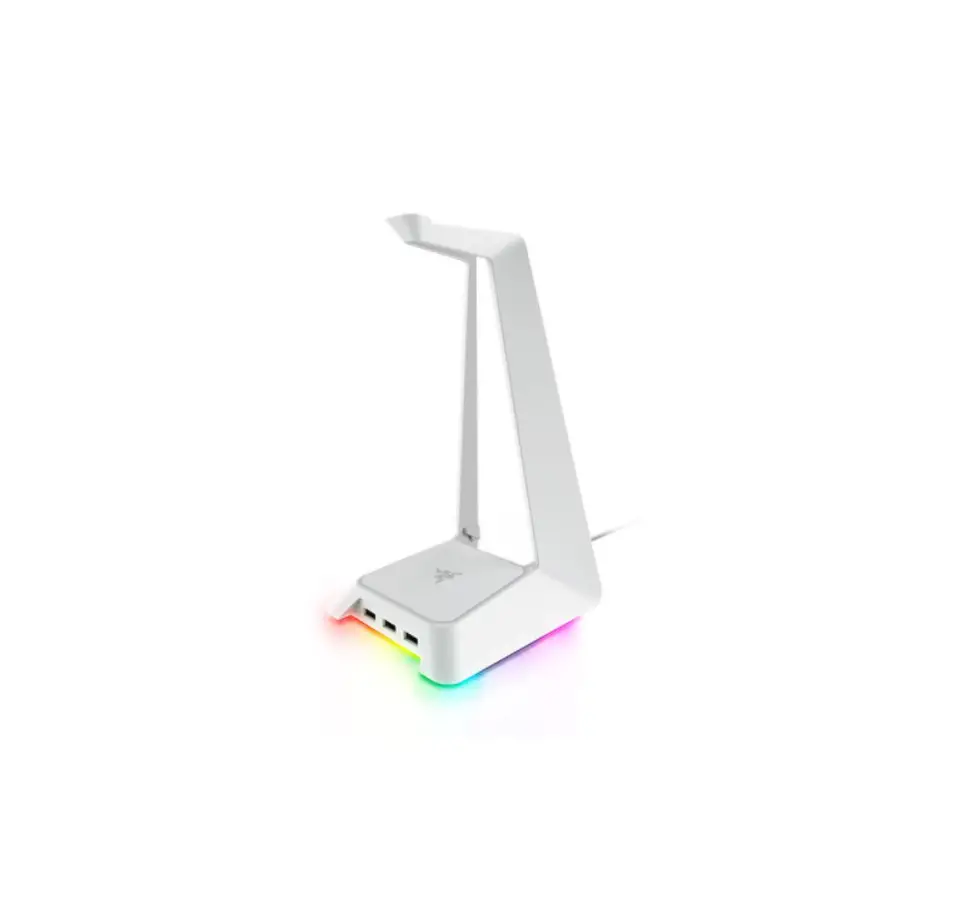
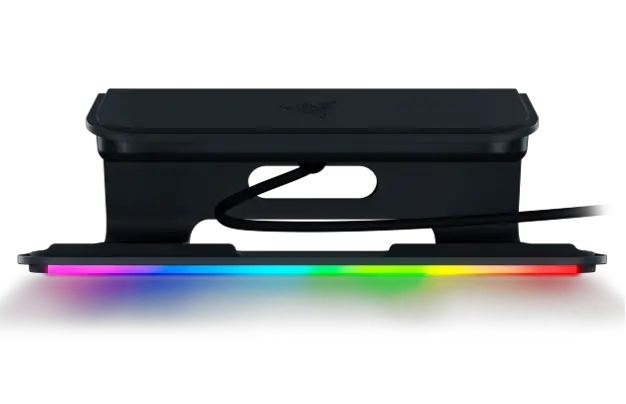
Rise to every occasion and connect like never before with the Razer Laptop Stand Chroma V2 | RC21-01680. Supporting 13”, 15”, and 17” Razer Blade laptops, this ergonomic laptop stand features a unique 4-port USB-C hub to connect a variety of devices to keep your setup clean and ready to win.
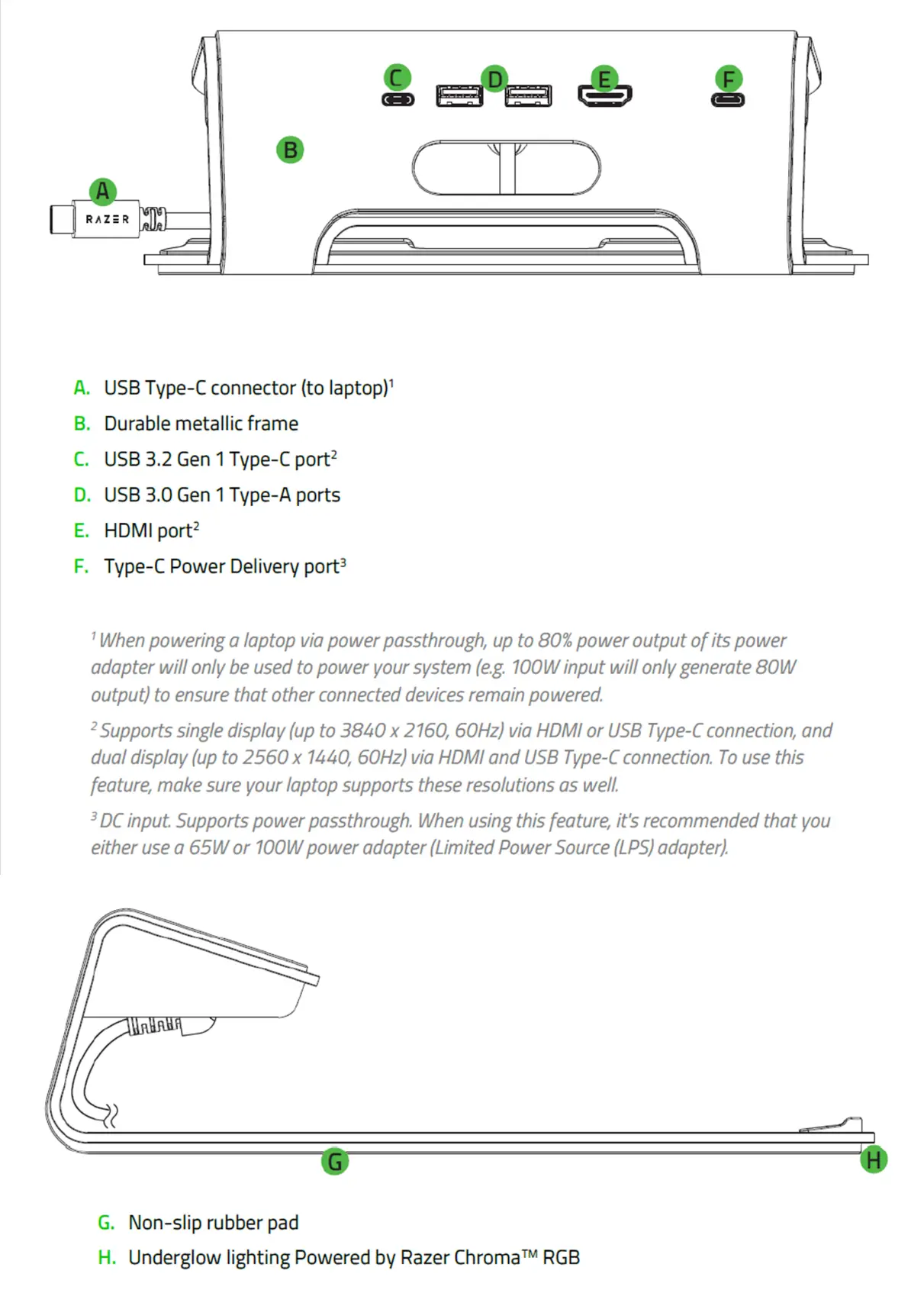
Device Layout
Full Technical Specifications
| Connection Type | USB-C |
| Input & Output |
|
| Display Output | Single Display (via HDMI or USB-C):
Double Display (via HDMI & USB-C):
|
| Compatibility | Designed for laptops up to 17” |
| Laptop Power Delivery |
|
| Finish | Aluminum |
| Razer Chroma™ Support | Razer Chroma™ Underglow |
s the Razer Laptop Stand Chroma V2 a powered hub?
Yes, the Razer Laptop Stand Chroma V2 features USB Type-C and Type-A ports along with passthrough power up to 100 W. Do note that only the USB-C port on the left (when facing the laptop) supports power delivery.
Will the Razer Laptop Stand Chroma V2 sync with other Razer devices, games, and apps?
Yes, the Razer Laptop Stand Chroma V2 fully supports Razer Chroma. This supports inter-device synchronization, which will enable integration between your Razer Laptop Stand Chroma V2 with all your Razer devices and Chroma apps.
Is the Razer Laptop Stand Chroma V2 supported on Synapse 3?
Yes, the Razer Laptop Stand Chroma V2 is supported by Synapse 3.
What laptop sizes can the Razer Laptop Stand Chroma V2 support?
The Razer Laptop Stand Chroma V2 supports laptops up to 17 inches.
What material is the Razer Laptop Stand Chroma V2 built with?
The Razer Laptop Stand Chroma V2 is built with stamped aluminum.
In what color variants is the Razer Laptop Stand Chroma V2 available?
The Razer Laptop Stand Chroma V2 is currently available in black.
What is the Razer Laptop Stand Chroma V2’s tilt angle?
The Razer Laptop Stand Chroma V2 has an ergonomic design with an 18-degree inclination.
How many USB ports does the Razer Laptop Stand Chroma V2 have?
The Razer Laptop Stand Chroma V2 has two USB 3.0 Type-A, and two USB Type-C (1x power input only).
How many external monitors can be connected to the Razer Laptop Stand Chroma V2?
You can connect up to two monitors via the USB-C (DP1.4) and HDMI (2.0). Ensure to use the cables that are certified to support the connection.
Can I charge the Razer Blade via Razer Laptop Stand Chroma V2?
The Razer Laptop Stand Chroma V2 provides up to 100 W charging capability which is enough to charge the Razer Book and Razer Blade Stealth systems. The dock will also be able to charge a Razer Blade which supports power delivery via the USB-C port. However, using a lower-watt power adapter may affect the performance of your laptop, and your laptop may charge slower or not charge at all while the system is running. To avoid any of these issues, we recommend using only the power adapter that comes with the laptop.
Will the hub works if I connect my laptop with another USB C to C cable into one of the USB-C ports?
No, it will not work, do follow the setup as provided in the product manual.
Which Razer Blade models are compatible with the Razer Laptop Stand Chroma V2?
Here is the list of compatible Razer Blade models:
| Product Name | Model Number | Variant |
| Razer Blade Stealth 13″ (2019) | RZ09-0281x | RZ09-02810 | UMA |
| Razer Blade Stealth 13″ (2019) | RZ09-0281x | RZ09-02812 | |
| Razer Blade Stealth 13″ (2019) | RZ09-0281x | RZ09-02812 | UHD |
| Razer Blade Stealth 13″ Mercury White (2019) | RZ09-03100 | RZ09-03100 | UMA |
| Razer Blade Stealth 13″ GTX1650 (2019) | RZ09-03101 | RZ09-03101 | FHD |
| Razer Blade Stealth 13″ GTX1650 (2019) | RZ09-03101 | RZ09-03101 | UHD |
| Razer Blade Stealth 13” (2020) | RZ09-03102 | RZ09-03102 | FHD |
| Razer Blade Stealth 13” (2020) | RZ09-03102 | RZ09-03102 | UHD |
| Razer Blade Stealth 13” (2020) | RZ09-0327 | RZ09-0327 | FHD |
| Razer Blade Stealth 13” (2020) | RZ09-0327 | RZ09-0327 | OLED |
| Razer Book 13 | RZ09-0357 | RZ09-0357 | i5 – FHD |
| Razer Book 13 | RZ09-0357 | RZ09-0357 | i7 – FHD |
| Razer Book 13 | RZ09-0357 | RZ09-0357 | i7 – UHD |
| Razer Blade 15″ Advanced (2018) | RZ09-0238x | RZ09-02385 RZ09-02386 | |
| Razer Blade 15″ Advanced (2019) | RZ09-0288x | RZ09-02886 RZ09-02887 RZ09-02888 | |
| Razer Blade 15″ Advanced (2019) | RZ09-0313x | RZ09-03017 RZ09-03018 | |
| Razer Blade 15” Advanced (2020) | RZ09-0330x | RZ09-03304 | |
| Razer Blade 15” Studio Edition (2020) | RZ09-0330Q | RZ09-0330Q | |
| Razer Blade 15″ Base (2018) | RZ09-02705 | RZ09-02705 | |
| Razer Blade 15″ Base (2019) | RZ09-03006 | RZ09-03006 | |
| Razer Blade 15” Base (2020) | RZ09-0328x | RZ09-03286 RZ09-03287 RZ09-03289 | |
| Razer Blade Pro 17″ (2019) | RZ09-0287x | RZ09-02876 RZ09-02877 RZ09-02878 | FHD |
Troubleshooting
How to fix Razer Laptop Stand Chroma V2 USB Ports that are not working
If the USB ports of the Razer Laptop Stand Chroma V2 is not working, follow the troubleshooting steps below:
- Test the USB connection by simply disconnecting and reconnecting the USB device.
- Test for a possible defective USB port by testing it on another free USB port.
- If the above steps did not resolve the issue, test the device on a different computer to further isolate the issue.
Downloads
Razer Laptop Stand Chroma V2 Master Guide (English) – Download