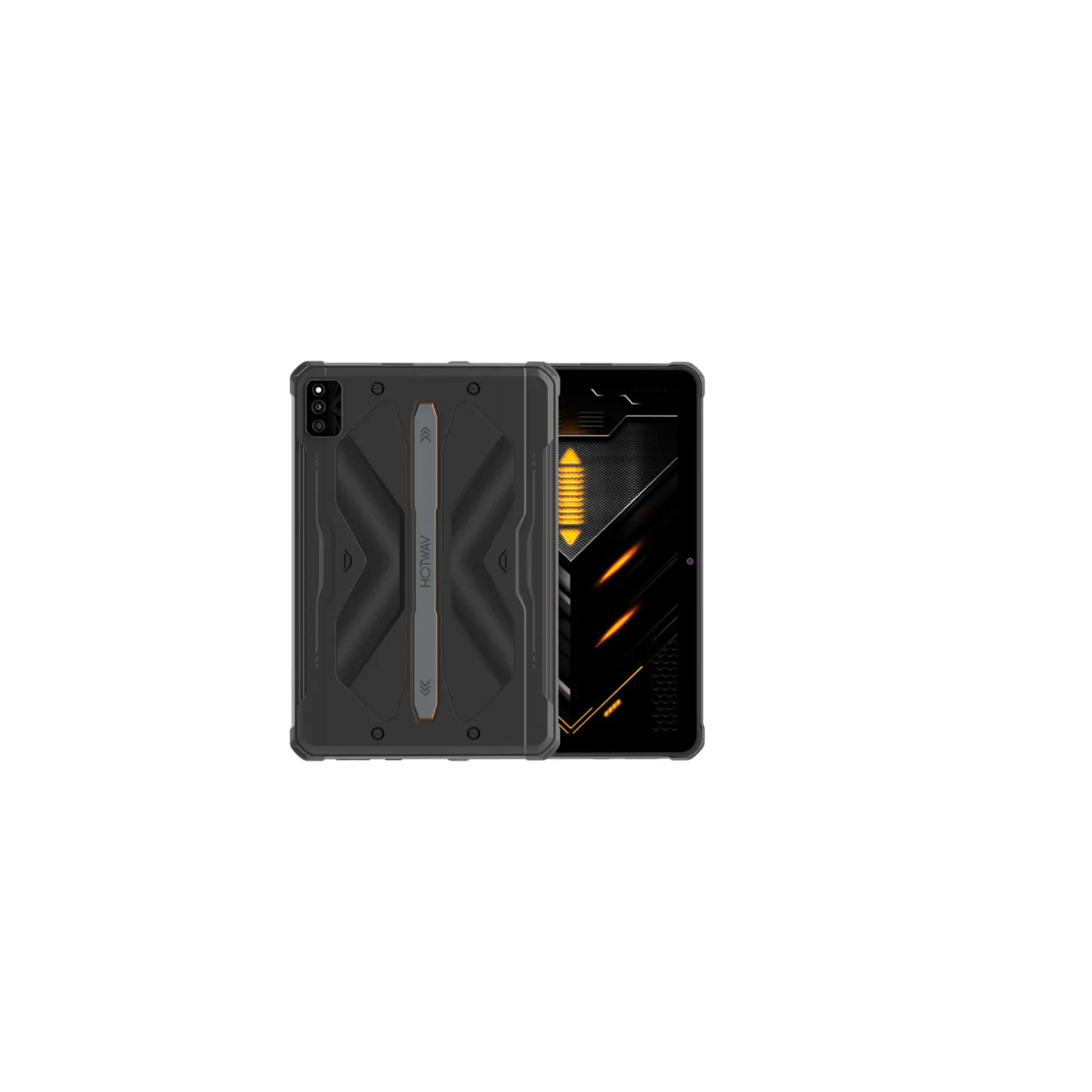
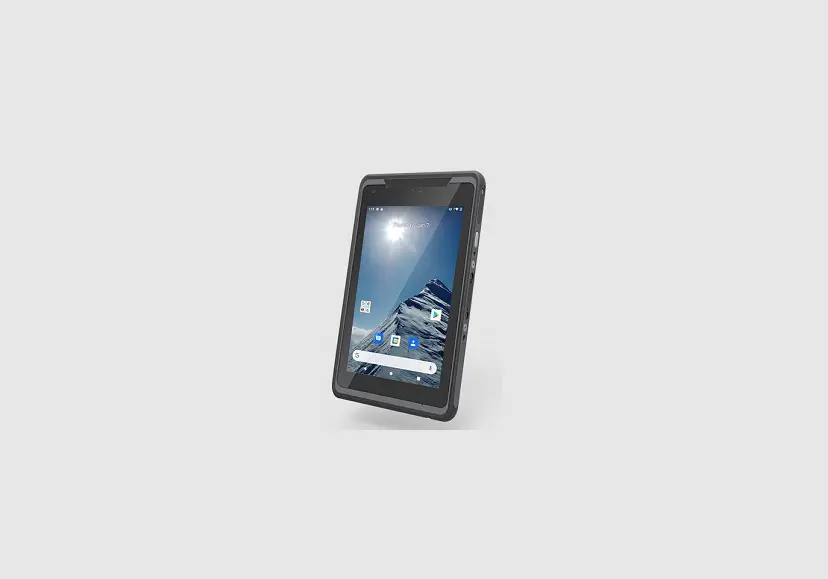
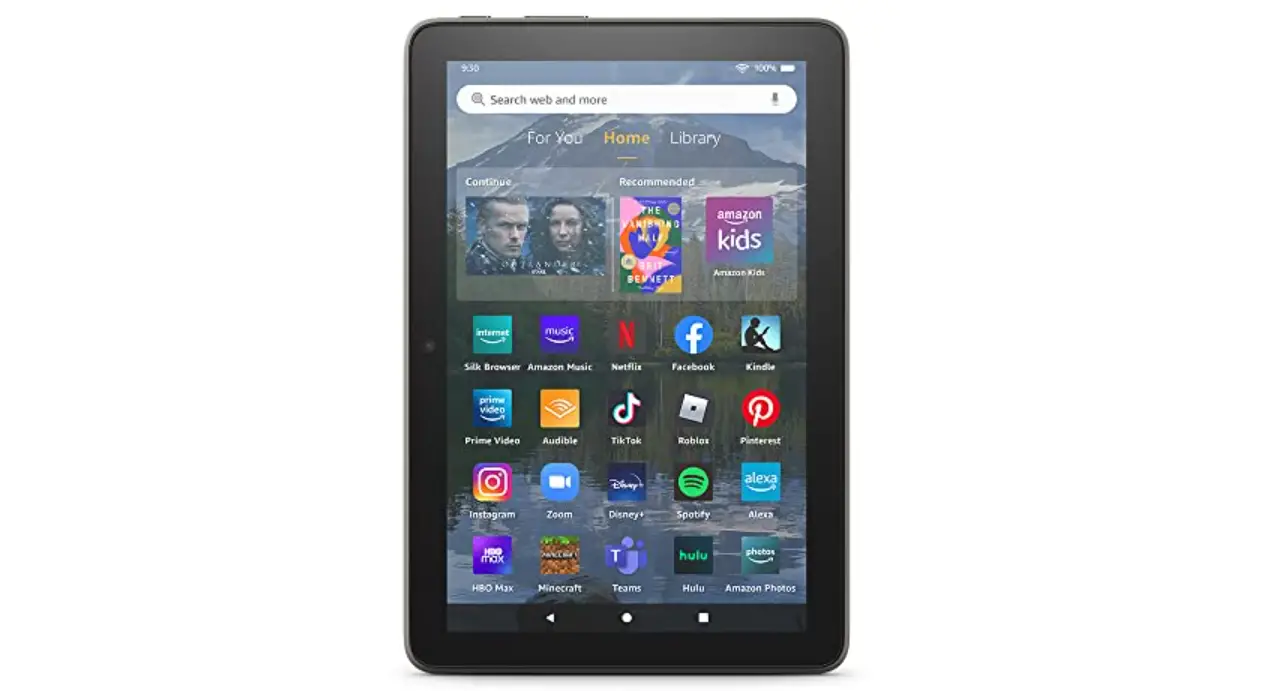
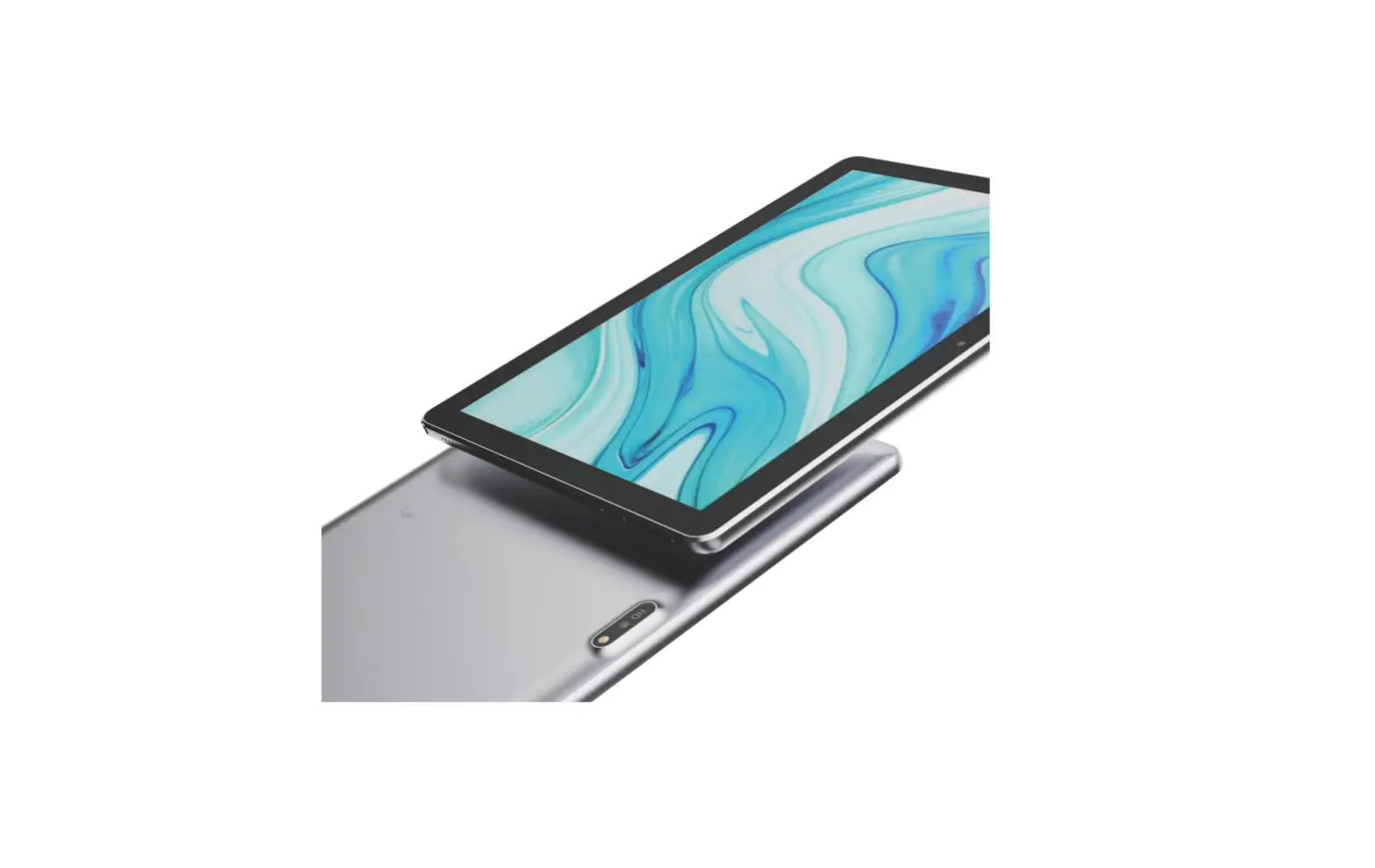
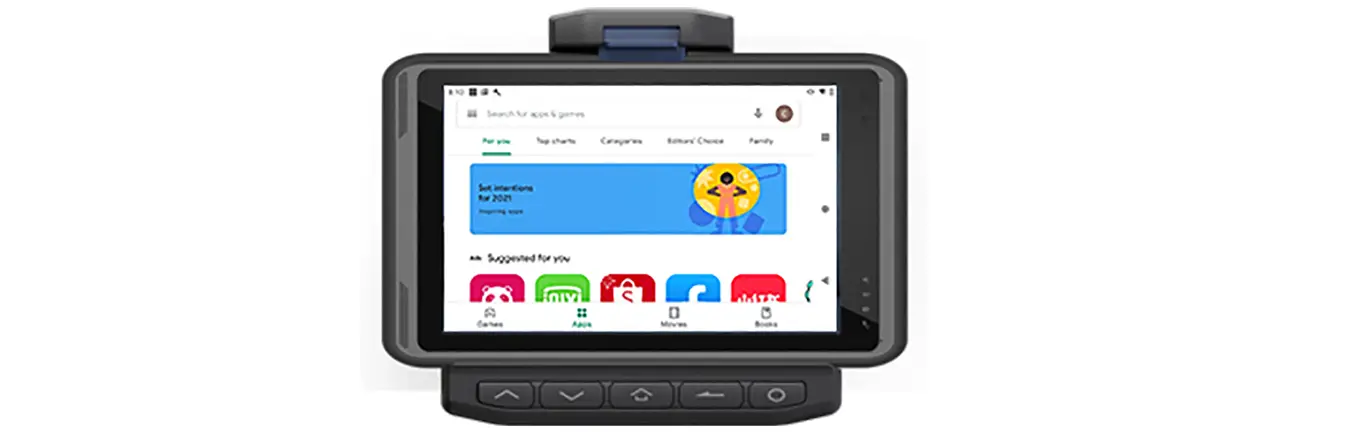
R6 Pro Tablet
Product Information: JT8LHBWFSBHFEPWFSPOFHSBNPGUIJT%FWJDFTAB R6
Pro ‘$$ *% 2AOKUTABLET
This product is a tablet with the model number
JT8LHBWFSBHFEPWFSPOFHSBNPGUIJT%FWJDFTAB R6 Pro ‘$$ *% 2AOKUTABLET.
It has a built-in battery and runs on an operating system that
supports various applications.
- Model Number: JT8LHBWFSBHFEPWFSPOFHSBNPGUIJT%FWJDFTAB R6 Pro
‘$$ *% 2AOKUTABLET - Battery: Built-in
- Operating System: Supports various applications
Product Usage Instructions:
- Charging the Tablet:
- Connect the charging cable to the tablet’s charging port and
plug the other end into a power source. - Wait for the battery to fully charge before unplugging the
charging cable.
- Connect the charging cable to the tablet’s charging port and
- Turning On/Off the Tablet:
- To turn on the tablet, press and hold the power button until
the screen lights up. - To turn off the tablet, press and hold the power button until a
pop-up menu appears on the screen, then select “Power off”.
- To turn on the tablet, press and hold the power button until
- Using Applications:
- To access applications, tap on the app icon on the home
screen. - To download new applications, open the app store and search for
the desired app.
- To access applications, tap on the app icon on the home
- Adjusting Settings:
- To access settings, swipe down from the top of the screen to
open the notification panel, then tap on the gear icon. - From here, you can adjust various settings such as display
brightness, sound volume, and Wi-Fi connectivity.
- To access settings, swipe down from the top of the screen to
‘$ $ $ BVUJPO ” OZDIBOHFTPSNPEJGJDBUJPOTOPUFYQSFTTMZBQQSPWFECZUIFQBSUZ SFTQPOTJCMFGPSDPNQMJBODFDPVMEWPJEUIFVTFSTBVUIPSJUZUPPQFSBUFUIJT FRVJQNFOU 5 IJTEFWJDFDPNQMJFTXJUI1BSUPGUIF’$ $ 3VMFT0QFSBUJPOJTTVCKFDUUP UIFGPMMPXJOHUXPDPOEJUJPOT (1)5 IJTEFWJDFNBZOPUDBVTFIBSNGVMJOUFSGFSFODF
BOE (2)UIJTEFWJDFNVTUBDDFQUBOZJOUFSGFSFODFSFDFJWFE
JODMVEJOHJOUFSGFSFODF UIBUNBZDBVTFVOEFTJSFEPQFSBUJPO 5 IJT1SPEVDUNFFUTUIFHPWFSONFOUTSFRVJSFNFOUTGPSFYQPTVSFUPSBEJP XBWFT5 IFHVJEFMJOFTBSFCBTFEPOTUBOEBSETUIBUXFSFEFWFMPQFECZ JOEFQFOEFOUTDJFOUJGJDPSHBOJ[BUJPOTUISPVHIQFSJPEJDBOEUIPSPVHI FWBMVBUJPOPGTDJFOUJGJDTUVEJFT5 IFTUBOEBSETJODMVEFBTVCTUBOUJBMTBGFUZ NBSHJOEFTJHOFEUPBTTVSFUIFTBGFUZPGBMMQFSTPOTSFHBSEMFTTPGBHFPS IFBMUI ‘$ $ 3’&YQPTVSF*OGPSNBUJPOBOE4UBUFNFOUUIF4″ 3MJNJUPG6 4″ ‘$$
JT8LHBWFSBHFEPWFSPOFHSBNPGUIJT%FWJDFTAB R6 Pro ‘$$ *% 2AOKUTABLET
IBTCFFOUFTUFEBHBJOTUUIJT4″ 3 MJNJU4″ 3 JOGPSNBUJPOPOUIJTDBOCFWJFXFEPOMJOFBUIUUQXXXGDDHPWPFUFB GDDJE1MFBTFVTFUIFEFWJDF’$ $ *% OVNCFSGPSTFBSDI5 IJTEFWJDFXBT UFTUFEGPSUZQJDBMPQFSBUJPOTNNGSPNUIFCPEZ5 PNBJOUBJODPNQMJBODF XJUI’$ $ 3’FYQPTVSFSFRVJSFNFOUT
NNTFQBSBUJPOEJTUBODFTIPVME NBJOUBJOFEUPUIFVTFSTCPEJFT
NOTE: This equipment has been tested and found to comply with the limits for a Class B digital device, pursuant to Part 15 of the FCC Rules. These limits are designed to provide reasonable protection against harmful interference in a residential installation. This equipment generates, uses and can radiate radiofrequency energy and, if not installed and used in accordance with the instructions, may cause harmful interference to radio communications. following measures: However, there is no guarantee that interference will not occur in a particular installation. If this equipment does cause harmful interference to radio or television reception, which can be determined by turning the equipment off and on, the user is encouraged to try to correct the interference by one or more of the following measures: — Reorient or relocate the receiving antenna. — Increase the separation between the equipment and receiver. — Connect the equipment into an outlet on a circuit different from that to which the receiver is connected. — Consult the dealer or an experienced radio/TV technician for help.
 Equipment Authorization | Federal Communications Commission