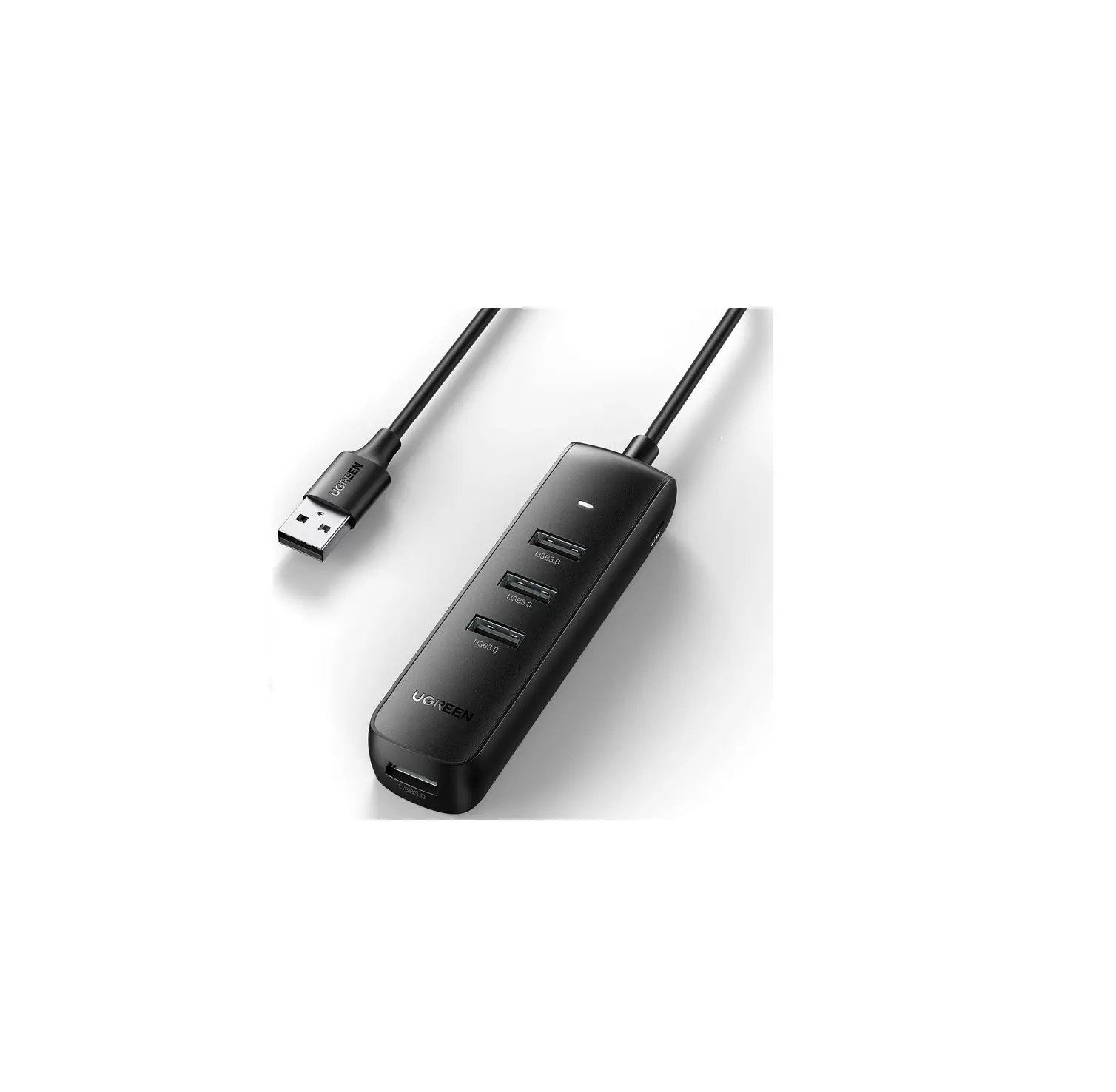
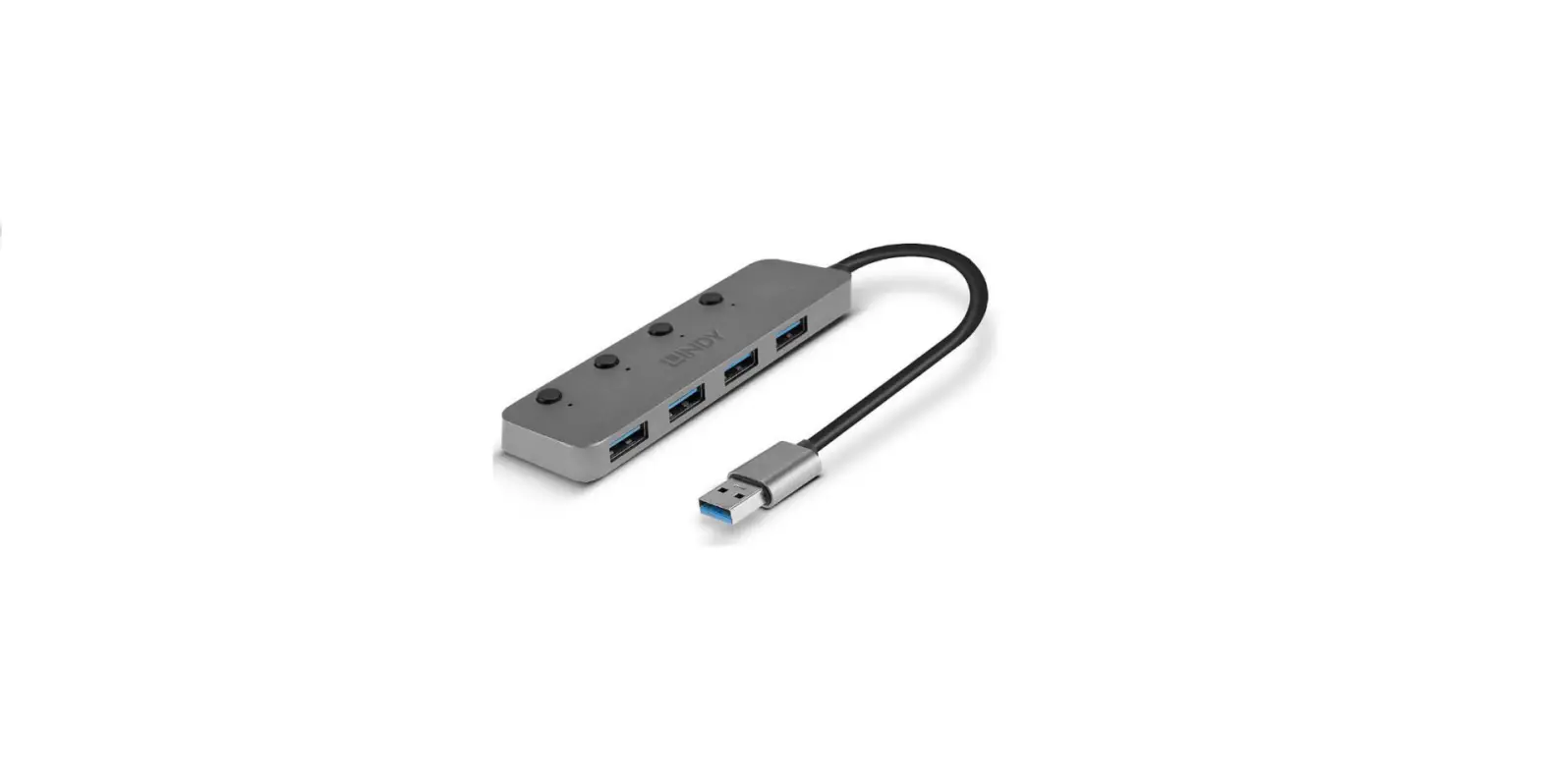
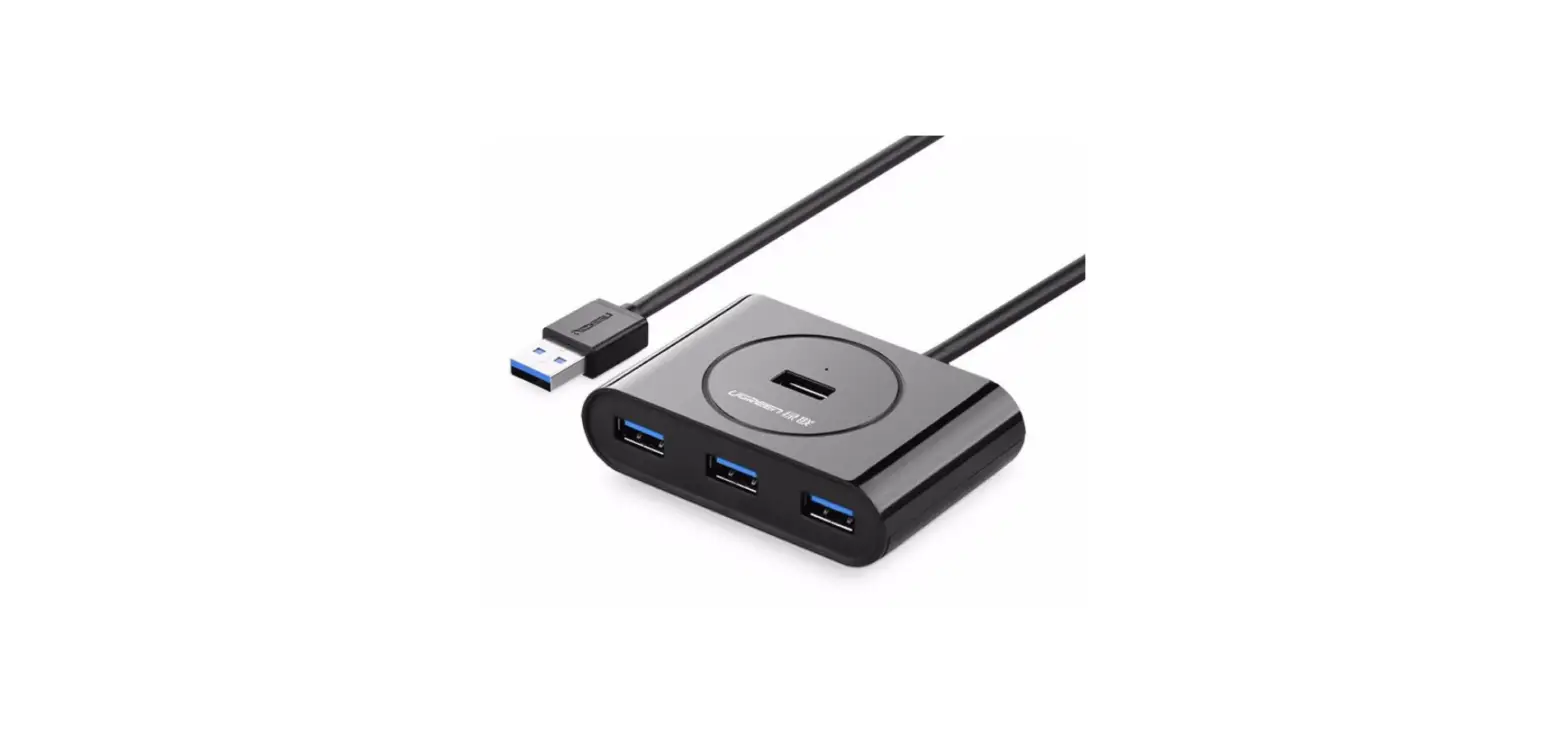
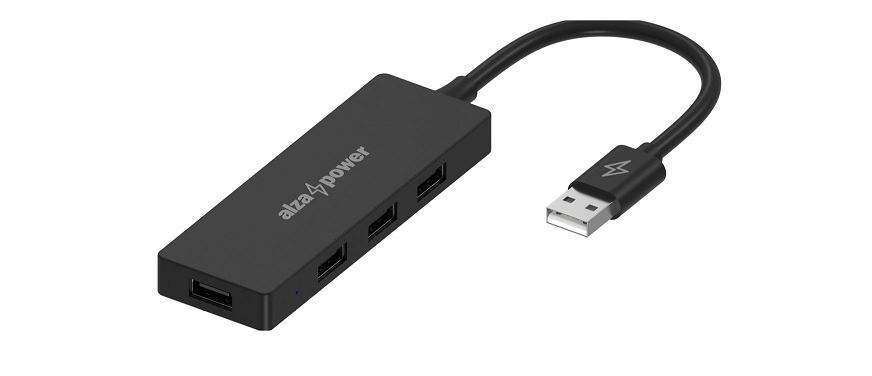
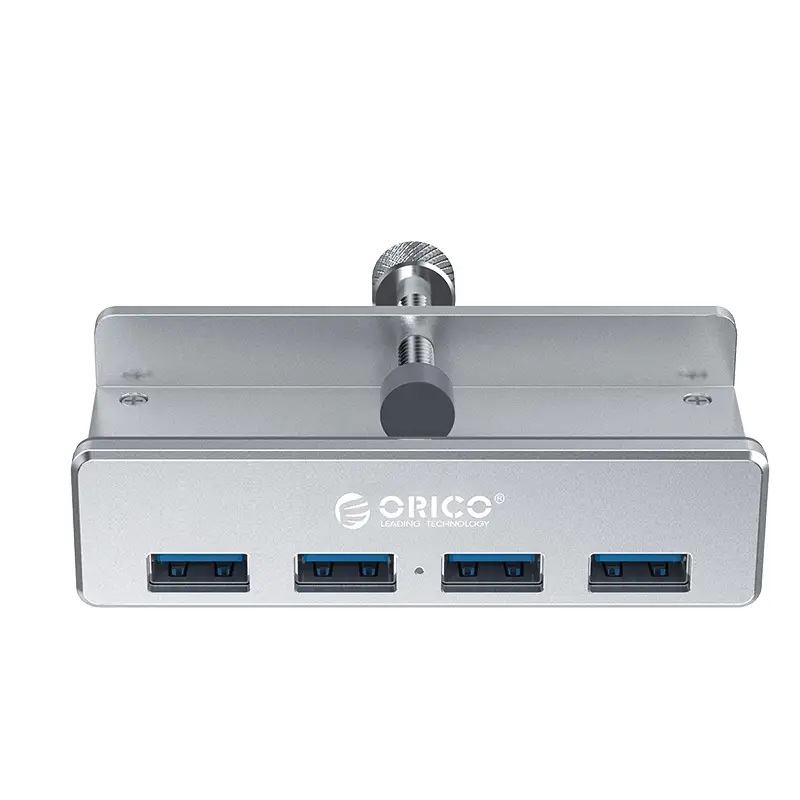
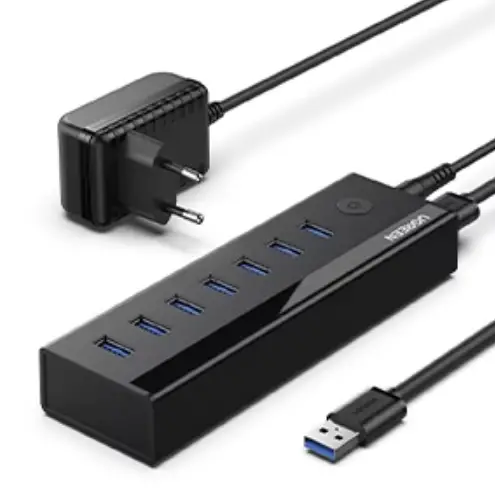
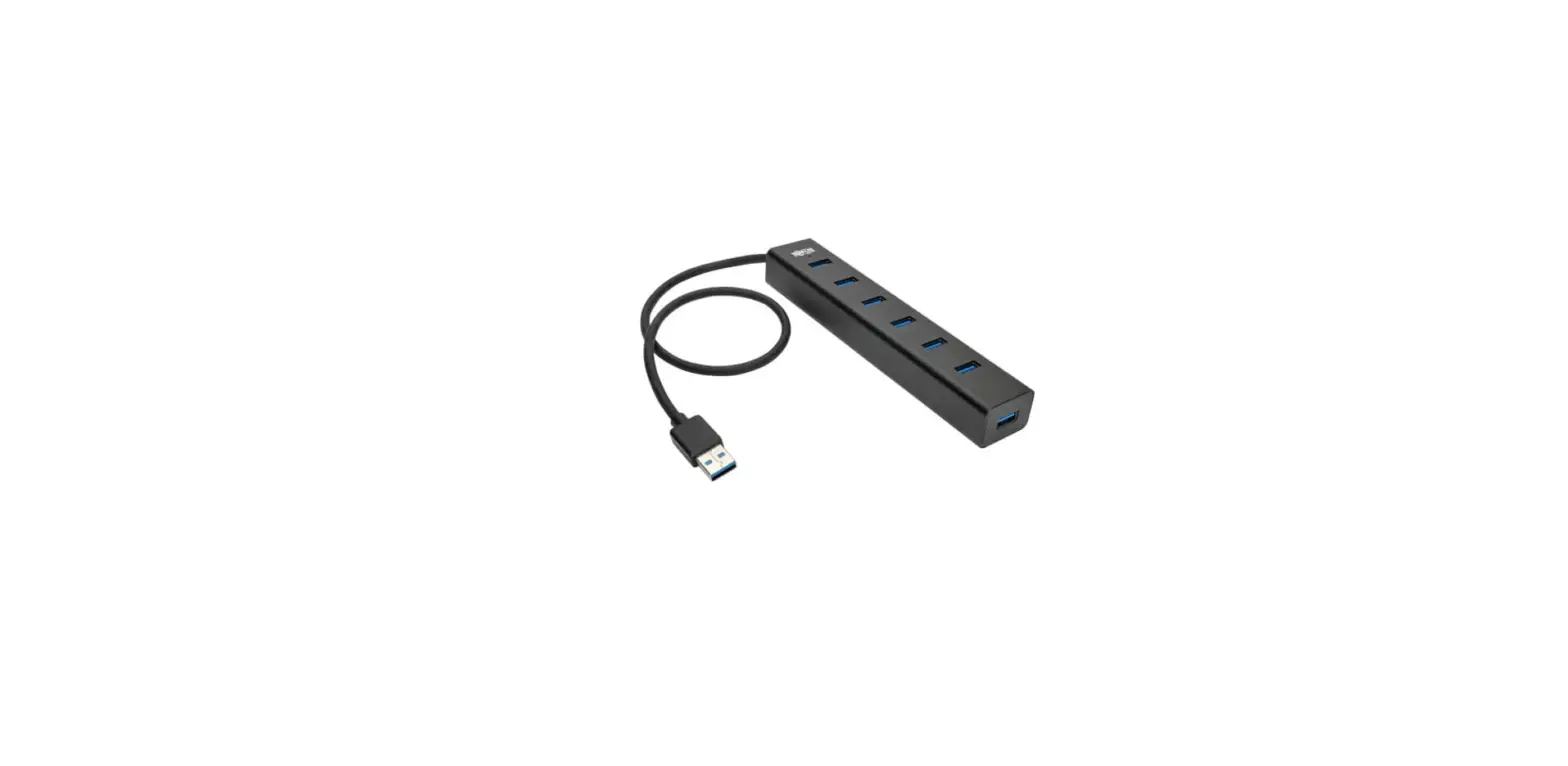
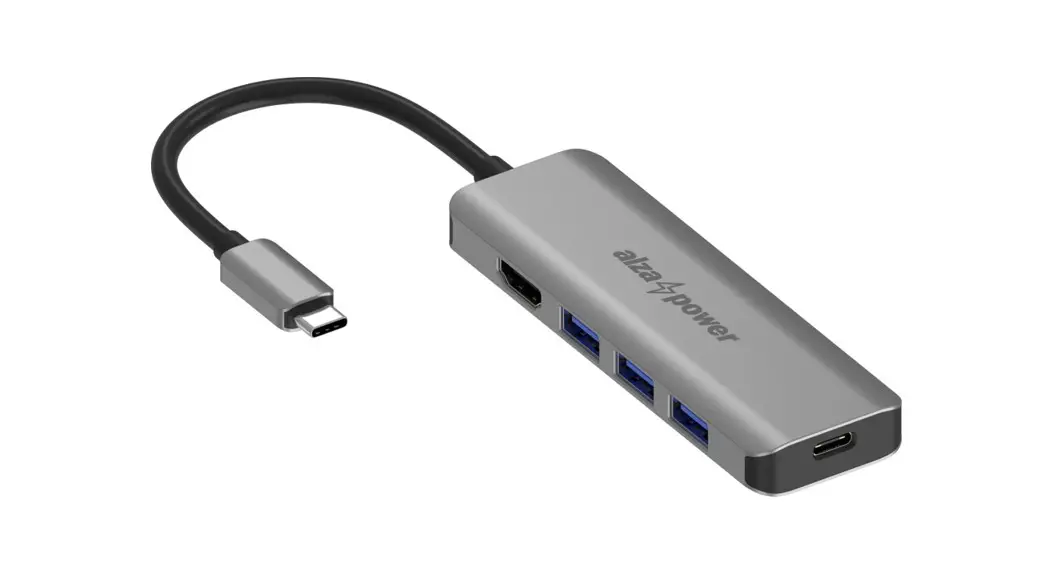
PAPW4A-U3 PAPW Series USB3.0 Hub
Product Information: PAPW / PAPW Series USB3.0 HUB
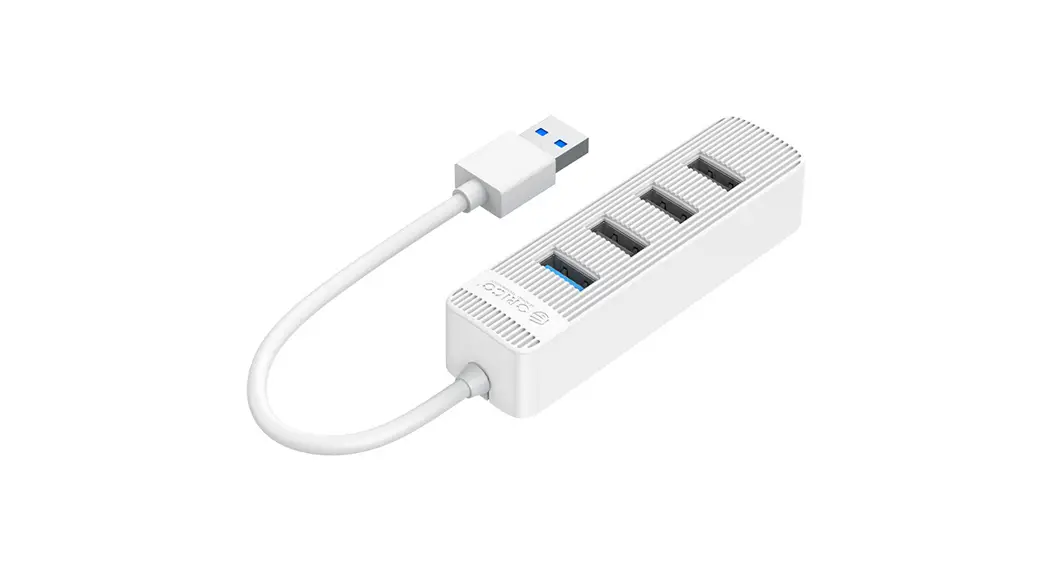
The PAPW / PAPW Series USB3.0 HUB is a product of ORICO
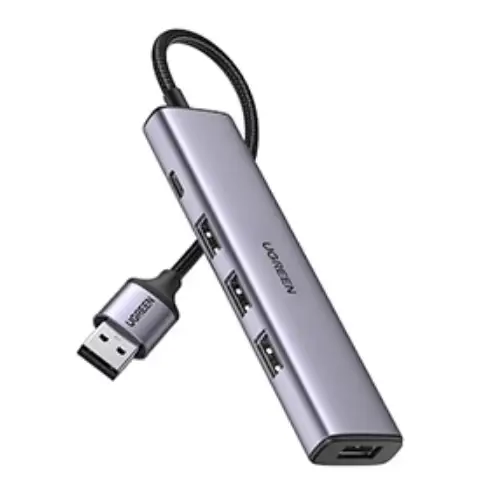
Technologies Co., Ltd. It is a mini and portable 4-in-1 USB 3.0 HUB
that supports USB 3.0 protocol with a transmission rate of 5Gbps.
The product comes in different models, including:
- PAPW4A-U3 and PAPW4A-C3 with 4 USB 3.0 ports
- PAPW3AT-U3 and PAPW3AT-C3 with 4 USB 3.0 ports and SD/TF
slots - PAPW2AC-C3 with 4 USB 3.0 ports and PD 100W function
The product is compatible with Windows/Mac OS/Linux and supports
Hot-plug.
Specifications:
| Name | Model | Input | Output | Transmission Rate | Dimensions (unit:mm) | Conjoined Material | Cable length |
|---|---|---|---|---|---|---|---|
| 4-in-1 USB 3.0 Hub | PAPW4A-U3 | – | 4 USB 3.0 ports | 5Gbps | – | ABS | 0.15m, 0.5m, 1m, 1.8m |
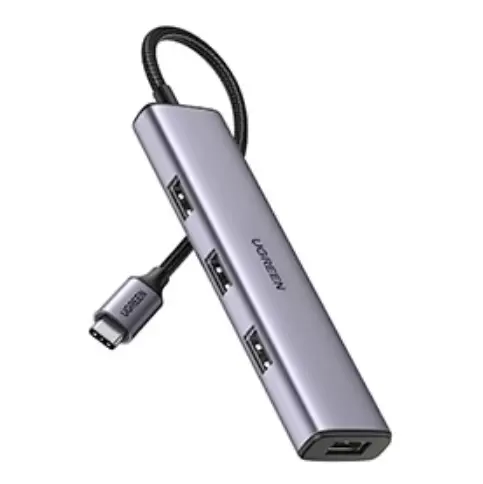
| 4-in-1 USB 3.0 Hub | PAPW4A-C3 | USB-C | 4 USB 3.0 ports | 5Gbps | – | ABS | 0.15m, 0.5m, 1m, 1.8m |
| 4-in-1 USB 3.0 Hub | PAPW3AT-U3 | – | 4 USB 3.0 ports and SD/TF slots | 5Gbps | – | ABS | 0.15m, 0.5m, 1m, 1.8m |
| 4-in-1 USB 3.0 Hub | PAPW3AT-C3 | USB-A, USB-C | 4 USB 3.0 ports and SD/TF slots | 5Gbps | – | ABS | 0.15m, 0.5m, 1m, 1.8m |
| 4-in-1 USB 3.0 Hub | PAPW2AC-C3 | USB-C | 4 USB 3.0 ports and PD 100W function | 5Gbps | – | ABS | 0.15m, 0.5m, 1m, 1.8m |
Product Usage Instructions:
- Connect the PAPW / PAPW Series USB3.0 HUB to your computer or
laptop through the USB interface. - If you are using a model with SD/TF slots, insert your SD/TF
card into the corresponding slot. - If you are using a model with PD 100W function, connect the
USB-C PD100W cable to the corresponding port. - The PAPW / PAPW Series USB3.0 HUB is now ready to use. You can
connect up to four USB devices and enjoy a transmission rate of
5Gbps. - When you are done using the device, safely remove it from your
computer or laptop by clicking on the “Safely Remove Hardware” icon
in your system tray and selecting the PAPW / PAPW Series USB3.0
HUB.
Please note that it is important to follow the notice and
declaration provided in the user manual to prevent damage to the
product and ensure your safety. If you have any questions or
concerns, please contact the ORICO customer support hotline or
visit their website for more information.
PAPW / PAPW Series
USB3.0 USB3.0 HUB
User Manual
ORICO
×1 ×1
1. 2. 3. USB3.05Gbps 4. SD/TF/PD100W 5. Windows/Mac OS/Linux
2
4USB3.0
PAPW4A-U3 PAPW4A-C3
USB-A USB-A 3.0×4
USB-C
4USB3.0 SD/TF
PAPW3AT-U3 PAPW3AT-C3
USB-A USB-C
USB-A 3.0×3 SD/TF 3.0 ×2
()
4USB3.0 PD
PAPW2AC-C3
USB-C
USB-A 3.0×2 USB-C 3.0×1
USB-C PD100W x 1
(:mm)
5Gbps
98×34×12.6
ABS
0.15m 0.5m 1m 1.8m
-1-
-2-
1. 2.
3. 4. 5.
6.
7.
8.
9.
10.
ORICO
1. 7ORICO
2. 15ORICO
3. 12ORICO
1. 2.
3. 4. 5. 6. 7.
ORICO ORICO®
(Pb) (Hg) (cd) (Cr(VI)) (PBB)
(PBDE)
×
SJ/T 11364
GB/T 26572
× GB/T 26572
,10 ,
-3-
-4-
-5-
-6-
Thanks for choosing ORICO! Please read this user’s manual carefully before using it!
What is in the box
The Product×1 User Manual×1 The product, accessories and package may optimized for better applicationor performance. We sincerely sorry that they may not exactly match with what showing in manual and appreciate your please adhere to the original products and contact ORICO customer care team if any further concern. Thank you very much.
Product features
1. The unique appearance reflects excellent quality. 2. Mini and protable. 3. Support USB 3.0 protocol. the transmissionrate is
5Gbps. 4. Two-optionsModel with SD/TF slots and model with
PD 100W function. 5. Support Hot-plug and be compatible with Windows/
Mac OS/Linux
Specifications See page 12-13 for details
-7-
Name
Model
Input
Output
PAPW4A-U3 4-in-1 USB 3.0 Hub
PAPW4A-C3
USB-A USB-A 3.0×4
USB-C
PAPW3AT-U3 4-in-1 USB 3.0 Hub
SD/TF Slots
PAPW3AT-C3
USB-A USB-C
USB-A 3.0×3 SD/TF 3.0 ×2
4-in-1 USB 3.0 Hub PAPW2AC-C3
PD
USB-C
USB-A 3.0×2 USB-C 3.0×1
USB-C PD100W x 1
Transmission Rate
Dimensions (unit:mm)
Conjoined Material
Cable length
5Gbps
98×34×12.6
ABS
0.15m 0.5m 1m 1.8m
-8-
Notice
1. Please do not hit, throw, or puncture the product, and avoid dropping, squeezing, or bending.
2. Please do not use or store this product in a humid environment and avoid being wetted or rinsed with liquids.
3. Please do not use the product in a hot, high-dust environment and keep it away from fire.
4. Please do not expose this product to the sun. 5. Please do not place this product in a corrosive
environment. Do not use other chemical solutions to clean the product. 6. Please do not place the product or accessories in appliances with strong electromagnetic fields and away from magnetic equipment. 7. Please keep the product and accessories away from children. Do not allow children to use the product without supervision. 8. If you need a product with a power adapter, please use the power adapter specified by our company. 9. Please do not disassemble and repair the product or accessories without the authorization of ORICO. 10. If you have any questions during the use of this product, please feel free to contact your dealer or ORICO Customer Service Center.
– 9 –
Declaration
ORICO Technologies Co., Ltd., all rights reserved. Thank you so much for purchase ORICO product. Please refer to this manual when using orico product or experienced issues. Additionally, please kindly contact ORICO customer care team if any concern. ORICO® is registered trademark of ORICO Technologies Co., Ltd.. Any other product, trademark, service or company mentioned herein is trademark or registered trademark of the respective owners. This manual is for reference only and it’s not a guarantee. ORICO Technologies Co., Ltd. reserve all rights of maintenance to this manual and shall not liable for any lost or damage resulting from this manual. Please kindly contact orico customer care team when any concern. ORICO Technologies Co., Ltd shall not liable for compensation and maintenance of the following conditions. 1. Any special, incidental, indirect and secondary lost or
damage. 2. Profit and revenue lost or damage. 3. Files, data, drive and device lost or damage. Note: Compensation for lost or damage resulting from This manual or orico product shall not exceed the payment of your purchase to this product.
– 10 –
FCC
This device complies with part 15 of the FCC Rules. Operation is subject to the following two conditions:(1) This device may not cause harmful interference, and (2) this device must accept any interference received, including interference that may cause undesired operation.
Mode d’emploi
FR
Avis
· Veuillez ne pas frapper, jeter ou percer le produit et éviter de le laisser tomber, de le presser ou de le plier.
· Veuillez ne pas utiliser ou stocker ce produit dans un environnement humide.
· Veuillez ne pas utiliser le produit dans un environnement chaud et poussiéreux et le tenir à l’écart du feu.
Manual del usuario
ES
Aviso
· No golpee, arroje ni perfore el producto y evite dejarlo caer, apretar o doblar. – 11 –
· No utilice ni almacene este producto en un ambiente húmedo.
· No utilice el producto en un ambiente cálido y polvoriento y manténgalo alejado del fuego.
Bedienungsanleitung
DE
Hinweis
· Bitte schlagen, werfen oder durchstechen Sie das Produkt nicht und vermeiden Sie ein Fallenlassen, Quetschen oder Biegen.
· Bitte verwenden oder lagern Sie dieses Produkt nicht in einer feuchten Umgebung.
· Bitte verwenden Sie das Produkt nicht in einer heißen, staubigen Umgebung und halten Sie es von Feuer fern.
Istruzioni per l’uso
IT
Avviso
· Non colpire, lanciare o forare il prodotto ed evitare di farlo cadere, schiacciare o piegare.
· Si prega di non utilizzare o conservare questo prodotto in un ambiente umido.
· Non utilizzare il prodotto in un ambiente caldo e polveroso e tenerlo lontano dal fuoco. – 12 –
ORICO Technologies Co., Ltd.
/Hotline: 400-6696298 /Tel: 86-755-25196059
: www.orico.com.cn
Website: www.orico.cc
/E-mail: [email protected]
: 12
14A1903-1904
Company Add: 1903-1904, 14A, Zhonghaixin Innovation Industrial
Park, no.12, Gan Lee Sixth Road, Gankeng Community, Jihua
Street, Shenzhen, China
246201
 ORICO - USB Storage Adapters, Chargers, Hubs, and More
 奥睿科集团官网