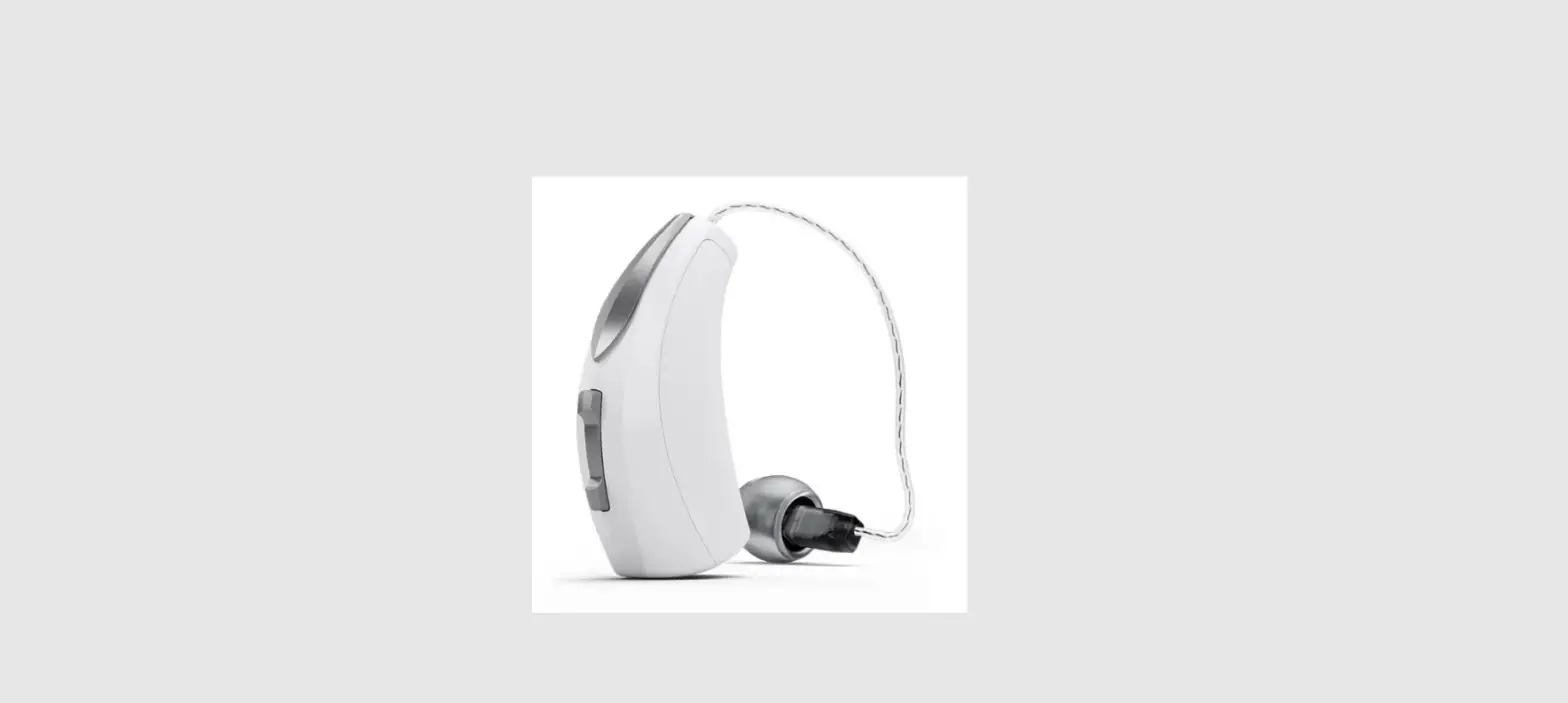
 CP1150 Aqua+ for Kanso 2 Sound Processor
User Guide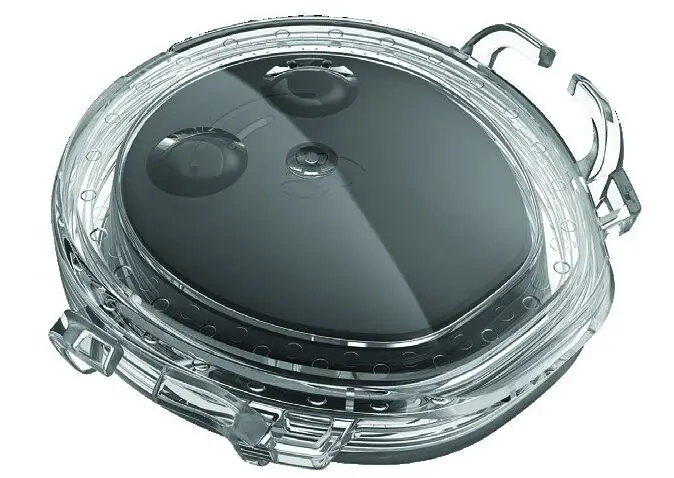
About this guide
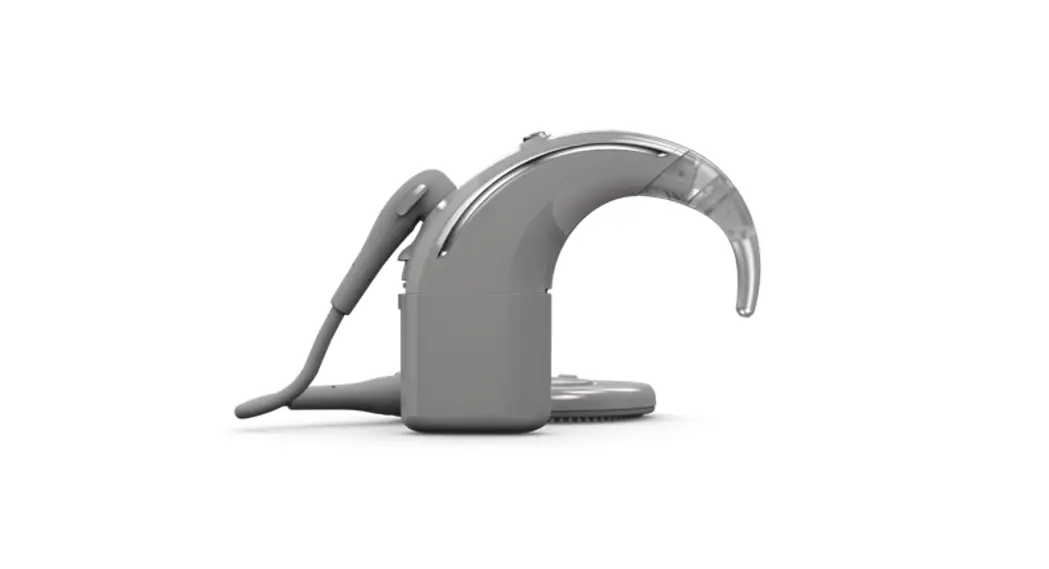
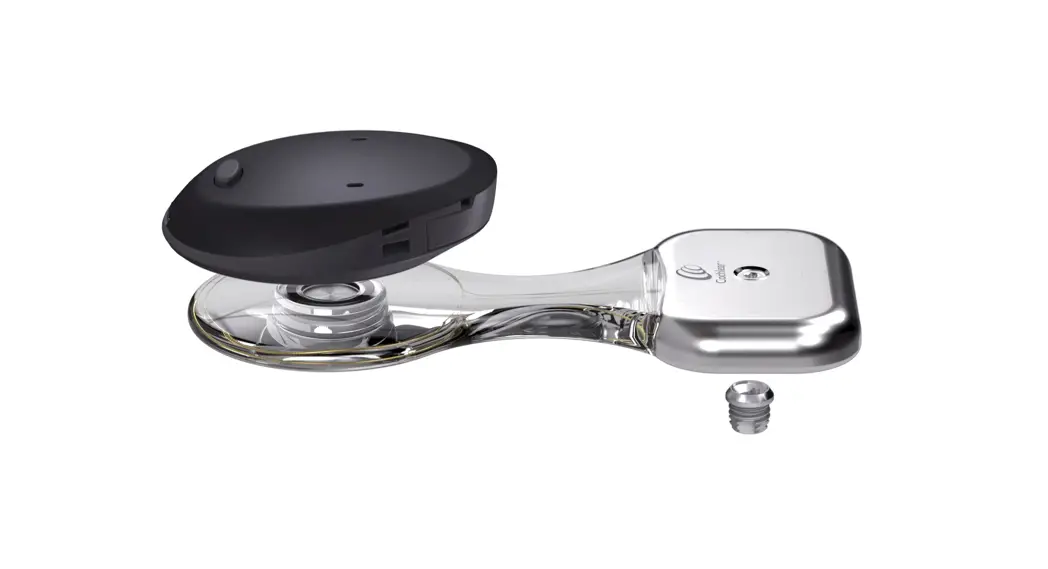
The Cochlear™ Aqua+ for Kanso® 2 is a re-usable sealable cover that keeps your Cochlear Kanso 2 Sound Processor (model number: CP1150) dry when used in or around water (e.g. when swimming or in the bath). It is worn on your implant with your sound processor sealed inside.
This Aqua+ is intended for use by people who use the Kanso 2 Sound Processor. It should only be used by people who can either remove the sound processor themselves if it’s causing discomfort or who can indicate any discomfort to their parent or caregiver.
The Nucleus® Safety Line is a retention option to help prevent accidental loss of your Aqua+ by securing it to your clothing with a snap-lock clip.
While using Aqua+ you can also use the following, providing they are protected from water and kept dry:
- your smartphone (with the Cochlear Nucleus Smart App)
- Cochlear CR310 Remote Control
- Cochlear wireless accessories.
Testing shows Aqua+ can be:
- used at depths of up to 3 meters for up to 2 hours.
- re-used up to 50 times, but this may vary according to how you use it.
There have been no reported undesirable side effects from using Aqua+.
Aqua+ for Kanso® 2 description
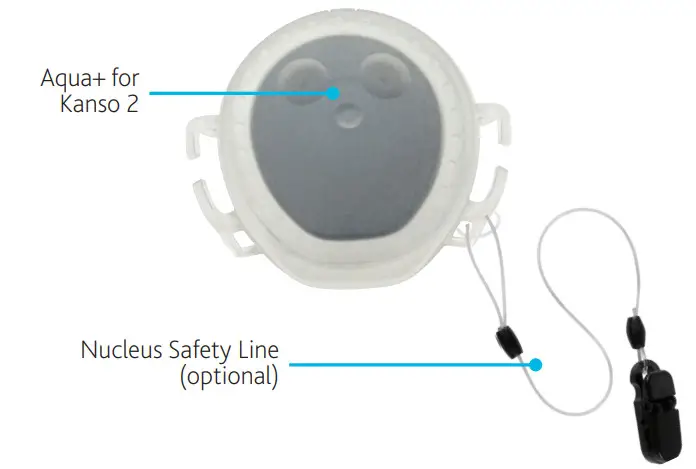
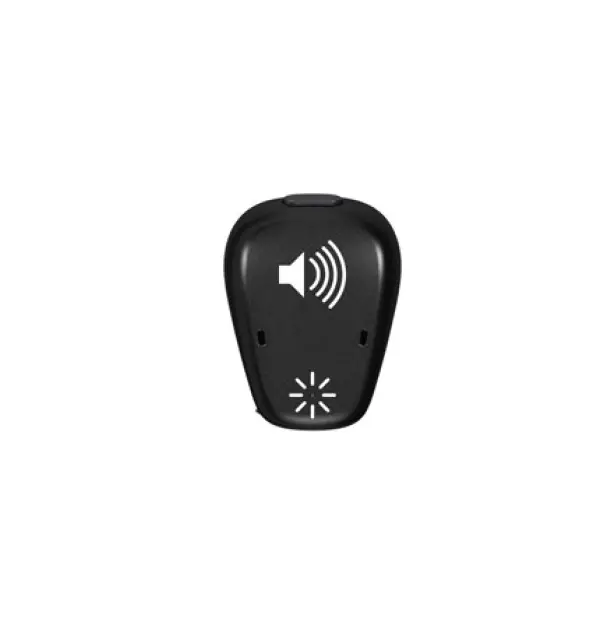
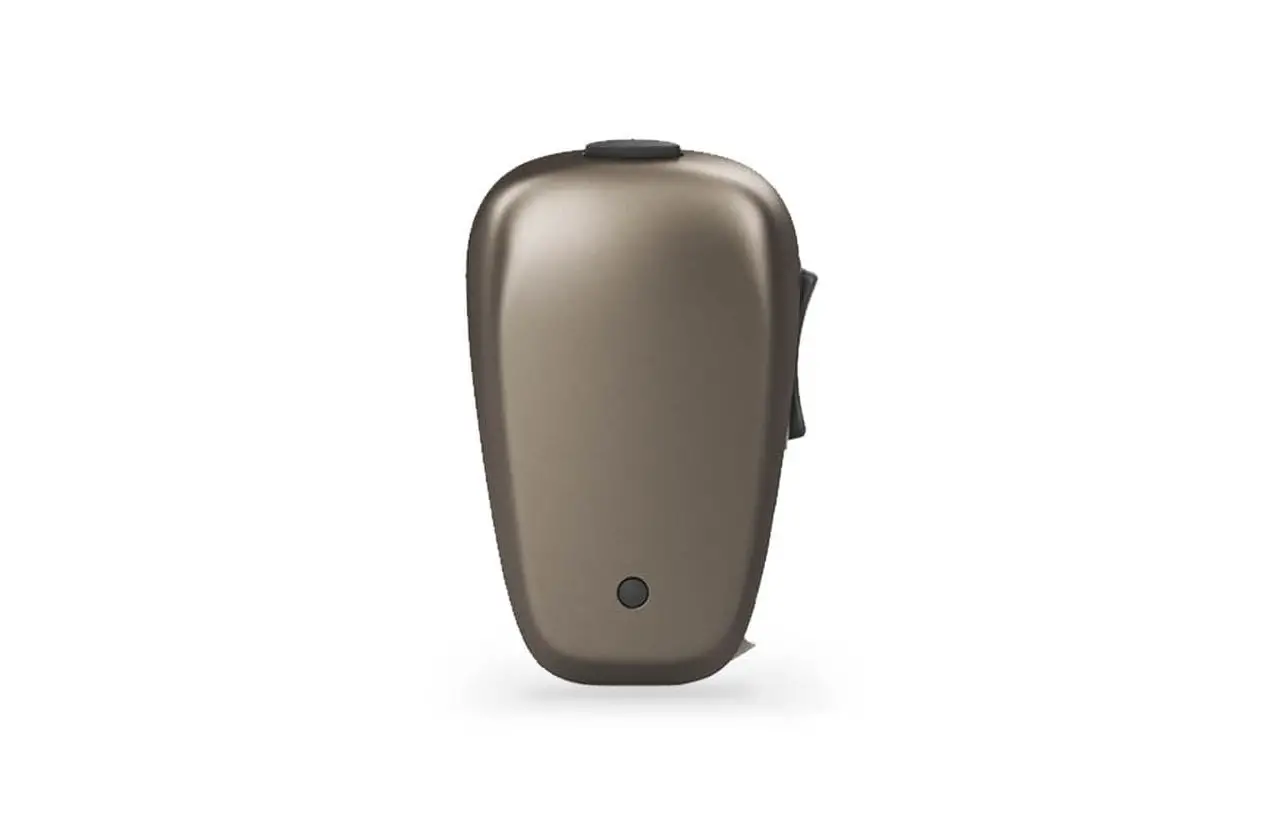
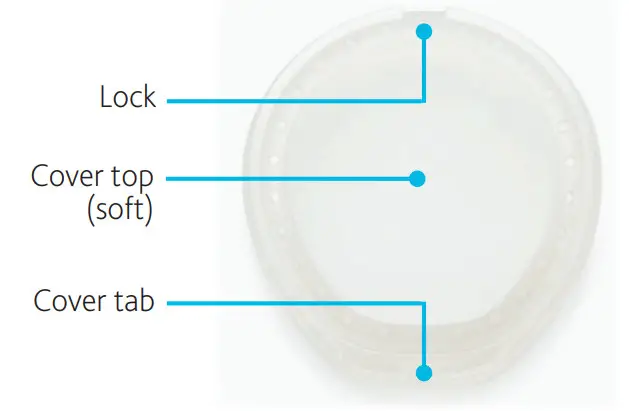
Aqua+ cover
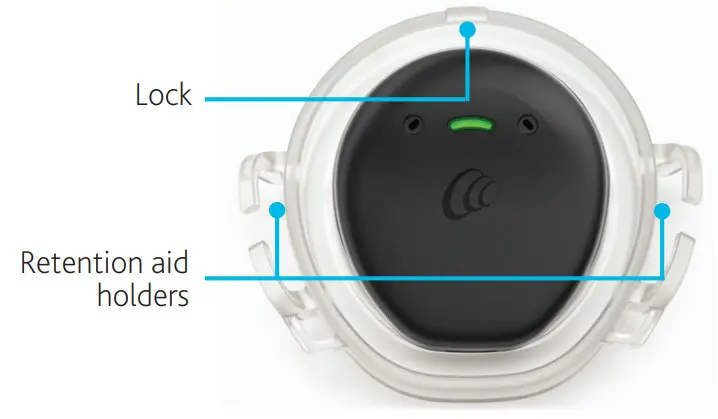
Aqua+ base
Aqua+ for Kanso 2 instructions
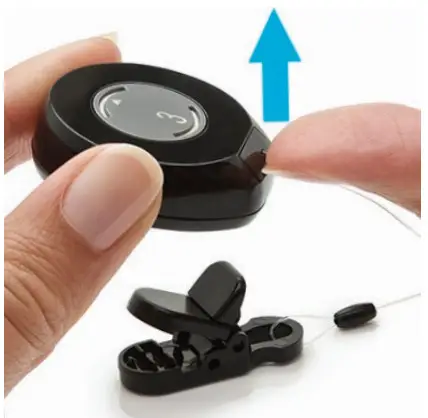
- Remove it from your sound processor if you use a Kanso 2 Safety Line.
Place your thumbnail in the slot at the base and lift.
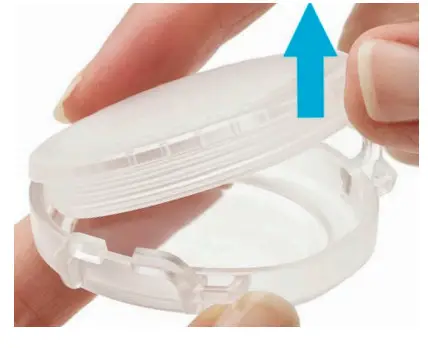
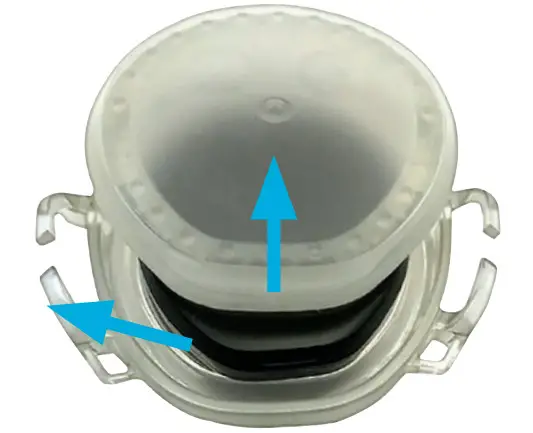
- Remove the Aqua+ cover.
Put your thumb under the cover tab and push upwards.
 CAUTION
Don’t damage the cover with your fingernails. - Check both halves for damage (e.g. scratches, tears) or contamination (e.g. hair, sunscreen). If it is damaged, use a new Aqua+.CAUTION
Anything that affects the seal may cause water to leak in and damage your sound processor. - Place your sound processor in the Aqua+ base with the Cochlear logo, light, and microphones facing up.

 TIPS
TIPS
• Your Aqua+ is shaped so your processor only fits one way.
• If you use a Cochlear SoftWear™ pad, you can leave it on the processor. - Align the lock on the cover and base and fit them together.
 After the lock parts are fitted, lower the other end of the cover onto the base.TIP
Make sure you don’t trap too much air in the cover. This could affect sound quality and comfort. - Press firmly around the edges until the base is flush with the cover.
CAUTION
Make sure your Aqua+ is properly sealed, so water doesn’t leak in and damage your processor.
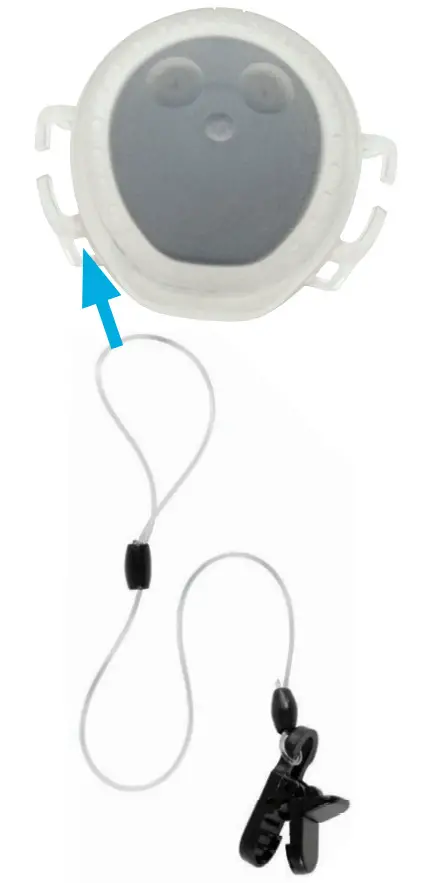
- If you’re worried about losing Aqua+, use a Nucleus Safety Line to attach it to your clothing.
See Safety Line instructions on page 9.
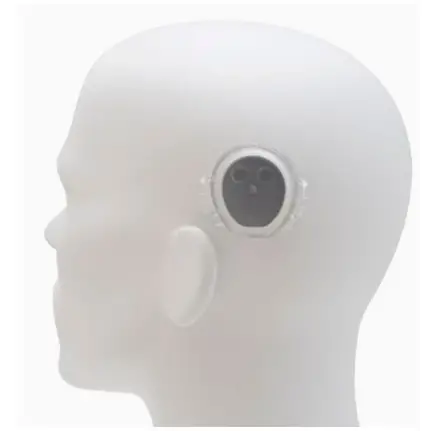
- Place the Aqua+ on your implant as normal, making sure the Cochlear logo, light, and microphone ports are facing up.

- To keep Aqua+ on your implant, use a retention aid such as goggles.
NOTE
Make sure your sound processor is still in the correct position on your implant.
- Finally, do the Aqua+ for Kanso 2 Checklist to make sure you’re ready!
 Aqua+ tightly sealedSafety Line attached if requiredRetention aid ready to use
 CAUTION
Remember, you can’t go deeper than 3 meters.

 TIPS
TIPS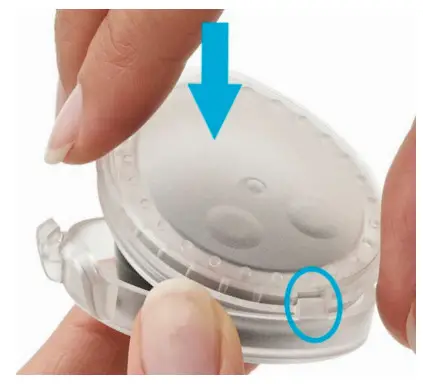 After the lock parts are fitted, lower the other end of the cover onto the base.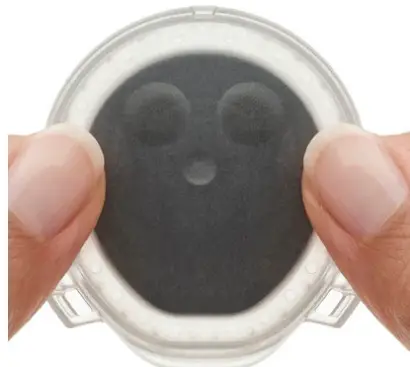
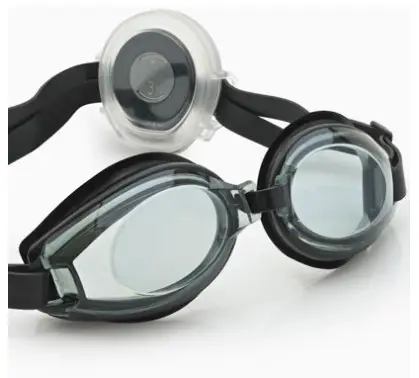
 Aqua+ tightly sealed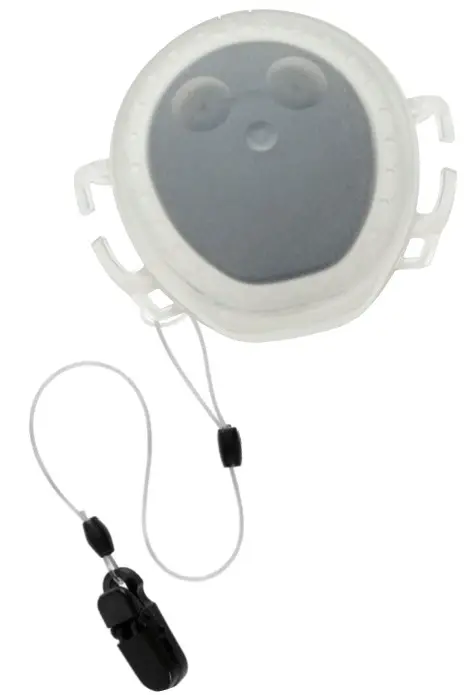
Safety Line instructions
 WARNING
Retention lines longer than the Safety Line (short length) are not recommended for use by children under 3 years as they may present a risk of strangulation.
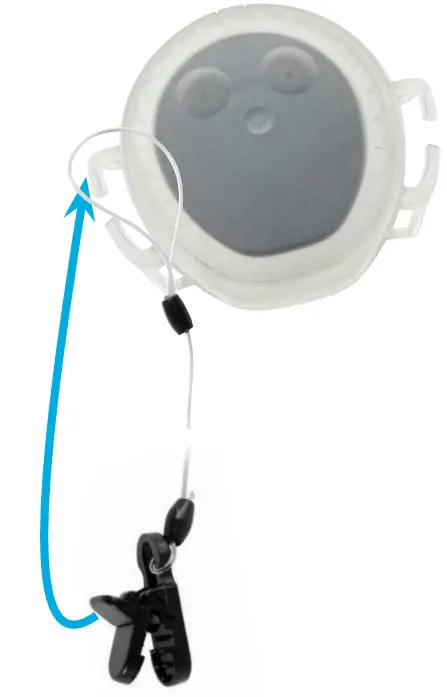
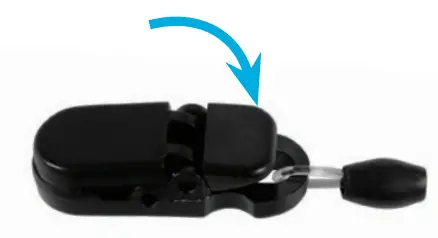
- Thread the loop end of the line through the hole in the Aqua+.
- Create a knot by passing the clip through the line loop. Pull it tight.

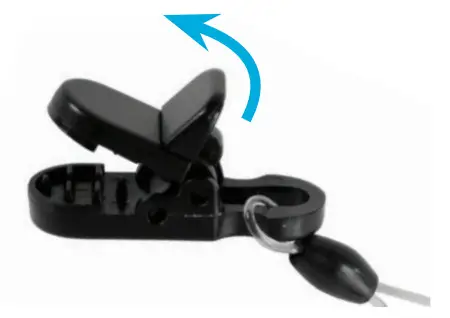
- Lift the lever to open the clip.

- Place the clip on your clothing and press down on the lever to close the clip.

Care and storage
- Rinse Aqua+ with clean water and dry with a soft cloth.
- Open the Aqua+ cover and remove your sound processor.

- Check that the Aqua+ is thoroughly dry.
- Put the two halves together and test the seal by pressing down gently on the cover.
If any air leaks out you should not use it again. - If the seal is ok, separate the two halves again and place your Aqua+ in your storage case or the Kanso 2 Activity Kit’s waterproof case until you want to use it again.
Cautions
- Avoid pressing with your fingernails as this can damage Aqua+.
- If your Aqua+ appears damaged or worn, replace it with a new one.
- If your sound processor does get wet, dry it with a soft dry cloth and place it in your Home Charger for at least eight hours.
- If you use a Software pad and experience intermittent sound from your processor, try removing the Softwear pad.
Warnings
- If your sound processor becomes unusually warm, remove it immediately and seek advice from your clinician. Parents/caregivers: If your recipient indicates discomfort, check if their sound processor is unusually warm.
- Small parts (e.g. socket cover, safety line) may be a choking or strangulation hazard.
- If you experience tightness or pain at the implant site or develop significant skin irritation, stop using your sound processor and contact your clinician.
- If you experience tightness or pain from your retention aid (e.g. goggles), either loosen it or replace it with a larger retention aid.
- If the magnet is too strong, pressure sores may develop at the implant site. If this happens, or if you experience any discomfort in this area, contact your clinician.
- Store spare magnets safely and away from cards that may have a magnetic strip (e.g. credit cards, bus tickets, etc).
- No modification of this equipment is allowed.
- Use only as intended.
- Report unexpected problems to your clinician.
Other information
Environmental conditions
| CONDITION | MINIMUM | MAXIMUM |
| Storage and transport temperature | 10 °C (14 °F) | +55 °C (131 °F) |
| Storage and transport humidity | 0% RH | 90% RH |
| Operating temperature | +5 °C (41 °F) | +40 °C (104 °F) |
| Operating relative humidity | 0% RH | 90% RH |
| Operating pressure | 700 hPa | 1060 hPa |
Warranty
The use of Aqua+ for Kanso 2 will not impact your Nucleus Global Limited Warranty. Your Nucleus Global Limited Warranty will not be void in circumstances where Aqua+ for Kanso 2 is used in water with Kanso 2 Sound Processors only, in accordance with the Aqua+ for Kanso 2 instructions.
Legal statement
The statements made in this guide are believed to be true and correct as of the date of publication. However, specifications are subject to change without notice.
© Cochlear Limited 2021
Labeling symbols
The following symbols may appear on Aqua+ components and/or packaging.
 | Refer to the instruction manual |
 | Specific warnings or precautions associated with the device, which is not otherwise found on the label |
 | Manufacturer |
 | Authorized Representative in the European Community |
 | Catalog number |
 | Serial number |
 | Batch code |
 | Date of manufacture |
 | Temperature limits |
 | CE registration mark |
 | By prescription |
 | Recyclable material |
 | Dispose of electrical components in accordance with your local regulations Ingress Protection Rating: |
 | • Protected against failure from dust penetration • Protected against failure from continuous immersion in water up to 3 meters deep for up to 2 hours |
Serious incidents
Whilst serious incidents in relation to medical devices are rare, it is acknowledged that incidents may happen. As an organization, Cochlear recognizes the potential for harm and will respond to any reported serious incident.
What is a serious incident?
A ‘serious incident’ means any event that directly or indirectly has caused or could have caused an unexpected or unwanted the event including any of the following:
- The death of a patient, user, or another person,
- The temporary or permanent serious deterioration of a patient’s, user’s, or other person’s state of health,
- A serious public health threat.
Reporting a serious incident
There is no definitive list of events/incidents that constitute a serious incident, however, all serious incidents should be reported to:
- your local Cochlear office www.cochlear.com/intl/contact/global-offices
 Cochlear Americas | Hear Now And Always | Cochlear Implants