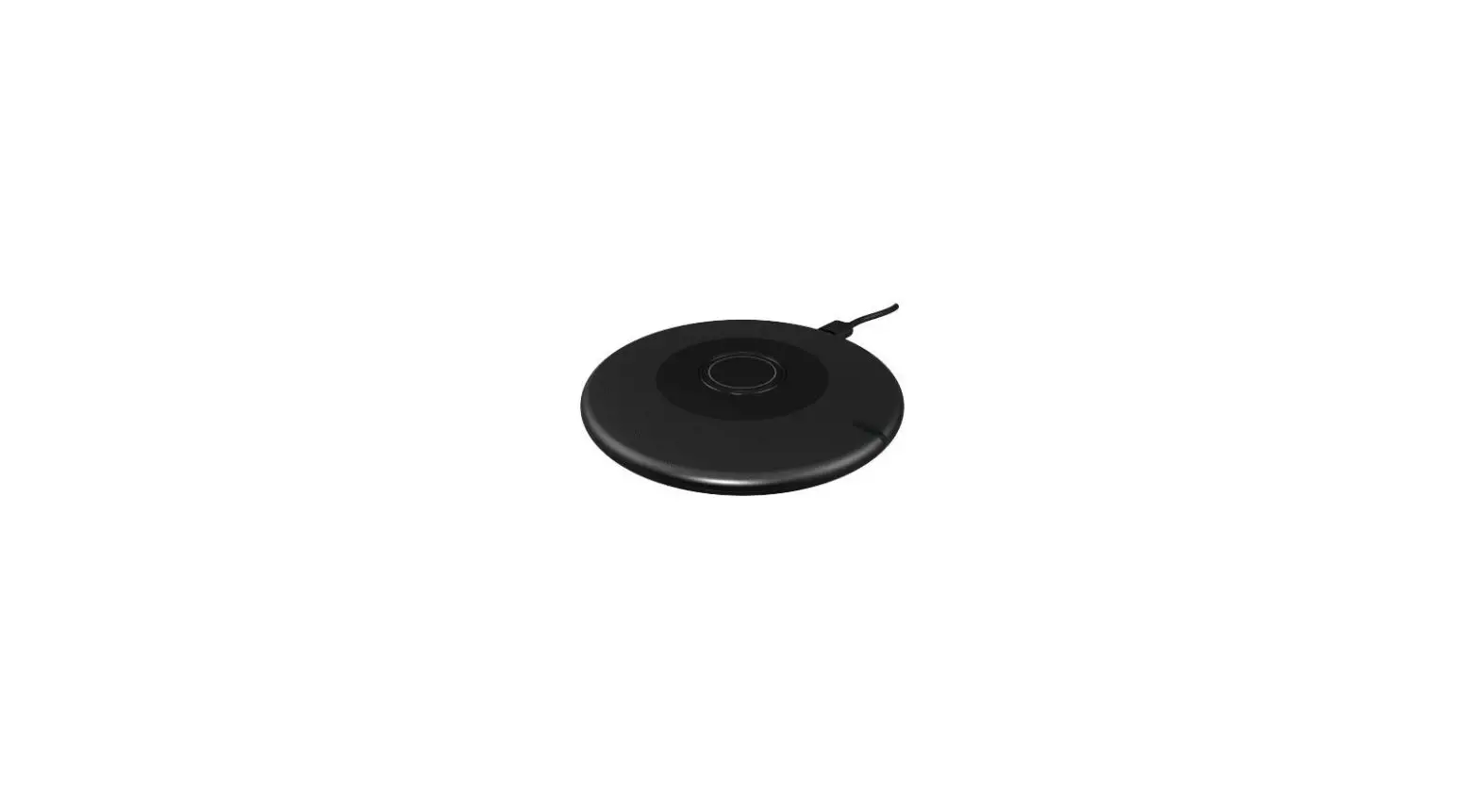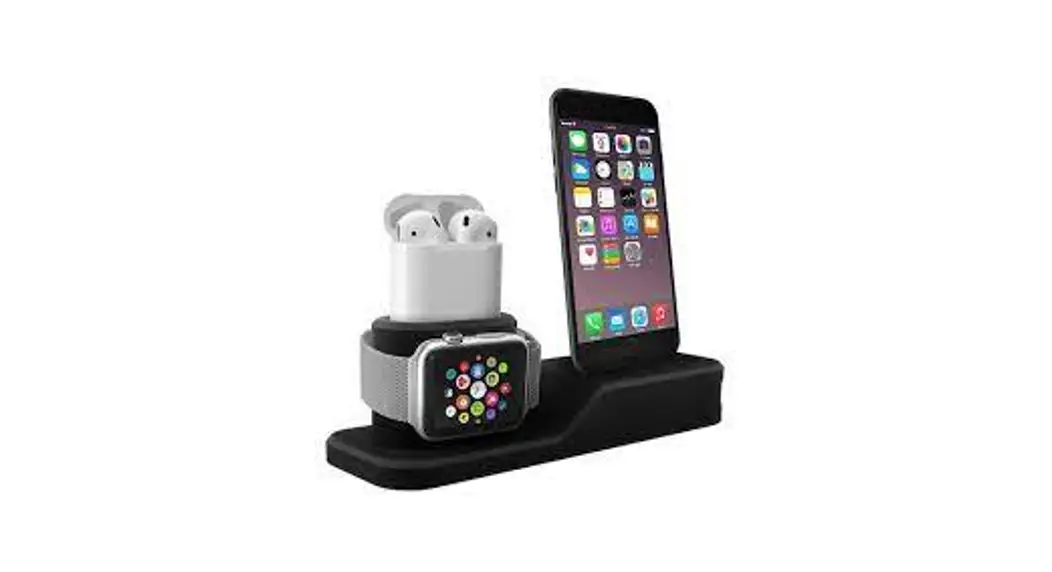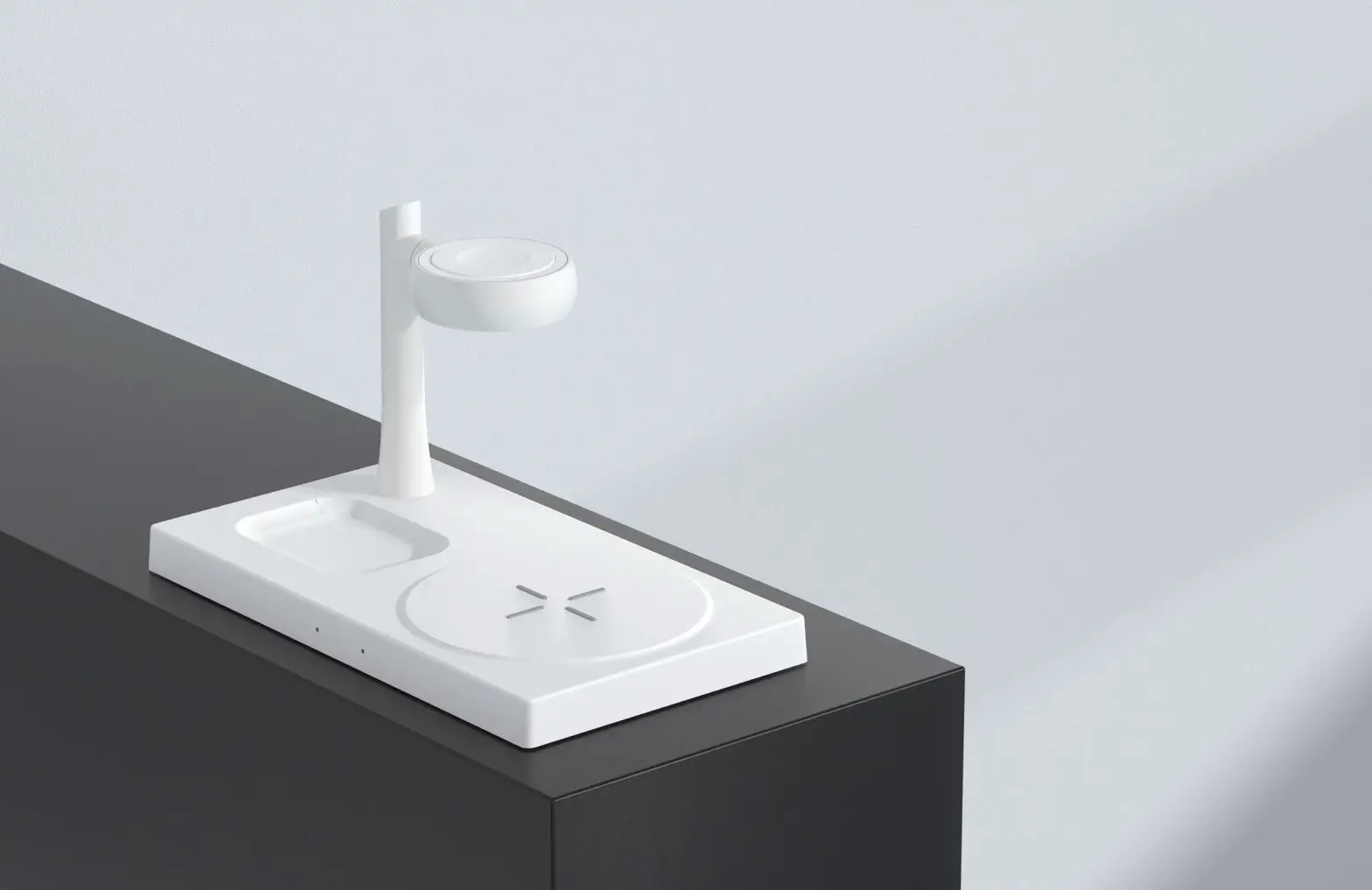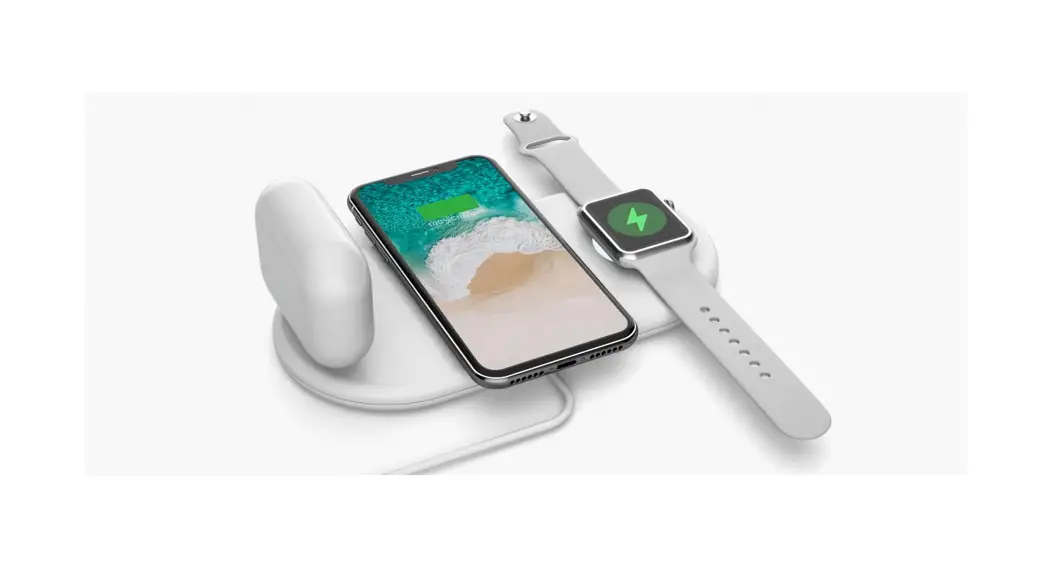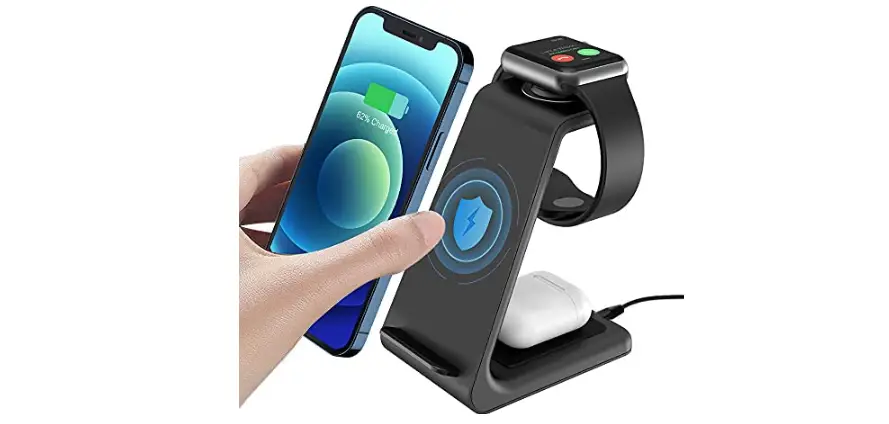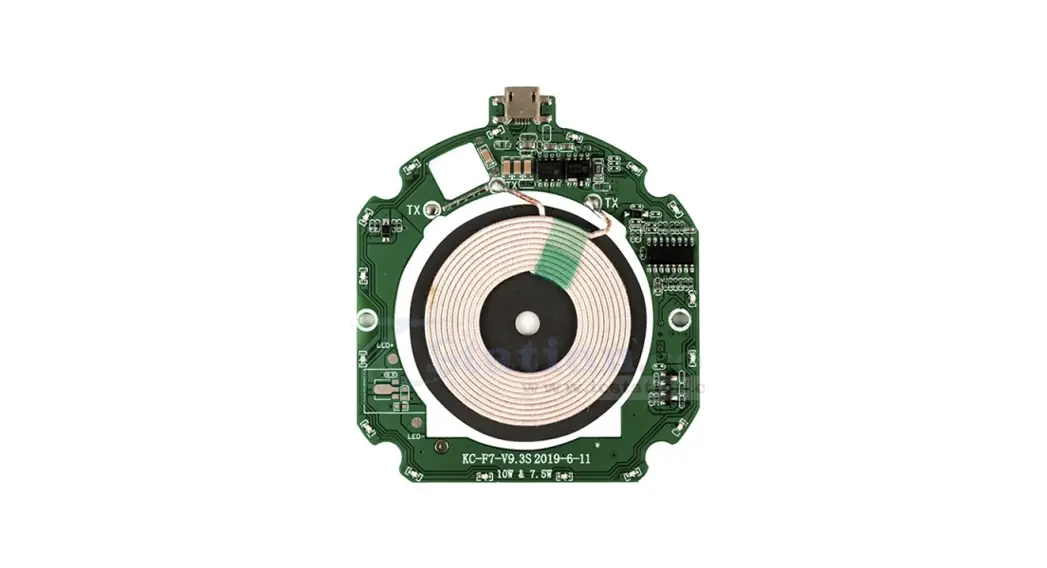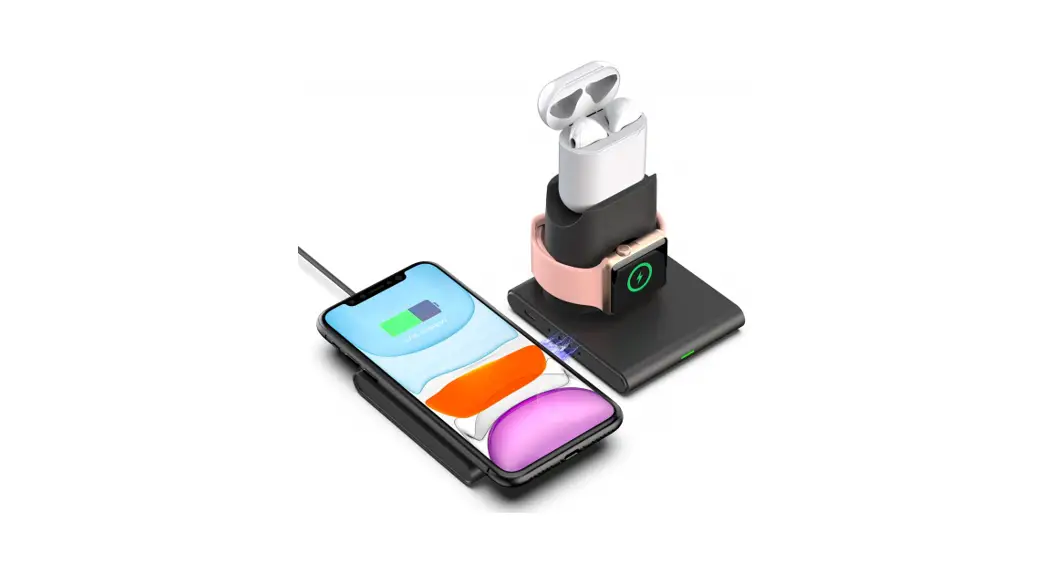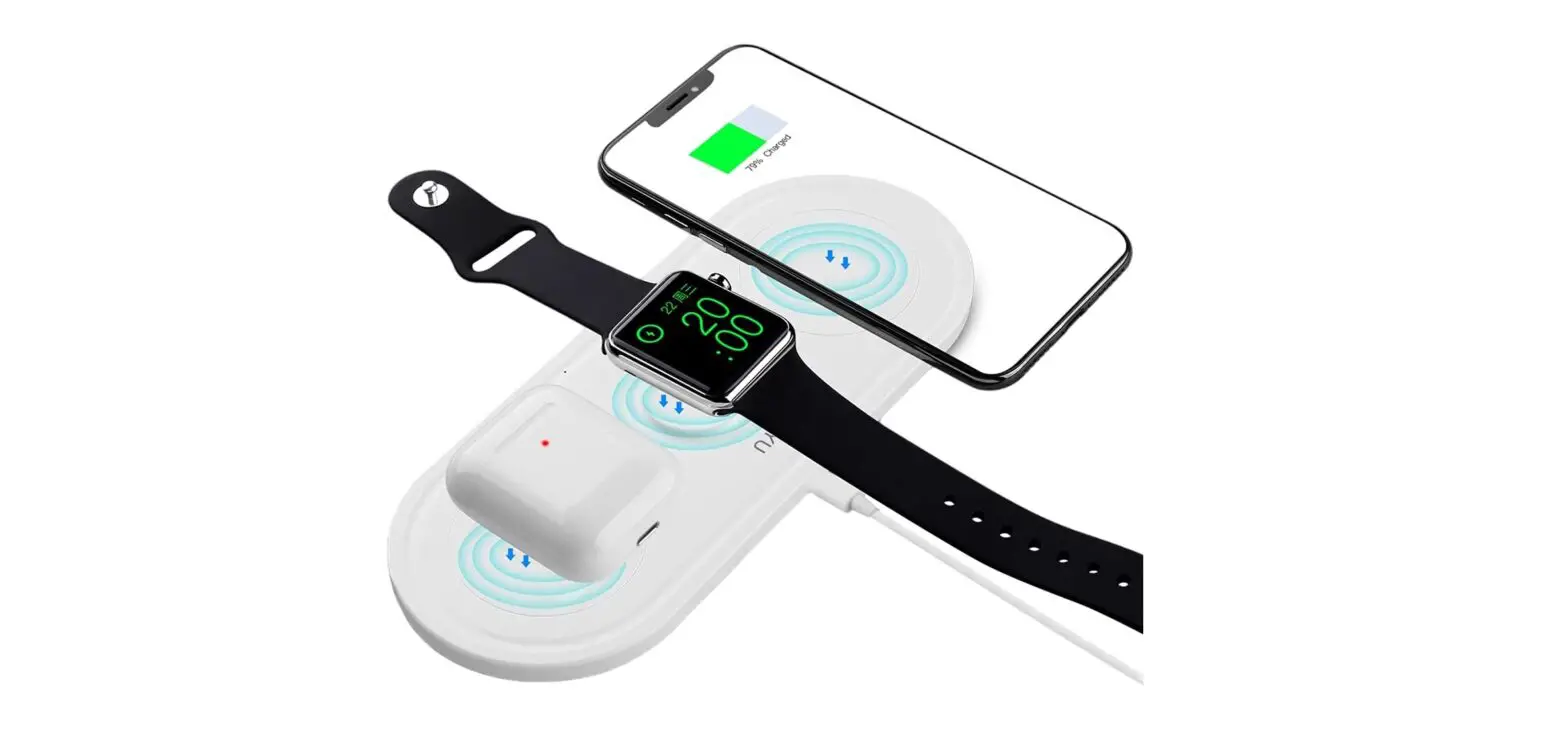
Kingston KT-IW 3-in-1 USB Wireless Charging Station Instruction Manual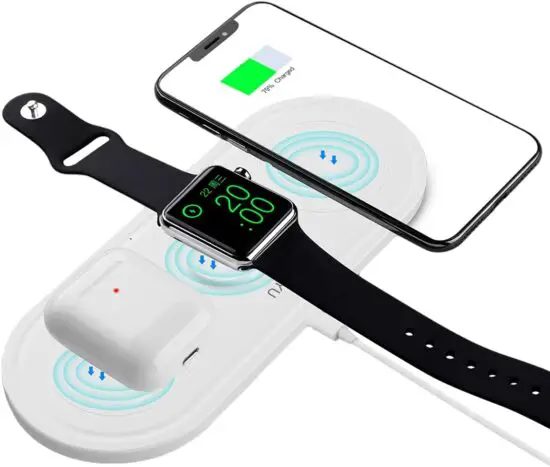
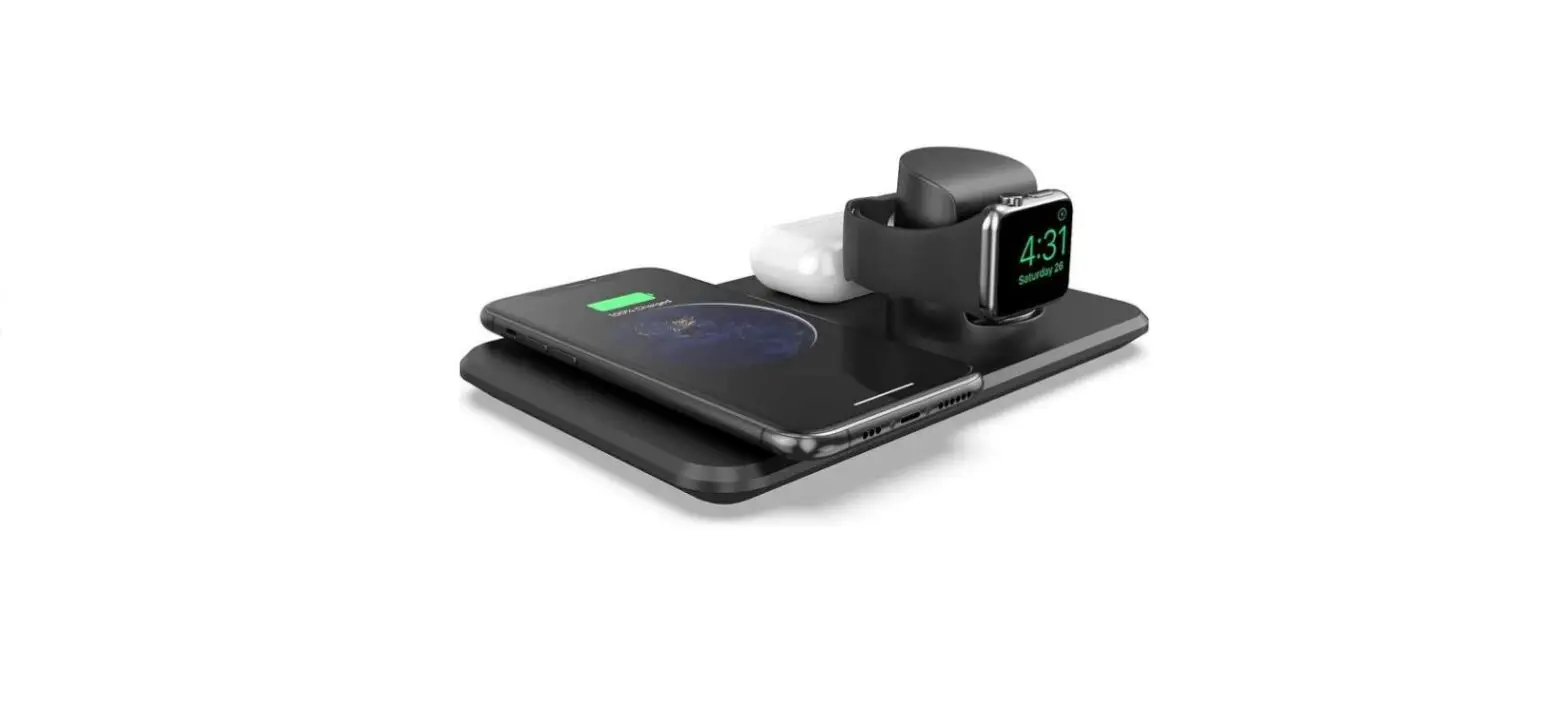
Product Overview
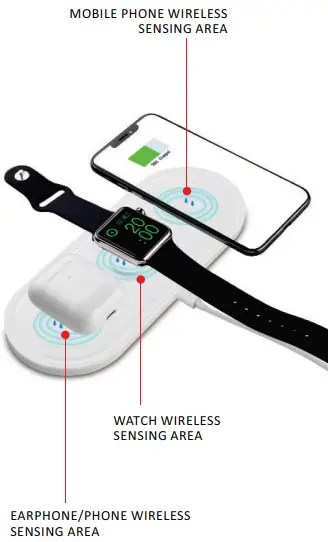
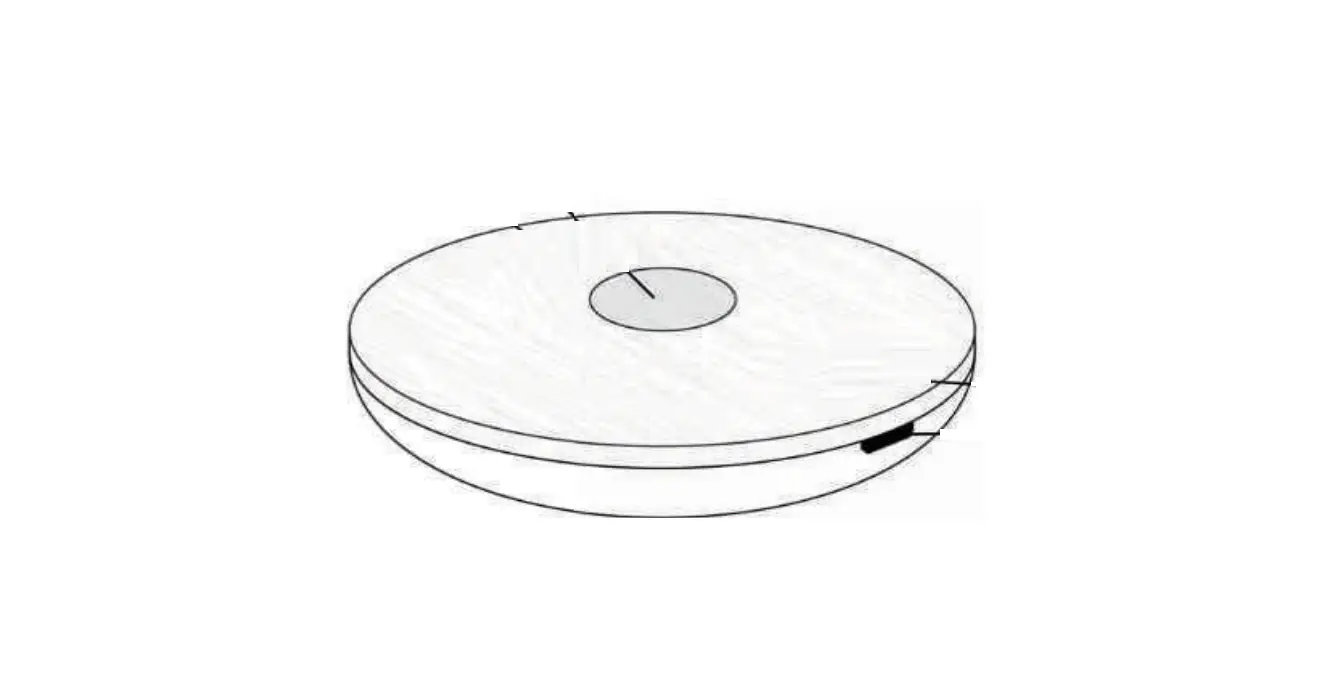
LED Induction
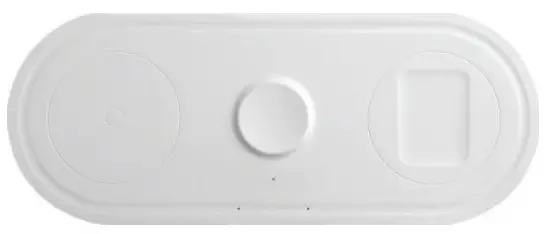
| Wireless charger for mobile phone | ||||
| LED | OPERATIONAL STATES | |||
| STANDBY | Charging | Full charge | FAULT | |
| LED green | on | flashing | on | off |
| LED red | off | off | off | on |
| Wireless Charger for IP watch | ||||
| LED | OPERATIONAL STATES | |||
| STANDBY | Charging | Full charge | FAULT | |
| LED green | on | off | off | off |
| LED red | off | on | off | off |
| Wireless Charger for earphone | ||||
| LED | OPERATIONAL STATES | |||
| STANDBY | Charging | Full charge | FAULT | |
| LED green | on | flashing | on | off |
| LED red | off | off | off | on |
Product Parameters
- Product model : KT-IW
- Product material : ABS+PC
- Dimension : 200 * 80 * 8.5mm
- Input port : TYPE-C
- Input : 5V/3.1A ; 9V/2A-3A MAX
Output
- mobile phone wireless output: 5W / 7.5W / 10W ( MAX )
- earphones wireless output: 2.5W ( MAX) / mobile phone wireless output: SW / 7.5W / 10W ( MAX )
- IP Watch wireless output: 25W ( MAX )
- USB port output: 5V / 1.5A ( MAX )
- Charging distance : 4^9mm
- Charging frequency : 110-205KHZ
- charging frequency: 300-350KHZ
FCC Statement
- Reorient or relocate the receiving antenna.
- Increase the separation between the equipment and receiver.
- Connect the equipment into an outlet on a circuit different from that to which the receiver is connected.
- Consult the dealer or an experienced radio/TV technician for help.
The equipment complies with FCC radiation exposure limits set forth for an uncontrolled environment. During the operation of device a distance of 15 cm surrounding the device and 20 cm above the top surface of the device must be respected.