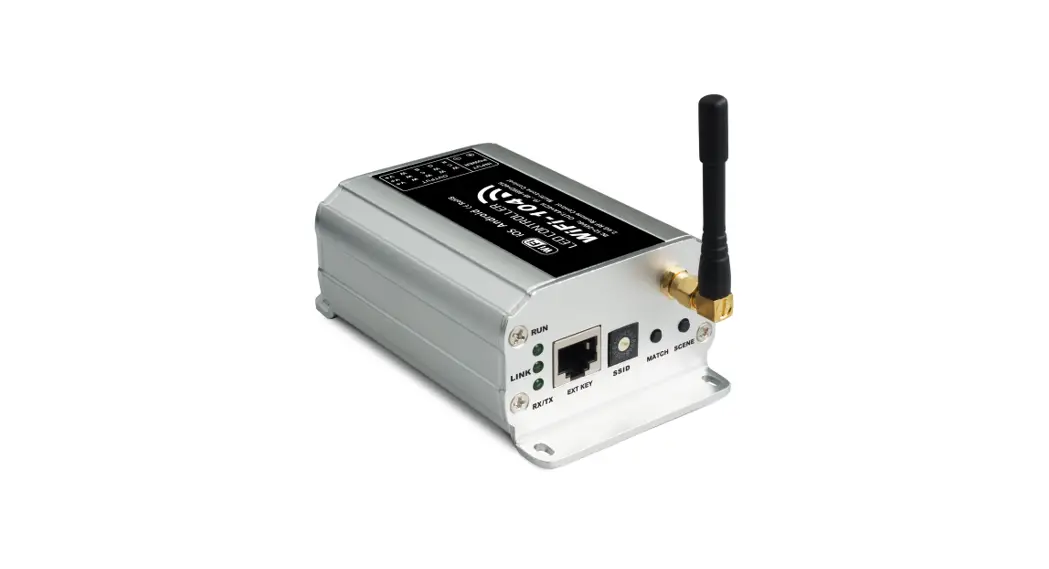
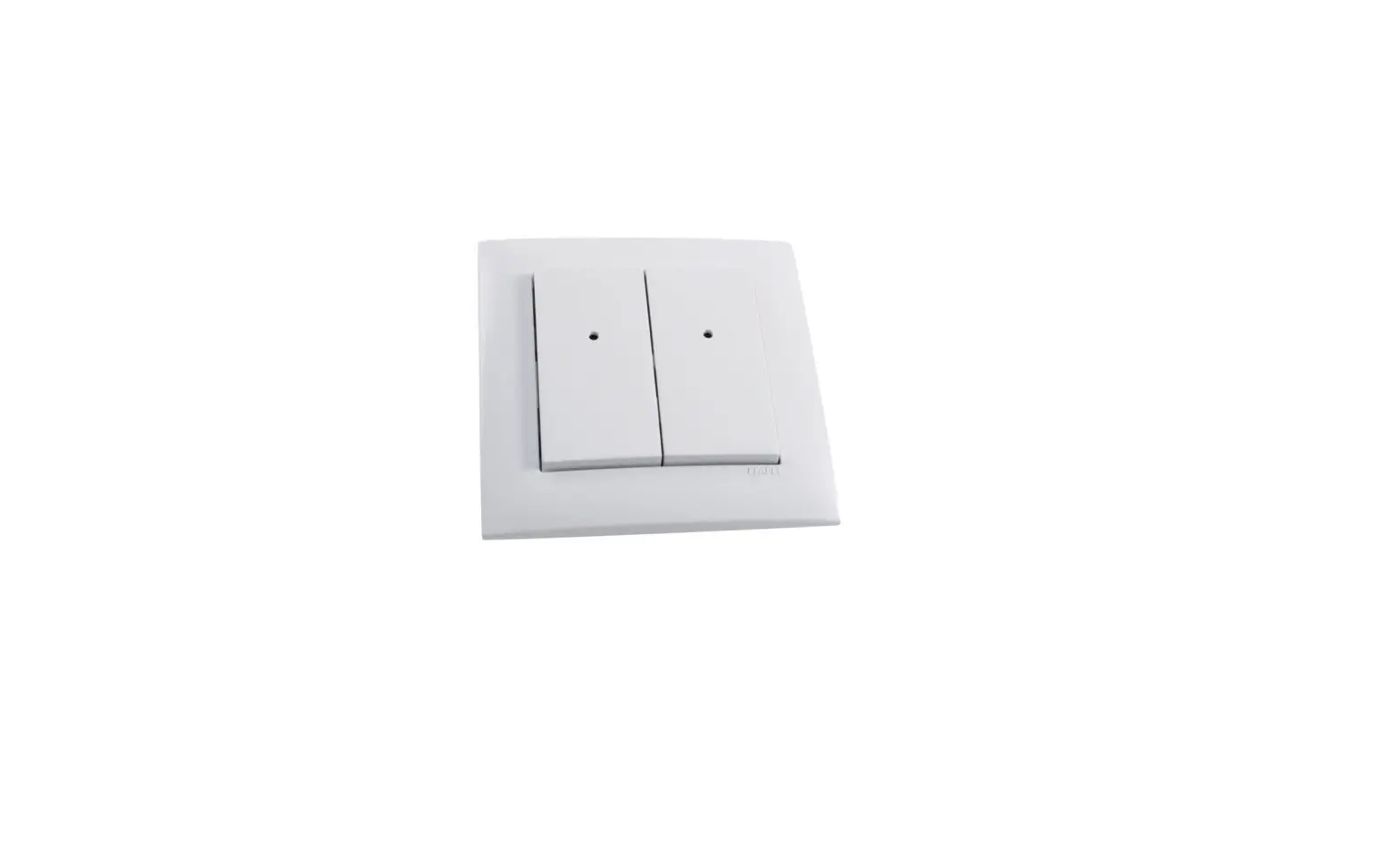
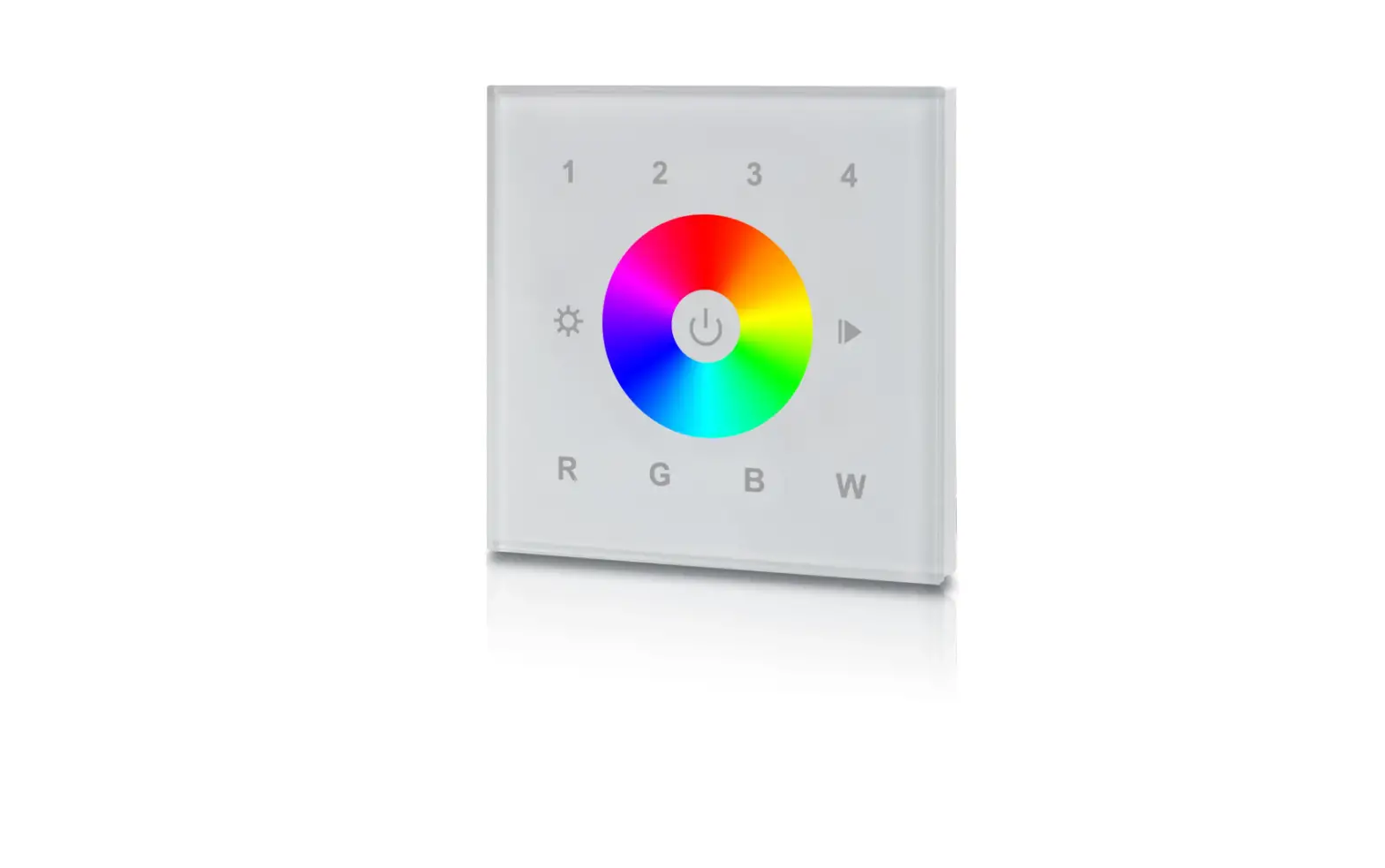
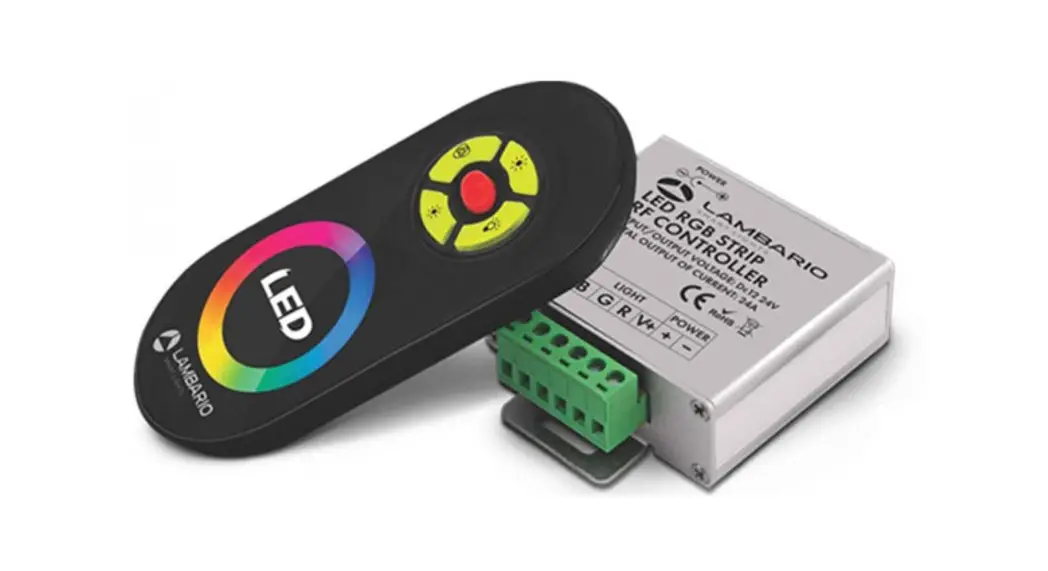
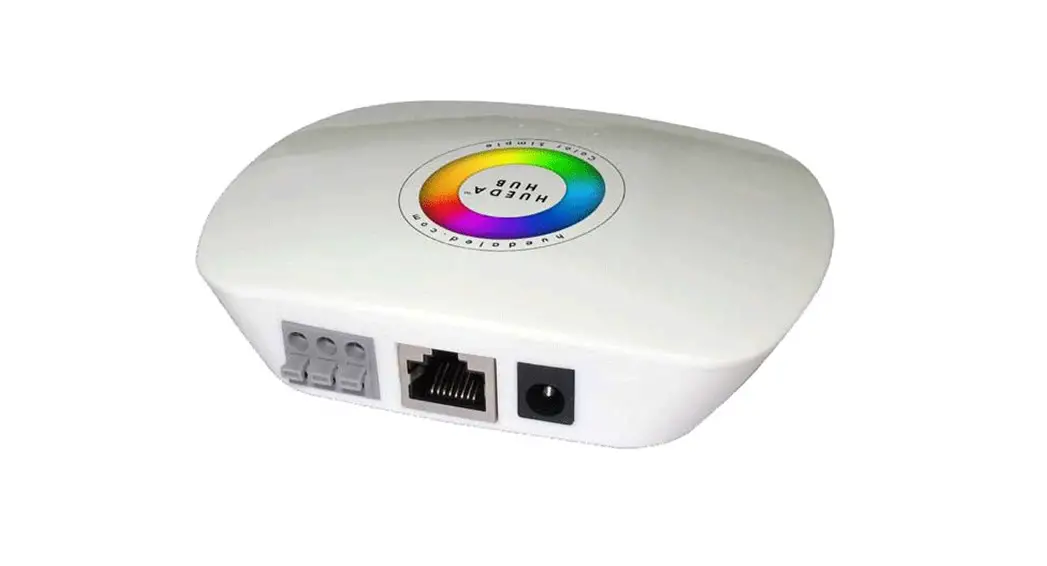
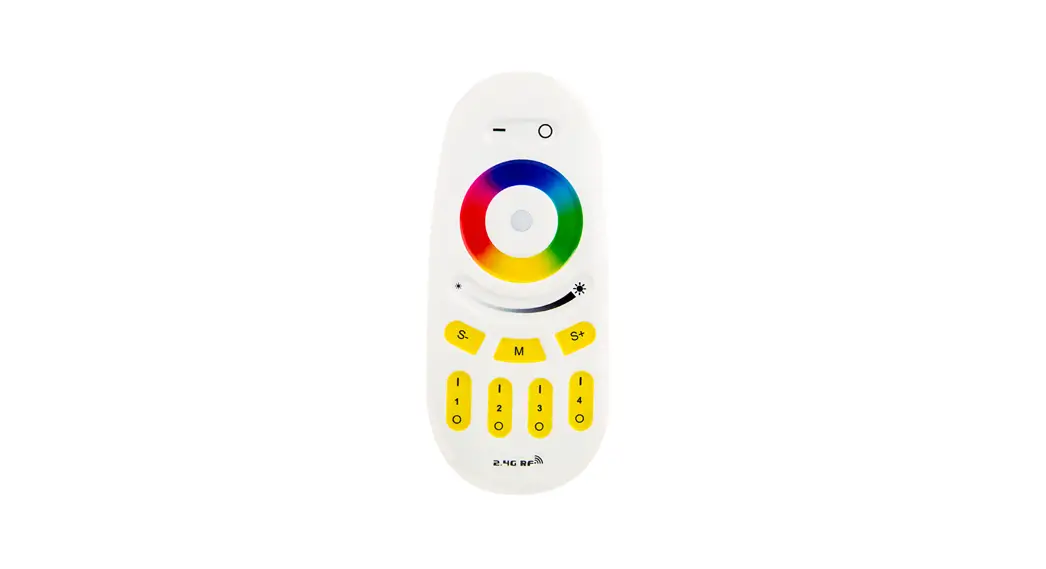
153.896 RGBW WiFi Controller with Wall Plate
RGBW WiFi Controller with Wall Plate
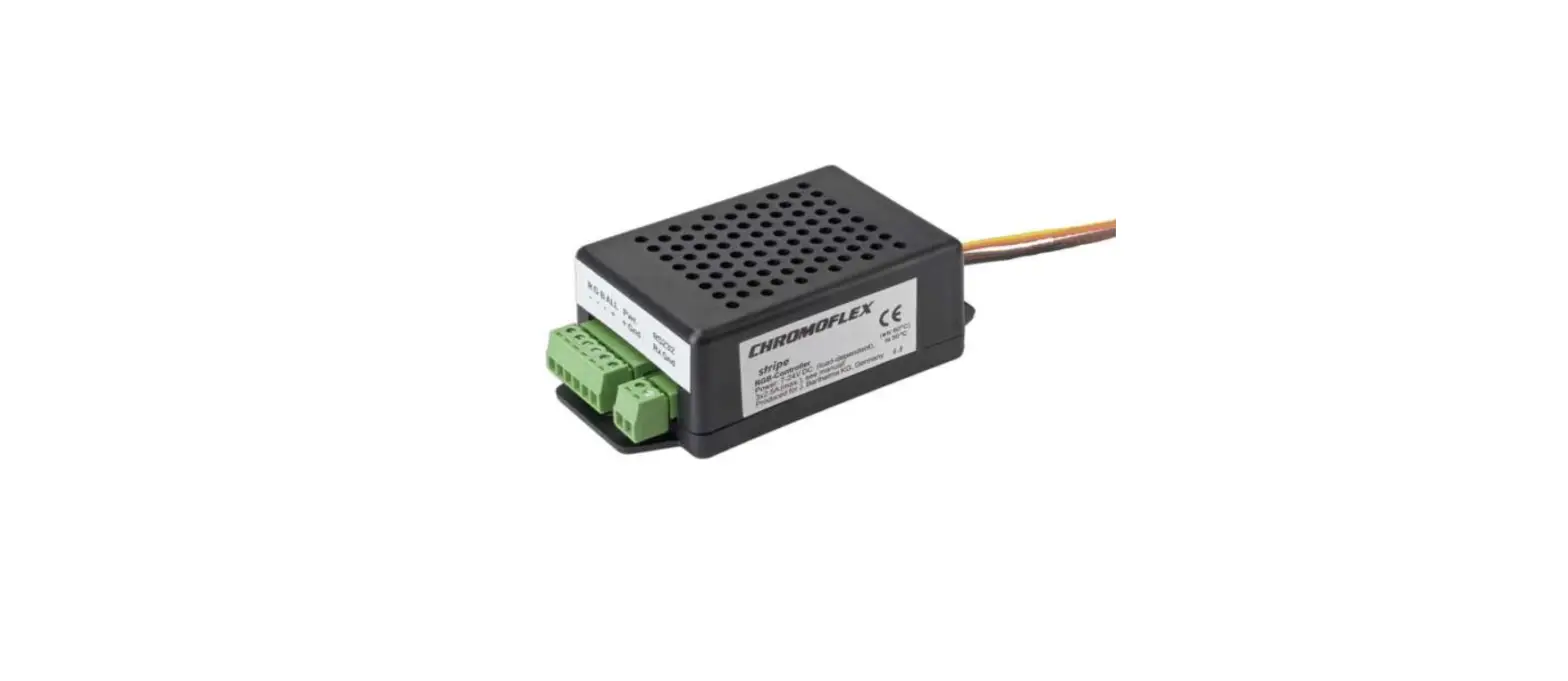
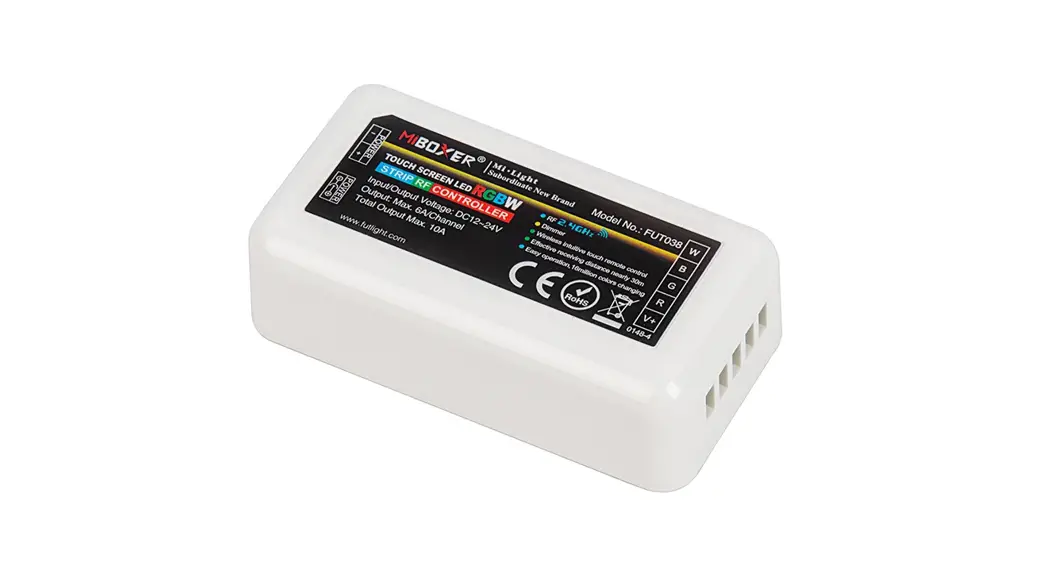
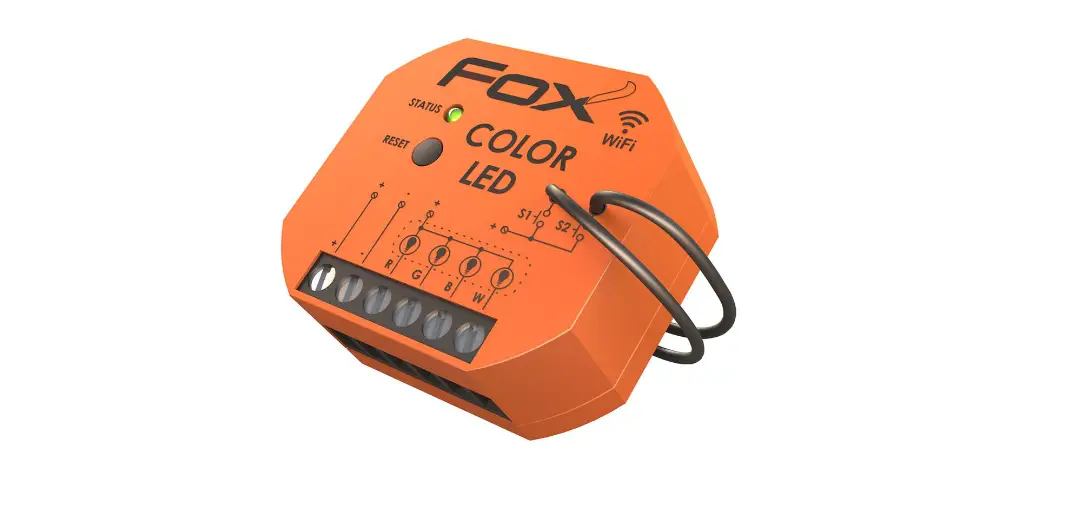
The RGBW WiFi Controller with Wall Plate is a device that allows
you to control the color and brightness of your LED lights. This
controller comes with a wall plate and can be connected to your
WiFi network for easy access and control through a mobile app.
Product Features
- Control RGBW LED lights
- Connects to WiFi network for easy access and control
- Comes with a wall plate for easy installation
Specification
- Working temperature: -20-60°C
- Static power consumption: < 1W
- Grayscale: 256 levels
- External dimension: 86 x 86 x 36mm
- Net weight: 125g
- RF frequency: 2.4GHz
- Short circuit protection: Yes
- Output PWM frequency: 500Hz
Product Usage Instructions
To use the RGBW WiFi Controller with Wall Plate, follow these
steps:
- Connect the controller to your LED lights according to the
wiring diagram provided in the user manual. - Connect the controller to your WiFi network by following the
instructions in the mobile app. - Open the mobile app and select the controller from the list of
connected devices. - Use the app to control the color and brightness of your LED
lights.
Note: Make sure to keep the controller away from water and other
liquids to prevent damage.
RGBW WiFi Controller with Wall Plate
153.896UK User Manual
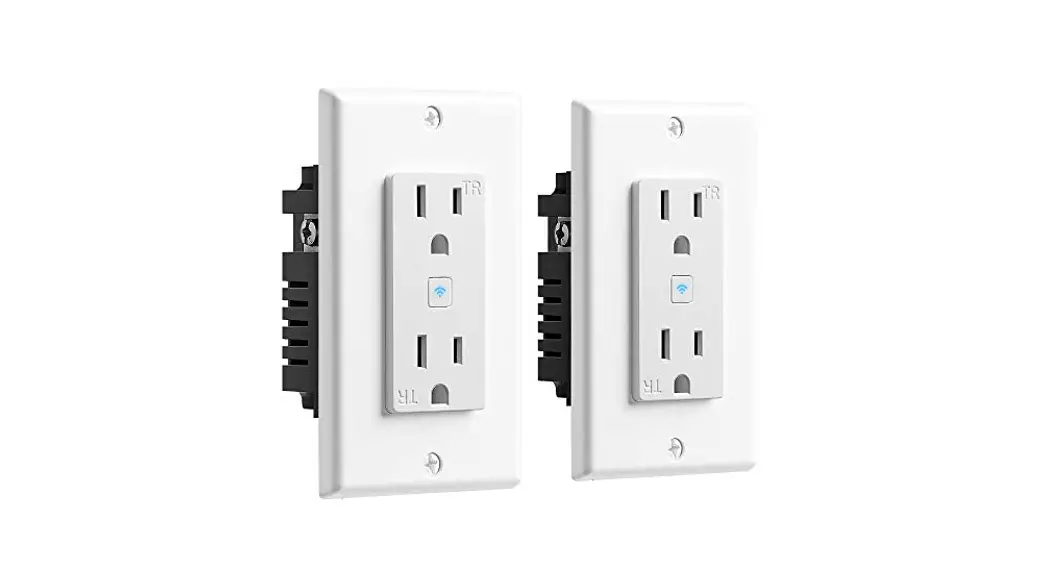
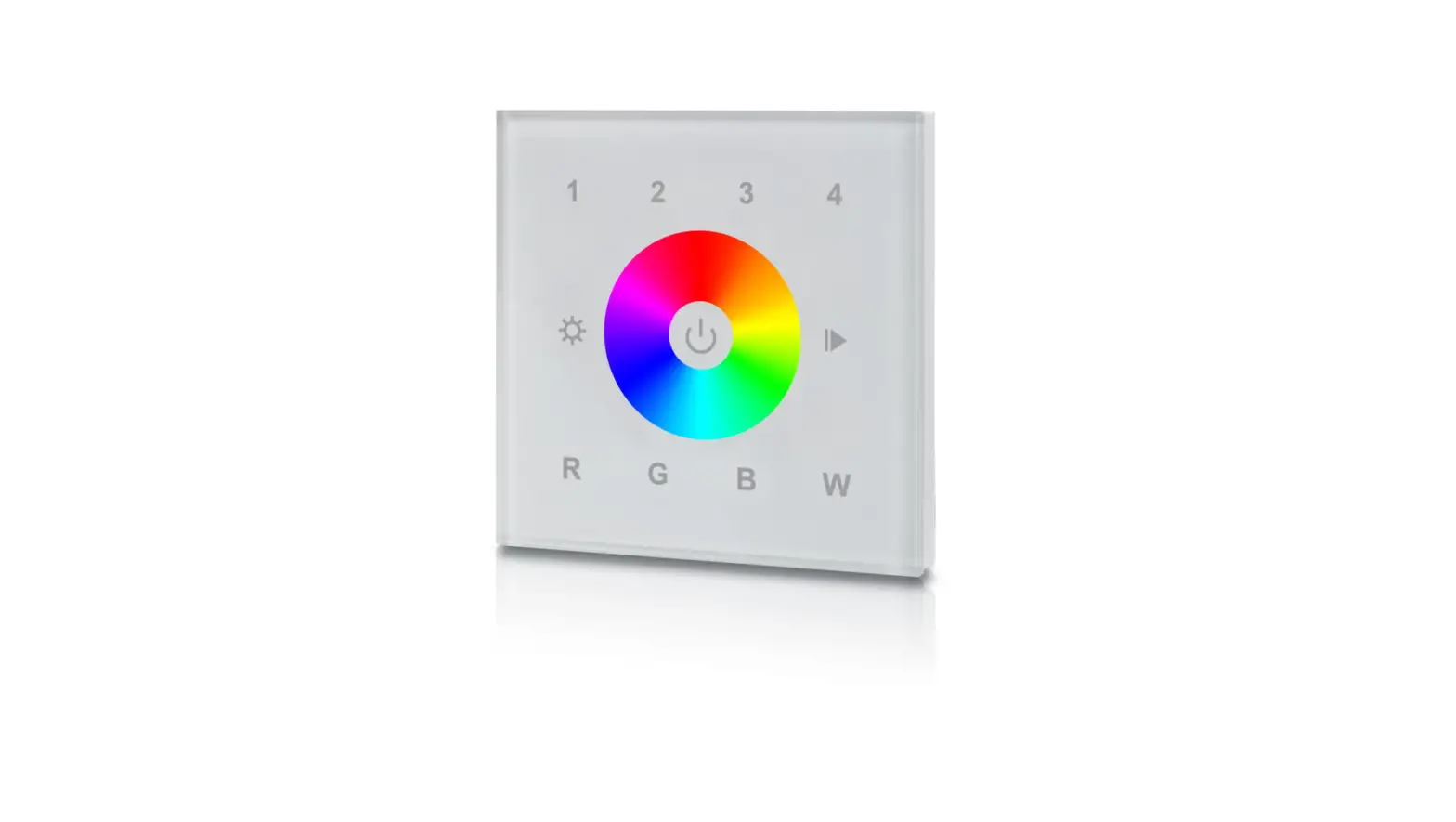
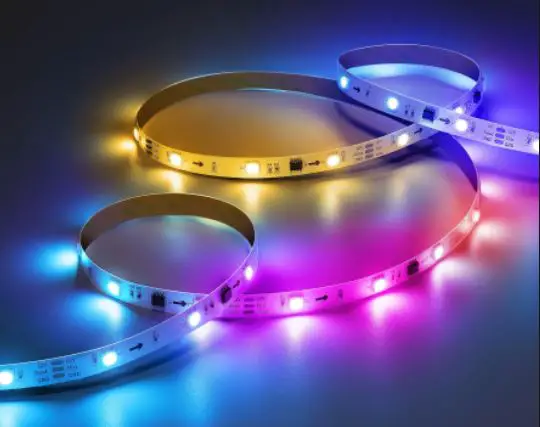
Lyyt RGBW smart controller with touch RF wall plate is compatible with voice control via Amazon Alexa and Google Assistant. Simply download the Tuya application to control LED tape remotely from your phone, the app features 8 pre-set lighting effect modes, sound to light technology, colour scroll and a timer function. Complete with the WiFi controller is a sleek glass touch wall plate controller which has another 9 pre-set lighting effect modes, speed and dimming control and an individual white LED control button. This controller can be used with either 12V-24V RGBW or RGB LED tape/COB strip.
Product Features
· WiFi controller powered by Tuya · Voice control via Amazon Alexa and Google Assistant · Pre-set lighting effect modes · Sound-to-light technology · Speed and dimming control · Timer function · Recommended for use with 1 x 5m reel of Lyyt 12V RGB LED Tape 156.720UK or 2 x 5m reels max. of Lyyt 24V
COB Strip 156.667UK, or 2 x 5m reels max. Lyyt 24V RGBW LED Tape 156.667UK, or 2 x reels max. Lyyt 24V RGB LED Tape 156.770UK · Pair multiple receivers to the same remote control to achieve wireless synchronization effect. Receivers must be within 10m of remote control.
Specification
Controller
Working temperature Static power consumption Grayscale External dimension Net weight RF frequency Short circuit protection Output PWM frequency
-20-60 <1W 1024 levels L70*W40*H20 mm 65g 2.4GHz Yes 4 channels 1.95KHz
Supply voltage Connecting mode Speed stage Packing size Gross weight RF distance Memory function Output current Max. Output power
DC12V-24V Common anode 100 levels L95*W47*H33mm 80g 20m Yes 4A(each channel) 12V:<192W, 24V:<384W
1 / 6
Remote control
Ambient temperature Standby power Net weight Dimension Structure
External Dimension
Dimensions
0-45 0.2W 130g 86*86*34mm 86-type European standard
Working voltage Working power RF frequency RF distance
AC90-265V(50/60Hz) 2W 433.92MHz 20m
Interface Specifications
2 / 6
Directions for use
1WIFI controlled by Tuya Application to achieve smart control, such as group control, scene control, timer control, music control and so on. Scan QR code from controller to download Tuya application: Long press “Reset” button on controller and hold for 5 seconds until the loading LEDs flash to start the connection with Tuya APP. Please read operation instruction of App, or following the pop-up prompt message with the APP, to finish the rest connection operation. Please pair the WIFI controller to remote control before using.
Typical Applications
Wireless-synchronization function under remote controlled type Receivers will transmit the control signals from the remote control and self-inspection the work statues for each other, so multiple receivers can wireless-sync-work completely when be paired to the same one remote control, not only static mode but also dynamic mode, to achieve wired-like operation experience.
In order to achieve perfect wireless synchronization effect, please keep the distance between receivers within 10 meters as above show.
3 / 6
Wall plate remote control functions:
Name of key RGB C/W Mode
Speed/Brightness +
Speed/Brightness Color Ring
Instruction ON/OFF key for RGB channels ON/OFF key for CW/WW channels The mode will go to next, when you touch the key each time The Speed/Brightness will +1, when touch the key each time The Speed/Brightness will -1, when touch the key each time For RGB channels static color selection
Remarks
9 modes in total. Speed for dynamic modes, Brightness for static modes.
9 modes in total as below:
No
Patterns
1 Static white
2 White breath
3 Three-color jump changing
4 Seven-color jump changing
5 Three-color gradient changing
No
Patterns
6 Seven-color gradient changing
7 R/G cross fade
8 R/B cross fade
9 G/B cross fade
Wall-panel Installation instruction
4 / 6
RF CODE
1 Code pairing operation means that the receiver will only be controlled by the value code remote controller.
Step
Operation
Instructions
1.It is necessary to clear the code first, if the
Connecting the load to the receiver and receiver was coded before.
1
power on it.
2.Batch operation can be performed within the
remote control range.
Press and hold “C/W” on the remote
control for 5 seconds, the indicator of Will automatically exit code transmission status
2 the remote control will flash quickly, after 60 seconds, or pressing any key to exit.
means it enters the pairing code
transmission status.
See the load light flashes 3 times and Pairing coding is finished successfully 3
return to the initial state
2Code clearing operation: means that the original code value of the receiver will be cleared and returned to the factory state. Then it can be controlled by any compatible remote controller and can learn to a new code.
Step
Operation
Instructions
1. The clearing operation should be finished within 1
minute after the receiver is powered on. If exceeds the
Connecting the load to the receiver
1
time, can be powered on again.
and power on it.
2. Batch operation can be performed within the remote
control range.
Press and hold the remote control
“RGB” for 5 seconds. The indicator of 1. Will automatically exit code transmission status after
the remote control flashes quickly, 60 seconds, or pressing any key to exit.
2 means it enters the clearing code 2. If the original remote controller is lost, the new
transmission status. There is no need remote controller can be used for clearing operations.
to select the corresponding area
when clearing code.
See the load light flashes 3 times and
3
Clearing coding is finished successfully
return to the initial state
5 / 6
3Code learning operation between remote controls: Used to unify system code values or copy a new remote controls.
Since each remote controller has its own unique code at the time of delivery, when there are multiple remote controllers in one system, one of them (for example, remote controller A) must be selected as the system code value, and the code value of the rest remote controllers (for example, remote controller B) should be copied to the same one.
Step
Operation
Instructions
A remote controlPress and hold “C/W” on the
Will automatically exit code transmission
remote control for 5 seconds, the indicator of
1
status after 60 seconds, or pressing any key to
the remote control will flash quickly, means it
exit.
enters the pairing code transmission status.
B remote control: long press “mode key” for 5
Will automatically exit the code value
seconds, the remote indicator light changes from
2
receiving state after 30 seconds, or exit after
100% light to off light and flash, means entering
learning the code value successfully.
the code value receiving state
see the B remote control indicator light flash 3 Code copying is finished and exit code value
3
times
receiving status.
(4) The remote controller restores the factory setting: it means that the remote controller will be restored to the factory’s unique code value.
Step
Operation
Instructions
1 Long press “mode ” for 20 seconds
The remote indicator light down to off and then back to 100% light. Means this step is finished
Press the “RGB” to confirm, the remote
2
Restore factory settings successfully.
indicator light flashes 3 times
6 / 6