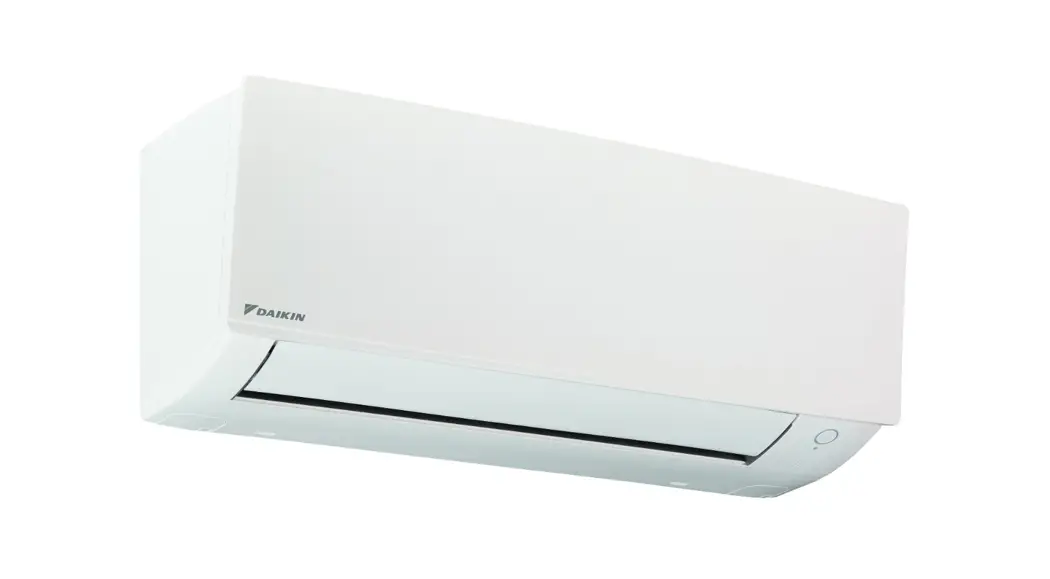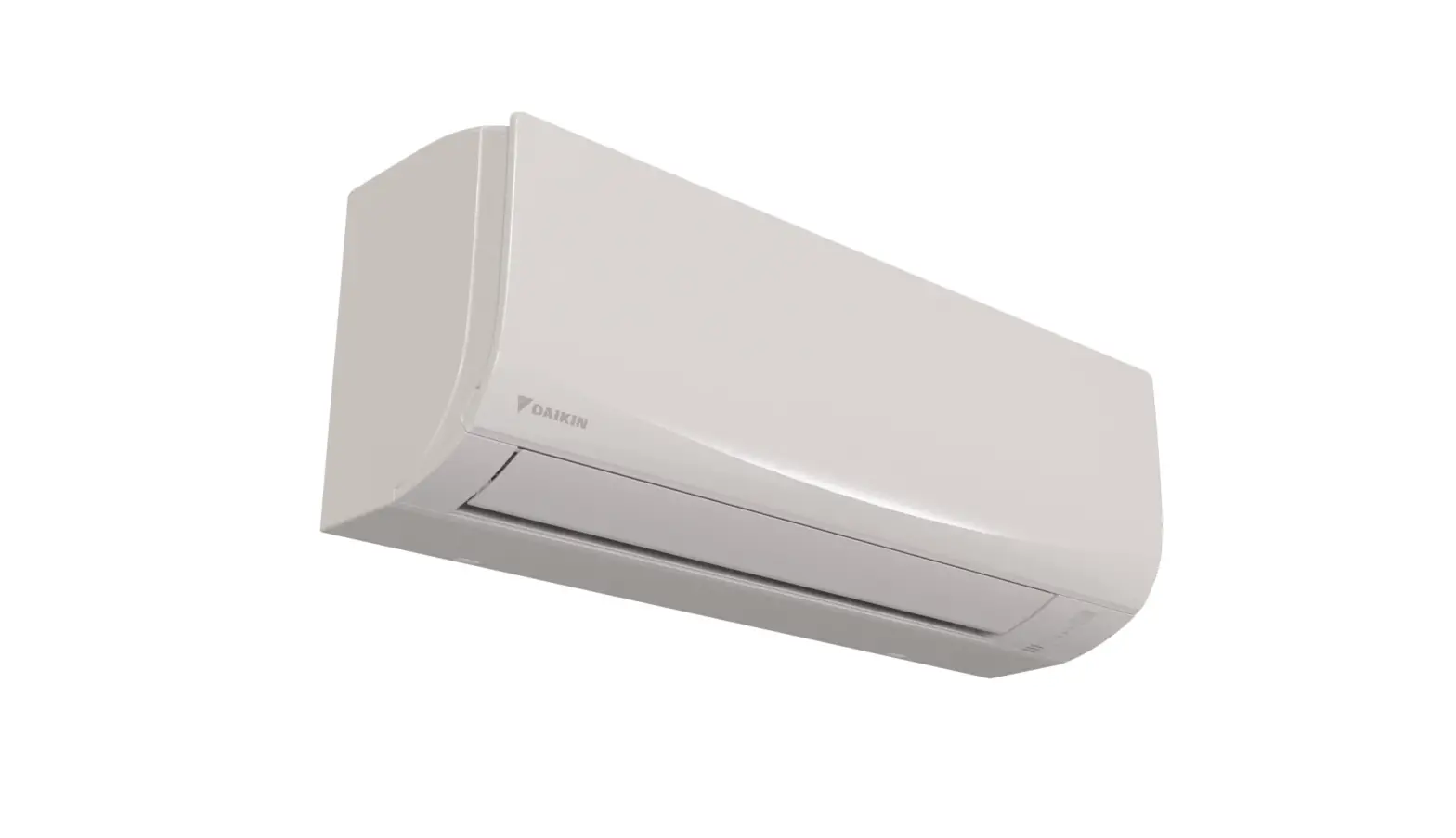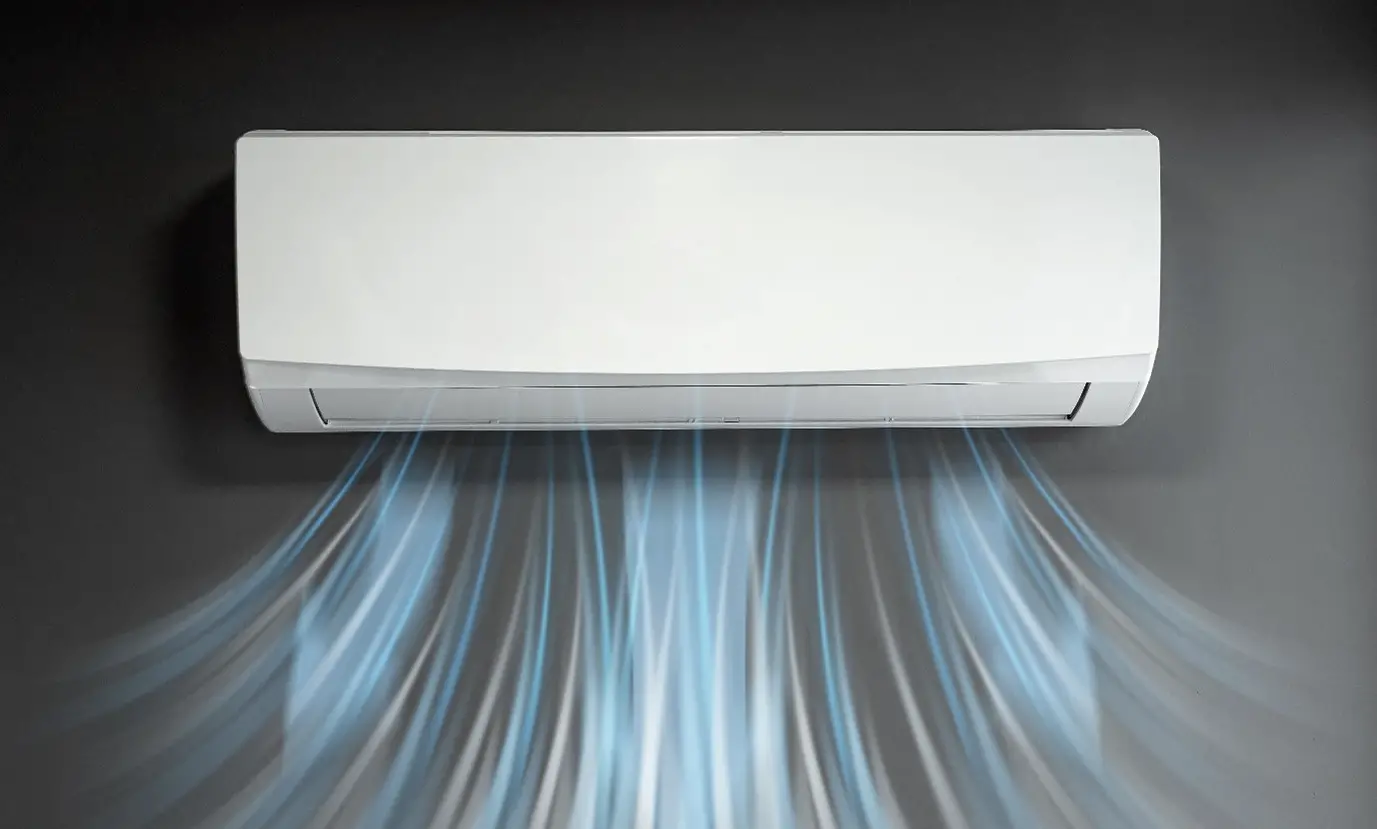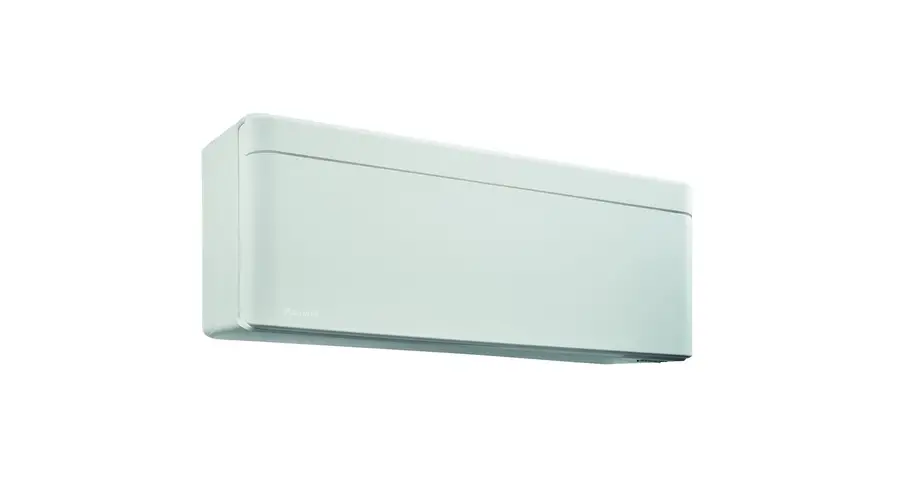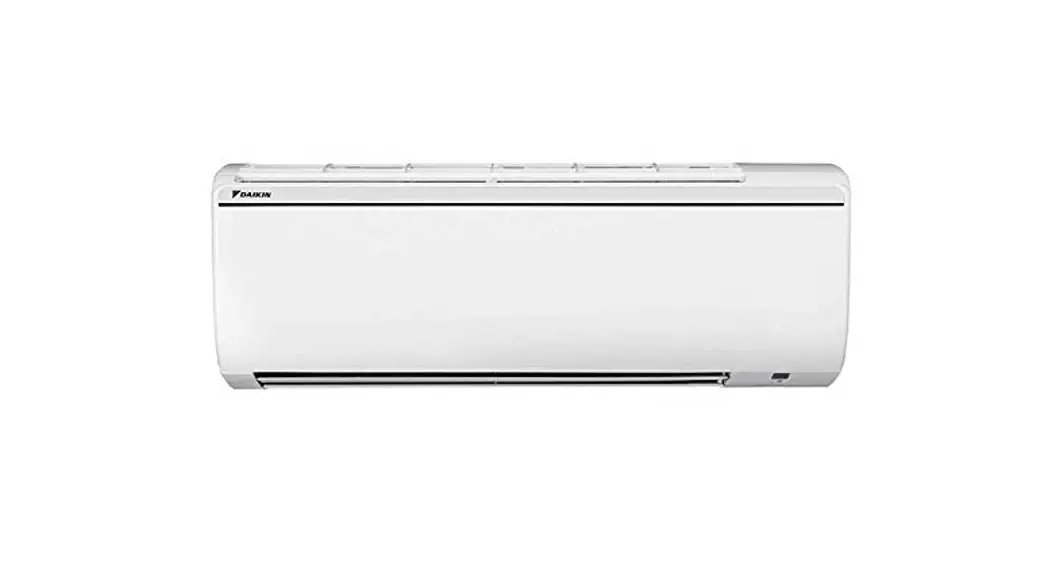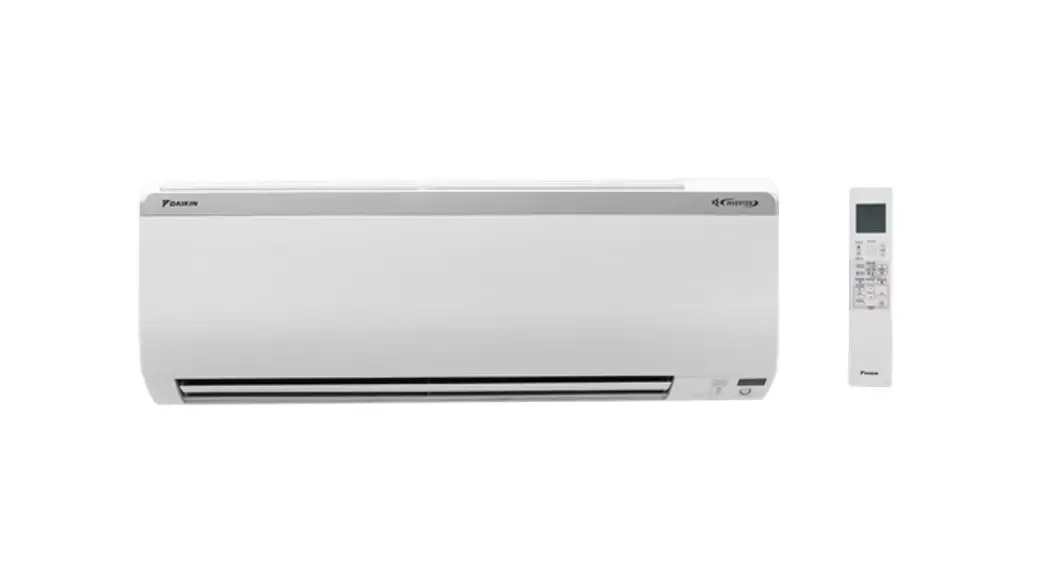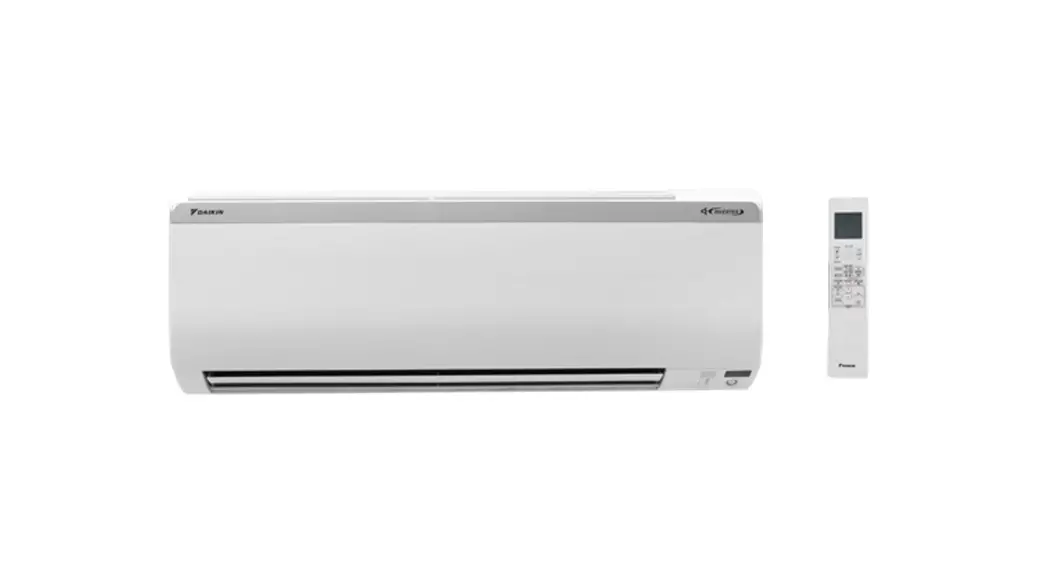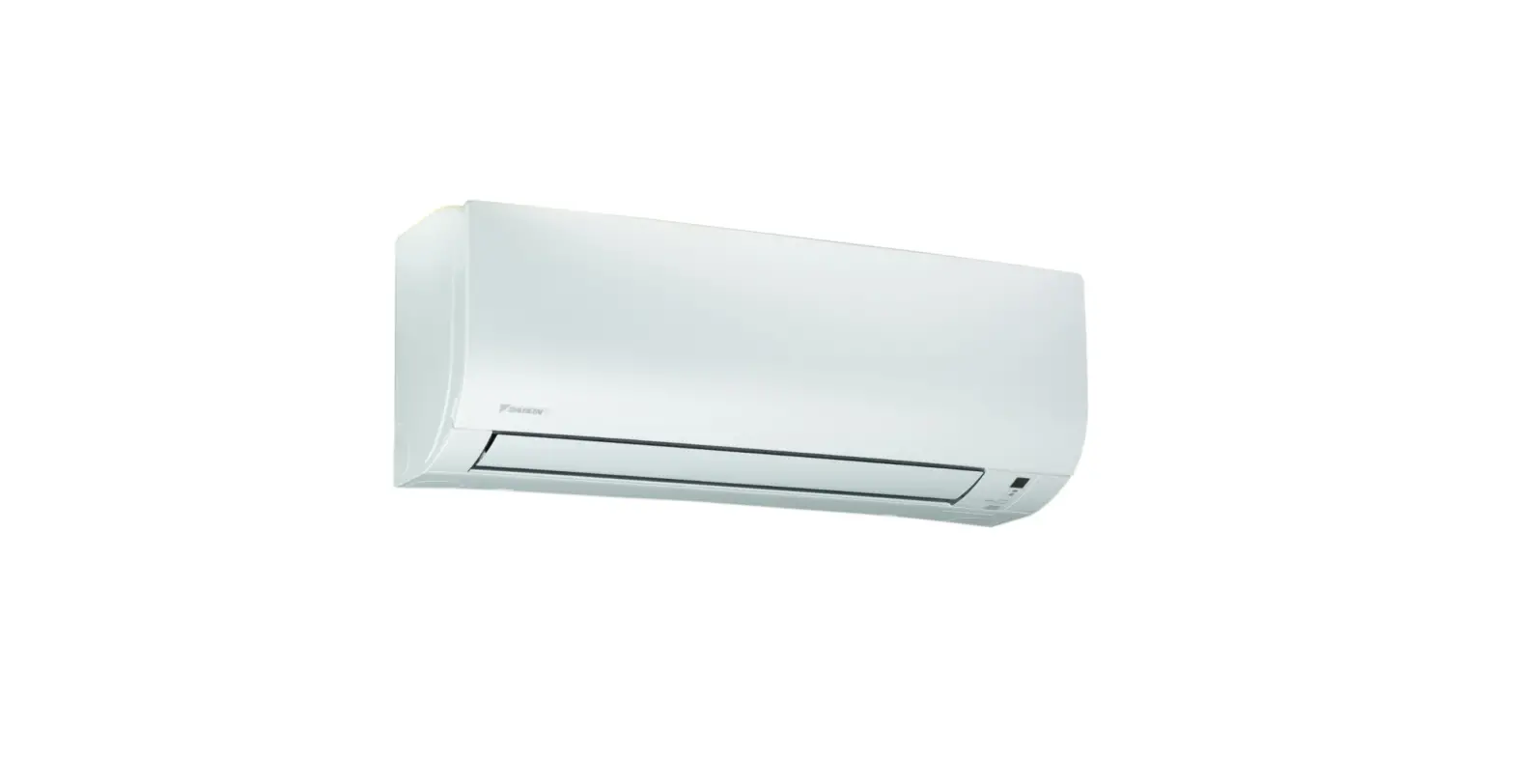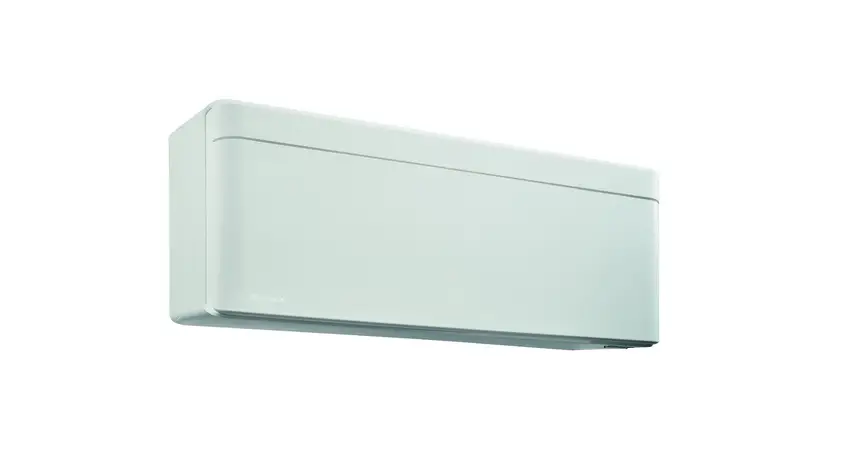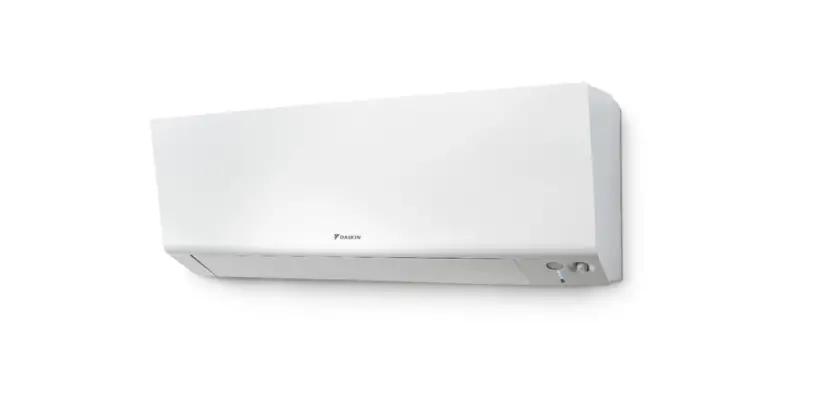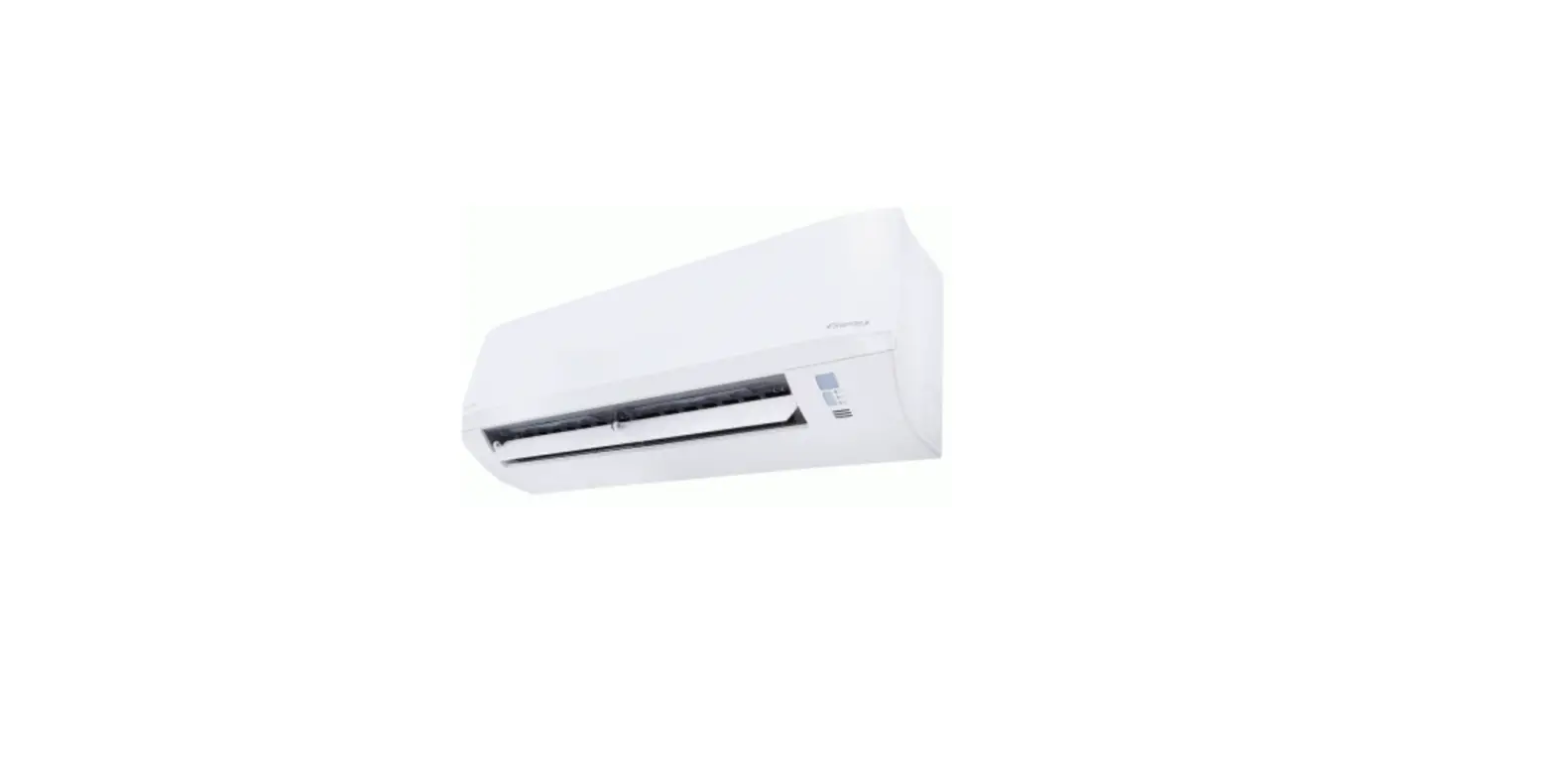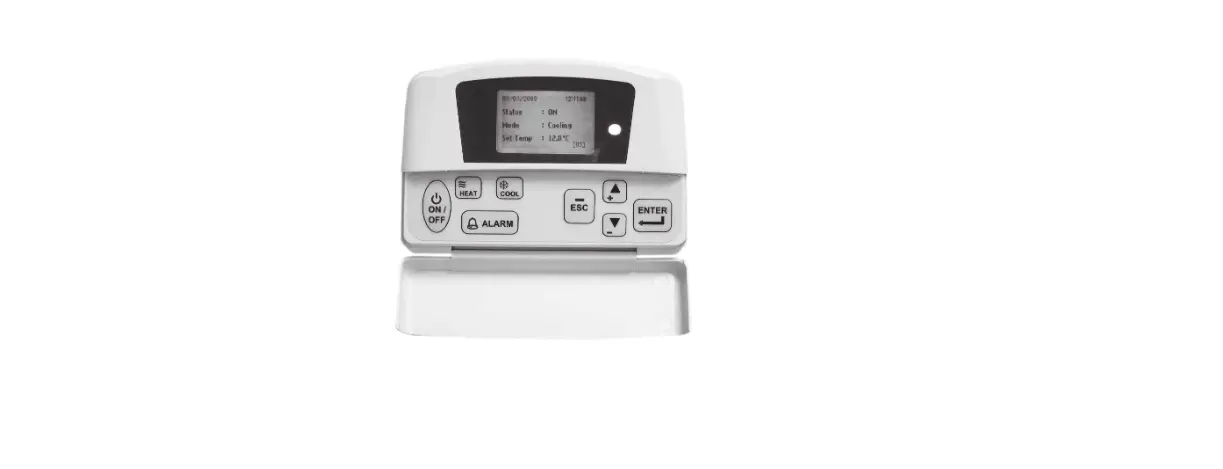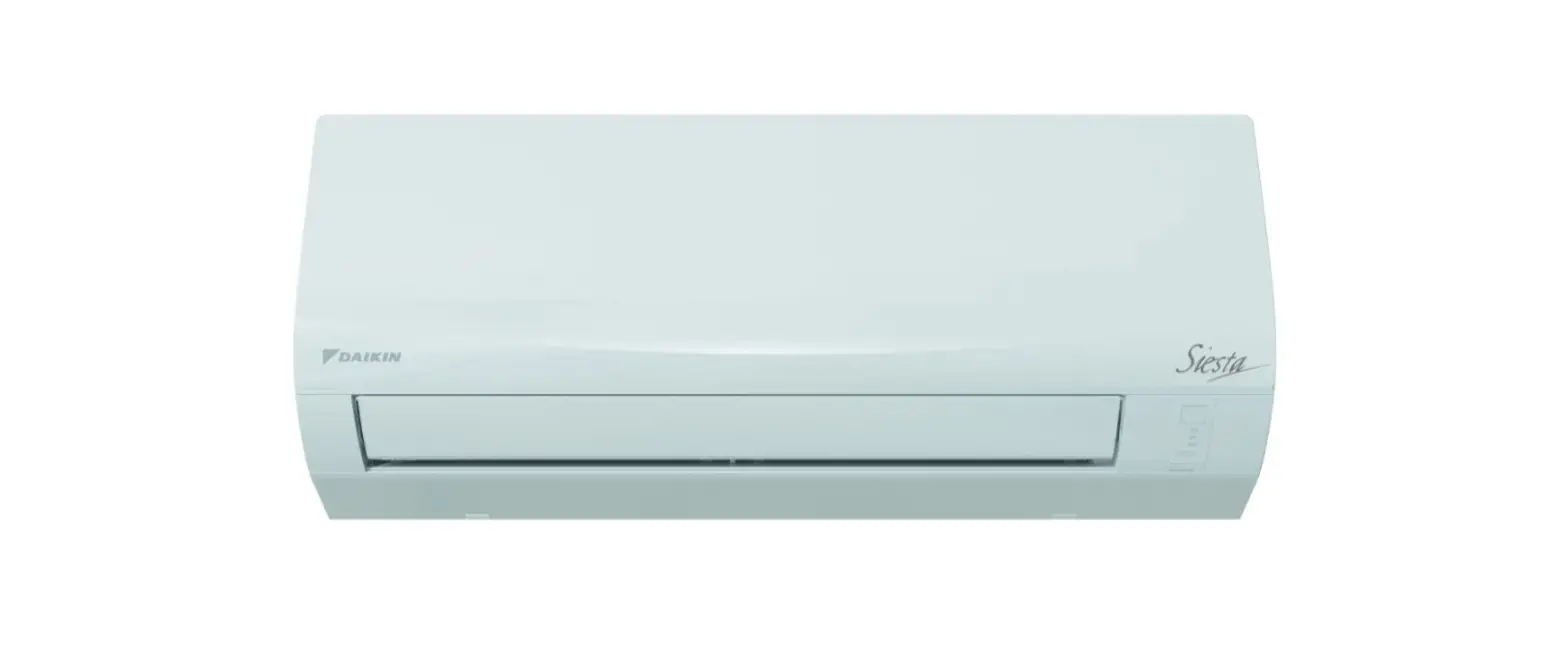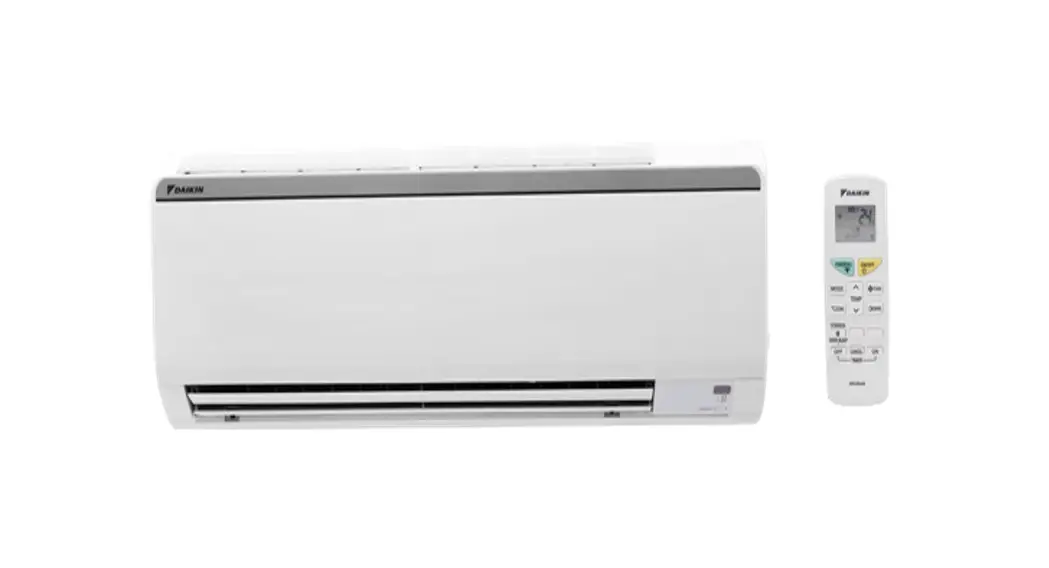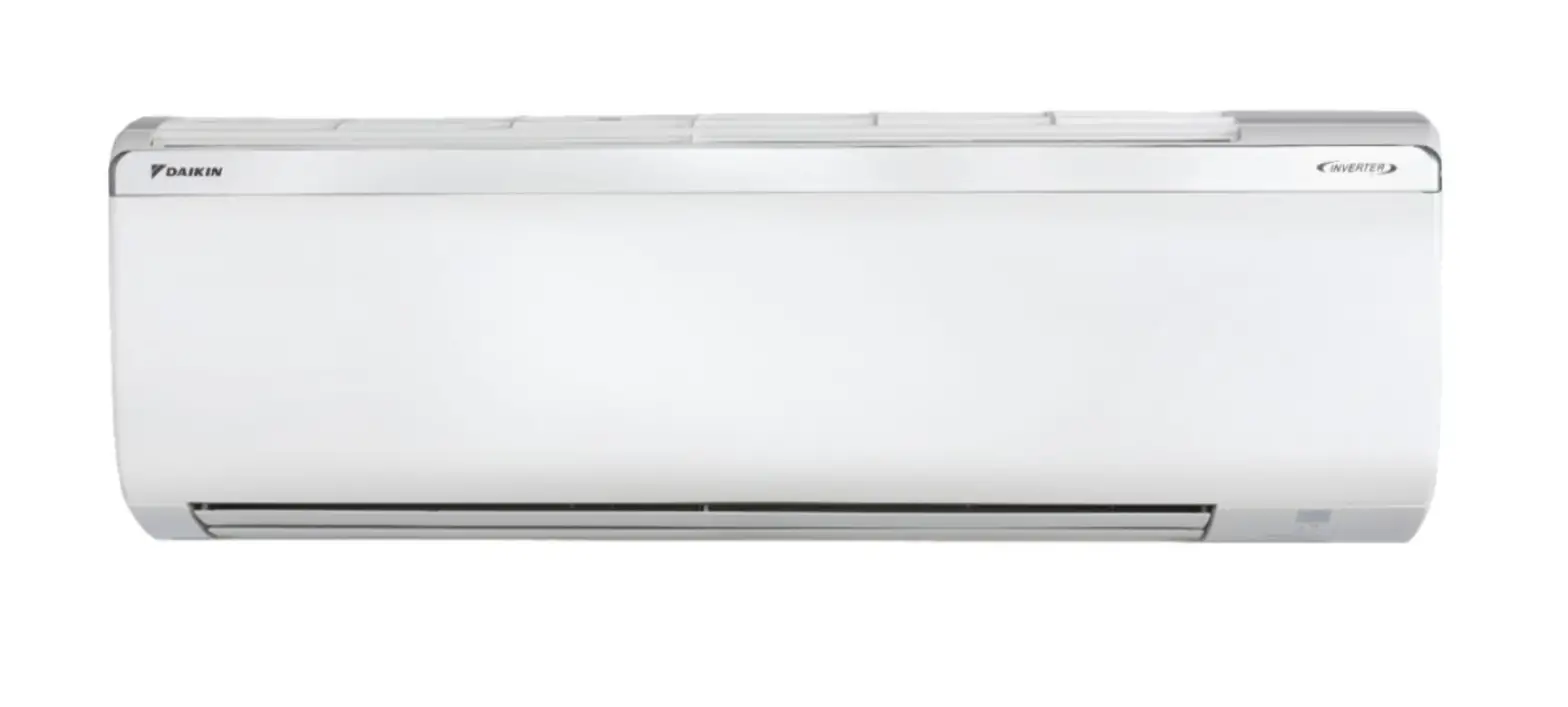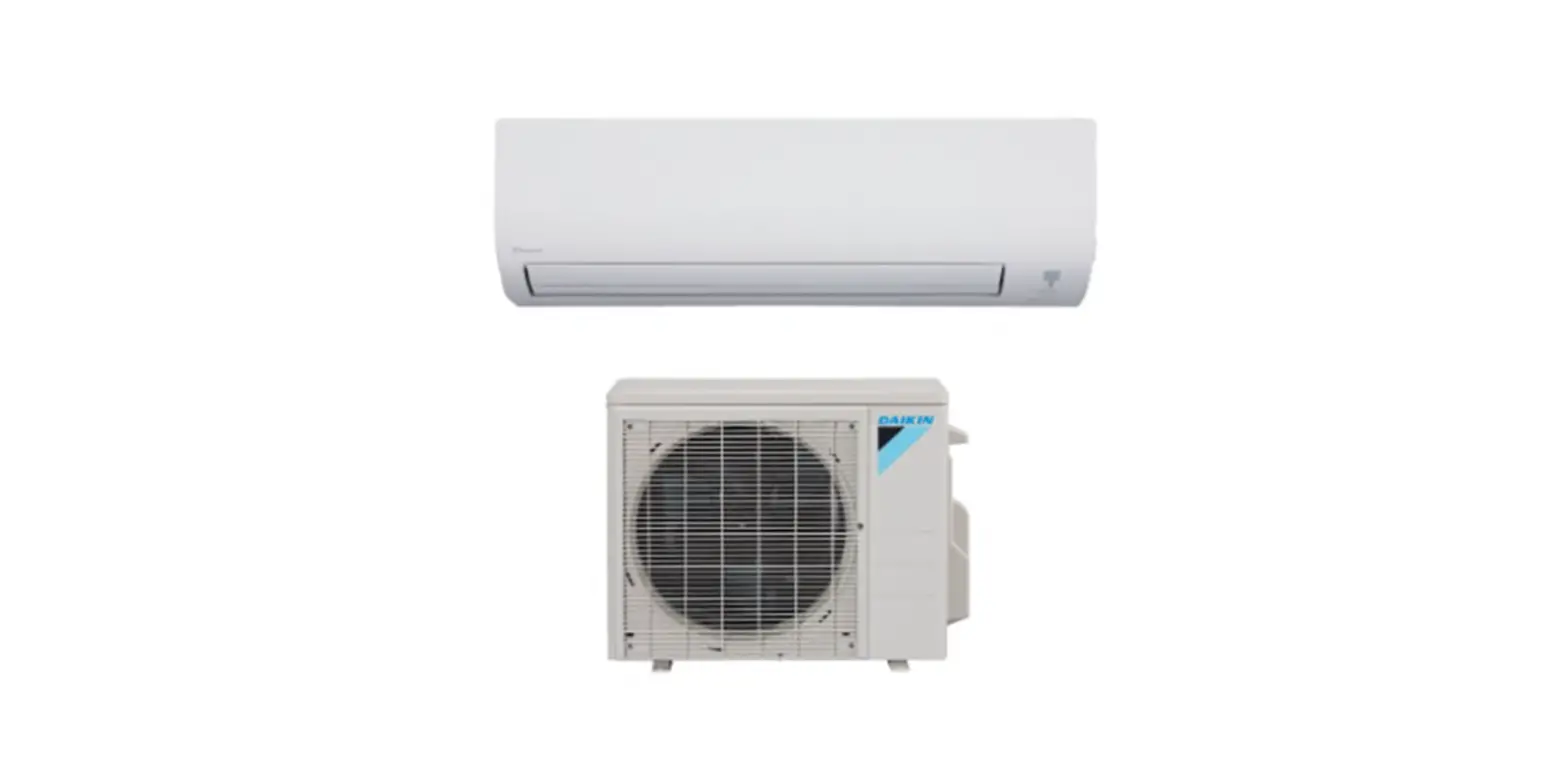
FTX09NMVJU Room Air Conditioner
Español Français English
DAIKIN ROOM AIR CONDITIONER
OPERATION MANUAL
Enjoy year-round comfort.
MODELS FTX09NMVJU FTX12NMVJU FTX15NMVJU FTX18NMVJU FTX24NMVJU FTXN09NMVJU FTXN12NMVJU FTXN18NMVJU FTXN24NMVJU
Features
Enhanced comfort and energy savings
COMFORT AIRFLOW
The airflow direction is upward while in COOL operation, and downward while in HEAT operation. This function prevents cold or warm air from blowing directly on your body. Page 15
ECONO
This function enables efficient operation by limiting the maximum power consumption. It is useful when using the air conditioner and other electrical devices simultaneously on a shared electrical circuit. Page 16
1
Contents
English
Read Before Operation
Safety Considerations ………………………………. 3
Names of Parts
… 5 FTX09NMVJU / FTX12NMVJU / FTXN09NMVJU / FTXN12NMVJU
Names of Parts
7 FTX15NMVJU / FTX18NMVJU / FTX24NMVJU /
FTXN18NMVJU / FTXN24NMVJU
…………………
Preparation Before Operation …………………. 10
Basic Operation
AUTO · COOL · DRY · HEAT ·
FAN ONLY Operation……………………. 11
Adjusting the Airflow Rate……………… 13
Adjusting the Airflow Direction ……….. 14
Useful Functions
COMFORT AIRFLOW Operation……. 15
POWERFUL Operation…………………. 15
ECONO Operation……………………….. 16
TIMER Operation
ON/OFF TIMER Operation ……………. 17
Care
Care and Cleaning
19 … FTX09NMVJU / FTX12NMVJU / FTXN09NMVJU / FTXN12NMVJU
Care and Cleaning
22 FTX15NMVJU / FTX18NMVJU / FTX24NMVJU /
FTXN18NMVJU / FTXN24NMVJU
………………..
Care and Cleaning
All models ………………………………………………… 25
When the Need Arises
FAQ …………………………………………………….. 26 Troubleshooting ……………………………………. 27
2
Read Before Operation
Safety Considerations
Read these Safety Considerations for Operations carefully before operating an air conditioner or heat pump. Make sure that the unit operates properly during the startup operation. Instruct the user on how to operate and maintain the unit. Inform users that they should store this operation manual with the installation manual for future reference. Meanings of DANGER, WARNING, CAUTION, and NOTE Symbols:
DANGER Indicates an imminently hazardous situation which, if not avoided, will result in death or serious injury.
WARNING Indicates a potentially hazardous situation which, if not avoided, could result in death or serious injury.
CAUTION Indicates a potentially hazardous situation which, if not avoided, may result in minor or moderate injury. It may also be used to alert against unsafe practices.
NOTE Indicates situations that may result in equipment or property-damage accidents only.
DANGER
· Do not install the unit in an area where flammable materials are present due to risk of explosion resulting in serious injury or death.
· Any abnormalities in the operation of the air conditioner or heat pump, such as smoke or fire, could result in severe injury or death. Turn off the power and contact your dealer immediately.
· Refrigerant gas may produce toxic gas if it comes into contact with fire, such as from a fan heater, stove, or cooking device. Exposure to this gas could cause severe injury or death.
· For refrigerant leakage, consult your dealer. Refrigerant gas is heavier than air and replaces oxygen. A massive leak could lead to oxygen depletion, especially in basements, and an asphyxiation hazard could occur leading to serious injury or death.
· If equipment utilizing a burner is used in the same room as the air conditioner or heat pump, there is the danger of oxygen deficiency which could lead to an asphyxiation hazard resulting in serious injury or death. Be sure to ventilate the room sufficiently to avoid this hazard.
· Safely dispose of the packing materials. Packing materials, such as nails and other metal or wooden parts, may cause stabs or other injuries.
· Tear apart and throw away plastic packaging bags so that children will not play with them. Children playing with plastic bags face the danger of death by suffocation.
3
WARNING
· Contact your dealer for repair and maintenance. Improper repair and maintenance may result in water leakage, electric shock, and fire. Only use accessories made by Daikin that are specifically designed for use with the equipment and have them installed by a professional.
· Contact your dealer to move and reinstall the air conditioner or heat pump. Incomplete installation may result in water leakage, electric shock, and fire.
· Never let the indoor unit or the remote controller get wet. Water can cause an electric shock or a fire.
· Never use flammable spray such as hair spray, lacquer, or paint near the unit. Flammable spray may cause a fire.
· When a fuse blows out, never replace it with one of incorrect ampere ratings or different wires. Always replace any blown fuse with a fuse of the same specification.
· Never remove the fan guard of the unit. A fan rotating at high speed without the fan guard is very dangerous.
· Never inspect or service the unit by yourself. Contact a qualified service person to perform this work.
· Turn off all electrical power before doing any maintenance to avoid the risk of serious electric shock; never sprinkle or spill water or liquids on the unit.
· Do not touch the switch with wet fingers. Touching a switch with wet fingers can cause electric shock.
· Do not allow children to play on or around the unit to prevent injury.
· The heat exchanger fins are sharp enough to cut. To avoid injury wear gloves or cover the fins while working around them.
· Do not put a finger or other objects into the air inlet or air outlet. The fan is rotating at high speed and will cause injury.
· Check the unit foundation for damage on a continuous basis, especially if it has been in use for a long time. If left in a damaged condition the unit may fall and cause injury.
· Placing a flower vase or other containers with water or other liquids on the unit could cause a shock or fire if a spill occurs.
· Do not touch the air outlet or horizontal blades while the swing flap is in operation because fingers could get caught and injured.
· Never touch the internal parts of the controller. Do not remove the front panel because some parts inside are dangerous to touch. To check and adjust internal parts, contact your dealer.
CAUTION
· Do not use the air conditioner or heat pump for any other purposes other than comfort cooling or heating. Do not use the unit for cooling precision instruments, food, plants, animals or works of art.
Read Before Operation
English
· Do not place items under the indoor unit as they may be damaged by condensates that may form if the humidity is above 80% or if the drain outlet gets blocked.
· Before cleaning, stop the operation of the unit by turning the power off or by pulling the supply cord out from its receptacle. Otherwise, an electric shock and injury may result.
· Do not wash the air conditioner or heat pump with excessive water. An electric shock or fire may result.
· Avoid placing the controller in a spot splashed with water. Water entering the controller may cause an electric shock or damage the internal electronic parts.
· Do not operate the air conditioner or heat pump when using a room-fumigation type of insecticide. Failure to observe this could cause the chemicals to be deposited in the unit and can endanger the health of those who are hypersensitive to chemicals.
· Do not turn off the power immediately after stopping operation. Always wait for at least 5 minutes before turning off the power. Otherwise, water leakage may occur.
· The appliance is not intended for use by young children or infirm persons without supervision.
· The remote controller should be kept away from children so they cannot play with it.
· Consult with the installation contractor for cleaning.
· Incorrect cleaning of the inside of the air conditioner or heat pump could make the plastics parts break and cause water leakage or electric shock.
· Do not touch the air inlet or aluminum fin of the air conditioner or heat pump as they can cut and cause injury.
· Do not place objects in direct proximity of the outdoor unit. Do not let leaves and other debris accumulate around the unit. Leaves are a hotbed for small animals which can enter the unit. Once inside the unit, animals can cause the unit to malfunction, and cause smoke or fire when they make contact with electrical parts.
NOTE
· Never press the button of the remote controller with a hard, pointed object. The remote controller may be damaged.
· Never pull or twist the electric wire of the remote controller. It may cause the unit to malfunction.
· Do not place appliances that produce open flames in places that are exposed to the airflow of the unit or under the indoor unit. It may cause incomplete combustion or deformation of the unit due to the heat.
· Do not expose the controller to direct sunlight. The LCD display can become discolored and may fail to display the data.
· Do not wipe the controller operation panel with benzene, thinner, chemical dust cloth, etc. The panel may get discolored or the coating can peel off. If it is heavily dirty, soak a cloth in water-diluted neutral detergent, squeeze it well and wipe the panel clean. Then wipe it with another dry cloth.
· Dismantling of the unit, disposal of the refrigerant, oil, and additional parts, should be done in accordance with the relevant local, state, and national regulations.
· Operate the air conditioner or heat pump in a sufficiently ventilated area and not surrounded by obstacles. Do not use the air conditioner or heat pump in the following places. a. Places with a mist of mineral oil, such as cutting oil. b. Locations such as coastal areas where there is a lot of salt in the air. c. Locations such as hot springs where there is a lot of sulfur in the air. d. Locations such as factories where the power voltage varies a lot. e. In cars, boats, and other vehicles. f. Locations such as kitchens where oil may splatter or where there is steam in the air. g. Locations where equipment produces electromagnetic waves. h. Places with an acid or alkaline mist. i. Places where fallen leaves can accumulate or where weeds can grow.
· Take snow protection measures. Contact your dealer for the details of snow protection measures, such as the use of a snow protection hood.
· Do not attempt to do electrical work or grounding work unless you are licensed to do so. Consult with your dealer for electrical work and grounding work.
· Pay attention to operating sound. Be sure to use the following places: a. Places that can sufficiently withstand the weight of the air conditioner or heat pump yet can suppress the operating sound and vibration. b. Places where warm air from the air outlet of the outdoor unit or the operating sound of the outdoor unit does not annoy neighbors.
· Make sure that there are no obstacles close to the outdoor unit. Obstacles close to the outdoor unit may drop the performance of the outdoor unit or increase the operating sound of the outdoor unit.
· Consult your dealer if the air conditioner or heat pump in operation generates unusual noise.
· Make sure that the drainpipe is installed properly to drain water. If no water is discharged from the drainpipe while the air conditioner or heat pump is in the cooling mode, the drainpipe may be clogged with dust or dirt and water leakage from the indoor unit may occur. Stop operating the air conditioner or heat pump and contact your dealer.
4
Read Before Operation
Names of Parts
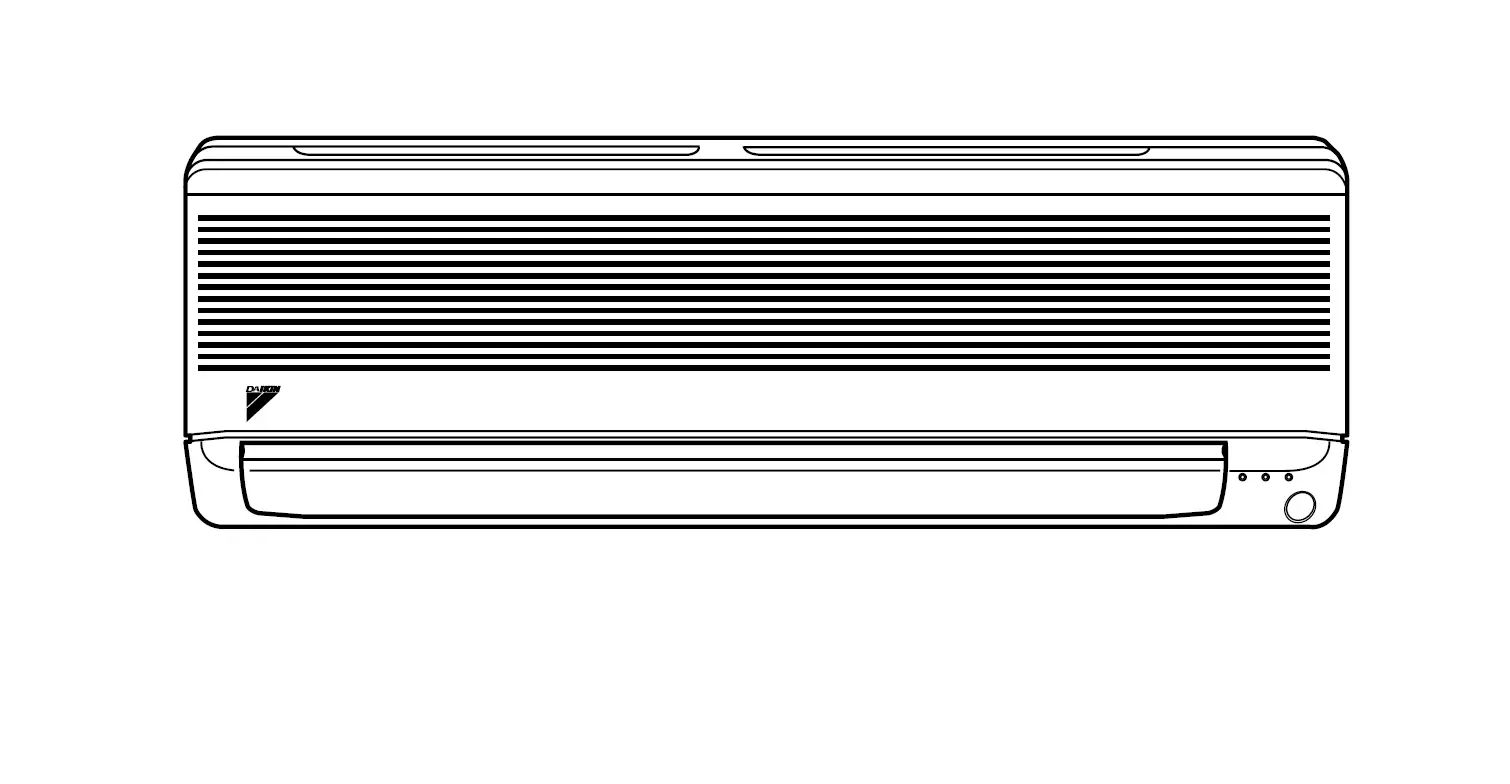
FTX09NMVJU / FTX12NMVJU / FTXN09NMVJU / FTXN12NMVJU
Indoor Unit
Front panel
Air inlet
Flap (horizontal blade)
Page 14
Louvers (vertical blades)
· The louvers are inside of the air outlet. Page 14
Air outlet Model name
Indoor temperature
sensor
· Detects the air temperature around the unit.
Display
Signal receiver
· Receives signals from the remote controller.
· When the unit receives a signal, you will hear a beep sound.
Case Operation start Setting changed Operation stop
Sound type beep-beep
beep long beep
ON/OFF
OPERATION lamp (green)
TIMER lamp (orange)
Page 17,18
Indoor unit ON/OFF switch
· Press this switch once to start operation. Press once again to stop it.
· For the operation mode setting, refer to the following table.
Mode AUTO
Temperature setting 77°F (25°C)
Airflow rate AUTO
· This switch can be used when the remote controller is missing.
5
English
Open the front panel
Read Before Operation
Titanium apatite photocatalytic air-purifying filter (without frame)*
*FTXN09/12NMVJU: Sold separately.
Air filter
Outdoor Unit
· The appearance of the outdoor unit may differ between different models.
Air inlet (back and side)
Air outlet
Outdoor temperature sensor (back)
Refrigerant pipes and inter-unit wire
Model name Ground terminal (inside)
Drain hose
6
Read Before Operation
Names of Parts
FTX15NMVJU / FTX18NMVJU / FTX24NMVJU / FTXN18NMVJU / FTXN24NMVJU
Indoor Unit
Front panel
Air inlet
Flaps (horizontal blades)
Page 14
Louvers (vertical blades)
· The louvers are inside of the air outlet. Page 14
Air outlet
Model name
Indoor temperature sensor
· Detects the air temperature around the unit.
Display
Signal receiver
· Receives signals from the remote controller.
· When the unit receives a signal, you will hear a beep sound.
Case Operation start Setting changed Operation stop
Sound type beep-beep
beep long beep
ON/OFF
OPERATION lamp (green)
TIMER lamp (orange)
Page 17,18
Indoor unit ON/OFF switch
· Press this switch once to start operation. Press once again to stop it.
· For the operation mode setting, refer to the following table.
Mode AUTO
Temperature setting 77°F (25°C)
Airflow rate AUTO
· This switch can be used when the remote controller is missing.
7
English
Open the front panel
Read Before Operation
Air filter
Outdoor Unit
· The appearance of the outdoor unit may differ between different models.
Air inlet (back and side)
Air outlet
Titanium apatite photocatalytic air-purifying filter (with frame)*
*FTXN18/24NMVJU: Sold separately.
Outdoor temperature sensor (back) Refrigerant pipes and inter-unit wire Ground terminal (inside) Model name
Drain hose
8
Read Before Operation
Names of Parts
Remote Controller
Display (LCD)
· Displays the current settings. (In this illustration, each section is shown with its displays on for the purpose of explanation.)
Signal transmitter
AUTO button
· Automatically selects an appropriate operation mode (COOL or HEAT) based on the indoor temperature and starts the operation. Page 11
Direct operation buttons
· Starts the COOL, DRY, HEAT or FAN ONLY operation. Page 11
TEMPERATURE adjustment button
· Changes the temperature setting.
Page 12
COMFORT button
· COMFORT AIRFLOW operation.
Page 15
POWERFUL button
· POWERFUL operation. Page 15
OFF TIMER button (NIGHT SET mode) Page 18
Receiver · To use the remote controller, aim the
transmitter at the indoor unit. If there is anything blocking the signals between the unit and the remote controller, such as a curtain, the unit may not operate. · The maximum transmission distance is about 23ft (7m).
OFF button
· Stops the operation. Page 12
FAN setting button
· Selects the airflow rate setting.
Page 13
ECONO button
· ECONO operation. Page 16
SWING button
· Adjusts the airflow direction. Page 14
ON TIMER button Page 17
TIMER CANCEL button
· Cancels the timer setting. Page 17,18
Unit FTX09/12/15/18/24NMVJU FTXN09/12/18/24NMVJU
Remote Controller ARC480A8 with backlight ARC480A6 without backlight
9
Read Before Operation
English
Preparation Before Operation
1
3 2
Position and correctly! Remote controller
Remote Screws controller holder
To insert the batteries
1. Remove the back cover by sliding and then
slightly lifting it
2. Insert 2 dry batteries AAALR03 (alkaline) 3. Replace the back cover
To fix the remote controller holder to a wall
1. Choose a place where the signals reach the unit 2. Attach the holder to a wall, a pillar, or similar
location with the screws supplied with the holder
3. Hang the remote controller on the remote
controller holder
Fahrenheit/Celsius display switch
Press and
(TIMER button)
simultaneously for about 5 seconds
· The temperature will be displayed in Celsius when it is presently displayed in Fahrenheit, and vice versa.
· The switch operation is only possible when the temperature is being displayed.
Turn on the circuit breaker
NOTE
· After the power is turned on, the flap of the indoor unit opens and closes once to set the reference position.
Notes on batteries · When replacing the batteries, use batteries of the same type, and replace both old batteries together. · The batteries will last for about 1 year. However, if the remote controller display begins to fade and the possible transmission range becomes
shorter within a year, replace both batteries with new, size AAA.LR03 (alkaline) batteries. · The batteries supplied with the remote controller are for initial operation. The batteries may run out in less than 1 year.
Note on remote controller · Do not drop the remote controller. Do not get it wet.
Fahrenheit/Celsius display change function of remote controller · The set temperature may increase when the display is changed to Celsius from Fahrenheit, because a fraction of 0.5°C is rounded up. · Example: A set temperature of 65°F (equivalent to 18.5°C) will be converted into 19°C.
When the display is changed to Fahrenheit again, the set temperature will be converted into 66°F (equivalent to 19°C) instead of the original set temperature (65°F) but a set temperature of 66°F (equivalent to 19°C) will be converted into 19°C with no temperature change. · A reception sound will go off for the transmission of set temperature to the indoor unit at the time of setting the Fahrenheit/Celsius display change function.
10
Basic Operation
AUTO · COOL · DRY · HEAT · FAN ONLY Operation
The air conditioner operates with the operation mode of your choice.
To start operation
AUTO operation
· To automatically select an appropriate temperature and operation mode.
Press
COOL operation
· To lower the temperature.
Press
DRY operation
· To lower the humidity.
Press
HEAT operation
· To raise the temperature.
Press
FAN ONLY operation
· To circulate air in the room.
Press
· The OPERATION lamp lights green.
Display
NOTE
Notes on AUTO operation · In AUTO operation, the system selects an appropriate operation mode (COOL or HEAT) based on the indoor temperature and starts the
operation. · The system automatically reselects setting at a regular interval to bring the indoor temperature to the user-setting level.
Note on DRY operation · Eliminates humidity while maintaining the indoor temperature as much as possible. It automatically controls temperature and airflow rate, so
manual adjustment of these functions is unavailable.
11
English
Basic Operation
To stop operation
Press
· The OPERATION lamp goes off.
To change the temperature setting
Press
· Press to raise the temperature and press to lower the temperature.
COOL operation
64-90°F (18-32°C)
HEAT operation
50-86°F (10-30°C)
AUTO operation
64-86°F (18-30°C)
DRY or FAN ONLY operation
The temperature setting cannot be changed.
Tips for saving energy
Keeping the temperature setting at a moderate level helps save energy · Recommended temperature setting
– For cooling: 78-82°F (26-28°C) – For heating: 68-75°F (20-24°C)
Cover windows with a blind or a curtain · Blocking sunlight and air from outdoors increases the cooling (heating) effect. Keep the air filters clean. · Clogged air filters cause inefficient operation and waste energy. Clean them once every 2 weeks. Page 20, 23 If you are not going to use the air conditioner for a long period, for example in spring or autumn, turn off the circuit breaker · The air conditioner always consumes a small amount of electricity even while it is not operating.
12
Basic Operation
Adjusting the Airflow Rate
You can adjust the airflow rate to increase your comfort.
To adjust the airflow rate setting
Press
· Each pressing of
changes the airflow rate setting in sequence.
AUTO
Indoor unit quiet
Airflow rate 1-5 (Low to High)
· When the airflow is set to ” “, quiet operation starts and noise from the indoor unit will become quieter.
· In the quiet operation mode, the airflow rate is set to a weak level.
AUTO, COOL, HEAT and FAN ONLY operation
DRY operation
The airflow rate setting cannot be changed.
NOTE
Note on airflow rate setting · At smaller airflow rates, the cooling (heating) effect is also smaller.
13
English
Basic Operation
Adjusting the Airflow Direction
You can adjust the airflow direction to increase your comfort.
CAUTION
· Always use a remote controller to adjust the angles of the flap. Moving the flap forcibly by hand may cause a malfunction.
· Be careful when adjusting the louvers. Inside the air outlet, a fan is rotating at a high speed.
To start auto swing
Up and down airflow direction
Press
· ” ” is displayed on the LCD. · The flap (horizontal blade) will begin to swing.
To set the flap at the desired position
· This function is effective while the flap is in auto swing mode.
Press
when the flap reaches the desired
position
· ” ” disappears from the LCD.
To adjust the louvers at desired position
Hold the knobs and move the louvers (vertical blades)
FTX09NMVJU / FTX12NMVJU FTXN09NMVJU / FTXN12NMVJU
FTX15NMVJU / FTX18NMVJU / FTX24NMVJU FTXN18NMVJU / FTXN24NMVJU
Knobs
NOTE
Notes on airflow direction setting · The movable range of the flap varies according to the operation mode. · The flap will stop at the upper position when the airflow rate is changed to low during the
up and down swing setting.
Knobs
Movable range of the flap COOL / DRY
FAN ONLY
HEAT
14
Useful Functions
COMFORT AIRFLOW Operation
The air direction and flow rate are adjusted so that the air will not blow directly at people in the room.
To start COMFORT AIRFLOW operation
Press
· ” ” is displayed on the LCD.
Flap direction Airflow rate
COOL and DRY operation Goes up AUTO
HEAT operation Goes down
· Not available in FAN ONLY mode.
To cancel COMFORT AIRFLOW operation
Press again
· ” ” disappears from the LCD. · The flap will return to the memory position from before COMFORT AIRFLOW operation.
POWERFUL Operation
POWERFUL operation quickly maximizes the cooling (heating) effect in any operation mode. In this mode, the air conditioner operates at maximum capacity.
To start POWERFUL operation
Press
· ” ” is displayed on the LCD.
· POWERFUL operation ends in 20 minutes. Then the system automatically operates again with the previous settings which were used before POWERFUL operation.
To cancel POWERFUL operation
Press
again
· ” ” disappears from the LCD.
15
English
Useful Functions
ECONO Operation
ECONO operation enables efficient operation by limiting the maximum power consumption. This function is useful to prevent the circuit breaker from tripping when the unit operates alongside other appliances on the same circuit.
To start ECONO operation
Press
· ” ” is displayed on the LCD. · Not available in FAN ONLY mode.
To cancel ECONO operation
Press
again
· ” ” disappears from the LCD.
NOTE
Note on COMFORT AIRFLOW operation · If the up and down airflow direction is selected, the COMFORT AIRFLOW operation will be canceled.
Notes on POWERFUL operation
· Pressing
causes the settings to be canceled, and ” ” disappears from the LCD.
· POWERFUL operation will not increase the capacity of the air conditioner if the air conditioner is already in operation with its maximum capacity
demonstrated.
– In COOL, HEAT and AUTO operation To maximize the cooling (heating) effect, the capacity of outdoor unit increases and the airflow rate becomes fixed at the maximum setting. The temperature setting cannot be changed.
– In DRY operation The temperature setting is lowered by 4.5°F (2.5°C) and the airflow rate is slightly increased.
– In FAN ONLY operation The airflow rate is fixed at the maximum setting.
Notes on ECONO operation
· Pressing
causes the settings to be canceled, and ” ” disappears from the LCD.
· If the power consumption level is already low, switching to ECONO operation will not reduce the power consumption.
Some useful functions can be used together
COMFORT AIRFLOW + ECONO POWERFUL + COMFORT AIRFLOW POWERFUL + ECONO
Available Not available* Not available*
*Priority is given to the function of whichever button is pressed last.
16
TIMER Operation
ON/OFF TIMER Operation
Timer functions are useful for automatically switching the air conditioner on or off at night or in the morning. You can also use the ON TIMER and OFF TIMER together.
To use ON TIMER operation
Press
”
” is displayed on the LCD.
· Each pressing of
changes the time setting by 1 hour.
The time can be set between 1 and 12 hours.
· The TIMER lamp lights orange.
Display
To cancel ON TIMER operation
Press
· ”
” disappears from the LCD.
· The TIMER lamp goes off.
NOTE
In the following cases, set the timer again · After the circuit breaker has turned off. · After a power failure. · After replacing the batteries in the remote controller.
17
English
TIMER Operation
To use OFF TIMER operation
Press
”
” is displayed on the LCD.
· Each pressing of
changes the time setting by 1 hour.
The time can be set between 1 and 12 hours.
· The TIMER lamp lights orange.
Display
To cancel OFF TIMER operation
Press
· ”
” disappears from the LCD.
· The TIMER lamp goes off.
To combine ON TIMER and OFF TIMER operation
· A sample setting for combining the 2 timers is shown below.
· ” ” and ”
” are displayed on the LCD.
[Example]
When setting while the unit is operating · Stops the unit 1 hour later and starts it 7 hours after that.
When setting while the unit is stopped · Starts the unit 2 hours later and stops it 3 hours after that.
NOTE
NIGHT SET mode · When the OFF TIMER is set, the air conditioner automatically adjusts the temperature setting (0.9°F (0.5°C) up in COOL, 3.6°F (2.0°C) down in
HEAT) to prevent excessive cooling (heating) during sleeping hours.
18
Care
Care and Cleaning
FTX09NMVJU / FTX12NMVJU / FTXN09NMVJU / FTXN12NMVJU
CAUTION
· Before cleaning, be sure to stop the operation and turn off the circuit breaker. · Do not touch the aluminium fins of the indoor unit. If you touch those parts, this may cause an injury.
Quick reference
Cleaning parts
Front panel
· Wipe it with a soft damp cloth. · Only neutral detergent may be used.
If dirty
Air filter
· Vacuum dust or wash the filter.
Once every 2 weeks
Page 20
Indoor unit, outdoor unit and remote controller
· Wipe them with a soft cloth.
If dirty
Titanium apatite photocatalytic air-purifying filter (without frame)*
· Vacuum dust or replace the filter. [Cleaning]
[Replacement]
Once every 6 months
Page 21
Once every 3 years
Page 21
*FTXN09/12NMVJU: Sold separately.
NOTE
For cleaning, do not use any of the following: · Water hotter than 104°F (40°C) · Volatile liquid such as benzene, petrol and thinner · Polishing compounds · Rough materials such as a scrubbing brush
19
English
Air filter
1. Open the front panel
· Hold the front panel by the sides and open it.
Care
20
Care
Care and Cleaning
FTX09NMVJU / FTX12NMVJU / FTXN09NMVJU / FTXN12NMVJU
Titanium apatite photocatalytic air-purifying filter
1. Open the front panel and
pull out the air filters. Page 20
[Replacement]
Remove the filter from the tabs and prepare a new one
2. Take off the titanium apatite
photocatalytic air-purifying filters.
· Remove the filters from the tabs.
· Dispose of the old filter as non-flammable waste.
3. Clean or replace the
titanium apatite photocatalytic air-purifying filters.
[Cleaning]
3-1 Vacuum dust, and soak in lukewarm water or water for about 10 to 15 minutes if very dirty.
4. Insert the titanium apatite
photocatalytic air-purifying filters as they were.
· When attaching the filter, check that the filter is properly set in the tabs.
5. Reattach the filters. Page 20
6. Close the front panel slowly
Page 20
3-2 After washing, shake off remaining water and let them dry in the shade
· Do not wring out the filter to remove water from it.
NOTE
· Operation with dirty filters: – cannot deodorize the air, – cannot clean the air, – results in poor heating or cooling, – may cause odor.
· Dispose of old filters as non-flammable waste. · To order a titanium apatite photocatalytic air-purifying filter, contact
the dealer where you bought the air conditioner.
Item
Titanium apatite photocatalytic air-purifying filter 1 set
Part No
KAF970A46 (without frame)
21
English
Care
Care and Cleaning
FTX15NMVJU / FTX18NMVJU / FTX24NMVJU / FTXN18NMVJU / FTXN24NMVJU
CAUTION
· Before cleaning, be sure to stop the operation and turn off the circuit breaker. · Do not touch the aluminium fins of the indoor unit. If you touch those parts, this may cause an injury.
Quick reference
Cleaning parts
Front panel
· Wipe it with a soft damp cloth. · Only neutral detergent may be used.
If dirty
Air filter
· Vacuum dust or wash the filter.
Once every 2 weeks
Page 23
Indoor unit, outdoor unit and remote controller
· Wipe them with a soft cloth.
If dirty
Titanium apatite photocatalytic air-purifying filter (with frame)*
· Vacuum dust or replace the filter. [Cleaning]
[Replacement]
Once every 6 months
Page 24
Once every 3 years
Page 24
*FTXN18/24NMVJU: Sold separately.
NOTE
For cleaning, do not use any of the following: · Water hotter than 104°F (40°C) · Volatile liquid such as benzene, petrol and thinner · Polishing compounds · Rough materials such as a scrubbing brush
22
Care
Care and Cleaning
FTX15NMVJU / FTX18NMVJU / FTX24NMVJU / FTXN18NMVJU / FTXN24NMVJU
Air filter
1. Open the front panel
· Hold the front panel by the sides and open it.
3. Wash the air filters with
water or clean them with vacuum cleaner
· It is recommended to clean the air filters every 2 weeks.
2. Pull out the air filters.
· Push the filter tab at the center of each air filter a little upwards, then pull it down.
1) Push
If the dust does not come off easily
· Wash the air filters with neutral detergent thinned with lukewarm water, then dry them up in the shade.
· Be sure to remove the titanium apatite photocatalytic air-purifying filter. Refer to “Titanium apatite photocatalytic air-purifying filter” on the next page.
2) Pull down
4. Reattach the filters.
5. Close the front panel slowly
· Press the front panel at both sides and in the central area.
· Make sure that the front panel is securely fixed.
23
Care
English
Titanium apatite photocatalytic air-purifying filter
1. Open the front panel and
pull out the air filters. Page 23
[Replacement]
Remove the filter from the filter frame and prepare a new one
2. Take off the titanium apatite
photocatalytic air-purifying filters.
· Do not throw away the filter frame. Reuse the filter frame when replacing the titanium apatite photocatalytic air-purifying filter.
· Hold the recessed parts of the frame and unhook the 4 claws.
· Dispose of the old filter as non-flammable waste.
Claw
3. Clean or replace the
titanium apatite photocatalytic air-purifying filters.
[Cleaning]
3-1 Vacuum dust, and soak in lukewarm water or water for about 10 to 15 minutes if very dirty.
· Do not remove the filter from the frame when washing with water.
3-2 After washing, shake off remaining water and let them dry in the shade
· Do not wring out the filter to remove water from it.
4. Insert the titanium apatite
photocatalytic air-purifying filters as they were.
· When attaching the filter, check that the filter is properly set in the tabs.
5. Reattach the filters. Page 23
6. Close the front panel slowly
Page 23
NOTE
· Operation with dirty filters: – cannot deodorize the air, – cannot clean the air, – results in poor heating or cooling, – may cause odor.
· Dispose of old filters as non-flammable waste. · To order a titanium apatite photocatalytic air-purifying filter, contact
the dealer where you bought the air conditioner.
Item
Titanium apatite photocatalytic air-purifying filter 1 set
Part No
KAF970A46 (without frame) KAF970A45 (with frame)*
*Users of FTXN18/24NMVJU, please purchase KAF970A45 (with frame) when purchasing the filter for the first time.
24
Care
Care and Cleaning
All models
Prior to a long period of non-use
1. Operate the FAN ONLY mode for several hours to dry out the
inside
· Press
.
2. After operation stops, turn off the circuit breaker for the room
air conditioner
3. Take out the batteries from the remote controller
We recommend periodical maintenance
· In certain operating conditions, the inside of the air conditioner may get foul after several seasons of use, resulting in poor performance. It is recommended to have periodical maintenance by a qualified contractor in addition to regular cleaning by the user.
· For qualified contractor maintenance, please contact the dealer where you bought the air conditioner.
25
When the Need Arises
English
FAQ
Indoor unit
The flap does not start swinging immediately
· The air conditioner is adjusting the position of the flap. The flap will start moving soon.
The air conditioner stops generating airflow during HEAT operation.
· Once the set temperature is reached, the airflow rate is reduced and operation stopped in order to avoid generating a cool airflow. Operation will resume automatically when the indoor temperature falls.
HEAT operation stops suddenly and a flowing sound is heard.
· The outdoor unit is defrosting. HEAT operation starts after the frost on the outdoor unit has been removed. This can take about 4 to 12 minutes.
Operation does not start soon
When
or any direct operation button was
pressed soon after operation was stopped
When the mode was reselected · This is to protect the air conditioner. You should wait for about 3 minutes.
Different sounds are heard
A sound like flowing water · This sound is generated because the refrigerant in the air conditioner is flowing. · This is a pumping sound of the water in the air conditioner and can be heard when the water is pumped out from the air conditioner during COOL or DRY operation.
Blowing sound · This sound is generated when the flow of the refrigerant in the air conditioner is switched over.
Ticking sound · This sound is generated when the cabinet and frame of the air conditioner slightly expand or shrink as a result of temperature changes.
Whistling sound · This sound is generated when refrigerant flows during defrosting operation.
Clicking sound during operation or idle time · This sound is generated when the refrigerant control valves or the electrical parts operate.
Clopping sound · This sound is heard from the inside of the air conditioner when the exhaust fan is activated while the room doors are closed. Open the window or turn off the exhaust fan.
Outdoor unit
Operating sound is loud
· When frost forms on the heat exchanger of the outdoor unit, the operating sound level increases slightly.
The outdoor unit emits water or steam
In HEAT operation · The frost on the outdoor unit melts into water or steam when the air conditioner is in defrosting operation.
In COOL or DRY operation · Moisture in the air condenses into water on the cool surface of the outdoor unit piping and drips.
26
When the Need Arises
Troubleshooting
Before making an inquiry or a request for repair, please check the following. If the problem persists, consult your dealer.
Not a problem
This case is not a problem.
Check
Please check again before requesting repairs.
The air conditioner does not operate
Case OPERATION lamp is off
OPERATION lamp is blinking
Description / what to check
· Has the circuit breaker been tripped or the fuse blown? · Is there a power failure? · Are batteries set in the remote controller?
· Turn off the power with the circuit breaker and restart operation with the remote controller. If the OPERATION lamp is still blinking, check the error code and consult your dealer.
Page 30
The air conditioner suddenly stops operating
Case OPERATION lamp is on
OPERATION lamp is blinking
Description / what to check
· To protect the system, the air conditioner may stop operating after sudden large voltage fluctuations. It automatically resumes operation in about 3 minutes.
· Is there anything blocking the air inlet or air outlet of the indoor unit or outdoor unit? Stop operation and after turning off the circuit breaker, remove the obstruction. Then restart operation with the remote controller. If the OPERATION lamp is still blinking, check the error code and consult your dealer. Page 30
The air conditioner does not stop operating
Case
The air conditioner continues operating even after operation is stopped
Description / what to check
Immediately after the air conditioner is stopped · The outdoor unit fan continues rotating for about another 1 minute to protect the system.
While the air conditioner is not in operation · When the outdoor temperature is high, the outdoor unit fan may start rotating to protect the system.
The room does not cool down / warm up
Case Air does not come out
Air does not come out / Air comes out
Air comes out
Description / what to check
In HEAT operation · The air conditioner is warming up. Wait for about 1 to 4 minutes. · During defrosting operation, hot air does not flow out of the indoor unit.
Is the airflow rate setting appropriate? · Is the airflow rate setting low, such as “Indoor unit quiet” or “Airflow rate 1”? Increase the airflow rate setting.
Is the set temperature appropriate? Is the adjustment of the airflow direction appropriate?
· Is there any furniture directly under or beside the indoor unit?
· Is the air conditioner in ECONO operation? Page 16 · Are the air filters dirty? · Is there anything blocking the air inlet or air outlet of the indoor unit or outdoor unit? · Is a window or door open? · Is an exhaust fan turning?
27
English
When the Need Arises
Mist comes out
Case Mist comes out of the indoor unit
Remote controller
Case
The unit does not receive signals from the remote controller or has a limited operating range
LCD is faint, is not working, or the display is erratic Other electric devices start operating
Air has an odor
Case The air conditioner gives off an odor
Others
Case The air conditioner suddenly starts behaving strangely during operation
Description / what to check · This happens when the air in the room is cooled into mist by the cold airflow during COOL
or other operation.
Description / what to check · The batteries may be exhausted.
Replace both batteries with new dry batteries AAA.LR03 (alkaline). For details, refer to “Preparation Before Operation”. Page 10 · Signal communication may be disabled if an electronic-starter-type fluorescent lamp (such as inverter-type lamps) is in the room. Consult your dealer if that is the case. · The remote controller may not function correctly if the transmitter is exposed to direct sunlight. · The batteries may be exhausted. Replace both batteries with new dry batteries AAA.LR03 (alkaline). For details, refer to “Preparation Before Operation”. Page 10 · If the remote controller activates other electric devices, move them away or consult your dealer.
Description / what to check · The room odor absorbed in the unit is discharged with the airflow.
We recommend you to have the indoor unit cleaned. Please consult your dealer.
Description / what to check · The air conditioner may malfunction due to lightning or radio.
If the air conditioner malfunctions, turn off the power with the circuit breaker and restart the operation with the remote controller.
Notes on the operating conditions · If operation continues under any conditions other than those listed in
the table, – A safety device may activate to stop the operation. – Dew may form on the indoor unit and drip from it when COOL or
DRY operation is selected.
Mode COOL / DRY
HEAT
Operating conditions
Outdoor temperature: 50-115°F (10-46°C) Indoor temperature: 64-90°F (18-32°C) Indoor humidity: 80% max.
Outdoor temperature: [RX, RXN]: 5-75°F (15-24°C) [RXL]: 13-75°F (25-24°C)
Indoor temperature: 50-86°F (10-30°C)
28
When the Need Arises
Troubleshooting
Call your dealer immediately
WARNING
When an abnormality (such as a burning smell) occurs, stop operation and turn off the circuit breaker · Continued operation in an abnormal condition may result in problems, electric shock or fire. · Consult the dealer where you bought the air conditioner. Do not attempt to repair or modify the air conditioner by yourself · Incorrect work may result in electric shock or fire. · Consult the dealer where you bought the air conditioner.
If one of the following symptoms takes place, call your dealer immediately
· The power cord is abnormally hot or damaged · An abnormal sound is heard during operation · The circuit breaker, a fuse, or the ground fault circuit
interrupter cuts off the operation frequently · A switch or a button often fails to work properly · There is a burning smell · Water leaks from the indoor unit
Turn off the circuit breaker and call your dealer.
After a power failure · The air conditioner automatically resumes operation in about 3 minutes. You should just wait for a while.
Lightning · If there is a risk lightning could strike in the neighborhood, stop operation and turn off the circuit breaker to protect the system.
Disposal requirements
· Dismantling of the unit, handling of the refrigerant, oil and other parts, should be done in accordance with the relevant local and national regulations.
29
English
When the Need Arises
Fault diagnosis by remote controller
· The remote controller can receive relevant error codes from the indoor unit.
1. When
is held down for about
5 seconds, ” ” blinks in the temperature
display section
2. Press
repeatedly until a continuous beep
is produced
· The code indication changes as shown below, and notifies you with a long beep.
SYSTEM INDOOR
UNIT
OUTDOOR UNIT
CODE 00 UA U0 U2 U4 A1 A5 A6 C4 C9 EA E1 E5 E6 E7 E8 F3 F6 H0 H6 H8 H9 J3 J6 L3 L4 L5 P4
MEANING NORMAL INDOOR-OUTDOOR UNIT COMBINATION FAULT REFRIGERANT SHORTAGE DROP VOLTAGE OR MAIN CIRCUIT OVERVOLTAGE FAILURE OF TRANSMISSION (BETWEEN INDOOR UNIT AND OUTDOOR UNIT) INDOOR PCB DEFECTIVENESS HIGH PRESSURE CONTROL OR FREEZE-UP PROTECTOR FAN MOTOR FAULT FAULTY HEAT EXCHANGER TEMPERATURE SENSOR FAULTY SUCTION AIR TEMPERATURE SENSOR COOLING-HEATING SWITCHING ERROR CIRCUIT BOARD FAULT OL STARTED FAULTY COMPRESSOR START UP DC FAN MOTOR FAULT OVERCURRENT INPUT HIGH TEMPERATURE DISCHARGE PIPE CONTROL HIGH PRESSURE CONTROL (IN COOLING) SENSOR FAULT OPERATION HALT DUE TO FAULTY POSITION DETECTION SENSOR DC CURRENT SENSOR FAULT FAULTY SUCTION AIR TEMPERATURE SENSOR FAULTY DISCHARGE PIPE TEMPERATURE SENSOR FAULTY HEAT EXCHANGER TEMPERATURE SENSOR ELECTRICAL PARTS HEAT FAULT HIGH TEMPERATURE AT INVERTER CIRCUIT HEATSINK OUTPUT OVERCURRENT FAULTY INVERTER CIRCUIT HEATSINK TEMPERATURE SENSOR
NOTE
· A short beep indicates non-corresponding codes.
· To cancel the code display, hold
down for about 5 seconds. The code display also clears if no button is pressed for 1 minute.
30
The two-dimensional bar code is a manufacturing code.
3P379751-4C M15B132 (1511) HT