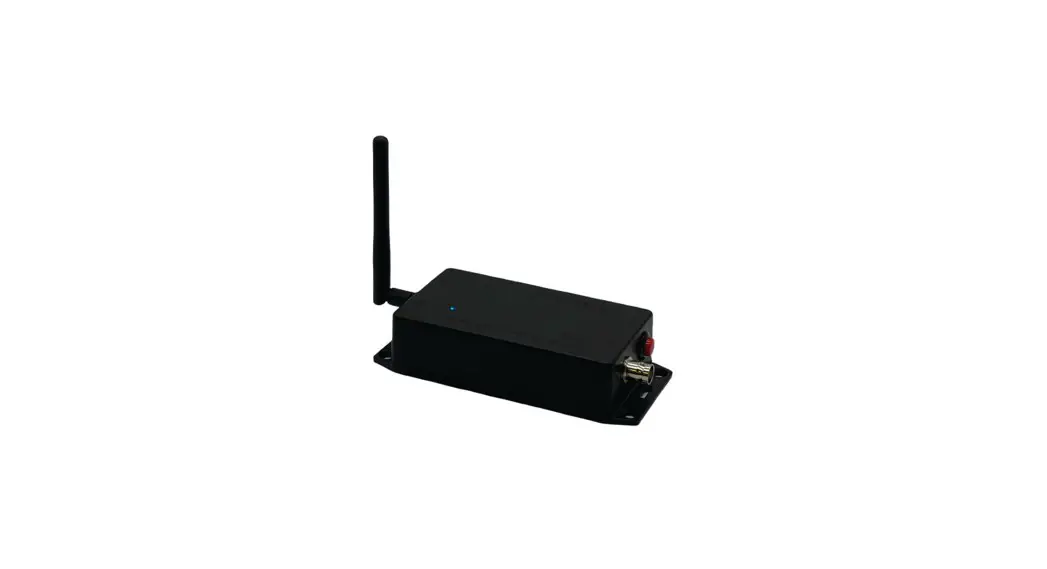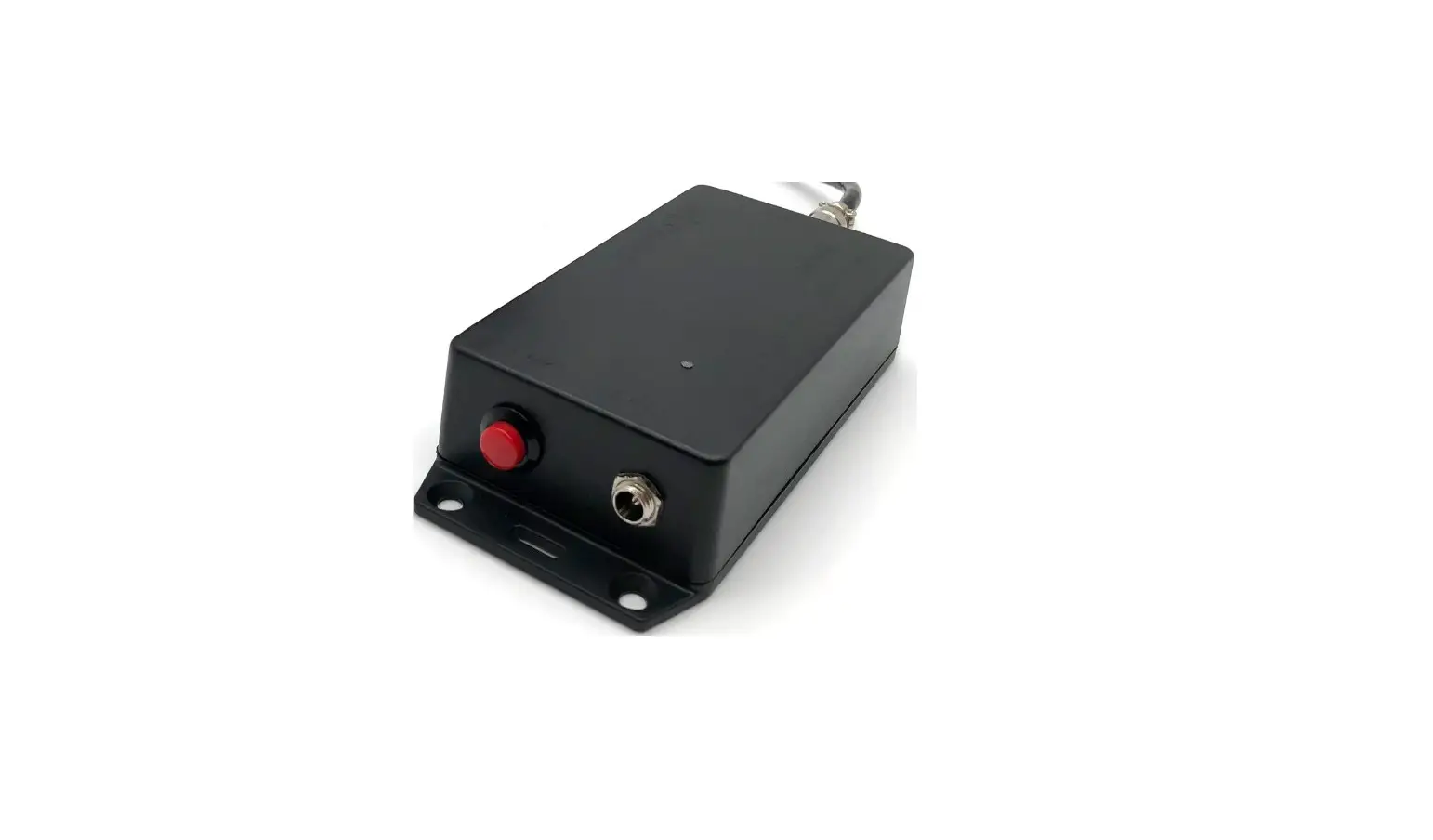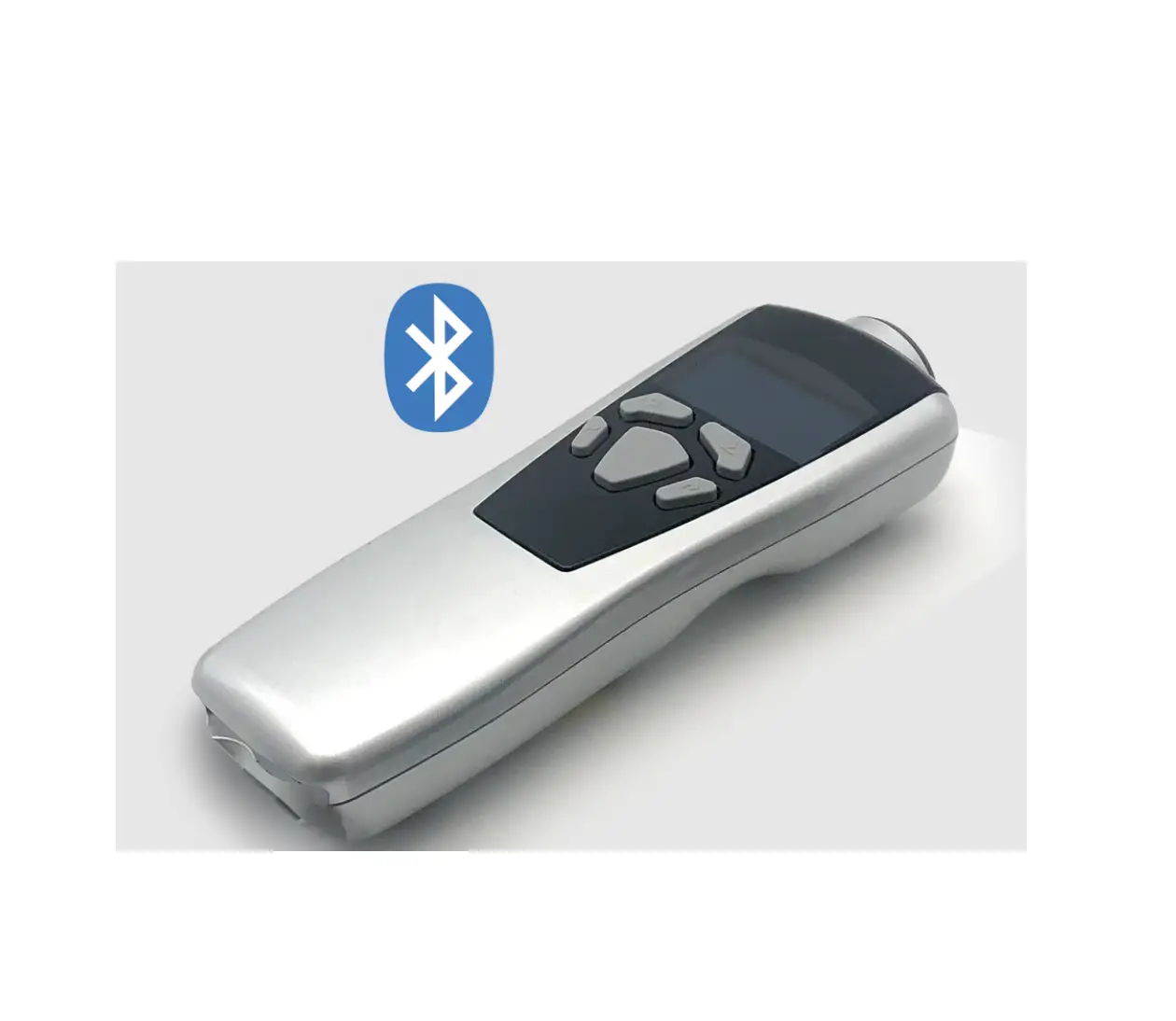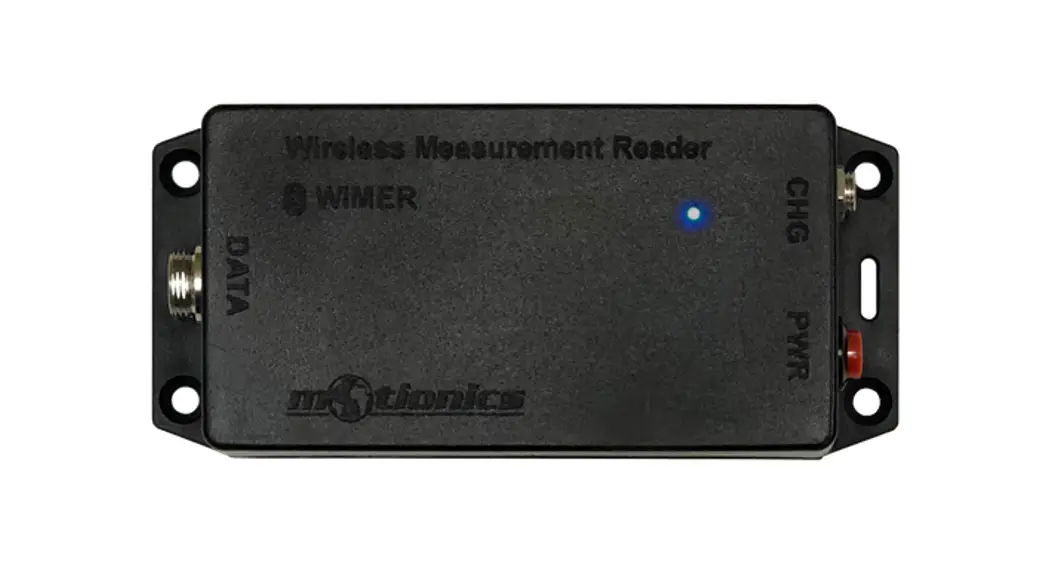
 WiMER5 Wireless Measurement Read
User Guide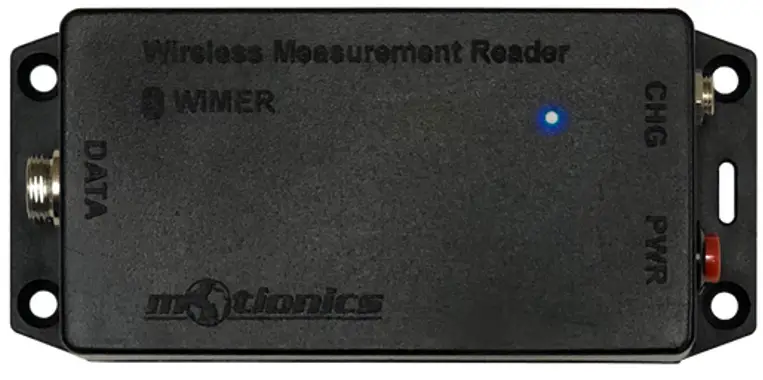 Wireless Measurement Read
WiMER5 User Guide
WiMER5 Wireless Measurement Read
 Important Notes
- Turn o! the device after use. It will NOT turn o! automatically.
- Do NOT open the device. Opening causes permanent damage and voids the warranty.
Description
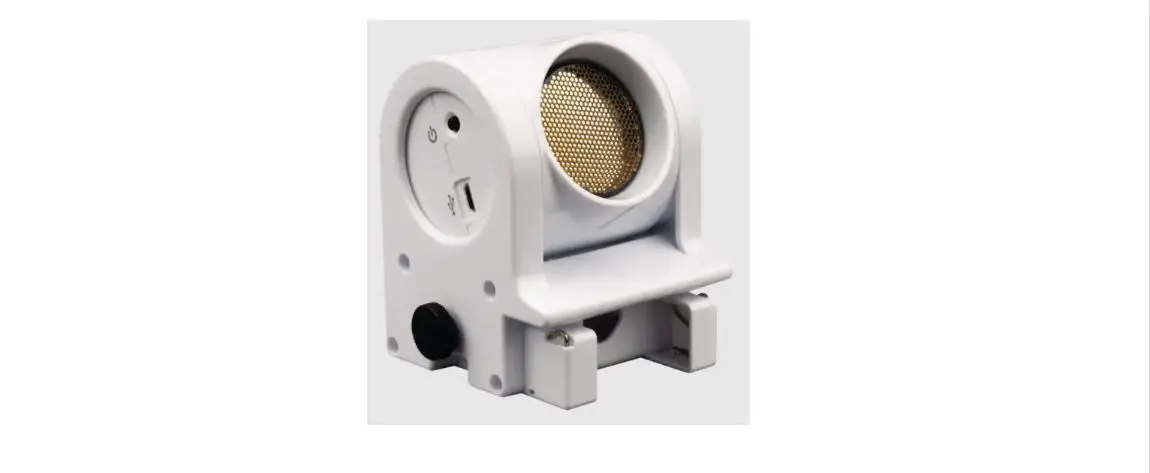
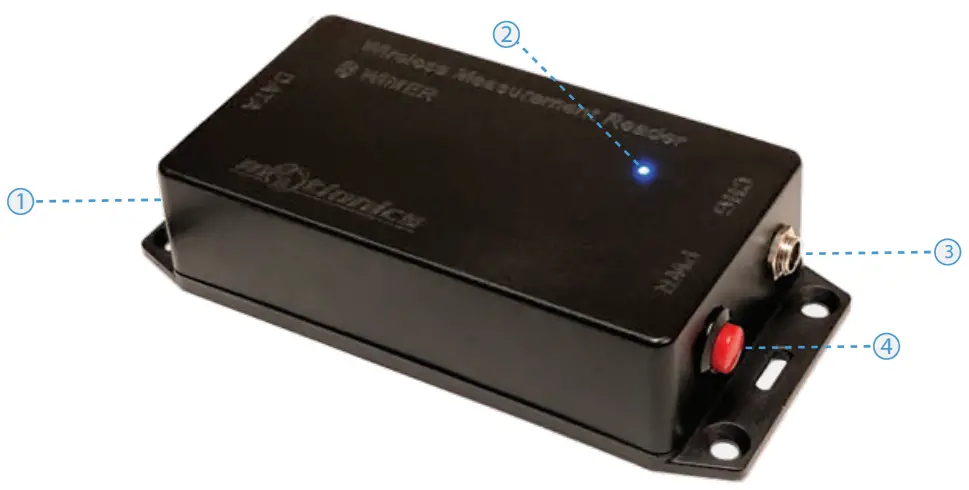
- Sensor Connector – connect to encoder with 5V RS422 output via GX12 connector
- Tri Color LED
 – Device is on (“ashing)/device is connected (solid)
 – Device is in charge
 – Device is fully charged
 - Charge Port – Connect to cable to charge WiMER5
- On/O! Button – Press to turn WiMER5 On/O!
Included in the Package
- WiMER5 Base
- USB Charging Cable
- USB Power Adapter
- User Guide
Compatible Software
- iOS: MultiGage Reader
- Android: MultiGage Reader
- Windows: MultiGage Reader (BLE Dongle Required)
- iOS app can be directly downloaded from the app store for FREE
- Android app can be directly downloaded from the Google Play Store for FREE
- Windows software is available on Motionics website
Quick Start
- Turn on your WiMER5 and connect it to an encoder with 5V RS422 output.
- Plug in USB Bluetooth dongle if using windows PC.
- Run on of the aforementioned App/software.
- In the software, search for nearby devices and connect to WiMERXXXX
- Wait for the app to establish sensor connection and start reading values from WiMER5.
- If it is the #rst time using the device, you may need to tap the device name to enter device setting page.
- In the setting page, select encoder type linear or rotary.
- Enter resolution of the encoder in milimeter or degree and save.
- These settings are saved persistently on WiMER5 even through power cycle.
- There is no need to change the settings again unless you are using a di!erent encoder.
Motionics, LLC
www.motionics.com
[email protected]
8500 Shoal Creek Blvd Building 4 Suite 209, Austin, TX, 78757
© 2020 Motionics, LLC.
All rights reserved. Made in the U.S.A
 Motionics LLC – Smart Tools for Monitoring and Diagnostics of Machinery