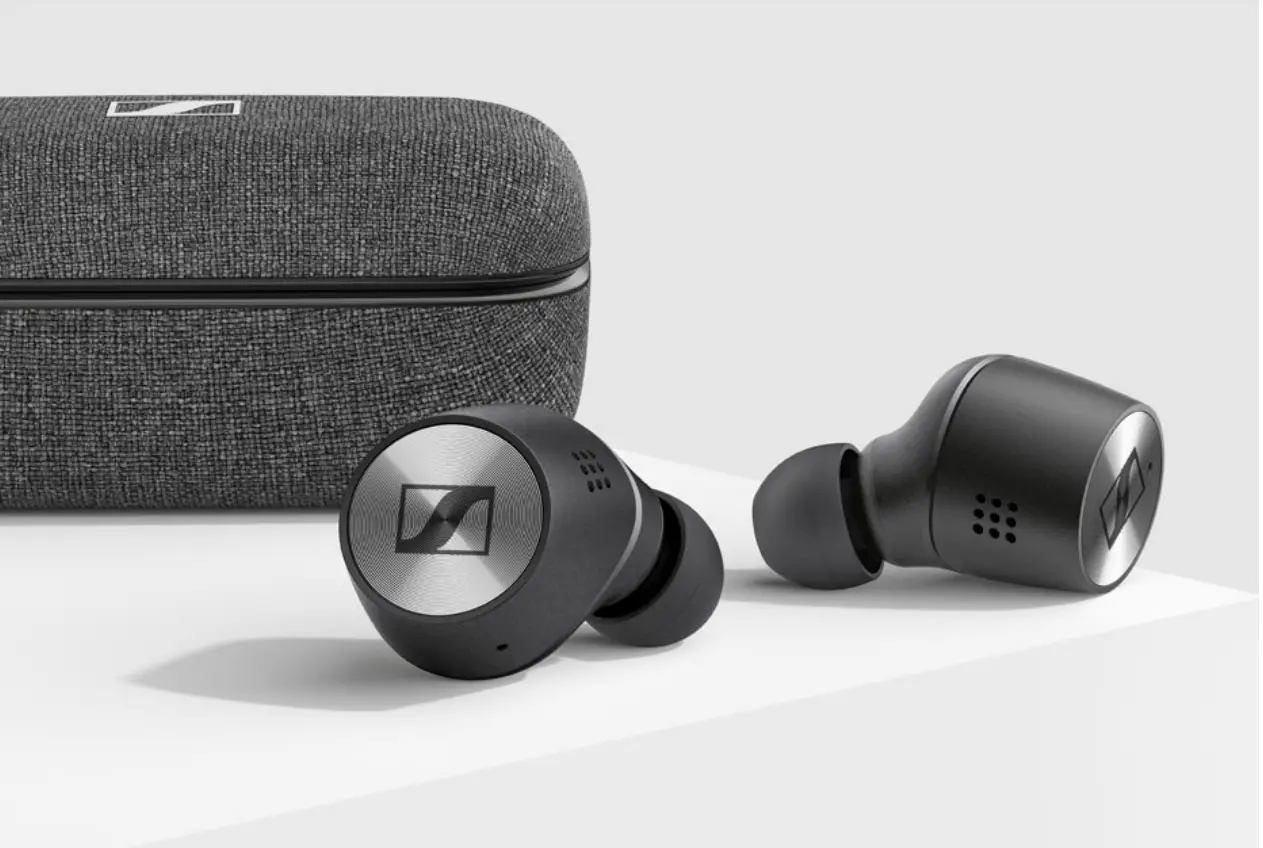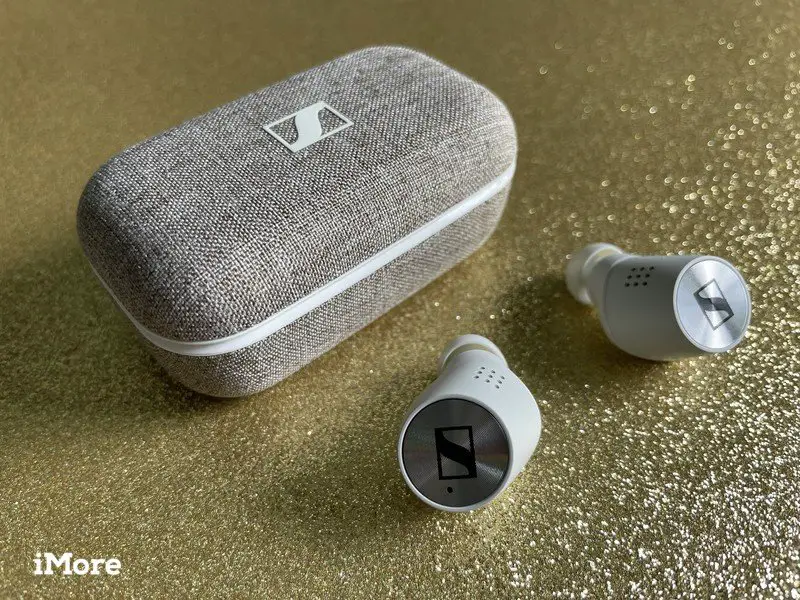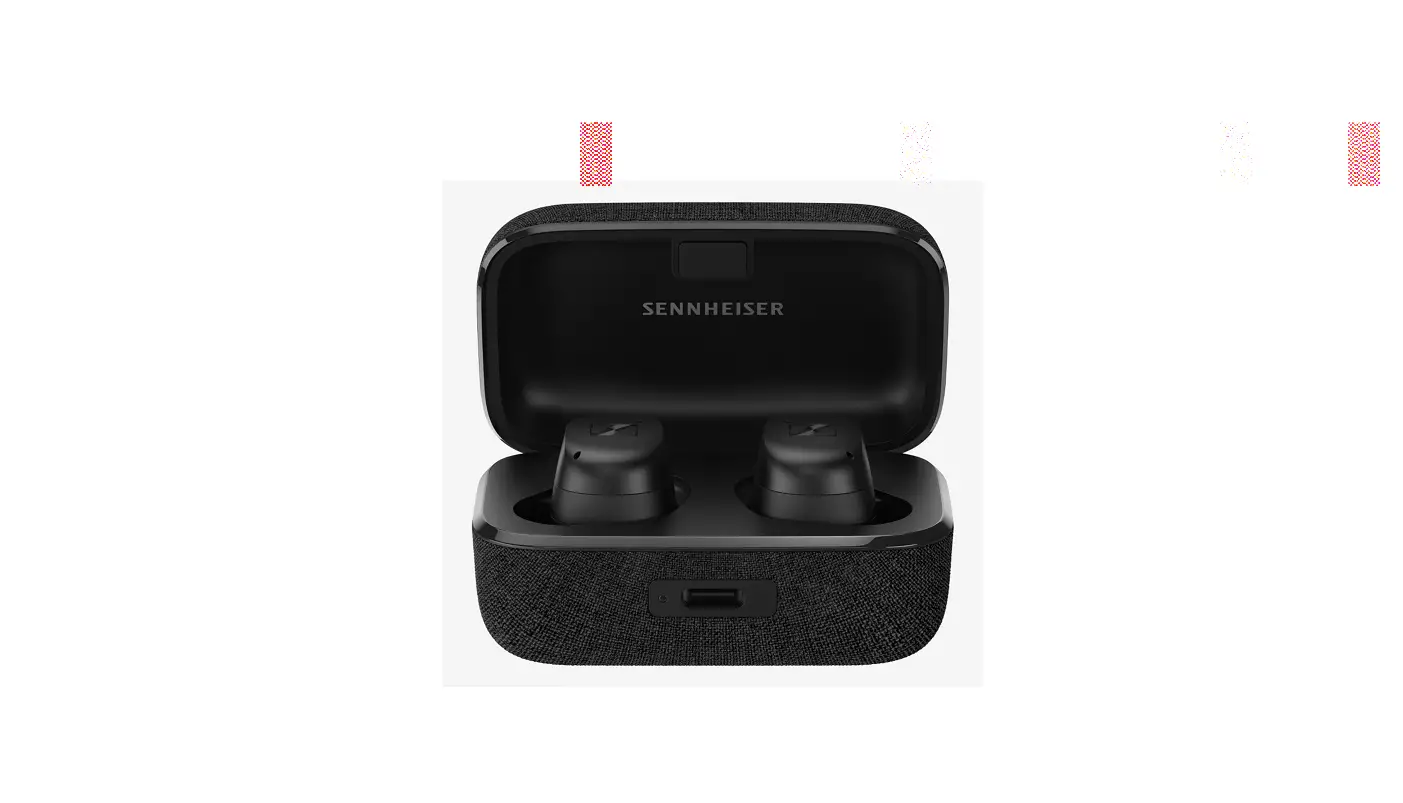

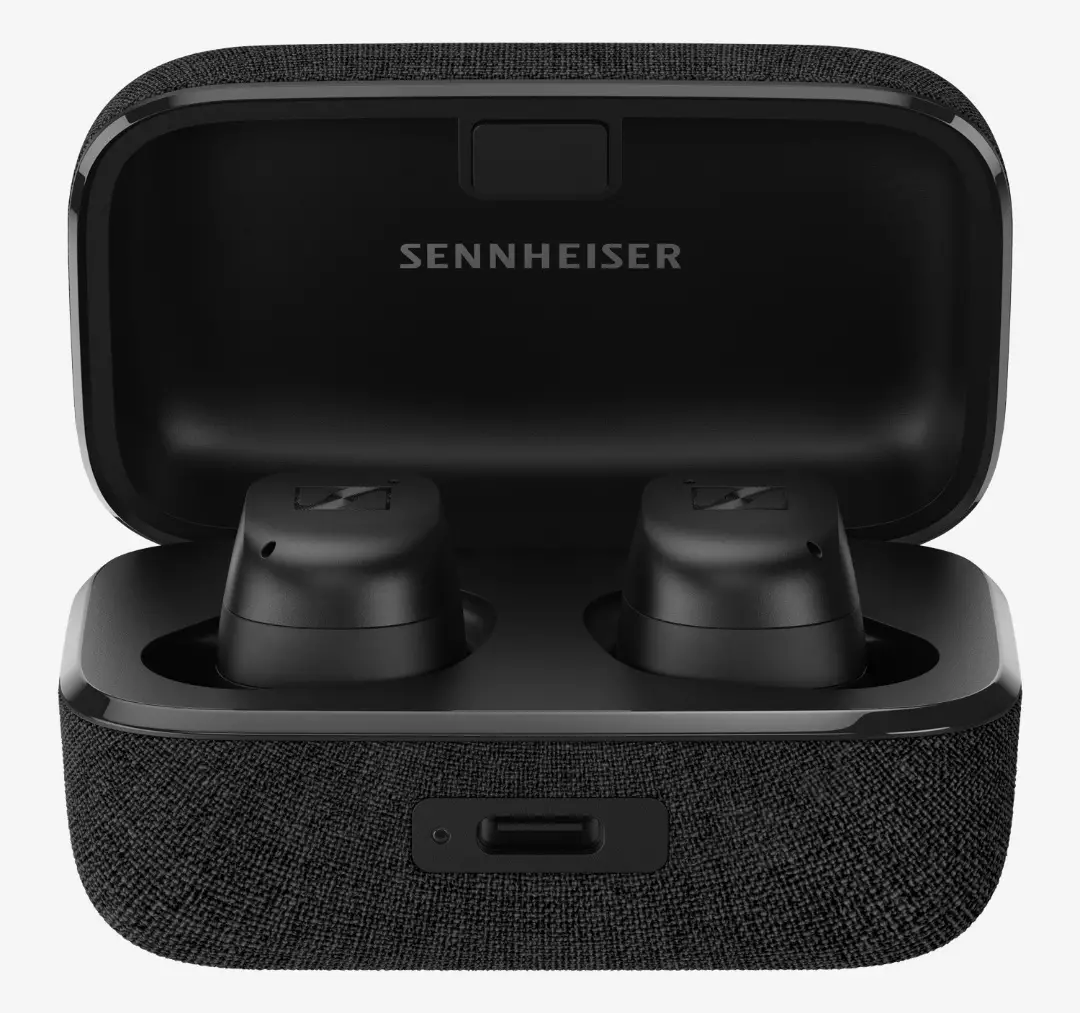
Sennheiser MTW3R MOMENTUM Wireless
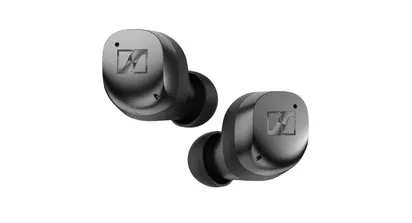
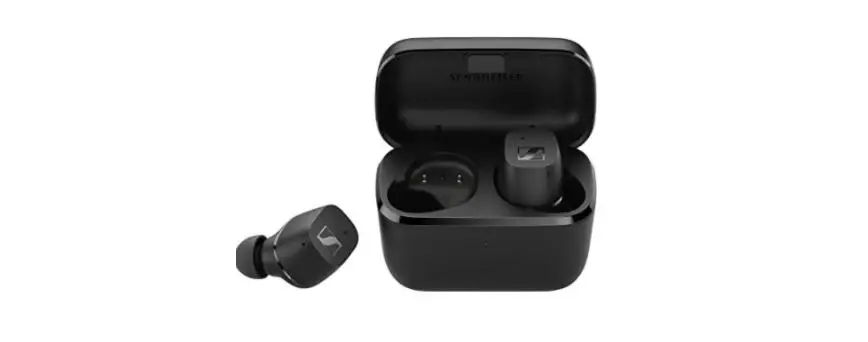
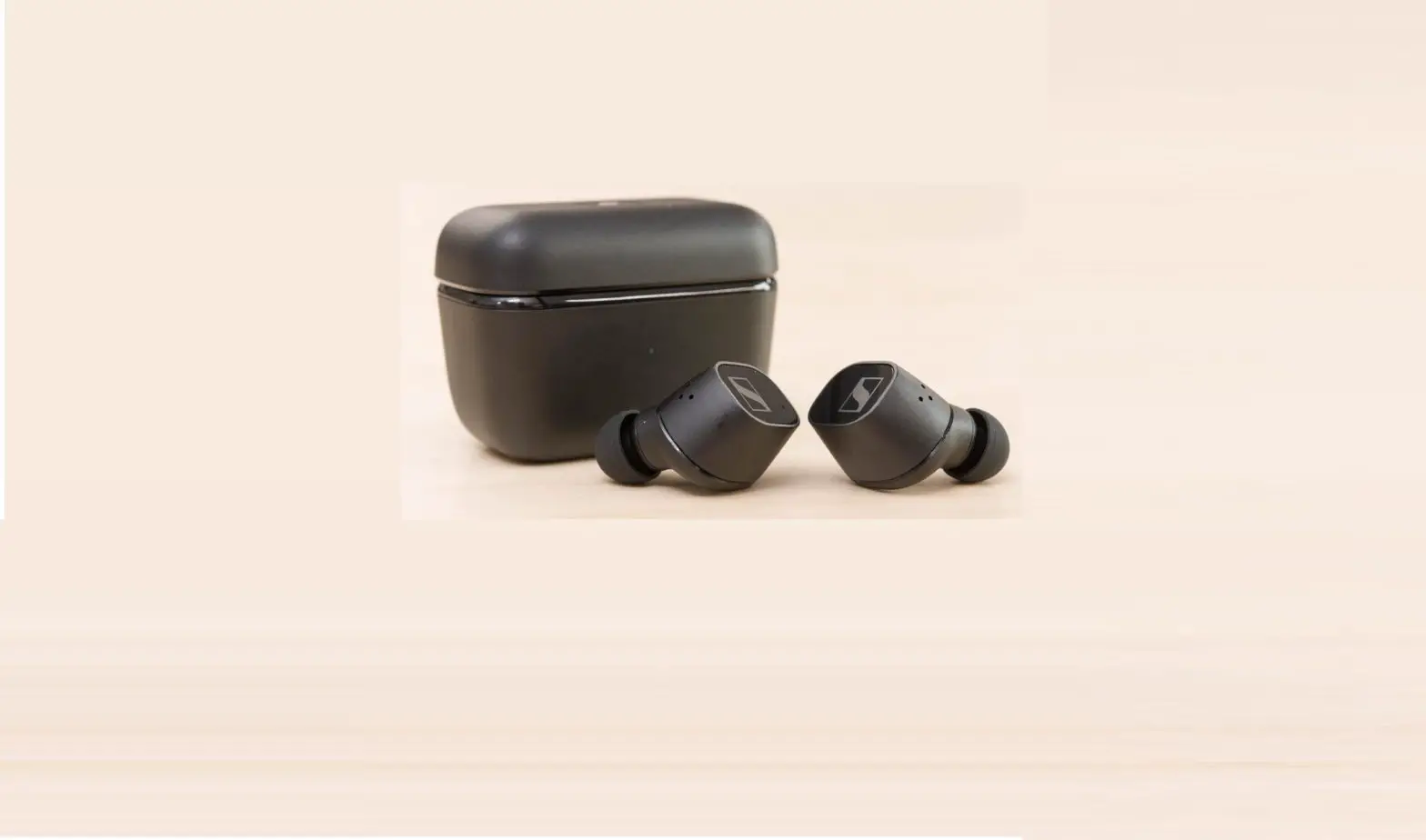
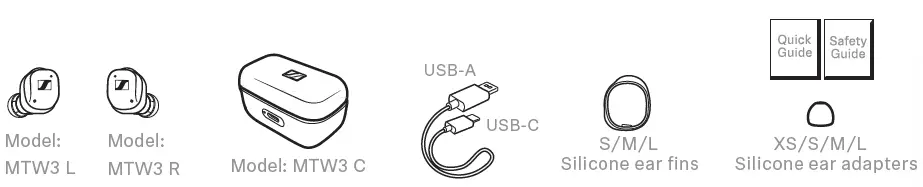
Package includes
Charging
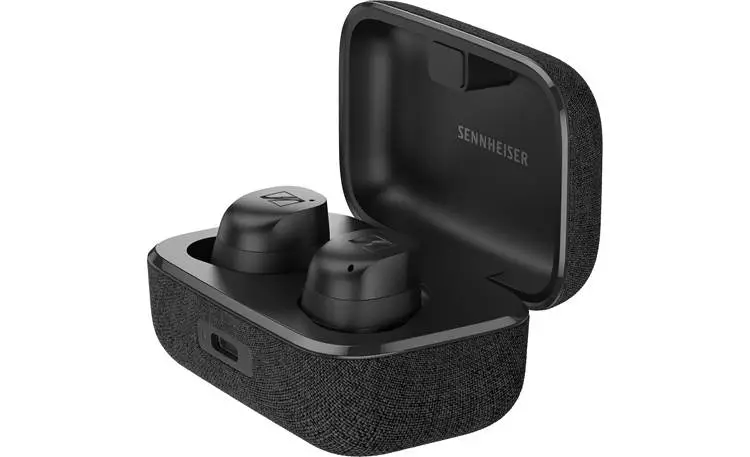
Connect a USB power source or place the charging case centered on a wireless charging area.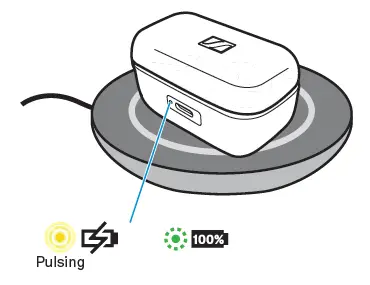
Wake up the batteries
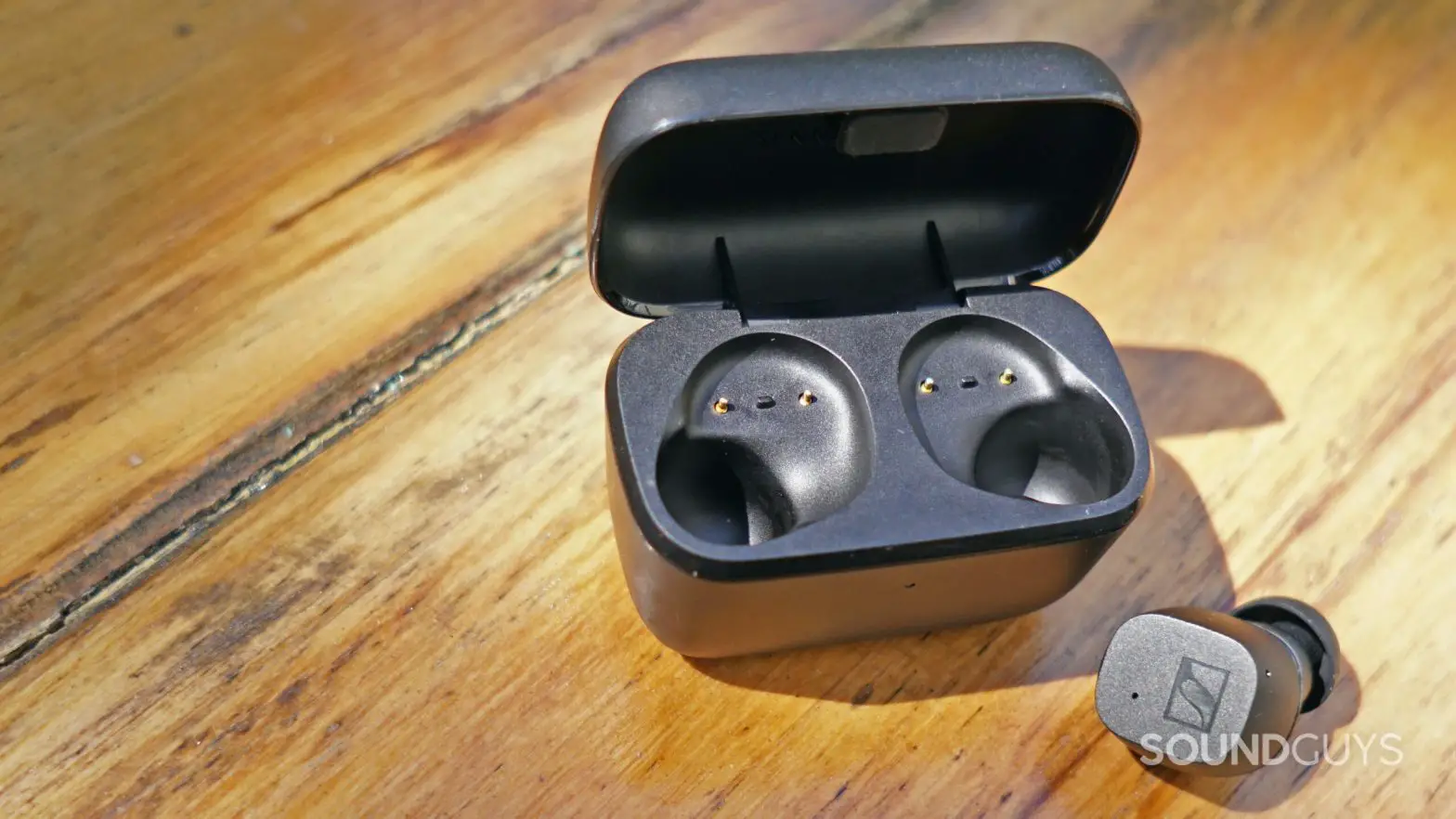
Insert the earbuds into the charging case and connect a USB power source.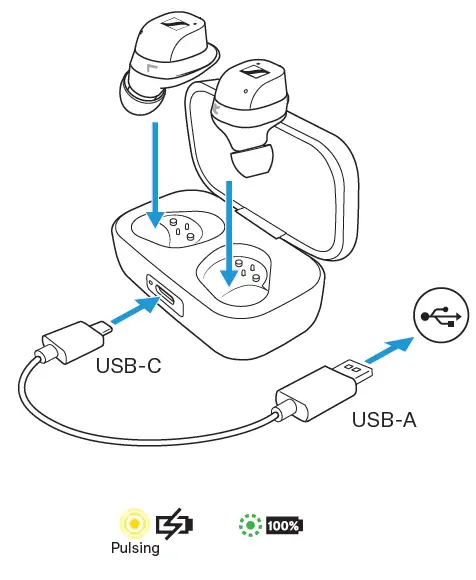
Wear
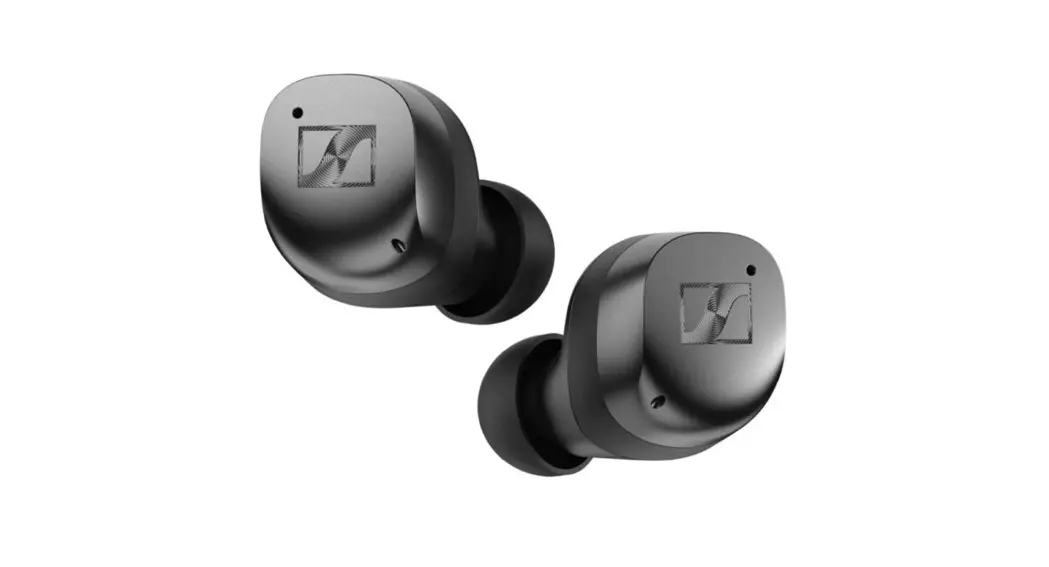
Insert the earbuds into the ears with a slight twist. Try different adapters and ear fins for the best fit of the earbuds.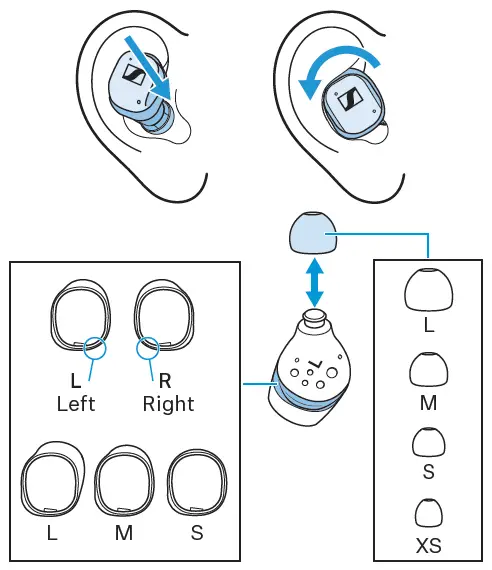
Pair
Touch and hold both earbuds for 3 seconds to start Bluetooth® pairing.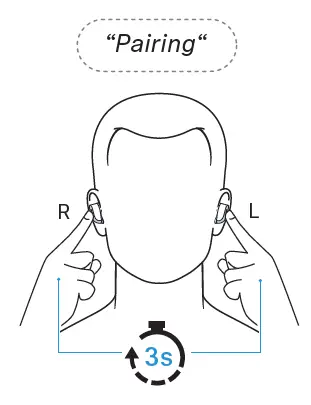
Connect
Open the Bluetooth settings and search for “MOMENTUM TW 3”.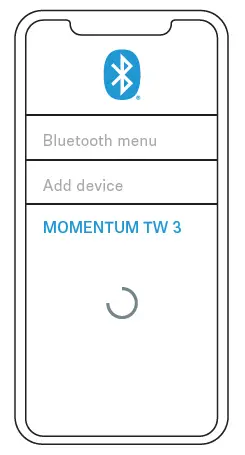
Download the app
Fine-tune your listening experience and update the earbuds using the app.
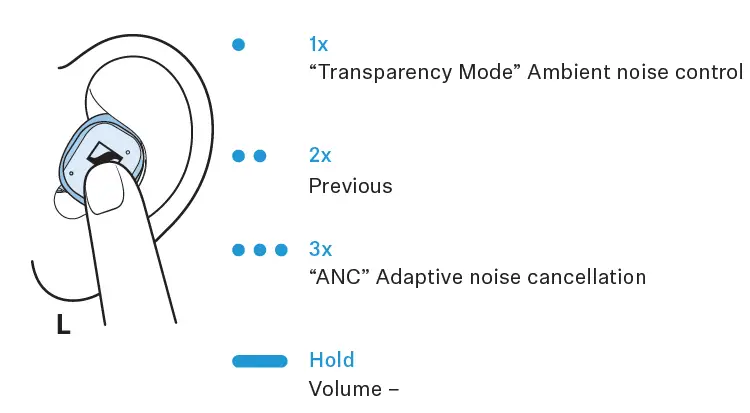
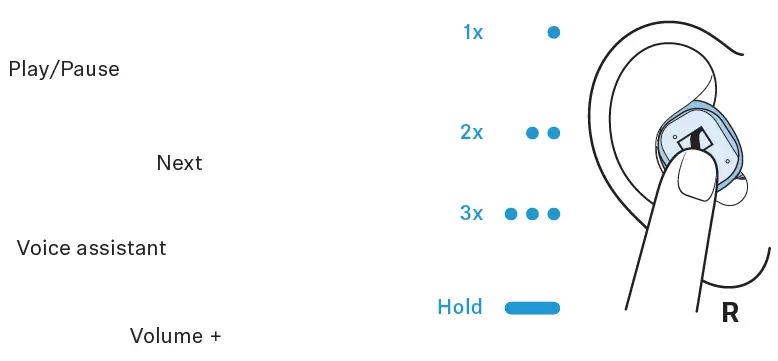
Touch control
- Transparency Mode” Ambient noise control
- Previous
- ANC” Adaptive noise cancellation
- Volume –
- Play/Pause
- Next
- Voice assistant
- Volume +


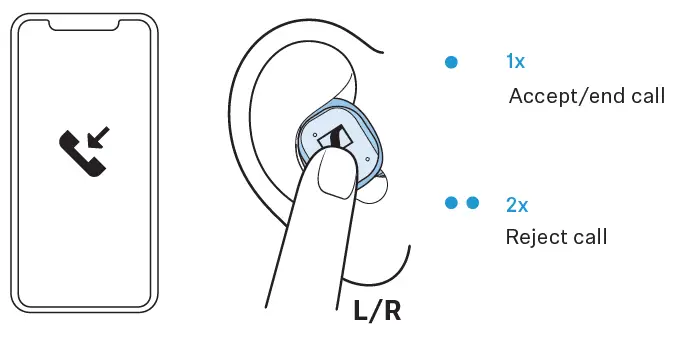
Phone calls
- Accept/end call
- Reject call

 Official website and online shop | Sennheiser