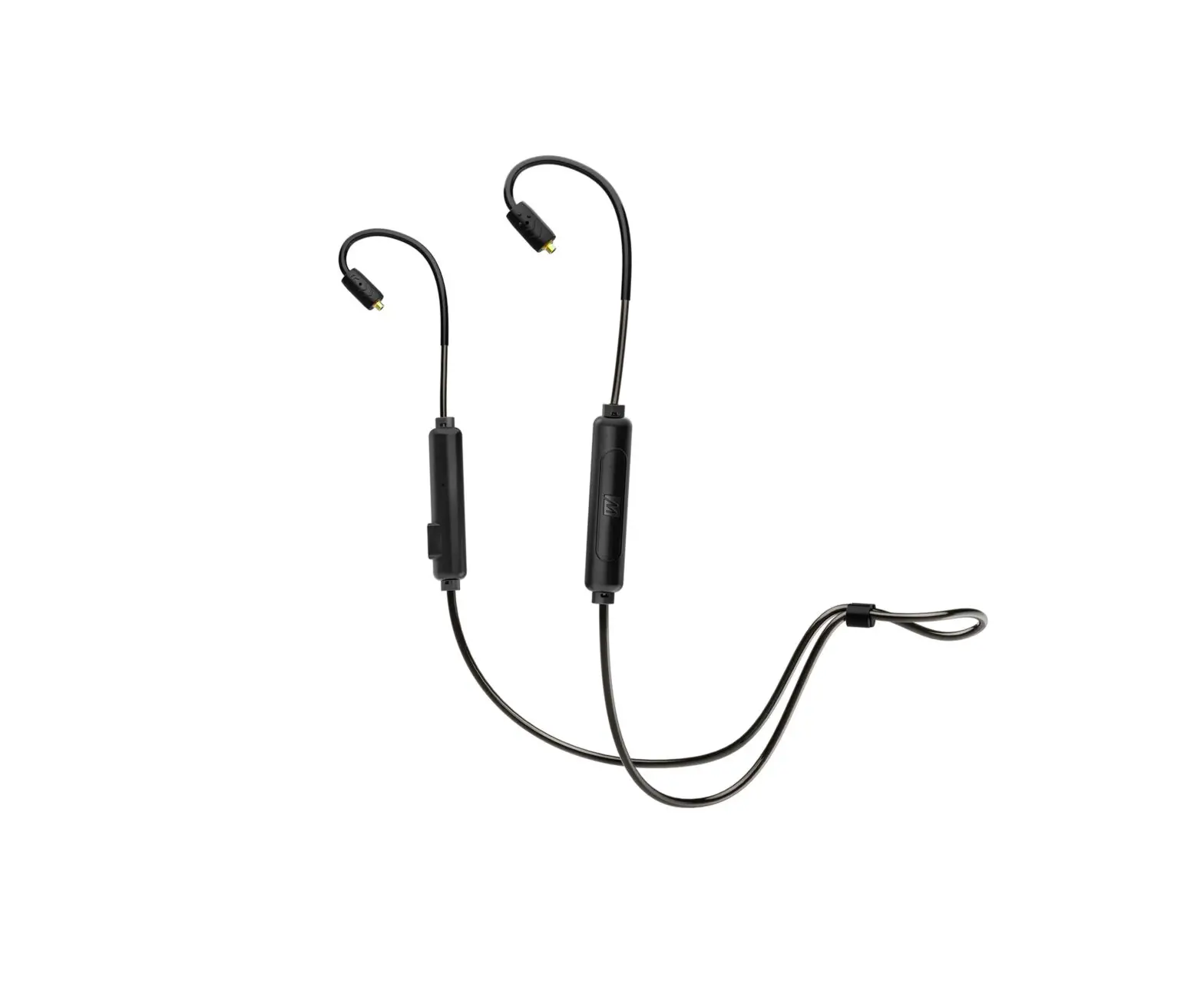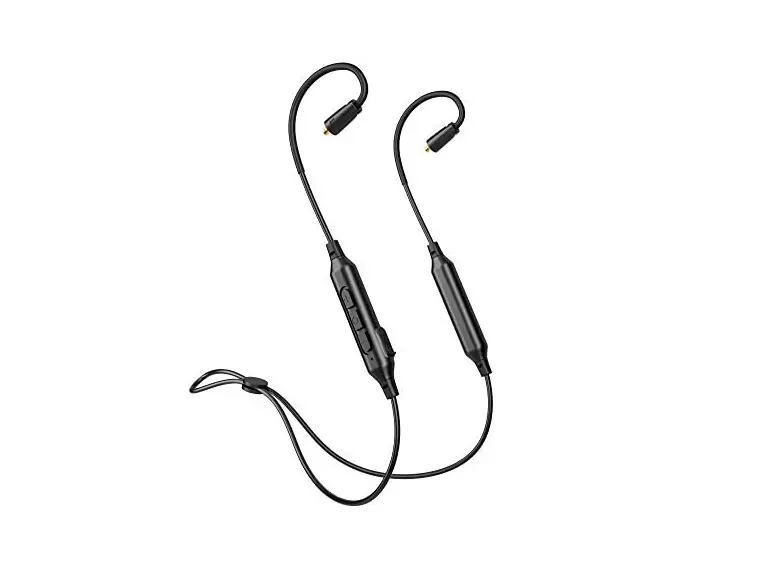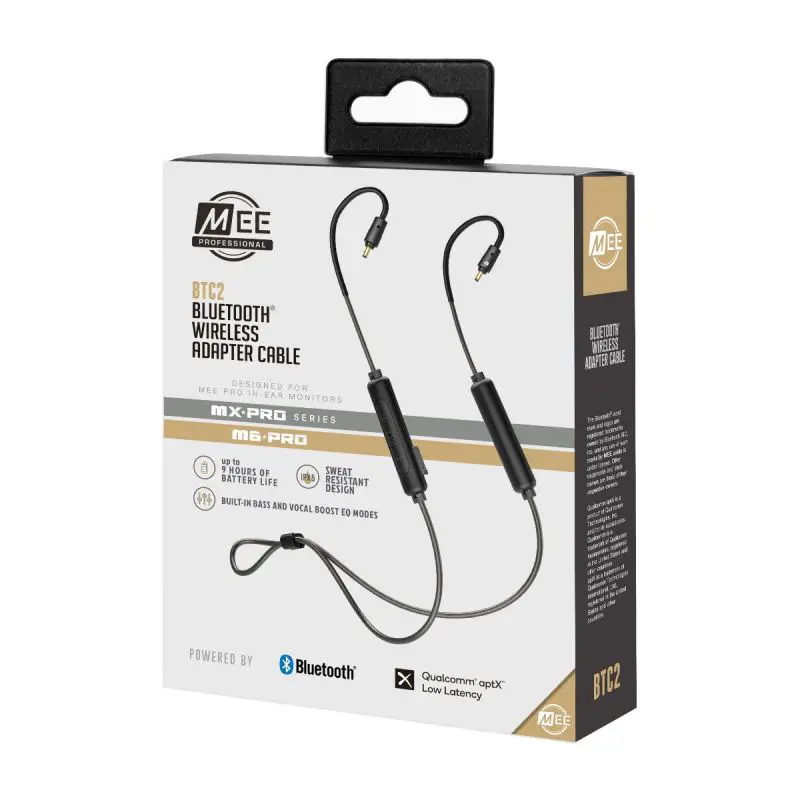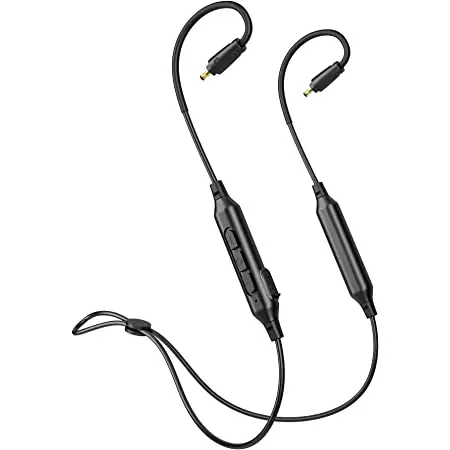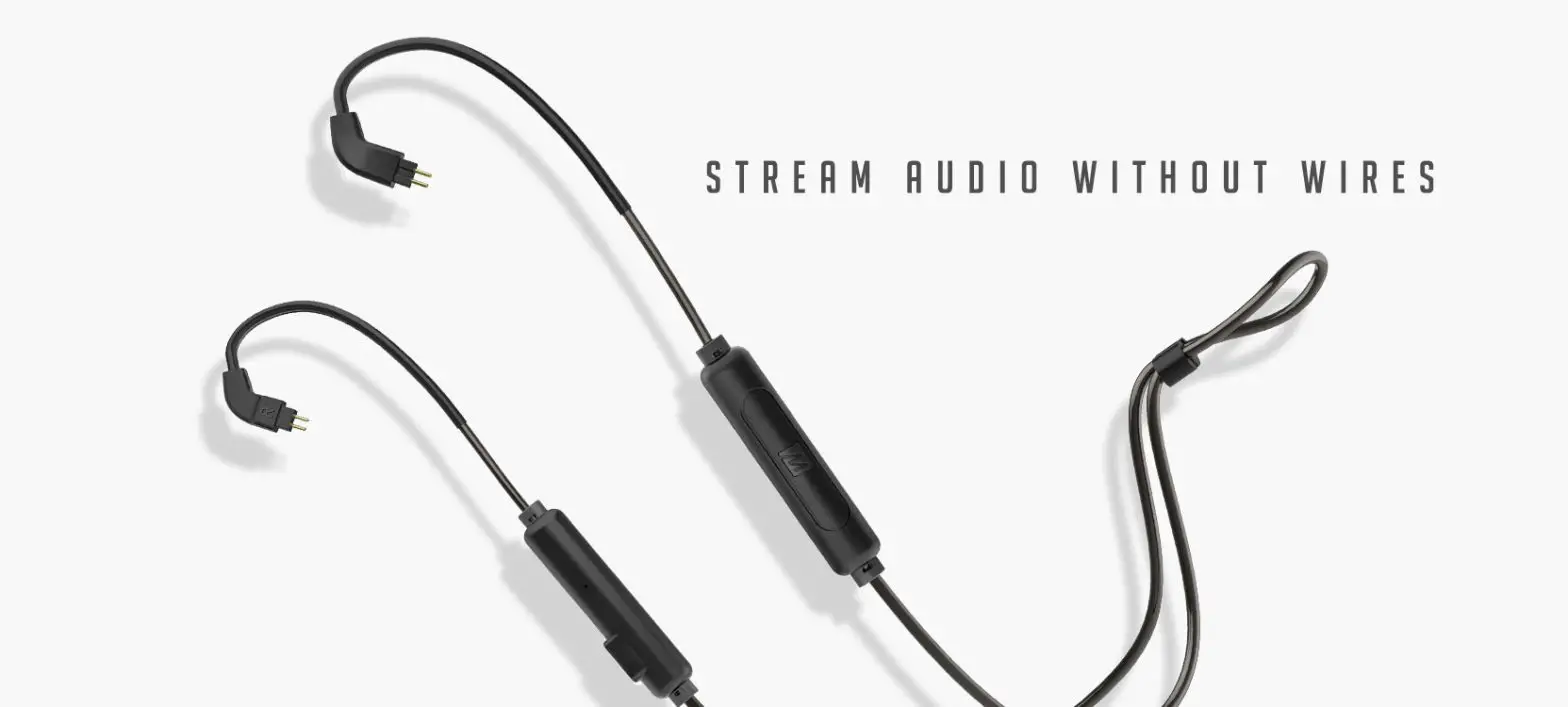
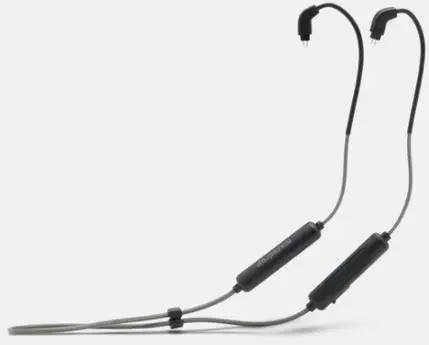
MEE audio massdrop 2-Pin Bluetooth Cable
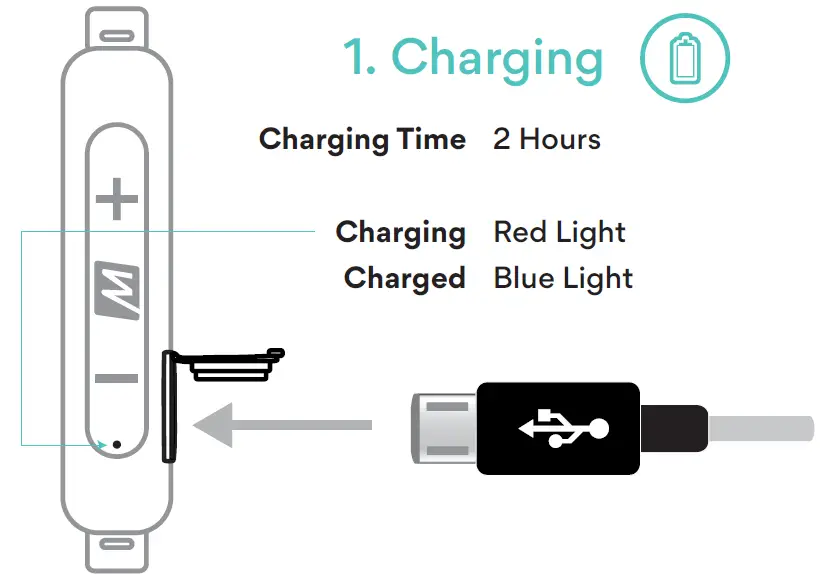
Charging
Pairing
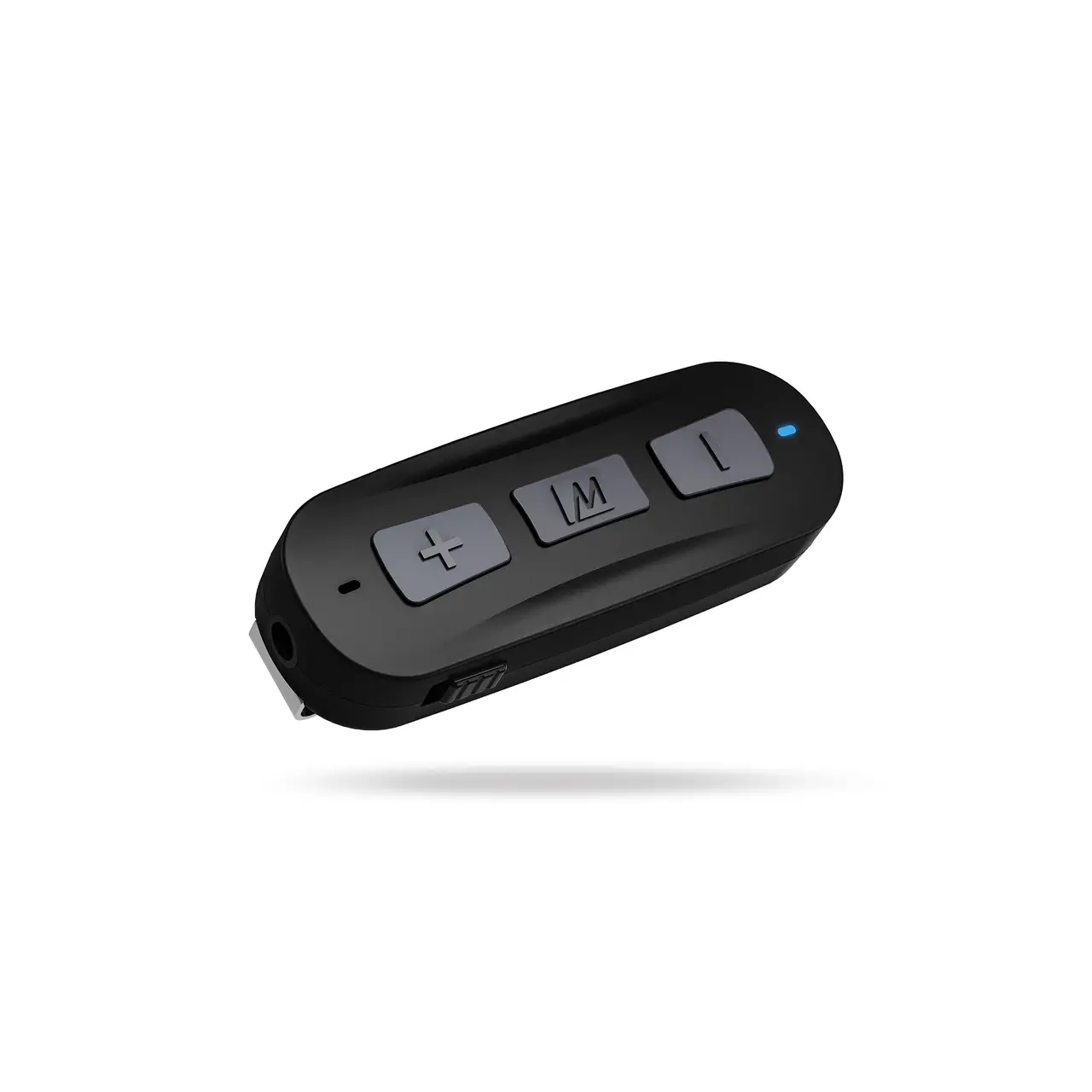
Press and Hold for 5 Sec Pairing Mode
In Pairing Mode Red and Blue Flashing Lights
Select Massdrop x MEE BT Cable in your device’s Bluetooth menu
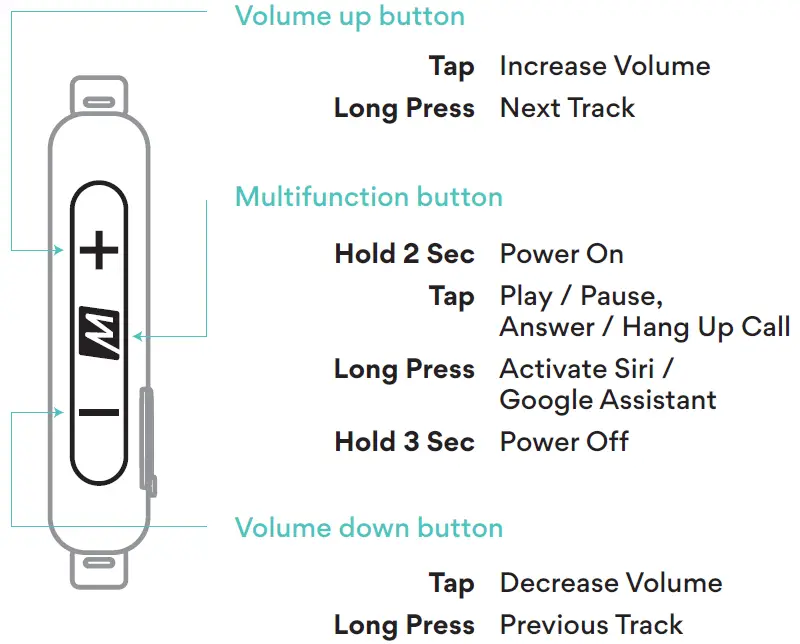
Controls
Factory Reset
To perform a factory reset first put the adapter in standby mode (powered on but not connected). To do this, turn off Bluetooth or delete the Massdrop x MEE BT Cable pairing from any previously-paired Bluetooth devices in range.
Once in standby mode, press and hold the multifunction and volume down buttons simultaneously for 3 seconds until you hear “Memory Cleared”. All previously paired devices will be cleared from memory and the adapter will automatically enter pairing mode.