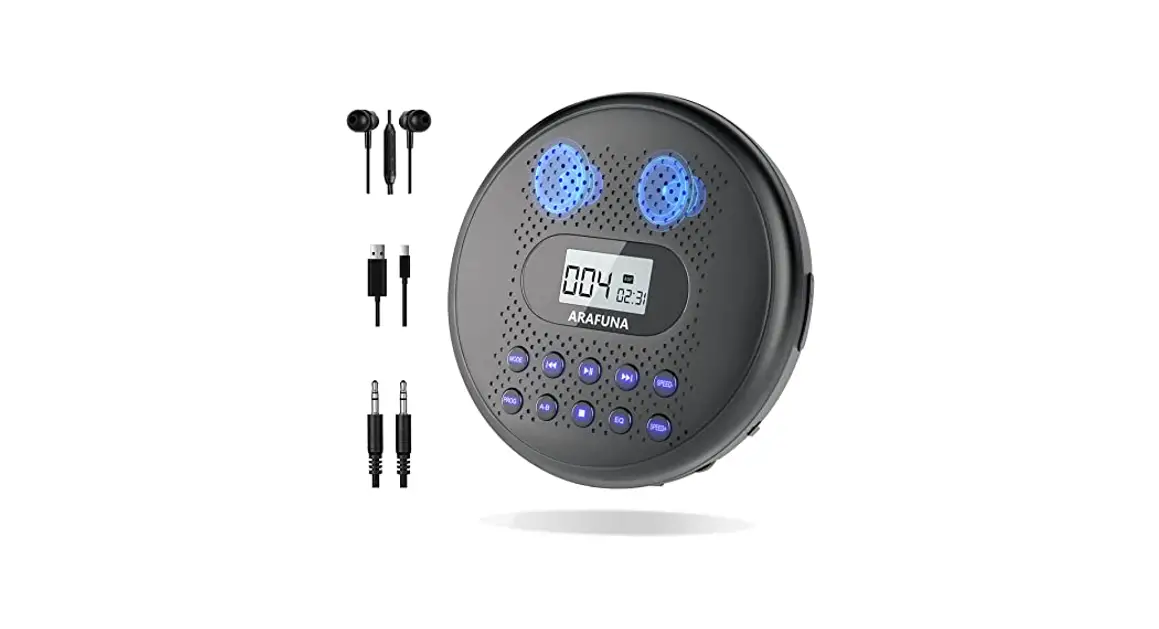
Quick Start Guide
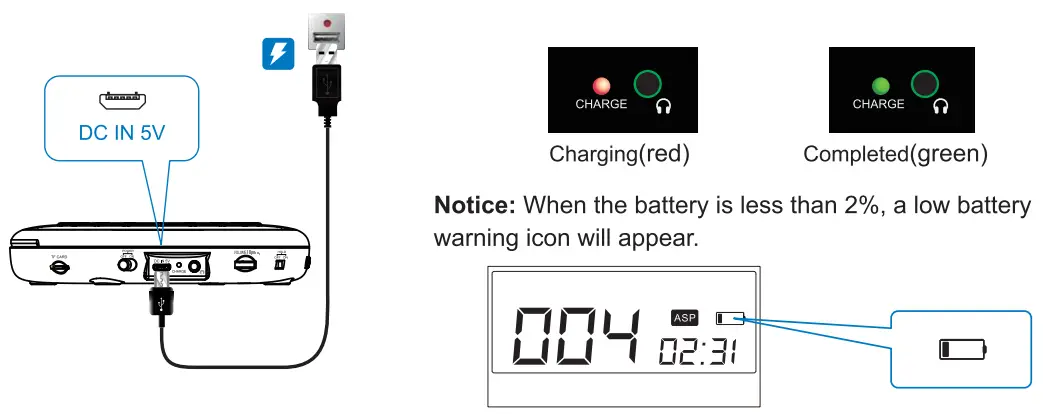
charge
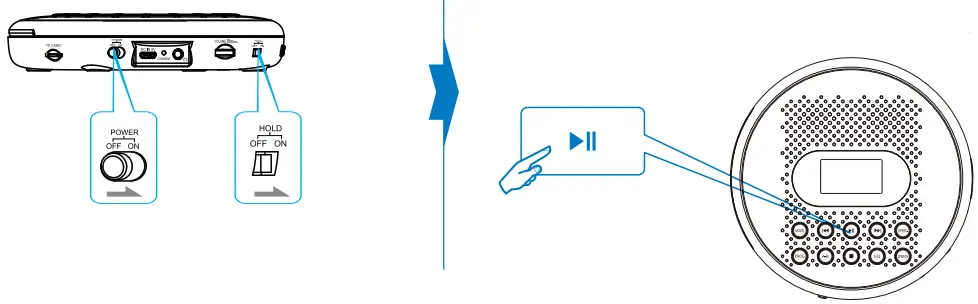
Power On
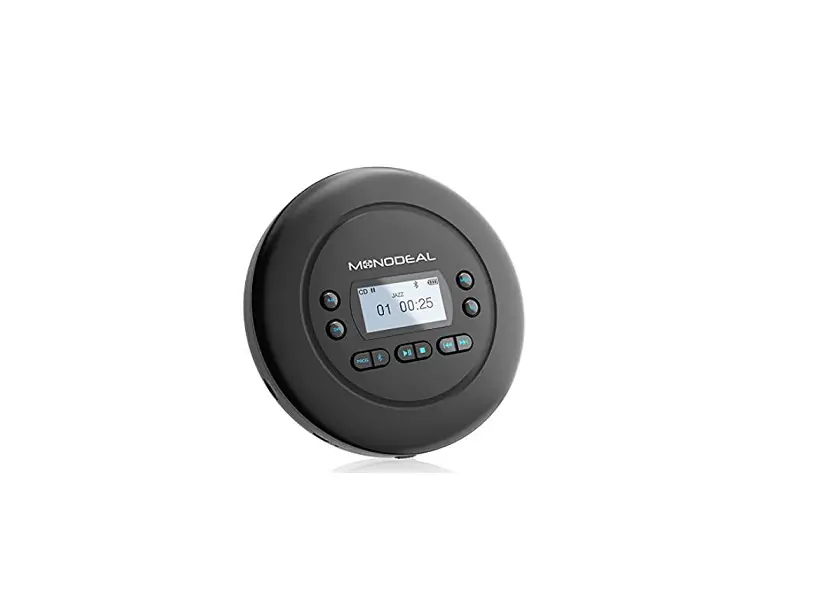
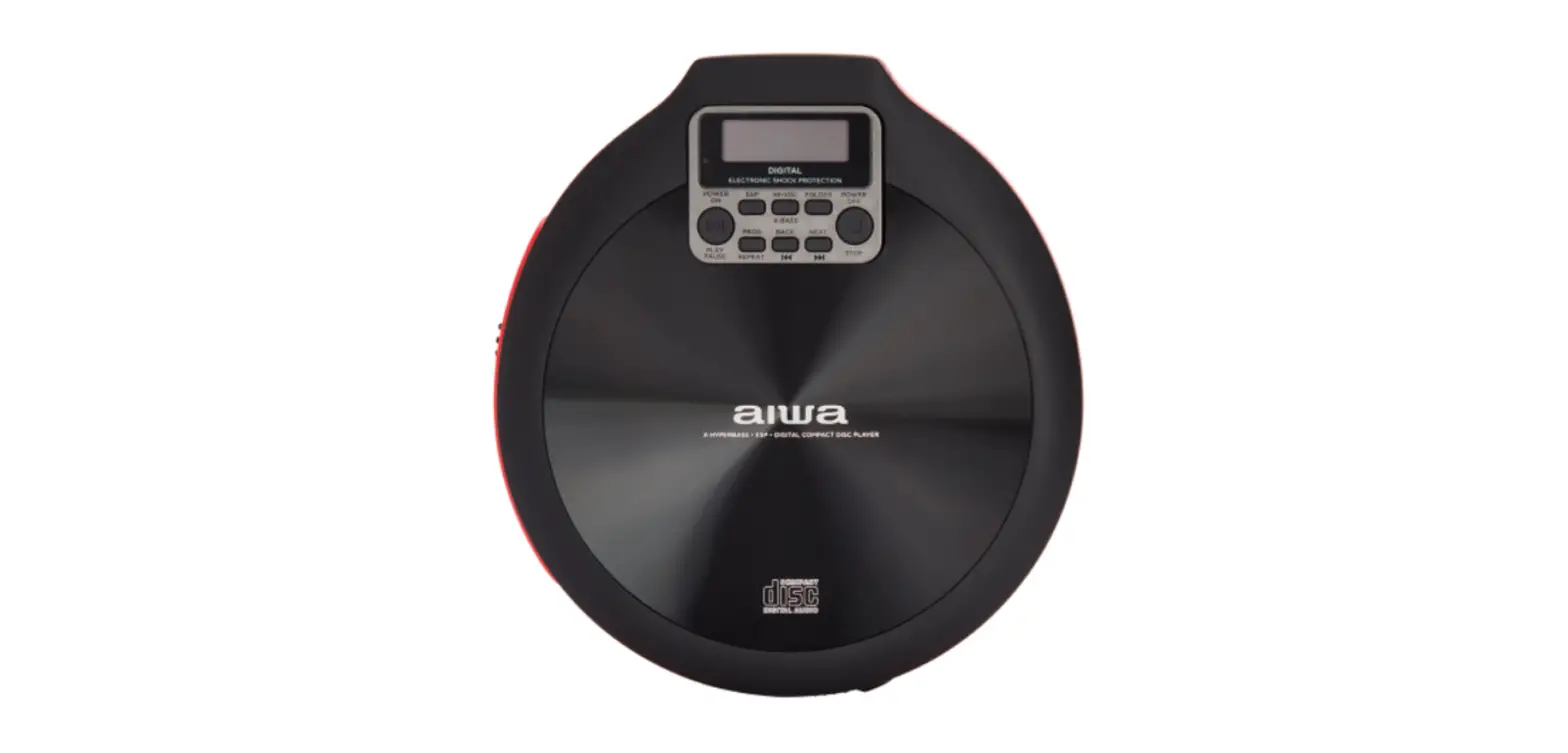
Push the power switch to the ON position to turn on the player. The player will enter standby mode after 30 seconds if there is no operation. please press  restarts it. HOLD: The switch has a key lock function which is designed to lock the operation of all the keys.
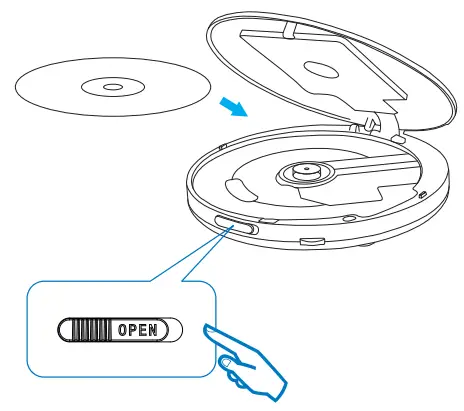
Play Disc
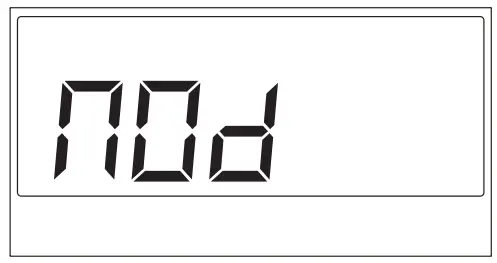
Notice: When the NOd is displayed on the screen:
- No disc: Please check if the disc is placed in the player;
- Wrong disc: Please check if the disc is CD (DVD/BO is not supported.).
Last Memory
The last memory function is turned on by default. Long Press [PROG] button for 3 seconds to turn on/off the last memory function. The ON or OFF will be displayed on the screen at this time.
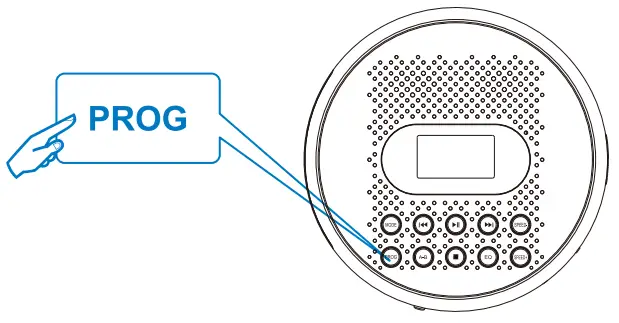
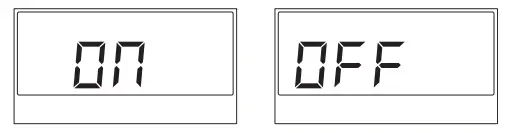 ON: After the player is turned off and restarted, it will be returned to the last stop track on the disc.
OFF: After the player is turned off and restarted, it will start playing from the first track on the disc.
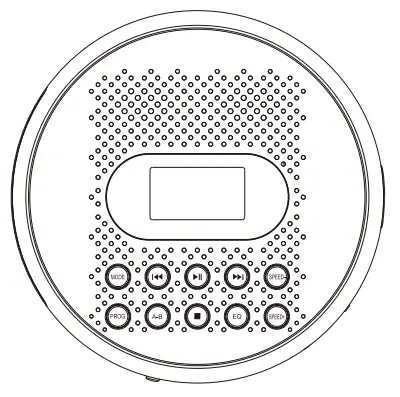
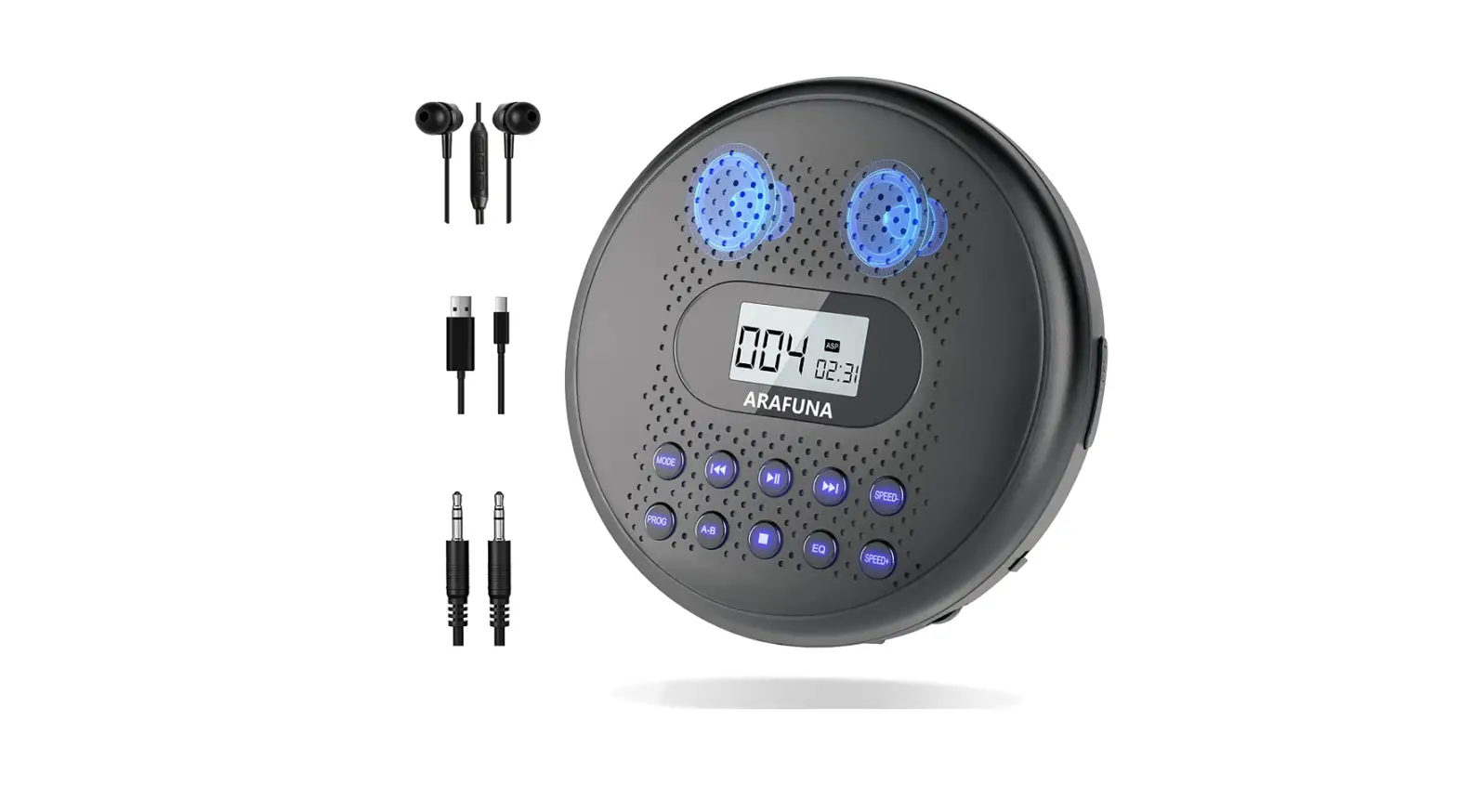
 | REP1, ALL, SHUF, INTRO |
 | Adaptive equalizer |
 | Repeat point A to point B |
 | customize the track catalog |
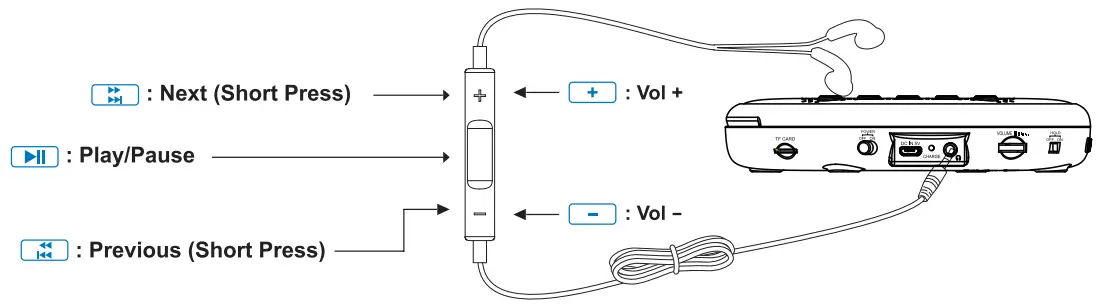
 | Next (Short Press)/ Fast Forward (Long Press) |
 | Previous (Short Press)/ Fast rewind (Long Press) |
 | Stop (It will start playing from the first track by pressing STOP) |
 | Play/Pause(lt will resume play from the last stop rack by pressing PLAY/PAUSE) |
 | Speaking slowly |
 | Speaking fast |
Line Control Functions