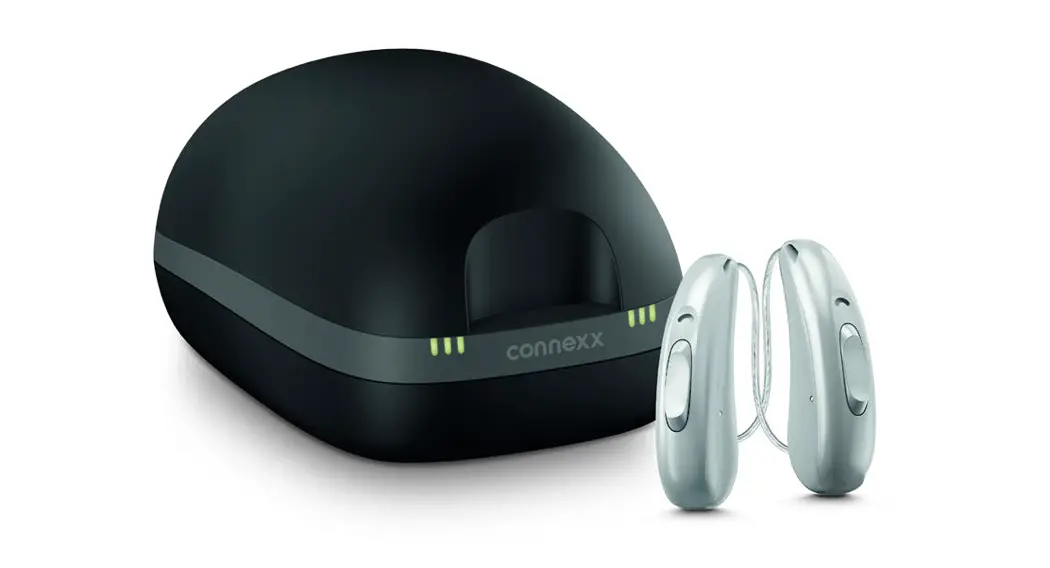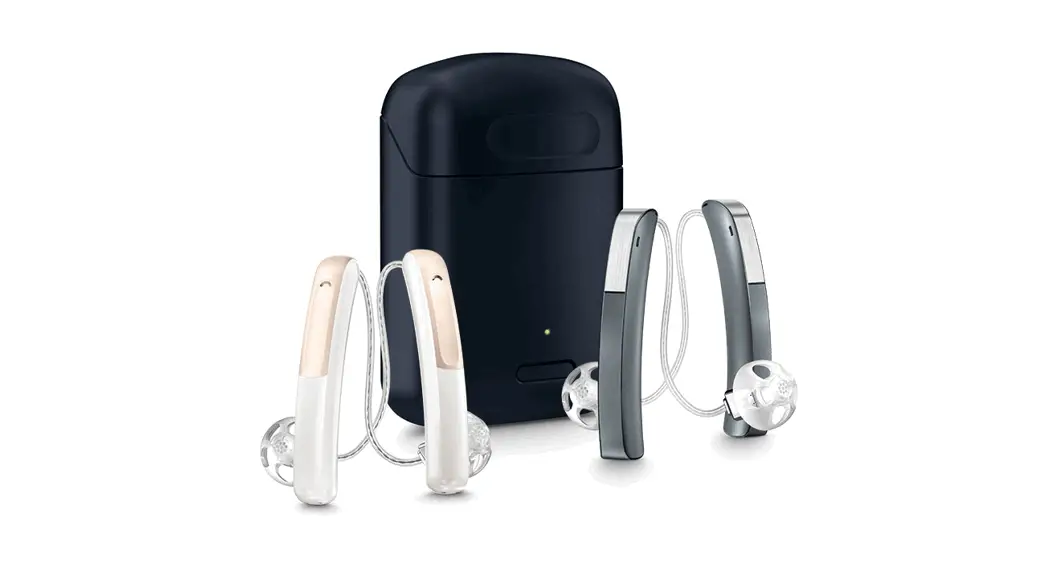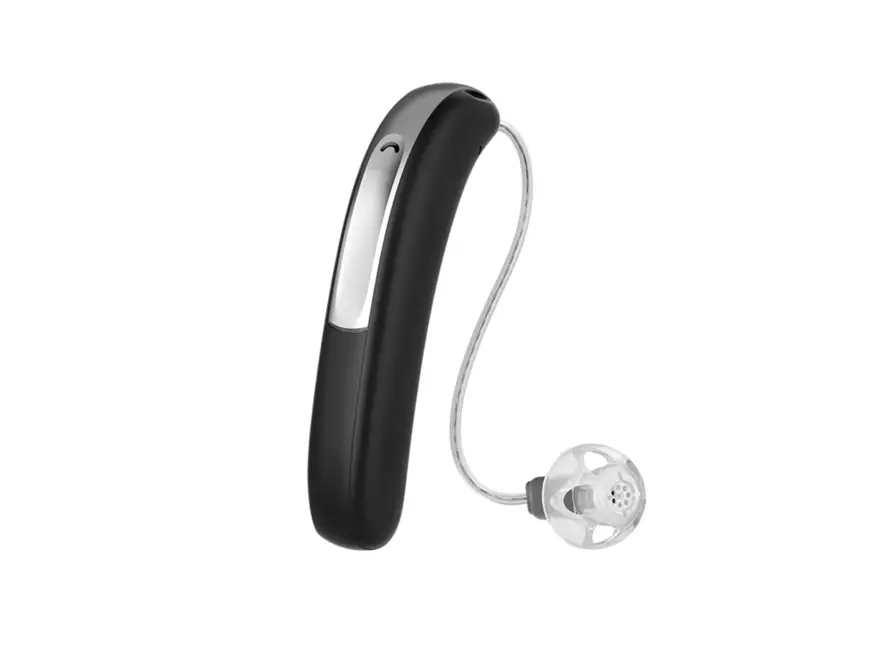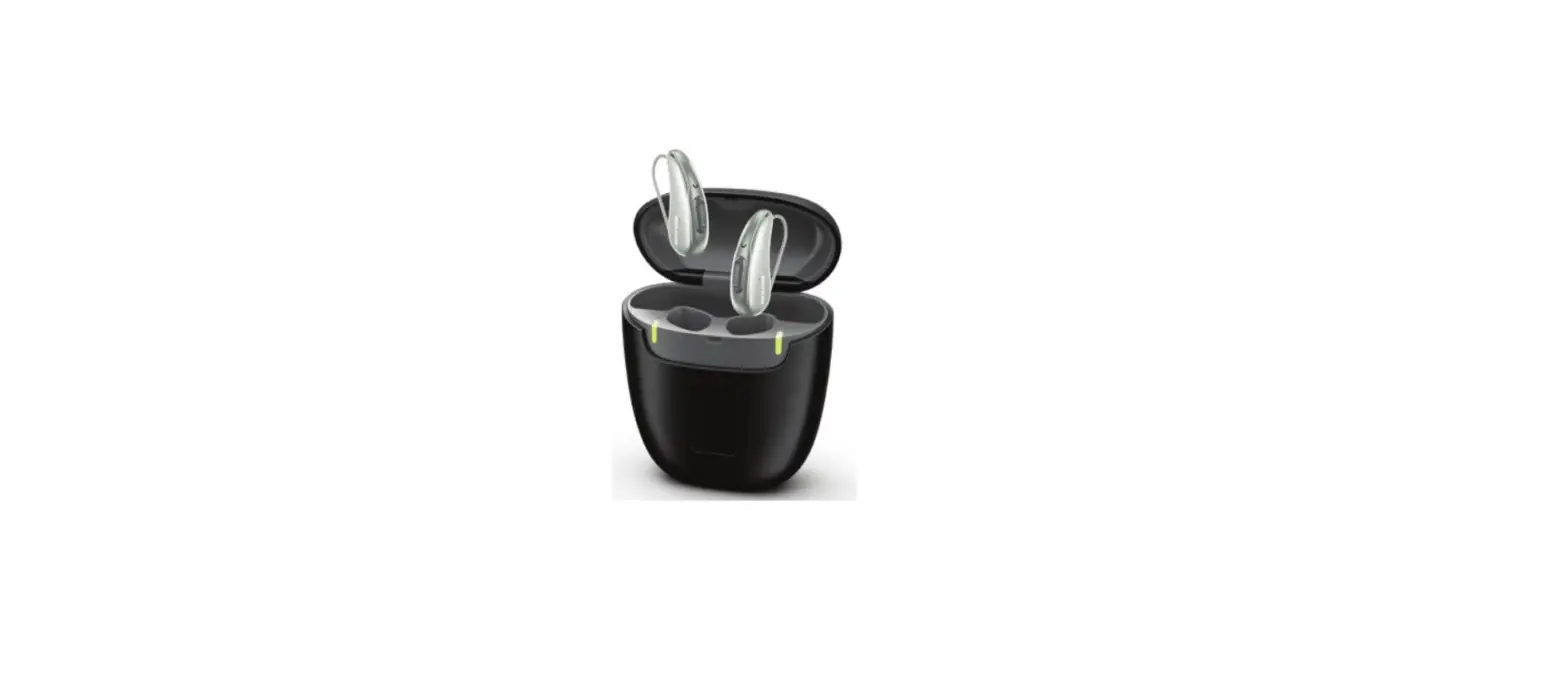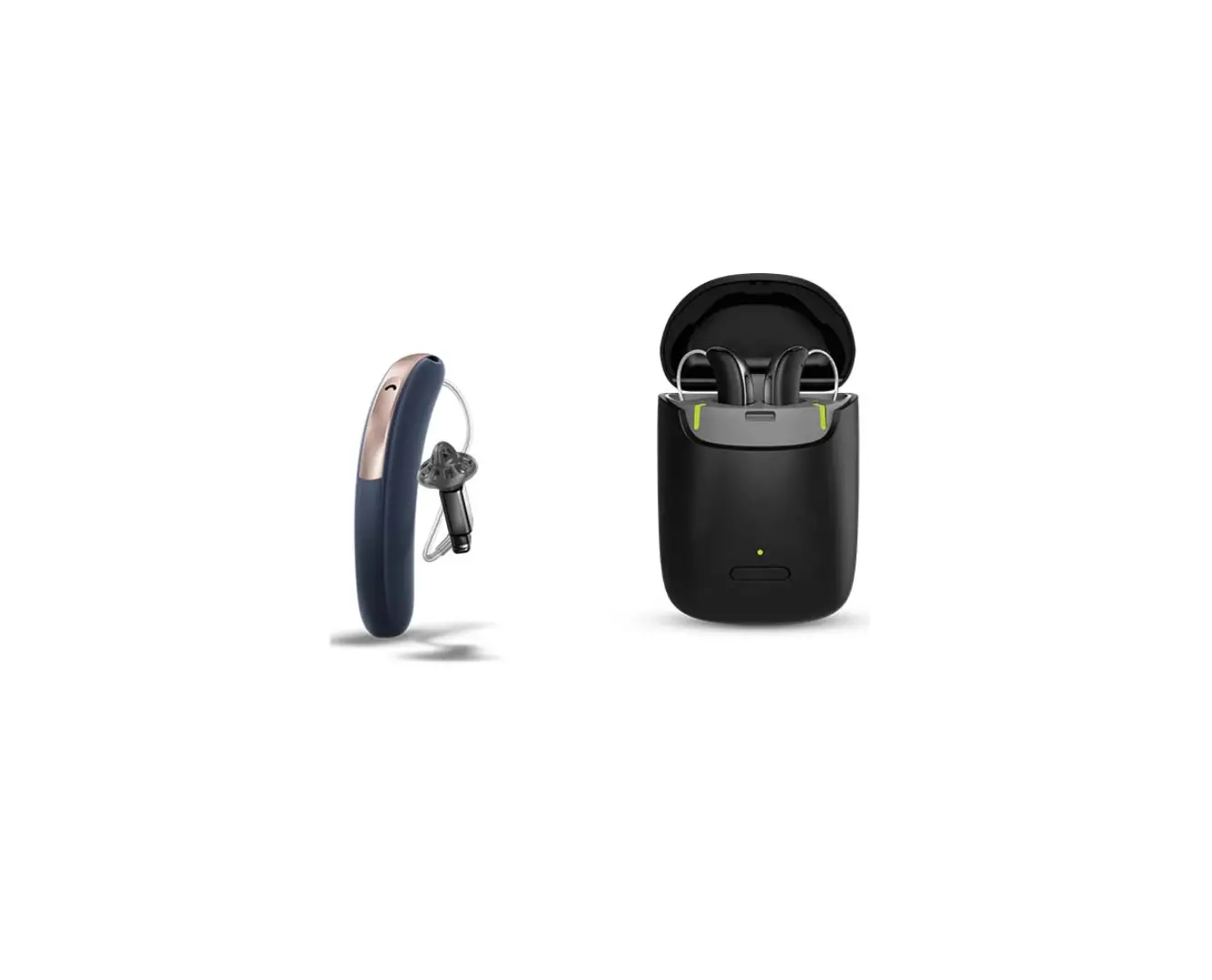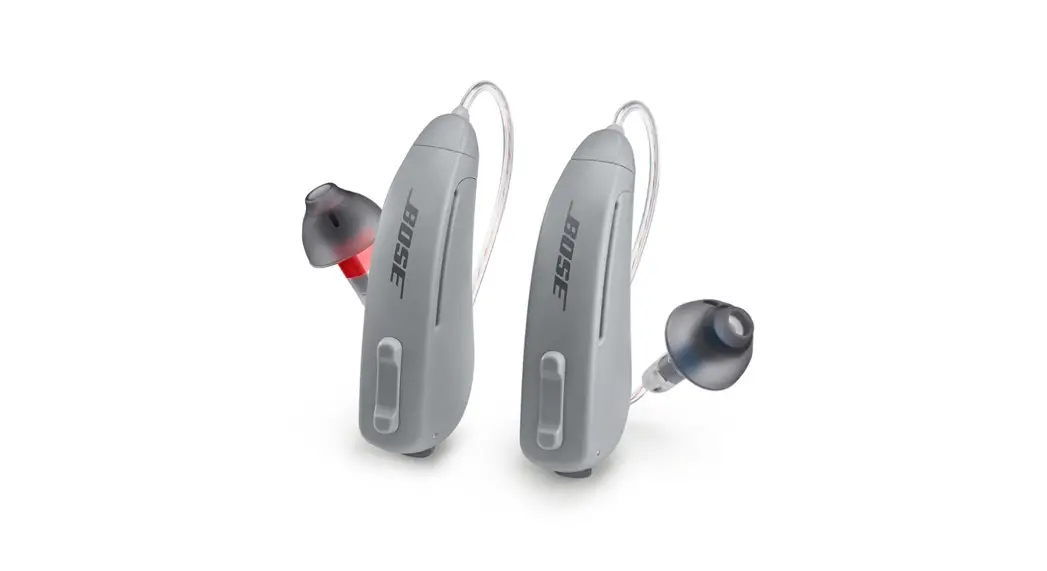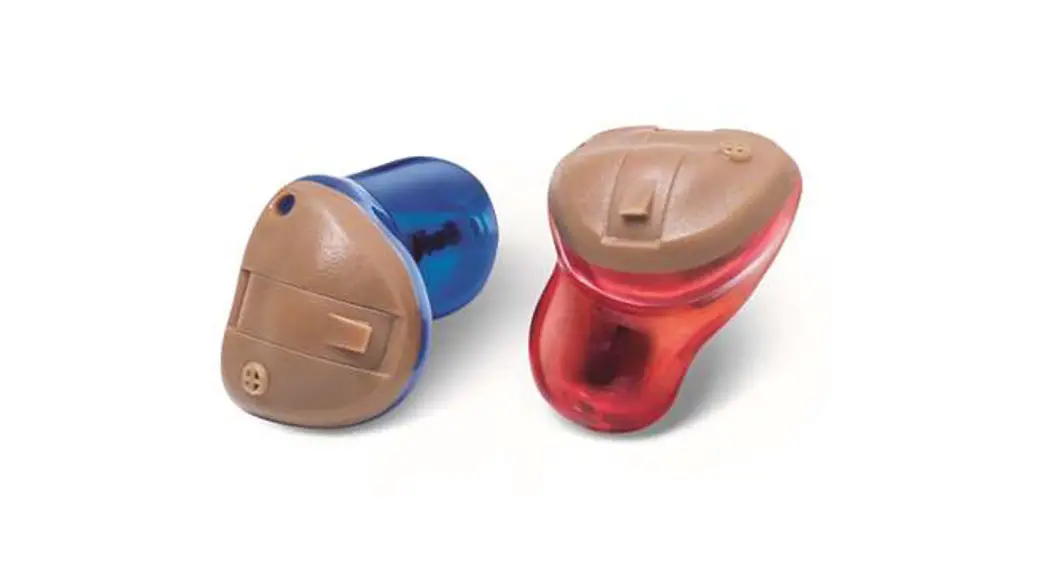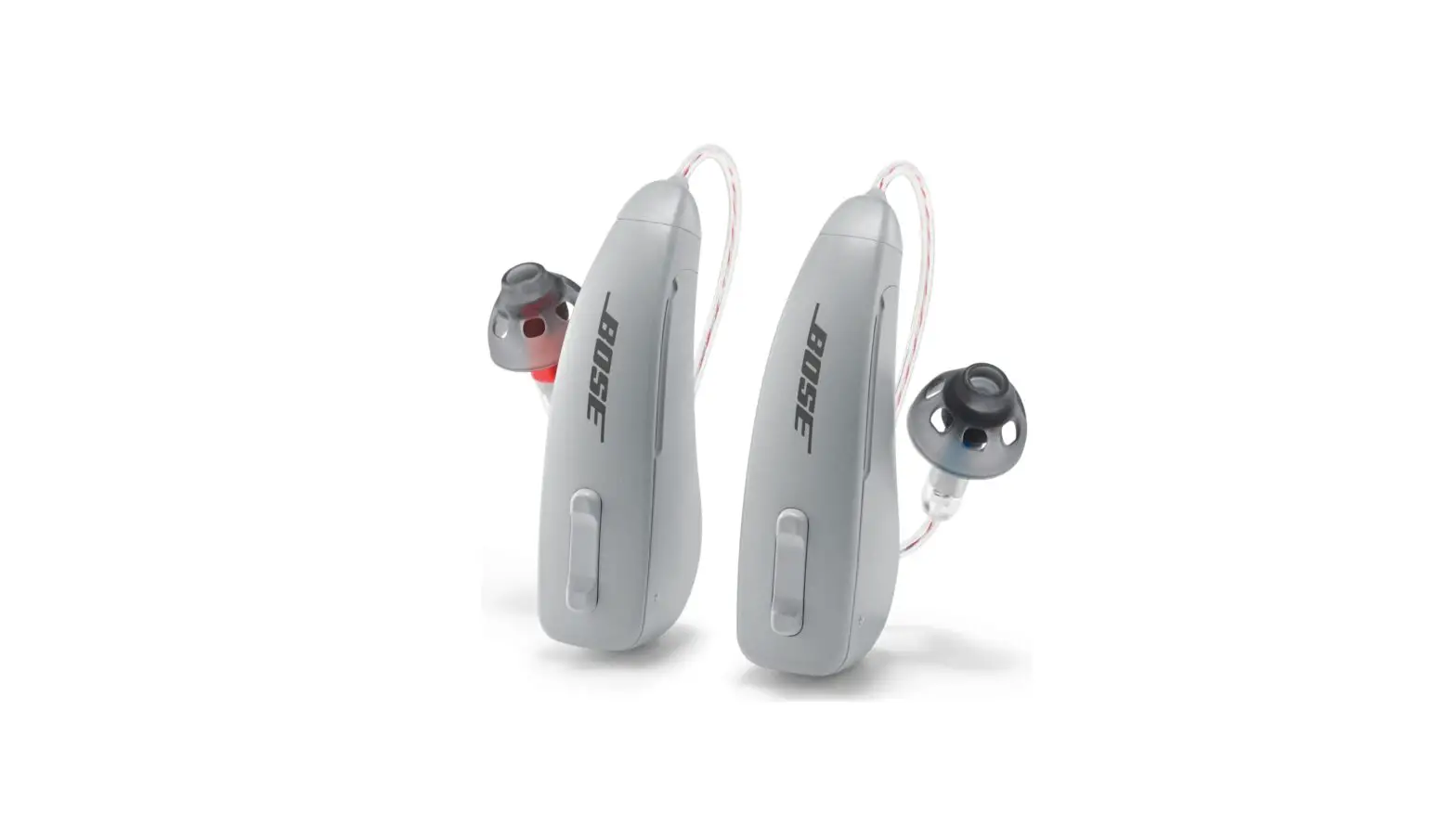
REXTON M-Core R-Li Hearing Aids User Guide
Quick Start Guide
This is not a substitution for reading your Owner’s Manual. For more in depth instructions, please refer to your Owner’s Manual.
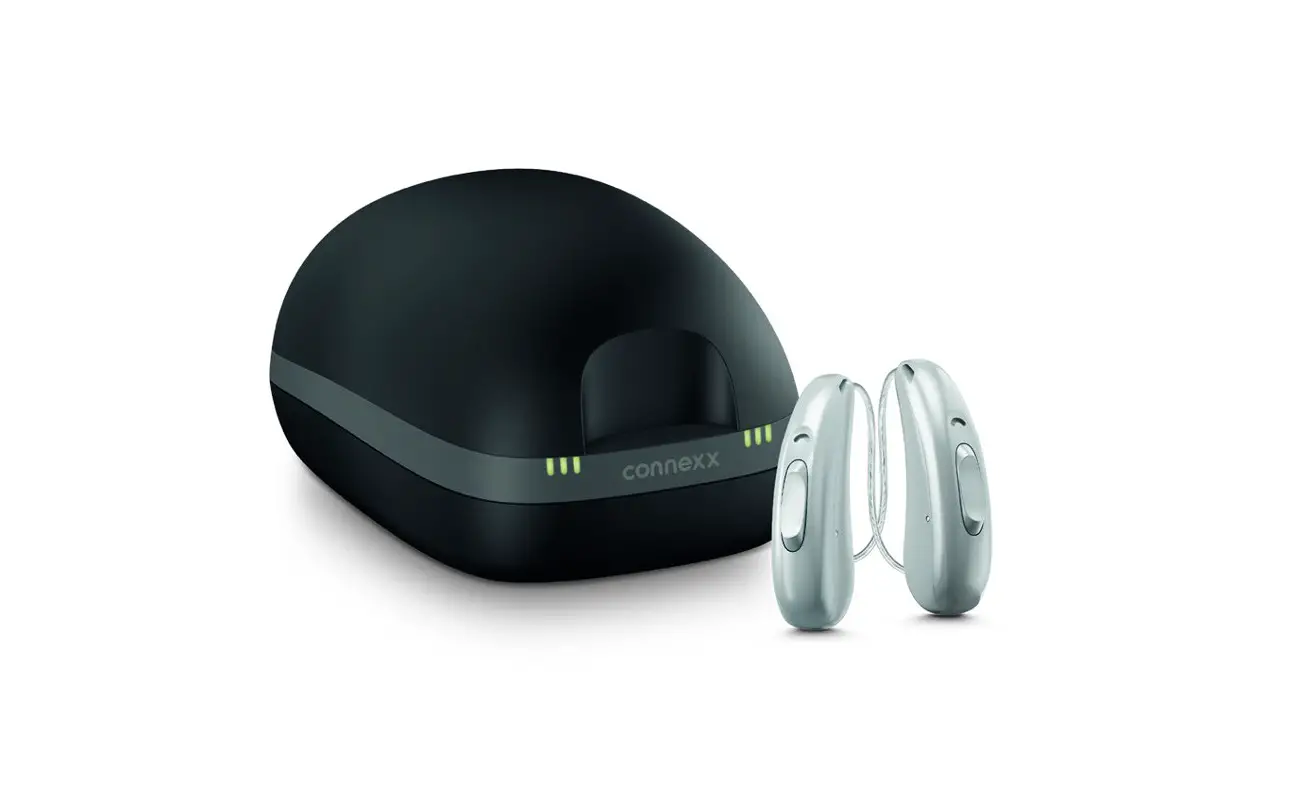
- Check the charging status of your hearing aid
LED Status description 
Orange LED: Charging status 0 to 33 % 
Single green LED: Charging status 34 to 66 % 
Two green LEDs: Charging status 67 to 99 % 
Three green LEDs: Hearing instrument is fully charged - Turn your hearing aids on
- Your hearing aids turn on automatically when removed from the charger.
- They are programmed to have a start-up delay to allow you to insert without whistling.
- You will hear a melody during the start-up.
- 6 Second
- 12 Second
- 18 Second
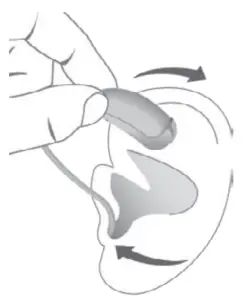
- Insert your hearing aids

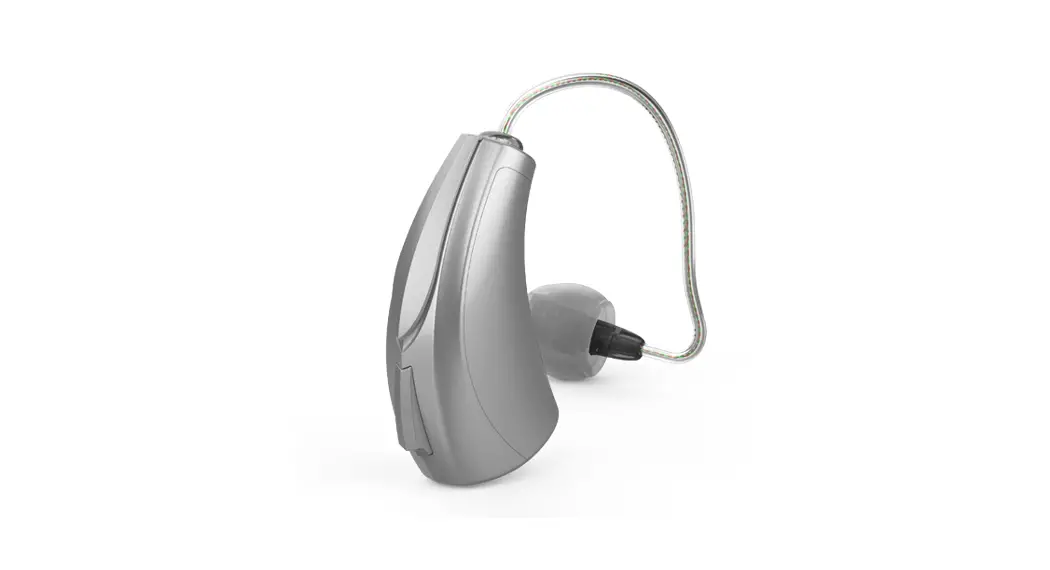
- Grasp receiver/dome between your thumb and forefinger
- Insert dome into your ear canal
- Gently work dome into proper position by slightly adjusting it until it is firmly seated in your ear
- Lift the hearing aid over the top of your ear
- Adjust it to fit behind your ear
- Press slightly for a secure and comfortable fit
- Place retention strand into the bottom “bowl” of your ear (if applicable)
- Grasp receiver/dome between your thumb and forefinger
- Using your hearing aids
- Your hearing aids feature Wireless Sync, which automatically adjusts both hearing aids simultaneously to reflect changes in your hearing environment
- The rocker switch control on your hearing aids may be programmed to give you personal control of your hearing aids
- The functions for short and medium press will change both hearing aids simultaneously.




Your controls | Your controls | ||
| Short (1 second) | Medium (2 seconds) | Hold* | |
 | | | |
| Volume Up/Down |  | | – |
Program Up/Down | | | – |
| TV Stream | | | – |
Power On/Off | – | – |  |
Press and hold until hearing aid turns on/off
Your hearing aids may be programmed to alert you when you are making
changes to your hearing aids or when your battery needs replacing
Signal tones | |
| |
Program Change |
|
Volume Change |
|
| Volume Limit |
|
Volume On Position | |
| Low Battery |
|
Bluetooth On/Off | |
| Power On/Off |
|
Troubleshooting
| Problem & possible solutions |
| Sound is weak: |
| Increase the volume |
| Recharge the hearing aid |
| Clean or exchange the click dome or wax protector |
| Hearing aid emits whistling sounds: |
| Reinsert the receiver until it fits securely |
| Decrease the volume |
| Clean or exchange the click dome or wax protector |
| Sound is distorted: |
| Decrease the volume |
| Recharge the hearing aid |
| Clean or exchange the click dome or wax protector |
| Hearing instrument emits spontaneous signal tones: |
| Recharge the hearing aid |
| Hearing aid does not work: |
| Turn the hearing aid on |
| Recharge the hearing aid |
| Power-on-delay is active. Wait several seconds and check again |
| Clean or exchange the click dome or wax protector |
Consult your Hearing Care Professional if you have further problems
© Rexton, a Division of WSAUD A/S. All rights reserved. 10980917 6/20 2.0 V11011083 SIV-7465
 Hearing aids you can rely on. Since 1955. | Rexton Close Search Close