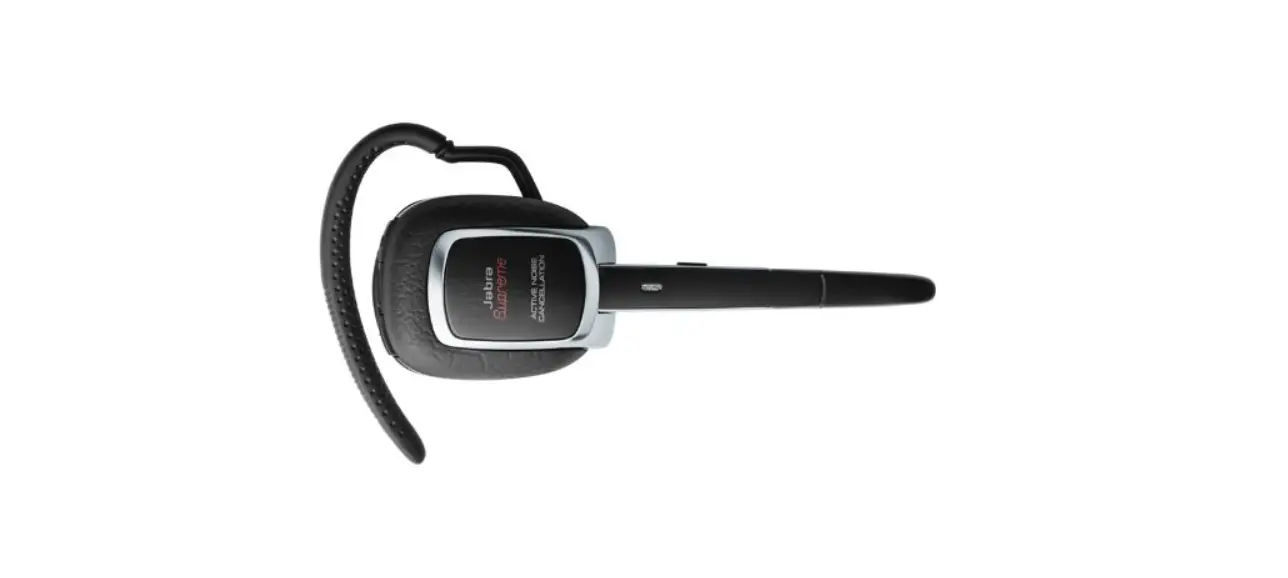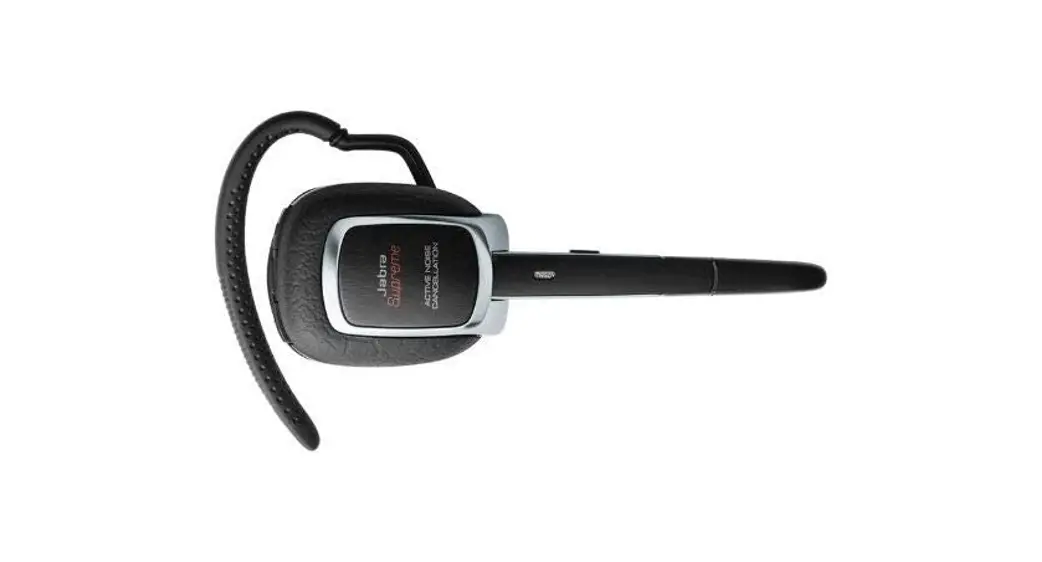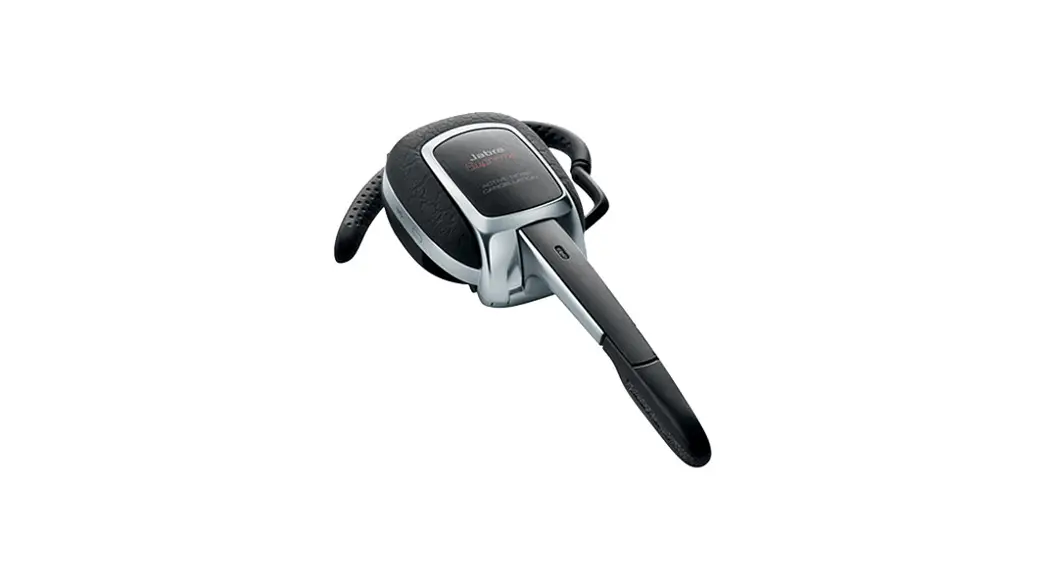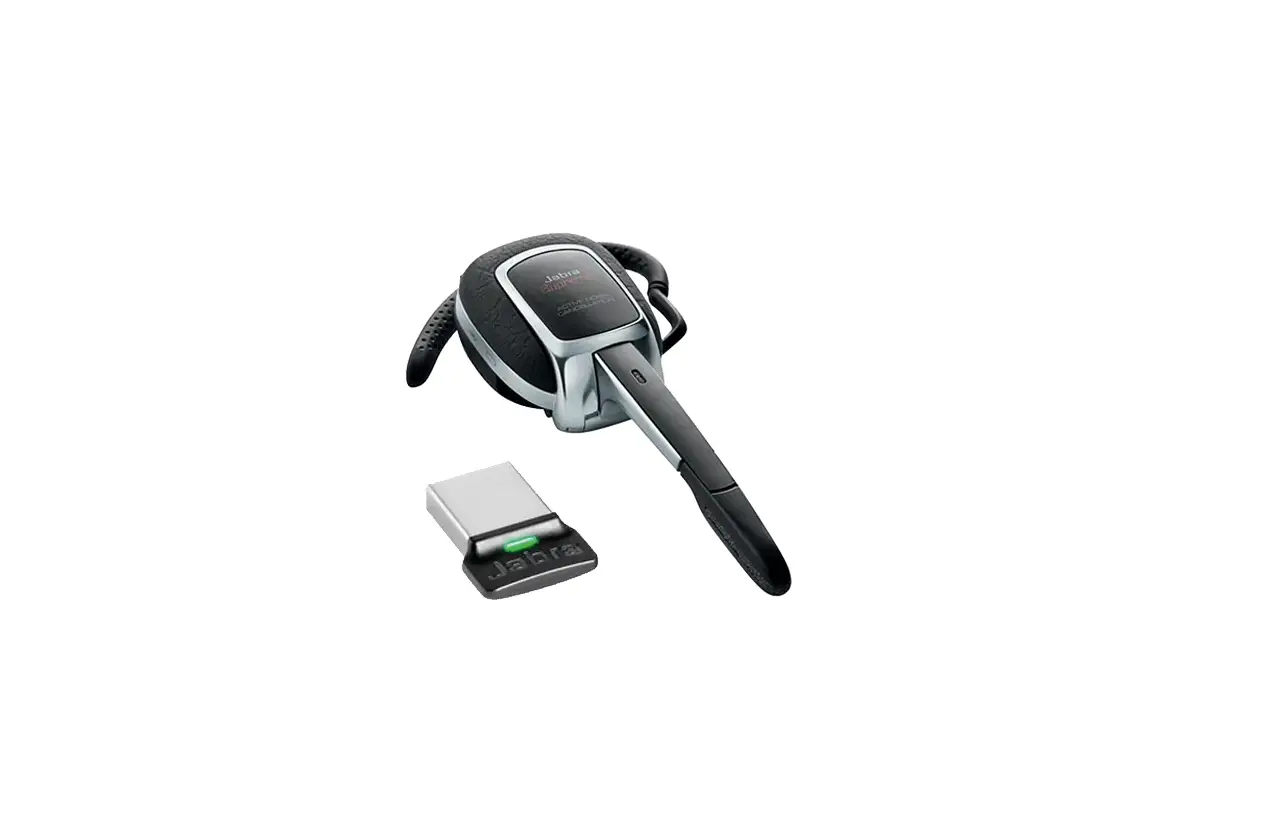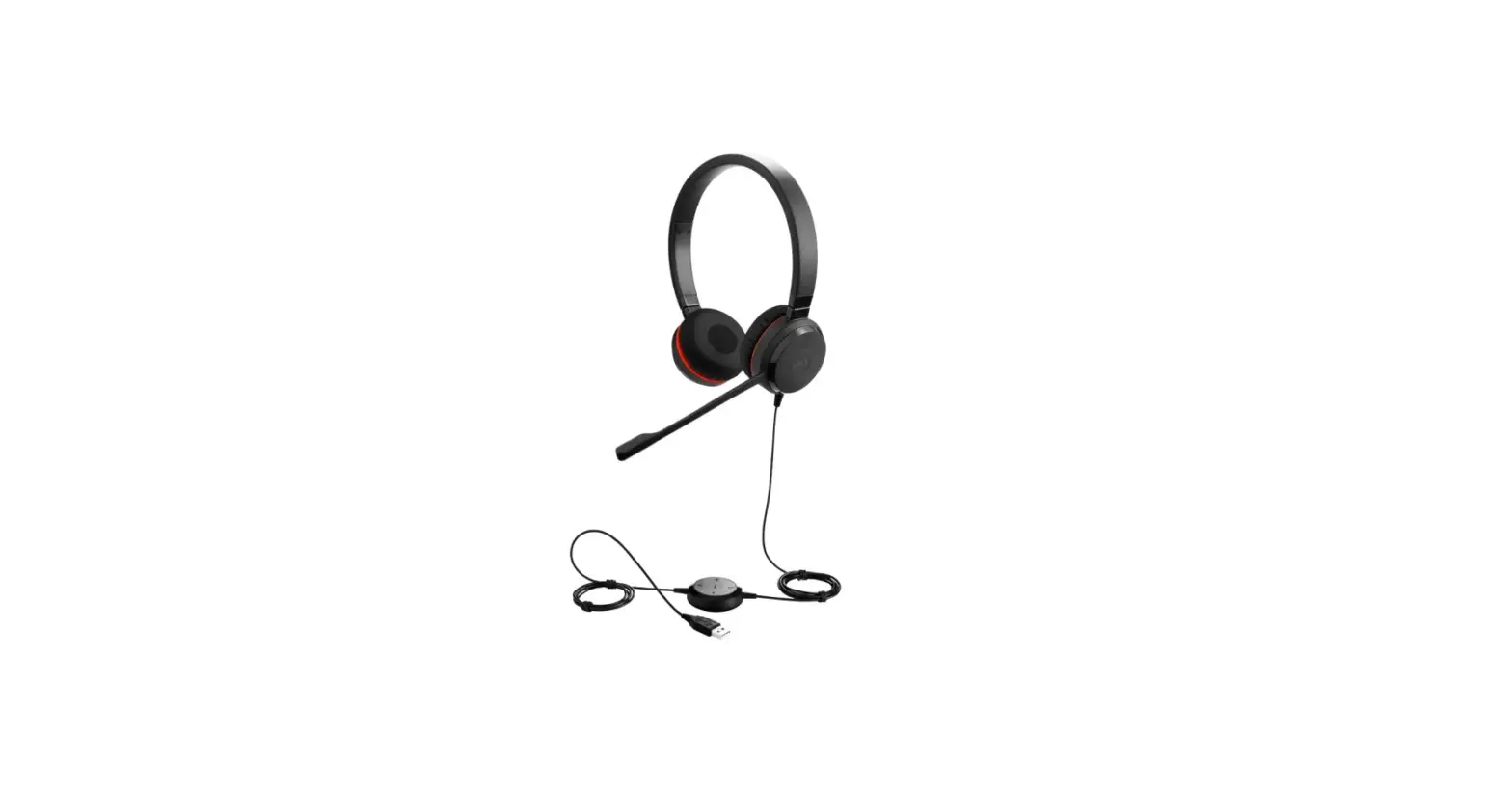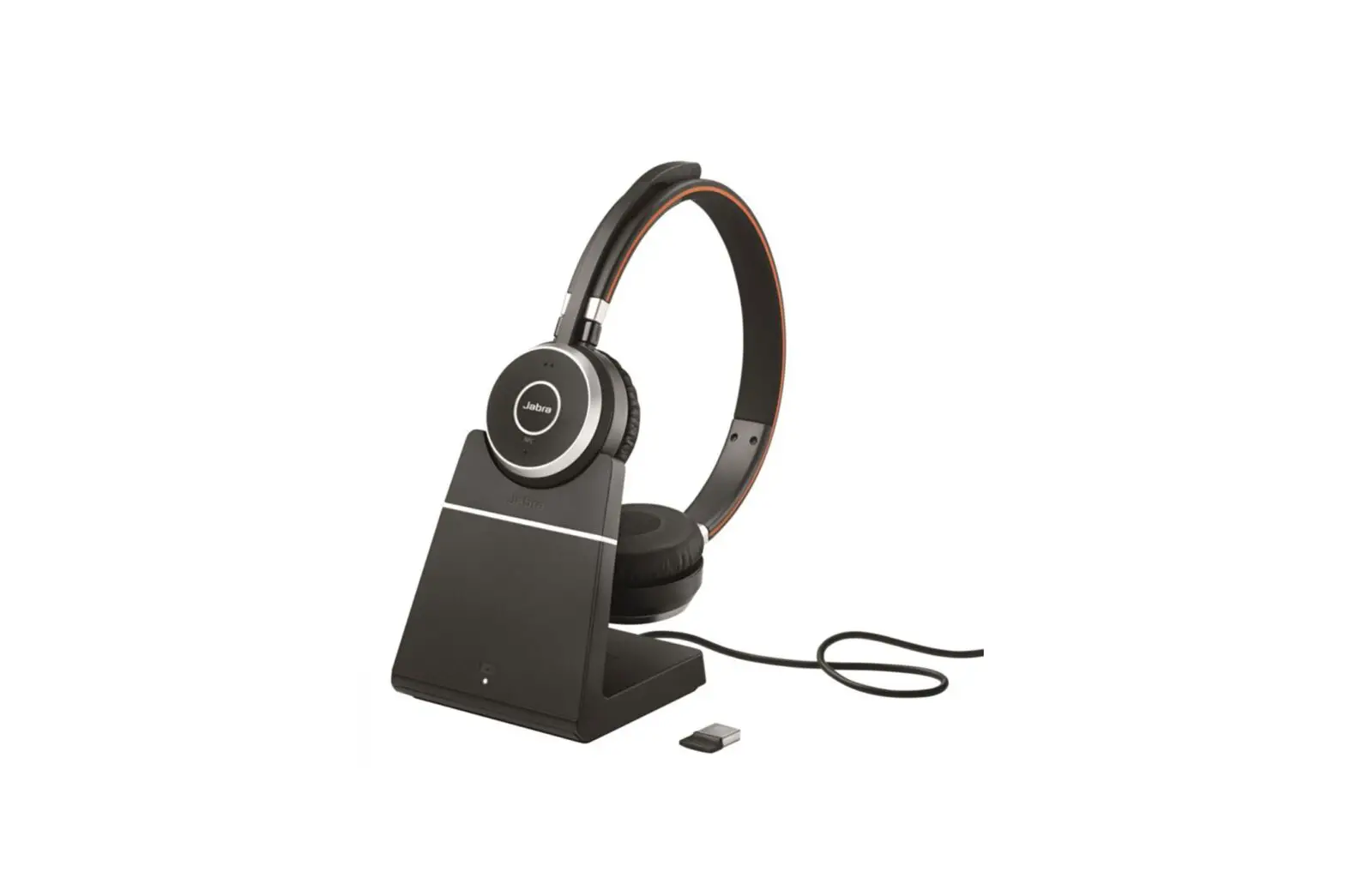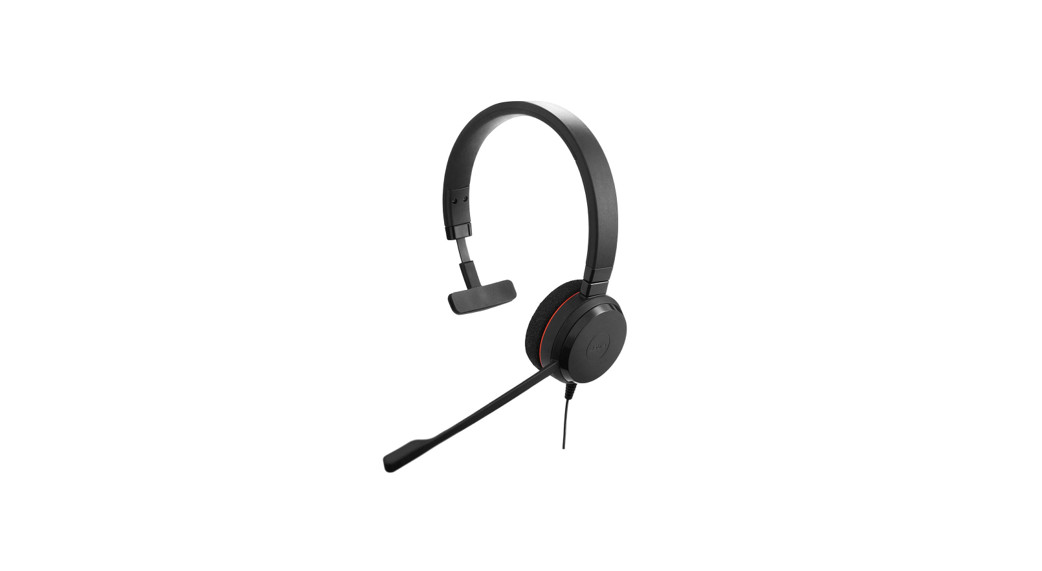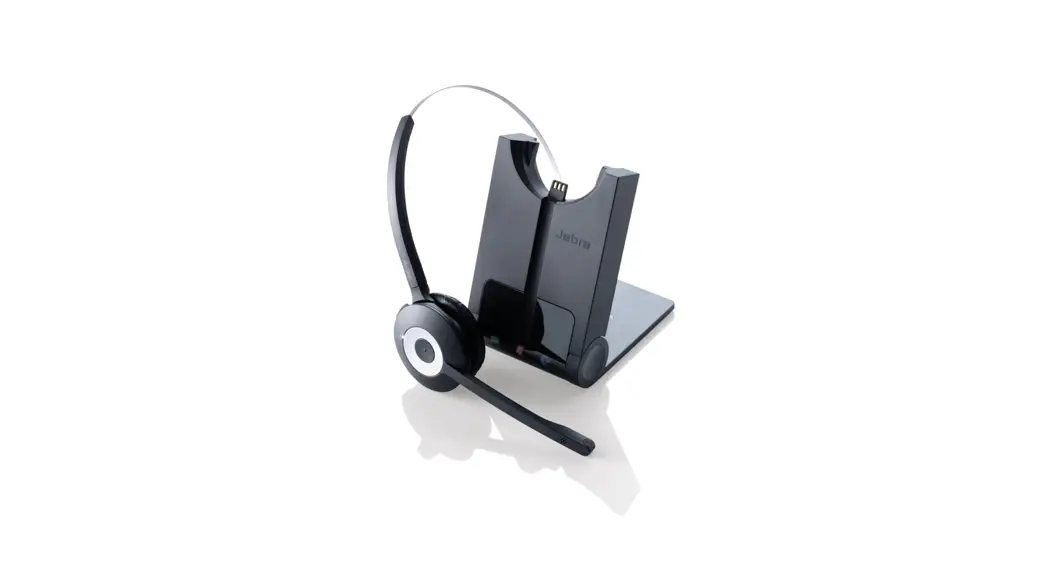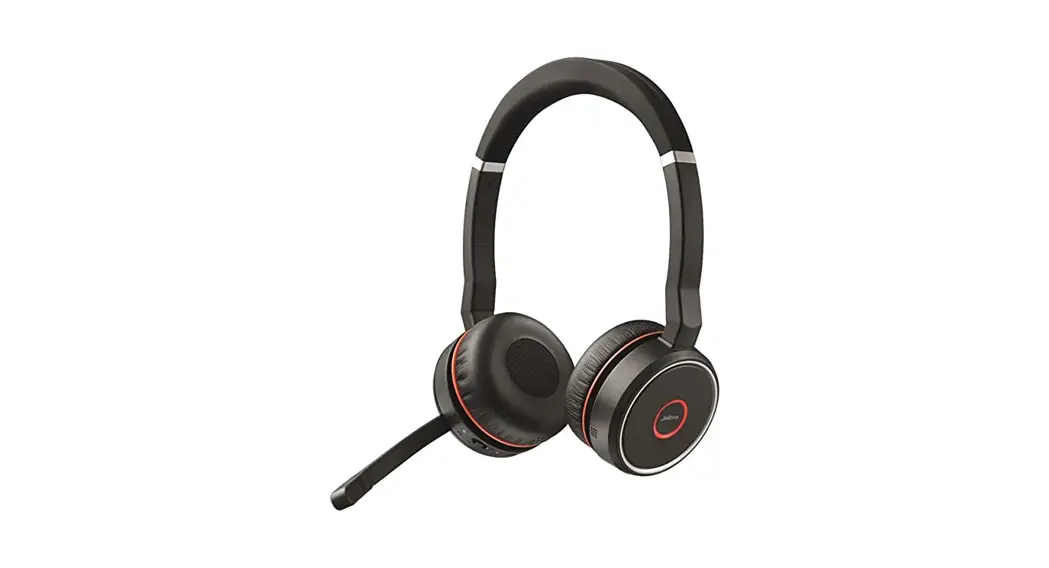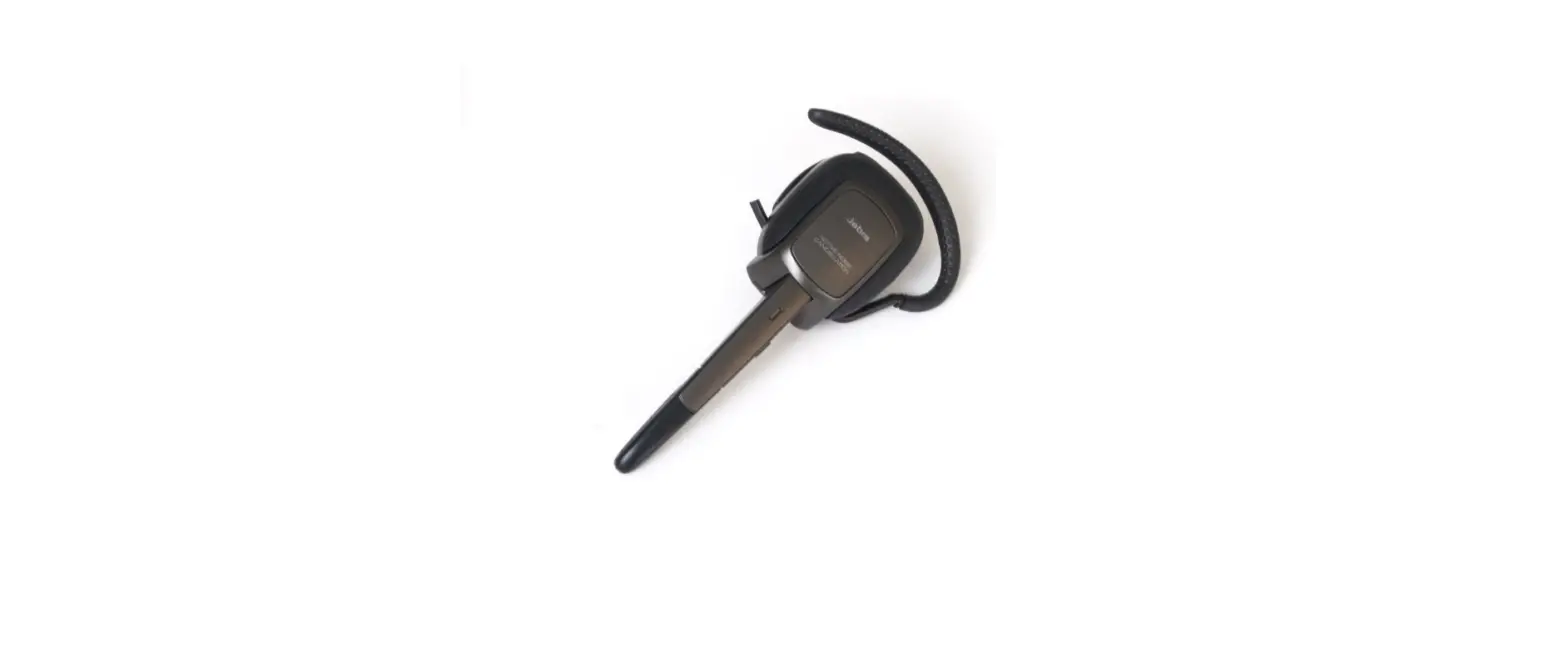

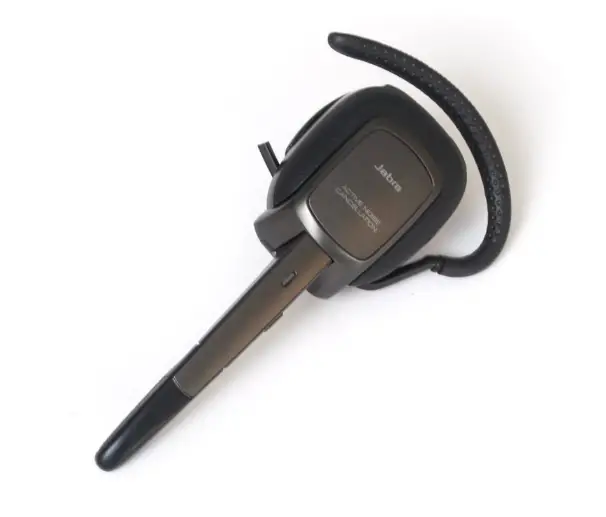
Jabra Supreme UC MS Headset
How do I change the voice guidance language using Jabra Direct?
Prerequisites
- Jabra Direct version 3.x or earlier
To change the voice guidance language on your Jabra headset, follow these steps.
- In Jabra Direct, click Help.

- Scroll down and click Jabra Direct Firmware Updater.

- Click Next.

- Click Download.

- Click Next.

- If prompted, click Yes.

- Select the language, and then click Next. If you are using voice commands, refer to the user manual for information on the specific language to install and the correct commands that are supported by your headset

- Follow the onscreen instructions and wait for the update to finish.

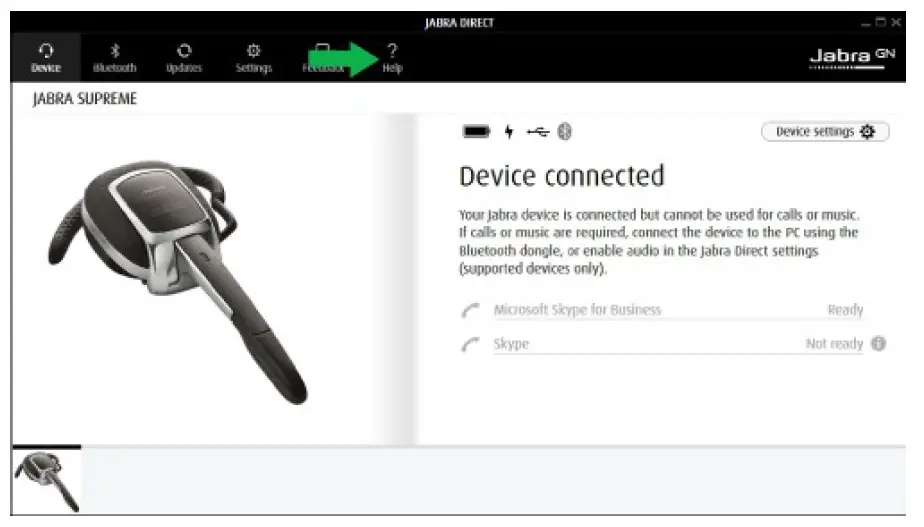
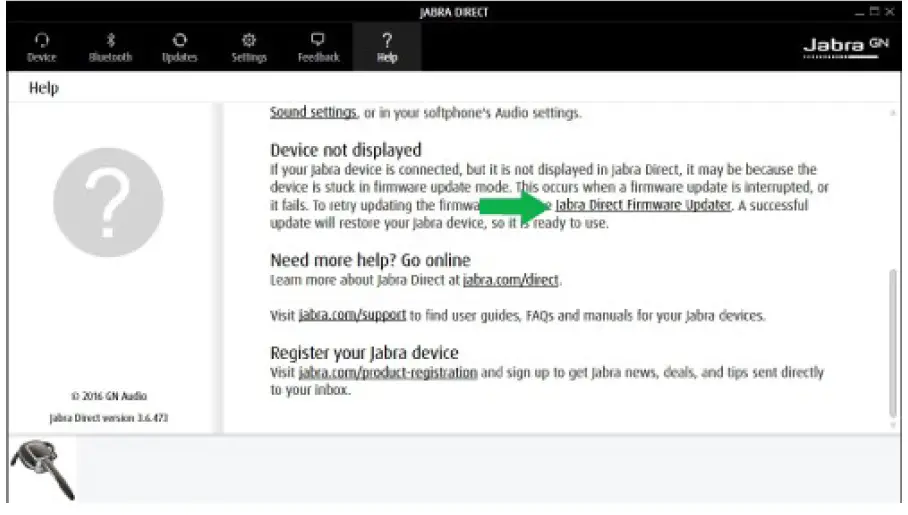
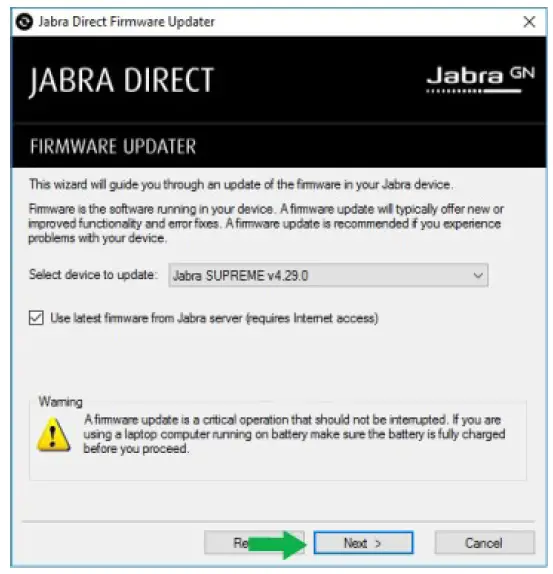
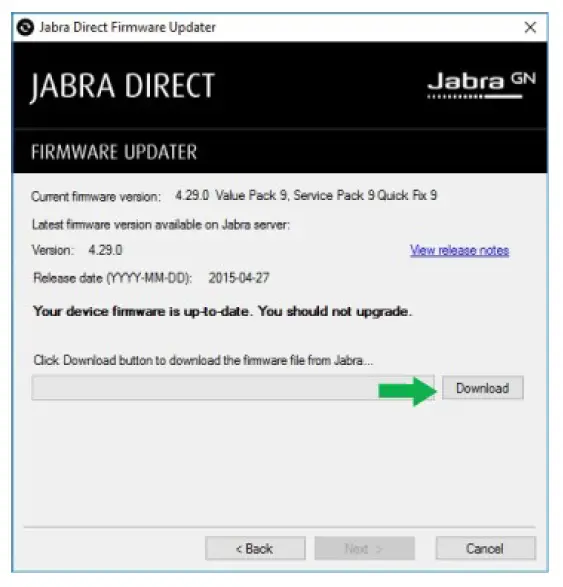
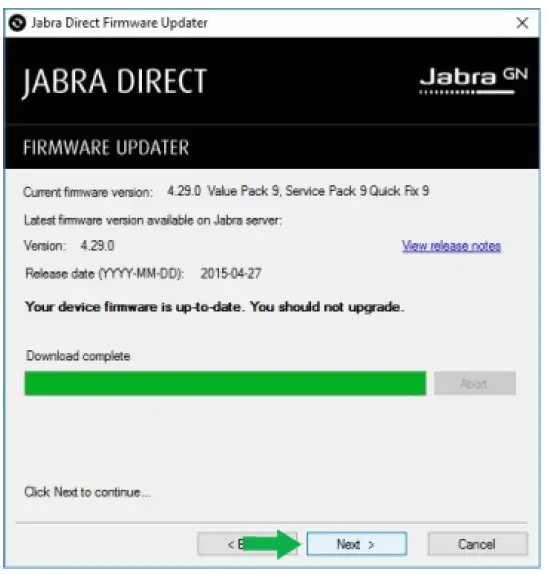
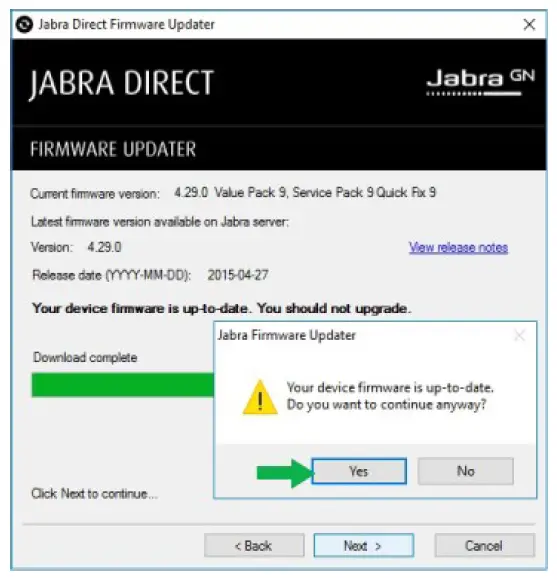
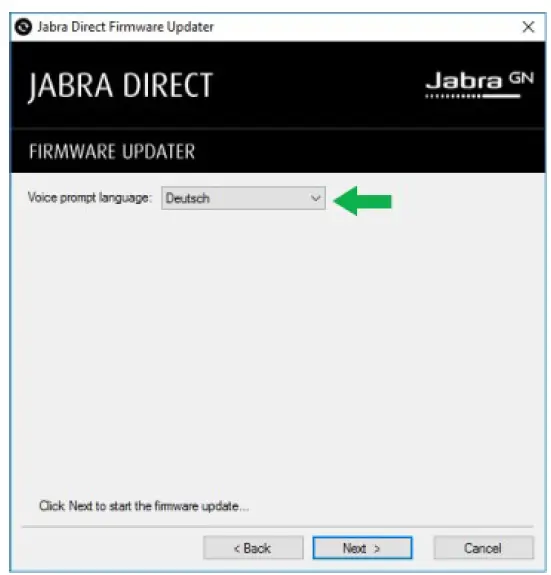
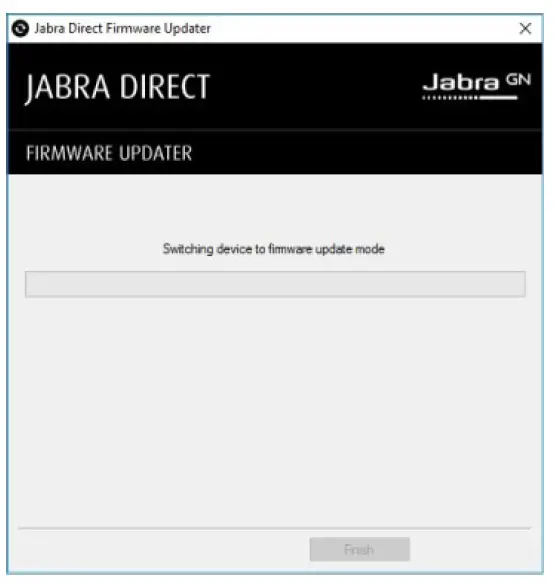
Note: Images and text are for guidance purposes only. Actual images and text may vary depending on the device connected and updates to the software.
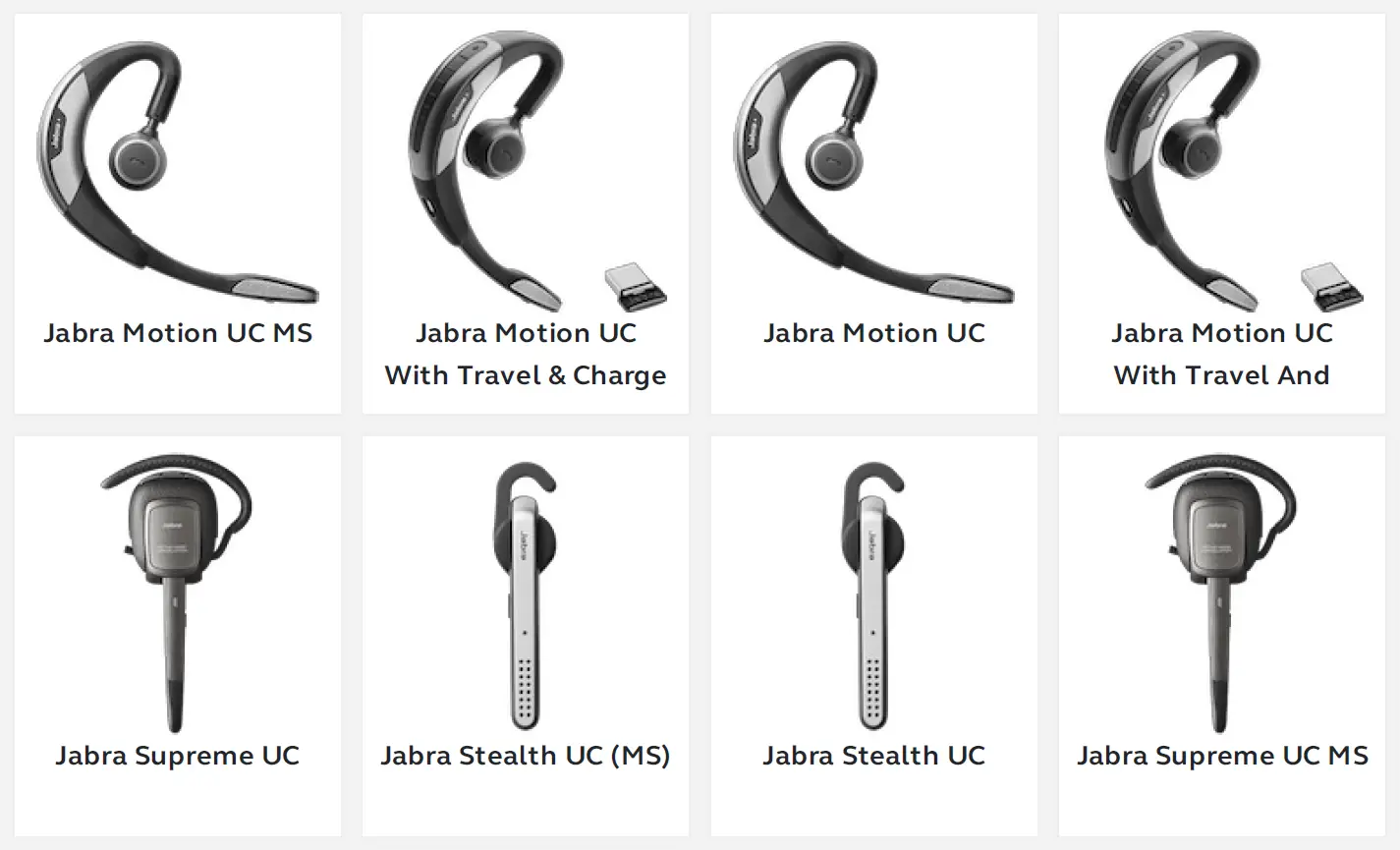
Applicable products
 [FAQTitle] | Jabra Supreme UC MS | FAQ | Jabra Support
 jabra.com/jabradirect/JabraDirect3.12Setup.exe