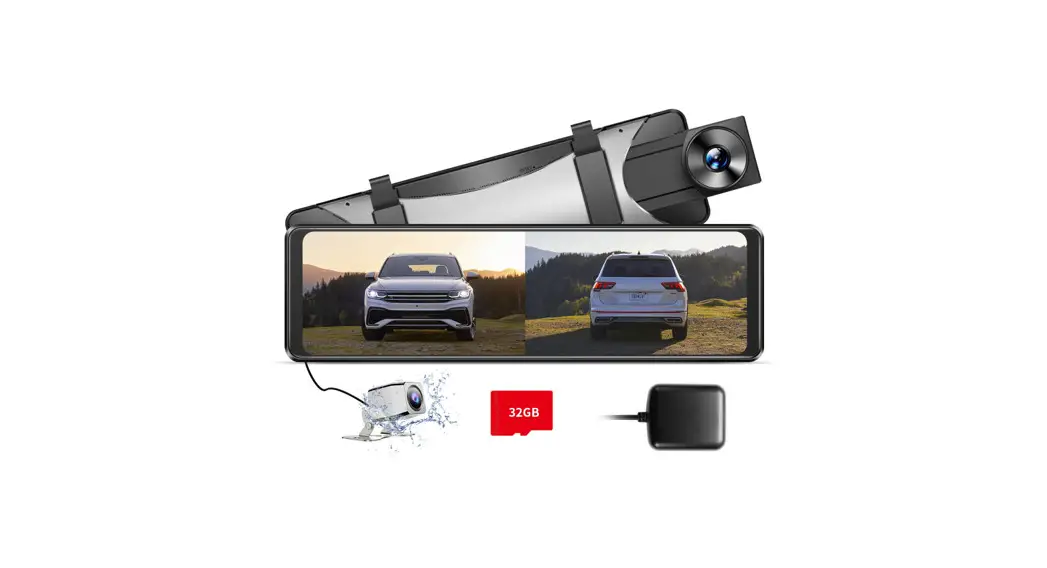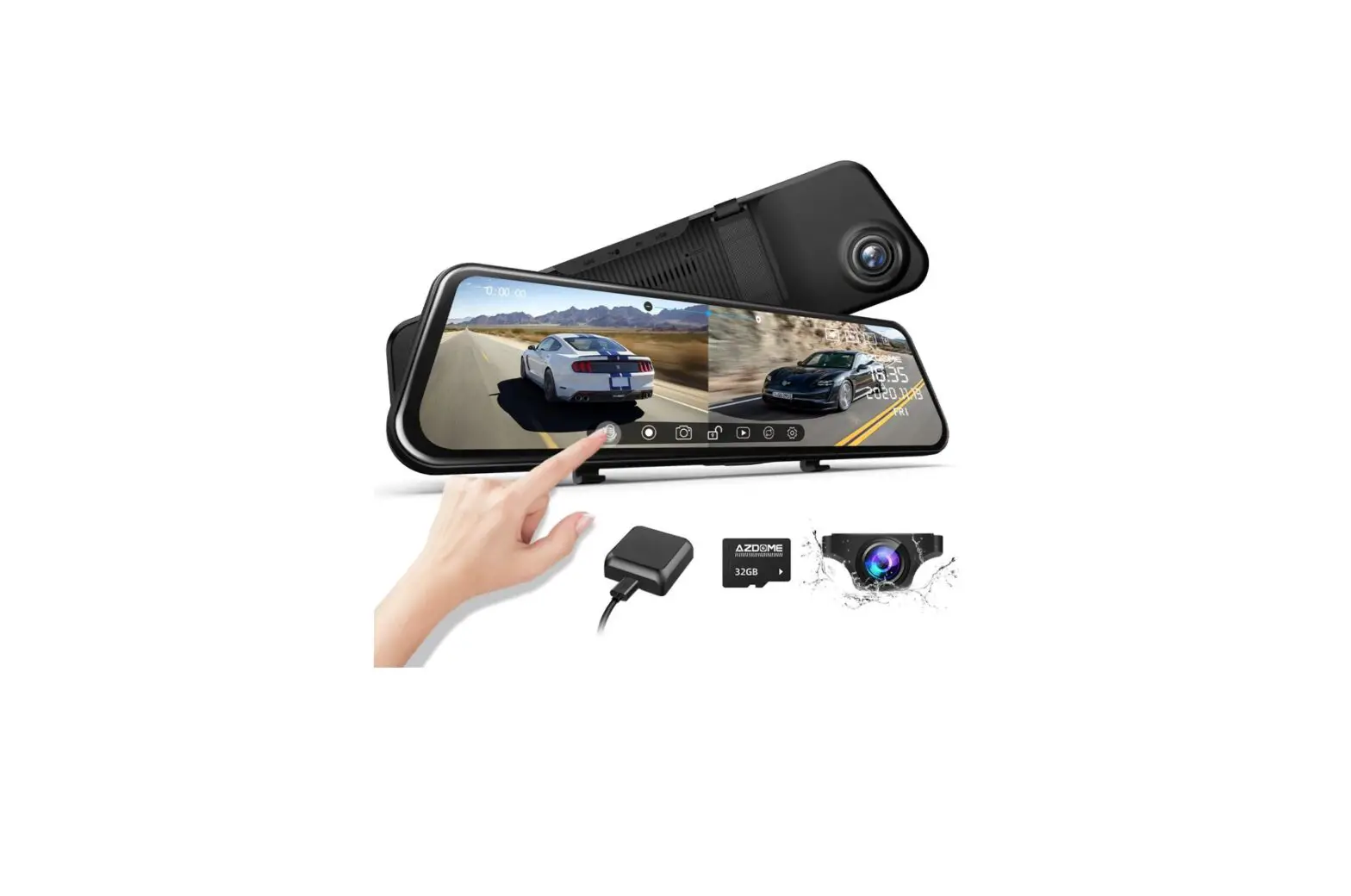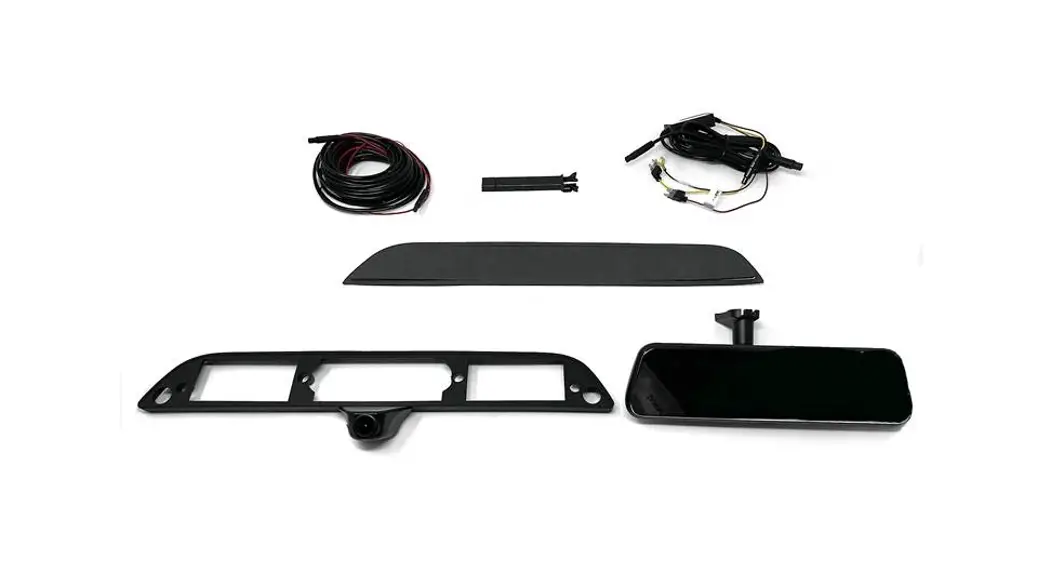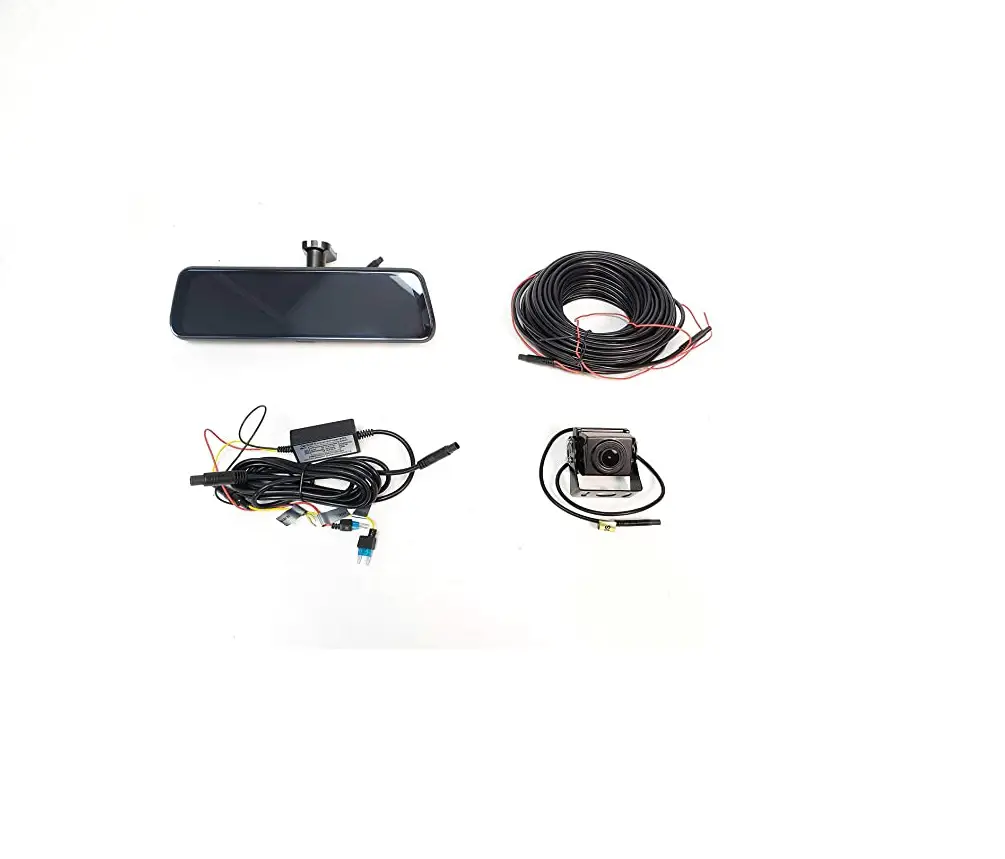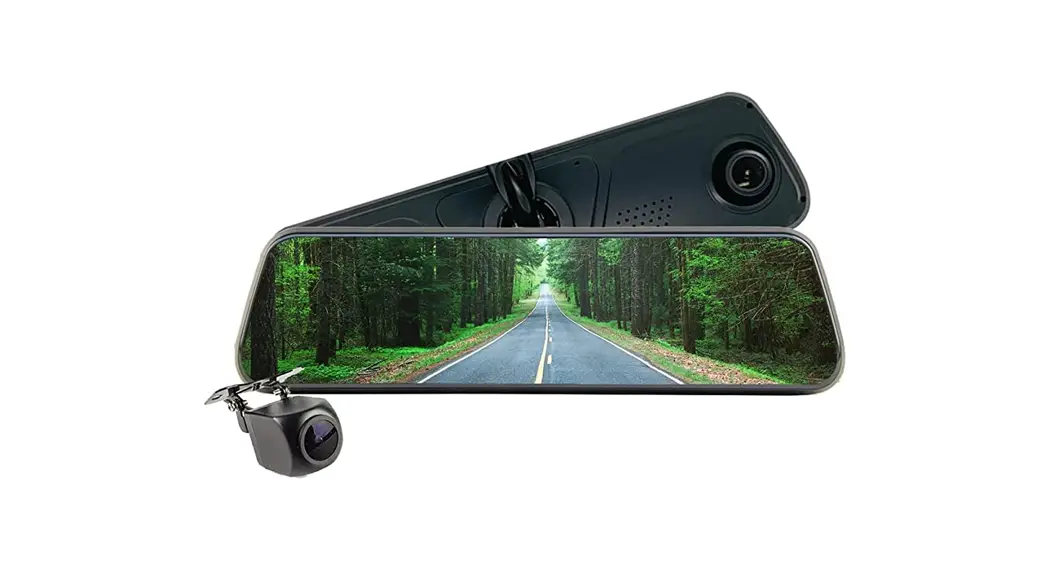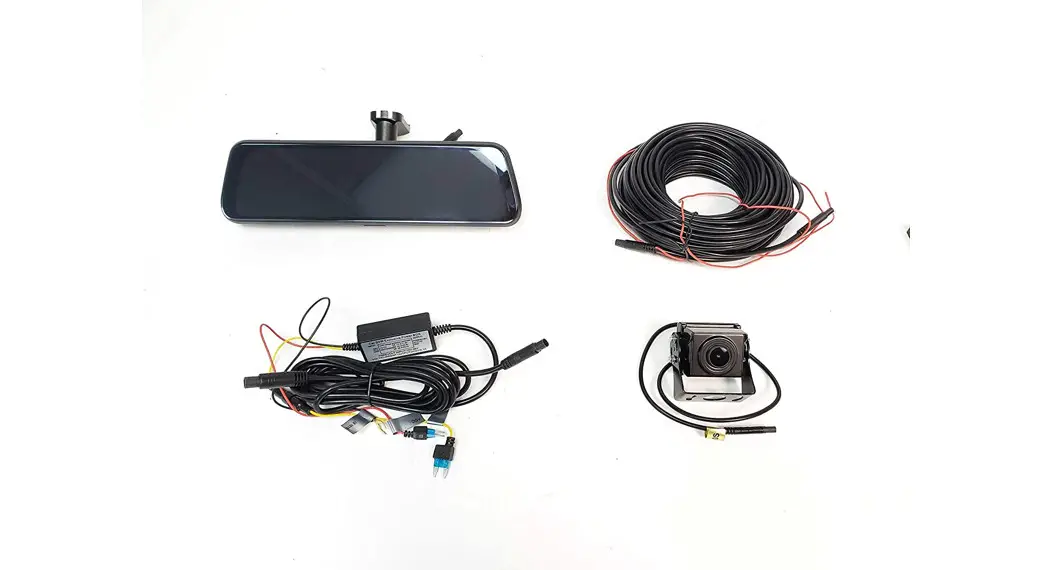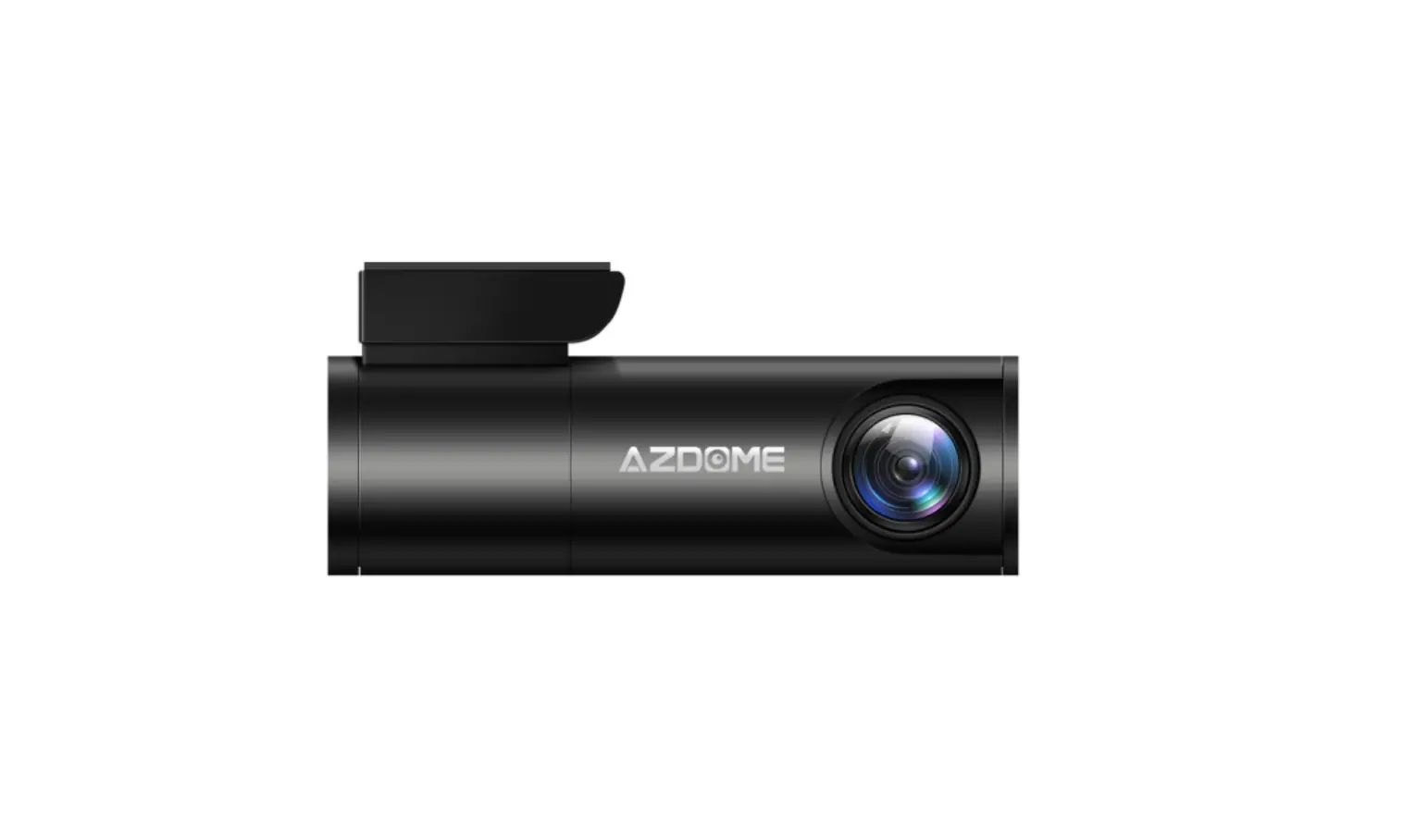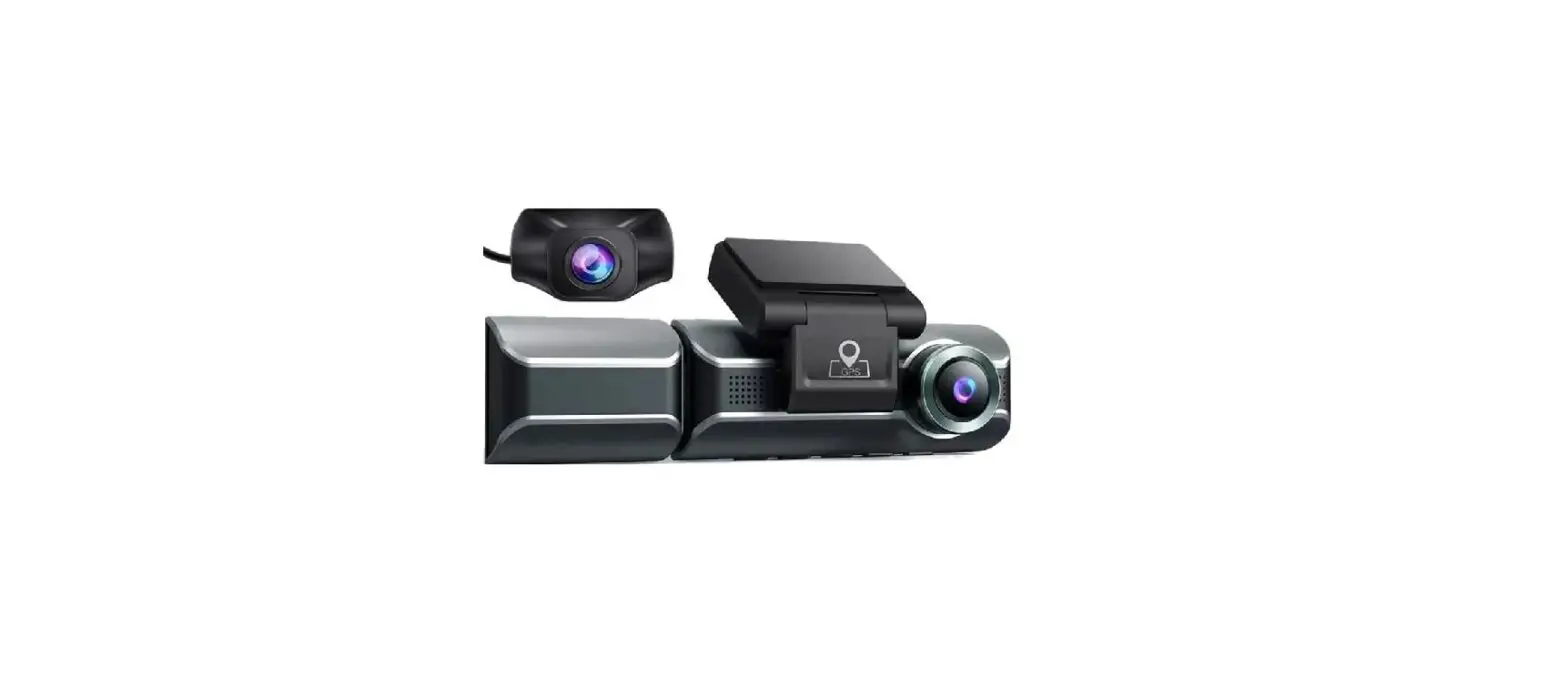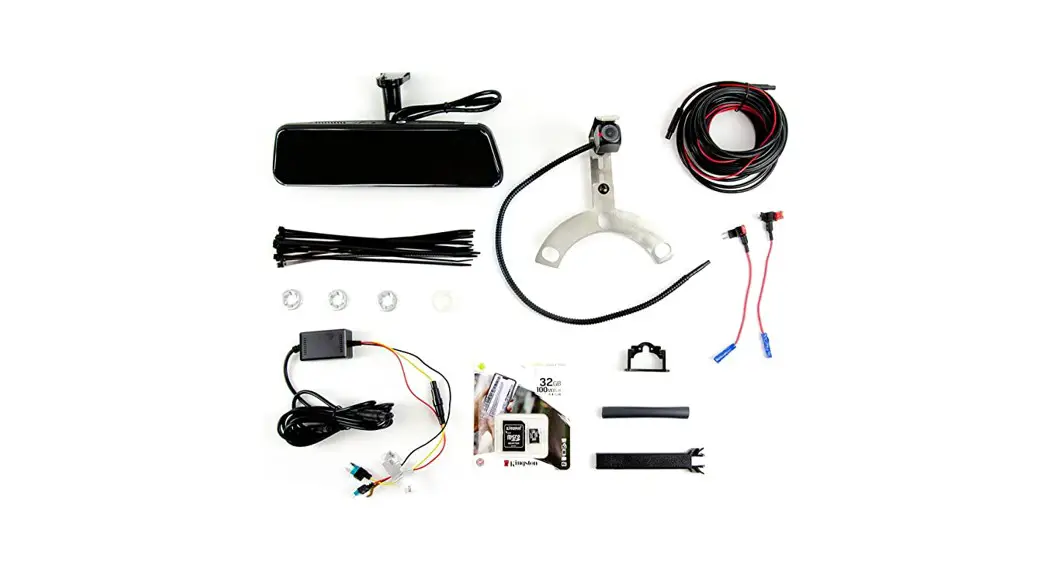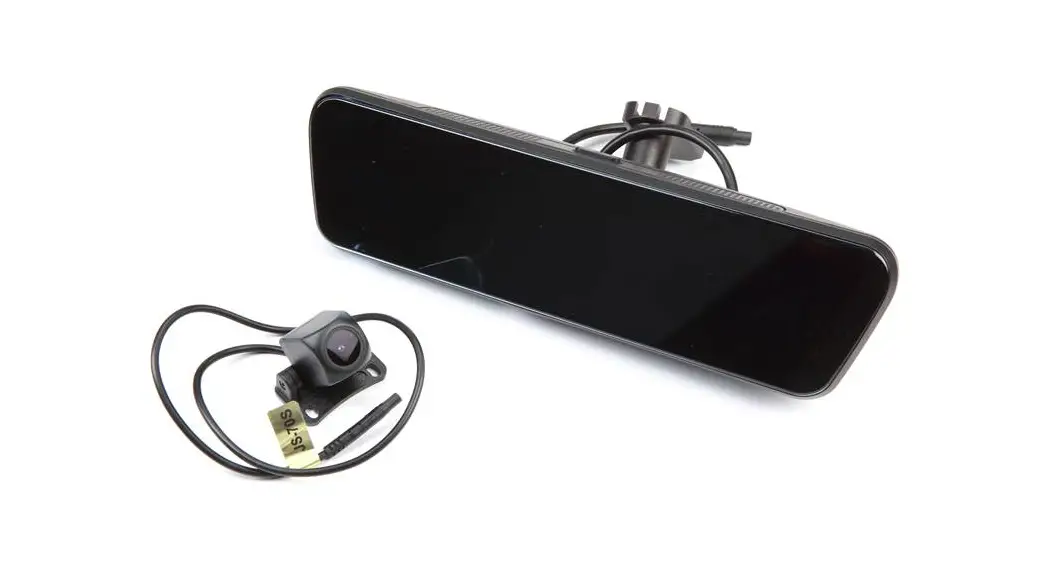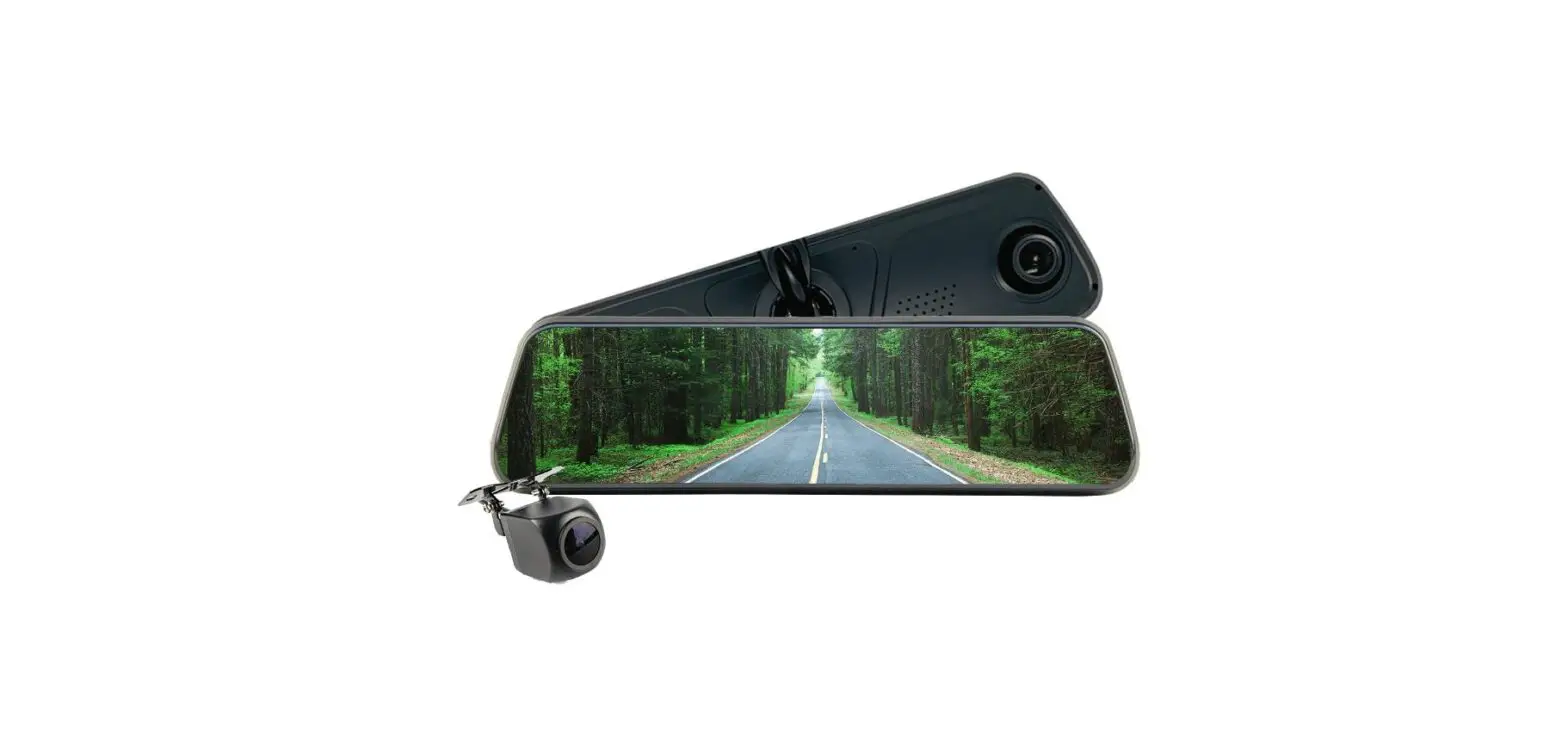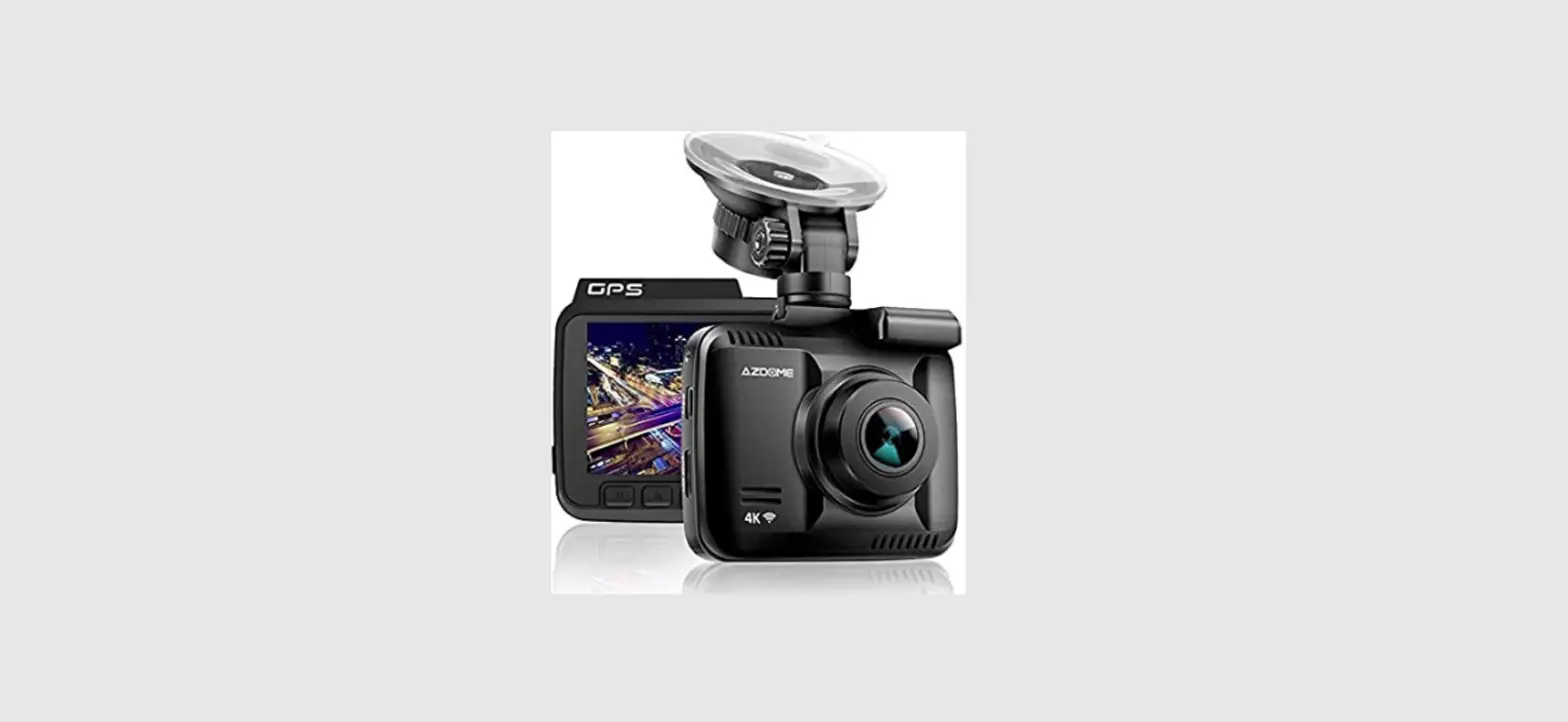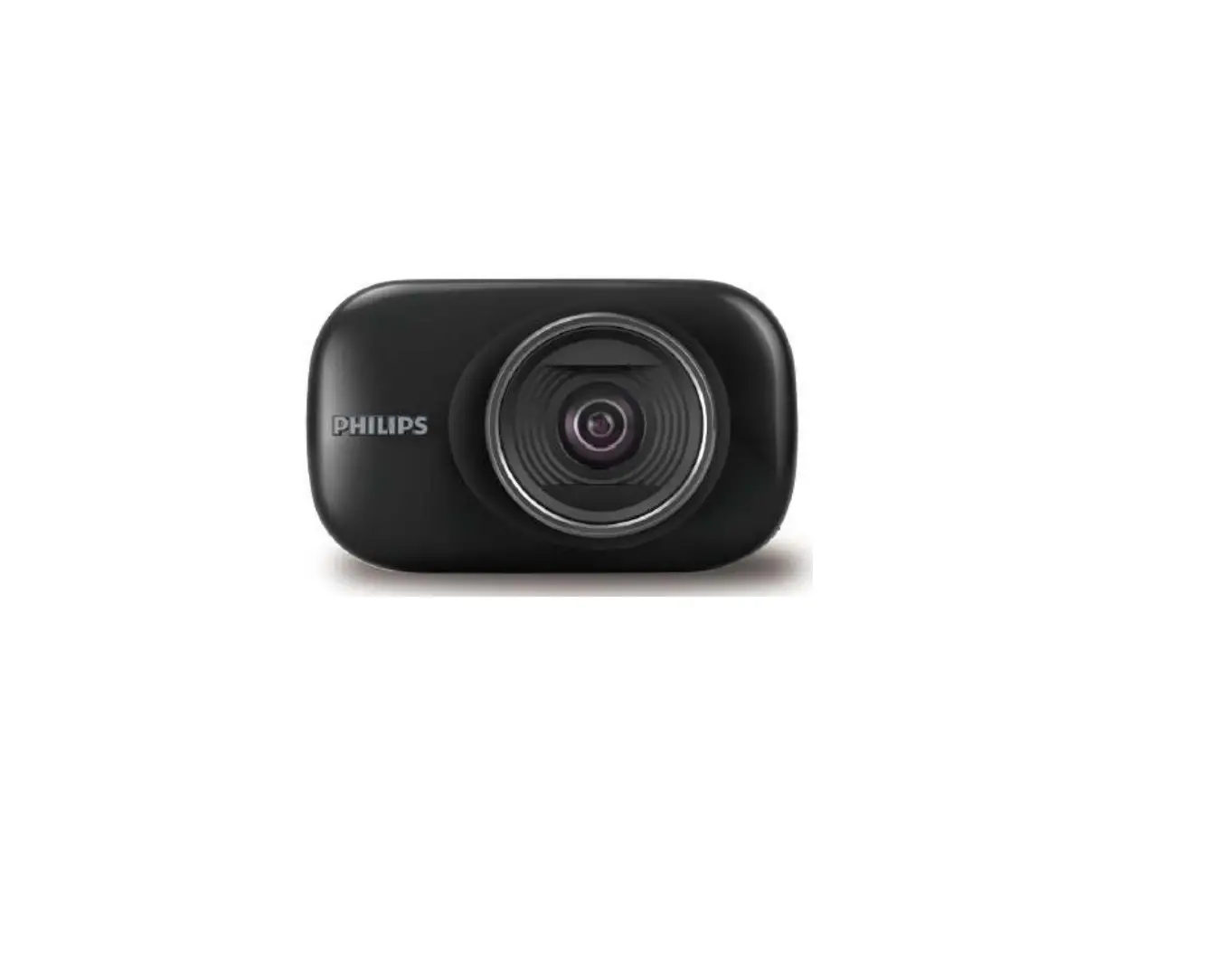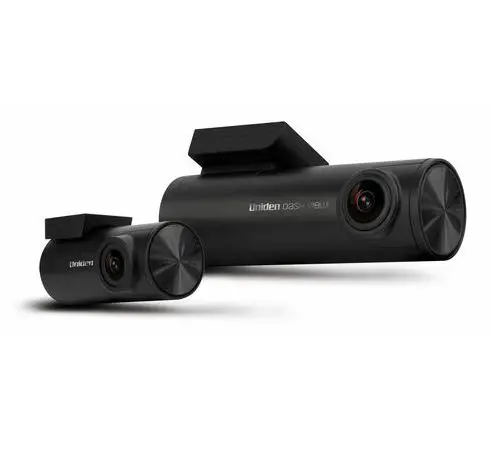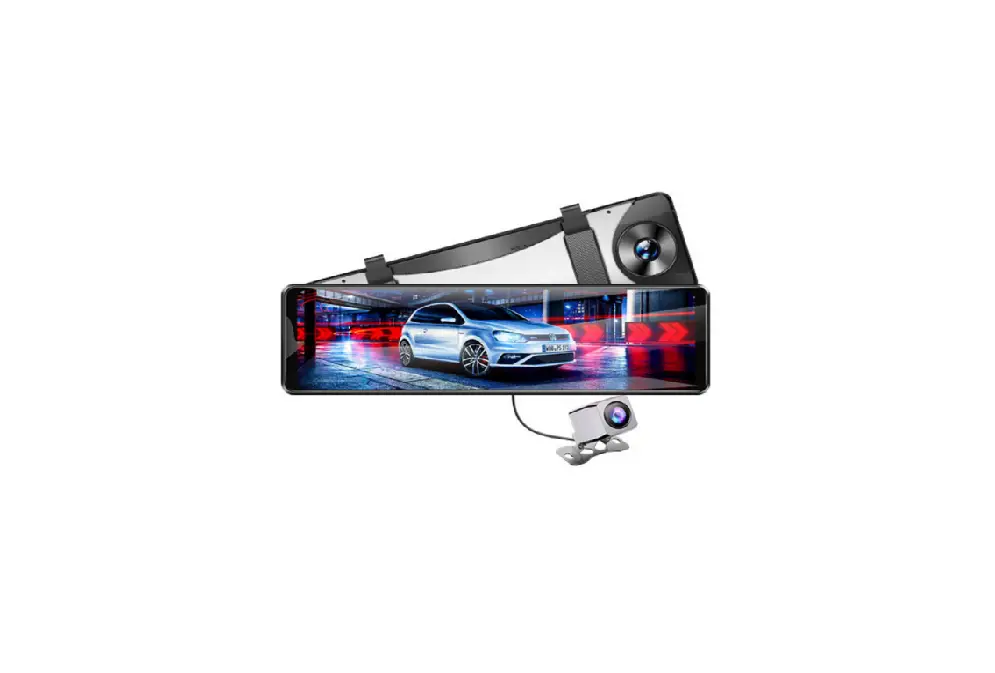

AZDOME PG16S-R Drive Recorder Mirror
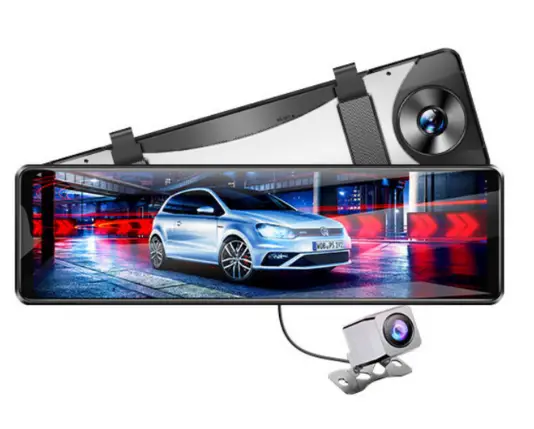
Product Information: PG16S-R
The PG16S-R is a smart driving camera manufactured by KAKA GROUP LTD under the brand name AZDOME. It has a GPS and G-sensor feature that allows for accurate location tracking and impact detection.
The camera can record videos with a resolution of 1440P or 1080P and capture images in JPG format. It uses an SD card with a minimum Class 10 and U3 rating for storage. The device has a 5V/2.5A power supply and is equipped with a mini USB port for charging and data transfer. The camera has a WDR feature that enhances image quality in low-light environments. It also has a 2.4-inch LCD screen for
easy viewing of footage.
Product Usage Instructions
- Step 1: Insert the SD card into the device. Make sure it has a minimum Class 10 and U3 rating for optimal performance.
- Step 2: Connect the device to a power source using the provided mini USB cable. The device will turn on automatically once it is connected.
- Step 3: Adjust the camera angle as desired using the swivel mount.
- Step 4: Press the power button to start recording. The device will begin recording automatically once it is turned on.
- Step 5: To stop recording, press the power button again.
- Step 6: To view footage, remove the SD card from the device and insert it into a compatible device such as a computer or smartphone. Alternatively, connect the device to a computer using the provided mini USB cable and transfer the footage to the computer.
Note: For optimal performance, it is recommended to use a high-quality SD card with a minimum Class 10 and U3 rating. It is also recommended to format the SD card before using it with the device. For more information on firmware updates and other product-related queries, please visit the AZDOME website or contact their customer service team.
Owner’s Manual
PG16S-R
KAKA GROUP LTD www.azdome.hk [email protected] Address : Room 102, Building 1, No.1 Longcheng Street, Qingxi Town, Dongguan,Guangdong,523660, CN
V2.0
EnjoyYourSmartDriving
INDEX
…………………………………………………………. 02 …………………………………………………… 03 ………………………………………………………………. 04 ……………………………………………………….. 05 ………………………………………………………….. 06 ……………………………………………………… 08 …………………………………………………….. 11 / …………………………………………………… 22 ……………………………………………… 23 ………………………………………………….. 24 ……………………………………………… 25 ……………………………………………… 34 AZDOMEGPSplayerGPS …………. 37 ………… 38 ……………………………………………………… 39 ………………………………………………….. 41
AZDOME 1 AZDOME 24
[email protected]
02
GPS SD SD 12SD SD SDClass10/U3 G /
03
PG16S-R
F=1.8
JPG
MP4
GPS G-sensor
1440P;1080P 1080P
AZDOME
SD
Class10+U3SD
5V/2.5A
04
(6M)
GPS
USB (3.5M)
SD
10
05
06
MiniUSB
TF
Class10+U3SD
GPS GPS
3
/
07
/ 2 WDRWDR GG
G
G
08
SD
SD
SD
GPS
GPS
GPS
5V/3.0A3 3
09
ON/OFFON/OFF
ON/OFF
2 /
10
GPS SD SD AMFM
SD SD
11
SD SDSD SD SD
GPS
12
1.
13
14
USB
GPS
GPS
GPS
15
GPS GPS
GPS
1. 2.GPS 3.GPS
16
GPS GPS GPS
17
STEP1. STEP2. STEP3. / STEP2
18
/ ()
STEP4. 1.
19
2.
20
24
21
/
ACC 1 ACC 3
SD SD OK
1
SD 12SD
22
23
2
3 2
24
25
G/// G SD G G G G
26
SD SD
/// 13 5 135
///
KM/H/MPH KM/HMPH
/
27
AZDOMEGPS GPS GMT+9 GMT+9 —- GPSGPSGPS GMT
GMT+9 GMT+9:00
28
60Hz 50Hz50Hz 60H60HZ
SD/15/30/60
/
/
29
/
/
1440P()/1080P 1/3()/5 1/3()/5 SD
30
SD WDR()/ WDR/ WDR /() SD
English
31
SD SD
GPS GPS GPS GPS GPS
1
2
32
/() //() 24 1/1G AZDOME OFF 241/1 1/1 G SDEMR ON1/1 1/1
33
1
7
2
3
4
5
6
34
10 11
8
9
SDPC
1.MicroSD 2. SD PG16S-R Lock_F/Lock_R/Photo_F/Photo_R/Video_F/Video_R 6 Lock_F SD Lock_R SD
35
Video_F Video_R Photo_F Photo_R
AZDOMEGPSplayerGPS
AZDOMEAZDOMEGPSplayer 1.www.azdome.hk/downloads.htmlAZDOMEGPSplayer (Windows32bits/64bits/macOS ) 2.AZDOMEGPSplayerPC AZDOMEGPSplayer AZDOME GPSplayer 1. AZDOMEGPSplayer
*********A= *********B=
36
37
AZDOME 1.AZDOMEPG16S-RFirmware www.azdome.hk/downloads.html 2.SD (FW96565A.bin)binSD 3.OFFSD 150-60 4.SD [email protected]
[email protected]
38
TF
/SD//GPS SDGPS
Sd SD
39
G SD SDSD C10SD PSSD
/ 5V/2.5A12-24V ACminiUSB SDGPS
40
3
41
AZDOME AZDOME 24
[email protected]
42
 Rookie's Stellar Project