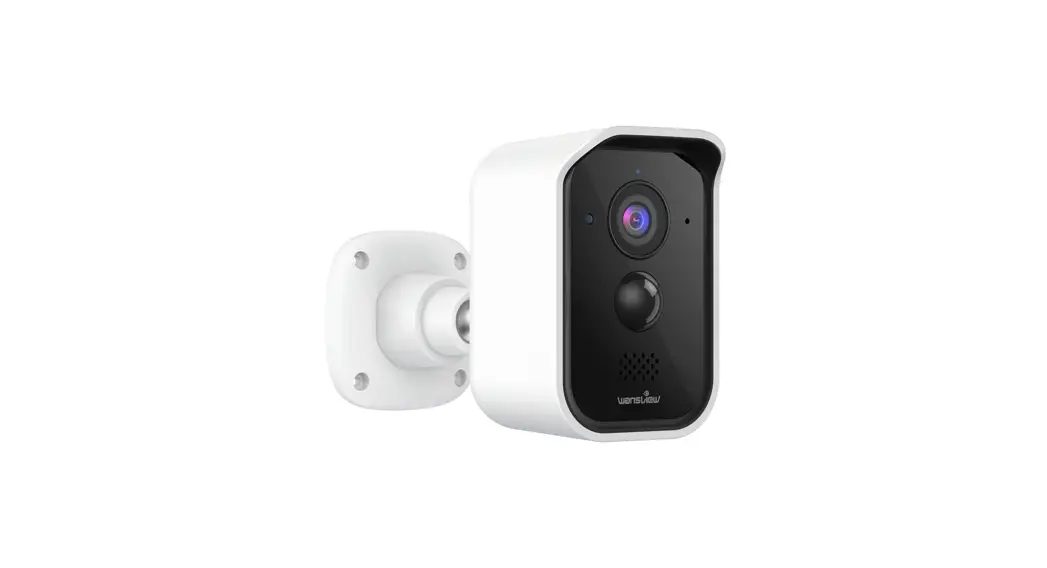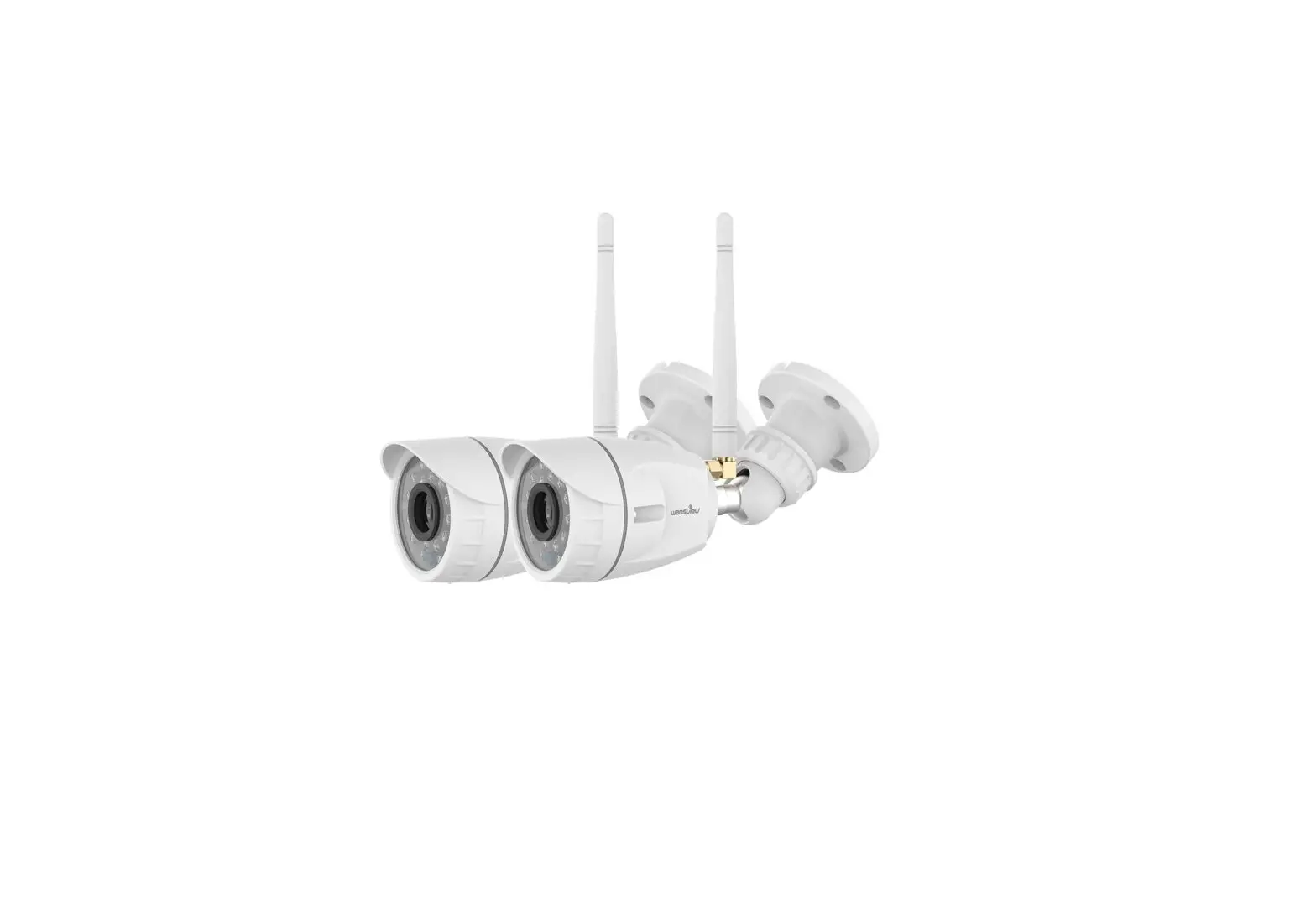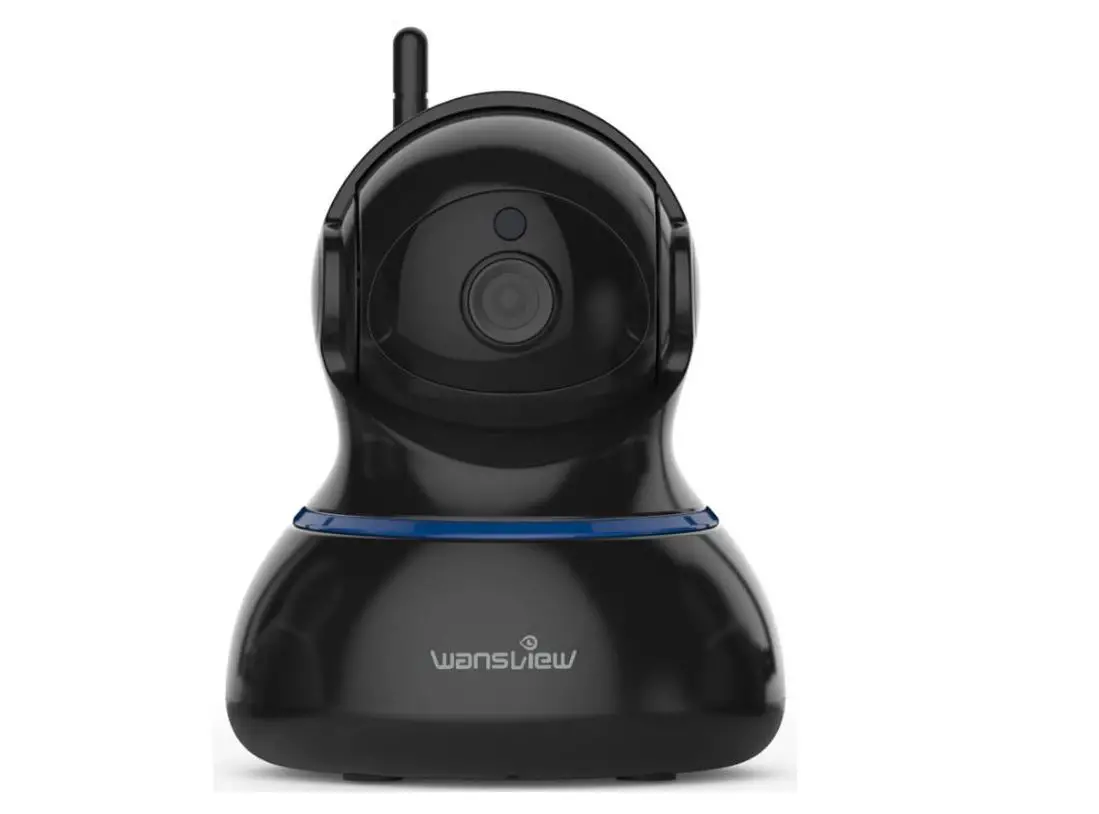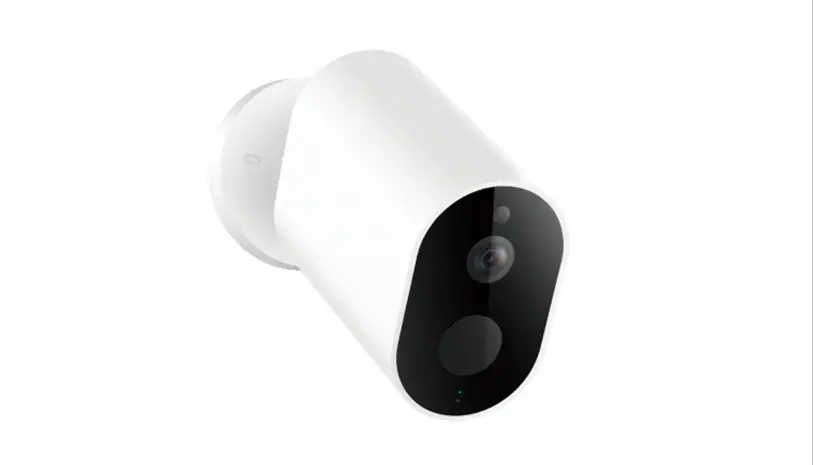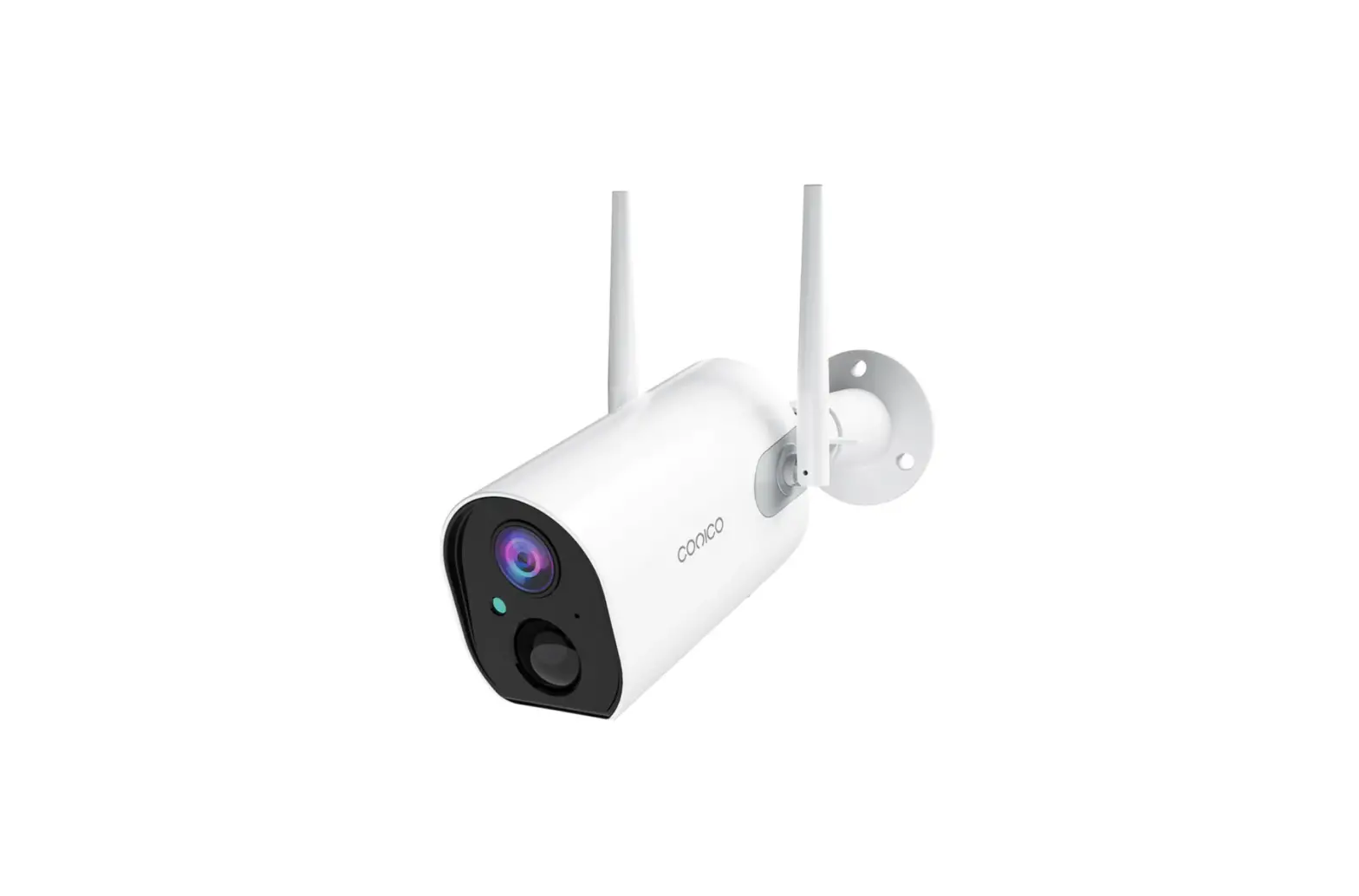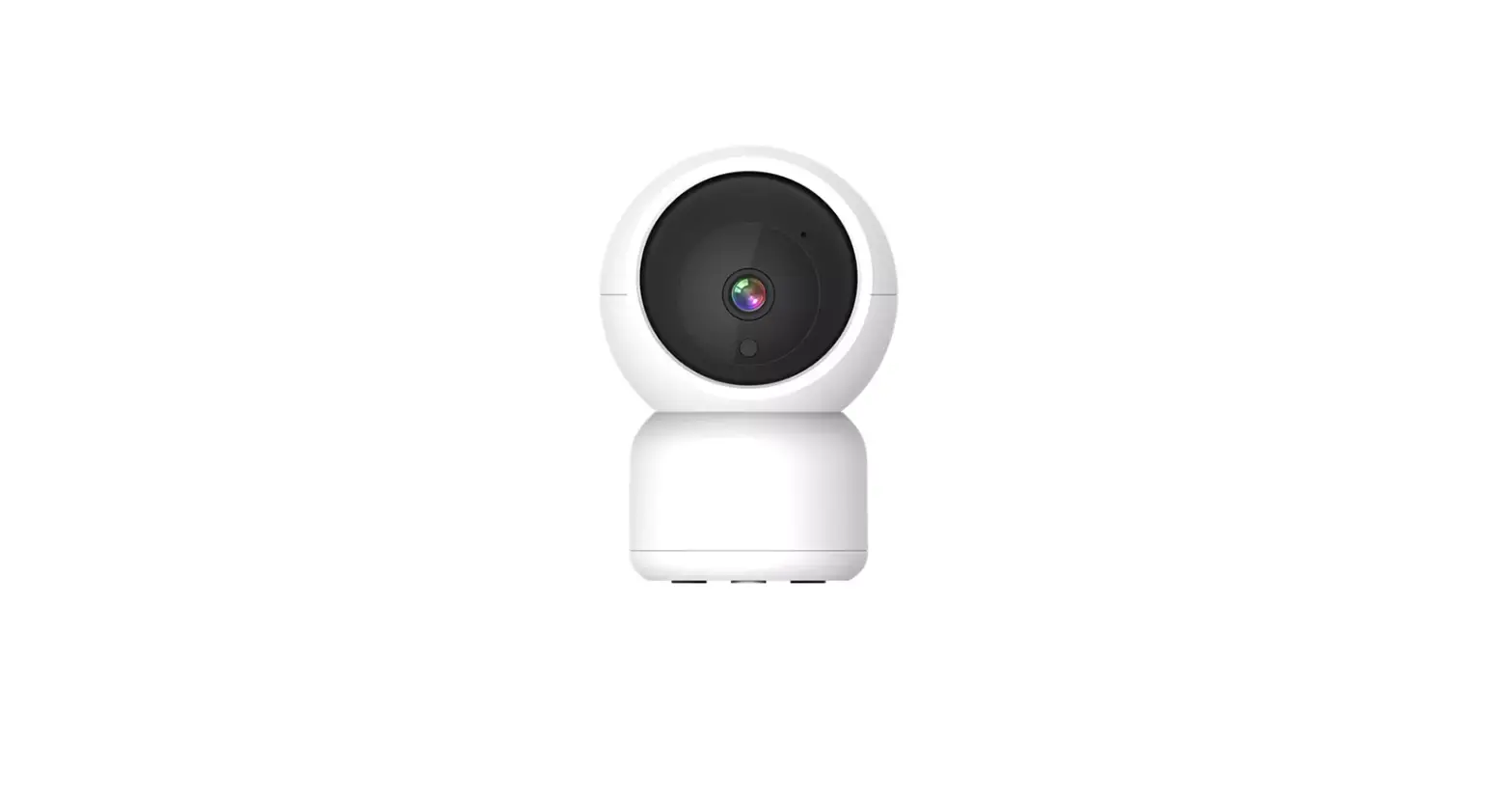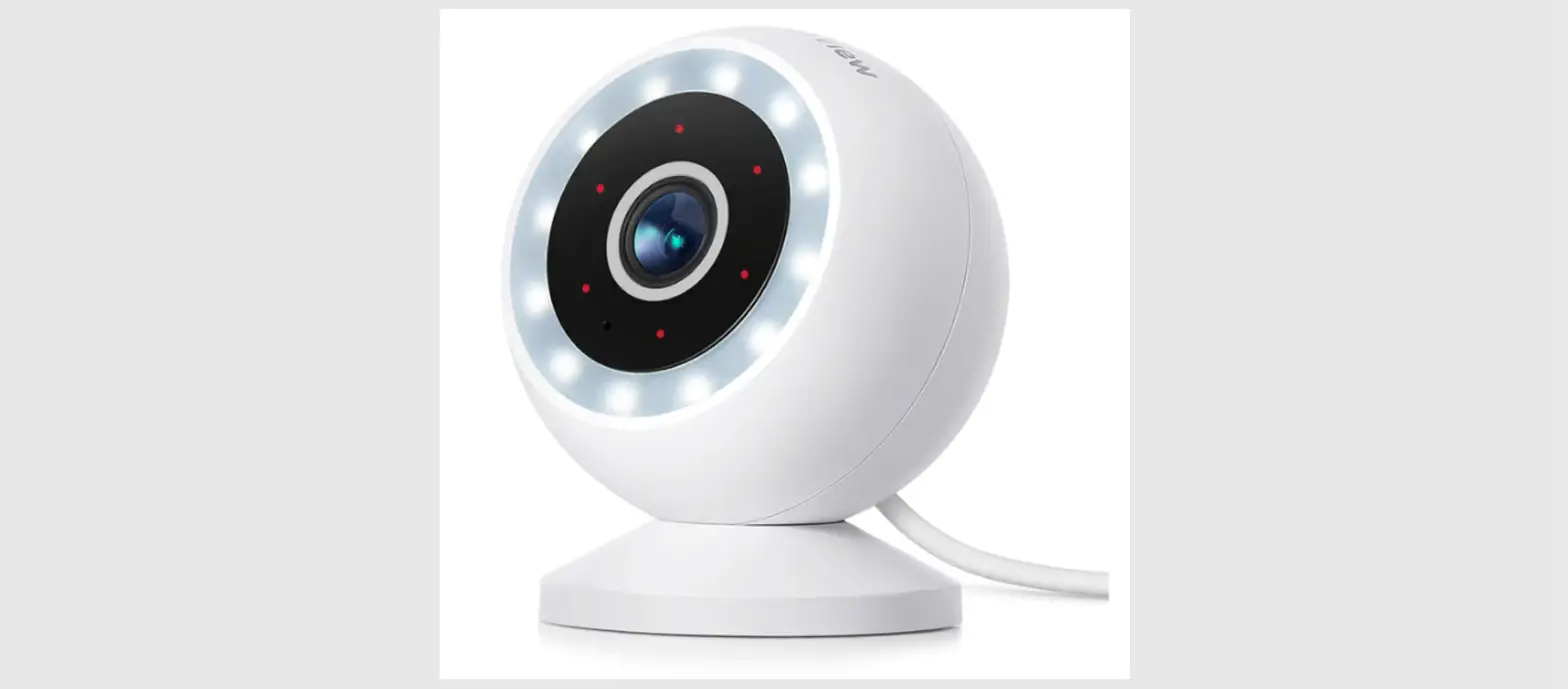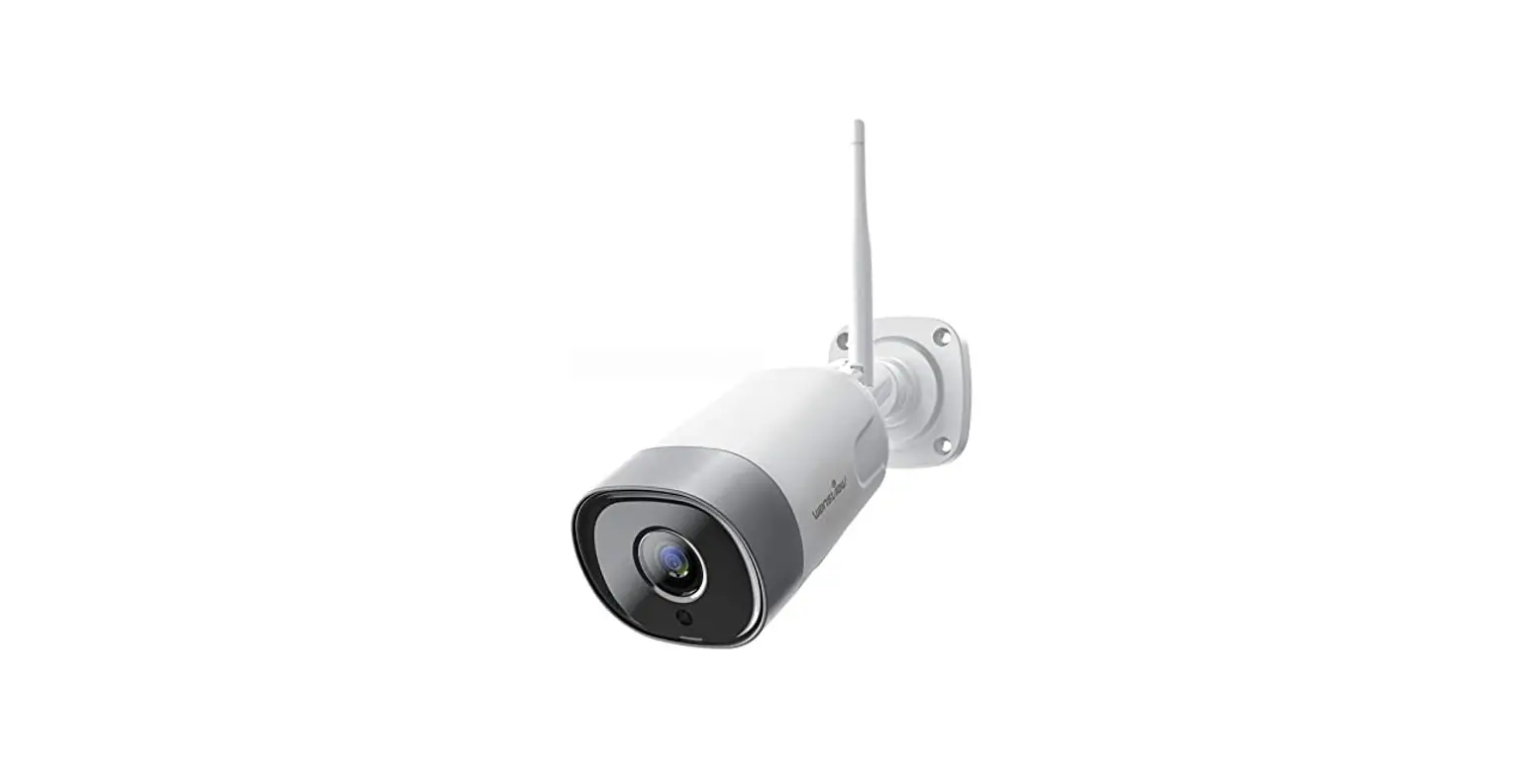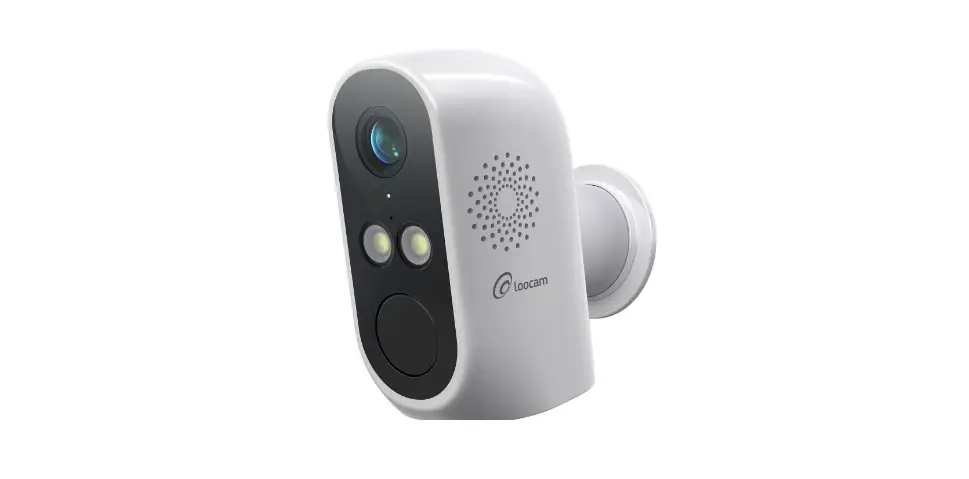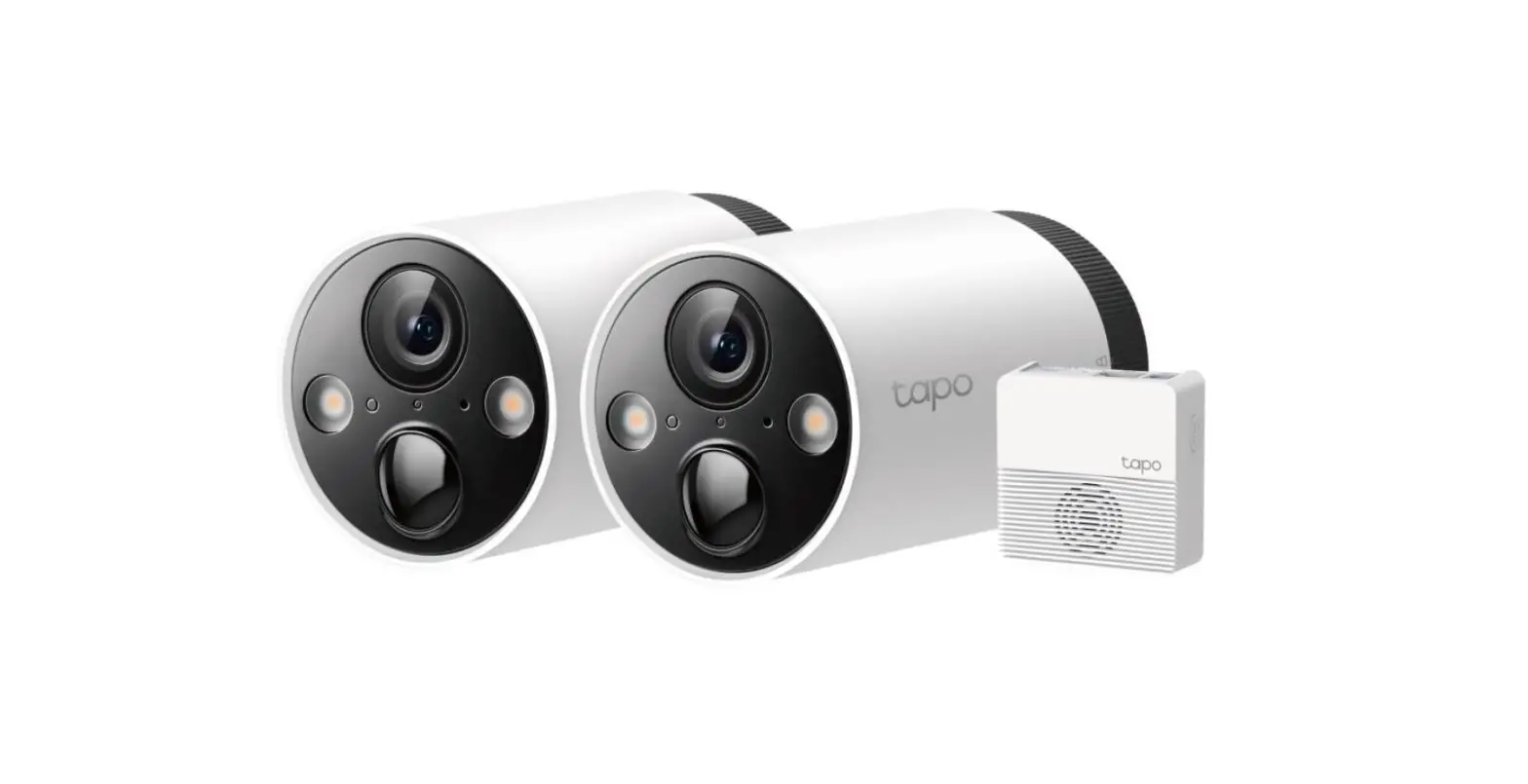

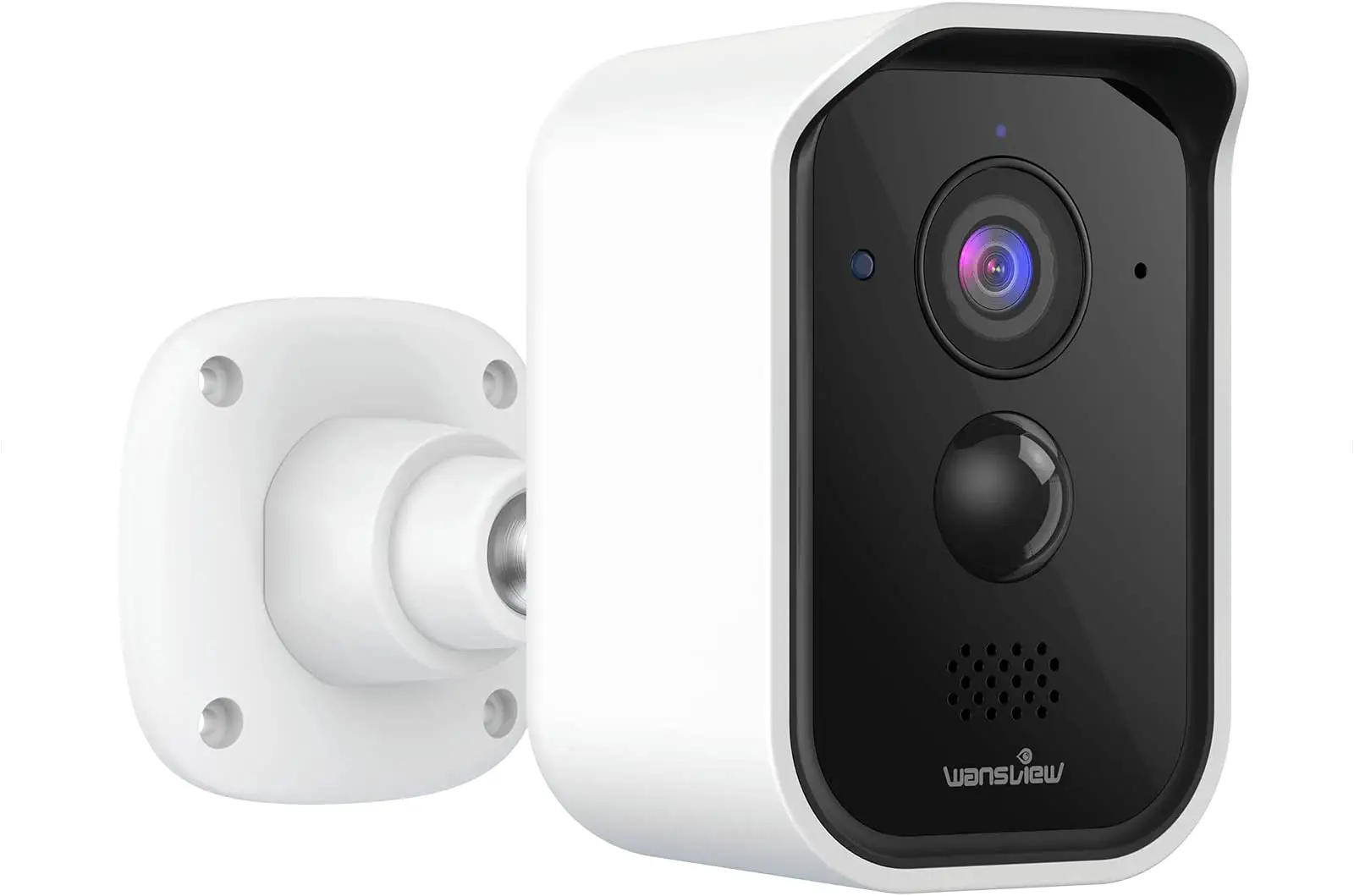
wansview B3 Wire-Free Battery-Powered 1080P Home Security Camera
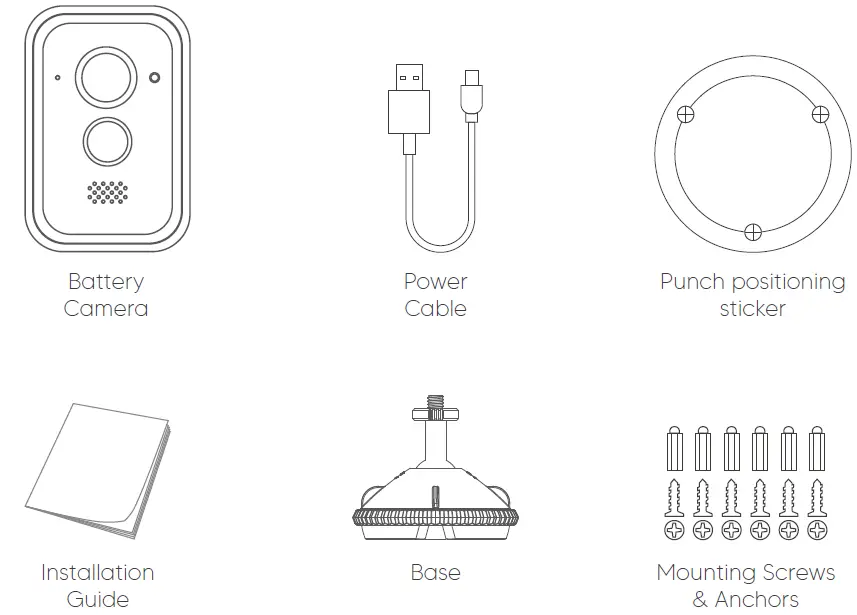
What’s in the Box
Product Diagram
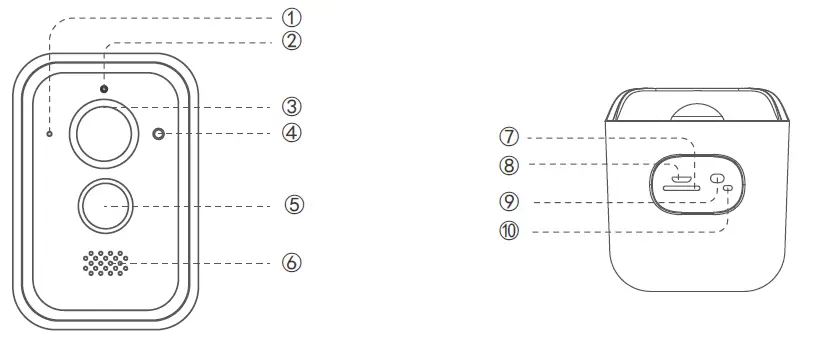
- Microphone
- Indicator light
- Night vision LED
- Photoresistance
- P I R sensor
- Speaker
- Micro SD Card Slot
- Micro USB port
- Reset button
- Switch button
INDICATOR LIGHTS STATUS
| Light Status | Camera Status |
| Red light on | Camera is powered on |
| Red and blue light flashing alternately | Waiting to connect Wi-Fi |
| Blue light flashing | Camera is connecting Wi-Fi |
| Blue light solid | Succeed to connect Wi-Fi |
| Red light flashing quickly | 1. Reset camera to factory setting 2. Camera is upgrading firmware |
| Button | Function | Operation Manual |
|
RST |
enter into the network configuration status | Press and hold the RST button 3-4S, the device will play a beep sound, release the button, the red and blue lights flash alternately |
|
reset | Press and hold the button for about 8s, the device will play the prompt sound of “DiDi”, the red light will flash quickly, and the device will sleep after 2S | |
|
swtich ON/OFF button |
switch ON | Press and hold the button for about 2S, the device will play “power on music” |
|
switch OFF | Press and hold the button for about 3S, the device plays “shutdown music” |
Install the camera
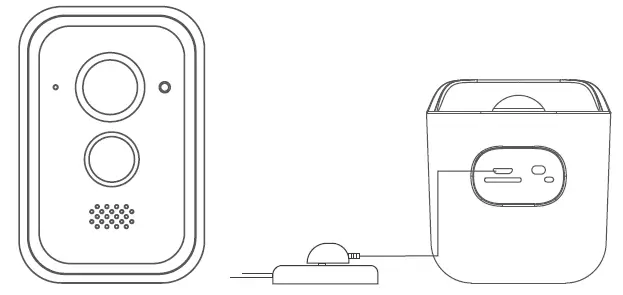
Power the camera
- The camera has a built-in 18650 battery pack. It is recommended to use a 5V 1A adapter to charge the battery.
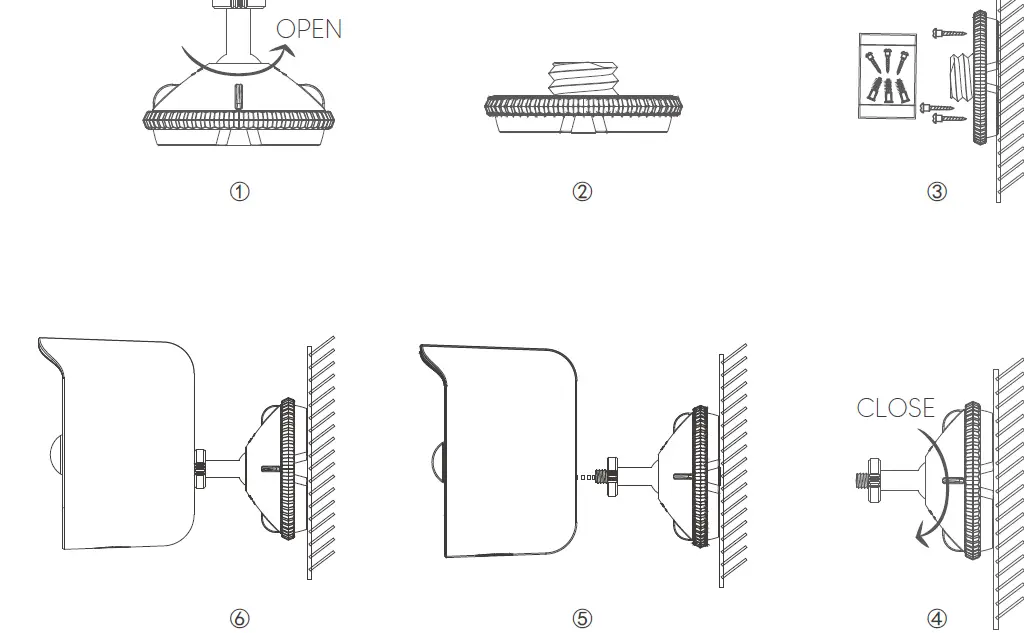
 Installation diagram
- Mount the battery camera on the wall
- Install the battery camera on the desktop or shelf
Precautions
Please pay attention to the power supply specifications if you want to use another adapter to charge the camera.
- please pay attention to the working temperature range.
- Do not use in environments with strong electromagnetic interference or near corrosive substances.
- The warranty does not cover defects and damages caused by misuse, unauthorized dismantling, or natural hazards.
- Built-in 18650 battery pack, actual battery life results may vary depending on device settings, usage, and environmental factors.
- The PIR motion sensor can only detect motions within a certain range and will not be activated by motions out of the range.
User’s Guide
Download and Install
Go to the App Store or Google Play to search and download “Wansview Cloud” APP on your smartphone. Or scan below QR code to get the APP.
 Register Account
Open the “Wansview Cloud” APP and register an account with your email, and activate it.
Tips: Your password must be 8-16 characters, and contains at least the following three categories: numbers, uppercase letters, lowercase letters or special characters.
Add Battery Camera 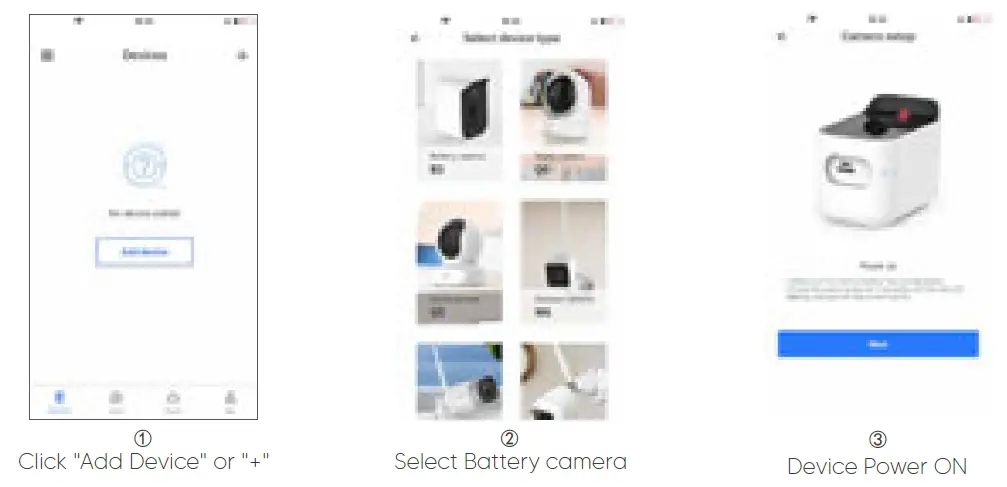
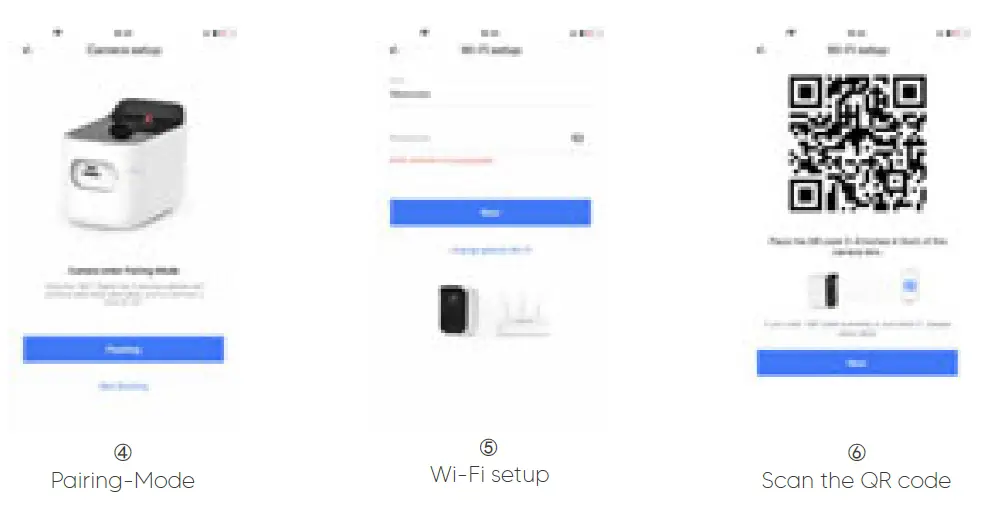
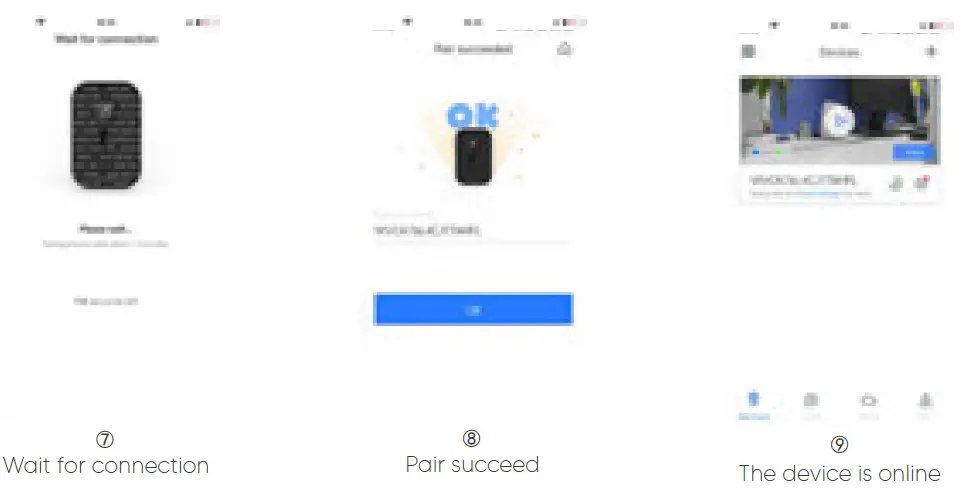
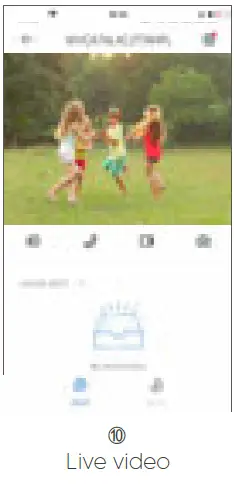 Tips:
Tips:
- This battery camera only works with 2.4GHz Wi-Fi, 5GHz Wi-Fi is not supported!
- Please put the camera near to the router during setting up the camera, after connecting the camerat to Wi-Fi, you can place the camera to other place.
Advanced Features

Cloud storage: After enabling cloud storage, alarm records could be automatically saved on the cloud server without data loss or corruption.
Motion detection: With built-in PIR sensor, it supports to capture moving objects and automatically trigger 10s short alarm recordings and real-time push notifications.
Two-way intercom: while watching videos, you can talk to family members far away Online.
7/24 Monitoring: With built-in IR-CUT, it could achieve 7 days, 24 hours monitoring with a piece of mind.

Device sharing: As an administrator, you can share the devices bound to your account with your family and friends, and it can be revoked at any time.
Smart power-saving: We do the intelligent power-saving treatment on hardware and software. Support auto hibernation, when someone enters into the PIR detecting range, the machine will wake up automatically.
TF card storage: Insert a TF card(max 128GB, not included) you can record alarm video to the TF card without using Cloud storage.