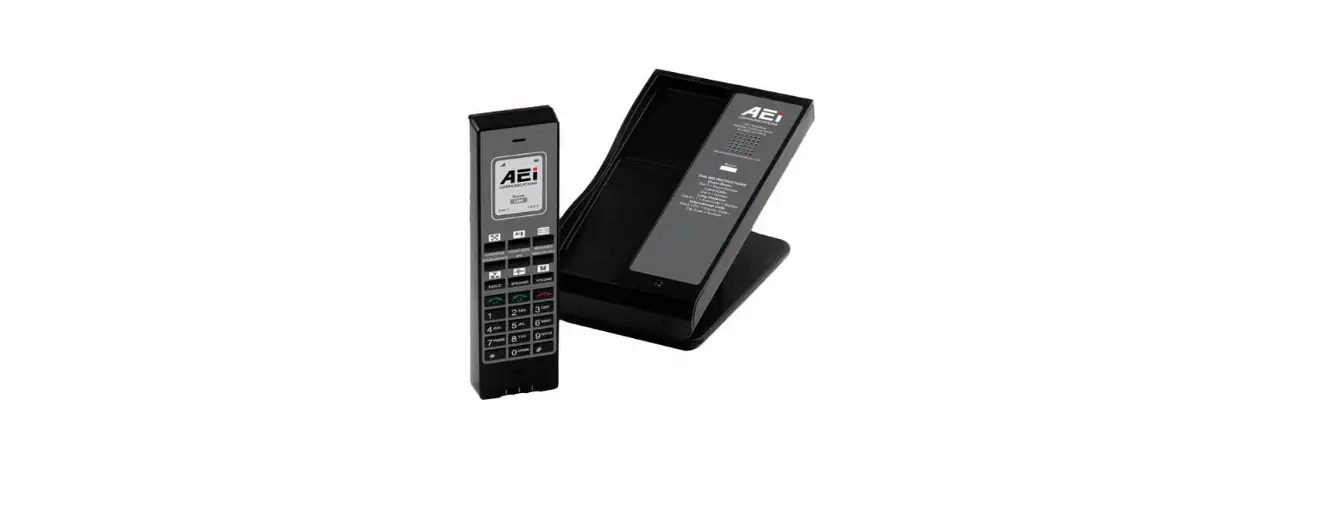
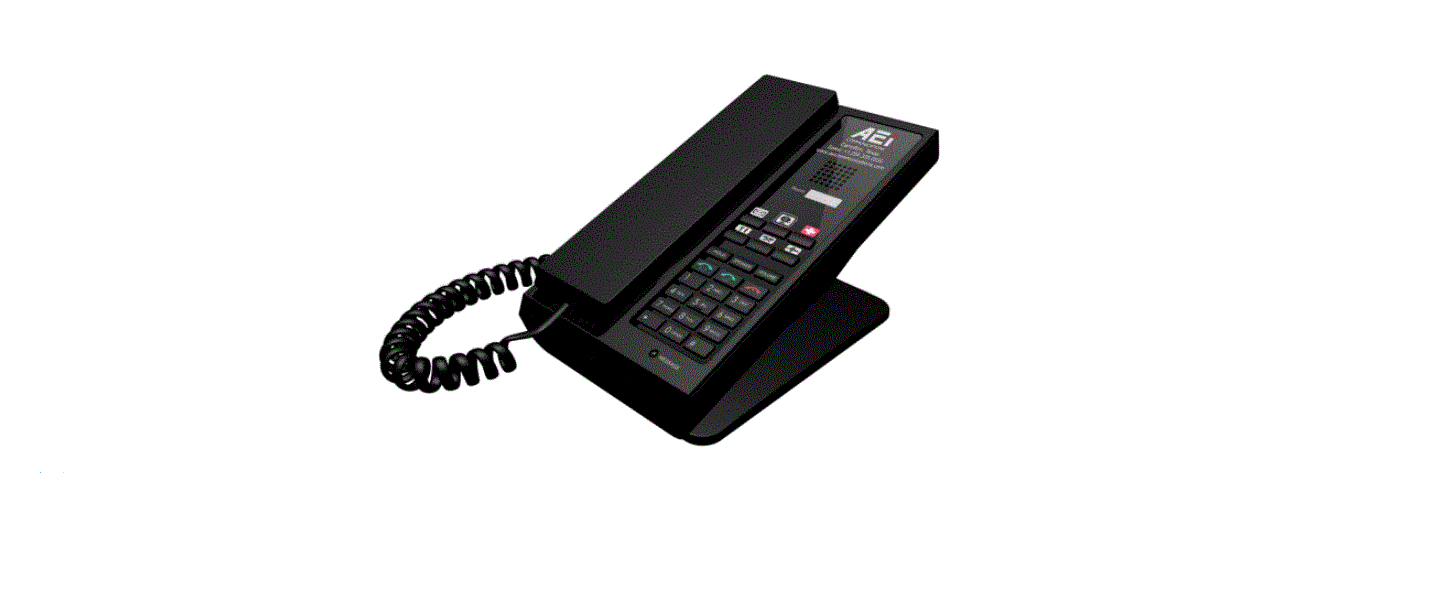
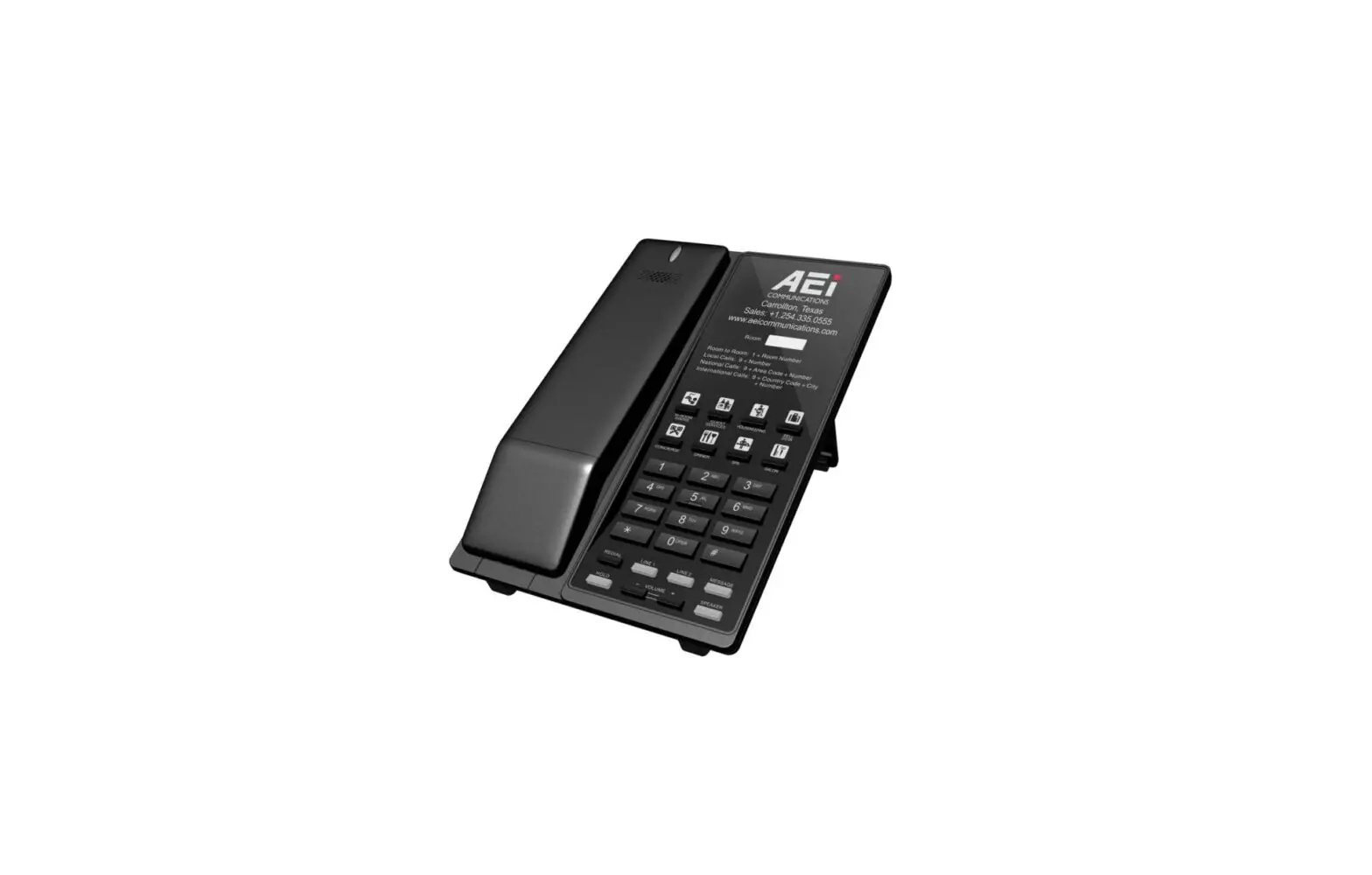
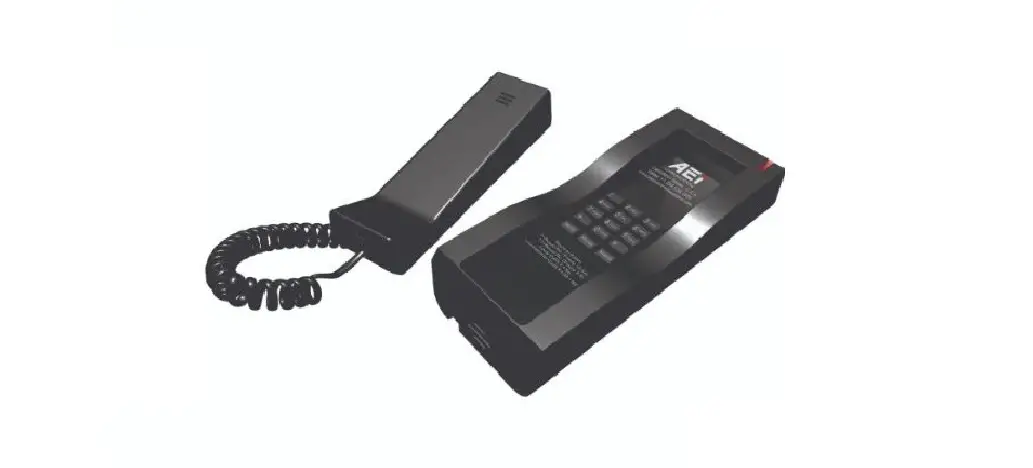
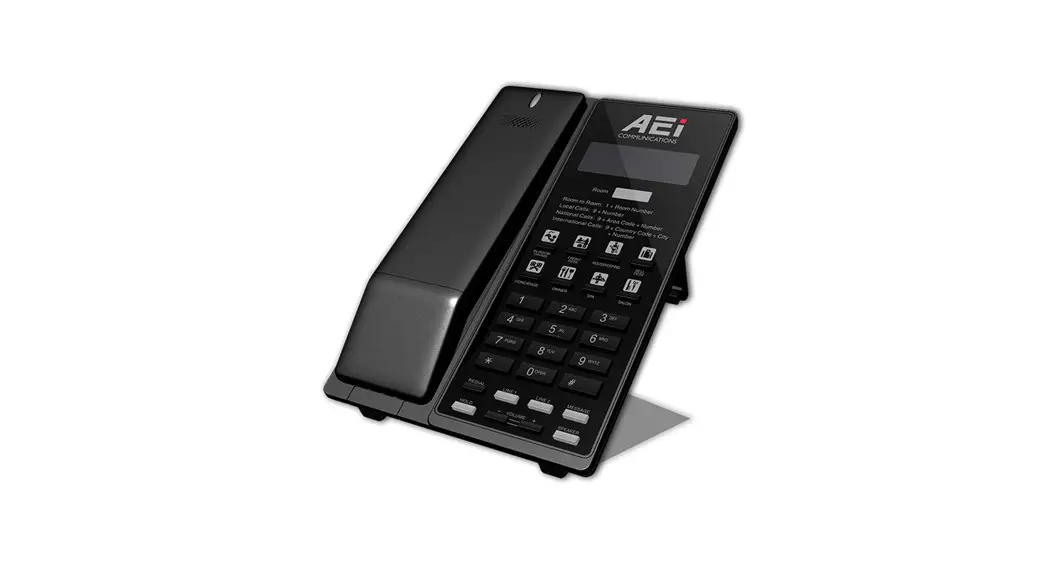
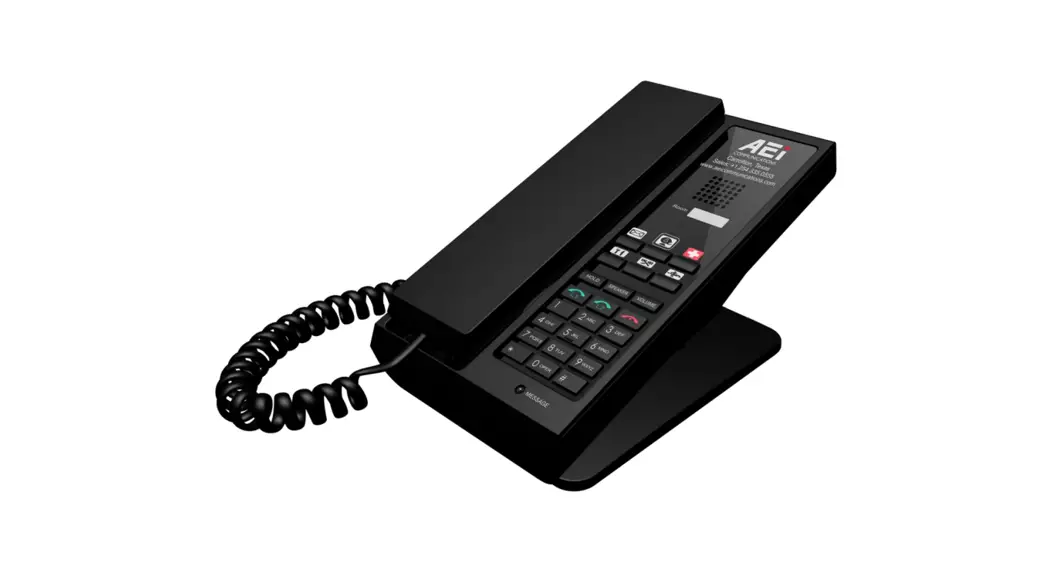
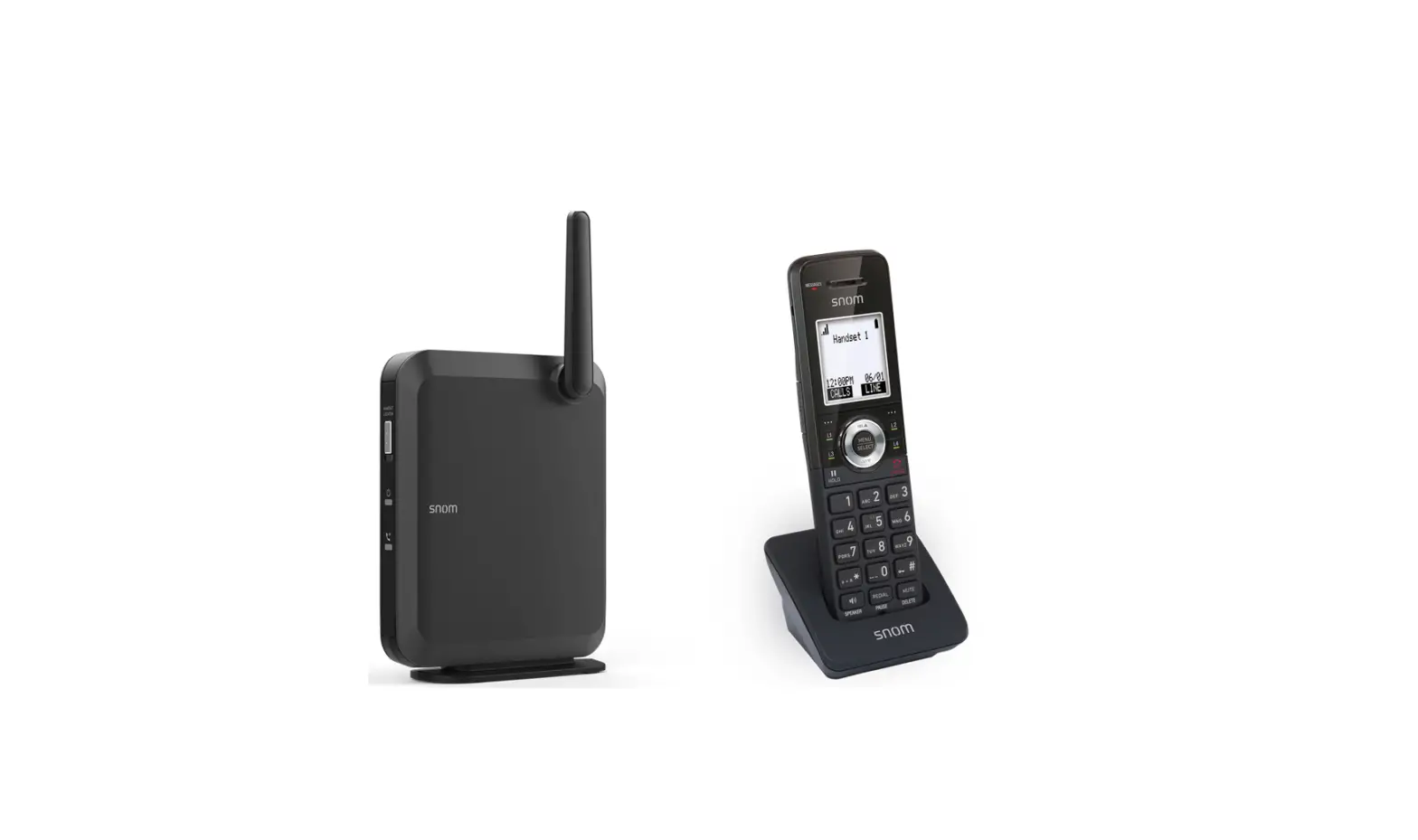
AGR-8206-SMK Analog DECT Phone
Analog DECT Phone – AGR-8206-SMK / AGR-8106-SMK
Product Description
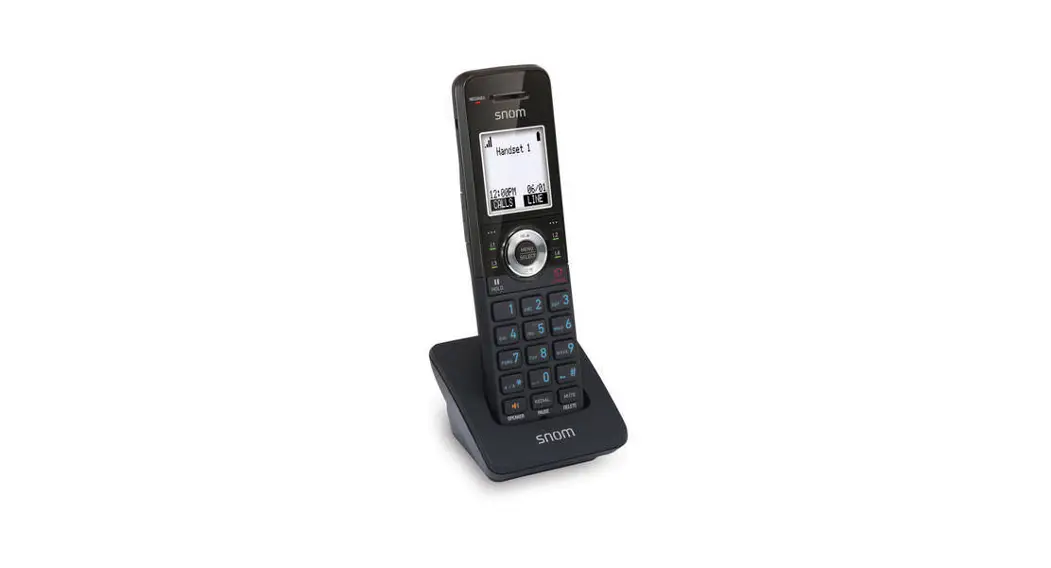
This phone is a full-feature telephone that provides voice
communication. It comes with a base unit, cordless handset, stand,
battery, AC adaptor, and a 10-feet, 4 wire line cord with an RJ-11
connector. The phone also has various features such as message
waiting indicator, display screen, speed dial keys, line status
indicators, end key, alphanumerical keys, and function keys for
hold, speakerphone, and volume control.
Package Contents
| Item | Description |
|---|---|
| 1. Base Unit | The main unit of the phone. |
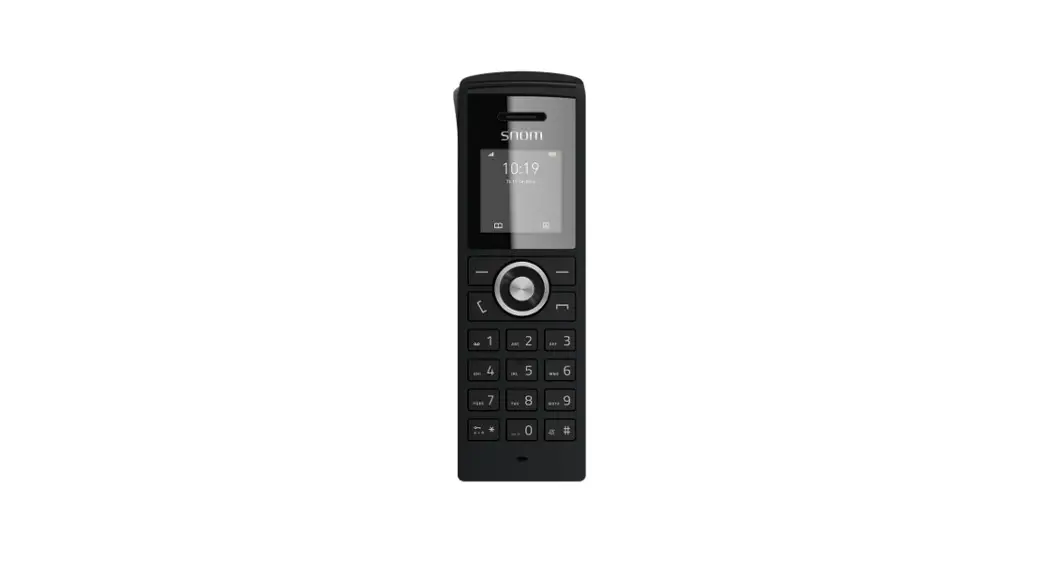
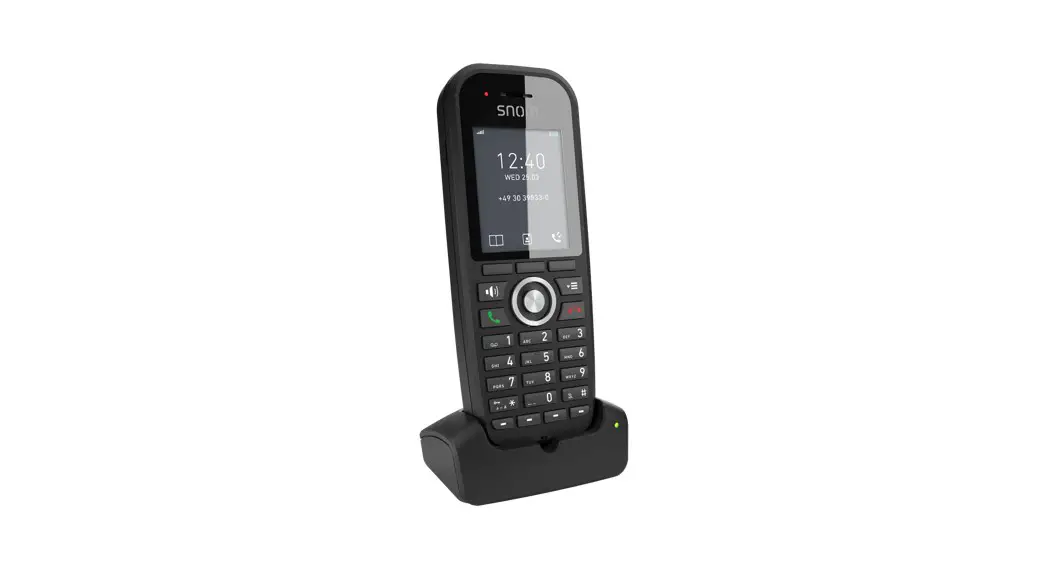
| 2. Cordless Handset | The portable handset for wireless communication. |
| 3. Stand | The stand for the cordless handset. |
| 4. Battery | The battery for the cordless handset. |
| 5. AC Adaptor | The power adapter for the phone. |
| 6. 10-feet, 4 wire Line Cord (with RJ-11 connector) | The cord for connecting the phone to a phone line. |
| 7. Quick Installation Guide (This document) | A guide for quick installation and setup. |
Product Usage Instructions
Connecting the Phone
Follow the steps below to connect the phone:
- Connect the PSTN line port on the back of the base unit to the
phone line. - Connect the DC 6V Power jack on the back of the base unit to
the AC power adapter.
Operations
Answering a Call
An incoming call is indicated by a ringing tone and a flashing
indicator on both the handset and base units. You can answer the
call by doing one of the following:
- Pick up the handset to answer the call.
- Press the Line (Line1/Line2) key on the base or handset to
answer the call.
Making a Call
Dialing with the Keypad:
- Enter the telephone number using the alphanumerical
keypad. - The call will start automatically.
Using the Speed dial keys:
You can use the 6 pre-assigned speed dial hotkeys to quickly
dial frequently dialed numbers. To call a number using speed
dialing, follow the steps below:
- Press the speed dial hotkey that has been pre-assigned to the
phone number. - The call will start automatically.
Analog DECT Phone
AGR-8206-SMK / AGR-8106-SMK AGR-8206-SMK -7979/ AGR-8106-SMK-7979
QIG V 1.00
1 Over view
This phone is a full-feature telephone that provides voice communication. Read this QIG carefully to learn how to operate this product and take advantage of its features.
Package Contents
When unpacking the phone, ensure all the following items are present and undamaged. If anything appears to be missing or broken, contact your dealer for a replacement.
1. Base Unit 2. Cordless Handset 3. Stand 4. Battery 5. AC Adaptor 6. 10-feet, 4 wire Line Cord (with RJ-11 connector) 7. Quick Installation Guide (This document)
2 Product Description
The following contains important information to help you familiarize with the functions of the analog phone.
Front View
1. Handset keys
Name
1
Message waiting
Description To indicate an incoming call or unread messages.
Name
Description
indicator
2
Display screen
To display calls and status information.
3
Speed dial keys
Press to dial the preset number.
4
LINE 1 / LINE 2
To indicate a line been used as the following status: – Idle: No LED indication. – In call: Red LED.
– In on-hold call: Blinking red LED.
5
End key
Press to end a phone call
6
Alphanumerical keys Press these keys to enter phone numbers or texts.
7
Function keys
HOLD
Press to put an active call on hold.
SPEAKER
Press to activate the speakerphone for hands free conversations.
VOLUME
Press to increase or decrease the volume of the ringer tone, handset, or speakerphone.
2 Base unit keys
Name
1
Message waiting
indicator
2
Speed dial keys
3
LINE 1 / LINE 2
4
End key
5
Alphanumerical keys
6
Function keys
HOLD
SPEAKER
VOLUME
Description To indicate an incoming call or unread messages.
Press to dial the preset number. To indicate a line been used as the following status: – Idle: No LED indication. – In call: Red LED. – In on-hold call: Blinking red LED. Press to end a phone call Press these keys to enter phone numbers or texts.
Press to put an active call on hold. Press to activate the speakerphone for hands free conversations. Press to increase or decrease the volume of the ringer tone or speakerphone.
Back View
NO. Name
Description
1
PSTN line port
Connects to PSTN line.
2
DC 6V Power jack Connects to AC power adapter.
Connecting the Phone
The following illustration shows how to connect the power
The following illustration shows how to install the phone and stand. The following illustration shows how to install the handset and battery.
3 Operations
Answering a Call
An incoming call is indicated by a ringing tone and a flashing indicator at the top of both handset and base units. You can answer the call by doing one of the followings: Pick up the handset to answer the call. Press the Line (Line1/Line2) key on the base or handset to answer the call.
Making a Call
Dialing with the Keypad Enter the telephone number with the alphanumerical keypad and the call will start automatically.
Using the Speed dial keys
You can use the 6 pre-assigned speed dial hotkeys, to configure the most commonly dialed numbers. Use the function to dial a number quickly, instead of keying in a complete number. To call a number using speed dialing, follow the steps below: Press the speed dial hotkey that has been pre-assigned to the phone number and the call will start automatically.
Call Options
While a call is in progress, a number of additional options are available.
Using the Speaker Phone
For hands free operation, you can use the built-in speaker to talk on the phone. To use the speakerphone, follow the steps below: While talking on the phone, press the SPEAKER key on the phone to enable the Speakerphone function. Press SPEAKER key again to terminate the call.
Putting a Call on Hold
You may want to put a call on hold temporarily while doing some work or attending to a second incoming or outgoing call. To put a call on hold, do one of the following: Press the HOLD key on the phone to put the call on hold. When you receive a second call, press the next available LINE key to attend to the new call, and the first call will be
put on hold automatically.
Charging the Handset Battery
You would need to charge the handset battery before using the handset. Install the battery into the handset. Place the handset onto the base unit and base unit will start to charge the handset automatically. The charging indicator lights up in red during charging progress. The LED goes off after the handset battery is
fully charged.
Checking Voice Messages
If the message waiting indicator at top of handset or base unit lights up in red, it indicates that there are one or more new messages in voicemail box. Press the MESSAGE key on the phone to retrieve voice messages.
4 Support
For technological support, please email to [email protected].