Remote Control
Product Information:
The product is a bed with multiple massage options designed to
meet your changing needs. It comes with a remote control that
allows you to control various functions and features. The bed
offers auto massage, spot support, manual massage, and settings
options. The auto massage feature provides six different massage
programs for the full body, wave, gentle, stretch, back, and lower
body. The spot support feature allows you to choose specific areas
for airbag support, including the neck, back, lower back, glutes,
and thighs. The manual massage feature offers five fixed massage
areas, including the neck, back, lower back, glutes, and thighs.
The bed also includes various settings such as screen brightness,
language selection, massage time, massage intensity, and Bluetooth
connectivity.
Product Usage Instructions:
- To begin the auto massage:
- Select one of the six auto massages using the directional
buttons on the remote. - Press the OK button to enter the auto massage interface.
- In the auto massage interface, you can see the name of the
selected auto program and the massage area. - You can decrease or increase the massage intensity using the –
and + buttons on the remote. There are three intensity levels: low,
medium, and high.
- Choose the desired support area (neck, back, lower back,
glutes, or thighs) using the directional buttons on the
remote. - Press the OK button to enter the spot interface.
- In the spot interface, you can adjust the support intensity by
using the – and + buttons on the remote. There are three intensity
levels: low, medium, and high.
- Select one of the five manual massages (neck, back, lower back,
glutes, or thighs) using the directional buttons on the
remote. - Press the OK button to enter the manual massage interface.
- In the manual massage interface, you can adjust the massage
intensity by using the – and + buttons on the remote. There are
three intensity levels: low, medium, and high.
- Use the directional buttons on the remote to navigate to the
settings option. - Press the OK button to enter the settings interface.
- In the settings interface, you can adjust the screen
brightness, select a language, set the massage time, and choose the
massage intensity level.
- Ensure that the product is installed and powered on.
- Power on the remote control.
- Select the Bluetooth code of the corresponding control box on
the Bluetooth page using the directional buttons on the
remote. - Press the OK button to confirm the connection.
- You can now start using the product with Bluetooth
connectivity.
Warning and Cautions:
Warning:
- This device should not cause harmful interference.
- This device must accept any interference received, including
interference that may cause undesired operation. - This equipment complies with FCC radiation exposure limits for
an uncontrolled environment. It should not be co-located or
operated in conjunction with any other antenna or transmitter.
Cautions:
- Do not use or leave the battery in very high temperature
conditions, as it may overheat, catch fire, or reduce its
performance and service life. Examples of such conditions include
strong direct sunlight or a vehicle in extremely hot
conditions. - Avoid using the product in locations with high electrostatic
and magnetic fields, as it may damage the safety devices and pose
safety risks. - If the battery leaks and the electrolyte gets into the eyes, do
not wipe the eyes. Instead, rinse the eyes with clean running water
and seek immediate medical attention to prevent eye injuries.
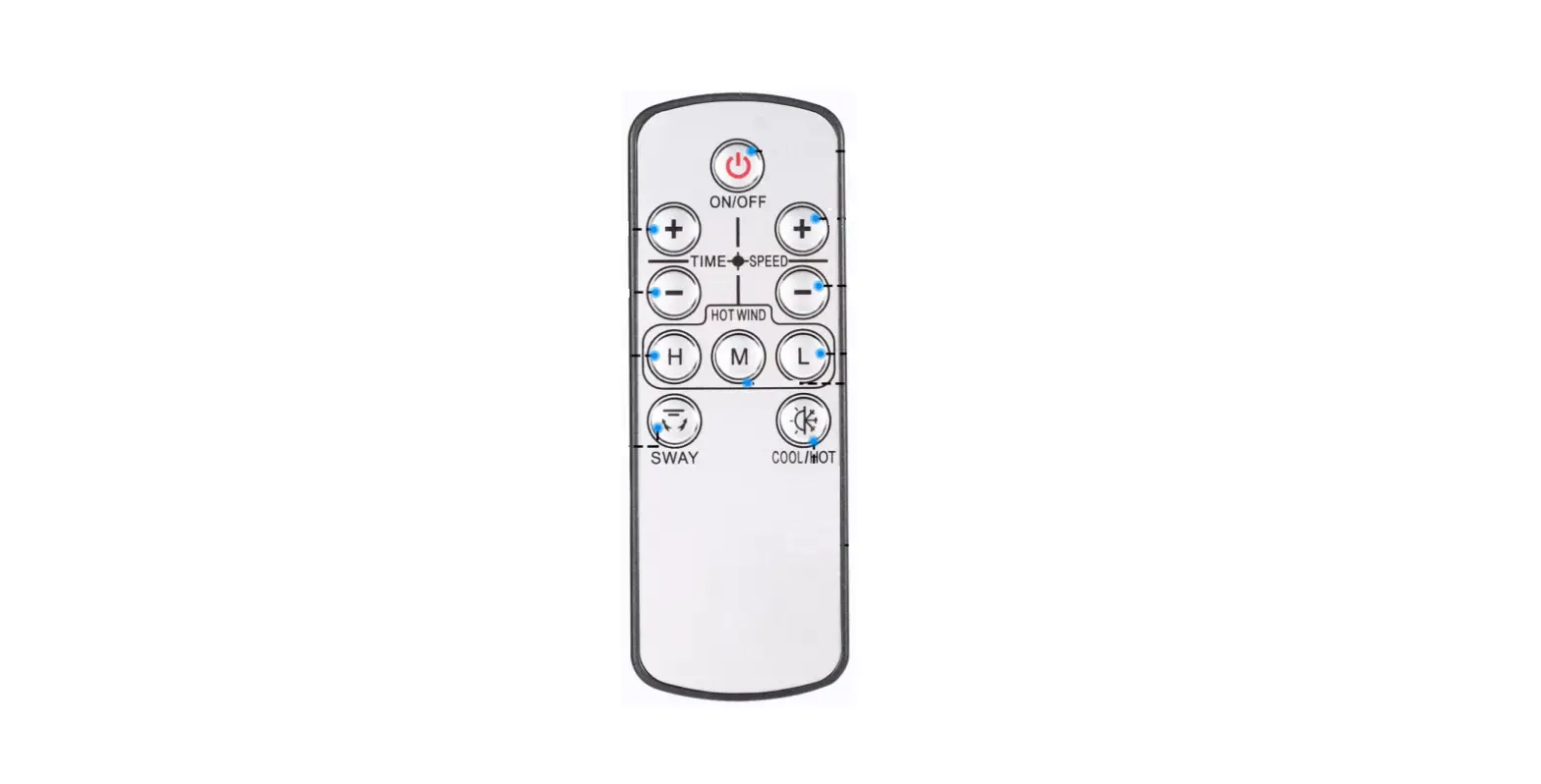
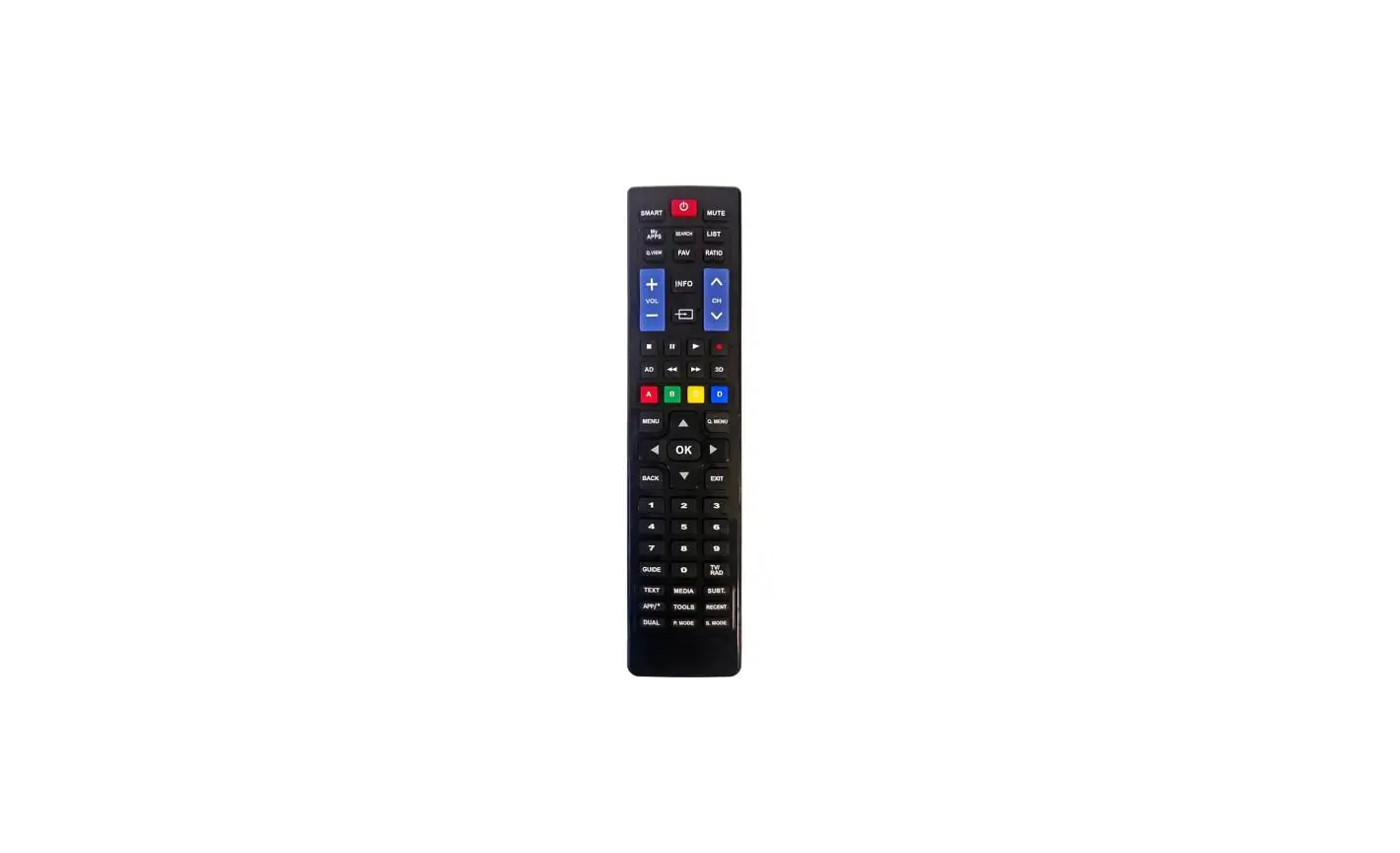
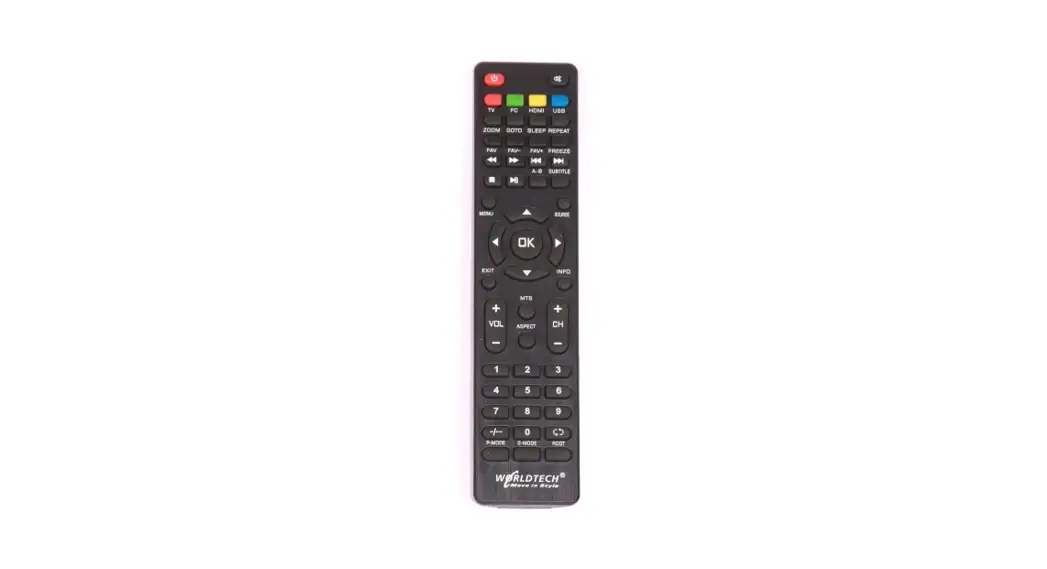
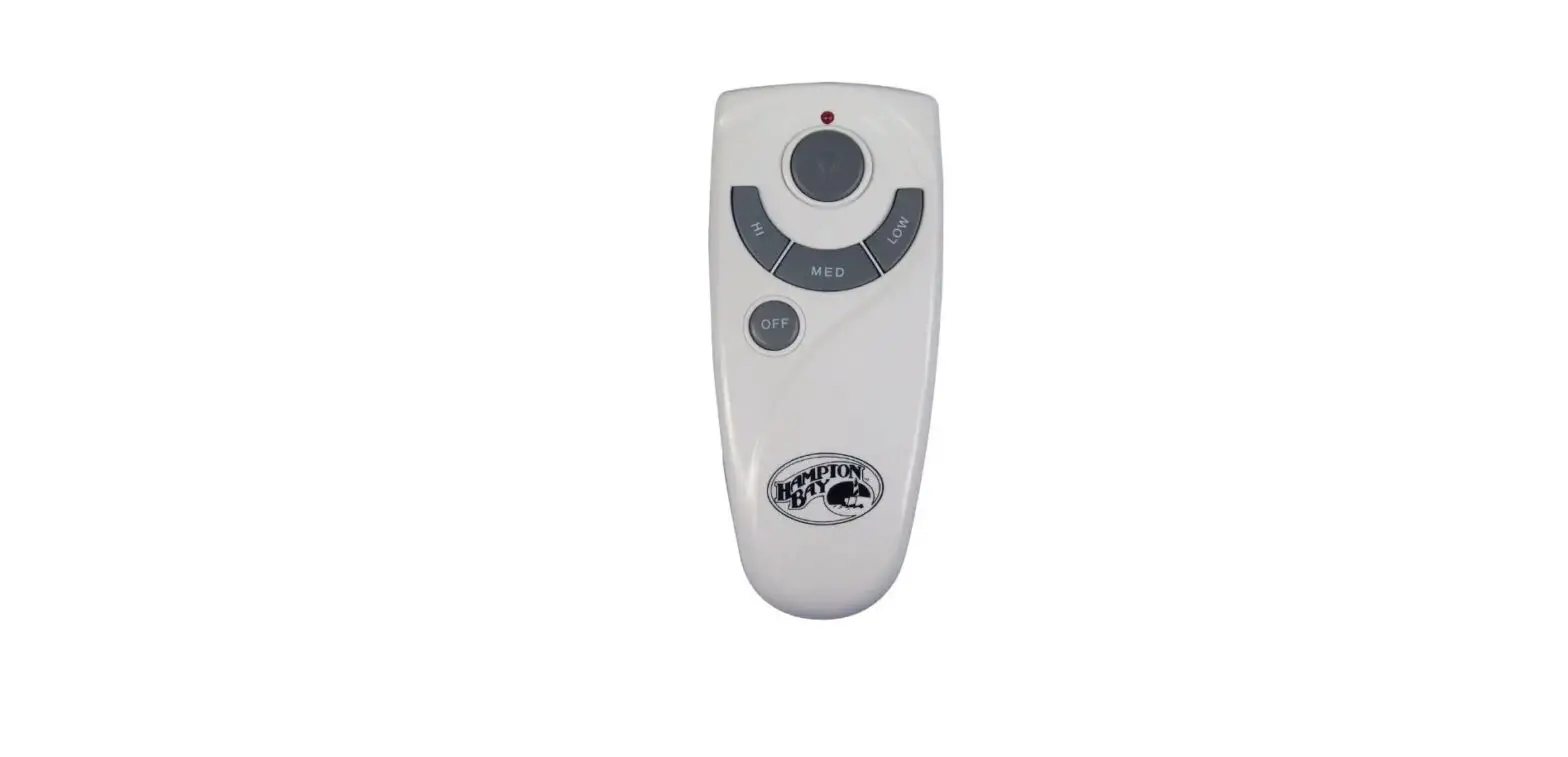
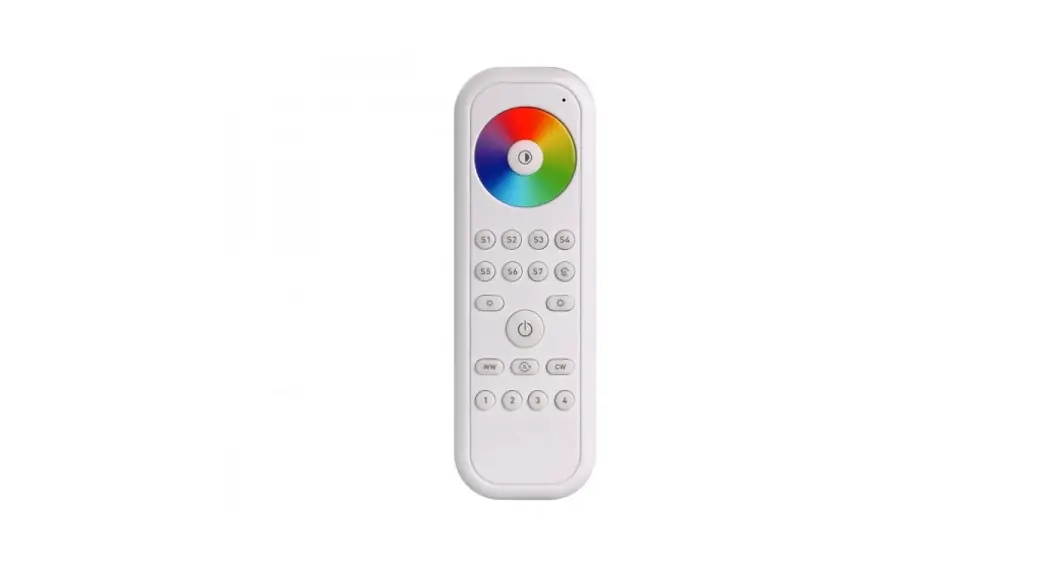
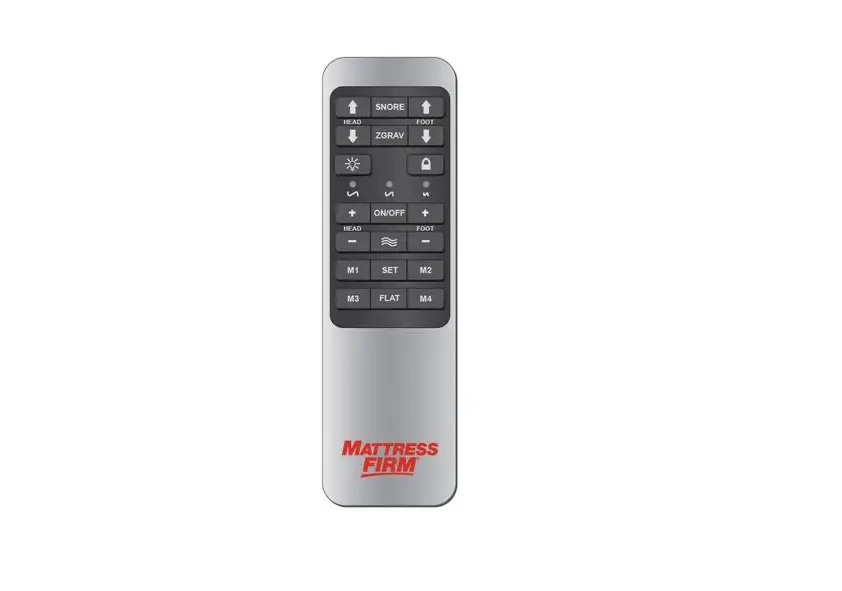
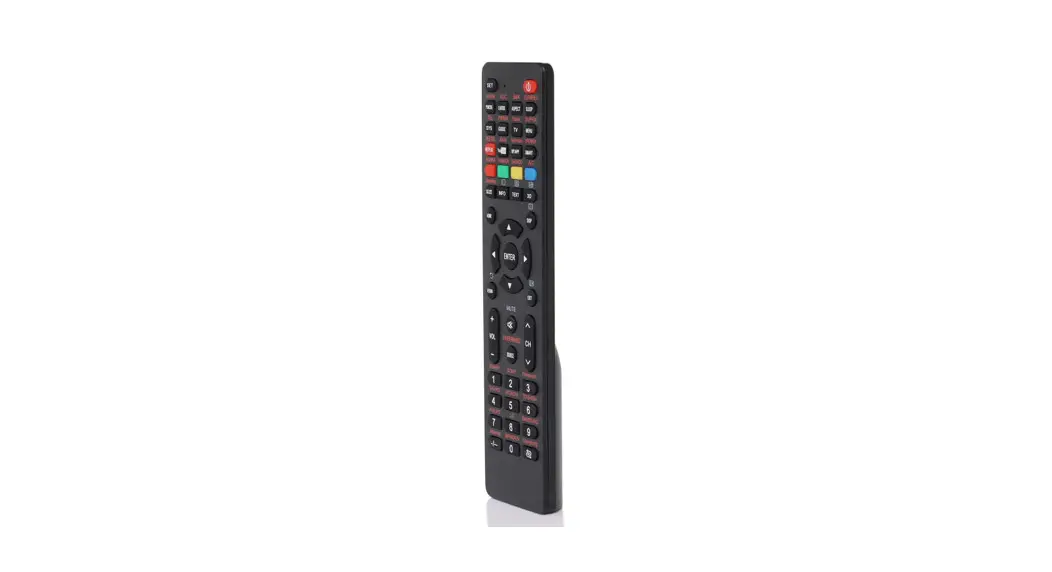
REMOTE
ON/OFF Home
Comfirm Botton
Return Botton Direction Botton
Intensity Adjustment Botton
AUTO MASSAGE
We have designed your bed with multiple massage options for your changing needs. Follow these simple instructions to begin the auto massage.
Choose 1 of the 6 auto massages and press “OK” to get into auto massage interface (Full Body, Wave, Gentle, Stretch, Back, Lower Body)
Auto Massage Interface
Name of Auto Program Massage Area
Massage Intensity Decrease Intensity
Time Left Increase Intensity
The auto massage intensity can be adjusted by “-” and “+” buttons There are 3 levels: Low/Medium/High
SPOT
This is an airbag support feature, you can choose which area you want to support,you can choose single airbag support or multiple airbages support at the same time.
Choose support area and press “OK” to get into sopt interface (Neck, Back, Lower Back , Glutes, Thighs)
Name of Spot Program Spport Area
Spot Interface
Support Intensity Decrease Intensity
Increase Intensity
The airbag support intensity can be adjusted by “-” and “+” buttons There are 3 levels: Low/Mideun/High
MANUAL MASSAGE
This is a fixed massage area and actions program.
Choose 1 of the 5 manual massages and press “OK” to get into manual massage interface (Neck, Back, Lower Back, Glutes, Thighs)
Manual Massage Interface
Name of Manual Program
Massage Area
Massage Intensity Decrease Intensity
Time Left Increase Intensity
The manual massage intensity can be adjusted by “-” and “+” buttons There are 3 levels: Low/Mideun/High
SETTINGS
Choose the “Setting” and press “OK” to take you to the settings
Screen Brightness SettingInterface
The screen brightness can be adjusted by “-“and “+”buttons,there are 4 levels
Language Setting Interface
There are 6 languages to choose from
Massage Time Setting Interface
There are 6 massage times to choose from
Massage Intensity Setting Interface
There are 3 massage intensity leves to choose from
Bluetooth Interface
When the product has been installed and powered on, after remote is powered on, you need to select the Bluetooth code of the corresponding control box on the Bluetooth page and press the “ok” button to confirm the connection. then you can start using the product
Warning and Cautions
Warning
l Danger warning to prevent the possibility of the battery from leaking, heating, explosion. Please observe the l following precautions: l Don’t immerse the battery in water and seawater. Please put it in cool and dry l environment if no using. l Do not discard or leave the battery near a heat source as fire or heater. l Being charged, using the battery charger specifically for that purpose. l Being charged, using the battery charger specifically for that purpose. l Being charged, using the battery charger specifically for that purpose. l Do not transport and store the battery together with metal objects such as necklaces, hairpins.. l Do not strike , throw or trample the battery. l Do not directly solder the battery and pierce the battery with a nail or other sharp object. l Prohibition of use of damaged cells. l Don’t fall, hit, bend battery body. l Battery pack designing and packing Prohibition injury batteries. l Never disassemble the cells. l The battery replacement shall be done only by either cells supplier or device supplierand never be done by the user. l Keep the battery away from babies. l This device complies with part 15 of the FCC Rules. Operation is subject to the fol lowing two conditions:
(1) This device may not cause harmful interference, and (2) this device must accept any interference re ceived, including interference that may cause undesired operation.
FCC Statement: This device complies with part 15 of the FCC Rules. Operation is subject to the following two conditions: (1) This device may not cause harmful interference, and (2) this device must accept any interference received, including interference that may cause undesired operation. This equipment has been tested and found to comply with the limits for aClass B digital device, pursuant to part 15 ofthe FCCRules. Theselimits aredesigned to provide reasonable protection against harmful interference in a residential installation. This equipmentgenerates,usesandcanradiateradiofrequencyenergyand,ifnotinst alled andused inaccordance withthe instructions,may causeharmfulinterferencetoradio communications.However,there isno guaranteethatinterferencewill notoccur ina particularinstallation.Ifthisequipmentdoescauseharmfulinterferencetoradioo r television reception, which can be determined by turning the equipment off and on, the user is encouraged to try to correct the interference by one or more of the following measures: –Reorient or relocate the receiving antenna. –Increase the separation between the equipment and receiver. –Connect the equipment into an outlet on a circuit different from that to which the receiver is connected. –Consult the dealer or an experienced radio/TV technician for help. Caution: Any changes or modifications not expressly approved by the party responsible for compliance could void the user’s authority to operate the equipment.
Thisequipment complies withFCC radiation exposure limits setforth for an uncontrolled environment. This transmitter must not be co-located or operating in conjunction with any other antenna or transmitter.
Cautions
l Do not use or leave the battery at very high temperature conditions (for example, strong direct sunlight or a vehicle in extremely hot conditions). Otherwise, it canoverheat or fire or its performance will be degenerate and its service life will be decreased.
l Do not use it in a location where is electrostatic and magnetic greatly, otherwise, the safety devices may be damaged, causing hidden trouble of safety.
l If the battery leaks, and the electrolyte get into the eyes. Do not wipe eyes, instead, rinse the eyes with clean running water, and immediately seek medical attention. Otherwise, eyes injury can result.
l If the battery gives off an odor, generates heat, becomes discolored or deformed, or in any way appear abnormal during use, recharging or storage, immediately remove it from the device or battery charge and stop using it.
l Prohibition of use of damaged cells. l Be aware discharged batteries may cause fire; tape the terminals to insulate them.