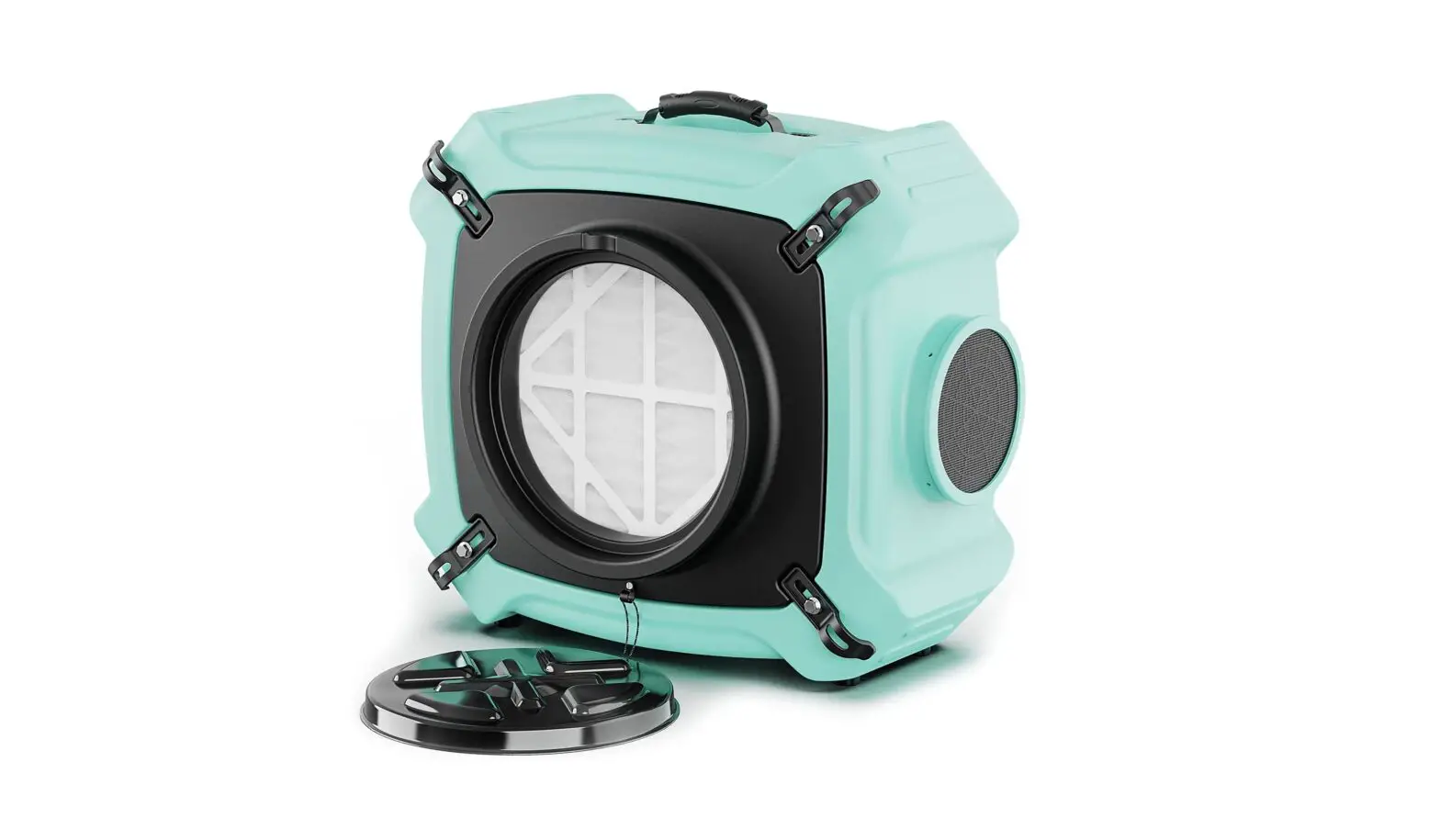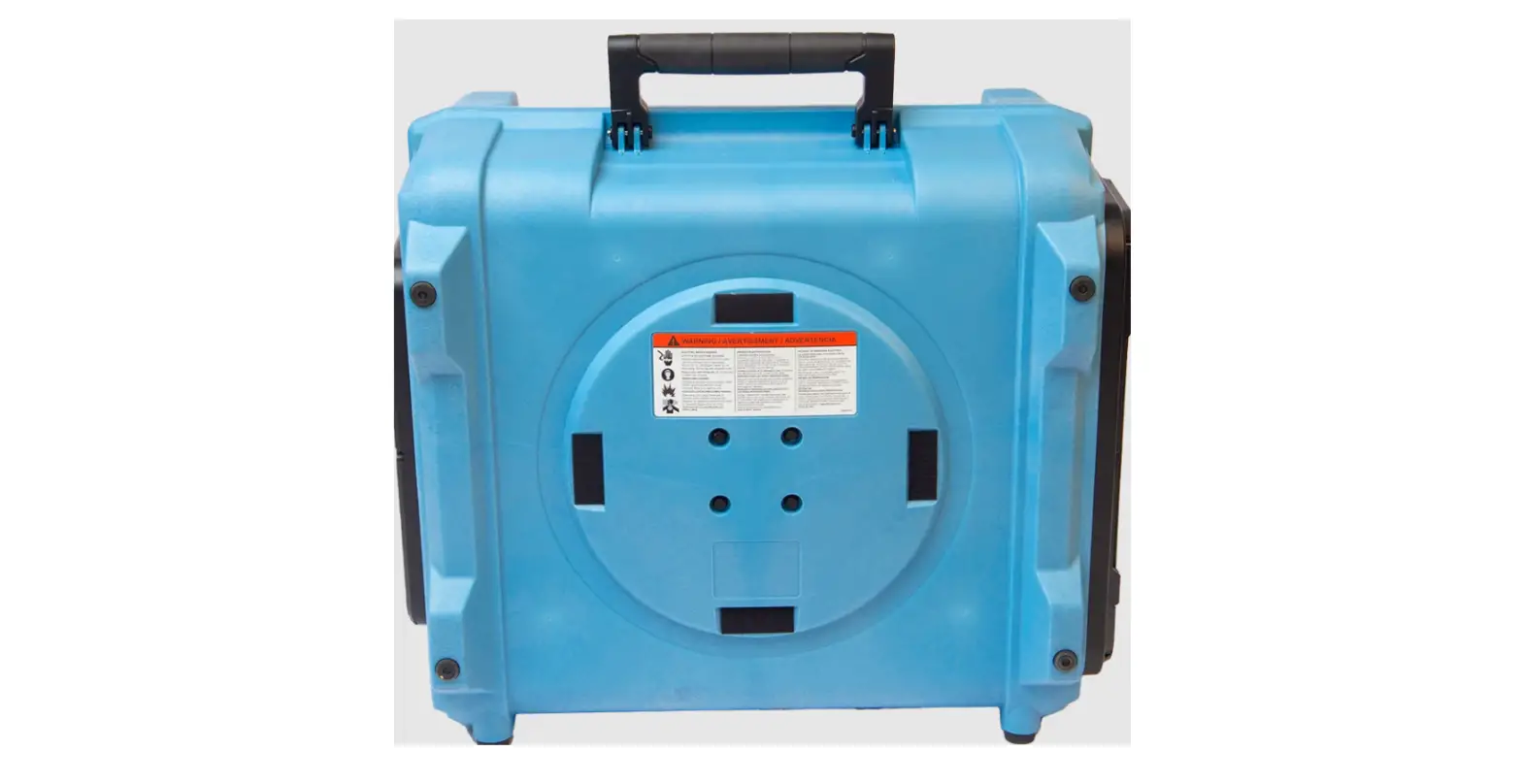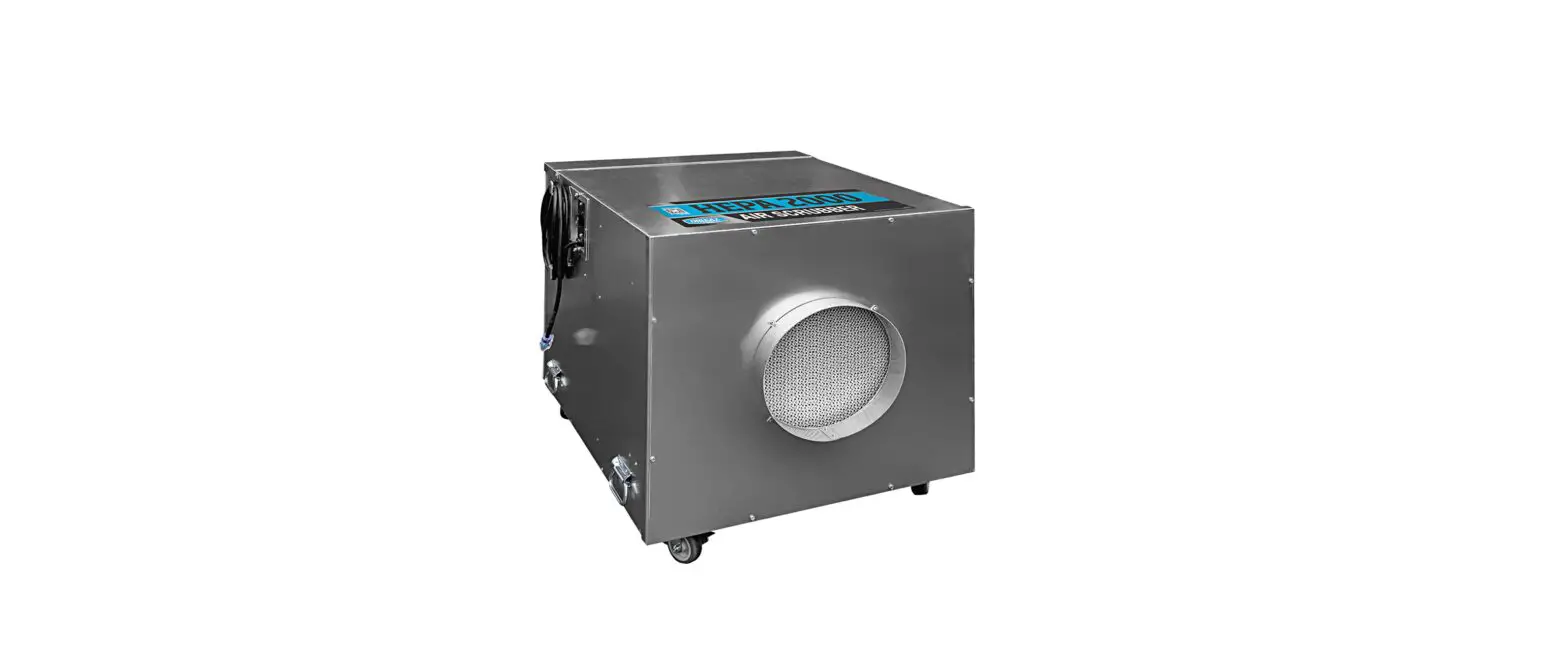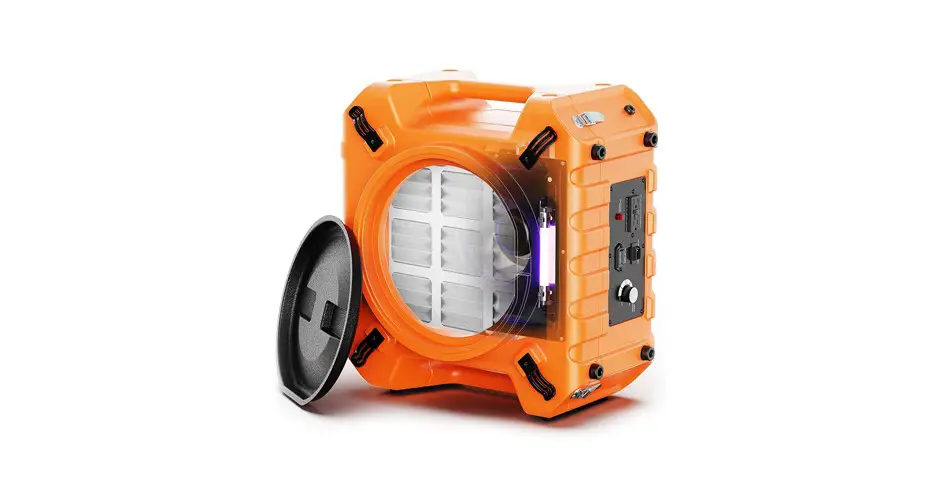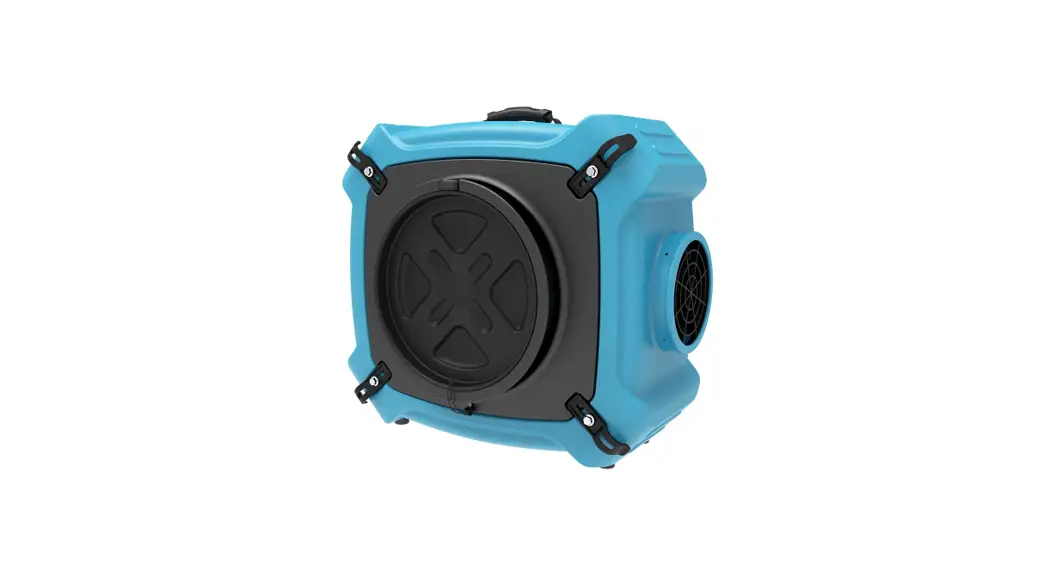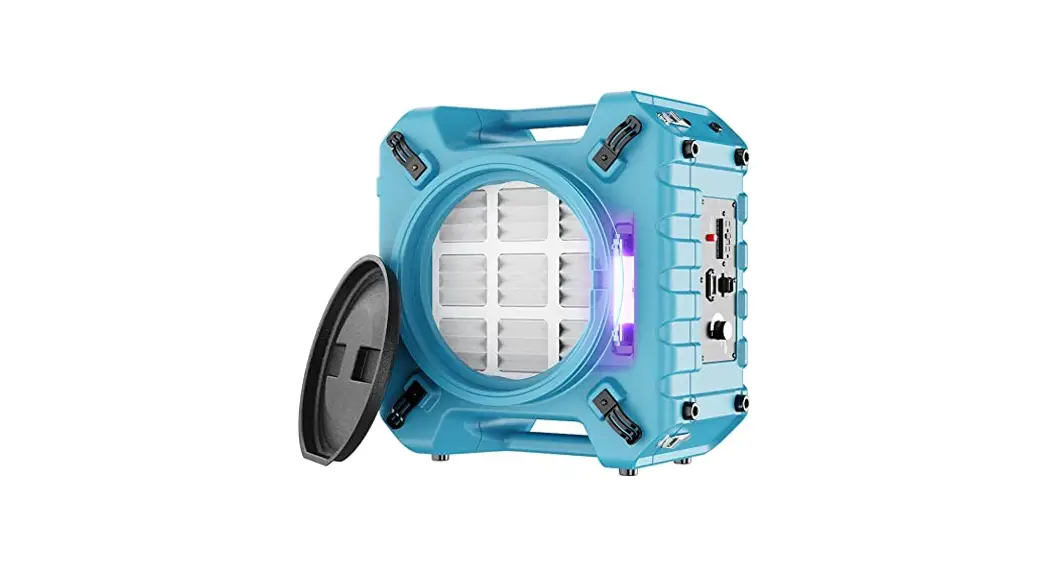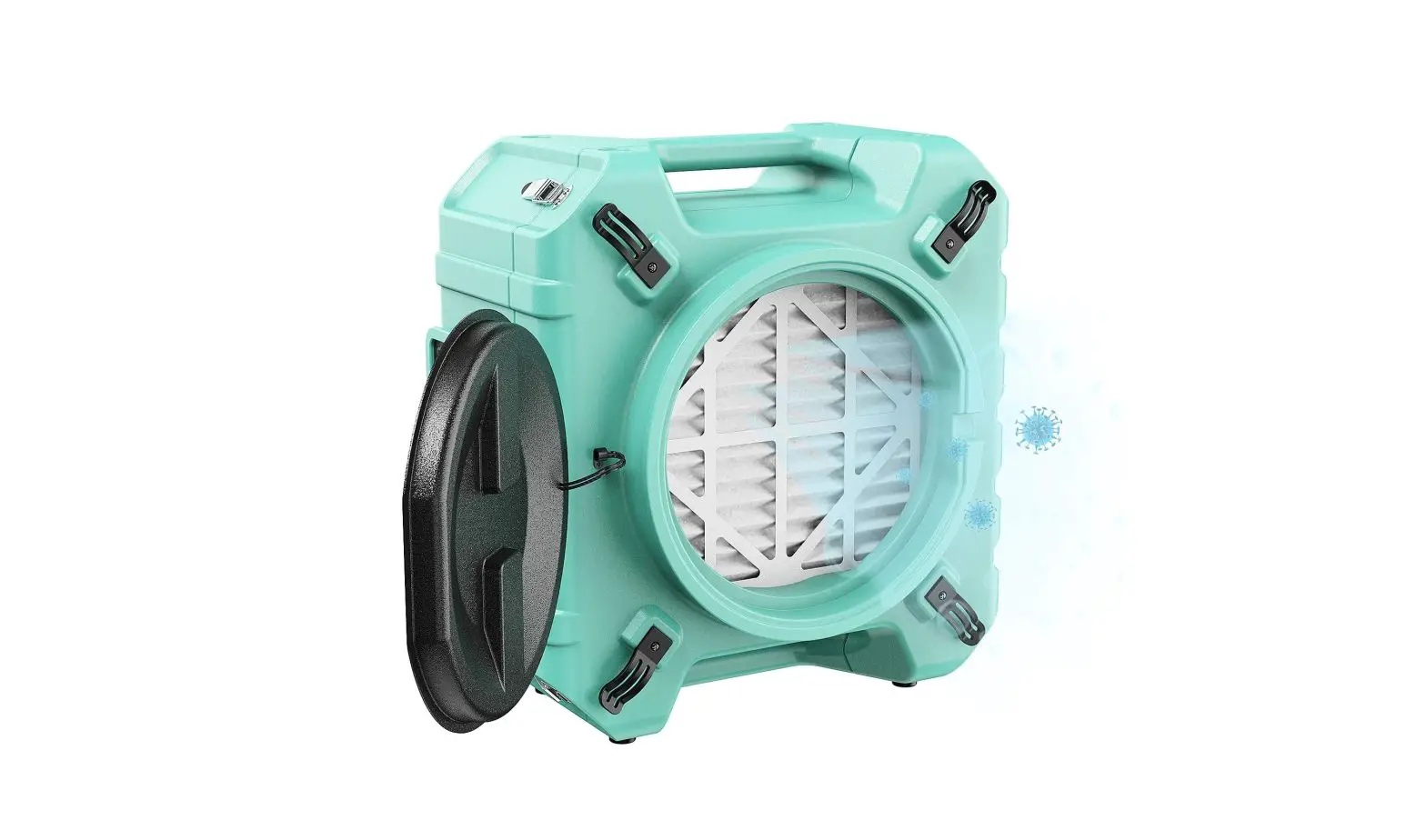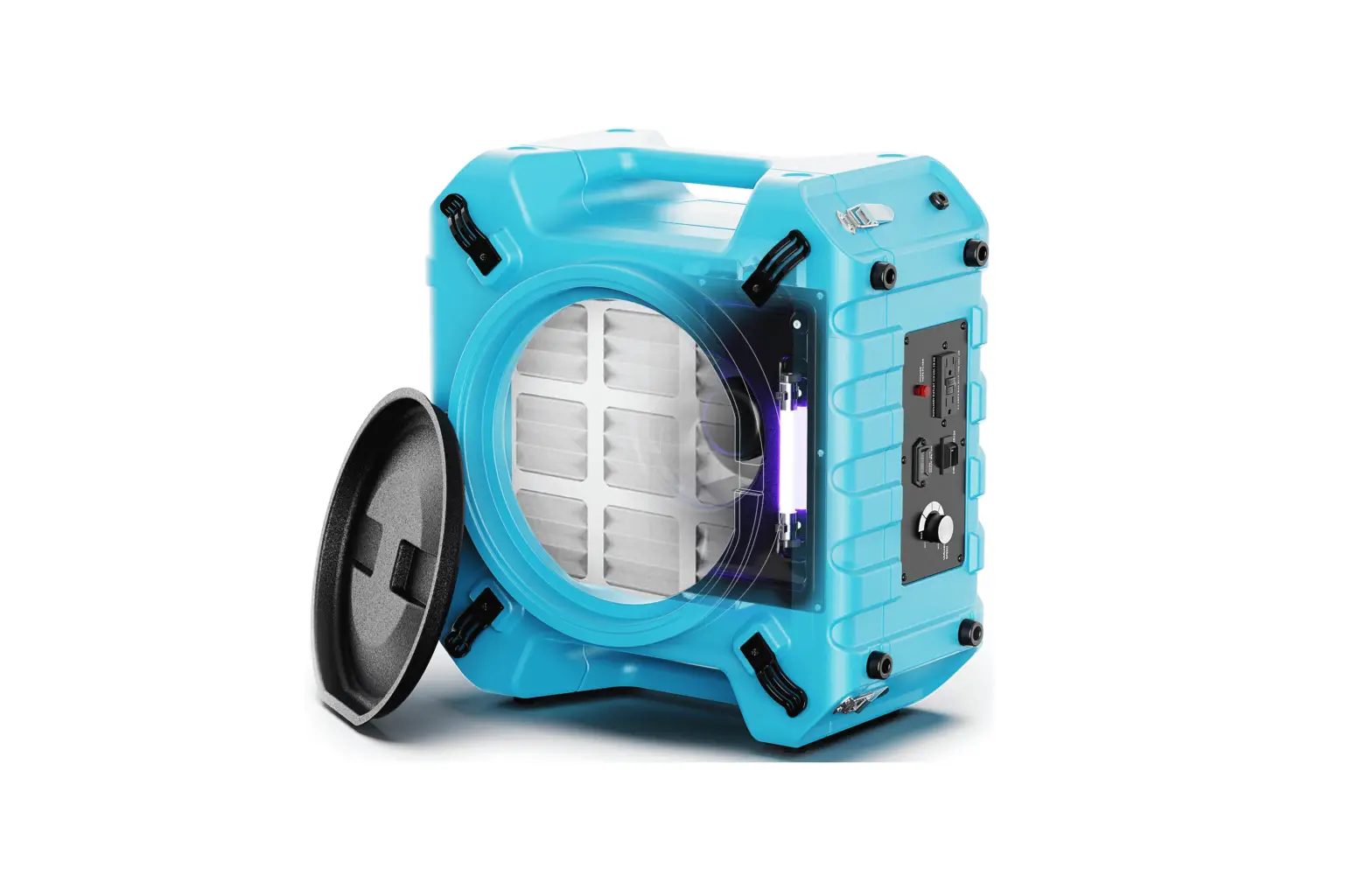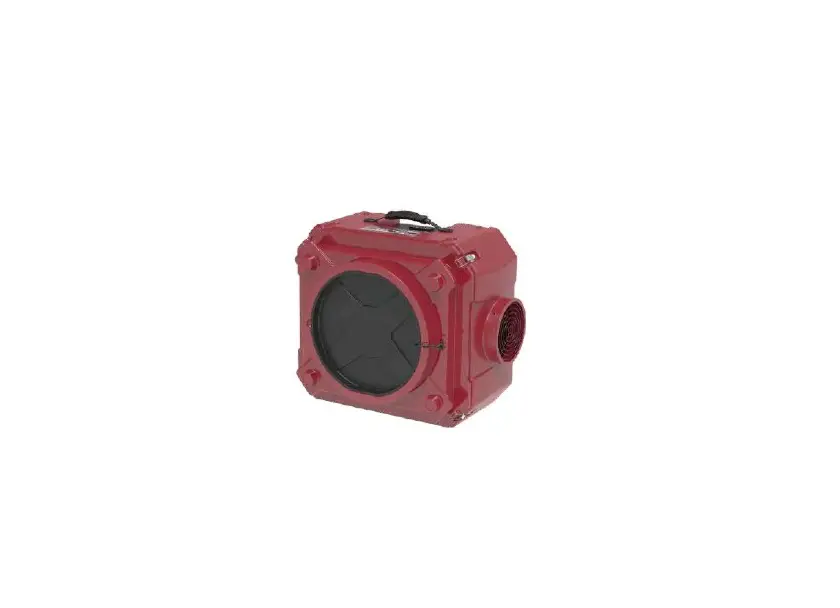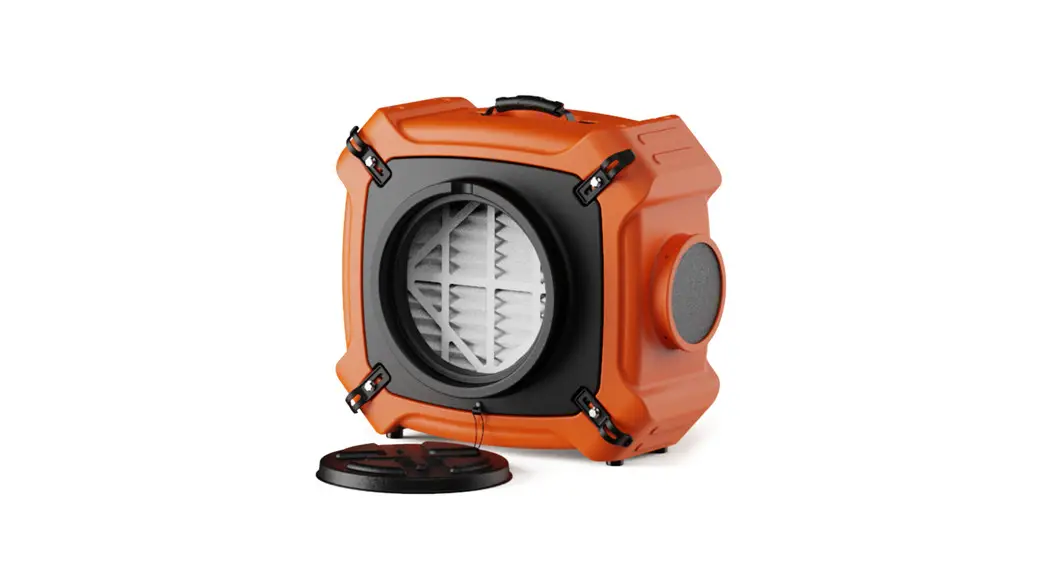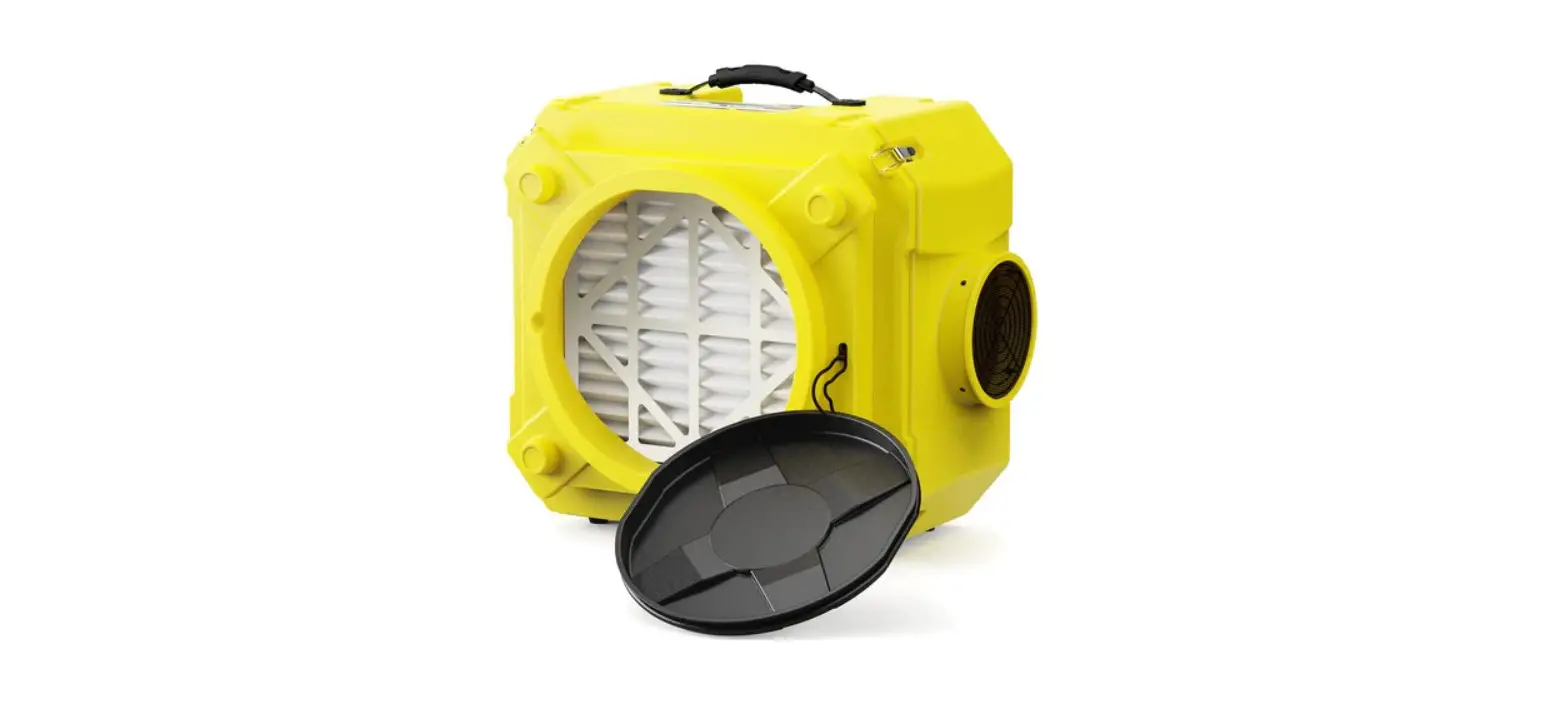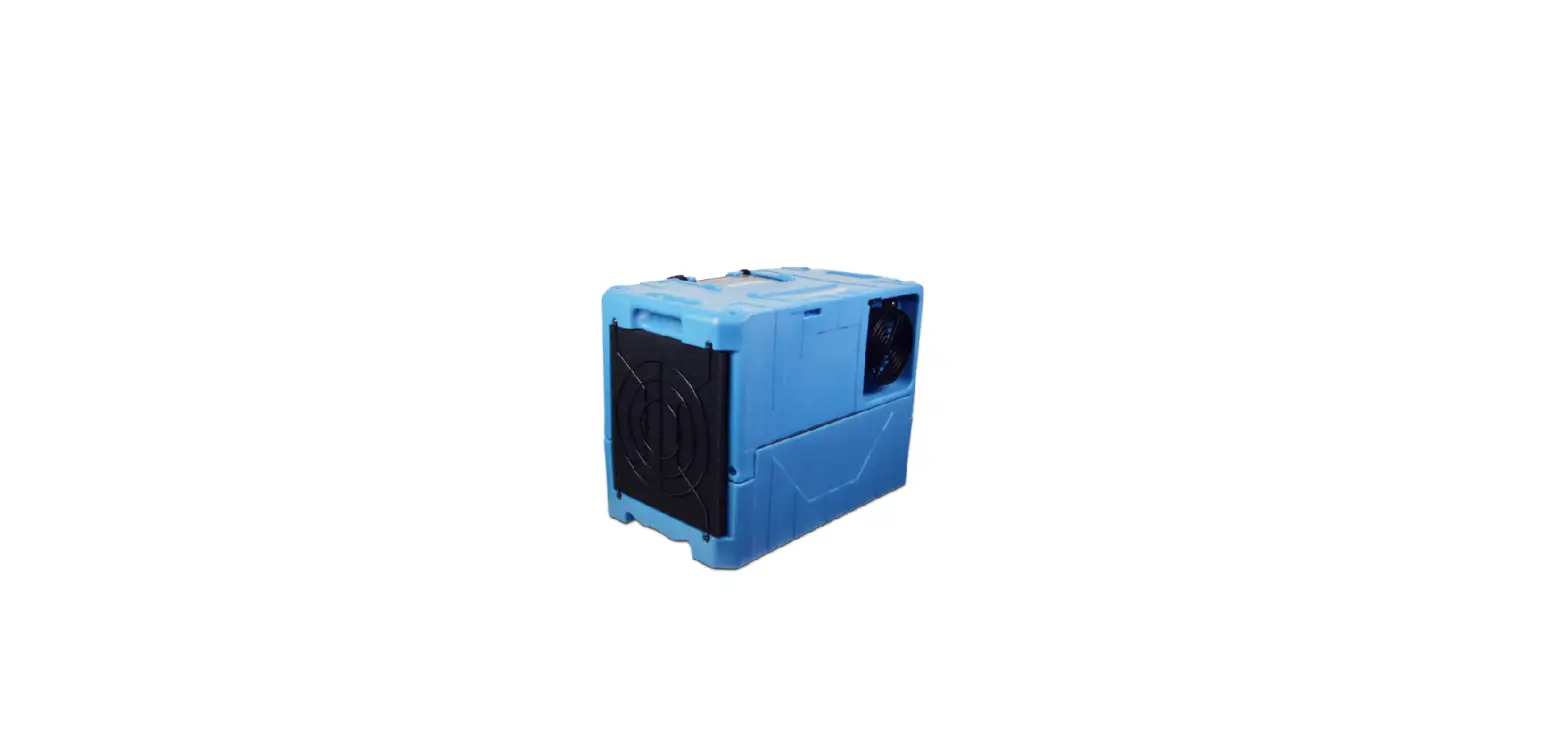

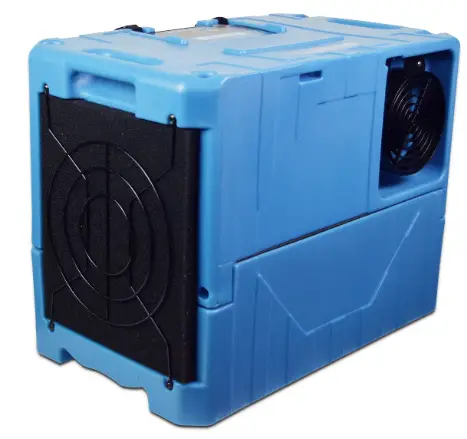
PURAERO PA-45-LGR Commercial Hepa Air Scrubber
GENERAL INFORMATION
Packaging
- Please DO NOT dispose of any packaging until you have checked the appliance is operational.
- After removing the packaging ensure the contents are intact and complete. In the unlikely event of missing parts; contact your retailer.
- DO NOT leave children unattended with any of the packaging since it is a potential source of danger. Disposal of all packaging must be carried out responsibly & safely and in accordance with your local authority regulations.
- ALWAYS recycle the packaging material where possible.
- When using any electrically powered product, basic safety precautions should always be followed.
- PLEASE READ THE INSTRUCTIONS CAREFULLY AND IN FULL BEFORE USING THE PRODUCT.
IMPORTANT INSTRUCTIONS
WARNING – to reduce the risk of fire, electrical shock or injury to persons or property:
- Always operate the product from a power source of the same voltage, frequency and rating as indicated on the product identification plate.
- Close supervision is necessary when any product is used by or near children the elderly or the infirm. Do not allow children to use the appliance as a toy.
- Do not operate this product with a damaged power cord plug. If the supply cord is damaged it must be replaced by qualified personnel or other similar qualified persons in order to avoid hazard.
- To reduce the risk of electric shock, do not expose the unit or flexible cord to moisture of any kind.
- Switch off and unplug from the power socket when not in use, before assembling or before cleaning.
- Do not place objects on the product or allow objects to obstruct the inlet or outlet openings, or operate in close proximity to walls or curtains, etc.
- The use of attachments or accessories not recommended or sold by the product distributor may cause injury to persons or damage to property.
- This product is intended for normal light commercial use only.
- Do not attempt to dismantle the appliance.
- Do not operate the appliance on a metal surface.
- Do not use the appliance in artificially hot or humid conditions or allow to be used in a hazardous environment.
- Do not clean the appliance with organic solvent.
- This appliance is not intended for use by persons (including children) with reduced physical, sensory or mental capabilities, or lack of experience and knowledge unless they have been given supervision or instruction concerning use of the appliance by a person responsible for their safety.
- Children should not be left unsupervised with the appliance .
- This instruction manual is an integral part of the appliance and should be stored for safe keeping and must always accompany the appliance in the event of ownership transfer or for reference to by a service engineer. READ AND SAVE THESE INSTRUCTIONS
PRODUCT IDENTIFICATION
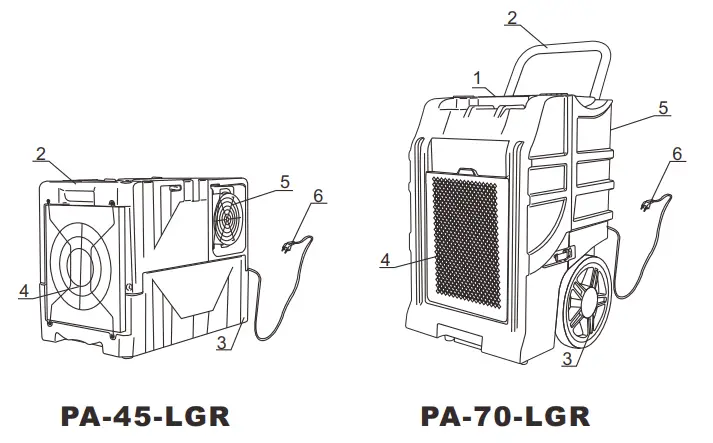
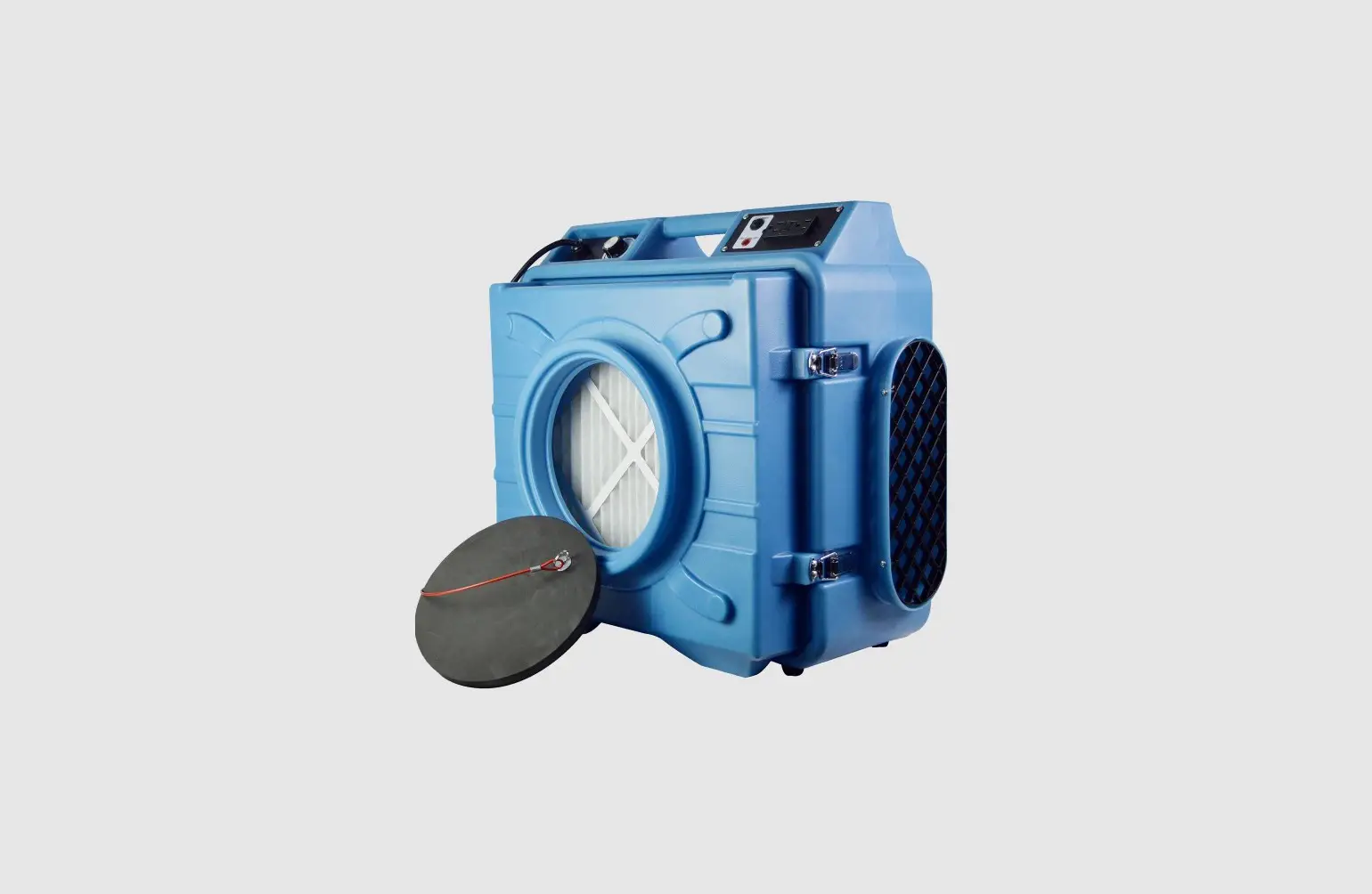
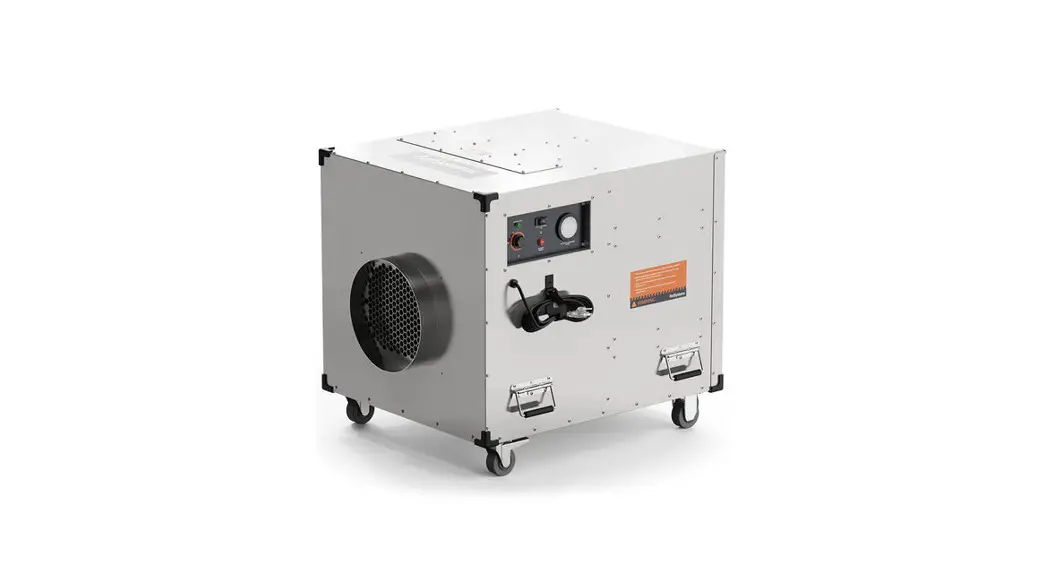
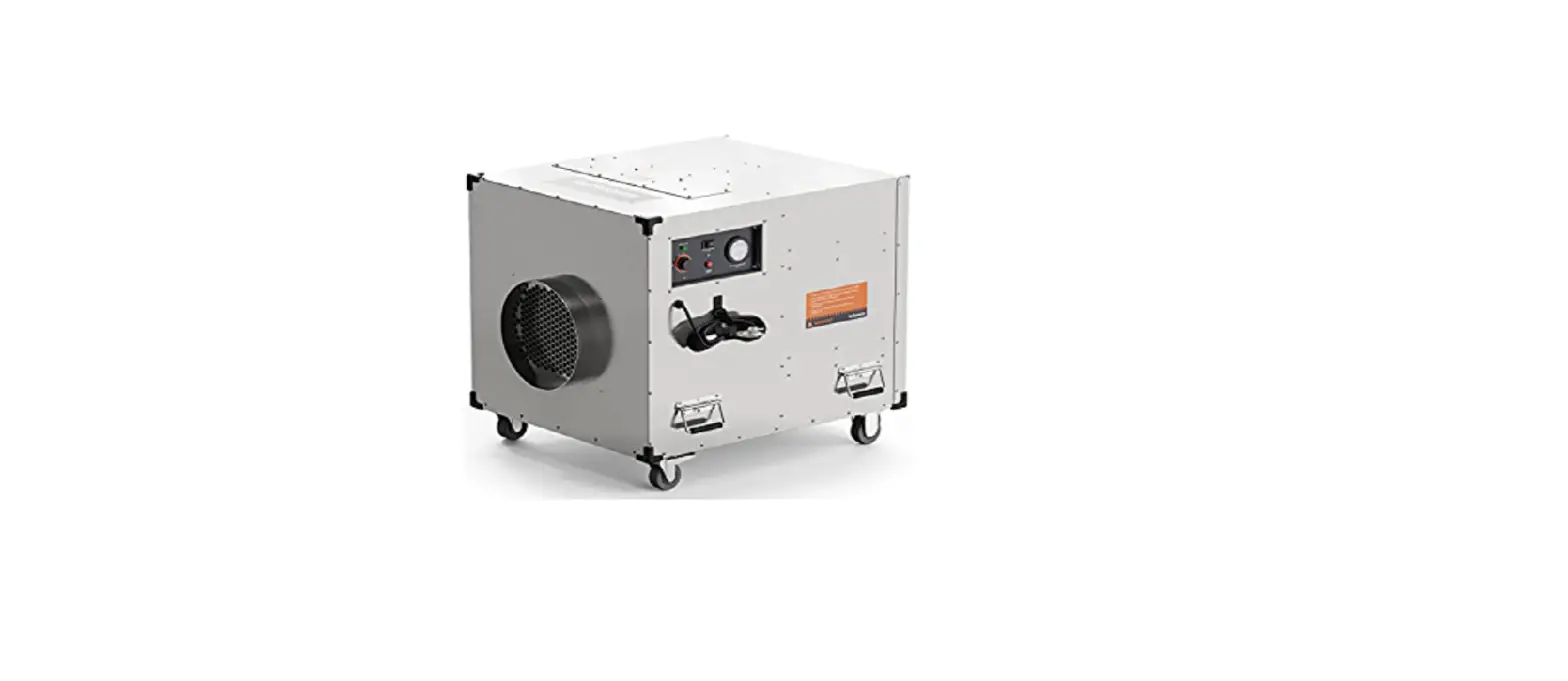
- Control Panel
- Handle
- Wheels
- Air Inlet Grille
- Air Outlet Grille
- Power Cord
WARNING: DO NOT OBSTRUCT THE AIR INLET OR OUTLET.
SETTING UP INSTRUCTIONS
IMPORTANT: Place dehumidifier in the upright position. When transporting a dehumidifier to site, allow the dehumidifier to stand for 30 minutes before switching ON. This is necessary to allow the refrigerant system to stabilise and avoid system damage
SETTING UP THE DEHUMIDIFIER: Operate the dehumidifier in an enclosed area, as this creates a drying chamber. Close all doors, windows or areas that open to external areas, to maximize the dehumidifier’s water removal efficiency. Keep traffic through the drying chamber to a minimum. Place the dehumidifier in the centre of the room away from walls and furnishings. DO NOT allow the airflows to be obstructed.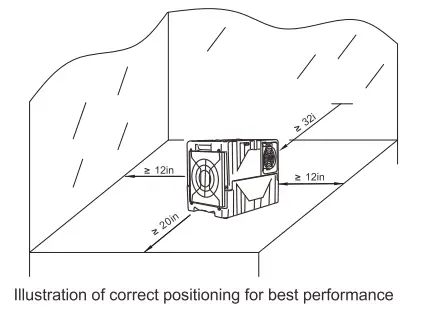
DRAINAGE: The dehumidifier pump connects to a plastic drainage hose. The hose is stored on the back of the appliance. Uncoil the entire hose ensuring there are no kinks or restrictions and place the unattached end into a water vessel or run to outdoors. Ensure that water which runs to outdoors does NOT create a slip hazard. Water vessels MUST be checked regularly where used.
SETTING UP INSTRUCTIONS
The drainage hose must be positioned to be less than 15 ft. above the unit. Failure to do so may cause water backup in the pump resulting in leakage.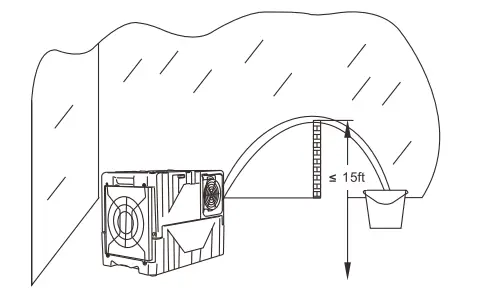
CONTROL PANEL
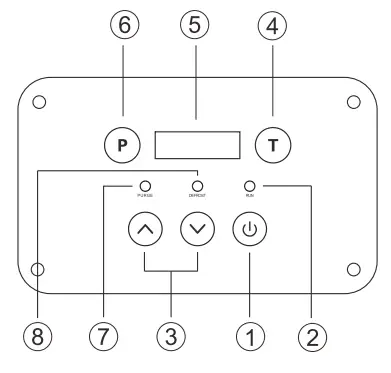
- ON/OFF control
- Operating Indicator
- UP and DOWN humidity controls
- TIME control
- Humidity and Time Display
- PURGE control
- Purging Indicator
- Defrosting Indicator
CONTROL PANEL
- ON/OFF control: Press the ON/OFF control to turn the unit ON or OFF.
- Operating Indicator: The indicator light has 3 states: (1) off when power is not available, (2) flashing when power is available and the unit is OFF, or when the control panel is locked and the unit in ON, and (3) on when the unit is ON.
- UP and DOWN controls: Press and hold the UP and DOWN controls to set the desired humidity level from 99% to 26% or select “CO” for continuous operation.
- TIME control: Press to temporarily change the display to show current operating hours and lifetime hours, based on minutes. For example, if the display shows “0000: 50”, it means the unit has operated for 50 minutes. To view current operating hours, press the TIME control once. To view lifetime hours, press the TIME control twice. To reset the current operating hours, turn the unit OFF or press and hold the TIME button for 5 seconds. After 10000 hours of operation, the lifetime hours wrap around to 0000:00.
- Humidity and Time Display: The display has 3 modes: (1) off mode where the display is blank when the unit is OFF, (2) humidity mode where the left 2 digits show the desired humidity level and the right 2 digits show the environment humidity level, and (3) time mode where the display shows current operating hours and lifetime hours. After 10 seconds, the display reverts from time mode to humidity mode.
- PURGE control: Press the PURGE control to manually initiate a pump purge cycle. The pump will turn on for 40 seconds
- Purging Indicator: The indicator light turns on when the pump purge cycle is active. The pump automatically initiates a pump purge cycle of water when the reservoir is full and when the unit is turned OFF.
- Defrosting Indicator: The indicator turns on when the unit detects ice on the coil and turns off when the ice has melted. During defrost, the blower pulls air from the environment across the coil with the compressor turned off.
- Note: The totally working time can not be deleted, if the time is beyond the range of LED showing time, it will be deleted and recounted from the start.
OPERATING INSTRUCTIONS
- A: Operations for general use:
- To turn the unit ON, press the ON/OFF control. To protect the compressor, there is a 60-second startup delay when the unit is turned ON.
- To set the desired humidity level, press and hold the UP and DOWN controls.
- To turn the unit OFF, press the ON/OFF control. To drain any water in the pump reservoir, a pump purge cycle is automatically initiated when the unit is turned OFF.
- Attention: DO NOT switch the power OFF by disconnecting at the main socket outlet. To avoid water spillage; DO NOT move the dehumidifier for at least three minutes after turning the power OFF.
- B. Control panel lock: To lock the control panel, press the TIME control and PUMP control simultaneously for 2 seconds. To unlock the control panel, press the TIME control and PUMP control simultaneously for 2 seconds.
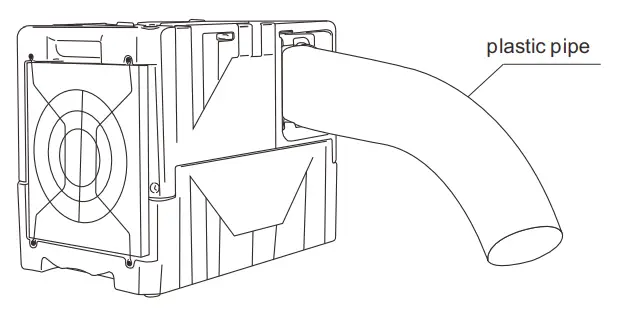
- C. Maximum performance: To maximize drying performance, increase the distance between the air inlet and air outlet by attaching a 7″ diameter or larger lay flat duct to the air outlet.

Maintenance CLEANING THE AIR FILTER
Ensure the dehumidifier is turned OFF and the plug is removed from the power socket before maintenance is carried out. The working performance of the dehumidifier will be greatly reduced if the filters become blocked.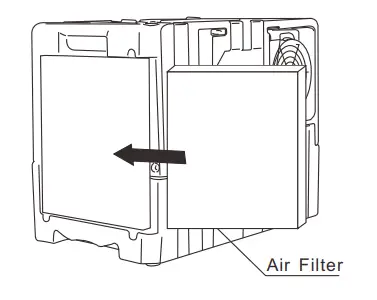
- Remove the air filter as shown above.
- Vacuum any debris from the air filter.
- Using luke-warm water and a mild detergent, wash the air filter and allow to dry.
- Once dry, reinstall the air filter.
Maintenance REPLACING THE BATTERY
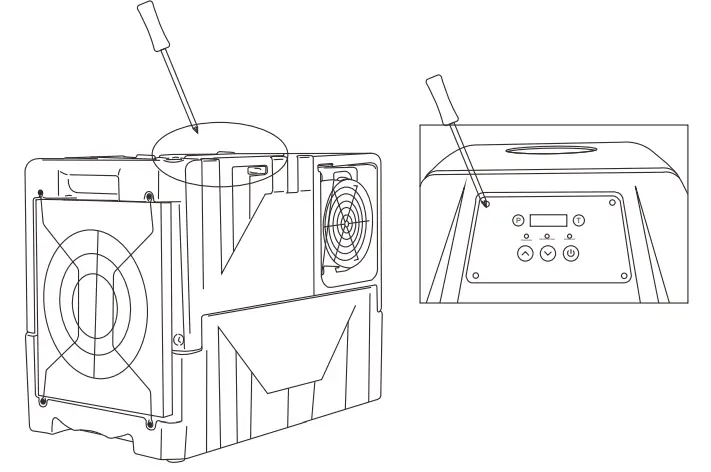
- Remove the screws in the four corners of the control panel.
- Once the screws are removed, carefully lift the control panel to access the PCB.
- Refit the control panel onto the PCB.
- Refit the four screws.

TROUBLESHOOTING
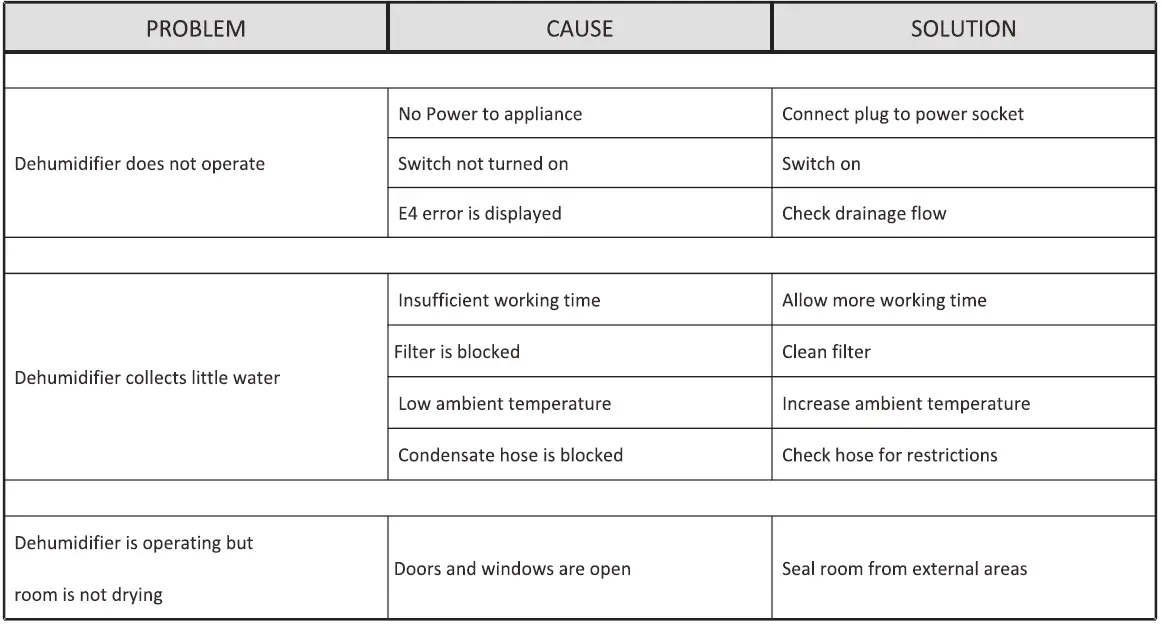
WARNING: DO NOT attempt to rectify faults using unqualified personnel.
TROUBLE SHOOTING FAULT CODES
| CODE | E1 | E2 | E3 | E4 |
| ERROR MESSAGE | FLASHES EVERY 30 SEC’S | HUMIDITY SENSOR ERROR | LOW OR NO REFRIGERANT | WATER PUMP FAULT OR BLOCKAGE |
| DISPLAY READING | FLASHES EVERY 30 SEC’S | FLASHES EVERY 30 SEC’S | FLASHES CONTINUALLY | FLASHES CONTINUALLY |
|
REASON | TIMED DEFROST MODE. THE DEHUMIDIFIER IS WORKING CORRECTLY. | 50% R.H DISPLAYED CONTINUOUS MODE IN OPERATION | TURN POWER OFF. THEN TURN ON AGAIN. | DEHUMIDIFIER WILL TURN OFF AUTOMATICALLY. THE FAULE MUST BE RECTIFIED BEFORE OPERATION CAN COMMENCE. |
1-YEAR WARRANTY
1-Year Warranty on parts and labor subject to the conditions stated below. PURAERO offers a limited warranty on parts and labor on the following equipment to be free from defects in material and workmanship for a period of one year to the original purchaser. Wear items exempt from warranty consideration includluding but may not be limited to: power cords, transport wheels, castors, handle grips, filters, screens, refrigerants. At any time during the warranty period, original owner will be liable for transportation costs to repair facility, PURAERO will furnish replacement parts for the products to the original purchaser. Such parts will be furnished and charged including transportation costs, to the original owner. Replacement parts that have become defective through wear or abuse are not included in this warranty. This warranty does not apply to damage or defect caused by accident, misuse, negligence, fire or to any PURAERO product which has been serviced or repaired by other than an authorized PURAERO Service Distributor or PURAERO factory personnel. This warranty is void if products are used for any purpose other than that which was intended. There are no other warranties expressed or implied. In no event shall PURAERO be liable for incidental or consequential damages or any damage to person or property.
SPECIFICATIONS
| MODEL | PA-45-LGR | PA-70-LGR |
| POWER SUPPLY | 115V/60Hz | 115V/60Hz |
| WATER REMOVAL @ SATURATED (90°F, 90% RH) | 145 PINTS PER DAY | 125 PINTS PER DAY |
| WATER REMOVAL @ AHAM (80°F, 60% RH) | 85 PINTS PER DAY | 77 PINTS PER DAY |
| RATED POWER | 460W | 810W |
| RATED CURRENT | 4.2A | 8.0A |
| OPERATING TEMPERATURE | 33°-105°F | 33°-100°F |
| REFRIGERANT | R410a | R410a |
| AIR VOLUME | 300 CFM | 410 CFM |
| COMPRESSOR TYPE | ROTARY | ROTARY |
| DEFROST TYPE | HOT-GAS BYPASS | HOT-GAS BYPASS |
| CONTROLS TYPE | ELECTRONIC | ELECTRONIC |
| BODY CONSTRUCTION | POLYETHYLENE | POLYETHYLENE |
| HUMIDISTAT | ADJUSTABLE | ADJUSTABLE |
| DRAIN HOSE LENGTH | 25FT | 25FT |
| POWER CORD LENGTH | 25FT | 25FT |
| NET WEIGHT | 55lbs | 95 lbs |
| GROSS WEIGHT | 57.3lbs | 98 lbs |
| PRODUCT SIZE | 25x15x20 Inches | 19x19x32 Inches |
| PACKING SIZE | 26x16x21 Inches | 20×19.7×33.5 Inches |
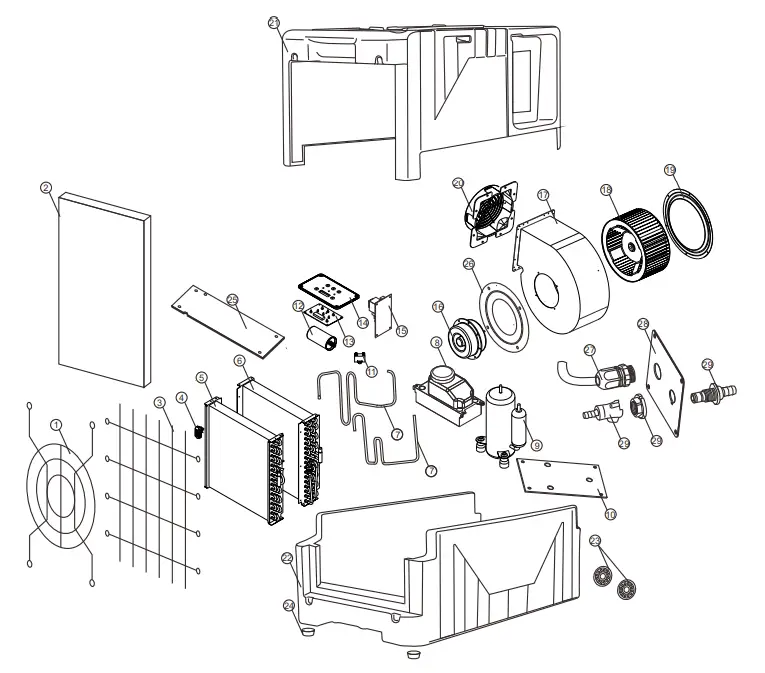
| ITEM NUMBER | PART NUMBER | DESCRIPTION | QTY | ITEM NUMBER | PART NUMBER | DESCRIPTION | QTY | |
| 1 | LGR45-01 | INLET AIR DAMPER | 1 | 16 | LGR45-16 | AC MOTOR | 1 | |
| 2 | LGR45-02 | SPONGE FILTER | 1 | 17 | LGR45-17 | FAN BLADE | 1 | |
| 3 | LGR45-03 | INLET AIR DAMPER | 1 | 18 | LGR45-18 | FAN BLADE | 1 | |
| 4 | LGR45-04 | TEMPERATURE SENSOR | 1 | 19 | LGR45-19 | GUIDE PLATE | 1 | |
| 5 | LGR45-05 | EVAPORATOR | 1 | 20 | LGR45-20 | AIR OUTLET NET COVER | 1 | |
| 6 | LGR45-06 | CONDENSER | 1 | 21 | LGR45-21 | FRONT CASING | 1 | |
| 7 | LGR45-07 | FOUR WAY VALVE / BRASS | 2 | 22 | LGR45-22 | REAR CASING | 1 | |
| 8 | LGR45-08 | WATER PUMP | 1 | 23 | LGR45-23 | THE WHEELS | 2 | |
| 9 | LGR45-09 | WIND SHIELD | 1 | 24 | LGR45-24 | RUBBER FOOT | 2 | |
| 10 | LGR45-10 | REAR CHASSIS | 1 | 25 | LGR45-25 | COVER PLATE | 1 | |
| 11 | LGR45-11 | CAPACITANCE | 1 | 26 | LGR45-26 | GUIDE PLATE | 1 | |
| 12 | LGR45-12 | ALUMINUM CAPACITOR | 1 | 27 | LGR45-27 | POWER CORD | 1 | |
| 13 | LGR45-13 | DISPLAY OPERATION BOARD | 1 | 28 | LGR45-28 | COVER PLATE | 1 | |
| 14 | LGR45-14 | CONTROL PANEL | 1 | 29 | LGR45-29 | WATER OUTLET DEVICE | 3 | |
| 15 | LGR45-15 | MAIN CONTROL BOARD | 1 |
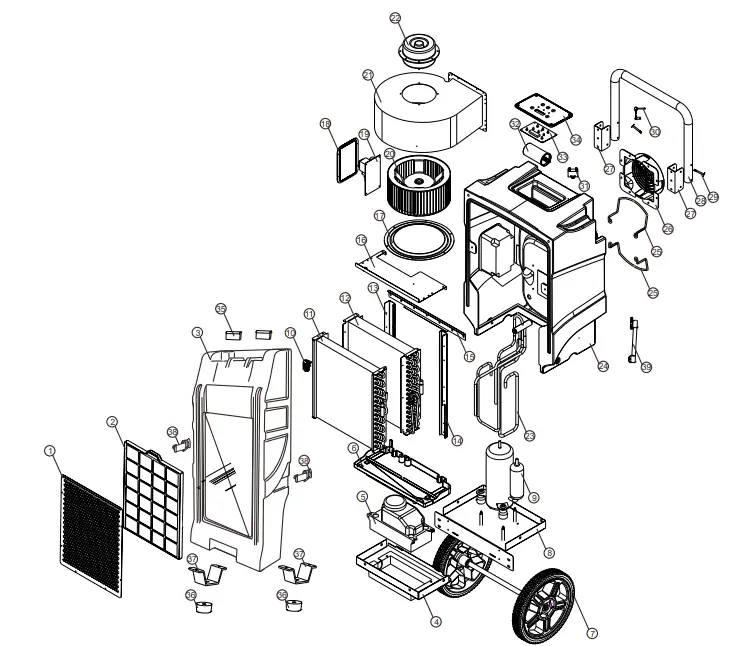
| ITEM NUMBER | PART NUMBER | DESCRIPTION | QTY | ITEM NUMBER | PART NUMBER | DESCRIPTION | QTY | |
| 1 | LGR70-01 | INLET AIR DAMPER | 1 | 21 | LGR70-21 | VOLUTE CASING | 1 | |
| 2 | LGR70-02 | SPONGE FILTER | 1 | 22 | LGR70-22 | AC MOTOR | 1 | |
| 3 | LGR70-03 | FRONT CASING | 1 | 23 | LGR70-23 | FOUR WAY VALVE / BRASS | 1 | |
| 4 | LGR70-04 | FRONT CHASSIS | 1 | 24 | LGR70-24 | REAR CASING | 1 | |
| 5 | LGR70-05 | WATER PUMP | 1 | 25 | LGR70-25 | PIPE SUPPORT | 2 | |
| 6 | LGR70-06 | SEEPER TRAY | 1 | 26 | LGR70-26 | AIR OUTLET NET COVER | 1 | |
| 7 | LGR70-07 | THE WHEELS | 1 | 27 | LGR70-27 | HANDLE BRACKET | 2 | |
| 8 | LGR70-08 | REAR CHASSIS | 1 | 28 | LGR70-28 | HANDLE | 1 | |
| 9 | LGR70-09 | WIND SHIELD | 1 | 29 | LGR70-29 | HANDLE SHAFT | 2 | |
| 10 | LGR70-10 | TEMPERATURE SENSOR | 1 | 30 | LGR70-30 | HANDLE LATCH | 1 | |
| 11 | LGR70-11 | EVAPORATOR | 1 | 31 | LGR70-31 | CAPACITANCE | 1 | |
| 12 | LGR70-12 | CONDENSER | 1 | 32 | LGR70-32 | ALUMINUM CAPACITOR | 1 | |
| 13 | LGR70-13 | LEFT SUPPORT ROD | 1 | 33 | LGR70-33 | DISPLAY OPERATION BOARD | 1 | |
| 14 | LGR70-14 | RIGHT SUPPORTING ROD | 1 | 34 | LGR70-34 | CONTROL PANEL | 1 | |
| 15 | LGR70-15 | BRACKET | 1 | 35 | LGR70-35 | HINGE | 2 | |
| 16 | LGR45-16 | COVER PLATE | 1 | 36 | LGR70-36 | RUBBER FOOT | 2 | |
| 17 | LGR45-17 | GUIDE PLATE | 1 | 37 | LGR70-37 | SUPPORT FRAME | 2 | |
| 18 | LGR45-18 | MAIN CONTROL BOARD COVER | 1 | 38 | LGR70-38 | METAL PULL BUTTON | 2 | |
| 19 | LGR45-19 | MAIN CONTROL BOARD | 1 | 39 | LGR70-39 | HYDRAULIC POLE | 2 | |
| 20 | LGR45-20 | FAN BLADE | 1 |