 User Manual
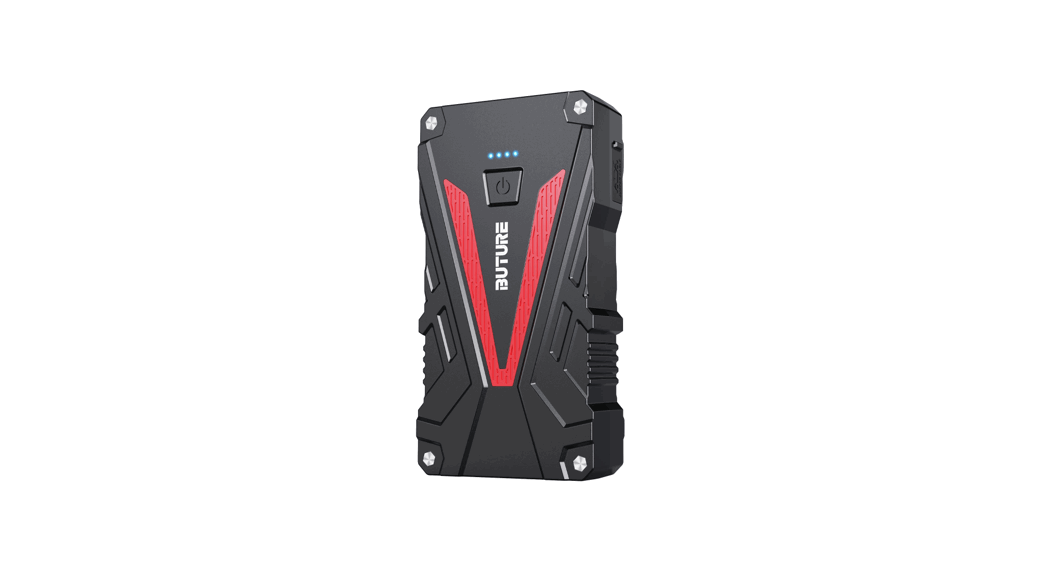
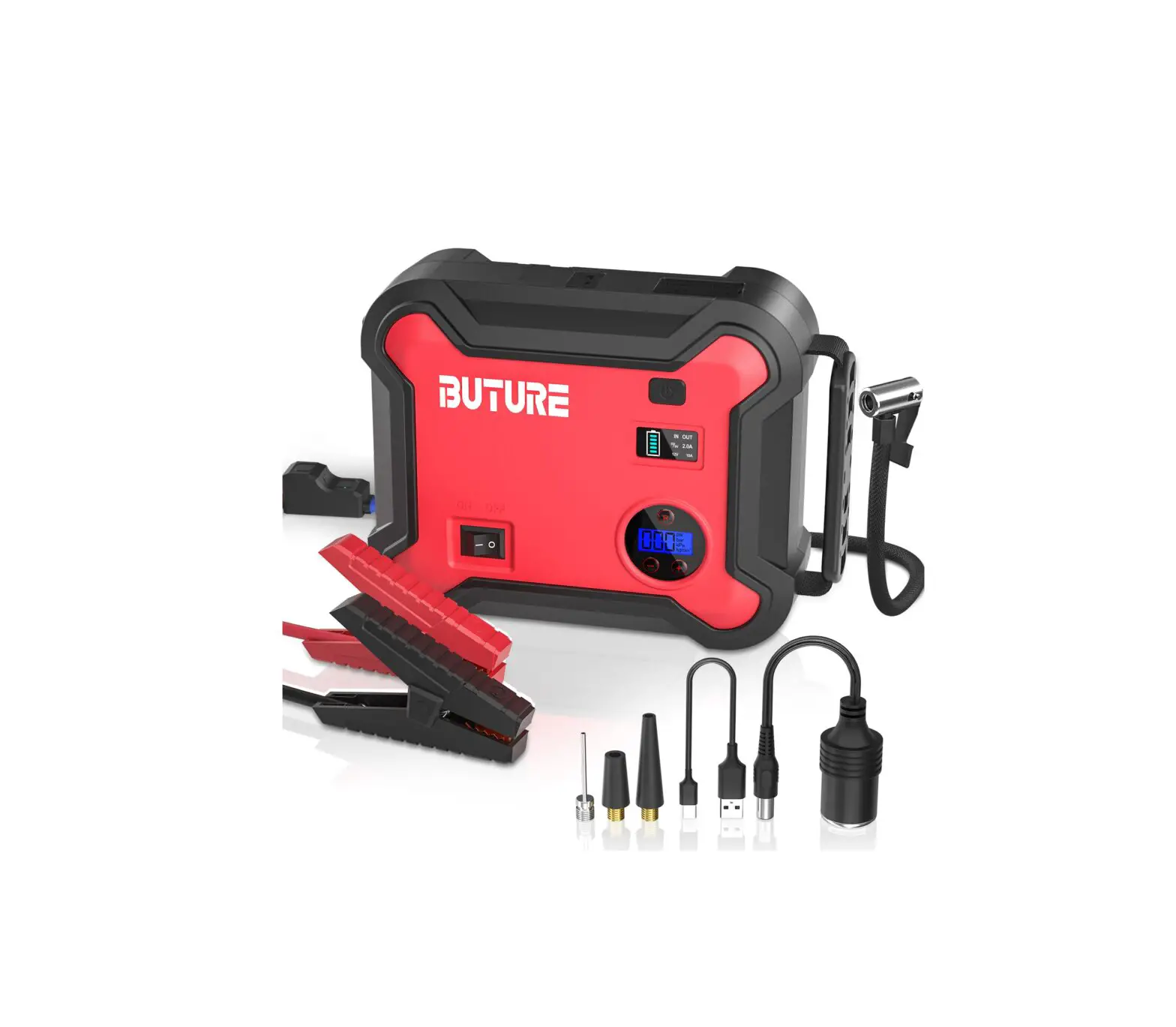
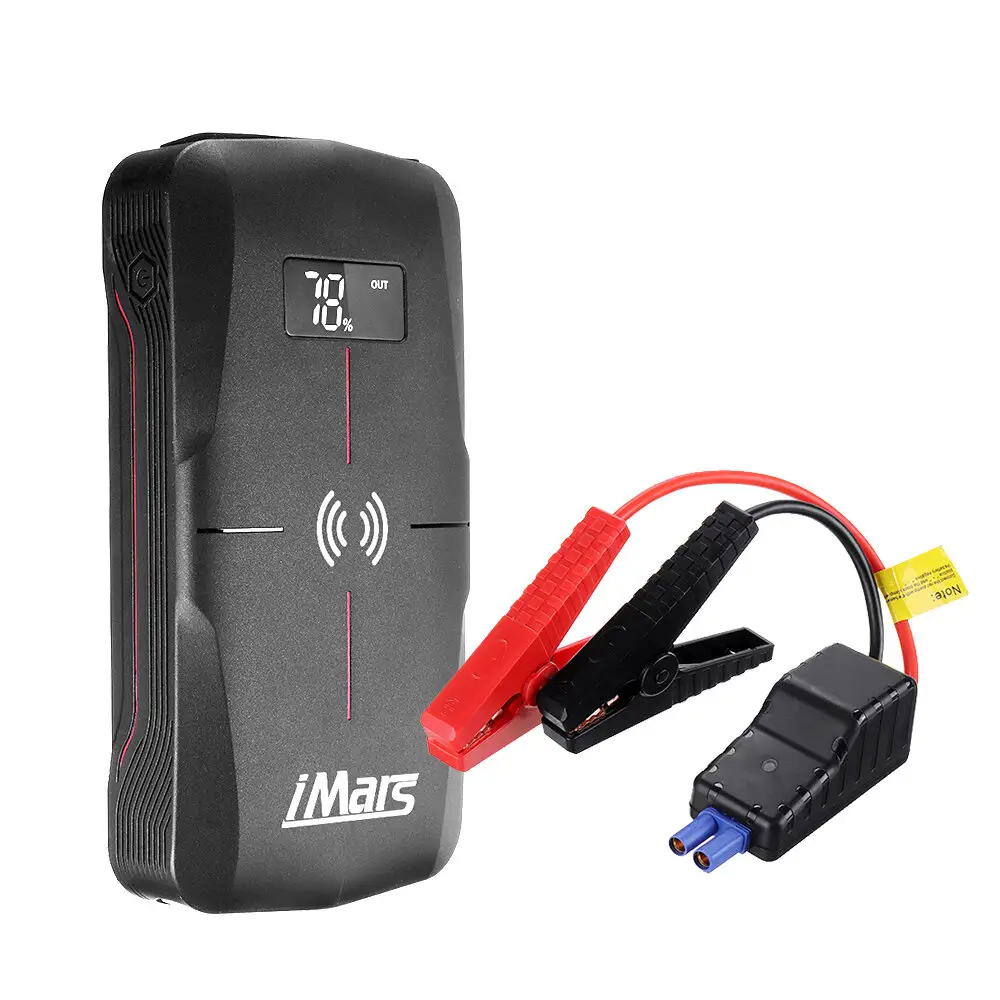
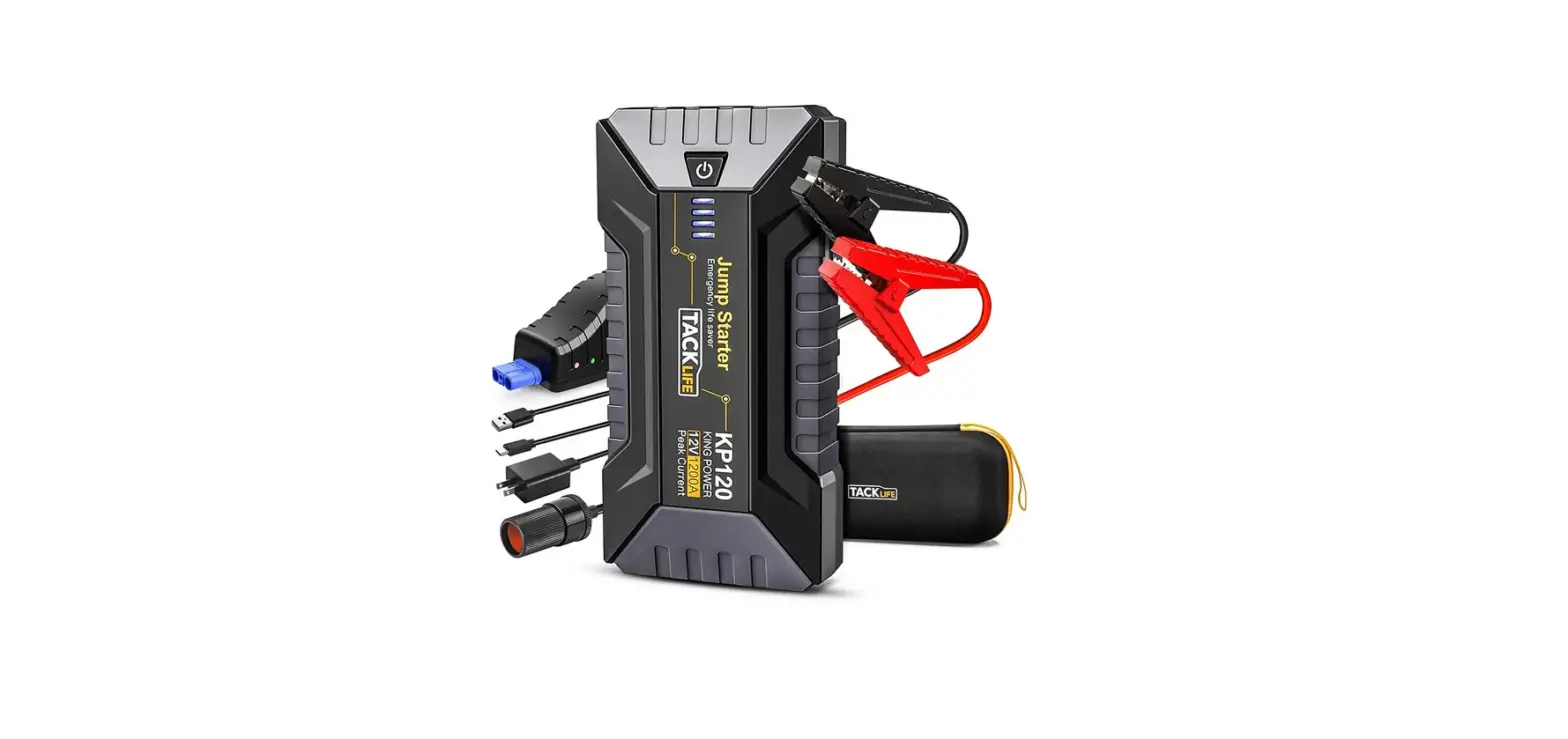
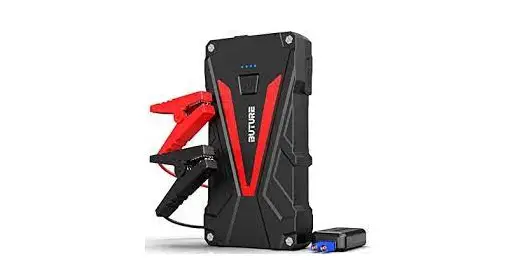
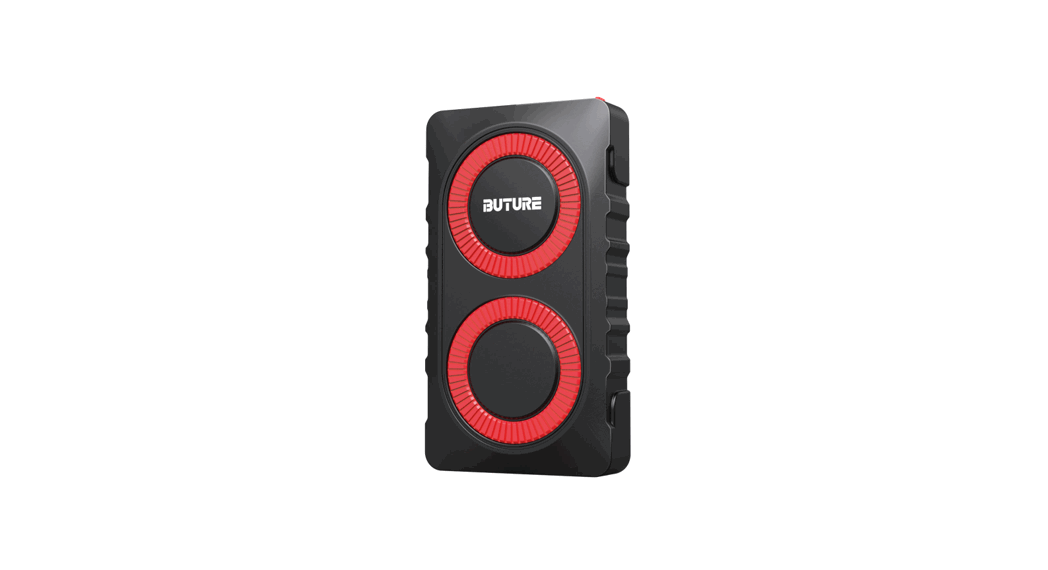
BR800 Car Jump Starter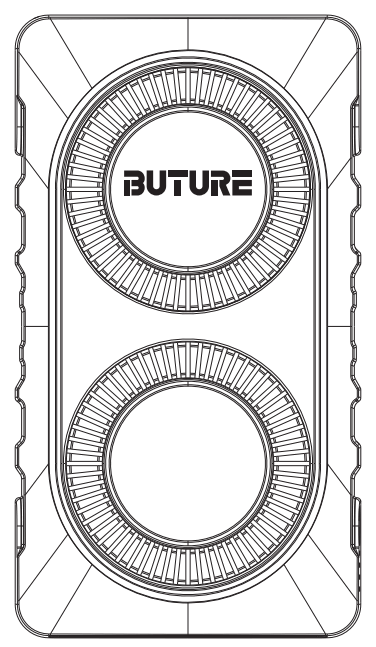
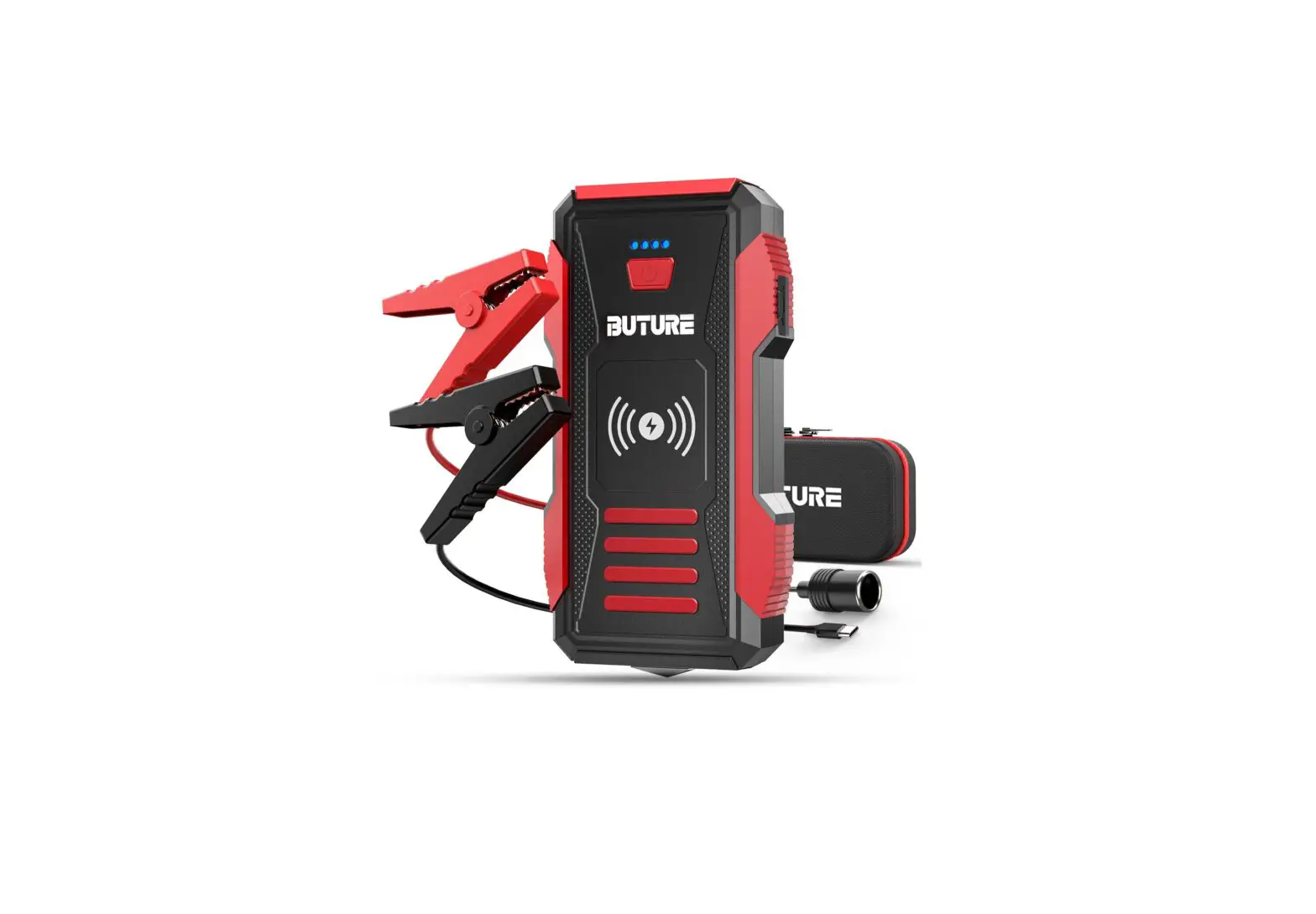
Package Content
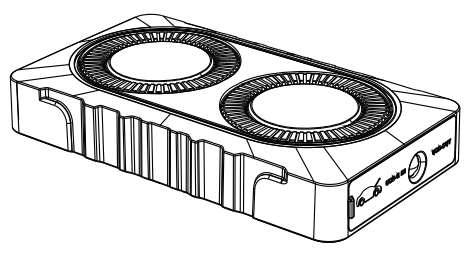 | 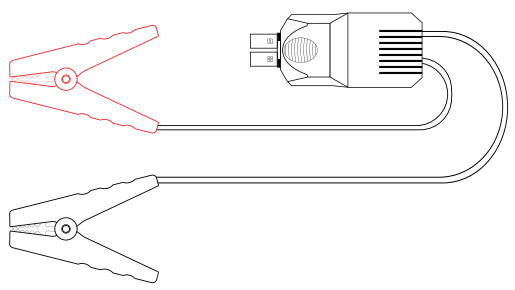 |
| FUTURE BR800 Jump Starter | Smart Jumper Cables |
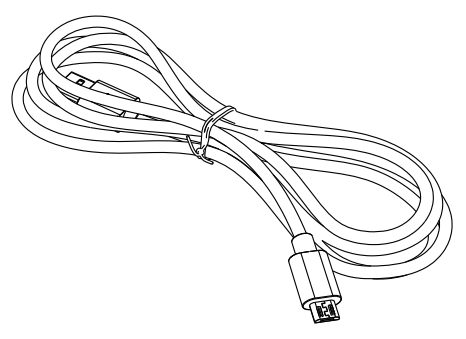 |  |
| USB To Type C Cable | User Manual |
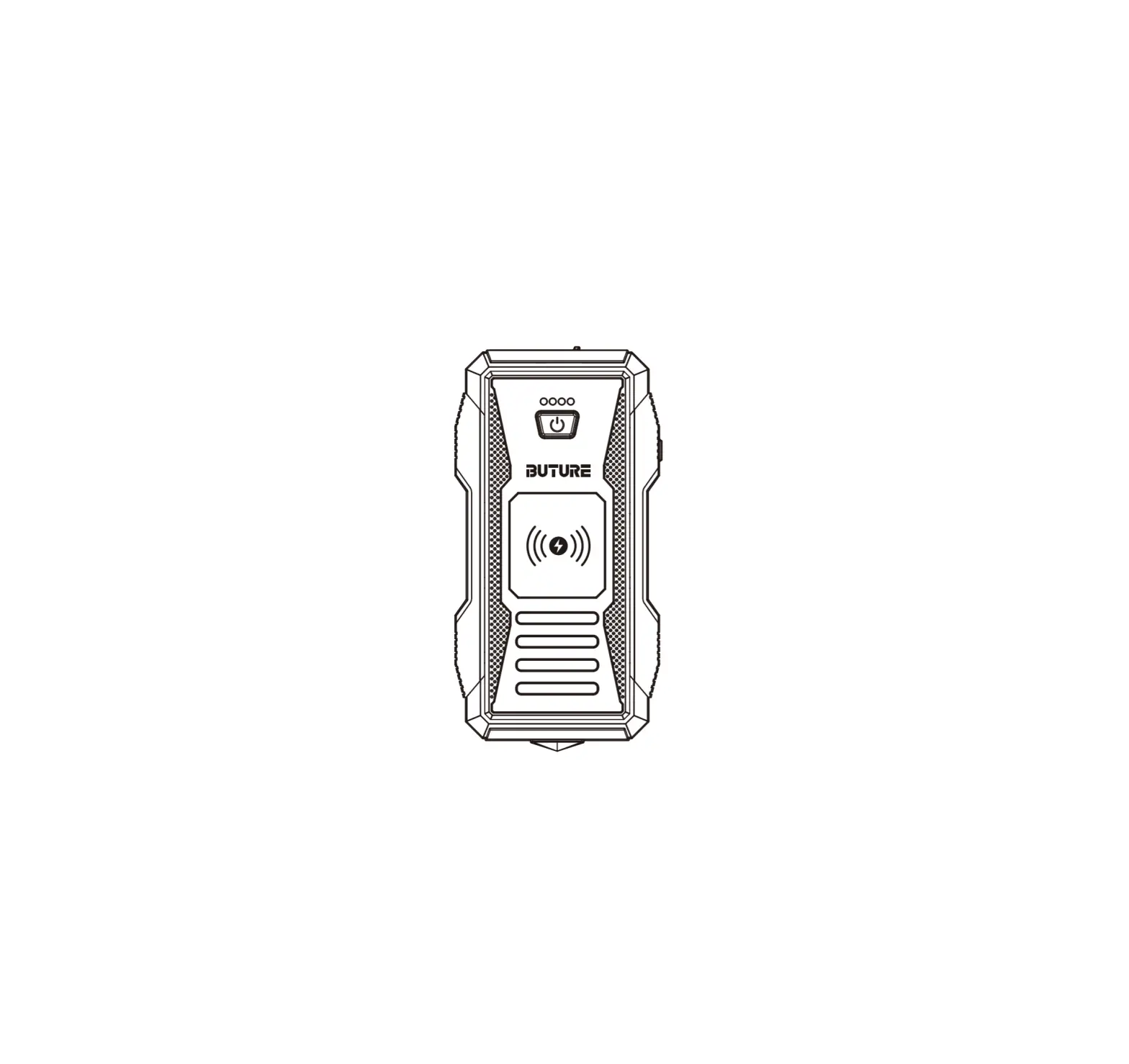
Know Your Product
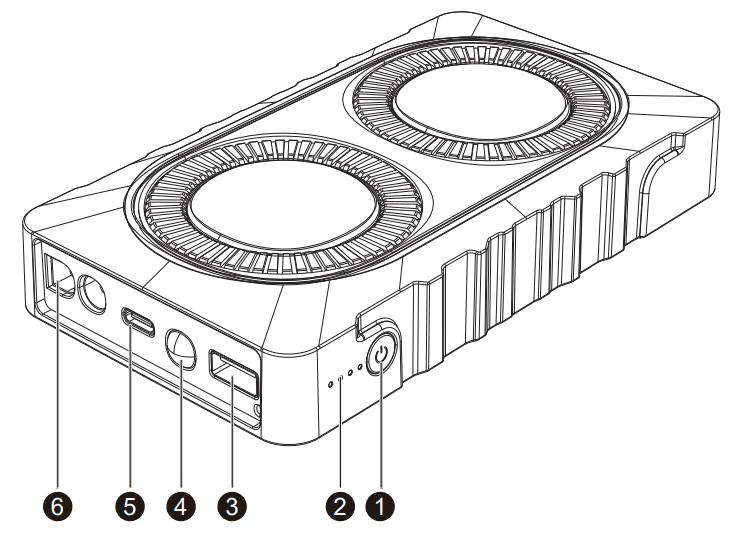
| 1. ON/OFF Button 2. Battery Indicator 3. 5V/2.4A USB | 4. Output Flashlight 5. USB C Input Jump 6. Starting Port |
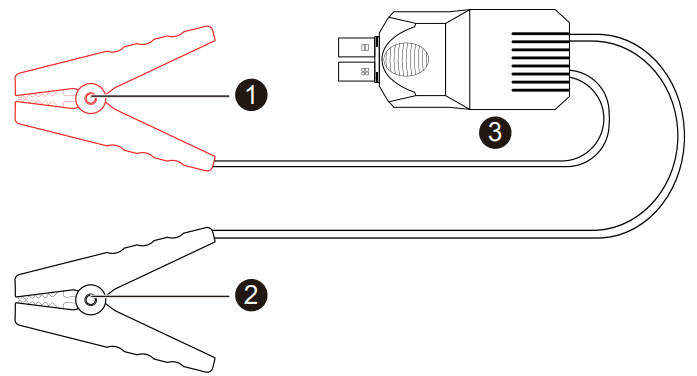
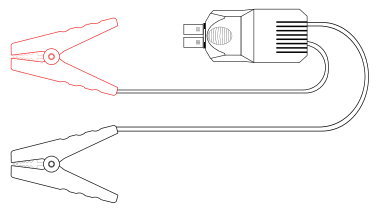
Powerful Circuit Protection System – Smart Clamps
- Red Jumper Cable (+)
- Black Jumper Cable (-)
- Smart Clamp Plug
Technical Details
| Model | BR800 |
| Capacity | 12000mAh |
| Starting Current | 400A |
| Peak Current | 800A |
| USB C Input | 5V/2A |
| USB Output | 5V/2.4A |
| Dimensions(L*W*H) | 153.5*85.1*27.8mm |
| Overload/Discharge Fuse | 13V±0.3V |
| Working Temperature | -20 C~60 C / -4 F~140 F |
| Backflow Protection | ≥12.6V±0.3V |
| Short circuit fuse protection | √ |
| Reverse polarity protection | √ |
Operation
Power indicator light
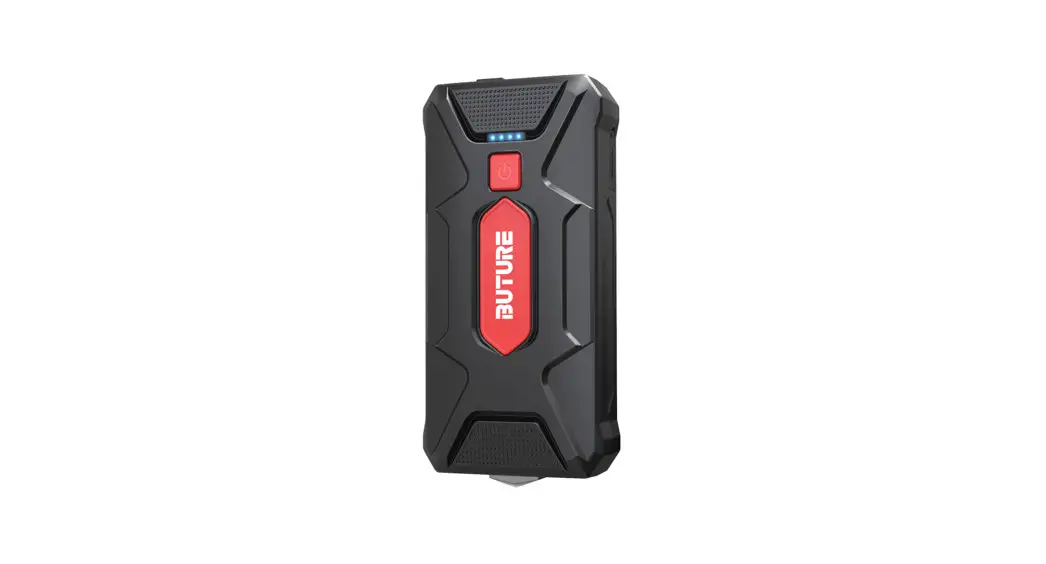
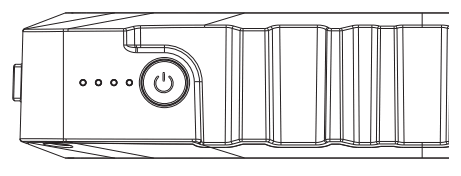
Press the power button to check the capacity of the Jump starter. Indicator Lights as below picture (25%,50%,75%,100%).
Recharge the Jump starter
Note:
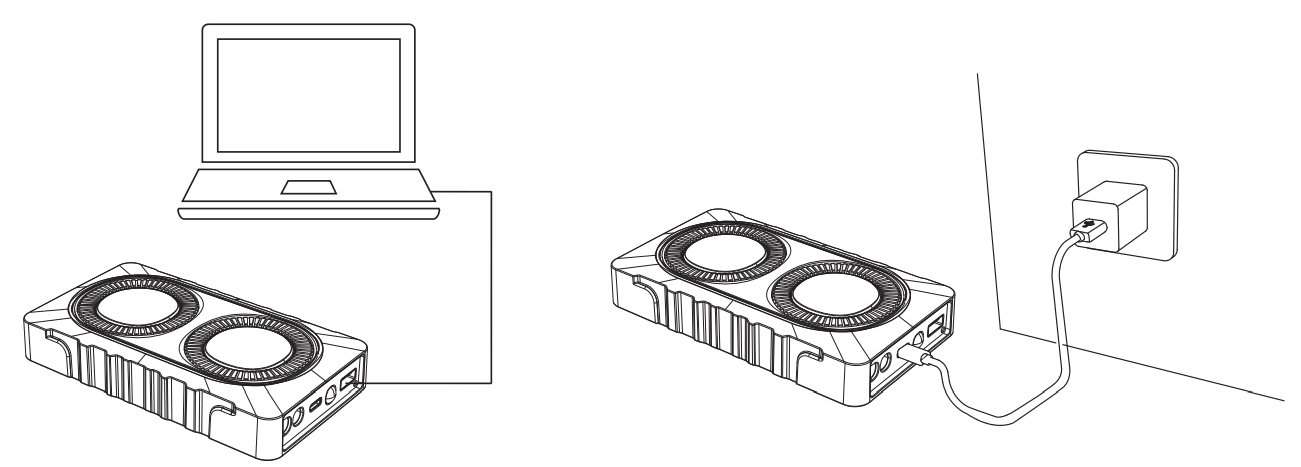
The wall charger or car charger is not included in the package, you can use a universal USB charger to recharge the unit, such as your phone or pad charger ( 5V/2A is suggested ).
At Home:
- Plug the USB cable into any USB wall adaptor (not included).
- Connect the USB C cable (included) to the unit.
In Car:
- Plug the USB car adapter (not included) into an available 12V socket.
- Connect the USB C cable (included ) to the unit.
Note:
It is recommended to recharge the Jump starter every 3-4 months to maintain the efficiency and prolong the service life of the internal battery even if the unit has not been used.
Charging your devices from the USB output
Use the original manufacturer’s USB cable that came with your device and plug it into one of the USB output ports. You can charge your phone or tablet via the USB Output at 5V/2.4A. Press the power button once to begin charging your device. The power level indicator will show the battery level. To check the power capacity again simply press the power button once.
To Jump Start Your Car
To jump-start, the vehicle battery put the vehicle in park (neutral if the vehicle has a manual transmission) and engages the emergency brake. Locate the battery for the vehicle and follow the steps listed below.
Jump cables are color-coded, RED for POSITIVE(+) and BLACK for NEGATIVE(-) Do not mix up the cables or allow the metal ends to touch together because this may damage the battery charging system and/or electronics on a vehicle.
NOTE:
This product is for 12V cars only. Check to make sure that 3 or 4 indicator lights are illuminated (battery level is above 50%) before you use them to start your car.
Step1:
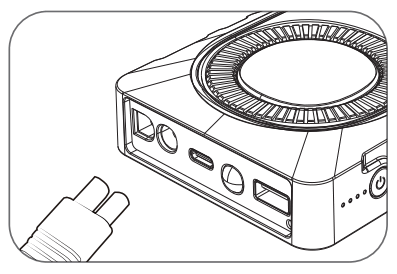
Insert the plug of the smart battery clamp completely into the jump starter. If the green and red light indicators on the battery clamp are flashing alternately, you are safe to move on to the next step.
Step2:
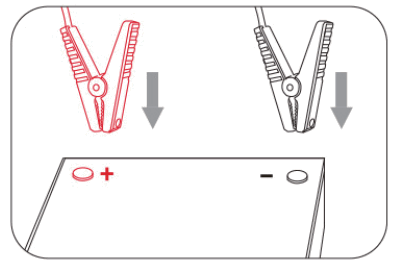
Connect the red clamp to the positive terminal(+) of the car battery and connect the black clamp to the negative(-) of the car battery. If the indicator light of the smart clamp is solid green, you can move on to the next step.
However, if the red indicator light is on:
- The battery clamp may be connected in reverse. In this case, you need to disconnect the battery clamp from the vehicle and the jump starter.
- Adjust the clamps for maximum contact with the battery terminals.
Step3:
Start Your Car
If you failed to start your car, you need to disconnect the battery clamp from the vehicle and the jump starter. Wait for at least 30 seconds, then try again.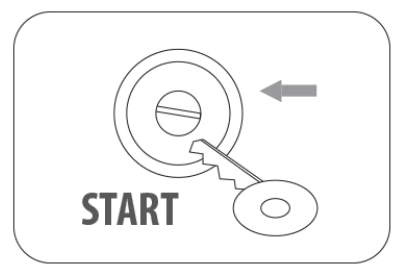
Step4:
Once your car is started, remove the battery clamp from the car battery and the jump starter within 30 seconds.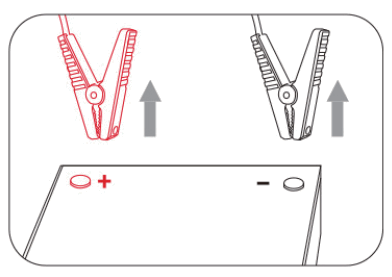
In any of the following situations, the smart clamp turns protection on:
| LED indicator | Situations |
| The red/green led will flash | Ready to work |
| The green light is always on | Work status |
| The red light is always on | 1. battery clamp is reversely connected —-check whether the clip is reversely connected 2. the clamp is short-circuited —-check whether two clamps together connect or connect both cable clamps to the same piece of metal |
| The red light flashes slowly | The voltage of the starter is too low —-try to replace the startup power supply or charge it in time |
| The red light LED flashes quickly | The temperature of the clamp exceeds 65±5 degrees —-remove the clamp until the red-green led flash |
| The green light flashes slowly | Connection timed out, please re-clip the clamps |
Warnings:
- When jump-starting a vehicle, please ensure that the blue plug is securely fitted into the jump start socket on your jump starter.
- Do not allow this product in water.
- Do not operate the product in explosive atmospheres, such as in the presence of flammable liquid, gas, or dust.
- Do not modify or disassemble the product.
- If battery leakage occurs, take it to your local battery recycling center for disposal do not attempt to use it.
- This car jump starter is for use with 12V vehicles only.
Battery Disposal
The battery is self-contained and not consumer replaceable. The battery must be disposed of properly when it no longer holds a charge. Proper charging practices will increase the life of the product.
Warranty
Our company provides customers with a warranty of 24 months from the date of purchase.
Contact the US
For additional assistance or warranty cover claim, please contact us: E-Mail: [email protected]