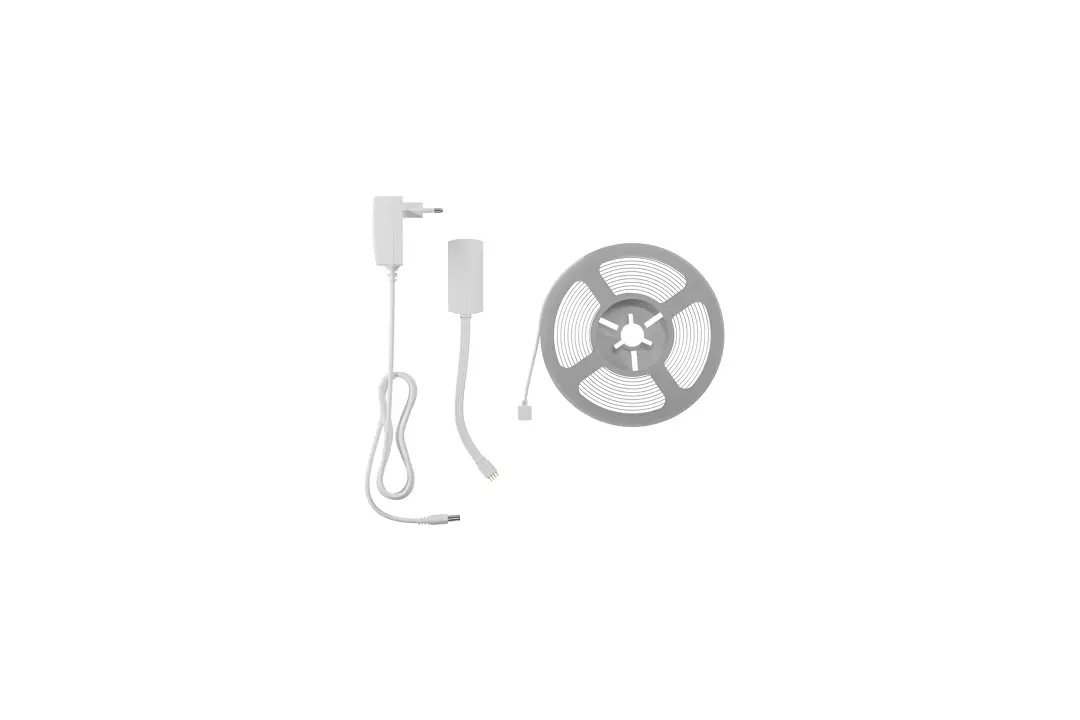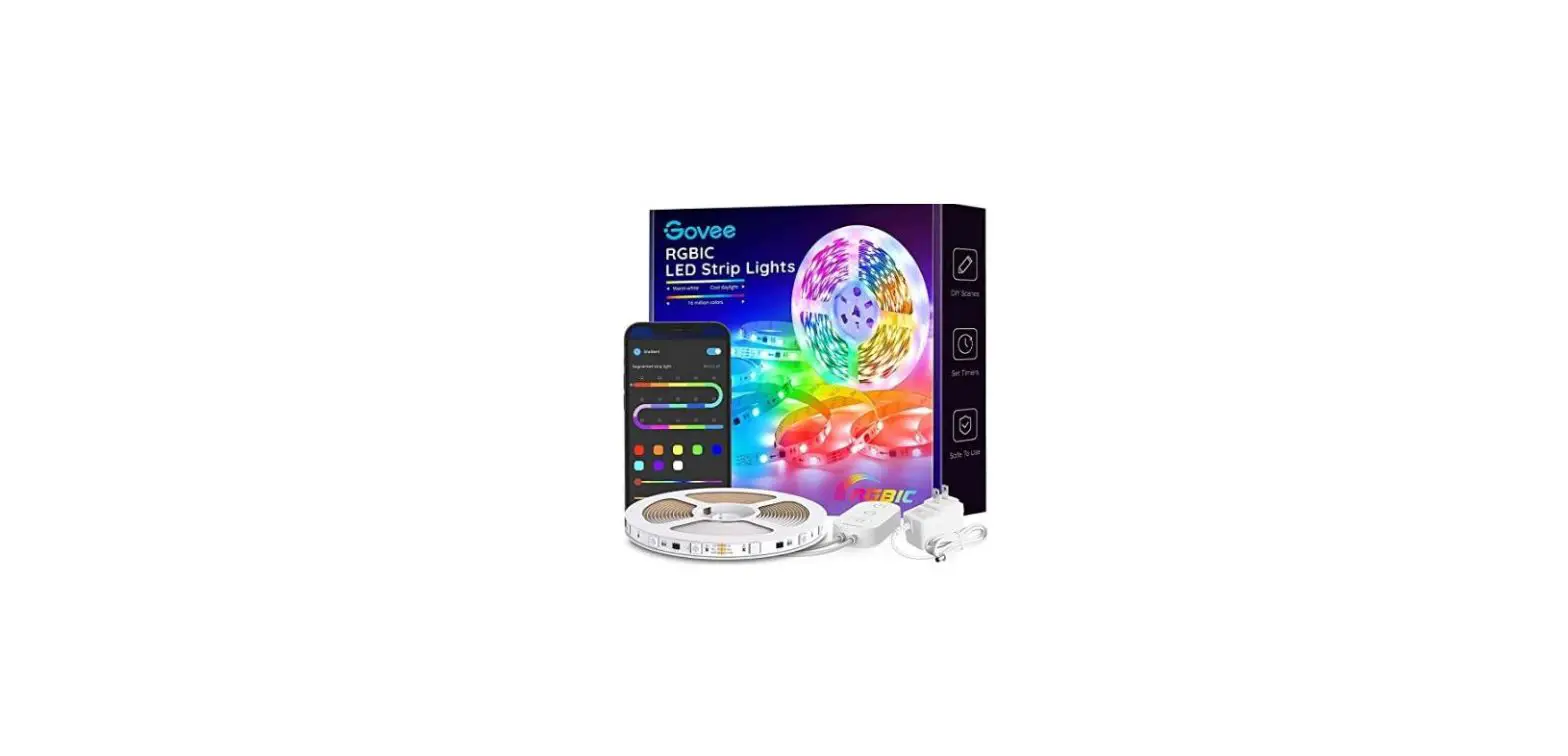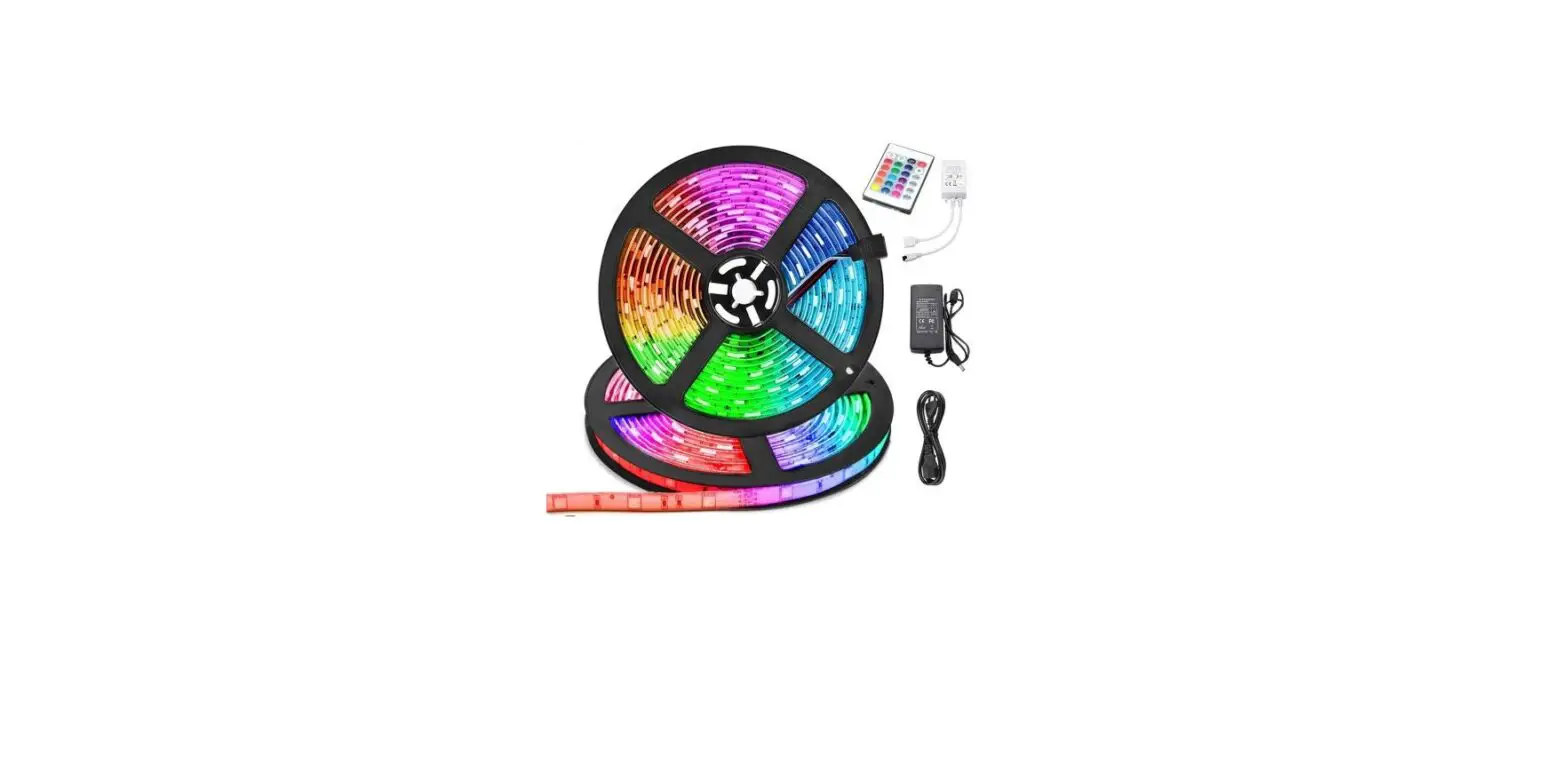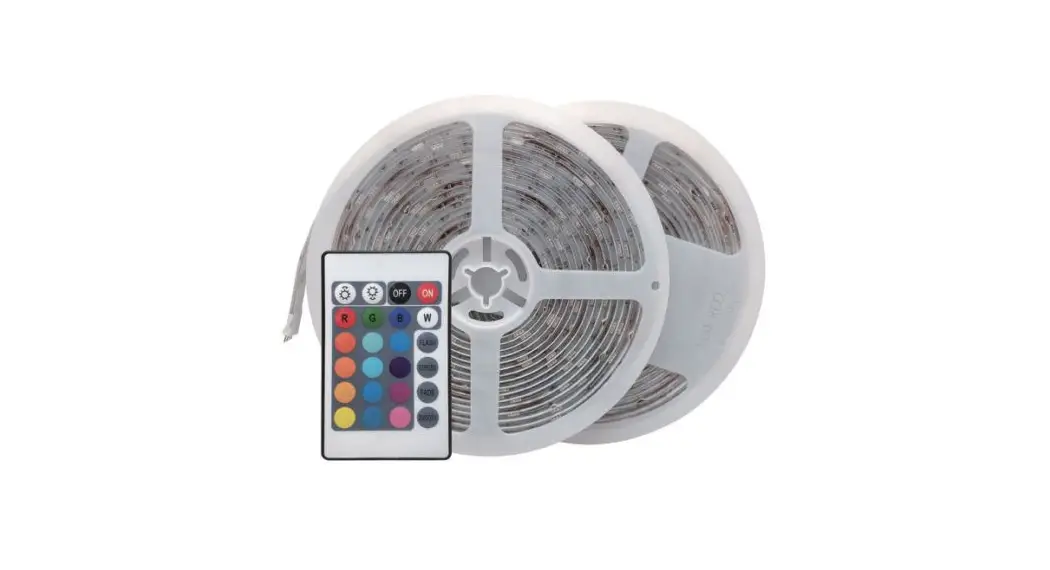
 LED STRIP LIGHT
User Manual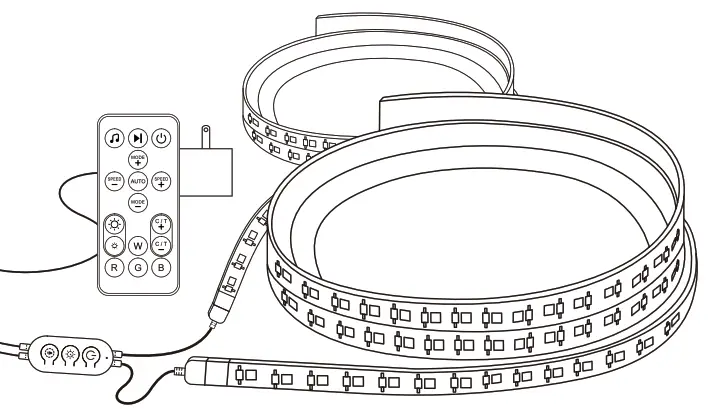
Product Introduction
Features
RGB
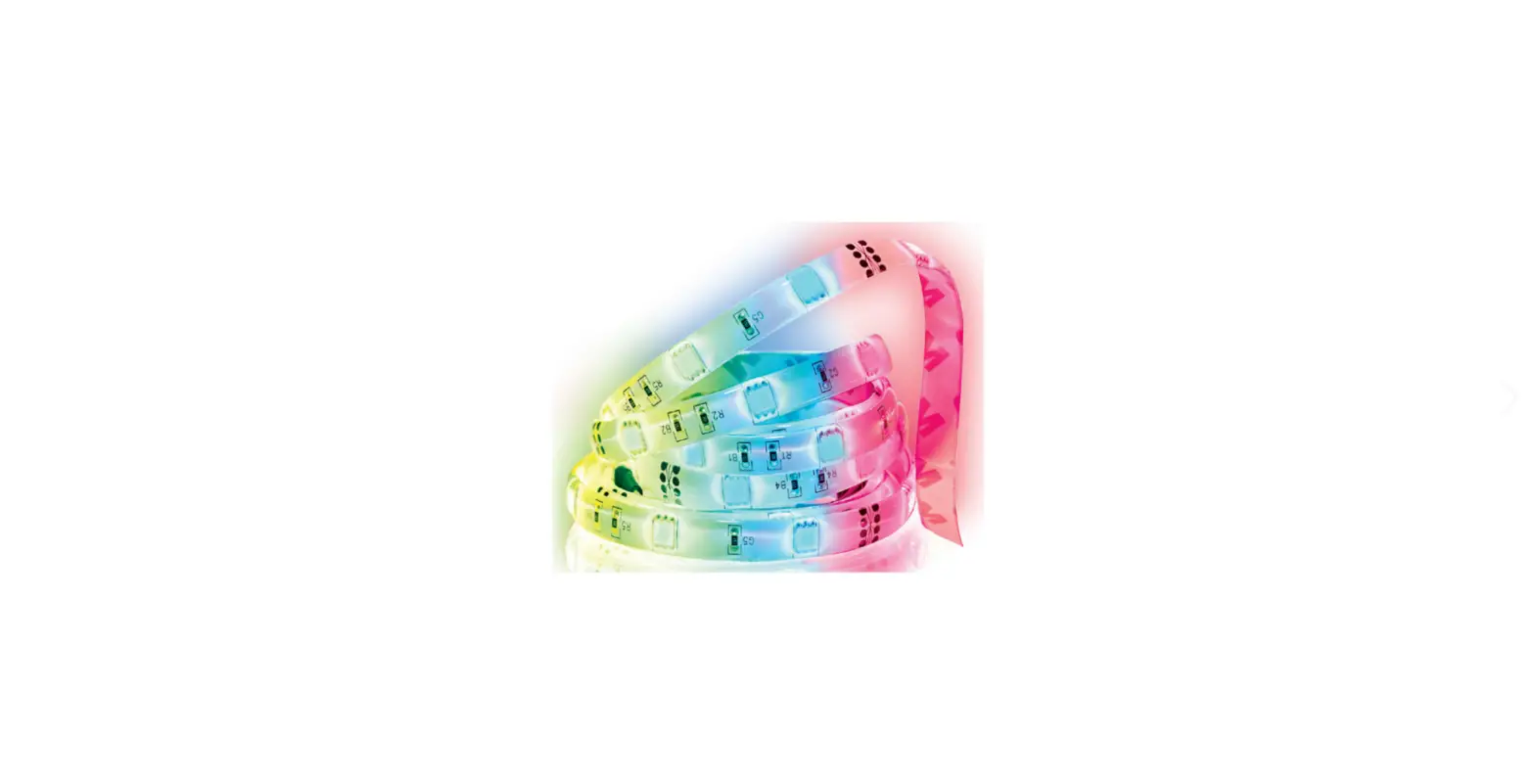
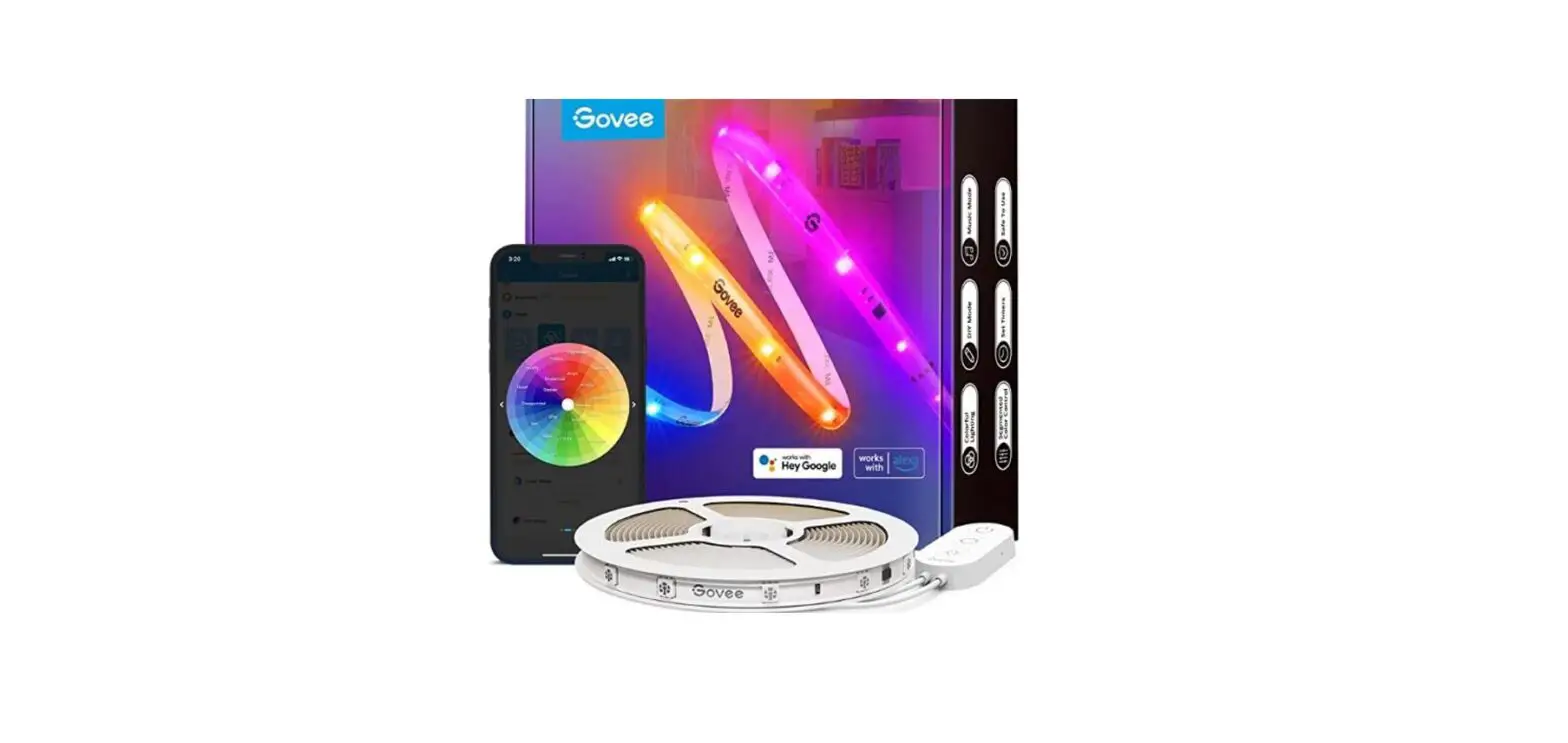
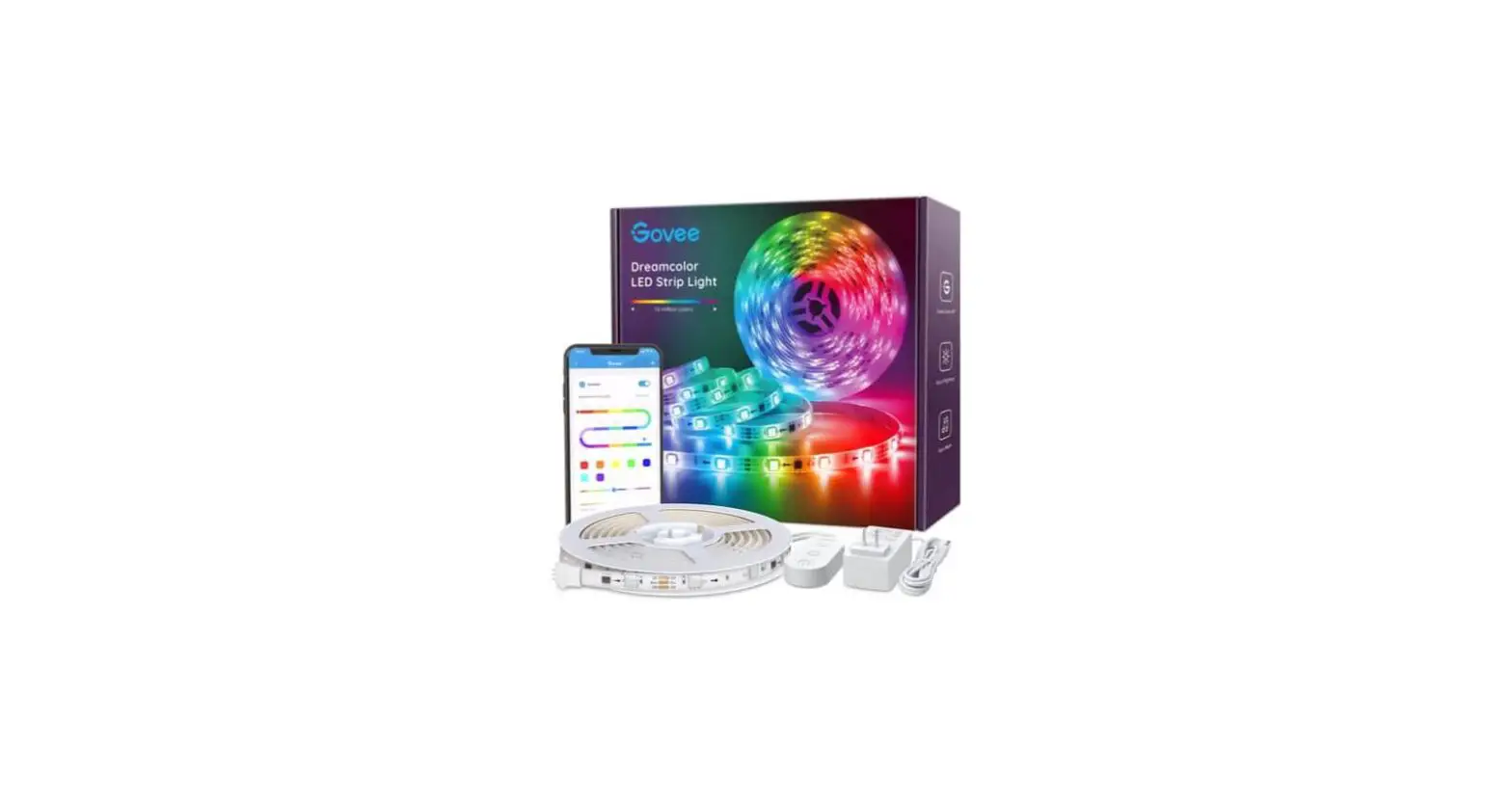
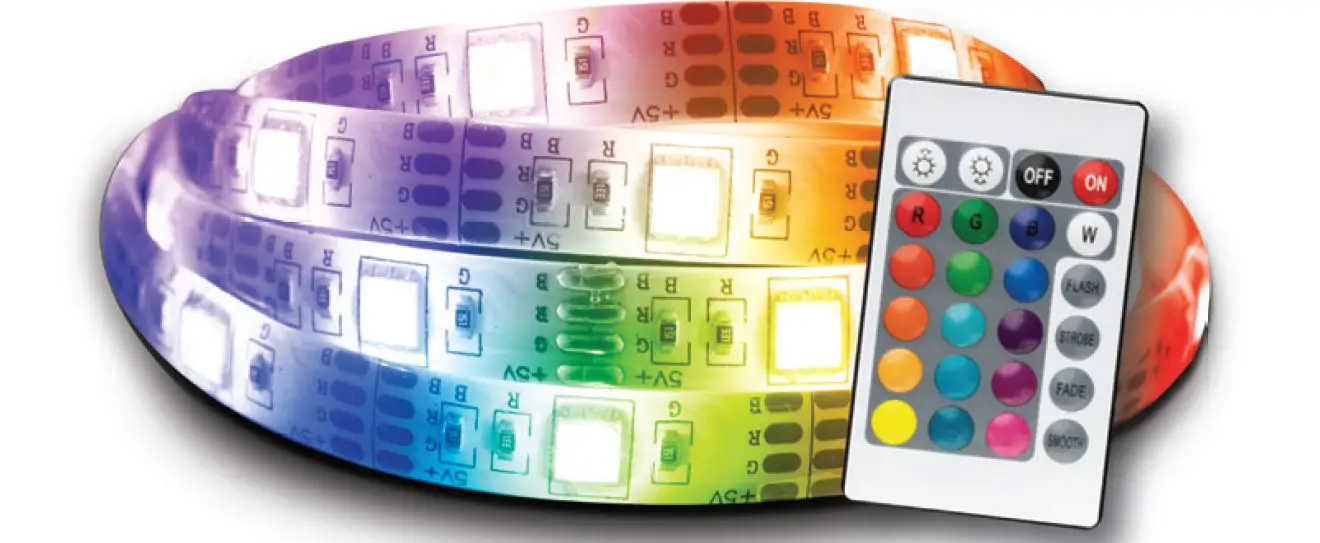
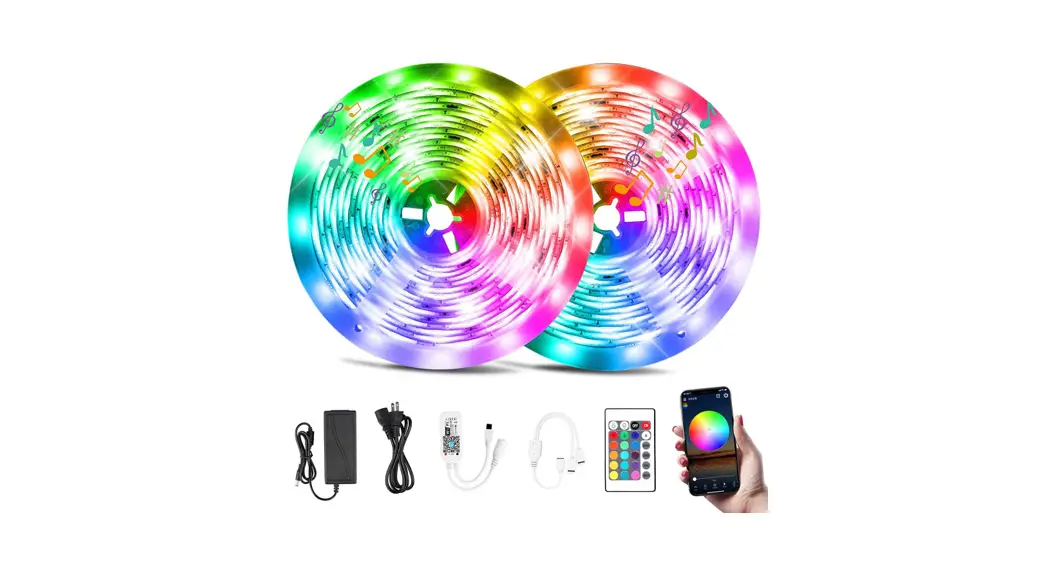
This RGB LED strip light skit has not only RGB ( Red, Green, Blue ), 32 multicolored options, but also DIY selection to create your great led mood lighting.
MUSIC Reactive
Music synchronized LED strip lights show in real-time.
Remote APP Control
Remotely control strip lights via WBM Smart APP. Put strip lights changing at your fingertips.
Voice Activated
Works with Alexa and Google Assistant. Control strip lights by simple voice commands.
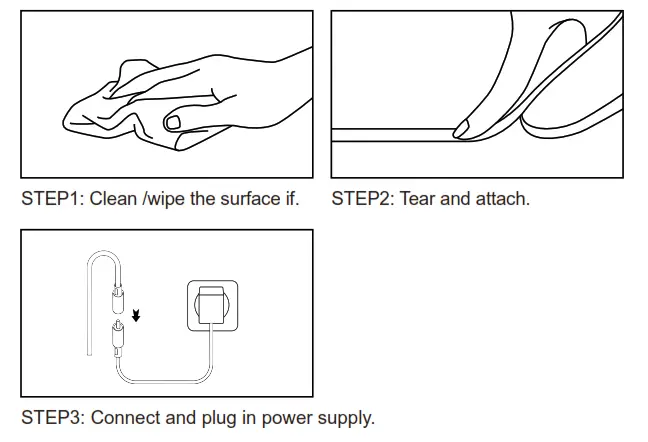
Easy to install in 3 Steps
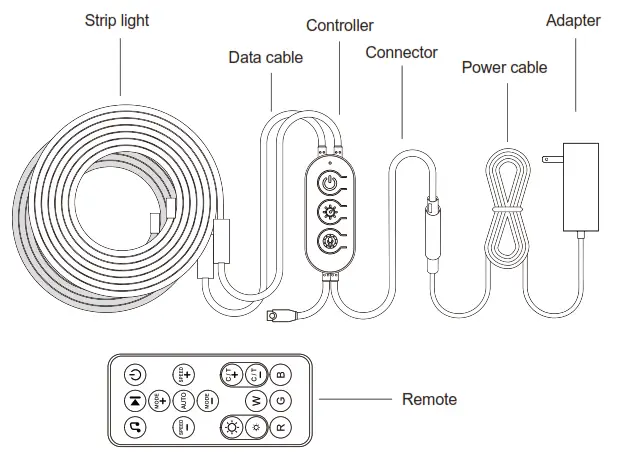
Controller description
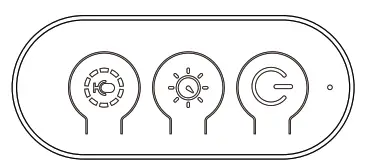
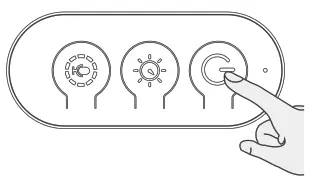
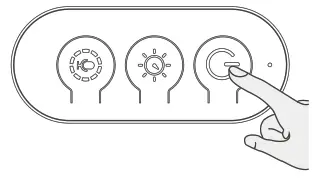
 On / Off button: Short press to turn on / off the strip lights, long press 5 seconds, and the LED controller will start Wi-Fi config.
 Bright / speed adjustment: Short press to switch speed circularly, long Press to switch bright circularly.
 Music / Mode / Scene adjustment: Short press to switch the scene circularly; double press to switch the mode between the static / pre-set / custom/music circularly; long press to enter in / exit out music mode.
Remote control
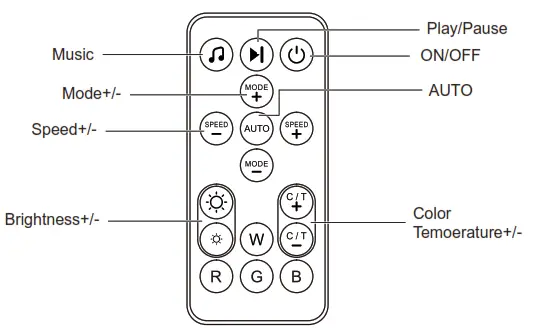
Pattern Table
| ON/OFF | Click to turn the strip lights on / off. |
| Music | Click to enter music mode. |
| Play/Pause | Click to play or pause. |
| AUTO | Click to enter automatic scene mode. |
| SPEED+/- | Adjust the performing speed in scene mode. |
| MODE | Adjust the scene mode. |
| Brightness+/- | Click to adjust the brightness of strip lights. |
| Color Temperature+/- | Click to change 32 preset colors circularly in color mode or change 12 preset temperatures in white mode circularly. |
| RGBW | Click to switch to corresponding color. R for red, G for green, B for blue, and W for white. |
Setting WBM Smart APP
Step 1:
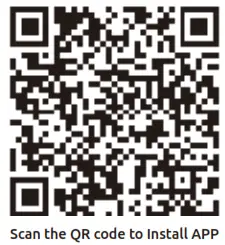
Scan the QR Code or search “WBM Smart” on the App store or GooglePlay to download and install the “WBM Smart” APP for ios / Android.
Step 2:
Launch the “WBM Smart” APP, the APP will ask you to register your device. Enter your phone number or email and select the country you live in.
 https://smartapp.tuya.com/smartappwbm
Step 3:
After inputting your phone number, you will receive a text with a registration code. And if you choose the email you will be asked to create a password. After inputting your phone number, you will receive a text with a registration code. And if you choose the email you will be asked to create a password.
Input the registration code you received or create a password if the email method is chosen.
Quick Mode Configuration(EZ mode)
- Before connecting, please make sure your smartphone is connecting with your home Wi-Fi (2.4GHz) successfully.
- To connect in EZ mode, the strip lights need to be set to blink rapidly. (You can learn the detailed instruction in the “How to set the light as rapidly flashing” section).
- Open APP and click “+” to add a device.
- Follow the in-app instructions to connect strip lights to your Wi-Fi network(2.4 GHz)
- Once connected, the APP will prompt the connection. Then click “Completed”
- Now you can control Strip lights through the “WBM Smart” APP.
AP Mode Configuration
- Before connecting, please make sure your smartphone is connecting with your home Wi-Fi (2.4GHz) successfully.
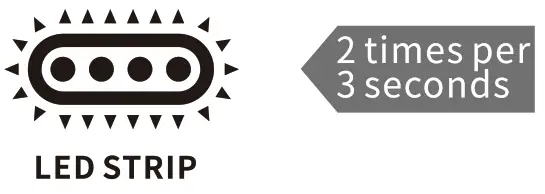
- To connect in AP mode, the strip lights need to be set to blink Slowly.
(You can learn the detailed instruction in the “How to set the light as slowly flashing” section) - Click the ICON “+” at the top right corner of the APP.
- Select device type and click AP mode to add a device.
- Go to the Wi-Fi setting on your smartphone and select the “WBM Smart-XXX” for your Wi-Fi.
- Once connected successfully, the APP will prompt the connection, and click “Completed”
How to set the light as rapidly flashing
Method 1:
Step 1 Power on the device
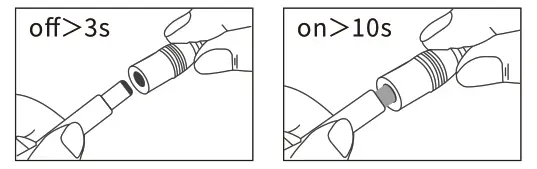
Step 2 Hold the power button for 5S
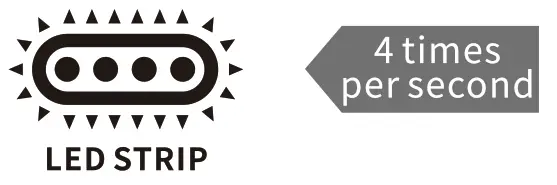
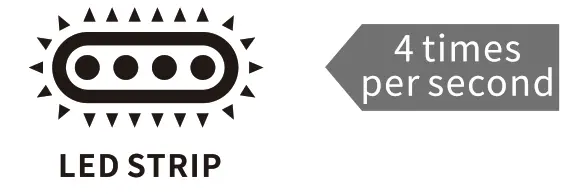
Step 3 Confirm LED Strip is now rapidly flashing
Method 2:
Step 1 Power on the device
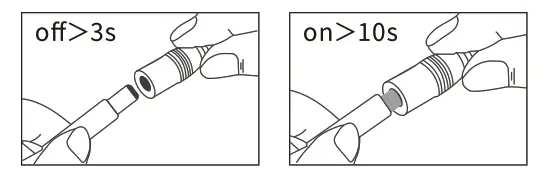
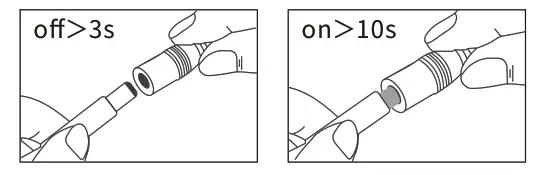
Step 2 Turn off-on-off-on-off-on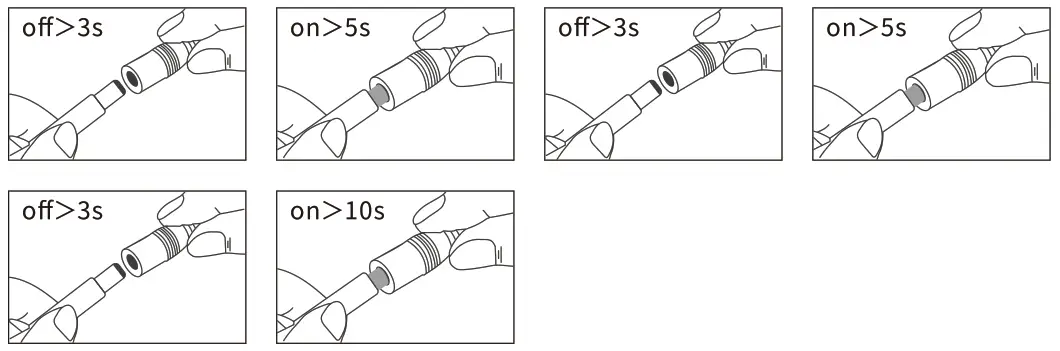
Step 3 Confirm LED Strip is now rapidly flashing
How to set the light as slowly flashing
Method 1:
Step 1 Power on the device
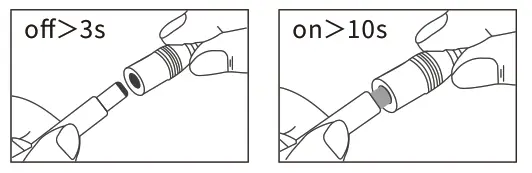
Step 2 Turn off-on-off-on-off-on
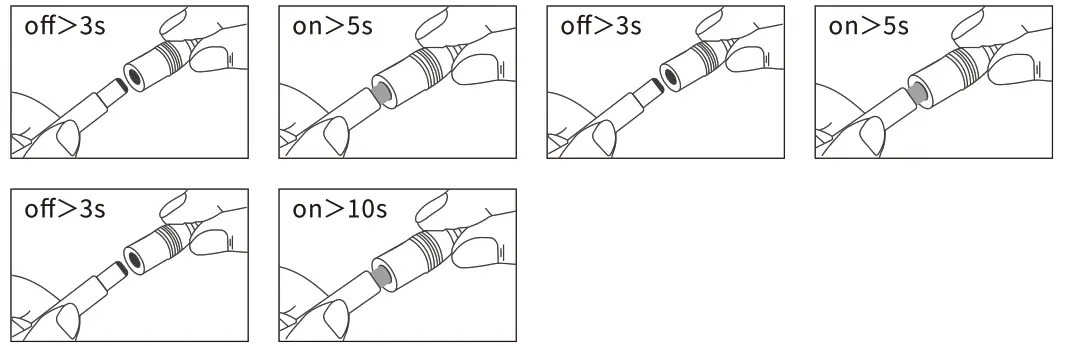
Step 3 Confirm LED Strip is now rapidly flashing
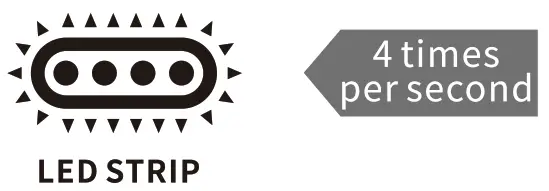
Step 4 Operate again: Turn off-on-off-on-off-on until the light is slowly flashing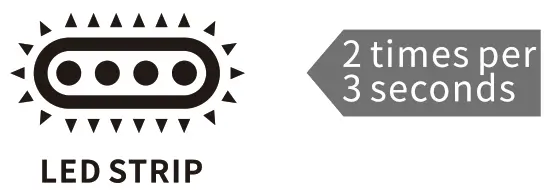
Method 2
Step 1 Power on the device
Step 2 Hold the power button for 5S
 Step 3 Confirm LED Strip is now rapidly flashing
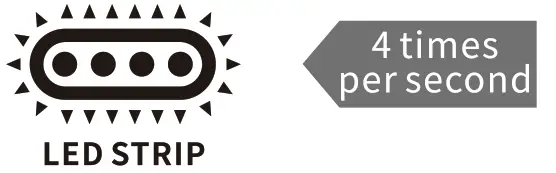
Step 4 Operate again: Hold the power button for 5S until the light is slowly flashing
How to connect strip lights to Amazon Alexa / Google Assistant
You can learn the detailed instruction on the “Me->More Services” page of “WBM Smart” APP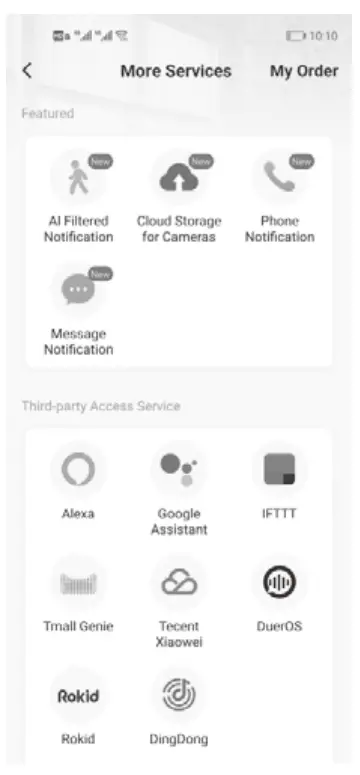
Wiring diagram
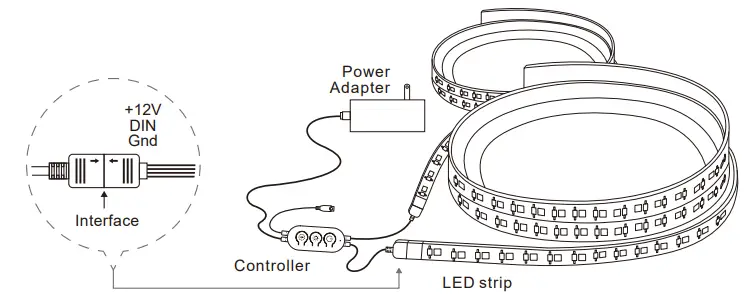
Note: Connect the load wire at first, followed by the power wire; Please ensure a short circuit can’t occur between connecting wires before you turn on the power.
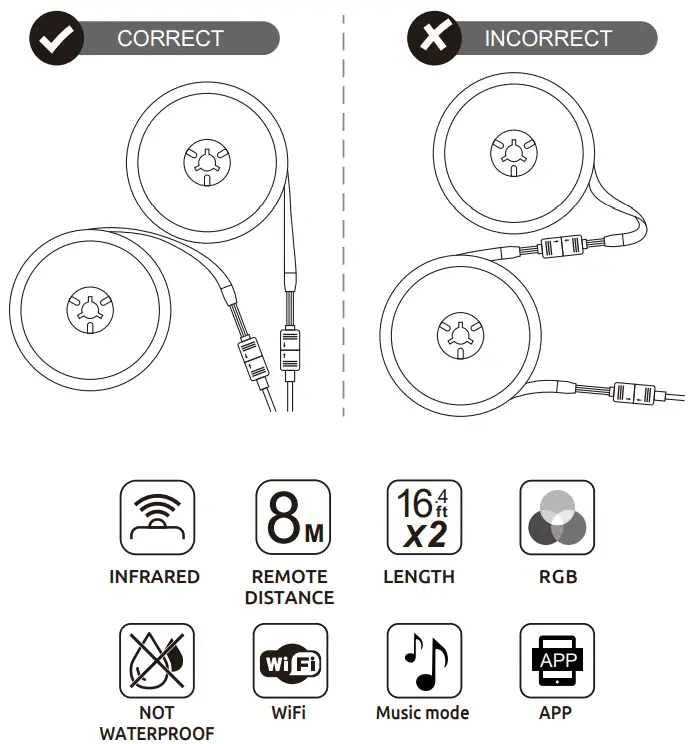
Read the instructions for use carefully and keep them safe.

WARNING
Keep away from children. Not waterproof.
It is strictly prohibited to use in the environment of combustible gas, inflammable and explosive articles, and hazardous chemicals.
 http://www.wbminternational.com
 Contact Us
54 HWY 12, Flemington
NJ 08822 USA 1-866-802-9366
www.wbminternational.com
 WBM International® | USA Online Shopping | Shop Now & Save