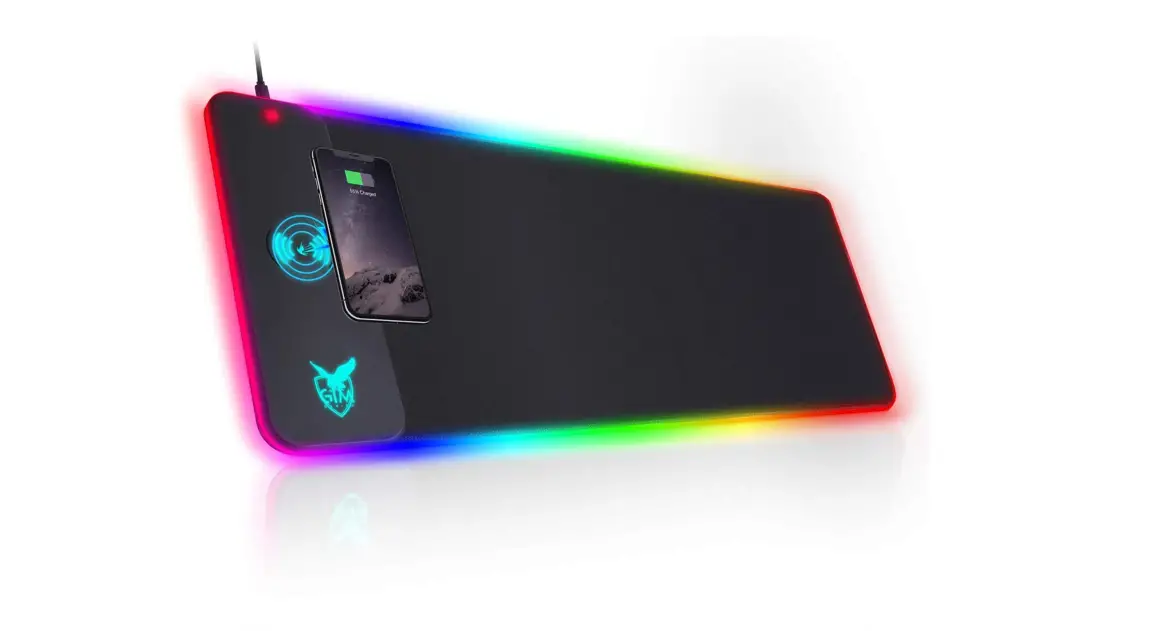
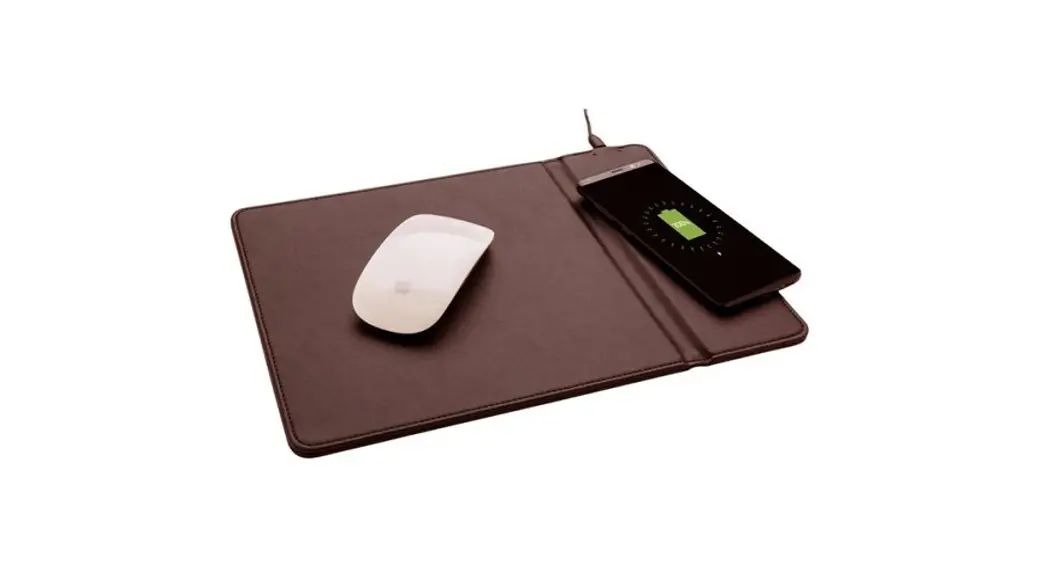
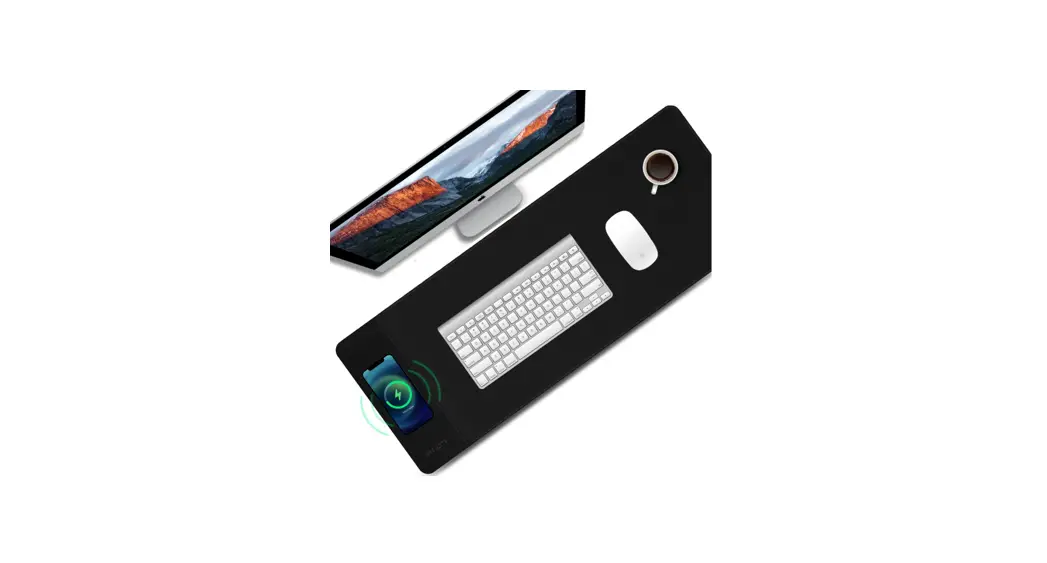
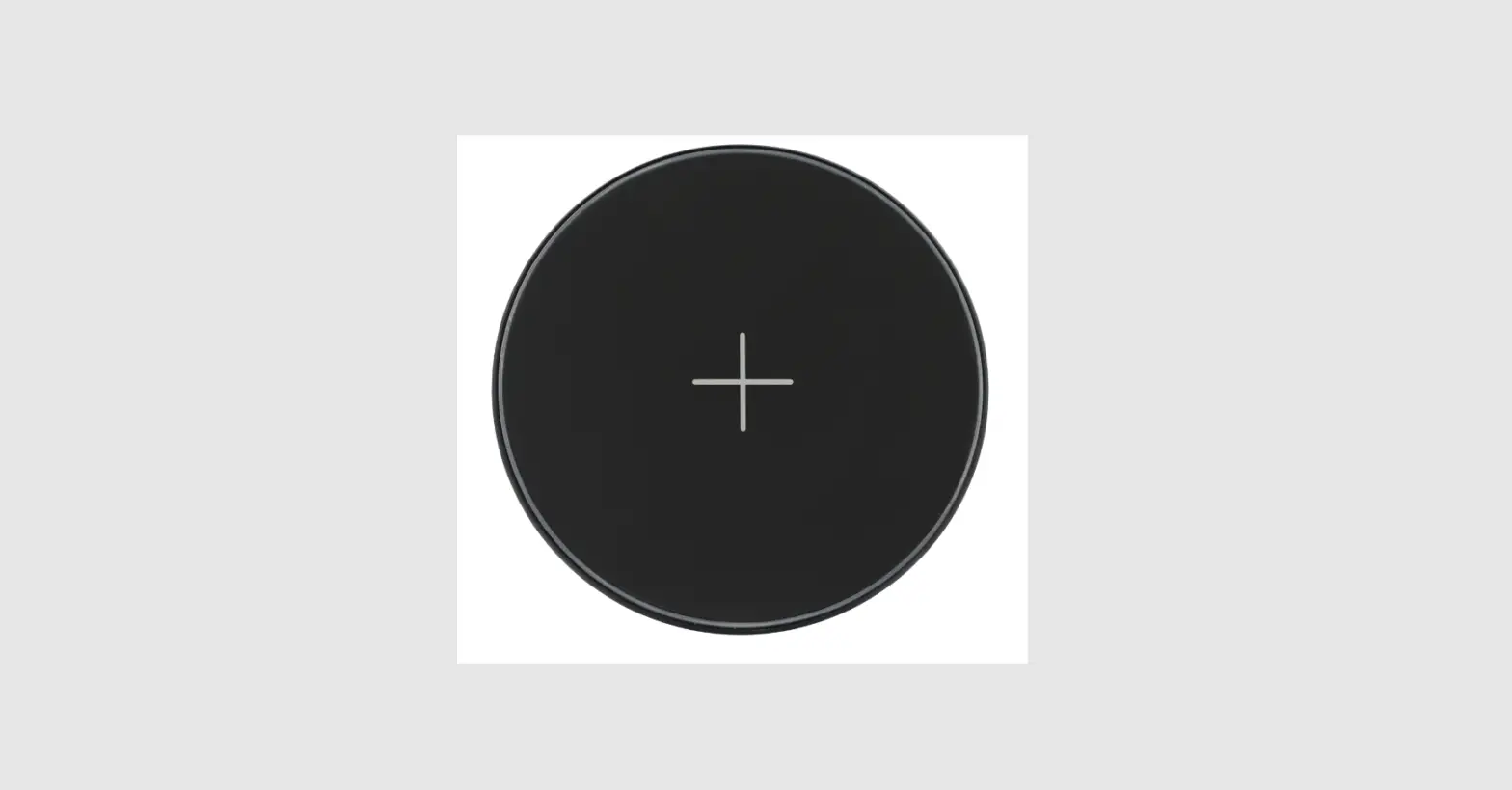
32H3GELN1V Charging Mouse Pad
Product Information – CHARGING MOUSE PAD
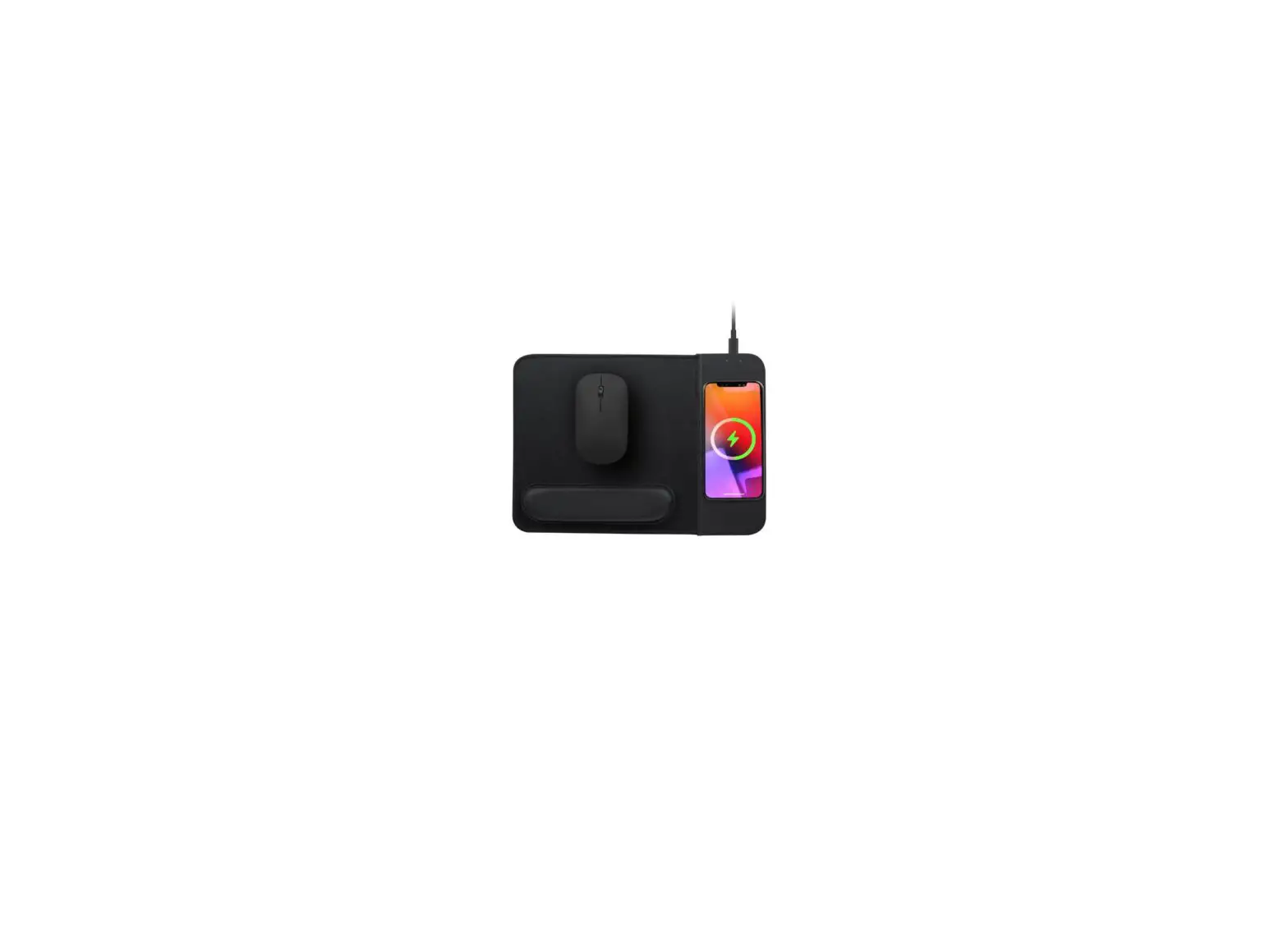
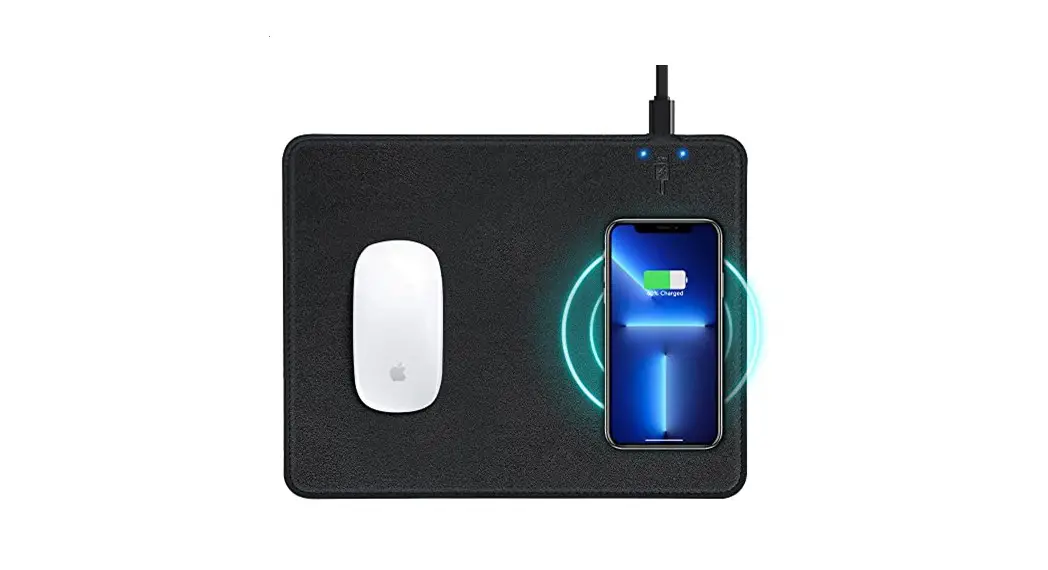
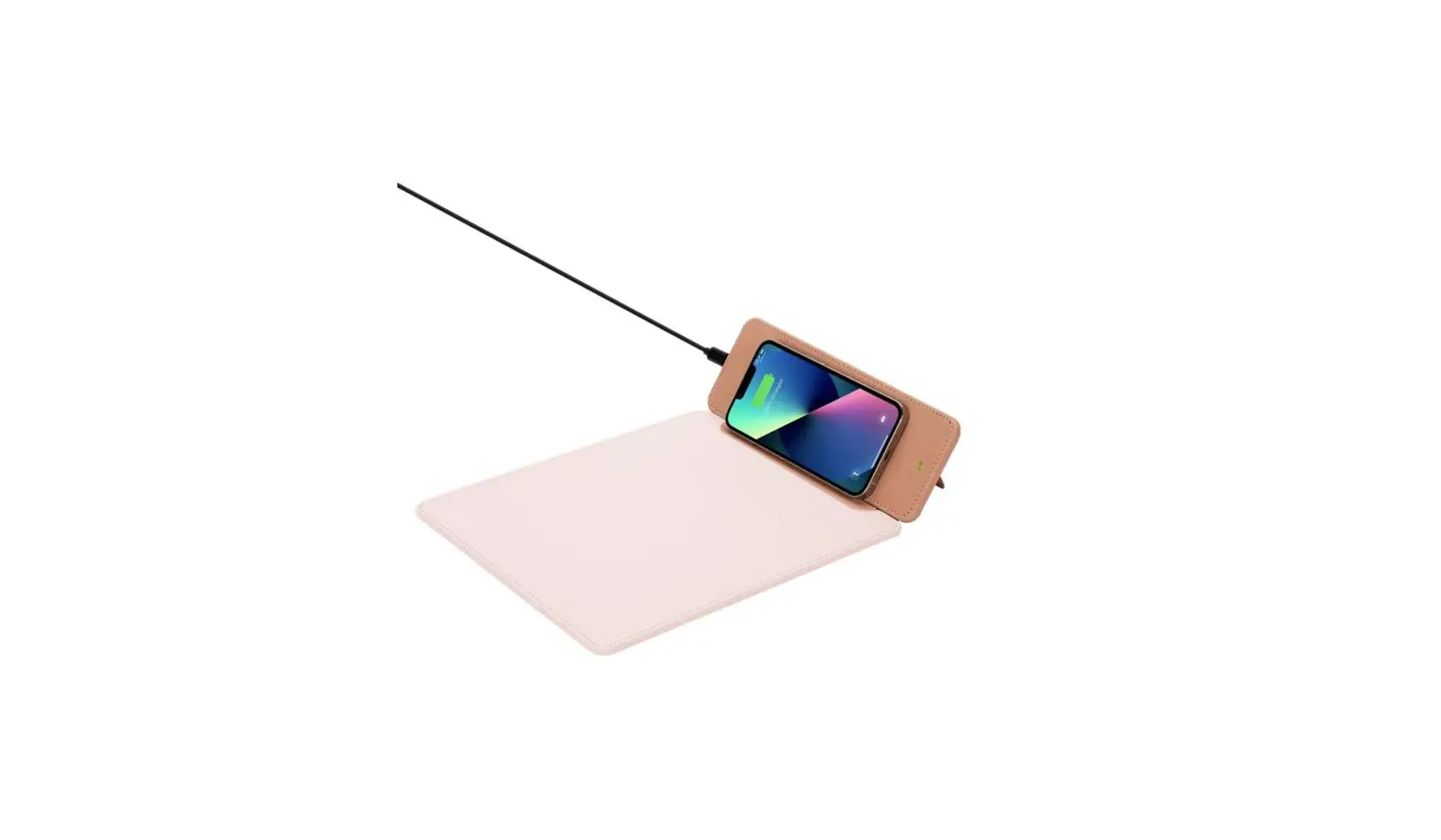
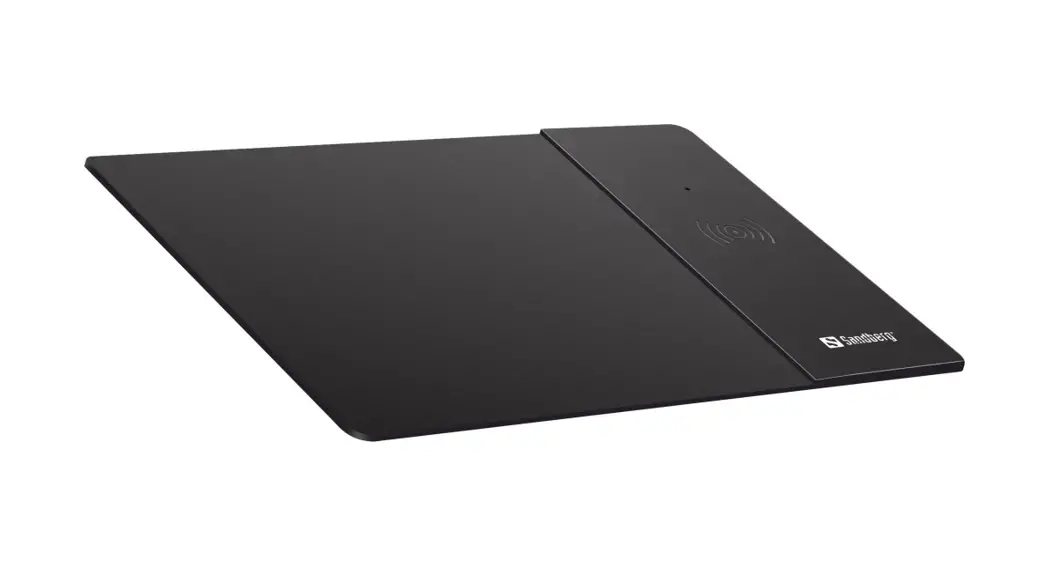
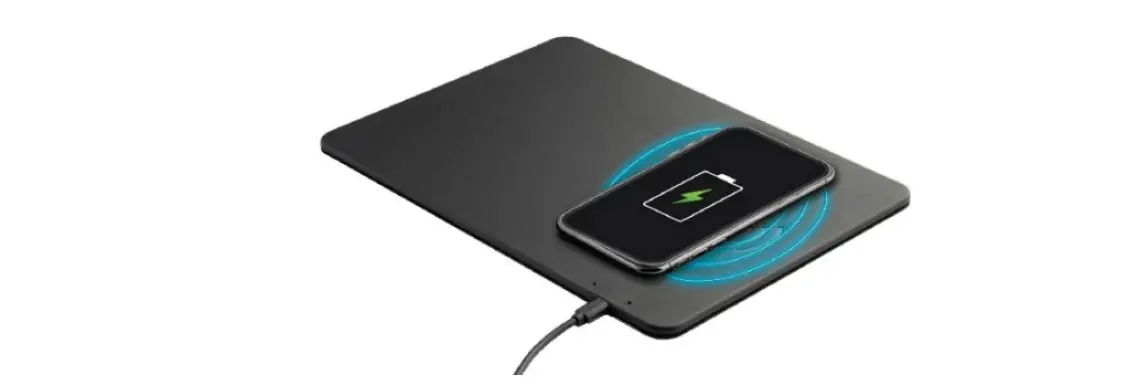
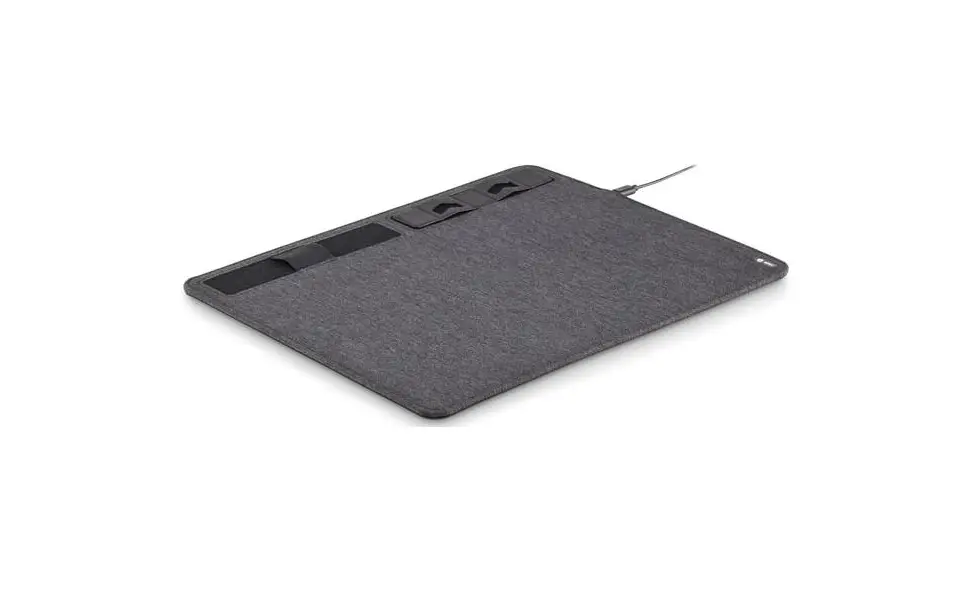
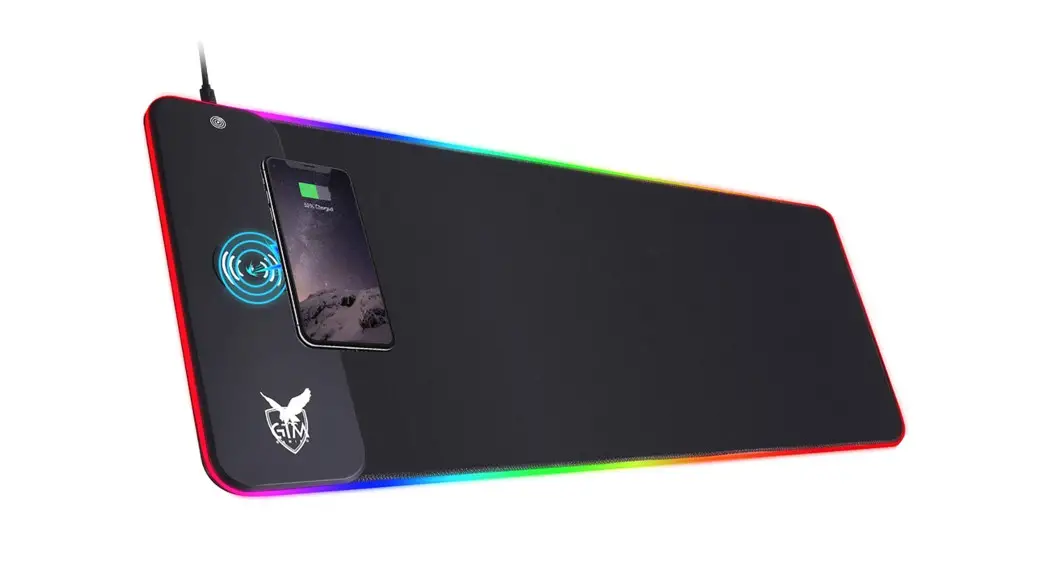
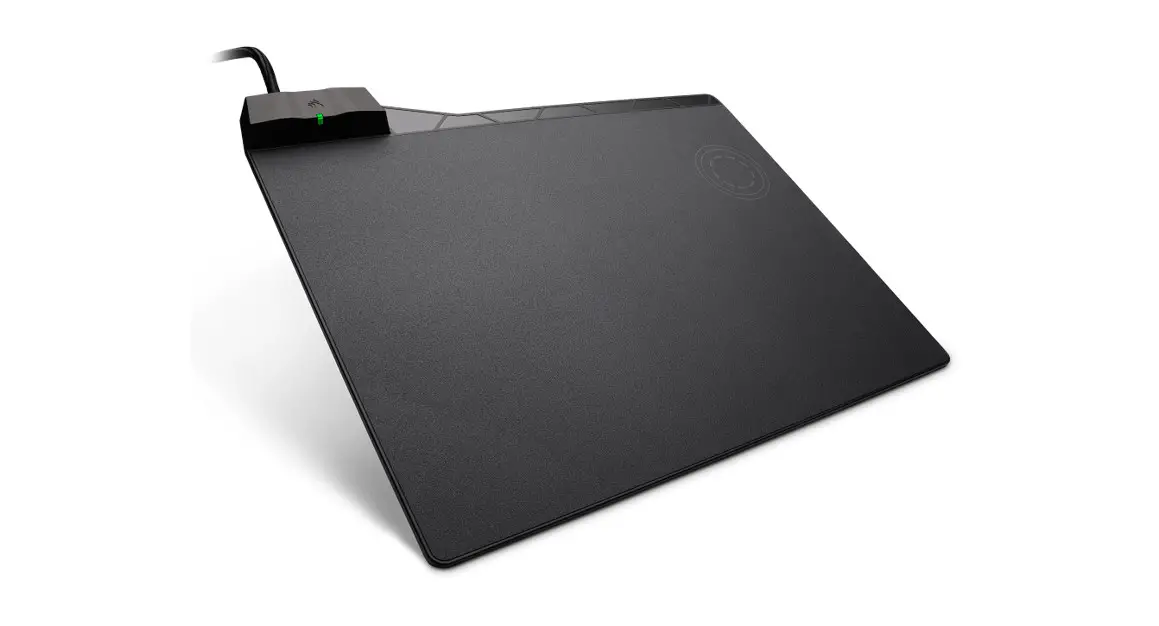
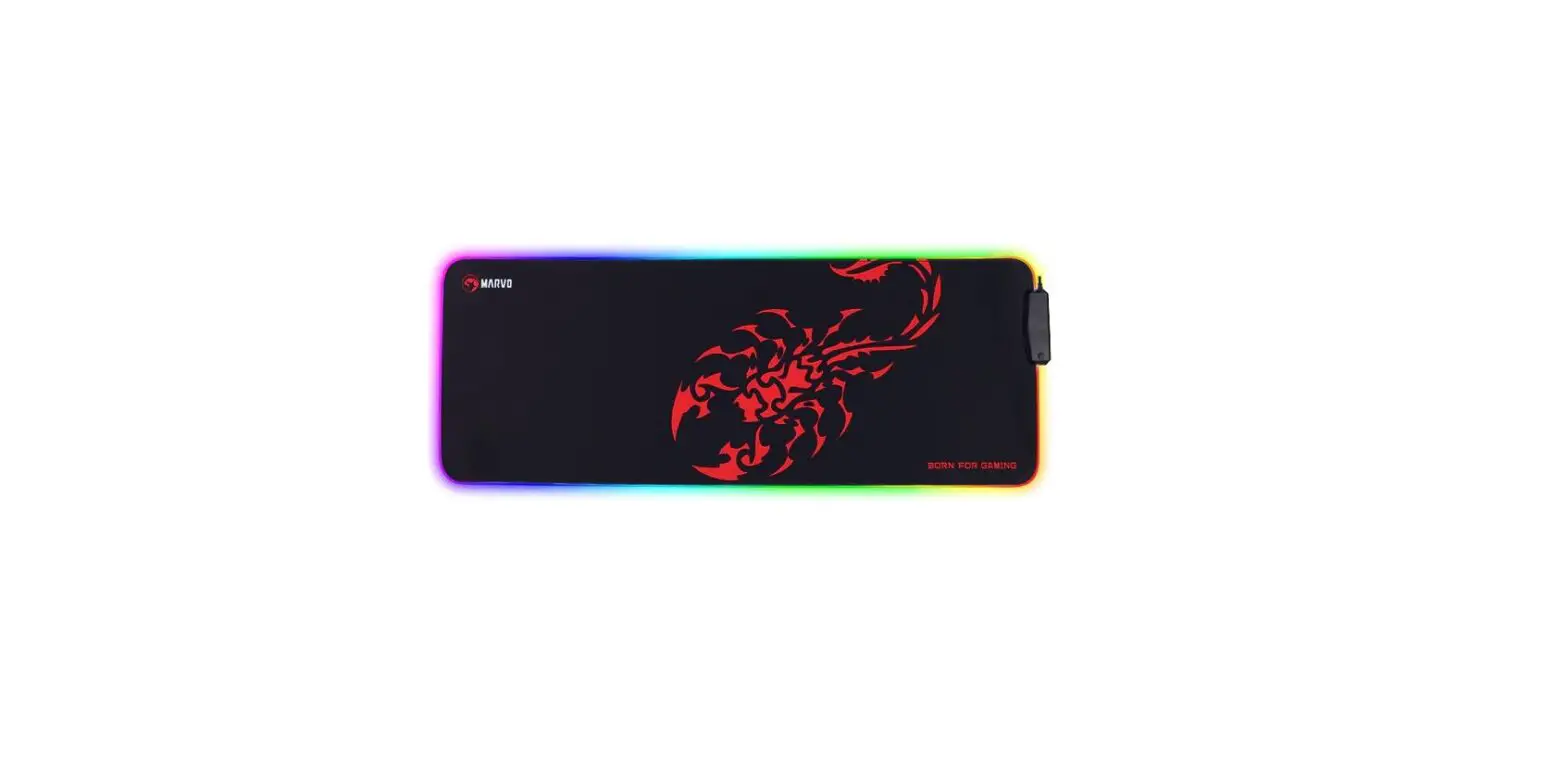
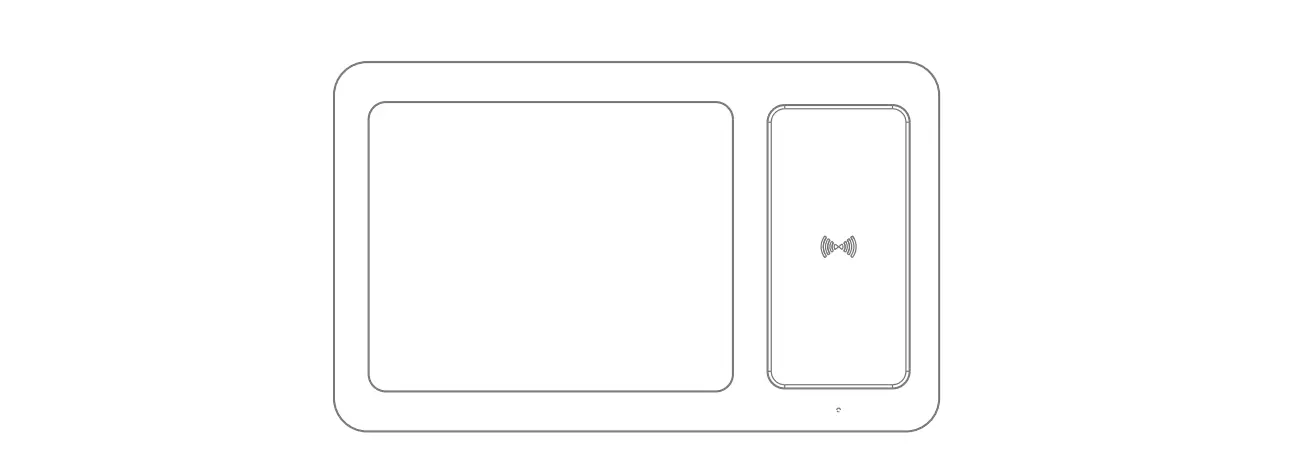
The Charging Mouse Pad is a wireless charger that is suitable
for smartphones such as Apple iPhone 14 Pro, iPhone 14, iPhone 13,
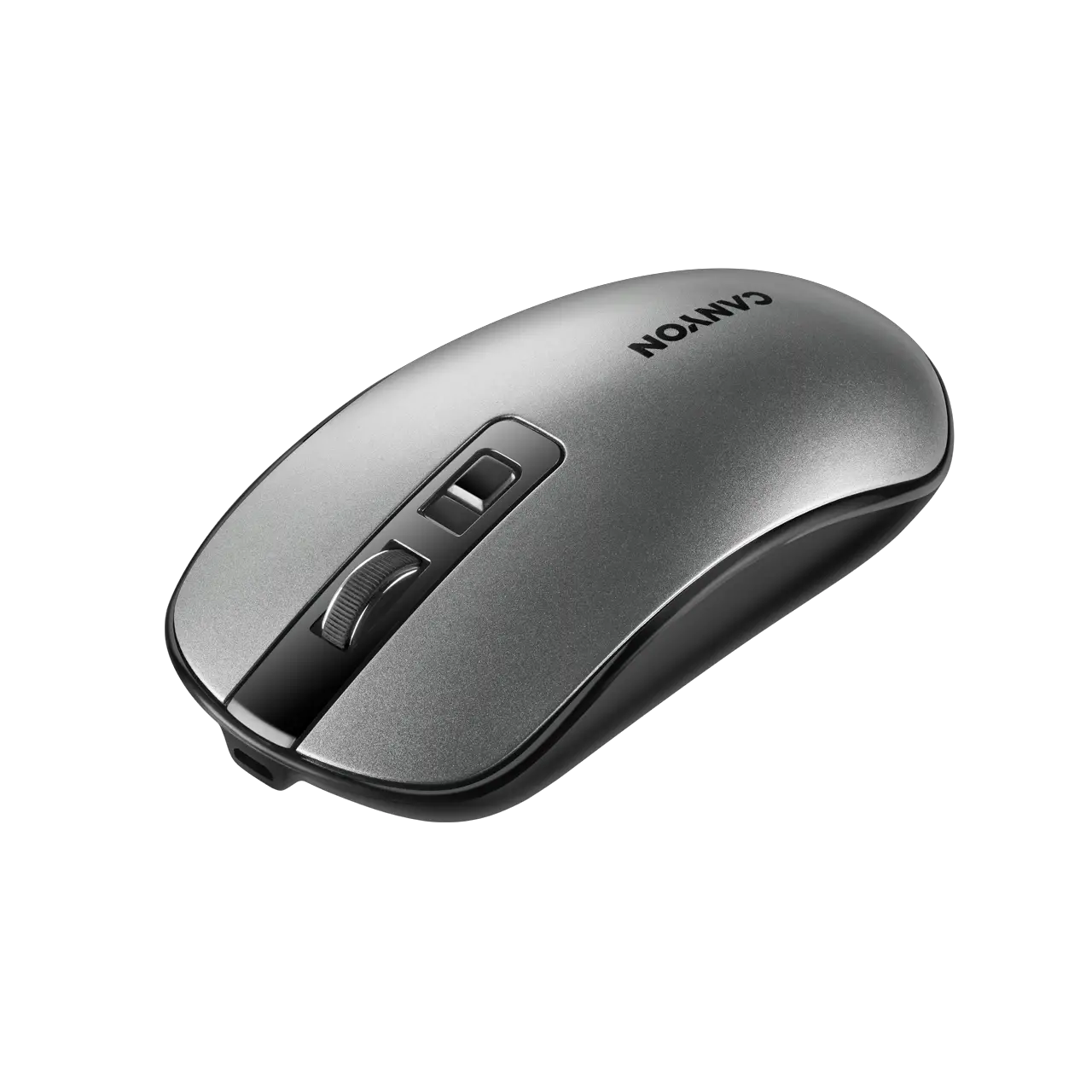
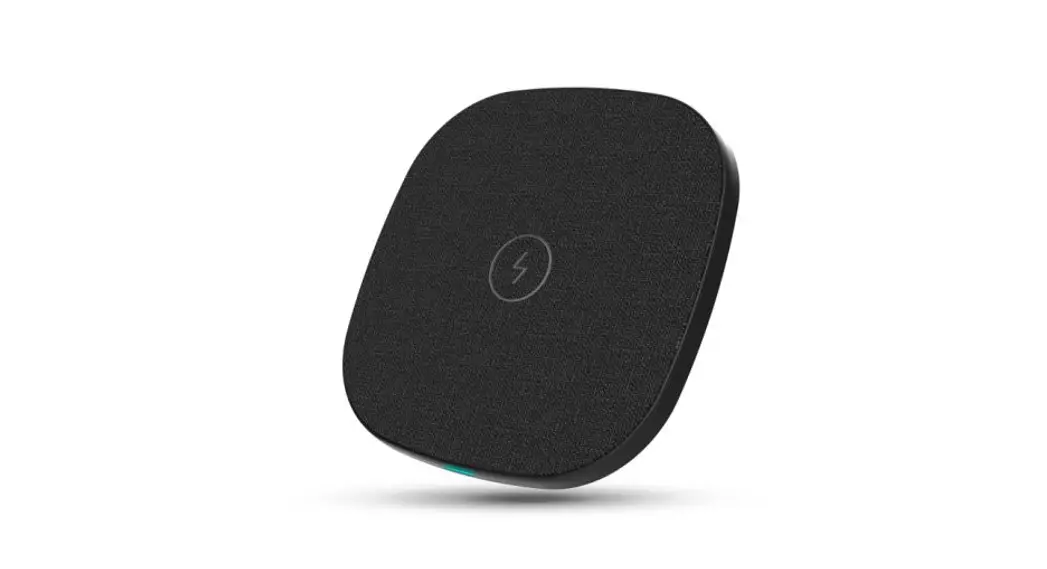
and iPhone 12. The product comes with a mouse pad, a wireless
charger, a USB cable, and a user manual. The product model number
is 32H3GELN1V, and it has an input of 5/3A,9V/2A,12/1.67A and an
output of 15W. It has a charging distance of 0-8mm and a working
temperature range of -10–55 degrees Celsius.
Product Usage Instructions
Follow the below instructions to use the Charging Mouse Pad:
- Connect the adapter or computer with the Charging Mouse Pad
using the USB cable to start charging. - To charge your smartphone wirelessly, place it directly on the
wireless charger without using a cable. Ensure that your smartphone
has a built-in wireless receiver or insert a wireless receiver
before charging. - You can take your phone away for calling or place it back on
the Charging Mouse Pad for charging freely. - If you face any difficulty in charging your smartphone
wirelessly or if there is any interference, move the interference
device away. Replace the USB cable or adapter for use again. - Do not place any magnetic card like bank card or ID card near
the product to prevent magnet failing to work. - The wireless charger has no interference with all household
appliances. - The product does not require any maintenance. The power is in
sleep mode automatically if the charge stops. Keep the surface
clean from dust or metal.
CHARGING MOUSE PAD
User Manual
Operation Instruction:
1. Using a cable to connect an adapter or computer, you can start to charge
2. Just put your smartphone on the device directly without cable
3. Confirm your smartphone is built-in or insert a wireless receiver before charging
4. You can take your phone away for calling or place it back for charging freely
USB-C
Adapter AC100-240V
smartphone
Just put your smartphone on the wireless charger when charging
Suitable for smart phones: Apple: iPhone 14 Pro, iPhone 14, iPhone 13, iPhone 12
Specification: Product: CHARGING MOUSE PAD Model No: 32H3GELN1V Input: 5/3A,9V/2A,12/1.67A Output: 15W Working Temperature: – 10–55 Charging distance: 0-8mm
Accessories: Mouse pad Wireless charger 1 pc USB cable 1 pc User manual 1 pc
Connect the adapter and the wireless charger with USB cable
Connect with computer
Made in China
: 6 0 x80mm :128g
Attention:
1. The wireless charger has no interference on all housedhold appliances
2. Do not place any magnetic card like bank card or ID card near the product to prevent magnet failing to work
3. As usual, it does not need any maintenance. The power is in sleep mode automatically if the charge stops. Keep the surface clean from dust or metal.
4. If the wireless charger cannot work normally, or other interference. please move the interference device away. Replace the USB cable or adapter for use again.
FCC Warning This device complies with part 15 of the FCC Rules. Operation is subject to the following two conditions: (1) This device may not cause harmful interference, and (2) this device must accept any interference received, including interference that may cause undesired operation. Any Changes or modifications not expressly approved by the party responsible for compliance could void the user’s authority to operate the equipment. Note: This equipment has been tested and found to comply with the limits for a Class B digital device, pursuant to part 15 of the FCC Rules. These limits are designed to provide reasonable protection against harmful interference in a residential installation. This equipment generates uses and can radiate radio frequency energy and, if not installed and used in accordance with the instructions, may cause harmful interference to radio communications. However, there is no guarantee that interference will not occur in a particular installation. If this equipment does cause harmful interference to radio or television reception, which can be determined by turning the equipment off and on, the user is encouraged to try to correct the interference by one or more of the following measures: -Reorient or relocate the receiving antenna. -Increase the separation between the equipment and receiver. -Connect the equipment into an outlet on a circuit different from that to which the receiver is connected. -Consult the dealer or an experienced radio/TV technician for help. The device has been evaluated to meet general RF exposure requirement. The device can be used in portable exposure condition without restriction.