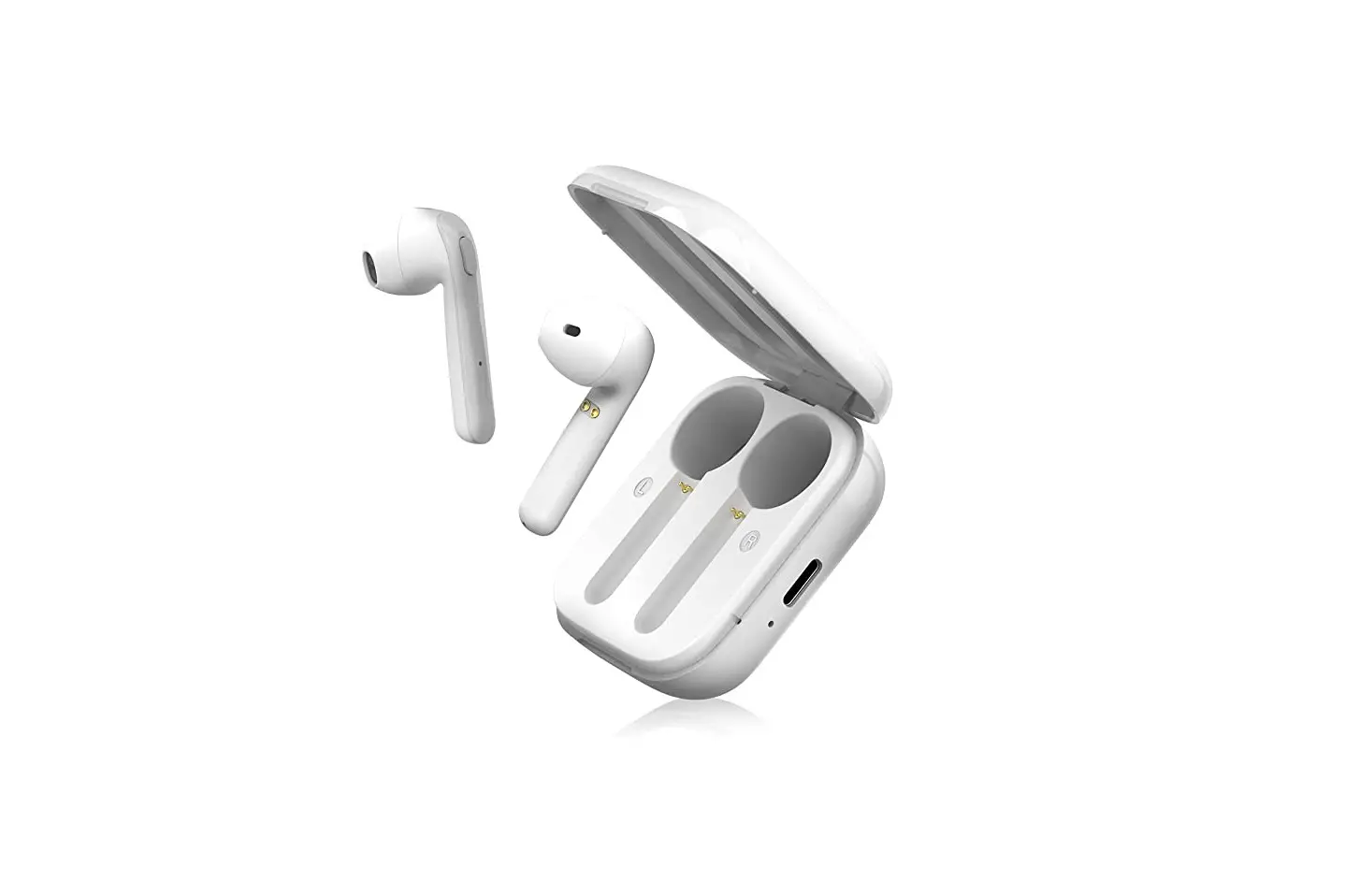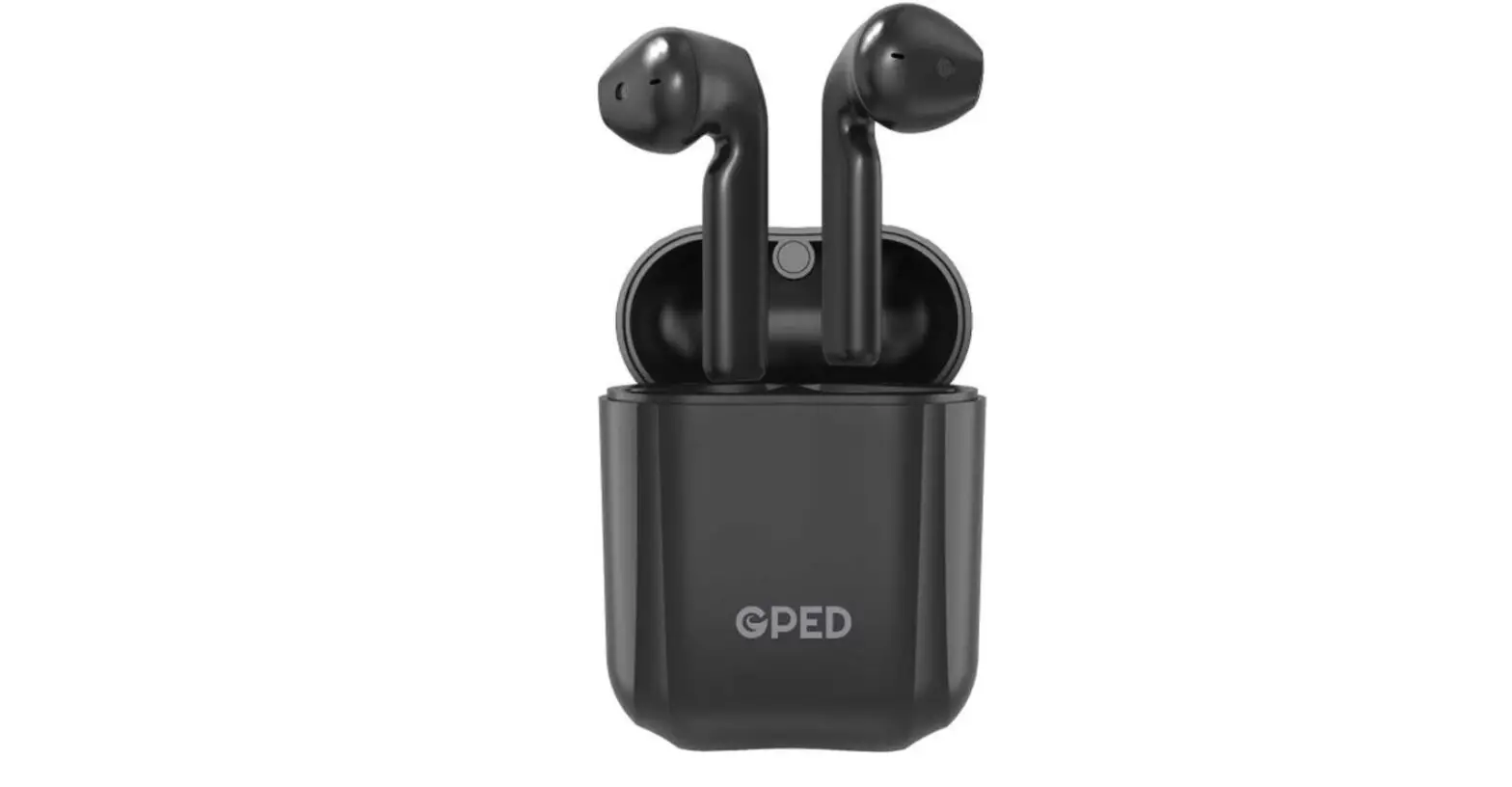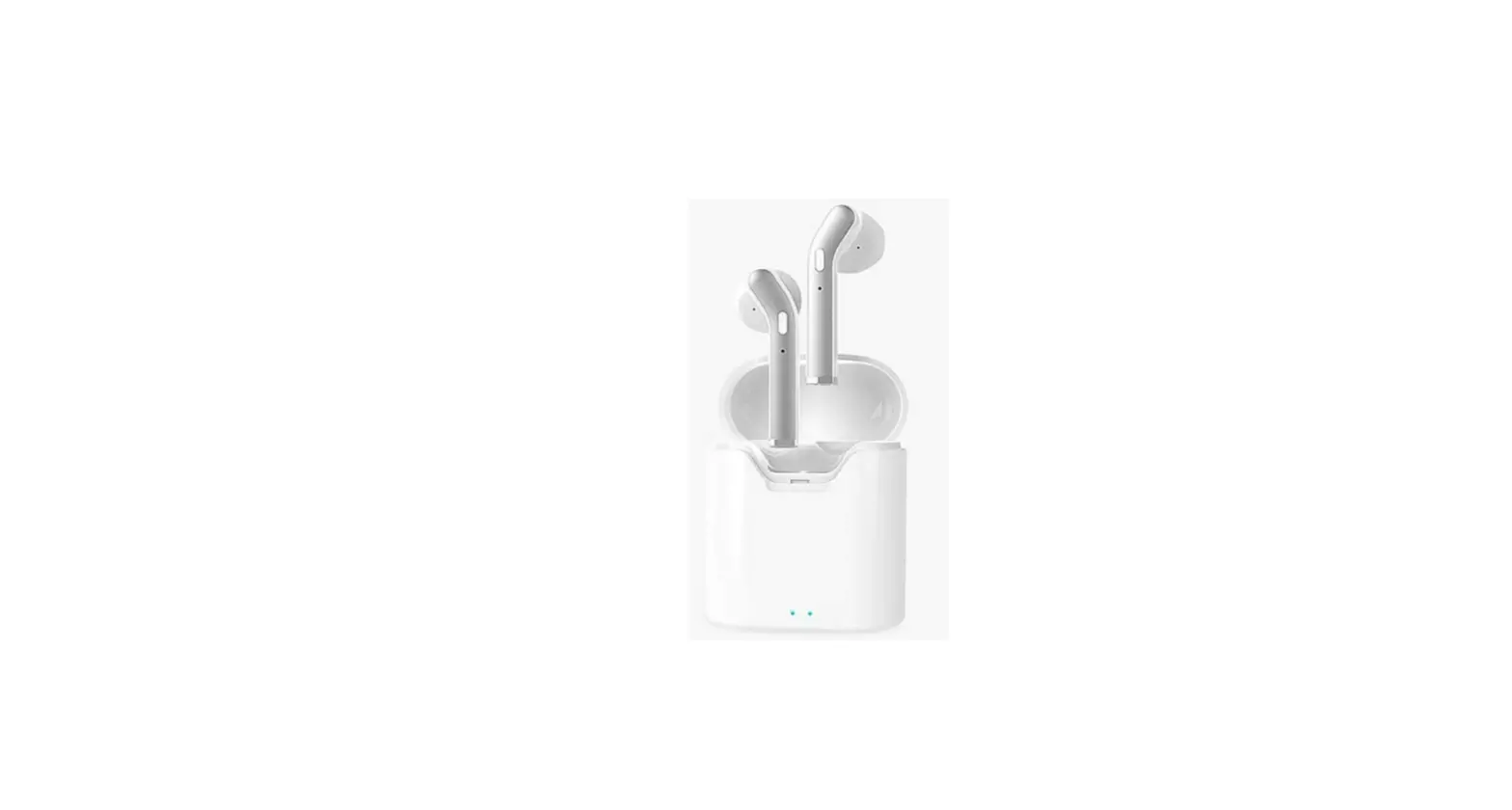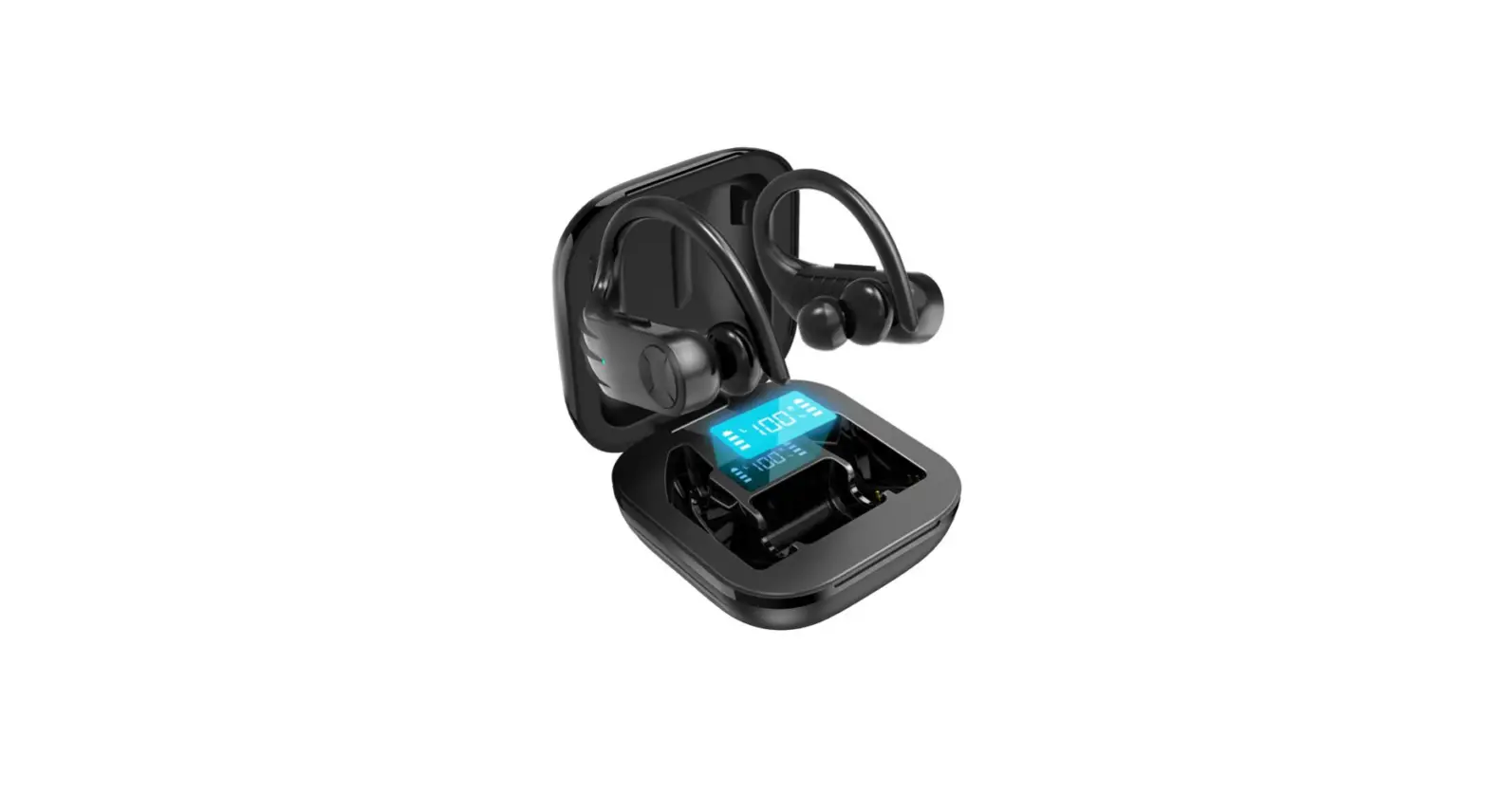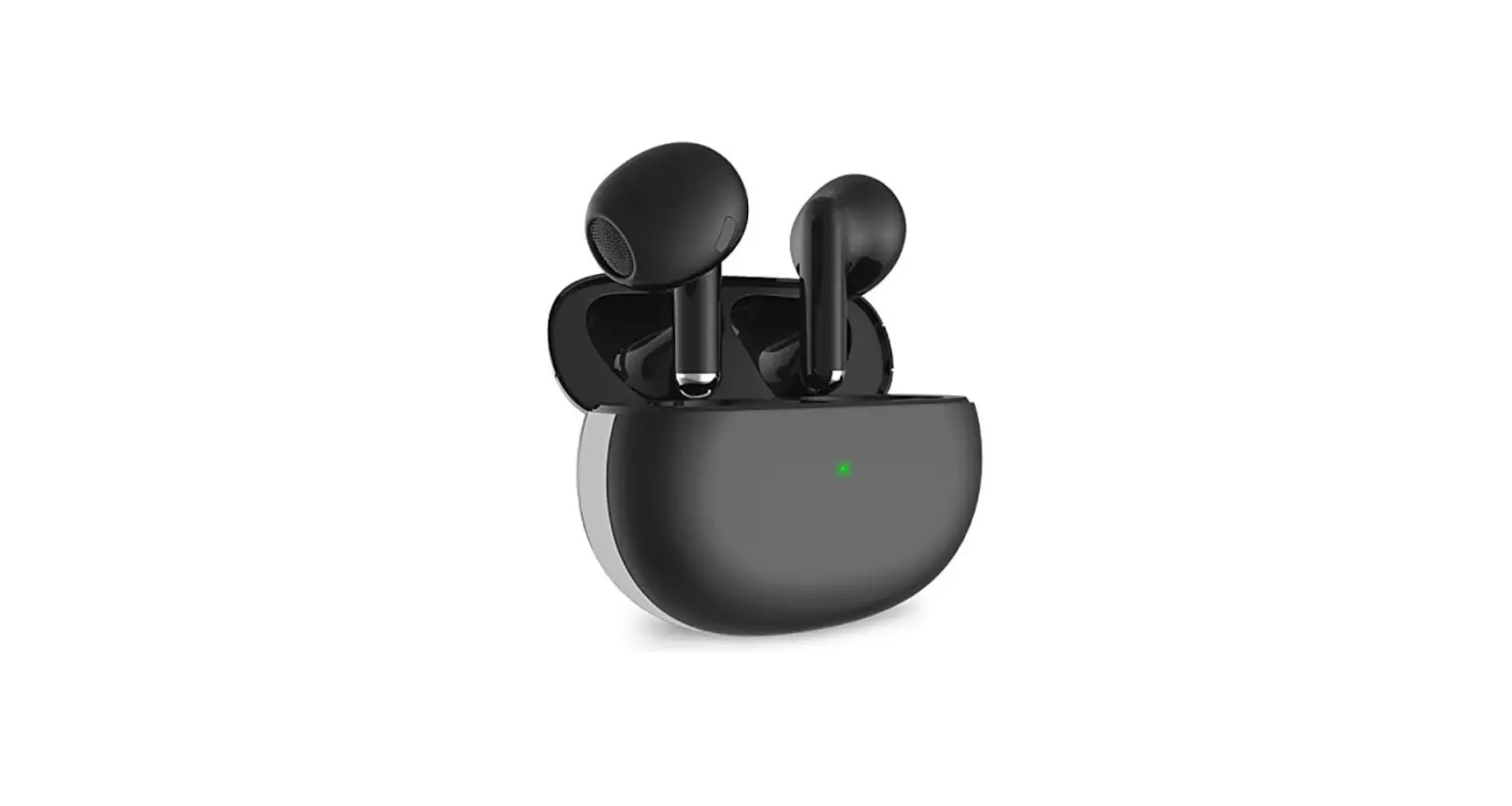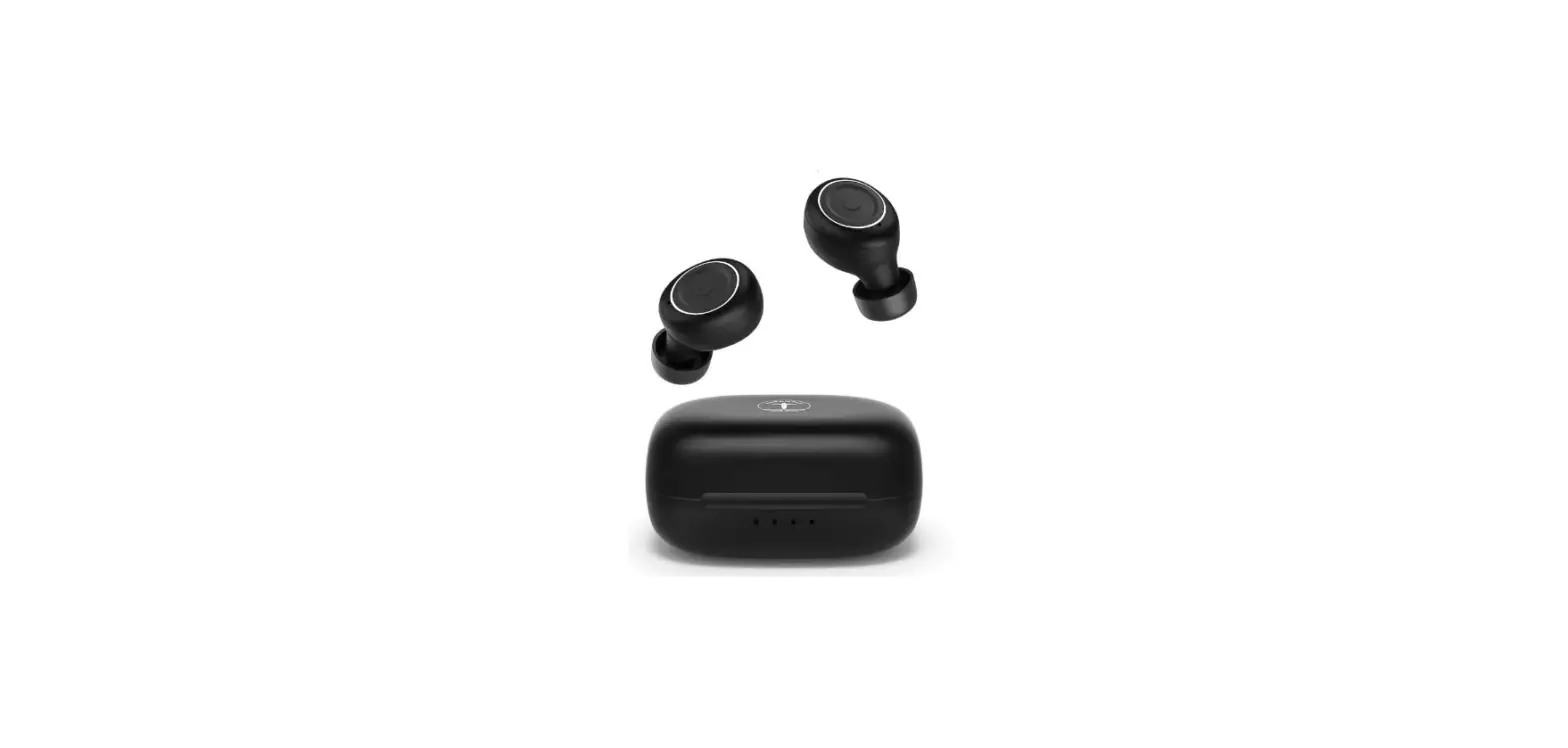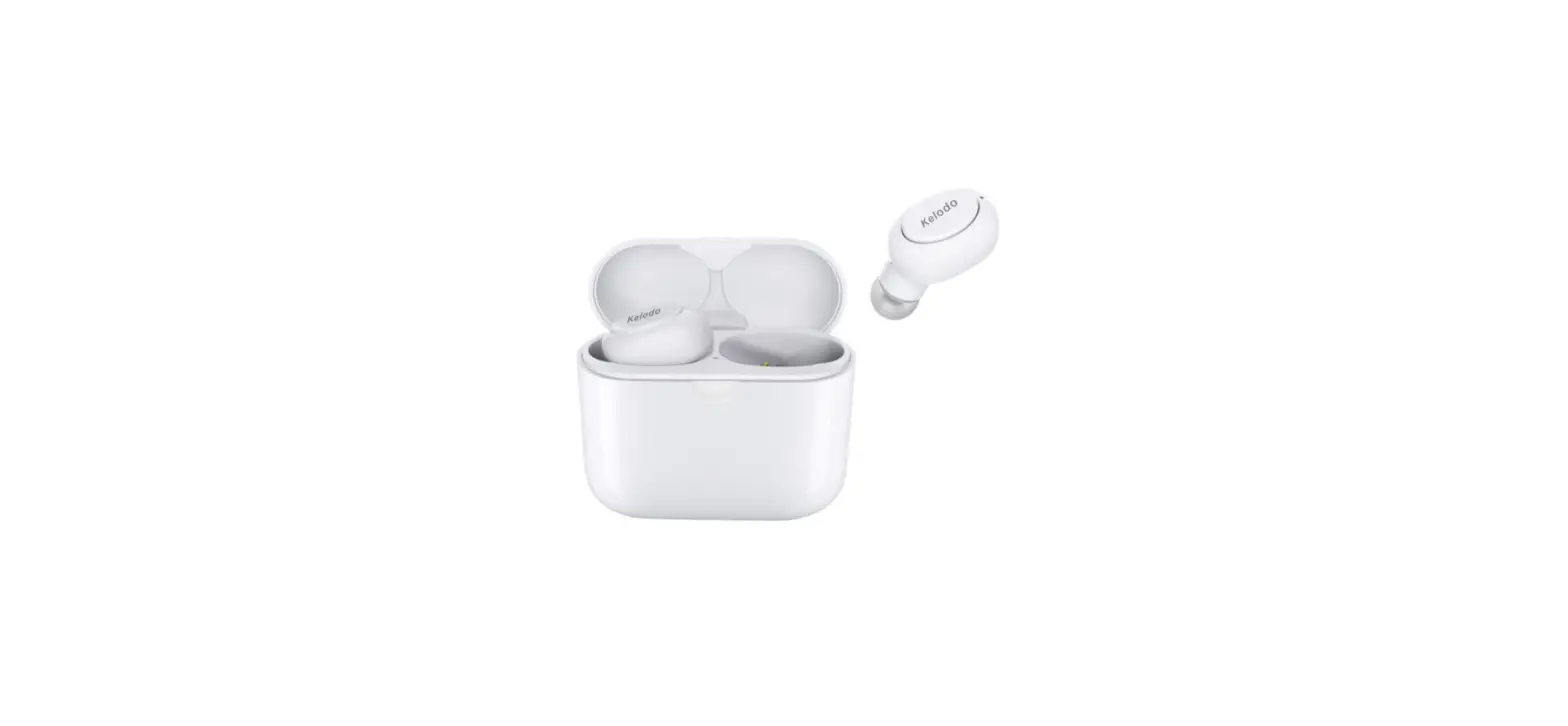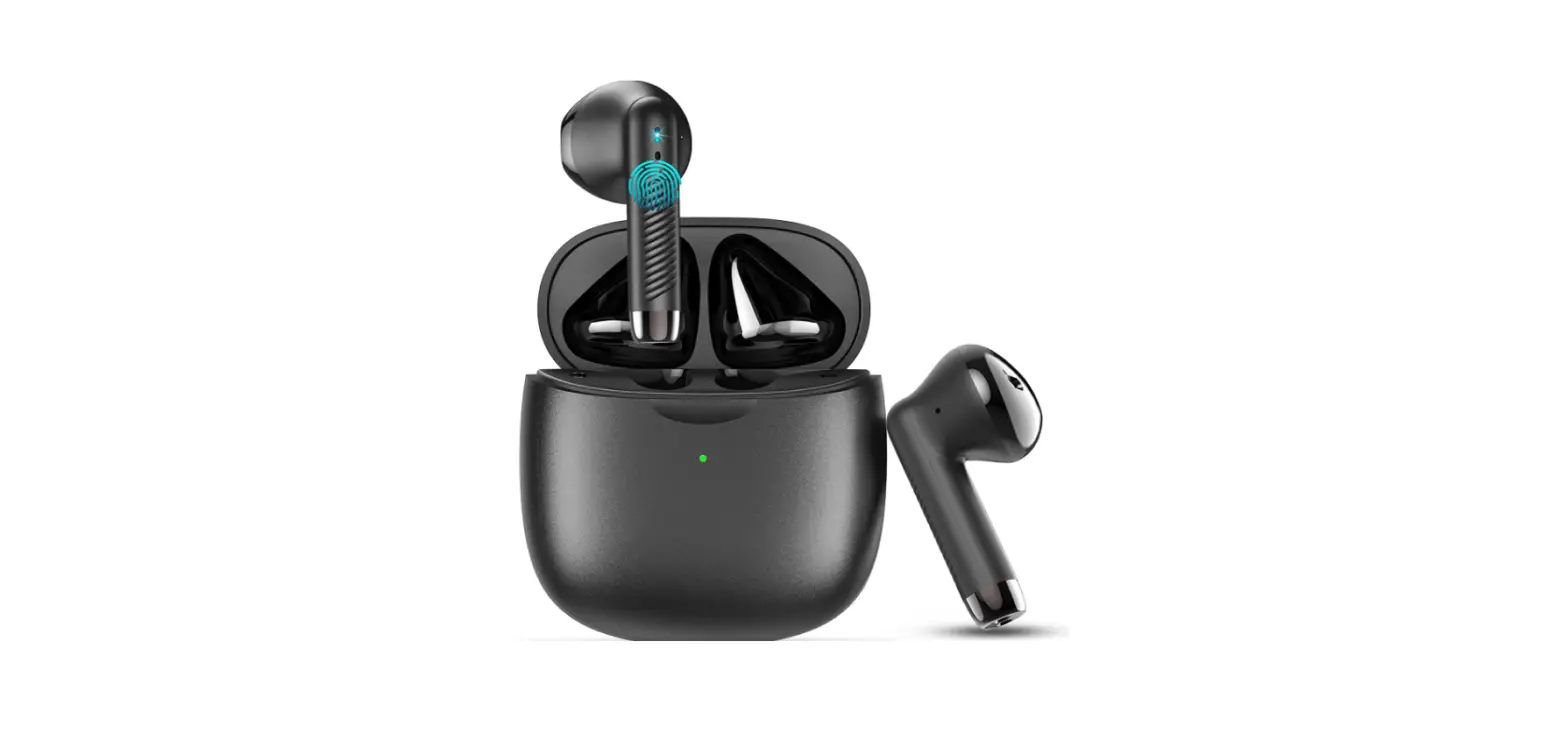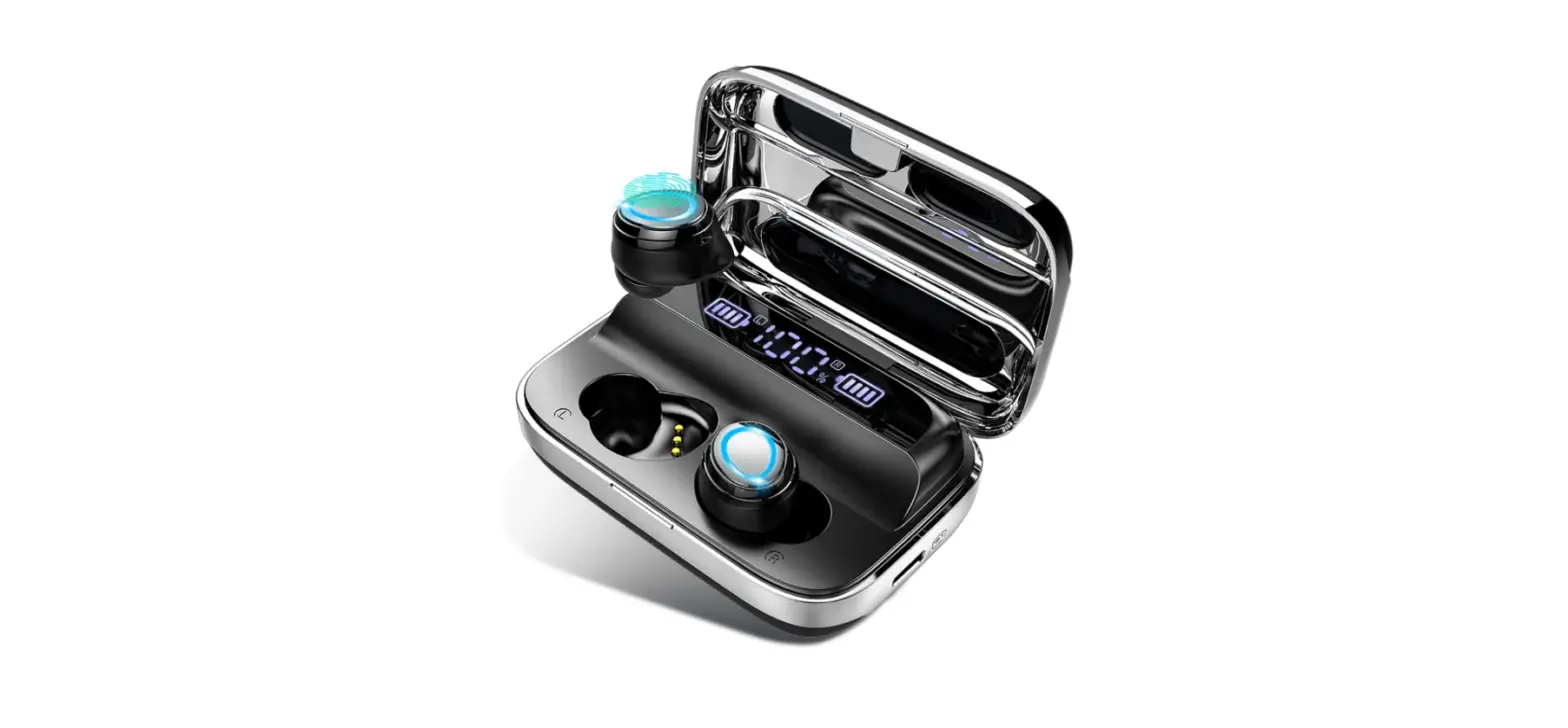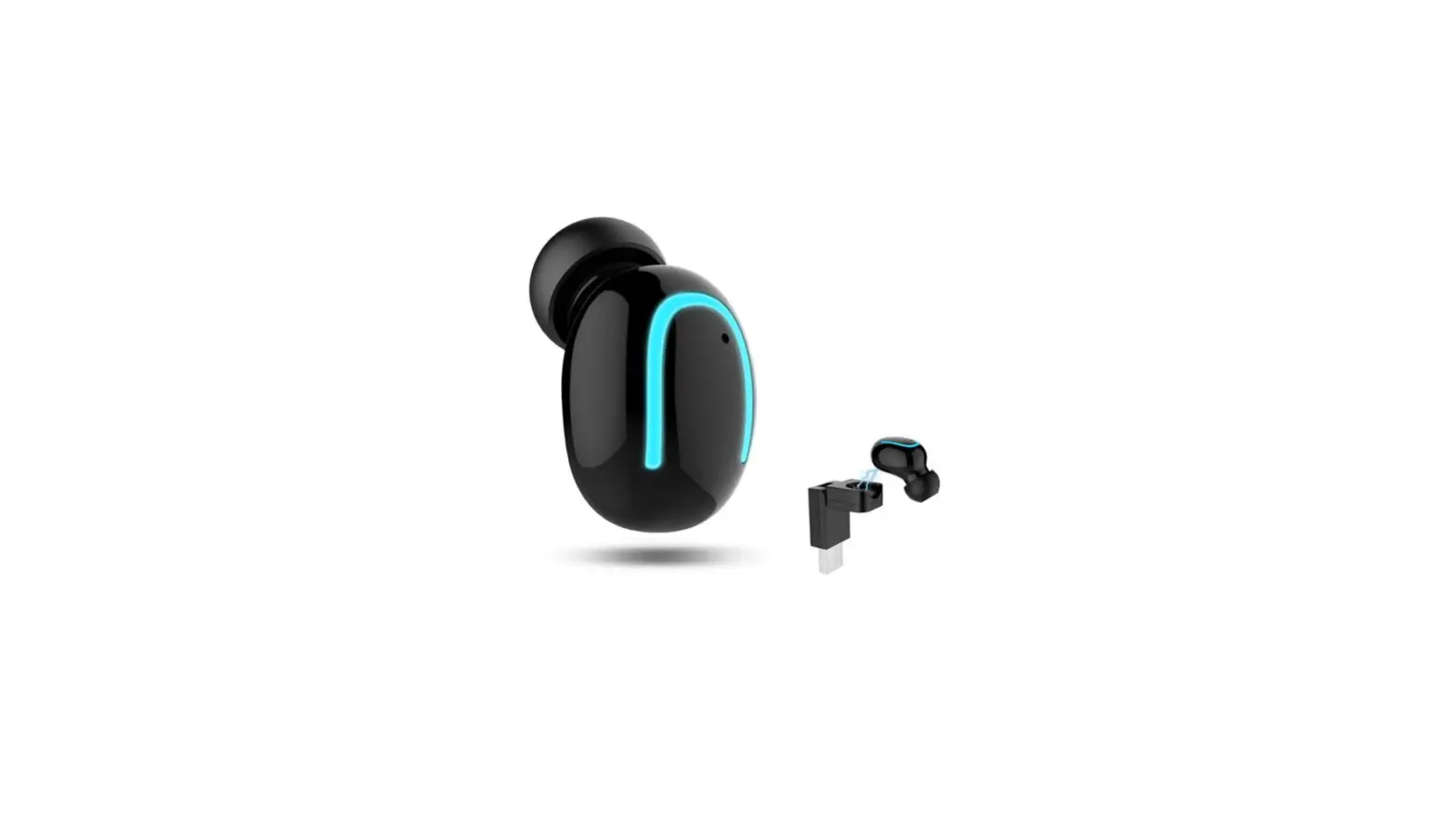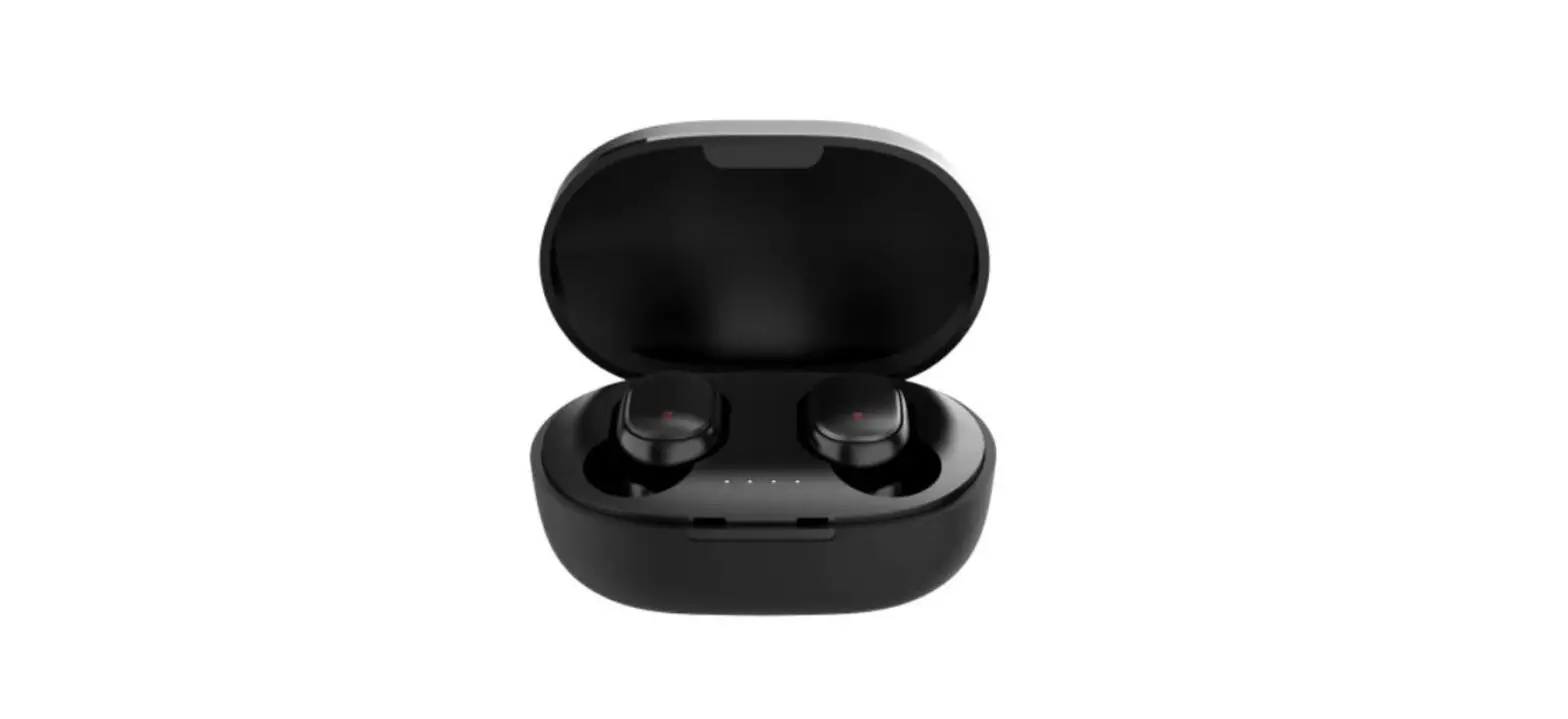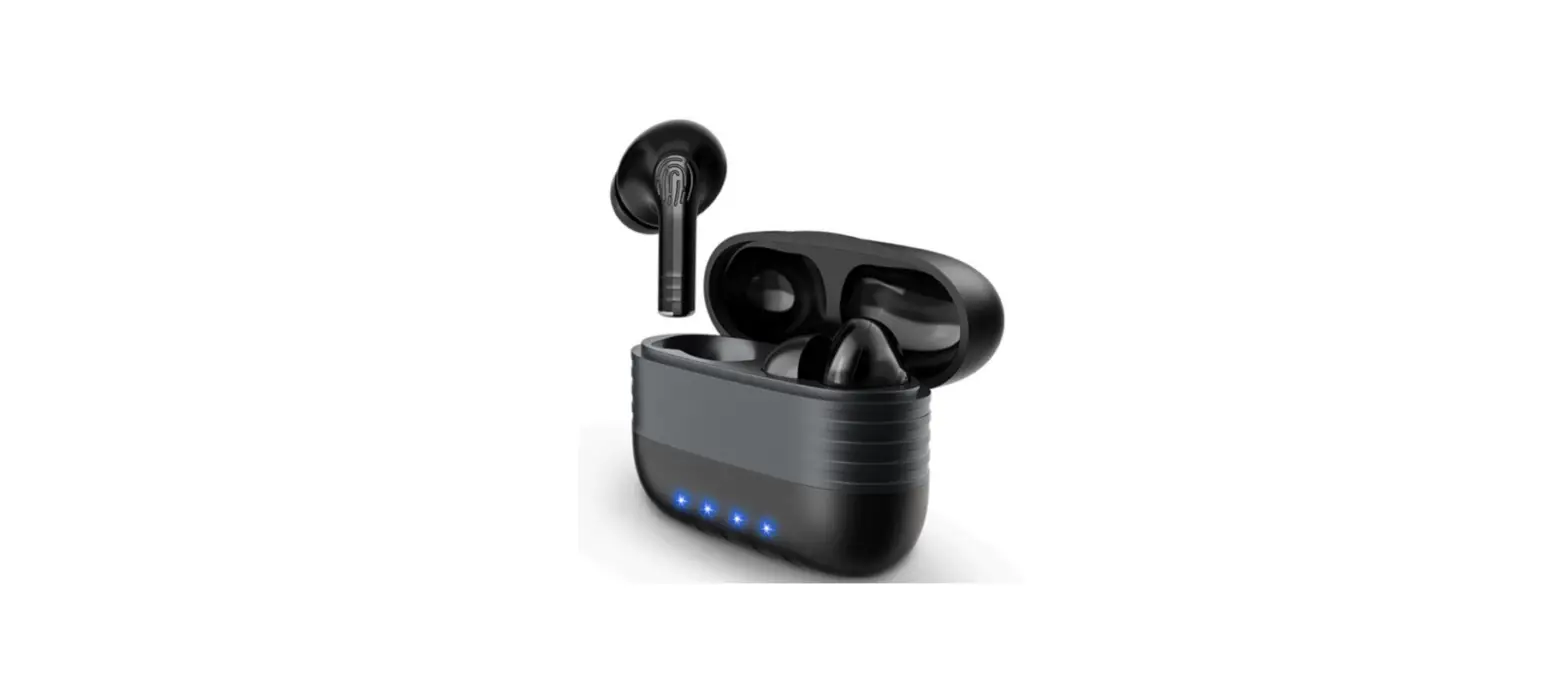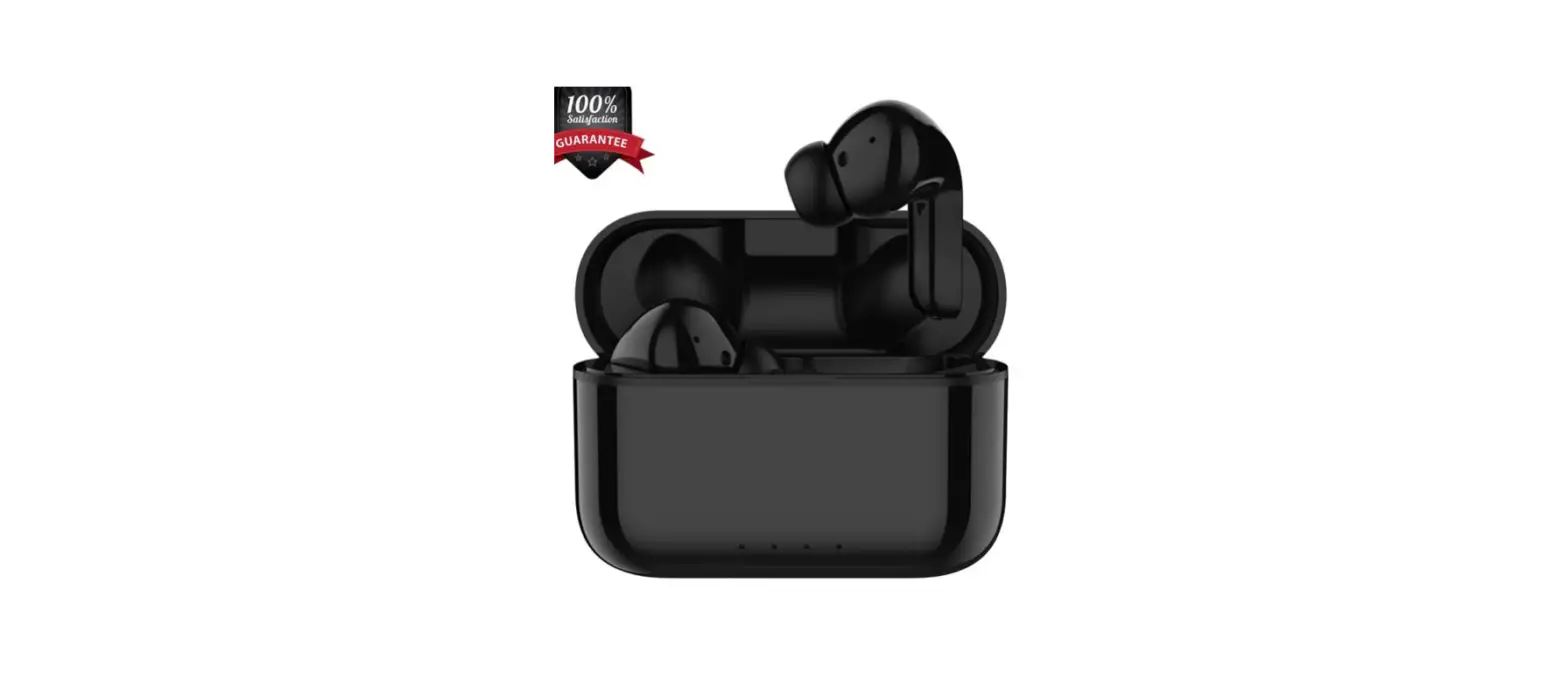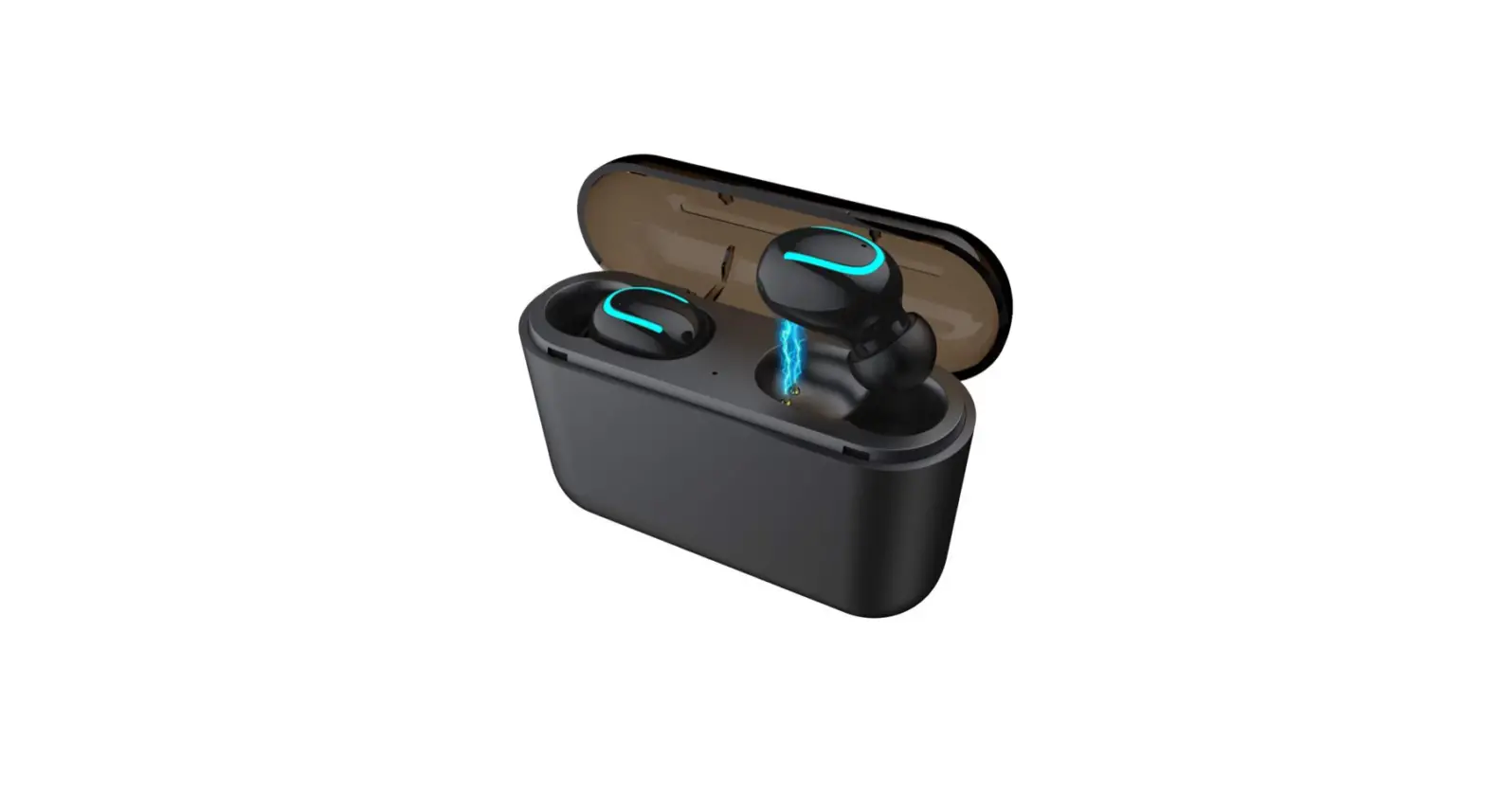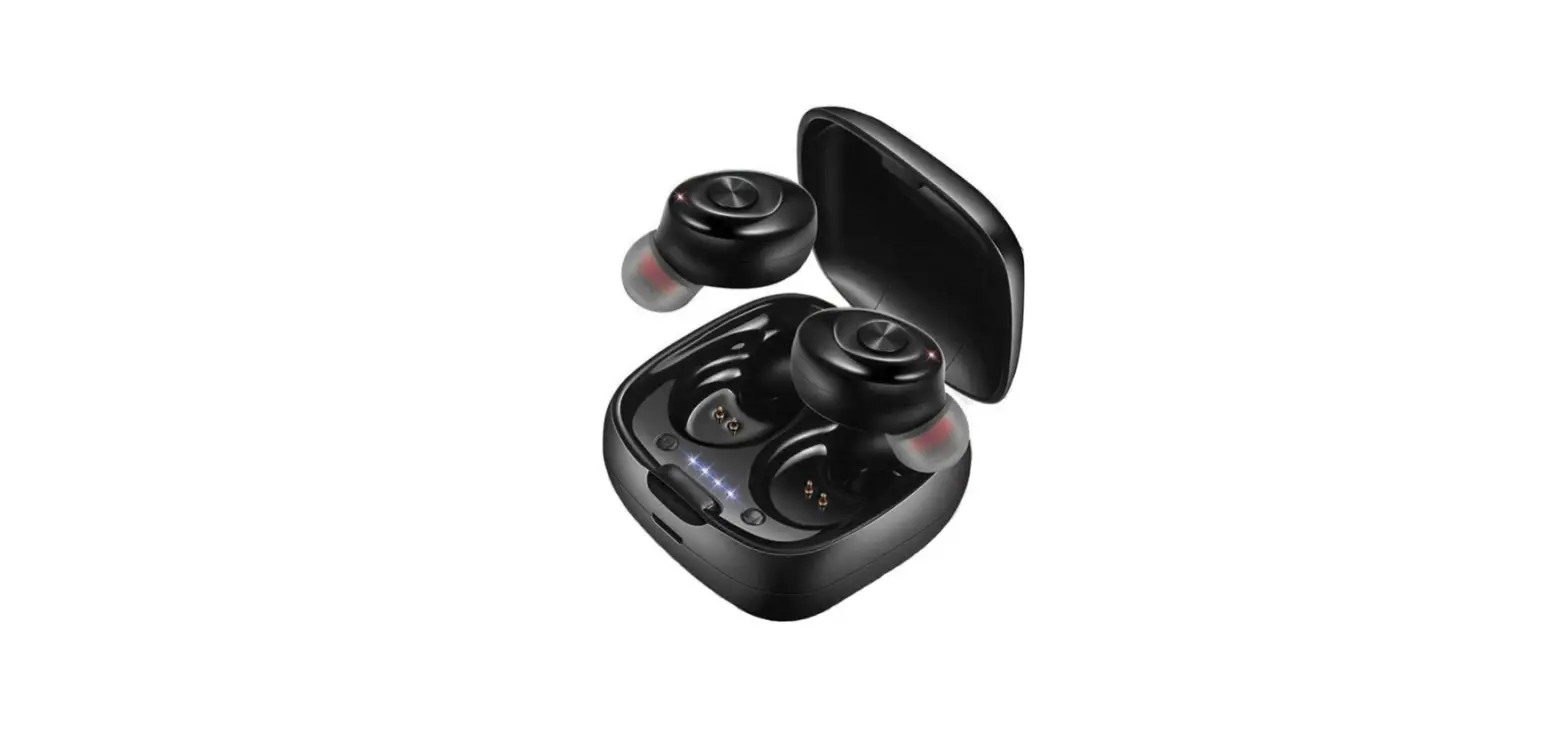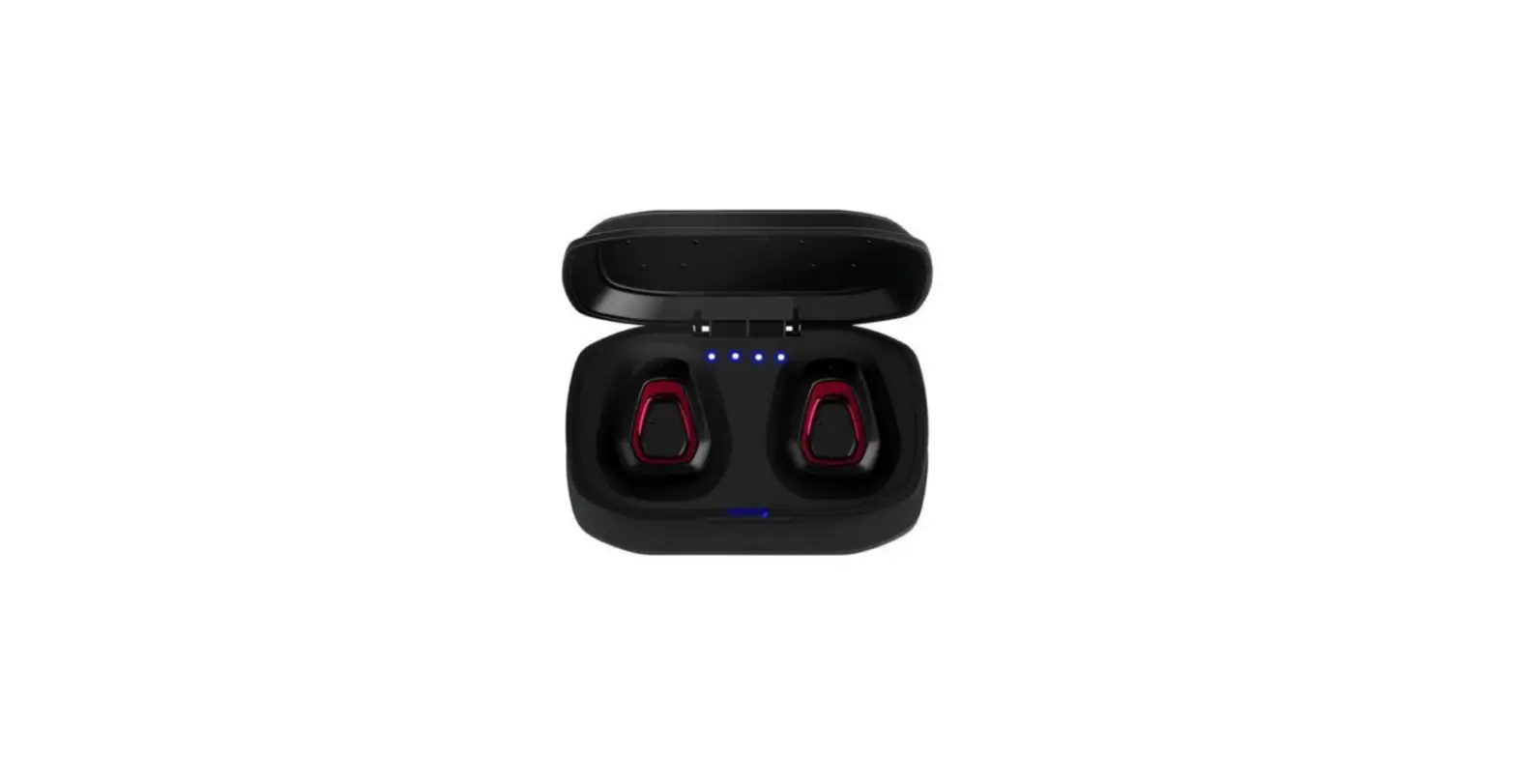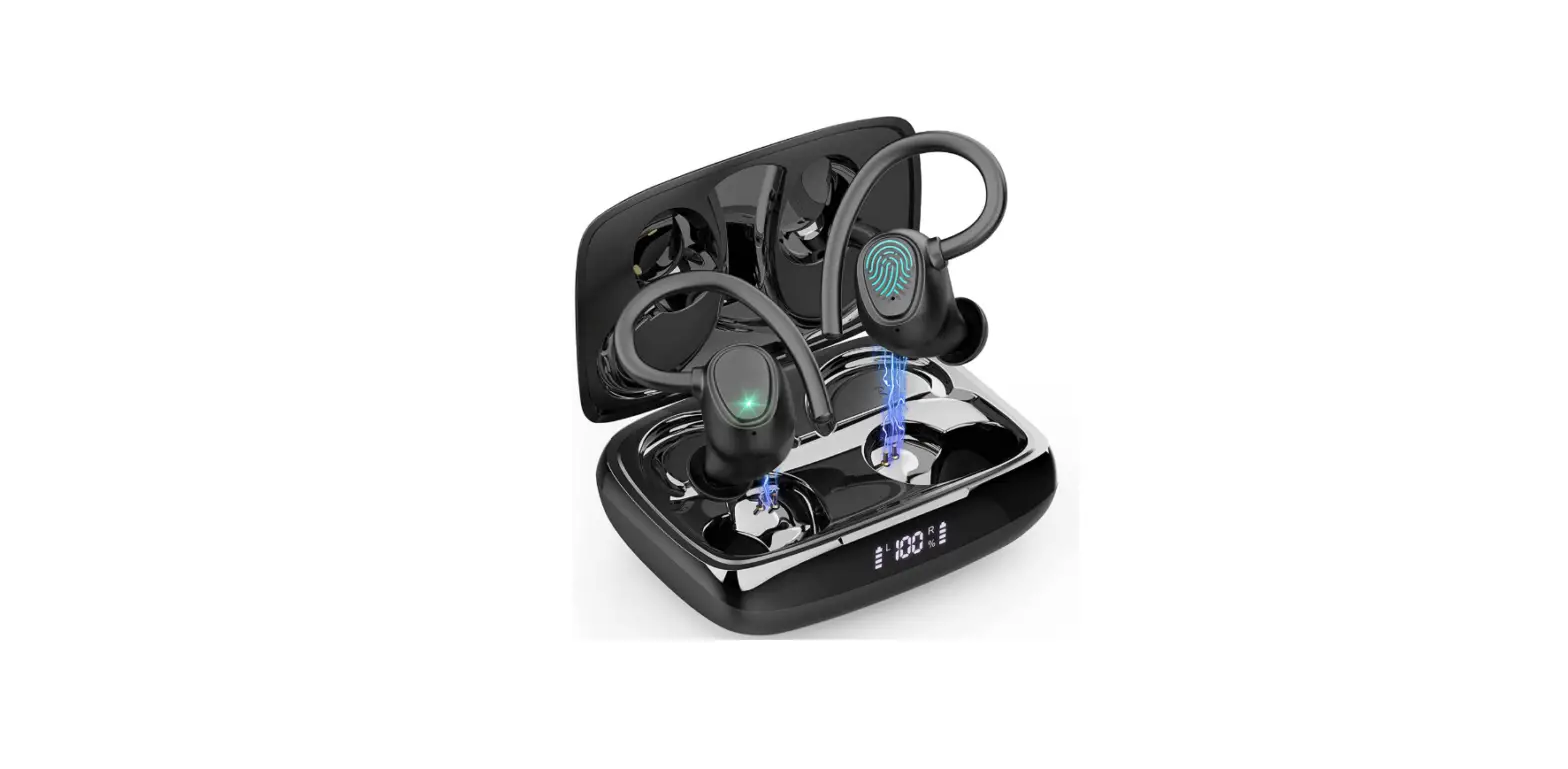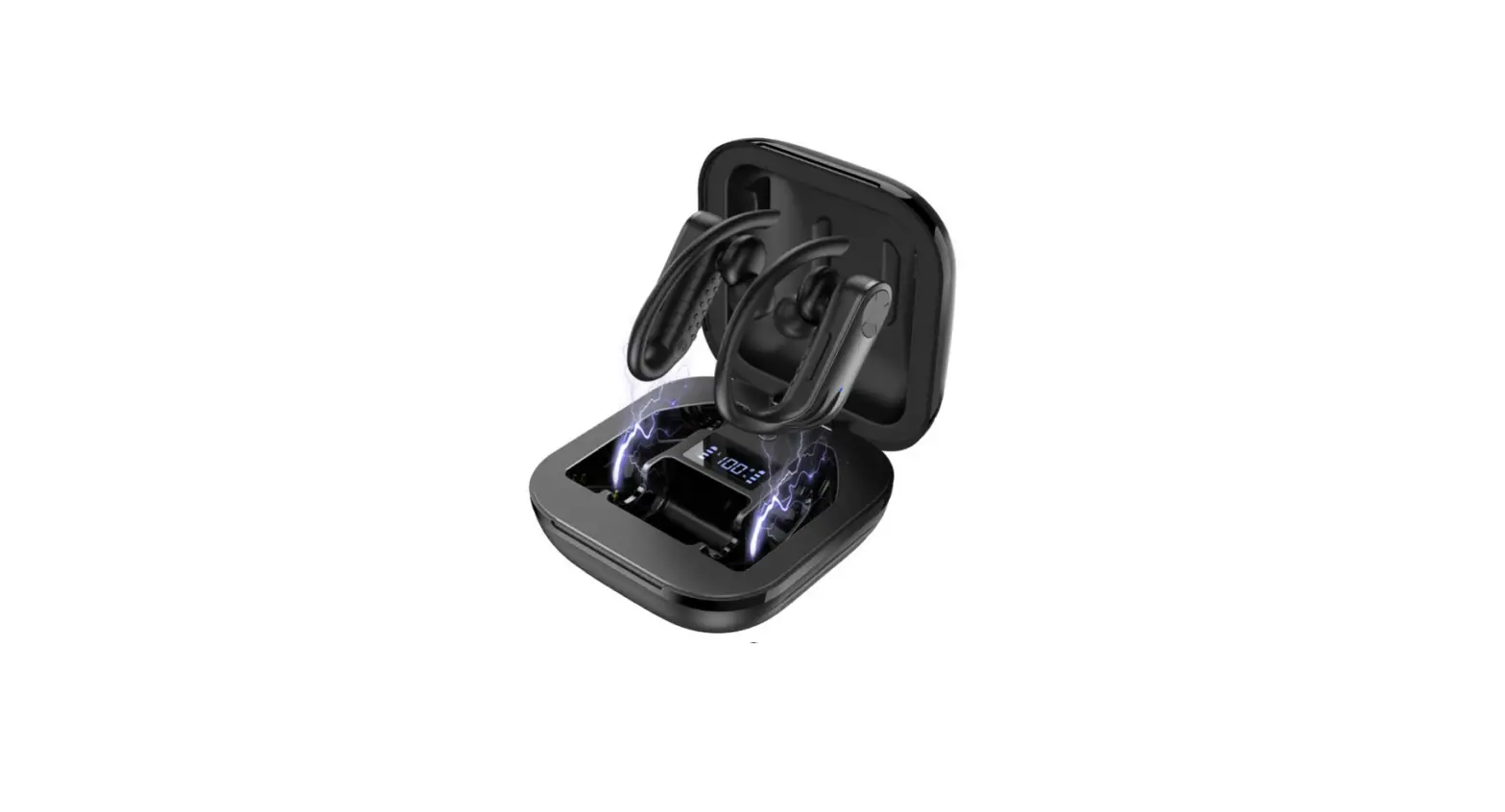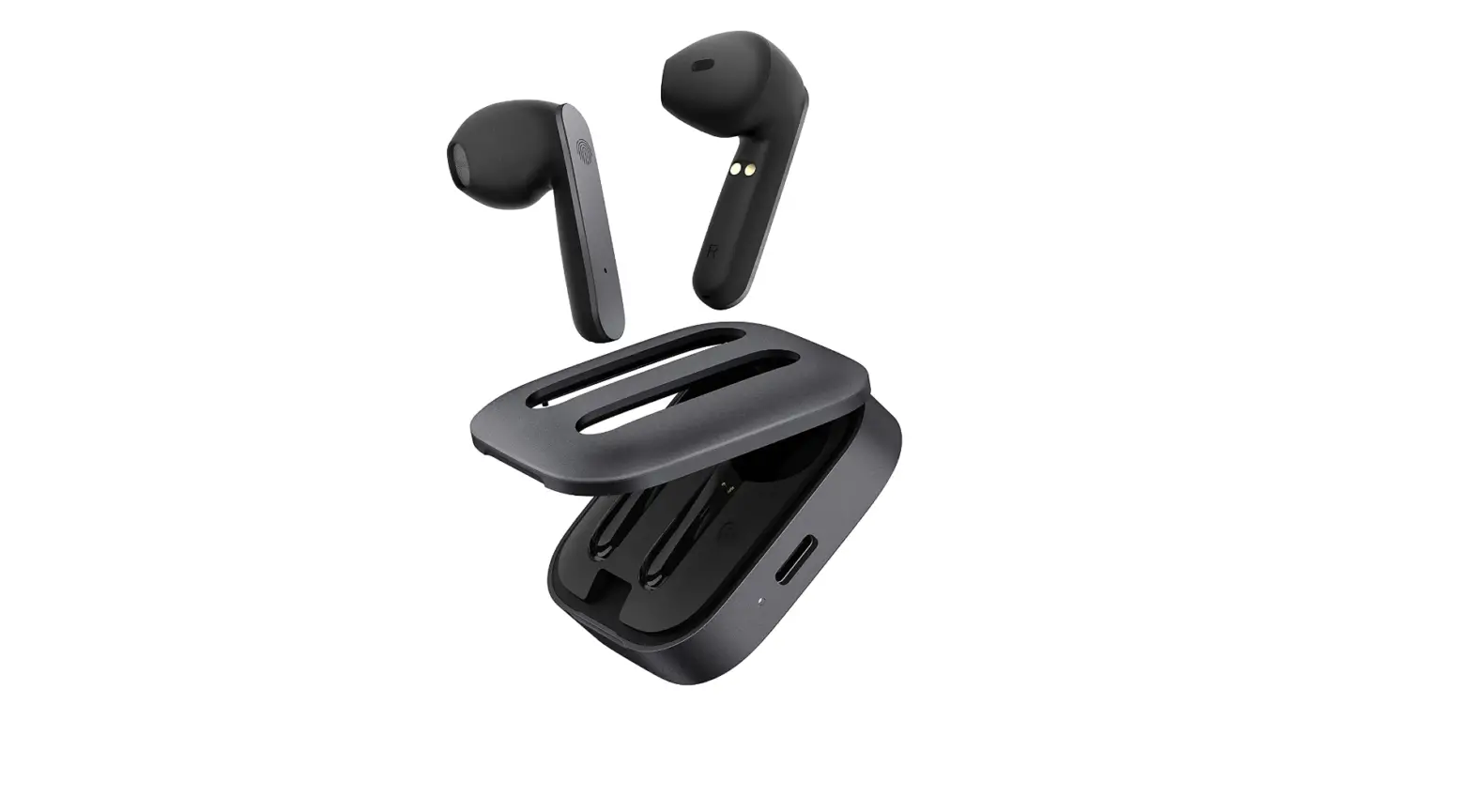

BLU Aria Pod+ |Wireless Earbuds| Bluetooth Headphones
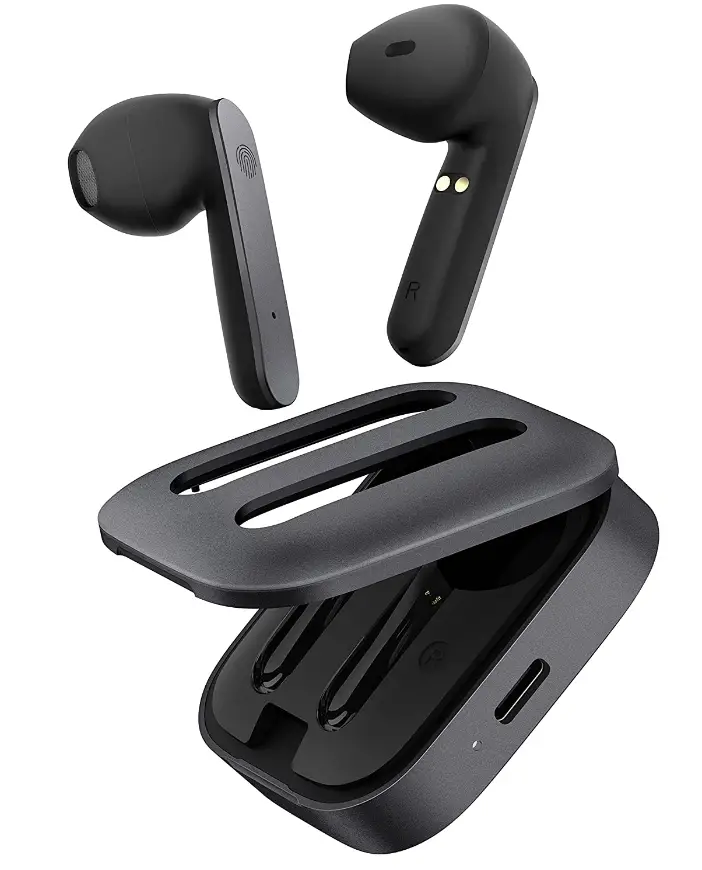
Specifications
- Package Dimensions
3.54 x 3.19 x 1.06 inches - Item Weight
10.2 ounces - Batteries
1 Lithium-Ion battery - Connectivity Technology
Wireless - Form Factor
In-Ear - Brand
BLU
Introduction
Blu Airpords Wireless headphones function by radio or infrared signal pairing with the device you want to use. To facilitate connections for users, Bluetooth technology is used by many gadgets. Bluetooth-enabled devices may communicate and share data across incredibly short distances utilizing radio signals. Your pods are simple to use thanks to the touch control feature; double-tap the headset to start or stop music playback or answer a call. It is simple to control without needing to grab your phone. By merely picking up an earpiece, the Aria POD+ is automatically powered on. If there was a prior connection, the left and right earphones also connect to your device automatically. 18 hours of use are possible with the charging case and 6 hours of playtime on a single charge. Enjoy speedy charging; a simple 15-minute charge gives you 4 hours of listening time back.
What’s In the Box?
- Wireless Earbuds
- Charging Cable
- Charging Case
- User Manual
SAFETY INFORMATION
- Do not expose to extreme temperatures or conditions.
- The earbuds are not waterproof. Keep away from water or liquids.
- Keep away from magnetic or electrical fields to avoid a short circuit.
- The earbuds use an internal battery. Do not attempt to remove it.
- Store in a cool and dry place away from direct sunlight.
CHARGER AND BATTERY
Place the earbuds in the Battery-powered Case to start charging. An indicator on the earbuds will display while charging and will stop once the process is completed. To charge the Battery-powered Case, connect the USB-Type C cable to start the charging process. When charging, an indicator will also be displayed and will stop once the Case has completely charged. While charging, please keep out of the reach of children.
For better performance and longer battery life, it is recommended that you charge the battery fully before using it for the first time.
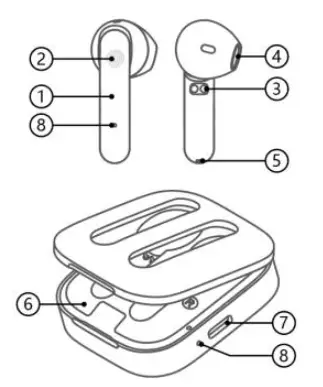
OVERVIEW
- Earbuds
- Multifunction Button (MFB)
- Charging Contacts
- Speaker
- Microphone
- Battery-powered Case
- Charging Connector
- Indicator Light
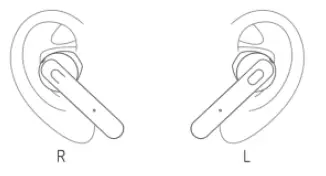
EARBUD PLACEMENT
To place the earbuds correctly, rotate and adjust to prevent the earbuds from falling off.
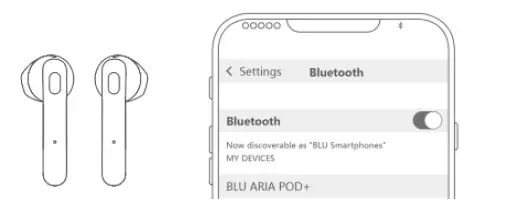
INITIAL BLUETOOTH PAIRING
- Turn on Bluetooth from your handset and set it to ‘Pair New Device’.
- Open the Battery-powered Case and the earbuds will power on.
- Once powered on, the earbuds will flash indicator light and will start Bluetooth pairing mode. Remove the earbuds.
- Click on ‘ARIA POD+’ from the available devices on your Bluetooth settings to pair.
Note
The earbud automatically shut down after 3 minutes of pairing timeout.
BASIC OPERATION
Auto Power On/Off
When the earbuds are taken out of the Battery-powered Case, the earbuds will automatically power on. When the earbuds are placed into the Battery-powered Case, the earbuds will automatically power off and enter charging mode.
Automatic Reconnection
After the earbuds are powered on, they are automatically reconnected to the last paired device. Answer a Call: When there is an incoming call, double-tap the left or right MFB to receive the call.
Redial
Tap the right MFB three times to call the last number dialed.
Hang-up a Call
During a call, double tap the left or right MFB to terminate the call.
Cancel an Outgoing Call
When the call is being made, double tap the left or right MFB to cancel the outgoing call.
Music Play/Pause
When the music is being played, double-tap the left or right MFB to pause the music. Repeat the step to restart playing music again. Previous Track: Press and hold the left MFB for 3 seconds.
Next Track
Press and hold the right MFB for 3 seconds.
Game Mode
Tap the left MFB 3 times to turn on low-latency mode. This process will be accompanied by a 2-beep tone when activating. Repeat the operation to turn off low-latency mode which will be accompanied by a 3-beep tone when deactivating.
FCC REGULATIONS
This device complies with part 15 of the FCC Rules. Operation is subject to the following two conditions:
- This device may not cause harmful interference, and
- this device must accept any interference received, including interference that may cause undesired operation.
Any changes or modifications not expressly approved by the party responsible for compliance could void the user’s authority to operate the equipment.
Note
This equipment has been tested and found to comply with the limits for a Class B digital device, pursuant to part 15 of the FCC Rules. These limits are designed to provide reasonable protection against harmful interference in a residential installation. This equipment generates uses and can radiate radio frequency energy and, if not installed and used in accordance with the instructions, may cause harmful interference to radio communications. However, there is no guarantee that interference will not occur in a particular installation. If this equipment does cause harmful interference to radio or television reception, which can be determined by turning the equipment off and on, the user is encouraged to try to correct the interference by one or more of the following measures:
- Reorient or relocate the receiving antenna.
- increase the separation between the equipment and receiver.
- Connect the equipment into an outlet on a circuit different from that to which the receiver is connected.
- Consult the dealer or an experienced radio/TV technician for help.
The device has been evaluated to meet general RF exposure requirements. The device can be used in portable exposure conditions without restriction.
Frequently Asked Questions
- Can a user wear only one and leave the other in the case? Does it have a Mic built-in and a noise cancellation?
YES, U CAN WEAR ONE WHILE D OTHER IN THE CASE MUSIC PLAYS LOUD BUT INCALL VOLUME IS LOW. - Is it compatible with other android mobiles?
Compatible with any Bluetooth device. - Do you have to talk into your phone’s microphone if taking a phone call?
No, you don’t but when making calls best to disconnect and just use your phone directly as the in-call volume is trash, terrible. - Do these have a mic for phone calls?
Yes, but the incall volume is terrible. - Why are part of the instructions in Spanish that say they’re supposed to be in English?
I think that’s why they are in the sale. Lol, the first set of instructions in English is on the Spanish side. - What version of Bluetooth do these support?
V5.1 - Why is so low for calls?
Maybe it’s not sitting in your ear correctly. It has to be aimed at your eardrum a certain way or it will muffle the sound. There is also a sound boost feature in the phone itself. Go to settings. Then sound. Scroll to the bottom for advanced. Then go to sound enhancement. It’s called best loudness. - What type of charger does it use? For example USB-C or a micro USB cable.?
USB type C Blu aria pod comes with a charger cable. - Are these waterproof\water resistant?
I don’t think so didn’t say in the manual. And I’m not betting on it nor am I planning to test it. - How many times can Donn complain about call volume?
No problems with phone calls. - Is this sweatproof?
No, the description never mentioned it, not like the pair I purchased to replace these with.